• Regeln für den Video-Bereich:

    In den Börsenbereich gehören nur Angebote die bereits den Allgemeinen Regeln entsprechen.

    Einteilung

    - Folgende Formate gehören in die angegeben Bereiche:
    - Filme: Encodierte Filme von BluRay, DVD, R5, TV, Screener sowie Telesyncs im Format DivX, XviD und x264.
    - DVD: Filme im Format DVD5, DVD9 und HD2DVD.
    - HD: Encodierte Filme mit der Auflösung 720p oder darüber von BluRay, DVD, R5, TV, Screener sowie Telesyncs im Format x264.
    - 3D: Encodierte Filme von BluRay, die in einem 3D Format vorliegen. Dies gilt auch für Dokus, Animation usw.
    - Serien: Cartoon/Zeichentrick, Anime, Tutorials, Dokumentationen, Konzerte/Musik, Sonstiges sind demnach in die entsprechenden Bereiche einzuordnen, auch wenn sie beispielsweise im High Definition-Format oder als DVD5/DVD9/HD2DVD vorliegen. Ausnahme 3D.
    - Bereich Englisch: Englische Releases gehören immer in diesen Bereich.
    - Bereich Talk: Der Bereich, in dem über die Releases diskutiert werden kann, darf, soll und erwünscht ist.


    Angebot/Beitrag erstellen

    - Ein Beitrag darf erst dann erstellt werden, wenn der Upload bei mindestens einem OCH komplett ist. Platzhalter sind untersagt.
    - Bei einem Scenerelease hat der Threadtitel ausschließlich aus dem originalen, unveränderten Releasenamen zu bestehen. Es dürfen keine Veränderungen wie z.B. Sterne, kleine Buchstaben o.ä. vorgenommen werden. Ausnahme Serienbörse:
    - Bei einem Sammelthread für eine Staffel entfällt aus dem Releasename natürlich der Name der Folge. Beispiel: Die Simpsons S21 German DVDRip XviD - ITG
    - Dementsprechend sind also u.a. verboten: Erweiterungen wie "Tipp", "empfehlenswert", "only", "reup", usw. / jegliche andere Zusatzinformation oder Ergänzung, welche nicht in obiger Beschreibung zu finden ist.

    Aufbau des Angebots und Threadtitel

    Der Titel nach folgendem Muster erstellt zu werden. <Name> [3D] [Staffel] [German] <Jahr> <Tonspur> [DL] [Auflösung] <Quelle> <Codec> - <Group>
    Beispiel: The Dark Knight German 2008 AC3 DVDRip XviD - iND
    Beispiel: The Dark Knight 2008 DTS DL BDRip x264 - iND
    Beispiel: The Dark Knight 2008 AC3 DL BDRip XviD - iND
    Beispiel: The Dark Knight German 2008 AC3 720p BluRay x264 iND
    Beispiel: The Dark Knight 2008 DTS DL 1080p BluRay x264 iND
    Beispiel: Die Simpsons S01 German AC3 DVDRip XviD iND
    Beispiel: Die Simpsons S20 German AC3 720p BluRay x264 iND
    Beispiel: Sword Art Online II Ger Sub 2014 AAC 1080p WEBRip x264 - peppermint
    Entsprechend sind also u.a. verboten: Sonderzeichen wie Klammern, Sterne, Ausrufezeichen, Unterstriche, Anführungszeichen / Erweiterungen wie "Tipp", "empfehlenswert", "only", "reup", usw. / jegliche andere Zusatzinformation oder Ergänzung, welche nicht in obiger Beschreibung zu finden ist
    Ausnahmen hiervon können in den Bereichen geregelt sein.

    Die Beiträge sollen wie folgt aufgebaut werden:
    Überschrift entspricht dem Threadtitel
    Cover
    kurze Inhaltsbeschreibung
    Format, Größe, Dauer sind gut lesbar für Downloader außerhalb des Spoilers zu vermerken
    Nfo sind immer Anzugeben und selbige immer im Spoiler in Textform.
    Sind keine Nfo vorhanden z.B. Eigenpublikationen, sind im Spoiler folgende Dateiinformationen zusätzlich anzugeben :
    Quelle
    Video (Auflösung und Bitrate)
    Ton (Sprache, Format und Bitrate der einzelnen Spuren)
    Untertitel (sofern vorhanden)
    Hosterangabe in Textform außerhalb eines Spoiler mit allen enthaltenen Hostern.
    Bei SD kann auf diese zusätzlichen Dateiinformationen verzichtet werden.

    Alle benötigten Passwörter sind, sofern vorhanden, in Textform im Angebot anzugeben.
    Spoiler im Spoiler mit Kommentaren :"Schon Bedankt?" sind unerwünscht.


    Releases

    - Sind Retail-Release verfügbar, sind alle anderen Variationen untersagt. Ausnahmen: Alle deutschen Retail-Release sind CUT, in diesem Fall sind dubbed UNCUT-Release zulässig.
    - Im Serien-Bereich gilt speziell: Wenn ein Retail vor Abschluss einer laufenden Staffel erscheint, darf diese Staffel noch zu Ende gebracht werden.62
    - Gleiche Releases sind unbedingt zusammenzufassen. Das bedeutet, es ist zwingend erforderlich, vor dem Erstellen eines Themas per Suchfunktion zu überprüfen, ob bereits ein Beitrag mit demselben Release besteht. Ist dies der Fall, ist der bereits vorhandene Beitrag zu verwenden.
    - P2P und Scene Releases dürfen nicht verändert oder gar unter einem iND Tag eingestellt werden.


    Support, Diskussionen und Suche

    - Supportanfragen sind entweder per PN oder im Bereich Talk zu stellen.
    - Diskussionen und Bewertungen sind im Talk Bereich zu führen. Fragen an die Uploader haben ausschließlich via PN zu erfolgen, und sind in den Angeboten untersagt.
    - Anfragen zu Upload-Wünschen sind nur im Bereich Suche Video erlaubt. Antworten dürfen nur auf Angebote von MyBoerse.bz verlinkt werden.


    Verbote

    - Untersagt sind mehrere Formate in einem einzigen Angebotsthread, wie beispielsweise das gleichzeitige Anbieten von DivX/XviD, 720p und 1080p in einem Thread. Pro Format, Release und Auflösung ist ein eigener Thread zu eröffnen.
    - Grundsätzlich ebenso verboten sind Dupes. Uploader haben sich an geeigneter Stelle darüber zu informieren, ob es sich bei einem Release um ein Dupe handelt.
    - Gefakte, nur teilweise lauffähige oder unvollständige Angebote sind untersagt. Dies gilt auch für eigene Publikationen, die augenscheinlich nicht selbst von z.B. einer DVD gerippt wurden. Laufende Serien, bei denen noch nicht alle Folgen verfügbar sind, dürfen erstellt und regelmäßig geupdatet werden.
    - Untersagt sind Angebote, welche nur und ausschließlich in einer anderen Sprache als deutsch oder englisch vorliegen. Ausnahmen sind VORHER mit den Moderatoren zu klären.


    Verstoß gegen die Regeln

    - Angebote oder Beiträge, die gegen die Forenregeln verstoßen, sind über den "Melden"-Button im Beitrag zu melden.
  • Bitte registriere dich zunächst um Beiträge zu verfassen und externe Links aufzurufen.

++ Premium IPTV ++ 7000 Live Sender ++ UHD Qualität ++ Mediathek mit 18.000 Inhalten ++


VenneTV


Englische Tutorials

Linkedin Learning From Excel to SQL-XQZT

186848715_05-01-sorting_data_c.jpg


Linkedin Learning From Excel to SQL-XQZT | MKV | 873.64 MiB

1 913 kb/s 1280x720 | AAC 2 CH eng


NFO:
File List:

File: linkedin.learning.from.excel.to.sql-xqzt-sample.mkv
Size: 16744448 bytes (15.97 MiB), duration: 00:01:10, avg.bitrate: 1914 kb/s
Audio: aac, 48000 Hz, stereo (eng)
Video: h264, yuv420p, 1280x720, 30.00 fps(r) (eng)
Subtitles: eng


Download ( Size: 873.64 MiB ):
Filehosts: Nitroflare, Rapidgator


oHeopzn.png

1 Link/s
EF8F5927DE.png


5hSo1Ay.png

1 Link/s
71CFC4597D.png


Unreal Engine: Open World Landscapes

etnzx5ene3xhdfkw9plzjozjl9.jpg


Unreal Engine: Open World Landscapes
MP4 | ENG | Video: h264, yuv420p, 1280x720 | Audio: aac, 48000 Hz | Duration: 15h:08m | Size File: 13.4 GB
Genre: eLearning

Master Unreal Engine 4's Landscape editing tools to create massive environments like in "Breath of the Wild"

Last updated 12/2020

Requirements

SUGGESTED: Basic computer knowledge
SUGGESTED: Desktop PC with Windows 7 (or later) 64-bit - OR - a Mac with Mac OS X 10.9.2 or later
SUGGESTED: 8 GB RAM
SUGGESTED: Quad-core Intel or AMD processor
SUGGESTED: DirectX 11 compatible video card
SUGGESTED: Unreal Engine version 4.23 or later


Description

In this game design course, you'll learn how to use Unreal Engine 4's Landscape and Foliage Editing tools so that YOU can build open world environments like seen in "Legend of Zelda: Breath of the Wild." Knowing how to use these tools is a critical skill for those aspiring to be Level Designers or Environment Artists!

This course contains over 110 fun to follow video lessons. You'll learn how to:

Download, install, and setup a project in Unreal Engine 4

Create a new landscape

Import existing (real world!) landscapes

Stitch together multiple landscapes to create massive open worlds

Sculpt mountains, valleys, plateaus, and caves

Paint landscape surfaces with mud, grass, rock, or snow textures

Spawn different visual and audio effects based on the surface type a character is traveling upon

Populate a landscape with grass, flower, bush, or tree foliage

Populate a landscape with road, fence, and river splines

Create a day / night cycle

Add fog & God rays

Visually profile and debug your landscape's performance

And more!

With the knowledge gained in these video lessons, you will have the necessary skills to start building your OWN open world environments!

Who this course is for:

Beginner Game Designers interested in creating open world games
Beginner Level Artists interested in crafting realistic outdoor environments
Beginners looking to expand their knowledge of Level Design
Beginners looking to expand their knowledge of Unreal Engine 4's tool sets (Landscape & Foliage Tools especially)

Homepage

1.projectprimers6bkzn.jpg


Gaia - Yogic Paths

rkkx3gwppadd3t0hvhbtsmwkm6.jpg


Gaia - Yogic Paths
Duration: 3h58m| Video: .MP4 1920x1080, 24 fps(r) | Audio: AAC, 48000 Hz, 2ch | Size: 6 GB
Genre: eLearning | Language: English + .srt + .vtt

Filmed across India, this 9-episode series takes you on a journey through mystical Indian landscapes and never before seen ashrams to explore the many branches of yoga.

While the practice of physical postures called asanas is most well-known in the West, understanding the full scope of this rich and varied tradition gives meaning and power to the yoga we know today. An incredibly honest and deep exploration of yoga, Yogic Paths is a docuseries of thoughtful interviews that touch the heart and encourage self-discovery, reminding us how deeply we are all connected.

Featuring Geeta Iyengar, Christopher Hareesh Wallis, Krishna Das, Krishna Kaur Khalsa, Anand Mehrotra, Dr. Jim Mallinson, Sally Kempton, Chris Chapple, and more.

Homepage

yogicpathsexploringth4tklu.jpg


Thrive: Self-Healing with Ayurveda

pwvygc3bma2hnbzordhzylbko0.jpg


Thrive: Self-Healing with Ayurveda
Duration: 6h6m| Video: .MP4 1920x1080, 24 fps(r) | Audio: AAC, 48000 Hz, 2ch | Size: 8.66 GB
Genre: eLearning | Language: English + .srt + .vtt

Ayurveda, often known as the sister science to yoga, is a 5000 year old holistic medical system originating in India. Ayurveda means "the knowledge of life" and is known for being one of the world's oldest and most comprehensive medical systems. Unlike anything seen before on Gaia, Thrive: Self-Healing with Ayurveda is a multi-part educational experience focused on finding balance amidst the pressure of modern life. Thrive celebrates the fact that people learn in many different ways and everyone has a unique pathway to self-healing. Thrive offers five ways to explore: a docuseries, cooking shows, self-care tutorials, yoga classes, and meditations.

Through this series, you will come into deeper connection with your unique body type, understand your imbalances, and learn techniques to restore greater harmony to your system. By learning to bring balance to the mind, body, emotions, and spirit, you will be able to more easily navigate challenging circumstances and fundamentally change the way you live in the world.

Homepage

thriveselfhealingwithz3k8h.jpg


The Design and Analysis of Algorithm Masterclass [ 2019 ]

itszebinl216oof1tddwmwdjhi.jpg


The Design and Analysis of Algorithm Masterclass [ 2019 ]
MP4 | Video: h264, 1280x720 | Audio: AAC, 44.1 KHz, 2 Ch
Genre: eLearning | Language: English + .srt | Duration: 62 lectures (12h 33m) | Size: 12.5 GB

Algorithm & Data Structures will help you to Crack Coding Interviews (C/C++Java/Python) Learn Algorithm Data Structures

What you'll learn:
Enhance Your Logical Thinking Abilities
Learn various Popular Data Structures and their Algorithms.
Knowing Algorithm Well helps you to Solve the Problem in a Better Way.
Learn Big O, Big Omega Big Theta Notation
Linear Search, Recurrence Relations
Factorial, Tail Recursion
Towers of Hanoi
Merge Sort, Quick Sort, Heap Sort
Knapsack Problem, Minimum Spanning Tree: Kruskal's Algorithm, Minimum Spanning Tree: Prim's Algorithm
Huffman's Codes - Building Huffman Tree, Dijkstra's Algorithm,Bellman Ford Algorithm, Floyd Warshall Algorithm
Brute Force Matcher
Pattern Pre-Processing
The Knuth Morris Pratt Algorithm
n-Queens Algorithm
Graph Coloring, Hamiltonian Cycles
0/1 Knapsack Problem
15 Puzzle Problem
NP Completeness and Approximation Algorithms
Will get to know Real time uses of all Algorithm
Get the answer of your "WHY" part behind use of every Algorithm

Requirements
Idea of Programming (Good To Have - NOT Mandatory)
Some Basic Mathematics (Good To Have - NOT Mandatory)
Basic Concepts of Data Structures (Good To Have - NOT Mandatory)
Little Familiarity with Graph Theory (Good To Have - NOT Mandatory)


Description
Algorithm used in everywhere. People Don't know how Complex Algorithm they are executing when doing there day to day task like: Riding a Bi-Cycle, Travelling from one place to another even Watering Garden.

If you are Coder then the Knowledge of algorithm is Very much important for you. The knowledge of Algorithm teach you How to Think to solve a Problem?

Algorithm is the concepts which differentiate one average software engineer and one better software engineer. In our daily life in the industry we used different kinds of algorithm to make the system faster, better and efficient.

But the problem is 90% of the freshers and graduates don't have the basic knowledge of algorithm. That is the reason we make this Design and Analysis of algorithm Masterclass.

What you are Going to Learn?

Asymptotic Notations, Recursion, Divide and Conquer, Dynamic Programming, Dijkstra's, Bellman Ford, Floyd Warshall Algorithm, Kruskal's Algorithm, Knapsack Problem, String Matching with Finite Automaton, Heap sort, Huffman Codes, n-Queens Algorithm, Rat in Maze, 0/1 Knapsack Problem, 15 Puzzle Problem, NP Completeness, Approximation Algorithms

Who this course is for
Computer science students
Software working professionals who wants to learn better way to Solve a Problem

Homepage

4.coursecurriculumovec1j9s.jpg


Siemens S71200 PLC is the best start to learn programming

m6or5tqmshmb0ku5vuwzn40k6f.jpg


Siemens S71200 PLC is the best start to learn programming
Genre: eLearning | MP4 | Video: h264, 1280x720 | Audio: aac, 48000 Hz
Language: English | Size: 9.26 GB | Duration: 15h 34m


What you'll learn
You will learn Siemens S71200 PLC Structure
PLC Programming S71200 PLC - Code: DISCOUNT2021-1
This course will give a person with no prior experience the basic tools necessary to create program from scratch.
You will learn diffirent programming methods of S71200 PLC

Requirements
Just Basic PC Knowlage
İf you dont have a software you can ask for link to us

Description
Hi dear Friend!

Code: DISCOUNT2021-1

This training was prepared to cover the most basic topics, especially considering the users who never knew,

Here, not only programming, but also logic errors in hardware and programming, and what a professional programmer should pay attention to.

Looking to improve your career in Industrial Automation and HMI SCADA programming , PLC & SCADA design track and being able to design a complete project?

What Do you think ?

If your answer is YES, then you're definitely in the right place.

Let's start learning,

Do not forget to look at my other trainings after this training,

I provide S71500, S71200, S7300 PLC, HMI & WinCC SCADA Trainings, AC and Servo drives.

I am waiting for all your questions and opinions


Who this course is for:
This course is written for anybody who wants to work PLC Programming
Students
industrial Enginneer
Technician


Homepage

001intros8zji6.jpg


SAP Basis + HANA Administration

hlmdf7tya6n3kstptp22642j1u.jpg


SAP Basis + HANA Administration
MP4 | Video: h264, 1280x720 | Audio: AAC, 44.1 KHz, 2 Ch
Genre: eLearning | Language: English + .srt | Duration: 73 lectures (12h 8m) | Size: 5.51 GB

SAP Basis admin concepts and Practicals, Security, HANA Administration

What you'll learn:
SAP ADMIN
SAP BASIS ADMINISTRATION
SAP HANA ADMINISTRATION
SAP SECURITY
SAP NETWEAVER

Requirements
Nothing


Description
SAP BASIS

•SAP SYSTEM MONITORING - what? , why?

•SAP SYSTEM TROUBLESHOOTING - what/why has to be checked/alerted?

•SAP SYSTEM IMPLEMENTATION ACTIVITIES - configurations

•SAP SECURITY CONCEPTS - user concepts, roles, missing authorizations

•SAP HANA ADMINISTRATION ACTIVITIES - Start and stop of the database, Basic Monitoring and so on

•Each & every concept is explained clearly with real-time examples

•Concepts are explained with clipart's/pictures which helps the freshers, beginners to understand clearly and in an easy way

•Not only Basis concepts we have covered SAP security concepts as well

•Bonus - Basis HANA administration activities

•The course will be updated on a monthly basis with rarely used concepts of SAP BASIS

Who this course is for
Freshers
Any administrator
Works in SAP
newly looking for SAP Career

Homepage

3.guiforhtmlconfigurabqkdm.jpg


Querying Microsoft SQL Server: The Essential Skills

i2tdaedkicx3svoteuvfo95j28.jpg


Querying Microsoft SQL Server: The Essential Skills
MP4 | Video: h264, 1280x720 | Audio: AAC, 44.1 KHz, 2 Ch
Genre: eLearning | Language: English + .srt | Duration: 96 lectures (14h 2m) | Size: 6.51 GB

Looking to get started with SQL Server? Looking for a solid reference as you polish your SQL?

What you'll learn:
You will learn the essential skills for querying Microsoft SQL Server databases based on SQL Server 2012 and above.
Learn the concepts and terms you need for working with relational databases and SQL
Learn to use the Management Studio to work with SQL Server database
Use the Query Designer to help build you SELECT and Action queries.
How to write SQL statements that retrieve and update the data in a database
Learn simple techniques to update data without compromising data integrity
How to create a database and its tables using SQL statements or the Management Studio
How to work with inner and outer joins, summary queries, and subqueries

Requirements
Be able to install SQL Server instance (2012 or higher). At least Express Edition required
Be able to install SQL Server Management Studio
Basic Windows skills (copying, deleting, creating folders) are required
No knowledge of SQL scripting required


Description
This course shows you how to code the SQL statements that you need for your application if you are already in the industry. If you are a student preparing to enter a competitive world, this course will give you the advantage you need to succeed. We teach you how to code SQL scripts so they run efficiently. The course shows you how to take advantage of the most useful advanced features that SQL Server has to offer. This course is a good choice for any one who wants to learn standard SQL. Most of the SQL code in this course will work with any database management system. Once you use this course to learn how to use SQL to work with a SQL Server database, you can transfer most of what you learn to another database management system such as Oracle, DB2, or MySQL.

Who this course is for
Data Analyst who want to experience the power of SQL queries to manipulate data
Report developers who need to work with SQL data
SQL Server database administrators
IT/Business students preparing to enter the industry
Managers looking to extract SQL data on ad-hoc bases

Homepage

1.freepreviewslskw1.jpg


Project Development Using JAVA for Beginners - 2020 (Updated 1/2021)

007fb5cbhak9b.jpg


Project Development Using JAVA for Beginners - 2020 (Updated 1/2021)
Duration: 40h 4m | .MP4 1280x720, 30 fps(r) | AAC, 44100 Hz, 2ch | 11.8 GB
Genre: eLearning | Language: English

Learn Java In This Course And Become a Computer Programmer. Obtain valuable Core Java Skills And Java Certification


What you'll learn
You will Understand the BEST PRACTICES in Writing High Quality Java Code
You will Learn to Write AWESOME Object Oriented Programs with Java
You will learn ADVANCED Object Oriented Programming Concepts - Abstraction, Inheritance, Encapsulation and Polymorphism
You will learn the Basics of Programming - variables, choosing a data type, conditional execution, loops, writing great methods, breaking down problems into sub problems and implementing great Exception Handling
You will learn Basics of Functional Programming with Java
You will learn the Basics of Object Oriented Programming - Interfaces, Inheritance, Abstract Class and Constructors
You will Acquire ALL the SKILLS to demonstrate an EXPERTISE with Java Programming in Your Job Interviews
You will Solve a Wide Range of Hands-on Programming EXERCISES with Java

Requirements
You have ZERO Programming Experience and Want to Learn Java
You have an attitude to learn while having fun :)


Description
Would you like to learn real world programming skills that will help you get your first java programming job?

Java is one of the most popular programming languages used to create Web applications and platforms. It was designed for flexibility, allowing developers to write code that would run on any machine.

So it's your time now to take advantage of a loads of jobs and freelance opportunities that are available for java programmers out there.

This course is provided by Oracle Certified professionals with many years' experience in java programming

The course is very comprehensive and will be constantly updated. Once you have gone through this course you will be able to understand Java 12 features very easily. So, this course covers each topic in details and is focused to break down topics with simplified examples. Thus, it is for anyone who wants to learn java programming and no previous programming experience is required.

Enroll in this course now because its your time to get these highly paid and very on-demand skills.


Who this course is for:
You are a Beginner at Java Programming and want to Learn to write Great Java Programs
You want to learn the Basics of Object Oriented Programming with Java
You want to learn the Basics of Functional Programming with Java
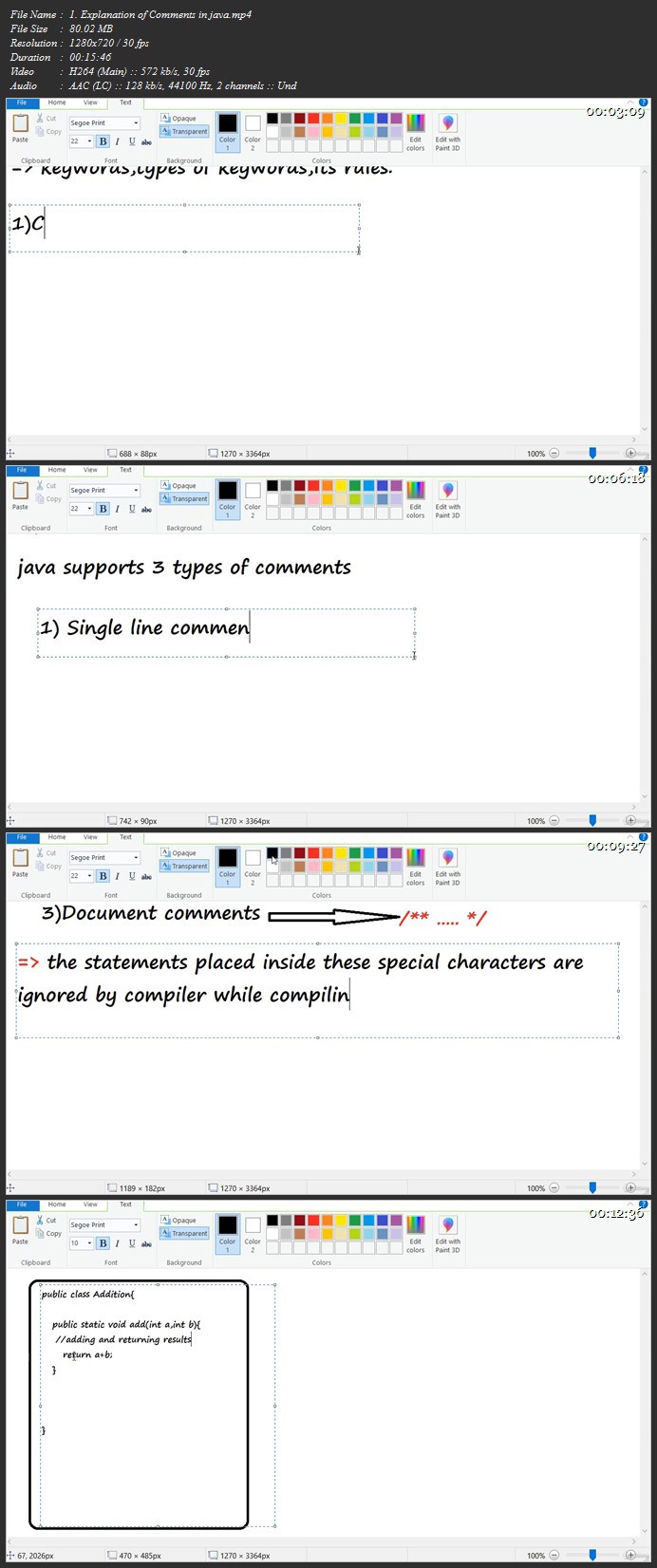
You have ZERO programming experience and want to learn Java Programming

More Info

007fb5cau8kio.jpg


PCB Design+PCB for Microcontroller System using EasyEDA Tool

9pc9umbr4zyth2kzmkgiz1hkqc.jpg


PCB Design+PCB for Microcontroller System using EasyEDA Tool
Genre: eLearning | MP4 | Video: h264, 1280x720 | Audio: aac, 48000 Hz
Language: English | SRT | Size: 5.45 GB | Duration: 6h 20m


What you'll learn
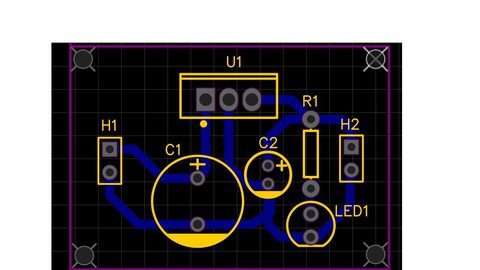
- Creating Single Layer PCB Design - Creating Single Layer Surface Mount ( SMT ) PCB Design . - Creating Single Layer PCB Design with AutoRouter - Creating Double Layer PCB Design - Creating Double Layer Surface Mount ( SMT ) PCB Design - Creating Schematic Module - Creating Custom Component - Creating a PCB Project - Microcontroller ( 8051 ) based Design
Requirements
Basic Knowledge of Electronic Components , Basic Knowledge of Computer & Internet

Description
Description :

Contents of this PCB Design Course are developed using a very Popular EasyEDA PCB Design Software , which is a Free , OnLine ( Web based ) Tool . EasyEDA PCB Tool supports to Windows platform , Linux O.S. & also runs on Mac & Android platforms , as long as there is one browser on the O.S. & connecting to Internet.

Course Learning Duration - You can Learn PCB Designing within 4 to 5 Hours , after which you can Start Designing PCBs of your College Projects / University Projects , comfortably , considering even if you don't have any previous background of PCB designing .

This Course is mainly designed for Beginners / Students / Hobbyists .

Video Content is explained with Short Video sessions in a simple way for better understanding , even for the Beginners .

- Schematic Design

- PCB Layout Design Guidelines ( Component Placement Guidelines )

- PCB Layout Design ( Component Placement Stage )

- PCB Layout Design Guidelines ( Track Routing Guidelines , DRCs etc. )

- PCB Layout Design ( Track Routing Stage )

In this course you will learn about -

- Creating Single Layer PCB Design

- Creating Single Layer Surface Mount ( SMT / SMD ) PCB Design .

- Creating Single Layer PCB Design with AutoRouter

- Creating Double Layer PCB Design

- Creating Double Layer Surface Mount ( SMT / SMD ) PCB Design

- Creating Schematic Module

- Creating Custom Component

- Creating a PCB Project - Microcontroller ( 8051 ) based Design

( which is a Multisheet Design having Schematic Modules

> 8051 Micro-controller with Clock & Reset Circuit

> DC Power Supply

> Switch

> LED

> Relay Circuit )

I have explained the PCB Project of Microcontoller based Design .

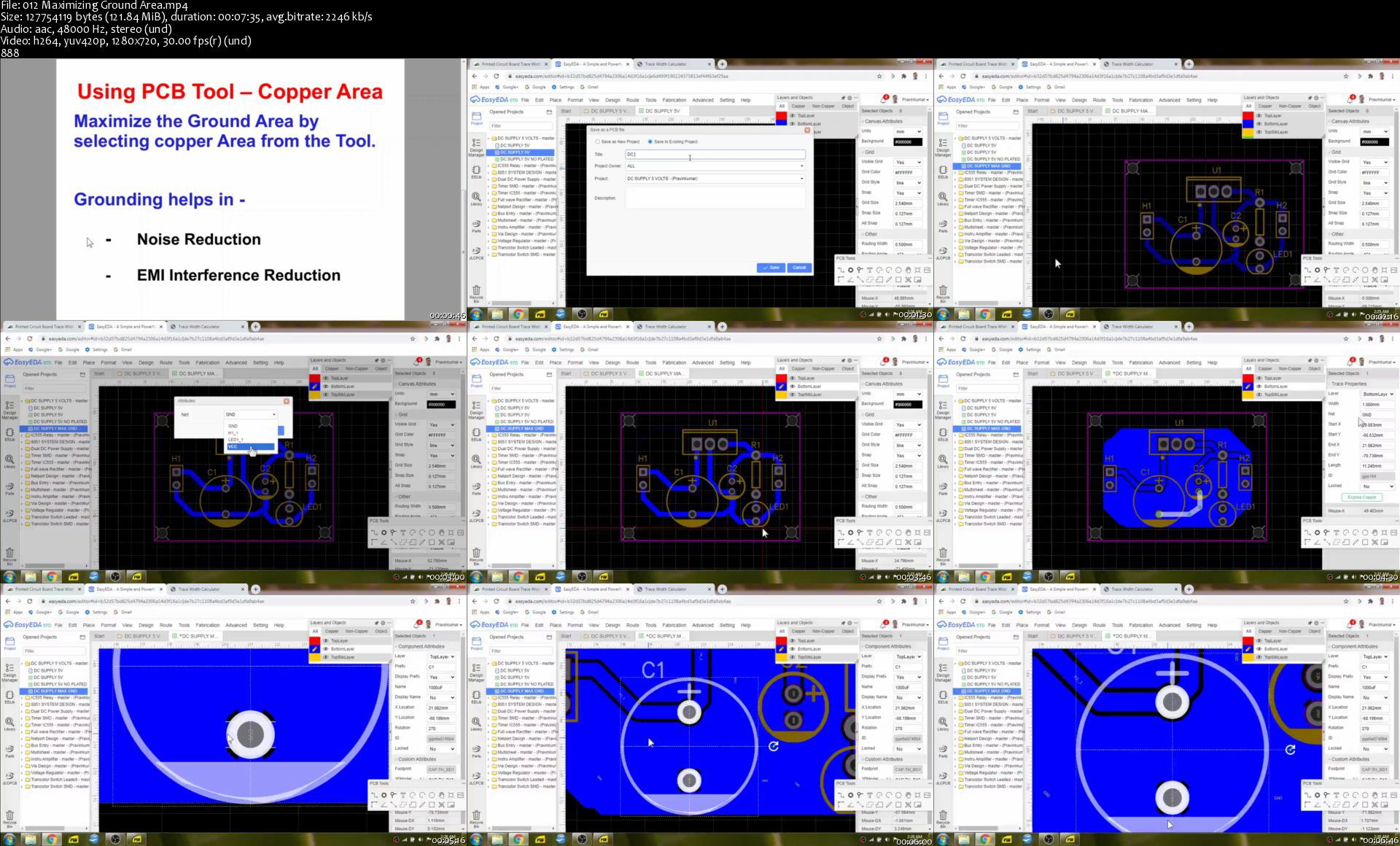
Also PCB Layout Guidelines / PCB Design Guidelines ( Component Placement & Track Routing Guidelines ) , DRCs- Design Rule Check , Crossprobing , Maximizing Grounding , Multisheet design etc. has been included .

Instructor has more than a 22 Years of Design Experience after M.Tech. in Electronics Design & Technology , which includes the Experience in Electronic Circuit Design , Embedded System , VLSI & also PCB design . He has experience on a variety of EDA Tools / Programmable Hardware Platforms & Programming Softwares , which includes Arduino Programming , Python 3.8 (IDLE) for Python Programming , Pycharm , Thonny , Raspbian Linux for Raspberry Pi , Anaconda Navigator - Jupyter Notebook , Spyder Python , Xilinx Vivado / Webpack for FPGA / CPLD , Cypress PSOC Designer , PSOC Creator , Keil uVision4 for MCS-51 ( 8051 ) Family Microcontrollers , Atmel AVR Studio for ATMega16/32/128 Microcontrollers , Microchip MPLAB for PIC16/PIC18 Microcontrollers , Crouzet Millenium3 for PLCs and which also includes PCB Softwares such as EasyEDA , KiCad , Fritzing & Express PCB etc .


Who this course is for:
Beginners , Hobbyists , Students of Engineering / Polytechnic Colleges , University Students .


Homepage

012maximizinggroundar5ck4n.jpg


Learn Siemens TIA Portal, S7-1200 PLC & WinCC HMI by Scratch

jjkyud4eszouxc2whyhav55kri.jpg


Learn Siemens TIA Portal, S7-1200 PLC & WinCC HMI by Scratch
Genre: eLearning | MP4 | Video: h264, 1280x720 | Audio: aac, 44100 Hz
Language: English | SRT | Size: 7.56 GB | Duration: 11h 0m


What you'll learn
Students will learn PLC Programming, PLC Hardware and HMI Designing from Scratch with Siemens PLC and HMI
Students will learn PLC Hardware, Wiring and Ethernet Communication with Siemens S7-1200
Students will learn PLC Programming with Ladder, FBD and SCL in Siemens TIA Portal
Students will learn Basic as well as advanced Programming Instructions with examples in TIA Portal
Students will learn Analog and PID Programming from scratch in TIA Portal
Students will learn the HMI Design with animation and alarm handling with WinCC HMI
Students will perform industrial automation applications with Factory I/O
Students will be provided with free trial software's including TIA Portal, WinCC Professional, PLCSIM and Factory I/O.
Students don't need to have hardware to practice as software simulator's will be provided
Requirements
Basic knowledge of computers and electronics

Description
Hey There,

The course will cover basic to advanced of concepts of Siemens PLC and HMI programming and interfacing techniques to groom students in the field of Industrial Automation. The course will teach students PLC Programming techniques based on Siemens hardware and designing Human Machine Interface to visualize and control data efficiently. Course will provide good knowledge and fair insight into how these automation systems.

This is a Level-1 Course that will cover Siemens PLCs from the scratch with overview of all siemens plc series and cover S7-1200 and TIA Portal which is their latest programming software.

You don't need to have hardware to practice since i'll be providing siemens software's which works for 21 days and factory I/O which works for 30 days as trial

Those who wish to continue learning PLC, HMI and SCADA from me can join Siemens Level 2 and Level 3 courses at Automation Play where I have designed courses on Siemens Advanced Programming, Profinet Communication, SCL Programming, WinCC SCADA and more

Course Content

Introduction to Siemens PLCs

Siemens PLC Overview and Operation

Siemens PLC Communication Overview

Siemens PLC Wiring (Source/Sink)

Siemens PLC Ethernet Communication

Setting up TIA Portal, PLC SIM and WInCC

Interfacing S7-1200 PLC with TIA Portal

TIA Portal Complete Simulation using PLC SIM

Programming with Ladder Logic

Programming with Functional Block Diagram (FBD)

Programming with Structured Control Language (SCL)

Bit Logic Instructions

Timers and Counters Instructions

Comparators and Maths Instructions

Advance Programming Functions

Data movement Instructions

Analog Programming with tank level examples

PID Programming (P, PI, PID) with tank level live examples

S7-1200 PLC Diagnostics and Watch/Force Tables

WinCC HMI - Overview and Operation

WinCC HMI - Parameters Visual and Control

WinCC HMI - Animation

WinCC HMI - Alarm Handling

WinCC HMI - Interfacing with S7-1200 PLC

WinCC HMI - Complete Simulation

Factory I/O - Interfacing with S7-1200 PLC

Factory I/O - Simulation with TIA Portal

Factory I/O - 3D Factory Automation - Overview and Interfacing with TIA Portal

Factory I/O - Industrial Automation Examples with TIA Portal

Deliverables and Benefits:

Siemens TIA Portal and PLC SIM (Trial)

Siemens WinCC HMI (Trial)

Factory I/O (For Real Time Factory Automation) (Trial)

Training Lectures

Lifetime Access to the course

Pre-Requisites

Anybody with basic knowledge of computer and electronics can learn

Learning Outcomes

Intermediate knowledge about PLCs and HMIs

Hands on Programming Experience

Understanding and implementation of PLC Programming

Understanding of Ladder Logic and FBD

Understanding of HMI Designing


Who this course is for:
Engineering Students
Tech enthusiasts
Industrial Professionals
Technicians
Automation Hobbyists


Homepage

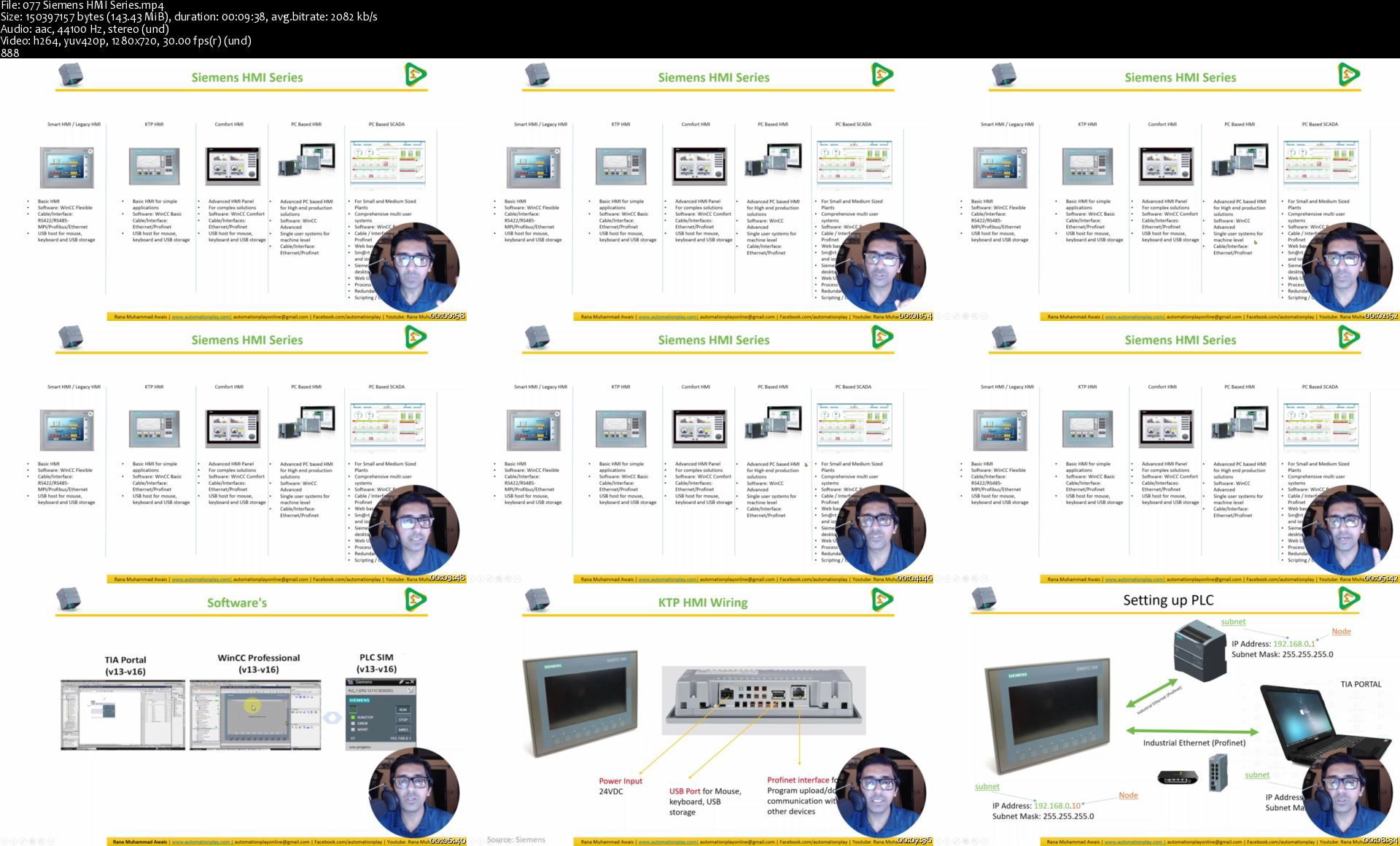
077siemenshmiseriess35khj.jpg


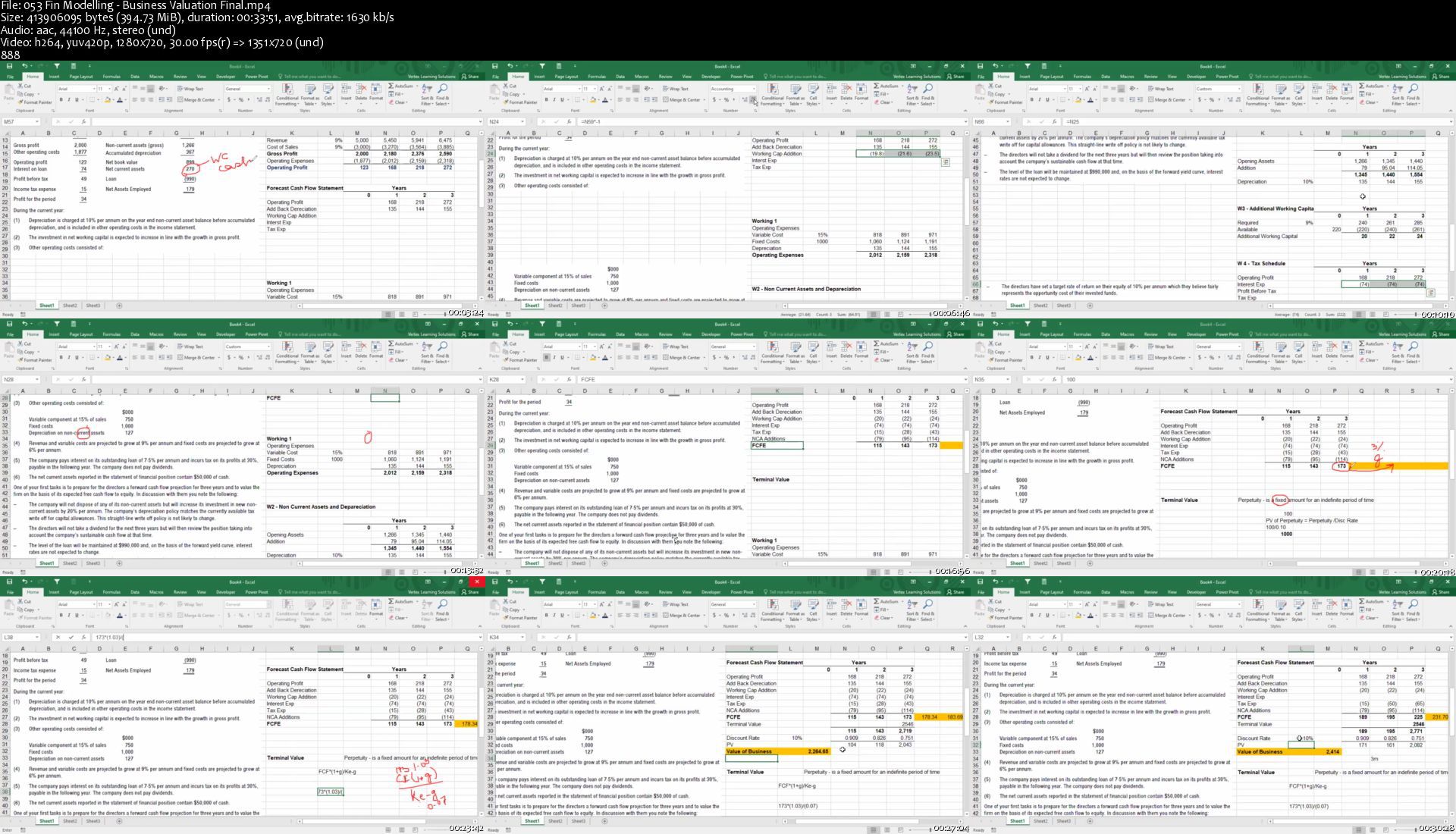
Learn Financial Modelling in MS Excel

ixcdlpqwq003sn9cdg2qy4ikgk.jpg


Learn Financial Modelling in MS Excel
Genre: eLearning | MP4 | Video: h264, 1280x720 | Audio: aac, 48000 Hz
Language: English | SRT | Size: 7.26 GB | Duration: 15h 36m


What you'll learn
This course is designed for accounting and finance professionals who are keen to learn Financial Modelling in MS Excel. Financial Modelling and MS Excel are two key essential skills for all accounting and finance professionals.
Requirements
Basic knowledge of MS Excel and Basics of Accounting and Finance

Description
OVERVIEW

Financial Modeling is an essential skill for accounting and finance professional. It is very much in demand in the job market and is highly valued by employers.

Our Financial Modeling training takes you from basics to professional level. This sixteen hours training is based on practical exercises

The course focuses 40% on honing the participants MS Excel skills and 60% focus on application of MS Excel in Accounting and Finance

WHAT YOU WILL LEARN

1. Learn many of MS Excel advanced features

2. Become proficient user of Excel within your team

3. Carry out regular tasks faster than ever before

4. Build Profit and Loss, Statement of Financial Position and Cash Flow statements

5. Build valuation models from scratch

6. Build Net Present Value model from scratch

7. Learn how to make neat and professional looking charts and graphs

DETAILED CONTENT

1. Introduction to Excel

2. Useful tips and tools for your work in Excel

3. Keyboard shortcuts in Excel

4. Excel's key functions and functionalities made easy

5. Update! SUMIFS - Exercise

6. Financial functions in Excel

7. Microsoft Excel's Pivot Tables

8. Case study - Building a complete P&L in Excel

9. Introduction to Excel charts

10. Profit and Loss Case Study continued - with great-looking professional charts

11. Financial modeling fundamentals

12. Introduction to Company Valuation and Introduction to Mergers & Acquisitions

13. Learn how to build a Discounted Cash Flow model in Excel

14. Business Valuation - Complete practical exercise

15. Capital Budgeting - The theory

16. Capital Budgeting - A Complete Case study

17. Impact of interest rates and exchange rates on NPV

18. Sensitivity Analysis in Capital Budgeting

PREREQUISITES

1. Participants are expected to have basic knowledge of MS Excel. This could be measured as an MS Excel user for more than one year.

2. Basic knowledge of financial accounting.

3. Microsoft Office 2013 or later installed on your computer.


Who this course is for:
Accounting and Finance professionals as well as accounting and finance students.


Homepage
053finmodellingbusinedgjoq.jpg


Zurück
Oben Unten