• Regeln für den Video-Bereich:

    In den Börsenbereich gehören nur Angebote die bereits den Allgemeinen Regeln entsprechen.

    Einteilung

    - Folgende Formate gehören in die angegeben Bereiche:
    - Filme: Encodierte Filme von BluRay, DVD, R5, TV, Screener sowie Telesyncs im Format DivX, XviD und x264.
    - DVD: Filme im Format DVD5, DVD9 und HD2DVD.
    - HD: Encodierte Filme mit der Auflösung 720p oder darüber von BluRay, DVD, R5, TV, Screener sowie Telesyncs im Format x264.
    - 3D: Encodierte Filme von BluRay, die in einem 3D Format vorliegen. Dies gilt auch für Dokus, Animation usw.
    - Serien: Cartoon/Zeichentrick, Anime, Tutorials, Dokumentationen, Konzerte/Musik, Sonstiges sind demnach in die entsprechenden Bereiche einzuordnen, auch wenn sie beispielsweise im High Definition-Format oder als DVD5/DVD9/HD2DVD vorliegen. Ausnahme 3D.
    - Bereich Englisch: Englische Releases gehören immer in diesen Bereich.
    - Bereich Talk: Der Bereich, in dem über die Releases diskutiert werden kann, darf, soll und erwünscht ist.


    Angebot/Beitrag erstellen

    - Ein Beitrag darf erst dann erstellt werden, wenn der Upload bei mindestens einem OCH komplett ist. Platzhalter sind untersagt.
    - Bei einem Scenerelease hat der Threadtitel ausschließlich aus dem originalen, unveränderten Releasenamen zu bestehen. Es dürfen keine Veränderungen wie z.B. Sterne, kleine Buchstaben o.ä. vorgenommen werden. Ausnahme Serienbörse:
    - Bei einem Sammelthread für eine Staffel entfällt aus dem Releasename natürlich der Name der Folge. Beispiel: Die Simpsons S21 German DVDRip XviD - ITG
    - Dementsprechend sind also u.a. verboten: Erweiterungen wie "Tipp", "empfehlenswert", "only", "reup", usw. / jegliche andere Zusatzinformation oder Ergänzung, welche nicht in obiger Beschreibung zu finden ist.

    Aufbau des Angebots und Threadtitel

    Der Titel nach folgendem Muster erstellt zu werden. <Name> [3D] [Staffel] [German] <Jahr> <Tonspur> [DL] [Auflösung] <Quelle> <Codec> - <Group>
    Beispiel: The Dark Knight German 2008 AC3 DVDRip XviD - iND
    Beispiel: The Dark Knight 2008 DTS DL BDRip x264 - iND
    Beispiel: The Dark Knight 2008 AC3 DL BDRip XviD - iND
    Beispiel: The Dark Knight German 2008 AC3 720p BluRay x264 iND
    Beispiel: The Dark Knight 2008 DTS DL 1080p BluRay x264 iND
    Beispiel: Die Simpsons S01 German AC3 DVDRip XviD iND
    Beispiel: Die Simpsons S20 German AC3 720p BluRay x264 iND
    Beispiel: Sword Art Online II Ger Sub 2014 AAC 1080p WEBRip x264 - peppermint
    Entsprechend sind also u.a. verboten: Sonderzeichen wie Klammern, Sterne, Ausrufezeichen, Unterstriche, Anführungszeichen / Erweiterungen wie "Tipp", "empfehlenswert", "only", "reup", usw. / jegliche andere Zusatzinformation oder Ergänzung, welche nicht in obiger Beschreibung zu finden ist
    Ausnahmen hiervon können in den Bereichen geregelt sein.

    Die Beiträge sollen wie folgt aufgebaut werden:
    Überschrift entspricht dem Threadtitel
    Cover
    kurze Inhaltsbeschreibung
    Format, Größe, Dauer sind gut lesbar für Downloader außerhalb des Spoilers zu vermerken
    Nfo sind immer Anzugeben und selbige immer im Spoiler in Textform.
    Sind keine Nfo vorhanden z.B. Eigenpublikationen, sind im Spoiler folgende Dateiinformationen zusätzlich anzugeben :
    Quelle
    Video (Auflösung und Bitrate)
    Ton (Sprache, Format und Bitrate der einzelnen Spuren)
    Untertitel (sofern vorhanden)
    Hosterangabe in Textform außerhalb eines Spoiler mit allen enthaltenen Hostern.
    Bei SD kann auf diese zusätzlichen Dateiinformationen verzichtet werden.

    Alle benötigten Passwörter sind, sofern vorhanden, in Textform im Angebot anzugeben.
    Spoiler im Spoiler mit Kommentaren :"Schon Bedankt?" sind unerwünscht.


    Releases

    - Sind Retail-Release verfügbar, sind alle anderen Variationen untersagt. Ausnahmen: Alle deutschen Retail-Release sind CUT, in diesem Fall sind dubbed UNCUT-Release zulässig.
    - Im Serien-Bereich gilt speziell: Wenn ein Retail vor Abschluss einer laufenden Staffel erscheint, darf diese Staffel noch zu Ende gebracht werden.62
    - Gleiche Releases sind unbedingt zusammenzufassen. Das bedeutet, es ist zwingend erforderlich, vor dem Erstellen eines Themas per Suchfunktion zu überprüfen, ob bereits ein Beitrag mit demselben Release besteht. Ist dies der Fall, ist der bereits vorhandene Beitrag zu verwenden.
    - P2P und Scene Releases dürfen nicht verändert oder gar unter einem iND Tag eingestellt werden.


    Support, Diskussionen und Suche

    - Supportanfragen sind entweder per PN oder im Bereich Talk zu stellen.
    - Diskussionen und Bewertungen sind im Talk Bereich zu führen. Fragen an die Uploader haben ausschließlich via PN zu erfolgen, und sind in den Angeboten untersagt.
    - Anfragen zu Upload-Wünschen sind nur im Bereich Suche Video erlaubt. Antworten dürfen nur auf Angebote von MyBoerse.bz verlinkt werden.


    Verbote

    - Untersagt sind mehrere Formate in einem einzigen Angebotsthread, wie beispielsweise das gleichzeitige Anbieten von DivX/XviD, 720p und 1080p in einem Thread. Pro Format, Release und Auflösung ist ein eigener Thread zu eröffnen.
    - Grundsätzlich ebenso verboten sind Dupes. Uploader haben sich an geeigneter Stelle darüber zu informieren, ob es sich bei einem Release um ein Dupe handelt.
    - Gefakte, nur teilweise lauffähige oder unvollständige Angebote sind untersagt. Dies gilt auch für eigene Publikationen, die augenscheinlich nicht selbst von z.B. einer DVD gerippt wurden. Laufende Serien, bei denen noch nicht alle Folgen verfügbar sind, dürfen erstellt und regelmäßig geupdatet werden.
    - Untersagt sind Angebote, welche nur und ausschließlich in einer anderen Sprache als deutsch oder englisch vorliegen. Ausnahmen sind VORHER mit den Moderatoren zu klären.


    Verstoß gegen die Regeln

    - Angebote oder Beiträge, die gegen die Forenregeln verstoßen, sind über den "Melden"-Button im Beitrag zu melden.
  • Bitte registriere dich zunächst um Beiträge zu verfassen und externe Links aufzurufen.

++ Premium IPTV ++ 7000 Live Sender ++ UHD Qualität ++ Mediathek mit 18.000 Inhalten ++


VenneTV


Englische Tutorials

FL Studio 201 Masterclass - Music Production in FL Studio 20
007b8976c2kmv.jpg


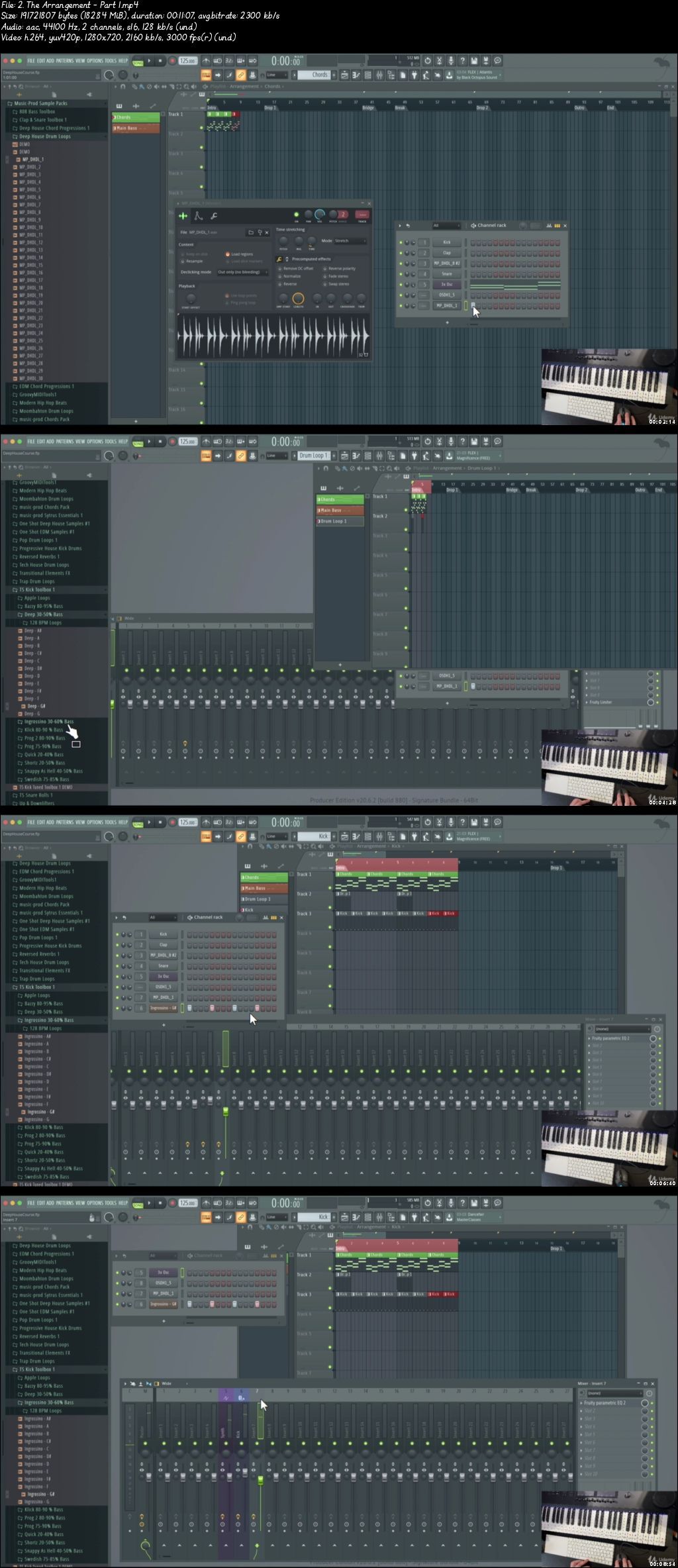
FL Studio 201 Masterclass - Music Production in FL Studio 20
Video: .mp4 (1280x720, 30 fps(r)) | Audio: aac, 44100 Hz, 2ch | Size: 8.52 GB
Genre: eLearning Video | Duration: 55 lectures (8 hour, 44 mins) | Language: English

Make Two Full Tracks From Scratch - Music Production FL Studio 20 Mac & PC + Sample Packs & Project Files for FL Studio


What you'll learn

Creating Arrangements In A Structured Way To Speed Up The Creation Process Of The Track
Learn How To Take A Reference Track And Make The Same Structure Of Your Track
Learn Music Production in FL Studio 20 For Mac & PC
Learn How To Create a Music Production in FL Studio - From Scratch To Finished Product
Create Mixdown Of Your Track And Create Full Master With Mastering Plugins

Requirements

You Need To Own A Copy of FL Studio 20 Software For Mac or Windows
You Need To Own A Computer With macOS or Windows 7 or later
You Should Know The Basics Of FL Studio at Minimum
You Want To Learn Different Workflow, Tips & Tricks in FL Studio
You Want To Learn Music Production & Audio Production
You Want To Learn How To Create Full Music Productions By Producing In The Box Only


Description

In This FL Studio 20 - Music Production Masterclass Course, I will show you how to create two full music productions from scratch to the full product - arranged, mixed, and mastered in FL Studio 20 for Mac & PC. This Course will learn you how to make these tracks with FL Studio plugins as well as free third-party plugins. You can use the same principles you will learn music for both EDM, Hip Hop, or Even New Music Genres - it will work for all genres!

This course is created for the absolute beginner as well as advanced users who want to expand their knowledge in music production. We are covering all of the techniques that the biggest music producers are currently are using as well as limiting ourselves to create music with FL Studio's stock plugins and free third-party plugins. Everything that is done in this course is made in the box only - so all you need is a laptop with or a PC with Windows or Mac as well as a copy of FL Studio - even the free trial of FL Studio will work with this course.

This Course Includes All You Need To Create a Full Music Production. Everything that you need to use is included in this course and inside the included project file.

We are also including 10+ Sample Packs that will improve your productions as you can use them for free in your own tracks - all royalty-free.

This course is designed for every skill level from Beginners to Advanced. If you never used FL Studio before, that's totally fine as well. This course includes an introduction section where we will download FL Studio and show you how to manage the most basic functions of FL Studio 20 to get you started.

Just a few of the things you'll learn in this FL Studio 20 Music Production course:

How To Make A Full Music Production Including Arrangement, Mixdown, And Mastering

Learn Creating Chord Progressions easily without knowing music theory.

You Will Learn How To Start Out With Music Production Instead Of Getting Into Writers Block

Start Finishing Music Instead Of Going To An Idea And Just Leave It Like That

Improve Your Music Production Techniques and Start Making Professional Music With Quality in No Time!

Regardless of what your level of experience is or what type of music you are creating, this course will take your knowledge to a whole another level. I will show you step-by-step how to create a full Music Production with FL Studio with Mixdown and Mastering.

Unlike other Music Production courses, this course will cover everything from scratch and improve your overall music production level as well as getting you motivated to finish your music instead of letting your music ideas die within your project file.

About the instructor:

Martin Svensson started producing music since 2005 and teaching since 2016 and now has over 30,000 happy students on Udemy learning music production and other related topics viewed from a Music Producers perspective. Martin has been working with different producers around the world as well as co-created a few very well known tracks with other musicians. Martin is based in Stockholm, Sweden


Who this course is for:

New Users Who Has Been Using FL Studio 20 Lightly Or Never Created Music Productions
If You've Been Using FL Studio 20 And Want To Know How to Make Full Music Productions
If You're New To FL Studio And Want To Learn How To Make Music Productions Fast
Beginner Music Producers Who Wants To Learn Workflow & To Work Fast in FL Studio 20
Experienced Music Producers Who Wants To Learn A New Perspective Of Music Production In FL Studio
Users Who Wants To Learn How To Work Professionally in FL Studio

007b89772gjba.jpeg


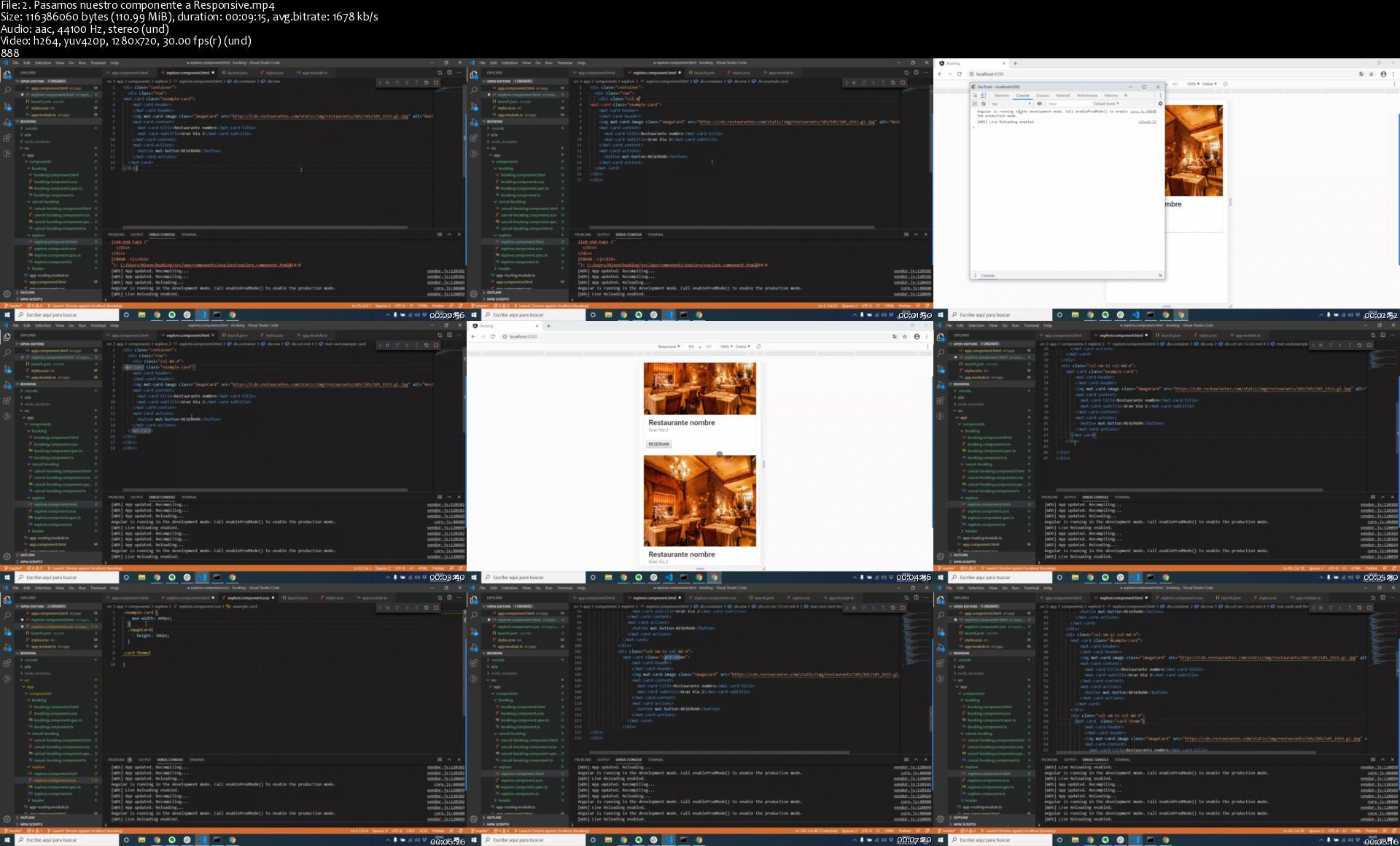
Dev FullStack con Spring Boot Java 8 y Angular 9 Typescript

axfbytuyblu2v1mhtwolw0ekd1.jpg


Dev FullStack con Spring Boot Java 8 y Angular 9 Typescript
Genre: eLearning | MP4 | Video: h264, 1280x720 | Audio: aac, 44100 Hz
Language: Spanish | VTT | Size: 7.08 GB | Duration: 13.5 hours


What you'll learn
Desarrollar Apis RestFull con SpringBoot Java 8 y TypeScript con Angular 9
Aprender a aplicar conceptos de Java 8 en proyectos SpringBoot
Consumir APIs con el mejor Framework Angular
Crear código de alto nivel con Java 8 con su respectivo test unitario
Diseñar y crear una base de datos en Mysql
Enviar correos con template personalizados y implementar una pasarela de pagos con Stripe

Requirements
Dominar la programación orientada a objetos
Tener unos conceptos basicos de SpringBoot y Angular
Tener uno conocimiento basico de Sql

Description
Domina Java y TypeScript con los mejores Frameworks con mas demanda laboral Spring Boot (jpa)- Angular(material)

Sean todos bienvenidos a este curso de fullStack con Spring y angular, tus instructores seremos nixon por el lado de frontend y mi persona por el lado de backend, ambos trabajamos en empresas en una empresa multinacional y queremos y con este curso queremos transmitirte nuestro conocimiento de mas de 5 años de experiencia.

Este curso tiene el objetivo de introducirte a estos framework con las mejores metodologias para que ahorres tiempo aprendiendo, nuestra experiencia nos permite enseñar de una manera muy entendible con los mejores tips.

En este curso aprenderás a dominar todo lo que hay detrás de una aplicación profesional desarrollada con SpringBoot y angular,

Aprenderemos a detalle todo sobre el frameWork SpringBoot

Completa este curso y las ofertas de trabajo de lloverán.

Dominaras angular a detalle con los mejores practias en el desarrollo frontEnd.

Veremos como consumir cualquier api con angular

Este máster estará dividido en conjunto Backend y angular por niveles:

Backend:

1 Daremos una introducción a los Frameworks

2 Entender la organización de los proyectos.

3 Construiremos una aplicación simple para ya introducirnos en la practica.

4 Aprenderemos a realizar test unitario de todos nuestros controladores y servicios con las herramientas que usan empresas multinacionales (Junit y Mockito)

En próximos niveles desarrollaremos la lógica de que si un restaurante no tiene las mesas con el numero que el cliente seleccione, le informa y no le deje reservar en el restaurante.

Si el curso tiene una buena aceptación y los alumnos vean muchos resultados a nivel profesional, próximamente nos sentiremos muy contentos de seguir compartiendo conceptos mas avanzados de Spring y Angular en un nivel 2 en la cual añadiremos mejoras, esto nos diferenciara de todos los cursos que existe actualmente en la plataforma.

Aprenderas a usar todas las herramientas importantes que necesita un desarrollador backend en Java.

Implementa una pasarela de pagos con Stripe


Who this course is for:
Estudiantes y profesionales que quieran mejorar en el desarrollos de ApisRestFull
Personas que tienen las ganas de superarse en el desarrollo de aplicaciones empresariales


Homepage

2.pasamosnuestrocompogjjes.jpg


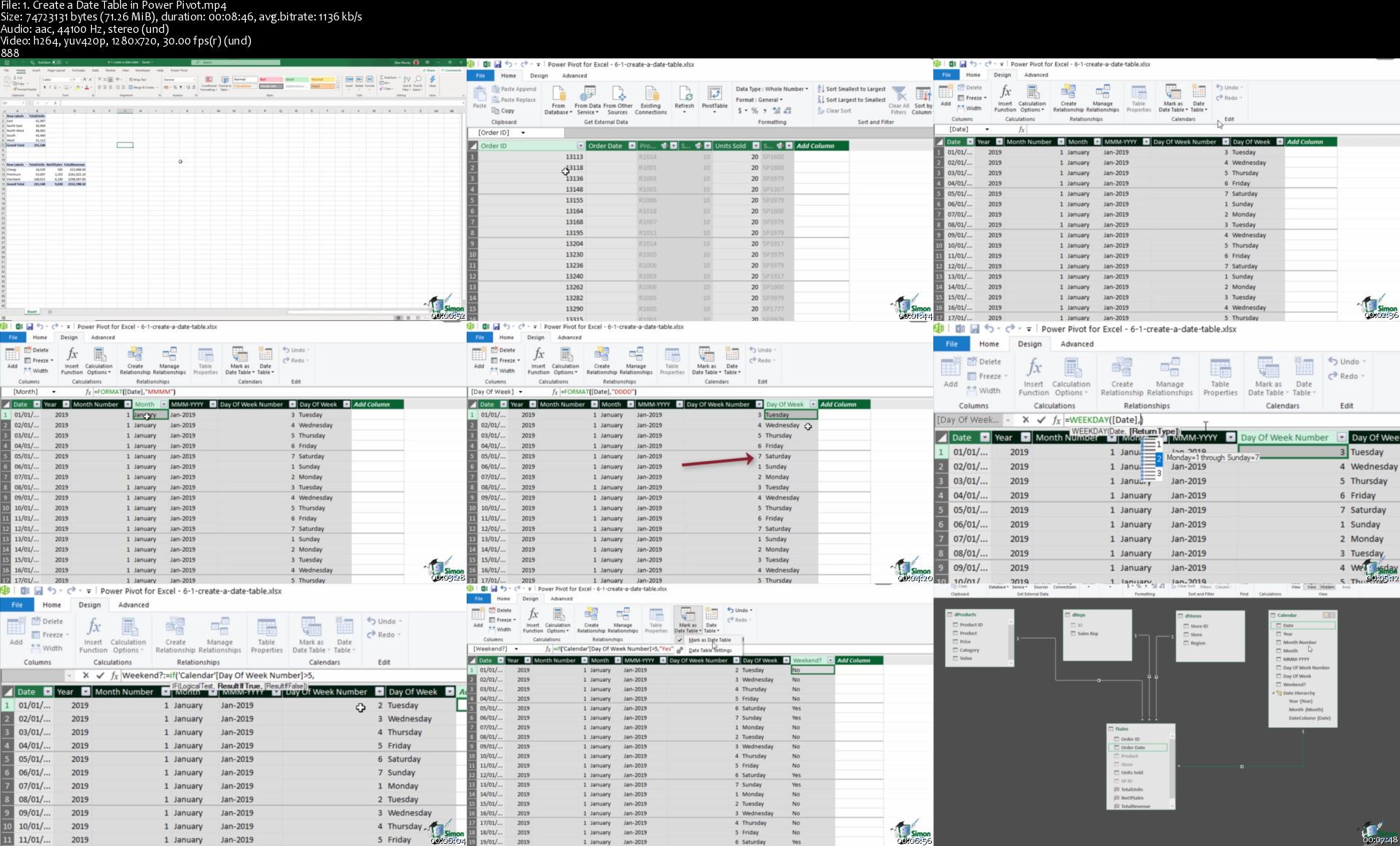
Data Analysts Toolbox: Excel, Python, Power BI

qiaamlgdqdlijiltd7dpubjkbt.jpg


Data Analysts Toolbox: Excel, Python, Power BI
Genre: eLearning | MP4 | Video: h264, 1280x720 | Audio: aac, 44100 Hz
Language: English | VTT | Size: 9.78 GB | Duration: 21 hours


What you'll learn
How to create amazing looking dashboards using Pivot Tables
Advanced data analysis techniques
How to do a PivotTable (a quick refresher)
How to format a PivotTable, including adjusting styles
Advanced Sorting and Filtering in PivotTables
How to use 3D Maps from a PivotTable
How to update your data in a PivotTable and Pivot Chart
Advanced Sorting and Filtering in PivotTables
Analyze huge buckets of data to make informed business decisions
Become confident cleaning, sorting and linking data from various sources
How to create stunning, interactive dashboards with Power BI
How to share your analysis and dashboards using Power BI Online
To import CSV and Excel files into Power BI Desktop
All about DAX including using the COUTROWS, CALCULATE, and SAMEPERIODLASTYEAR functions
All about using the card visual to create summary information
How to create amazing visuals, such as clustered column charts, maps, and trend graphs
How to use Slicers to filter your reports
How to edit the interactions between your visualizations and filter at visualization, page, and report level
Put their skills into practice with a real Python project
What is Python and why was it created
How Python fits into the diverse ecosystem of programming languages.
The basic data types in Python - Strings, Integers, Floats, and Boolean
All about Pythons built-in functions
How to debug errors in Python
How Variables and Functions work in Python
How to use IF-Else Statements in Python
All about storing complex data, including Lists and Dictionaries
How to install Python locally
How to write your first script in Python

Requirements
You'll need a copy of Microsoft Excel that is compatible with the Power Pivot tool.
A good understanding of MS Excel. This is an advanced level course.
Power BI Desktop installed on your machine is required to take the practice exercises
A good knowledge of MS Excel is advised but not necessary

Description
In business, being able to understand, harness, and use data is no longer a skill reserved for a handful of well-paid analysts. It's becoming an essential part of many roles.

If that sounds daunting, don't worry. There is a growing set of tools designed to make data analysis accessible to everyone, in this huge-value, four-course Data Analysts Toolbox bundle we look in detail at three of those tools: Excel, Python, and Power BI.

In isolation Excel, Python, and Power BI are useful and powerful. Learn all three and you are well on your way to gaining a much deeper understanding of how to perform complex data analysis.

This Data Analysts Toolbox bundle is aimed at intermediate Excel users who are new to Python and Power BI. All courses include practice exercises so you can put into practice exactly what you learn.

Here's what each course covers:

Introduction to Python

The basic data types in Python - Strings, Integers, Floats, and Boolean

All about Pythons built-in functions

How Variables and Functions work in Python

How to debug errors in Python

All about Python Keywords

How to use IF-Else Statements in Python

All about storing complex data, including Lists and Dictionaries

All about Python Modules and how to install them

How to install Python locally

How to write your first script in Python

To complete your first Python project

Advanced PivotTables

How to do a PivotTable (a quick refresher)

How to combine data from multiple worksheets for a PivotTable

Grouping, ungrouping and dealing with errors

How to format a PivotTable, including adjusting styles

How to use the Value Field Settings

Advanced Sorting and Filtering in PivotTables

How to use Slicers, Timelines on multiple tables

How to create a Calculated Field

All about GETPIVOTDATA

How to create a Pivot Chart and add sparklines and slicers

How to use 3D Maps from a PivotTable

How to update your data in a PivotTable and Pivot Chart

All about Conditional Formatting in a PivotTable

How to create amazing looking dashboards

Power Pivot, Power Query and DAX

How to get started with Power Query

How to connect Excel to multiple workbooks

How to get data from the web and other sources

How to merge and append queries using Power Query

How the Power Pivot window works

How to set up and manage relationships in a data model

How to create a PivotTable to display your data from the Power Pivot data model

How to add calculated columns using DAX

How to use functions such as CALCULATE, DIVIDE, DATESYTD in DAX

All about creating Pivot Charts and PivotTables and using your data model

How to use slicers to adjust the data you display

Power BI

What is Power BI and why you should be using it.

To import CSV and Excel files into Power BI Desktop.

How to use Merge Queries to fetch data from other queries.

How to create relationships between the different tables of the data model.

All about DAX including using the COUTROWS, CALCULATE, and SAMEPERIODLASTYEAR functions.

All about using the card visual to create summary information.

How to use other visuals such as clustered column charts, maps, and trend graphs.

How to use Slicers to filter your reports.

How to use themes to format your reports quickly and consistently.

How to edit the interactions between your visualizations and filter at visualization, page, and report level.

***Exercise and demo files and project files included***

This mega-value bundle includes:

21+ hours of video tutorials

200+ individual video lectures

Exercise files to practice what you learned

Certificate of completion

Did you know?

Simon Sez IT teaches all sorts of software, including:

- Microsoft Excel

- Microsoft PowerPoint

- Microsoft Word

- Microsoft Project

- Microsoft Outlook

- QuickBooks

- Photoshop Elements

- Web Development Languages

- And so much more!

Just search "Simon Sez IT" to see our full list of individual courses and incredible value multi-course bundles on Udemy.


Who this course is for:
Advanced Excel Users
People looking to learn the Python Programming Language


Homepage

1.createadatetableinpsij1v.jpg


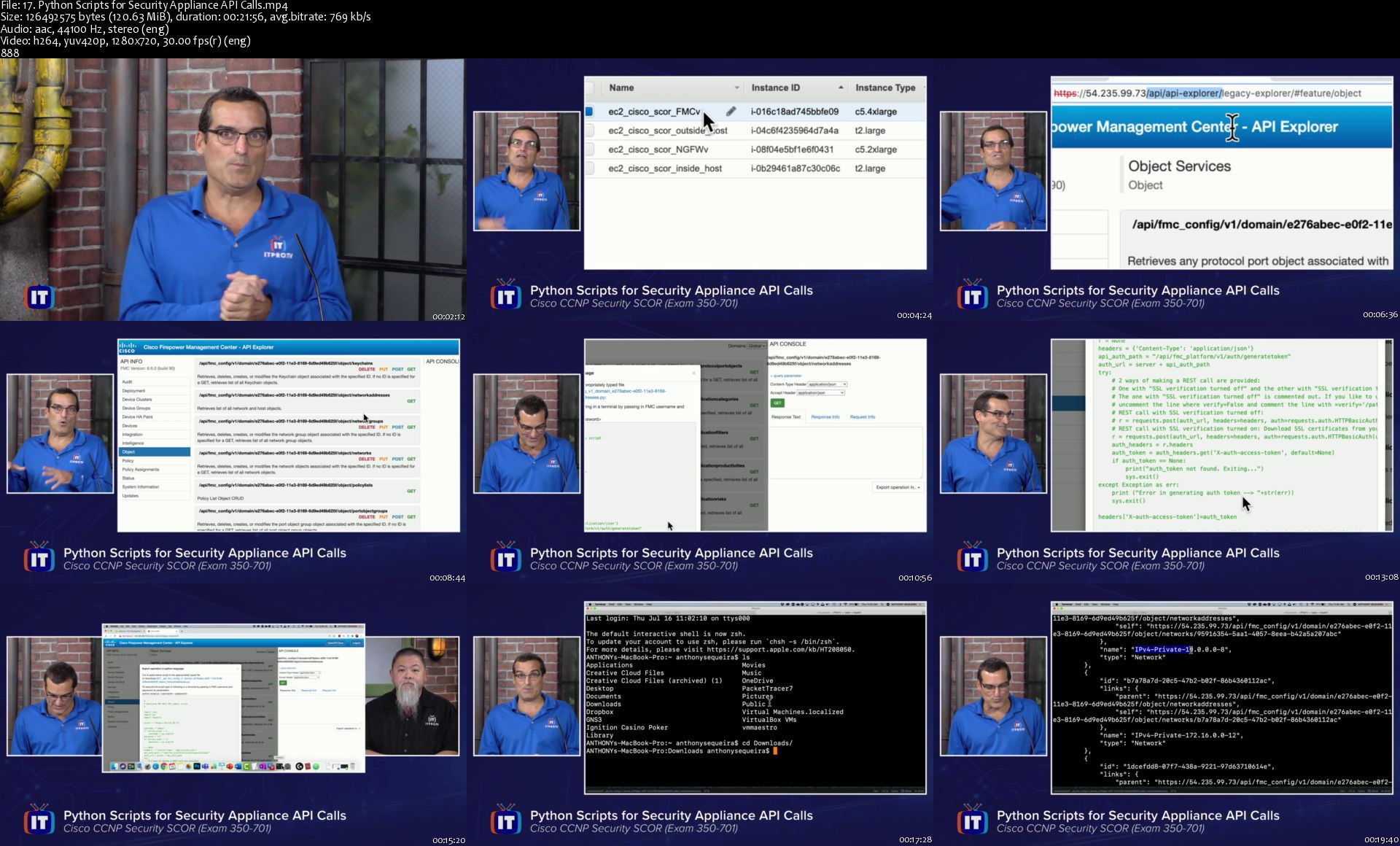
Cisco CCNP Security SCOR (Exam 350-701)

qmnjz1xi5dqoj7qh97eoq8ljm7.png


Cisco CCNP Security SCOR (Exam 350-701)
MP4 | Video: h264, 1280x720 | Audio: AAC, 44.1 KHz, 2 Ch
Genre: eLearning | Language: English | Duration: 59 Lessons (16h 50m) | Size: 5.15 GB

Cisco CCNP Security SCOR course at ITProTV is ideal for any learner that wants to understand enterprise-level approaches to defense in depth security of systems and data. This course targets implementers and lead architects of security solutions with a bias toward the use of Cisco security hardware and software releases. From a certification perspective, this course prepares learners to pass exam 350-701 (SCOR). This exam is essential from a certification perspective as it serves as the core CCNP Security requirement, and is also the new CCIE Security written exam requirement.

17.pythonscriptsforse8zky7.jpg


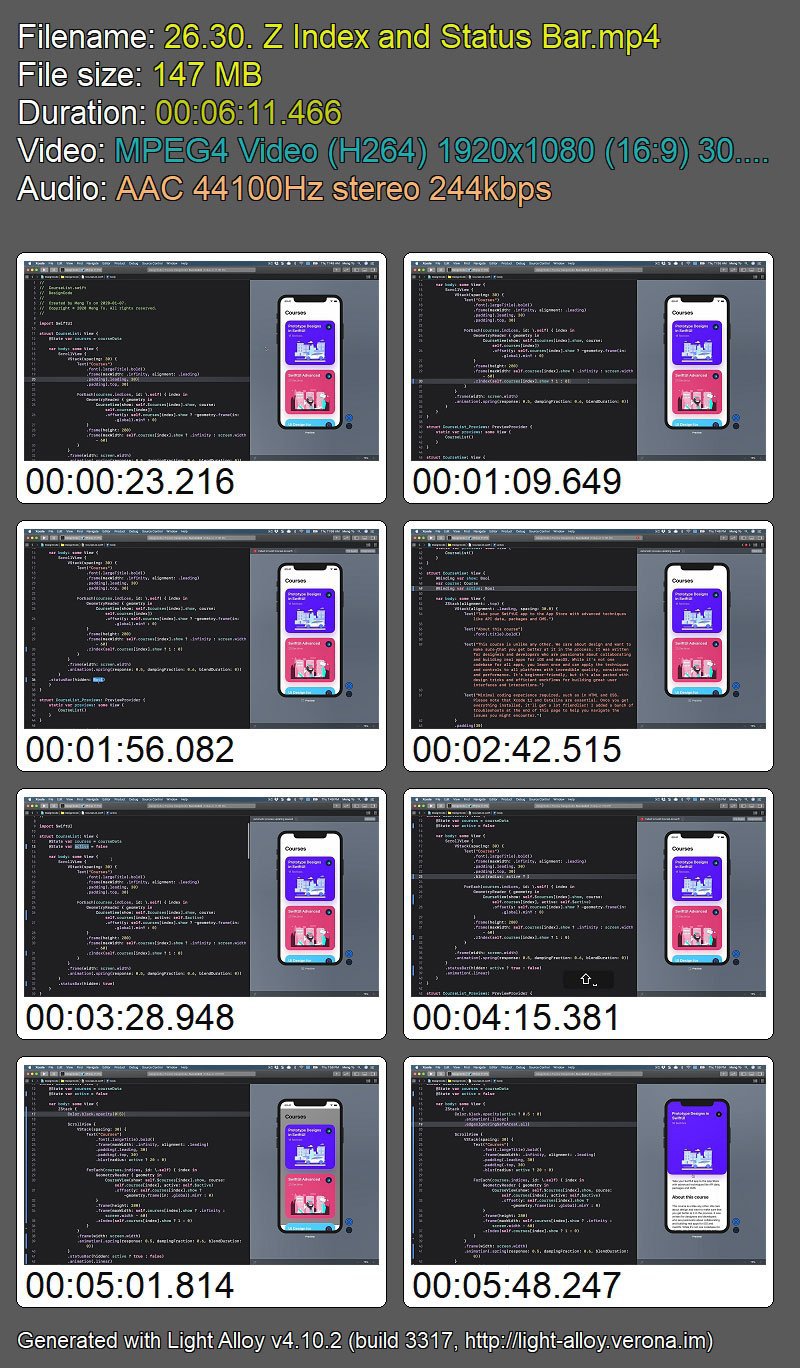
Build an app with SwiftUI Part 3

ujgulnxthnuowz3bhv0nhcqjjy.jpg


Build an app with SwiftUI Part 3
MP4 | Video: h264, 1920x1080 | Audio: AAC, 44.1 KHz, 2 Ch
Genre: eLearning | Language: English | Duration: 20 Lessons (4h 10m) | Size: 5.42 GB

While SwiftUI doesn't have a direct way to create inner shadows with the shadow modifier, you can still use the background modifier and create multiple layers of colors with blur to recreate this effect.

Homepage

16environmentsizeclas3ajfx.jpg


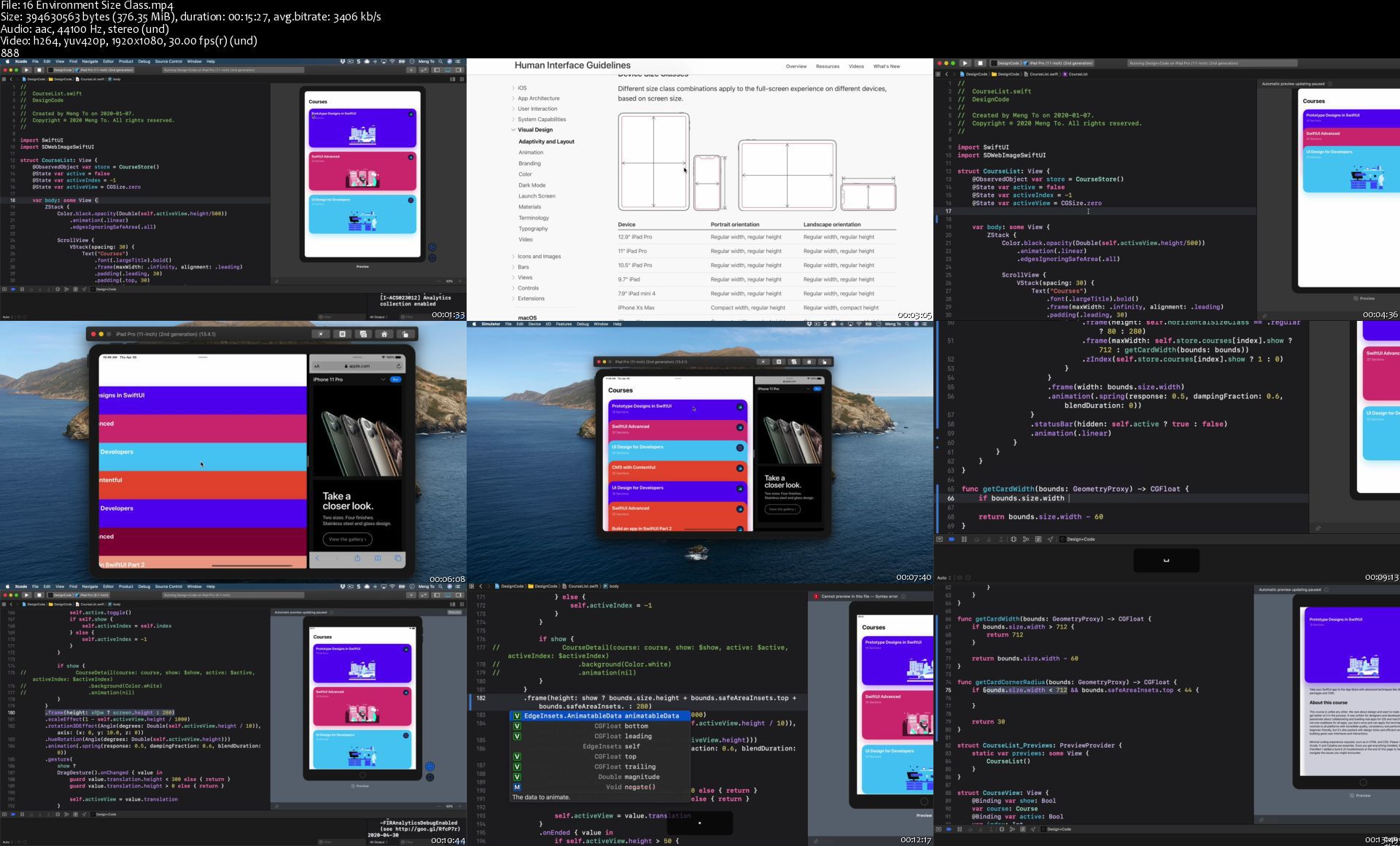
DesignCode - Build an app with SwiftUI, Part 2

5cjwdjpiqhvujom1lho9g5ukbc.jpg


DesignCode - Build an app with SwiftUI, Part 2
Meng To | Duration: 4h+ | Video: H264 1920x1080 | Audio: AAC 44,1 kHz 2ch | 5,22 GB | Language: English

Learn SwiftUI from scratch with layout techniques, advanced interactions, API data, packages and CMS.
Design and build apps with deep layout techniques, interactive animations and gestures. Everything is taught step-by-step with videos and source files. Easy to understand for beginners and a great dive into SwiftUI for those passionate about UI and interactions.

SwiftUI has really good support for creating shapes from scratch. For example, we can create the Apple Watch Ring UI by using a circle with stroke options. Also, we can use those values to animate. then, you'll learn how to create a fairly complex component with a lot of customizations. We're going to apply some formula to our values for the multiplier and progress percentage. And more.

yzdxajdloj695alzhaueyo5jds.jpg


7 Day essentials course - Creating healthy habit patterns

007b8bd9yqjsh.jpg


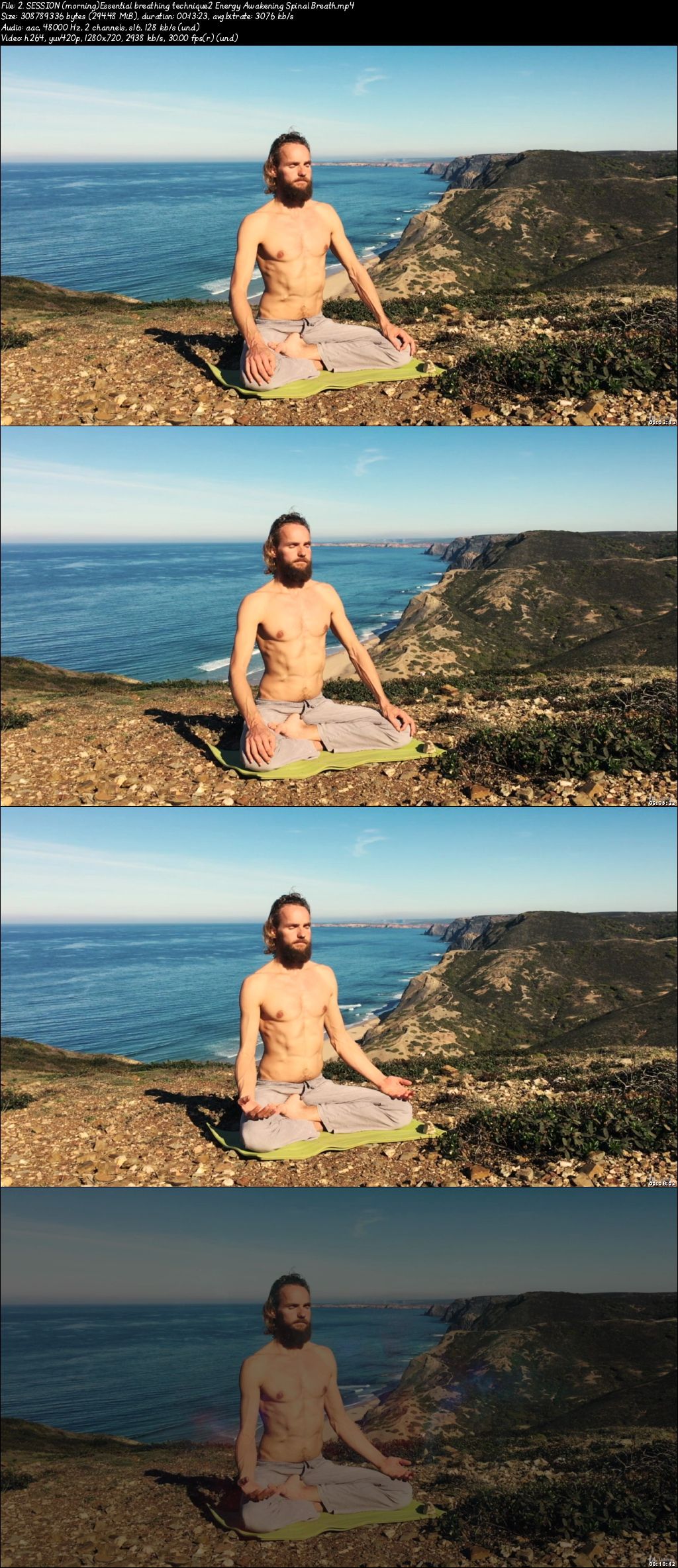
7 Day Essentials Course - Creating Healthy Habit Patterns
Video: .mp4 (1280x720, 30 fps(r)) | Audio: aac, 48000 Hz, 2ch | Size: 7.24 GB
Genre: eLearning Video | Duration: 45 lectures (5 hour, 48 mins) | Language: English

A 7 day challenge to train mind and body and create wholesome and healthy habit patterns to awaken your full potential.


What you'll learn

Create new habitual patterns for healthy and focused living
Essential breathing & meditation techniques
Tap into the power of your mind
Get a deeper understanding in the workings of mind and emotions
2 downloadable Brain Enhancing Audio files for deep relaxation & sleep

Requirements

Be willing to learn and train mind and body
Be committed to do this 7-day challenge to bring change into your life


Description

Welcome to the Essentials course

​Great to see you want to invest time in healthy, and peaceful state of being. In this 7-day course you will learn the essential techniques of the Life Awareness Project to train mind and body and create a better life for yourself and others.
Be persistent in your practice, dedicate your time for true inner transformation that will make your life better.

In this 7-day challenge you will be guided through wonderful breathing, movement and meditation sessions to train mind and body and create new habitual patterns in your life. After 7 days you will have changed some essential things in your way of feeling, thinking and doing.


What you will learn in this course:

Create a habit pattern to take care of mind and body, every day

A powerful sequence of movement, breathwork and meditation

A deeper understanding of mind and emotions and how to work with them

Use the power of mind and emotions to create a better life

For the coming 7 days:

Commit yourself to do 2 sessions a day! You will see the change after 7 days

During the day, do everything with a bit more awareness

Eat healthy & moderate. Eat fresh, plant-based, non-processed food.

Finish your showering sessions with a cold shower of 20 seconds to increase the blood flow, boost the immune system and increase stamina and will power. This is a wonderful habit for health and happiness.

Everything you give you will receive back manifold, try it out these 7 days.

This course includes:

25 videos shot in HD with Breathing sessions, guided meditations and lectures about how to train mind and body to create wonderful changes in your life.

2 downloadable Brain Enhancing Audio files for profound relaxation and deep sleep

Daily habit schedule

A session to understand better what you want in life and how to achieve this


Michaël Bijker is the founder of the Life Awareness Project and has changed the lives of thousands of people in over 50 countries.


Who this course is for:

People that are looking to live with more health and power
People that want to create beneficial habitual patterns in their lives.

007b8bdaecjdv.jpeg


Webinar Masterclass: Creation to a Complete Marketing Funnel

007b6e0fdgk1e.jpg


Webinar Masterclass: Creation to a Complete Marketing Funnel
Video: .mp4 (1280x720, 30 fps(r)) | Audio: aac, 48000 Hz, 2ch | Size: 5.3 GB
Genre: eLearning Video | Duration: 124 lectures (7 hour, 30 mins) | Language: English

Create High Converting Live Streaming Webinars and a Complete Webinar Marketing Funnel; 2 Courses in 1


What you'll learn

You will discover what a Live Streaming Webinar is and the key components of a Webinar Presentation
Webinar success is a function of good scheduling and planning, so you will discover the best time and day to give webinars and a lot of mistakes to avoid.
Webinar Presentation Pros know exactly how to structure their webinars so that they keep their audience engaged, I show you the exact structure you need, step by step, to create an amazing webcast presentation.
A live streaming Webinar Presentation needs to be carefully designed and I provide you with a template that you can adapt for your own powerpoint or keynote presentations.
Your streaming Webinar Success depends on mastering the details of the slides, script and delivery of you Webinar which I why I take you through every stage of the webinar from start to finish
You will discover the advanced techniques for ensuring your Webinar engages your audience and turns into a successful sales engine for your business
Webinar Marketing is important and in a new section for the course, you will discover how to use email to market your webinar to your audience including detailed downloadable templates.
Why Live Streaming Webinars can transform your business
The essential components of a Marketing Funnel
How to create the Essential Components of your Live Streaming Webinar
Product Selection and How to set up Affiliate Links
How to set up your email Platform
The Essential Pages you need to create in your Webinar Funnel
How to create your high converting Webinar Registration Page
How to set up your Webinar Delivery Platform
How to record or deliver your streaming Webinar
My exact Seven Day Webinar Marketing Timetable
How to market your Webinar to new Registrants
The different types of Prospects in your Webinar Funnel
Joint Venture/Influencer Partner Email Registration Sequence
Your Email Registration Sequence to your List
Your Follow Up Indoctrination Email Sequence
Example Webinar Work Book and Indoctrination Videos
How to create your Webinar Email Automation Sequence
The benefits of UTMs and Tracking Links
Step by Step 14 Email Sequence - in detail, with screenshots - from Registration to Closing
How and whether to offer a Webinar Replay
Post Webinar Emails and Cart Closing Sequences designed to maximise sales

Requirements

A basic familiarity with either Keynote (Macs) or Powerpoint (PC) will help but is not essential as we are not doing anything very complicated in either programme
Access to Presentation Software, a reasonable quality microphone will be helpful.
If you want to rehearse and record yourself then screencasting software (Camtasia or Screenflow) will be helpful but is not necessary to take the course.
Access to an Email Service Provider, Webinar Delivery Platform and either a Word Press Site or a Landing Page App is helpful when creating the elements for your Webinar Funnel. These are not necessary if you just want to learn the process from the course.


Description

Get 2 Courses in 1 - Everything you need to know to Create, Sell and Deliver amazing Webinars! (Plus a Mini Bonus Course too!)

COURSE 1: WEBINAR CREATION - DESIGN AND WRITE YOUR HIGH CONVERTING LIVE STREAMING WEBINAR

Webinars are a complex, carefully crafted sales presentation!

But if you know how, anyone can do them! - Yes Even YOU!

By the end of this course you will be able to write, design and deliver your live streaming Webinar Presentation which will be every bit as good as those created by experienced experts!

Why am I so confident of this?

Because Webinars are:

A Formula

A System

A Framework

I will share with you step by step so that you can discover the key components of a Webinar, the scripting techniques, the essential order in which you must deliver the content

This Course is focused on the Script and the Design of the Webinar Presentation itself. This includes showing you how to master the delivery of the presentation to really engage with your Webinar audience.

This is the most difficult and valuable component of a webinar. Without this all the work to put a webinar together - which is essentially logistics - is a complete waste of time!

In this Course you will discover:

The Essential Components of a Webinar

In more detail, the Anatomy of a Webinar

The Welcome

The Hook

The Introduction

The Core Content

The Transition

The Pitch

Questions and Answers

How to create a Presentation - starting with provided for you Templates

How to write and design your webinar, stage by stage, following the instruction provided in over 27 detailed lectures

How to put your draft webinar script and slides together

** NEW **How to market your Webinar Presentation using Email, including Email Templates that you can download and adapt for your own marketing campaign

What you should do next!

In addition to the Templates, I have included downloadable, PDFs, Slide Decks, Mind Maps and Scripting tools, leaving no stone unturned to give you every possible support with the creation of your Webinar.

Activities throughout the course will guide you through the webinar creation process.

Don't Forget Risk Reversal!

I am completely confident that you will be able to create an amazing webinar with this course. If for any reason you are not happy, just refund and you will still be able to keep all the downloaded materials and templates to continue to help you with your Webinars in future.

Enroll Today! This Course is Unique

I have identified 31 Webinar courses on Udemy but not one of them focuses on the Webinar creation process itself. Many of them cover it to a greater or lesser extent but not to the depth you will find in this course. Without a good Webinar Presentation, your webinar will not be successful!


COURSE 2: COMPLETE WEBINAR MARKETING SALES FUNNEL COURSE

Are you selling online with Webinars? Surely the answer is Yes!!! They are one of the most effective ways to sell on line.

But what if you build it and nobody comes? What if your webinar attendance is low?

As sales are a % of attendance - the more people who turn up the more sales you will make.

So what are you doing wrong? What are you doing wrong even if you have a great webinar?

The answer is all in the SALES FUNNEL - its not the webinar - its how you sell it and how you follow it up!

That is what this course will help you to discover.

Why Webinars can transform your business

The essential components of a Marketing Funnel

How to create the Essential Components of your Webinar

Product Selection and How to set up Affiliate Links

How to set up your email Platform

The Essential Pages you need to create in your Webinar Funnel

How to create your high converting Webinar Registration Page

How to set up your Webinar Delivery Platform

How to record or deliver your Webinar

My exact Seven Day Webinar Marketing Timetable

How to market your Webinar to new Registrants

The different types of Prospects in your Webinar Funnel

Joint Venture/Influencer Partner Email Registration Sequence

Your Email Registration Sequence to your List

Your Follow Up Indoctrination Email Sequence

Example Webinar WorkBook and Indoctrination Videos

How to create your Webinar Email Automation Sequence

The benefits of UTMs and Tracking Links

Step by Step 14 Email Sequence - in detail, with screenshots - from Registration to Closing

How and whether to offer a Webinar Replay

Post Webinar Emails and Cart Closing Sequences designed to maximise sales

In addition to this, as the course progresses, I share with you a 12 Step Webinar Funnel Diagram, showing you exactly how the elements being taught fit into the overall picture - so you can see your Webinar Funnel grow in front of your very eyes.

If English is not your first language, I have provided written text "captions" of all the main videos in this lecture.

Every lecture comes with a download of the slide deck as well as 40 screenshots, email swipe files, an example webinar workbook.

This is focused and very detailed. Its a precise documentation of my own Webinar Funnel sales process.

BONUS MINI COURSE: Webinar Marketing Blueprint

I want to take you through the key steps you need to understand about webinars and these are:

What Is A Webinar?

Why Should Webinars Be Part Of Your Marketing Strategy?

What Is The Purpose Of A Webinar?

Webinars: Live Or Recorded?

What Are You Teaching?

What Are You Selling?

Webinar Bonuses

How Do You Create An Effective Webinar?

How Can You Create An Effective Selling Framework For A Webinar?

How Do You Set Up A Webinar?

What Does A Webinar Funnel Look Like?

Summary And Wrap Up


What more can I say - Enroll Today - Check out the Preview Videos to get a closer look at the amazing detail in this course!

I am really looking forward to working with you to help you to create successful webinars!

See you in the Course!

John


Who this course is for:

Instructors seeking to sell more complex courses at higher price points
Entrepreneurs who want to discover how to sell online through a webinar
Anyone who wants to improve their webinar techniques by developing a more in depth understanding of how to write and design a webinar
Course Creators or Product Creators who want to discover how to sell their products to a live audience through a webinar

007b6e10v4kc4.jpeg


Unusual Economics - Topics Include Buddhist Economics!

007b8cdex9ku9.jpg


Unusual Economics - Topics Include Buddhist Economics!
Video: .mp4 (1280x720, 30 fps(r)) | Audio: aac, 48000 Hz, 2ch | Size: 26.6 GB
Genre: eLearning Video | Duration: 159 lectures (23 hour, 11 mins) | Language: English

Health Economics.Microeconomics.Macroeconomics..Decluttering.Economics 2020


What you'll learn

A sense of pride that merely by enrolling they have helped dogs
A greater understanding of Economics (as taught by dogs)
Be aware of surprising parallels between 'Trumponomics' and 'Dogonomics'
If you own a dog you will now look at your 'friend' in a whole new light!
Economics and decluttering
Consumerism v minimalism
Is minimalism bad for the economy?

Requirements

Be open to the idea of helping a charity and ..
.learning some Economics!
Think creatively when faced with photos of smiling dogs!¬


Description

DO NOT ENROL ON THIS COURSE UNLESS YOU HAVE WATCHED THE SAMPLE LESSONS AND ALSO READ THIS COURSE DESCRIPTION. IT DOESN'T MATTER WHETHER THIS IS PAID FOR, A GIFT OR EVEN.FREE. IT STILL TAKES TIME TO WATCH. MAKE SURE YOU REALLY WANT TO DO THIS COURSE. THANK YOU.


Just to answer your immediate question..YES! ALL the fees due to me go to CHARITY!


Five reasons to TAKE THIS COURSE right now:

You cannot lose - 30 day refund if you really really don't like the course BUT if you DO like it:

a. updated lectures

b. case studies based on very very current news items

c. detailed responses to messages

d. I constantly attempt to have a 'class atmosphere' e.g. throwing questions open to all

e. regular Announcements that are not disguised sales ploys

f. regular FREE access to numerous other courses offered by me

I am a lecturer/teacher in Economics by trade i.e. I teach full-time for a living. I have been Principal, Director of Studies and Head of Economics. (Oxford, UK) I have lectured in University, adult evening classes and also run over 50 seminars in the UK

I am/have been an Examiner for FIVE different examination boards

I have 100+ books on Amazon - many of them about business/economics

The success of my students has been featured on the BBC, Daily Telegraph, The Times and I have been featured on TV in 2 countries.

MOTIVATION

I make courses on Udemy primarily because I enjoy the process of causing learning. Many of my courses are to improve lives. One of the Economics courses is to raise money for charity. (100% of revenue goes to the charity)

IT'S THIS ONE!

Fundamentally this course is about helping you.

About this course - it's about DOGonomics..

Dogonomics!

What???

Dogonomics is the use of the economy for the betterment of dogs.

Just by enrolling on this course you will be helping dogs as ALL FEES from the Instructor and Videographer are waived and given to Dogs4Rescue, a UK charity for dogs.

Just by looking at the PREVIEW helps raise awareness!

So, unique among ALL Udemy courses, your enrolment is an example of market forces (supply,demand) being used to help dogs.

This course covers many many topics in Economics:

Demand

Supply

Elasticity

Competition

Game theory

Small firms

Micro-economic policy

Macro-economic policy

Brexit

Interest rates

Health Economics

Buddhist Economics

Despite appearances, this is a very serious course - with some humour thrown in! By enrolling on this course and working through the many lectures you will learn and learn, think - and perhaps smile a bit.

Plus you will be providing direct help to saving dogs and improving their lives.

You will learn economics from dogs - and by doing so, you will be helping them.

This is a course that you will certainly remember!

New workbook added: Decluttering (July 2019)

Chapters


Chapter 1 : The economics of decluttering

Chapter 2: Decluttering the company

Chapter 3: How to declutter like an Economist

Chapter 4: Buy less.

Chapter 5: The economics of tidying up

Chapter 6: Declutter your business

Chapter 7: Mistakes people make when decluttering

Chapter 8: The Kondo Effect: the economy-changing magic of tidying up


Topics:


Decluttering

Sunk costs

Costs of clutter

5S lean manufacturing

Lean management

Declutter your mail inbox

Declutter your home office

Wasting time and opportunities

Thinking like an economist

A rich life with less stuff

Minimalism

How much is enough

Marie Kondo

The art of letting go

Recycling

Status quo bias

Diminishing returns

Decluttering mistakes

Minimalism

Consumerism

Minimalism and economics: the endowment effect

Two new workbooks:

Christmas Economics

Economics New Year 2020


Who this course is for:

Economics students!
Anyone and everyone who loves/likes dogs

007b8cdfppj4a.jpeg


Stepping into Windows PowerShell

kg4yvjoex0guf6b6n3tcc9ikgg.jpg


Stepping into Windows PowerShell
Genre: eLearning | MP4 | Video: h264, 1280x720 | Audio: aac, 44100 Hz
Language: English | VTT | Size: 5.18 GB | Duration: 14 hours


What you'll learn
This course will help aspirant looking to appear for high-end certifications provided by Microsoft

Requirements
Basic Windows/Linux operating system knowledge
Person with 1-3 years of System Administration experience
Developer knowledge is not mandatory however having knowledge on any object oriented programming language will be an advantage.

Description
Stepping into PowerShell course will help you start from basics even if you haven't heard about PowerShell before. It will start with Introduction to PowerShell. After introducing ourselves to history, value proposition, and future of PowerShell, we will look at how to get started with PowerShell Operations and get comfortable interacting with it. Once you are comfortable interacting, we will try to do things in PowerShell like Developers when creating programs & building applications. We will cover the foundational support given my PowerShell to write rich and powerful scripts using programming like constructs for data storage, condition check, and loops.

The Introduction to WMI (Windows Management Instrumentation) module will help you understand WMI without any prior knowledge. We will also look at how PowerShell & WMI make an essential combination for robust automation.

Having acquired the basics, we will take the 9 Steps Journey from Commands to Scripting. This will help you understand how you start with small tasks in PowerShell and build reusable automation in PowerShell.

We will also look at how to handle Errors and Debug Scripts in this course so that you can create error-free automation easily and effectively.

You need automation to manage infrastructure on remote computers. During this course, you will understand basic PowerShell Remoting concepts and get comfortable with it.


Who this course is for:
Anyone who working or intends to work in cloud administration, system/cloud automation and DevOps can attend this course


Homepage

1.m10debugdebugscript4wj1c.jpg


Producertech - Melodic Deep Tech House and Techno Production, Part 1

zuruiebhqjirok4z7ne1ouqkov.jpg


Producertech - Melodic Deep Tech House and Techno Production, Part 1
Simon Shackleton aka Elite Force | Duration: 7h+ | Video: H264 1920x1080 | Audio: AAC 44,1 kHz 2ch | 4,74 GB | Language: English

This tutorial series is an epic journey through the production of a Melodic Deep Tech House/Techno track, covering every aspect of the process along the way, from initial conception to final mixdown (this course is part 1, with arranging and mixing covered in full in parts 2 and 3 respectively). Leaving no stone unturned, the producer Simon Shackleton reveals all of the sound design, audio editing, effects processing, music theory and mixing techniques, so that students receive all the knowledge required to produce professional quality music of their own.

Simon Shackleton has been producing professionally for 25 years, going under aliases such as Lunatic Calm, Zodiac Cartel and Elite Force. His music has received support by DJs across the globe and been featured in films like 'Charlie's Angels' and 'The Matrix'. Renowned for his meticulous nature, eloquence and ability to produce heavy but musical dancefloor tracks, Simon is the ideal tutor for this course.

In the first part, Simon provides a thorough guide to the creation of every part in the track, from drums, bass and leads, to vocals, pads and FX. An assortment of Loopmasters samples are used for the job, carefully sculpted and layered together, with occasional synths employed for melodic parts. Part 2 then continues the journey, with a detailed look at working the parts into a full-on organic arrangement, which is mixed down in part 3.

THIS COURSE IS PART 1, GOING FROM AN EMPTY PROJECT TO A 64-BAR SEQUENCE, CONTAINING ALL THE SOUNDS IN THE TRACK. PARTS 2 AND 3 COMING LATER THIS SUMMER...

ii7vk8dwfybjhizck4nzgr3jtc.jpg


Flutter for Designers

qnlbuw96y46vfhvcncopijcjf1.jpg


Flutter for Designers
MP4 | Video: h264, 3360x2100 | Audio: AAC, 44.1 KHz, 2 Ch
Genre: eLearning | Language: English | Duration: 23 Lessons (4h 24m) | Size: 6 GB

Build a cross platform app for iOS and Android Flutter is a relatively new toolkit that makes it easy to build cross-platform apps that look gorgeous and is easy to use. By utilizing a platform's native components we'll build an app that can run on both iOS and Android that will look and feel like it was developed natively. Furthermore we'll see how with one single codebase, Flutter provides us with native performance, hot reload for fast development, and access to beautiful, native components.

Homepage

23settingcustomappicoeckls.jpg


Zurück
Oben Unten