• Regeln für den Video-Bereich:

    In den Börsenbereich gehören nur Angebote die bereits den Allgemeinen Regeln entsprechen.

    Einteilung

    - Folgende Formate gehören in die angegeben Bereiche:
    - Filme: Encodierte Filme von BluRay, DVD, R5, TV, Screener sowie Telesyncs im Format DivX, XviD und x264.
    - DVD: Filme im Format DVD5, DVD9 und HD2DVD.
    - HD: Encodierte Filme mit der Auflösung 720p oder darüber von BluRay, DVD, R5, TV, Screener sowie Telesyncs im Format x264.
    - 3D: Encodierte Filme von BluRay, die in einem 3D Format vorliegen. Dies gilt auch für Dokus, Animation usw.
    - Serien: Cartoon/Zeichentrick, Anime, Tutorials, Dokumentationen, Konzerte/Musik, Sonstiges sind demnach in die entsprechenden Bereiche einzuordnen, auch wenn sie beispielsweise im High Definition-Format oder als DVD5/DVD9/HD2DVD vorliegen. Ausnahme 3D.
    - Bereich Englisch: Englische Releases gehören immer in diesen Bereich.
    - Bereich Talk: Der Bereich, in dem über die Releases diskutiert werden kann, darf, soll und erwünscht ist.


    Angebot/Beitrag erstellen

    - Ein Beitrag darf erst dann erstellt werden, wenn der Upload bei mindestens einem OCH komplett ist. Platzhalter sind untersagt.
    - Bei einem Scenerelease hat der Threadtitel ausschließlich aus dem originalen, unveränderten Releasenamen zu bestehen. Es dürfen keine Veränderungen wie z.B. Sterne, kleine Buchstaben o.ä. vorgenommen werden. Ausnahme Serienbörse:
    - Bei einem Sammelthread für eine Staffel entfällt aus dem Releasename natürlich der Name der Folge. Beispiel: Die Simpsons S21 German DVDRip XviD - ITG
    - Dementsprechend sind also u.a. verboten: Erweiterungen wie "Tipp", "empfehlenswert", "only", "reup", usw. / jegliche andere Zusatzinformation oder Ergänzung, welche nicht in obiger Beschreibung zu finden ist.

    Aufbau des Angebots und Threadtitel

    Der Titel nach folgendem Muster erstellt zu werden. <Name> [3D] [Staffel] [German] <Jahr> <Tonspur> [DL] [Auflösung] <Quelle> <Codec> - <Group>
    Beispiel: The Dark Knight German 2008 AC3 DVDRip XviD - iND
    Beispiel: The Dark Knight 2008 DTS DL BDRip x264 - iND
    Beispiel: The Dark Knight 2008 AC3 DL BDRip XviD - iND
    Beispiel: The Dark Knight German 2008 AC3 720p BluRay x264 iND
    Beispiel: The Dark Knight 2008 DTS DL 1080p BluRay x264 iND
    Beispiel: Die Simpsons S01 German AC3 DVDRip XviD iND
    Beispiel: Die Simpsons S20 German AC3 720p BluRay x264 iND
    Beispiel: Sword Art Online II Ger Sub 2014 AAC 1080p WEBRip x264 - peppermint
    Entsprechend sind also u.a. verboten: Sonderzeichen wie Klammern, Sterne, Ausrufezeichen, Unterstriche, Anführungszeichen / Erweiterungen wie "Tipp", "empfehlenswert", "only", "reup", usw. / jegliche andere Zusatzinformation oder Ergänzung, welche nicht in obiger Beschreibung zu finden ist
    Ausnahmen hiervon können in den Bereichen geregelt sein.

    Die Beiträge sollen wie folgt aufgebaut werden:
    Überschrift entspricht dem Threadtitel
    Cover
    kurze Inhaltsbeschreibung
    Format, Größe, Dauer sind gut lesbar für Downloader außerhalb des Spoilers zu vermerken
    Nfo sind immer Anzugeben und selbige immer im Spoiler in Textform.
    Sind keine Nfo vorhanden z.B. Eigenpublikationen, sind im Spoiler folgende Dateiinformationen zusätzlich anzugeben :
    Quelle
    Video (Auflösung und Bitrate)
    Ton (Sprache, Format und Bitrate der einzelnen Spuren)
    Untertitel (sofern vorhanden)
    Hosterangabe in Textform außerhalb eines Spoiler mit allen enthaltenen Hostern.
    Bei SD kann auf diese zusätzlichen Dateiinformationen verzichtet werden.

    Alle benötigten Passwörter sind, sofern vorhanden, in Textform im Angebot anzugeben.
    Spoiler im Spoiler mit Kommentaren :"Schon Bedankt?" sind unerwünscht.


    Releases

    - Sind Retail-Release verfügbar, sind alle anderen Variationen untersagt. Ausnahmen: Alle deutschen Retail-Release sind CUT, in diesem Fall sind dubbed UNCUT-Release zulässig.
    - Im Serien-Bereich gilt speziell: Wenn ein Retail vor Abschluss einer laufenden Staffel erscheint, darf diese Staffel noch zu Ende gebracht werden.62
    - Gleiche Releases sind unbedingt zusammenzufassen. Das bedeutet, es ist zwingend erforderlich, vor dem Erstellen eines Themas per Suchfunktion zu überprüfen, ob bereits ein Beitrag mit demselben Release besteht. Ist dies der Fall, ist der bereits vorhandene Beitrag zu verwenden.
    - P2P und Scene Releases dürfen nicht verändert oder gar unter einem iND Tag eingestellt werden.


    Support, Diskussionen und Suche

    - Supportanfragen sind entweder per PN oder im Bereich Talk zu stellen.
    - Diskussionen und Bewertungen sind im Talk Bereich zu führen. Fragen an die Uploader haben ausschließlich via PN zu erfolgen, und sind in den Angeboten untersagt.
    - Anfragen zu Upload-Wünschen sind nur im Bereich Suche Video erlaubt. Antworten dürfen nur auf Angebote von MyBoerse.bz verlinkt werden.


    Verbote

    - Untersagt sind mehrere Formate in einem einzigen Angebotsthread, wie beispielsweise das gleichzeitige Anbieten von DivX/XviD, 720p und 1080p in einem Thread. Pro Format, Release und Auflösung ist ein eigener Thread zu eröffnen.
    - Grundsätzlich ebenso verboten sind Dupes. Uploader haben sich an geeigneter Stelle darüber zu informieren, ob es sich bei einem Release um ein Dupe handelt.
    - Gefakte, nur teilweise lauffähige oder unvollständige Angebote sind untersagt. Dies gilt auch für eigene Publikationen, die augenscheinlich nicht selbst von z.B. einer DVD gerippt wurden. Laufende Serien, bei denen noch nicht alle Folgen verfügbar sind, dürfen erstellt und regelmäßig geupdatet werden.
    - Untersagt sind Angebote, welche nur und ausschließlich in einer anderen Sprache als deutsch oder englisch vorliegen. Ausnahmen sind VORHER mit den Moderatoren zu klären.


    Verstoß gegen die Regeln

    - Angebote oder Beiträge, die gegen die Forenregeln verstoßen, sind über den "Melden"-Button im Beitrag zu melden.
  • Bitte registriere dich zunächst um Beiträge zu verfassen und externe Links aufzurufen.

++ Premium IPTV ++ 7000 Live Sender ++ UHD Qualität ++ Mediathek mit 18.000 Inhalten ++


VenneTV


Englische Tutorials

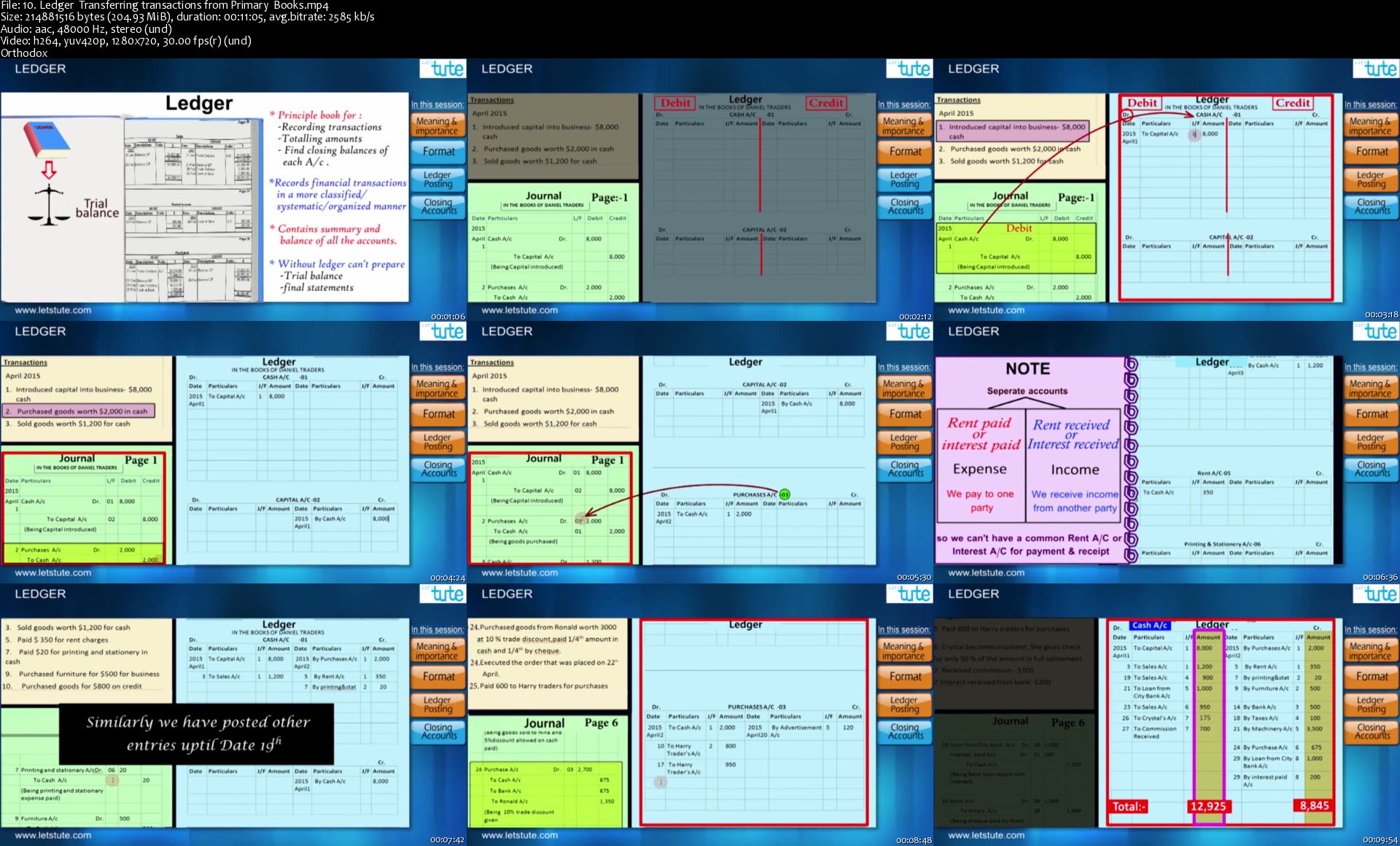
Financial Accounting : 2019-20 Updated Complete Course

Of-Efw-ILTuy-Qo-WIc0a-LRt4ltb5b84ldw9.jpg


Financial Accounting : 2019-20 Updated Complete Course
$34.99 | Created by LetsTute Make it Easy | Last updated 9/2019
Duration: 16 hours | Video: h264, 1280x720 | Audio: AAC, 48 KHz, 2 Ch | 16.7 GB
Genre: eLearning | Language: English + Sub | 100 lectures

What you'll learn

Complete knowledge of Accounting

Financial Bookkeeping & Accounting

Requirements

No prior knowledge required

Description

Learn basic & advanced Financial Accounting rules with our complete & updated financial accounting course.
Financial accounting involves recording of financial transactions in various accounting books whereas the accounting process involves recording, interpreting, classifying, analyzing, reporting and summarizing financial data. Recording financial transactions is the first part of  the foundation of the accounting process. Here we will understand the fundamentals and the entire process of accounting for a sole proprietor.
also, there are various types of business organisations who wants to get there accounting done here is the detail breakdown of such organisations.\n
The one who has two or more individuals engaged in an enterprise as a co-owners the organization is known as partnership firm
It is important then to have a proper guidelines for partners, An agreement to know the terms and understand how the accounting is done to be able to make sound business decisions
And the organisations like non profit concerns
Even though a they doesn't aim for profit they do require to maintain accounting so that they can track how much funds they've received and 
from what sources and where is the money being utilized,etc.
Plus Small scale businessmen or professionals might use a simpler way to keep their accounting records which we will understand in the single entry system of accounts.
We are also going to learn accounting of joint stock companies
And bills of exchange this is a negotiable instrument used in the credit system of accounting.
This Accountancy for beginners course consists of simple and logical explanatory videos on each of the  mentioned topics along with some problem solving sessions and fun quiz videos that will test your knowledge on the subject. It also includes assessment tools in PDF format which contain a summary on the topic along with practice questions and solutions.
-What you will learn? 
I. All the basic fundamentals of accounting 
II.and detailed process of preparing financial statement of a sole proprietor.
III. Entire Partnership Accounting 
IV. Accounting For Non Profit Organisations
V. Accounting For Incomplete Records (Single Entry System)
VI. Accounting of Negotiable Instrument - Bill of Exchange
VII. Accounting of Companies
This course consists of simple and logical explanatory videos on each of the  mentioned topics along with some problem solving sessions and fun quiz videos that will test your knowledge on the subject. It also includes assessment tools in PDF format which contain a summary on the topic along with practice questions and solutions.
-Who can take this course?
This course is beneficial to you weather you are a student, professional or businessman who wants to have proper knowledge of all the fundamentals of accounting. also this course is suitable for both boards of students. (CBSE and Maharashtra state board students).
-Benefits of taking this Course:
On completion of the course, your foundation on accounting will be stronger. You will understand the fundamentals of accounting and the entire process in which a sole trader would maintain his accounting records also one will understand the accounting of different types of business organisations with the help of:
Explanatory videos ensures complete concept understanding.
Problem solving sessions & Downloadable resources helps in applying your knowledge to solve various problems.
Quiz video helps in testing your knowledge.
This course will prove beneficial in learning any other higher level accounting chapter as well because the basics always remain the same.
In short it is an interesting course fulfilling all the student's needs.
So hurry up and enroll now!

Who this course is for:

Every Individual
Professionals
Students
Students who have interest in finance
11th & 12th Students


10-Ledger-Transferring-transactions-from-Primary-Books-s.jpg


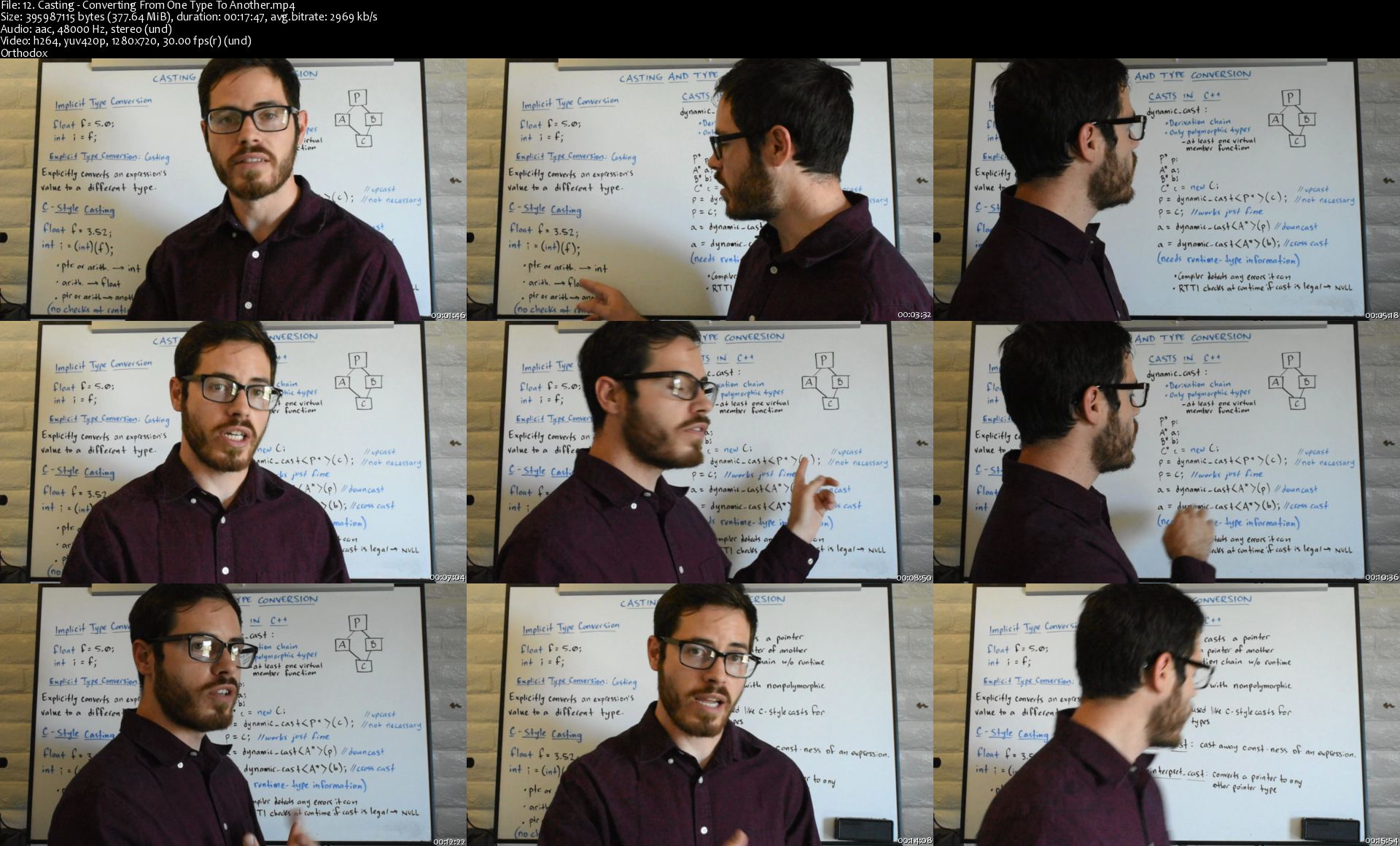
[Udemy] Learn C++ for Game Development

Zz-Hdku3-Sp-KGAOHPArq-JZ8-Zr7-T76tjg-Dj.jpg


[Udemy] Learn C++ for Game Development
Genre: eLearning | MP4 | Video: h264, 1280x720 | Audio: aac, 48000 Hz
Language: English | VTT | Size: 13.5 GB | Duration: 12.5 hours

What you'll learn
Students will be able to start programming in Unreal Engine with C++ without being intimidated by its advanced techniques.
Students will have a solid understanding of C++ basics.
Students will learn both theory and practice with classroom style whiteboard talks, and lab style hands-on programming sessions.

Requirements
No programming experience necessary. Must have a computer and internet.
Visual Studio Community is used (the free version) and students will not need to purchase any software.
Description
There are many C++ tutorials for Unreal Engine or other game engines out there, but most just assume you have a solid background in C++, or they cover the basics quickly. This is because Unreal Engine C++ is already too complicated to cover learning an entire programming language plus Unreal Engine programming in a single course. This course is designed to teach you C++ from the ground up, starting at absolute beginner level content and working up to advanced level techniques. This course will prepare you for programming video games in Unreal Engine, Cryengine, Lumberyard, or any game engine. Unreal Engine is not used in this course. This is a course on the basics of C++.

Who this course is for:
Anyone who wishes to program video games in Unreal Engine but does not yet know how to code in C++.
Beginners with no programming experience, or programmers who wish to brush up on the basics of C++.
Those who want to become video game programmers and gain a solid understanding of C++.
Anyone who wishes to learn programming in C++.

Homepage

12-Casting-Converting-From-One-Type-To-Another-s.jpg


Texturizado estilizado (Hand Painted) para videojuegos

2u-HTW0p-C377-Of-PUAAATYXb-Q9l-WMuj-Qrl.jpg


Texturizado estilizado (Hand Painted) para videojuegos
Genre: eLearning | MP4 | Video: h264, 1280x720 | Audio: aac, 48000 Hz
Language: Spanish | VTT | Size: 8.44 GB | Duration: 24 hours

What you'll learn
En este curso de Hand painting los estudiantes aprenderán a hacer texturas estilizadas.
Diferentes técnicas de texturizado, uno más tradicional y otro tipo estilizado PBR.
Teoría de color y nociones de iluminación aplicado a las texturas.
Todo lo necesario para poder mapear y texturizar independientemente del software que uses.
A hacer correctamente empaquetado de UVs así como UVWrapear de forma óptima.
Como hacer texturizado 3D en software como Blender, Substance Painter y Zbrush.
A crear topología correcta para un buen funcionamiento de las texturas.
Vamos a crear texturas tileables tanto en 2D con Photoshop como en 3D Con Zbrush.
Combinaciones de software para un workflow más eficiente a la hora de texturizar.

Requirements
Para este curso necesitarás unos conocimientos muy básicos de Adobe Photoshop.
Es necesario una tableta digitalizadora tipo wacom intuos/intuos pro/cintiq, huion, o xpen.
En algunas clases se usara Blender para pintar en 3D, no es necesario tener conocimientos de Blender ya que se explicara todo en el curso.
También se pueden usar programas similares como 3DCoat / BodyPaint / Substance Painter etc..
Necesitarás Adobe Photoshop.
Description
Bienvenido al curso de Texturizado estilizado (Hand painted) , donde aprenderás todo lo que necesitas para hacer texturas estilizadas.

El estilo hand painted esta cada vez más demandado profesionalmente y se usa en juegos como por ejemplo: World of Warcraft, League of Legends, Dota2, Darksiders, Diablo III, Overwatch, Bastion etc..

En el curso también se incluye contenido para poder hacer uvwrap (desplegado de geometría) y bakes de texturas, para tener la formación completa que necesita un artista de texturas.

Encontrarás diferentes ejercicios de texturizado, mapeado y bakes, que van desde assets sencillos, tiles de texturas, y también personajes, en un futuro añadiré armas y prácticas más complejas para que el curso nunca se quede desfasado.

Este curso se puede hacer individualmente o como complemento de mis anteriores cursos.

Además de la sección de preguntas y respuestas, todos los alumnos tienen acceso al grupo privado de alumnos de Facebook O3D Students y el grupo de Discord.

Que vamos a ver en el curso:

Más de 24 horas de vídeo que además se va ampliando con el tiempo.

Tutor con más de 13 años de experiencia en el sector del videojuego que resolverá tus dudas y aportará feedback para mejorar tus creaciones

Como crear texturas estilizadas en Blender y Photoshop, Zbrush y en un futuro cercano Substance Painter.

Prácticas que impulsaran tus habilidades.

Modelos listos para pintar.

Aprenderemos dos estilos de texturas estilizadas Hand painted tradicional y proyectado.

Veremos como hacer mapas de UVs y como aprovechar bien el espacio de textura.

Como hacer retopología correcta tanto de assets como de personajes.

Os enseñaré a hacer bakes de canales de Ambient oclussion, normal maps, lightmaps etc.. para luego aplicar sobre nuestros modelos.

Fundamentos básicos de Blender y Photoshop:

Aquí vamos a ver todo lo necesario de Blender para poder empezar a manejarnos y poder pintar en 3D, la versión actual de los vídeos es Blender 2.79.

También vamos a ver como crear uvs desde Blender y proyecciones de mapas como Ambient occlusion (AO)

Aprenderemos a modelar lo justo para poder crear un asset sencillo y empezar con el texturizado, pero también podréis descargar el archivo final para centrarse solo en la textura.

También daré una clase básica de Photoshop para que aprendáis donde están las herramientas que vamos a necesitar durante el curso.

Práctica de modelado/mapeado/bakes, Barril:

Para los que empezáis totalmente de cero o bien para quienes quieran aprender hacer textura y comprender bien que procesos son necesarios antes de empezar a pintar, he creado esta práctica sencilla de modelado, mapeado y bakes de un barril.

En la práctica enseñare desde cero Blender para poder crear nuestro barril si conocéis otro software de 3D podéis usarlo sin problema, por otra parte si ya tienes conocimientos de modelado o bien quieres empezar a pintar puedes pasar a la siguiente parte donde tendrás ya el barril creado listo para crear la textura.

En esta práctica aprenderemos:

Como modelar un barril estilizado.

Tipos de mapeado de textura que podemos usar y cuales se recomiendan.

UVWrap del barril en Blender.

Bake de Ambient Occlusion para poder partir de una base en la textura.

Práctica de pintado tradicional, Barril:

Para esta práctica vamos a pintar un barril de madera con partes metálicas para empezar a tener soltura con el color y la iluminación.

En esta práctica aprenderemos:

A preparar el color base de nuestro asset.

Crearemos los colores básicos de nuestro barril.

Aprenderemos a pintar las zonas de sombreado de la madera y el metal.

Daremos iluminación y volumen para sacarle partido a nuestra textura.

Vamos a hacer retoques de tonos y brillos.

Aprenderemos a proyectar texturas en Blender.

Ajustaremos colores en Photoshop.

Crearemos efectos de luz, sombra y contraste en Photoshop.

Práctica de retopología/mapeado/bakes, Rocas:

En esta práctica vamos a ver como cargar un objeto de alta poligonización traído de Zbrush a un soft tradicional de 3D como Blender, pero igualmente se puede hacer en otro soft como Topogun, 3Dsmax etc.

A este asset le vamos a crear una retopología para dejarlo listo para pintar, como siempre si ya tienes un asset preparado o bien quieres ir directo a pintar puedes saltar esta práctica ya que dispones de todos los archivos preparados.

Vamos a crear las uvs de las rocas, vamos a hacer el puzzle de uvs y vamos a hacer bakes de mapas extras para mejorar la textura.

Además crearemos un bake especial de luces para reforzar el volumen de la textura y mapas de mascaras y wireframe.

En esta práctica aprenderemos:

Como preparar un modelo para retopología.

Dónde hacer la retopología.

A crear la retopología correcta para un buen mapeado.

Como hacer un puzzle de uvs.

Bakes de mapas como Ambient occlusion, Normal map ,Object space y Gradient map.

Donde hacer los cortes (seams) para desplegar bien las uvs.

A bakear las luces de la escena para darle mucho más volumen a nuestra textura.

Bakes de mapas como máscaras y wireframe.

Práctica de pintado proyectado, Rocas:

En esta práctica nos valdremos de Photoshop para darle vida a esta textura gracias a los mapas generados anteriormente, dispondrás de todo el material necesario para empezar desde este punto.

En esta práctica aprenderemos:

Crear una textura base en Photoshop gracias a los mapas creados anteriormente.

Crearemos sombras he iluminaciones de la roca con método no destructivo.

Vamos a marcar zonas de iluminación dura.

Añadiremos efectos extra como musgo por encima de la roca.

A crear diferentes efectos de color para darle riqueza a la textura.

Veremos como realizar ajustes en Photoshop para darle un acabado final.

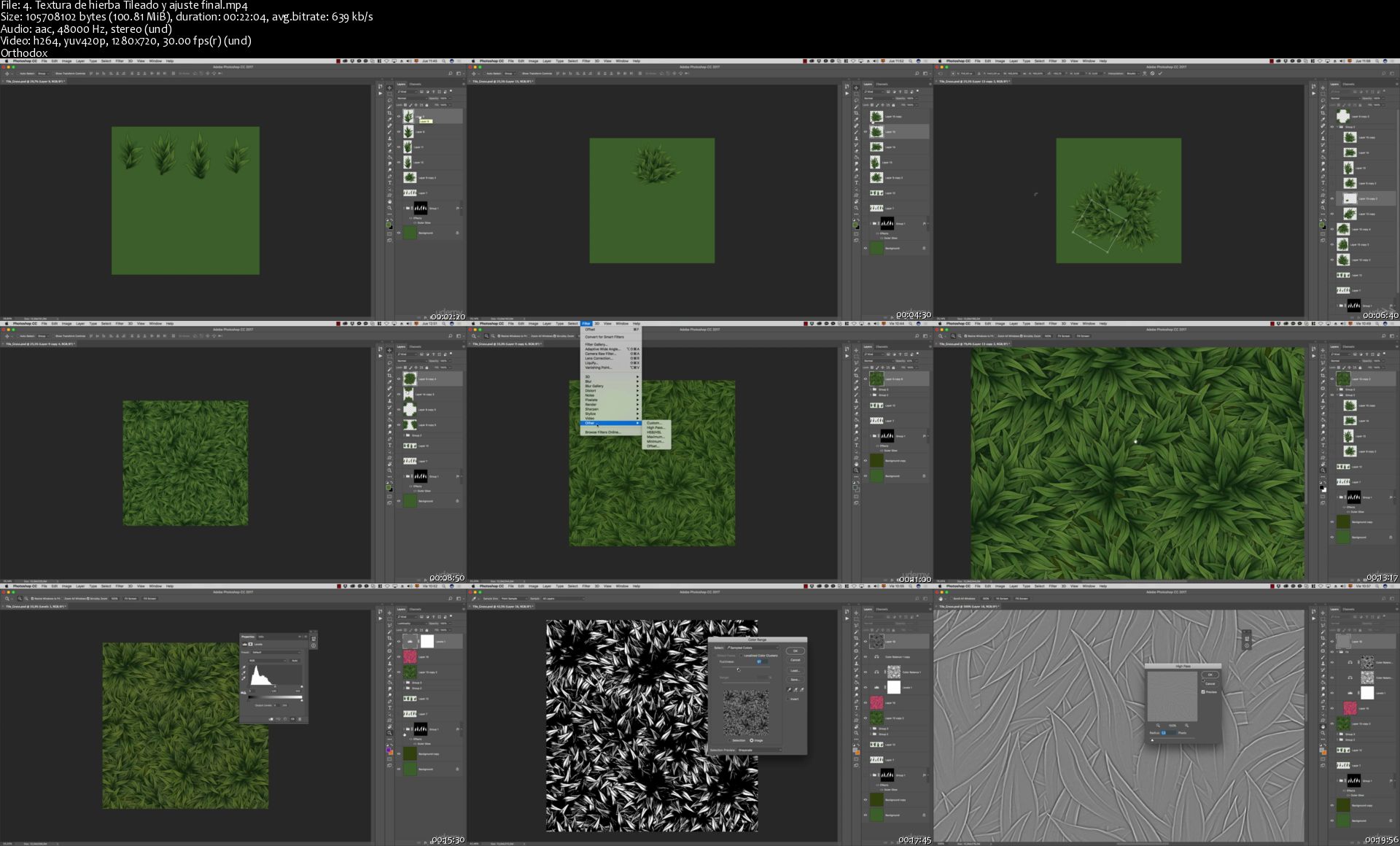
Práctica de pintado tradicional, Tile de hierba:

Uno de los elementos más importante de cualquier videojuego son los tiles, que son aquellas texturas que se repiten tanto por su parte superior/inferior como por la izquierda/derecha de esta forma se pueden cubrir con una sola textura grandes superficies poligonales. Como texture artist es necesario conocer esta técnica y como conseguir un buen resultado y esto es lo que vamos a ver en esta práctica en Photoshop.

En esta práctica aprenderemos:

A entender el concepto de tileado.

Crearemos la forma base de la hierba.

Crearemos una composición.

Convertiremos nuestra textura a tileable.

Veremos técnicas de ajustes finales en Photoshop.

Práctica de pintado tradicional, tile roseta:

Seguimos con los tiles y esta vez vamos a hacer un tileado circular como si fuese una roseta, además esta práctica se puede combinar con la anterior dando un excelente resultado.

En esta práctica aprenderemos:

A preparar diferentes tipos de tileado.

Hacer grietas estilizadas.

Veremos como hacer detalles ornamentales.

Como sombrear y pulir el tile.

A controlar el padding de la textura.

Sacarle relieve poligonal a nuestra textura.

Práctica de pintado proyectado, tile de suelo:

En esta práctica vamos a ver una manera de hacer con Zbrush una textura tileable, esta técnica es muy valiosa para todo texture artist ya que desde Zbrush se pueden hacer texturas increíbles como se hacen en juego como Uncharted, Darksiders, Assassin's creed entre muchos otros.

Crearemos un modelo poligonal sencillo en Blender o el software 3D que queráis usar en el que funcione el tileado para llevar todo a Zbrush y darle allí el aspecto final.

En esta práctica aprenderemos:

A crear un base mesh tileable en Blender o cualquier otro soft 3D.

Exportaremos correctamente nuestra base mesh a Zbrush.

Veréis las técnicas de esculpido tileable en Zbrush.

Añadiremos grietas y desgastes a la roca en Zbrush.

Aprenderemos como decimar en Zbrush para optimizar la geometría.

Veremos como hacer bakes de texturas para el tile.

Os enseñaré como buscar referencias de color para nuestro tile.

Texturizaremos el tile con diferentes técnicas en Photoshop.

Ajustaremos tonos, sombras y luces.

Y añadiremos hierba por encima para romper el aspecto tileado.

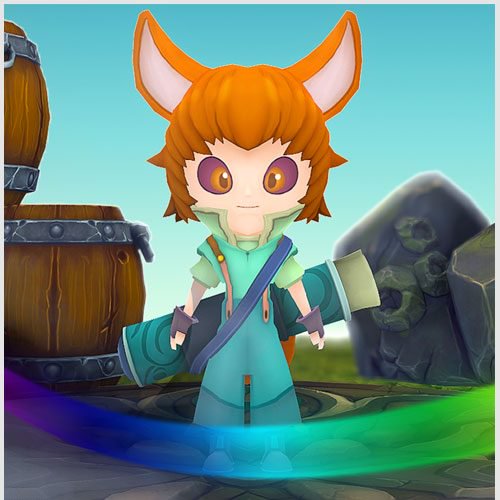
Práctica de UVs y Bakes, personaje Fox Kid:

En esta práctica vamos a preparar un personaje para texturizar, este personaje es el que hicimos en el curso de Blender, tendréis todos los recursos disponibles para empezar con el y crear las UVs y hacer los bakes necesarios. Por supuesto si queréis pasar directamente a pintar podréis saltaros esta clase, pero siempre es recomendable crear por si mismo los uvs para entender correctamente el workflow de un texture artist.

En esta práctica aprenderemos:

A hacer todas las uvs del personaje en Blender o el soft 3D que queráis.

Empaquetaremos correctamente el UV.

Vamos a hacer los bakes de texturas necesarios para la siguiente práctica.

Práctica de texturizado tradicional, personaje Fox Kid:

En esta práctica texturizaremos un personaje completo, las técnicas aquí explicadas son válidas para cualquier otro personaje o asset que queráis hacer. Todos los recursos están para su descarga para que podáis empezar a pintar inmediatamente.

En esta práctica aprenderemos:

A dar una base de color tomando de referencia un concept.

Texturizaremos diferentes partes del cuerpo, cara, pelo, ropa, ojos, etc..

Vamos a combinar un soft de pintado 3D, en este caso Blender con Photoshop.

Veremos como organizar nuestras capas en Photoshop para ser más eficientes.

Crearemos un patrón con vectores desde Photoshop para algunos detalles extra.

Arreglaremos los fallos de cortes de textura 3D (seams)

Y por último daremos ajustes finales.

Hand Painted tips:

En esta sección vamos a ver tips que nos pueden ayudar a texturizar, como por ejemplo:

Diferentes tips de Blender para que sea más cómodo pintar en 3D.

Como configurar GOz para enviar archivos rápidamente de Blender a Zbrush.

Veremos como instalar pinceles y acciones en Photoshop.

Como usar Xnormal para hacer padding.

Y más tips que se van añadiendo con el tiempo o por petición de los alumnos.

Actualización constante:

Siempre que salga algún soft nuevo de texturizado que sea interesante o bien se actualice Blender o Photoshop iré añadiendo o actualizando las clases para no quedarnos atrás.

Terminología:

Este último apartado tendremos una guía ilustrada de terminología técnica sobre el mundo digital 3D, donde podremos entender con ejemplos visuales, tecnicismos como normal map, mipmapping, level of detail etc.

El futuro del curso:

Como ya sabéis de mis anteriores cursos, me gusta tener actualizado el contenido, aun no tengo cerrado que voy a añadir para el siguiente año pero si se me ocurren varias opciones muy interesantes:

Añadir prácticas estilizadas con Substance Painter.

Enseñar retopología de un cuerpo humanoide completo.

Crear un diorama de un escenario completo.

Añadir prácticas con el estilo isométrico tipo Diablo 3.

Prácticas de armas y escudos.

Who this course is for:
A artistas que les apasione el estilo de texturas estilizadas (Hand Painted).
Para quienes amen los videojuegos y quieren formar parte de la industria como texturizador.
Quienes nunca se atrevieron a pintar en 3D por que les parecía complicado.
Cualquier persona que quiera aprender los conceptos básicos del proceso de texturizado.
Modeladores 3D que ya saben modelar y quieran convertirse en un artista todo terreno que pueda encargarse del proceso completo.

Homepage

4-Textura-de-hierba-Tileado-y-ajuste-final-s.jpg


Substance Painter: Texturizado PBR para videojuegos.

n9se7-IEUTb-FAg5-Xynrr38-Xw-Upyd-HYNxl.jpg


Substance Painter: Texturizado PBR para videojuegos.
Genre: eLearning | MP4 | Video: h264, 1280x720 | Audio: aac, 44100 Hz
Language: Spanish | VTT | Size: 9.99 GB | Duration: 11.5 hours

What you'll learn
Students will be able to create complex and realistic materials for their creations or for professional assignments and jobs.

Requirements
No se requiere ningún conocimiento previo, es un curso donde se aprende desde cero.
No es estrictamente necesario pero se recomienda una tableta digitalizadora tipo wacom intuos o similares.
Se requiere un equipo que pueda correr Substance Painter.
Es recomendable usar Substance Painter a partir de la versión de verano de 2018.
Description
En este curso vas a aprender todo el proceso de creación de materiales realistas PBR para videojuegos o cine con la herramienta más potente: Substance Painter.

Que vamos a ver en el curso

Primero veremos una parte teórica donde explicaremos:

Una explicación detallada de que es PBR y que texturas lo componen.

Como crear un nuevo proyecto y como configurarlo correctamente.

Importar nuestros archivos 3D ya sean .obj o .fbx.

Controles básicos de la interface, lo esencial para saber movernos.

Paneles de la interface para saber que hace exactamente cada botón y para que se usan.

Mascaras y generadores, donde se explicará al detalle que son y como funcionan.

Crearemos un material base para ver con ejemplos el funcionamiento del PBR.

Pinceles, donde se mostrará como se usan y que tipo de pinceles tenemos a nuestra disposición.

Partículas, una pequeña muestra del potente sistema de partículas que tiene Substance Painter para crear texturas.

Stencil y clonado, veremos como proyectar texturas directamente en nuestros modelos y como clonar zonas.

Substance Share/Source, navegaremos por la web oficial de recursos de Allegorithmic para explicar como descargar recursos.

Después empezaremos con las prácticas:

Práctica del rifle:

En está práctica os proporcionaré los recursos necesarios para crear la textura de un rifle de asalto, por supuesto podéis usar el material del curso o traer vuestros propios modelos.

Dentro de la práctica vamos a ver:

Bakes de texturas, vamos a explicar como se trasladan los detalles de un modelo de alta poligonización a uno de baja poligonización.

Material base, veremos como crear el material metálico puro que va por debajo de todo el arma.

Metal superior, donde veremos como crear las capas de metal y aleaciones de metales para darle un aspecto realista a nuestro arma.

Variaciones de textura, donde probaremos diferentes técnicas para darle diferente aspecto a nuestro arma.

Aprenderemos como guardar máscaras con anchor points para luego utilizar en otras zonas del arma.

Veremos como usar Pinceles con información de altura tanto con normal map como con height map para darle un detalle superior a nuestra textura.

Explicaremos y crearemos smart mask para darle efectos a nuestro arma como por ejemplo desgaste o suciedad.

Plástico, vamos a crear diferentes materiales para componer el arma entre ellos plástico y cristal.

Por último exportaremos todas las texturas para poder usar más adelante en engines como Unreal/Unity o Marmoset.

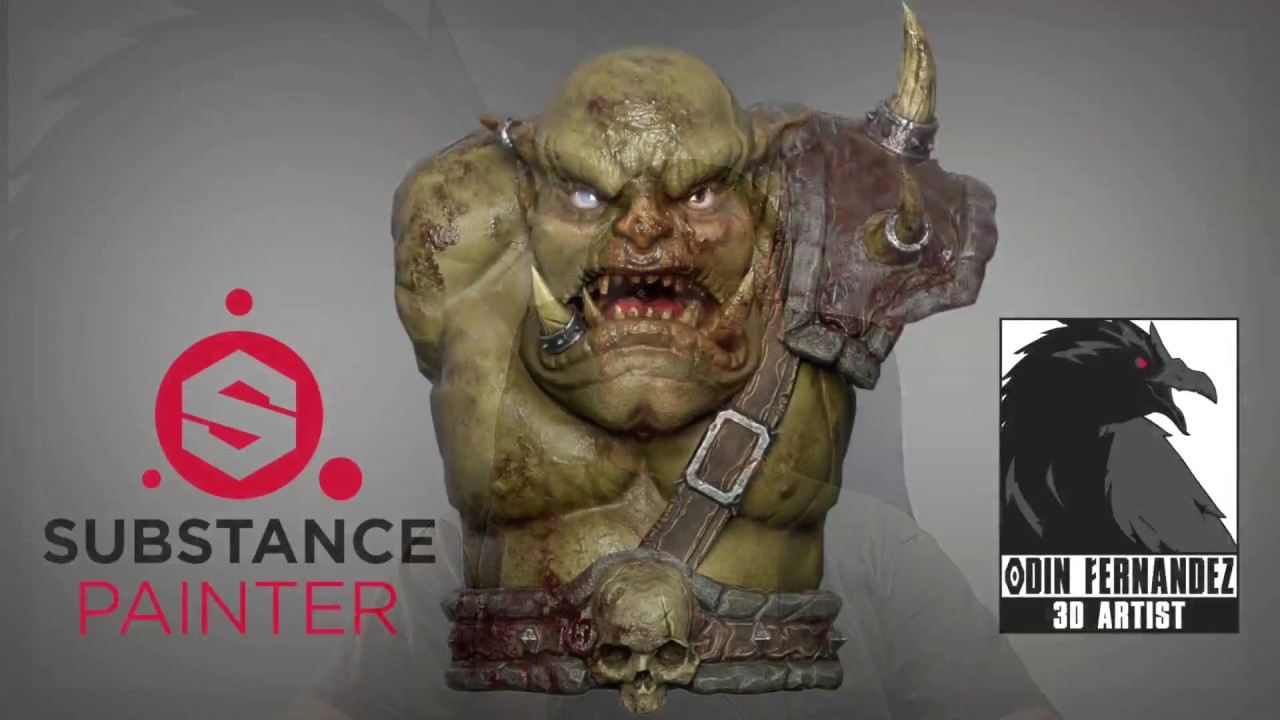
Práctica del orco/humanoide:

En esta práctica vamos a crear un orco, tendréis disponible todos los recursos, pero como en la práctica anterior podéis traer vuestro propio modelo, por eso mismo primero vamos a crear la piel del orco con un tono "normal" para explicar el funcionamiento de la piel humana y luego crearemos la variación de textura verde, también añadiremos detalles como sangre, tatuajes o suciedad.

Aparte veremos como crear diferentes materiales extra.

Dentro de la práctica vamos a ver:

Preparación antes de empezar, esto incluye como solucionar pequeños problemas antes de empezar un proyecto grande.

Baking de texturas, donde veremos de forma más profunda todos los mapas que son necesarios para este tipo de modelos orgánicos y como importar correctamente los modelos de alta resolución.

Como buscar y organizar referencias.

Piel base, donde crearemos la base de piel humana para nuestro personaje.

Tonos de piel, donde veremos y explicaremos como colorear la piel de nuestro personaje.

Textura de piel, en estas clases veremos como añadir relieve a nuestra piel, añadirle texturas realistas o crear efectos de grasa.

Veremos como crear zonas mucosas como labios y también zonas con cicatrices.

Crearemos los ojos y la lengua al detalle.

Veremos como organizar nuestros objetos extras con mascaras de ID.

Crearemos materiales de cuero, metal, hueso, cuernos, dientes y piedra.

Por último exportaremos todas las texturas para poder usar más adelante en engines como Unreal/Unity o Marmoset.

Como en todos mis demás cursos estos se irán ampliando con prácticas y recursos extras, tanto de mi parte como por peticiones de los alumnos.

Como siempre, estoy a vuestra entera disposición para cualquier duda en el apartado de preguntas y respuestas, además del grupo de Facebook de O3D Students y Discord.

Who this course is for:
Cualquier persona que sea un apasionado de los videojuegos y quiera aprender la técnica de texturizado más potente hasta la fecha.
Personas que quieran iniciarse en el mundo del texturizado PBR.
Modeladores y escultores que quieran darle color y vida a sus creaciones.

Homepage

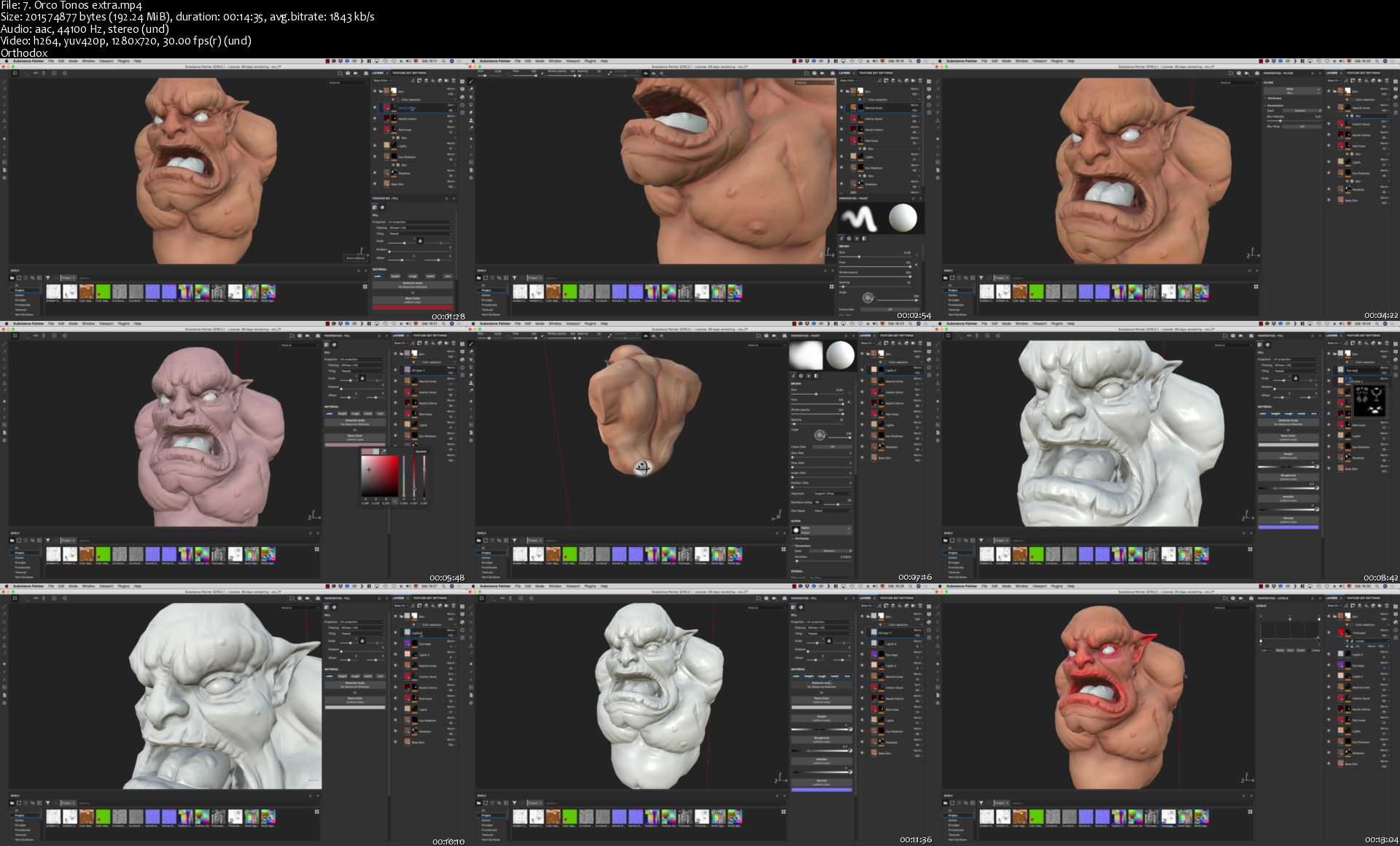
7-Orco-Tonos-extra-s.jpg


Iniciación a Substance Designer, primer contacto.

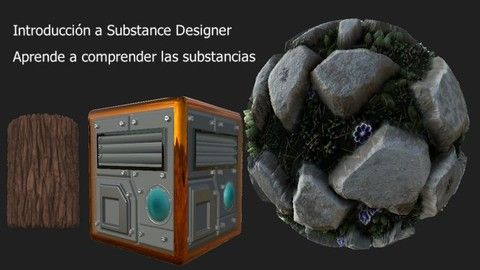
w-X1-MDi-LIFFvd-Zi0td4tb-C42-CMbp-EBts7.jpg


Iniciación a Substance Designer, primer contacto.
Genre: eLearning | MP4 | Video: h264, 1280x720 | Audio: aac, 44100 Hz
Language: Spanish | VTT | Size: 9.14 GB | Duration: 11.5 hours

What you'll learn
You will be able to understand the steps to follow to create your own materials
Analyze and see patterns everywhere ... maybe they call you crazy? but that is the world full of!
Understand the workflow to develop your materials from the idea to the creation of variations.

requirements
Substance Designer software is required
Basic knowledge about the world of modeling and UV deployment, NOT TO BE MODELED IN THE COURSE but if you are going to see 3d models
Desire to learn to create substances.
Description
In this course we will learn to understand the workflow so that we are able to create substances autonomously, we will understand how to start working and above all why we use a node and not another.

We will work with the Substance Designer 2018 version, although we will practically use the basic nodes that come in all previous versions.

Learn to reason and see how you can create your substances instead of just following a tutorial that says "put this value here and now"

I wait for you!

P.S. The audio of the videos (which were heard very low) that are commented in the reviews are already fixed!

Who this course is for:
This course is for people who want to create their own materials, substances and textures. That person who is interested in the world of nodes, optimization and procedural.
For all those people who want to correctly understand how a substance is made, not just follow tutorials.

Homepage

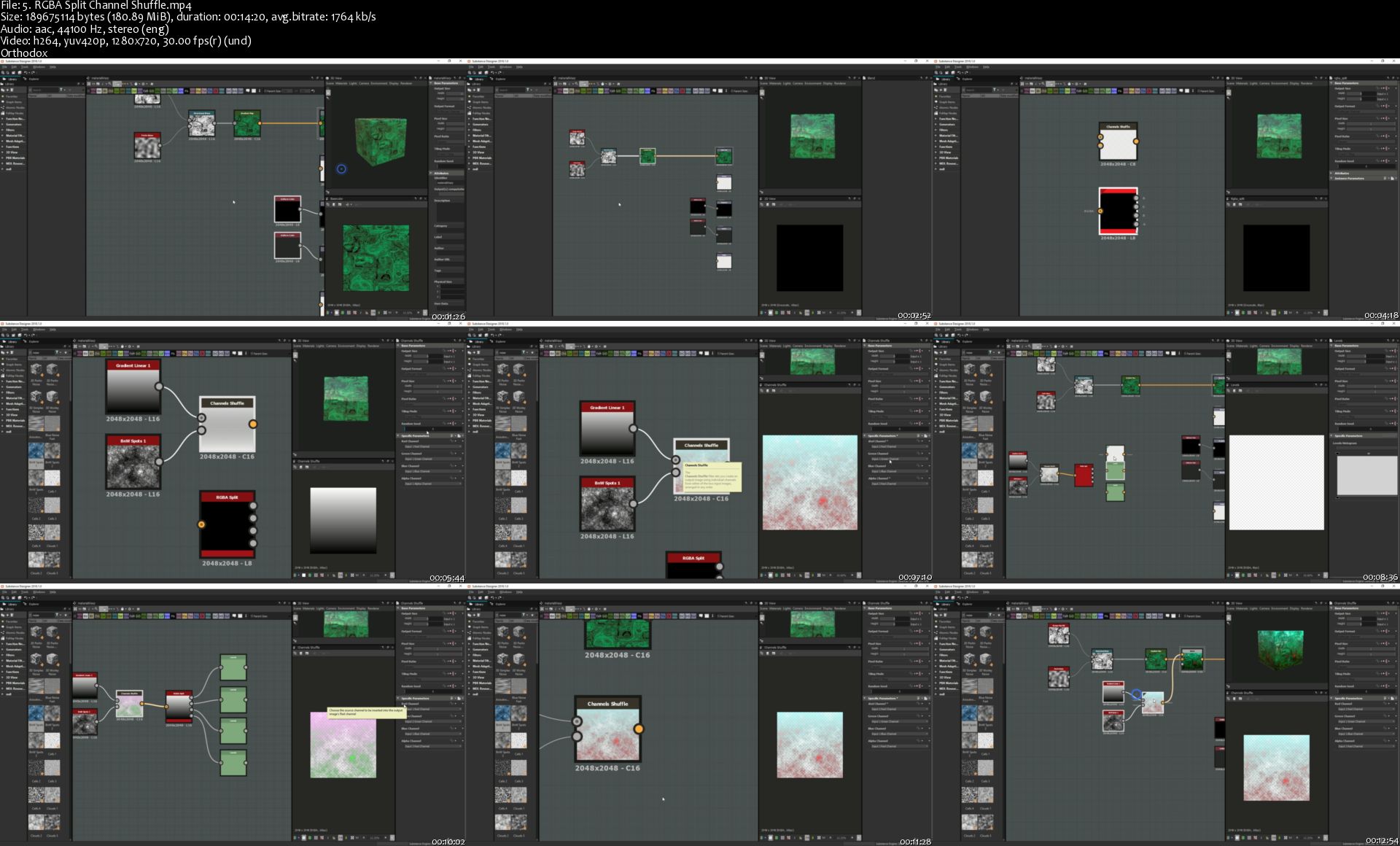
5-RGBA-Split-Channel-Shuffle-s.jpg


Hedge and Mutual Fund Careers: The Complete Guide

OSGKe-L6vv1m-Q5-Qqx-YAPTR97-Voq1batt-Z.jpg


Hedge and Mutual Fund Careers: The Complete Guide
Genre: eLearning | MP4 | Video: h264, 1920x1080 | Audio: aac, 48000 Hz
Language: English | VTT | Size: 7.93 GB | Duration: 8.5 hours

What you'll learn
#1 Best Selling Hedge Fund Course on Udemy!
Learn how to pick stocks by using easy to understand methodologies that professional investors at the top hedge funds and mutual funds use.
How to come up with mutual fund investment ideas (longs - meaning buys) using an easy to understand top down and bottoms up research process.
How to come up with hedge fund investment ideas (longs and shorts) using an easy to understand top down and bottoms up research process.
Use templates and helpful methodologies created by Professor Haroun when he worked in the hedge fund industry to help you get a job, get promoted and pick stocks. The templates are all included in the course as well as Professor Haroun's easy to understand 8 step investment framework process.
Identify crucial catalysts (timed events) in order to know when the optimal time is to buy or short a stock.
Know exactly what a hedge fund is, the different hedge fund strategies, what it is like to work at a hedge fund, the pros and cons of working at a hedge fund, what shorting a stock really means, how hedge funds are structured and the who/what/where/why/when/how of the top hedge funds.
Know exactly what a mutual fund is, the different mutual fund strategies, what it is like to work at a mutual fund, the pros and cons of working at a mutual fund, how mutual funds are structured and the who/what/where/why/when/how of the top mutual funds.
Choose what buy side job you are most passionate about (mutual funds or hedge funds).
Understand how investment banks (the 'Sell Side') can help you be more successful in a hedge fund or mutual fund career.
Create easy to understand 1 page templates on why a stock is a buy or a short that you can use to help you come up with investment ideas. You can also impress your boss, clients, colleagues and potential clients or potential boss!
Analyze and understand an income statement (even if you have no experience with income statements).
Analyze and understand a balance sheet (even if you have no experience with balance sheets).
Analyze and understand a cash flow statement (even if you have no experience with cash flow statements).
We will do an extremely in depth professional investment analysis of LinkedIn using the investment methodologies used in this course (you will also have many exercises to complete that will help you understand modeling, financial statements and how to value companies).
Understand and use modeling best practices so you can create financial models.
Know where to get data in order to build a financial model (in depth understanding of identifying and using/navigating the best free websites and sources to build your financial model)!
Create a financial model (projecting the future) for an income statement.
Create a financial model (projecting the future) for a balance sheet.
Create a financial model (projecting the future) for a cash flow statement.
Understand valuation best practices so you can create target prices based on your financial models.
How to use Discounted Cash Flow (DCF) and how to create the Weighted Average Cost of Capital and Terminal values in order to pick target prices.
How to use P/E in order to pick target prices.
How to use P/R in order to pick target prices.
Other valuation methodologies, including EV/Sales, EV/EBITDA, P/B, EV/FCF, etc.
Come up with a target price based on an average of several different valuation methodologies.
Know the differences with how hedge funds and mutual funds value and model companies.
Analyze the total addressable market for a company you are doing research on.
Analyze financial statements using profitability ratios: Gross Margin (Cost of Goods Sold / Revenue), Operating Margin (EBITDA/ Revenue), Net Profit Margin (Net Income / Revenue), Return on Assets (Net Income / Assets) and Return on Equity (Net Income / Equity).
Analyze financial statements using debt and inventory formulas: Debt to Assets (Total Liabilities/ Total Assets), Debt to Equity (Total Liabilities/ Total Equity), Interest Coverage Ratio (EBITDA / Interest) and Inventory Days on Hand (Inventory / Cost of Good Sold) * 365.
Analyze and compare companies using the following formulas: Price / Earnings, PEG (P/E / Growth), Price / Revenue, EV/EBITDA, EV/Sales, Price/Free Cash Flow and Price / Book.
How to interview management teams and tell if they are lying (based on training I received from 25 year CIA and FBI veterans).
How to keep you and your family safe by discussing important compliance rules in the mutual fund and hedge fund industry.
How to ace the mutual fund interview so you can get hired.
How to ace the hedge fund interview so you can get hired.
How to keep your boss happy at a hedge fund so you have a much better chance of getting promoted.
How to keep your boss happy at a mutual fund so you have a much better chance of getting promoted.
Politics to be aware of at a hedge fund.
Politics to be aware of at a mutual fund.
Excellent tips/secrets on how to get promoted at a hedge fund.
Excellent tips/secrets on how to get promoted at a mutual fund.
What is the role of a successful portfolio manager at a hedge fund?
What is the role of a successful portfolio manager at a mutual fund?

Requirements
You don't need to have any stock picking or any accounting or any finance experience as we will cover all of the concepts from scratch. A requirement is that you have access to and a very basic understanding of how to use Microsoft Excel as we will use Microsoft Excel in the course as we will be analyzing and creating a Balance Sheet, Income Statement and Cash Flow Statement. We will also learn how to create the following from scratch using Microsoft Excel: financial models so we can come up with target prices using Discounted Cash Flow, the Weighted Average Cost of Capital, Price to Earnings, Price to Revenue, etc. - again all from scratch (assuming you have no or some accounting/finance knowledge).
Description
#1 Best Selling Hedge Fund Course on Udemy! ** ACCORDING TO BUSINESS INSIDER: "Haroun is one of the highest rated professors on Udemy, so you can expect to be in good hands through the course of your education." ** He is the author of the best selling business course on Udemy this year called 'An Entire MBA in 1 Course'

There are 100 lessons in this course to help you understand how to pick stocks like professional investors do at mutual funds and hedge funds (even if you have no stock picking, accounting or finance experience)! Also, if you want to work or be successful at a hedge fund or at a mutual fund, this course will tell you how to get a job, get promoted and how to excel at mutual funds and hedge funds.

Professor Chris Haroun has been profiled in Forbes Magazine and Business Insider and has raised and managed over $1bn in his finance career. He loves teaching students about real world practical concepts with no theory.

Professor Haroun has more than 20 years of finance analyst experience in several different finance sectors, including 5 years at Goldman Sachs, 8 years in the hedge fund industry at firms that include hedge fund giant Citadel and his own firm, 7 years in the venture capital industry (a venture firm he started had a private investment years ago in Facebook) and 4 years in the finance/tech industry at Accenture where he worked on the merger of Bank of America and Nations Bank as well as setting up an offshore bank for the Canadian Imperial Bank of Commerce. His finance work experience has been all over the world in countries that include the United States, England, Scotland, Canada, Japan, China, India and France. He has taught students in more that 160 countries and he is a well known business author of many books. His popular business book: '101 Crucial Lessons They Don't Teach You in Business School' was written up in Forbes Magazine as "1 of 6 books that all entrepreneurs need to read right now."

Professor Haroun also has an MBA from Columbia University where he majored in Finance.

After taking this course, students should be able to understand how to pick stocks like a professional investor at a mutual fund or hedge fund as well as how to get a job, get promoted and how to excel at mutual funds and hedge funds.

Who this course is for:
Anyone interested in learning how to pick stocks the easy way - like the pros do (assuming you have no finance and accounting background. You will learn the easy way how to pick stocks like professional investors do at mutual funds or at hedge funds).
Anyone interested in working at a hedge fund as an analyst.
Anyone interested in working at a mutual fund as an analyst.
Anyone that already works at a hedge fund and wants to learn how to improve their stock picking skills and also how to get promoted to the next level (portfolio manager).
Anyone that already works at a mutual fund and wants to learn how to improve their stock picking skills and also how to get promoted to the next level (portfolio manager).
Anyone that is interested in learning about the hedge fund and mutual fund industries and how they pick stocks.

Homepage

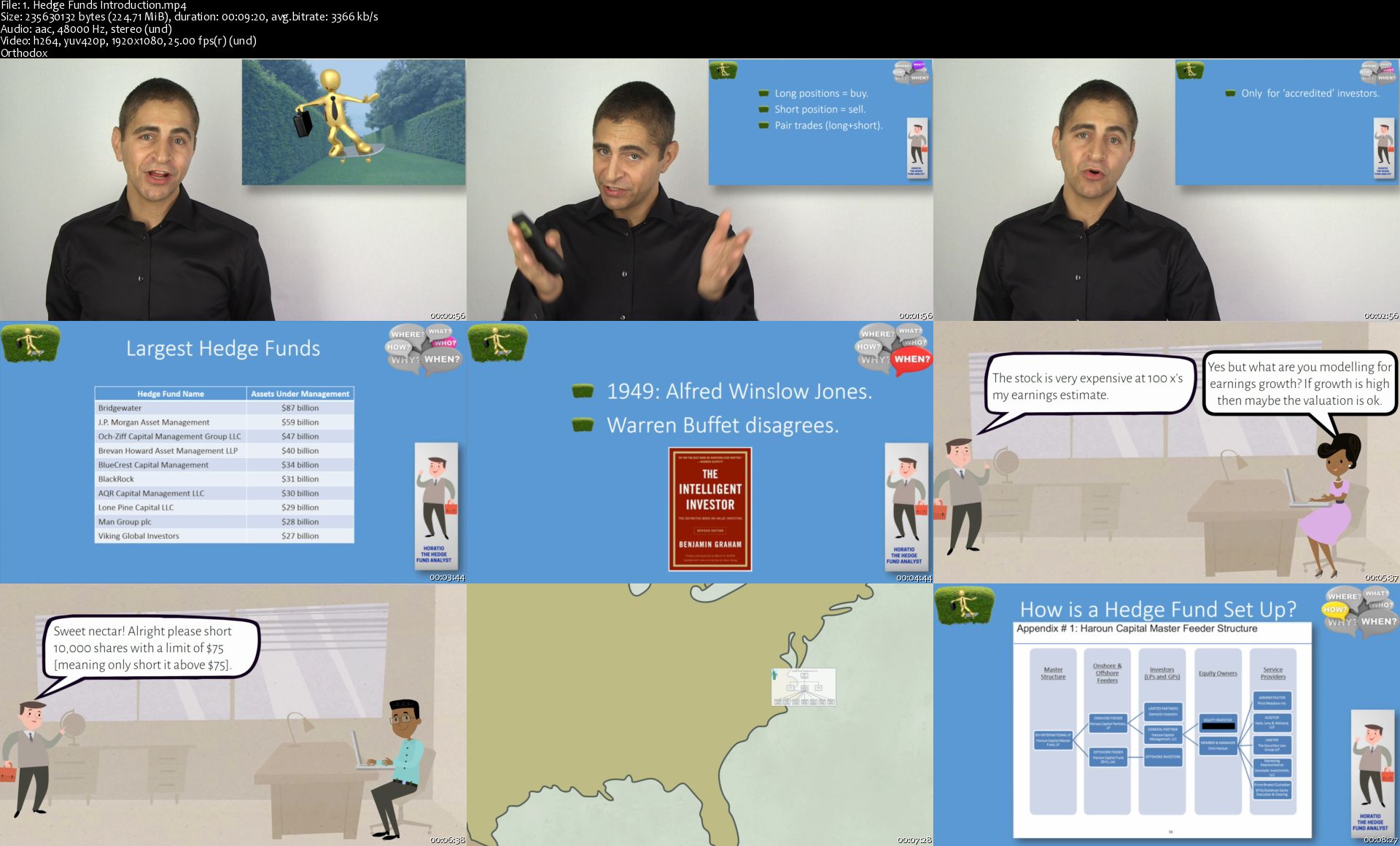
1-Hedge-Funds-Introduction-s.jpg


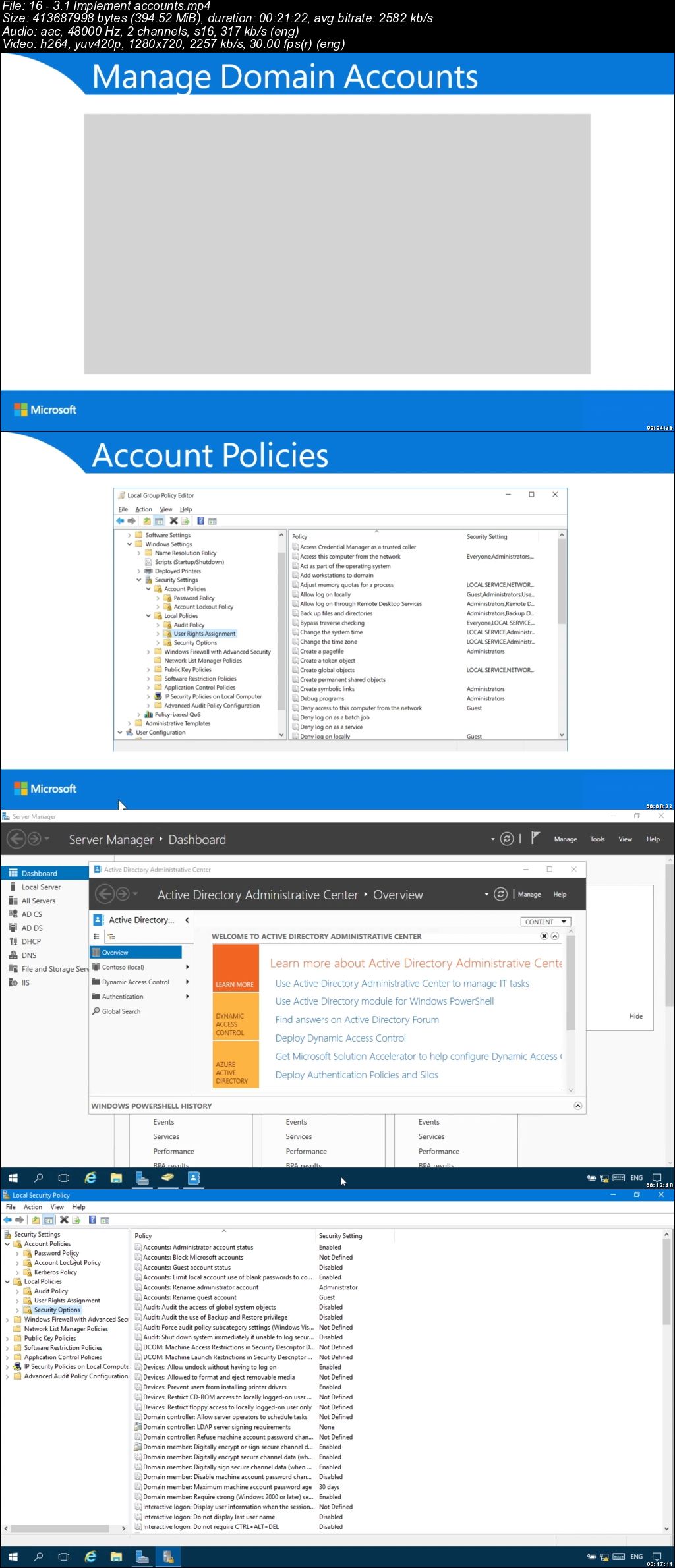
Exam Ref MD-100 Windows 10 (Video)

006c8e2e.jpg


Exam Ref MD-100 Windows 10 (Video)
.MP4 | Video: 1280x720, 30 fps(r) | Audio: AAC, 48000 Hz, 2ch | 8.19 GB
Duration: 8h 12m | Genre: eLearning | Language: English


Prepare for Microsoft Exam MD-100: Windows 10-and help demonstrate your real-world mastery of skills and knowledge required to deploy, configure, secure, manage, and monitor Windows devices and client applications. Designed for Windows administrators, Exam Ref MD-100: Windows 10 focuses on the critical thinking and decision-making acumen needed for success at the Microsoft Certified Associate level.

Focus on the expertise measured by these objectives:

Deploy Windows
Manage devices and data
Configure connectivity
Maintain Windows

This Microsoft Exam Ref MD-100: Windows 10:

Organizes its coverage by exam objectives
Features strategic, what-if scenarios to challenge you
Assumes you have some experience administering Windows 10 and non-Windows devices and technologies

About the Exam

Exam MD-100: Windows 10 focuses on knowledge needed to deploy Windows; perform post-installation configuration; manage local users, local groups, and devices; configure data access and protection; configure devices with local policies; manage Windows security; configure networking; configure remote connectivity; configure system and data recovery; manage updates; and monitor and manage Windows.

006c8e2f.jpg


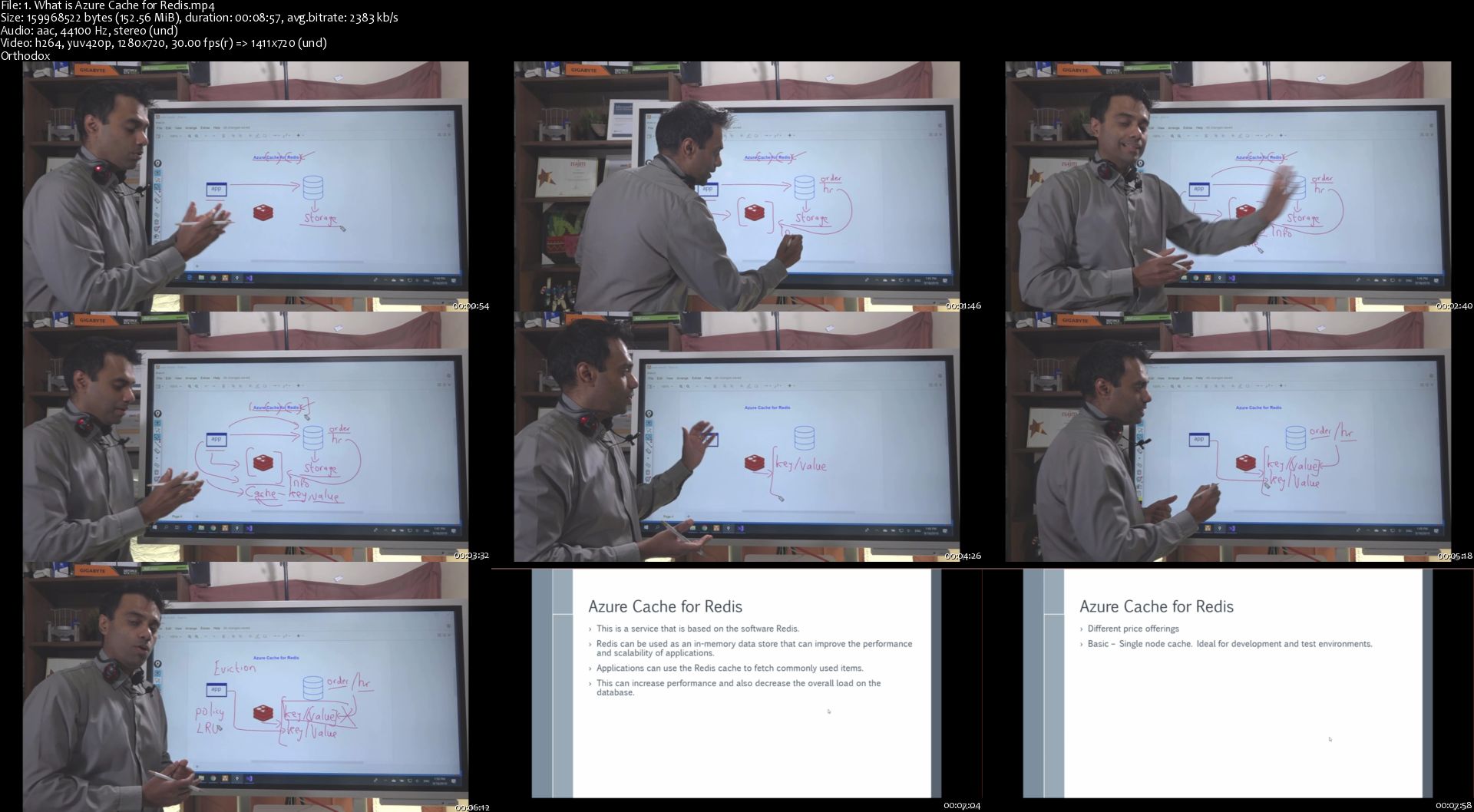
Exam AZ-203 - Developing Solutions for Microsoft Azure

edlb-Pn-AUok-Qv00-MZc-MQFu-IT5-Afe5-Bu-MP.jpg


Exam AZ-203 - Developing Solutions for Microsoft Azure
$99.99 | Created by Alan Rodrigues | Last updated 9/2019
Duration: 7.5 hours | Video: h264, 1280x720 | Audio: AAC, 44 KHz, 2 Ch | 5.6 GB
Genre: eLearning | Language: English + Sub | 85 lectures

What you'll learn

Students will be better prepared for the AZ-203 certification exam

Students will learn the important aspects for what is required from an exam perspective

Requirements

Students need to be well versed in any one programming language
Students need to have 1-2 years experience as a developer
Students should create or have an account in Azure to practice along
Students need to be aware on what is Cloud computing

Description

This course is designed for students who want to attain the "Developing Solutions for Microsoft Azure" certification
This course has contents for the Exam AZ-203
The objectives covered in this course are
Develop Azure Infrastructure as a Service compute solutions
Develop Azure Platform as a Service compute solutions
Develop for Azure storage
Implement Azure security
Monitor, troubleshoot, and optimize solutions
Connect to and consume Azure and third-party services

Who this course is for:

Those who want to pursue the Azure Developer certification
Those who want to pass the Microsoft exam AZ-203

1-What-is-Azure-Cache-for-Redis-s.jpg


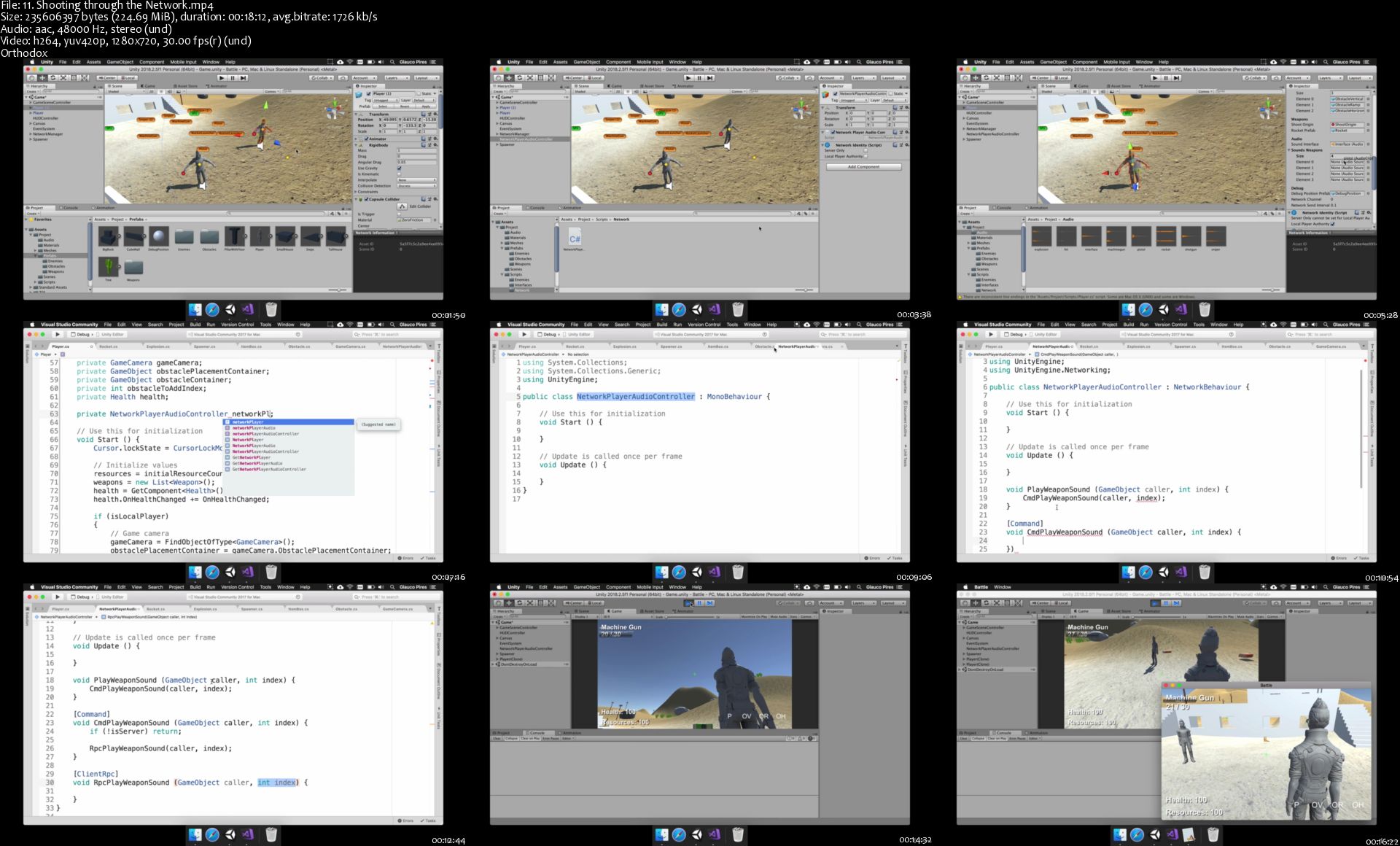
Build a Battle Royale from Scratch with Unity® and Blender!

94-Heotw-FVc0-B5-DGHKKs-Ze6-Pv-Qo-FLs-L2-B.jpg


Build a Battle Royale from Scratch with Unity® and Blender!
Genre: eLearning | MP4 | Video: h264, 1280x720 | Audio: aac, 48000 Hz
Language: English | VTT | Size: 47.3 GB | Duration: 56 hours

What you'll learn
Create your own unique Battle Royale system.
Design large environments for your character to explore in.
Learn the basics of animation.
Code in C#.

Requirements
The latest version of Unity®. (free)
Blender 2.78 or higher (free)
This course was recorded on a Mac, but you can use a PC
Description
Design and develop a full-on Battle Royale system and environment for multiplayer. Create and animate characters today.

"I've been using Unity as a hobbyist for about 3 years now, and in the last 6 months my understanding of it has really just sky rocketed. This was time to actually make and FINISH a project. So I grabbed this. I've learned quite a few things already. He explains things frankly speaking better than most. He is deliberate and does not overwhelm you with knowledge. He takes it module by module so you can digest it carefully and retain it. It's paced extremely well. I've watched about 3 hours of it so far, and while most was review so far...there was some info that I simply did not know. So far not disappointing. I'm rather pleased in fact." -Review from student Paul

"I found the starting very slow but it was covering the very basics of Unity and C#. Once it get into the next sections it was brilliant. I'm not even half way through and I'm loving it." - Warren G.

-----------------------------------------------

Do you love Battle Royale games? Do you want to take your own spin at the genre? This is the perfect course for you.

Learn how to create a full 3D environment. Build and design characters to wield weapons and run a muck as they try to survive your own Battle Royale!

⭐ ⭐ ⭐ ⭐ ⭐

A wildly successful Kickstarter funded this course

In this course, you learn how to build your own Battle Royale game with Unity® and Blender. This course is unique because we make both the code and the art for the game from scratch. We teach you the fundamentals of designing, coding, and modeling a 3D game.

First you design the game and its functionality in Unity®. You learn how to code in C# and build video game levels. Don't worry if you've never coded before. We start simple and add more to the game as the course goes on.

Made for ABSOLUTE BEGINNERS! If you have experience: Skip the intro sections.

Why Unity®?

Unity® is one of the most popular platforms in game development. You can use Unity® to build 2D and 3D games. Unity® is cross-platform, which means it is easy to use with other platforms.

Then you create the 3D models for the game in Blender. You build all the art assets for the game. You learn how to integrate your art from Blender into Unity®.

Why Blender?

Blender, like Unity®, is a popular production suite that is free to download. Blender is a revolutionary tool for making 3D art digitally. With Blender, you can make art assets for games, like we do in this course.

Even if you're not an artist, you can make basic art models. You may have heard of Axiom Verge and Stardew Valley. These games are million-dollar successes. But did you know that only one person made each?

Usually it takes a whole team of people to build a game. But creators Thomas Happ and Eric Barone developed and designed their games by themselves. Now they're millionaires. You can do it, too!

"This course is great. The instructor is very clear when showing how to implement new functionality, and explains concepts in a way that allows them to sink in quickly. I absolutely recommend it." - Jacob E.

Let's get started!

Enroll now to join the Mammoth community!

Who this course is for:
Anyone who wants their start at making 3D video games.
People that want to create their own Battle Royale.
Anyone who wants to learn game development.
Beginners who want to learn how to use Blender.
ABSOLUTE BEGINNERS! If you have experience: Skip the intro sections.

Homepage

11-Shooting-through-the-Network-s.jpg


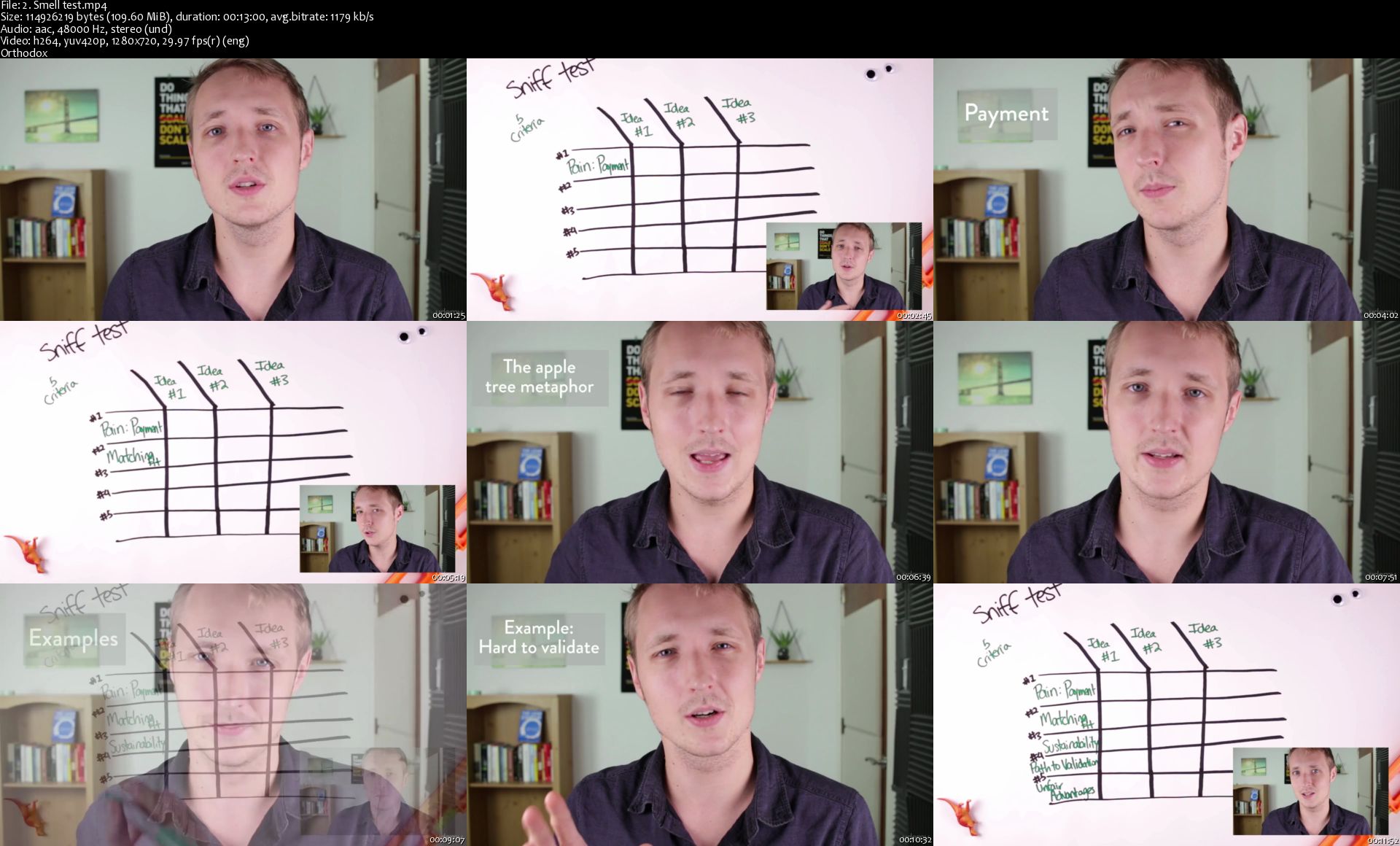
1 day MVP 2.0 | Go from idea to MVP in just 1 day (Updated 8/2019)

h-Eu-HFUks-Tt-Ly-P9-Q4a-PKFB2-GH7-GSfi0a-A.jpg


1 day MVP 2.0 | Go from idea to MVP in just 1 day (Updated 8/2019)
BESTSELLER | Created by Evan Kimbrell | Video: h264, 1280x720 | Audio: AAC 48KHz 2ch | Duration: 21:31 H/M | Lec: 142 | 5.76 GB | Language: English | Sub: English [Auto-generated]

Go from idea to working prototype in 1 day. New business idea? New feature for your app? Create a Minimum Viable Product

What you'll learn
Rapidly validate product and project ideas before spending money and resources on pursuing them
Understand how to run pitch experiments and lean models of idea validation
Gather and interpret offline feedback for ideas
Spy on potential competitors to assess their strengths / weaknesses / areas left open for opportunity
Drill down with advanced search to find adjacent and hidden competitors
Quickly setup basic pitch experiments with Launchrock landing pages
Create more complicated landing pages with Unbounce
Run basic A/B tests with your idea and landing page
Setup and interpret conversion goals for your page
Capture the right customers for your potential product with dynamic text
Add payment buttons to your page and email for the ultimate validation experiment
Setup basic ad campaigns with Google and Facebook
Interpret the results of your experiment to determine if your idea is killer
Understand the benefits and correct usages of prototypes
Understand the basic terminology used in web and design speak
Efficiently create and articulate a strategy for your product
Outline the scope and specifications of your potential product

Requirements
Familiarity with the web is helpful.
Computer and internet access.
A minimum of a half day's time to invest in the course.

Description
Learn how to take ideas, validate them, and prototype them in one day, without learning how to code. Become a better entrepreneur, product manager, marketer, manager, or small business owner. Learn how experienced entrepreneurs come up with killer ideas and launch them with minimum time invested and with $0 upfront.

Are you ready to take the plunge and finally pursue the business idea of your dreams? Are you sure you have the skills and the time to be successful? Have you heard of the Lean Startup, the product framework that is revolutionizing startups all over the world? This course will teach you the skills that are essential to being a successful entrepreneur.

About the instructor

Top-rated Udemy Instructor with over 630+ 5-star reviews.
Teaches 10 different courses on Entrepreneurship.
Startup founder for 5+ years, raised three rounds of capital worth several millions of dollars.
Worked as a VC and was in charge of deal flow in Silicon Valley.
Oversaw investments in large companies like Facebook, LinkedIn, and Tesla.
Owns Sprintkick, an agency that builds web & mobile apps for 20+ Fortune 500 companies.
Created and launched over 100+ apps in the last four years.

Who this course is for?
Entrepreneurs who have ideas or are already in the middle of a project.
Project managers who want to learn more efficient ways of rolling out new products or internal features.
Anyone aspiring to be an entrepreneur.
Anyone trying to minimize the risk associated with their new venture.
Anyone looking for new skills in the realms of entrepreneurship, marketing, product management, and growth hacking.
Anyone interested in having a more in-depth understanding of the Lean Startup.

Homepage

2-Smell-test-s.jpg


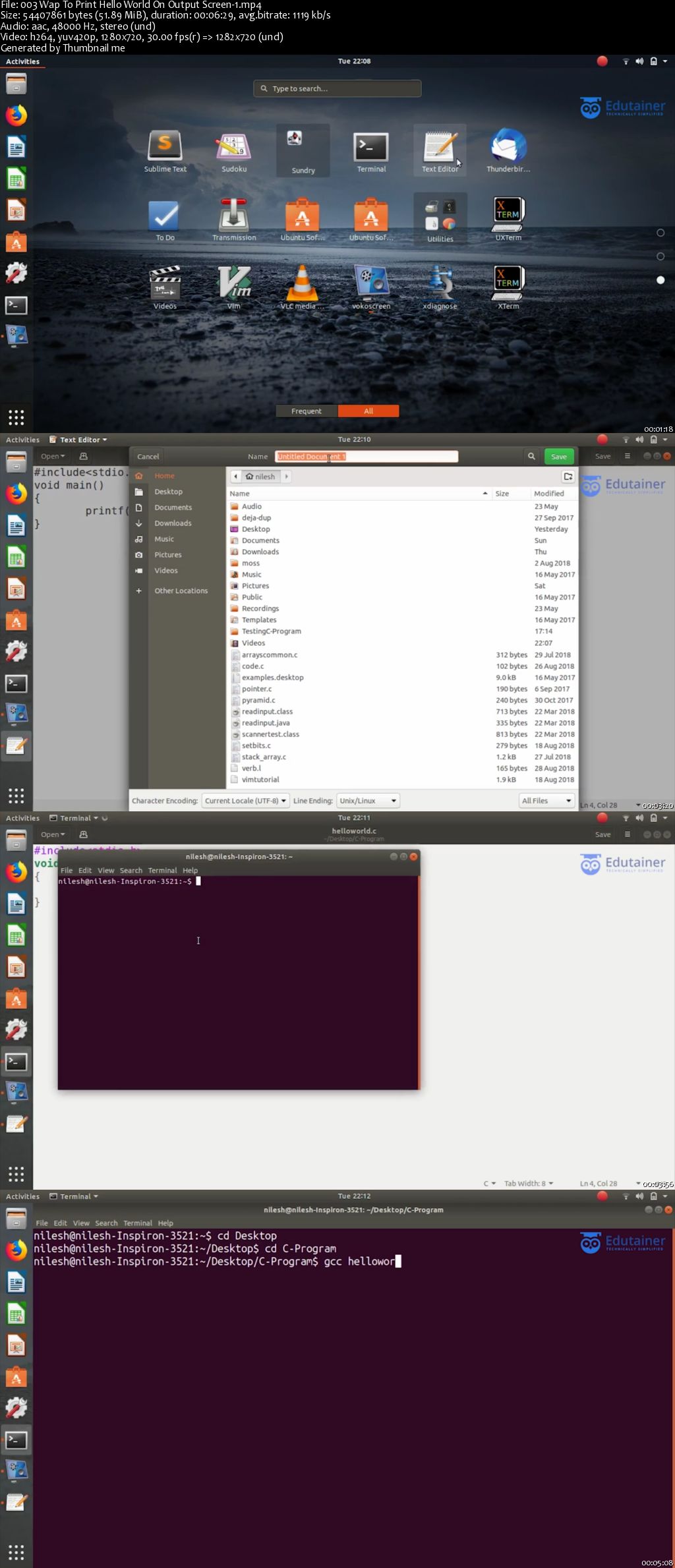
C Programming Language

006cb501.jpg


C Programming Language
MP4 | Video: AVC 1280x720 | Audio: AAC 44KHz 2ch | Duration: 13.5 Hours | Lec: 101 | 14 GB
Genre: eLearning | Language: English

This course aims to teach C language in the easiest way possible. If you are looking to learn C programming course but not sure about how and where to start it, then here is the solution. This course helps you to learn C programming language from basics to advanced concepts like pointers, file handling, pointers with structures, etc. easily. We have covered the complete syllabus with enough programs on the Linux environment which gives you enough experience for getting good marks, doing industry related projects and crack job interviews. We have structured the course in such a way that, a newbie with zero experience of programming can become a professional programmer in just a few days but with the regular practice.

Lectures are short and explained clearly in simple English and Hindi mixed language, providing a major focus on the concepts.

If you are a newbie, or intermediate level programmer or advanced developer, this course will teach you each and every aspect of programming.


This course covers important concepts of C language. Some of them are like:

Operators

Decision Making

Looping

Arrays

Functions

Pointers

Strings

Structure

Union


So what are you waiting for? Just enrol with a click and experience programming in C language from scratch to an advanced level.

006cb502.jpg


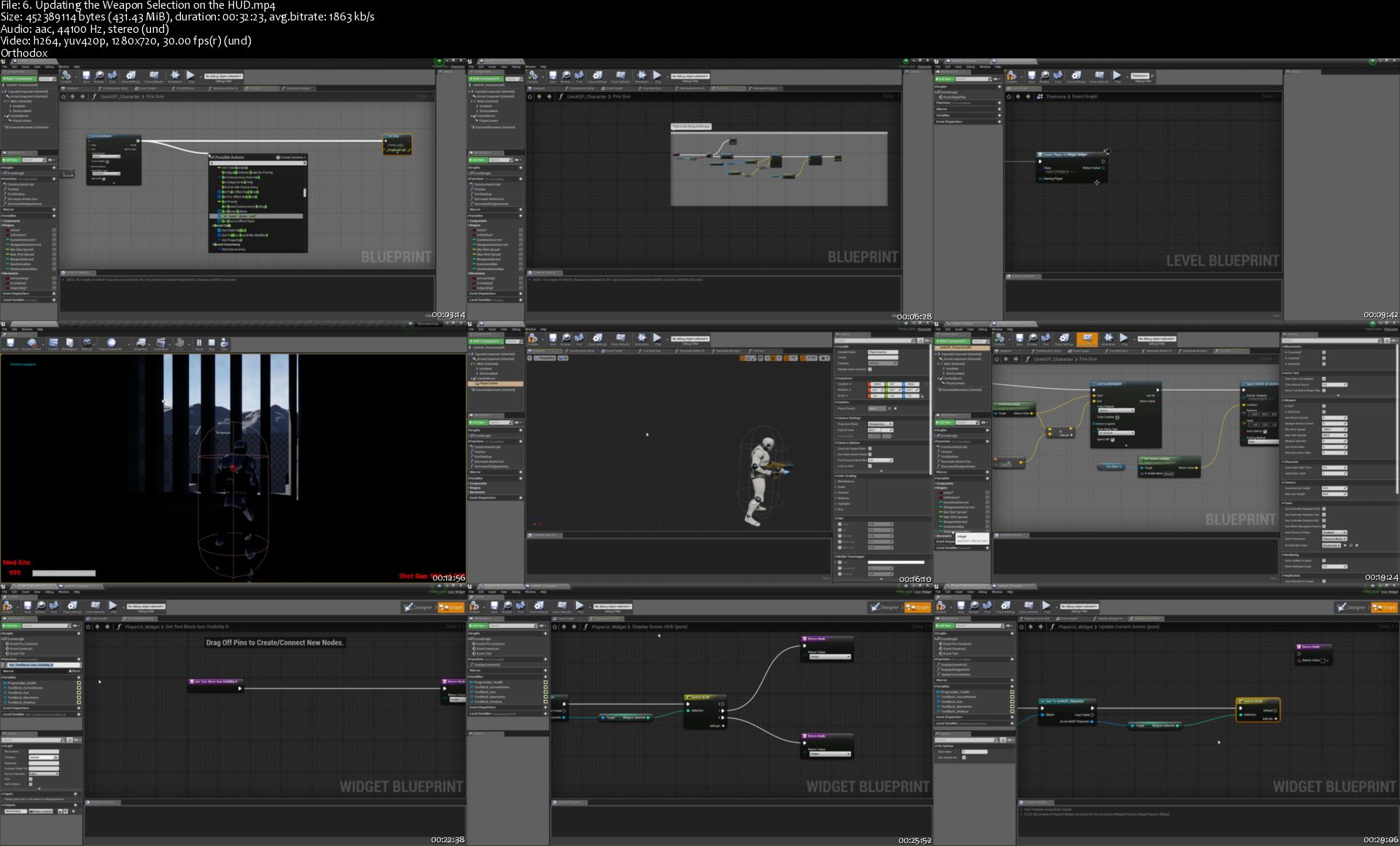
Unreal Engine 4 - Learn How to Code. My First Level in UE4

ANpwd-KMQy-VHOb30e-MKB8x-Hgr-ZUGYzc9a.jpg


Unreal Engine 4 - Learn How to Code. My First Level in UE4
Genre: eLearning | MP4 | Video: h264, 1280x720 | Audio: aac, 44100 Hz
Language: English | VTT | Size: 7.69 GB | Duration: 9.5 hours

What you'll learn
They will have understanding of code principles
They will be able to approach more advanced coding projects with more confidence
They will be able to start to think about their own workflow and come up with their own game mechanics

Requirements
Basic understanding and navigation of Unreal Engine 4
Description
*** THIS IS A BEGINNERS COURSE. THIS DOES NOT COVER C++. THIS DOES COVER BLUEPRINT CODING ***

This course is designed to make people feel comfortable about coding and to see it's not as scary as they might think. I have taught for a college and taught a Diploma course where many students would get to the Programming Unit and just freak out. This is to show how much fun coding really is and to help understand basic code concepts. This is to dispell any fear students have. This is designed for the beginner but anyone can do this course, have some fun, and learn some amazing skills. This also doesn't just apply to gaming as it can apply to films, should you design and make a film in UE4 or even for Visualisation projects. I myself have created my own projects for visualisation so people who, for example, are building their own home, can go through their home before it's built to make decisions on wall colours, flooring, and much much more. So having the basic skills learnt from this course can give you the opportunity to apply it to many other projects and careers. So what are you waiting for...come along, have some fun and learn this amazing and fulfilling skill along the way!

Who this course is for:
Anyone who is new to coding with Blueprint
Anyone who has doubt as to whether they can code
Anyone who wants to learn how to code very basic AI

Homepage

6-Updating-the-Weapon-Selection-on-the-HUD-s.jpg


Zurück
Oben Unten