Zabbix 7 Application And Network Monitoring
Last updated 7/2024
MP4 | Video: h264, 1920x1080 | Audio: AAC, 44.1 KHz
Language: English | Size: 12.19 GB | Duration: 9h 6m
Learn Server, Proxy, Agents, Trappers, Items, Triggers, Graphs, Screens, LLD, SNMP, API, Grafana, Prometheus & more
What you'll learn
Installation and Configuration of Zabbix Server, Agents and Proxies on PC, Linux and MacOS
Create Auto Registration and Network Discovery Rules to Auto Add and Configure Discovered Hosts, Network Devices and Applications
Setup LLD Discovery Rules and Actions to Auto Configure SNMP Devices into specific Groups and Assign Templates
Understand Active Versus Passive Items
Construct a Reusable PCI DSS Monitoring Template for all hosts
Configuring Domain name and SSL for Zabbix Server
Configure SMTP for email alerts
Media Type Configuration for customised Email, Slack and Telegram notifications
Advanced Items and Triggers on PC, Linux and MacOS
Creating a Graphical Network Map of All Hosts Indicating Status
Creating Template Items for Assigning to Multiple Hosts
Item Preprocessing using Regex, Javascript and JSONPath
Web Monitoring from Different Geographical Locations for HTTP Status Codes and Response Speeds
Create A Custom LLD Rule From The Ground Up For Service Discovery Including Item and Trigger Prototypes
Create a LLD Graph Prototype from a File System Discovery Rule and Add it to a Template Screen
Create a LLD Trigger Prototype that Triggers Within a Range
Configure PSK Encryption between Zabbix Server, Agents and Proxies
Configure Trigger Ok Event Generation to Minimise Alert Flapping
Execute remote commands on Windows and Linux
Monitor SSL Certificate Expiry
Log File Monitoring Nginx Proxy HTTP Status Codes
Run Docker Commands with Administration Scripts
UserParameters
Execute Powershell Scripts to Check Windows Updates
Calculated Items
Dependent Items
JSON API Monitoring with the HTTP Agent Item
Zabbix Sender and Trapper, with Many Examples
Setup Grafana with the MySQL and Zabbix Datasources
Setup MySQL Monitoring
Setup SNMP Hosts and query using OIDs and MIBs
Setup SNMP Traps
Prometheus Node Exporter Introduction, Installing as a Service and Host Configuration
Setup LLD Discovery and Actions to Auto Configure Prometheus Node Exporters
Zabbix API Introduction with Examples, Python Script, User Permissions and Testing Tool
All Videos in one place, and with no Ads
Requirements
You will need access to several PCs and/or locally hosted or cloud hosted VMs and/or Rasberry PIs. In this course I demonstrate various features using Windows 10, Ubuntu, Rasberry Pi and MacOSX
You have the choice of using dedicated hardware, or using cloud or locally hosted VM managers such as Oracle Virtual Box. The more variation you can access, the better. Zabbix agents will run on most OSs, but Zabbix Server and Proxy will need Linux such as Ubuntu or CentOS
In this course I predominantly demonstrate using Ubuntu Linux, but also provide CentOS equivalent commands in accompanying documentation where applicable.
Description
Hello, and welcome to my course on Zabbix,Zabbix is a complete open source monitoring software solution for networks, operating systems and applications.In this course you will install and extensively configure Zabbix Server, Zabbix Proxy, multiple Zabbix Agents on Windows, Linux and MacOS whether on the same network, behind a firewall, on dedicated hardware locally and cloud hosted.We will also look at,active an passive checks, PSK encryption, host items, triggers, graphs, and dashboards,understanding Zabbix health,alerting with email, Telegram and Slack,creating our own templates.creating a network map,reading windows event logs,item pre-processing using regex and JavaScriptmacros,discovery rule protypes,JSON API and HTTP monitoringexecuting remote bat, PowerShell, sh and python scripts,Zabbix get and sender,custom userparameters,administration scripts, calculated items,Creating custom LLD discovery rules from the ground up,MySQL monitoring,SMNP agent monitoring and trapper using OIDs and MIBsPrometheus node exporter monitoring,Auto registration and discoveryZabbix APIand much more.Zabbix can be used in the enterprise or even on you own home network where you can have much better visibility of the things connected and running on it and how they are used.Thanks for taking part in my course, and let's get started.
Overview
Section 1: Zabbix
Lecture 1 Provisioning a Linux to Install Zabbix Server
Lecture 2 Download and Install The Zabbix Repository
Lecture 3 Create the Initial Database
Lecture 4 Log in and Configure Zabbix Server Front End
Lecture 5 Configure a Domain name for the Zabbix Server
Lecture 6 Configure SSL for Zabbix Server Front end
Lecture 7 Configure Firewall
Lecture 8 Overview So Far
Lecture 9 Install Zabbix Agent on Same Network as Zabbix Server
Lecture 10 Install Zabbix Agent (Active) on a Windows Host Behind a Firewall
Lecture 11 Install Zabbix Agent on CentOS on a different Cloud Provider
Lecture 12 Zabbix Agent Auto Registration
Lecture 13 Enable PSK Encryption for Zabbix Agents
Lecture 14 Creating Host Items
Lecture 15 Creating Host Triggers
Lecture 16 Set up the Email Media Type
Lecture 17 Creating Host Graphs
Lecture 18 Convert Host Items, Triggers and Graphs To A Template
Lecture 19 Template Dashboards
Lecture 20 Global Dashboards
Lecture 21 Creating a Network Map
Lecture 22 Reading Windows Event Logs
Lecture 23 Item Preprocessing with Regex
Lecture 24 Item Preprocessing with JavaScript
Lecture 25 Remote HTTP monitoring using Web Scenarios
Lecture 26 JSON API Monitoring with the HTTP Agent Item
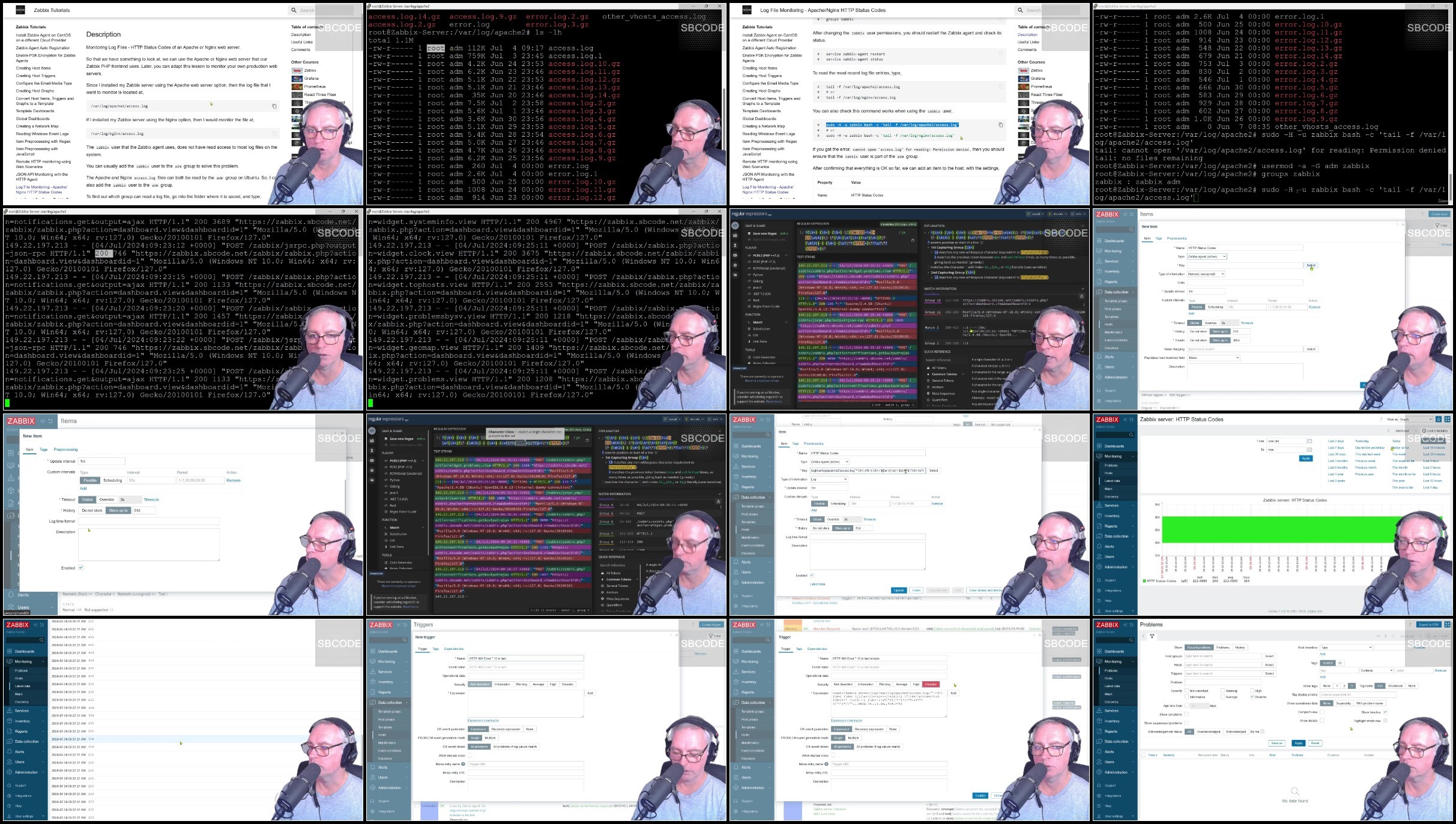
Lecture 27 Log File Monitoring - Apache/Nginx HTTP Status Codes
Lecture 28 Dependent Items
Lecture 29 Execute Bat File on Remote Windows Host with Zabbix Agent
Lecture 30 Execute a Shell Script using Zabbix Agent
Lecture 31 User Defined Parameters
Lecture 32 Calculated Items
Lecture 33 Global Scripts
Lecture 34 Course Update Notice
Lecture 35 Install and Configure Zabbix Proxy
Lecture 36 Configure Zabbix Agent on the Zabbix Proxy
Lecture 37 Reconfigure Zabbix Agents to use Zabbix Proxy
Lecture 38 Install Zabbix Agent on MacOS Behind the Proxy
Lecture 39 Zabbix Server Health
Lecture 40 Zabbix Proxy Health
Lecture 41 Enable PSK Encryption for Zabbix Proxy
Lecture 42 Item Cloning to Create a PCI DSS Windows Template
Lecture 43 Importing Templates
Lecture 44 Slack Media Type
Lecture 45 Telegram Media Type
Lecture 46 Customising Trigger Alert Messages with Macros
Lecture 47 Add Disk Space History Graph To OS Linux Template
Lecture 48 Trigger Prototypes and Triggering within a Range
Lecture 49 Configure Trigger 'Ok Event Generation' to minimise Alert Flapping
Lecture 50 Execute Python Script on Remote Linux Host with Zabbix Agent
Lecture 51 Execute Powershell Scripts to Check Windows Updates
Lecture 52 Creating Custom Low Level Discovery Rules - Part 1
Lecture 53 Creating Custom Low Level Discovery Rules - Part 2
Lecture 54 Setup SNMP Hosts in Zabbix
Lecture 55 Query SNMP Hosts using OIDs
Lecture 56 Query SNMP Hosts using MIBs
Lecture 57 Set up a Network Discovery Rule and Action to Auto Configure SNMP Devices
Lecture 58 Setup SNMP Traps
Lecture 59 Triggers on SNMP Traps
Lecture 60 Using the 'Zabbix Get' Command
Lecture 61 Zabbix Sender and Trapper
Lecture 62 Setup MySQL Monitoring
Lecture 63 Users, Groups & Roles
Lecture 64 Grafana Zabbix Plugin
Lecture 65 Prometheus Node Exporter
Lecture 66 Course Conclusion
Network Engineers,IT Platform Specialists,System Administrators,DevOps Technicians,Enthusiasts wanting a better understanding and better visibility of their networks in the home or office,Someone who is curious and wants a better understanding of what Zabbix does and what Zabbix is good at
What you'll learn
Installation and Configuration of Zabbix Server, Agents and Proxies on PC, Linux and MacOS
Create Auto Registration and Network Discovery Rules to Auto Add and Configure Discovered Hosts, Network Devices and Applications
Setup LLD Discovery Rules and Actions to Auto Configure SNMP Devices into specific Groups and Assign Templates
Understand Active Versus Passive Items
Construct a Reusable PCI DSS Monitoring Template for all hosts
Configuring Domain name and SSL for Zabbix Server
Configure SMTP for email alerts
Media Type Configuration for customised Email, Slack and Telegram notifications
Advanced Items and Triggers on PC, Linux and MacOS
Creating a Graphical Network Map of All Hosts Indicating Status
Creating Template Items for Assigning to Multiple Hosts
Item Preprocessing using Regex, Javascript and JSONPath
Web Monitoring from Different Geographical Locations for HTTP Status Codes and Response Speeds
Create A Custom LLD Rule From The Ground Up For Service Discovery Including Item and Trigger Prototypes
Create a LLD Graph Prototype from a File System Discovery Rule and Add it to a Template Screen
Create a LLD Trigger Prototype that Triggers Within a Range
Configure PSK Encryption between Zabbix Server, Agents and Proxies
Configure Trigger Ok Event Generation to Minimise Alert Flapping
Execute remote commands on Windows and Linux
Monitor SSL Certificate Expiry
Log File Monitoring Nginx Proxy HTTP Status Codes
Run Docker Commands with Administration Scripts
UserParameters
Execute Powershell Scripts to Check Windows Updates
Calculated Items
Dependent Items
JSON API Monitoring with the HTTP Agent Item
Zabbix Sender and Trapper, with Many Examples
Setup Grafana with the MySQL and Zabbix Datasources
Setup MySQL Monitoring
Setup SNMP Hosts and query using OIDs and MIBs
Setup SNMP Traps
Prometheus Node Exporter Introduction, Installing as a Service and Host Configuration
Setup LLD Discovery and Actions to Auto Configure Prometheus Node Exporters
Zabbix API Introduction with Examples, Python Script, User Permissions and Testing Tool
All Videos in one place, and with no Ads
Requirements
You will need access to several PCs and/or locally hosted or cloud hosted VMs and/or Rasberry PIs. In this course I demonstrate various features using Windows 10, Ubuntu, Rasberry Pi and MacOSX
You have the choice of using dedicated hardware, or using cloud or locally hosted VM managers such as Oracle Virtual Box. The more variation you can access, the better. Zabbix agents will run on most OSs, but Zabbix Server and Proxy will need Linux such as Ubuntu or CentOS
In this course I predominantly demonstrate using Ubuntu Linux, but also provide CentOS equivalent commands in accompanying documentation where applicable.
Description
Hello, and welcome to my course on Zabbix,Zabbix is a complete open source monitoring software solution for networks, operating systems and applications.In this course you will install and extensively configure Zabbix Server, Zabbix Proxy, multiple Zabbix Agents on Windows, Linux and MacOS whether on the same network, behind a firewall, on dedicated hardware locally and cloud hosted.We will also look at,active an passive checks, PSK encryption, host items, triggers, graphs, and dashboards,understanding Zabbix health,alerting with email, Telegram and Slack,creating our own templates.creating a network map,reading windows event logs,item pre-processing using regex and JavaScriptmacros,discovery rule protypes,JSON API and HTTP monitoringexecuting remote bat, PowerShell, sh and python scripts,Zabbix get and sender,custom userparameters,administration scripts, calculated items,Creating custom LLD discovery rules from the ground up,MySQL monitoring,SMNP agent monitoring and trapper using OIDs and MIBsPrometheus node exporter monitoring,Auto registration and discoveryZabbix APIand much more.Zabbix can be used in the enterprise or even on you own home network where you can have much better visibility of the things connected and running on it and how they are used.Thanks for taking part in my course, and let's get started.
Overview
Section 1: Zabbix
Lecture 1 Provisioning a Linux to Install Zabbix Server
Lecture 2 Download and Install The Zabbix Repository
Lecture 3 Create the Initial Database
Lecture 4 Log in and Configure Zabbix Server Front End
Lecture 5 Configure a Domain name for the Zabbix Server
Lecture 6 Configure SSL for Zabbix Server Front end
Lecture 7 Configure Firewall
Lecture 8 Overview So Far
Lecture 9 Install Zabbix Agent on Same Network as Zabbix Server
Lecture 10 Install Zabbix Agent (Active) on a Windows Host Behind a Firewall
Lecture 11 Install Zabbix Agent on CentOS on a different Cloud Provider
Lecture 12 Zabbix Agent Auto Registration
Lecture 13 Enable PSK Encryption for Zabbix Agents
Lecture 14 Creating Host Items
Lecture 15 Creating Host Triggers
Lecture 16 Set up the Email Media Type
Lecture 17 Creating Host Graphs
Lecture 18 Convert Host Items, Triggers and Graphs To A Template
Lecture 19 Template Dashboards
Lecture 20 Global Dashboards
Lecture 21 Creating a Network Map
Lecture 22 Reading Windows Event Logs
Lecture 23 Item Preprocessing with Regex
Lecture 24 Item Preprocessing with JavaScript
Lecture 25 Remote HTTP monitoring using Web Scenarios
Lecture 26 JSON API Monitoring with the HTTP Agent Item
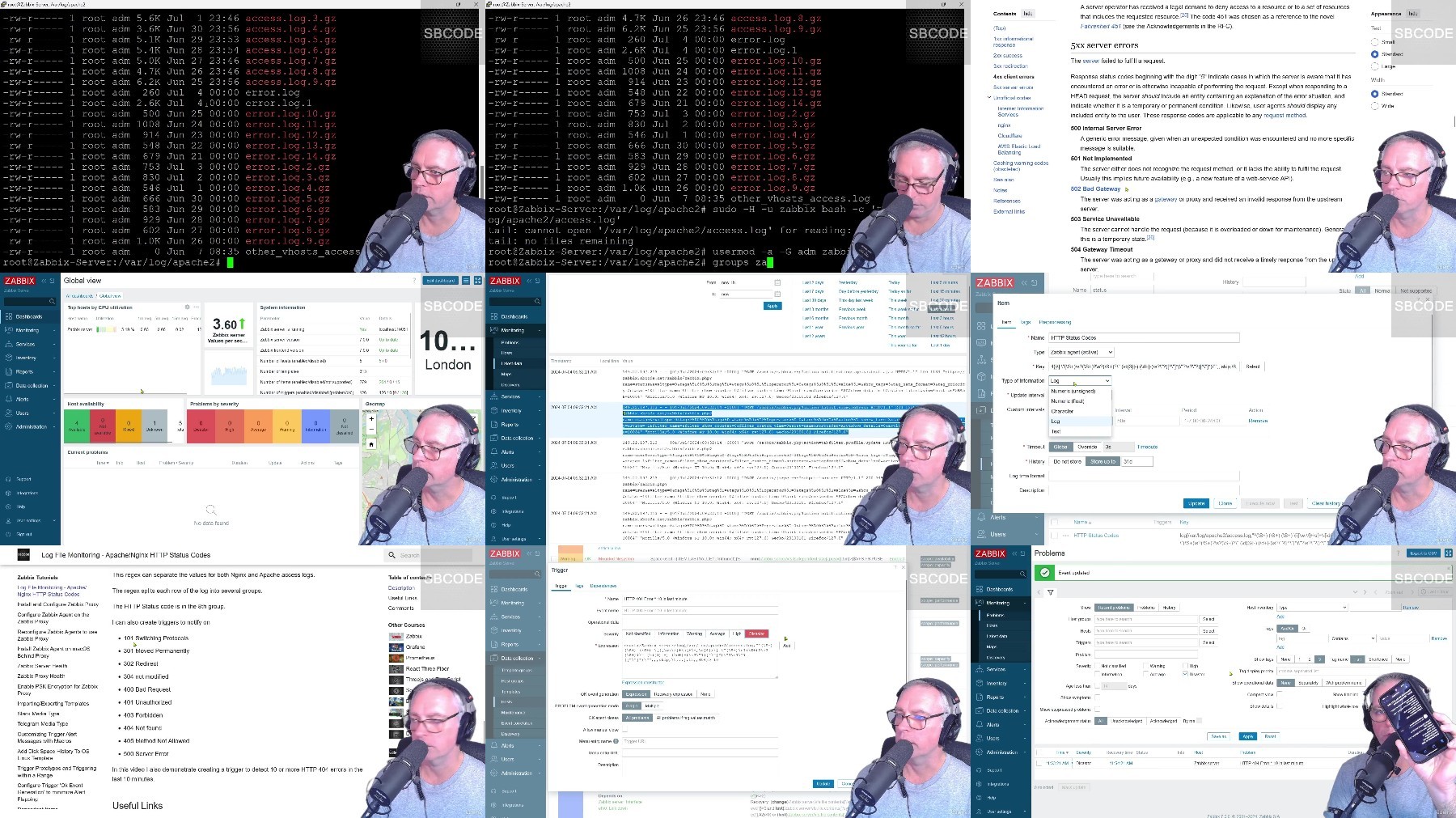
Lecture 27 Log File Monitoring - Apache/Nginx HTTP Status Codes
Lecture 28 Dependent Items
Lecture 29 Execute Bat File on Remote Windows Host with Zabbix Agent
Lecture 30 Execute a Shell Script using Zabbix Agent
Lecture 31 User Defined Parameters
Lecture 32 Calculated Items
Lecture 33 Global Scripts
Lecture 34 Course Update Notice
Lecture 35 Install and Configure Zabbix Proxy
Lecture 36 Configure Zabbix Agent on the Zabbix Proxy
Lecture 37 Reconfigure Zabbix Agents to use Zabbix Proxy
Lecture 38 Install Zabbix Agent on MacOS Behind the Proxy
Lecture 39 Zabbix Server Health
Lecture 40 Zabbix Proxy Health
Lecture 41 Enable PSK Encryption for Zabbix Proxy
Lecture 42 Item Cloning to Create a PCI DSS Windows Template
Lecture 43 Importing Templates
Lecture 44 Slack Media Type
Lecture 45 Telegram Media Type
Lecture 46 Customising Trigger Alert Messages with Macros
Lecture 47 Add Disk Space History Graph To OS Linux Template
Lecture 48 Trigger Prototypes and Triggering within a Range
Lecture 49 Configure Trigger 'Ok Event Generation' to minimise Alert Flapping
Lecture 50 Execute Python Script on Remote Linux Host with Zabbix Agent
Lecture 51 Execute Powershell Scripts to Check Windows Updates
Lecture 52 Creating Custom Low Level Discovery Rules - Part 1
Lecture 53 Creating Custom Low Level Discovery Rules - Part 2
Lecture 54 Setup SNMP Hosts in Zabbix
Lecture 55 Query SNMP Hosts using OIDs
Lecture 56 Query SNMP Hosts using MIBs
Lecture 57 Set up a Network Discovery Rule and Action to Auto Configure SNMP Devices
Lecture 58 Setup SNMP Traps
Lecture 59 Triggers on SNMP Traps
Lecture 60 Using the 'Zabbix Get' Command
Lecture 61 Zabbix Sender and Trapper
Lecture 62 Setup MySQL Monitoring
Lecture 63 Users, Groups & Roles
Lecture 64 Grafana Zabbix Plugin
Lecture 65 Prometheus Node Exporter
Lecture 66 Course Conclusion
Network Engineers,IT Platform Specialists,System Administrators,DevOps Technicians,Enthusiasts wanting a better understanding and better visibility of their networks in the home or office,Someone who is curious and wants a better understanding of what Zabbix does and what Zabbix is good at