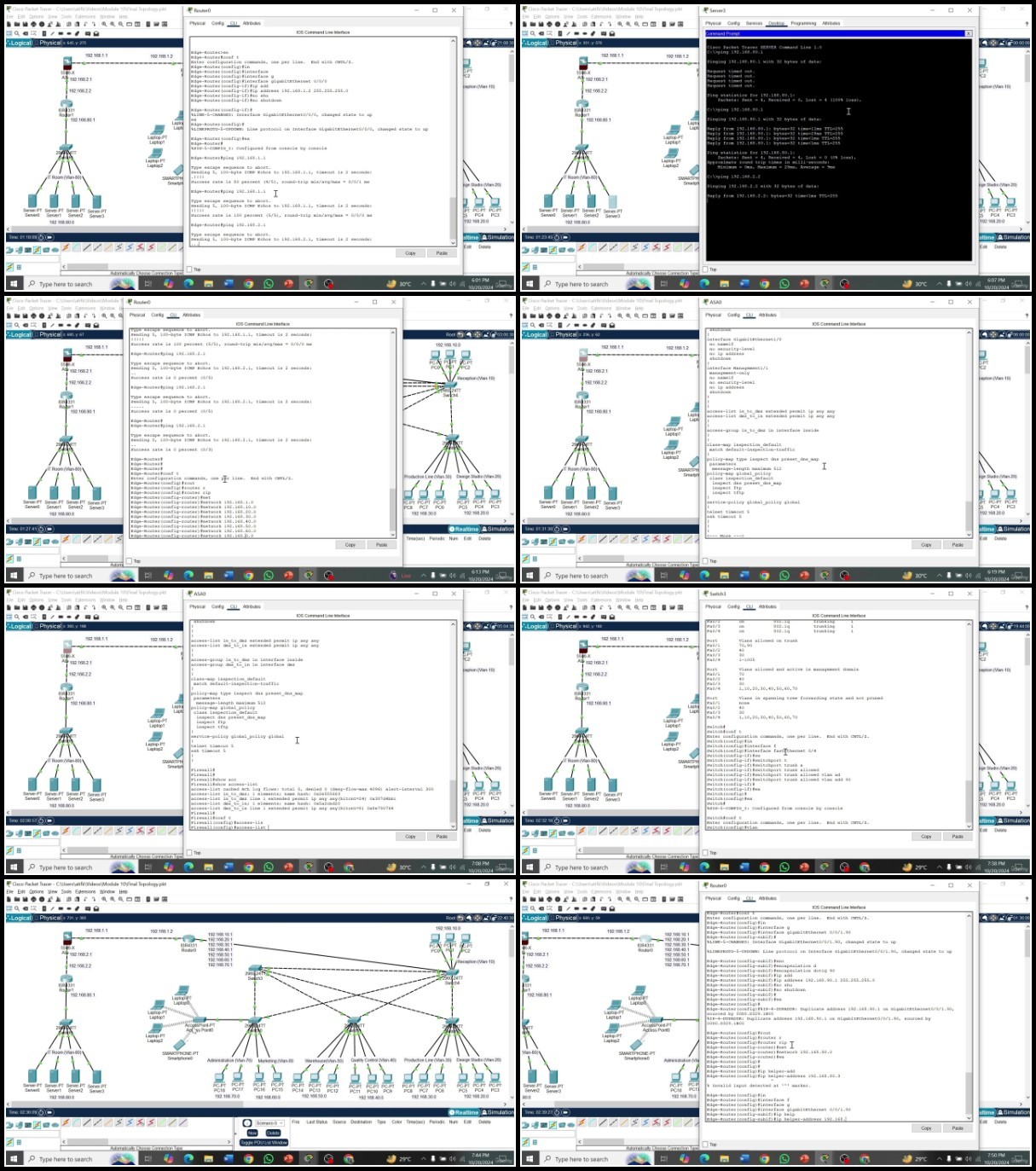
The Complete Course On Cisco Packet Tracer
Published 10/2024
MP4 | Video: h264, 1920x1080 | Audio: AAC, 44.1 KHz
Language: English | Size: 6.65 GB | Duration: 12h 6m
Learn Cisco Packet Tracer in a Professional way from Scratch. Become a Cisco Networking Pro, from ZERO to HERO!
What you'll learn
At the end of the course you will fully master Cisco Packet Tracer, enabling you to design, configure, and troubleshoot networks from scratch
You will be able to conduct networking projects step by step, understanding all the logic and ending with advanced practical examples and complete projects
You will understand basic networking concepts, be familiar with the Cisco Packet Tracer interface, and be able to set up simple networks to test connectivity
You will learn the fundamentals of routing, configure static routes between networks, and troubleshoot routing issues using routers in Cisco Packet Tracer
You will be able to configure and compare dynamic routing protocols such as RIP, OSPF, and EIGRP, and optimize network routing for efficiency
You will learn to configure VLANs on switches and implement inter-VLAN routing to enable communication between different VLANs in a multi-switch network setup
You will be able to configure DHCP, DNS, and NAT protocols in Cisco Packet Tracer
You will develop the skills to configure Standard and Extended ACLs to secure network traffic, understanding how ACLs are used to enhance network security
You will able to configure and secure wireless networks in Cisco Packet Tracer, including using encryption protocols to secure wireless communication
You will learn common network troubleshooting techniques and apply optimization strategies to improve network performance using it's simulation tools
You will design and implement a medium-sized network that incorporates routing, VLANs, DHCP, DNS, and network security protocols
You will be able to practice the content learned in a practical way by following all the steps in the complete exercises and the hands-on projects
You will start with the basics and progressively carry out more complex steps until you reach an advanced level and absolute mastery at the end of the course
Requirements
Having basic notions of Networking Concepts can help, but the course starts from scratch
Preparing and installing the needed environment to follow the practical sessions (if you don't know how, don't worry, it's very easy, and I'll explain it to you in the course)!
A decent computer and of course, desire to learn!
Description
Become a Cisco Network Professional and Master One of the Most In-Demand Networking Skills!This comprehensive course is designed to help IT consultants, network administrators, students, and support analysts gain complete mastery of Cisco Packet Tracer, using it in a practical and professional way. Whether you're new to networking or have prior experience, by the end of the course, you'll have a strong command of network simulation, configuration, and troubleshooting.With years of experience in networking, we've realized that mastering Cisco's Packet Tracer software for designing, configuring, and troubleshooting networks is essential for success in modern IT environments. Knowing how to use this powerful tool opens numerous job opportunities and can lead to significant career growth in the networking field.The challenge has always been understanding the vast range of networking protocols, topologies, and configurations, but in this course, we simplify the learning process. You'll quickly be able to simulate, configure, and troubleshoot networks, thanks to our step-by-step, hands-on examples for each concept.With over 12 hours of video lessons, this course covers everything you need to know! It includes practical labs, quizzes, and theoretical examples to master Cisco Packet Tracer. You'll learn how to design networks, configure routing protocols, secure networks, and simulate real-world networking environments, step by step.We begin with setting up Cisco Packet Tracer and move on to a wide variety of topics, including:Introduction to Networking and Cisco Packet Tracer: Learn networking basics, IP addressing, and subnetting, and get familiar with Cisco's interface and tools.Designing and Configuring Networks: Build small to medium-sized networks, configure routers, switches, and wireless protocols.Routing and Switching: Master static and dynamic routing (RIP, OSPF, EIGRP) and switch configuration for VLANs.Network Services: Configure DHCP, DNS, and NAT for practical networking scenarios.Network Security: Implement ACLs to secure your network and troubleshoot security vulnerabilities.Wireless Networks: Set up secure wireless networks and simulate connectivity.Advanced Troubleshooting: Use Packet Tracer's simulation tools to identify and resolve network issues.In short, we aim to teach you everything we wish we had known when starting with Cisco Packet Tracer, enabling you to design, troubleshoot, and secure networks confidently. By the end of this course, you'll be well-prepared to handle real-world network projects and use Cisco Packet Tracer to its full potential. You'll also get lifetime access to the course, and we'll be available to answer your questions as you progress.Learning Cisco Packet Tracer has never been easier. Join today and start mastering your network simulation skills!
Overview
Section 1: Introduction to Networking and Cisco Packet Tracer
Lecture 1 Course Opener
Lecture 2 Overview of Networking Basics
Lecture 3 Introduction to network Devices
Lecture 4 Introduction to Cisco Packet Tracer
Lecture 5 Downloading cisco packet tracer
Lecture 6 Overview of packet tracer interface
Lecture 7 Network Simulation on Packet tracer
Lecture 8 Quiz
Section 2: Creating Simple Networks
Lecture 9 Basic Device Configurations
Lecture 10 Cabling in Packet Tracer
Lecture 11 IP & Subnetting Assigning
Lecture 12 Lab with one switch and PCs
Lecture 13 Assignment
Section 3: Routing Basics and Static Routing
Lecture 14 Introduction to routing and routers
Lecture 15 Dynamic and Static routing
Lecture 16 Configuring static routing
Lecture 17 Assignment
Section 4: Dynamic Routing Protocols - RIP, OSPF, and EIGRP
Lecture 18 Intro to dynamic routing protocols
Lecture 19 Configuring Rip
Lecture 20 Configuring OSPF
Lecture 21 Configuring EIGRP
Lecture 22 Redistribution, Rip, OSPF & EIGRP
Section 5: VLANs and Inter-VLAN Routing
Lecture 23 Intro duction to VLANs
Lecture 24 Configuration of VLANs
Lecture 25 Configuring InterVLAN routing
Lecture 26 Spanning Tree Protocol
Lecture 27 Port Security
Lecture 28 Configuration of Multi Switch network
Lecture 29 Assignment
Section 6: DHCP, DNS, and NAT Configuration
Lecture 30 Introduction DHCP, DNS, NAT
Lecture 31 DHCP Configurations
Lecture 32 DNS Configuraitons
Lecture 33 NAT Configurations
Lecture 34 DHCP on Router
Lecture 35 Quiz
Section 7: Network Security and Access Control Lists (ACLs)
Lecture 36 Introduction to Network Security
Lecture 37 Standard and Extended ACLs
Lecture 38 ACLs on based of Src/Dst Ips
Lecture 39 VPN on Cisco Router
Lecture 40 Cisco ASA Firewall Lab
Lecture 41 Quiz
Section 8: Wireless Networks in Packet Tracer
Lecture 42 Introduction to Wireless Security Protocols
Lecture 43 Wireless Controller, Access points Configurations
Lecture 44 Quiz
Section 9: Troubleshooting and Network Optimization
Lecture 45 Common Network issues and Solutions
Lecture 46 Packet tracer simulation tool
Lecture 47 Network Optimization Tips
Lecture 48 Quiz
Section 10: Final Project
Lecture 49 Final Project - Part 1
Lecture 50 Final Project - Part 2
Lecture 51 Course Closure
Beginners who have never used Cisco Packet Tracer before,IT Professionals, Network Professional and Students preparing for Cisco certifications, . who want to learn a new way to simulate real-world networking scenarios,Intermediate or advanced Cisco Packet Tracer users who want to improve their skills even more!
Rapidgator links are free direct download only for my subscriber, other hosts are free download for free users