• Regeln für den Video-Bereich:

    In den Börsenbereich gehören nur Angebote die bereits den Allgemeinen Regeln entsprechen.

    Einteilung

    - Folgende Formate gehören in die angegeben Bereiche:
    - Filme: Encodierte Filme von BluRay, DVD, R5, TV, Screener sowie Telesyncs im Format DivX, XviD und x264.
    - DVD: Filme im Format DVD5, DVD9 und HD2DVD.
    - HD: Encodierte Filme mit der Auflösung 720p oder darüber von BluRay, DVD, R5, TV, Screener sowie Telesyncs im Format x264.
    - 3D: Encodierte Filme von BluRay, die in einem 3D Format vorliegen. Dies gilt auch für Dokus, Animation usw.
    - Serien: Cartoon/Zeichentrick, Anime, Tutorials, Dokumentationen, Konzerte/Musik, Sonstiges sind demnach in die entsprechenden Bereiche einzuordnen, auch wenn sie beispielsweise im High Definition-Format oder als DVD5/DVD9/HD2DVD vorliegen. Ausnahme 3D.
    - Bereich Englisch: Englische Releases gehören immer in diesen Bereich.
    - Bereich Talk: Der Bereich, in dem über die Releases diskutiert werden kann, darf, soll und erwünscht ist.


    Angebot/Beitrag erstellen

    - Ein Beitrag darf erst dann erstellt werden, wenn der Upload bei mindestens einem OCH komplett ist. Platzhalter sind untersagt.
    - Bei einem Scenerelease hat der Threadtitel ausschließlich aus dem originalen, unveränderten Releasenamen zu bestehen. Es dürfen keine Veränderungen wie z.B. Sterne, kleine Buchstaben o.ä. vorgenommen werden. Ausnahme Serienbörse:
    - Bei einem Sammelthread für eine Staffel entfällt aus dem Releasename natürlich der Name der Folge. Beispiel: Die Simpsons S21 German DVDRip XviD - ITG
    - Dementsprechend sind also u.a. verboten: Erweiterungen wie "Tipp", "empfehlenswert", "only", "reup", usw. / jegliche andere Zusatzinformation oder Ergänzung, welche nicht in obiger Beschreibung zu finden ist.

    Aufbau des Angebots und Threadtitel

    Der Titel nach folgendem Muster erstellt zu werden. <Name> [3D] [Staffel] [German] <Jahr> <Tonspur> [DL] [Auflösung] <Quelle> <Codec> - <Group>
    Beispiel: The Dark Knight German 2008 AC3 DVDRip XviD - iND
    Beispiel: The Dark Knight 2008 DTS DL BDRip x264 - iND
    Beispiel: The Dark Knight 2008 AC3 DL BDRip XviD - iND
    Beispiel: The Dark Knight German 2008 AC3 720p BluRay x264 iND
    Beispiel: The Dark Knight 2008 DTS DL 1080p BluRay x264 iND
    Beispiel: Die Simpsons S01 German AC3 DVDRip XviD iND
    Beispiel: Die Simpsons S20 German AC3 720p BluRay x264 iND
    Beispiel: Sword Art Online II Ger Sub 2014 AAC 1080p WEBRip x264 - peppermint
    Entsprechend sind also u.a. verboten: Sonderzeichen wie Klammern, Sterne, Ausrufezeichen, Unterstriche, Anführungszeichen / Erweiterungen wie "Tipp", "empfehlenswert", "only", "reup", usw. / jegliche andere Zusatzinformation oder Ergänzung, welche nicht in obiger Beschreibung zu finden ist
    Ausnahmen hiervon können in den Bereichen geregelt sein.

    Die Beiträge sollen wie folgt aufgebaut werden:
    Überschrift entspricht dem Threadtitel
    Cover
    kurze Inhaltsbeschreibung
    Format, Größe, Dauer sind gut lesbar für Downloader außerhalb des Spoilers zu vermerken
    Nfo sind immer Anzugeben und selbige immer im Spoiler in Textform.
    Sind keine Nfo vorhanden z.B. Eigenpublikationen, sind im Spoiler folgende Dateiinformationen zusätzlich anzugeben :
    Quelle
    Video (Auflösung und Bitrate)
    Ton (Sprache, Format und Bitrate der einzelnen Spuren)
    Untertitel (sofern vorhanden)
    Hosterangabe in Textform außerhalb eines Spoiler mit allen enthaltenen Hostern.
    Bei SD kann auf diese zusätzlichen Dateiinformationen verzichtet werden.

    Alle benötigten Passwörter sind, sofern vorhanden, in Textform im Angebot anzugeben.
    Spoiler im Spoiler mit Kommentaren :"Schon Bedankt?" sind unerwünscht.


    Releases

    - Sind Retail-Release verfügbar, sind alle anderen Variationen untersagt. Ausnahmen: Alle deutschen Retail-Release sind CUT, in diesem Fall sind dubbed UNCUT-Release zulässig.
    - Im Serien-Bereich gilt speziell: Wenn ein Retail vor Abschluss einer laufenden Staffel erscheint, darf diese Staffel noch zu Ende gebracht werden.62
    - Gleiche Releases sind unbedingt zusammenzufassen. Das bedeutet, es ist zwingend erforderlich, vor dem Erstellen eines Themas per Suchfunktion zu überprüfen, ob bereits ein Beitrag mit demselben Release besteht. Ist dies der Fall, ist der bereits vorhandene Beitrag zu verwenden.
    - P2P und Scene Releases dürfen nicht verändert oder gar unter einem iND Tag eingestellt werden.


    Support, Diskussionen und Suche

    - Supportanfragen sind entweder per PN oder im Bereich Talk zu stellen.
    - Diskussionen und Bewertungen sind im Talk Bereich zu führen. Fragen an die Uploader haben ausschließlich via PN zu erfolgen, und sind in den Angeboten untersagt.
    - Anfragen zu Upload-Wünschen sind nur im Bereich Suche Video erlaubt. Antworten dürfen nur auf Angebote von MyBoerse.bz verlinkt werden.


    Verbote

    - Untersagt sind mehrere Formate in einem einzigen Angebotsthread, wie beispielsweise das gleichzeitige Anbieten von DivX/XviD, 720p und 1080p in einem Thread. Pro Format, Release und Auflösung ist ein eigener Thread zu eröffnen.
    - Grundsätzlich ebenso verboten sind Dupes. Uploader haben sich an geeigneter Stelle darüber zu informieren, ob es sich bei einem Release um ein Dupe handelt.
    - Gefakte, nur teilweise lauffähige oder unvollständige Angebote sind untersagt. Dies gilt auch für eigene Publikationen, die augenscheinlich nicht selbst von z.B. einer DVD gerippt wurden. Laufende Serien, bei denen noch nicht alle Folgen verfügbar sind, dürfen erstellt und regelmäßig geupdatet werden.
    - Untersagt sind Angebote, welche nur und ausschließlich in einer anderen Sprache als deutsch oder englisch vorliegen. Ausnahmen sind VORHER mit den Moderatoren zu klären.


    Verstoß gegen die Regeln

    - Angebote oder Beiträge, die gegen die Forenregeln verstoßen, sind über den "Melden"-Button im Beitrag zu melden.
  • Bitte registriere dich zunächst um Beiträge zu verfassen und externe Links aufzurufen.


Udemy - SolidWorks (2016) Ultimate 3D - 2D Modelling Course (2016)

0daytutorial

MyBoerse.bz Pro Member

99816d0edecbd7fe45400b841c790e0c.jpg

Udemy - Solidworks 2016 Ultimate 3D-2D Modelling Course (2016)​

MP4 | AVC 434kbps | English | 1280x720 | 30fps | 11 hours | AAC stereo 62kbps | 2.24 GB Genre: Video Training
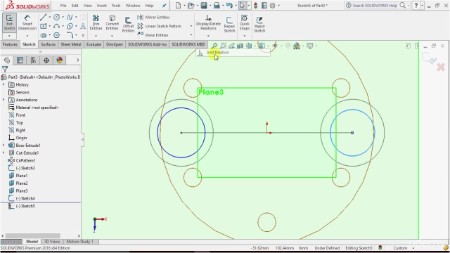
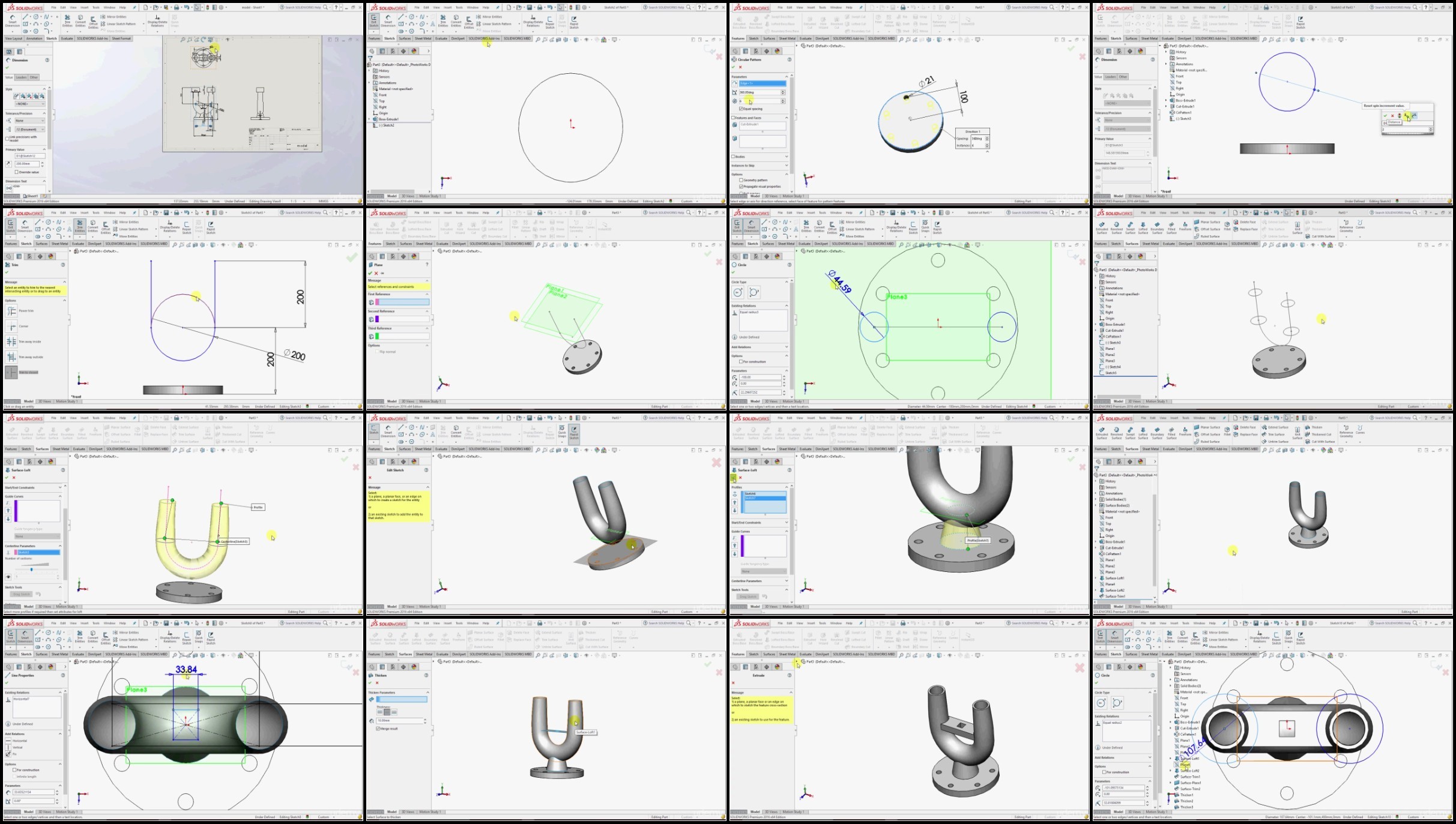
Solidworks is the 3D (CAD/CAM/CAE) software developed by Dassault Systems. It is one of the most powerful and most widely used CAD software in the world. This course introduces the fundamentals of Solidworks CAD software for the creation of both parts and assemblies. You will learn the complete soliworks software from scratch to pro. This course focuses on all important tools and also the best approach and logics to use those tools and commands in Complex modelling.

Anyone who wants to learn solidworks can take this course, no prior experience is required.
You will get all drawings / exercise files used to prepare this course.
Main contents of this course are as following

2D Sketch Modelling
3D Modelling
Advanced Surfacing
Drafting and Drawing
Assembly
Sheetmetal

No mirrors please

jgSLAnFu_o.jpg


752447933_yxusj-1k901bubbp83.jpg

Solidworks 2016 : Ultimate 3D/2D Modelling Course
Last updated 8/2016
MP4 | Video: h264, 1280x720 | Audio: AAC, 44.1 KHz
Language: English | Size: 4.23 GB | Duration: 10h 57m​

What you'll learn
Understand basic sketching techniques
Create parts and 3D models
Learn to create the complex structures and surfaces using surface modelling features.
Create assembly and drawings of 3D parts.
Requirements
Software required: Solidworks standard or above than 2012 or later.
Description
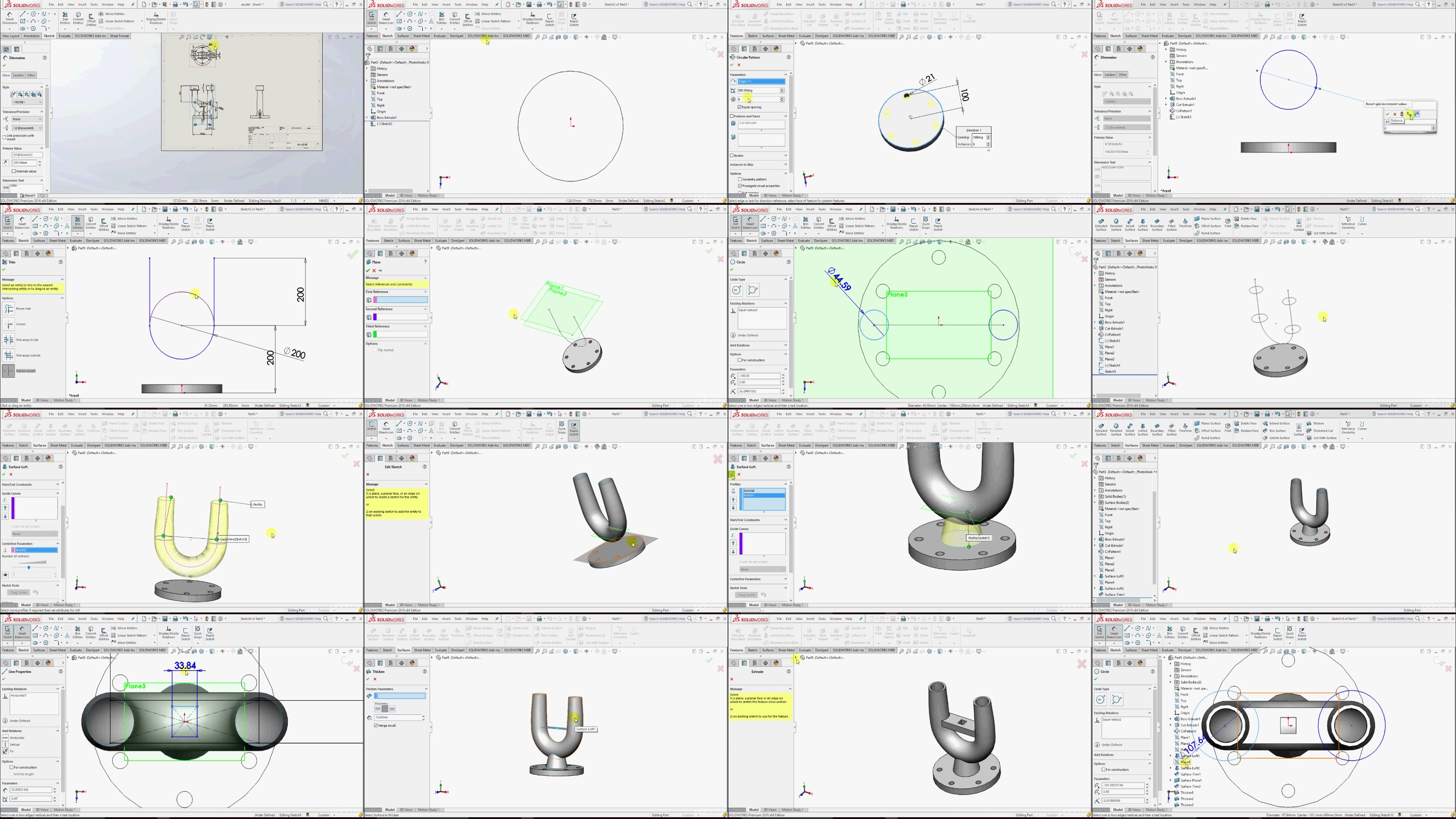
Solidworks is the 3D (CAD/CAM/CAE) software developed by Dassault Systems. It is one of the most powerful and most widely used CAD software in the world.This course introduces the fundamentals of Solidworks CAD software for the creation of both parts and assemblies.You will learn the complete soliworks software from scratch to pro.This course focuses on all important tools and also the best approach and logics to use those tools and commands in Complex modelling.Anyone who wants to learn solidworks can take this course, no prior experience is required.You will get all drawings / exercise files used to prepare this course.Main contents of this course are as following2D Sketch Modelling3D ModellingAdvanced SurfacingDrafting and DrawingAssemblySheetmetal

Overview

Section 1: Introduction To Solidworks

Lecture 1 Introduction

Lecture 2 02 How to Download Solidworks trial version

Lecture 3 03 Access Exercise Files

Lecture 4 04 User Interface

Lecture 5 05 Import and Export Files

Lecture 6 06 Pan and Zoom

Lecture 7 07 Status Bar

Section 2: Sketch Basic Tools

Lecture 8 01 Lines

Lecture 9 02 Rectangle

Lecture 10 03 Circles

Lecture 11 04 Arcs

Lecture 12 05 Selection Slots

Lecture 13 06 Polygon

Lecture 14 07 Text

Lecture 15 Trim and Extend

Section 3: Sketch Edit and Relations

Lecture 16 Automatick Geomaetric Relations

Lecture 17 Manual Geometric Relations

Lecture 18 Adding Smart Dimensions in sketches

Lecture 19 Fully Defined Sketches

Lecture 20 Fillet and Chamfer

Lecture 21 Move Copy Rotate Scale Features

Lecture 22 Mirror Entities in Sketches

Lecture 23 Offset Entities

Lecture 24 Convert Entity and 3D Sketches

Section 4: Basic 3D Tools

Lecture 25 Extrude Tool

Lecture 26 Revolve Feature

Lecture 27 Sweep Tool

Lecture 28 Loft Feature

Lecture 29 Datum Planes

Lecture 30 Datum Axis

Lecture 31 Cordinate System

Lecture 32 Feature Manager Design Tree

Lecture 33 Extrude Cut

Section 5: 3D Editing Feature

Lecture 34 Fillet

Lecture 35 Chamfer

Lecture 36 Mirror

Lecture 37 Ribs

Lecture 38 Shell

Lecture 39 Hole Wizard

Lecture 40 Boundry Boss

Lecture 41 Wrap and Dome

Lecture 42 Draft Tool

Section 6: Helix and Spiral

Lecture 43 Helix and Spiral

Lecture 44 Draw Curves and Projections

Lecture 45 Split LIne Surface

Lecture 46 Equation Driven Curves

Lecture 47 Circular Pattern

Lecture 48 Linear Pattern

Lecture 49 Sketch Pattern

Lecture 50 Fill Pattern

Lecture 51 Rapid sketch Feature

Section 7: Models for Practice

Lecture 52 Model 1

Lecture 53 Model 2

Lecture 54 Model 3

Lecture 55 Model 4

Lecture 56 Model 5

Lecture 57 Model 6

Lecture 58 Model 7

Lecture 59 Model 8

Lecture 60 Model Bolt 3D

Section 8: Surface Basic Tools

Lecture 61 Extruded Surface

Lecture 62 Surface Revolve

Lecture 63 Lofted Surface

Lecture 64 Boundry Surface

Lecture 65 Planar Surface

Lecture 66 Offset and Ruled Surface

Lecture 67 Filled Surface

Section 9: Surface Editing Features

Lecture 68 Trim Surface

Lecture 69 Extend Surface

Lecture 70 Fillet Surface

Lecture 71 Face Editing Tools

Lecture 72 Knit Surface

Lecture 73 Thicken Surface

Lecture 74 Convert Surfaces

Lecture 75 Model For Practice

Section 10: Assembly

Lecture 76 Introduction to Assembley

Lecture 77 Assembly Mates

Lecture 78 Coincident Mate

Lecture 79 Perpendicular Mate

Lecture 80 Perpendicular and Angle Mate

Lecture 81 Distance Mate

Lecture 82 Tangent Mate

Lecture 83 Advanced Mate

Lecture 84 Piston Head Assembly

Section 11: Drawing Basic Drafting

Lecture 85 Model Views

Lecture 86 Standard 3 Views

Lecture 87 Auxiliary Views

Lecture 88 Detailed Views

Lecture 89 Sectional Views

Lecture 90 Break View

Lecture 91 Broken and Crop Views

Section 12: Drawing Adding Dimensions and Symbols

Lecture 92 Adding Driving Dimensions

Lecture 93 Adding Driven Dimension

Lecture 94 Dimension Style

Lecture 95 Adding Notes and Symbols

Lecture 96 Centremarks and Centrelines

Lecture 97 Generate Bill of Material

Lecture 98 Adding Balloons in Drawings

Section 13: Sheet Metal Modeling

Lecture 99 Sheetmetal Base Flange

Lecture 100 Edge Flange

Lecture 101 Miter Flange

Lecture 102 Hem Flange

Lecture 103 Lofted Bend

Lecture 104 Corners

Lecture 105 Jog

Lecture 106 Fold Unfold Sketch Bend

Lecture 107 RIP

Lecture 108 Convert to Sheet Metal

Lecture 109 Insert Forming Tools

Lecture 110 Create Form Tool

Lecture 111 Vent Feature

Design Engineers,Industrial professionals,Mechanical Graduates

yxusj-008-Model-For-Practice.jpg

752447953_yxusj-0k09irf24sf4.jpg

 
Zurück
Oben Unten