0daytutorial
MyBoerse.bz Pro Member
The Ultimate Guide To Creating A Tower Defense Game In Unity
Published 12/2024
MP4 | Video: h264, 1920x1080 | Audio: AAC, 44.1 KHz
Language: English | Size: 35.61 GB | Duration: 44h 27m
Level up your C# and Unity knowledge and create your very own Tower Defense game.
What you'll learn
Create playable game projects - good for your portfolio, or just for your own sense of achievement.
Learn C#, a modern versatile programming language.
Develop strong and transferrable problem-solving skills.
Learn Object-Oriented Programming in Real-World Scenarios
Write Clean, Maintainable Code and Design Scalable Game Architectures
Gain an excellent general knowledge of video game design.
Requirements
PC or Mac capable of running Unity 2020 or later
Basics of C# will be helpful, but not required.
Description
Are you ready to create your very own Tower Defense video game? Whether you're a beginner or an experienced developer, this comprehensive and standalone course will guide you step by step through building a complete game from scratch using Unity and C#.No experience with game development? No problem! I've included a crash course section specifically designed for complete beginners who have never touched Unity before. We'll get you on track in no time. In the main section, we'll start slow and easy, so you can follow along comfortably as we build your skills and confidence.Throughout this course, you'll learn how to setup:Enemy and Wave Management: Set up enemies with AI navigation, including movement, waypoints, and respawn mechanics. Implement wave systems with multiple waves, timers, and dynamic level changes to keep gameplay challenging.Diverse Enemy Types: Create a variety of enemies, including basic units, quick sprinters, swarm enemies, heavy tank with shields, stealth units with buffs, flying enemies, and two powerful bosses. All of that is designed to ensure you have plenty of practical examples to learn how to design and develop unique behaviors for your games.Build System: Create a robust build system for tower placement, unlockable towers, attack radius visualization, and interactive previews with hotkeys. Towers: Build and design towers with unique mechanics, including cannons, machine guns, lasers, drones, and more. Each tower introduces new mechanics and attack patterns to expand your skills.Target and Damage System: Build an advanced targeting system capable of prioritizing enemies based on progress, proximity, or surrounding groups, with dynamic switching for smarter gameplay.Level Creation and 3D Tile System: Create levels using a 3D tile-based system with custom editor tools, dynamic NavMesh updates, all build to make development faster and easier.Game Loop and Seamless Level Transitions: Build a smooth game loop with dynamic progression, seamless level transitions, and win/loss conditions to tie all systems together.UI Systems : Design a complete UI system with menus, in-game elements like health and currency, and animations such as fade-ins, button hovers, and shakes to enhance player interaction.Audio System: Set up an audio manager to control background music, sound effects, and volume settings, adding immersive audio to your game.Camera: Develop a dynamic camera with smooth movement, rotation, zoom, transitions, and screen shake effects. Post-Processing and Optimization: Enhance visuals with post-processing and optimize performance to maintain high FPS.By the end of this course, you won't just have a completed tower defense game-you'll have the skills and knowledge to create games with confidence. Maybe even publish them on Steam. Ready to turn your ideas into reality? Let's make it happen. Enroll in my course today and begin your game dev journey!
Overview
Section 1: Introduction
Lecture 1 Important to know - Mindset of the course
Lecture 2 Important to know - Crash Course
Lecture 3 Important to know - Q&A and Bugs
Lecture 4 Important to know - Before we begin
Section 2: Crash Course For Beginners
Lecture 5 Get Unity
Lecture 6 Tool and Windows
Lecture 7 Navigation and Components
Lecture 8 Basic of C#
Lecture 9 Create objects with simple shapes
Lecture 10 References, Rotation, and Conditional Logic
Lecture 11 Instantiate
Lecture 12 On Trigger Enter
Lecture 13 Auto-attack and Attack Cooldown
Lecture 14 Boolean Return Type & Clean Code Examples
Lecture 15 List and Array
Lecture 16 Foreach and Search of closest object
Lecture 17 For loop and Enemy Creator
Lecture 18 Access modifiers & Encapsulation
Lecture 19 Conclusion & Project
Section 3: Enemy Setup
Lecture 20 Get Assets and Assets Review
Lecture 21 Setup Test Ground and Basic Enemy
Lecture 22 Setup AI Navigation
Lecture 23 Enemy's Movement
Lecture 24 Enemy's Rotation
Lecture 25 Enemy's Navigation Priority
Lecture 26 Enemy's Wheel Rotation
Lecture 27 Enemy's Death
Lecture 28 Waypoint Manager
Lecture 29 Enemy's Respawn
Lecture 30 Wave System
Lecture 31 Clean up & Project
Section 4: Tower Setup
Lecture 32 Setup Tower & Tower's Rotation
Lecture 33 Target Random Enemy Within Attack Range
Lecture 34 Inheritance and Polymorphism
Lecture 35 Preparing Tower's Inheritance
Lecture 36 Raycast detection of Enemies
Lecture 37 Attack Visuals
Lecture 38 Glow Effect - Part 1 ( Coroutine Loop )
Lecture 39 Glow Effect - Part 2 ( Dynamic Color Change on the Material)
Lecture 40 Dynamic Laser Strings Setup
Lecture 41 Moving Rotor during set period of time
Lecture 42 Clean up & Project
Section 5: Target and Damage System
Lecture 43 Interface
Lecture 44 Enemy's Travel Distance
Lecture 45 Target System - Most Advanced Target
Lecture 46 How to get center point of the Enemy
Lecture 47 Priority Targets System
Lecture 48 Dynamic Target Change
Lecture 49 Towers as shooting obstacles
Lecture 50 Clean up & Project
Section 6: Level Creation and 3D Tile System
Lecture 51 Level Creation System - Review
Lecture 52 Preparing Tiles
Lecture 53 Custom Editor Buttons
Lecture 54 Change Tiles
Lecture 55 Change Tile's Name and Collider
Lecture 56 Extra Tiles, Labels in Custom Editor, Position and Rotation
Lecture 57 Grid Builder
Lecture 58 Add New Tiles
Lecture 59 Bridge Tiles Fix
Lecture 60 Nav Mesh Auto Update
Lecture 61 Clean up & Project
Section 7: Wave Management
Lecture 62 Let's Make Two Ways Level
Lecture 63 Upgraded Wave Managment
Lecture 64 Individual waypoint system
Lecture 65 Improve waypoints selection
Lecture 66 Multiple waves
Lecture 67 Wave Timers
Lecture 68 Dynamic Level Change
Lecture 69 Slopes and Enemy's Movement on Slopes
Lecture 70 Clean up & Project
Section 8: Camera Controller
Lecture 71 Camera Movement
Lecture 72 Camera Rotation
Lecture 73 Camera Zoom
Lecture 74 Mouse Movement
Lecture 75 Screen's Edge Movement
Lecture 76 Camera Boundaries
Lecture 77 Smooth Camera Transitions
Lecture 78 Screen Shake Effect
Lecture 79 Clean up & Project
Section 9: Complete UI Secton
Lecture 80 Import UI Assets & Packages
Lecture 81 Main Menu - Part 1
Lecture 82 Main Menu - Part 2
Lecture 83 Switch UI Elements
Lecture 84 UI Credits and Hyperlink
Lecture 85 Settings UI Layout
Lecture 86 Settings UI Logic - Part 1
Lecture 87 Settings UI Logic - Part 2
Lecture 88 In Game UI - Health Points
Lecture 89 In Game UI - Currency
Lecture 90 In Game UI - Wave Timer
Lecture 91 In Game UI - Build Buttons
Lecture 92 UI Animations
Lecture 93 UI Animations - Change Scale
Lecture 94 UI Animations - Blink Effect
Lecture 95 Fade In Fade Out
Lecture 96 UI Build Buttons On Hover Effect
Lecture 97 Pause UI
Lecture 98 Clean up & Project
Section 10: Build System
Lecture 99 Tile Movement Animation & System Example
Lecture 100 Build Slot and Build Manager
Lecture 101 Build System
Lecture 102 Build Towers
Lecture 103 Blocking Build Slots
Lecture 104 Tower Unlocks System
Lecture 105 UI Feedback on Build Actions
Lecture 106 Tower's Attack Radius on Build
Lecture 107 Tower's Preview Setup
Lecture 108 Enable Build Preview System
Lecture 109 Build System Hotkeys
Lecture 110 Build Bottons Fix
Lecture 111 Clean up & Project
Section 11: Level Managment and Game Loop
Lecture 112 Seamless Transition - System Overview
Lecture 113 Wave Manager Update
Lecture 114 Animated Layout Update
Lecture 115 Main Menu Layout Animations
Lecture 116 Extra Objects - Collection & Animation
Lecture 117 Level System Overview & First Level
Lecture 118 Level Manager - Load Levels
Lecture 119 Level Manager - Load Main Menu and Level transition
Lecture 120 Wave Timer Bug Fix
Lecture 121 Level Restart & Level Setup
Lecture 122 Progression and End Screen
Lecture 123 Game Over Condition
Lecture 124 Level Buttons - Setup
Lecture 125 Level Buttons - Logic and Save System
Lecture 126 Level Buttons - Movement Bug Fix
Lecture 127 Focus On castle When Level Completed
Lecture 128 Finalizing Level Completion
Lecture 129 Clean up & Project
Section 12: Audio System
Lecture 130 Audio Manager & Audio Asset Examples
Lecture 131 Background Music
Lecture 132 UI Sound Effects
Lecture 133 In Game Sound Effects
Lecture 134 Volume Settings
Lecture 135 Where to look for audio
Lecture 136 Clean up & Project
Section 13: Enemies
Lecture 137 Prepare test scene
Lecture 138 Get VFX for Enemies
Lecture 139 Early Color Setup for Enemies and Player
Lecture 140 Upgrade VFX on Fast and Basic Enemy
Lecture 141 Create Swarm Enemies
Lecture 142 Create Heavy Tank Enemy with Shield
Lecture 143 Create Stealth Enemy with Buffs
Lecture 144 Create Flying Enemy
Lecture 145 Create Flying Boss Enemy
Lecture 146 Create Spider Boss Enemy - Base Setup
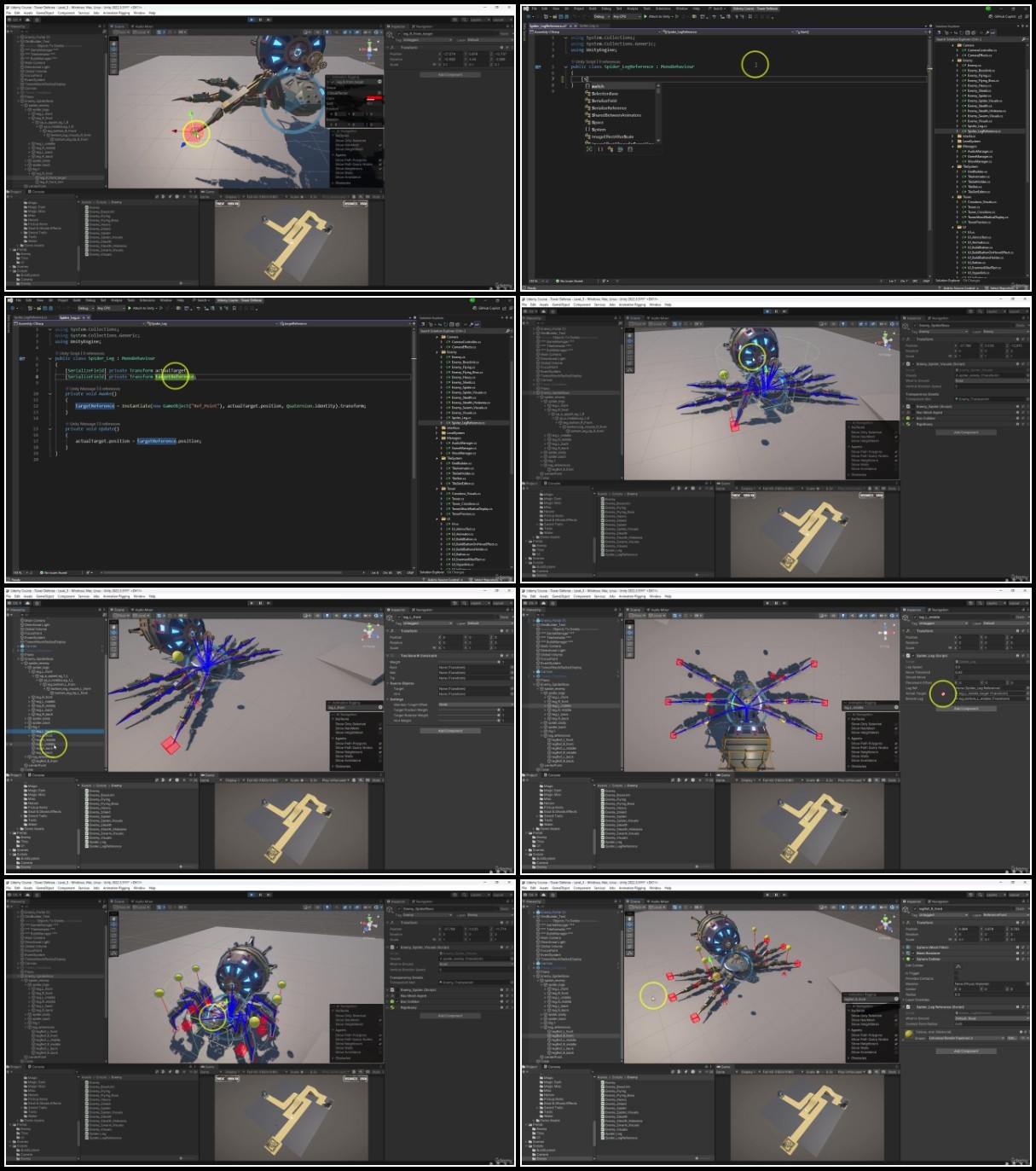
Lecture 147 Create Spider Boss Enemy - IK Animations
Lecture 148 Create Spider Boss Enemy - VFX
Lecture 149 Create Spidder Boss Enemy - EMP Attack
Lecture 150 Enemy on Death VFX
Lecture 151 Clean up & Project
Section 14: Towers
Lecture 152 Revisiting Crossbow Tower & Tower Script
Lecture 153 Creating Cannon Tower
Lecture 154 Creating Machine Gun Tower
Lecture 155 Creating Hamer Smashing Tower
Lecture 156 Creating Spider Nest Tower - Tower Setup
Lecture 157 Creating Spider Nest Tower - Drone Setup
Lecture 158 Creating Anti-Air Harpoon Tower - Base Setup
Lecture 159 Creating Anti-Air Harpoon Tower - Damage Over Time
Lecture 160 Creating Anti-Air Harpoon Tower - VFX
Lecture 161 Fixing up Layer & Click System
Lecture 162 Creating Anti-Stealth Units Fan Tower
Lecture 163 Upgrading Build System - Preview System Improvements & Bug Fixing
Lecture 164 Upgrade Build System - Rotate Towers
Lecture 165 Fan Tower VFX
Lecture 166 Clean up & Project
Section 15: Post Processing and Optimization
Lecture 167 Post Proceccing
Lecture 168 Optimize Nav Mesh
Lecture 169 Create Object Pool
Lecture 170 Optimizing Projectiles
Lecture 171 Optimizing Towers
Lecture 172 Optimizing Enemies
Lecture 173 Optimizaing Lights and Shadows
Lecture 174 Final steps
Lecture 175 Clean up & Project
Section 16: Additional content - Optional
Lecture 176 Disolve effect ( Optional )
Lecture 177 Tower Upgrades ( Optional )
Anyone who wants to make their own 3D games.,People who want to create and publish their own games.,Beginners with an interest in learning game development.,People interested in working in the game design industry.,Enthusiasts eager for a deep dive into game mechanics and Unity's potential.,Anyone who wants to make expandable Tower Defense