




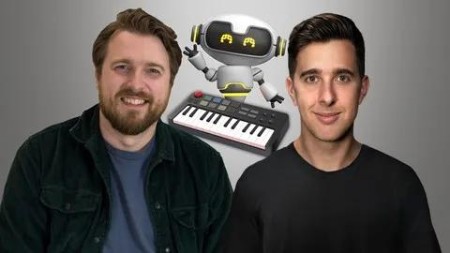
Songwriting With Ai - Lyrics, Chords, Melodies + Arrangement
Published 7/2024
MP4 | Video: h264, 1920x1080 | Audio: AAC, 44.1 KHz
Language: English | Size: 2.30 GB | Duration: 3h 16m
Learn how to use AI to Improve your Songs and Lyrics to give you new Songwriting ideas to improve your Music Production
What you'll learn
How to use AI tools to help you write better Lyrics
How to use AI tools to help you write Chords
How to use Logic Pro 11's AI Tools to Arrange Keys, Bass and Drums
How to use AI tools to sing vocals Melodies and Lyrics for you
How to use ChatGPT to help you Improve your Lyrics
Requirements
Previously Songwriting or Music Production experience could be useful for this course, but it's not essential
A Digital Audio Workstation is needed to follow along with this course, preferably Logic Pro, but you can apply a lot of what we teach in other DAWs
A computer enough computer to run the AI tools that we teach in this course
Description
Learn How to Improve Your Songs with AI Today!This course will show you how to use AI or artificial intelligence tools to create interesting lyrics, chords, melodies, and arrangements that can improve your songwriting abilities.What is this Songwriting AI Course all about?In this Songwriting course, you'll learn various AI tools and techniques for songwriters and music producers to help develop new ways of writing music or improve your existing songs.In the Arrangement section of this course, we use Logic Pro 11, but the rest of the course is not DAW-specific. This course will help you learn how to use AI as a tool to improve your songwriting. We don't show you how to use AI to create a whole song from scratch; we show you how to use AI to improve your songs, so the songs and creative ideas are still yours!It's essential to keep up with the trends and know the current tools and technology in songwriting and music production. This course teaches you tools and techniques so you can stay ahead of the curve!Who are Your Instructors for this Course?Peter Darling is a Songwriting lecturer who has written songs professionally for over a decade. He also has an MA Masters Degree in Music Composition and a BA(Hons) Degree in Popular Music.Tomas George has an MMus Master's Degree in Music Production and a BA(Hons) Degree in Music Composition. He is also the creator of some of the world's most popular music production courses, with over 350,000 students.This course will cover many different AI Tools, including:How to use AI Tools for Writing LyricsHow to Rewrite these Lyrics so they are your ownHow to use AI Tools for Writing ChordsHow to see AI Tools for Writing Melodies How to use Logic Pro 11 for Arranging Your Music with AIHow to use AI Vocals, so you don't need to sing the part yourself!AI Mastering with Logic Pro's Mastering Assistant and LandrAnd MoreWe also include downloadable resources throughout this course, including project files, MIDI and audio files, so you can follow along with us and use the same files and projects we use in the lessons.Go ahead and click the enroll button, and let's dive into the exciting world of AI Songwriting.Cheers,Tomas and Peter.
Overview
Section 1: Introduction
Lecture 1 Introduction and What You're Going to Learn
Section 2: Let's Create some AI Lyrics
Lecture 2 AI Lyrics with Lyric Studio - Part 1: Verse 1
Lecture 3 AI Lyrics with Lyric Studio - Part 2: Chorus
Lecture 4 AI Lyrics with Lyric Studio - Part 3: Verse 2
Section 3: AI Chords
Lecture 5 AI Chord Sequence
Section 4: AI Melodies
Lecture 6 How to Create AI Melodies with Melody Studio - Part 1: Verse 1
Lecture 7 How to Create AI Melodies with Melody Studio - Part 2: Chorus
Lecture 8 How to Create AI Melodies with Melody Studio - Part 3: Verse 2 + Importing MIDI
Section 5: AI Vocals - Synth V Studio Basic
Lecture 9 How to Create AI Vocals with Synth V Studio Basic - Part 1: Importing + Verse 1
Lecture 10 How to Create AI Vocals with Synth V Studio Basic - Part 2: Verse 2
Lecture 11 How to Create AI Vocals with Synth V Studio Basic - Part 3: Bouncing + Importing
Section 6: Upbeat Song Arranging with Logic Pro's Session Players (Logic Pro 11)
Lecture 12 Upbeat - Part 1: Drums - Arranging with Logic Pro 11's Session Players
Lecture 13 Upbeat - Part 2: Bass - Arranging with Logic Pro 11's Session Players
Lecture 14 Upbeat - Part 3: Keys - Arranging with Logic Pro 11's Session Players
Section 7: Ballad Song Arranging with Logic Pro's Session Players (Logic Pro 11)
Lecture 15 Ballad - Part 1: Keys - Arranging with Logic Pro's 11's Session Players
Lecture 16 Ballad - Part 2: Bass - Arranging with Logic Pro's 11's Session Players
Lecture 17 Ballad - Part 3: Drums - Arranging with Logic Pro's 11's Session Players
Section 8: AI Vocals with Ace Studio
Lecture 18 Ace Studio Basics - Part 1: Importing MIDI and Adding Lyrics
Lecture 19 Ace Studio Basics - Part 2: Selecting AI Vocalists
Lecture 20 Ace Studio Basics - Part 3: Exporting and Importing
Section 9: AI Mastering
Lecture 21 AI Mastering in Your Web Browser with Landr
Lecture 22 Logic Pro's AI Mastering Assistant - Introduction
Lecture 23 Logic Pro's AI Mastering Assistant - Controls and Settings
Section 10: Creating Song Lyrics with ChatGPT and AI Tools
Lecture 24 Song Lyrics with ChatGPT and AI Tools Introduction
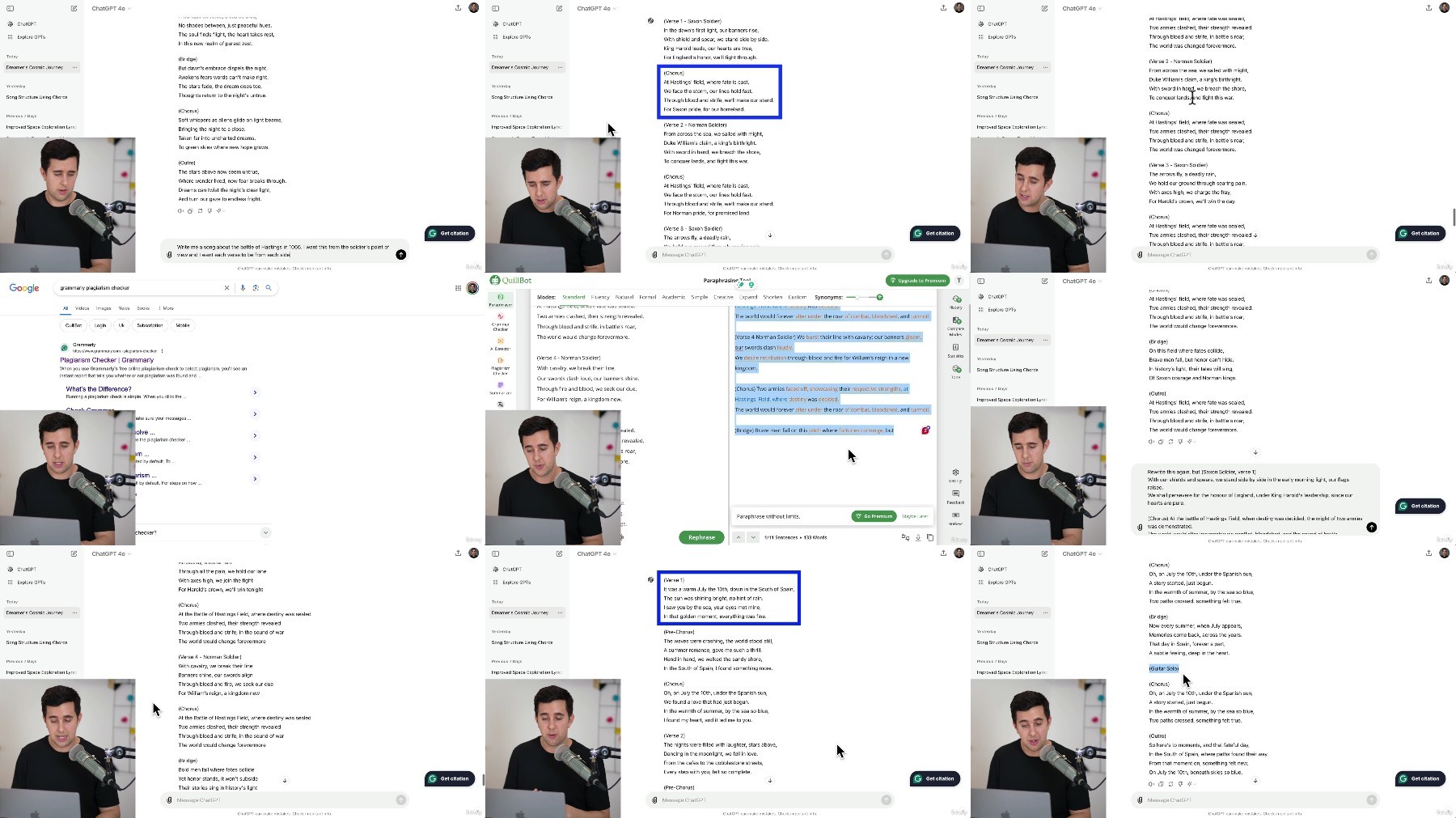
Lecture 25 How to Write a Poem and then turn it into Song Lyrics with ChatGPT and Quillbot
Lecture 26 How to Create Lyrics from Scratch with ChatGPT
Lecture 27 How to Use Chat GPT to Improve your Song Lyrics
Section 11: Thanks and Bye
Lecture 28 Thanks and Bye
Beginner Songwriters who want to learn how to use AI to help them with their songwriting,Experienced Songwriters who want to learn how AI can be a useful tool to help them improve their songs,Music Producers who want to learn how to use AI tools to help them write and sing lyrics,Lyricists who want to learn how to use AI to help them improve their lyrics
What you'll learn
How to use AI tools to help you write better Lyrics
How to use AI tools to help you write Chords
How to use Logic Pro 11's AI Tools to Arrange Keys, Bass and Drums
How to use AI tools to sing vocals Melodies and Lyrics for you
How to use ChatGPT to help you Improve your Lyrics
Requirements
Previously Songwriting or Music Production experience could be useful for this course, but it's not essential
A Digital Audio Workstation is needed to follow along with this course, preferably Logic Pro, but you can apply a lot of what we teach in other DAWs
A computer enough computer to run the AI tools that we teach in this course
Description
Learn How to Improve Your Songs with AI Today!This course will show you how to use AI or artificial intelligence tools to create interesting lyrics, chords, melodies, and arrangements that can improve your songwriting abilities.What is this Songwriting AI Course all about?In this Songwriting course, you'll learn various AI tools and techniques for songwriters and music producers to help develop new ways of writing music or improve your existing songs.In the Arrangement section of this course, we use Logic Pro 11, but the rest of the course is not DAW-specific. This course will help you learn how to use AI as a tool to improve your songwriting. We don't show you how to use AI to create a whole song from scratch; we show you how to use AI to improve your songs, so the songs and creative ideas are still yours!It's essential to keep up with the trends and know the current tools and technology in songwriting and music production. This course teaches you tools and techniques so you can stay ahead of the curve!Who are Your Instructors for this Course?Peter Darling is a Songwriting lecturer who has written songs professionally for over a decade. He also has an MA Masters Degree in Music Composition and a BA(Hons) Degree in Popular Music.Tomas George has an MMus Master's Degree in Music Production and a BA(Hons) Degree in Music Composition. He is also the creator of some of the world's most popular music production courses, with over 350,000 students.This course will cover many different AI Tools, including:How to use AI Tools for Writing LyricsHow to Rewrite these Lyrics so they are your ownHow to use AI Tools for Writing ChordsHow to see AI Tools for Writing Melodies How to use Logic Pro 11 for Arranging Your Music with AIHow to use AI Vocals, so you don't need to sing the part yourself!AI Mastering with Logic Pro's Mastering Assistant and LandrAnd MoreWe also include downloadable resources throughout this course, including project files, MIDI and audio files, so you can follow along with us and use the same files and projects we use in the lessons.Go ahead and click the enroll button, and let's dive into the exciting world of AI Songwriting.Cheers,Tomas and Peter.
Overview
Section 1: Introduction
Lecture 1 Introduction and What You're Going to Learn
Section 2: Let's Create some AI Lyrics
Lecture 2 AI Lyrics with Lyric Studio - Part 1: Verse 1
Lecture 3 AI Lyrics with Lyric Studio - Part 2: Chorus
Lecture 4 AI Lyrics with Lyric Studio - Part 3: Verse 2
Section 3: AI Chords
Lecture 5 AI Chord Sequence
Section 4: AI Melodies
Lecture 6 How to Create AI Melodies with Melody Studio - Part 1: Verse 1
Lecture 7 How to Create AI Melodies with Melody Studio - Part 2: Chorus
Lecture 8 How to Create AI Melodies with Melody Studio - Part 3: Verse 2 + Importing MIDI
Section 5: AI Vocals - Synth V Studio Basic
Lecture 9 How to Create AI Vocals with Synth V Studio Basic - Part 1: Importing + Verse 1
Lecture 10 How to Create AI Vocals with Synth V Studio Basic - Part 2: Verse 2
Lecture 11 How to Create AI Vocals with Synth V Studio Basic - Part 3: Bouncing + Importing
Section 6: Upbeat Song Arranging with Logic Pro's Session Players (Logic Pro 11)
Lecture 12 Upbeat - Part 1: Drums - Arranging with Logic Pro 11's Session Players
Lecture 13 Upbeat - Part 2: Bass - Arranging with Logic Pro 11's Session Players
Lecture 14 Upbeat - Part 3: Keys - Arranging with Logic Pro 11's Session Players
Section 7: Ballad Song Arranging with Logic Pro's Session Players (Logic Pro 11)
Lecture 15 Ballad - Part 1: Keys - Arranging with Logic Pro's 11's Session Players
Lecture 16 Ballad - Part 2: Bass - Arranging with Logic Pro's 11's Session Players
Lecture 17 Ballad - Part 3: Drums - Arranging with Logic Pro's 11's Session Players
Section 8: AI Vocals with Ace Studio
Lecture 18 Ace Studio Basics - Part 1: Importing MIDI and Adding Lyrics
Lecture 19 Ace Studio Basics - Part 2: Selecting AI Vocalists
Lecture 20 Ace Studio Basics - Part 3: Exporting and Importing
Section 9: AI Mastering
Lecture 21 AI Mastering in Your Web Browser with Landr
Lecture 22 Logic Pro's AI Mastering Assistant - Introduction
Lecture 23 Logic Pro's AI Mastering Assistant - Controls and Settings
Section 10: Creating Song Lyrics with ChatGPT and AI Tools
Lecture 24 Song Lyrics with ChatGPT and AI Tools Introduction
Lecture 25 How to Write a Poem and then turn it into Song Lyrics with ChatGPT and Quillbot
Lecture 26 How to Create Lyrics from Scratch with ChatGPT
Lecture 27 How to Use Chat GPT to Improve your Song Lyrics
Section 11: Thanks and Bye
Lecture 28 Thanks and Bye
Beginner Songwriters who want to learn how to use AI to help them with their songwriting,Experienced Songwriters who want to learn how AI can be a useful tool to help them improve their songs,Music Producers who want to learn how to use AI tools to help them write and sing lyrics,Lyricists who want to learn how to use AI to help them improve their lyrics
