5h 29m | mkv , 1280x720 , 60 fps | aac, 48000 Hz, stereo, s16 | 4.52GB
Genre: eLearning | Language: English
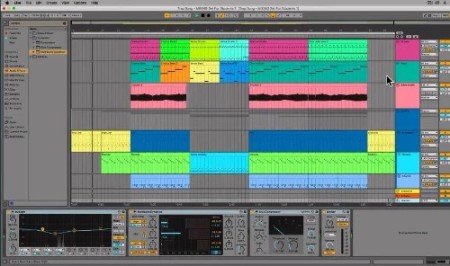
This class will teach you everything you need to know to get started creating music in Ableton Live 11.
In this Step-By-Step guide, I start off going over the very basics, so even if you are a complete beginner to Music Production you'll be able to follow along!
I cover numerous topics in this class, which will give you a deep understanding of how the software works.
We look at things such as:
* Session View
* Arrangement View
* Browser
* MIDI Note Editor
* Audio Editor
* Setting up your MIDI Controller
* Computer MIDI Keyboard
* Recording MIDI
* Recording Audio
* Editing MIDI
* Editing Audio
* Using Clips
* Shortcuts
* Quantizing Audio + MIDI
* Reversing Audio
* Time-Stretching Audio
* Scale Feature
* Comping (Take Lanes)
* Loop Recording
* Punching In
* Recording into the Arrangement View
* Legato Feature
* Exporting
* Basics of Mixing - Levels + Panning
* Compression
* EQ
By the end of this class you will have created your first song in Ableton Live, and will be able to confidently use Ableton Live.
Recommend Download Link Hight Speed | Please Say Thanks Keep Topic Live
Links are Interchangeable - No Password - Single Extraction