




AgentofHeart
MyBoerse.bz Pro Member
Qt Quick And Qml For Beginners (Qt 5): The Fundamentals
Last updated 9/2021
MP4 | Video: h264, 1280x720 | Audio: AAC, 44.1 KHz
Language: English | Size: 11.13 GB | Duration: 14h 36m
Build Cross Platform Fluid And Dynamic UIs. Run Them on Windows, Mac, Linux, Android,iOS and Embedded.
What you'll learn
The basics of working with the QML language
Working with Qt Quick basic elements and building your own in QML
Signals and slots in QML
Working with input elements
Working with Javascript in QML
Positioning elements in QML
Running your QML Apps on Android
Qt Quick Controls 2 framework
Working with Dialogs in QML
Models,Views and Delegates
Transforms,Transitions and Animations
Networking : Fetching HTTP Data and JSON(REST) APIs
Settings and Local Storage
Requirements
Open mind and strong willingness to learn
A basic understanding of Javascript will be useful but not required
An eye for design
Description
Special note : This course is based on Qt 5. Qt 6, released in December 2020 is the latest version. We are working on updates to take Qt 6 into account that will be completed over the next couple of months. In the mean time, we recommend using Qt 5 for the best experience with the course.Qt Quick (QML) is the latest and greatest technology from the Qt Framework, to build slick looking , fluid, dynamic and cross platform User Interfaces that can run mobile devices(Android,IoS, touch devices (embedded) and any major desktop platform out there(Linux,Windows,Mac). Qt Quick can be used to build stand-alone applications, but it can also be interfaced and/or extended with a C++ back end.The main aim of this course is to help you succeed in becoming a Qt Quick/QML GUI Designer and do so in the most effective amount of time possible. The course is packed with lots of straight to the point, easy to understand demos, that are carefully designed to help you master a given Qt Quick UI development topic at hand.The target student is anyone willing to add Qt Quick/QML UI design to their stack of skills. While Qt Quick is built on top of Qt and C++, no knowledge of Qt or C++ is required. The course will equally be useful to both designers willing to jump into Qt Quick and existing C++ developers willing to level up their skills in fluid UI design.We start by getting your development environment set up and get you to run your first Qt Quick application. We then jump into topics likeDissecting the QML Syntax , where we explore subjects like the QML syntax, Basic Types of QML, Properties and Handlers,Property Binding and the Qt Quick Global Object;Qt Quick Basic Elements, and look at elements like Rectangle,Text, Image and Item;Signals and Slots;Working with Javascript, where we explore the javascript environment available to you in QML, where and how to type your Javascript code in QML files, functions and scope and importing external Javascript files;User Input Elements : TextInput, TextEdit, MouseArea and drag and drop, Keys Attached Properties, KeyNavigation and FocusScopeQt Quick Positioning and explore subjects like Anchors, Positioners, Layouts and FlowQt Quick on Mobile Devices : we take you on a detailed journey on how to run your Qt Quick Apps on Android and guide you on how you would do the same on IoS.Qt Quick Controls where we explore a host of Ui Components available and ready to be consumed by your awesome apps ; Dialogs : ColorDialog, FileDialog,FontDialog, MessageDialog and Custom DialogsModel , View and Delegate where we explore the pieces of the puzzle needed to take advantage of the Model View Delegate Architeture in Qt QuickTransitions, Transforms and Animations : Oooh Animations! This is the most fun and captivating subject for me in Qt Quick. We take you on a tour of how you animate your Qt Quick Components and bring your designs to life using tricks like states and transitions.Network : We show you how to download HTTP data using XmlHttpRequest and how to consume REST APIs in your Qt Quick apps using the same Javascript ObjectStorage : We first use the Settings component from the Qt.labs module to save and load your applications settings and do the same thing using the LocalStorage module that is backed by an embedded SQLite database.Qt is the platform of choice for thousands of software projects and some of the most successful companies on the planet. Learning Qt Quick will certainly level up your abilities in taking advantage of this rich and awesome framework. Please check out some of the preview videos and lets get you STARTED building slick and fluid User Interfaces with Qt Quick.
Overview
Section 1: Introduction
Lecture 1 Welcome
Lecture 2 Install Qt & Tools on Windows
Lecture 3 Installing Qt & Tools on Linux
Lecture 4 Running your QML Applications
Lecture 5 Join the Official Support Channels
Lecture 6 About Qt Technologies
Section 2: Dissecting the QML Syntax
Lecture 7 QML Syntax : An Overview
Lecture 8 Basic Types of the QML Language-Part1
Lecture 9 Basic Types of the QML Language-Part2
Lecture 10 Property Binding in QML
Lecture 11 The QtQuick Global Object
Lecture 12 Properties and Handlers
Section 3: Qt Quick Basic Elements
Lecture 13 A tour of Qt Quick basic Elements Part 1 : Item, Rectangle and Text
Lecture 14 A tour of Qt Quick basic Elements Part 2 : Image
Lecture 15 Building your own custom elements
Section 4: Signals and Slots
Lecture 16 Signals and Slots Explained
Lecture 17 Signals and Slots Demo1
Lecture 18 Signals and Slosts Demo2 ( Have two external components communicate)
Section 5: User Input Elements
Lecture 19 User Input Elements Overview
Lecture 20 TextInput Element
Lecture 21 TextEdit Element
Lecture 22 MouseArea , Drag and Drop
Lecture 23 Keys Attached Properties
Lecture 24 Key Navigation
Lecture 25 Focus Scope
Section 6: Working with Javascript
Lecture 26 How Javacript fits into QML
Lecture 27 Javascript Used in QML Code
Lecture 28 Functions and Scope
Lecture 29 Direct Import of External JS Files
Lecture 30 Indirect Import of External JS Files
Section 7: Qt Quick Positioning
Lecture 31 Qt Quick Positioning Offerings(Intro)
Lecture 32 Anchors Part1
Lecture 33 Anchors Part2
Lecture 34 Positioners
Lecture 35 Layouts
Lecture 36 Flow
Section 8: Qt and Qt Quick on Mobile Devices
Lecture 37 Qt on Multiple Platforms
Lecture 38 Android Environment Setup
Lecture 39 Running your Qt Quick App on Android
Lecture 40 Qt on IOS
Section 9: Qt Quick Controls
Lecture 41 Qt Quick Controls Introduction
Lecture 42 Button Control
Lecture 43 Button Control (Mobile) : Yet another Qt on Android Demo
Lecture 44 Busy Indicator Control
Lecture 45 CheckBox Control
Lecture 46 ComboBox Control
Lecture 47 Delay Button
Lecture 48 Dial Control
Lecture 49 Frame
Lecture 50 GroupBox, RadioButton and CheckBox
Lecture 51 SwipeView and PageIndicator
Lecture 52 ProgressBar
Lecture 53 RangeSlider
Lecture 54 Flickable and ScrollBar
Lecture 55 Slider
Lecture 56 Switch
Lecture 57 Page, SwipeView and TabBar
Lecture 58 Background Property of the TextArea Control
Lecture 59 TextArea
Lecture 60 TextField and Label
Lecture 61 SplitView Control
Lecture 62 Drawer Control
Lecture 63 SpinBox Control
Lecture 64 Application Window and Menus (Desktop)
Section 10: Dialogs
Lecture 65 Introduction to Dialogs in Qt Quick
Lecture 66 ColorDialog
Lecture 67 FileDialog
Lecture 68 FontDialog
Lecture 69 MessageDialog
Lecture 70 CustomDialogs
Lecture 71 Qt5.12 Note : Dialog Component Binding Loop Warning
Section 11: Models Views and Delegates
Lecture 72 Introduction to Model View Architecture
Lecture 73 ListView and ListModel
Lecture 74 Using a Direct(Inline) Models and Delegates
Lecture 75 Decorations : Headers, Footers and Highlights
Lecture 76 Decorations : Sections
Lecture 77 Repeaters
Lecture 78 Modifying your Models Dynamically
Lecture 79 GridView
Lecture 80 XMLListModel
Section 12: Transforms, Transitions and Animations
Lecture 81 Introduction to Transforms, Transitions and Animations
Lecture 82 Working with Transforms
Lecture 83 Working with Animations
Lecture 84 Standalone Animations
Lecture 85 Easings Explained
Lecture 86 Grouped Animations
Lecture 87 Demo : Animated Ball Bounce
Lecture 88 States and Transitions
Lecture 89 States with Gradients
Section 13: Networking
Lecture 90 Intro to Networking in QML
Lecture 91 Downloading Http Data
Lecture 92 Consuming REST APIs in Qt Quick App
Section 14: Storage
Lecture 93 Qt Quick Storage Offerings
Lecture 94 Settings
Lecture 95 Custom Settings
Lecture 96 SQLite
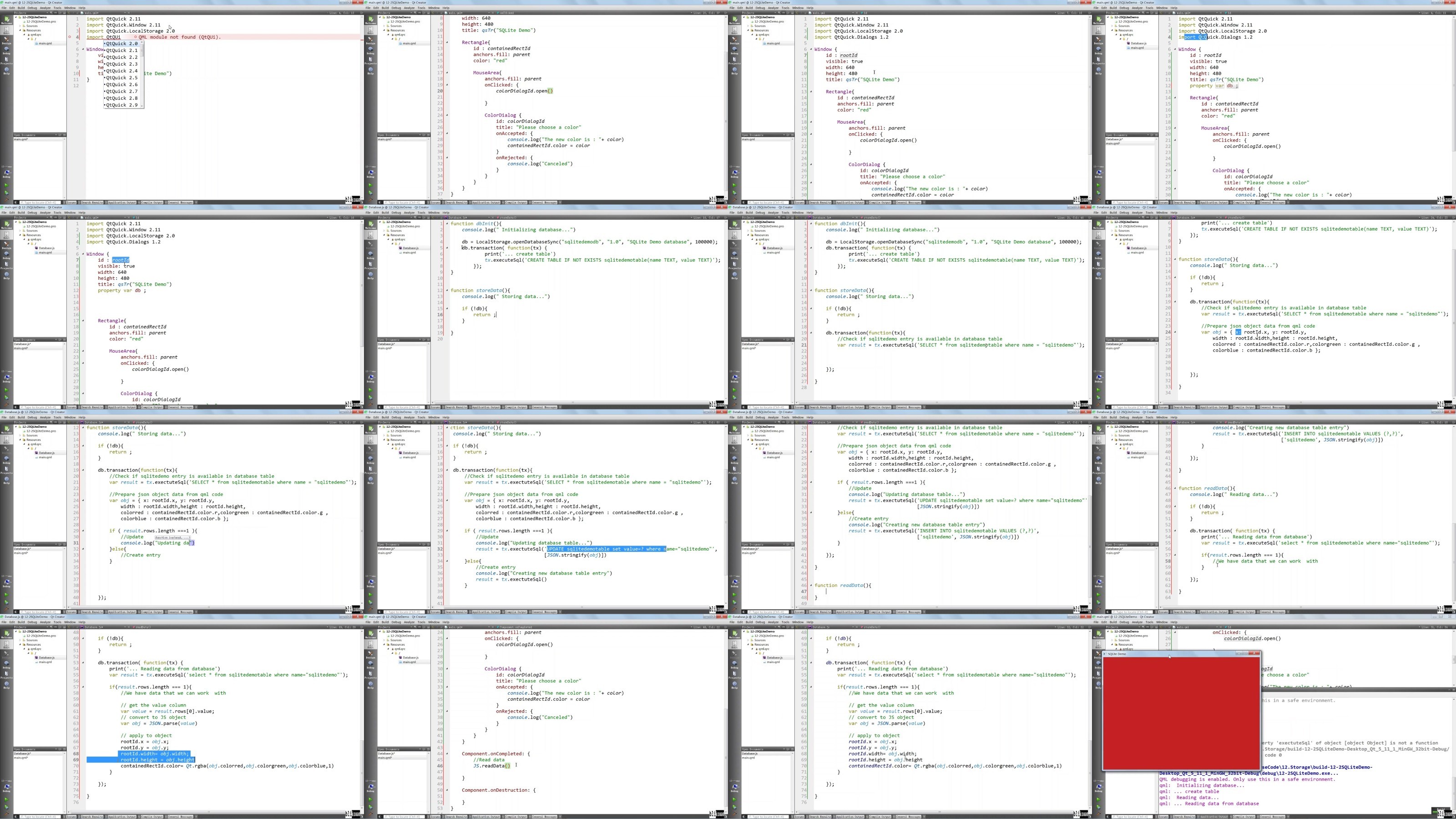
Section 15: Best Practices + BONUS
Lecture 97 Best Practices,Next Steps + Bonus
Designers willing to jump into Qt Quick Prototyping and UI Design,Existing Qt C++ Programmers willing to add Qt Quick to their Arsenal,Anyone willing to build Fluid and Dynamic User Interfaces capable of running on desktop, mobile and embedded devices
DDownload
RapidGator
NitroFlare
