




AgentofHeart
MyBoerse.bz Pro Member

Php Codeigniter 4: Build Restaurant Management System 2025
Published 7/2025
MP4 | Video: h264, 1920x1080 | Audio: AAC, 44.1 KHz
Language: English | Size: 8.26 GB | Duration: 9h 37m
What you'll learn
Learn to setup the necessary tools for building modern web apps
Set up the authentication system in seconds with Shield package
Learn how the MVC structure works in CodeIgniter
Work with Models the professional way
Work with Controllers the professional way
Create your own custom admin panel
Write professional maintainable code
Learn file uploading and how to fully update and delete it
Learn to fix bugs along the way of developing this web app
Integrate your own theme easily
Work with views the professional way
Learn to Perform CRUD operations in the simplest way possible
Learn some advanced routing ways
Handle validation like a pro and prevent user to sensitive date
Work with some SQL complex queries
Learn how to integrate different parts of code together so they can work in the same system
Learn security tips and tricks
Implement an interactive cart system functionality.
Develop a real-time order checkout process with validation and user feedback
Manage orders, products, and users from a custom admin dashboard.
Integrate order status tracking for users (pending, processing, delivered).
Store and retrieve product and order data using MySQL with CodeIgniter's Query Builder.
Process payments with PayPal securely
Create an amazing booking system
Create a stylish review system
Requirements
Knowledge of PHP, MySQL and Bootstrap
Very little knowledge of CodeIgniter would help a lot
Description
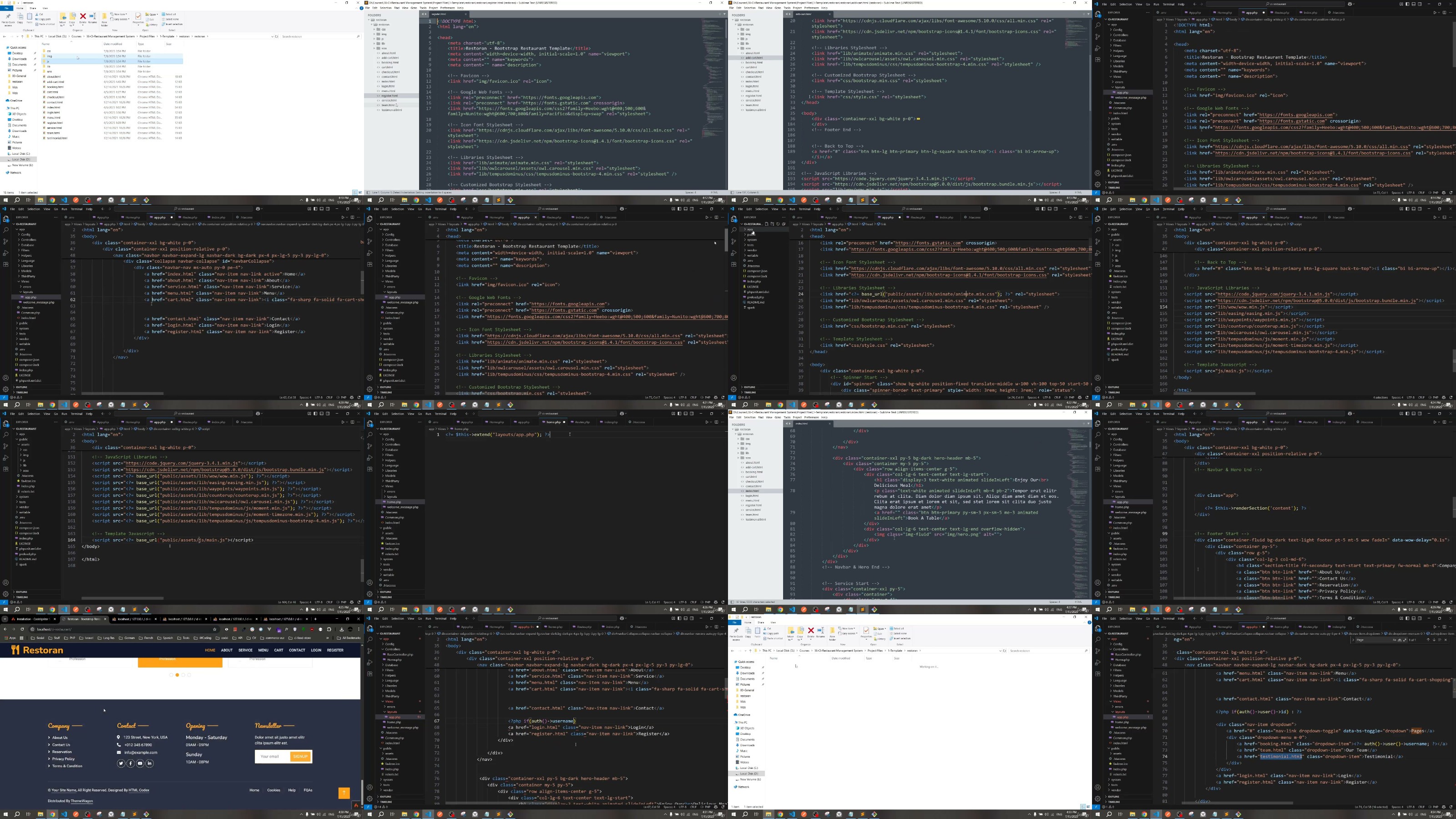
In "PHP CodeIgniter 4: Build Restaurant Management System 2025," you will learn step by step how to create a professional restaurant management system using modern web development practices. Whether you're a beginner or an intermediate PHP developer, this project will help you apply your knowledge in a practical, hands-on way.You will build a complete system that manages various restaurant operations such as menu management, table reservations, and real-time order status updates. The system is designed to be used by both admins and restaurant staff, and you will learn how to control to protect sensitive actions and data.We'll start from the basics-setting up CodeIgniter 4 and configuring the project structure-and then dive into advanced features like data filtering, order tracking, and dynamic dashboards. You'll also learn how to use Bootstrap 5 for responsive layouts, and MySQL for handling the database with CodeIgniter's Query Builder and Model classes.By the end of this course, you will:Build a complete restaurant management system from scratchCreate and manage food categories and menu items dynamicallyImplement a reservation system with time and date validationCreate an order management moduleDevelop a secure user authentication system for both users and adminsBuild an interactive admin dashboard with real-time dataDisplay live order status and history trackingUse CodeIgniter 4's MVC structure and routing system effectivelyStyle the frontend with Bootstrap 4 for a mobile-friendly designStore and manage data efficiently with MySQL and CI Query BuilderDevelop a full review systemCreate a booking tables system Whether you're aiming to become a back-end developer, a freelancer, or build a product for a real client, this course gives you both the technical skills and the project experience to move forward with confidence.
Overview
Section 1: Introduction
Lecture 1 Introduction
Section 2: Installation
Lecture 2 Before you Start with the Course: Very Important
Lecture 3 Installing Xampp
Lecture 4 Installing VS Code
Section 3: Getting Started and Creating Authentication System
Lecture 5 Design and Code of the Project
Lecture 6 Creating our Project with CodeIgniter pt.1
Lecture 7 Creating our Project with CodeIgniter pt.2
Lecture 8 Creating Authentication System with CI Shield
Lecture 9 Integrating our Theme and Creating our Master Template
Section 4: Diving Deeper and Getting Main Features Done
Lecture 10 Displaying Meals
Lecture 11 Displaying Products for every Meal
Lecture 12 Displaying Product Details
Section 5: Working with the Cart
Lecture 13 Adding Products to Cart pt.1
Lecture 14 Adding Products to Cart pt.2
Lecture 15 Displaying Products in the Cart
Lecture 16 Deleting Products form the Cart
Lecture 17 Displaying Total Price for Products in the Cart
Section 6: Working with Checkout and Paying with PayPal and Booking Tables
Lecture 18 Preparing Checkout
Lecture 19 Creating Checkout Page
Lecture 20 Paying with Paypal pt.1
Lecture 21 Paying with Paypal pt.2
Lecture 22 Validating Paying and Checkout
Lecture 23 Booking Tables
Section 7: Working with Users Pages and Allowing Users to Write Reviews
Lecture 24 Displaying Products in Menu Page
Lecture 25 Displaying Bookings for every User
Lecture 26 Displaying Orders for every User
Lecture 27 Allowing Users to Write Reviews
Lecture 28 Validating Writing Reviews
Lecture 29 Displaying Reviews in Home Page
Lecture 30 Validating and Finishing the Users End
Section 8: Getting Started with Admin Panel and Creating Auth System
Lecture 31 Code and Design for Admin Panel
Lecture 32 Creating Auth System pt.1
Lecture 33 Creating Auth System pt.2
Lecture 34 Validating Auth System pt.1
Lecture 35 Validating Auth System pt.2
Section 9: Finishing Admins Section
Lecture 36 Working with Index Page
Lecture 37 Displaying all Admins
Lecture 38 Creating New Admins
Section 10: Finishing Products Section
Lecture 39 Displaying all Products
Lecture 40 Creating New Products
Lecture 41 Deleting Products with Images
Section 11: Finishing Orders Section
Lecture 42 Displaying all Orders
Lecture 43 Updating Order Status
Lecture 44 Deleting Orders
Section 12: Finishing Bookings Section
Lecture 45 Displaying Bookings
Lecture 46 Updating Booking Status
Lecture 47 Deleting Bookings
Lecture 48 Validating Form inputs
Beginner to intermediate PHP developers who want to build real-world projects using CodeIgniter 4.,Students and self-taught programmers looking to strengthen their skills by creating a full restaurant system step by step.,Freelancers and aspiring web developers who want to learn how to develop client-ready, scalable restaurant applications.

RapidGator
-BOOKTIME.part1.rar
-BOOKTIME.part2.rar
-BOOKTIME.part3.rar
-BOOKTIME.part4.rar
-BOOKTIME.part5.rar
-BOOKTIME.part6.rar
DDownload
-BOOKTIME.part1.rar
-BOOKTIME.part2.rar
-BOOKTIME.part3.rar
-BOOKTIME.part4.rar
-BOOKTIME.part5.rar
-BOOKTIME.part6.rar
NitroFlare
-BOOKTIME.part1.rar
-BOOKTIME.part2.rar
-BOOKTIME.part3.rar
-BOOKTIME.part4.rar
-BOOKTIME.part5.rar
-BOOKTIME.part6.rar

