• Regeln für den Software-Bereich:


    Allgemeines:

    - In erster Linie sind unsere Boardregeln zu beachten, zu finden HIER.
    - Software zur Audiobearbeitung sollte ausschließlich im Unterforum "Audio" eingestellt werden.
    - Für Cracks, Keygens oder sonstige Freischaltungssoftware gibt es das Unterforum "Freischaltung".
    - Portable Software bitte im entsprechenden Unterforum "Portable Software" eintragen.
    - Diskussionen zur Installation und anderen Problemen mit der Software, bitte im enstprechenden Unterforum "Talk" führen.
    - Bei Unklarheiten und Fragen zu den Regeln bitte die Moderatoren kontaktieren.


    Angebot erstellen

    - Die Struktur des Threadtitels muss wie folgt umgesetzt werden: Herstellername - Softwarename - Versionsnummer
    - Unnötige Zusätze im Threadtitel wie "HOT", "NEW" oder Punkte zwischen den Wörtern sind nicht erlaubt.
    - Achtet darauf immer nur die Hauptversion und deren Updates in einem Thread zusammenfassen, konkretes Beispiel: SoftwareXY v3.12 gehört in den selben Thread mit SoftwareXY v3.13; SoftwareXY v.4.1 gehört in einen neuen eigenen Thread. Ausgenommen hiervon sind Sammelthreads und Dauerangebote.
    - Bei nicht bekannten Herstellern oder Angebote einer privaten Software, ist die Programmbezeichnung + Versionsnummer ausreichend.
    - Besondere Beachtung gilt für den ersten Beitrag eines Angebots. Dort muss eine kurze Beschreibung der Software in deutscher Sprache angegeben werden. Für offizielle Releases ist es Pflicht die NFO im Beitrag einzustellen(Spoiler, siehe nächster Punkt).
    - Weitere Informationen wie NFOs oder Changelogs, versteckt ihr bitte in einem Spoiler.


    Software Suche

    - Für Suchanfragen haben wir das Unterforum "Suche" erstellt.
    - Auch hier sollte vorher die Suchfunktion benutzt werden, um Doppelthreads vorzubeugen. Sollte es bereits eine Suchanfrage geben, könnt ihr den Thread gerne mit einem "Danke" pushen.


    Trojaner- und Virusalarm

    - Falls Euer Virenscanner bei einem Angebot Alarm schlägt, solltet ihr zunächst Ruhe bewahren. Viele Virenscanner erkennen Cracks/Keygens oft fälschlicherweise als Bedrohung.
    - Prüft die verdächtige Datei zuerst mit http://virustotal.com , sollte es sich hierbei wirklich um eine Bedrohung handeln, meldet den Beitrag und/oder wendet euch mit dem Bericht von VirusTotal.com an einen Moderator.


    Unerwünschte Angebote

    - Keylogger, Spionagetools, alles rund ums Thema Hacking/Cracking ist nicht erwünscht.
  • Bitte registriere dich zunächst um Beiträge zu verfassen und externe Links aufzurufen.

*** Bestes IPTV *** bester Preis *** gratis Test ***


[Dauerangebot] Microsoft Windows 11 Integrated und Modified


7a5951150d5f91050ec2e2b849730c12.png

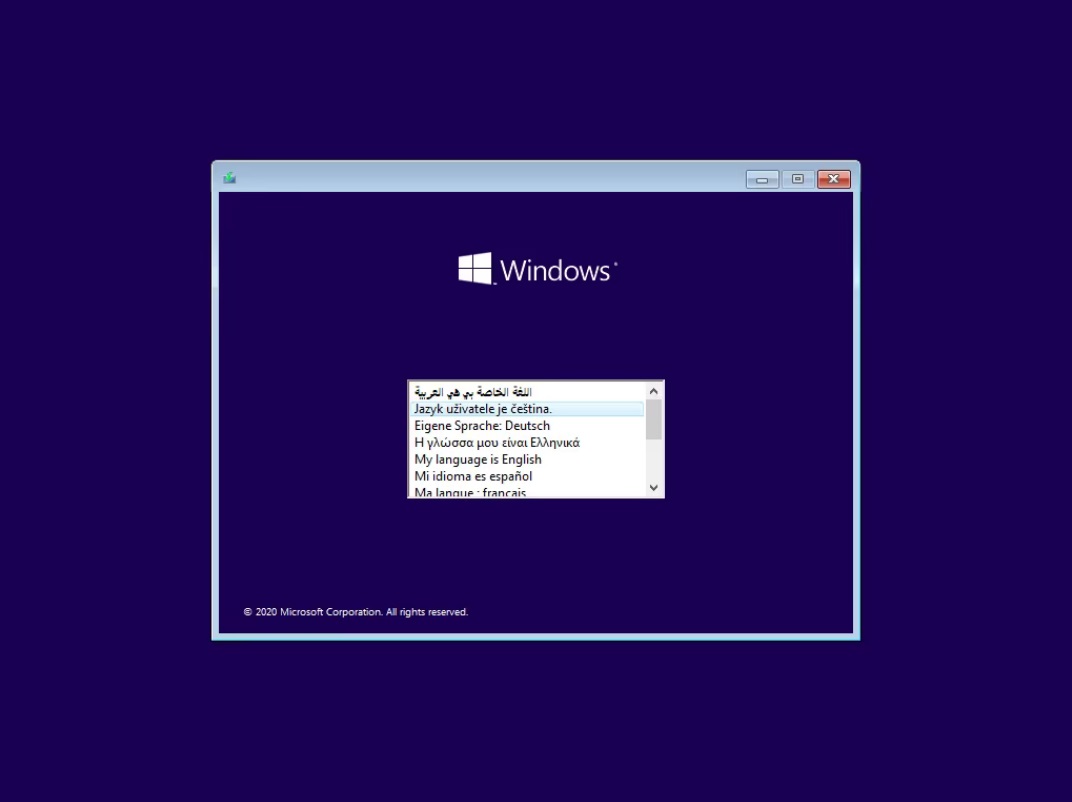
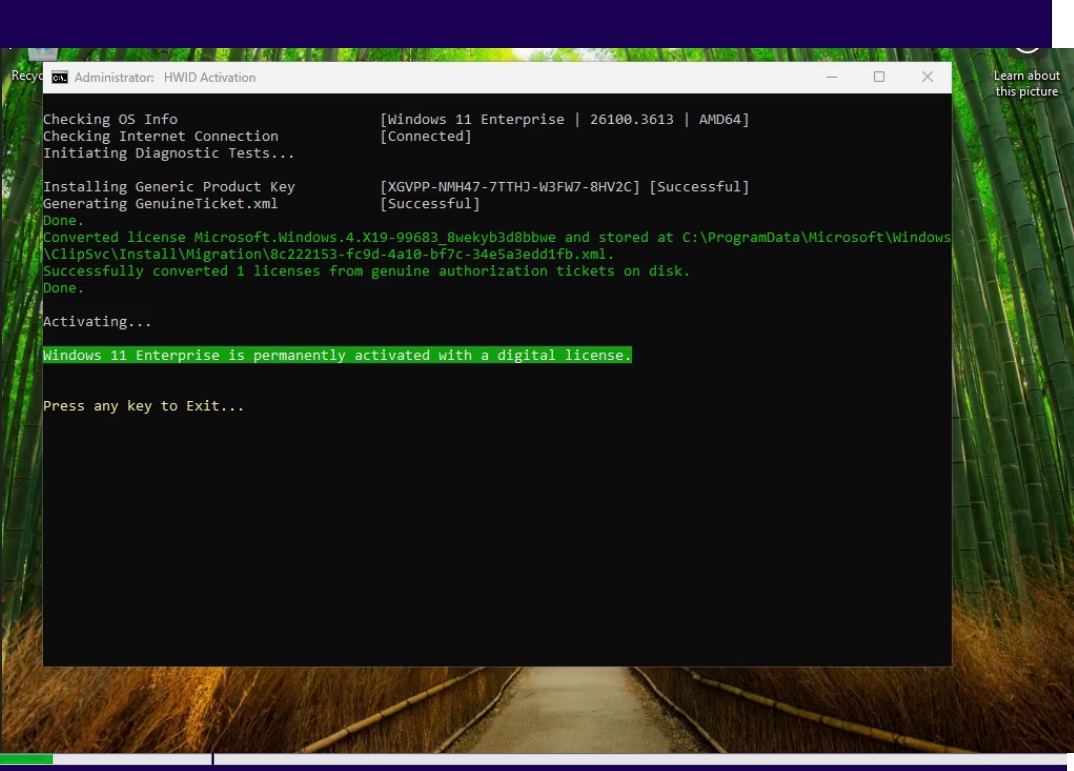
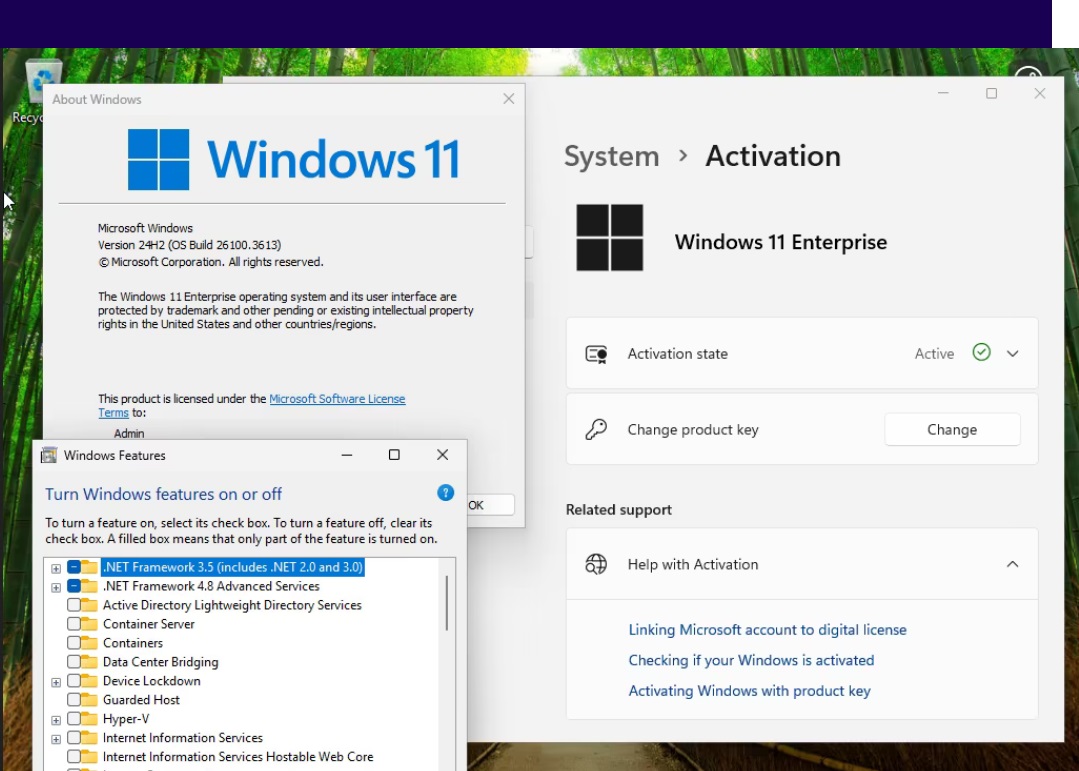
Windows 11 Enterprise/IOT Enterprise 24H2 Build 26100.3613 (No TPM Required) Preactivated Multilingual March 2025

Provider: Lori.Yagami


Format: ISO | RAR | x64
Platform: Windows 11 Enterprise/IOT Enterprise 24H2 Build 26100.3613 (No TPM Required) Preactivated Multilingual March 2025
Languages:Arabic,English,German,Greek,French,Spanish,Italian,Portuguese-Portuguese,Portuguese-Brazil,Turkish,Dutch,Czech
Hoster: Rapidgator | DDownload
File Size: 5.43 GB

Windows 11, version 24H2, also known as the Windows 11 2024 Update, is now available through Windows Server Update Services (WSUS) and Windows Update for Business.

Today marks the start of 36 months of support for Enterprise and Education editions of Windows 11, version 24H2. We recommend that you begin a targeted deployment in your organization now to validate that your apps, devices, and infrastructure work as expected with the new release. To help you plan, this post outlines some of the features and enhancements that help you power exceptional experiences while helping secure your corporate data, apps, and people on any device.


System Requirements
Processor: 2 gigahertz (GHz) or faster.
RAM: 2 gigabyte (GB).
Free space on hard disk: 25 gigabytes (GB).
Graphics card: DirectX 9 graphics device or a newer version.
Additional requirements to use certain features.
To use touch you need a tablet or monitor that supports multitouch.
To access the Windows store to download and run apps, you need an active Internet connection and a screen resolution of at least 1024 x 768 pixels


7a5951150d5f91050ec2e2b849730c12.png

Windows 11 AIO 16in1 24H2 Build 26100.3613 (No TPM Required) Preactivated March 2025

Provider: Lori.Yagami


Format: ISO | RAR | x64
Platform: Windows 11 AIO 16in1 24H2 Build 26100.3613 (No TPM Required) Preactivated March 2025
Languages: English
Hoster: Rapidgator | DDownload
File Size: 5.55 GB

Windows 11, version 24H2, also known as the Windows 11 2024 Update, is now available through Windows Server Update Services (WSUS) and Windows Update for Business.

Today marks the start of 36 months of support for Enterprise and Education editions of Windows 11, version 24H2. We recommend that you begin a targeted deployment in your organization now to validate that your apps, devices, and infrastructure work as expected with the new release. To help you plan, this post outlines some of the features and enhancements that help you power exceptional experiences while helping secure your corporate data, apps, and people on any device.


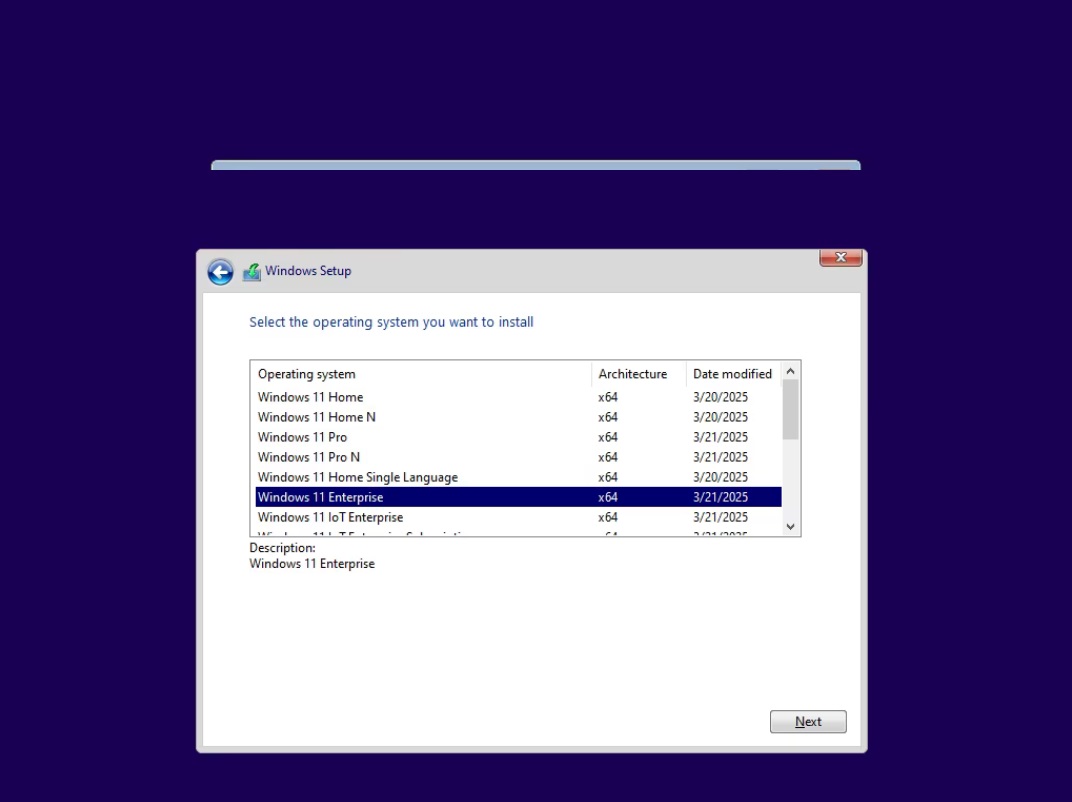
Editions Includes
1. "Windows 11 Home"
2. "Windows 11 Home N"
3. "Windows 11 Pro"
4. "Windows 11 Pro N"
5. "Windows 11 Home Single Language"
6. "Windows 11 Enterprise"
7. "Windows 11 IoT Enterprise"
8. "Windows 11 IoT Enterprise Subscription"
9. "Windows 11 Enterprise multi-session"
10. "Windows 11 Education"
11. "Windows 11 Pro Education"
12. "Windows 11 Pro for Workstations"
13. "Windows 11 Enterprise N"
14. "Windows 11 Education N"
15. "Windows 11 Pro Education N"
16. "Windows 11 Pro N for Workstations"

System Requirements
Processor: 2 gigahertz (GHz) or faster.
RAM: 2 gigabyte (GB).
Free space on hard disk: 25 gigabytes (GB).
Graphics card: DirectX 9 graphics device or a newer version.
Additional requirements to use certain features.
To use touch you need a tablet or monitor that supports multitouch.
To access the Windows store to download and run apps, you need an active Internet connection and a screen resolution of at least 1024 x 768 pixels

 
zGLjA4.Fhwc.png


Windows 11 Pro 24H2 Build 26100.3613 (No TPM Required) Preactivated (64-Bit) Multilingual March 2025


Plattform: windows 11 (64-Bit)
Größe: 5.38 GB
Sprache(n) -> multi / deutsch / englisch
Format: rar / iso
Hoster: rapidgator / ddownload / nitroflare


Windows 11, Version 24H2, auch bekannt als Windows 11 2024 Update, ist jetzt über Windows Server Update Services (WSUS) und Windows Update for Business verfügbar.Heute beginnt der 36-monatige Support für die Enterprise und Education-Editionen von Windows 11, Version 24H2.Wir empfehlen Ihnen, jetzt mit einer gezielten Bereitstellung in Ihrer Organisation zu beginnen, Infrastruktur mit der neuen Version wie erwartet funktionieren.Um Ihnen bei der Planung zu helfen, werden in diesem Beitrag einige der Funktionen außergewöhnliche Erfahrungen zu ermöglichen und gleichzeitig Ihre Unternehmensdaten, Apps und Personen auf jedem Gerät zu schützen.Windows 11, Version 24H2, enthält alle Funktionen und Fähigkeiten, die im Rahmen der kontinuierlichen Innovation für Windows 11 bereitgestellt wurden und jetzt standardmäßig aktiviert sind.

Sprachen: Arabisch, Englisch, Deutsch, Griechisch, Französisch, Spanisch, Italienisch, Portugiesisch-Portugiesisch, Portugiesisch-Brasilien, Türkisch, Niederländisch, Tschechisch

Download:
jndlpic.gif


Windows 11 24H2 Build 26100.3476 9in1 (x64) Preactivated Multilingual


8f530ddab548816cbd62d35684b8f07b.jpg


Windows 11 24H2 Build 26100.3476 9in1 (x64) Preactivated Multilingual


Windows 11, Version 24H2, auch bekannt als Windows 11 2024 Update, ist jetzt u00fcber Windows Server Update Services (WSUS) und Windows Update for Business verfu00fcgbar.


Sprache: Deutsch, Multi | Größe: 5.30 GB | Format: RAR, ISO | Plattform: Windows 11 (64Bit)


Hoster:
RapidGator.net | NitroFlare.com | DDownload.com


DOWNLOAD Links:


phe2xP.hSyc.png


Windows 11 Enterprise/IOT Enterprise 24H2 Build 26100.3613 (No TPM Required) Preactivated (64-Bit) Multilingual March 2025


Plattform: windows 11 (64-Bit)
Größe: 5.43 GB
Sprache(n) -> multi / deutsch / englisch
Format: rar / iso
Hoster: rapidgator / ddownload / nitroflare


Windows 11, Version 24H2, auch bekannt als Windows 11 2024 Update, ist jetzt über Windows Server Update Services (WSUS) und Windows Update for Business verfügbar.Heute beginnt der 36-monatige Support für die Enterprise und Education-Editionen von Windows 11, Version 24H2.Wir empfehlen Ihnen, jetzt mit einer gezielten Bereitstellung in Ihrer Organisation zu beginnen, Infrastruktur mit der neuen Version wie erwartet funktionieren.Um Ihnen bei der Planung zu helfen, werden in diesem Beitrag einige der Funktionen außergewöhnliche Erfahrungen zu ermöglichen und gleichzeitig Ihre Unternehmensdaten, Apps und Personen auf jedem Gerät zu schützen.Windows 11, Version 24H2, enthält alle Funktionen und Fähigkeiten, die im Rahmen der kontinuierlichen Innovation für Windows 11 bereitgestellt wurden und jetzt standardmäßig aktiviert sind.

Sprachen: Arabisch, Englisch, Deutsch, Griechisch, Französisch, Spanisch, Italienisch, Portugiesisch-Portugiesisch, Portugiesisch-Brasilien, Türkisch, Niederländisch, Tschechisch

Download:
jndlpic.gif


Microsoft Windows 11 Enterprise 24H2 LTSC Build 26100.3476
+
Microsoft Office LTSC Pro Plus 2024
+
Adobe Acrobat Pro DC 2025


Deutsch // Voraktiviert // Originale Microsoft Dateien // 100% Clean // 64-Bit

Diese Windows Version ist 100% Original und wurde nicht modifiziert!


48865821im.png


Beschreibung:

Enthaltene Software:

Microsoft Office LTSC Pro Plus 2024 v2408 Build 16.0.17932.20286 Final (x64)
Adobe Acrobat Pro DC 2025.001.20432 (x64)
Duden Korrektor für Microsoft Office v15.0.732.0


Diese ISO enthält folgende Versionen:

Windows 11 Enterprise LTSC x64
Windows 11 Enterprise N LTSC x64
Windows 11 IoT Enterprise LTSC x64
Windows 11 IoT Enterprise Subscription LTSC x64

_________________________________________________

Größe: 9.17 GB
Sprache: Deutsch
Format: RAR/ISO
Plattform: Windows 11 LTSC 24H2 (64-Bit)
Hoster: RapidGator|Ddownload|Katfile
________________________________________


Windows 11 Enterprise 24H2 Build 26100.3476 (x64) (No TPM Required) Preactivated Multilingual March 2025


9349d8ec0f5e3b07fcd48390287e08e7.png


Windows 11 Enterprise 24H2 Build 26100.3476 (x64) (No TPM Required) Preactivated Multilingual March 2025


Windows 11. Der Hauptteil dieser Anku00fcndigung sollte die Pru00e4sentation einer bedeutenden u00c4nderung der Benutzeroberflu00e4che mit dem Codenamen Sun Valley sein. Wie wir wissen, wird ein erheblicher Teil der UX-u00c4nderungen von der Windows 10X-Shell u00fcbernommen und Windows 10X wird nicht auf den Markt kommen. Nun beginnt erwartungsgemu00e4u00df das Informationsleck zu Windows 11.


Sprache: Deutsch, Multi | Größe: 5.28 GB | Format: RAR, ISO | Plattform: Windows 11 (64Bit)


Hoster:
RapidGator.net | NitroFlare.com | DDownload.com


DOWNLOAD Links:


Windows 11 AIO 16in1 24H2 Build 26100.3476 (x64) (No TPM Required) Multilingual Preactivated March 2025


c1b29a8486f3a353f55770203c24688b.jpg


Windows 11 AIO 16in1 24H2 Build 26100.3476 (x64) (No TPM Required) Multilingual Preactivated March 2025

Windows 11, version 24H2, also known as Windows 11 2024 Update, is now available through Windows Server Update Services (WSUS) and Windows Update for Business.


Language: German, Multi | Size: 6.06 GB | Format: RAR, ISO | Platform: Windows 11 (64-bit)


Coughing:
RapidGator.net | DDownload.com


DOWNLOAD Links:


Download from RapidGator


Microsoft Windows 11 Moment 5 AiO 23H2 Build 22631.5126

Deutsch // Voraktiviert // Originale Microsoft Dateien // 100% Clean // 64-Bit

Diese Windows Version ist 100% Original und wurde nicht modifiziert!


47185111sf.jpg


Beschreibung:

Diese ISO enthält folgende Versionen:

Windows 11 23H2 Home
Windows 11 23H2 Home N
Windows 11 23H2 Pro
Windows 11 23H2 Pro N
Windows 11 23H2 Home Single Language
Windows 11 23H2 Pro Education
Windows 11 23H2 Pro Education N
Windows 11 23H2 Pro for Workstations
Windows 11 23H2 Pro N for Workstations
Windows 11 23H2 Pro Single Language
Windows 11 23H2 Education
Windows 11 23H2 Education N
Windows 11 23H2 Enterprise
Windows 11 23H2 Enterprise N
Windows 11 23H2 Enterprise Multi-Session
Windows 11 23H2 IoT Enterprise

_________________________________________________

Größe: 5.95 GB
Sprache: Deutsch
Format: RAR/ISO
Plattform: Windows 11 23H2 (64-Bit)
Hoster: RapidGator|Ddownload|Katfile
________________________________________


Windows 11 Pro 24H2 Build 26100.3476 (x64) (No TPM Required) With Office 2024 Pro Plus Multilingual Preactivated March 2025


13d402b757d0cd071221d59cf3aeb243.png


Windows 11 Pro 24H2 Build 26100.3476 (x64) (No TPM Required) With Office 2024 Pro Plus Multilingual Preactivated March 2025


Windows 11. Der Hauptteil dieser Anku00fcndigung sollte die Pru00e4sentation einer bedeutenden u00c4nderung der Benutzeroberflu00e4che mit dem Codenamen Sun Valley sein. Wie wir wissen, wird ein erheblicher Teil der UX-u00c4nderungen von der Windows 10X-Shell u00fcbernommen und Windows 10X wird nicht auf den Markt kommen. Nun beginnt erwartungsgemu00e4u00df das Informationsleck zu Windows 11.


Sprache: Deutsch, Multi | Größe: 8.50 GB | Format: RAR, ISO | Plattform: Windows 11 (64Bit)


Hoster:
RapidGator.net | NitroFlare.com | DDownload.com


DOWNLOAD Links:


Windows 11 AIO 16in1 24H2 Build 26100.3613 (No TPM Required) Preactivated Multilingual March 2025

c726932551d839870d52c1394111139e.jpg


Windows 11 AIO 16in1 24H2 Build 26100.3613 (No TPM Required) Preactivated Multilingual March 2025

Windows (x64) | Languages: Arabic,English,German,Greek,French,Spanish,Italian,Portuguese-Portuguese,Portuguese-Brazil,Turkish,Dutch,Czech | File Size: 6.16 GB

Windows 11, version 24H2, also known as the Windows 11 2024 Update, is now available through Windows Server Update Services (WSUS) and Windows Update for Business.

Today marks the start of 36 months of support for Enterprise and Education editions of Windows 11, version 24H2. We recommend that you begin a targeted deployment in your organization now to validate that your apps, devices, and infrastructure work as expected with the new release. To help you plan, this post outlines some of the features and enhancements that help you power exceptional experiences while helping secure your corporate data, apps, and people on any device.
Windows 11, version 24H2 includes all the features and capabilities delivered as part of continuous innovation to Windows 11, now enabled by default. These include
Windows Local Administrator Password Solution (LAPS) policy improvements and new automatic account management feature
Personal Data Encryption (PDE) so that known Windows folders (Documents, Desktop, and Pictures) are protected using user authenticated encryption
App Control for Business (formerly Windows Defender Application Control) to better protect your digital property from malicious code
Windows protected print mode, eliminating the need to rely on third-party software installers for Morpia certified printers
Local Security Authority (LSA) protection to help protect against the theft of secrets and credentials used for logon
Support for Wi-Fi 7
Bluetooth® LE audio support for assistive devices
New controls to help manage which apps have access to the list of Wi-Fi networks around you
Rust in the Windows kernel
SHA-3 support
With Windows 11, version 24H2, we've also introduced numerous Server Message Block (SMB) protocol changes. These include firewall rule changes, support for blocking NTLM, dialect management, alternative network port connections, SMB over QUIC (an alternative to TCP and RDMA), and changes to SMB signing and encryption.
This scoped release also features enhancements designed to improve your overall experience with Windows 11, such as
A scrollable list (vs. single pane) of Quick Settings in the system tray that can be arranged in the way that makes sense for how you work best
Text labels to the cut, copy, rename, share, and delete actions available at the top of the File Explorer context menu
Support for creating 7-zip and TAR archives
Energy saver, an easy way to extend battery life and reduce energy use that can be configured to run automatically or toggled on and off manually via Quick Settings
Extended adaptive brightness control[3] on laptops and 2-in-1s even when they are plugged in
Expanded availability of Voice Clarity, which cancels echo, suppresses background noise, and reduces reverberation in real-time
We've also added new capabilities to control audio presets, ambient sounds, and more for Bluetooth® LE Audio. We made it so that people can adjust audio presets for their hearing aids from Settings or Quick Settings.

Editions Included

1. "Windows 11 Home"
2. "Windows 11 Home N"
3. "Windows 11 Pro"
4. "Windows 11 Pro N"
5. "Windows 11 Home Single Language"
6. "Windows 11 Enterprise"
7. "Windows 11 IoT Enterprise"
8. "Windows 11 IoT Enterprise Subscription"
9. "Windows 11 Enterprise multi-session"
10. "Windows 11 Education"
11. "Windows 11 Pro Education"
12. "Windows 11 Pro for Workstations"
13. "Windows 11 Enterprise N"
14. "Windows 11 Education N"
15. "Windows 11 Pro Education N"
16. "Windows 11 Pro N for Workstations"

What's New

3eb85bfd37b6c465a376e14ecd153177.jpg

84fa5377642f55d747ec8721002f0c37.jpg

64e12717a5c6251451dbc11b7b963613.jpg

09663bf91f2bc8ae6f30aced215a06ea.jpg


System Requirements
Processor: 2 gigahertz (GHz) or faster.
RAM: 2 gigabytes (GB).
Free space on hard disk: 25 gigabytes (GB).
Graphics card: DirectX 9 graphics device or a newer version.
Additional requirements to use certain features.
To use touch you need a tablet or monitor that supports multitouch.
To access the Windows store to download and run apps, you need an active Internet connection and a screen resolution of at least 1024 x 768 pixels


Homepage


Hoster:
RapidGator.net | DDownload.com



Windows 11 Inside Out From Zero to Hero IT PROs 100% Labs

1a90e3b35e2a0512fe79a93538f69bb6.jpg


Windows 11 Inside Out From Zero to Hero IT PROs 100% Labs

Published 3/2025
Created by Network Specialist (Mo Max) 500,000 Enrollments Worldwide
MP4 | Video: h264, 1280x720 | Audio: AAC, 44.1 KHz, 2 Ch
Level: All | Genre: eLearning | Language: English | Duration: 50 Lectures ( 6h 13m ) | Size: 2.81 GB

Master Windows 11 Including Install/Upgrade/Repair . User, Group Management . GPOs. IIS. Raid Levels. RDP. BitLocker .

What you'll learn
How To Install Windows 11 Using VMware/VirtualBox And Hyper-V
Upgrade From Windows 10 to Windows 11
User Acct Management and Working With GPOs
Cipher Entire Drive Using BitLocker and EFS For Specific Folders
Working With Computer Management including Event Viewer Shared Folders Disk Management Services
The Setting APP
Create and Restore using The System Restore To Repair an OS.
Account Policies For Lockouts and Complex Passwords For Better Security.
TCP/IP And Subnetting

Requirements
Basic Computer Skills
A Computer With at least 16 GB Of RAM

Description
About This Class ( My Entire Course is 100% HANDS ON)This course is mainly for anyone who wants to Master Windows 11 inside out as an IT Person For Beginners or Advancers in The Field. Why This ClassThis Short Course Will be the same as You worked as a PC Technician/Desktop Support For A Small Business For at Least 2 Years. My Entire Class is 100% Labs Hands On Experience.What Will You Gain From This ClassIn This Course you will not just learn you will actually do it yourself as if you were in an actual company and here are the key topics that you will gain from this class. 1. Install Windows 11 Using VMware Player, Virtual Box And Hyper-V 2. Upgrade From Windows 10 To Windows 11 3. Managing User Accounts by Creating , Disabling and resetting passwords using the GUI And the CLI 4. Creating And Managing Group Membership using the CLI And The GUI 5. Configuring ACLs For Share and NTFS Permissions by Assigning Users in Groups and assigning The proper Rights for each Object and Auditing User activities 6. Configuring Password Policies, Account Lockouts and Audits 7. Ciphering Entire Drive using Bit Locker Drive Encryption and EFS For Specific Folders and Files 8. Locking Down Your Windows 11 System Using GPOs 9. Hardening Your Windows 11 System By Disabling Services and Installing The Latest Hot Fixes Patches and Updates 10. Configure Fault Tolerance and Performance For Your HD Using Different Raid Levels. 11. Maintain Your HD Using Disk Tools such as Check Disk, Disk Cleanup and System File Checker. 12. Working With RDP and Securing RDP By Changing Port # and Integrating IPSEC 13. Making Your Windows 11 System as A Web Server by Hosting a Web Site. 14. TCP/IP And SubnettingWho is This Class For 1) Network /System Administrators.2) IT Support Techs.3) Help Desk Analyst.4) Any One Who wants to get themselves in The IT Field.Facts About The CourseDo I need any Work experience?If You or Don't Work In The IT Field You Should Be Fine Taking This Course.Will I Get Support From You?Yes You will.I Already Work In The IT Field Will I Benefit From This Course?Working In The IT Field Doesn't Mean You Will Cover All Concepts Of Information TechnologyWill I get a certificate of completion at the end?Yes You Will.

Who this course is for
Tech Support
Help Desk Tech
IT Support Specialist
System and Network Engineers
Any One who wants to enter the IT Field

Homepage


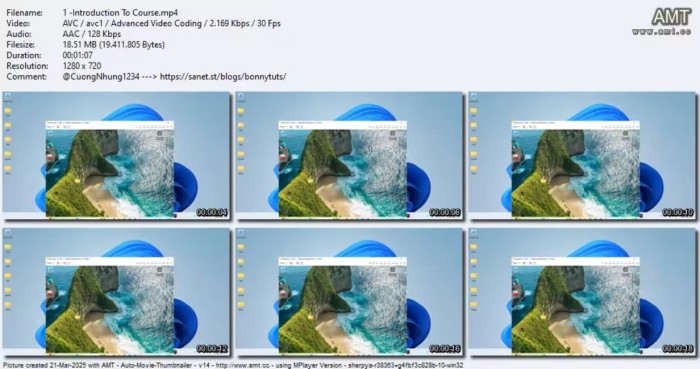
Screenshot

29ae2ca2f16311979cc6efbda8632dcc.jpg


Hoster:
RapidGator.net | DDownload.com


 
Zurück
Oben Unten