0daytutorial
MyBoerse.bz Pro Member

Master NEW Excel Functions in Office 365 & Office 2021
MP4 | Video: h264, 1280x720 | Audio: AAC, 44.1 KHz
Language: English | Size: 2.39 GB | Duration: 7h 8m
Learn to Use Excel's NEW Functions (FILTER, UNIQUE, SORT, XLOOKUP.) to Dramatically Simplify the Work You Do in Excel.
What you'll learn
Master Excel's NEW Formulas (FILTER, UNIQUE, XLOOKUP, SORT, SORTBY, SEQUENCE, RANDARRAY & More Dynamic Array Functions)
Learn how to think outside the box to solve ANY Excel challenge you come across
Be the FIRST to unlock the power of Microsoft Excel's BRAND-NEW calculation engine
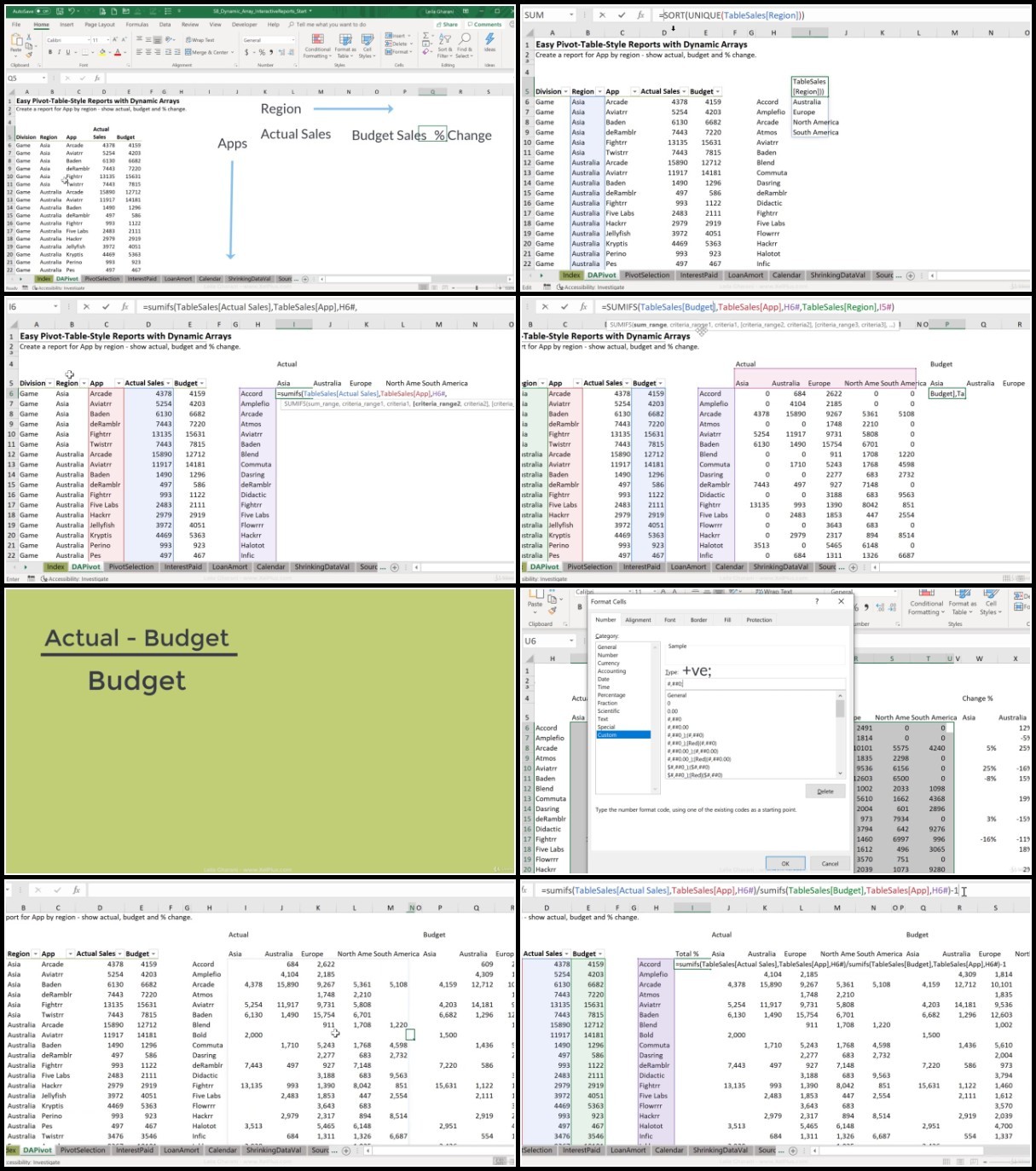
Add INTERACTIVITY to your Excel reports as NEVER seen before (Create Pivot Table style reports, without using Pivot Tables)
Maximize the NEW potential in Excel and learn how to apply the new DYNAMIC ARRAYS Formulas to make YOUR files better
Get lifetime access to a proven and State-Of-The-Art Excel course including challenges, quizzes & exercises
Requirements
You HAVE Microsoft 365 & the NEW Excel Dynamic Array formulas (see the 3rd Preview lecture)
You currently use Excel and are familiar with SUM, IF & VLOOKUP functions
MAC USERS: Excel Dynamic arrays are also available in Excel for Microsoft 365 for Mac. Please note: The course is taught for Excel on Windows. If you have a Mac, I wouldn't be able to help you if you run into problems.
Description
Data analysis in Excel for Microsoft 365 has become simpler than ever.
We have NEW Excel functions like XLOOKUP, FILTER, SORT, UNIQUE, SEQUENCE and MORE!
PLUS: Microsoft has changed Excel's calculation engine.
This change impacts EVERYONE who uses Microsoft 365 version: Beginner to Advanced Excel users.
There are MULTIPLE ways you can apply Dynamic Arrays and the NEW Excel Functions to YOUR Files.
This course shows you how to MAXIMIZE the NEW Potential in Excel 365!
For example
Use Excel's new FILTER Function to find multiple match results
Use Excel's new XLOOKUP function for complex lookups (no more VLOOKUP or Index Match)
Create Excel Dashboard reports in MINUTES instead of HOURS
Create Pivot Table style reports, without using Pivot Tables - no need to press "refresh" this way
Quickly create dynamic loan amortization reports in Excel or dynamic calendars
Master the new UNIQUE, SORT & SORTBY Excel Functions
Use the brand new Excel RANDARRAY Function to randomly sort lists
Use VLOOKUP, IF and SUMIFS together with Excel Dynamic Arrays formulas
In addition you'll learn
How to add Interactivity to your Excel reports as never done before
How to use the new Dynamic Arrays formulas in your files
How Excel's calculation engine has changed and how this impacts all existing formulas
Compatibility & how older files behave in the new Excel and New Excel files in the old Excel
Do Dynamic Arrays make our spreadsheets faster or slower?
Use Dynamic Array referencing as Excel chart ranges
Solve difficult problems - such as split text and numbers from alphanumeric values & much more.
Most importantly - how to think outside the box to solve any challenges you come across
But First
*** HOW TO CHECK IF YOUR EXCEL VERSION HAS DYNAMIC ARRAYS ***
Do you have Excel for Microsoft 365? Then you already have dynamic arrays and the new Excel functions.
Check out the free preview video called "Do you have Dynamic Arrays?" and do the test outline in the video.
If you don't have dynamic arrays BUT you have Excel for Microsoft 365 run the latest update to install the new features.
But please note: Excel dynamic arrays will NOT be a part of Excel 2010, Excel 2013, Excel 2016 or EVEN Excel 2019. Only in Excel 365 or Excel on the web.
*** WHY TAKE THIS SPECIFIC EXCEL COURSE? ***
Excel Dynamic Arrays are brand-new. Complex tasks will now be done with SIMPLE Excel formulas.
Everything you wished Excel could do, can now be done!
In this course you'll solve dozens of practical real-world examples. They'll help you think outside the box so you can work smarter not harder.
In the course you will get
⯆ Excel Practice & Solutions Workbooks for each section
⯆ Course notes outlining the MOST IMPORTANT Concepts
⯆ Quiz questions to test your understanding
*** WHY WOULD YOU CHOOSE TO LEARN EXCEL? ***
Excel can do so much for your career. It's just one program but it's the one hiring managers are interested in.
That's why basic Excel skills is a mandatory requirement for most office-based professionals today.
Superior Microsoft Excel skills can get you a promotion. Some jobs require that to begin with.
*** WHICH VERSION OF EXCEL IS USED IN THE COURSE? ***
The course is applicable ONLY for Excel for Microsoft 365 (Also available for Excel on the Web).
Dynamic Arrays will NOT be part of Excel 2019 perpetual license.
*** Feedback from our students ***
★★★★★ "I highly recommend this well-organized course for anyone whose work/projects involve data analysis. The knowledge I've gained on the new dynamic array functions will raise the level of my analysis while making my work easier at the same time. The new functions are well explained with business examples, and the course notes will be a great reference!" Jennifer
★★★★★ "This course is magical. I am sure everyone using Excel will have to upgrade their knowledge soon. Thanks for the enlightening journey." Dheeraj
★★★★★ "Very well organized and implemented course. It was easy to follow along yet challenging enough to learn. As an example, I had never used the CHOOSE function which was your solution in one of the advanced challenges. Still wanting to try and figure out the solution on my own (without seeing yours first), I tried watching a video from another YouTube instructor on that specific function. Unfortunately, I didn't really get it until I watched your instruction. The way you break down the components of a complex formula, showing various examples of how they work, before building up to the complete solution is a great method of teaching. Your advice for spilling component results next to the source data is an excellent method for troubleshooting formula problems.if I could only get the hang of it and remember to do it!" Stephanie
★★★★★ "I give you a big 10 for the explanation of this course, I learned a lot from it." Jos
There's a 100% money back guarantee. You have nothing to lose. Check out the lectures inside and see if you can apply the techniques to your work.
The course comes with lifetime access. Buy now. Watch anytime.
Who this course is for
Business Professionals who use Excel to analyze data & create reports
You'd like a complete course to understand ALL there is to Excel's NEW Calculation engine
You'd like to learn how to create interactive reports with Excel dynamic array formulas