



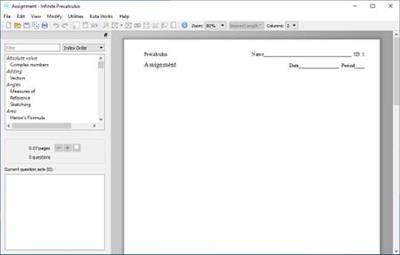
Infinite Precalculus 2.52 | 26.5 Mb
Infinite Precalculus covers all typical Precalculus material and more: trigonometric functions, equations, and identities; parametric equations; polar coordinates; vectors; limits; and more. Over 100 individual topics extend skills from Algebra 2 and introduce Calculus.
Unlimited Questions
Once you have created an assignment, you can regenerate all of its questions with a single click. The new questions will conform to the same parameters as the original questions, but they will be completely new. This feature is at the heart of our software and is what makes it so powerful: you choose the properties of the questions, not the questions themselves. When a question is replaced, you get a new one that is similar to the original question.
Easy Spacing
Respace the entire assignment to the desired length with one click. Easily give your students enough room to show their work by increasing the spacing. Or you can save paper by decreasing the spacing.
Presentation Mode
Very useful as a teaching aid when used in combination with an LCD projector or other display system. One to four questions at a time are shown on the screen.
Use this feature while you teach. Prepare your examples with the software, and then use a projector to display the questions on the board. This saves time during planning and during the lesson, and it makes it very easy to present long questions or questions with graphs and diagrams.
With one question displayed, you can:
Change the zoom level - so students in the back can read it
Draw lines beside the question to help you organize your work if you solve the question
Jump to another question - useful while reviewing homework
Reveal the answer
Show / hide the question number and the directions.
Multiple-Version Printing
Print multiple versions of an assignment. You control how each new version is created: scramble the choices, scramble the questions, or make completely new questions. You can also save each new version after it is created.
Scale Assignment
Proportionally increase or decrease the number of questions in the assignment. This is very useful when planning a lesson. You can create a few questions to use as examples, and then scale up the number of question to create a homework assignment. The questions on the homework will be completely new, yet follow precisely from the lesson-and you don't need to design the questions again.
System Requirements:
Windows 10, 8, 7, Vista, or XP with SP3
Screen resolution 1024x768 or higher
Internet access
100 MB disk space
Symbol font
Times New Roman font
Arial font
rapidgator_net:
nitroflare_com:
Download Links
RapidGator
NitroFlare
Links are Interchangeable - No Password - Single Extraction
