




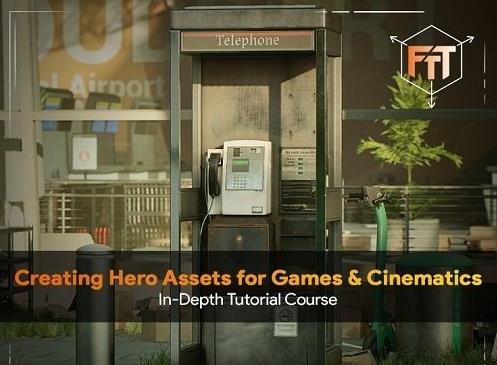
Free Download Gumroad - Creating Hero Assets for Games & Cinematics
Content Source:
Genre / Category:3D Tutorials-File Size :26.2 GB
Learn how a professional prop artist works when creating assets for games & cinematics. In this course you will learn from start to finish how to create a high quality game asset including everything from Modeling, Sculpting, UV-Unwrapping, Texturing, Rendering and more.
BLENDER, SUBSTANCE, ZBRUSH AND MARMOSET TOOLBAG
This course will cover the complete process from start to finish on how to create hero assets for games. Some of the main topics we will cover are as followed
Proper project planning and creating a blockout of our asset.Creating the low poly version.Creating the base high poly version.Sculpting any additional damages and details on our high poly.Efficiently UV-Unwrapping and baking our model.Creating our textures in multiple stages, Starting with height details, then base colors, then material definition and some final polish.Rendering our asset in Marmoset Toolbag and creating final .
We will also cover a lot more information in-between these main topics.
The general takeaway of this course is that at the end, you will have the knowledge on how to create exactly what you see in the images, and you can apply this knowledge to almost any type of asset not just hero assets but also simple production assets.
20+ HOURS!
This course contains over 20+ hours of content - You can follow along with every single step - This course has been done 100% in real-time with narration except for a few timelapses for very repetitive tasks. However even the timelapsed chapters have narration.
This course has been divided up into easy-to-understand chapters.
We will start the course off by planning our asset and creating the blockout for proper scale and shape definition.
We will then start turning this blockout into a high quality low-poly model in which we will be using weighted normals for proper baking and smoothing.
Finally we will duplicate our low-poly and turn it into a high poly mesh. Of that mesh we will prepare some elements for Zbrush in which we can sculpt some additional damage details.
Once that is done we will UV-Unwrap our model and bake the high to low poly textures.
Then we will move over to Substance 3d Painter in which we texture our asset. Starting with creating the height map only details. Then we will move on to defining the base colors and finally we will refine and polish our texture.
We will end the course with setting up our asset in Marmoset Toolbag and creating some final render .
Recommend Download Link Hight Speed | Please Say Thanks Keep Topic Live
No Password - Links are Interchangeable
