• Regeln für den Video-Bereich:

    In den Börsenbereich gehören nur Angebote die bereits den Allgemeinen Regeln entsprechen.

    Einteilung

    - Folgende Formate gehören in die angegeben Bereiche:
    - Filme: Encodierte Filme von BluRay, DVD, R5, TV, Screener sowie Telesyncs im Format DivX, XviD und x264.
    - DVD: Filme im Format DVD5, DVD9 und HD2DVD.
    - HD: Encodierte Filme mit der Auflösung 720p oder darüber von BluRay, DVD, R5, TV, Screener sowie Telesyncs im Format x264.
    - 3D: Encodierte Filme von BluRay, die in einem 3D Format vorliegen. Dies gilt auch für Dokus, Animation usw.
    - Serien: Cartoon/Zeichentrick, Anime, Tutorials, Dokumentationen, Konzerte/Musik, Sonstiges sind demnach in die entsprechenden Bereiche einzuordnen, auch wenn sie beispielsweise im High Definition-Format oder als DVD5/DVD9/HD2DVD vorliegen. Ausnahme 3D.
    - Bereich Englisch: Englische Releases gehören immer in diesen Bereich.
    - Bereich Talk: Der Bereich, in dem über die Releases diskutiert werden kann, darf, soll und erwünscht ist.


    Angebot/Beitrag erstellen

    - Ein Beitrag darf erst dann erstellt werden, wenn der Upload bei mindestens einem OCH komplett ist. Platzhalter sind untersagt.
    - Bei einem Scenerelease hat der Threadtitel ausschließlich aus dem originalen, unveränderten Releasenamen zu bestehen. Es dürfen keine Veränderungen wie z.B. Sterne, kleine Buchstaben o.ä. vorgenommen werden. Ausnahme Serienbörse:
    - Bei einem Sammelthread für eine Staffel entfällt aus dem Releasename natürlich der Name der Folge. Beispiel: Die Simpsons S21 German DVDRip XviD - ITG
    - Dementsprechend sind also u.a. verboten: Erweiterungen wie "Tipp", "empfehlenswert", "only", "reup", usw. / jegliche andere Zusatzinformation oder Ergänzung, welche nicht in obiger Beschreibung zu finden ist.

    Aufbau des Angebots und Threadtitel

    Der Titel nach folgendem Muster erstellt zu werden. <Name> [3D] [Staffel] [German] <Jahr> <Tonspur> [DL] [Auflösung] <Quelle> <Codec> - <Group>
    Beispiel: The Dark Knight German 2008 AC3 DVDRip XviD - iND
    Beispiel: The Dark Knight 2008 DTS DL BDRip x264 - iND
    Beispiel: The Dark Knight 2008 AC3 DL BDRip XviD - iND
    Beispiel: The Dark Knight German 2008 AC3 720p BluRay x264 iND
    Beispiel: The Dark Knight 2008 DTS DL 1080p BluRay x264 iND
    Beispiel: Die Simpsons S01 German AC3 DVDRip XviD iND
    Beispiel: Die Simpsons S20 German AC3 720p BluRay x264 iND
    Beispiel: Sword Art Online II Ger Sub 2014 AAC 1080p WEBRip x264 - peppermint
    Entsprechend sind also u.a. verboten: Sonderzeichen wie Klammern, Sterne, Ausrufezeichen, Unterstriche, Anführungszeichen / Erweiterungen wie "Tipp", "empfehlenswert", "only", "reup", usw. / jegliche andere Zusatzinformation oder Ergänzung, welche nicht in obiger Beschreibung zu finden ist
    Ausnahmen hiervon können in den Bereichen geregelt sein.

    Die Beiträge sollen wie folgt aufgebaut werden:
    Überschrift entspricht dem Threadtitel
    Cover
    kurze Inhaltsbeschreibung
    Format, Größe, Dauer sind gut lesbar für Downloader außerhalb des Spoilers zu vermerken
    Nfo sind immer Anzugeben und selbige immer im Spoiler in Textform.
    Sind keine Nfo vorhanden z.B. Eigenpublikationen, sind im Spoiler folgende Dateiinformationen zusätzlich anzugeben :
    Quelle
    Video (Auflösung und Bitrate)
    Ton (Sprache, Format und Bitrate der einzelnen Spuren)
    Untertitel (sofern vorhanden)
    Hosterangabe in Textform außerhalb eines Spoiler mit allen enthaltenen Hostern.
    Bei SD kann auf diese zusätzlichen Dateiinformationen verzichtet werden.

    Alle benötigten Passwörter sind, sofern vorhanden, in Textform im Angebot anzugeben.
    Spoiler im Spoiler mit Kommentaren :"Schon Bedankt?" sind unerwünscht.


    Releases

    - Sind Retail-Release verfügbar, sind alle anderen Variationen untersagt. Ausnahmen: Alle deutschen Retail-Release sind CUT, in diesem Fall sind dubbed UNCUT-Release zulässig.
    - Im Serien-Bereich gilt speziell: Wenn ein Retail vor Abschluss einer laufenden Staffel erscheint, darf diese Staffel noch zu Ende gebracht werden.62
    - Gleiche Releases sind unbedingt zusammenzufassen. Das bedeutet, es ist zwingend erforderlich, vor dem Erstellen eines Themas per Suchfunktion zu überprüfen, ob bereits ein Beitrag mit demselben Release besteht. Ist dies der Fall, ist der bereits vorhandene Beitrag zu verwenden.
    - P2P und Scene Releases dürfen nicht verändert oder gar unter einem iND Tag eingestellt werden.


    Support, Diskussionen und Suche

    - Supportanfragen sind entweder per PN oder im Bereich Talk zu stellen.
    - Diskussionen und Bewertungen sind im Talk Bereich zu führen. Fragen an die Uploader haben ausschließlich via PN zu erfolgen, und sind in den Angeboten untersagt.
    - Anfragen zu Upload-Wünschen sind nur im Bereich Suche Video erlaubt. Antworten dürfen nur auf Angebote von MyBoerse.bz verlinkt werden.


    Verbote

    - Untersagt sind mehrere Formate in einem einzigen Angebotsthread, wie beispielsweise das gleichzeitige Anbieten von DivX/XviD, 720p und 1080p in einem Thread. Pro Format, Release und Auflösung ist ein eigener Thread zu eröffnen.
    - Grundsätzlich ebenso verboten sind Dupes. Uploader haben sich an geeigneter Stelle darüber zu informieren, ob es sich bei einem Release um ein Dupe handelt.
    - Gefakte, nur teilweise lauffähige oder unvollständige Angebote sind untersagt. Dies gilt auch für eigene Publikationen, die augenscheinlich nicht selbst von z.B. einer DVD gerippt wurden. Laufende Serien, bei denen noch nicht alle Folgen verfügbar sind, dürfen erstellt und regelmäßig geupdatet werden.
    - Untersagt sind Angebote, welche nur und ausschließlich in einer anderen Sprache als deutsch oder englisch vorliegen. Ausnahmen sind VORHER mit den Moderatoren zu klären.


    Verstoß gegen die Regeln

    - Angebote oder Beiträge, die gegen die Forenregeln verstoßen, sind über den "Melden"-Button im Beitrag zu melden.
  • Bitte registriere dich zunächst um Beiträge zu verfassen und externe Links aufzurufen.

*** Bestes IPTV *** bester Preis *** gratis Test ***


Englische Tutorials

Master Unity and C# By Developing 5 Super Mario Games

44829886d5a483c20.jpg


Master Unity and C# By Developing 5 Super Mario Games
Published 07/2022
MP4 | Video: h264, 1280x720 | Audio: AAC, 44.1 KHz, 2 Ch
Genre: eLearning | Language: English + srt | Duration: 166 lectures (17h 24m) | Size: 10 GB


Create Dance Dance Mario Mix, Super Mario Bros, Mario Sunshine, Mario Baseball, and a VR game for Google Cardboard!


What you'll learn
Develop 5 Super Mario games in Unity using C#
Create a Dance Dance Revolution Mario Mix game for mobile
Build a Super Mario VR game for Google Cardboard
Develop a 2D Super Mario Bros. game for PC and Web
Create a Super Mario Baseball game for Android and iOS
Develop a Super Mario Sunshine version of Jetpack Joyride
Learn how to develop Artificially Intelligent (AI) enemies in Unity using C#
Create exciting power-up effects like Mega Mario, Fire Mario, Metal Mario, and Mini Mario
Learn how to program swinging on rope, swimming, and other physics driven behaviors
Packed with professional C# coding techniques to level you up as a developer
Practice industry standard version control techniques with GitHub
Over 17 hours of content
Requirements
A computer running Mac, Windows, or Linux
Basic knowledge of Unity and C#
Google Cardboard for VR Section (Optional)
Description
In this course we will use Unity and C# to develop 5 Super Mario video games
Dance Dance Revolution - Mario Mix
Super Mario Bros.
Super Mario Sunshine (Jetpack Joyride style)
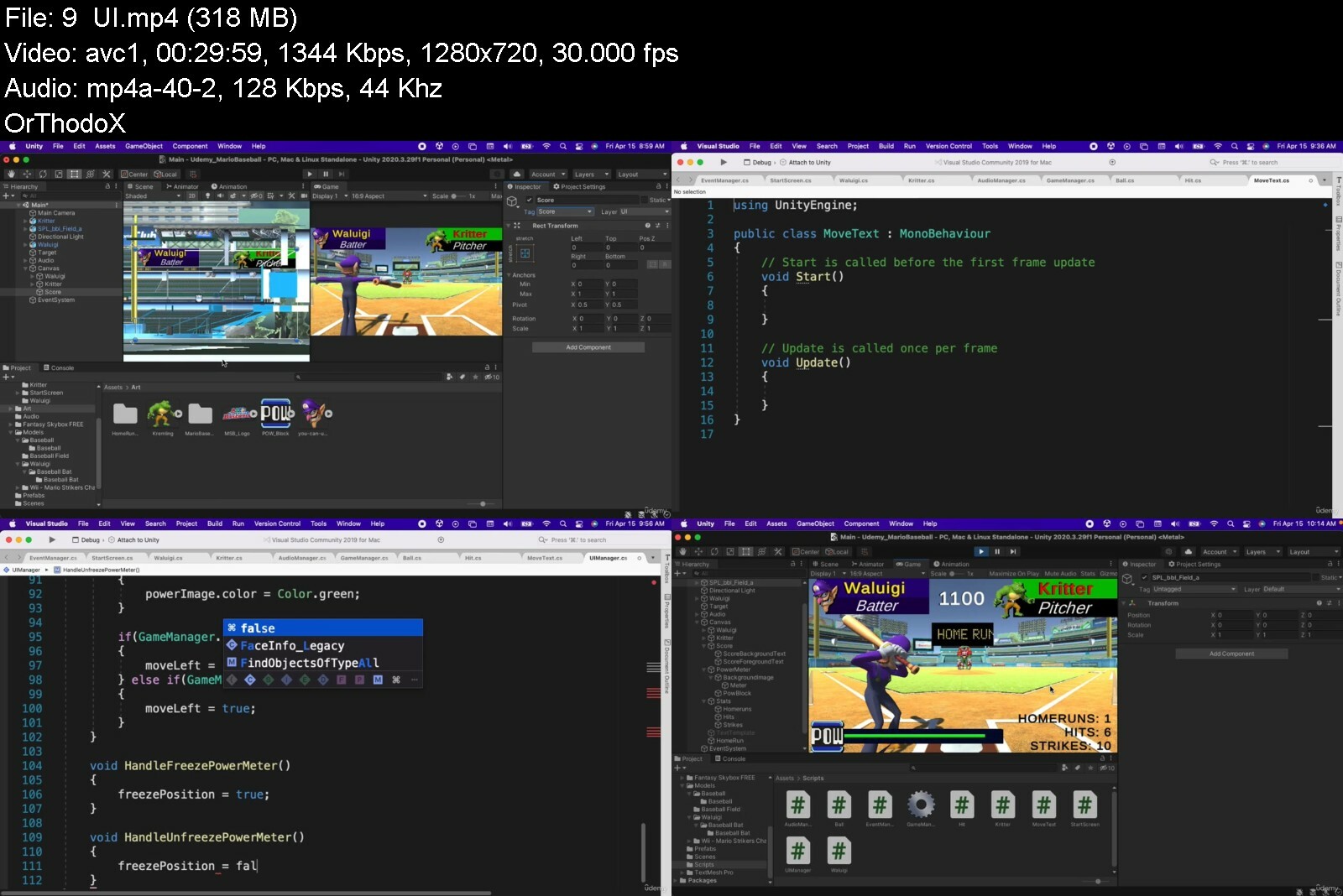
Super Mario Baseball
Super Mario VR (for Google Cardboard)
Here are some more details on each of the games we will develop
Dance Dance Revolution - Mario Mix
3D game development
Animated start screen
In-game audio
3D dance animations
Rotating disco lights effect
Pattern timing and coordination
Android and iOS
Super Mario Bros.
2D game development
7 levels
Enemy AI including
Goomba
Koopa
Flying Koopa
Dry Bones
Cheep Cheep
Blooper
Mr. Blizzard
Frost Piranha
Bowser (boss fight)
Items and Power-ups including
Fire Flower
Red Mushroom
Mega Mushroom
1up Mushroom
PC and Web
Super Mario Sunshine (Jetpack Joyride style)
3D game development
Infinite Runner / Sidescroller style
Enemy AI
Petey Piranha
Bullet Bill
Bowser
Power-ups
Mini Mushroom
Mega Mushroom
Metal Armor
1up Mushroom
Fruit
Super Star
Android and iOS
Super Mario Baseball
3D game development
Mario sports style game
Waluigi is up to bat, Kritter is pitching
Tap the screen to hit the ball
Android and iOS
Super Mario VR
3D Virtual Reality Game Development
Google Cardboard SDK for Unity
Main Menu that uses gaze tracking
3 levels
By the end of this course you will have 5 Super Mario games you developed in Unity using C# and have an intricate knowledge of the Unity game engine that you can use to develop professional quality games and content for your portfolio. Are you ready to master Unity game development? If so, then in the words of our favorite plumber dressed in red, "Here we goooo!"
Who this course is for
Anyone that wants to build 5 awesome Super Mario games in Unity using C#
Anyone that wants to gain mastery of the Unity Game Engine
Aspiring game developers that want to build professional quality games for their portfolio
Video game fans that are curious how to build Super Mario Games


masterunityandcbydeves7fb3.jpg


Learn Raylib: C++ fast and easy graphics library

4chfqudvozu0igipzwvus8sd91.jpg


Learn Raylib: C++ fast and easy graphics library
Published 07/2022
Genre: eLearning | MP4 | Video: h264, 1280x720 | Audio: AAC, 48.0 KHz
Language: English | Size: 6.41 GB | Duration: 58 lectures • 11h 12m


What you'll learn
Will be to understand functionalities in programing.
Learn how to Make your own GUI using custom library.
Get better in coding.
Will be able to make your own application.
Learn about 2D Coordinates.
Will be able to use mathematic functions .
Will be able to detect collisions (2D Only).

Requirements
Having computer.
Knowing some basics in programing.
Having hobbies to start.

Description
Hey this is Raylib course for graphics, games ,audio and GUI in this course we will use C++ to work with the graphics,
And try to learn those things you know but you didn't code before like making music player, GUI Buttons, Sliders, Hovers, loading textures , mathematics in programming and one of the most important thing making a Quraan player which can include several things: Loading Surats (Quraan receptions) , GUI, Design, Responsive and publish it.
Things you learn in this course and will be able for yourself
Making your application.
2D Rendering.
Drawing shapes (Lines,Pixels,Rectangles,Circles,eEllipses,Triangles and Polygones).
Loading Textures
Interaction with the application (Mouse or Keyboard).
Checking Collision Detection.
Using mathematics for specific movements.
Drawing Tilemaps.
Making internal GUI.
Making button and slider.
Using 2D Camera.
Loading Music.
Making quraan player.
What is raylib?
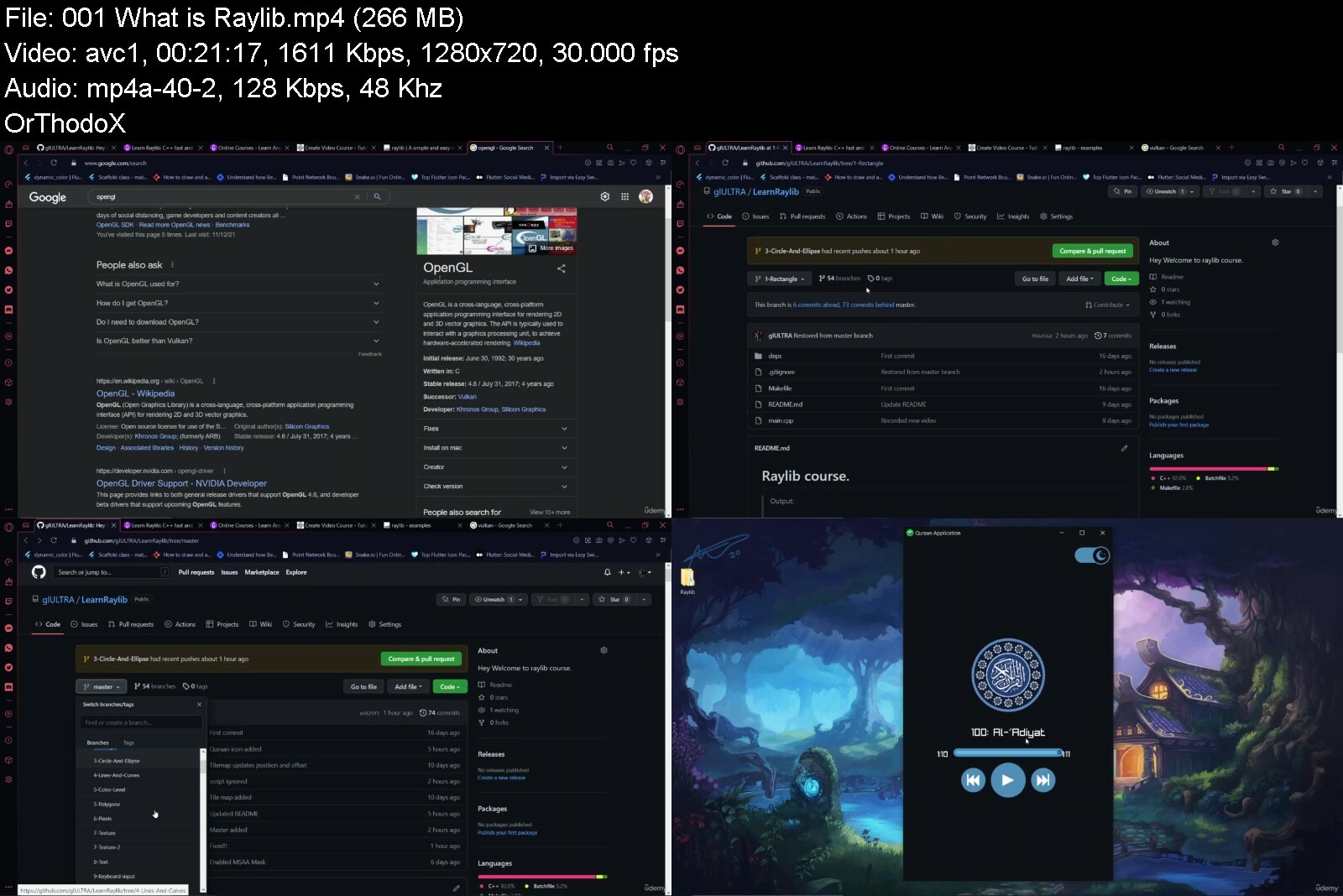
A\\ Raylib is a highly modular library. Everything is contained within a small number of well defined, specific and self-contained modules, named accordingly to its primary functionality. Note that some of those modules can be used in standalone mode, independently of raylib library.
NOTE for ADVENTURERS: raylib is a programming library to enjoy videogames programming; no fancy interface, no visual helpers, no auto-debugging... just coding in pure spartan-programmers way.
Prepared by: Muhammad Khalid
Who this course is for
Intermediate students
Game lovers
Developers who interested in C++


learnraylibcfastandeavscp7.jpg


Create 2D Multiplayer Game with photon in unity

47514769c73n0f0j.jpg


Create 2D Multiplayer Game with photon in unity
Published 07/2022
MP4 | Video: h264, 1280x720 | Audio: AAC, 44.1 KHz, 2 Ch
Genre: eLearning | Language: English | Duration: 54 lectures (12h 25m) | Size: 5.86 GB


Create 2D Multiplayer Game with photon in unity


What you'll learn
Learn C#,a modern Programming Language
Understanding the capabilities in 2D development in Unity
Gain an understanding of the game developement progress
Gain understanding of Multiplayer game function with photon
Requirements
mac or pc
Description
Welcome to the Course!
you will learn how to create player
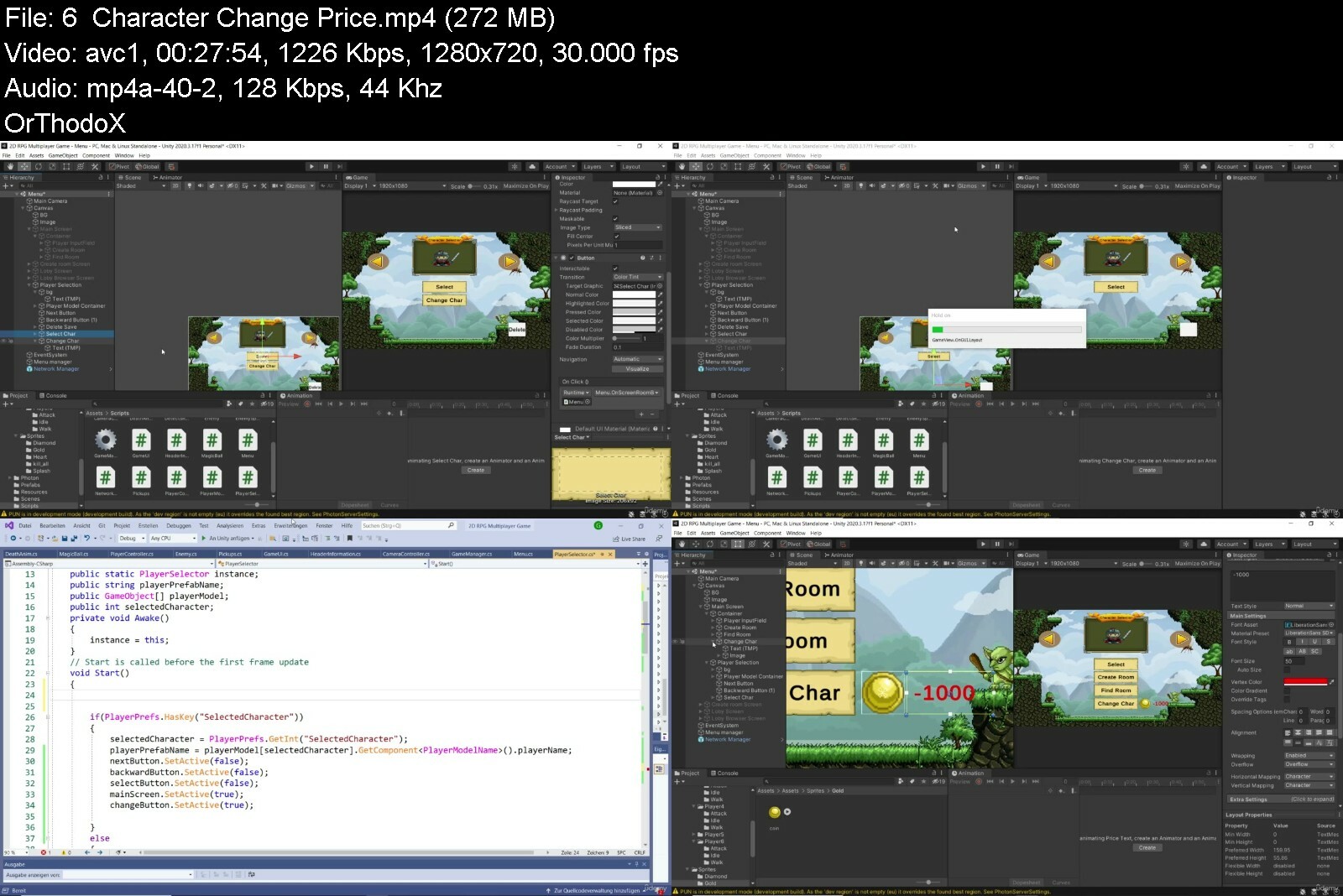
We are going to be creating a multiplayer RPG inside of Unity, using Photon.
Photon Unity Networking is a popular networking framework for Unity.
We will be creating a player controller, allowing you to move around and attack enemies.
Pickups will grant the player either gold or health.
using coin in shop to increase player stats
Player Selection which players can pick their favorite character
We'll be making a lobby system, allowing players to find games to connect up with each other.
player stats and level up system which with every level up player become stronger
This will be done using Unity's UI system.
Let's have a look at what we learned and made.
We learned how to use Photon inside of Unity We created a player controller which can move, attack, get gold and heal Pickups which can give the player health or gold A lobby system for players to team up together before entering the game This was all done using Unity's UI system.
this course has been designed to be easy understanding to everyone so whether you are beginner or advance programmer
Let's get started on the project today level up your skill with this course!
Who this course is for
Beginner to advance


create2dmultiplayergaamejm.jpg


Typescript & React JS Course with React & Typescript Project

4735236c6b7ayerl.jpg


Typescript & React JS Course with React & Typescript Project
Published 07/2022
MP4 | Video: h264, 1280x720 | Audio: AAC, 44.1 KHz, 2 Ch
Genre: eLearning | Language: English + srt | Duration: 197 lectures (22h 46m) | Size: 7.4 GB


Typescript and ReactJS course helps you understand React JS & Type script in detail with real Typescript React Projects


What you'll learn
TypeScript is a programming language that helps developers turn medium-sized JavaScript projects and prototypes into large-scale ones.
TypeScript is a syntactical superset of JavaScript, any JavaScript program is also a valid TypeScript program.
Microsoft introduced TypeScript to solve this scalability problem. TypeScript is often referred to as JavaScript with type .
TypeScript is better suited than JavaScript for large applications, but it requires a foundational knowledge of JavaScript to use.
TypeScript is mainly associated with development careers. Typical job titles for TypeScript developers include senior developer, front end developer.
Typescript is a superset of JavaScript. As its name suggests, TypeScript adds optional static typing to the JavaScript language.
JavaScript is a text-based computer programming language used to make dynamic web pages.
Developers use TypeScript when they need to scale up their JavaScript development.
TypeScript is mainly associated with development careers. Typical job titles for TypeScript developers include senior developer, front end developer.
Developers with an understanding of TypeScript (which implies skill in JavaScript) might work in a wide range of fields building applications for both server-si
Learn how to define variables using data types in type script
Learn what TypeScript (typescript react react typescript Type script typescript node nodejs typescript angular typescript )for is and why we should use it
Use the different types of variable prefixes like let and const in typescript.
Understand what TypeScript (typescript angular typescript react three js jest threejs) really it is about and how works
React, or React JS, is a front-end Javascript library for building UI components for the web. If you are interested in web development, React is the perfect lib
React is worth learning. There are a couple of reasons. The first one is that React is in high demand in the software development job market
React encourages engineers to write code using a Functional Programming approach. Engineers create components, which are normal Javascript functions
React is an open-source JavaScript frontend library. Some developers consider it a frontend framework because it does more than standard libraries usually do.
React is an essential Javascript framework for web development. It is the most popular framework for developing web, mobile, and desktop app user interfaces.
A runtime system is a platform where a software program runs. It's essentially an environment housing the collection of software and hardware that allows an app
This is the full React JS course. You will learn React JS, Redux, Hooks and Context
This course is the best way to learn complete React JS
You will learn React JS with hands-on examples
Dive in ReactJS
Learn how to create Single Page Web Application with Reactjs
Learn components, props, states and component life cycle methods in React js
Create reusable React Components
Learn sending request to an API and fetch data
User Inputs, Forms and Events in React
Routing with React Router
Learn to create multi-page web app with react-router-dom
Manage the data of our application with the Redux library
We will learn how to perform asynchronous operations with Redux thunk
Create context with class-based component
Learn to consume context with Context Consumer
Learn how to consume context with static contextType
How to manipulate context data in class-based components
Learn the most important hook functions like, useState, useEffect, useReducer and useContext
Learn how powerfull when we use Context and Hooks together
Learn how to easily build the largest and most advanced React applications
Learn routing with NodeJS
Frameworks provide an opinionated approach to building an entire application.
Requirements
This course is ideal for people who have a basic knowledge of HTML, CSS, JavaScript but you don't need to be an expert
Basic ES6 knowledge would be beneficial but not required
Basic knowledge of Javascript
No prior Typescript knowledge is required
Computer with access to the internet
A Windows PC, Mac or Linux Computer
Es6 knowledge would be beneficial but not required
Desire to learn React
Nothing else! It's just you, your computer and your ambition to get started today
Desire to learn React JS
Desire to learn full stack React js with Redux, Nodejs, Hooks and Context
Desire to learn Reactjs with redux
Desire to learn future technology react js with nodejs
Desire to learn frontend and backend web development with javascript (react js, nodejs, redux framework, nodejs )
Desire to learn mern stack with react, nodejs, hooks and context
Description
TypeScript, Typescript, Type script, typescript react, react typescript, react js, hooks and context
Hello,
Welcome to the "Typescript & React JS Course with React & Typescript Project" course.
Typescript and ReactJS course helps you understand React JS & Type script in detail with real Typescript React Projects
TypeScript is a programming language developed and maintained by Microsoft. It introduces additional features like strict type binding (variables are bound to specific data types) to JavaScript and can also be compiled down to Java Script as well.
TypeScript is a strongly typed programming language that builds on JavaScript, giving you better tooling at any scale.
TypeScript adds additional syntax to JavaScript to support a tighter integration with your editor. Catch errors early in your editor.
TypeScript code converts to JavaScript, which runs anywhere JavaScript runs. TypeScript understands JavaScript and uses type inference to give you great tooling without additional code.
TypeScript is a programming language developed and maintained by Microsoft. It is a strict syntactical superset of JavaScript and adds optional static typing to the language. It is designed for the development of large applications and transpiles to JavaScript.
TypeScript is a superset of typed JavaScript (optional) that can help build and manage large-scale JavaScript projects. It can be considered JavaScript with additional features like strong static typing, compilation, and object-oriented programming.
React is a front-end library in Javascript that was developed by Facebook. The simplest definition of React is that it is a user interface library used for building UI components for the web. But if that was all React did, it would be little more than a template library. Developers define components in React by using an HTML-like syntax called JSX. These encapsulated components manage their own state, making it simple to pass rich data to a component and keep the state of the application and its components out of the Document Object Model (DOM). These features give React components the ability to react dynamically and efficiently to changes in their state. A set of simple components in React can be composed into either simple single-page applications or large, complex web applications.
React is a free and open-source front-end JavaScript library for building user interfaces based on UI components. It is maintained by Meta and a community of individual developers and companies.
React is a declarative, efficient, and flexible JavaScript library for building user interfaces. It lets you compose complex UIs from small and isolated pieces of code called "components".
This React training can help you become skilled in using this powerful JavaScript tool. With this React course, you can learn how to create elements that let users update data in real time, create useful interactive components on a webpage, and so much more. Millions have learned to use React with JavaScript with Oak Academy, and you can too.
Frequently asked questions
What is Typescript?
TypeScript is a programming language that helps developers turn medium-sized JavaScript projects and prototypes into large-scale ones. JavaScript, a widely-used programming language, was designed to be easy to use for developers and non-developers alike. As a result, JavaScript development is difficult to scale up. Microsoft introduced typescript react to solve this scalability problem. TypeScript is often referred to as JavaScript with typescript react because it allows developers to find errors while writing their code rather than wait until the application is running. And because TypeScript is a syntactical superset of JavaScript, any JavaScript program is also a valid TypeScript program.
What is the difference Typescript and Javascript?
Typescript is a superset of JavaScript. As its name suggests, Type script adds optional static typing to the JavaScript language. JavaScript is a scripting language that allows developers to create dynamic web content. It is known for being fairly easy to use and learn. This makes it a popular programming language for small and medium-scale web projects. Developers use Type script when they need to scale up their JavaScript development. Its language is more powerful and intuitive, allowing developers to find and correct errors during compile time, rather than only during run-time, as with JavaScript. TypeScript is better suited than JavaScript for large applications, but it requires a foundational knowledge of JavaScript to use.
What careers use Typescript?
TypeScript is mainly associated with development careers. Typical job titles for TypeScript developers include senior developer, front end developer, stack developer, and software engineer. Because react typescript and typescript node is a superset of JavaScript, learning react typescript is a great next step for engineers who are already skilled in JavaScript. Programming knowledge is applicable in just about every industry, so developers with an understanding of TypeScript (which implies skill in JavaScript) might work in a wide range of fields building applications for both server-side and client-side execution.
What is TypeScript and why use it?
TypeScript features, syntax, and keywords in nodejs typescript
Tooling and Framework Options
How to create a class
TypeScript variables and functions in angular typescript
TypeScript declarations
TypeScript classes and interfaces
Much more...
What is React?
React is a front-end library in Javascript that was developed by Facebook. The simplest definition of React is that it is a user interface library used for building UI components for the web. But if that was all React did, it would be little more than a template library. Developers define components in React by using an HTML-like syntax called JSX. These encapsulated components manage their own state, making it simple to pass rich data to a component and keep the state of the application and its components out of the Document Object Model (DOM). These features give React components the ability to react dynamically and efficiently to changes in their state. A set of simple components in React can be composed into either simple single-page applications or large, complex web applications.
What is React used for?
React is an open-source JavaScript frontend library. Some developers consider it a frontend framework because it does more than standard libraries usually do. The most common use of React is to build dynamic user interfaces for single-page web applications. But the structure of React makes it useful for more than just creating websites. JSX, which is one feature of React, is a syntax extension for Javascript that provides a template for the HTML and manages the state of the element. But JSX can be used as an interface for things other than HTML. React Native uses React to build mobile applications. Here, JSX becomes an interface for mobile UIs instead of HTML. There are even a few libraries that use React and JSX to interact with and manage hardware like React Hardware.
How does React work?
React encourages engineers to write code using a Functional Programming approach. Engineers create components, which are normal Javascript functions. These functions return information to tell React what content should be displayed on the screen. The real power of React comes from the ability to nest or compose these functions inside of one another. This nesting ability encourages code reuse and allows an engineer to write a component a single time, but in many different places.
Is React a framework or library?
Frameworks provide an opinionated approach to building an entire application. Libraries, on the other hand, assist in building a single aspect of an application. With this in mind, React is a library. It assists engineers in presenting HTML in the browser. React has no opinions on how data is fetched, how styling is applied, or how the app is deployed or built.
Is React worth learning?
Yes, React is worth learning. There are a couple of reasons. The first one is that React is in high demand in the software development job market and has been for a few years. If you learn to code in React and can do it well, you will increase your chances of finding a job. This alone is another reason it is worth learning. Website users no longer will settle for old-fashioned sites that won't update without a page reload. React's method of dynamically updating the HTML of a web page fits these users' needs and improves their experience. React has also been around a few years and has stood the test of time. A large portion of websites, both small and large, use React as a frontend framework.
Is React hard to learn?
Every technology or programming language has a learning curve, and React is no different. But it is easy to learn if you are dedicated and determined to create frontend web applications. To make learning React simpler, you should stick to the basics of React before you add any extra libraries, as that will only complicate your learning experience in the beginning. Since React is a Javascript framework, a solid grounding in Javascript will give you a head start. With this knowledge, the unique concept of JSX, React's templating language, and the way React uses state will be much easier to grasp.
What is the difference between React Native and ReactJS, and which one should I learn?
React, or React.JS, is a front-end Javascript library for building UI components for the web. If you are interested in web development, React is the perfect library to learn to create interactive, dynamic single-page apps, or even full-scale web applications. React Native is a framework for building native mobile applications for both the Android phone and Apple's iPhone. React Native is still React, which means the syntax and workflow for building applications are basically the same, but the generated components are different. In React, web components are generated. In React Native, the generated components interact with a phone's native APIs. If your focus is web development, then you should learn React. If you want to build mobile applications, it is best to learn React first and become familiar with the technology before you try React Native.
Why is React so popular?
There are many reasons why React is popular. One reason is that Facebook developed it. The social proof is that if it is good enough for Facebook, one of the most popular social networks on the web, it should be good enough for other applications. React also solved many of the past issues that developers had with developing single-page applications (SPAs). React came out when SPAs were becoming popular, and all the existing frameworks to build them made development complicated and prone to bugs. One feature that makes it better than past libraries is that React is relatively easy to use. Its components are reusable, plus React's use of the virtual DOM makes it very performant. React should remain popular in the future as each new release brings new features and performance improvements.
This course is going to take you from the beginning to a further level. Please save you learn ambition and if you have questions contact with me.
IMPORTANT !!!: This course was prepared for Education and all information you learned should be used as legally.
Why would you want to take this course?
Our answer is simple: The quality of teaching.
OAK Academy based in London is an online education company. OAK Academy gives education in the field of IT, Software, Design, development in English, Portuguese, Spanish, Turkish, and a lot of different languages on the Udemy platform where it has over 1000 hours of video education lessons. OAK Academy both increase its education series number by publishing new courses, and it makes students aware of all the innovations of already published courses by upgrading.
When you enroll, you will feel the OAK Academy`s seasoned developers expertise. Questions sent by students to our instructors are answered by our instructors within 48 hours at the latest.
Video and Audio Production Quality
All our videos are created/produced as high-quality video and audio to provide you the best learning experience.
You will be,
Seeing clearly
Hearing clearly
Moving through the course without distractions
Dive in now "Typescript & React JS Course with React & Typescript Project".
Typescript and ReactJS course helps you understand React JS & Type script in detail with real Typescript React Projects
We offer full support, answering any questions.
See you in the TypeScript and React course!
À qui ce cours s'adresse-t-il
Who this course is for
Anyone learning Angular should definetely understand how to Typescript works.
This Course is for every student who wants to extend his or her horizon beyond vanilla JavaScript
Anyone who Javascript developer looking to understand how to structure large codebases.
Beginner who wants to be React developer
Anyone who wants to build amazing React single page web applications
For those who want to learn React Hooks
Anyone who wants to learn React Js and its modern face Hooks & Context
Students who want to learn how to build fast single page web apps
For those who want to learn React Context API
Anyone interested in learning an extremely popular technology used by leading tech companies like Facebook, Instagram and Netflix
Anyone who wants to learn today's most popular front-end architectures and take their Web development skills to the next level and learn a future-oriented technology
Who wants to learn React-Router, React-Portals and Redux
Anyone planning a job transformation and wants to become a React developer
Also, if you are looking to move in React-Native App development, it would be great for starting with React Js. Once you are familiar with concepts like JSX, props and states, same concepts are applied in React Native too. And moving into React Native would be so easy
Anyone who wants to learn Redux
Anyone who wants to learn Hooks
Anyone who wants to learn Context




typescriptreactjscourljdp1.jpg


CBTNuggets - Create a Full Stack React App with the MERN Stack Tutorial

fullstackreactappmern12d85.png


CBTNuggets - Create a Full Stack React App with the MERN Stack Tutorial
Released 06/2022
MP4 | Video: h264, 1920x1080 | Audio: AAC, 44.1 KHz, 2 Ch
Genre: eLearning | Language: English | Duration: 100 Lessons (15h 17m) | Size: 5.32 GB


This intermediate React tutorial prepares software developers to develop an full-stack application in React that connects seamlessly with the rest of the MERN stack for optimal efficiency and stability

Even if you haven't used it up to this point in your career, you've almost certainly heard of React. It's the flexible, easy, highly supported, free JavaScript library that makes building user interfaces incredibly simple. The fact that it's used by millions of developers only adds to its prestige and attractiveness.
This course shows you not just how to develop a great app in React, but how to make sure it's built from the first step with the rest of the MERN stack in mind. When your app is finished it'll seamlessly connect with your database, server and web framework.
For anyone who manages their React training, this open source training can be used to onboard new software developers, curated into individual or team training plans, or as an open source reference resource.
Building a Full React App Tutorial: What You Need to Know
For any software developer looking to improve their proficiency with programming best practices, this open source course covers topics such as
Adding a MongoDB database
Creating a backend with Node and Express
Creating custom hooks for web sockets
Creating and rendering React apps
Who Should Take Building a React App Training?
This React and MERN Stack tutorial is considered specialist-level open source training, which means it was designed for software developers. This React skills course is designed for software developers with three to five years of experience with programming best practices.
New or aspiring software developers. It's always a good idea for a new software developer to lean heavily into a particular stack, and someone getting started in app development could do a lot worse than the MERN stack. This course will show you how to write robust applications with great UIs that dovetail perfectly with MongoDB, Express.js and Node.js.
Experienced software developers. If you've been working in software development for a few years, you should take this course if you're considering getting more experience with other stacks. Maybe you've been a LAMP stacker for years or you've been focused on Ruby on Rails. This course can quickly show you the MERN ropes and get you started on your next stack.


createafullstackreact8icx1.jpg


Laravel 9 E-commerce Project Beginner to Advance

4776880330723gewi.jpg


Laravel 9 E-commerce Project Beginner to Advance
Instructors: Yamin Shakil
16 sections • 74 lectures • 11h 38m
Video: MP4 1280x720 44 KHz | English + Sub
Updated 8/2022 | Size: 5.4 GB

Laravel E-commerce Project Tutorial From Beginner to Advance Level With Easy Instruction


What you'll learn
You will be able to make a e-commerce project using laravel
The E-commerce project will be dynamic . it means you will be able to control everything from admin dashboard.
In this project customer will be able to add product to the cart and confirm order from the cart page
You will learn how to make payment using debit/credit/master card to buy the product
You will learn how to make email verification
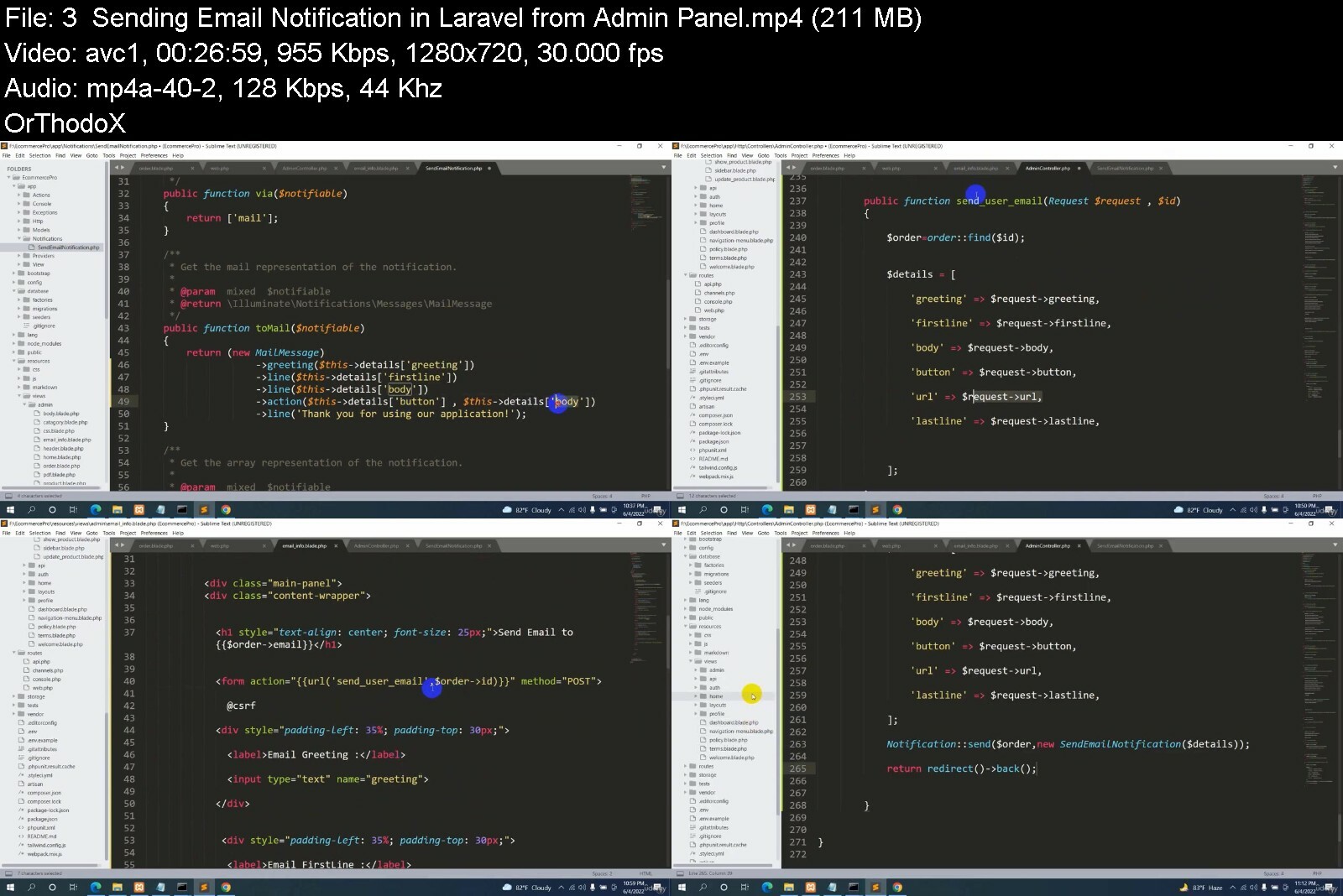
You will learn how to send email notification from admin dashboard to customer
you will learn how to make PDF receipt for each order from admin dashboard
Requirements
You only need to have some basic knowledge of html , css , bootstrap , phpBasic knowledge of Laravel
Description
In this project i will teach you how to build an E-commerce project using Laravel . I will start from the very beginning so that you will be able to understand everything clearly .
Now lets talk about what we will make in this course;
In this project we will let the customer being able to see all the product and customer will also be able to search product and see product details as well .
Customer can add product to the cart and also order the product from the cart page . I will also show you how can customer pay for the product using his/her debit/credit/master card .
In order to register customer need to verify their email . So when a customer register , an email will be send to their email address .Once they verify their email they will be able to login .
We will also have a comment and reply section in this project .
In the admin dashboard we will let admin add / update or delete product . Admin will be able to see all the customer details .
We will let admin see all the order details and print receipt for each order . Once the product delivery is done admin will have; option to change the product delivery status . Admin will also be able to send email to customer .

Who this course is for:This is a course for Beginner Laravel Developer who want to learn how to make a E-commerce project using LaravelI will start from the very beginning and explain every step . so no worries

Homepage

laravel9ecommerceprojk7eh9.jpg


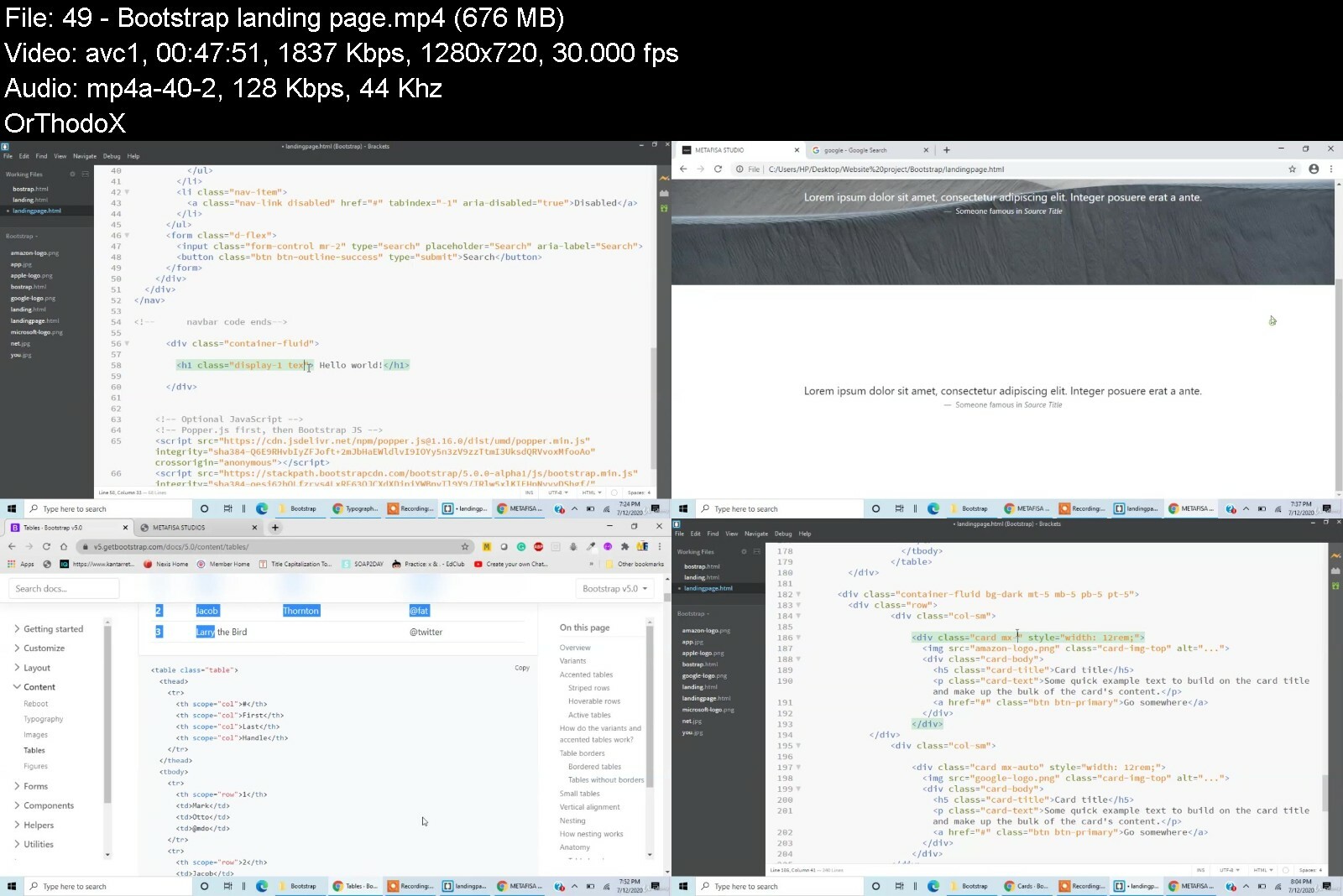
Complete Front End Web Development Bootcamp 2020

wnhsgrllgyvt8lq6yiighyhf27.jpg


Complete Front End Web Development Bootcamp 2020
Last updated 8/2020
MP4 | Video: h264, 1280x720 | Audio: AAC, 44.1 KHz
Language: English | Size: 10.81 GB | Duration: 19h 25m

Learn Front-End Developement (HTML + CSS + Javascript + Bootstrap) from Scrach to Advanced with 7 Hands-on-Projects


What you'll learn
Build a simple HTML text site
Program websites with JavaScript
Style web pages using CSS
Use any pre built libraries in JS and jQuery
understand codes in HTML, CSS, Bootstrap, javascript and Jquery
CSS Animations
Apply skills to update and create websites

Requirements
Basics of anyone programming language

Description
Front-end web development is the practice of converting data to a graphical interface, through the use of HTML, CSS, and JavaScript, so that users can view and interact with that data.What you will learn in this courseWeb FundamentalsCreating Basic Building blocks of a website using HTMLApplying styling for the web pages using CSSLearn and Implementing Bootstrap 5Adding interaction to the websites using JavascriptLearn Javascript from scratchManipulating HTML Elements using DOMMinimizing and adding additional features to the Javascript using JQueryMethods for communicating with server-side with AJAXBuild amazing UI libraries with Javascript AnimationsNode JS Crashcourse
Overview
Section 1: Introduction
Lecture 1 Course Introduction
Section 2: HTML5
Lecture 2 Basics of Web design (HTML and CSS)
Lecture 3 Introduction to HTML and its documentation
Lecture 4 Making our very first Website
Lecture 5 Structure of an HTML file
Lecture 6 Heading tag in HTML
Lecture 7 paragraph tags
Lecture 8 Text Formatting in HTML
Lecture 9 Unordered list
Lecture 10 Ordered list
Lecture 11 How to embed images to our website
Lecture 12 Working with Forms in HTML
Lecture 13 Iframes in HTML
Lecture 14 Anchor tags in html
Lecture 15 Tables in HTML
Lecture 16 HTML entities
Lecture 17 Join the student community
Section 3: HTML5 project
Lecture 18 portfolio website that we will be making
Lecture 19 Project: Portfolio using HTML
Lecture 20 Uploading our website to Github
Section 4: Some fun
Lecture 21 Some fun tricks that you can show to your friends
Section 5: CSS 3
Lecture 22 Introduction to CSS
Lecture 23 Inline CSS
Lecture 24 Internal CSS
Lecture 25 CSS syntax
Lecture 26 Classes and id's
Lecture 27 div in css
Lecture 28 colors in css
Lecture 29 floating in css
Lecture 30 positioning in css
Lecture 31 margins in css
Lecture 32 padding in css
Lecture 33 Borders
Lecture 34 fonts
Lecture 35 text styling
Lecture 36 text alignment
Lecture 37 External css
Section 6: Facebook login page project
Lecture 38 the website that we will be making
Lecture 39 Facebook project part-1
Lecture 40 Facebook project part-2
Section 7: Bootstrap 5
Lecture 41 Introduction to bootstrap 5
Lecture 42 Implementing bootstrap 5 to our website
Lecture 43 breakpoints,containers,grid and columns
Lecture 44 Buttons and Navbar
Lecture 45 forms in bootstrap
Lecture 46 Bootstrap 5 components
Lecture 47 More components
Section 8: Landing page
Lecture 48 Landing page that we will make
Lecture 49 Bootstrap landing page
Lecture 50 Uploading our website to webserver
Section 9: Javascript Introduction
Lecture 51 What is Javascript
Lecture 52 Interactive Websites
Section 10: Javascript Basics
Lecture 53 Where to write
Lecture 54 External Javascript
Lecture 55 Javascript Statements
Lecture 56 Finding Errors
Lecture 57 Helloworld Program
Lecture 58 Datatypes
Lecture 59 Conditional Statements
Lecture 60 Loops
Lecture 61 Functions
Lecture 62 Passing parametres to functions
Lecture 63 Arrays
Lecture 64 Array methods
Lecture 65 Strings
Lecture 66 Object Part-1
Lecture 67 Object Part-2
Lecture 68 This Keyword
Lecture 69 Date and Time
Lecture 70 Sorting of an Array
Lecture 71 Type Casting
Section 11: DOM Manipulation
Lecture 72 DOM Introduction
Lecture 73 Accessing HTML Elemements
Lecture 74 CSS Manipulation
Lecture 75 Buttons Onlick
Lecture 76 Event Handling
Lecture 77 Adding / Deleting HTML elements using JS
Lecture 78 Getting Input Values
Lecture 79 Popup Boxes
Lecture 80 Addition Program
Lecture 81 Project 1 - User Authentication
Lecture 82 Radio Buttons
Lecture 83 Selection list
Lecture 84 CheckBoxes
Lecture 85 Student Registration form
Section 12: Jquery
Lecture 86 Jquery Introduction
Lecture 87 Jquery CSS
Lecture 88 Jquery Append/Remove
Lecture 89 Jquery Events
Section 13: Ajax
Lecture 90 Ajax Intro
Lecture 91 Ajax in Practical
Lecture 92 JSON
Lecture 93 Project 2 - Meals Project
Section 14: Browser DOM
Lecture 94 Window Property
Lecture 95 Screen Property
Lecture 96 Location Property
Lecture 97 Timout Property
Section 15: Browser Storage
Lecture 98 Local Storage
Lecture 99 Session storage
Section 16: Modern Javascript ES6
Lecture 100 ES6 Introduction
Lecture 101 Let Keyword
Lecture 102 Const Keyword
Lecture 103 Arrow Functions
Lecture 104 For Of loop
Lecture 105 Spread Operator
Lecture 106 IndexOf method
Lecture 107 Array Filter
Lecture 108 Default Parametres
Lecture 109 Project 3 - Covid 19 Tracker
Section 17: Animations
Lecture 110 Jquery Animate
Lecture 111 Jquery Animate Properties
Lecture 112 Jquery Fade
Section 18: Libraries
Lecture 113 What is library
Lecture 114 AOS Part-1
Lecture 115 AOS - Part2
Lecture 116 Typed JS
Lecture 117 Dark Theme Js
Section 19: Node JS Crashcourse
Lecture 118 What is Node Js
Lecture 119 Installing Node Js
Lecture 120 Hello World in Node JS
Complete Beginners in Web Development


completefrontendwebdet6eaf.jpg


Full AI system in Unreal Engine5 & C++, Beginners to advance

476753819e82jmivk.jpg


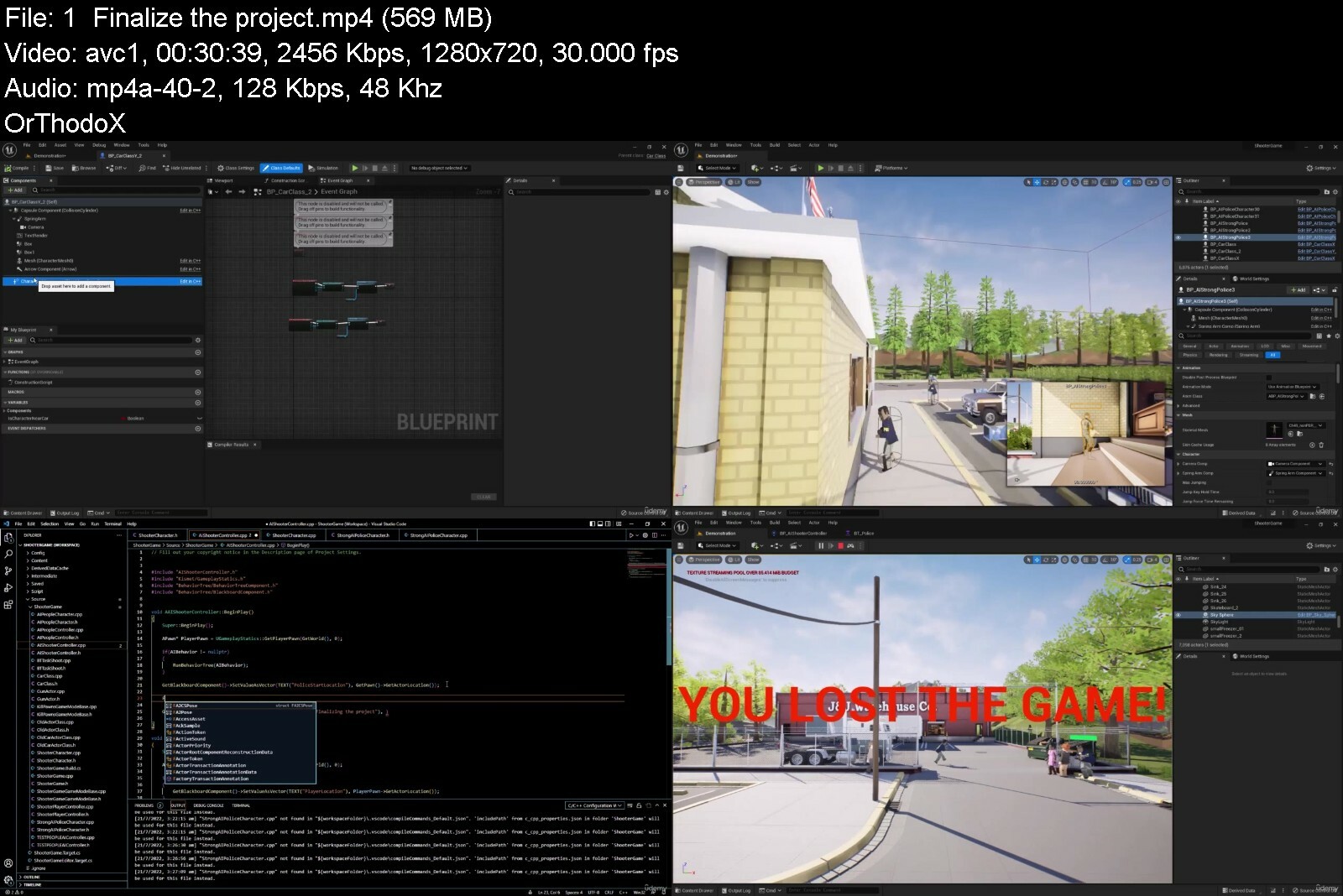
Full AI system in Unreal Engine5 & C++, Beginners to advance
Published 07/2022
MP4 | Video: h264, 1280x720 | Audio: AAC, 44.1 KHz, 2 Ch
Genre: eLearning | Language: English + srt | Duration: 121 lectures (23h 31m) | Size: 15.1 GB


This course covered AI system in Unreal Engine 5 using C++, with two fun projects


What you'll learn
C++ Basics: Everything you need to know before starting UE5
Unreal Engine 5 Basics: we will cover Unreal Engine 5 basics to be ready for game development
Using Unreal Engine 5 and C++ together, l will teach how to use UE5 classes and how to add our own classes and functions into that
Creating a map: I will show you how to create a full game map
Shooter 3rd person character: we will start it from blank class and will add all the functionality using C++
AI in UE5 and C++: Will cover: AIController class, SetFocus, MoveToActor, LineOfSightTo, BehaviorTree, BT Tasks, BT Decorators and custom tasks
Adding sound effects and particle effects into game
Game HUD, Health bar, Loser screen widget, field of view of camera and enemy health bar
Full AI control people
AI control cars
Car driving
Car damage effect, exploding and spawning old damaged car after shooting the car
Strong AI police system
Creating final project
Requirements
No previous Unreal Engine or Programming experience needed.
Description
Want to learn Artificial intelligence in Unreal Engine 5 and C++?
Yeah! let's start it!
This is a complete course for those who want to learn AI in UE5 and C++. here we will use C++ and Unreal Engine together to make it more powerful.
I will start everything from beginning very simple, then we will jump into intermediate and advance topics.
C++ is one of the most powerful programming languages in the world, and Unreal Engine 5 is an gaming engine famous for creating games like Fortnite, Borderlands 3, Observer, and Star Wars Jedi: Fallen Order. so using these two powerful tools can make your dreams come true.
in this course we will cover following topics
1. C++ Basics
Build first C++ Program
Compile and Errors
Variables and Constants
Arrays
Expressions and Statements
Operations
If - else Statement
Looping
Functions
Pointers
2. Creating a secrete maker program using C++
3. Unreal Engine 5 Basics
Introduction
Installing
User Interface
Navigation and camera control
Viewport Settings
Creating and Transforming objects
Post Process Volume
Materials
Texture and its types
Lighting
Lumen
Landscape
Landscape Materials
MegaScans Library
Foliage System
4. Using C++ and UE5 together (simple car game)
Classes in Unreal Engine 5
PAWN class
UE5 Actor Components
Forward Declaration
Creating objects and Components
UPROPERTY
Mesh, Camera and Spring Arm components
Possessing A Pawn as game player
Input (Bind Axis and Bind Action)
UE_LOG
Add Actor Local Offset
Frame rate and Delta time
Add Actor Local Rotation
Rotator and FVector
5. Creating a game map
6. Shooter Game
Character class
Character Movement Functions
Animation blueprint and Blend space
Actor class
Spawning Actor
Attach to component
Shooting function
Particle Effects
Line Tracing
Take Damage
Virtual Take Damage function and receiving the damage
Health variables
IsDead function
Death animation
7. AI in Unreal Engine 5 and C++
AI controller class
Set focus
AI Movement
Nav Mesh
MoveToActor
LineOfSightTo
Behavior Tree
BT Tasks
BT Decorators
Blackboard Keys
BTTaskNode
Shoot Task
FCollisionQueryParams
8. Game Details
Sound Effects
GameMode
Player Controller
Widgets
LoserScreen
Game HUD
Health bar
Field of view of camera
Animation State Machine
9. Advance Game AI
Full AI people control system
Full AI Control cars
Car Driving
Car Damage and Exploding
Spawning damaged car
Strong AI Enemy
10. Finalizing the Game
Who this course is for
If you want to start or re-skill to game development
If you want to learn AI system using UE5 and C++
Artists who want to make their products alive with AI
Developers who want to develop advance AI games
Environment designers


fullaisysteminunrealeijfea.jpg


Must Know Object Oriented Programming in Java

2906970b53boffdj.jpg


Must Know Object Oriented Programming in Java
Last Updated 03/2020
MP4 | Video: h264, 1280x720 | Audio: AAC, 44.1 KHz, 2 Ch
Genre: eLearning | Language: English + srt | Duration: 128 lectures (11h 39m) | Size: 5.5 GB


An intensive programming for beginners course with the key topcis that every software devloper MUST know


What you'll learn
Fundamentals of object-oriented programming
Classes and objects
Control flow
Variables and data types
Object state
Methods and constructors
Mistakes to avoid
Concatenation
Internal and external method calls
Collections and Looping
Array and ArrayList
Importing packages
Identity vs equality
Exception handling
The Iterator class
Debugging Java applications
Abstraction and modularization
Build small projects like Chess and Bank Account
And much more.
Requirements
No coding experience necessary.
No advanced math experience necessary.
Description
Learn object-oriented programming in the most popular programming language behind your favorite apps and websites.
Must-Know Software Developer Fundamentals Course
Java is the most in-demand and widely used programming language.
That's why we designed this absolute beginner's course on only everything you must know about Java.
Get up and running with your first object-oriented programming projects.
You'll learn all the core fundamentals you need to become a rockstar Java developer.
Start here if you have no programming experience or are coming from another programming language to learn transferable, actionable skills.


What you'll learn
Fundamentals of object-oriented programming
Variables and data types
Control flow
Classes and objects
Methods and constructors
Concatenation
Object state
Array and ArrayList
Collections and Looping
Internal and external method calls
Identity vs equality
Importing packages
Exception handling
The Iterator class
Plus
Mistakes to avoid
Real-life small projects
Debugging Java applications
Abstraction and modularization
With projects like
Chess
Bank account
Generic game
And much more!
No prior experience necessary!
COURSE AUTHOR
Alexandra Kropova, Software Developer at Mammoth Interactive INC.
Alexandra Kropova is a software developer specializing in Java and JavaScript, with extensive experience in full-stack web development and app development. She has helped produce courses for Mammoth Interactive INC. since 2016.
Enroll in this intensive introduction to Java today to begin your career as a software developer.
About Mammoth Interactive
Join 700,000 students in high-quality courses featured at Harvard
Lifetime access that never expires
Project-based curriculum to superboost your portfolio
Graduation certificate for every course
Absolute beginner-friendly
20-60 hours of new content added every month
Student Reviews from the Community
"Captivating voice, easy to follow at a rapid pace, get some paper and fasten your seat-belts. I'm enjoying every second of this." PHILIP MURRAY
"100% worth the time invested." DEREK HASS
Don't wait. Start now with an amazing Udemy sale.
Who this course is for
Absolute beginners to programming
Experienced programmers coming from another language
College students who need extra study help
Java developers who want to brush up on the core fundamentals


mustknowobjectorientegidrw.jpg


CBTNuggets - Full-Stack React Development

fullstackreactappmern12d85.png


CBTNuggets - Full-Stack React Development
Last updated 1/2023
MP4 | Video: h264, 1920x1080 | Audio: AAC, 44.1 KHz, 2 Ch
Genre: eLearning | Language: English | Duration: 194 Lessons (29h 59m) | Size: 10.3 GB


This foundational Full-Stack React Development training prepares learners to code and develop applications and webpages in ReactJS that make full use of the back-end and front-end

ReactJS is Facebook's open-source JavaScript library that's particularly good for developing scalable applications with static user interfaces that can incorporate dynamic inputs. ReactJS is a front-end application, where you can build a framework that's easy to update and develop for. With this training, you'll learn how to incorporate back-end functionality and development into your ReactJS development.
Learn the JavaScript that makes ReactJS possible and how to manipulate it to increase performance, make better use of APIs and test and scale your code easily. Round out your familiarity with JavaScript libraries and ReactJS with this Full-Stack React Development training.
For supervisors, this React training can be used to onboard new developers, curated into individual or team training plans, or as a React reference resource.
Full-Stack React Development: What You Need to Know
This Full-Stack React Development training has videos that cover JavaScript full-stack libraries topics including
Developing and writing applications on the front-end and back-end
Scaling an application up at need
Testing your code before implementation
Writing user interfaces that interact with live data feeds
Who Should Take Full-Stack React Development Training?
This Full-Stack React Development training is considered foundational-level React training, which means it was designed for someone with no React experience at all.
React training. This Full-Stack React Development course is important for non-technical professionals if you work with a site or any applications that are built on ReactJS. This course will familiarize you with all the terminology, technology and operations that are happening behind the scenes to make your app or page possible. With that level of understanding, you'll be equipped to take part in conversations about updates and modifications.
New or aspiring developers. Since ReactJS is a front-end user interface development javascript library, writing React is only one piece of the puzzle. Understanding how React interacts with its runtime environment, retrieves data from its databases and stays updated by your version control system are all key skills to keeping your applications running on the network. This Full-Stack React Development course will make sure a developer fully understands the inner workings of the applications and pages running on their networks.


fullstackreactdevelopeteq3.jpg


Django Multi Vendor Restaurant - The Real Django Experience

455202043cc4ud4c.jpg


Django Multi Vendor Restaurant - The Real Django Experience
Last updated 1/2023
Created by Rathan Kumar
MP4 | Video: h264, 1280x720 | Audio: AAC, 44.1 KHz, 2 Ch
Genre: eLearning | Language: English + srt | Duration: 245 Lectures ( 37h 25m ) | Size: 15.9 GB

Python Django Multi-vendor Restaurant Marketplace website with location based search, nearby restaurants. Check desc.


What you'll learn
Make a real world Multi vendor platform using Python and Django Framework
Purchase & Implement template
PostgreSQL Database Configuration
Custom user model, Media files & Django signals
User Registration, Django messages and errors
Vendor registration and authentication functionalities
Token verification & Email configuration
Vendor approval by admin, dashboards
Make restaurant profile form & custom validators
Implement Google Autocomplete field
Menu Builder - Category CRUD functionalities
Menu Builder - Food Items CRUD functionalities
Marketplcae implementation
Cart functionalities with AJAX request
Basic & Smart search functionalities
Location based search functionalities with nearby restaurants
Get user's current location & show nearby restaurant on homepage
Dynamic Business hours module with AJAX
Dynamic Tax Module
Orders model and checkout page
Place order and generate order number
Implement PayPal payment gateway
After order functionalities
Implement RazorPay Payment Gateway
ManyToMany Relationships
Integrate Email Templates
Make the site mobile-friendly (responsive)


Requirements
Basic web development skills including HTML, CSS and javascript
Basic knowledge of Python and Django
A lot of patience to understand the real world problem statements


Description
Welcome to the Project-Based Django Web Development Course where you will learn to develop a fully-featured Multi-vendor Restaurant Marketplace website with location based search, nearby restaurants and many more complex functionalities.I designed this course, for anyone seeking to learn and build a Django-based custom web application. By the end of this course, you will be able to analyze, design, and develop your own Multi-vendor Restaurant Marketplace website and deploy it on the live server with the custom domain name.Please note: The project developed in this course is for learning purposes only. This will teach you to build most of the custom functionalities of Multi-vendor Restaurant Marketplace website development. I do not promise that this course is going to be a 100% Multi-vendor marketplace solution for your live business. Also, this course is not for non-technical business owners.Features List:purchase & Implement templatePostgreSQL Database ConfigurationCustom user model, Static files, Media files & Django signalsUser Registration, Django messages and errorsVendor registration and authentication functionalitiesToken verification & Email configurationVendor approval by admin, dashboardsMake restaurant profile form & custom validatorsImplement Google Autocomplete fieldMenu Builder - Category CRUD functionalitiesMenu Builder - Food Items CRUD functionalitiesMarketplcae implementationCart functionalities without refreshing the page - AJAX requestCart functionalities with frontendBasic & Smart search functionalitiesLocation based search functionalities with nearby restaurantsGet user's current location & show nearby restaurant on homepageDynamic Business hours module with AJAXDynamic Tax ModuleCustomers app and profile buildingOrders model and checkout pagePlace order and generate order numberImplement PayPal payment gatewayAfter order functionalitiesImplement RazorPay Payment GatewayManyToMany Relationship & Vendor DashboardCustom middleware, total revenue per vendor, current month's revenueIntegrate Email TemplatesMake the site mobile-friendly (responsive)
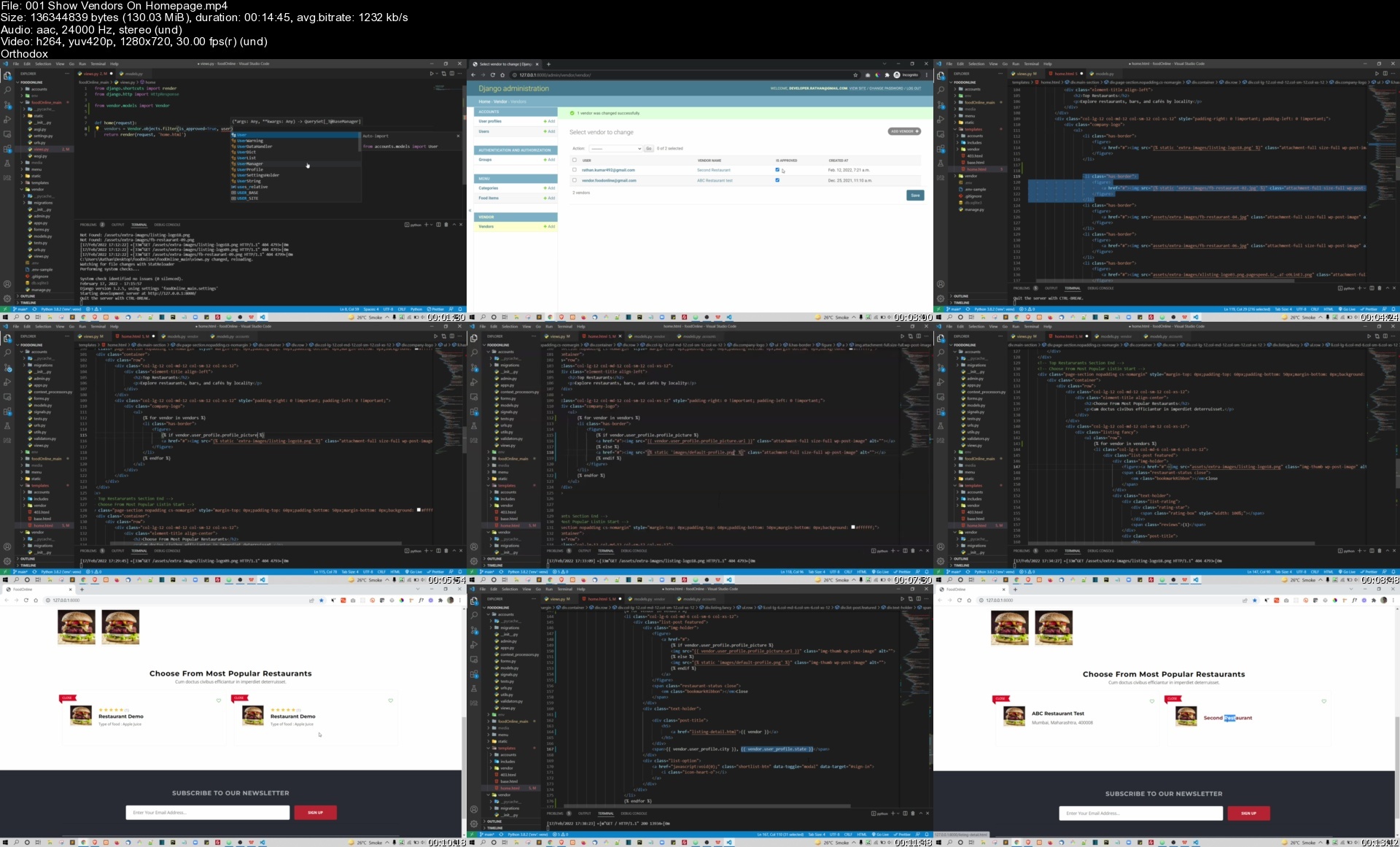
Who this course is for
Freshers who want to add live project on their resume or portfolio
Intermediate programmers who want to switch from other programming language to Python Django
Future developers who want to learn web development by project based course

Homepage


001showvendorsonhomep57cma.jpg


React Responsive Portfolio Website - Complete React Project

47871122ea5f0f15.jpg


React Responsive Portfolio Website - Complete React Project
Published 07/2022
MP4 | Video: h264, 1280x720 | Audio: AAC, 44.1 KHz, 2 Ch
Genre: eLearning | Language: English | Duration: 42 lectures (10h 11m) | Size: 5.22 GB

Build React Portfolio Website, React Context API, Send E-mail from React App, React Hooks, React Packages, React theme


What you'll learn
You will build a complete responsive portfolio website
You will learn how to send email from react js app using node js, express js , nodemailer and sendgrid
You will learn different kinds of react js hooks
You will learn how to add dark and light theme
React js Context API
How to build responsive website using bootstrap
How to deploy react js project to netlify
How to download cv from your portfolio website


Requirements
Students dont need to have any prior knowledge of react js for this course


Description
Welcome to this react js course. In this course, you will learn how to build a complete responsive portfolio website. After finishing this course you will have a real-world portfolio website and you will learn how to deploy your website to Netlif sever so that your website can be accessible from around the world.

Here are the lists that you are gonna learn from this course

React portfolio website.

Context API to add Dark and Light theme.

Bootstrap to make our website responsive for any device.

Typewriting effect.

React JS Vertical timeline component to show work experience and education section.

React js loads more pagination features.

React js sidebar with collapse features

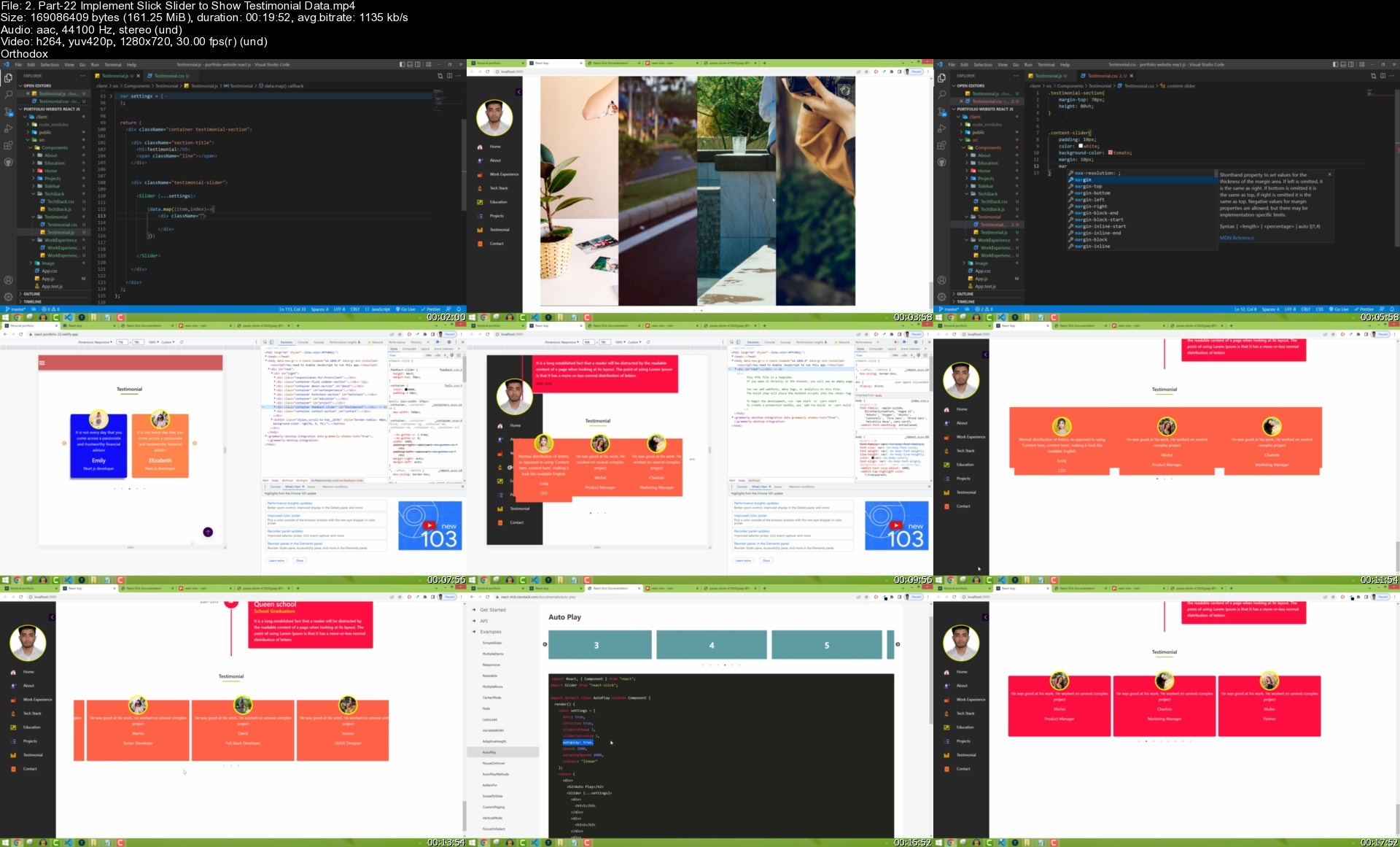
React js slick slider. You will learn how to show a responsive slider to show testimonials.

React js post request to send email from contact form.

React js conditional rendering to generate different colors for different items.

Node js and express js for sending emails from the backend.

How to test API endpoint in postman for sending an email.

React js animation for different items of our app while loading the first time and scrolling.

How to add back-to-top scroll features in react js front end app.

Theme Features - Dark theme and light theme for our react js app.

How to send email from react js using node js, express js, and send grid.

React on mouse Hover effect

React js Hooks

Bootstrap to make react js app responsively

How to deploy react js app to Netlify.

Dark and Light theme Features: You will learn how to dynamically change react app theme color. We will use react Context API to build this theming system.

React Accordion Features: You will build react accordion system in the project section. You will also learn how to mark a single item if the accordion is open and onMouseHover Effect.

React Context API: We will use react context API to add dark and light theme features.

React Hooks that you will use to build the complete react js app

useState

useEffect

createContext

Different packages that you will use in this course

React smooth scrolling - This package we will use to scroll from one section to another section when user clicks on the navbar.

Typewriting effect - We will use this package to add different types of writing effects to our app. The different sentences will be added in this type of writing effect in the main home section.

React slick slider - We will use this package for our testimonial section where we will show a list of testimonials in the slider. We will also make sure that our slider is responsive to any device.

React toastify - To show toast messages to our users when they send emails from the contact form.

Back-to-top scroll - This package will be used for scroll-to-top features. In a single-page web app, we have many sections on one page. Therefore when our user scrolls to the last section of the page the user again needs to scroll to reach the top section. To solve this problem we will use back-to-scroll features so that they can just click on the button and then it automatically goes to the top section.

React reveal - This package will help us to show animation for each item. You will learn how to add animation for any fields in your react js app.

React Vertical Timeline Component - To show work experience and education we will use a vertical timeline component with animation and custom design.

NodeMailer - To send e-maill we will use nodemailer with node js, express js and sendgrid.

Who this course is for
If you want to build a complete portfolio website using react js
If you are learning react js and want to build a complete project
If you want to improve your react js skills
If you want to learn how to build responsive website using react js that will support in any kind of device

Homepage


2.part22implementslicwwis0.jpg


Zurück
Oben Unten