• Regeln für den Video-Bereich:

    In den Börsenbereich gehören nur Angebote die bereits den Allgemeinen Regeln entsprechen.

    Einteilung

    - Folgende Formate gehören in die angegeben Bereiche:
    - Filme: Encodierte Filme von BluRay, DVD, R5, TV, Screener sowie Telesyncs im Format DivX, XviD und x264.
    - DVD: Filme im Format DVD5, DVD9 und HD2DVD.
    - HD: Encodierte Filme mit der Auflösung 720p oder darüber von BluRay, DVD, R5, TV, Screener sowie Telesyncs im Format x264.
    - 3D: Encodierte Filme von BluRay, die in einem 3D Format vorliegen. Dies gilt auch für Dokus, Animation usw.
    - Serien: Cartoon/Zeichentrick, Anime, Tutorials, Dokumentationen, Konzerte/Musik, Sonstiges sind demnach in die entsprechenden Bereiche einzuordnen, auch wenn sie beispielsweise im High Definition-Format oder als DVD5/DVD9/HD2DVD vorliegen. Ausnahme 3D.
    - Bereich Englisch: Englische Releases gehören immer in diesen Bereich.
    - Bereich Talk: Der Bereich, in dem über die Releases diskutiert werden kann, darf, soll und erwünscht ist.


    Angebot/Beitrag erstellen

    - Ein Beitrag darf erst dann erstellt werden, wenn der Upload bei mindestens einem OCH komplett ist. Platzhalter sind untersagt.
    - Bei einem Scenerelease hat der Threadtitel ausschließlich aus dem originalen, unveränderten Releasenamen zu bestehen. Es dürfen keine Veränderungen wie z.B. Sterne, kleine Buchstaben o.ä. vorgenommen werden. Ausnahme Serienbörse:
    - Bei einem Sammelthread für eine Staffel entfällt aus dem Releasename natürlich der Name der Folge. Beispiel: Die Simpsons S21 German DVDRip XviD - ITG
    - Dementsprechend sind also u.a. verboten: Erweiterungen wie "Tipp", "empfehlenswert", "only", "reup", usw. / jegliche andere Zusatzinformation oder Ergänzung, welche nicht in obiger Beschreibung zu finden ist.

    Aufbau des Angebots und Threadtitel

    Der Titel nach folgendem Muster erstellt zu werden. <Name> [3D] [Staffel] [German] <Jahr> <Tonspur> [DL] [Auflösung] <Quelle> <Codec> - <Group>
    Beispiel: The Dark Knight German 2008 AC3 DVDRip XviD - iND
    Beispiel: The Dark Knight 2008 DTS DL BDRip x264 - iND
    Beispiel: The Dark Knight 2008 AC3 DL BDRip XviD - iND
    Beispiel: The Dark Knight German 2008 AC3 720p BluRay x264 iND
    Beispiel: The Dark Knight 2008 DTS DL 1080p BluRay x264 iND
    Beispiel: Die Simpsons S01 German AC3 DVDRip XviD iND
    Beispiel: Die Simpsons S20 German AC3 720p BluRay x264 iND
    Beispiel: Sword Art Online II Ger Sub 2014 AAC 1080p WEBRip x264 - peppermint
    Entsprechend sind also u.a. verboten: Sonderzeichen wie Klammern, Sterne, Ausrufezeichen, Unterstriche, Anführungszeichen / Erweiterungen wie "Tipp", "empfehlenswert", "only", "reup", usw. / jegliche andere Zusatzinformation oder Ergänzung, welche nicht in obiger Beschreibung zu finden ist
    Ausnahmen hiervon können in den Bereichen geregelt sein.

    Die Beiträge sollen wie folgt aufgebaut werden:
    Überschrift entspricht dem Threadtitel
    Cover
    kurze Inhaltsbeschreibung
    Format, Größe, Dauer sind gut lesbar für Downloader außerhalb des Spoilers zu vermerken
    Nfo sind immer Anzugeben und selbige immer im Spoiler in Textform.
    Sind keine Nfo vorhanden z.B. Eigenpublikationen, sind im Spoiler folgende Dateiinformationen zusätzlich anzugeben :
    Quelle
    Video (Auflösung und Bitrate)
    Ton (Sprache, Format und Bitrate der einzelnen Spuren)
    Untertitel (sofern vorhanden)
    Hosterangabe in Textform außerhalb eines Spoiler mit allen enthaltenen Hostern.
    Bei SD kann auf diese zusätzlichen Dateiinformationen verzichtet werden.

    Alle benötigten Passwörter sind, sofern vorhanden, in Textform im Angebot anzugeben.
    Spoiler im Spoiler mit Kommentaren :"Schon Bedankt?" sind unerwünscht.


    Releases

    - Sind Retail-Release verfügbar, sind alle anderen Variationen untersagt. Ausnahmen: Alle deutschen Retail-Release sind CUT, in diesem Fall sind dubbed UNCUT-Release zulässig.
    - Im Serien-Bereich gilt speziell: Wenn ein Retail vor Abschluss einer laufenden Staffel erscheint, darf diese Staffel noch zu Ende gebracht werden.62
    - Gleiche Releases sind unbedingt zusammenzufassen. Das bedeutet, es ist zwingend erforderlich, vor dem Erstellen eines Themas per Suchfunktion zu überprüfen, ob bereits ein Beitrag mit demselben Release besteht. Ist dies der Fall, ist der bereits vorhandene Beitrag zu verwenden.
    - P2P und Scene Releases dürfen nicht verändert oder gar unter einem iND Tag eingestellt werden.


    Support, Diskussionen und Suche

    - Supportanfragen sind entweder per PN oder im Bereich Talk zu stellen.
    - Diskussionen und Bewertungen sind im Talk Bereich zu führen. Fragen an die Uploader haben ausschließlich via PN zu erfolgen, und sind in den Angeboten untersagt.
    - Anfragen zu Upload-Wünschen sind nur im Bereich Suche Video erlaubt. Antworten dürfen nur auf Angebote von MyBoerse.bz verlinkt werden.


    Verbote

    - Untersagt sind mehrere Formate in einem einzigen Angebotsthread, wie beispielsweise das gleichzeitige Anbieten von DivX/XviD, 720p und 1080p in einem Thread. Pro Format, Release und Auflösung ist ein eigener Thread zu eröffnen.
    - Grundsätzlich ebenso verboten sind Dupes. Uploader haben sich an geeigneter Stelle darüber zu informieren, ob es sich bei einem Release um ein Dupe handelt.
    - Gefakte, nur teilweise lauffähige oder unvollständige Angebote sind untersagt. Dies gilt auch für eigene Publikationen, die augenscheinlich nicht selbst von z.B. einer DVD gerippt wurden. Laufende Serien, bei denen noch nicht alle Folgen verfügbar sind, dürfen erstellt und regelmäßig geupdatet werden.
    - Untersagt sind Angebote, welche nur und ausschließlich in einer anderen Sprache als deutsch oder englisch vorliegen. Ausnahmen sind VORHER mit den Moderatoren zu klären.


    Verstoß gegen die Regeln

    - Angebote oder Beiträge, die gegen die Forenregeln verstoßen, sind über den "Melden"-Button im Beitrag zu melden.
  • Bitte registriere dich zunächst um Beiträge zu verfassen und externe Links aufzurufen.

*** Bestes IPTV *** bester Preis *** gratis Test ***


Englische Tutorials

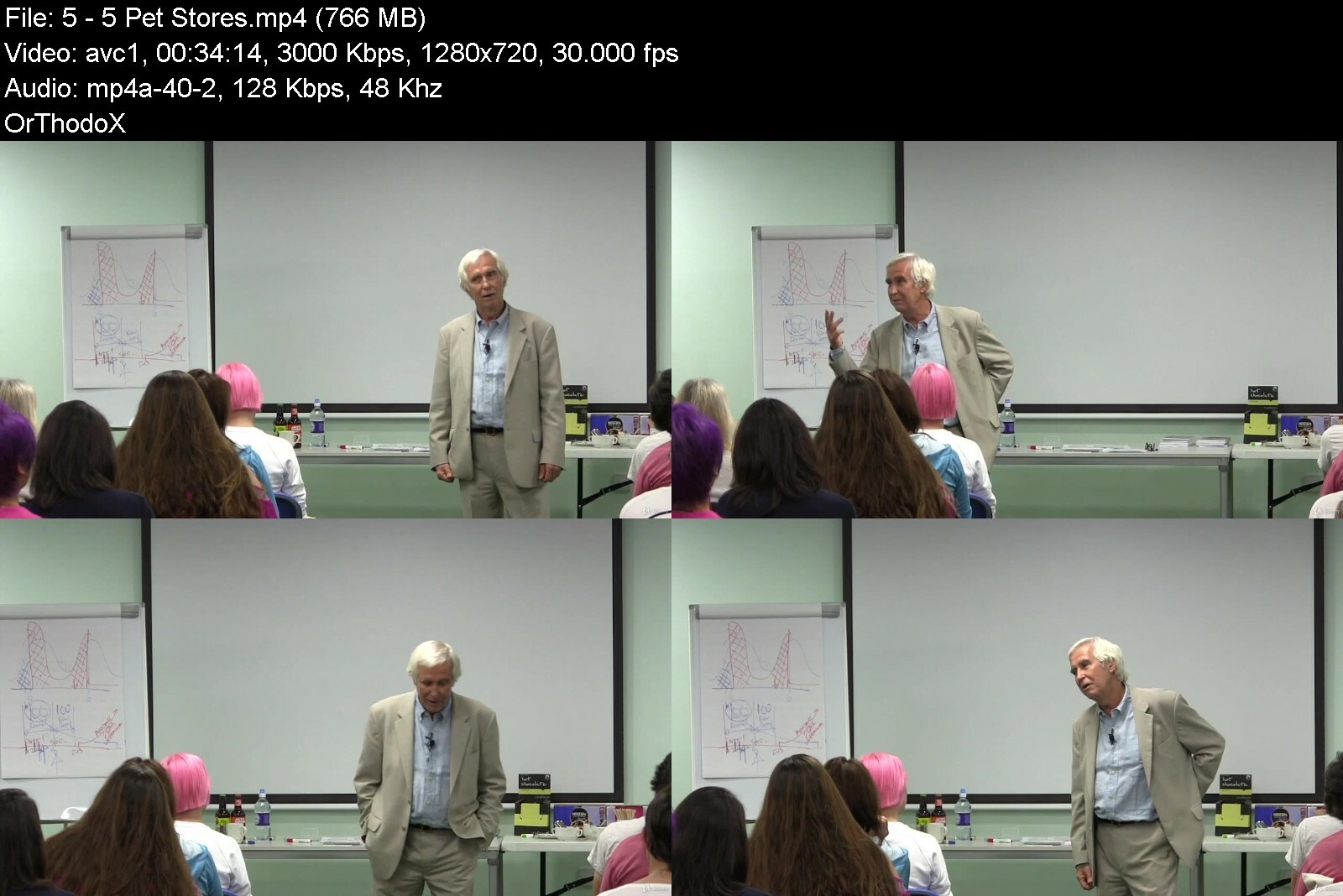
Dog Owners & Professionals: Where To Go From Here?

6at2phaqevtsxjvgj0nji1zf0m.jpg


Dog Owners & Professionals: Where To Go From Here?
Last updated 7/2018
MP4 | Video: h264, 1280x720 | Audio: AAC, 44.1 KHz
Language: English | Size: 6.70 GB | Duration: 5h 8m

A seminar on the state of dog training and behavior


What you'll learn
Change the world of pet dogs for the better
Ensure every dog gets the education they deserve

Requirements
No knowledge or tools are required

Description
The world of dog husbandry and training is in dire need for another quantum leap! The time is long overdue for all dog professions (breeders, veterinarians, pet store retailers, trainers and shelters/rescues) to utterly reevaluate and refocus their practices and to champion a combined focus on educating*prospective*and new puppy owners vis a vis puppy raising, so that puppies stay in their original homes instead of being surrendered to shelters as adolescents. Just as we have great owners and not so great owners, it is truly a sobering thought that, by definition, in any profession, when assessed according to any criterion, 50% of professionals fall below median. Dog owners have had an enormous impact on the improved selection of quality products offered in pet stores. As educated consumers, prospective owners can have and probably, will have, similar expectations and effects on breeders, shelters and trainers. From breeders, owners will be looking for puppies that at the very least have been housetrained, chewtoy-trained, manners trained and socialised to people. Similarly, from shelters/rescues, adopters will be searching for dogs that have been housetrained, chewtoy-trained and manners trained during their stay and are now friendlier and more confident. From trainers, puppy and dog owners will be looking for the easiest, quickest, most effective and most enjoyable training techniques that offer immediate and enormous benefits. We really can't keep blaming irresponsible pet owners if no one tells them what to do (before they make predictable and preventable mistakes). The requisite puppy-raising educational materials are readily available but they need to be universally distributed (via email) by all dog professions to all other dog professions and eventually, to all dog owners. Some dog owners might get another puppy. More likely though they will know a friend or neighbor who is searching for one and so, pass along the information. Additionally, put the materials on your company website for free download.The educational materials may be customized with your business name and contact information and so, you may brand your dog business in the community as the one trying to make a difference. Remember, it only takes just one dedicated and persistent person to cause a change. Disseminating information is so doable these days given the technological advances in social media.Dr. Dunbar has created a number of Behaviour Programs for Dog Professionals to evaluate practices and to coordinate and accelerate the distribution of educational materials to prospective and new puppy owners. 1. To encourage Breeders to at least housetrain, chewtoy-train, teach basic manners and socialise their litters and especially, to preferentially breed for longevity. Longevity is the best indicator of physical and behavioural health. It is simply not right that so many pure-bred dogs predictably die so young.*"A live dog is better than a dead lion." Ecclesiastes 92. To encourage Veterinary Practitioners to take full advantage of their most unique and enviable position of seeing every breeder, most prospective puppy owners (existing clients) and nearly every new puppy owner on several occasions when puppies are brought in for immunization shots. This is the optimal time for puppies and their owners to receive an educational vaccine. Of all the dog professions, veterinarians have by far the best opportunity to prevent the development of utterly predictable and easily preventable dog behavior and temperament problems. "It is easier to build strong puppies than to repair broken dogs." (With apologies to Frederick Douglas.)3. To encourage Pet Store Retailers to disseminate the same educational materials (i.e., instructions for use of dog products) to prospective or new puppy owners that come to purchase food and supplies. For example, puppy owners need to know why they are buying a dog crate - to prevent mistakes around the house, to autoshape chewtoy chewing and to predict when the puppy needs "to go" so that it can be taken to a toilet area and trained to eliminate on cue.4. To encourage all Shelters/Rescues to adopt an in-house, behavior and training programme, such as Open Paw - at the very least including, housetraining, chewtoy-training, basic manners and ongoing socialization with people and other dogs. Simply housing dogs in cages is not sufficient. For example, without regular toilet breaks, a previously housetrained dog will be forced to soil its living area. Sheltering is supposed to make homeless dogs more adoptable, not less adoptable. But even more important, shelters/rescues must strive to stop the problem at the cause and so, reduce shelter input. Of all the dog professions, with their enormous mailing lists, animal charities have the best opportunity to disseminate puppy-raising materials to dog people.5. To encourage Dog Trainers to be the people that catalyse the change in their communities by being more proactive in promoting their businesses and at the same time, educating prospective and new puppy owners by emailing the educational materials to all clients, all other dog professionals, all local media and to anyone and everyone.
Overview
Section 1: Introduction
Lecture 1 1: The Professions
Lecture 2 2: Breeders
Lecture 3 3: Socialization
Lecture 4 4: 10 Star Stud
Lecture 5 5: Pet Stores
Lecture 6 6: Trainers
Lecture 7 7: Shelters
Lecture 8 8: Setting the Rules
Lecture 9 9: Class Q&A
Lecture 10 10: Q&A Continued
Lecture 11 11: Owners
Lecture 12 12: Wrap Up
Dog owners and dog professionals who are interested in improving the quality of life for dos everywhere


dogownersprofessional0zcot.jpg


Download from RapidGator


Download from DDownload


Archive Password: "Name of the Old Continent" [First Letter Capital]

 
Treatment & Prevention Of Dog Aggression: Biting & Fighting

yg8mqlhpsgtpqbkldybjny9i7o.jpg


Treatment & Prevention Of Dog Aggression: Biting & Fighting
Last updated 5/2017
MP4 | Video: h264, 1280x720 | Audio: AAC, 44.1 KHz
Language: English | Size: 7.44 GB | Duration: 10h 15m

Learn new concepts that can significantly accelerate the training of dogs with aggression and reactivity issues.


What you'll learn
Prevent dog aggression in the first place with early puppyhood socialization and handling.
Recognize early warning signs and address aggression problems before they become serious.
Teach a dog to develop bite inhibition.
Prevent dog reactivity with the concept of multiple subliminal bite stimuli.
Treat dogs with aggression problems using Differential Classical Conditioning (DCC) to prevent the unintentional reinforcement of reactivity during classical conditioning.
Set up training scenarios to accelerate classical conditioning (rather than trying to resolve problems in the course of every day life).
Empower low-level primary reinforcers as the highest-level, mega-secondary reinforcers to maximize classical conditioning.
Facilitate puppy play sessions so pups can develop bite inhibition towards other dogs.
Immediately resolve fearfulness and bullying in puppy play sessions.
Utilize Come-Sit-Watch commands to break stares and decrease tension and threatening behaviors between dogs.
Objectively assess the severity of fighting and biting (Fight/Bite Ratio and Bite Scale)
Assess treatment prognosis and the time required to retrain an aggressive dog.
Use the Jolly Routine for classical conditioning.
Organize a Growl Class for reactive (but not dangerous) dogs.
Requirements
There are no prerequisites for taking this course
Description
All dogs will display some level of aggression or reactivity at some point in their life, so learning how to address this type of behavior is critical for any dog owner or dog trainer.With a little knowledge and preparation it is easy to prevent almost all aggression, and to quickly address any aggression issues as they begin to emerge, before they develop into problems that can quickly decrease the quality of life for dog and owner alike.These days, I'm pleased to say that many owners understand the importance of early puppyhood socialization. Unfortunately, far fewer owners understand the important of maintaining that socialization through adolescence and adulthood, when dogs naturally become more shy and stand-offish. All too often, a dog will get into a single dog fight that will scare their owners into avoiding other dogs, depriving their own dog of the social interaction they need for rehabilitation. Without ongoing positive social experiences, the dog's sociability only deteriorates further, resulting in self-reinforcing, downward spiral of de-socialization.As soon as you recognize any developing reactivity or aggression you should treat it. The sooner you do, the easier it will be. And the methods used in the treatment of dog aggression are remarkably similar to those used for prevention, except that treatment usually takes dramatically longer.Recently though, new techniques have been developed to accelerate and maximize classical conditioning, progressive desensitization and ultimately, re-socialization. These methods make it possible to rehabilitate dogs as quickly and thoroughly as possible.
Overview
Section 1: Treatment & Prevention of Dog Aggression: Biting & Fighting
Lecture 1 Introduction
Lecture 2 Video 1: The Great Insanity
Lecture 3 Video 2: 3 Types of Problems
Lecture 4 Video 3: Weighing Risks
Lecture 5 Video 4: Normal Behavior
Lecture 6 Video 5: Using Food
Lecture 7 Video 6: Temperament Testing
Lecture 8 Video 7: Ziwi Peak
Lecture 9 Video 8: Amp Up the Kibble
Lecture 10 Video 9: Sensitive Breeds
Lecture 11 Video 10: Laying Tracks
Lecture 12 Video 11: Treat & Retreat
Lecture 13 Video 12: A Little Bit of Magic
Lecture 14 Video 13: Touching Triggers
Lecture 15 Video 14: Delinquent Waiter
Lecture 16 Video 15: Teaching Tug
Lecture 17 Video 16: Whip's Rules
Lecture 18 Video 17: Multi-Age Socialization Group
Lecture 19 Video 18: Loving Tug
Lecture 20 Video 19: Shaping Tug
Lecture 21 Video 20: Fight-Bite Ratio
Lecture 22 Video 21: Handler Anxiety
Lecture 23 Video 22: 3 Types of Feedback
Lecture 24 Video 23: Growl Class
Lecture 25 Video 24: Reactive Dogs & Crying Babies
Lecture 26 Video 25: Jolly Routine
Lecture 27 Lecture Notes
Lecture 28 Congratulations on Completing this Course
Section 2: Additional Resources
Lecture 29 AFTER You Get Your Puppy
Lecture 30 BEFORE You Get Your Puppy
This course is ideal for anyone interested in the treatment and prevention of dog aggression, both between dogs (fighting) and aggression directed towards people (fighting). It is well suited for dog owners, dog trainers and other dog professionals.


treatmentpreventionofbec4d.jpg


Download from RapidGator


Download from DDownload


Archive Password: "Name of the Old Continent" [First Letter Capital]

 
Wordpress For Beginners: Complete Master Course (Sinhala)

p8wyvcjirjpq8zhtoqn1klof9s.jpg


Wordpress For Beginners: Complete Master Course (Sinhala)
Published 8/2022
MP4 | Video: h264, 1280x720 | Audio: AAC, 44.1 KHz
Language: English | Size: 5.05 GB | Duration: 11h 22m

Complete WordPress Master Course for Building Responsive WordPress Websites without Programming and WordPress Experience


What you'll learn
Install Wordpress on your PC or Mac computer, so you can learn without having to pay hosting or domain fees.
Anyone may learn how to use Wordpress to create a useful, attractive, and responsive website by taking this course.
Navigate around the Wordpress dashboard, know what everything does and how to use it.
Recognize the core components of Wordpress
How to create pages and posts properly and understand the difference between the pages and posts.
How to Create personalized menus and navigational systems that are helpful to both visitors and search engines.
Use post categories and tags appropriately, and be aware of how doing so might harm your search engine rankings.
learn how to set up Wordpress for the greatest outcomes.
Understand plugins and themes and how to find and install them.
Defend their Wordpress website from spammers and hackers
Make a static home page that works for most websites or a home page that functions as a blog for bloggers.
Build responsive websites that look nice in all browsers.

Requirements
A functional computer and an internet-connected web browser are required.
No previous WordPress experience is necessary since this course will cover everything.
You don't need any coding experience at all

Description
WordPress for Beginners: Complete Master Course (Sinhala)Hello there! Do you want to learn about WordPress? This is the right place to learn about WordPress completely. WordPress is the most popular website content management system (CMS) in the world with 75 million users. This course covers both sophisticated site design principles and WordPress's most fundamental functionalities. The information you get from this WordPress online course will enable you to build a professional WordPress website on your own, as well as websites for your customers.WordPress is the ideal program for building completely unique websites for any purpose. You may use WordPress to build a blog, a personal portfolio, a corporate business site, a forum, a classified website, an eCommerce site, or a website for your company to offer goods and services.Although building a website has never been simpler, many individuals struggle with designing a beautiful WordPress website. By completing this comprehensive WordPress course, you'll develop robust WordPress websites with a variety of plugins and advance in your entrepreneurial endeavours.In this course, you will learn:You can learn WordPress without needing to purchase site hosting or a domain name. I'll demonstrate how to configure everything on your PC using free tools.How to properly use WordPress editors in the past How WordPress works and the rationale behind why PHP is used so often.For operating WordPress, you will acquire in-depth information on domains, hosting, Xampp, and LocalWP.The Material Library is where you manage all of the media you wish to post on your website, including photos, videos, and audio files.WordPress Basic Settings and How to Choose a Perfect WordPress Theme for Your Business.We'll examine the distinctions between WordPress posts and pages, and I'll provide a quick method for determining which to utilize when.We'll discuss how to employ article summaries, categories, and tags on a well-organized website to improve user experience and search engine rankings.You may set up your homepage in one of two ways, as you will see.On the website, we'll include a contact form so users may get in touch.We'll talk about your site's navigation structure and how to build up specialized navigation in the header, sidebar, or footer. Internal site linking is another topic we'll cover.We'll talk about WordPress security and put together a strategy to prevent hackers from accessing the website.We'll examine some excellent free plugins.How to set up an eCommerce site (online store) and sell your products using WordPress and WooCommerceAnother special benefit for students:lifetime personal support for becoming successful In the WordPress100% practical course with experienceThe newest WordPress version will always be covered in this course.Private Facebook group for "WordPress for Beginners: Complete Master Course (Sinhala)" course students.Whatsapp support, if you have any problems. About WordPress You will be able to sell your WordPress skills in several markets.This course was mainly created for someone who uses the Sinhala language for communication around the world, and my main purpose is to educate Sri Lankan people to become successful online businessmen. On the other hand, I'm always trying to be educated, on what the right ways to work online are and how to become a success online.Finally, I want to say something like this: "Please, learn this course carefully and achieve your life goals."INSTRUCTOR BACKGROUNDI'm a Business Management and Software Engineering degree holder and a Professional for Online Workers. I've been self-employed for more than 10 years, and I would like to share my knowledge around the world. So in that situation, I desired to conduct lessons on Udemy like that.Invest in your future. Enroll in this WordPress for Beginners: Complete Master Course (Sinhala) now, and turn it into a sustainable business.Are there any course requirements or prerequisites?Personal desktop/laptop computersStable internet connectionBasic knowledge of operating a computerSelf-confidenceWho is this course for?Beginner of WordPressAnyone who finds the opportunity to learn about WordPress Anyone who plans to run a blog, e-commerce store, or own website MONEY-BACK GUARANTEEThis WordPress for Beginners: Complete Master Course (Sinhala) comes with an unconditional, Udemy-backed, 30-day money-back guarantee. This is not just a guarantee, it's my personal promise to you that I will go out of my way to help you succeed, just like I've done for thousands of my other students.
Overview
Section 1: Introduction
Lecture 1 Introduction About Master Course
Lecture 2 Why WordPress Lean?
Lecture 3 Befor Start The Master Course
Lecture 4 Introduction About Wordpress
Section 2: Install WordPress
Lecture 5 Which WordPress did we choose?
Lecture 6 Before You Install WordPress
Lecture 7 What is the Webhosting?
Lecture 8 Install WordPress On Localhost XAMPP
Lecture 9 Install WordPress With Flywheel
Lecture 10 What is the difference between the dashboards?
Section 3: The main component of WordPress
Lecture 11 How to Switching between the themes
Lecture 12 WordPress Dashboard
Lecture 13 How to clear WordPress per-install content
Lecture 14 Web Page & Web Post Editor
Lecture 15 What is the WYSIWYG (Classic) Editor
Lecture 16 WordPress Media Library
Section 4: The Gutenberg Editor
Lecture 17 Gutenberg Editor Install
Lecture 18 Overview of the Gutenberg Interface
Lecture 19 How to Create Post Using Gutenberg
Lecture 20 How to add Blocks to Build a Post
Lecture 21 How to Inserting wrap On image
Lecture 22 How to add Cover Block
Lecture 23 How to Add Columns
Lecture 24 How to Use Reusable Block
Lecture 25 Find the More Blockers for WordPress
Section 5: WordPress Setting
Lecture 26 How to Setup Gravatar
Lecture 27 How to Setup Autor Profile
Lecture 28 General Setting
Lecture 29 Writing Setting
Lecture 30 Update the Service
Lecture 31 Reading Setting
Lecture 32 Discussion Setting
Lecture 33 Permalink Setting & Comments
Lecture 34 Privacy Setting
Section 6: WordPress Themes, Plugins, and Widgets
Lecture 35 What is the Mean of a Responsive Website Desing ?
Lecture 36 WordPress Themes
Lecture 37 How to Add Plugins and Site Map
Lecture 38 Install Premium Plugins
Lecture 39 What is the WordPress Widgets
Section 7: WebSite Content
Lecture 40 Different Between WordPress Post and Pages
Lecture 41 WordPress Pages
Lecture 42 WordPress Post
Lecture 43 Post-Categaries
Lecture 44 Post tag
Lecture 45 Importance of Exeptions
Lecture 46 Importance of Featured Image
Lecture 47 How to Schedule a Post
Lecture 48 How to create Wordpress Page
Lecture 49 How to Create Wordpress Post
Section 8: The Home Page
Lecture 50 The Importance of the Home Page
Lecture 51 What is the difference between the static home page and a blog post?
Lecture 52 How to Create Bolg Style Home Page
Lecture 53 How to Create Static Style Home Page
Section 9: Creating a Legal Page
Lecture 54 Creating content page
Lecture 55 Creating About as page
Lecture 56 Creating Trams, Privacy, and Disclaimers
Section 10: Website Navigation
Lecture 57 Setup Custom Manu
Lecture 58 Setup Navigation Manu widgets
Lecture 59 Related Post navigation
Lecture 60 Setup Latest Post
Lecture 61 Setup Internal site linking
Section 11: WordPress Security
Lecture 62 WARNING: Watch Before you continue
Lecture 63 Wordpress Security
Lecture 64 WordPress Reset Plugin
Lecture 65 All in one Security Plugin
Lecture 66 Stop Spamming Plugin
Lecture 67 WordPress backup
Section 12: Essential Plugins
Lecture 68 Social shearing Plugin
Lecture 69 Resposive Light Box Plugin
Lecture 70 Pretty Link lite Plugin
Section 13: WordPress Site Structure
Lecture 71 Site Structure Option on WordPress
Lecture 72 Change the From XAMPP to LOCALWP
Lecture 73 Site Structure Setup process
Lecture 74 How to Importing demo Content
Section 14: Creating Bolg Site
Lecture 75 Creating Bolg with Bloging Home page
Lecture 76 How to Change Home Page to the Static Home Page
Section 15: Creating Business Site
Lecture 77 Create Business site
Lecture 78 Business site Navigration
Section 16: Creating the Hybrid Site
Lecture 79 Creating Hybrid site Stucture
Lecture 80 Next Path Navigation
Section 17: Web Hosting And Domain Name
Lecture 81 What is the Web Hosting and Web Domain Mean ?
Lecture 82 What is the best place to host your website ?
Lecture 83 Who are the best Domain Registrars
Lecture 84 How to Choose the Perfect Domain Name
Lecture 85 How to buying Hosting and Domain name
Lecture 86 How to link NAME SERVERS to the Domain Name
Lecture 87 How to add a new domain to the C-Panel
Lecture 88 Install WordPress on Web Hosting
Section 18: How to Build an E-Commerce Website
Lecture 89 Intraduction
Lecture 90 Before Start Learning
Section 19: Setup WordPress for E-Commerce
Lecture 91 Quick WordPress Setup
Lecture 92 How to Use WordPress
Lecture 93 Create an email to the new Domain
Lecture 94 Setup the WordPress mail function.
Section 20: Logo & Images
Lecture 95 Create Logo in Photoshop
Lecture 96 Create Ican in Photoshop
Lecture 97 Desing Log & Icon*without Photoshop
Lecture 98 Free Image for Commercial Use
Lecture 99 Paid Image for Commercial Use
Lecture 100 Image size
Lecture 101 Edit the Home banner
Lecture 102 Edit LightBox Image
Lecture 103 Edit Subscribe page background image
Lecture 104 Editing Page Headers
Section 21: Site Design
Lecture 105 Download and install thems
Lecture 106 Install quick access to the help file.
Lecture 107 Installing required plugins
Lecture 108 Updating Themes and Template file
Lecture 109 Creating the Manus
Lecture 110 Setup the "About" Page
Lecture 111 Setup the "Contact " Page
Lecture 112 Setup "Home" Page
Section 22: Email Marketing Setup
Lecture 113 Get a free MailChimp account and create an account
Lecture 114 Home Page Subscription form
Lecture 115 Pop-Up Subscription Form
Section 23: Get the Know about Woocommers
Lecture 116 Create a team and conditions page
Lecture 117 Setup Woocommers
Lecture 118 Setup Tax
Lecture 119 Setup Shipping method
Lecture 120 Add Categories
Lecture 121 Add Tags
Lecture 122 Setup Payment method
Lecture 123 How to add the product to woocommerce
Lecture 124 Add Attribution
Lecture 125 How to add variable Product
Lecture 126 Add Group Product
Lecture 127 How to remove the sidebar from the account page
Lecture 128 Footer and Shop side Bar
Lecture 129 Manu and Catagory
Lecture 130 Test Your Store
Lecture 131 Setup Theme Options
Section 24: Other Supported Plaging for Sale
Lecture 132 Google Analytics
Lecture 133 Yoast SEO
Lecture 134 Additional Security Plugging
Section 25: Conclusions
Lecture 135 Conclusions
Lecture 136 End the Website
Section 26: Special Section
Lecture 137 Special Section - Other Master Course
Lecture 138 About the Master course Feedback
Section 27: What is the Next ?
Lecture 139 What is the Next ?
If you wish to create a website for either personal or professional purposes, this course is for you.,This course is for you if you want to grasp Wordpress without getting mired down in technical speak.,If you are taking over an existing Wordpress website or want to create one from scratch but don't know where to begin, this course is ideal for you.,Anyone who wants to be the go-to person for Wordpress should take this course.,Anyone who wants to become a WordPress freelancer in the freelancer business, that is for you


wordpressforbeginners72cqx.jpg


Download from RapidGator


Download from DDownload


Archive Password: "Name of the Old Continent" [First Letter Capital]

 
TTC - Synthetic Biology: Life's Extraordinary New Worlds

ae9a7ce682075a2dc14d63ccjy.png


TTC - Synthetic Biology: Life's Extraordinary New Worlds
Released 08/2022
MP4 | Video: h264, 1280x720 | Audio: AAC, 44.1 KHz, 2 Ch
Genre: eLearning | Language: English | Duration: 18 Lessons (9h 1m) | Size: 7.2 GB


More than a century ago, a French biologist wrote a book called Synthetic Biology, proposing a radical program to mimic the systems of life with non-biological molecules. He made little progress, and his work faded into obscurity.

More than a century ago, a French biologist wrote a book called Synthetic Biology, proposing a radical program to mimic the systems of life with non-biological molecules. He made little progress, and his work faded into obscurity. But advances in knowledge since then now make it possible to go far beyond his ambitious dream, not just by mimicking life, but by repairing it, transforming it, and even creating new forms of life. The revolutionary field of synthetic biology already has significant achievements to its credit-in medical treatments, food and agriculture, and materials science. Furthermore, researchers are hard at work on astonishing projects such as
DNA Computers: A single cell may contain the entire code for assembling an organism such as a human. A computer using a DNA "drive" could theoretically store all the world's data in just a few cubic feet of space. Synthetic biology would provide the read-and-write mechanism.
De-extinction: The Jurassic Park scenario could be coming to life-not with dinosaurs, whose DNA is too degraded, but with more recent extinct creatures, like wooly mammoths. The revived species would combine the original with living relatives-for example, elephants.
Xenobiology: DNA happens to be the combination of elements that evolution selected as the carrier for genetic information. There is no reason that other combinations aren't possible, which raises the prospect of all sorts of organisms with novel, even alien, capabilities.
We are living in a golden age of breakthroughs in the life sciences, and nowhere more so than in the field of synthetic biology. In 18 in-depth, half-hour lectures designed for non-scientists, Synthetic Biology: Life's Extraordinary New Worlds explains just what synthetic biology is, what it has done, and what the exciting future may hold. Taught by Professor Milton Muldrow of Wilmington University, the course also considers the profound ethical questions that arise when scientists have the power to create life.
Tools of Synthetic Biology
Ever since the discovery of the double helix structure of DNA in 1953, many of the mysteries of life have slowly yielded to science. The milestones include proof that genetic information flows from DNA to RNA to proteins, in 1958; the combining of DNA fragments from different sources to produce recombinant DNA, in 1972; the first experiments in genetic engineering, in 1973; and the decoding of the human genome, between 1990 and 2003.
These developments, and more, have given researchers the tools to control life at the level of genes, which are the units of DNA that perform specific functions. In this course, you learn that synthetic biology arose from the growing ability to manipulate the machinery of life through techniques such as
CRISPR: Lauded as a world-changing technology, CRISPR is a precise gene-editing tool that won its discoverers the 2020 Nobel Prize in Chemistry. It has revolutionized cancer therapy and other treatments and is being turned to address environmental problems and a host of other diverse uses.
Directed Evolution: Another Nobel prize-winning discovery is directed evolution, a process that greatly accelerates evolution. The idea is to produce proteins with desired traits by letting nature do the work. Nature's path often operates in ways that would be inconceivable to predict.
Metabolic Engineering: By adjusting the metabolism of cells to make them more efficient, valuable products such as insulin can be synthesized in quantity, turning living organisms into cell factories. Today, synthetic biology is supercharging metabolic engineering to deliver a new world of products and medicines.
Dr. Muldrow also covers the use of synthetic biology in textiles, agriculture, and regenerative medicine, and he explains how it greatly accelerated the response to the COVID-19 pandemic in 2020. As soon as Chinese researchers transmitted a digital draft version of the COVID genetic code, scientists around the world had the ability to quickly reproduce it for study. No isolation of a virus from a patient was necessary, nor did researchers have to wait to get a complete sample from a far-off lab. Instead, they could use synthetic biology to create a complete virus genome immediately and set to work developing a vaccine.
The Dangers of Misuse
Powerful tools have a powerful potential for misuse, and synthetic biology is no exception. Professor Muldrow highlights some troubling possible scenarios, including
Embryonic Engineering: Gene therapies allow genetic diseases to be eliminated at their source. But the method also raises the prospect of designer babies with whatever trait is deemed advantageous; creating, for example, super geniuses, athletes, or soldiers. This raises profound social and ethical questions.
Gene Drives: A gene drive is a mechanism to spread a gene or group of genes through a population. This can be done for noble purposes, such as eradicating diseases, but also as part of warfare. Furthermore, a gene drive could unintentionally get out of control, wiping out entire species.
Synthetic Virology: The ability to engineer viruses has enormous potential for benefitting society. But in the wrong hands the technology could be devasting, leading to the revival of scourges such as smallpox. Moreover, the innocent error of a single researcher could have a catastrophic outcome.
Safeguards are already in place to reduce some of these risks. But given the pace of change in synthetic biology and the almost limitless possibilities for harm, much more can be done, as Professor Muldrow discusses.
A Revolution in Progress
Living amid a revolution, it's hard to see where things are heading or how thoroughly society will change. Dr. Muldrow likens today's snowballing advances in synthetic biology to the Cambrian explosion half a billion years ago, when many of the current branches of life abruptly appeared in the fossil record. At the time, the increase in oxygen in the atmosphere due to photosynthesis; the accumulation of molecular and physical adaptations in organisms; the diversity of species relationships; and the appearance of hard body parts in animals, along with other factors, equipped evolution with new variables with which to play. The time was ripe for radical change.
"This reminds me of the current state of synthetic biology," says Professor Muldrow. "There are so many converging technologies, methods, and capabilities within the science that what will transpire in the coming decades is likely to be truly transformative." Synthetic Biology: Life's Extraordinary New Worlds is your insightful, accessible, and fascinating guide to this ongoing revolution, which will affect all of us.
What Will You Learn?
Learn what synthetic biology is and how it is being used
Discover how to read genes and write them to engineer new life-forms
Explore the uses of synthetic biology for fighting climate change
Examine potential misuses of synthetic biology
Survey truly science fiction-like applications of synthetic biology


syntheticbiologylifesk6iv9.jpg


Download from RapidGator


Download from DDownload


Archive Password: "Name of the Old Continent" [First Letter Capital]
 
Aspen Plus - Intermediate Process Modeling

so6sq89n9bfjlfjzvwhi8a6ihy.jpg


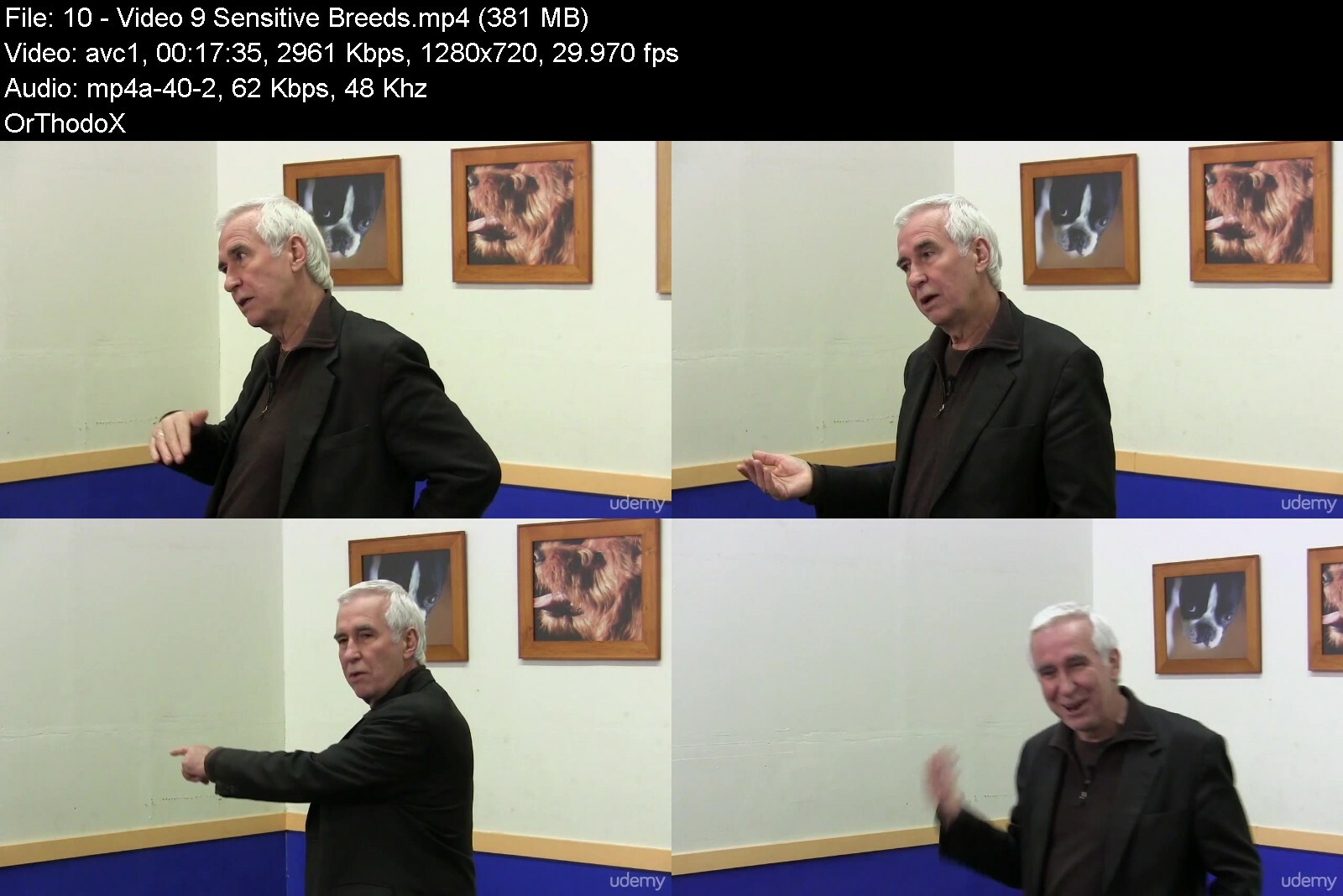
Aspen Plus - Intermediate Process Modeling
Last updated 12/2018 MP4 | Video: h264, 1280x720 | Audio: AAC, 44.1 KHz
Language: English | Size: 8.27 GB | Duration: 13h 28m

Learn how to model more Complex Industrial and Chemical Processes!


What you'll learn
Model more advanced unit operations and more complex chemical processes
Simulate various unit operations in industrial processes
Rigorous Unit Operation Simulation
Improve Flowsheet Manipulation (Hierarchy Levels, Sub-flowsheets)
Logical Operators and Flowsheet Manipulators
Increase knowledge and application in the Physical Property Environment (Methods, Analysis Tools, Binary Diagrams, NIST TDE Databases)
Simulation Environment Analysis Tools: Sensitivity Analysis & Optimization with Constraints
Reporting Relevant Results (Graphs, Charts, Tables, etc...)
Heat Exchanger and Pump/Compressor curves
Distillation Column Profiling (Temperature, Pressure, Concentration, Purity)
Three in-depth Case Studies Analysis

Requirements
Chemical Engineering Basics
Elementary Principles of Plant Operation/Design (Recommended)
Aspen Plus (Version 7 at least)
Aspen Plus - Basic Process Modeling (Recommended)

Description
The INTERMEDIATE Aspen Plus Course will show you how to model and simulate more complex*ProcessesAnalysis of Unit Operation will help you in order to*simulate more complex*chemical processes, as well as to analyse and optimize existing ones.
You will learn about
Better Flowsheet manipulation*Hierarchy, Flowsheeting, Sub-flowsheet creation*Logical Operators / Manipulators*Understand Property Method Selection and its effects on simulation results*Study of more rigorous unit operations*Model Analysis Tools such as sensitivity and optimizationReporting Relevant Results Plot relevant data for Heaters, Columns ,Reactors, PumpsTemperature Profiles, Concentration Profile, Pump Curves, Heat Curves, etc.*Up to 3 Case Studies (in-depth analysis)All theory is backed up by more than 30*Practical Workshops!At the end of the course you will be able to setup more complex processes, increase your*simulation and flow sheeting techniques, run it and debugging, get relevant*results and make a deeper*analysis of the process for further optimization.
Overview
Section 1: Introduction
Lecture 1 Welcome to the Course!
Lecture 2 Course Content
Lecture 3 Course Objectives
Lecture 4 Requirements & Recommendations
Lecture 5 Benefits of the Course
Lecture 6 Material and Resources
Lecture 7 Join the Aspen Plus & HYSYS Forum (Unofficial)
Lecture 8 Quick Review - Aspen Plus
Lecture 9 Please be part of the discussion!
Lecture 10 Navigation Panes, Folders and Forms
Lecture 11 I really appreciate this!
Section 2: Flowsheet Manipulation
Lecture 12 Flowsheet Manipulation Introduction
Lecture 13 Flowsheet Modification (2A)
Lecture 14 Flowsheet Options
Lecture 15 Workshop: Explore Flowsheet Options
Lecture 16 Scrolling&Typing too fast?
Lecture 17 Viewing the Flowsheet
Lecture 18 Workshop: Find Object
Lecture 19 Workshop: Bookmark
Lecture 20 Workshop: Pan
Lecture 21 Modifying Flowsheet
Lecture 22 Workshop: Connectivity
Lecture 23 Workshop: Improve Appearance
Lecture 24 Copy & Pasting in the Flowsheet
Lecture 25 Workshop: Copy&Pasting in the Flowsheet
Lecture 26 Locking the Flowsheet
Lecture 27 Workshop: Lock Screen
Lecture 28 Flowsheet Sections
Lecture 29 Flowsheet Annotations
Lecture 30 Workshop: Flowsheet Annotations
Lecture 31 Templates, Sub-flowsheets & Hierarchy (2B)
Lecture 32 Templates
Lecture 33 Workshop: Create, Save and Open Templates
Lecture 34 Hierarchy Blocks
Lecture 35 Workshop: Hierarchy Blocks
Lecture 36 Flowsheet Manipulation Closure
Section 3: Physical Property Environment
Lecture 37 Property Methods Introduction
Lecture 38 Property Methods - Introduction (3A)
Lecture 39 Why Property Method?
Lecture 40 Ideal vs. Nonideal Modeling
Lecture 41 Workshop: Ideal Property Method
Lecture 42 Equation of State Models vs. Activity Models
Lecture 43 Activity Coefficient Methods
Lecture 44 NRTL Activity Model
Lecture 45 UNIFAC Activity Model
Lecture 46 Workshop: Activity Coefficient Methods
Lecture 47 Equation of State Methods
Lecture 48 Peng Robinson (PR) - EOS Model
Lecture 49 Workshop: Equation of State Models
Lecture 50 Introduction to Property Sets (3B)
Lecture 51 Property Sets
Lecture 52 Workshop: Defining your own Property Sets
Lecture 53 Introduction to NIST TDE (3C)
Lecture 54 What is NIST TDE?
Lecture 55 Workshop: Retrieving Binary Data from NIST TDE
Lecture 56 Take a break!
Lecture 57 Introduction to Analysis Tools (3D)
Lecture 58 Pure Component
Lecture 59 Workshop: Single Point Analysis
Lecture 60 Workshop: Multiple Point Analysis
Lecture 61 Binary Analysis
Lecture 62 T-xy Diagrams
Lecture 63 Workshop: T-xy Diagrams
Lecture 64 P-xy Diagrams
Lecture 65 Workshop: P-xy Diagrams
Lecture 66 Physical Property Environment Closure
Section 4: More Unit Operations
Lecture 67 More Unit Operations Introduction
Lecture 68 Separators (4A)
Lecture 69 Flash2
Lecture 70 Flash 3
Lecture 71 Decanter
Lecture 72 Workshop: Decanter
Lecture 73 Sep1
Lecture 74 Sep2
Lecture 75 Workshop: Using Sep1 and Sep2
Lecture 76 Heat Exchangers (4B)
Lecture 77 Heater
Lecture 78 Heat-X (Shortcut)
Lecture 79 Heat-X - Rigorous Shell&Tube
Lecture 80 Workshop: Heat-X
Lecture 81 Heat Curves
Lecture 82 Workshop: Heat Curves
Lecture 83 More on Heat Exchanger - EDR
Lecture 84 Columns (4C)
Lecture 85 DSTWU
Lecture 86 Workshop: DSTWU-1 Benzene & Toluene Min. Recycle Rate, Feed Tray, Compositions
Lecture 87 Workshop: DSTWU-2 Analysis of the theoretical stages vs. reflux ratio in a hydro
Lecture 88 RadFrac
Lecture 89 Workshop: RadFrac1 - Recycle Ratio of a C3-C4 Distillation
Lecture 90 Workshop: RadFrac2 - C4-C7 Separation and Recoveyr of C4
Lecture 91 Workshop: RadFrac 3
Lecture 92 Absorber
Lecture 93 WKS: Absorber (Tray Column)
Lecture 94 Extract
Lecture 95 Workshop: Extraction in a Ethylacetate-Acetone-Water system
Lecture 96 More on Columns?
Lecture 97 Reactors (4D)
Lecture 98 R-Stoic
Lecture 99 Workshop: R-Stoic For an Isothermal Reactor with Recycled Stream
Lecture 100 R-Yield
Lecture 101 R-Equil
Lecture 102 Workshop: R-Equil for Isothermal Reactor using UNIFAC, UNIQUAC and IDEAL Mod
Lecture 103 R-Gibbs
Lecture 104 Workshop: R-Gibbs - Competing Reactions
Lecture 105 Workshop: R-Equil vs. R-Gibbs
Lecture 106 R-CSTR
Lecture 107 Workshop: R-CSTR1 - Isothermal
Lecture 108 Workshop: R-CSTR2 - Adiabatic
Lecture 109 R-Plug
Lecture 110 Workshop: R-Plug1 - Adiabatic Liquid Reaction
Lecture 111 Workshop: R-Plug2 - Isothermal Reaction
Lecture 112 R-Batch
Lecture 113 Workshop: Isothermal Batch Reactor
Lecture 114 Workshop: Kinetic Reactors- Comparison
Lecture 115 Need more Reactor Engineering?
Lecture 116 Pressure Changers (4E)
Lecture 117 Work Streams
Lecture 118 Pump
Lecture 119 Workshop: Pumps & Turbines
Lecture 120 Pump Performance Curves
Lecture 121 Workshop: Pump Curves
Lecture 122 Compressor
Lecture 123 Valves
Lecture 124 Workshop: Valve
Lecture 125 Pipes & Pipelines
Lecture 126 Workshop: Pipe
Lecture 127 Workshop: Rankine Cycle
Lecture 128 Unit Operations Closure
Section 5: Model Analysis Tools
Lecture 129 Model Analysis Tools Introduction
Lecture 130 Getting Results (5A)
Lecture 131 Stream Results; Block Results & Results Summary
Lecture 132 Workshop: Stream, Block & Summary Results
Lecture 133 Adding T/P/M labels on flowsheet
Lecture 134 Workshop: Adding T/P/F conditions
Lecture 135 Adding Results Table
Lecture 136 Workshop: Adding Table of Results
Lecture 137 Plotting Data (5B)
Lecture 138 Plotting Tool
Lecture 139 Workshop: Column - RadFrac Plots
Lecture 140 Workshop Plotting Data - PFR
Lecture 141 Design Spec (5C)
Lecture 142 What are Manipulators?
Lecture 143 Design Specification
Lecture 144 Converging Tips for Design Specification
Lecture 145 WKS Design Spec 1 - RadFrac Reflux Ratio to meet Product Specification
Lecture 146 WKS Design Specification 2 - R-Gibbs Reactor Yields
Lecture 147 Workshop: Design Spec 3
Lecture 148 Sensitivity Analysis (5D)
Lecture 149 Sensitivity Analysis
Lecture 150 Methodology for Sensitivity Analysis
Lecture 151 Plotting Sensitivity Analysis Results
Lecture 152 Workshop Sensitivity Analysis based on Compressor and Heater of a Hydrocarbons
Lecture 153 Workshop Sensitivity Analysis of Feed, Reflux Ratio & Pressure in a RadFrac
Lecture 154 Workshop Sensitivity Analysis tools on an Adiabatic and Isothermal Reactor
Lecture 155 Optimization & Constraints (5E)
Lecture 156 Optimization Function
Lecture 157 Workshop: Optimization of Product Yield in Equilibrium and Gibbs Reactor
Lecture 158 Optimization with Constraints
Lecture 159 Workshop: Optimization of a RadFrac Distillation Column
Lecture 160 Model Analysis Tools Closure
Section 6: Case Studies
Lecture 161 Case Study Introduction
Lecture 162 Case Study Goals
Lecture 163 Case Study 1 - Hydroalkilation of Toluene - Problem Statement
Lecture 164 Case Study 1 - Hydroalkilation of Toluene - Flowsheeting
Lecture 165 Case Study 2 - Nitric Oxide Plant - Problem Statement
Lecture 166 Case Study 2 - Nitric Oxide Plant - Flowsheeting
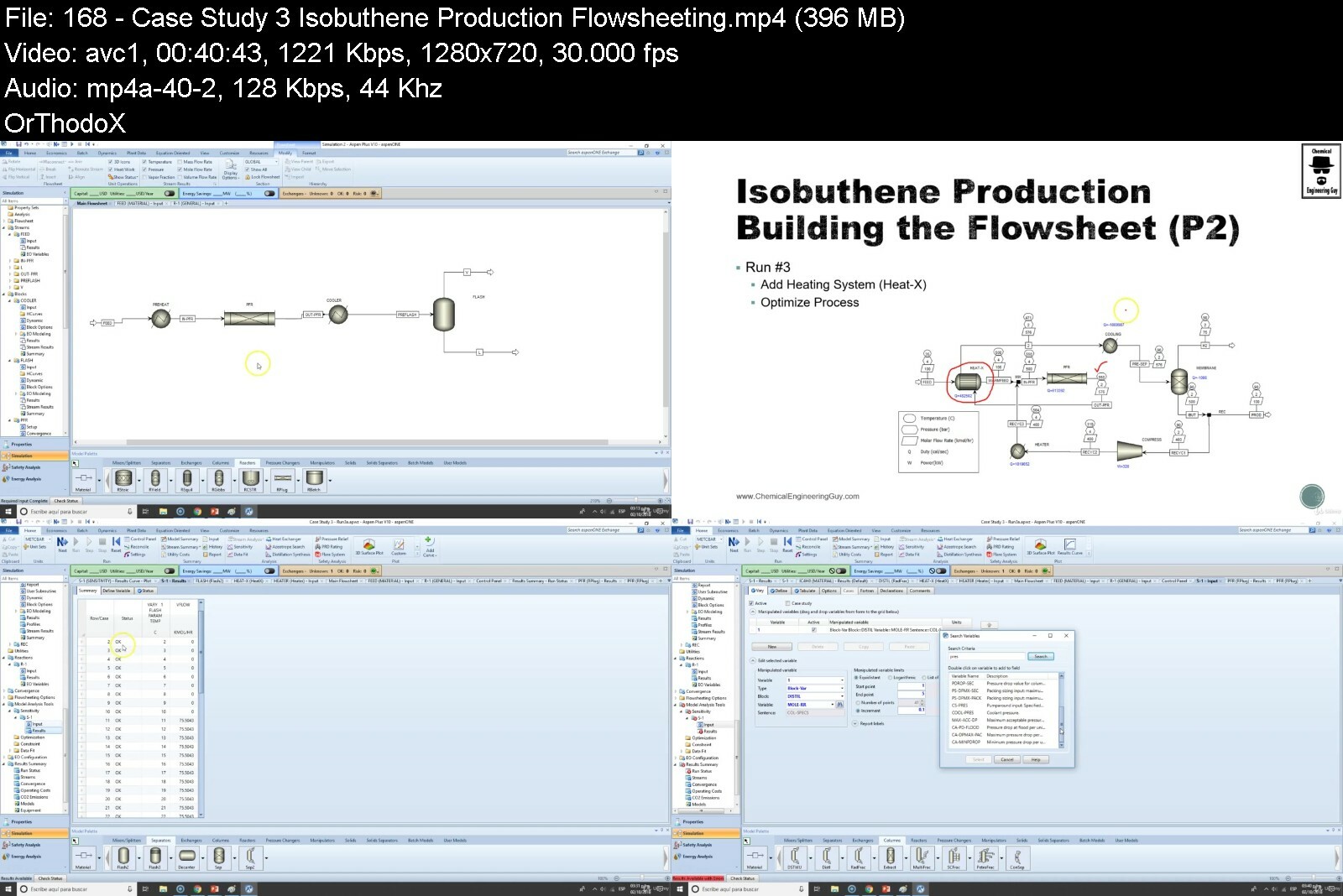
Lecture 167 Case Study 3 - Isobuthene Production - Problem Statement
Lecture 168 Case Study 3 - Isobuthene Production - Flowsheeting
Lecture 169 Case Study Closure
Section 7: Conclusion
Lecture 170 Course Closure
Lecture 171 Course Wrap-up
Section 8: Bonus & Surprises!
Lecture 172 Continue with your Aspen Tech Training
Chemical Engineers,Process Engineers,Students related to engineering fields,Teachers willing to learn more about process simulation,Petrochemical Engineers


aspenplusintermediatedxe9j.jpg


Download from RapidGator


Download from DDownload


Archive Password: "Name of the Old Continent" [First Letter Capital]

 
Dog & Cat Behavior Problems

fufbc88nvbj6flstoyhjc2ding.jpg


Dog & Cat Behavior Problems
Last updated 5/2017
MP4 | Video: h264, 1280x720 | Audio: AAC, 44.1 KHz
Language: English | Size: 6.90 GB | Duration: 9h 39m

Learn the essential training techniques you'll need to raise a pet dog or cat and fix common behavior problems.


What you'll learn
Prevent and fix the most common cat and dog behavior problems.
Litter box train a cat and house train a dog.
Prevent your pet from destroying your home and belongings.
Train your cat or dog to enjoy being handled and restrained.
Train your cat or dog to come when called.
Correct undesirable behaviors by putting alternative behaviors on cue.

Requirements
There are no prerequisites for this course

Description
Dogs and cats represent the vast majority of the pets in the United States. While they can behave very differently at times, there's actually a lot of similarities when it comes to training these animals to behave appropriately within a human family. There are just a handful of issues that make up nearly all of the problems that people have with their pet dogs and cats. This means that these problems are very predictable, and fortunately, they're also very preventable. And that's probably the biggest similarity of all. When it comes to behavior problems, whether the pet is a cat or a dog, the easiest, most effective and most efficient approach is prevention. The key is to do as much training as possible, as early as possible. We know what the problems are going to be, we know how to prevent them, and if we prevent the problems, they never form into bad habits. Once a problem has become a habit, it's significantly harder to fix. The treatment is going to use nearly identical methods, it's just going to take much longer than prevention would have. So, what are the problems? Mostly they are behaviors which are natural and necessary for these animals to do, and it's up to us to teach them when, how, and where we would like them to perform these behaviors. Toilet training is the most common issue, especially litterbox training for cats. Destructive chewing and scratching is also common, as are issues of aggression, reactivity, or unwillingness to be handled or restrained. Learn how to prevent all of these problems, and more, using easy and effective methods that are pleasant for you and your pet.
Overview
Section 1: Dog & Cat Behavior Problems
Lecture 1 Introduction
Lecture 2 Video 1
Lecture 3 Video 2
Lecture 4 Video 3
Lecture 5 Video 4
Lecture 6 Video 5
Lecture 7 Video 6
Lecture 8 Video 7
Lecture 9 Video 8
Lecture 10 Video 9
Lecture 11 Video 10
Lecture 12 Video 11
Lecture 13 Video 12
Lecture 14 Video 13
Lecture 15 Video 14
Lecture 16 Video 15
Lecture 17 Video 16
Lecture 18 Video 17
Lecture 19 Video 18
Lecture 20 Video 19
Lecture 21 Video 20
Lecture 22 Video 21
Lecture 23 Video 22
Lecture 24 Congratulations on Completing This Course
Section 2: Additional Resources
Lecture 25 Free eBook - BEFORE You Get Your Puppy
Lecture 26 Free eBook - AFTER You Get Your Puppy
Dog owners, dog trainers, veterinarians, breeders, groomers and other dog and cat professionals


dogcatbehaviorproblem1xefk.jpg


Download from RapidGator


Download from DDownload


Archive Password: "Name of the Old Continent" [First Letter Capital]
 
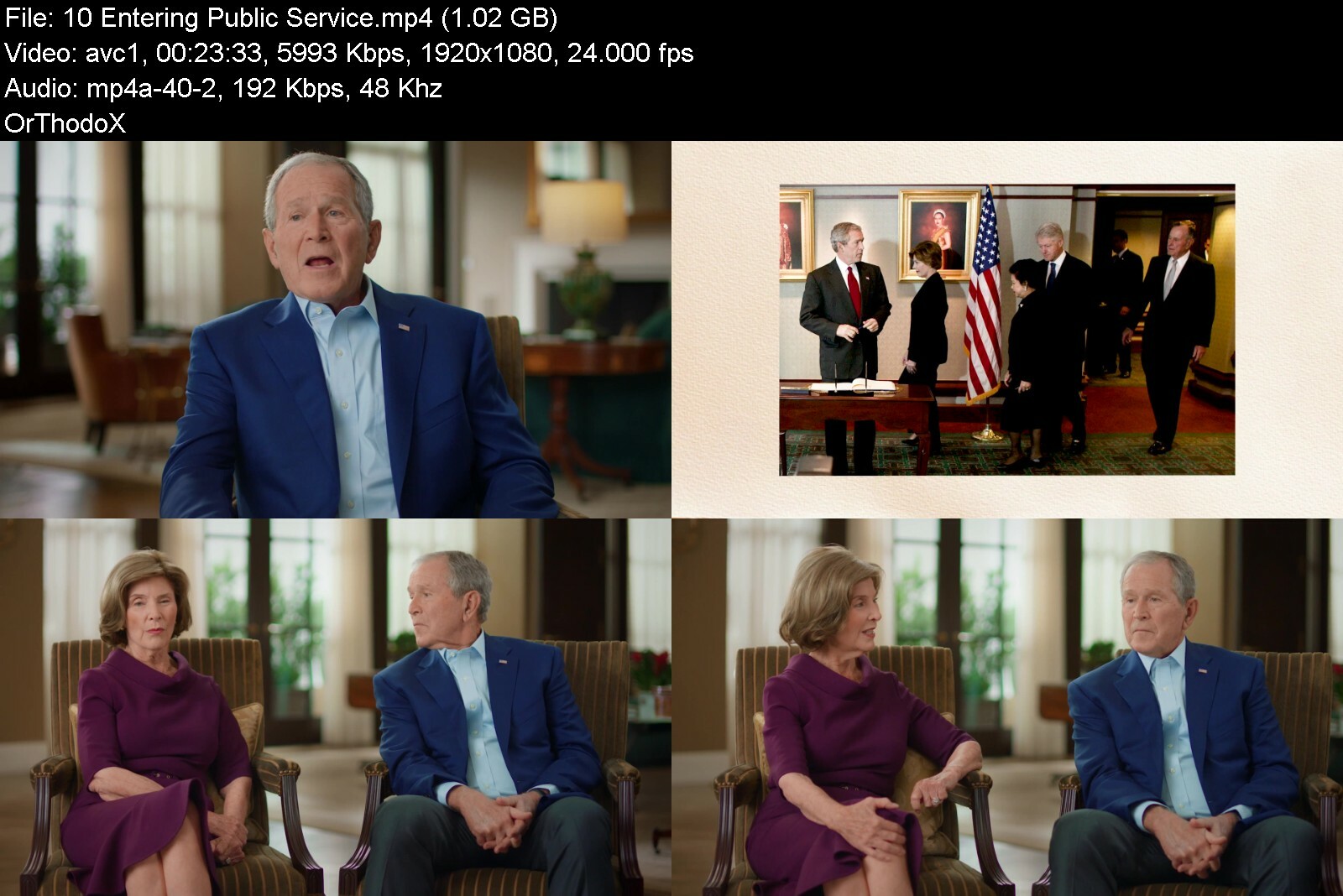
MasterClass - President George W. Bush Teaches Authentic Leadership

georgewbushmasterclas43cgm.jpg


MasterClass - President George W. Bush Teaches Authentic Leadership
Released 08/2022
MP4 | Video: h264, 1920x1080 | Audio: AAC, 44.1 KHz, 2 Ch
Genre: eLearning | Language: English + srt | Duration: 12 Lessons (3h) | Size: 8 GB


Learn to listen and inspire a culture of teamwork. The 43rd U.S. president teaches leadership skills from his career and opens up about painting

Step inside the Oval Office with the newest instructor in our White House series, President George W. Bush. With insight from former First Lady Laura Bush, the former commander in chief opens up about the tough calls and life lessons that shaped his career. Develop and own a leadership style that's true to you and learn to lead by connecting personally with everyone in the room.


presidentgeorgew.bushodi7p.jpg


Download from RapidGator


Download from DDownload


Archive Password: "Name of the Old Continent" [First Letter Capital]

 
Web Development Masterclass - 6 Courses In 1 & Cms Project

6xfcxpufxpskih4kdmpbfb9dph.jpg


Web Development Masterclass - 6 Courses In 1 & Cms Project
Last updated 1/2019
MP4 | Video: h264, 1280x720 | Audio: AAC, 44.1 KHz
Language: English | Size: 20.51 GB | Duration: 42h 15m

Become a Web developer | Master complete Web Development with HTML5, CSS3, JavaScript, jQuery, Bootstrap4, PHP & MySQL!


What you'll learn
HTML and HTML 5 for Basic Website Structure
CSS for styling a Website
JavaScript for interacting with user while they are on your website
jQuery for adding animations to a Wesbite
Bootstrap for Mobile Optimized/Responsive Web Design
PHP for interacting with user (like form handling, file upload, etc)
Databases
PHP and MySQL for storing users information on a web server
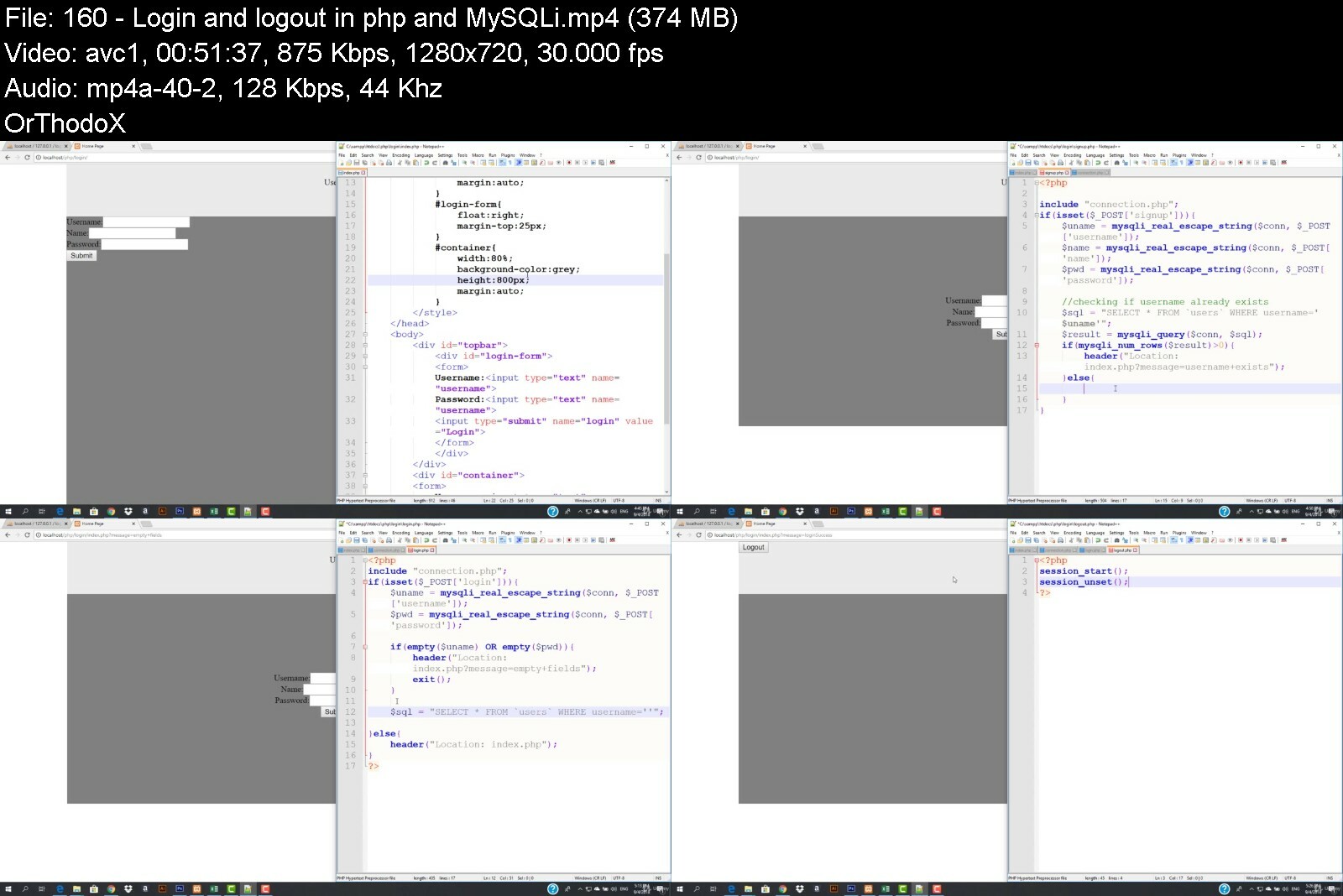
Login and Logout functionalities using PHP SESSIONS
FINAL PROJECT: A dynamic website with login system for admin and authors only.
WordPress for building low budget websites in minutes
eCommerce integration to WordPress site
There will be some more Projects and Assignments in the course (for eg: Even Odd Checker, A simple web based calculator, Your Own HTML editor, etc...)

Requirements
A Laptop or Computer with minimum of 4GB RAM
A Working Internet Connection
OS: Windows 7 or above (vista can be used too) / Mac OS X 10.6 or later / Most all distributions of Linux Can be used, including Debian, RedHat, CentOS, Ubuntu, Fedora, Gentoo, Arch, SUSE.

Description
You are here because you want to Become a cash Earning Web Developer? This Complete Web Developer Course was created for you!The Complete Web development course will take you from an absolute beginner to a Full Stack Web Developer in just 6 Weeks.There are tons of website development Courses out there but this course is the only complete course that will not only teach you the syntax (How to code a website) But you will also be explained, how the code is working in the back end. After Completing this web development Course, you will be able to build any type of website or a WEB*APPLICATION. This Complete Web Development Course also includes a final Project, a Content Management System (Dynamic Website with admin panel) that will enhance your coding experience and you will be able to build any real-world web app or website.I*guarantee you that you won't*find any of the web developer course that is*as comprehensive, up to date, and better quality, than this Web Development Course. You will be guided in your*journey to become*an admired and respected Senior Website Developer one day.Throughout the Course, We Cover Tons of tools Languages Including:HTML5 (For building the skeleton of a Website)CSS3 (For Designing the skeleton made with HTML)JavaScript (For interacting with the user in a website)Bootstrap4 (For Building Mobile Responsive websites)jQuery (For doing some animations)PHP*(For performing operations on our server i.e file uploading, etc)PhpMyAdmin (For storing our users' information in our database)MySQL (For connecting databases to our Website)WordPress (For building introductory Websites, beautifully)WooCommerceFROM*ZERO*TO*A FULL*STACK*WEB*DEVELOPER*in JUST*6 WEEKS:If you complete an Approximate 1 hour of lecture every day, it is possible that you will complete this full course in 6 Weeks (Or choose your own pace - Whatever suits you).How we will work on this Course?First. you will build a basic HTML website on the default notepad program with the .html extension where you will learn some formatting HTML tags like headings, underlining, bold, etc.Then you will be able to style that website using CSS where you would be able to align any div, span or any HTML tag anywhere you want including background colors, font size, borders, and much much more.After that, You would be building different layouts like "layout with or without sidebar" using pure HTML*AND*CSS.Then you will learn everything about JavaScript (not JAVA) where you will be building so many javascript programs like even odd calculator, vowel checker, etc. Conditions, loops, and arrays concept would be also be given in the JavaScript section along with its examples.Once you are done with JavaScript, you will be using jQuery (a JavaScript Library) to build some JavaScript based modules like toggle box.Then you will learn about bootstrap where you will be developing a mobile responsive website along with a mobile responsive toggle menu.After you are done with all the FRONT-END WEB*DEVELOPMENT, you will be then learning about PHP (on which Facebook is developed), where you would be doing much more like form data handling, file handling, etc.Soon after you are done with PHP, you will be learning about databases. In this course, you will be learning a database called SQL. You will learn how to insert/delete/update a data using SQL*queries.Later that you will learn how to connect PHP*and MySQL together and insert/delete/update data using PHP*on our website.Next, you will learn about advance PHP*where you would be performing login/logout functionalities using PHP*SESSIONS.You will also learn how to securely pass your QUERY*to the database so that no one passes malware (SQL*Injections).After that, you would be building a dynamic website project where you would be integrating blog functionality with the association of blog categories. That project would also be including a secured login and Logout system for the admin panel.Once you are done with ALL*THOSE*CODING*STUFF, You will learn WordPress. Where you would be building beautiful introductory websites.This Course Also includes exercises and assignments that will pump you up every time even if you don't practice while watching lectures.According to PayScale, the average full stack web developer salary is*$74,958*per year. By the end of this Course, you will be able to work on any web project, do the Freelance, or start your own Web Development Company!
Overview
Section 1: Lets Get Started!
Lecture 1 How to go with this Course
Lecture 2 What are the requirements
Lecture 3 Windows Users: Installing and using Code Editor
Lecture 4 FOR MAC USERS: Installing and Using Code Editor
Section 2: HTML
Lecture 5 Windows Users: Basics Of HTML
Lecture 6 FOR MAC USERS: HTML Basics
Lecture 7 Headings and paragraphs in html
Lecture 8 HTML Structure
Lecture 9 Formatting Tags in HTML
Lecture 10 TIP: How to know the HTML code of a Website
Lecture 11 Line break horizontal line and comments in html
Lecture 12 Font color and assignment 1
Lecture 13 How to add an image with different attributes
Lecture 14 How to add links in html
Lecture 15 background color ordered and unordered lists
Lecture 16 background image and interlinking pages
Lecture 17 how to create a basic menu in html
Lecture 18 Basic HTML Tags
Section 3: CSS
Lecture 19 Inline CSS
Lecture 20 Ids and Classes in CSS
Lecture 21 Universal and Group selectors in CSS
Lecture 22 Some CSS Properties
Lecture 23 Border in CSS
Lecture 24 Margins and Padding
Lecture 25 How to create and associate an external stylesheet
Lecture 26 Common CSS Properties You must know
Lecture 27 CSS ASSIGNMENT
Section 4: HTML CSS Layouts
Lecture 28 Div and Span
Lecture 29 Layout 1: Header, Navigation Menu, Content Area, Footer
Lecture 30 Layout 2: Sidebar
Lecture 31 Layout 3: Logo and Slogan
Lecture 32 Setting up logo in header
Lecture 33 Setting up slogan
Lecture 34 Designing the Navigation bar
Lecture 35 Setting up the content area
Lecture 36 Designing the sidebar
Lecture 37 Designing the footer
Lecture 38 Creating Home and About page
Lecture 39 Creating Services page
Lecture 40 Contact Form part 1
Lecture 41 Contact Form part 2
Lecture 42 Styling Contact Form
Lecture 43 Making the logo clickable
Lecture 44 HTML Tables
Lecture 45 Styling Tables
Lecture 46 Uploading our project to the online server
Lecture 47 HTML 5
Section 5: JavaScript
Lecture 48 Introduction to JavaScript (Its not Java)
Lecture 49 What things can JavaScript do
Lecture 50 Where to put a JavaScript Code
Lecture 51 JavaScript Outputs
Lecture 52 How to write the Inside stuff in JavaScript
Lecture 53 Variables in JavaScript
Lecture 54 Comments in JavaScript
Lecture 55 Javascript functions
Lecture 56 How to take input in JavaScript
Lecture 57 Taking input from HTML form and processing it with JavaScript
Lecture 58 Conditions in JavaScript
Lecture 59 Building a calculator with JavaScript
Lecture 60 Nested if in JavaScript
Lecture 61 AND and OR
Lecture 62 Vowel checker in JavaScript
Lecture 63 Check if a number is even or odd in JavaScript
Lecture 64 Functions (with and without parameters)
Lecture 65 Function with return
Lecture 66 Events in JavaScript
Lecture 67 JavaScript Strings
Lecture 68 Objects in JavaScript
Lecture 69 Arrays in JavaScript
Lecture 70 Loops or Iterations in JavaScript
Lecture 71 Looping an array in JavaScript
Lecture 72 For Loop in JavaScript
Lecture 73 Looping assignment 1: Sum of all natural numbers till the input
Lecture 74 Looping assignment 2: Multiply all numbers till the input
Lecture 75 How calculator type numeric buttons work in JavaScript
Lecture 76 Some JavaScript techniques you must know
Lecture 77 BONUS VIDEO
Lecture 78 external javascript
Lecture 79 last assignment Part 1
Lecture 80 last assignment part 2
Section 6: jQuery
Lecture 81 Introduction to jQuery
Lecture 82 Our First hello world with jQuery
Lecture 83 Selector in jQuery
Lecture 84 Some more Selectors in jQuery
Lecture 85 jQuery Events
Lecture 86 jQuery Effects or Actions
Lecture 87 Building a toggle box with jQuery
Lecture 88 Animations in jQuery
Lecture 89 Properties that can be animated
Lecture 90 jQuery actions for HTML attributes and input values
Lecture 91 Set values in jQuery
Lecture 92 Append and prepend in jQuery
Lecture 93 Removing and emptying an element in jQuery
Lecture 94 CSS classes in jQuery
Lecture 95 How to use jQuery with a CDN
Section 7: Bootstrap (Version 4)
Lecture 96 General Introduction and What are you going to learn in this section
Lecture 97 How to add bootstrap to a Website
Lecture 98 Understanding the grid system in Bootstrap
Lecture 99 Designing top bar in bootstrap
Lecture 100 Designing the header with bootstrap
Lecture 101 Mobile optimized navigation bar in bootstrap
Lecture 102 Designing the mobile optimized menu
Lecture 103 Designing the main header with title and CTA
Lecture 104 Working with about section in Bootstrap
Lecture 105 Stats Section
Lecture 106 Building mobile optimized Footer
Lecture 107 Optimizing the site for mobile by removing height CSS
Lecture 108 jQuery scroll effect
Lecture 109 Position of menu bar
Lecture 110 Building the responsive navigation bar using bootstrap
Lecture 111 Overview of all the bootstrap components
Lecture 112 Overview of utilities in bootstrap
Lecture 113 Designing about us and contact pages with sidebar
Lecture 114 Uploading our site to online server and testing on mobile device
Lecture 115 Place this Code in the header
Section 8: PHP
Lecture 116 Introduction to PHP and writing our first hello world program
Lecture 117 Installing a software to run PHP
Lecture 118 index.php
Lecture 119 Understanding the errors in php
Lecture 120 HTML structure with PHP
Lecture 121 Variables in PHP
Lecture 122 Strings in PHP
Lecture 123 Conditions in PHP
Lecture 124 Arithmetic and assignment operators in PHP
Lecture 125 Comparing operators
Lecture 126 Logical operators and concatenating operators in PHP
Lecture 127 Building a calculator in php
Lecture 128 Understanding switch cases
Lecture 129 While loops in PHP
Lecture 130 For loops in PHP
Lecture 131 Do while in PHP
Lecture 132 Arrays in PHP
Lecture 133 Associative Arrays
Lecture 134 For each loop in PHP
Lecture 135 Functions in PHP
Lecture 136 Function with parameters in PHP
Lecture 137 Return function in PHP
Lecture 138 Array Sorting in PHP
Section 9: php advanced
Lecture 139 Form Handling in PHP Part 1
Lecture 140 Form Handling in PHP part 2
Lecture 141 Form with some restriction and security in PHP
Lecture 142 Multidimensional array in PHP
Lecture 143 PHP include function
Lecture 144 How to Read a text file in php
Lecture 145 Building the Complete Filing Program
Lecture 146 PHP file upload part 1
Lecture 147 PHP file upload part 2 Error Handlings
Lecture 148 Sessions in PHP
Section 10: MySQL or PHPMyAdmin
Lecture 149 Introduction to the database
Lecture 150 Creating a database and inserting some values
Lecture 151 What are queries and how to use them
Lecture 152 How to get data using SQL queries
Section 11: PHP and MySQLi
Lecture 153 Adding a record into a database using PHP and MySQLi Functions
Lecture 154 Showing All records from database using PHP and MySQL
Lecture 155 Adding delete functionality in our table using PHP and MYSQL
Lecture 156 Adding edit functionality
Lecture 157 Search functionality using PHP and MySQLi
Lecture 158 Advance search in PHP
Lecture 159 Prevention From Hacking real escape function
Lecture 160 Login and logout in php and MySQLi
Lecture 161 What we did in the previous video
Lecture 162 Hashing password in PHP
Lecture 163 Applying login system on fees project
Lecture 164 Adding an insert button
Lecture 165 Styling our project
Section 12: Dynamic Website Project
Lecture 166 What Project you would be building in this Section?
Lecture 167 Setting up the site
Lecture 168 Adding bootstrap to our Project
Lecture 169 Setting up our signup page and users table
Lecture 170 Registering the user using SQL query
Lecture 171 Adding login and logout functionalities with user roles
Lecture 172 Designing our admin dashboard
Lecture 173 Working up with admin dashboard
Lecture 174 Adding profile updating functionality in our admin Dashboard
Lecture 175 Creating tables for post and categories
Lecture 176 Designing the post.php page for admin panel
Lecture 177 Working for algorithm of addition of posts to database
Lecture 178 Showing all posts on index.php page
Lecture 179 Styling index.php and showing posts in descending order
Lecture 180 Showing all posts with edit and delete action in admin panel
Lecture 181 Restricting edit and delete functionalities only for admins only
Lecture 182 Working with edit post page in Admin Panel
Lecture 183 Working with edit post page part 2
Lecture 184 Working with edit post page part 3
Lecture 185 Working with delete post functionality
Lecture 186 Creating the public posts page
Lecture 187 Showing category name and author name using user defined functions
Lecture 188 Creating a public category page
Lecture 189 Building category page for admin panel for adding and showing category
Lecture 190 Submitting category to the database
Lecture 191 Creating dynamic menus for all the categories
Lecture 192 Working with pages page in admin panel
Lecture 193 Update page functionality in PHP and MySQL
Lecture 194 Showing our page as public with dynamic menu
Lecture 195 How to convert textarea to html editor
Lecture 196 Working with search functionality in PHP and MySQLi
Lecture 197 Creating a settings page
Lecture 198 Pagination concept in PHP
Lecture 199 Applying pagination on project
Lecture 200 Getting our site ready to be uploaded
Lecture 201 Get Project Files
Section 13: Web Hosting
Lecture 202 Getting the web hosting
Lecture 203 Overview of web hosting portal
Lecture 204 Understanding domain names
Lecture 205 Understanding cPanel
Lecture 206 How to create a database in web hosting
Lecture 207 Creating branded domain emails in cPanel
Lecture 208 Uploading our project to online web hosting
Lecture 209 Understanding ftp and working up with an FTP client
Lecture 210 Understanding addon domains and subdomains and working with them
Section 14: WordPress
Lecture 211 Introduction to WordPress
Lecture 212 How to add a post in WordPress
Lecture 213 Designing the homepage
Lecture 214 Designing homepage part 2
Lecture 215 Customizing header and footer
Lecture 216 Working with menu
Lecture 217 How to design pages and blog posts
Section 15: eCommerce site
Lecture 218 What type of eCommerce site you will be building in this section
Lecture 219 Installing WordPress using method 2 and setting up the site
Lecture 220 Installing a plugin
Lecture 221 How to add a product
Lecture 222 eCommerce site settings
Lecture 223 Placing an order on our website
Lecture 224 Designing top bar and header
Lecture 225 Some more customization
Lecture 226 Designing the homepage
Lecture 227 How to show products on homepage dynamically
Lecture 228 How to add a call to action add to cart for a specific product
Lecture 229 Showing sale products
Lecture 230 Working with footer
Lecture 231 Designing eCommerce associated sidebar
Lecture 232 Customizing shop page and products page
Section 16: FINAL WORDS
Lecture 233 What to do next?
Students who want to learn something that is highly needed in the market,Graduates who are seeking for job in an IT Company,Anyone who wants to code,Anyone who wants to build websites,Anyone who wants to start his own company or do freelance,This course is perfect for complete beginners and has ZERO experience,This course is also good for you if you do have some experience with HTML, CSS, JavaScript,If you are an expert in HTML, CSS, JavaScript, PHP, MySQL and can develop dynamic websites, then this course may NOT be for you


webdevelopmentmastercvletn.jpg


Download from RapidGator


Download from DDownload


Archive Password: "Name of the Old Continent" [First Letter Capital]
 
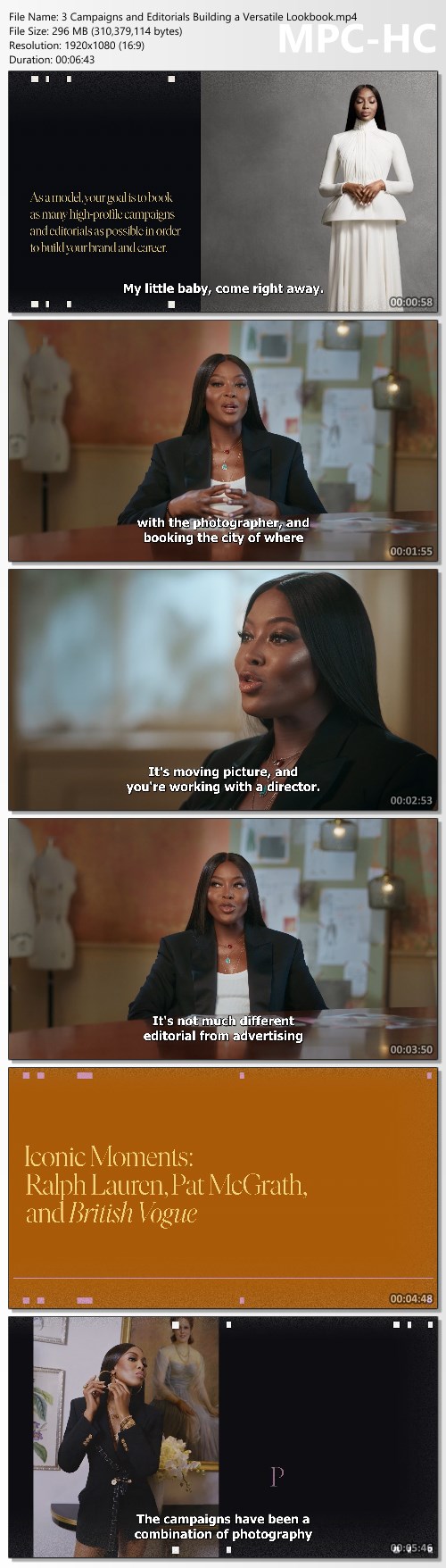
Naomi Campbell Teaches Modeling Fundamentals - MasterClass

2825d94fa7ee27534a034b04727d8dac.jpg

MasterClass - Naomi Campbell Teaches Modeling Fundamentals | Released 12/2022
MP4 | Video: h264, 1920x1080 | Audio: AAC, 44.1 KHz, 2 Ch
Genre: eLearning | Language: English + Subs | Duration: 8 Lessons (1h 25m) | Size: 3.68 GB​
Supermodel and cultural icon Naomi Campbell teaches you how to take on modeling-and life-with confidence.
Naomi Campbell stumbled into a modeling career, earning icon status both on and off the runway. On MasterClass, she shares the lessons she learned as a model to help you find your confidence and stride in everyday life.

Lessons in this online class include
- Meet Your Instructor: Naomi Campbell
- Casting Calls and Beyond: How to Navigate the Modeling Industry
- Campaigns and Editorials: Building a Versatile Lookbook
- Posing: Telling a Story With Your Body
- New Faces: Photo Session
- Catwalk: Finding Your Stride
- New Faces: Runway Walk
- Bonus: Mentoring the Next Generation of Fashion

Homepage:

Screenshots
3fed482fc7f11274252ec61adc9e4649.jpg


Link Download
Extract files with WinRar 5 or Latest !
 
Recession Proof Extreme 2022 - Marcus Barney

c6b4f11ad98c281291c7bf32fbaaf605.jpg

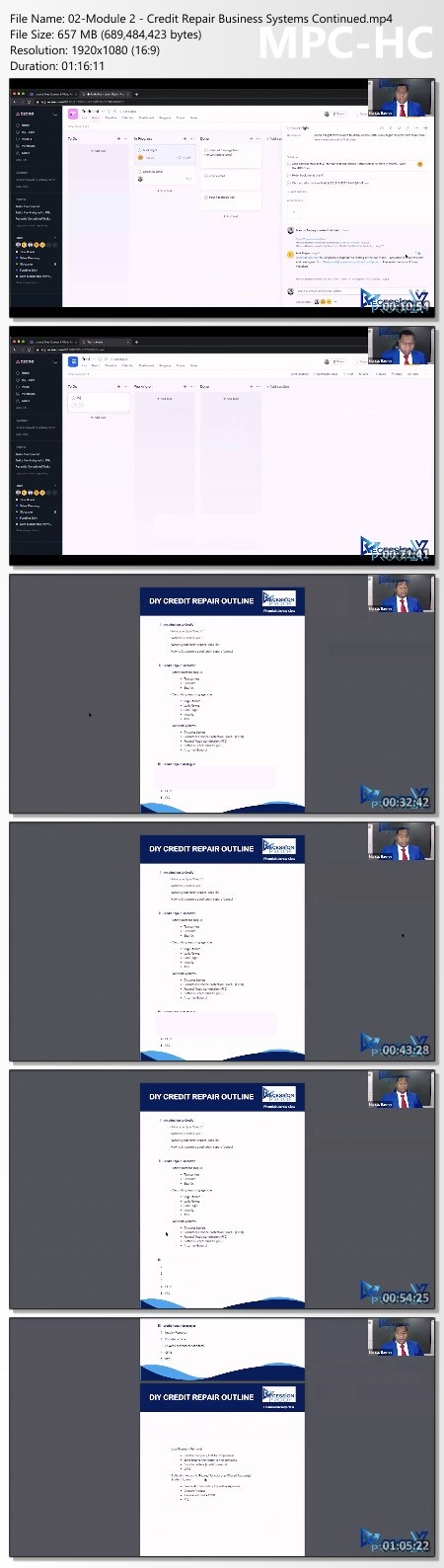
Marcus Barney - Recession Proof Extreme (2022) - 136 GB
What You Get:
Financial Literacy
- How to properly clean a credit report in 14-60 days
- How to build out a perfect credit report 750+
- How to structure a credit report for funding & How to ensure you hit all data points
- How to create and operate a credit repair business
- How to market & automate your credit repair business (So you are not the person doing all of the work)


Tradeline Business
Which Cards are best to use operate a tradeline business
- How to secure your tradelines against theft or fraud
- How to ensure your tradelines are protected against risk management.(How to not get your cards shut down)
- How to scale & automate tradeline business up to $180,000 net per year
- How to market & build clientele

Personal & Business Funding
How to create & market a funding company
- My secret how to obtain 12 Credit Card formula w/ only 4 inquiries
- How to obtain up to $250,000 w/ person credit
- ?Building & establishing business credit w/ a PG & W/o a PG. *PG Personal Grantor
- ?How to obtain up to 250,000 in business credit interest free for 12-18 months

Strategies & Luxury Car Hacks
- How to manufacture spend $100,000 in a day
- How Travel for free & get 60%-70% off hotels
- How to obtain any vehicle for 6-12 months and only pay pennies
- How to leverage credit to not pay for groceries, toiletries, clothes, or utility bills
- How to hide credit card utilization
- Credit 2 Close. How to use a credit card for your down payment on your home
- How to purchase investment properties w/ 25k+ in equity for zero dollars out of pocket
- Now included how not to pay MORTGAGE

AMPLIFIER CALLS
The AVERAGE millionaire has 7 streams of income. My goal is to equip our family with the knowledge and resources to develop these streams of income in record breaking time.
Each month we will host our Amplifier Calls! These private trainings will include some of the top entrepreneurs in their respective spaces, that will teach you other opportunities that will help you diversify your assets into multiple streams.
- DIY Credit Repair Ebook Sales & Setup
- Plugin System To Sell Your Ebook
- Morning Accountability Calls M-F at 8am
- Weekly Coaching Calls
- Free Access To Private Recession Proof Events
- Full Blueprint On How To Setup & Run Facebook Ads
- Social Media Marketing Master Class
- Previous Amplifier Calls & So Much more

HOmepage:

Screenshots
367321ace9bf4c66e43ab3eed1cd3233.jpg


Link Download
Extract files with WinRar 5 or Latest !
 
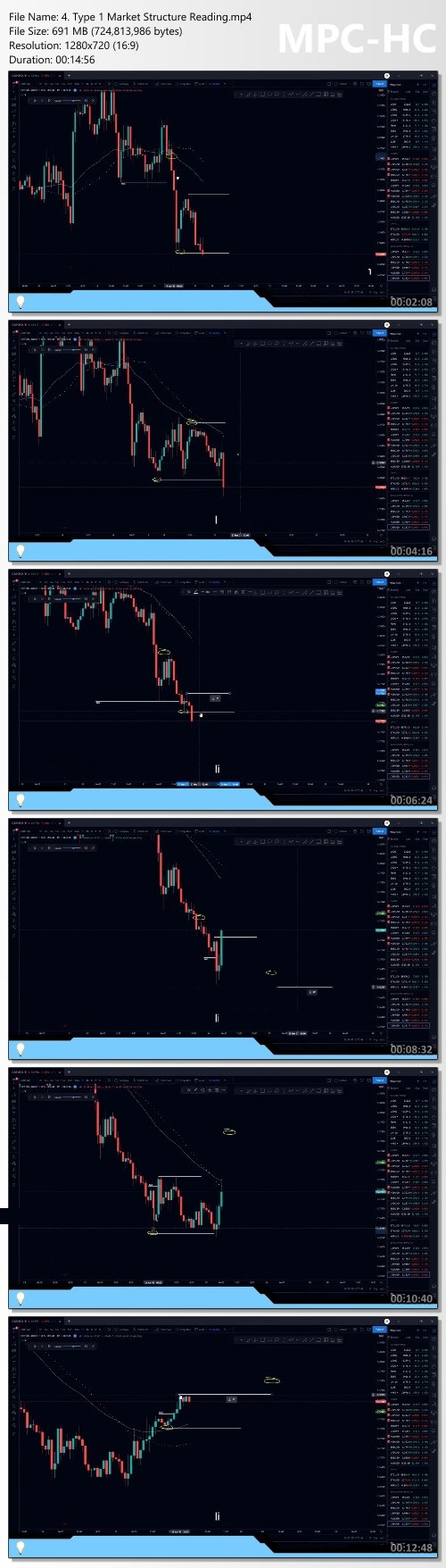
Maroun4x - Ultimate Day Trading Program by Alexander Hannoun

ba0c3808794bd002c0f45b349db95f2b.jpg

Maroun4x - Ultimate Day Trading Program by Alexander Hannoun - 2.31 GB
Course Overview
The Ultimate Day Trading Program is a trading course designed for retail traders to view the financial markets with an institutional edge and to ultimately create a successful trading business.

Course Structure
The course is structured with a focus on the foreign exchange market. Enrolled Students are expected to grasp the basic concepts in the prerequisite section before diving into the advanced topics. The basic concepts are the foundation to the framework that is taught in the Ultimate Day Trading Program.
Meet the instructor
Alexander Hannoun
Alexander Hannoun is a successful proprietary currency trader at industry leading firms and a fund manager at Hannoun Capital.
He successfully completed his Bachelors of Commerce in Finance with Magna Cum Laude distinction at the University of Ottawa. Alex launched his Ultimate Day Trading Program as he looks forward to share his passion of day trading with all students to develop their trading business.

Homeage:

Screenshots
fe08c676df88ba6ded1fd26dce7fc600.jpg


Link Download
Extract files with WinRar 5 or Latest !
 
Checkmate Affiliate Marketing - Midnight Underdog

98e682269a36a05491107c4d602f3986.jpg

Midnight Underdog - Checkmate Affiliate Marketing - 276 MB
What's INCLUDED:
- Strategies that WORK
- Growth TECHNIQUES
- Get paid WEEKLY
- 50% COMMISSION

Have you been struggling to get affiliate sales?
Have you been hustling hard?
Trying to get your first affiliate sale?
Or maybe you hit a roadblock?
I get it, I have been where you are before.
No matter what you try, unable to get an affiliate sale.
When I first started Affiliate Marketing, I had NO CLUE WHERE TO START.
I mean I tried everything that I could think of!
I then found something!
Strategies that work every single week.
I make money every single week from Affiliate Marketing!
I started my Twitter account on May 13th, 2020 with a passion to make money.
Since June 25th, 2020, I have now made money every single week!

Homepage:

Screenshots
2e9a11976d48cd03c78ba70727ddf582.jpg


Link Download
Extract files with WinRar 5 or Latest !
 
Zurück
Oben Unten