• Regeln für den Video-Bereich:

    In den Börsenbereich gehören nur Angebote die bereits den Allgemeinen Regeln entsprechen.

    Einteilung

    - Folgende Formate gehören in die angegeben Bereiche:
    - Filme: Encodierte Filme von BluRay, DVD, R5, TV, Screener sowie Telesyncs im Format DivX, XviD und x264.
    - DVD: Filme im Format DVD5, DVD9 und HD2DVD.
    - HD: Encodierte Filme mit der Auflösung 720p oder darüber von BluRay, DVD, R5, TV, Screener sowie Telesyncs im Format x264.
    - 3D: Encodierte Filme von BluRay, die in einem 3D Format vorliegen. Dies gilt auch für Dokus, Animation usw.
    - Serien: Cartoon/Zeichentrick, Anime, Tutorials, Dokumentationen, Konzerte/Musik, Sonstiges sind demnach in die entsprechenden Bereiche einzuordnen, auch wenn sie beispielsweise im High Definition-Format oder als DVD5/DVD9/HD2DVD vorliegen. Ausnahme 3D.
    - Bereich Englisch: Englische Releases gehören immer in diesen Bereich.
    - Bereich Talk: Der Bereich, in dem über die Releases diskutiert werden kann, darf, soll und erwünscht ist.


    Angebot/Beitrag erstellen

    - Ein Beitrag darf erst dann erstellt werden, wenn der Upload bei mindestens einem OCH komplett ist. Platzhalter sind untersagt.
    - Bei einem Scenerelease hat der Threadtitel ausschließlich aus dem originalen, unveränderten Releasenamen zu bestehen. Es dürfen keine Veränderungen wie z.B. Sterne, kleine Buchstaben o.ä. vorgenommen werden. Ausnahme Serienbörse:
    - Bei einem Sammelthread für eine Staffel entfällt aus dem Releasename natürlich der Name der Folge. Beispiel: Die Simpsons S21 German DVDRip XviD - ITG
    - Dementsprechend sind also u.a. verboten: Erweiterungen wie "Tipp", "empfehlenswert", "only", "reup", usw. / jegliche andere Zusatzinformation oder Ergänzung, welche nicht in obiger Beschreibung zu finden ist.

    Aufbau des Angebots und Threadtitel

    Der Titel nach folgendem Muster erstellt zu werden. <Name> [3D] [Staffel] [German] <Jahr> <Tonspur> [DL] [Auflösung] <Quelle> <Codec> - <Group>
    Beispiel: The Dark Knight German 2008 AC3 DVDRip XviD - iND
    Beispiel: The Dark Knight 2008 DTS DL BDRip x264 - iND
    Beispiel: The Dark Knight 2008 AC3 DL BDRip XviD - iND
    Beispiel: The Dark Knight German 2008 AC3 720p BluRay x264 iND
    Beispiel: The Dark Knight 2008 DTS DL 1080p BluRay x264 iND
    Beispiel: Die Simpsons S01 German AC3 DVDRip XviD iND
    Beispiel: Die Simpsons S20 German AC3 720p BluRay x264 iND
    Beispiel: Sword Art Online II Ger Sub 2014 AAC 1080p WEBRip x264 - peppermint
    Entsprechend sind also u.a. verboten: Sonderzeichen wie Klammern, Sterne, Ausrufezeichen, Unterstriche, Anführungszeichen / Erweiterungen wie "Tipp", "empfehlenswert", "only", "reup", usw. / jegliche andere Zusatzinformation oder Ergänzung, welche nicht in obiger Beschreibung zu finden ist
    Ausnahmen hiervon können in den Bereichen geregelt sein.

    Die Beiträge sollen wie folgt aufgebaut werden:
    Überschrift entspricht dem Threadtitel
    Cover
    kurze Inhaltsbeschreibung
    Format, Größe, Dauer sind gut lesbar für Downloader außerhalb des Spoilers zu vermerken
    Nfo sind immer Anzugeben und selbige immer im Spoiler in Textform.
    Sind keine Nfo vorhanden z.B. Eigenpublikationen, sind im Spoiler folgende Dateiinformationen zusätzlich anzugeben :
    Quelle
    Video (Auflösung und Bitrate)
    Ton (Sprache, Format und Bitrate der einzelnen Spuren)
    Untertitel (sofern vorhanden)
    Hosterangabe in Textform außerhalb eines Spoiler mit allen enthaltenen Hostern.
    Bei SD kann auf diese zusätzlichen Dateiinformationen verzichtet werden.

    Alle benötigten Passwörter sind, sofern vorhanden, in Textform im Angebot anzugeben.
    Spoiler im Spoiler mit Kommentaren :"Schon Bedankt?" sind unerwünscht.


    Releases

    - Sind Retail-Release verfügbar, sind alle anderen Variationen untersagt. Ausnahmen: Alle deutschen Retail-Release sind CUT, in diesem Fall sind dubbed UNCUT-Release zulässig.
    - Im Serien-Bereich gilt speziell: Wenn ein Retail vor Abschluss einer laufenden Staffel erscheint, darf diese Staffel noch zu Ende gebracht werden.62
    - Gleiche Releases sind unbedingt zusammenzufassen. Das bedeutet, es ist zwingend erforderlich, vor dem Erstellen eines Themas per Suchfunktion zu überprüfen, ob bereits ein Beitrag mit demselben Release besteht. Ist dies der Fall, ist der bereits vorhandene Beitrag zu verwenden.
    - P2P und Scene Releases dürfen nicht verändert oder gar unter einem iND Tag eingestellt werden.


    Support, Diskussionen und Suche

    - Supportanfragen sind entweder per PN oder im Bereich Talk zu stellen.
    - Diskussionen und Bewertungen sind im Talk Bereich zu führen. Fragen an die Uploader haben ausschließlich via PN zu erfolgen, und sind in den Angeboten untersagt.
    - Anfragen zu Upload-Wünschen sind nur im Bereich Suche Video erlaubt. Antworten dürfen nur auf Angebote von MyBoerse.bz verlinkt werden.


    Verbote

    - Untersagt sind mehrere Formate in einem einzigen Angebotsthread, wie beispielsweise das gleichzeitige Anbieten von DivX/XviD, 720p und 1080p in einem Thread. Pro Format, Release und Auflösung ist ein eigener Thread zu eröffnen.
    - Grundsätzlich ebenso verboten sind Dupes. Uploader haben sich an geeigneter Stelle darüber zu informieren, ob es sich bei einem Release um ein Dupe handelt.
    - Gefakte, nur teilweise lauffähige oder unvollständige Angebote sind untersagt. Dies gilt auch für eigene Publikationen, die augenscheinlich nicht selbst von z.B. einer DVD gerippt wurden. Laufende Serien, bei denen noch nicht alle Folgen verfügbar sind, dürfen erstellt und regelmäßig geupdatet werden.
    - Untersagt sind Angebote, welche nur und ausschließlich in einer anderen Sprache als deutsch oder englisch vorliegen. Ausnahmen sind VORHER mit den Moderatoren zu klären.


    Verstoß gegen die Regeln

    - Angebote oder Beiträge, die gegen die Forenregeln verstoßen, sind über den "Melden"-Button im Beitrag zu melden.
  • Bitte registriere dich zunächst um Beiträge zu verfassen und externe Links aufzurufen.

*** Bestes IPTV *** bester Preis *** gratis Test ***


Englische Tutorials

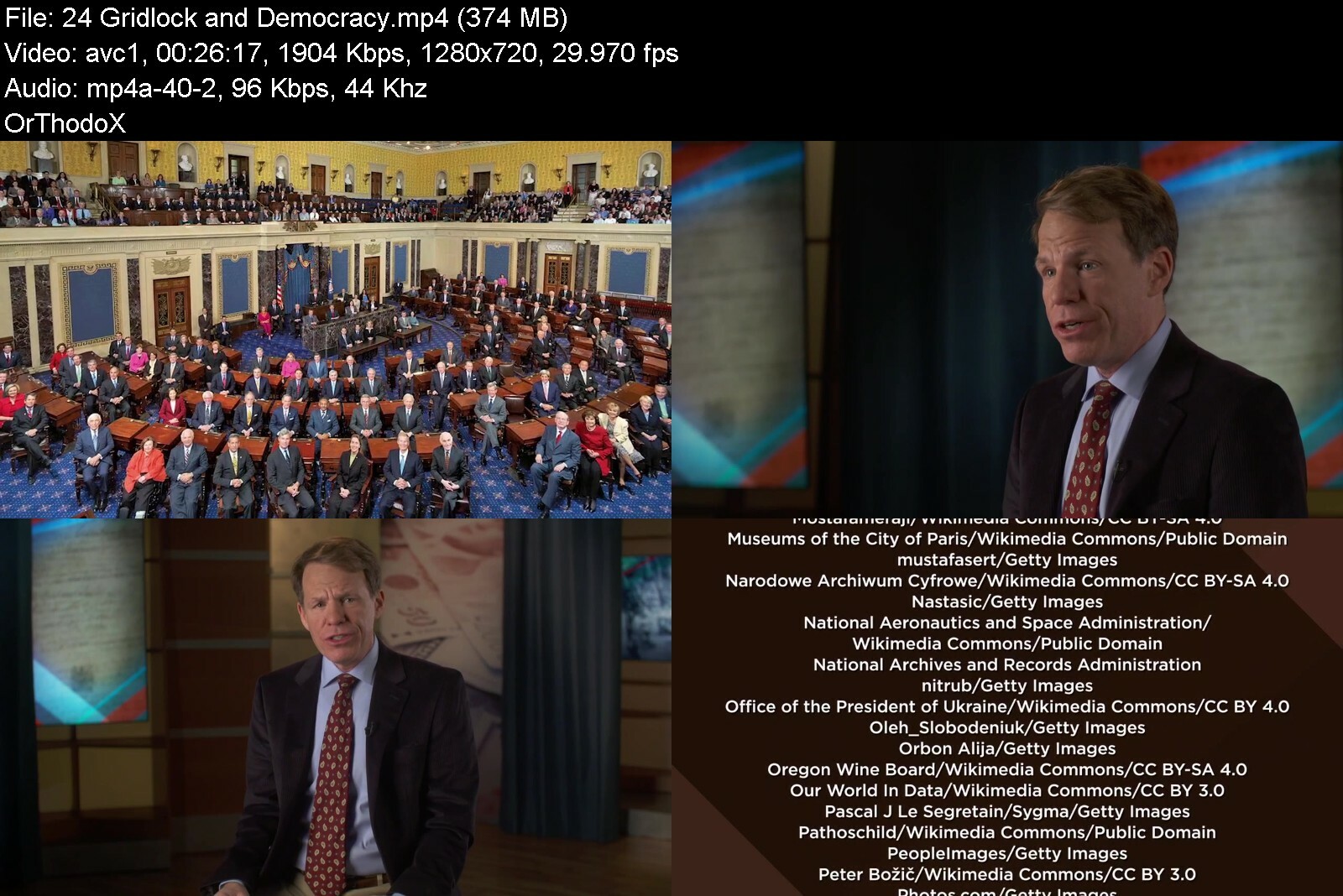
TTC - Democracy and Its Alternatives

democracyanditsaltern8ufmg.jpg


TTC - Democracy and Its Alternatives
Released 08/2022
MP4 | Video: h264, 1280x720 | Audio: AAC, 44.1 KHz, 2 Ch
Genre: eLearning | Language: English | Duration: 24 Lessons (9h 6m) | Size: 7.7 GB


Chances are, you live in a democracy. You elect representatives that swear allegiance to and abide by a written or living constitution. Your nation is one of laws, courts, and central banks. Perhaps you're even involved in politics. But what do you really know about politics-in your own country, certainly,...

Chances are, you live in a democracy. You elect representatives that swear allegiance to and abide by a written or living constitution. Your nation is one of laws, courts, and central banks. Perhaps you're even involved in politics. But what do you really know about politics-in your own country, certainly, but also around the world? What characteristics do democracies share? How do they differ? And what can alternatives to democracy-namely, authoritarianism and dictatorship-teach us about democracy itself?
Democracy and Its Alternatives tackles these questions in 24 lectures designed and led by Ethan Hollander, professor of political science at Wabash College. This course is American politics, comparative politics, international relations, and political theory rolled into one, touching on everything from Jean-Jacques Rousseau's social contract theory to Europe's sovereign debt crisis in 2007. It is an effort to understand democracy from all available angles-in theory and in practice, from ancient Greece to revolutionary America-the good and the bad, its present and its future.
Your expert Ethan Hollander is a political scientist who has traveled the world to study governments both similar to and different from our own. Armed with case studies from Latin America, Africa, North America, Asia, and Europe, Ethan will show you what politics looks like around the world. Together, you will ask and answer: How does democracy work? Why do democratic countries tend to be wealthier? What obligations does the international community have to intervene in cases of ethnic conflict or genocide? How do dictators come to power? Are courts and constitutions truly democratic after all? And does democracy have a future in the face of populism, radicalism, polarization, and insurrection? In just 24 lectures, become a student not only of democracy, but also of government and politics more broadly.
Politics as Decisions: The Basics
Democracy and Its Alternatives deals with the fundamentals of politics before delving into democracy's more complicated components. What is democracy? What are public goods and how are they distributed? What is politics, and is political science really a science? How do groups with competing interests make collective decisions? What obligation do democracies have to their citizens and vice versa? How did we go from diffuse fiefdoms in medieval times to powerful sovereign states? And what legitimizes government in the first place?
When it comes to the meat and potatoes of democracy, this course will help you understand large-scale systems through smaller thought experiments like ordering a pizza or deciding what television show to watch. Understanding how a group of people with competing interests comes to a decision is the first step in understanding how all forms of government, from democracies to dictatorships, function.
Democracy in Practice
After nailing down the basics, turn your attention to how democracy works in practice. Democracy and Its Alternatives is packed with real-world case studies from Latin America to Asia, exploring how democracies differ around the world-president versus prime minister, direct versus indirect election, two political parties or many. You will learn about the American Constitution, the European Union, NAFTA, and the free trade debate from a historical perspective. You will see how peacekeeping has succeeded and failed in the 20th and 21st centuries. And you will walk away with a more comprehensive understanding of what democracies look like, past and present.
Of course, no government-not even a democratic government-is perfect. In fact, democracies have their own set of weaknesses, and can be quite fragile when faced with pressure from above and below. Confronting this reality head on, Democracy and Its Alternatives examines how democracies contend with problems such as
Mob rule. How do representative governments elected by majorities protect minority rights? What do free and fair elections that guard against the specter of mob rule look like?
Nationalism and ethnic conflict. Can a democracy made up of rival ethnic, religious, or linguistic groups maintain peace? Is partitioning territory a successful strategy to mitigate conflict?
Anti-majoritarian courts and inflexible constitutions. Are courts democratic if judges are appointed for life? And what should governments do if and when their citizens and institutions outgrow their constitutions?
Dictators. Is the fact that so many dictators come to power through elections and popular movements a problem for democracy? And why do so many countries choose the path of dictatorship, anyway?
Inefficiency. Why are democracies so darn inefficient? And is there anything anyone anywhere can do about it?
Global inequality. Why are some countries so much wealthier than others? And why does inequality affect certain regions of the world more?
Polarization and parties. Why do some democracies have only two dominant political parties, whereas, others have many? And if so many people are frustrated with partisan politics, why do we have political parties in the first place?
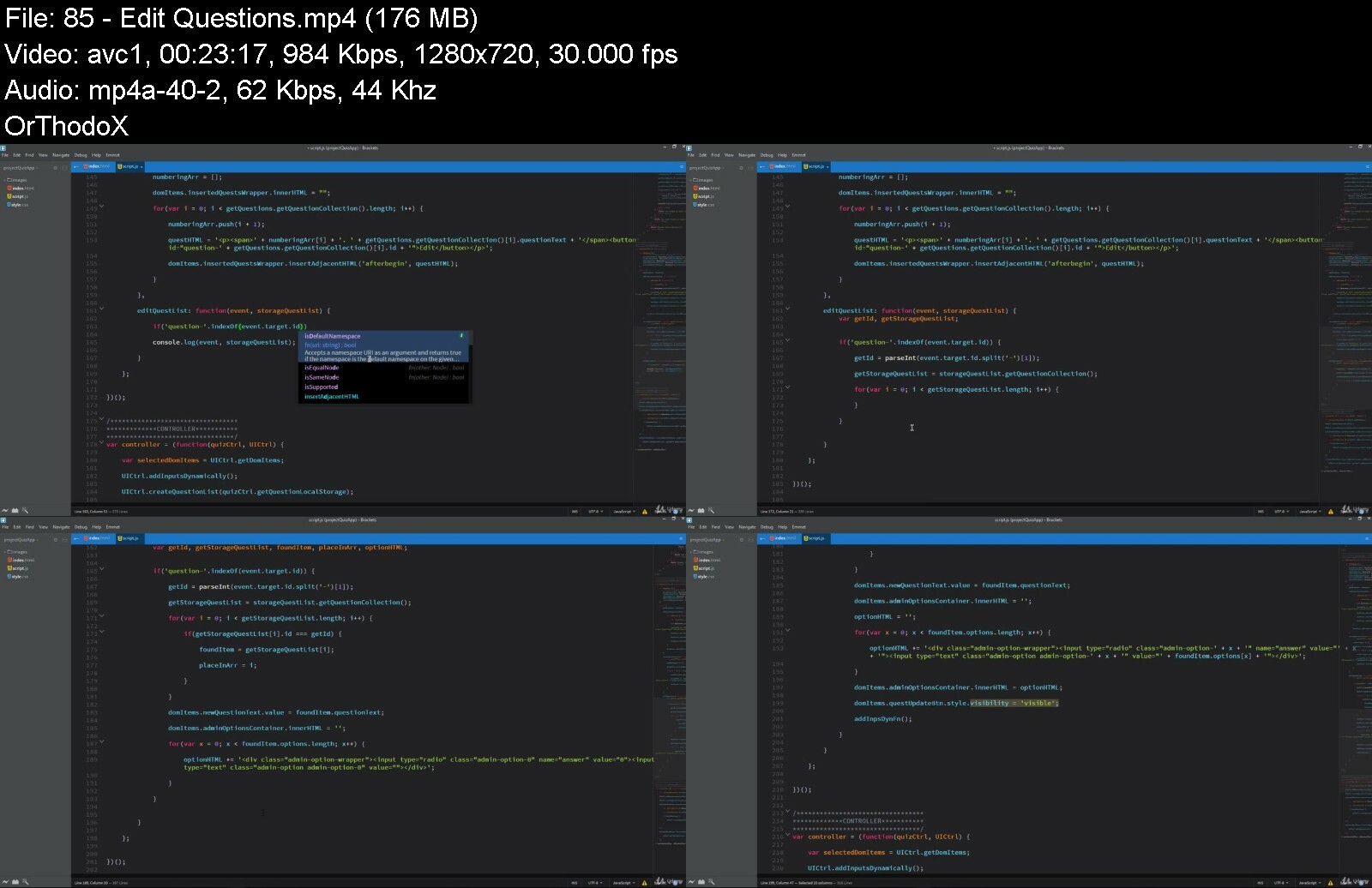
Power imbalances. How much power should a government have over its citizens? And what happens when the balance of power breaks down?
Collective action problems. What responsibilities do individuals have in a collective society? And what role does the government play when it comes to motivating citizens to act?
You will delve into democracy's strengths as well, comparing them not only to its weakness, but also to the pros and cons of entirely different forms of government, like dictatorship and authoritarianism. You will see just how easy it is for a government to go from democracy to dictatorship to failed state. And you will determine for yourself whether democracy will hold up-or fold under the pressure.
Democracy and Its Alternatives is politics, history, international relations, and current affairs all at once. In just 24 lectures, you will be able to judge democracy on its own terms, and to speak with authority and conviction about where it has been and where it is going. You will be able to critically evaluate its merits as well as its shortcomings. And you will be armed with real-world examples from across time and around the world to formulate your own informed opinion about what kinds of government are best and why.
What Will You Learn?
Explore democracy from all available angles with a robust toolbox of political philosophy, world history, international relations, individual case studies, and carefully constructed thought experiments
Find out how collective decisions are made
Take a long, hard look at exactly what politics is and the many ways it's conducted around the world
Examine nations and nationalism, presidents and parliaments, constitutions and courts and more
Better understand the most important questions of human societies so that we together can look for better ways to address them


democracyanditsaltern0rc5w.jpg


Download from RapidGator


Download from DDownload


Archive Password: "Name of the Old Continent" [First Letter Capital]

 
Javascript Bootcamp - Build Real World Applications

wf3nqevbbx8ceoua3sv5gpsimn.jpg


Javascript Bootcamp - Build Real World Applications
Last updated 11/2020
MP4 | Video: h264, 1280x720 | Audio: AAC, 44.1 KHz
Language: English | Size: 5.13 GB | Duration: 16h 42m

JavaScript from basic to advanced level. Project - based JavaScript course. JavaScript ES6 guide. Including JSON & AJAX


What you'll learn
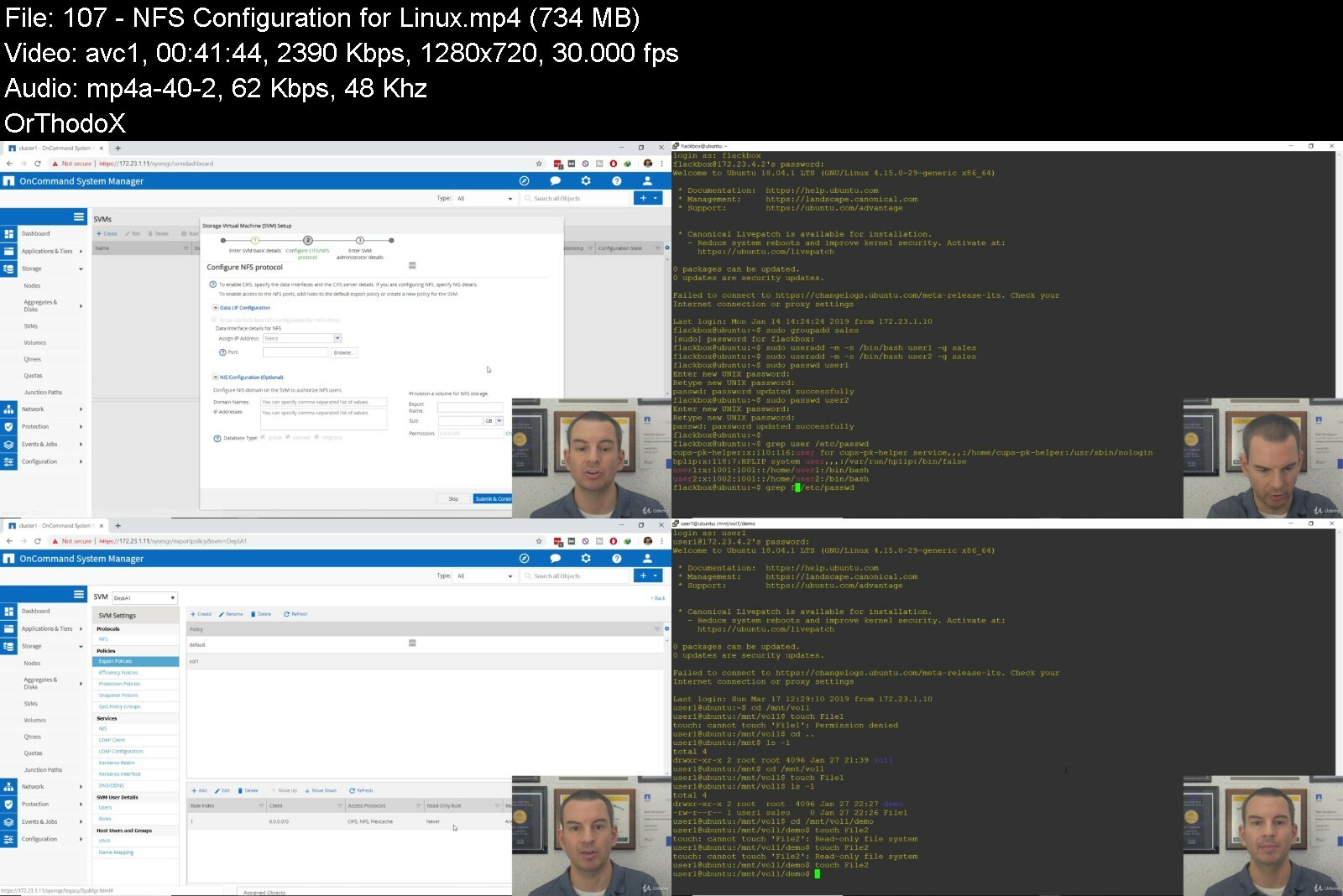
You will start from the JavaScript fundamentals and go to an advanced level
You will get a deep understanding about how JavaScript works behind the scenes
You will be able to check your knowledge using lots of coding challenges and quizzes
You will learn how to manipulate on the web page using Document Object Model
You will be able to understand the most advanced topics such as function constructors, prototypes, first-class functions, closures and much much more
You will code and build the real-world application using object-oriented JavaScript and modular patterns
You will be able to get 24/7 support from the instructors

Requirements
No coding experience is required! We will start from very basics and take you to the advanced level!
You just need a computer, web browser and code editor
Basic knowledge of HTML and CSS will be a plus, but it is not mandatory!

Description
THE COMPLETE JAVASCRIPT COURSE ON UDEMY!!!JOIN THE COMPLETE AND ADVANCED JAVASCRIPT TUTORIAL ON UDEMY!!!If you want to start learning to program or you already have some basic knowledge, then you are in the right place. This course gives you a chance to take your knowledge to the next level. You will start from very basics and reach the most advanced level.Let's actually talk about what the course covers...***INCLUDED:***JavaScript Basics / Intermediate:You will learn about the very basics of this language, like how to write JavaScript, what kind of syntax it has. What kind of data types JavaScript uses, functions, conditionals, objects, loops, etc. At the end of the section, you will be able to build your very first basic JavaScript application -- 'Digital Clock', followed by the coding task and quiz.JavaScript Behind The Scenes:In this section, you will be able to learn how JavaScript works behind the scenes. If you want to be a real JavaScript developer then you definitely need to understand how the code actually works, how the JavaScript engine executes and runs the code under the hood. You will cover very important topics, such as the global execution context and global object, what is execution stack, scope, and scope chain, hoisting, the special keyword 'this' etc. At the end of the section, you will check your knowledge with a quiz.Document Object Model (DOM):You will learn how to manipulate individual and multiple elements, how to change the web page content, how to style the elements using JavaScript and much more. In this section, you will build your next project -- 'Note Manager', which will be more complex and interesting than the previous one.Advanced JavaScript:This is the section where you will feel confident in JavaScript because you will be able to learn and understand the most advanced concepts in JavaScript. You will cover the following topics: function constructors, prototypal inheritance, prototype chain, first-class functions, closures and much more...Advanced JavaScript Project - Quiz Application:When you reach this point, you will be able to build the most advanced real-world application using pure JavaScript. You will learn how to write a real-world app using object-oriented JavaScript, you will be familiar with how to organize, structure and make your code safer using JavaScript Patterns.Next-Generation JavaScript:At the end of the course, you will be able to get familiar with the latest updates of JavaScript. You will learn about the next version of JavaScript, ES6 or ECMAScript2015. You will cover the following topics: Get familiar with Array helpers, let/const block-level variable declarations, arrow functions, template strings, default parameters, spread operator, rest parameter, destructuring, classes and much much more...JavaScript Interview Questions:The last section of the course will help you to get ready for your JavaScript interview. In this part, you will meet commonly asked JavaScript questions on the interviews and the relevant answers on them.Test your knowledge with lots of QUIZZES AND CODING TASKS!!!24/7 Support From The Instructors!!!JOIN US!
Overview
Section 1: JavaScript Essentials
Lecture 1 Introduction
Lecture 2 How to Watch Lectures in High Quality
Lecture 3 Section Introduction
Lecture 4 Download Source Code
Lecture 5 What Is JavaScript
Lecture 6 Setup
Lecture 7 How To Write JavaScript
Lecture 8 JavaScript Syntax
Lecture 9 Variables and Data Types - Part 1
Lecture 10 Variables and Data Types - Part 2
Lecture 11 Operators
Lecture 12 Comparison Operators
Lecture 13 Type Coercion
Lecture 14 Conditional Statements
Lecture 15 Else If Statement And Logical Operators
Lecture 16 Coding Task 1
Lecture 17 Coding Task 1 - Solution
Section 2: From Basics To Intermediate JavaScript
Lecture 18 Section Introduction
Lecture 19 Functions - Part 1
Lecture 20 Functions - Part 2
Lecture 21 Arrays - Part 1
Lecture 22 Arrays - Part 2
Lecture 23 Objects - Part 1
Lecture 24 Objects - Part 2
Lecture 25 Loops - Part 1
Lecture 26 Loops - Part 2
Lecture 27 Date Object
Lecture 28 Date Object - Digital Clock Project
Lecture 29 Coding Task 2
Lecture 30 Coding Task 2 - Solution
Section 3: JavaScript Behind The Scenes
Lecture 31 Section Introduction
Lecture 32 JavaScript Behind The Scenes - Introduction
Lecture 33 Global Execution Context And Global Object
Lecture 34 Execution Context And Execution Stack
Lecture 35 Scope And Scope Chain
Lecture 36 Hoisting
Lecture 37 Objects VS Primitives
Lecture 38 The Special Keyword 'this'
Section 4: Document Object Model (DOM)
Lecture 39 Section Introduction
Lecture 40 DOM - Introduction
Lecture 41 Get Ready
Lecture 42 Get and Manipulate On Individual Element - Part 1
Lecture 43 Get and Manipulate On Individual Element - Part 2
Lecture 44 Get and Manipulate On Multiple Elements - Part 1
Lecture 45 Get and Manipulate On Multiple Elements - Part 2
Lecture 46 Get and Manipulate On Multiple Elements - Part 3
Lecture 47 DOM Styles
Lecture 48 DOM Styles And Classes
Lecture 49 Events - Part 1
Lecture 50 Events - Part 2
Lecture 51 Events - Part 3
Lecture 52 Get And Set Attributes
Lecture 53 DOM Navigation
Lecture 54 Creating Elements
Lecture 55 Project - Coding Task 3
Lecture 56 Project - Coding Task 3 - Solution
Lecture 57 Project - Edit And Delete Items - Part 1
Lecture 58 Project - Edit And Delete Items - Part 2
Lecture 59 Project - Hide Notes
Lecture 60 Project - Search Filter
Section 5: Advanced JavaScript
Lecture 61 Section Introduction
Lecture 62 Everything Is An Object
Lecture 63 Function Constructor
Lecture 64 Prototype - Object Function
Lecture 65 Function Constructors And Prototypes
Lecture 66 Object.create()
Lecture 67 First - Class Functions - Part 1
Lecture 68 First - Class Functions - Part 2
Lecture 69 Immediately Invoked Function Expression (IIFE)
Lecture 70 Closures
Lecture 71 call(), apply() and bind()
Section 6: JSON & AJAX
Lecture 72 JSON Introduction
Lecture 73 JSON & AJAX
Section 7: Project - The Quiz Application
Lecture 74 Section Introduction
Lecture 75 Project Overview
Lecture 76 Get Ready
Lecture 77 Module Pattern
Lecture 78 Browser Local Storage
Lecture 79 Add Questions - Part 1
Lecture 80 Add Questions - Part 2
Lecture 81 Add Questions - Part 3
Lecture 82 Add Questions - Part 4
Lecture 83 Add Inputs Dynamically
Lecture 84 Create Question List
Lecture 85 Edit Questions
Lecture 86 Update Questions - Part 1
Lecture 87 Update Questions - Part 2
Lecture 88 Delete Questions
Lecture 89 Clear Question List
Lecture 90 Display Questions
Lecture 91 Display Progress
Lecture 92 Check Answer
Lecture 93 Instant Answer
Lecture 94 Proceed The Quiz
Lecture 95 Add Person
Lecture 96 Get Full Name
Lecture 97 Final Result
Lecture 98 Create Result List
Lecture 99 Delete Result
Lecture 100 Clear Results
Section 8: Next Generation JavaScript
Lecture 101 Section Introduction
Lecture 102 Array Helpers - forEach()
Lecture 103 Array Helpers - map()
Lecture 104 Array Helpers - filter() / find()
Lecture 105 Array Helpers - every() / some()
Lecture 106 Array Helpers - reduce()
Lecture 107 let / const Variable Declarations
Lecture 108 Template Strings
Lecture 109 Arrow Functions - Part 1
Lecture 110 Arrow Functions - Part 2
Lecture 111 Arrays In ES6
Lecture 112 Default Parameters
Lecture 113 Spread Operator
Lecture 114 Rest Parameter
Lecture 115 Destructuring
Lecture 116 Map and Set
Lecture 117 Classes
Section 9: JavaScript Interview Questions
Lecture 118 Section Introduction
Lecture 119 Interview Questions
Section 10: BONUS
Lecture 120 Bonus Lecture: Check Out
Student who wants to start learning JavaScript from scratch,Student who has some knowledge in JavaScript and wants take it to the advanced level,Student who is specialized in other programming languages and wants to get deep understanding in JavaScript,Everyone who wants to learn and become a master in one of the most powerful programming language in the world


javascriptbootcampbuisbf66.jpg


Download from RapidGator


Download from DDownload


Archive Password: "Name of the Old Continent" [First Letter Capital]

 
NetApp ONTAP 9 Storage Essentials

fc0c89kqgwsmsimhhuw7znvdxh.jpg


NetApp ONTAP 9 Storage Essentials
Last updated 8/2022
Genre: eLearning | MP4 | Video: h264, 1280x720 | Audio: AAC, 48.0 KHz
Language: English | Size: 23.4 GB | Duration: 199 lectures • 43h 18m


What you'll learn
[/b]Design, configure and maintain NetApp storage systems in real world environments.
Pass the NCDA exam and work as a NetApp storage systems professional.
Requirements
A basic general knowledge of IT is assumed but no previous storage experience is necessary.
The course teaches from a complete beginner level in storage through to advanced knowledge of and configuration skills on NetApp systems.
The course is laid out in such a way that experienced storage engineers can skip the beginner sections. Information in these sections is generic to all vendors so no NetApp specific knowledge will be missed.
Description
NetApp ONTAP 9 Storage Essentials NetApp Training Course.
Supercharge your career by becoming a NetApp SAN and NAS Storage Ninja, and pass the NetApp NCDA exam!
* Please note that this course is never part of any Udemy discount promotions *

Taking this NetApp Storage training course will give you the advanced level knowledge and hands-on skills you need to configure, manage and maintain NetApp ONTAP, the 'Number One Storage Operating System in the world' as listed by IDC.
The course provides a structured approach which shortcuts your path to learning NetApp storage to an expert level.
The course is designed to give you a deep understanding of the theory of storage and all its functions and features. You'll gain the best practice knowledge of how to implement NetApp storage in a real world environment, and the hands-on skills to configure your system.
I am a full-time professional NetApp instructor who has been entrusted by NetApp since 2007 to develop and deliver training courses for their own engineers and partners. I have also designed multiple training courses for the largest service providers in Asia Pacific such as Verizon, Telstra, and the Australian National Broadband Network. I provide mentoring and support for my company's systems engineers as they deploy NetApp storage systems and I worked in the field for over ten years before focusing on passing my knowledge on to others.
The format of the course lessons is a full explanation of the topic theory, then a live demonstration in the lab where I show you the complete configuration using first the NetApp System Manager GUI and then the Command Line Interface.
We're going to go through the complete configuration of the system in a logical manner, from taking it out of the box to the final tweaks to ensure best performance and availability, and covering off all the NetApp features as we go.
At over 40 hours long taking the course can seem daunting, but because it's laid out in a logical manner you can pick and choose the parts which are important to you. If you're a professional storage engineer who's going to be working on NetApp systems day to day, then skip the beginner sections and watch the rest. If you're new to storage, then just watch the theory part of the lessons and the GUI configuration sections you need.
If later you need to know the best practice to configure a feature in your environment and want to see a step-by-step configuration example, you know it's all here.
The course is updated to cover the latest features and updates whenever a new version of ONTAP 9 is released by NetApp. The topics covered apply to all versions of the operating system.
A verifiable course certificate stating you have completed this advanced level NetApp ONTAP training will be provided at the end of the course. This will prove to potential future employers that you have the knowledge and skills necessary to be a real asset to their company.
As a student in this course, you will get an answer to every question you ask in the Ask Question section. I love interaction with my students- anything you want to know, please ask.
The course comes with an unconditional risk-free 30 day money-back guarantee - that's my personal promise of your success.
Thank you for taking the time to read about the course. I hope you now have enough motivation to get into the learning right away. If so, click the button at the top of the page to enroll and get started!
Frequently Asked Questions
What's the difference between this and the 'NetApp Storage ONTAP 9 Complete' course?
The 'NetApp Storage ONTAP 9 Complete' course has over 20 hours of additional material and also includes study notes, quizzes, and comprehensive written lab exercises and configuration examples for all ONTAP functions and features.
When does the course start and finish?
It's self-paced training - you can watch the videos and do the lab exercises whenever and wherever is best for you.
How long does it take to complete the course?
The honest answer is, it depends on you and your current situation. Most of my students are able to complete the course in a few weeks. There is no rush and no right or wrong amount of time, you have lifetime access to the course.
How long do I have access to the course for?
Your enrollment never expires. You have permanent and unlimited access across all devices you own.
Can I access the course material offline?
Yes, you can install the Udemy app on your tablet or mobile (or using an emulator on your PC) to download the videos and watch them offline.
Is a course certificate provided?
Yes, you will receive a verifiable course certificate upon course completion.
Which ONTAP version does the course cover?
ONTAP 9, the latest version.
Will the course prepare me for the latest version of the NetApp Certified Data Administrator NCDA exam?
Yes the course covers all the topics on the NCDA exam.
Can I ask questions about the course lessons?
Yes, I'm always happy to help with any questions about the course content. Please ask in the course Q&A tab.
Do you offer a consultancy service?
I'd love to be able to provide consultancy for individual production environments but I'm unable to take on new clients right now sorry.
Can I buy the course for my whole team?
Yes, please purchase an individual copy for each team member.
Who this course is for
IT professionals or enthusiasts who want to develop a full understanding of and practical skills in SAN and NAS storage.
Systems engineers who want an advanced level knowledge of and hands-on management skills on NetApp Data ONTAP systems.
Students who want to pass the NetApp Certified Data Administrator (NCDA) exam.


netappontap9storageesbeeld.jpg


Download from RapidGator


Download from DDownload


Archive Password: "Name of the Old Continent" [First Letter Capital]
 
Sales Training Pro: The Complete Sales Presentation Course

zxrgwvydpvm3j9wpjcdzot5fqk.jpg


Sales Training Pro: The Complete Sales Presentation Course
Last updated 7/2021
MP4 | Video: h264, 1280x720 | Audio: AAC, 44.1 KHz
Language: English | Size: 6.41 GB | Duration: 5h 42m

Practical, Hands-on Sales Techniques and Tools to Effortlessly Engage your Customers In Your Sales Presentations.


What you'll learn
How to be certain you audience will crave everything you have to say.
Hands-on content creation techniques to structure your sales presentation to hook your audience.
The top sales strategies to make it easy for you to deliver and for your audience to follow.
How to coordinate what you say and what your audience sees.
Step-by-step recipes to make the content what the customer wants to hear, not an inventory list of what I want to tell them.
How to set up your presentations to prospective customers so they pull the trigger and you can get them to act.
Razor sharp sales techniques to captivate your audience within the first five minutes.
How to use your face and body language with dynamic effect.
The secret sales formula to move your audience to respond with enthusiasm.
Hands on strategies to create a consistent and engaging face to the customer that builds stronger relationships.
Customer delivery techniques to be able to sell someone on your ideas without it being a huge challenge..
And much, much more.

Requirements
Download the Sales Bootcamp Workbook that accompanies this course so that you can follow along perfectly with what is being said.
Stop the video when Jason says to do each of the many activities that are in this program so that you can get the entire Sales Bootcamp experience.
Apply each of the Your turns that occur in each of the major section descriptions to your training so that you can see dramatic differences in your sales Rule the Room Sales Bootcamp Style!

Description
I want to share with you our proven plan for Truly Effortless Sales Presentations with ground up money-making strategies and hands-on presentation skills. Before I do, let me ask you a question.How are you doing with your sales?As you probably already know, sales presentations are a big challenge.Here's the facts.Only 60% of sales reps meet quota. - CSO Insights*44% of buyers feel that only 25% of their providers help them maximize their value. - Gartner42.5% of sales reps take 10 months or longer to become productive enough to contribute to company goals. - AccentureWhy are these facts true? Well, we decided to find out... We observed and analyze hundreds of sales presentations to find out why they are so challenging. Here's what we discovered are your concerns.Top 10 money-making presentation concerns.Creating urgency with the customers Prospect walks away and says no.Being able to close more deals.How to increase the value of the project.Customers leaving after a while.Consistent and engaging face with the customer.Poor relationships with customers and sales.Earning trust of the users, investors and cofounders.How to hook investors and early customers.Being invited to table.Even though sales presentations are often the #1 opportunity for businesses to make money, they are often mediocre, and customers walk away and don't move forward."While many customers will admit that they are*missing key service and sales opportunities and they like our program, it is sometimes difficult to get them to move forward with the program."And you have to give a lot of these sales presentations to be successful. In fact.According to a Smartcompany report:1% of sales are made on the first contact.2% of sales are made on the second contact.5% of sales are made on the third contact.12% of sales are made on the fourth contact.80% of sales are made on the fifth contact (or above).IF you present the RIGHT way to get your audience to move forward, then you can get your customers to move forward and pull the trigger much, much easier.So, to help you go from opportunity lost to opportunity gained, we created Sales Bootcamp:*Ground Up Money-Making Strategies. It's a 6 module program to help you get customers to move forward even faster, and with less work .In our step-by-step Sales Bootcamp training, you'll get HANDS-ON training with a real live audience of sales managers to walk you through step-by step how to create and deliver a stellar sales presentation.In modules 1 - 3, you'll learn how to prepare an irresistible menu, create your core content and make your sales message come alive. Specifically with modules 1 thru 3.How to be certain you audience will crave everything you have to say.Hands-on content creation techniques to structure your sales presentation to hook your audience. The top sales strategies to make it easy for you to deliver and for your audience to follow.How to coordinate what you say and what your audience sees.Step-by-step recipes to make the content what the customer wants to hear, not an inventory list of what I want to tell them.How to set up your presentations to prospective customers so they pull the trigger and you can get them to act.In modules 4 - 6, you'll learn how to start with a killer opener, command with your body and close to applause. In Modules 4 thru 6, you'll learn.Razor sharp sales techniques to captivate your audience within the first five minutes.How to use your face and body language with dynamic effect.The secret sales formula to move your audience to respond with enthusiasm.Hands on strategies to create a consistent and engaging face to the customer that builds stronger relationships.Customer delivery techniques to be able to sell someone on your ideas without it being a huge challenge..And much, much more.If this 6-module program sounds difficult, don't worry. We make everything simple, easy to understand, and quick to learn...In fact, you can complete the entire training in just five hours! Which means that by this time tomorrow, you'll be able to say with confidence:"I know EXACTLY how to give a sales presentation that gets them to move forward and say 'YES!'"Instead of losing money AND customers, you can get them to pull the trigger in ANY sales situation. With a proven hands-on system for creating and delivering better sales presentations..This is the same system we've used to help hundreds of our business clients with their sales presentations. Check out what they have to say..."Jason's techniques break down speaking fundamentals that can make anyone a more powerful and relatable speaker. His tips have revolutionized my presentations at large conferences, and internally to PerBlue employees."*Justin Beck --CEO - PerBlue"The presentation skills courses I have taken from Jason have really helped me gain credibility with my customers. That has increased my confidence, and has also fueled me to improve my internal communication skills which I can apply when teaching and presenting to employees (not only customers). I now feel much more interested in increasingly customer-facing roles (such as being an IC) that require lots of presentations and face time with leadership." Sarah Bottjen -- Project Management/Implementation Director"Jason worked with me in constructing a pitch to help hook my investors and early customers. He shifted my attention from the content to the audience, and from the "what" to the "why." The presentation was immeasurably more effective and the deals started rolling in! Thanks Jason!" Niko Skievaski -- Co-Founder at Redox"It's pretty simple. Jason Teteak walks the talk. In this day and age, finding a true thought leader amongst many is the key to getting to new levels. Listening to Jason, reading his work and benefitting from his teachings will take you to that new level you seek. He is cutting edge, extremely practical and connects in a way that is motivating, informing and memorable. Some of the biggest benefits received from Jason are tactics, ideas and methods that are immediately implementable. Read, listen to, or watch Jason's programs before your competition does." Al Lautenslager -- Best Selling Author, Guerrilla Marketing in 30 Days"Building credibility with your customer team and operations is critical to your success as an implementer. Jason's presentation training provides valuable information that will immediately boost your credibility by helping you be better prepared, more confident and more in control of your presentation."*Lacey Miron - Sales Manager.so we know this program works..and you'll get to see me model exactly how to do it with a real live of sales reps and product managers.In Sales Bootcamp, you can simply follow our PROVEN hands-on, step-by-step sales presentation training to start seeing results right away!And you can do it all today, by getting access to Sales Bootamp.Click the "Watch Now" button and start giving effortless sales presentations TODAY.And like all our Rule the Room trainings, this one is protected by our 30-day, no-questions-asked guarantee.*...so if you aren't happy for any reason, just let us know and we'll give you your money back.no questions asked."Do not be embarrassed by your failures, learn from them and start again."*-Richard BransonIt's time for you to give successful sales presentations that move customers forward and get them to pull the trigger!See you on the inside...About Your InstructorInternational Public Speaking Coach, TEDx Speaker and Best Selling author Jason Teteak has taught more than one million people how to flawlessly command attention and connect with audiences in their unique style.He's won praise and a wide following for his original methods, his engaging style, and his knack for transferring communications skills via practical, simple, universal and immediately actionable techniques.Or as he puts it "No theoretical fluff".Jason gained recognition at EPIC Systems in the medical software industry, where he was known as "trainer of trainers of trainers."He has developed more than fifty presentation and communication training programs ranging in length from one hour to three days that serve as the basis for The Rule the Room Method.In 2014, 2015, 2016, and 2017 he was named #1 Best Selling coach on Public Speaking for his on-demand video teaching tools that quickly took off for over 100,000 online students around the world.Teteak has flipped the model and changed the approach to great Public Speaking for even the most seasoned veterans.
Overview
Section 1: Welcome to Sales: Engage Your Audience
Lecture 1 Introduction and Welcome
Lecture 2 Introduction and Welcome - Part 2
Section 2: Prepare an Irresistible Menu
Lecture 3 Prepare an Irresistible Menu - Part 1
Lecture 4 Prepare an Irresistible Menu - Part 2
Lecture 5 Prepare an Irresistible Menu - Part 3
Lecture 6 Prepare an Irresistible Menu - Part 4
Lecture 7 Prepare an Irresistible Menu - Part 5
Section 3: Create Your Core Content
Lecture 8 Create Your Core Content - Part 1
Lecture 9 Create Your Core Content - Part 2
Lecture 10 Create Your Core Content - Part 3
Section 4: Make Your Message Come Alive
Lecture 11 Make Your Message Come Alive - Part 1
Lecture 12 Make Your Message Come Alive - Part 2
Lecture 13 Make Your Message Come Alive - Part 3
Section 5: Start with a Killer Opener
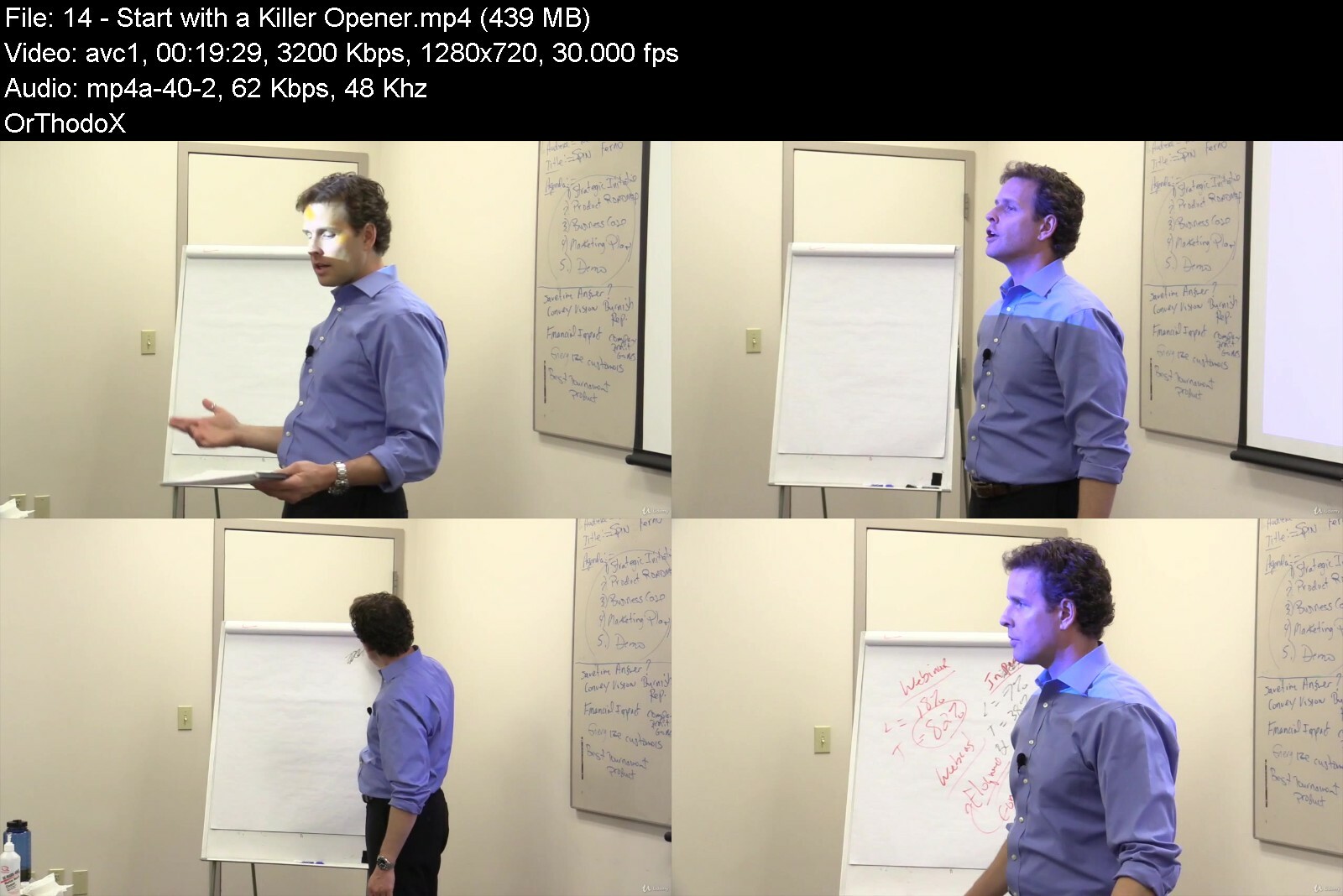
Lecture 14 Start with a Killer Opener - Part 1
Lecture 15 Start with a Killer Opener - Part 2
Lecture 16 Start with a Killer Opener - Part 3
Lecture 17 Start with a Killer Opener - Part 4
Section 6: Command with Your Body
Lecture 18 Command with Your Body - Part 1
Lecture 19 Command with Your Body - Part 2
Lecture 20 Command with Your Body - Part 3
Section 7: Close to Applause
Lecture 21 Close to Applause - Part 1
Lecture 22 Close to Applause - Part 2
Sales Reps,Product Managers,Sales Executives,Account Executives,Business Leaders,Entrepreneurs,Human Resource Managers,Directors and VP's,Founders and CEO's,Business Professionals,Product Developers,Executives,Anyone else who sells products or services and isn't allergic to money.


salestrainingprothecoa6d9x.jpg


Download from RapidGator


Download from DDownload


Archive Password: "Name of the Old Continent" [First Letter Capital]
 
Dog Behavior & Training Problems

co703v2tsvygobza1esif48fss.jpg


Dog Behavior & Training Problems
Last updated 10/2018
MP4 | Video: h264, 1280x720 | Audio: AAC, 44.1 KHz
Language: English | Size: 6.76 GB | Duration: 5h 13m

Learn how to prevent behavior problems and promptly resolve any problems that develop


What you'll learn
Resolve all of the most common dog behavior problems, including: housesoiling, destructive chewing, excessive barking, digging, separation anxiety, no recall, running away, pulling on-leash, jumping-up and hyperactivity

Requirements
No knowledge or equipment necessary

Description
Preventative measures and simple solutions for the most common dog behavior problems, including house soiling, destructive chewing, excessive barking, digging, separation anxiety, no recall, running away, pulling on-leash, jumping-up and hyperactivity.These problems can be immensely frustrating and can have a terrible impact on quality of life for dogs and their owners. Fortunately, all of these problems can be resolved with the patience and proper training. The earlier you address these problems, the easier they are to resolve, so don't delay, start training immediately.Of course, the easiest and most effective approach is to prevent these problems before they develop in the first place, especially since these problems are all very predictable.
Overview
Lecture 1 Putting Behavior on Cue
Section 1: Introduction
Lecture 2 Sit Solves (Almost) Anything
Lecture 3 Introduction
Lecture 4 Quick & Easy
Lecture 5 Wow Moments
Lecture 6 Setting Habits Early
Lecture 7 Normal Natural Behaviors
Lecture 8 Reward the Absence
Lecture 9 The Good Stuff
Lecture 10 Total Recall
Lecture 11 Training for Life
Lecture 12 The Jerk
Anyone who lives with a dog with behavior problems


dogbehaviortrainingprfxibb.jpg


Download from RapidGator


Download from DDownload


Archive Password: "Name of the Old Continent" [First Letter Capital]

 
Substance 3D Painter Advance Course

4823452cfb923vixo.jpg


Substance 3D Painter Advance Course
Published 08/2022
MP4 | Video: h264, 1280x720 | Audio: AAC, 44.1 KHz, 2 Ch
Genre: eLearning | Language: English + srt | Duration: 64 lectures (20h 17m) | Size: 15.1 GB


Learn to make texture for a VFX level model from start to finish.


What you'll learn
Texturing the Monster Character
Texturing the Girl Character
Texturing the Tree Character
Clean up, Export and Render
Requirements
I expect you to have some sort of basic texturing experience.
You should have Substance 3D Painter 8.1.2 and above installed on your computer.
You should also have Zbrush and Maya for few lectures.
Description
Do you want to know how to make any textures with Substance 3D Painter like a Pro?
Then I welcome you to the Nexttut Substance 3D Painter for Advance course
WHY SHOULD YOU LEARN FROM ME
My name is Hamidreza and I have been a 3D Artist for animation and VFX for about 8 years now. I have worked on many short animations and a few long animated movies.
BENEFITS : By the end of this course,
You will be able to make texture for a VFX level model from start to finish.
You will be able to make your own materials directly in Substance 3D Painter.
WHAT WILL I LEARN
Exporting 3D mesh maps from ZBrush to Substance 3D Painter
Exporting 3D model from Maya to Substance 3D Painter
Preparing 3D model for texturing
Making custom materials inside Substance 3D Painter
Exporting textures
COURSE PROJECTS
We will start by learning how to export mesh maps from ZBrush and use them to bake in Substance 3D Painter.
Then, we learn how to set up our project and start texturing.
We are going to make every material just with provided assets inside Substance 3D Painter.
Then, we will export our textures using a custom exporting template.
Finally, we will render our scene using Arnold renderer.
IS THIS COURSE RIGHT FOR ME
This course is for 3D artists interested in creating textures with Substance 3D Painter
WHO IS NOT THE IDEAL STUDENT
This course is not designed for absolute Substance 3D Painter beginners.
WHAT SHOULD I KNOW OR HAVE FOR THE COURSE
I expect you to have some sort of basic texturing experience.
You should have Substance 3D Painter 8.1.2 and above installed on your computer.
Who this course is for
This course is for 3D artists interested in creating textures with Substance 3D Painter. This course is not designed for absolute Substance 3D Painter beginners. if you are beginners then check our beginners course first.


substance3dpainteradvmwevj.jpg


Download from RapidGator


Download from DDownload


Archive Password: "Name of the Old Continent" [First Letter Capital]
 
Master Graphic Design & Software With Practical Projects

gplcxqvqeiynbcrf7aoxdnbdzg.jpg


Master Graphic Design & Software With Practical Projects
Last updated 11/2020
MP4 | Video: h264, 1280x720 | Audio: AAC, 44.1 KHz
Language: English | Size: 7.00 GB | Duration: 10h 50m

Conquer Popular Graphic Design Projects: Logo, Package, Magazine, Book Cover Design, Branding, Digital Graphics & More!


What you'll learn
Become more confident using Adobe Illustrator, Photoshop and InDesign
You will be able to create Book Covers, Package Designs, Digital Assets, Social Media Graphics, Album Art, Magazine Covers and Layout Spreads and more!
You will be able to follow the entire branding process including logo design and client presentation
You will know how to work with and export large format banners and posters
You will know how to create a postcard (both front and back)
You will understand basic design theory including working with color, layout, typography photos and more
Learn new tools that speed up your workflow
You will be able to create a 3d mockup in Adobe dimensions to create stunning package design presentations
Work with large client projects juggling both print and digital projects
Learn layering masks, non-destructive editing and photo editing in Adobe Photoshop as well as how to cut and isolate objects using the pen tool, lasso tools and more
Learn how to use artboards to manage and export files
Learn about how to prepare files for print including, bleed, crop marks, exporting options
Master book cover design including knowing what makes a strong book cover.
Know how to work with supplied templates to create a lanyard and more
Know how to work with editorial projects and large blocks of text in InDesign by creating a magazine cover and article spread
Understand how to use grids to create compelling layouts
Know how to work with typography of all types, shapes and sizes

Requirements
I will be using the Adobe Creative cloud 2019 software throughout this class, but you can use older versions of the software if needed (although some tools may not be available to you) most projects can still be accomplished
Very Basic working knowledge of Adobe Photoshop and Illustrator

Description
Master Graphic Design and Adobe Design Software By Doing Popular Design Projects Do you like to learn by doing practical real-world projects? This project-based course is extensive, starting at beginner level projects and moving all the way to advanced level design projects. With over 10+ hours of video-based project learning this course was created to appeal to graphic design students of any level and can help expose students to all the most popular graphic design projects while learning software and design principles.We talk about all aspects of design including theory, layout, color, exporting and preparing files for print, working with digital and print files and of course mastering the Adobe software including Adobe Illustrator, Photoshop and InDesign.We will walk through step by step the creation of:(Beginner*Level Projects)*Badges and SealsLogo DesignPackage DesignMagazine*Cover and*SpreadYoutube*ThumbnailAlbum*Art Cover(Intermediate and Advanced Projects)*An Entire Branding*Package which includes:Logo DesignPosterLarge Welcome*BannersLanyardsPostcard*(front and back)Social Media GraphicsDigital*AdsClient Presentations We will complete a Package Design for a food project, including the front, back, labels and print preparation. We cover Book cover design and we conquer three different types of book covers including a romance novel, a non-fiction book and an illustrative children's book cover. We talk about what makes a solid book cover and follow basic layout principles, use grids, work with typography and learn how to create concepts that pop using examples as our guide.We will conquer digital projects as well including going over what makes compelling YouTube cover photos and we will create a dynamic one together.We even talk about creating digital art and as we create an eclectic modern album art cover. Then, we master editorial design as we create a dynamic cover for a home cooking magazine as well as a full article spread. We talk about how to work with larger blocks of text, font pairing and headlines and how to maximize both Photoshop and InDesign to maximize our impact.Last, but certainly not least we will have a 4+ hour advanced section for those looking for more detailed real-world projects. We will create from scratch the entire branding package for a conference including the Logo design, lanyards, posters, advertising, a digital marketing campaign, large format welcome banners and even a postcard.This extensive section is perfect for those looking to learn how to export and work with files of all types, how to export, prepare and save them for professional print or for the press.This section goes into an entire new level of detail that will satisfy those curious on how to take on real large-scale graphic design projects for clients.This course is prefect for those who prefer a project-based hands on learning approach and for those who love to see all types of different projects being created. This course is great for those wanting to learn and maximize Adobe Photoshop, Illustrator and InDesign and learn tons and tons of new tools along the way that can speed up your workflow.This course is great for beginners, advanced designers and everyone in-between, there is something for everyone, so let's master graphic design by creating some fantastic and professional level projects together!
Overview
Section 1: IMPORTANT! Course Guide and File Download
Lecture 1 Course Intro
Lecture 2 Course Guide Facebook Group and Downloads!
Section 2: OPTIONAL: Adobe Illustrator Basic Setup and Tools - Beginner Level
Lecture 3 Your Basic Dashboard and Setup
Lecture 4 The Shapes Tool
Lecture 5 Quick Intro to the Pen Tool
Section 3: Creating Badges and Our Logo for Our Package Design Project
Lecture 6 Creating Badges and Seals - Part 1
Lecture 7 Creating Badges and Seals - Part 2
Lecture 8 Creating Badges and Seals - Part 3
Lecture 9 Logo Design for Our Package Design Project
Section 4: Package Design
Lecture 10 Getting Started
Lecture 11 Photoshop Photo Editing
Lecture 12 Photoshop Photo Editing Final
Lecture 13 Setup in Adobe Illustrator
Lecture 14 Layout and Design
Lecture 15 Finishing Up Our Design
Lecture 16 Using Adobe Dimensions to create a 3D Mockup
Lecture 17 The Backside Design
Lecture 18 Exporting and Preparing Our Files
Section 5: Book Cover Mastery (Romance Novel)
Lecture 19 Creating Our Concept - Studying Strong Examples
Lecture 20 Cover Idea
Lecture 21 Photo Editing
Lecture 22 Learning Non-destructive Editing
Lecture 23 Spine, Bleed and Exporting
Lecture 24 Exporting Final
Section 6: Book Cover Mastery - Non-Fiction Book
Lecture 25 Getting Started with Our Title
Lecture 26 Creating Our Pill Graphic
Lecture 27 Typography Work
Lecture 28 Creating Our Background
Lecture 29 The Spine and Back
Lecture 30 Exporting our Files
Section 7: Book Cover Mastery - An Illustrative Children's Book Cover
Lecture 31 Creating our Title
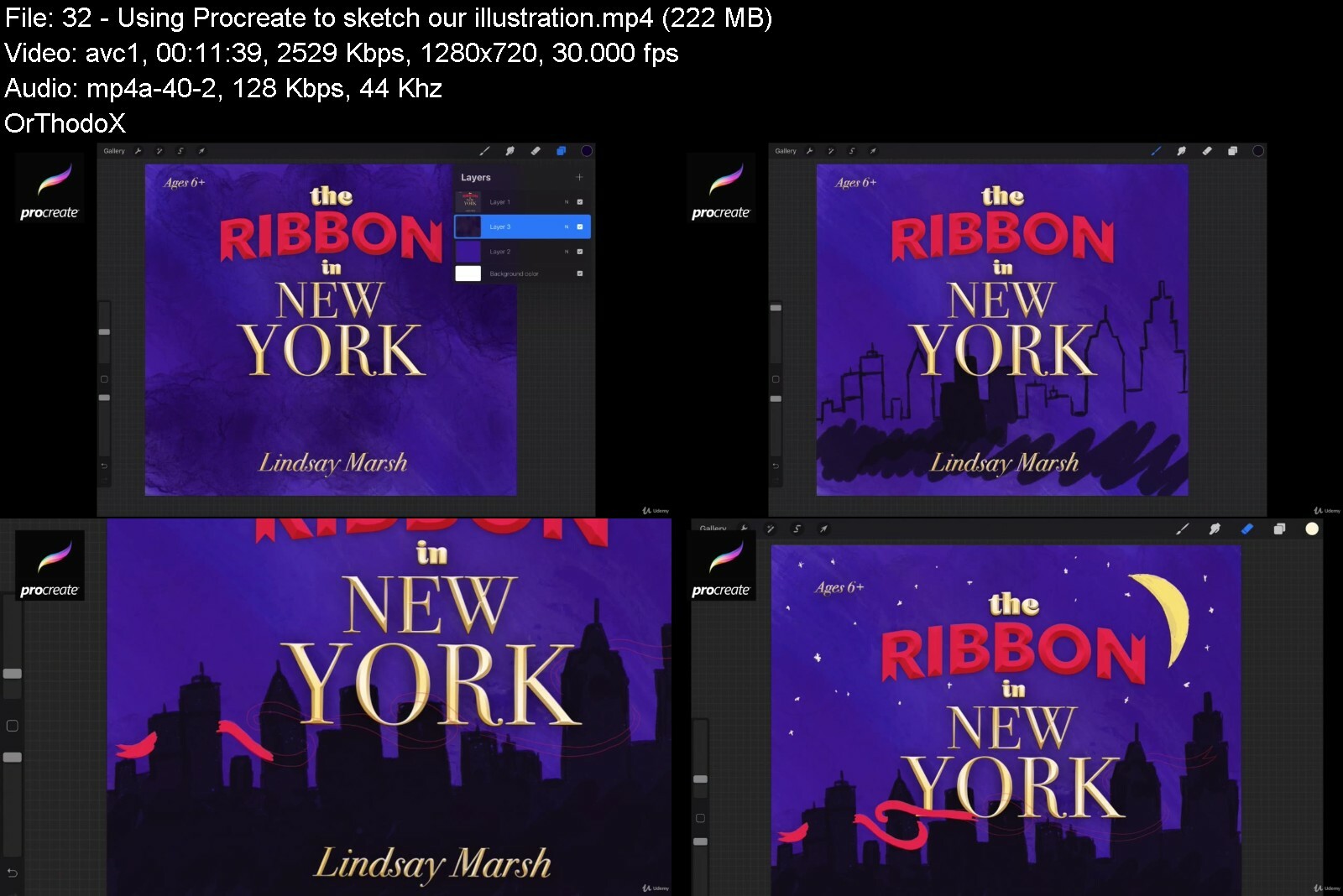
Lecture 32 Using Procreate to sketch our illustration
Lecture 33 Putting Illustrations and Type together
Section 8: Youtube Thumbnail
Lecture 34 What makes a good YouTube Thumbnail?
Lecture 35 Finishing Up Our Graphic - Layering masks and more
Section 9: Album Art Cover
Lecture 36 Getting Started
Lecture 37 Creating Highlights and Shadows
Lecture 38 Exporting
Section 10: Editorial Design - Creating A Magazine Cover and Spread
Lecture 39 Editorial Spread Setup
Lecture 40 Working with Photos
Lecture 41 Inside Spread Final
Lecture 42 Magazine Front Cover
Lecture 43 Front Cover Articles
Lecture 44 Exporting and Print Prep
Section 11: ADVANCED SECTION: Conference Branding Project
Lecture 45 Getting Started - The Logo
Lecture 46 Working with Type
Lecture 47 Logo Design - Colors
Lecture 48 Logo Design Final
Lecture 49 Color Matching - CMYK and RGB
Lecture 50 The Poster Concept
Lecture 51 Editing Images
Lecture 52 The Lanyards
Lecture 53 Creating a Theme and Design System
Lecture 54 Client Presentation
Lecture 55 File Prep
Lecture 56 The Postcard
Lecture 57 The Postcard Cont.
Lecture 58 Large Welcome Banner
Lecture 59 Large Welcome Banner cont.
Lecture 60 Facebook Graphics and Ads
Lecture 61 Facebook Graphics and Ads cont.
Lecture 62 Powerpoint Slides
Lecture 63 Display Ads
Lecture 64 Display Ads cont.
Section 12: Bonus Lesson
Lecture 65 Bonus Lesson
Those interested in learning Graphic Design through real-world projects,Those who prefer a hands on project based learning approach,Those interested in learning Adobe Illustrator, Photoshop and InDesign by creating projects,Those interested in learning how a professional graphic designer moves through projects and gets final files ready,Those who with beginner or intermediate skill levels who want to see a wide variety of projects,Beginners to graphic design who want to know more about the practical side of design


mastergraphicdesignsoj7ep1.jpg


Download from RapidGator


Download from DDownload


Archive Password: "Name of the Old Continent" [First Letter Capital]
 
The Complete Drawing Masterclass: From Beginner To Advanced

ix5fg7njoksi2tf1bvuxjp4dzt.jpg


The Complete Drawing Masterclass: From Beginner To Advanced
Last updated 6/2020
MP4 | Video: h264, 1280x720 | Audio: AAC, 44.1 KHz
Language: English | Size: 14.89 GB | Duration: 19h 48m

Apply the art and practice of the fundamental skill of drawing, to bring your drawings to life in this ultimate course.


What you'll learn
Draw everyday objects, people, animals, and scenes, using effective techniques.
Draw realistic and conceptual content, with appropriate light or value, shadow, texture, and form.
Learn gesture drawing, line and contour drawing, structural drawing, perspective drawing, portrait drawing, and more.
Apply specific drawing techniques such as cross contour, wipeout/reductive, block-in, and much more.
Learn and apply industry-standard drawing techniques.
Draw from imagination.

Requirements
You can follow along with just a pencil, paper, and eraser, but drawing tools such as vine and compressed charcoal, conté, kneaded eraser, chamois, blending stump, and ruler can be helpful. (Materials are explained near the beginning of course)
A willing attitude to learn and practice drawing!

Description
Welcome to the complete drawing masterclass! In this online drawing course, you will go from beginner to advanced, by learning in various drawing projects. You will learn new drawing techniques, and build upon your drawing skills, to produce beautiful, amazing drawings.This course is your opportunity to advance in your career, whether you work in animation, logo design, graphic design, architecture, fashion design, video game character design, or ANY field that uses visual storytelling, such as marketing, public speaking, and more. Or, you simply want to draw for fun!By the time you complete this drawing course, you will have produced a portfolio of amazing drawings, including professional landscape drawings, accurate portrait drawings, artistic still life drawings, and much, much more.Once you enroll in this course, you get:Lifetime access to all of the content, including over 19 hours of on-demand, helpful video demonstrations and instruction.Various PDF*handouts and support files.Access to our exclusive Drawing Club forum, for helpful feedback and critique from peers and me, the instructor of this course, Jonathan Simon.The sections in this drawing course build upon each other, to help you master the art of drawing:Gesture Drawing - You will quickly and easily learn the useful technique of gesture drawing, where we aim to capture the essence of subjects. Projects include drawing various objects, animals, and landscapes.Drawing Materials - Next, after you get started drawing, we go into more detail to explain various mark making, erasing, and blending techniques, as well as various drawing tools. However, if you only have a pencil and paper, that is fine for the projects in this course.Line and Contour Drawing - Learn various line drawing techniques, including contour, cross contour, and line drawing, as well as various exercises to practice hand-eye coordination and the portrayal of form and outline.Structural Drawing - Learn how to produce various shapes (e.g., cylinder, cone, cube) that can be used to build more complicated structures. Draw organic objects using structural drawing, in order to draw a still life.Tone or Value in Drawing - Learn how to add accurate lighting and shadows in drawings, including various techniques, including hatching, cross-hatching, and reductive or wipe out techniques, to add form and depth in drawings.Drawing in Perspective - Learn various ways to show depth in drawings, such as chiaroscuro method, atmospheric perspective technique, and many more. Learn how to draw in one-point, two-point, and three-point perspective, for realistic perspective, so you can draw city scenes or other scenes from your imagination.Block-In Drawing Method - This is the drawing method that I*learned after my BFA and MFA, from another artist. It's the most requested drawing method I*get from students. In this course, you will learn how to produce a detailed, rendered drawing of a still life, by using this technique.Art and Science of Drawing Portraits - You will learn about the anatomy and structure of the eye and mouth before learning how to accurately draw them, either from imagination or from a subject. You will also learn how to draw a realistic nose, hair, and ears, before producing the final project in this course, a portrait. As you draw the portrait, you will apply various methods you have learned throughout the course, including gesture, line, block-in, structural drawing, and applying tone or value.Enroll now and get started producing amazing, beautiful drawings!*We'll see you in the course. There is a 30-day money-back guarantee, so if you don't like the course, you can get a refund. But we know you'll love this course, as you produce awesome drawings in this complete drawing course.
Overview
Section 1: Getting Started in the Drawing Course
Lecture 1 Introduction to the Drawing Course
Lecture 2 Why You Should Learn How to Draw
Lecture 3 About the Instructor
Lecture 4 Tips for Success in this Course
Lecture 5 Facebook Drawing Club for Feedback and Critiques
Lecture 6 Drawing from Photographic Reference vs. a Real Life Subject or Scene
Lecture 7 Using a Table or an Easel to Draw
Lecture 8 A Quick Note on Angle of View, Support Files, and Other Updates
Section 2: Drawing Materials, Mark Making, Blending, and Erasing
Lecture 9 Introduction to Drawing Materials, Mark Making, and Erasing
Lecture 10 Drawing Materials
Lecture 11 Using Graphite Pencils in Drawings
Lecture 12 Drawing Materials Information and PDF Handout
Lecture 13 Mark Making, Erasing, and Blending
Lecture 14 Sharpening Drawing Tools
Lecture 15 List of Paper Types and Suggested Brands and PDF Handout
Lecture 16 Trying Out Types of Paper
Section 3: Gesture Drawing
Lecture 17 Introduction to Gesture Drawing
Lecture 18 Support File Photos, Drawing Materials, and Project Instructions
Lecture 19 Gesture Drawing Of An Object
Lecture 20 Vine Charcoal Gesture Drawing of Soft Object
Lecture 21 Charcoal Pencil Gesture Drawing of an Object
Lecture 22 Conté Gesture Drawing of an Object
Lecture 23 Gesture Drawing Of Organic Objects
Lecture 24 Gesture of Moving Animals - Part 1
Lecture 25 Gesture of Moving Animals - Part 2 (Structure)
Lecture 26 Gesture of Moving Animals - Part 3
Lecture 27 Gesture Drawing of a Nature Landscape
Lecture 28 Gesture Drawing of a Cityscape - Part 1
Lecture 29 Gesture Drawing of a Cityscape - Part 2
Section 4: Line and Contour Drawing
Lecture 30 Introduction to Line and Contour Drawing
Lecture 31 Support File Photos, Drawing Materials, and Project Instructions
Lecture 32 Simple Line Drawing of an Object
Lecture 33 Line Drawing of Organic Object - Part 1
Lecture 34 Line Drawing of Organic Object - Part 2
Lecture 35 Broken Line Blind Contour Method
Lecture 36 Continuous Line Blind Contour Method
Lecture 37 Semi-Blind Contour Method
Lecture 38 Contour Line Drawing Method - Part 1
Lecture 39 Contour Line Drawing Method - Part 2
Lecture 40 Cross Contour Line Drawing Method - Part 1
Lecture 41 Cross Contour Line Drawing Method - Part 2
Section 5: Structural Drawing
Lecture 42 Introduction to Structural Drawing
Lecture 43 Support File Photos, Drawing Materials, and Project Instructions
Lecture 44 Structural Drawing of a Cylinder - Part 1
Lecture 45 Structural Drawing of a Cylinder - Part 2
Lecture 46 Drawing Accurate Ellipses
Lecture 47 Common Problems When Drawing Ellipses
Lecture 48 Structural Drawing of a Cone
Lecture 49 Structural Drawing of a Cube - Part 1
Lecture 50 Structural Drawing of a Cube - Part 2
Lecture 51 Structural Drawing of an Organic Object - Example 1
Lecture 52 Structural Drawing of an Organic Object - Example 2
Section 6: Exploring and Applying Tone or Value in Drawing
Lecture 53 Introduction to Tone or Value in Drawing
Lecture 54 Concepts and Terms of Lighting in Drawing
Lecture 55 Support File Photos, Materials List, and Project Instructions
Lecture 56 Light and Shading in a Structural Drawing of a Cylinder
Lecture 57 Light and Shading in a Structural Drawing of a Cone
Lecture 58 Hatching Method with Still Life
Lecture 59 Cross-Hatching Method with Still Life
Lecture 60 Reductive Method with Globe - Part 1
Lecture 61 Reductive Method with Globe - Part 2
Lecture 62 Reductive Method with Still Life - Part 1
Lecture 63 Reductive Method with Still Life - Part 2
Section 7: Fundamentals of Drawing in Perspective
Lecture 64 Introduction to Perspective in Drawing
Lecture 65 More Examples and Background of Drawing in Perspective
Lecture 66 Support File Photos, Drawing Materials, and Project Instructions
Lecture 67 Showing Depth, Method 1 - Scale or Size
Lecture 68 Showing Depth, Method 2 - Overlapping Forms
Lecture 69 Showing Depth, Method 3 - Linear Perspective
Lecture 70 Showing Depth, Method 4 - Chiaroscuro
Lecture 71 Showing Depth, Method 5 - Relative Value of Objects
Lecture 72 Showing Depth, Method 6 - Atmospheric Perspective
Lecture 73 Showing Depth, Method 7 - Horizon Line
Lecture 74 Showing Depth, Method 8 - Lost and Found Edges
Lecture 75 Drawing in One-Point Perspective
Lecture 76 Adding a Light Source and Shadows in Perspective Drawing
Lecture 77 Drawing a Rural Scene in One-Point Perspective
Lecture 78 Drawing in Two-Point Perspective
Lecture 79 Drawing a Cityscape Using Two-Point Perspective
Lecture 80 Drawing in Three-Point Perspective - Example 1
Lecture 81 Drawing in Three-Point Perspective - Example 2
Section 8: Block-In Method for Detailed, Rendered Drawings
Lecture 82 Introduction to the Block-In Drawing Method
Lecture 83 Support File Photos, Drawing Materials, and Project Instructions
Lecture 84 Using the Block-In Drawing Method - Part 1
Lecture 85 Using the Block-In Drawing Method - Part 2
Lecture 86 Using the Block-In Drawing Method - Part 3
Lecture 87 Using the Block-In Drawing Method - Part 4
Lecture 88 Using the Block-In Drawing Method - Part 5
Lecture 89 Using the Block-In Drawing Method - Part 6
Lecture 90 Using the Block-In Drawing Method - Part 7
Lecture 91 Using the Block-In Drawing Method - Part 8
Lecture 92 Using the Block-In Drawing Method - Part 9
Lecture 93 Using the Block-In Drawing Method - Part 10
Lecture 94 Using the Block-In Drawing Method - Part 11
Lecture 95 Using the Block-In Drawing Method - Part 12
Lecture 96 Using the Block-In Drawing Method - Part 13
Lecture 97 Using the Block-In Drawing Method - Part 14
Lecture 98 Using the Block-In Drawing Method - Part 15
Lecture 99 Using the Block-In Drawing Method - Part 16
Lecture 100 Using the Block-In Drawing Method - Conclusion
Section 9: The Art and Science of Drawing Portraits
Lecture 101 Introduction to Portraiture in Drawing
Lecture 102 Support File Photos, Materials List, and Project Instructions
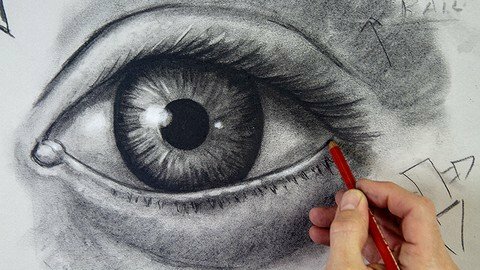
Lecture 103 Anatomy and Structure of the Eye
Lecture 104 Drawing the Eye - Part 1
Lecture 105 Drawing the Eye - Part 2
Lecture 106 Drawing the Eye - Part 3
Lecture 107 Drawing the Ear
Lecture 108 Drawing the Nose
Lecture 109 Structure of the Mouth
Lecture 110 Drawing the Mouth - Part 1
Lecture 111 Drawing the Mouth - Part 2
Lecture 112 Drawing Hair - Part 1
Lecture 113 Drawing Hair - Part 2
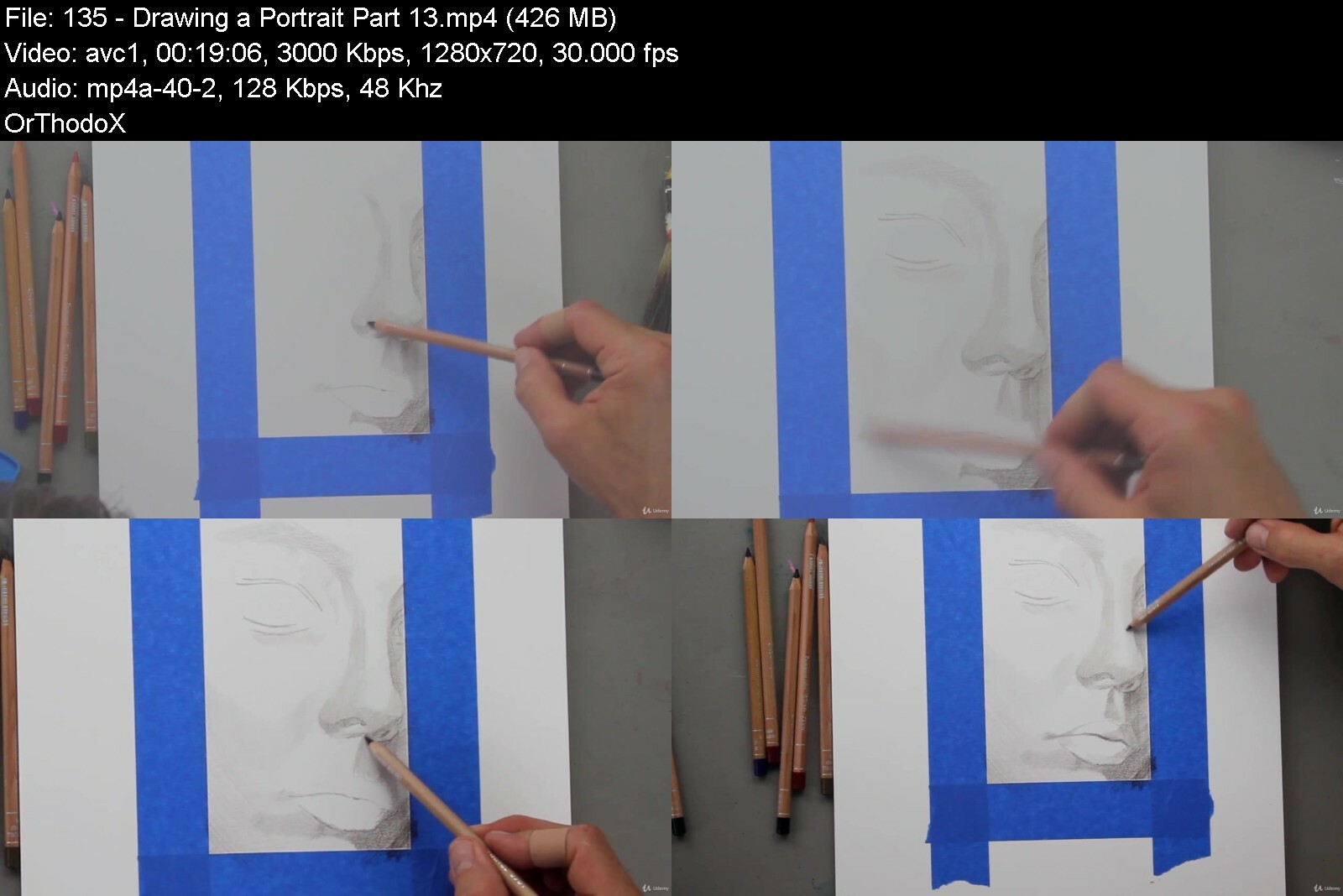
Lecture 114 Drawing a Portrait - Part 1
Lecture 115 Drawing a Portrait - Part 2
Lecture 116 Drawing a Portrait - Part 3
Lecture 117 Drawing a Portrait - Part 4
Lecture 118 Drawing a Portrait - Part 5
Lecture 119 Drawing a Portrait - Part 6
Lecture 120 Drawing a Portrait - Part 7
Lecture 121 Drawing a Portrait - Part 8
Lecture 122 Drawing a Portrait - Part 9
Lecture 123 Drawing a Portrait - Part 10
Section 10: Drawing Course Conclusion
Lecture 124 Conclusion
Lecture 125 Bonus: Learn Even More in Other Courses!
Anyone wanting to learn to draw and get better at drawing!,Artists wanting to improve their drawing skills.,Graphic designers, logo designers, and other design professionals wanting to improve their sketching and drawing abilities.,People who want to draw for fun or people who want to add it to their work skills portfolio.,People who want to convey ideas quickly and easily, using visual communication.


thecompletedrawingmasmofqi.jpg


Download from RapidGator


Download from DDownload


Archive Password: "Name of the Old Continent" [First Letter Capital]
 
The Colored Pencils Drawing Masterclass: Draw Amazing Art

gpdiw7dpzwci7towa7mgnbse2g.jpg


The Colored Pencils Drawing Masterclass: Draw Amazing Art
Last updated 11/2020
MP4 | Video: h264, 1280x720 | Audio: AAC, 44.1 KHz
Language: English | Size: 32.35 GB | Duration: 25h 10m

Draw a landscape, animal, still life, character design, portrait, and more while learning art, concepts, and techniques.


What you'll learn
Draw a water droplet and globe with realistic depth, form, light, and shadow.
Draw a colorful still life of tomatoes.
Draw a colorful frog using colored pencils and various blending methods.
Draw a character design from imagination using colored pencils.
Draw a colorful landscape / seascape using colored pencils.
Draw a representational, creative, and artistic portrait using colored pencils.
Portray realistic depth, light, form, and shadow in colored pencil drawings.
Learn a variety of materials, mark making methods, as well as blending and erasing methods in colored pencil drawing.
Learn and apply a variety of transfer methods in drawing.
Learn and apply color theory in exercises and drawing projects.
Draw various skin tones using a variety of colored pencils.

Requirements
Students should have access to some kind of colored pencil set (does not have to be exact brand in course), paper, an eraser and sharpener. Exact materials are detailed in the included PDF booklet and materials section videos.

Description
Learn how to draw amazing, colorful, and beautiful art, using colored pencils!*In this colored pencils course, you will learn all about materials, mark making techniques, color theory, value and lighting, form and composition, as well as principles and practices of effective colored pencil drawing. By the time you have completed this colored pencils masterclass, you will have produced various colorful drawings that you can add to your portfolio or simply enjoy, including a water droplet, a globe, a still life drawing of tomatoes, a frog, a character design from imagination, a landscape, and a portrait.This course is set up so that the lessons build upon each other, and there is something new to learn in each project. Besides the art projects, there are special sections on mark making and materials (with exercises), color theory (with exercises), and transferring methods (with exercises).The sections and projects in this course include:Section 1, Introduction - Learn how to be successful in this course and complete a "quick win"*exercise to draw an accurate water droplet.Section 2, Mark Making Methods and Materials - Follow along and try different mark making techniques after learning all about required and optional materials (any set of colored pencils will work, but we include three different sets as examples).Section 3, Drawing a Globe Project - Learn about lighting, value, shadow, and form while drawing a globe.Section 4, Transferring Methods - Learn various ways to trace and transfer from a reference photo or drawing for a helpful foundation.Section 5, Drawing a Still Life - Use various colors to draw an interesting still life of tomatoes, and use the optional Gamsol for blending and unifying for a softer appearance.Section 6, Color Theory - Learn about various ways colors can be used in colored pencil drawings, through lectures and follow-along exercises.Section 7, Drawing a Frog - Learn how to draw a colorful frog and slightly adjust the scene compared to the photo reference.Section 8, Drawing a Character Design - Draw a character from imagination or follow along and draw from the reference. Instead of Gamsol, we will use a burnisher to help lay down the tooth of the paper and produce a more unified look.Section 9, Drawing a Landscape - Draw an interesting landscape scene and learn how to produce effective, subtle gradients as well as layering and blending methods.Section 10, Drawing a Portrait - Layer up colors to produce a realistic and beautiful portrait drawing. This section begins with exercises to learn how to produce different skin tones.Besides about 25 hours of helpful video instruction and demonstration, this course also includes all the photo reference support files and a booklet PDF complete with worksheets to follow along with, including mark making worksheets, art project worksheets, and color theory worksheets. The course also comes with exclusive access to our Facebook group for peer critique, instructor feedback, and community!This course was produced by Chad Neuman, Ph.D., a popular online instructor, professor, and designer, and the instructor is Jonathan Simon, MFA, a renowned fine artist and illustrator. We'll see you in the course! -Jonathan and Chad
Overview
Section 1: Introduction
Lecture 1 Course Introduction
Lecture 2 Quick Win - Water Droplets Part 1 - Understanding Light and Laying Down Lines
Lecture 3 Quick Win - Water Droplets Part 2 - Adjusting Value for Depth and Form
Lecture 4 Quick Win - Water Droplets Part 3 - Unifying and Final Touches
Lecture 5 Materials and Course Credits / Photo Support Files and Worksheets PDF Files
Lecture 6 Worksheet PDF Booklet Overview and Explanation
Lecture 7 How to Be Successful in this Course
Lecture 8 Colored Pencils Course Critique Forum
Section 2: Materials and Mark Making Methods
Lecture 9 Introduction to the Materials and Mark Making Methods Section
Lecture 10 Materials Part 1 - Colored Pencil Sets
Lecture 11 Materials Part 2 - Blending Tools
Lecture 12 Materials Part 3 - Erasing Tools
Lecture 13 Materials Part 4 - Miscellaneous Tools
Lecture 14 Materials Part 5 - Paper
Lecture 15 Materials Part 6 - White Colored Pencils
Lecture 16 Mark Making Methods Part 1 - Pressure Control and Layering
Lecture 17 Mark Making Methods Part 2 - Hatching, Cross-Hatching, Stippling, Circular
Lecture 18 Mark Making Methods Part 3 - Blending and Gradients
Lecture 19 Mark Making Methods Part 4 - Blending and Gradients, Continued
Lecture 20 Mark Making Methods Part 5 - Burnishing
Lecture 21 Mark Making Methods Part 6 - Embossing and Masking Methods
Section 3: Drawing a Globe Project
Lecture 22 Introduction to the Drawing a Globe Project
Lecture 23 Drawing a Globe Part 1 - Understanding Light Source, Shadows, and Value
Lecture 24 Drawing a Globe Part 2 - Adding Various Blues for Shadows
Lecture 25 Drawing a Globe Part 3 - Layering Blues on the Globe for Shadow and Form
Lecture 26 Drawing a Globe Part 4 - Unifying More and Adding a Cast Shadow
Lecture 27 Drawing a Globe Part 5 - Blending the Shadow and Globe and Adding a Highlight
Section 4: Various Transfer Methods for a Drawing Foundation
Lecture 28 Introduction to Transfer Methods Section
Lecture 29 Transfer Methods Part 1 - Graphite Method 1
Lecture 30 Transfer Methods Part 2 - Graphite Method 2
Lecture 31 Transfer Methods Part 3 - Grid Method 1
Lecture 32 Transfer Methods Part 4 - Grid Method 2
Lecture 33 Transfer Methods Part 5 - Using a Window to Trace
Section 5: Drawing a Still Life - Tomatoes Project
Lecture 34 Introduction to the Drawing a Still Life Project
Lecture 35 Drawing a Still Life Part 1
Lecture 36 Drawing a Still Life Part 2
Lecture 37 Drawing a Still Life Part 3
Lecture 38 Drawing a Still Life Part 4
Lecture 39 Drawing a Still Life Part 5
Lecture 40 Drawing a Still Life Part 6
Lecture 41 Drawing a Still Life Part 7
Lecture 42 Drawing a Still Life Part 8
Lecture 43 Drawing a Still Life Part 9
Lecture 44 Drawing a Still Life Part 10
Lecture 45 Drawing a Still Life Part 11
Section 6: Color Theory Exercises with Colored Pencils
Lecture 46 Introduction to Color Theory Section
Lecture 47 Primary Colors and Color Wheels Introduction
Lecture 48 Drawing a CMY Color Wheel Part 1 - Primary and Secondary Colors
Lecture 49 Drawing a CMY Color Wheel Part 2 - Primary, Secondary, and Tertiary Colors
Lecture 50 Drawing a CMY Color Wheel Part 3 - Complementary Blending Part 1
Lecture 51 Drawing a CMY Color Wheel Part 4 - Complementary Blending Part 2
Lecture 52 Applying Tints, Tones, and Shades
Lecture 53 Color Schemes Part 1 - Various Complementary Schemes and Triad Scheme
Lecture 54 Color Schemes Part 2 - Square/Quadratic, Monochromatic, and Analogous
Section 7: Drawing a Frog Project
Lecture 55 Introduction to the Drawing a Frog Project
Lecture 56 Drawing a Frog - Part 1 - Tracing for a Foundation
Lecture 57 Drawing a Frog Part 2
Lecture 58 Drawing a Frog Part 3
Lecture 59 Drawing a Frog Part 4
Lecture 60 Drawing a Frog Part 5
Lecture 61 Drawing a Frog Part 6
Lecture 62 Drawing a Frog Part 7
Lecture 63 Drawing a Frog Part 8
Lecture 64 Drawing a Frog Part 9
Lecture 65 Drawing a Frog Part 10
Lecture 66 Drawing a Frog Part 11
Lecture 67 Drawing a Frog Part 12
Lecture 68 Drawing a Frog Part 13
Lecture 69 Drawing a Frog Part 14
Lecture 70 Drawing a Frog Part 15
Lecture 71 Drawing a Frog Part 16
Lecture 72 Drawing a Frog Part 17
Lecture 73 Drawing a Frog Part 18
Section 8: Drawing a Character from Imagination - Character Design Project
Lecture 74 Introduction to the Character Design Project
Lecture 75 Character Design Drawing Part 1
Lecture 76 Character Design Drawing Part 2
Lecture 77 Character Design Drawing Part 3
Lecture 78 Character Design Drawing Part 4
Lecture 79 Character Design Drawing Part 5
Lecture 80 Character Design Drawing Part 6
Lecture 81 Character Design Drawing Part 7
Lecture 82 Character Design Drawing Part 8
Lecture 83 Character Design Drawing Part 9
Lecture 84 Character Design Drawing Part 10
Lecture 85 Character Design Drawing Part 11
Lecture 86 Character Design Drawing Part 12
Lecture 87 Character Design Drawing Part 13
Lecture 88 Character Design Drawing Part 14
Lecture 89 Character Design Drawing Part 15
Lecture 90 Character Design Drawing Part 16
Lecture 91 Character Design Drawing Part 17
Lecture 92 Character Design Drawing Part 18
Lecture 93 Character Design Drawing Part 19
Lecture 94 Character Design Drawing Part 20
Lecture 95 Character Design Drawing Part 21
Section 9: Drawing a Landscape Project
Lecture 96 Introduction to the Landscape Project
Lecture 97 Drawing a Landscape Part 1
Lecture 98 Drawing a Landscape Part 2
Lecture 99 Drawing a Landscape Part 3
Lecture 100 Drawing a Landscape Part 4
Lecture 101 Drawing a Landscape Part 5
Lecture 102 Drawing a Landscape Part 6
Lecture 103 Drawing a Landscape Part 7
Lecture 104 Drawing a Landscape Part 8
Lecture 105 Drawing a Landscape Part 9
Lecture 106 Drawing a Landscape Part 10
Lecture 107 Drawing a Landscape Part 11
Lecture 108 Drawing a Landscape Part 12
Lecture 109 Drawing a Landscape Part 13
Lecture 110 Drawing a Landscape Part 14
Lecture 111 Drawing a Landscape Part 15
Lecture 112 Drawing a Landscape Part 16
Lecture 113 Drawing a Landscape Part 17
Lecture 114 Drawing a Landscape Part 18
Lecture 115 Drawing a Landscape Part 19
Lecture 116 Drawing a Landscape Part 20
Lecture 117 Drawing a Landscape Part 21
Lecture 118 Drawing a Landscape Part 22
Lecture 119 Drawing a Landscape Part 23
Lecture 120 Drawing a Landscape Part 24
Lecture 121 Drawing a Landscape Part 25
Section 10: Drawing a Portrait Project
Lecture 122 Introduction to the Portrait Project
Lecture 123 Drawing a Portrait Part 1 - Pencil Colors for Flesh Tones
Lecture 124 Drawing a Portrait Part 2 - 1st Drawing Flesh Tones and Shadows Activity
Lecture 125 Drawing a Portrait Part 3 - 2nd Flesh Tone Demonstration and Activity
Lecture 126 Drawing a Portrait Part 4 - 3rd Flesh Tone Demonstration and Activity
Lecture 127 Drawing a Portrait Part 5 - 4th Flesh Tone Demonstration and Activity
Lecture 128 Drawing a Portrait Part 6 - 5th Flesh Tone Demonstration and Activity
Lecture 129 Drawing a Portrait Part 7 - 6th Flesh Tone Demonstration and Activity
Lecture 130 Drawing a Portrait Part 8 - 7th Flesh Tone Demonstration and Activity Part 1
Lecture 131 Drawing a Portrait Part 9 - 7th Flesh Tone Demonstration and Activity Part 2
Lecture 132 Drawing a Portrait Part 10 - 7th Flesh Tone Demonstration and Activity Part 3
Lecture 133 Drawing a Portrait Part 11 - Paper and Mark Making Overview
Lecture 134 Drawing a Portrait Part 12
Lecture 135 Drawing a Portrait Part 13
Lecture 136 Drawing a Portrait Part 14
Lecture 137 Drawing a Portrait Part 15
Lecture 138 Drawing a Portrait Part 16
Lecture 139 Drawing a Portrait Part 17
Lecture 140 Drawing a Portrait Part 18
Lecture 141 Drawing a Portrait Part 19
Lecture 142 Drawing a Portrait Part 20
Lecture 143 Drawing a Portrait Part 21
Lecture 144 Drawing a Portrait Part 22
Lecture 145 Drawing a Portrait Part 23
Lecture 146 Drawing a Portrait Part 24
Lecture 147 Drawing a Portrait Part 25
Lecture 148 Drawing a Portrait Part 26
Lecture 149 Drawing a Portrait Part 27
Lecture 150 Drawing a Portrait Part 28
Lecture 151 Drawing a Portrait Part 29
Lecture 152 Drawing a Portrait Part 30
Lecture 153 Drawing a Portrait Part 31
Lecture 154 Drawing a Portrait Part 32
Lecture 155 Drawing a Portrait Part 33
Lecture 156 Drawing a Portrait Page 34
Lecture 157 Drawing a Portrait Part 35
Section 11: Course Conclusion
Lecture 158 Congratulations on Completing this Course!
Lecture 159 Bonus: Learn Even More
Anyone who want to produce amazing, fun, and beautiful colored pencil drawings,Artists or designers new to colored pencils or those who want to learn more techniques, methods, and materials.,People who want to effectively draw still life, animals, landscapes, portraits, and more using colored pencils.


thecoloredpencilsdrawkqi9c.jpg


Download from RapidGator


Download from DDownload


Archive Password: "Name of the Old Continent" [First Letter Capital]
 
The Easiest, Quickest & Most Effective Way To Train Your Dog

7jpudwpajyloec90kjsljh2fo3.jpg


The Easiest, Quickest & Most Effective Way To Train Your Dog
Last updated 10/2018
MP4 | Video: h264, 1280x720 | Audio: AAC, 44.1 KHz
Language: English | Size: 6.74 GB | Duration: 5h 18m

Easy-to-use dog training methods that don't require any experience or expertise


What you'll learn
Prevent & resolve behavior and temperament problems
Put behavior on cue and motivate your dog to want to listen to you

Requirements
No knowledge or experience is required

Description
Dog owners are not trainers. Many pet dog trainers forget that most dog owners do not have their experience or expertise.1. Pet dog training must be easy, otherwise many owners (e.g., children) can't do it. Dog training should not require a complicated skill set, consistency, or good timing. Many owners simply do not have these skills; they need to be taught during the process. First start with the easiest technique (all-or-none reward training) and then the quickest technique (lure/reward training), before introducing more demanding and time-consuming methods, e.g., shaping.2. Pet training should be quick, otherwise many owners won't have the time. Speed of learning is the quintessence of successful pet owner and pet dog training.3. It should go without saying that training should be effective. Trainers should objectively quantify behavioral change (in the intended direction) and especially, the speed of behavioral change and the Response-Reliability Percentage.4. And of course, training should be fun - for dogs, owners and the trainer. Why not?
Overview
Section 1: Introduction
Lecture 1 Introduction
Lecture 2 The Push and Pull
Lecture 3 3 Stages
Lecture 4 Nose to Toes
Lecture 5 The Treat Tree
Lecture 6 Dogs Should be Dogs
Lecture 7 DOGCON
Lecture 8 The Go To
Lecture 9 Dog Dim
Lecture 10 Learn and Adapt
Lecture 11 The Proof is in the Training
Anyone who has a dog or spends lots of time with dogs


theeasiestquickestmos11f2b.jpg


Download from RapidGator


Download from DDownload


Archive Password: "Name of the Old Continent" [First Letter Capital]
 
Intermediate Fusion 360

shsozd8jpt0kber5zxwuqwuf2e.jpg


Intermediate Fusion 360
Published 08/2022
Genre: eLearning | MP4 | Video: h264, 1280x720 | Audio: AAC, 44.1 KHz
Language: English | Size: 7.42 GB | Duration: 56 lectures • 13h 43m


What you'll learn
Practice Sketching, 3D Features, and Assembly Skills In Project Enviroment
Create well thought out and complete project assemblies
Be able to break down projects into parts and tackle them one at a time
At the end of the course you should be considered a intermediate to advanced Fusion 360 CAD modeler

Requirements
My Beginning Fusion 360 course or other Fusion 360 experience

Description
Welcome to Intermediate Fusion 360
This is a project centered course
All course content is projects
4 Projects to be exact
The prerequisite for this class is my Beginning Fusion 360 course or prior Fusion 360 experience
This course has minimal hand holding and going over tools
We will just jump into making projects
Only some review of what was included in my Beginning Fusion 360 course
Also this course is significantly more fast pace than my Beginning Fusion 360 course
This take a more of a follow along as i go through the though process of designing these projects
Because this is the structure of the course sometimes ideas such as manufacturability and assembility are discussed in the design process
Course contains more advanced versions of the basics of Sketching, 3D Features, and Assembly
There is less focus on Drawings in this course and more on Sketching, Modeling, and Assembling
Also we explore editing parts as an assembly and referencing other components in the assembly
Work with the "Cloud" style file structure is also shown more through out this course while building these projects
Importing files from 3D CAD repositories such as McMaster Carr and Grab CAD Library
If those files cannot be found in those repositories then how to "digitize" them by using reference drawings/documents.
Also using images as canvases in fusion 360 to create some features that are not mentioned in the document that are needed in the assembly
This is a ever evolving class.
I will add things to the class over time
Possibly new projects
Or remake/update some of the content
Or mabye even delete content
come back every once and a while and check for updated content
If you have any questions don't hesitate to ask
Also check out my other classes on Udemy
Enjoy the course
Who this course is for
People looking to improve their fusion 360 expereince past beginner level.


intermediatefusion360rgd18.jpg


Download from RapidGator


Download from DDownload


Archive Password: "Name of the Old Continent" [First Letter Capital]
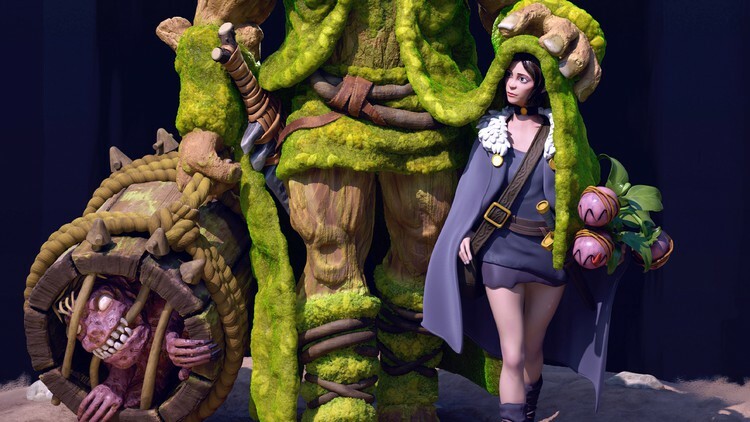
 
Growl Class - A Workshop Demo For Reactive Dogs

takpupnllfdwnfeg5fmszytf3q.jpg


Growl Class - A Workshop Demo For Reactive Dogs
Last updated 3/2016
MP4 | Video: h264, 1280x720 | Audio: AAC, 44.1 KHz
Language: English | Size: 12.53 GB | Duration: 5h 56m

Dr. Ian Dunbar demonstrates how to use a group class setting to deal with dogs that are aggressive towards other dogs


What you'll learn
Objectively assess the severity of a dog's fighting based on a Fight:Bite ratio that examines actual damage done
Provide prognoses and accurate estimates of the time required to rehabilitate anti-social dogs
Administer a stress test to determine a dog's level of anxiety and the source of that anxiety
Empower tug toys and kibble as very high value secondary reinforcers
Give representational feedback to a dog that is in a social setting
Use All-or-None Reward Training to decrease and eliminate reactivity and regain calmness, focus and control
Set up controlled classical conditioning scenarios
Block antisocial stimuli and signaling through the use of Come, Sit and Watch commands
Use Differential Classical Conditioning (DCC) to enable simultaneous Operant and Classical Conditioning without unintentionally reinforcing reactivity
Use the Jolly Routine for Classical Conditioning
Maintain a dog's pro-social temperament throughout their entire life

Requirements
Students should have a basic understanding of dog training
Before working with any dog you should understand their history of aggression. How reactive are they? What stimuli are they sensitive to? What damage have they caused in the past?

Description
These days many people understand the importance of early puppyhood socialization. They take their puppy to group training classes, they introduce their puppies to lots of friends and neighbors and they may even host a puppy party or two. This is a wonderful development and it has done a lot to improve the temperament of countless dogs. Unfortunately, after this intensive period of early socialization period many owners slack off. They see that their hard work has paid off and that their puppy is friendly and sociable in every situation they find themselves in. What they don't realize is that dogs naturally become more shy and standoffish as they get older. Adolescent and adult dogs develop fears and phobias to stimuli that they aren't continually exposed to. Keeping your dog well-socialized to other dogs is not so easy, and often this area of their socialization deteriorates the most rapidly. At some point most dogs will get into at least one fight with another dog. Sadly, this often marks the beginning of the end when it comes to their socialization with other dogs. The owners want to avoid future fights so they avoid future opportunities to socialize. The dogs socialization deteriorates further and the likelihood of them fighting when they see another dog increases. Resolving this problem in the course of everyday life is very difficult. Dr. Dunbar demonstrates how to use a Growl Class to classically condition dogs and rehabilitate and re-socialize them to once again enjoy the company of other dogs.
Overview
Section 1: Text
Lecture 1 Introduction
Lecture 2 Fight History Questionnaire
Section 2: Workshop Video
Lecture 3 Video 1
Lecture 4 Video 2
Lecture 5 Video 3
Lecture 6 Video 4
Lecture 7 Video 5
Lecture 8 Video 6
Lecture 9 Video 7
Lecture 10 Video 8
Lecture 11 Video 9
Lecture 12 Video 10
Lecture 13 Video 11
Lecture 14 Video 12
Lecture 15 Congratulations on Completing this Course
Dog trainers who are interested in re-socializing and rehabilitating dogs that have developed aggression/reactivity towards other dogs,Owners of dogs that have developed aggression/reactivity towards other dogs who would like to learn how to re-socialize their dog


growlclassaworkshopde2hf67.jpg


Download from RapidGator


Download from DDownload


Archive Password: "Name of the Old Continent" [First Letter Capital]
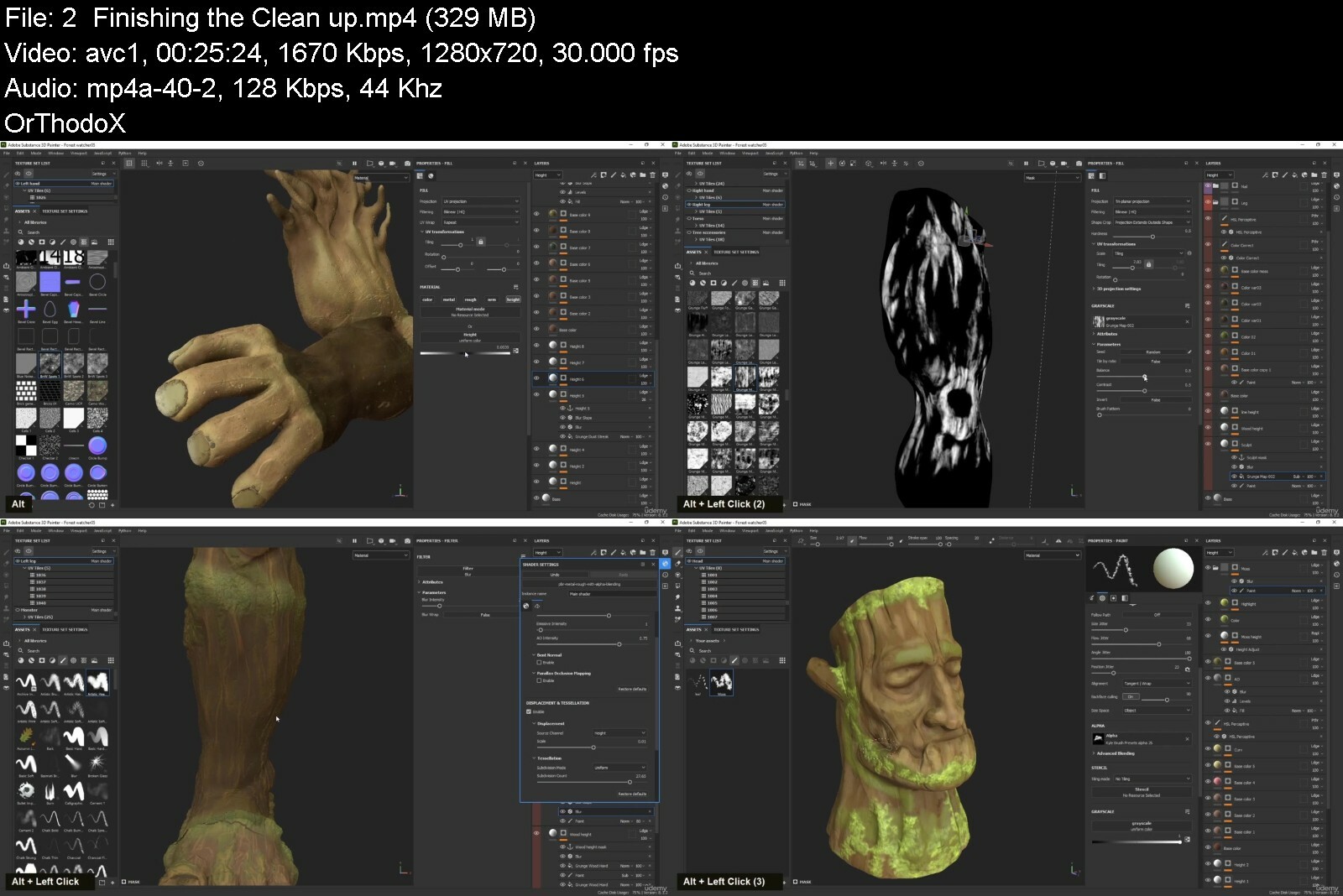
 
Zurück
Oben Unten