• Regeln für den Video-Bereich:

    In den Börsenbereich gehören nur Angebote die bereits den Allgemeinen Regeln entsprechen.

    Einteilung

    - Folgende Formate gehören in die angegeben Bereiche:
    - Filme: Encodierte Filme von BluRay, DVD, R5, TV, Screener sowie Telesyncs im Format DivX, XviD und x264.
    - DVD: Filme im Format DVD5, DVD9 und HD2DVD.
    - HD: Encodierte Filme mit der Auflösung 720p oder darüber von BluRay, DVD, R5, TV, Screener sowie Telesyncs im Format x264.
    - 3D: Encodierte Filme von BluRay, die in einem 3D Format vorliegen. Dies gilt auch für Dokus, Animation usw.
    - Serien: Cartoon/Zeichentrick, Anime, Tutorials, Dokumentationen, Konzerte/Musik, Sonstiges sind demnach in die entsprechenden Bereiche einzuordnen, auch wenn sie beispielsweise im High Definition-Format oder als DVD5/DVD9/HD2DVD vorliegen. Ausnahme 3D.
    - Bereich Englisch: Englische Releases gehören immer in diesen Bereich.
    - Bereich Talk: Der Bereich, in dem über die Releases diskutiert werden kann, darf, soll und erwünscht ist.


    Angebot/Beitrag erstellen

    - Ein Beitrag darf erst dann erstellt werden, wenn der Upload bei mindestens einem OCH komplett ist. Platzhalter sind untersagt.
    - Bei einem Scenerelease hat der Threadtitel ausschließlich aus dem originalen, unveränderten Releasenamen zu bestehen. Es dürfen keine Veränderungen wie z.B. Sterne, kleine Buchstaben o.ä. vorgenommen werden. Ausnahme Serienbörse:
    - Bei einem Sammelthread für eine Staffel entfällt aus dem Releasename natürlich der Name der Folge. Beispiel: Die Simpsons S21 German DVDRip XviD - ITG
    - Dementsprechend sind also u.a. verboten: Erweiterungen wie "Tipp", "empfehlenswert", "only", "reup", usw. / jegliche andere Zusatzinformation oder Ergänzung, welche nicht in obiger Beschreibung zu finden ist.

    Aufbau des Angebots und Threadtitel

    Der Titel nach folgendem Muster erstellt zu werden. <Name> [3D] [Staffel] [German] <Jahr> <Tonspur> [DL] [Auflösung] <Quelle> <Codec> - <Group>
    Beispiel: The Dark Knight German 2008 AC3 DVDRip XviD - iND
    Beispiel: The Dark Knight 2008 DTS DL BDRip x264 - iND
    Beispiel: The Dark Knight 2008 AC3 DL BDRip XviD - iND
    Beispiel: The Dark Knight German 2008 AC3 720p BluRay x264 iND
    Beispiel: The Dark Knight 2008 DTS DL 1080p BluRay x264 iND
    Beispiel: Die Simpsons S01 German AC3 DVDRip XviD iND
    Beispiel: Die Simpsons S20 German AC3 720p BluRay x264 iND
    Beispiel: Sword Art Online II Ger Sub 2014 AAC 1080p WEBRip x264 - peppermint
    Entsprechend sind also u.a. verboten: Sonderzeichen wie Klammern, Sterne, Ausrufezeichen, Unterstriche, Anführungszeichen / Erweiterungen wie "Tipp", "empfehlenswert", "only", "reup", usw. / jegliche andere Zusatzinformation oder Ergänzung, welche nicht in obiger Beschreibung zu finden ist
    Ausnahmen hiervon können in den Bereichen geregelt sein.

    Die Beiträge sollen wie folgt aufgebaut werden:
    Überschrift entspricht dem Threadtitel
    Cover
    kurze Inhaltsbeschreibung
    Format, Größe, Dauer sind gut lesbar für Downloader außerhalb des Spoilers zu vermerken
    Nfo sind immer Anzugeben und selbige immer im Spoiler in Textform.
    Sind keine Nfo vorhanden z.B. Eigenpublikationen, sind im Spoiler folgende Dateiinformationen zusätzlich anzugeben :
    Quelle
    Video (Auflösung und Bitrate)
    Ton (Sprache, Format und Bitrate der einzelnen Spuren)
    Untertitel (sofern vorhanden)
    Hosterangabe in Textform außerhalb eines Spoiler mit allen enthaltenen Hostern.
    Bei SD kann auf diese zusätzlichen Dateiinformationen verzichtet werden.

    Alle benötigten Passwörter sind, sofern vorhanden, in Textform im Angebot anzugeben.
    Spoiler im Spoiler mit Kommentaren :"Schon Bedankt?" sind unerwünscht.


    Releases

    - Sind Retail-Release verfügbar, sind alle anderen Variationen untersagt. Ausnahmen: Alle deutschen Retail-Release sind CUT, in diesem Fall sind dubbed UNCUT-Release zulässig.
    - Im Serien-Bereich gilt speziell: Wenn ein Retail vor Abschluss einer laufenden Staffel erscheint, darf diese Staffel noch zu Ende gebracht werden.62
    - Gleiche Releases sind unbedingt zusammenzufassen. Das bedeutet, es ist zwingend erforderlich, vor dem Erstellen eines Themas per Suchfunktion zu überprüfen, ob bereits ein Beitrag mit demselben Release besteht. Ist dies der Fall, ist der bereits vorhandene Beitrag zu verwenden.
    - P2P und Scene Releases dürfen nicht verändert oder gar unter einem iND Tag eingestellt werden.


    Support, Diskussionen und Suche

    - Supportanfragen sind entweder per PN oder im Bereich Talk zu stellen.
    - Diskussionen und Bewertungen sind im Talk Bereich zu führen. Fragen an die Uploader haben ausschließlich via PN zu erfolgen, und sind in den Angeboten untersagt.
    - Anfragen zu Upload-Wünschen sind nur im Bereich Suche Video erlaubt. Antworten dürfen nur auf Angebote von MyBoerse.bz verlinkt werden.


    Verbote

    - Untersagt sind mehrere Formate in einem einzigen Angebotsthread, wie beispielsweise das gleichzeitige Anbieten von DivX/XviD, 720p und 1080p in einem Thread. Pro Format, Release und Auflösung ist ein eigener Thread zu eröffnen.
    - Grundsätzlich ebenso verboten sind Dupes. Uploader haben sich an geeigneter Stelle darüber zu informieren, ob es sich bei einem Release um ein Dupe handelt.
    - Gefakte, nur teilweise lauffähige oder unvollständige Angebote sind untersagt. Dies gilt auch für eigene Publikationen, die augenscheinlich nicht selbst von z.B. einer DVD gerippt wurden. Laufende Serien, bei denen noch nicht alle Folgen verfügbar sind, dürfen erstellt und regelmäßig geupdatet werden.
    - Untersagt sind Angebote, welche nur und ausschließlich in einer anderen Sprache als deutsch oder englisch vorliegen. Ausnahmen sind VORHER mit den Moderatoren zu klären.


    Verstoß gegen die Regeln

    - Angebote oder Beiträge, die gegen die Forenregeln verstoßen, sind über den "Melden"-Button im Beitrag zu melden.
  • Bitte registriere dich zunächst um Beiträge zu verfassen und externe Links aufzurufen.

*** Bestes IPTV *** bester Preis *** gratis Test ***


Englische Tutorials

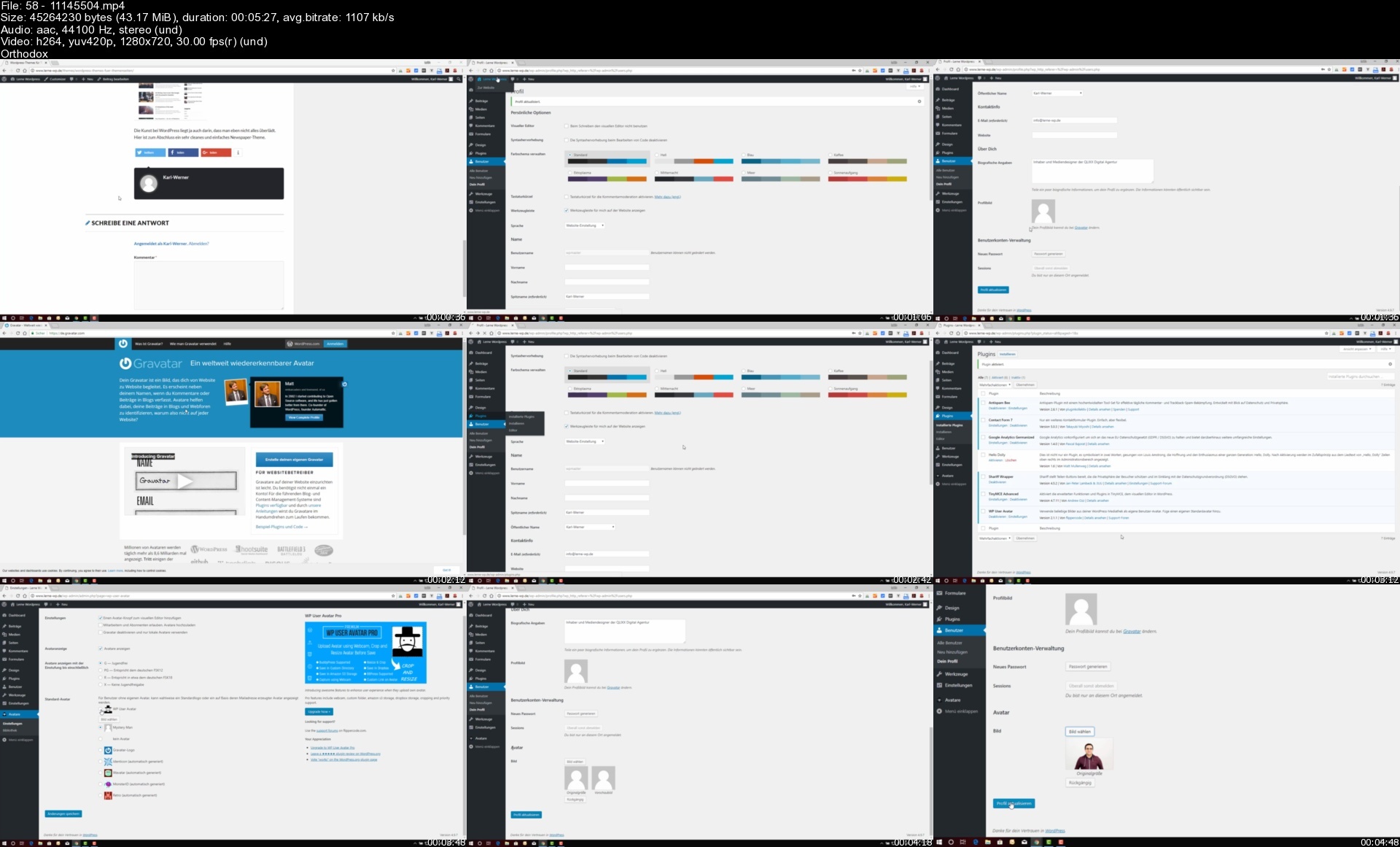
Wordpress Einfach & Komplett: Erstelle deine eigene Website

c4seacbkf7heqjpivaypz9uese.jpg


Wordpress Einfach & Komplett: Erstelle deine eigene Website
Video: .mp4 (1280x720, 30 fps(r)) | Audio: aac, 48000 Hz, 2ch | Size: 6.13 GB
Genre: eLearning Video | Duration: 189 lectures (12 hour, 58 mins) | Language: Deutsch

Lerne Wordpress im großen Praxis-Kurs von Beginn an: Mit Plugins, Design, SEO, Bootstrap-Theme & Website-Beispielen!


What you'll learn

Am Ende dieses Kurses kannst du deinen eigenen Blog mit Wordpress betreiben.
Du kannst mit diesem Kurs eigene Landingpages erstellen.
Du kannst mit diesem Kurs eine eigene Portfolio-Website für Designer & Fotografen umsetzen.
Am Ende dieses Kurses weißt Du, wie man eine Unternehmens- oder Agentur-Website erstellt.
Mit diesem Kurs lernst Du den sicheren und guten Umgang mit Wordpress.

Requirements

Du solltest einen Computer mit Internetverbindung haben
Du solltest ein Webpaket mit Domain bei einem Webhoster haben.
Im Grundkurs benötigst Du kein HTML & CSS. Später ist es hilfreich (speziell CSS).


Description

Mit Wordpress und diesem Kurs baust du jede Art von Website. Egal ob persönlicher Blog, eine Portfolio-Website oder einen schicken Online-Auftritt eines Unternehmens.

Umfangreicher Grundkurs

NEU: Neuer Wordpress Editor umfangreich erklärt!

Viele einfache und kurze Lektionen

Erstelle DSGVO-konforme Websites

Verändere bestehende Themes mit einem Child-Theme (Download-Vorlage inklusive)

Erstelle dein eigenes Wordpress Theme mit Bootstrap 4! (Downloads inklusive)

Übertrage deine Wordpress-Website auf einen Live-Server (oder einen alternativen Webserver)

Die eigene Website mit Wordpress: Von 0 auf 100 in wenigen Stunden!

Dieser Kurs ist für alle, die mit Wordpress erfolgreich durchstarten möchten. Dabei begleitet Dich der Kurs durch die Grundlagen von Wordpress bis hin zu erfolgreichen Websites für dein eigenes Business! Ob privater Blog oder Unternehmenswebsite - für Jeden ist etwas dabei!

Umfangreicher Grundlagenkurs!

JETZT NEU: MIT GUTENBERG-EDITOR (neuer Wordpress Editor) UPDATE!

Neben der Installation auf dem heimischen PC oder online lernst Du auch, wie du deine Wordpress-Website einrichtest, wie man schnell das Design mit Themes ändert, wie man gute Beiträge schreibt und Wordpress sinnvoll mit Plugins erweitert.

Live-Projekte: Mehrere Wordpress-Beispiel-Websites!

In diesem Kurs erstellen wir eine Portfolio Website für Fotografen, einen persönlichen Blog, eine Produkt-Landingpage und eine Unternehmenswebsite mit allem, was dazu gehört!

Großer Design- und Theme-Teil: Inklusive eigenes responsive Theme mit Bootstrap 4 zur eigenen Verwendung!

Wie ändere ich bestehende Themes nach meinen Geschmack? Was ist ein Child-Theme und wie lege ich es an? All diese Fragen werden in diesem Kurs behandelt und umfangreich in Praxis-Videos Schritt für Schritt beantwortet.

Mit diesem Kurs erhältst Du ein Basis-Theme, welches Du für eigene Zwecke komplett umgestalten kannst. Es basiert auf das beliebte HTML-CSS Framework Bootstrap in der aktuellen Version 4.

Wordpress-SEO Teil

Damit deine Website erfolgreich durchstartet, gehen wir in diesem Kurs alle Kniffe und Tricks durch, die deine Website erfolgreich starten lässt. Für dauerhaft mehr Traffic auf deiner Website!

Who this course is for

An alle, die ihren eigenen Blog oder eine eigene Website betreiben möchten.
An alle, die eine Website ohne Programmierkenntnisse erstellen möchten.
An alle, die ihren Blog erfolgreich und mit geringen Kosten betreiben möchten.

5811145504s1ci5g.jpg


Covid19 Culture Strategy For Motivating & Managing Your Team

thinszaygbpnfiwmr4hn8igclb.jpg


Covid19 Culture Strategy For Motivating & Managing Your Team
Last updated 8/2022
MP4 | Video: h264, 1280x720 | Audio: AAC, 44.1 KHz
Language: English | Size: 14.81 GB | Duration: 12h 37m

COVID19 Impact & Implications: Change Management & How to Communicate with your Team


What you'll learn
Detailed Instruction to drive strategy with culture components applicable to the current crisis.
Monthly additions of lectures relevant to our current times. COVID19 real time ongoing education.
Lectures recorded in real time with the shut down March 2020, and progress through the pandemic.
*Concepts taught in this course continue to be relevant as we move forward into the 21st Century.
According to The McKinsey Report, up to 440 million jobs will be displaced and 500 million new jobs will be created by 2030 due to Artificial Intelligence. How
Requirements
Mid level management

Description
People make up organizations, and putting their needs at the forefront is our key to successful strategy. Each section focuses on a specific topic with empirical data to support our needed shift to cultural competencies in management. Topics:LeadershipVirtual EmpathyMotivating Yourself & Your TeamCommunications in CrisisHealthy Habits for Depressed Mood & GriefStigma & ResilienceLove at Work*When I first began this course in April 2020, I was talking about the changes and stressors in our lives and how to utilize empathy for ourselves and others. In 2022, we are seeing even more change occur. People left jobs and continue to resign. The effects of climate change abound and even more innovation is necessary to reduce carbon footprint and engage our teams with these processes for the greater good. How does this occur? The concepts taught in this course will help keep us grounded throughout the course of the next decade.*Bonus Lectures will continue to address these topics as more events occur to shift our focus. How do we talk to our teams about mental health? Did you know this was recently cited as a reason for the Great Resignation? A high percentage of employees noted they want to talk about mental health in their work environments. Employers have done an excellent job providing resources with flexibility for time off. People want their work culture to address their concerns. Leaders, you are now the therapist, and you were not trained for this. In the bonus lectures, I begin to address this more and more.

Overview

Section 1: Introducing Presentations That Weave Healthy Organizational Culture Throughout

Lecture 1 Introducing Our Course

Lecture 2 What to Expect: Key Takeaways

Section 2: Motivating Yourself & Your Team

Lecture 3 Motivating Yourself and Your Team during COVID19 & beyond

Section 3: Diversity in the Workplace: Managing Multigenerational Teams

Lecture 4 Managing a Multigenerational Team with Cohesion

Section 4: Communications In Crisis

Lecture 5 Communications In Crisis: COVID19

Section 5: Virtual Empathy

Lecture 6 Virtual Empathy

Section 6: Love at Work

Lecture 7 Love at Work Lecture

Section 7: Stigma and Resilience: Backlash Towards People Groups During the COVID19Pandemic

Lecture 8 Stigma and Resilience

Section 8: Celebrating World Happiness 2020 Amongst the COVID 19 Stress

Lecture 9 2020 International Day of Happiness: Recorded for our virtual agora in Knoxville

Section 9: COVID19: Managing the Grief

Lecture 10 Loss, Grief, & Actionable Plan: COVID19

Section 10: Healthy Habits to Combat Depressed Mood

Lecture 11 Utilizing Healthy Habits to Combat Depressed Mood

Section 11: Bonus Section

Lecture 12 Where do we go from here? Leadership & Creativity in times of COVID19

Section 12: Bonus Lecture

Lecture 13 Creating a Culture of On-Site Self Care Strategies

Section 13: Bonus Lecture

Lecture 14 Building Successful Virtual Teams

Section 14: Bonus Lecture

Lecture 15 Leadership during a pandemic of racism and COVID19:BE an agent of change!

Section 15: Bonus Lecture

Lecture 16 Diversity of Thought & Normalized Emotions: Pt 1

Lecture 17 Diversity of Thought & Normalized Emotions: Pt 2

Section 16: Bonus Lecture

Lecture 18 Conflict & Microaggressions

Section 17: Bonus Lecture

Lecture 19 8 Soft Skills for Leadership

Section 18: Bonus Lecture

Lecture 20 The Leadership Skill of Courage

Section 19: Bonus Lecture

Lecture 21 The Controlled Mindset

Section 20: BONUS

Lecture 22 Life Coaching Services

Lecture 23 Life Skills for Leadership Newsletter

Section 21: Bonus Lecture

Lecture 24 My Story of Change Management on a Board during COVID19

Lecture 25 Change Management Guide: What Can YOU Do?

Lecture 26 Empathy & The Political Divide in our Nation

Section 22: Bonus Lecture

Lecture 27 How to Communicate When You Disagree

Lecture 28 The 4 Agreements in Leadership

Section 23: Bonus Lecture: The Stress Response

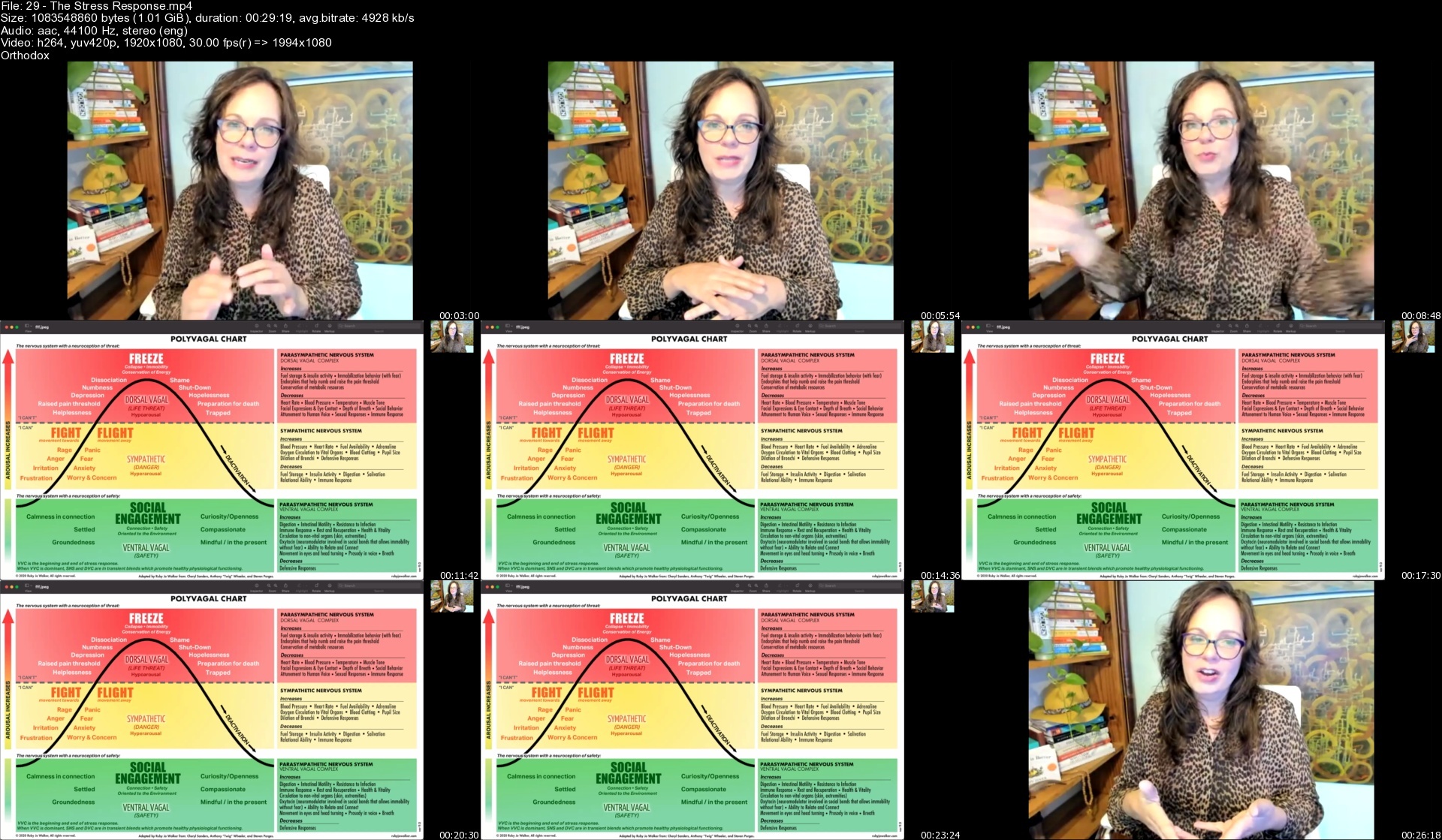
Lecture 29 The Stress Response

Lecture 30 Find growth during your coping | The GUIDED Process

Lecture 31 Mental Health at Work: The Great Resignation

Section 24: Bonus Lecture: Visual Storytelling: Why Culture Matters

Lecture 32 My Story of Retirement Planning

Section 25: BONUS LECTURES 2022: NANO TOOLS SERIES

Lecture 33 Setting Priorities: What Matters Most

Lecture 34 INNOVATIVETHINKING: USING NEUROSCIENCETO GET OUT- OF-THE-BOX IDEAS

Lecture 35 Work Less Accomplish More

Section 26: GRIT

Lecture 36 GRIT: The 3 Things

Lecture 37 GRIT: The Hurt Leader

Leaders in organizations

Homepage


29thestressresponsesndf2h.jpg


300+ Python Exercises (Simple and Complex) with Algorithm

4385492127f22zihk.jpg


300+ Python Exercises (Simple and Complex) with Algorithm
Last Update: 9/2022
Duration: 29h 50m | Video: .MP4, 1280x720 30 fps | Audio: AAC, 48 kHz, 2ch | Size: 13 GB
Genre: eLearning | Language: English

You will Learn Python with 300+ Exercises to solve Real World Problems. Simple, Intermediate and Complex Exercises


What you'll learn:
After this course, your Python Programming Skill will Improve.
You will get in this course Simple, Intermediate and Complex Tasks with proper Algorithm and Support
After this course you will be able to Learn Properly as Artificial intelligence, Data Science, Web Development, Data Analytics etc.
This course will CLEAR 100% your weak Python Concepts
You will get Solution for each Problem with its Algorithm, PPT Notes, Special Support and Assignment

Requirements
Generally, no need of prerequisites for this course but Basic knowledge of Python is best if you have!


Description
Hi, Welcome to Python Problem Solving Course with 300+ Exercises.
Instructor Experience and Education
Faisal Zamir
Master in Computer Science
5+ Year Experience in School, Colleges, University etc
Our Uniqueness (We Focus Always)
You should know that we always focus on something,
Quality
Clear Topics
Examples
Assignments
Exercises
Note
This course contains three sections
Simple Tasks
Intermediate Tasks
Complex Tasks
And you will get 300+ Exercises for your Python Programming Improvement
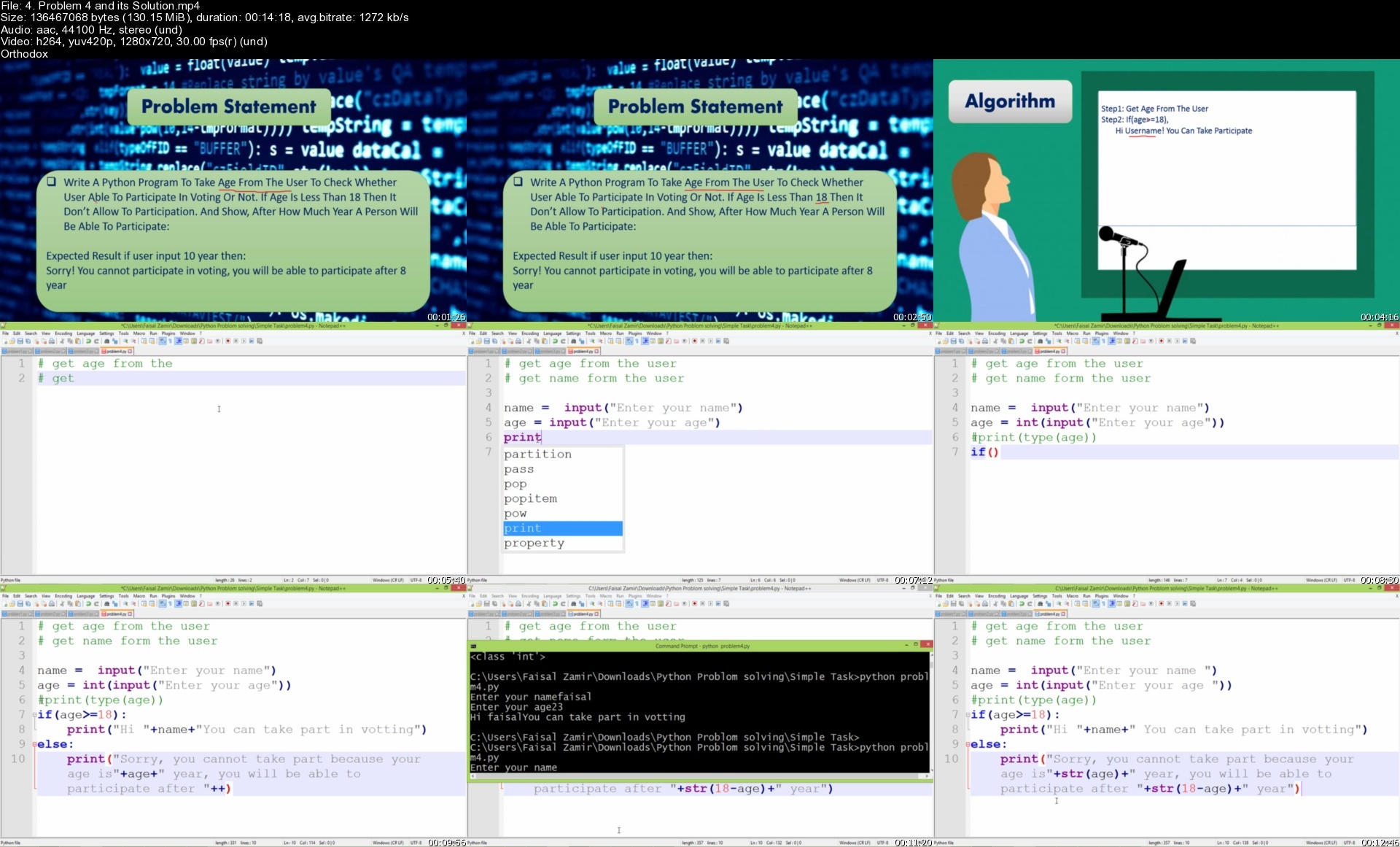
We share a problem with you and then we will provide a solution for that problem.
And You will get with each Exercise (Solution)
1. Source Code
2. Algorithm
3. PPT Notes
4. Assignment for more Practice

Sure, you will not get bored with this course, because we will touch you every time.
You will be free to ask any question, we will provide the best answer/solution.
Our main purpose in this course is to focus on students' practice with their hands.
You will learn how to solve a problem in programming as Python
Always focus on your learning & don't waste your time.

Advantage of this course
When you Enroll to this course you will get following advantages
Surely, you will get Video Lectures
We will Provide Assignments for your Practice
We will Provide Problems and their solution when require
We will Provide PPT Notes and other Notes when require
We will Provide all Source Code as we write in Course
Proper Management in Study Materials
Thank you!

Who this course is for
This course is for those, who want to improve their Python Programing Skill, Solving different Real World Problems.

Homepage

4.problem4anditssolutovcpm.jpg


Tutorial Stylized Game Character

maxresdefaultpri4j.jpg


Tutorial Stylized Game Character
Instructors: Florian Neumann
44 Lessons | Duration: 14h 30m
Video: MP4 1920x1080 44 KHz | English
Size: 12 GB

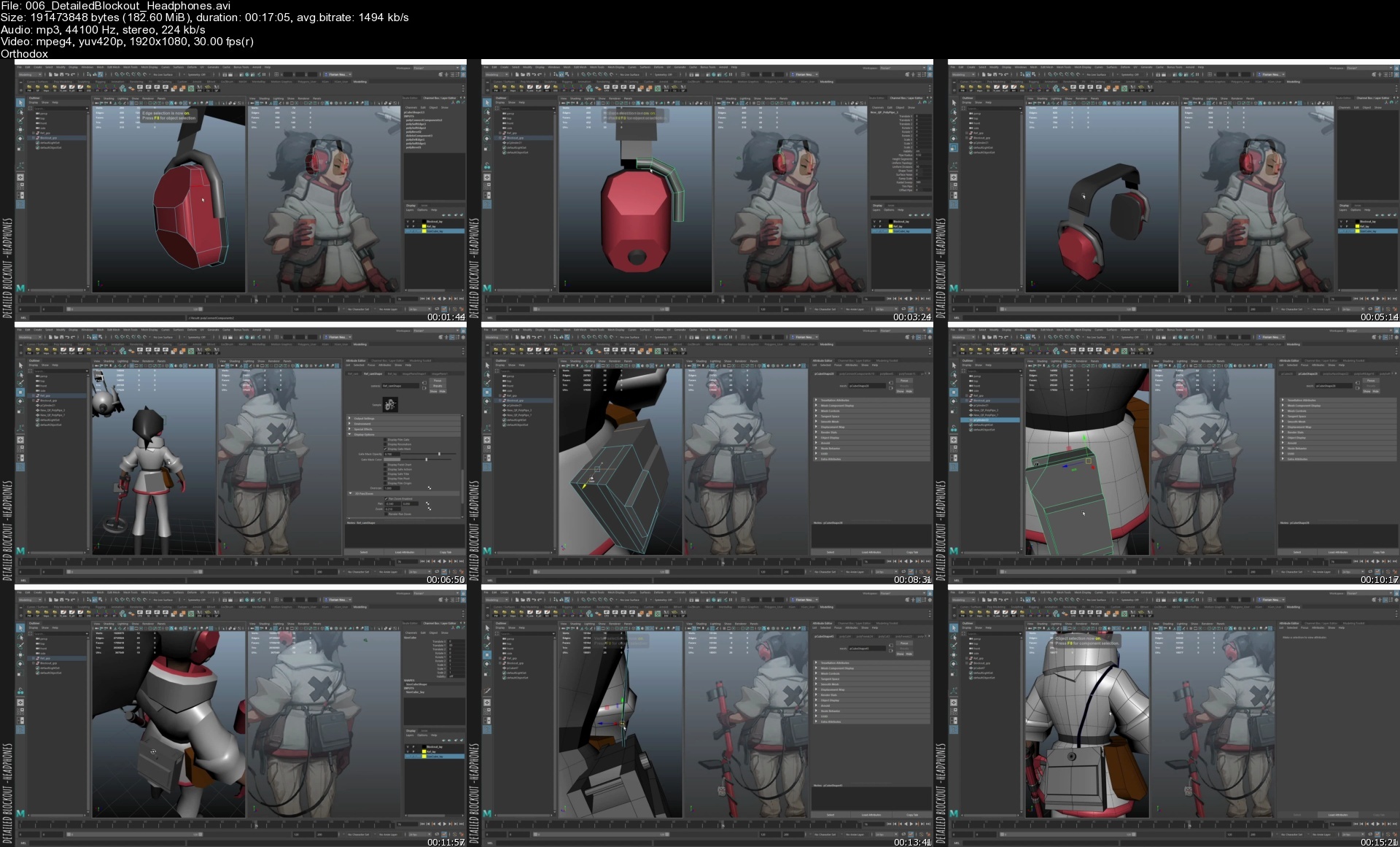
Today I want to share some of my knowledge with you, more specifically I want to show you how to create stylized Character for Videogames!

If you have any questions, suggestions or comments feel free to contact me directly on Artstation or leave a comment in the Ratings & Reviews section!

I hope you will enjoy it and hopefully learn something as well! :)

44 Videos = ~ 14.5h of Step by Step Tutorial with english Narration
Blockout
Highpoly
Lowpoly
UVs
Baking
Texturing
Posing
Rendering
Working Files for the Videos
Full Process with English Narration
Maya Scripts, Shelf and Marking Menus
Final ZBrush and Maya Files
Final Highpoly Asset
Textured Lowpoly
This Tutorial comes with FBX files that represent the beginning of most Videos. That means if you are only interested in learning about one certain aspect of the tutorial, you can just start from any video and use my files!

006detailedblockouthe88emj.jpg


Mark Teacher'S Ielts Speaking System

ap8qkoafg4bizb0jybvkeake5g.jpg


Mark Teacher'S Ielts Speaking System
Published 9/2022
MP4 | Video: h264, 1280x720 | Audio: AAC, 44.1 KHz
Language: English | Size: 8.47 GB | Duration: 14h 39m

The most focused, organised, in-depth IELTS Speaking preparation course available online


What you'll learn
Master IELTS-specific grammar, language and answer structures built around the exact challenges of the IELTS test and become better prepared than ever before
With me, you'll create 14 intelligently designed language and grammar organisers, full of the exact vocabulary and structure you need to face IELTS questions
Try 15 different Exam Simulations to get used to the real pressures and challenges of IELTS
Watch over 120 videos of engaging slides, in-depth explanations, lots and lots of examples, and practise with supplemental homework activities
Get 1-on-1 feedback from an IELTS tutor with 10 years of experience
Requirements
A B1-level of English is required to understand the explanation videos. Subtitles are included.

Description
Using Mark Teacher's IELTS Speaking System, you will never be more ready to face your IELTS Speaking test.Gain structure and confidence in your English with over 120 video lessons, containing grammar explanations, answer strategies and hundreds of examples specifically designed around the challenges of the IELTS Speaking test, all from all in one in-depth, online interactive course. Together, we will create 14 language and grammar organisers based on the specific types of questions you will face in the IELTS Speaking test. When we're finished, you can follow your organisers to make coherent, extensive and high-band IELTS answers to any IELTS Speaking question! Watch dozens of answer analysis videos, where I use the same language in this course to create high-band IELTS Speaking answers, and show you just how powerful and reliable the organisers are. Try 15 different Exam Simulations to get used to the real pressures and challenges of IELTS and then revise and recycle with dozens of extra practice activities and get my 1-on-1 feedback any time!Mark Teacher's IELTS Speaking System is the culmination of 10 years of IELTS tutoring, creating IELTS materials and helping students take control of their futures. Start today and be ready for everything you might face in your real IELTS Speaking test!

Overview

Section 1: Course Introduction

Lecture 1 Introduction

Section 2: Part 1 - Unit 1 - Your Preferences

Lecture 2 Video 1 - Introduction

Lecture 3 Video #2 - Closed Answers

Lecture 4 Video #3 - Preference Phrases

Lecture 5 Video #4 - Context

Lecture 6 Negatives - New Target Language

Lecture 7 Emphasis - New Target Language

Lecture 8 Video #5 - Answer Analysis #1

Lecture 9 Video #6 - Evidence & Experiences

Lecture 10 Video #7 - Answer Analysis #2

Lecture 11 Exam Simulation - Your Preferences

Lecture 12 Download *all* Part 1 Homework Activities

Section 3: Part 1 - Unit 2 - Your Habits

Lecture 13 Video #1 - Introduction

Lecture 14 Video #2 - Habits Phrases

Lecture 15 Video #3 - Phrases & Grammar

Lecture 16 Video #4 - Answer Analysis #1

Lecture 17 Video #5 - Changes & Exceptions

Lecture 18 Video #6 - Answer Analysis #2

Lecture 19 Exam Simulation - Your Habits

Section 4: Part 1 - Unit 3 - Your Memories

Lecture 20 Video #1 - Introduction

Lecture 21 Video #2 - Memories Phrases

Lecture 22 Video #3 - Memories and Past Habits

Lecture 23 Video #4 - Grammar

Lecture 24 Video #5 - Past Obligations and Rules

Lecture 25 Video #6 - Answer Analysis #1

Lecture 26 Video #7 - Emergency Grammar!

Lecture 27 Video #8 - Time Phrases

Lecture 28 Video #9 - Answer Analysis #2

Lecture 29 Exam Simulation - Your Memories

Section 5: Part 1 - Unit 4 - Your Circumstances

Lecture 30 Video #1 - Introduction

Lecture 31 Video #2 - Nouns (Simple Method)

Lecture 32 Video #3 - Relative Clauses (Complex Method)

Lecture 33 Video #4 - 1st Conditional and multiple circumstances

Lecture 34 Video #5 - Answer Analysis

Lecture 35 Exam Simulation - Your Circumstances

Section 6: Part 1 - Unit 5 - Your Country

Lecture 36 Video #1 - Introduction

Lecture 37 Video #2 - How Common

Lecture 38 Video #3 - Trends

Lecture 39 Video #4 - Examples

Lecture 40 Video #5 - Conditionals

Lecture 41 Video #6 - Answer Analysis #1

Lecture 42 Video #7 - Generalising

Lecture 43 Video #8 - Adverbs

Lecture 44 Video #9 - Noun Phrases and Adverbial Phrases

Lecture 45 Video #10 - Answer Analysis #2

Lecture 46 Exam Simulation - Your Country

Lecture 47 Exam Simulation - Part 1 Review

Section 7: Part 2 - Unit 6 - Places

Lecture 48 Video #1 - Introduction

Lecture 49 Video #2 - Places + Details #1

Lecture 50 Video #3 - Places + Details #2

Lecture 51 Video #4 - Signposts

Lecture 52 Video #5 - Answer Analysis #1

Lecture 53 Video #6 - Defining Relative Clauses

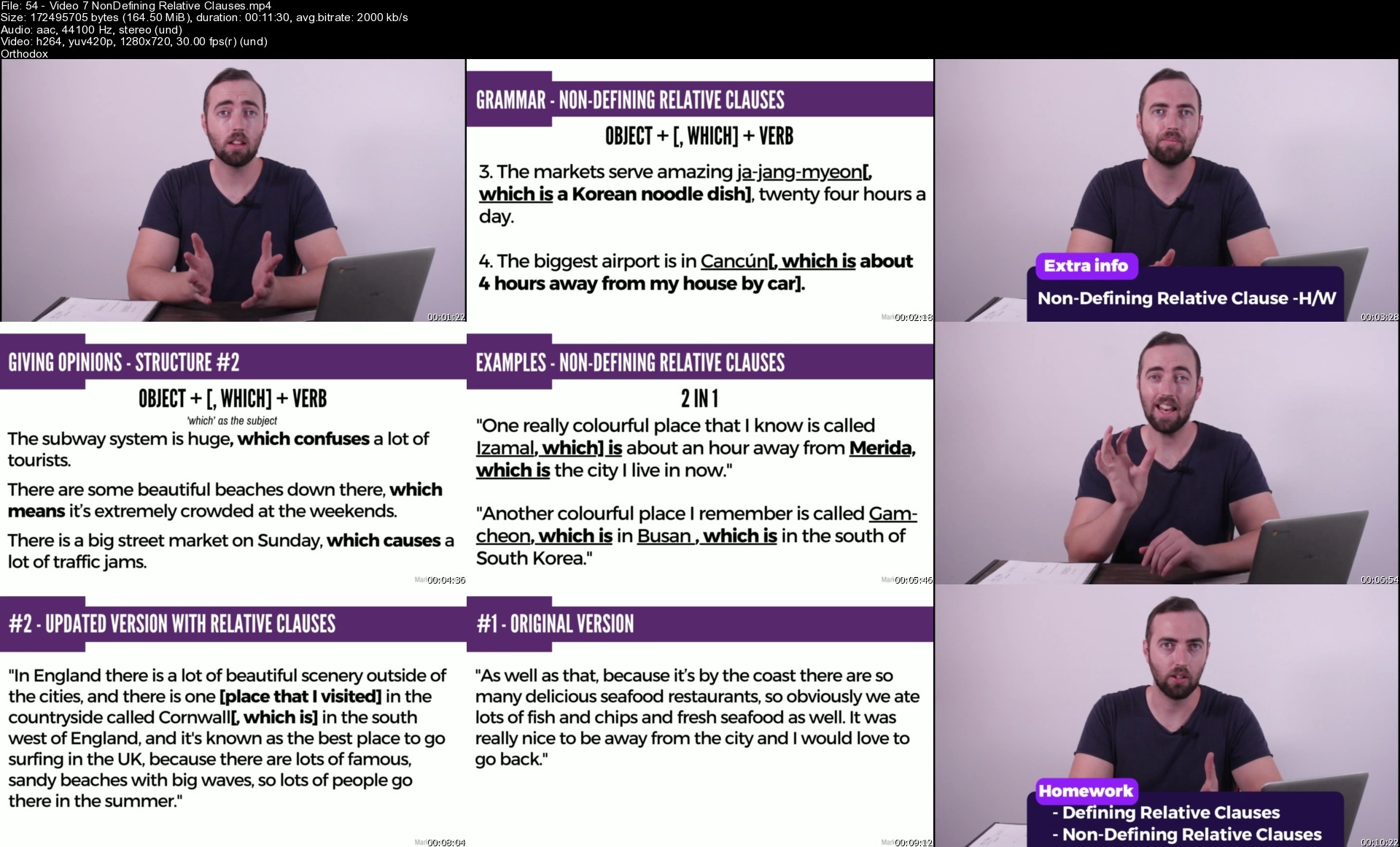
Lecture 54 Video #7 - Non-Defining Relative Clauses

Lecture 55 Prepositions & Locations - New Target Language

Lecture 56 Recommendations & Signposts - New Target Language

Lecture 57 Video #8 - Answer Analysis #2

Lecture 58 Exam Simulation - Part 2: Places Cue Cards

Lecture 59 Download *all* Part 2 Homework Activities here

Section 8: Part 2 - Unit 7 - Dreams & Wishes

Lecture 60 Video #1 - Introduction

Lecture 61 Video #2 - Introducing Dreams and Wishes

Lecture 62 Video #3 - Hypothetical Answer Strategy

Lecture 63 Video #4 - Answer Analysis #1

Lecture 64 Video #5 - Imaginary Changes

Lecture 65 Video #6 - Answer Analysis #2

Lecture 66 Exam Simulation - Part 2: Dreams and Wishes Cue Cards

Section 9: Part 2 - Unit 8 - People

Lecture 67 Video #1 - Introduction

Lecture 68 Video #2 - Opinions and Reasons

Lecture 69 Video #3 - Similarities

Lecture 70 Video #4 - Habits

Lecture 71 Video #5 - Answer Analysis #1

Lecture 72 Video #6 - Contrasts

Lecture 73 Video #7 - Behaviour

Lecture 74 Video #8 - Impressions and Famous People

Lecture 75 Video #9 - Causative Verbs

Lecture 76 Video #10 - Answer Analysis #2

Lecture 77 Exam Simulation - Part 2: People Cue Cards

Section 10: Part 2 - Unit 9 - Experiences

Lecture 78 Video #1 - Introduction & Organiser

Lecture 79 Video #2 - Basic Signposts

Lecture 80 Video #3 - Advanced Starts

Lecture 81 Video #4 - Advanced Middles

Lecture 82 Video #5 - Advanced Endings

Lecture 83 Video #6 - Answer Analysis #1

Lecture 84 Video #7 - Context / Background #1

Lecture 85 Video #8 - Adverbs of Attitude

Lecture 86 Video #9 - Storytelling Adverbs

Lecture 87 Video #10 - Answer Analysis #2

Lecture 88 Video #11 - Context / Background #2

Lecture 89 Video #12 - Reactions

Lecture 90 Video #13 - Looking Forward and Back

Lecture 91 Video #14 - Answer Analysis #3

Lecture 92 Exam Simulation - Part 2: Experience Cue Cards

Section 11: Part 3 - Unit 10 - Closed Questions

Lecture 93 Video #1 - Introduction

Lecture 94 Video #2 - Answer #1

Lecture 95 Video #3 - Answers 2 ~ 3

Lecture 96 Video #4 - Answers 4 ~ 5

Lecture 97 Video #5 - Answers 6 ~ 7

Lecture 98 Exam Simulation - Part 3: Closed Questions

Lecture 99 Part 3 - Closed Questions - Homework

Section 12: Part 3 - Unit 11 - Why Questions

Lecture 100 Video #1 - Introduction

Lecture 101 Video #2 - Answers 1 ~ 2

Lecture 102 Video #3 - Answers 3 ~ 4

Lecture 103 Video #4 - Answers 5 ~ 6

Lecture 104 Video #5 - Answer 7 ~ 8

Lecture 105 Exam Simulation - Part 3: Why Questions

Lecture 106 Why Questions - Homework Activities

Section 13: Part 3 - Unit 12 - Comparison Questions

Lecture 107 Video #1 - Introduction & Organiser

Lecture 108 Video #2 - Answers 1 ~ 3

Lecture 109 Video #3 - Answers 4 ~ 5

Lecture 110 Video #4 - Answers 6 ~ 7

Lecture 111 Exam Simulation - Part 3: Comparison Questions

Lecture 112 Part 3 - Comparison Questions - Homework Activities

Section 14: Part 3 - Unit 13 - How Questions

Lecture 113 Video #1 - Introduction & Organiser

Lecture 114 Video #2 - Answers 1 ~ 2

Lecture 115 Video #3 - Answers 3 ~ 4

Lecture 116 Video #4 - Answers 5 ~ 6

Lecture 117 Video #5 - Answer 7

Lecture 118 Exam Simulation - Part 3: How Questions

Lecture 119 Part 3 - How Questions - Homework Assignments

Section 15: Part 3 - Unit 14 - Changes Questions

Lecture 120 Video #1 - Introduction

Lecture 121 Video #2 - Answers 1 ~ 2

Lecture 122 Video #3 - Answers 3 ~ 5

Lecture 123 Video #4 - Answers 6 ~ 7

Lecture 124 Video #5 - Answer 8

Lecture 125 Exam Simulation - Part 3: Changes Questions

Lecture 126 Part 3 - Unit 14 - Changes Homework Assignments

If you only the time and money to take *one* IELTS Speaking course and still be totally prepared for anything before your IELTS Speaking test - this is the course for you.

Homepage


54video7nondefiningrevjfep.jpg


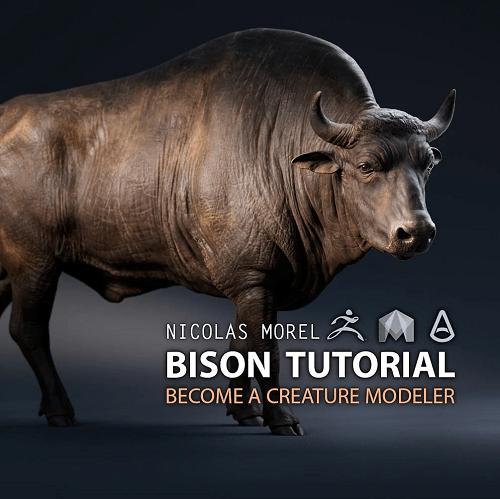
Bison Modeling Tutorial

krkwu7y0arm8xjhrbhk8d76d49.png


Bison Modeling Tutorial
MP4 | Video: h264, yuv420p, 1920x1080 | Audio: aac, 48000 Hz | Duration: 19h 30m | 9.08 GB
Genre: eLearning | Language: English

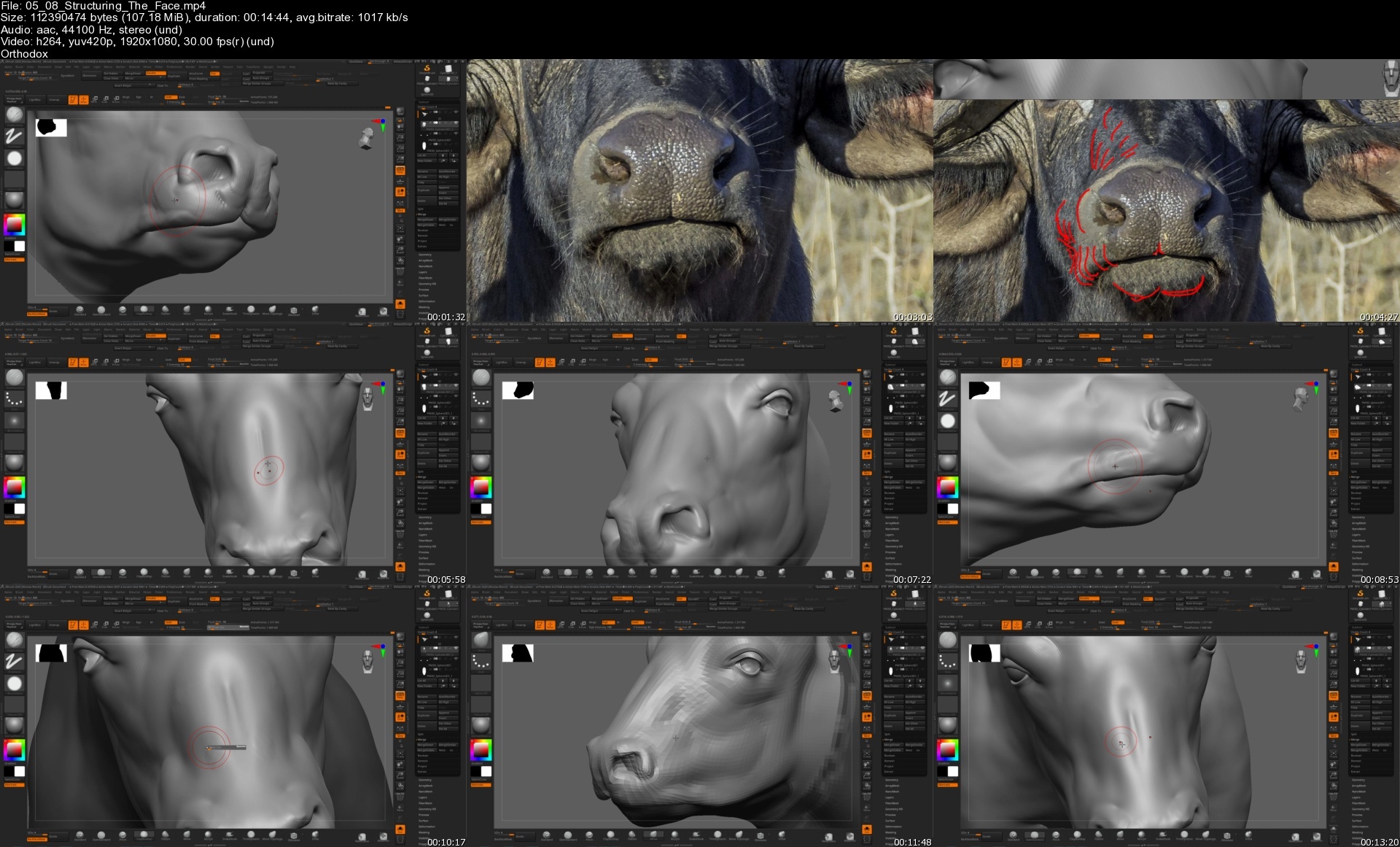
In this tutorial I will cover all the essential steps to create this Bison, with an accurate Anatomy, using carefully chosen references. Techniques That can then be applied to any kind of animal or Creature.

I show how to
* Choose your references.
* Do basic proportions & build your anatomy.
* Hand retopology and UVS.
* Detail your anatomy and skin using Alphas.
* Get started with your texturing & Create a lookdev scene.

Homepage

0508structuringthefac9zdq8.jpg


Machine Learning: Learn By Building Web Apps in Python

48984048a5b94i29.jpg


Machine Learning: Learn By Building Web Apps in Python
Published 09/2022
MP4 | Video: h264, 1280x720 | Audio: AAC, 44.1 KHz, 2 Ch
Genre: eLearning | Language: English | Duration: 91 lectures (18h 1m) | Size: 7.2 GB

Learn basic to advanced Machine Learning algorithms by creating web applications using Flask!!


What you'll learn
Master Machine Learning on Python
Learn about Regression, Classification tasks
Learn about neural networks
Learn about Deep neural networks with projects
Create web applications using flask
Simple Model building with Scikit-Learn , TensorFlow and Keras
Creating REST API for Machine Learning models
Learn about Exploratory Data Analysis
Implement linear, logistic regression
Implement convolution neural network
Learn about Postman to test API endpoints

Requirements
Any laptop and an internet connection
Basic knowledge of Python programming is must


Description
Machine learning is a branch of artificial intelligence (AI) focused on building applications that learn from data and improve their accuracy over time without being programmed to do so.

In data science, an algorithm is a sequence of statistical processing steps. In machine learning, algorithms are 'trained' to find patterns and features in massive amounts of data in order to make decisions and predictions based on new data. The better the algorithm, the more accurate the decisions and predictions will become as it processes more data.

Machine learning has led to some amazing results, like being able to analyze medical images and predict diseases on-par with human experts.

Google's AlphaGo program was able to beat a world champion in the strategy game go using deep reinforcement learning.

Machine learning is even being used to program self driving cars, which is going to change the automotive industry forever. Imagine a world with drastically reduced car accidents, simply by removing the element of human error.

Topics covered in this course

1. Warm-up with Machine learning Libraries: numpy, pandas

2. Implement Machine Learning algorithms: Linear, Logistic Regression

3. Implement Neural Network from scratch

4. Introduction to Tensorflow and Keras

5. Start with simple "Hello World" flask application

6. Create flask application to implement linear regression and test the API's endpoints

7. Implement transfer learning and built an app to implement image classification

Who this course is for
Programmer who wants to learn machine learning by creating web applications
Data Scientists who want to know how to test & monitor their models beyond
Beginner Python programmer
Machine Learning engineer who wants to create fun projects using their basic skills

Homepage


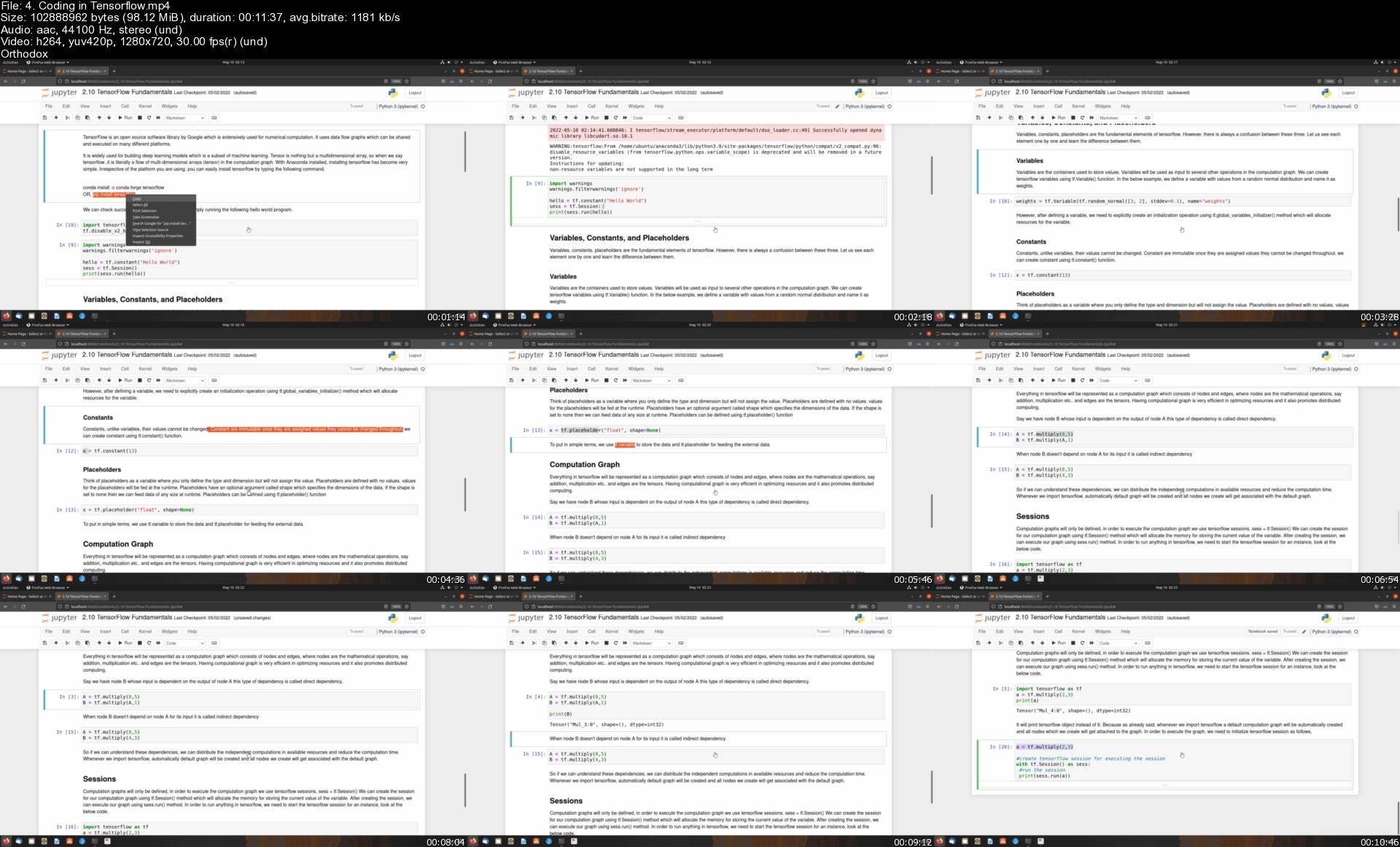
4.codingintensorflowsjkfc2.jpg


Adobe Lightroom: Alles komplett von A bis Z inkl. Plugins

5gtnff3onukdpxdkoqvvuhqdxb.jpg


Adobe Lightroom: Alles komplett von A bis Z inkl. Plugins
Video: .mp4 (1280x720, 30 fps(r)) | Audio: aac, 48000 Hz, 2ch | Size: 7.37 GB
Genre: eLearning Video | Duration: 87 lectures (11 hour, 48 mins) | Language: Deutsch

Entdecke professionelle Bildver- & bearbeitung mit Adobe Lightroom Classic CC V10 sowie kostenfreien Support & Plugins!


What you'll learn

Nachdem du alle Tutorials des Kurses entdeckt hast, beherrscht du Lightroom Classic CC und seine Funktionen.
Deine Bilderverwaltung ist strukturiert, ordentlich und sehr schnell.
Deine Bildbearbeitung erreicht das nächste Level - und dass in weniger Zeit.
Deine Fans und Abonnenten sind von den neuen Bildern begeistert.
Kunden und Freunde sind erstaunt, wie schnell und gut du die Bilder verarbeitest.
Du kannst Fehler und störende Objekte aus deinen Bildern entfernen.
Farben und Schärfe korrigierst du in Zukunft schneller.
Dein Workflow hat sich massiv verbessert.
Chromatische Aberration, Teiltonung, Farbton und Dynamik sind keine Rätsel mehr.
Und vieles mehr!

Requirements

Du brauchst einen Computer mit dem Adobe Lightroom Classic CC verwenden kannst.
Lege dir am Besten einen Stift und Zettel für deine Notizen bereit.
Du erhälst die Bilder aus dem Kurs oder kannst mit deinen eigenen mitarbeiten.


Description

Wenn du Fotos auf Profiniveau bearbeiten, verwalten und veröffentlichen möchtest, ist diese Masterclass genau das Richtige für dich!

(Der Kurs ist auf dem Stand vom September 2021 und behandelt das aktuelle Adobe Lightroom Classic Version 10.X - ehemals Adobe Lightroom 6 oder auch Lightroom CC offline).

Ich bin Justus Zeemann und seit 6 Jahren erfolgreicher Berufsfotograf und Videograf. Durch die Betreuung vieler verschiedener Unternehmen konnte ich mir ein umfangreiches Wissen aneignen. In diesem Kurs zeige ich dir alles, was du brauchst, um mit Adobe Lightroom Classic CC professionell zu arbeiten und deine Bilder in der Zukunft schöner und schneller zu bearbeiten.

Teilnehmerin Monika Toff schreibt
"Ich habe Lightroom schon länger in Verwendung und wollte den Kurs machen, um auch alle letzten Tipps und Tricks zum Programm zu erfahren - ich konnte voll davon profitieren, der Kurs ist sehr empfehlenswert!!"

Teilnehmer Werner Schneider schreibt
"Hallo, Danke an Justus für den guten Kurs! Nachdem ich nun Ps / Lr seit einiger Zeit durch "learning by doing" angefasst habe - nun der große Sprung vorwärts: die Leistungsfähigkeit der Systeme aufgezeigt zu bekommen, anhand praktischer Beispiele, ist für mich sehr hilfreich. Freundliche Grüße Werner."

"Einmal von oben bis unten bitte" - das beschreibt diesen Kurs sehr gut. Du lernst alles, was du mit Lightroom Classic anstellen kannst - und noch mehr.

Adobe Lightroom Download und Installation.

Verwaltung und Organisation deiner Bilder.

Bearbeitung der Bilder von A bis Z mit vielen praxisnahen Beispielen vom Haustier übers Portrait bis zur HDR Aufnahme - sowohl aus der DSLR wie auch aus dem Smartphone.

Da du mit Lightroom Mobile (Lightroom CC) alles von unterwegs erledigen kannst, gibt es hierzu ein eigenes, umfangreiches Kapitel, in dem alle Funktionen der Browser-, Smartphone- und Tablet Versionen erklärt werden.

Von Haus aus fehlen Lightroom im Bereich der automatischen Veröffentlichungen einige Funktionen. In dieser Masterclass erfährst du, wo und wie du die nötigen PlugIns dafür bekommst und einrichtest.

Natürlich fehlen auch die Infos und Beispiele zu den normalen Tools wie Druckumgebung, Webgalerien, Bucherstellung und Diashow nicht.

Während der Lektionen erfährst du allerhand Tipps & Tricks, Tastenkürzel und Hintergrundwissen.

Die Bilder aus dem Kurs stehen dir natürlich auch zur Verwendung als Download bereit! Somit kannst du jederzeit mitarbeiten und die Schritte aus dem Kurs Stück für Stück selber erleben!

Teilnehmerin Tanja Rolla schreibt
"Konnte einiges neues mitnehmen. Jetzt geht's ans üben ;)"

Teilnehmer Manuel Wilke schreibt
"Ich kannte Lightroom schon vor dem Kurs, habe es aber nie richtig genutzt. Dank der Infos aus dem Kurs kann ich nun viel mehr aus meinen Bildern herausholen und sie besser verwalten. Auch abseits des Kurses geht Justus auf meine Fragen ein und hat meine Fotografie schon ein ordentliches Stück voran gebracht. Ich freue mich, dass ich diesen Kurs gekauft habe. Weiter so!"

Du kannst das Geld für den Kurs innerhalb von 30 Tagen zurück erhalten, wenn dir der Kurs nicht gefällt.
Der Kurs gibt dir die Chance deine Bildver- und bearbeitung auf das nächste Level zu heben! Nutze deine Chance und schreibe dich jetzt gleich ein!

Who this course is for

An alle, die danke Adobe Lightroom Classic CC mehr aus ihren Bildern holen möchten.
Wenn du den vollen Durchblick in Lightroom haben möchtest, lässt dieser Kurs keine Fragen offen.
Jeder, der keine Lust mehr auf chaotische Bildersammlungen und matte, farblose Bilder hat.

Course content
14 sections • 87 lectures • 11h 48m total length

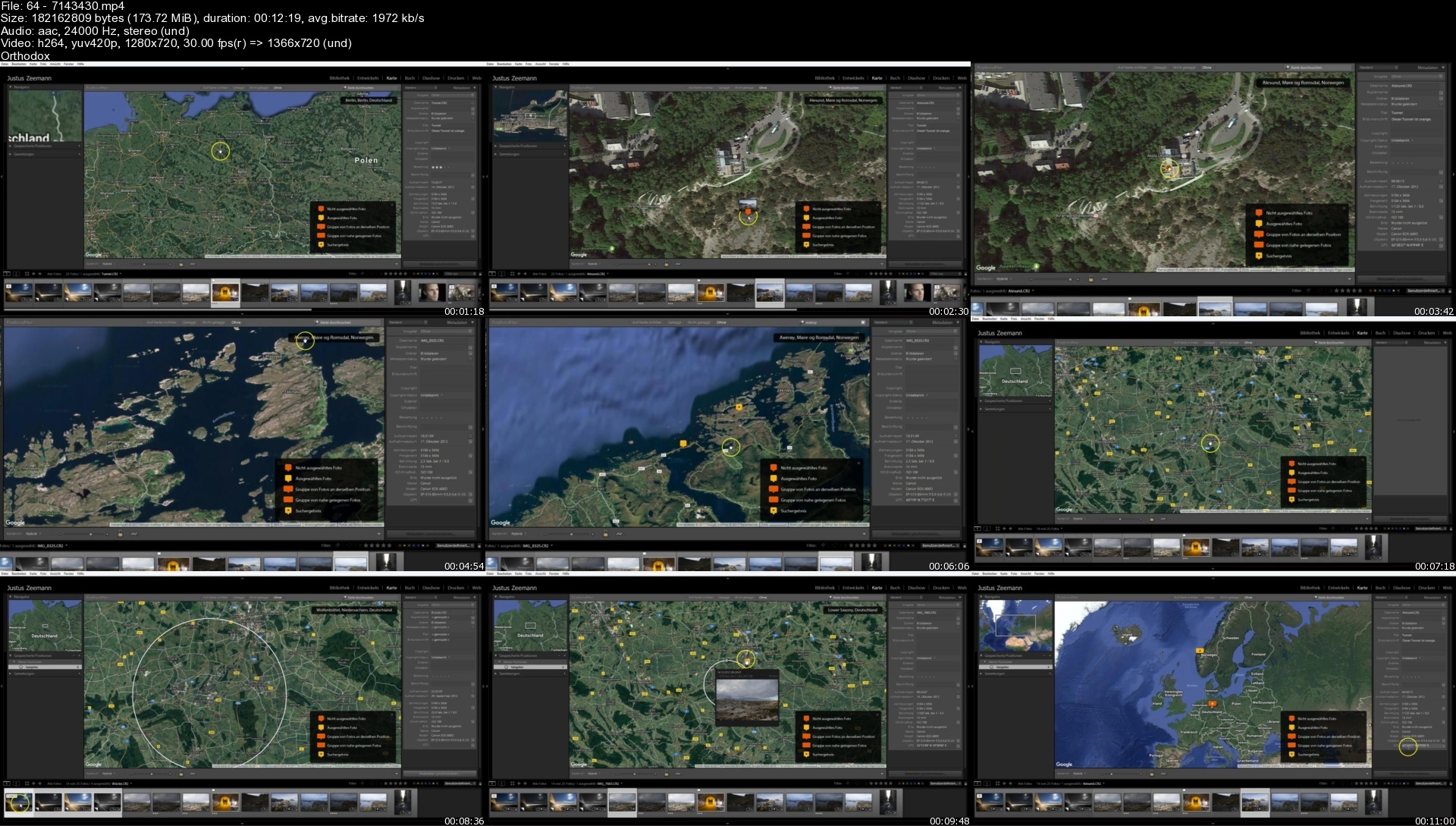
647143430stiiue.jpg


Az-305 : Azure Architect Design Certification Prep

vw5mqf6crcepbbshqqvjtrhccz.jpg


Az-305 : Azure Architect Design Certification Prep
Last updated 4/2022
MP4 | Video: h264, 1280x720 | Audio: AAC, 44.1 KHz
Language: English | Size: 8.35 GB | Duration: 22h 37m

Be able to advise customers and translate business requirements into Azure solutions by taking the AZ-305 exam!


What you'll learn
Learn how to design and architect Azure solutions
Requirements
Azure Solution Architects who advise stakeholders and translates business requirements into secure, scalable, and reliable solutions.
This role requires managing how decisions in each area affects an overall solution. Candidates must be proficient in Azure administration, Azure development, and DevOps, and have expert-level skills in at least one of those domains.
Candidates should have advanced experience and knowledge across various aspects of IT operations, including networking, virtualization, identity, security, business continuity, disaster recovery, data management, budgeting, and governance.

Description
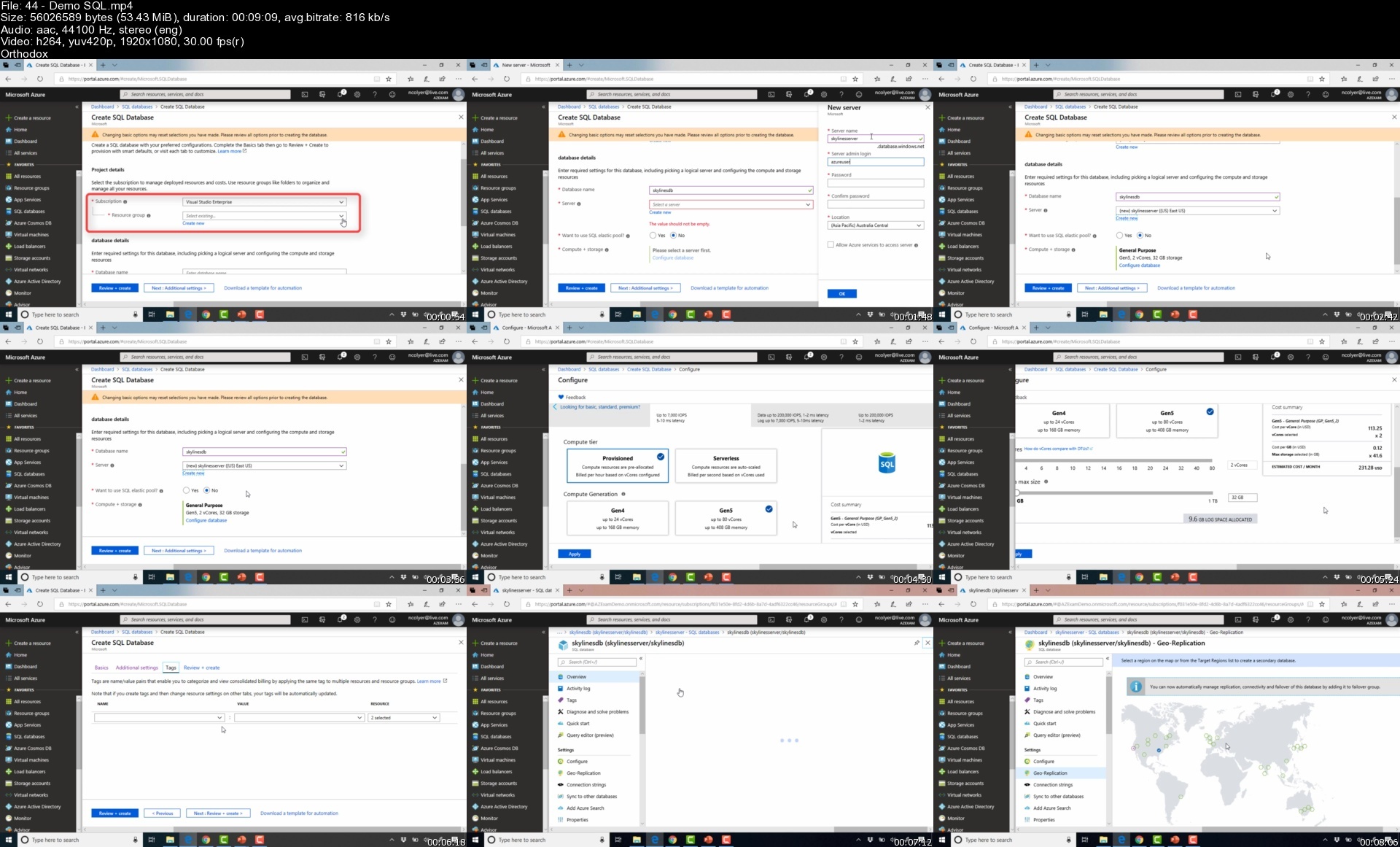
Updated: April 10th 2022 - AZ-304 to AZ-305 updates! Microsoft has updated the exam to AZ-305 and this course is changing in accordance.Revised Governance, Identity, Monitoring Sections to reflect AZ-305 curriculum updates.Welcome to the Skylines Academy AZ-305 certification course!The AZ-305 (NEW EXAM) course is intended for IT engineers and architects who have previous experience of Microsoft Azure. Since Azure services were released, there have been several additions and updates to the platform that will be explored in this course. In order for you to achieve success and pass the AZ-305 exam, this Skylines Academy course will guide you through a series of sections, lectures, demonstrations, and hands-on labs, alongside other helpful study material. We have got you covered!During this course, you will gain knowledge and hands-on experience of:Design for GovernanceDesign for IdentityDesign for Logging & MonitoringImplement Cost Optimization for your environmentDesign Compute such as Virtual Machines for Windows and LinuxDesign and Manage Storage AccountsDeploy Automation and Configure ResourcesDesign Load Balancing and Network SecurityDesign for High AvailabilityArchitect Security for ApplicationsDesign an Application InfrastructureDesign Container-based ApplicationsDesign Data Platforms like Azure SQL and CosmosDBDesign a solution for Backup and Recovery with Azure Backup and ASRDesign Migrations using Azure MigrateLectures will educate you on the fundamental terms and principles of the Azure platform and demos will enable you with a hands-on experience using scenarios to empower you in the real world.Note: This course is being upgraded FREE OF CHARGE to the AZ-305 exam. All students can take either exam and the course will cover you fully.

Overview

Section 1: AZ-304 Course Introduction

Lecture 1 AZ-304 Course Introduction

Lecture 2 Connect with us and your fellow students

Lecture 3 PowerShell Reference Guide

Section 2: Design for Governance

Lecture 4 Accounts & Subscriptions Overview

Lecture 5 Subscription Management Demo

Lecture 6 Resource Groups

Lecture 7 Resource Groups and Tagging

Lecture 8 Role Based Access Controls

Lecture 9 RBAC Demo

Lecture 10 Azure Resource Locks

Lecture 11 Azure Resource Locks Demo

Section 3: Design Authentication

Lecture 12 Lecture: Domain Services

Lecture 13 Lecture: Azure AD Overview

Lecture 14 Lecture: Azure AD Connect

Lecture 15 Demo: Create Azure AD Tenant

Lecture 16 Demo: Manage Users and Groups

Lecture 17 Review: Authentication Options

Lecture 18 Lecture: SSO and MFA

Lecture 19 Lecture: Self Service and Password Reset

Lecture 20 Lecture: Identity Protection

Lecture 21 Demo: Identity Protection

Lecture 22 Lecture: PIM

Lecture 23 Demo : PIM Setup

Lecture 24 Demo: PIM RBAC

Lecture 25 Demo: PIM Role Activation

Section 4: Design Monitoring & Logging Solutions

Lecture 26 Azure Monitoring Overview

Lecture 27 Monitoring Scenarios

Lecture 28 Alerting

Lecture 29 Demo: Monitoring & Alerting

Lecture 30 Design Considerations for Monitoring

Section 5: AZ-304 - Design for Cost Optimization

Lecture 31 Lecture: Cost Management and Pricing Calculators

Lecture 32 Demo: Cost Management

Lecture 33 Artifact: Cost Calculator

Section 6: AZ-304 - Design Governance

Lecture 34 Lecture: Azure Locks

Lecture 35 Demo: Azure Locks

Lecture 36 Lecture: Azure Policy

Lecture 37 Demo: Azure Policy and Management Groups

Section 7: AZ-304 - Design Security for Applications

Lecture 38 Lecture: Key Vault

Lecture 39 Demo: Key Vault

Lecture 40 Link: Key Vault Integration

Section 8: AZ-304 - Design Data Storage

Lecture 41 Lecture: Types of Data

Lecture 42 Lecture: Azure SQL

Lecture 43 Lecture: SQL Pricing Models

Lecture 44 Demo: SQL

Lecture 45 Lecture: SQL Auditing

Lecture 46 Lecture: Caching

Lecture 47 Demo: SQL Long Term Backups

Lecture 48 Lecture: Cosmos DB

Lecture 49 Lecture: Cosmos Consistency Levels

Lecture 50 Lecture: Big Data

Lecture 51 Lecture: Azure Data Factory

Section 9: AZ-304 - Design Storage Accounts

Lecture 52 Lecture: Storage Overview

Lecture 53 Lecture: Storage Account Overview

Lecture 54 Demo: Storage Account Portal

Lecture 55 Lecture: Manage Permissions

Lecture 56 Lecture: SAS Demo

Lecture 57 Lecture: Storage Keys

Section 10: AZ-304 - Design a Solution for Backup and Recovery

Lecture 58 Lecture: Service Level Agreements

Lecture 59 Lecture: Business Continuity

Lecture 60 Lecture: Azure Site Recovery

Lecture 61 Demo: Prepare Azure for Site Recovery

Lecture 62 Demo: Prepare VMware for Site Recovery

Lecture 63 Lecture: Azure Backup Overview

Section 11: AZ-304 - Design Compute

Lecture 64 Lecture: Design Compute

Lecture 65 Lecture: VMs Overview

Lecture 66 Lecture: VM Images

Lecture 67 Lecture: Availability Sets and Zones

Lecture 68 Demo: Availability

Lecture 69 Lecture: Scaling Overview

Lecture 70 Demo: Scaling

Lecture 71 Lecture: Containers

Lecture 72 Demo: Install Docker

Lecture 73 Demo: Prepare App for AKS

Lecture 74 Demo: Create Azure Container Registry

Lecture 75 Demo: Create Kubernetes Cluster

Lecture 76 Demo: AKS Run App and Scale

Section 12: AZ-304 - Design Network

Lecture 77 Lecture: Network Overview

Lecture 78 Demo: Create Network in Portal

Lecture 79 Demo: Create Network in PowerShell

Lecture 80 Lecture: VNet Peering and Connectivity

Lecture 81 Demo: VNet Peering

Lecture 82 Lecture: Hybrid Networking

Lecture 83 Lecture: Routing

Lecture 84 Demo: User Defined Routes

Lecture 85 Lecture: Internet and DNS

Lecture 86 Demo: Private DNS

Lecture 87 Demo: Public DNS

Lecture 88 Lecture: Network Security Overview

Lecture 89 Lecture: Network Security Groups

Lecture 90 Demo: NSGs

Lecture 91 Lecture: Azure Firewall

Lecture 92 Lecture: Load Balancing

Lecture 93 Demo: Load Balancing

Lecture 94 Lecture: Front Door

Lecture 95 Demo: Front Door

Lecture 96 Lecture: Azure Bastion

Lecture 97 Lecture: DDOS Protection

Lecture 98 Demo: DDOS Protection

Section 13: AZ-304 - Design App Architecture

Lecture 99 Lecture: Microservices Architectures

Lecture 100 Lecture: Orchestrating Deployments

Section 14: AZ-304 - Design Migrations - END AZ-304 COURSE

Lecture 101 Lecture: Evaluate Migration Scenarios with Azure Migrate

Section 15: BEGIN AZ-301 COURSE - 0. Introduction

Lecture 102 AZ-301 Course Introduction

Lecture 103 Exam Basics

Lecture 104 AZ-301 Course Slides

Lecture 105 Link to Additional Study Material

Section 16: 1. Determine Workload Requirements

Lecture 106 Lecture: Identifying Requirements

Lecture 107 Lecture: Compliance and Security Requirements

Lecture 108 Lecture: Service Level Agreements

Section 17: 2. Design Identity Management

Lecture 109 Skip most of this section if...

Lecture 110 Lecture: Domain Services

Lecture 111 Lecture: Azure AD Overview

Lecture 112 Lecture: Azure AD Pricing

Lecture 113 Lecture: AD Connect Overview

Lecture 114 Lecture: Authentication Options

Lecture 115 Lecture: RBAC

Lecture 116 Demo: RBAC

Lecture 117 Lecture: Privileged Identity Management (PIM)

Lecture 118 Demo: PIM Setup

Lecture 119 Demo: PIM RBAC

Lecture 120 Demo: PIM RBAC

Section 18: 3.1 Data Services

Lecture 121 Lecture: Azure Data Services

Lecture 122 Lecture: Azure SQL Services

Lecture 123 Lecture: Azure SQL Pricing

Lecture 124 Demo: Azure SQL

Lecture 125 Lecture: SQL Auditing

Lecture 126 Lecture: SQL Caching

Lecture 127 Demo: SQL Long Term Retention

Lecture 128 Lecture: Cosmos DB

Lecture 129 Lecture Cosmos Consistency Levels

Lecture 130 Lecture: IoT

Lecture 131 Lecture: Big Data

Lecture 132 Lecture: SQL Data Warehouse Architecture

Lecture 133 Lecture: Data Storage and Integration Options

Lecture 134 Lecture: Database Choices

Section 19: 3.2 Storage Accounts

Lecture 135 Lecture: Azure Storage Services

Lecture 136 Lecture: Storage Account Overview

Lecture 137 Demo: Storage Account Portal

Lecture 138 Demo: Storage Explorer

Lecture 139 Lecture: Manage Permissions

Lecture 140 Demo: SAS Demo

Lecture 141 Lecture: Storage Key

Lecture 142 Lecture: Custom Domains

Section 20: 4. Establish Business Continuity

Lecture 143 Please Rate the Course!

Lecture 144 Lecture: Business Continuity and Recovery Overview

Lecture 145 Lecture: Azure Site Recovery

Lecture 146 Demo: Prepare Azure for ASR

Lecture 147 Demo: Prepare VMware

Lecture 148 Lecture: Azure Backup

Lecture 149 Lecture: Recovery Options Review

Lecture 150 Demo: Azure Backup

Lecture 151 Demo: Azure MARS Backup

Section 21: 5. Design Deployments and Migrations

Lecture 152 Lecture: Deployment and Automation Architecture

Lecture 153 Lecture: ARM Templates

Lecture 154 Demo: ARM Templates

Lecture 155 Lecture: Linking ARM Templates

Lecture 156 Demo: ARM Count Loops

Lecture 157 Demo: Save Deployment as Template

Lecture 158 Lecture: PowerShell DSC

Lecture 159 Demo: Azure Automation

Lecture 160 Demo: Azure Automation DSC

Lecture 161 Lecture: Migration Strategies

Lecture 162 Lecture: Azure Migrate Assessment

Lecture 163 Demo: Azure Migrate

Lecture 164 Lecture: Import/Export Service

Section 22: 6. Design an Infrastructure Strategy

Lecture 165 Lecture: Design Infrastructure

Section 23: 6.1 Design Compute

Lecture 166 Lecture: Compute Decisions

Lecture 167 Lecture: VMs Overview Part 1

Lecture 168 Lecture: VMs Overview Part 2

Lecture 169 Lecture: VMs Overview Part 3

Lecture 170 Lecture: VMs Overview Part 4

Lecture 171 Lecture: VM Storage

Lecture 172 Lecture: VM Availability

Lecture 173 Lecture: VM Availability Zones

Lecture 174 Demo: VM Availability Sets

Lecture 175 Lecture: VM Scaling

Lecture 176 Demo: VM Scale Sets

Section 24: 6.2 Design Virtual Machine Security

Lecture 177 NEW! Lecture: VM Security Best Practices

Lecture 178 NEW! Lecture: Azure Disk Encryption

Lecture 179 NEW! Demo: Create Key Vault for Disk Encryption

Lecture 180 NEW! Demo: Configure Disk Encryption on Windows

Lecture 181 NEW! Demo: Security Center and VM Management

Lecture 182 NEW! Demo: VM Hardening in Security Center (Endpoint Protection)

Section 25: 6.3 Design Containers

Lecture 183 Lecture: Containers

Lecture 184 Demo: Install Docker

Lecture 185 Demo: Prepare App for AKS

Lecture 186 Demo: Create Azure Container Registry

Lecture 187 Demo: Create Kubernetes Cluster

Lecture 188 Demo: AKS Run App and Scale

Section 26: 6.4 Design Container Security

Lecture 189 NEW! Demo: Securing the Container Registry

Lecture 190 NEW! Lecture/Demo: Container Security: Azure Kubernetes Service

Lecture 191 NEW! Lecture: Container Scanning

Section 27: 6.5 Design App Services

Lecture 192 Lecture: App Services Overview

Lecture 193 Demo: Create an App Service Plan in the Azure Portal

Lecture 194 Lecture: App Service Monitoring

Lecture 195 Lecture: App Service Settings Overview

Section 28: 6.6 Design Networking

Lecture 196 Lecture: Network Overview

Lecture 197 Lecture: Routing and Peering

Lecture 198 Lecture: Network Security Groups

Lecture 199 Lecture: Load Balancers

Lecture 200 Lecture: Hybrid Connectivity Options

Section 29: 6.7 Design Monitoring

Lecture 201 Lecture: Monitoring Overview

Lecture 202 Lecture: Monitoring and Alerts

Lecture 203 Lecture: Log Analytics

Lecture 204 Demo: Log Analytics

Lecture 205 Demo: Billing Alerts

Lecture 206 Demo: Network Watcher

Lecture 207 Demo: Quotas and Tagging

Lecture 208 Lecture: Azure Policy

Lecture 209 Demo: Subscription Policies

Lecture 210 Lecture: Resource Locks

Lecture 211 Demo: Resource Locks

Section 30: 7. Design Examples

Lecture 212 Lecture: Design Examples

Lecture 213 Lecture: Cost and Optimization

Section 31: AZ-301 Course Complete!

Lecture 214 Congratulations on completing the course!

Section 32: AZ-304 - OLD - Design a Solution for Logging and Monitoring

Lecture 215 Lecture: Azure Monitoring Overview

Lecture 216 Demo: Monitoring and Alerts

Lecture 217 Lecture: Logging Design

Lecture 218 Lecture: Log Analytics

Lecture 219 Demo: Log Analytics

Lecture 220 Lecture: Network Watcher

Lecture 221 Lecture: Security Center

Lecture 222 Lecture: Alerting

Lecture 223 Artifact: Alert Examples

Lecture 224 Lecture: Monitoring Scenarios

Azure Architects,IT Administrators

Homepage


44demosqls9oc78.jpg


Learning Path: CCNA 200-301

fkzefaad2gmfguvxirxrc6debu.jpg


Learning Path: CCNA 200-301
Keith Bogart | Duration: 164:20 h | Video: H264 1920x1080 | Audio: AAC 44,1 kHz 2ch | 32,4 GB | Language: English

INE offers a wide variety of courses and materials to help you pass your Cisco 200-301 CCNA Certification Exam. This Learning Path is designed to help you logically navigate through our offerings so that you can most efficiently make use of your studying opportunities.
Contents

1. Networking Fundamentals

1.1 Introduction to Networking Technologies
1.2 Beginning The Cisco Journey
1.3 Introduction to IPv4, TCP & UDP
1.4 IPv4 Addressing & Subnetting
1.5 What is Ethernet and Why Should I Care?
1.6 CCT Routing & Switching Technologies: 640-692 RSTECH
1.7 Introduction to IPv6
1.8 Understanding Common Network Applications
1.9 Virtualization Fundamentals

2. Wired Network Access Technologies

2.1 Implementing Interswitch Connectivity Using VLANs & VLAN Trunks
2.2 The Rapid PVST+ Spanning-Tree Protocol

3. Wireless Network Access Technologies

3.1 Wi-Fi Fundamental Principles
3.2 An Overview Of Wi-Fi Components & Architectures
3.3 Jumping Into Wi-Fi Security

4. Establishing IPv4/IPv6 Connectivity

4.1 IP Routing Basics
4.2 Implementing Inter-VLAN Routing
4.3 IPv4 Routing With OSPF/IPv4 Routing With OSPFv2

5. Utilizing IP-Based Services

5.1 Switching Security Features
5.2 Understanding DHCP, DNS & NTP Services
5.3 Access-Control Lists
5.4 A Beginner's Guide To Network Address Translation (NAT)
5.5 Network Monitoring With SNMP & SYSLOG
5.6 Enhancing Network Operations With QoS
5.7 Introducing VPNs

6. Network Automation & Programmability

6.1 Introducing Network Programmability & Automation

7. Additional Resources

7.1 Effective techniques for building home labs and using remote labs
7.2 Getting Started with GNS3
7.3 Wireshark Technologies

8. Final Preparations

8.1 CCNA 200-301 Exam Review
8.2 CCNA Exam Assessment: Network Fundamentals

Homepage


3.extendedaclssctcg5.jpg


Become Perfect Russian With Alexa

writisqlbxzj4ueygp7w3odeoj.jpg


Become Perfect Russian With Alexa
Last updated 5/2022
MP4 | Video: h264, 1280x720 | Audio: AAC, 44.1 KHz
Language: English | Size: 6.17 GB | Duration: 4h 48m

Learn from native-speaking Russian teacher with a brand new online method!


What you'll learn
Learn Russian effortlessly, with the help of multiple spreadsheets
Acquire thorough knowledge and master the skills of communication
Gain fascinating insight into Russian cultural quirks and customs
Expand your vocabulary with the right words and phrases
Requirements
You need only your diligence, anything else is on me

Description
My goal was to reconstruct the traditional teaching methods by emphasizing a native-based teaching technique. I devote special attention to teaching the fundamentals of grammar while we closely follow the structure of the original Russian educational system. I believe that it is essential to divide up the grammar section into separate parts, so you will have an easier time understanding everything and will not feel overwhelmed by the volume of the material. After mastering the grammar this way, we can shift our focus to enrich your vocabulary and develop your communication skills with effective techniques. All in all, with this method you will see the best results in the shortest time period. It is essential that you finish the online video lessons where we focus strictly on grammar. This way, you can master the basics in less than three months. After you are done with this section, we move on to sharpen your communication skills and focus on widening your vocabulary.The success of our former students can easily prove that our style of teaching works. Just like everyone else, they had also struggled with confusing grammar books before taking this online course. However, 95% of them passed their language exams successfully and now they can attend Russian conferences and talk to native speakers of the language with total confidence.After you have completed the course:You will not have to worry about grammar anymore. Everything is covered in our 40 lessons.You can focus on perfecting your communication skills.You will be able to put together sentences without any difficulties.You will receive a package that includes study material for a year.You will have up-to-date knowledge about Russian culture and customs.
Overview
Section 1: Introduction
Lecture 1 1. lesson - The Russian alphabet
Lecture 2 2. lesson - Soft signs in the Russian language. Genders of the nouns.
Lecture 3 3. lesson - Plural nouns. Nouns ending with soft sign
Lecture 4 4. lesson - Numerals
Lecture 5 5. lesson - Personal pronouns. Possessive personal pronouns
Lecture 6 6. lesson - Asking back. Greeting
Lecture 7 7. lesson - Demonstrative pronoun
Lecture 8 8. lesson - Adjectives (questions + short adjective form)
Lecture 9 9. lesson - Adverbs
Lecture 10 10. lesson - Infinitives. Perfective/imperfective verbs.
Lecture 11 11. lesson - Reflexive verbs, past tense
Lecture 12 12. lesson - Conjugation of present and future tense
Lecture 13 13. lesson - Types of verbs
Lecture 14 14. lesson - Conditional. Imperative mode
Lecture 15 15. lesson - Irregular verbs
Lecture 16 16. lesson - Verbs of motion and how to use them
Lecture 17 17. lesson - Irregular verbs of motion
Lecture 18 18. lesson - Irregular past tense verbs
Lecture 19 19. lesson - The change of prefixes in present and future tense. The usage of pr
Lecture 20 20. lesson - Cases of the noun, question words
Lecture 21 21. lesson - Conjugation of the noun
Lecture 22 22. lesson - Suffixes of plural words
Lecture 23 23. lesson - Question words. Basic expressions
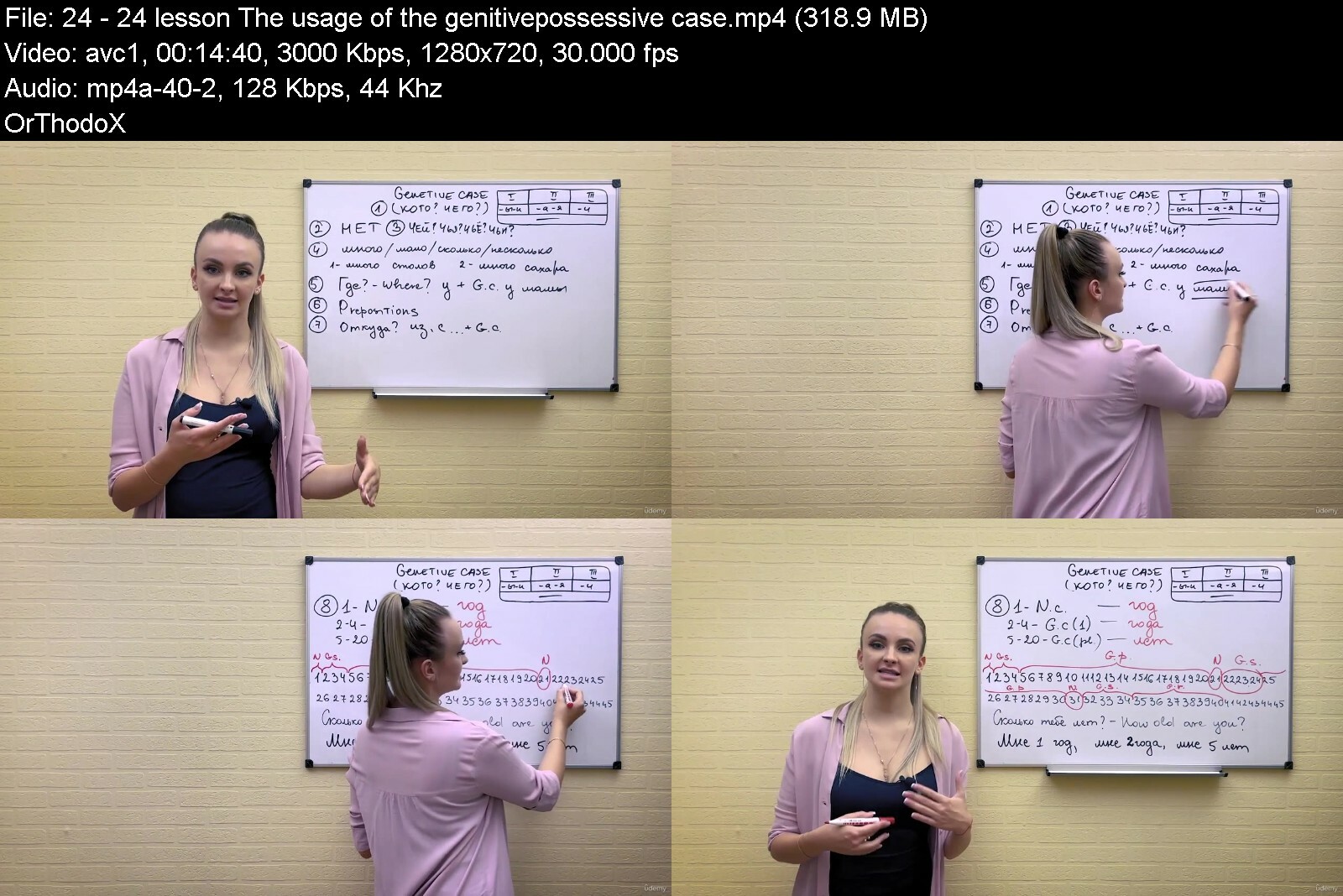
Lecture 24 24. lesson - The usage of the genitive/possessive case
Lecture 25 25. lesson - The usage of the dative case
Lecture 26 26. lesson - The usage of the accusative case
Lecture 27 27. lesson - The usage of the instrumental case
Lecture 28 28. lesson - The usage of the prepositional case
Lecture 29 29. lesson - Prepositions
Lecture 30 30. lesson - Prepositions of place
Lecture 31 31. lesson - Comparative and superlative adjectives and adverbs
Lecture 32 32. lesson - Conjugation of adjectives I
Lecture 33 33. lesson - Conjugation of adjectives II.
Lecture 34 34. lesson - Conjugation and usage of pronouns
Lecture 35 35. lesson - The conjugation and usage of cardinal numbers I.
Lecture 36 36. lesson - The conjugation and usage of cardinal numbers II.
Lecture 37 37. lesson - Conjugation and usage of serial numbers
Lecture 38 38. lesson - Time
Lecture 39 39. lesson - Conjunctions
Lecture 40 40. lesson - The usage of participles
Beginners,Restarters


becomeperfectrussianwx1dkh.jpg


Download from RapidGator


Download from NitroFlare


MasterClass - Indra Nooyi Teaches Leading With Purpose

maxresdefault6vfrw.jpg


MasterClass - Indra Nooyi Teaches Leading With Purpose
Released 09/2022
MP4 | Video: h264, 1920x1080 | Audio: AAC, 44.1 KHz, 2 Ch
Genre: eLearning | Language: English + Subs | Duration: 21 Lessons (2h 59m) | Size: 8 GB


Indra Nooyi, former CEO of PepsiCo, teaches you to think big, be brave, and make purpose-driven changes at work.

Ever wonder what it takes to be the CEO of a Fortune 50 company? Indra Nooyi didn't set out to become the first woman of color to do so. She simply (and tenaciously) focused on big ideas. As the former CEO of PepsiCo, Indra transformed a global industry. Now she's teaching you her transformational approach to leadership. Learn to simplify complex problems, persuade others to buy into your vision, and discover how leading with purpose can improve your life beyond the boardroom.


indranooyiteachesleadlvdkd.jpg


Download from RapidGator


Download from NitroFlare


Zurück
Oben Unten