• Regeln für den Video-Bereich:

    In den Börsenbereich gehören nur Angebote die bereits den Allgemeinen Regeln entsprechen.

    Einteilung

    - Folgende Formate gehören in die angegeben Bereiche:
    - Filme: Encodierte Filme von BluRay, DVD, R5, TV, Screener sowie Telesyncs im Format DivX, XviD und x264.
    - DVD: Filme im Format DVD5, DVD9 und HD2DVD.
    - HD: Encodierte Filme mit der Auflösung 720p oder darüber von BluRay, DVD, R5, TV, Screener sowie Telesyncs im Format x264.
    - 3D: Encodierte Filme von BluRay, die in einem 3D Format vorliegen. Dies gilt auch für Dokus, Animation usw.
    - Serien: Cartoon/Zeichentrick, Anime, Tutorials, Dokumentationen, Konzerte/Musik, Sonstiges sind demnach in die entsprechenden Bereiche einzuordnen, auch wenn sie beispielsweise im High Definition-Format oder als DVD5/DVD9/HD2DVD vorliegen. Ausnahme 3D.
    - Bereich Englisch: Englische Releases gehören immer in diesen Bereich.
    - Bereich Talk: Der Bereich, in dem über die Releases diskutiert werden kann, darf, soll und erwünscht ist.


    Angebot/Beitrag erstellen

    - Ein Beitrag darf erst dann erstellt werden, wenn der Upload bei mindestens einem OCH komplett ist. Platzhalter sind untersagt.
    - Bei einem Scenerelease hat der Threadtitel ausschließlich aus dem originalen, unveränderten Releasenamen zu bestehen. Es dürfen keine Veränderungen wie z.B. Sterne, kleine Buchstaben o.ä. vorgenommen werden. Ausnahme Serienbörse:
    - Bei einem Sammelthread für eine Staffel entfällt aus dem Releasename natürlich der Name der Folge. Beispiel: Die Simpsons S21 German DVDRip XviD - ITG
    - Dementsprechend sind also u.a. verboten: Erweiterungen wie "Tipp", "empfehlenswert", "only", "reup", usw. / jegliche andere Zusatzinformation oder Ergänzung, welche nicht in obiger Beschreibung zu finden ist.

    Aufbau des Angebots und Threadtitel

    Der Titel nach folgendem Muster erstellt zu werden. <Name> [3D] [Staffel] [German] <Jahr> <Tonspur> [DL] [Auflösung] <Quelle> <Codec> - <Group>
    Beispiel: The Dark Knight German 2008 AC3 DVDRip XviD - iND
    Beispiel: The Dark Knight 2008 DTS DL BDRip x264 - iND
    Beispiel: The Dark Knight 2008 AC3 DL BDRip XviD - iND
    Beispiel: The Dark Knight German 2008 AC3 720p BluRay x264 iND
    Beispiel: The Dark Knight 2008 DTS DL 1080p BluRay x264 iND
    Beispiel: Die Simpsons S01 German AC3 DVDRip XviD iND
    Beispiel: Die Simpsons S20 German AC3 720p BluRay x264 iND
    Beispiel: Sword Art Online II Ger Sub 2014 AAC 1080p WEBRip x264 - peppermint
    Entsprechend sind also u.a. verboten: Sonderzeichen wie Klammern, Sterne, Ausrufezeichen, Unterstriche, Anführungszeichen / Erweiterungen wie "Tipp", "empfehlenswert", "only", "reup", usw. / jegliche andere Zusatzinformation oder Ergänzung, welche nicht in obiger Beschreibung zu finden ist
    Ausnahmen hiervon können in den Bereichen geregelt sein.

    Die Beiträge sollen wie folgt aufgebaut werden:
    Überschrift entspricht dem Threadtitel
    Cover
    kurze Inhaltsbeschreibung
    Format, Größe, Dauer sind gut lesbar für Downloader außerhalb des Spoilers zu vermerken
    Nfo sind immer Anzugeben und selbige immer im Spoiler in Textform.
    Sind keine Nfo vorhanden z.B. Eigenpublikationen, sind im Spoiler folgende Dateiinformationen zusätzlich anzugeben :
    Quelle
    Video (Auflösung und Bitrate)
    Ton (Sprache, Format und Bitrate der einzelnen Spuren)
    Untertitel (sofern vorhanden)
    Hosterangabe in Textform außerhalb eines Spoiler mit allen enthaltenen Hostern.
    Bei SD kann auf diese zusätzlichen Dateiinformationen verzichtet werden.

    Alle benötigten Passwörter sind, sofern vorhanden, in Textform im Angebot anzugeben.
    Spoiler im Spoiler mit Kommentaren :"Schon Bedankt?" sind unerwünscht.


    Releases

    - Sind Retail-Release verfügbar, sind alle anderen Variationen untersagt. Ausnahmen: Alle deutschen Retail-Release sind CUT, in diesem Fall sind dubbed UNCUT-Release zulässig.
    - Im Serien-Bereich gilt speziell: Wenn ein Retail vor Abschluss einer laufenden Staffel erscheint, darf diese Staffel noch zu Ende gebracht werden.62
    - Gleiche Releases sind unbedingt zusammenzufassen. Das bedeutet, es ist zwingend erforderlich, vor dem Erstellen eines Themas per Suchfunktion zu überprüfen, ob bereits ein Beitrag mit demselben Release besteht. Ist dies der Fall, ist der bereits vorhandene Beitrag zu verwenden.
    - P2P und Scene Releases dürfen nicht verändert oder gar unter einem iND Tag eingestellt werden.


    Support, Diskussionen und Suche

    - Supportanfragen sind entweder per PN oder im Bereich Talk zu stellen.
    - Diskussionen und Bewertungen sind im Talk Bereich zu führen. Fragen an die Uploader haben ausschließlich via PN zu erfolgen, und sind in den Angeboten untersagt.
    - Anfragen zu Upload-Wünschen sind nur im Bereich Suche Video erlaubt. Antworten dürfen nur auf Angebote von MyBoerse.bz verlinkt werden.


    Verbote

    - Untersagt sind mehrere Formate in einem einzigen Angebotsthread, wie beispielsweise das gleichzeitige Anbieten von DivX/XviD, 720p und 1080p in einem Thread. Pro Format, Release und Auflösung ist ein eigener Thread zu eröffnen.
    - Grundsätzlich ebenso verboten sind Dupes. Uploader haben sich an geeigneter Stelle darüber zu informieren, ob es sich bei einem Release um ein Dupe handelt.
    - Gefakte, nur teilweise lauffähige oder unvollständige Angebote sind untersagt. Dies gilt auch für eigene Publikationen, die augenscheinlich nicht selbst von z.B. einer DVD gerippt wurden. Laufende Serien, bei denen noch nicht alle Folgen verfügbar sind, dürfen erstellt und regelmäßig geupdatet werden.
    - Untersagt sind Angebote, welche nur und ausschließlich in einer anderen Sprache als deutsch oder englisch vorliegen. Ausnahmen sind VORHER mit den Moderatoren zu klären.


    Verstoß gegen die Regeln

    - Angebote oder Beiträge, die gegen die Forenregeln verstoßen, sind über den "Melden"-Button im Beitrag zu melden.
  • Bitte registriere dich zunächst um Beiträge zu verfassen und externe Links aufzurufen.

*** Bestes IPTV *** bester Preis *** gratis Test ***


Englische Tutorials

Coursera - PostgreSQL for Everybody Specialization

pg4ethumbnailspecialib0cl6.jpg


Coursera - PostgreSQL for Everybody Specialization
MP4 | Video: h264, 1280x720 | Audio: AAC, 44.1 KHz, 2 Ch
Genre: eLearning | Language: English + srt | Duration: 16h 30m | Size: 5 GB


SQL: From Basic to Advanced. Learn SQL skills you can use in an actual, real-world environment

WHAT YOU WILL LEARN
Utilize psql and SQL commands to implement CRUD (Create, Read, Update, and Delete) operations for tables in a PostgreSQL database.
Identify and utilize the functions of primary, logical, and foreign keys within a database.
Build and differentiate between one-to-many and many-to-many relationships within PostgreSQL.
Recall key people, organizations, and innovations that were instrumental to building the SQL standard
SKILLS YOU WILL GAIN
Json
Database (DBMS)
Natural Language Processing
SQL
About this Specialization
22,897 recent views
Across these four courses, you'll learn how to use the PostgreSQL database and explore topics ranging from database design to database architecture and deployment. You'll also compare and contrast SQL and NoSQL approaches to database design. The skills in this course will be useful to learners doing data mining or application development.
Applied Learning Project
This course series utilizes a custom autograding environment for an authentic set of graded and practice assignments, including: creating and manipulating tables, designing data models, constructing advanced queries, techniques for working with text in databases, including regular expressions, and more.


postgresqlforeverybod3eebl.jpg


Download from RapidGator


Download from Keep2Share


 
Traits Of The Best By Molly Fletcher

c5uoceehjqqtkgqv06qbztacl5.jpg


Traits Of The Best By Molly Fletcher
Last updated 5/2016
MP4 | Video: h264, 1280x720 | Audio: AAC, 44.1 KHz
Language: English | Size: 8.82 GB | Duration: 3h 34m

Learn from a sports agent's success stories to maximize your business


What you'll learn
Learn how the best in business build and manage relationships
Discover the traits that you can embrace in your own life to become the best at what you do
Requirements
Download the corresponding PDF worksheets before each lesson

Description
In this course, you will hear success stories and learn about*the Traits of the Best from highly successful former sports agent, Molly Fletcher.*Molly Fletcher is a trailblazer in every sense of the word. She is a rare talent of business wisdom, relationship brilliance and unwavering optimism. As a CEO, she shares her unconventional and unique techniques that made her one of the first female sports agents in the high stakes, big ego world of professional sports and now a successful entrepreneur.
As president of client representation for sports and entertainment agency CSE, Molly spent two decades as one of the world's only female sports agents. She was hailed as the "female Jerry Maguire" by CNN as she recruited and represented hundreds of sport's biggest names, including Hall of Fame pitcher John Smoltz, PGA TOUR golfer Matt Kuchar, broadcaster Erin Andrews, and basketball championship coaches Tom Izzo and Doc Rivers. As she successfully negotiated over $500 million in contracts and built lasting relationships, she also observed and adopted the traits of those at the top of their game which she covers in this course.
This course includes 39 lessons, broken up into 6 sections. Each lesson includes a video and a corresponding worksheet. The course is self-paced but contains about 4 hours of engaging content.
Sign up today*to learn how to transform your business relationships, communicate more successfully,*and how to take your business to the next level.
Overview
Section 1: Introduction
Lecture 1 Introduction
Lecture 2 Authenticity
Lecture 3 Humility
Lecture 4 Consistency
Lecture 5 Passion
Lecture 6 Risk Taking
Lecture 7 Take the Ball
Section 2: Communication Styles That Get Results
Lecture 8 Connect vs. Communicate
Lecture 9 Asking Questions
Lecture 10 Tone and Timing
Lecture 11 Nonverbals
Lecture 12 Defensiveness into Curiosity
Lecture 13 Tough Conversations are Good Ones
Section 3: Transform Your Business Relationships
Lecture 14 Not All at Once
Lecture 15 360 Degree Awareness
Lecture 16 Clarity on Needs
Lecture 17 Favor Column
Lecture 18 Anticipation
Lecture 19 Key Moments
Lecture 20 Be Intentional
Lecture 21 Urgency
Lecture 22 Creativity
Lecture 23 Introductions Not Referrals
Lecture 24 Tell vs. Sell
Lecture 25 Closing Isn't an Event
Section 4: Power of Recovering Quickly
Lecture 26 Recovering Quickly from Adversity
Lecture 27 Common Mistakes
Lecture 28 Misusing Technology
Lecture 29 Managing Slumps
Lecture 30 The Power of Change
Section 5: Benefits of Brave Behavior
Lecture 31 Competitive Advantage
Lecture 32 Fearlessness
Lecture 33 Reputation
Lecture 34 Testimonials
Section 6: Take It to the Next Level
Lecture 35 It's Not About You
Lecture 36 Nonjudgmental
Lecture 37 Desire to Solve Problems
Lecture 38 Make It Easy
Lecture 39 Keep Your Eyes on the Prize
This course is perfect for anyone looking to improve personal or professional relationships


traitsofthebestbymolltecgq.jpg


Download from RapidGator


Download from Keep2Share



Chesterfield Sofa Video Game Asset Prop Modeling Texturing

4908178f395rxcdv.jpg


Chesterfield Sofa Video Game Asset Prop Modeling Texturing
Published 10/2022
MP4 | Video: h264, 1280x720 | Audio: AAC, 44.1 KHz, 2 Ch
Genre: eLearning | Language: English | Duration: 74 lectures (18h 43m) | Size: 13.6 GB


3D AAA Game asset creation using Maya, Zbrush, Substance Painter, Photoshop and Marmoset Toolbag


What you'll learn
Learn the Workflow of Creating AAA Video Game Assets or Props
Learn Maya, Zbrush, Substance Painter, Photoshop and Marmoset Toolbag for Game art creation
Learn Camera Match in Maya for Game Asset creation, No blue prints needed
Learn to Model using Maya and Zbrush. And Texture using Substance Painter and Photoshop
Learn to render the final asset inside Marmoset Toolbag
Requirements
No experience needed with Softwares
Some Basic knowledge of softwares are great, but not required
Make sure to Install Maya, Zbrush, Substance Painter, Photoshop and Marmoset Toolbag
A drawing Tablet is required to use Zbrush. A Mouse can be used but tablet is the best preference
Description
In this course, you will learn how to create a top notch quality prop for AAA video games. The prop used in this tutorial is a chesterfield sofa. This course will walk you through the pipeline and workflow of creating a game ready 3D prop for video games. This course will cover all stages of game asset creation such as Blocking, Midpoly Modeling, Highpoly Modeling, Retopology, Unwrapping, Texturing and Rendering. With this course, you will learn Maya, Zbrush, Substance Painter, Photoshop and Marmoset Toolbag.
A Pen Tablet is required in order to use Zbrush in a better way. You can use mouse instead, but this course doesn't cover how to use Mouse when using Zbrush. No prior knowledge or experience needed to take this course. You can still get this course even if you are completely new in to the game industry. This course will teach you the basics of Maya, Zbrush, Substance Painter and Marmoset Toolbag. Photoshop basics are not really covered in this course. The skills that you will acquire in this course will be a better foundation of all needed softwares for 3d prop art for AAA Games. If you really wish to become a prop artist for top notch video games, then you can confidently take this course and start your journey.
Who this course is for
All levels are welcome for this course, from beginner to advanced


chesterfieldsofavideo4ffrl.jpg


Download from RapidGator


Download from Keep2Share



Business & Social Communication Content Creation

y3b85eic2evsmievcuwgfz3ijr.jpg


Business & Social Communication Content Creation
Published 9/2022
MP4 | Video: h264, 1280x720 | Audio: AAC, 44.1 KHz
Language: English | Size: 6.58 GB | Duration: 11h 31m

Technical Report Writing, Improving Communication Skills Language Functions, and Interview Planning


What you'll learn
This course will help trainees communicate and negotiate better with associates and clients & maintain better interpersonal relations at workplaces.
This course will enable trainees to create their own effective business communication content by tackling needed skills for managerial & social communication
This course ensures that trainees are adequately provided with all the competencies to communicate and write emails skilfully, professionally, and prudently.
This course will bring about a productive working environment by facilitating all that is needed to acquire competence and fluency.
The course is going to assist trainees to advance and proceed successfully in their present or future careers.
The course guarantees that trainees will be SELF-CONFIDENT and that no one will criticize them when it comes to either writing or communicating with others.
The course is going to enable you to build a distinctive network of professional business relationships.
Requirements
Trainees don't have to be outstandingly comprtent in English; all that is needed is a fare and stisfactory of basic English

Description
To all trainees. This is your chance to communicate in Business English. This is a journey of Communication, Experience, and Mutual Benefits and Cooperation. I am your host for the rest of this amazing, satisfying, and rewarding journey. The journey of mastering English for communication Content Creation has just started.We are taking off, fasten your seat belts please. English is only allowed on board of this plane. The plane will reach its assigned destinations in comfort and excellence; Indulge yourself and enjoy the trip. Don't waste a second, enjoy every bit of time.Shall we get started!Let me assist you to unleash the PRO within you; there is no doubt that you deal with great amounts of negativity because of your inability to communicate with friends and associates. Do you know, who else than you, have encountered rejection? Greatest thinkers, leaders, and business people of our time. These people didn't only continue through hard times; it was failure that made them succeed. So, the next time you feel that the obstacles in your path are crushing your dreams, remember that the end is worth waiting for. It is easier than you think.Welcome aboard on the journey to Mastering English for communication.
Overview
Section 1: Introduction to layouts-1,2,3, and 4
Lecture 1 Introduction to layout-1
Lecture 2 Introduction to layout-2
Lecture 3 Introduction to layout-3
Lecture 4 Introduction to Outline-4
Section 2: 5-The Journey of mastering English Communication
Lecture 5 The Journey of English Communication
Section 3: 6- Content Creation and Writing
Lecture 6 Content Creation and Writing
Section 4: 7- The THREE PILLARS of successful business writing and communication content
Lecture 7 The THREE PILLARS of successful business writing and communication
Lecture 8 The Three Pillars- Part-2
Section 5: 8- The secret of the SIMPLE SENTENCE
Lecture 9 The secret of the SIMPLE SENTENCE
Section 6: 8-The Art of Introducing Yourself
Lecture 10 The Eight Pillars of a successful and effective content
Section 7: 10- An Elaborate Discussion of the NINE CRITERIA - GUIDELINES
Lecture 11 An Elaborate Discussion of the NINE CRITERIA - GUIDELINES
Section 8: 11-The First & Second CRITERIA- The MAIN requirements of coherent sentences
Lecture 12 The First & Second CRITERIA- The MAIN requirements and pillars of coherent s
Section 9: 12- The THREE main pillars of simple coherent sentences
Lecture 13 The THREE main pillars of simple coherent sentences
Section 10: 13-1-The Four Types of Sentences-1-Introduction
Lecture 14 1-The Four Types of Sentences-Introduction
Section 11: 13-2-The Four Types of Sentences-2-Intensive Discussion
Lecture 15 The Four Types of Sentences- An Intensive Discussion
Section 12: 13-3-The Four Types of Sentences-3- Guided Practice
Lecture 16 The Four Types of Sentences-A Guided Practice
Section 13: 13-4- The Four Types of Sentences- Guided practice- A long text
Lecture 17 The Four Types of Sentences-A Guided practice of a long text of 424 words
Section 14: 14-1- The use of definite or Indefinite Articles-Preliminary Guided Practice -1
Lecture 18 The use of definite or Indefinite Articles-Preliminary Guided Practice -1
Section 15: 14-2- The use of definite or Indefinite Articles-Preliminary Guided Practice -2
Lecture 19 The use of definite or Indefinite Articles-Preliminary Guided Practice -2
Section 16: 14-3- The use of definite or Indefinite Articles-General Guidelines
Lecture 20 General Guidelines
Section 17: 15-1- The Subject and the Verb Agreement-introduction
Lecture 21 The Subject and the Verb Agreement-introduction
Section 18: 15-2- The Subject and the Verb Agreement-Singular or Plural & Guided Practice-1
Lecture 22 The Subject and the Verb Agreement-Singular or Plural & Guided Practice-1
Section 19: 15-3- The Subject and the Verb Agreement-Guided Practice-2
Lecture 23 The Subject and the Verb Agreement-Guided Practice-2
Section 20: 15-4- The Subject and the Verb Agreement-Past or Present- Negation or Question
Lecture 24 The Subject and the Verb Agreement-Past or Present- Negation or Question
Section 21: 15-5- The Subject and the Verb Agreement-Final Guided Practice
Lecture 25 A Final Guided Practice on The Subject and the Verb Agreement
Section 22: 16-1 The Communicational Grammatical Functions of the 12 Tenses of English
Lecture 26 Preliminary Guided Practice
Section 23: 16- The Communicational Grammatical Functions of the 12 Tenses of English-2
Lecture 27 Reflecting back on the previous discussions
Section 24: 16- The Communicational Grammatical Functions of the 12 Tenses of English -3
Lecture 28 Choose the most proper answer of the pairs of sentences.
Section 25: 16- The Communicational Grammatical Functions of the 12 Tenses of English-4
Lecture 29 Communicational functions of the tenses lists
Section 26: 16- The Communicational Grammatical Functions of the 12 Tenses of English-5
Lecture 30 15- The Communicational Grammatical Functions of the 12 Tenses of English-
Section 27: 16- The Communicational Grammatical Functions of the 12 Tenses of English-6
Lecture 31 Matching the charts with their matching tenses.
Section 28: 17-1- The SEVEN possible types of verbs
Lecture 32 The SEVEN possible types of verbs
Section 29: 17-2- The SEVEN possible types of verbs-Guided Practice
Lecture 33 The SEVEN possible types of verbs-Guided Practice
Section 30: 18-1- Complete OR Incomplete Sentences-Fragments
Lecture 34 Complete OR Incomplete Sentences-Fragments
Section 31: 18-2- Complete OR Incomplete Sentences-Fragments-Guided Practice
Lecture 35 Complete OR Incomplete Sentences-Fragments-Guided Practice
Section 32: 19- An Introduction to sentences- Comma Splice-Run-On Sentences
Lecture 36 Comma Splice OR Run-On Sentences
Section 33: 20- Joining independent clauses-The Four Approaches
Lecture 37 An introduction to Joining independent clauses-The Four Approaches
Section 34: 21-1- The advantages of using Transitions- An Overview
Lecture 38 An Overview to the advantages of using Transitions
Section 35: 21-2- The advantages of using Transitions-Guided Practice
Lecture 39 A guided practice on the advantages of using Transitions
Section 36: 22- How to use the Transitions and Link Word
Lecture 40 An introduction to how to use the Transition Words
Section 37: 23-1- The most common lists of Transition Words -Conjunctive Adverbs-
Lecture 41 The most common lists of Transition Words -Conjunctive Adverbs-
Section 38: 23-2- Transitions that refer to "Chronological" "Time markers"
Lecture 42 Transitions that refer to "Chronological" "Time markers"
Section 39: 23-3- Transitions, Addition,Illustration, Exemplification, Clarification
Lecture 43 Transitions, Addition,Illustration, Exemplification, Clarification
Section 40: 23-4- Transitions that refer to Reason and Result Cause and Effect
Lecture 44 Transitions that refer to Reason and Result Cause and Effect
Section 41: 23-5- Transitions that refer to Contrast and Concession and Purpose
Lecture 45 Transitions that refer to Contrast and Concession and Purpose
Section 42: 23-6-Transitions that refer to Relative Pronouns & Conditional Sentences
Lecture 46 Transitions that refer to Relative Pronouns & Conditional Sentences
Section 43: 23-7- The most common lists of Transition Words, Guided Practice
Lecture 47 The most common lists of Transition Words, Guided Practice
Section 44: 24- The Need for Effective Writing Skills
Lecture 48 The Need for Effective Writing Skills
Section 45: 25-General Guidelines for Writing Business Emails
Lecture 49 General Guidelines for Writing Business Emails
Lecture 50 General Guidelines for Writing Business Emails
Section 46: 26- Business Writing Skills
Lecture 51 Business Writing Skills
Lecture 52 26-2- Business Writing Skills -Part-2
Lecture 53 26-3- Business Writing Skills -Part-3
Section 47: 27-Ready-to-use Expressions and Phrases -list-One
Lecture 54 Ready-to-use Expressions and Phrases -list-One
Section 48: 28-The five basic goals of writing business letters and emails
Lecture 55 The five basic goals of writing business letters and emails
Section 49: 29-Guided Practice Email Example Sentences
Lecture 56 An Elaborate Guided Practice of Email Example Sentences
Section 50: 30-45- SIXTEEN (16) - Email writing Exercises with ready to use phrases-English
Lecture 57 Email writing exercises with ready to use phrases
Section 51: 30-45- SIXTEEN (16) - Email writing Exercises with ready to use phrases-Arabic
Lecture 58 16 Email writing exercises with ready to use phrases-Arabic Enabled
Section 52: 46- Memos - Memoranda
Lecture 59 46- Memos - Memoranda
Section 53: 47-Minutes of meeting
Lecture 60 Minutes of meeting
Section 54: 48- Presentations
Lecture 61 Presentations
Section 55: 49-Reports - Introduction
Lecture 62 Reports - Introduction
Section 56: 50- Survey reports- General Discussions and Guidelnes
Lecture 63 Survey reports- General Discussions and Guidelnes
Section 57: 51- Survey reports- Examples of different types of charts
Lecture 64 Survey reports- Examples of charts
Section 58: 52-Introduction to the Types of Proposals
Lecture 65 Introduction to the Types of Proposals
Section 59: 53-Prerequisites for Communication
Lecture 66 Prerequisites for Communication
Section 60: 54-60-Communication through forming Sentence, Talking about the 7 habits-English
Lecture 67 Communication through forming Sentence, Talking about the 7 main habits- English
Section 61: 54-60-Communication through forming Sentence, Talking about 7 main habits-Arabic
Lecture 68 The 7 main habits
Section 62: 61- 73- The 13 basic most common Communication Functions-English Only
Lecture 69 The 13 basic most common Communication Functions - English Only
Section 63: 61-73- The 13 basic most common Communication Functions-Arabic Enabled Resources
Lecture 70 The 13 basic most common Communication Functions
Section 64: 74-Interview planning-
Lecture 71 Interview planning
Section 65: 75-Language Functions
Lecture 72 Language Functions
Section 66: 76-Used to vs. Be used to
Lecture 73 Used to OR Be used to
Section 67: 77- Using (IN, ON, AT) to indicate TIME & PLACE
Lecture 74 Using (IN, ON, AT) to indicate TIME & PLACE
All individuals whose expert background of English needs to be improved and revitalized and who are interested in developing their skill of communication skills in a very short time.,Freelancers wishing to initiate productive and promising relationships with business owners,Common employees, work staff, General managers, department managers, junior managers and different business owners,Undergraduate and graduate students who are involved in communication


businesssocialcommuni79i60.jpg


Download from RapidGator


Download from Keep2Share



Outcome Based Education (Obe) & Academic Quality Assurance

gckteudyhq4r5gwehgok0szi5z.jpg


Outcome Based Education (Obe) & Academic Quality Assurance
Last updated 9/2019
MP4 | Video: h264, 1280x720 | Audio: AAC, 44.1 KHz
Language: English | Size: 9.56 GB | Duration: 8h 54m

Master Course for Teachers to improve Quality of Teaching Strategies & Methods to achieve outstanding Learning Outcomes


What you'll learn
Breakthrough approaches to learning in education
How to improve your teaching and learning potential
Adopting student centered learning techniques
Different learning theories and taxonomies
Academic Quality Assurance models and frameworks
Implementation guidelines to better Quality Assurance in Education
Requirements
The course is for all levels

Description
MASTER COURSE FOR MAKING BREAKTHROUGH IMPROVEMENTS IN QUALITY OF TEACHING & EDUCATIONAL DELIVERY IN SCHOOLS, COLLEGES AND UNIVERSITIESIf you are teaching or will be teaching in educational school, college or a university; then this*course is for you. The course is*the only course available*on this topic in Udemy,*where around three thousand highly satisfied teachers and academician from various schools, colleges, universities and policy makers are presently enrolled or have completed*from around 80*countries.*The course prepares teachers and management of Institutions to deliver world-class education and achieve high quality of learning outcomes by their students with modern concepts, tools and methodologies.The course covers fundamentals to advance level concepts and theories with plenty of practical examples and best practices as well as guidance on implementation. The course aims to make an ordinary teacher to an outstanding teacher.Outcome Based Education*is*a changing*trend modern and 21st century*schools, colleges and universities in many countries and institutions.*Presently, most teachers are teaching in*traditional classroom setups which are highly*"teacher-centered" or taught with fixed curricula.*OBE is a shift towards "Students-Centered" classrooms with focus on learning outcomes.*Many new knowledge and skills are required in traditional teachers*for teaching based on the required learning outcomes.*Teachers and administrators of education institutions will have to learn new methods and approaches to prepare themselves for world-class quality.Academic Quality Assurance*for teachers and institutions*is all about setting*academic standards/benchmarks for*all the*subjects and programs taught in schools, colleges or universities; a structure for monitoring, controlling and continuously improving the learning outcomes and ensuring that each academic standard is complying to internal and external benchmarks. A set of QA initiatives/interventions are therefore required at various levels.*This course provides details*of QA initiatives*in the areas of Teacher*and Teaching, Curriculum, Assessment, Research, Teacher-Student*Communication, Students Affairs and Services and Online Education (eLearning).*The use of eLearning is specifically*expanding throughout the world, particularly in blended or flipped learning, in order to strengthen their educational efficiency and effectiveness.*The course also provides introduction to latest*eLearning trends*and how QA is assured in this mode of learning.The course also provides introduction to many internationally popular*QA/Accreditation frameworks, programs and models at schools, colleges and universities levels, covering their most crucial points.*The instructor shares global*experiences and challenges faced by teachers as individuals, institutions and state levels; making it a*valuable learning experience*for teachers,*administrators, policy makers and educational professionals for across the world.*The instructor is the Head of PIQC Institute of Quality, a center for excellence in Quality.
Overview
Section 1: Section 1: Fundamentals of Outcome Based Education (OBE)
Lecture 1 Course Overview
Lecture 2 Frequently Asked Questions
Lecture 3 Educational outcome vs output
Lecture 4 Competence vs Qualification
Lecture 5 From qualification to competence
Lecture 6 Learning vs Teaching
Lecture 7 OBE defined and traditional education
Lecture 8 Benefits of OBE
Lecture 9 Drawbacks of OBE
Lecture 10 Countries adopting OBE
Section 2: Bloom's Taxonomy: The 3 Domains
Lecture 11 The Bloom's three domains
Lecture 12 The Cognitive domain
Lecture 13 Modified Bloom's cognitive domain
Lecture 14 Educational goal settings and Bloom's Taxonomy
Lecture 15 Types of questions in Cognitive domain
Lecture 16 Examples of exam papers with bloom's levels
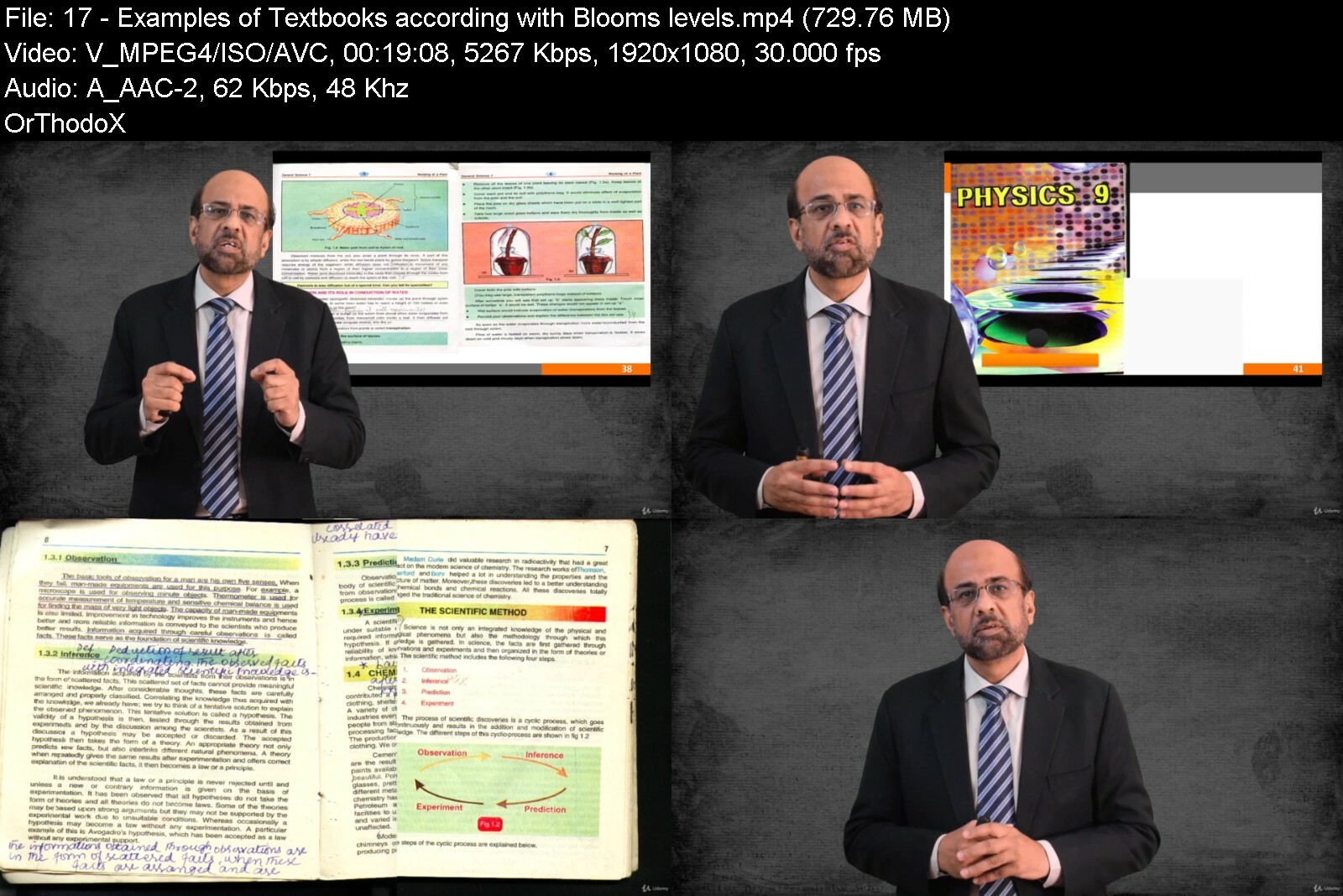
Lecture 17 Examples of Textbooks according with Bloom's levels
Lecture 18 Example*lecture on higher cognitive level
Lecture 19 Critical thinking through questions
Lecture 20 Educational goals & national competitiveness
Lecture 21 Affective Domain
Lecture 22 Examples of Affective domain
Lecture 23 Right and Left side of brain
Lecture 24 Psychomotor Domain
Lecture 25 Summary of Bloom's Taxonomy
Section 3: SOLO Taxonomy
Lecture 26 SOLO: Video Clip example lecture
Lecture 27 SOLO Example lectures
Section 4: Kirkpatrick Training Evaluation Model
Lecture 28 Introduction
Lecture 29 Cases
Section 5: Multiple Intelligences (Howard Gardner)
Lecture 30 Introduction
Lecture 31 Measuring different types of intelligences in students
Section 6: Constructive Alignment
Lecture 32 Introduction
Lecture 33 How to align an unaligned course
Lecture 34 Guide to teaching strategies with Bloom's taxonomies
Lecture 35 Practical example
Section 7: Students Learning Outcomes (SLOs)
Lecture 36 Introduction to SLOs
Lecture 37 Course outcomes, program outcomes and educational objectives
Lecture 38 Three questions on Learning Outcomes
Lecture 39 Before you write SLOs, you should ...
Lecture 40 SMART SLOs
Lecture 41 What should an SLO contain ?
Lecture 42 Things to avoid in writing SLOs
Lecture 43 How teachers should write SLOs
Lecture 44 Reference guide on writing SLOs
Lecture 45 Examples of SLOs
Lecture 46 How to start developing SLOs ?
Lecture 47 Chapter headings are not SLOs
Lecture 48 Example Academic Standards: Common Core Standards of USA
Section 8: Fundamentals of Quality Assurance in Education
Lecture 49 What is Quality Assurance
Lecture 50 Common issues in Academic Quality
Lecture 51 QA Terminologies - I
Lecture 52 QA Terminologies - II
Lecture 53 QA Terminologies - III
Lecture 54 After school tuition: A national dilemma
Lecture 55 Two dimensions of Quality in education
Lecture 56 QA is an intervention
Lecture 57 QA and educational framework
Lecture 58 Strategic planning of QA
Lecture 59 Key Performance Indicators (KPIs): Leading vs Lagging
Lecture 60 Example of a mission statement
Lecture 61 Quality and national educational objectives
Section 9: Quality Assurance in Teaching
Lecture 62 Top 15 teaching errors in universities
Lecture 63 Highly qualified vs high quality teachers
Lecture 64 Active vs passive teaching
Lecture 65 Five dimensions of teacher development
Lecture 66 Internal QA processes for teaching
Section 10: Quality Assurance in Curriculum
Lecture 67 Introduction
Lecture 68 Syllabus vs Curriculum
Lecture 69 Levels and hierarchy of curriculum
Lecture 70 curriculum development process
Lecture 71 Selecting the right textbook
Lecture 72 Internal QA processes for curriculum
Section 11: Quality Assurance in Exams & Assessments
Lecture 73 Introduction
Lecture 74 Roles and Responsibilities
Lecture 75 Quality issues in exams & assessments
Lecture 76 Assessment types
Lecture 77 Exam Validity
Lecture 78 Exam Reliability
Lecture 79 Exam Fairness
Lecture 80 Analyzing exam results for further improvement
Section 12: QA in Student-Teacher Communication
Lecture 81 Introduction
Lecture 82 Nature of classroom communication
Lecture 83 Example of classroom communication
Lecture 84 Classroom layout and communication
Lecture 85 QA requirements for effective communication
Section 13: Quality Assurance in Research
Lecture 86 What is Research Process
Lecture 87 Research output vs outcome
Lecture 88 Quality issues in Research
Lecture 89 Research in higher education
Lecture 90 Two types of studies
Lecture 91 Evaluation criteria for Research thesis
Lecture 92 Quality in writing thesis
Lecture 93 QA requirements in Research
Section 14: Quality Assurance in Students Affairs & Services
Lecture 94 What is Students Affairs & Services (SAS)
Lecture 95 Roles and Responsibilities - I
Lecture 96 Roles and Responsibilities - II
Lecture 97 QA in Students Affairs & Services
Section 15: Accreditation
Lecture 98 What is accreditation
Lecture 99 Accreditation requirements
Lecture 100 Examples of accreditation bodies
Lecture 101 ISO 9001 Quality Management System for education
Lecture 102 Summary
Section 16: OBE & QA Implementation
Lecture 103 Introduction to Implementing OBE & QA programs
Lecture 104 Implementing OBE as a program
Lecture 105 Implementing QA as a program
Section 17: Quality Assurance in Online Education
Lecture 106 What is online or eLearning
Lecture 107 Popular international online course providers
Lecture 108 Flipped learning
Lecture 109 Advantages of Flipped Learning
Lecture 110 Two phases of producing online courses
Lecture 111 Tools for producing online courses
Lecture 112 Quality issues in online course development
Lecture 113 Learning Management System (LMS)
Lecture 114 How to select an LMS ?
Lecture 115 Managing QA in online courses
Section 18: Educational Leadership
Lecture 116 Introduction
Lecture 117 Roles and responsibilities of educational leaders
Lecture 118 Eight characteristics of educational leaders
Lecture 119 Leadership vision on Quality
Lecture 120 Leadership standards for Principals
Section 19: Meeting Challenges of Educational Quality
Lecture 121 Introduction
Lecture 122 Challenges at the Teachers level
Lecture 123 eLearning challenges
Lecture 124 Challenges at Institutional level
Lecture 125 Challenges of Quality education at State level
Section 20: Course Summary and Conclusion
Lecture 126 Summary
Teachers and instructors of schools, colleges and universities,Management and Administrators of Educational Institutions


outcomebasededucationsfewp.jpg


Download from RapidGator


Download from Keep2Share



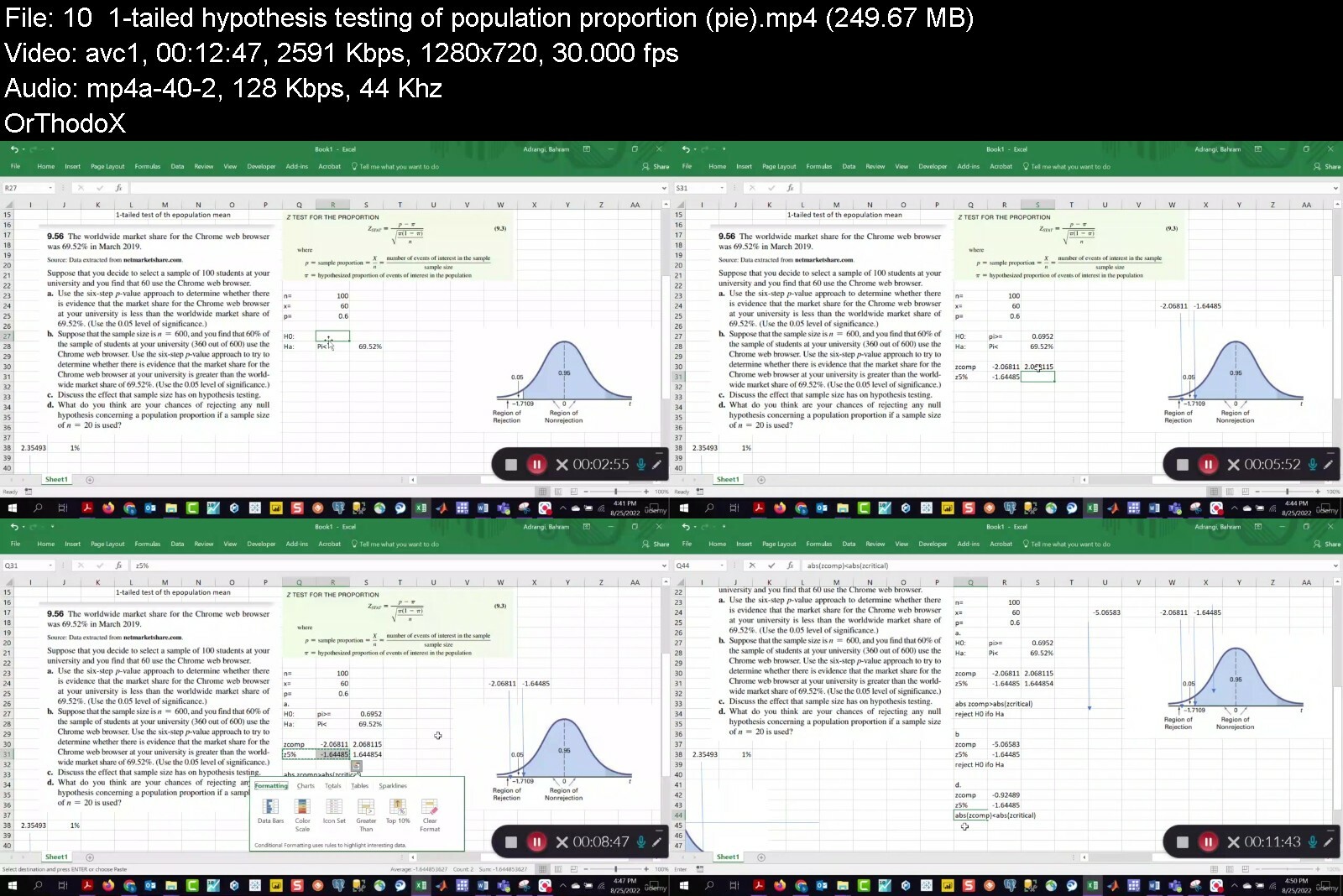
Statistics for Business and Management using Excel

482991024752thdnd.jpg


Statistics for Business and Management using Excel
Published 09/2022
MP4 | Video: h264, 1280x720 | Audio: AAC, 44.1 KHz, 2 Ch
Genre: eLearning | Language: English | Duration: 145 lectures (16h 44m) | Size: 9.7 GB


Learning Statistics


What you'll learn
Be able to analyze data graphically and quantitatively
Be able to derive population information from samples
Understand probability distributions and perform tests of hypotheses about the population based on sample information.
Be able to formulate, estimate regressions using sample data, and perform tests of hypotheses about the population
Requirements
College or high school algebra and basic familiarity with MS Excel
You only need high school algebra. The functions of Excel are covered in lecture videos and Excel lecture notes available to you.
Description
Statistics consists of ways to analyze data and make informed decisions. However, to be able to deploy statistical methods appropriately and properly, one needs to have a firm understanding of the available statistical methodologies and continuously build on the basic information acquired from classes like this one. Therefore, statistics is a powerful tool needed by business managers, engineers, political scientists, medical and biological researchers in the data-driven world of today. Recent and evolving advances in information technology have expanded the role of data and "big data," in all areas of endeavor, especially in the business, marketing, and medicine, among others. Huge volumes of the available data cannot be utilized properly unless they are summarized and visualized effectively. Business analytics provides methodologies that enable decision makers to effectively use large data sets that would not be practical by any other means. Those who are familiar with visualization tools like Tableau routinely encounter analysis that are statistics-based. This course teaches the basics of data analysis and summary statistics, visualization of data, pivot table, probabilities, hypothesis testing, ANOVA, and regression analysis. For instance, regression models may be used as basic tools of forecasting sales, costs, spread of diseases, among other uses. The tool we use is MS Excel. In most situations, once data are extracted using other tools such as SQL, Excel becomes the main platform for analysis.
Who this course is for
Undergraduates in schools of business and economics departments, engineering, political science, psychology, sociology, as well as MBA students.
Every undergraduate student business, economics, engineering, psychology, sociology, and political science is required to take a statistics course. This course offers a solid foundation for all undergraduates and MBA students.
For instance ANOVA, regression analysis, hypothesis testing, descriptive statistics such as means, medians, modes, variance, covariance, and correlation coefficient are widely used concepts.


statisticsforbusinessl3dpa.jpg


Download from RapidGator


Download from Keep2Share



Licensed Search Engine Marketing Professional Track

vouv4ilg7obgcw9vyw0p4cceu7.jpg


Licensed Search Engine Marketing Professional Track
Last updated 9/2022
MP4 | Video: h264, 1280x720 | Audio: AAC, 44.1 KHz
Language: English | Size: 8.19 GB | Duration: 9h 0m

Foundations of SEO and SEM with certification from IIDM™


What you'll learn
What is SEO
How to set SEO Goals
How to accomplish SEO Goals
Benefits of SEO
Requirements
Must be able to speak and understand basic English

Description
Welcome to the International Institute of Digital Marketing™ | Lecture 1 Description:The International Institute of Digital Marketing™ is a certifying body founded in the USA by several long-standing marketers. We have years of experience in business, marketing, and more, and have put forth our combined experience to develop IIDM™. Digital Marketing is something that's all around us, yet there has been no solid foundation for marketing in many, many years. In the news, there are blunders again and again by companies, failing some of the core aspects of modern marketing. Because of this, the need for a solid, stable foundation for marketing in the modern world is needed - a foundation with the ability to be built upon and developed with time.This is a hybrid course, which means it is a more hands-on experience than you would find in most online courses. Each lecture will include lecture notes, activities, and resources that will serve as your guideline on how to successfully complete the lecture.This course consists of;102 Lecture Videos102 Downloadable Lecture DescriptionA total of 102 Lectures37 Assignments to be submitted to IIDM™15 Quizzes123 External ResourcesPractical SEO & SEM applicationPractical Paid & Organic StrategiesLearn to create successful Paid Advertisements on Facebook and Google.You hear the terms endlessly. SEO and SEM. You see it required on job applications, and you see articles about it, so what's the deal? What is search engine marketing? In reality, it's all around you. Have you ever used Google? Bing? Yahoo? Then you must wonder how the search engines seemingly pull these websites out of nowhere. In reality, there's much more to it than you may think. That is search engine marketing. This course covers everything you need to know, from the basics to the nitty-gritty details.SEO & SEM Master I™How do you manage paid marketing? How can you make the most of your investments with advertisements, whether page ads or video? What about the ever-elusive SEO and SEM? The Paid Marketing Master sub-course covers all you need to know about paid marketing and more.We will teach you;What is SEO & SEM and how to use them effectively to increase the reach of your brand.How to use Google Ads, understand them, and utilize them to their full effectiveness.What display ads are, how to make them, and how to use them most effectivelySEO & SEM Master II™Understanding SEO & SEM is important, but how do you utilize it effectively to ensure your efforts and budget are in the right place? This sub-course teaches how to use SEO & SEM to its full potential and how to harvest and use their relevant analytical data.We will teach you;How to use SEO & SEM properly to achieve best results. How to harvest and utilize analytical data gathered from SEO & SEM campaignsSEO & SEM Master III™How do you manage paid marketing? How can you make the most of your investments with advertisements, whether page ads or video? What about the ever-elusive SEO and SEM? The Paid Marketing Master sub-course covers all you need to know about paid marketing and moreHow to make SEO work for your brand through good user experiences and enticing content.How to adapt your existing marketing methods to SEO & SEM for greater reach and best results.IMPORTANT!Kindly contact us via email before you start your learning journey. We will provide you with Google Drive access for your learning materials and evaluation for the certification upon completion.Contact us here: mailto:[email protected]][email protected][/url]
Overview
Section 1: Introduction
Lecture 1 Welcome to the International Institute of Digital Marketing™
Lecture 2 Training Overview
Lecture 3 Register your profile on IIDM™ Website.
Lecture 4 Become an Affiliate with IIDM™.
Lecture 5 Outlines and Objectives
Lecture 6 Introduction to Search Engine Marketing
Section 2: Foundations of SEO
Lecture 7 WEEK 1 - What is Search Engine Marketing (SEM)?
Lecture 8 WEEK 1 - What is Search Engine Optimization (SEO)?
Lecture 9 WEEK 1 - Reading search engine result pages
Lecture 10 WEEK1 - Setting SEO expectations
Lecture 11 WEEK 1 - How SEO affects your business
Lecture 12 WEEK 1 - Why you need a keyword-research plan
Lecture 13 WEEK 1 - How to research keywords
Lecture 14 WEEK 1 - Understanding keyword attributes
Lecture 15 WEEK 1 - Understanding keyword distribution
Lecture 16 WEEK 1 - Majestic Tool
Lecture 17 WEEK 1 - Tools to help you analyze keywords
Lecture 18 WEEK 1 - Ongoing keyword evaluation
Lecture 19 WEEK 2 - Understanding content optimization
Lecture 20 WEEK 2 - Optimizing site structure
Lecture 21 WEEK 2 - Optimizing textual page elements
Lecture 22 WEEK 2 - Optimizing nontext components of a webpage
Lecture 23 WEEK 2 - Optimizing for personalized search
Lecture 24 WEEK 2 - Interpreting the code behind webpages
Lecture 25 WEEK 2 - Understanding how search engines index content
Lecture 26 WEEK 2 - Working with canonical URLs and redirects
Lecture 27 WEEK 2 - Leveraging microformats
Lecture 28 WEEK 2 - Working with server-side factors
Lecture 29 WEEK 2 - Using Google Search Console
Lecture 30 WEEK 2 - Overview of long-term content strategies
Lecture 31 WEEK 2 - Plan a successful content strategy and avoid common mistakes
Lecture 32 WEEK 2 - Understanding different types of content
Lecture 33 WEEK 2 - Getting ideas for content
Lecture 34 WEEK 2 - Working with an editorial calendar
Lecture 35 WEEK 2 - Promote your content with social media
Lecture 36 WEEK 2 - Measuring content performance
Lecture 37 WEEK 3 - Understanding the importance of links
Lecture 38 WEEK 3 - Building internal links
Lecture 39 WEEK 3 - Building external links
Lecture 40 WEEK 3 - Finding link-building opportunities
Lecture 41 WEEK 4 - Measuring SEO performance
Lecture 42 WEEK 4 - Analyzing keywords
Lecture 43 WEEK 4 - Analyzing links
Lecture 44 WEEK 4 - Understanding SEO and ecommerce
Lecture 45 WEEK 4 - Understanding local SEO
Lecture 46 WEEK 4 - Understanding mobile SEO
Lecture 47 WEEK 4 - Facebook Advertisement: SEM For Your Business
Section 3: Local SEO
Lecture 48 WEEK 5 - Understanding general versus local SEO
Lecture 49 WEEK 5 - Anatomy of local search results
Lecture 50 WEEK 5 - Exploring local ranking factors
Lecture 51 WEEK 6 - Identifying keywords for your business
Lecture 52 WEEK 6 - Using online keyword tools
Lecture 53 WEEK 7 - Understanding eligibility to claim a Google My Business profile
Lecture 54 WEEK 7 - Claiming your Google My Business profile
Lecture 55 WEEK 7 - Optimizing your GMB profile
Lecture 56 WEEK 7 - Hyper Boosting your GMB listing
Lecture 57 WEEK 7 - Keeping customers informed during COVID-19
Lecture 58 WEEK 7 - Getting and managing reviews for higher rankings
Lecture 59 WEEK 7 - Setting up a business listing on top citation sites
Lecture 60 WEEK 8 - Creating a holistic page experience for visitors
Lecture 61 WEEK 8 - Technical must-haves for your site
Lecture 62 WEEK 8 - Optimizing your site with tags
Lecture 63 WEEK 8 - Getting local backlinks
Lecture 64 WEEK 8 - Writing website content that addresses searcher intent
Lecture 65 WEEK 8 - Building local authority for your business
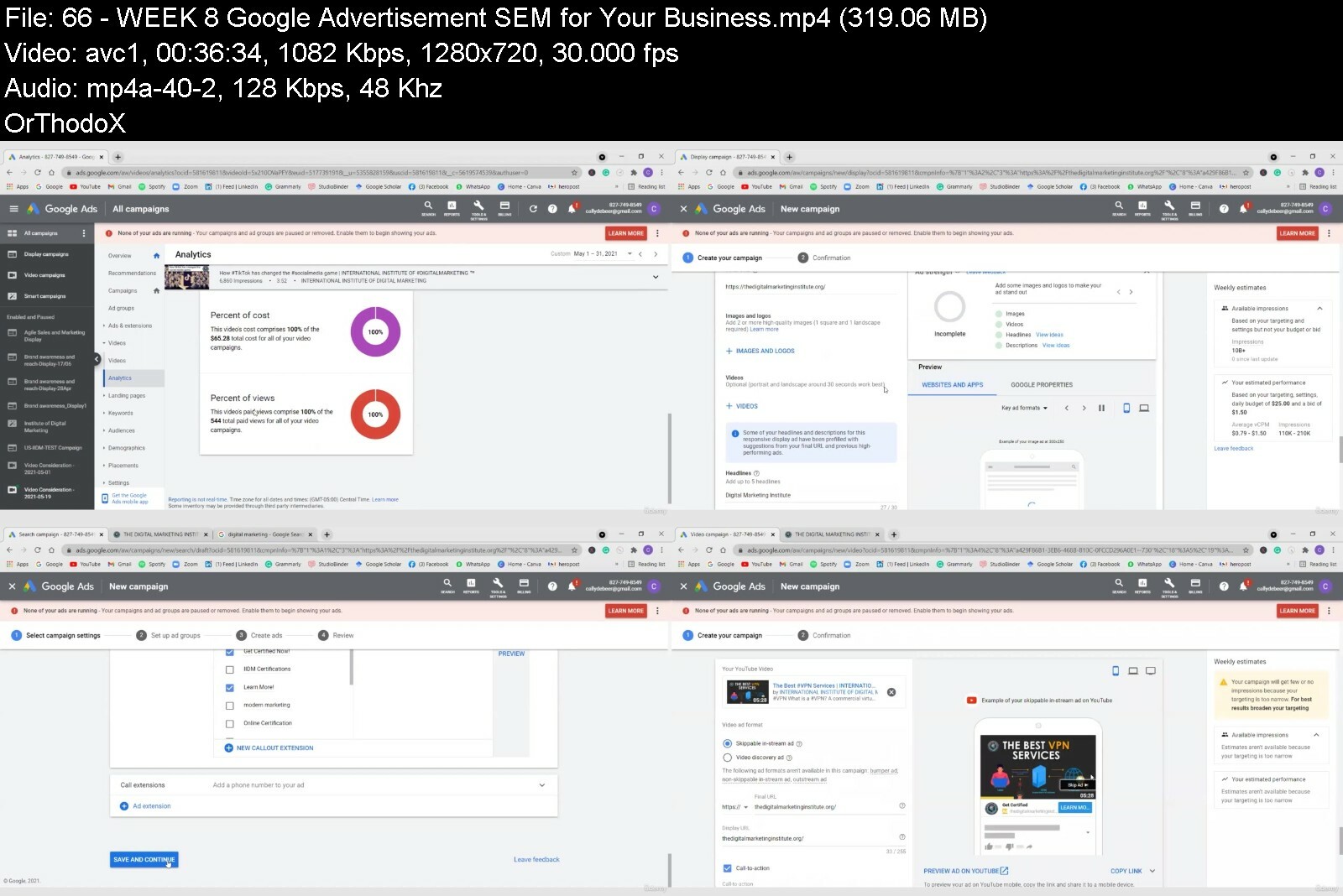
Lecture 66 WEEK 8 - Google Advertisement: SEM for Your Business
Section 4: SEO: Keyword Strategy
Lecture 67 WEEK 9 - Keywords: The foundation of digital marketing
Lecture 68 WEEK 9 - Why keywords?
Lecture 69 WEEK 9 - Keywords research shows intent
Lecture 70 WEEK 9 - Keywords provide context
Lecture 71 WEEK 9 - Research the SERPs
Lecture 72 WEEK 9 - Keyword tools: Search engines
Lecture 73 WEEK 9 - Keyword tools: Wordtracker
Lecture 74 WEEK 9 - Keyword concepts: Long tail and short tail
Lecture 75 WEEK 9 - Keyword concepts: Plurals
Lecture 76 WEEK 9 - Keyword concepts: Questions
Lecture 77 WEEK 9 - Keyword research: Buying cycle
Lecture 78 WEEK 9 - Keyword research: Observations
Lecture 79 WEEK 9 - Keyword research: Organize by phrase structure
Lecture 80 WEEK 9 - Use trends data to complete the picture
Lecture 81 WEEK 9 - Apply your data to your website structure
Lecture 82 WEEK 9 - Map your keyword data to a calendar
Lecture 83 WEEK 9 - Present your strategy
Lecture 84 WEEK 10 - Start with the page title
Lecture 85 WEEK 10 - How search engines display your URLs and page descriptions
Lecture 86 WEEK 10 - Optimize primary page structures
Lecture 87 WEEK 10 - A word of warning about SEO
Lecture 88 WEEK 10 - Take time to optimize the details
Lecture 89 WEEK 11 - Maintain keyword groups with specific destinations
Lecture 90 WEEK 11 - Build your quality score with keyword themes
Lecture 91 WEEK 11 - Utilize negative keywords
Lecture 92 WEEK 11 - Target ads and campaigns with keywords: Location, time, and words
Lecture 93 WEEK 11 - Content marketing: Answer questions and anticipate events
Lecture 94 WEEK 11 - Email: Educate and engage the needs of the audience
Lecture 95 WEEK 11 - Social: Engage by knowing the need, the time, and the language
Lecture 96 WEEK 12 - Optimizing product pages for SEO
Lecture 97 WEEK 12 - Optimizing ecommerce content pages
Lecture 98 WEEK 12 - Buyer journey and keywords
Lecture 99 WEEK 12 - Understanding how ecommerce SERP works
Lecture 100 WEEK 12 - Continue learning SEO for ecommerce
Lecture 101 Congratulations!!
Lecture 102 Digital Certification Badge
Beginner Digital Marketers


licensedsearchenginemm0frj.jpg


Download from RapidGator


Download from Keep2Share


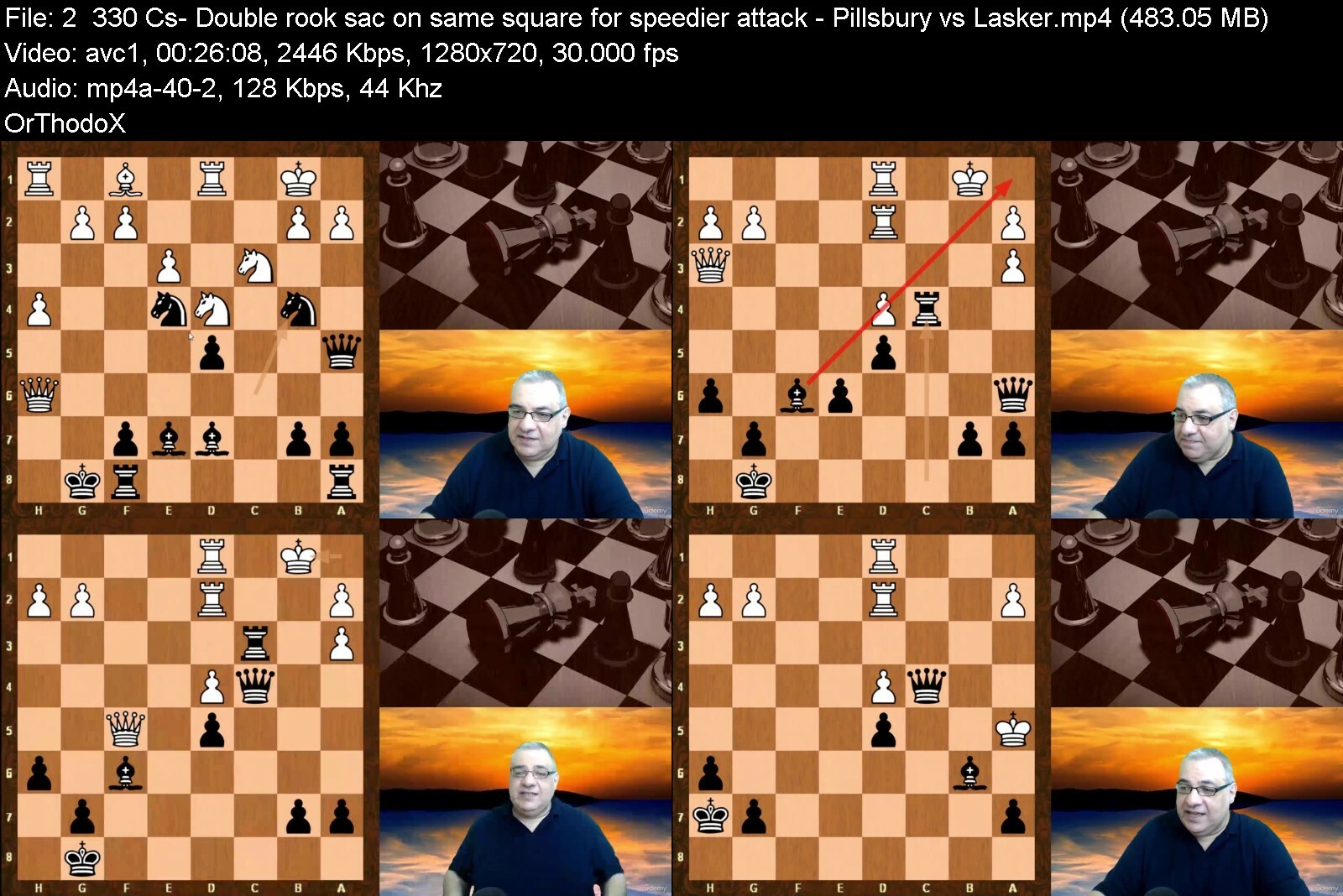
The Complete Guide to Attacking Chess

4846144a36d2mnewh.jpg


The Complete Guide to Attacking Chess
Published 10/2022
MP4 | Video: h264, 1280x720 | Audio: AAC, 44.1 KHz, 2 Ch
Genre: eLearning | Language: English | Duration: 164 lectures (34h 38m) | Size: 40.2 GB


Elements and Ingredients of Winning Attacking Chess Strategies and Tactics. Checkmate ends the game


What you'll learn
Ability to appreciate what makes attacking chess effective
Ability to appreciate the elements in positions relating to attacking potential
Ability to see how certain openings can lead to attacking positions
Appreciate the greatest attacking players in Chess history
Ability to become a more concrete player by basing play around concrete mating combinations that end the chess war
Ability to reverse engineer how beautiful mating combinations are made possible and see the mistakes made, and elements made use of
Ability to appreciate some of the most iconic and instructive attacking chess games in history
Ability to appreciate the attacking perks of various pawn structures
Ability to appreciate that sometimes winning endgame simplification is the reward for attack
Ability to appreciate Alexander Alekhine as a "sensei" for Kasparov and learn from Alekhine's attacking foundation examples
Ability to appreciate Alexander Tolush as a "sensei" for Spassky and learn from Tolush's foundational examples
Requirements
Know how the chess pieces move and ideally has interest in attacking chess
Description
This guide to attacking chess highlights key attacking patterns and ingredients that can lead to mating combinations. It does not focus on mating patterns and combinations, but there is exercise training all the way through the example games, so you will also reinforce your combination and tactical skills.
The major "added value" and focus of the course is the opening and middlegame patterns and attacking "ingredients" of play that create the possibilities for mating patterns and combinations that crown earlier efforts.
The magic behind for example Alekhine's combinations for how he created the possibilities is systematically explored to help determine "key attacking ingredients". For payers such as Rudolf Spielmann, Alekhine's combinations were understood but just not how to get those positions.
"I can comprehend Alekhine's combinations well enough, but where he gets his attacking chances from and how he infuses such life into the very opening - that is beyond me." - Rudolf Spielmann
If you require a mating patterns guide, please check Kingscrushers "Art of Checkmate" which is a complementary course to this one. If you require a primer on tactical patterns, please check Kingscrusher's "Complete guide to chess tactics". These are complementary courses to this one. This course focuses on "how to get the attacking positions" in the first place, determining the key attacking patterns and ingredients from the Opening and into the middlegame.
The course is structured into layers taking into account both the acknowledged masters of attack and also the brilliancy games which showed other masters playing exceptionally well.
The first key "example layer" of the course made was instructive games of Alexander Alekhine who really loved tactics and combinational play and sought out key ingredients for these combinations in the opening and middlegame phase. Some of the course sections highlight these key ingredient "patterns" that are leveraged such as the "bishop without a counterpart". Other sections of the course have been inspired by Neural Network patterns because there is solid evidence that with less calculation, these patterns can even defeat very strong and accurate traditional "AB engines". So Neural network patterns such as "Thorn pawns" and "Bishop without a counterpart" create some of the sections.
The second key "example layer" of the course is made out of the immortal notable games of chess which have a strong attacking element to them. The ingredients of such games are dissected and these examples strengthen the section themes.
This course is a work in progress because Kingscrusher is passionate about attacking chess and loves to improve his own clarifications when creating courses. The extra layers of the course give further examples to reinforce the key sections from the most notable attacking players in Chess history. These extra layers will be added to for the ongoing evolution of this course.
By the end of the course, the student should be much more aware of key attacking ingredients and "patterns" of attacking chess, which will form an important part of the jigsaw needed for effective attacking chess from the opening into the middlegame and with often beautiful combinational conclusions.
Who this course is for
Beginner to Intermediate level players


thecompleteguidetoattdwdo2.jpg


Download from RapidGator


Download from Keep2Share



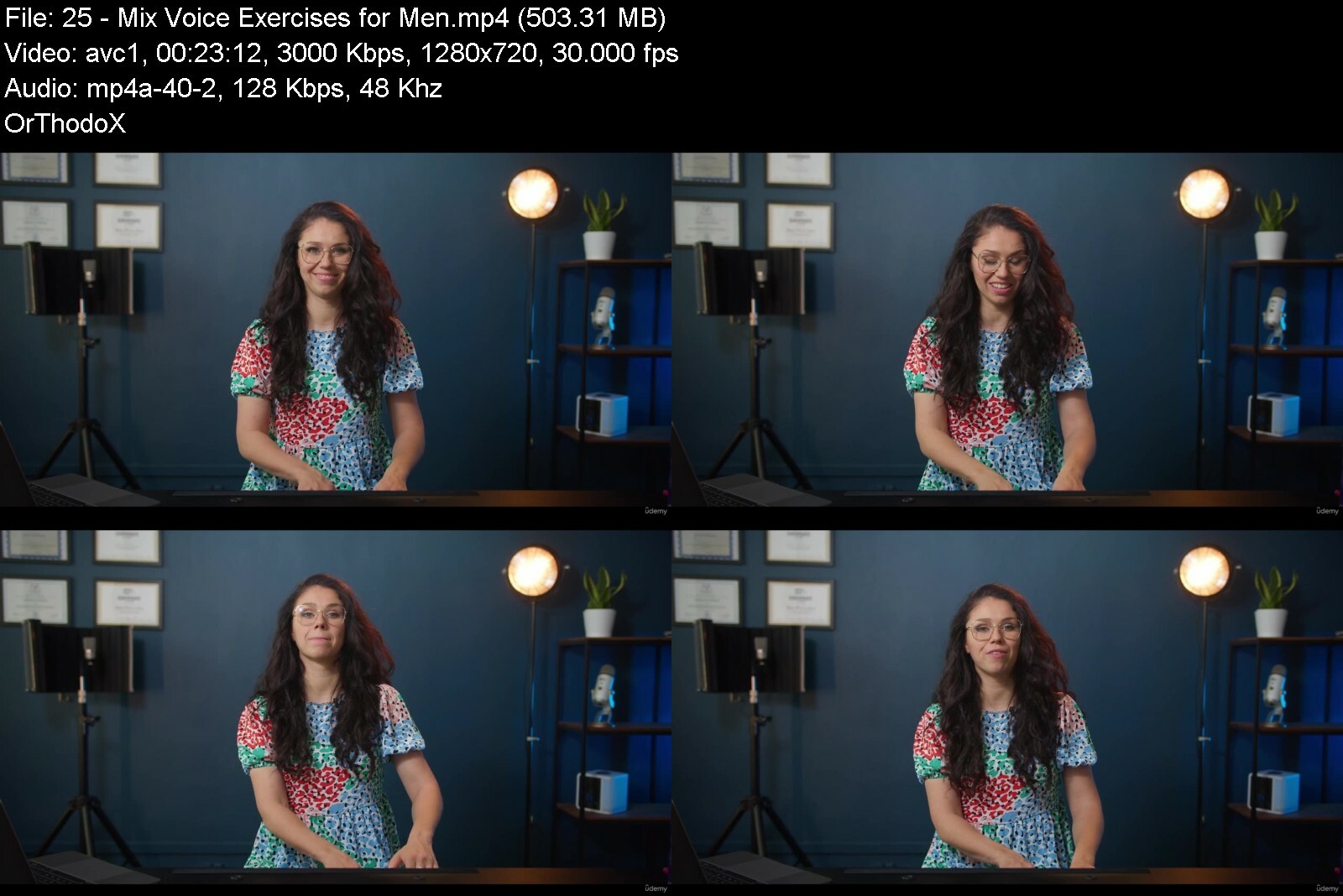
Everyone Can Sing! Your Singing Course

mphilpglaz8js1dxhq2h8k9ey4.jpg


Everyone Can Sing! Your Singing Course
Published 9/2022
MP4 | Video: h264, 1280x720 | Audio: AAC, 44.1 KHz
Language: English | Size: 5.38 GB | Duration: 4h 15m

Sing With Aga


What you'll learn
Healthy and powerful voice
Improved quality of your voice
Better intonation
Wider vocal range
Application to songs
Confidence in dealing with stage fright
Requirements
You don't have to know anything about singing. I'll take you step by step through every aspect of voice production.

Description
After 10 years of coaching all levels of singers I decided to share my knowledge with You. I'll take you on a musical ride. After certification in many vocal schools like - Speech Level Singing, Institute for Vocal Advancement, Modern Vocal Training I have a lot of my own thoughts and conclusions. This course is an essence of over 10000 lessons I gave.So if You struggle with:Singing with little powerSinging off pitchLack of confidenceStress and stage frightLittle voice rangeVoice cracks and inconsistencyThen this Course is for You!Course will cover plenty of key features in singing:How voice worksHow to breathe with diaphragmSinging on pitch and in tempoStress relief and tension reductionVocal training for all kinds of voicesTransfering skill from exercises to songsDon't worry! Ill take you step by step through those categories.Every topic is divided into smaller clips. You will find here great exercises for:Optimal position for singingDiaphragm and supportEar trainingSinging with too heavy voiceSinging without powerVocal warmups before concerts and showsI believe everyone can sing and have fun doing it! Feel free to join my course and prepare for a great musical adventure! I'm happy that we will meet! This is our first course and next ones are incoming in next few months :)
Overview
Section 1: Introduction
Lecture 1 Introduction
Section 2: How voice works
Lecture 2 Components of Voice
Lecture 3 Voice types / tendencies for Women
Lecture 4 Voice types / tendencies for Men
Section 3: Breathing
Lecture 5 Posture
Lecture 6 Breathing warm up 1
Lecture 7 Breathing warm up 2 for Women
Lecture 8 Breathing warm up 2 for Men
Section 4: Ear training
Lecture 9 Ear training part 1 for Women
Lecture 10 Ear training part 1 for Men
Lecture 11 Ear training part 2 for Women
Lecture 12 Ear training part 2 for Men
Lecture 13 Ear training part 3 for Women
Lecture 14 Ear training part 3 for Men
Lecture 15 Ear training QUIZ
Section 5: Stress relief
Lecture 16 How to deal with stress
Lecture 17 Stress relief exercises
Section 6: Voice training
Lecture 18 Exercises addressing too light singing for Women
Lecture 19 Exercises addressing too light singing for Men
Lecture 20 Exercises addressing too heavy singing for Women
Lecture 21 Exercises addressing too heavy singing for Men
Lecture 22 Voice stretch exercises for Women
Lecture 23 Voice stretch exercises for Men
Lecture 24 Mix Voice Exercises for Women
Lecture 25 Mix Voice Exercises for Men
Lecture 26 Before Show/Concert Warm up for Women
Lecture 27 Before Show/Concert Warm up for Men
Section 7: Application to songs
Lecture 28 Application
Beginners and more advanced singers who want to take their skill to next level.,People who use their voice as a tool.,Everyone who would like to sound better!


everyonecansingyoursilgepq.jpg


Download from RapidGator


Download from Keep2Share


 
3D Visualizer: Interior Scene With 3Ds Max Like Ikea Level

9gvm6sxinkfstjfwr5gvfkmi7z.jpg


3D Visualizer: Interior Scene With 3Ds Max Like Ikea Level
Published 9/2022
MP4 | Video: h264, 1280x720 | Audio: AAC, 44.1 KHz
Language: English | Size: 6.85 GB | Duration: 7h 31m

BECOME AN IN-DEMAND 3D VISUALIZER AT IKEA's 3D RENDERINGS LEVEL IN 14 DAYS


What you'll learn
You will install the necessary software 3DS MAX + Corona + 3DX Hamster. You will get acquainted with the interface, functions and opportunities.
You'll learn creating interiors: build walls, set the necessary day or night light, put the furniture and décor
Thanks to the right composition, light and materials you will design a great visualization
At the end of the course you will have at least two interiors for your first portfolio
You'll get enough skills to enhance your portfolio with your works and results of your orders
You'll see that your new hobby is a great opportunity for an extra income
Requirements
PC computer (laptop or desktop)
Understand the basics of operating PC computers
Photoshop basic knowledge will be helpful, although not necessary

Description
Where This Course Will Take YouThis course has been created for students and beginners who are looking for a remote profession, as well as for experienced designers and architects. You will learn the professional workflow and tools used in the industry to achieve stunning, photorealistic results in 3d.Instant Access to:Downloadable Workflow ChecklistDownloadable Cheat Sheet For OrdersGuide: Getting Your First OrderPrivate ChatPrivate Facebook GroupPersonal Chat With AuthorA Real Project to Your Portfolio48 Video Lessons & TasksAutodesk Certification60,000 Downloadable 3D ModelsThis Course For You If You:Just Started As A 3D Visualizer And Want To Get Orders ConsistentlyTired Of Your Current Dull JobWant To Have A Consistent Flow Of High Paying CustomersStriving For Financial FreedomWant To Work When You Want And Where You Want (On The Islands, Drinking Juicy Cocktail)Want To Increase Your Revenue And ThroughputDon't Know How To Sell Your Services Without Dropping Your PriceWant To Increase The Speed Of Order FulfillmentFrequently Asked Questions:I have never opened 3ds Max, will I succeed?Intensive from scratch, we start with the installation of programs. It is mastered by 100% of students, even children from the age of 14. After the intensive, you will start learning 3D modeling from scratch and earn money in this niche without additional courses.I'm already working in 3D, will this course be useful?Yes, it will be useful. During the course, we pay great attention to the beauty of the pitch and the chips that speed up the work. Look at the level of work. If you want to reach this level, this course is for you.After finishing the course, will I be able to take my first orders in 3D?Yes, students take their first orders as soon as they finish this course. You will make 1 template interior and at least 1 unique one to assemble the first portfolio. As a bonus, you get a list of sites where to look for orders and 20 stories of our students' first order. Your skills are objectively enough to cope even with full-fledged orders from designers. The main thing is to avoid urgent, large orders at the beginning.Is it necessary to have an art education in order to earn money?Aesthetics cannot be ignored, but it is not necessary to learn this for years. This is your art education. You will get the key techniques of creating beauty and apply them immediately in practice.How long does it take to start earning with this course from scratch?The first interior on the course will take about 16 hours (for example, 4 days for 4 hours) From that moment on, students successfully cope with work for money. But if you want to consolidate your skills and strengthen your portfolio, do some more creative work (about 10 more hours). Of course, you can study at your own pace, but I sincerely advise you to take the course as intensively as you can. If you quit halfway, then it will be difficult to remember. But when you finish this intensive, the skills will remain forever.How long will I get access to the lessons?Forever.A couple of things to note:This course is taught by a practicing professional in the arch viz industry (12 years experience)Инструктор имеет средний рейтинг 4,3 по 9 доступным курсам.В курсе используются последние версии программного обеспеченияПрисоединяйтесь сейчас и получите пожизненный доступ ко всем файлам проекта и будущим обновлениямЭтот курс преподается сертифицированным специалистом Autodesk с 15-летним опытом работы в 3D.Так чего же ты ждешь? Присоединяйтесь сегодня, и вы получите немедленный пожизненный доступ ко всем моделям трасс, текстурам и т. д.
Overview
Section 1: Introduction
Lecture 1 Greeting
Lecture 2 Original image from the IKEA catalog - download it now
Lecture 3 Task
Section 2: Installation
Lecture 4 Installing necessary software
Lecture 5 Checking Corona
Lecture 6 Note: Compact material editor
Section 3: The basics
Lecture 7 Introduction: how to create and modify objects?
Lecture 8 Task
Lecture 9 Navigation
Lecture 10 Task
Lecture 11 Views in Viewport
Lecture 12 Select, Move, Rotate
Lecture 13 Task
Lecture 14 Initial Settings
Lecture 15 Scene Converter - a new window will appear when opening a new scene. Why?
Lecture 16 Task
Lecture 17 Hotkeys in 3Ds Max
Lecture 18 Saving and Importing
Lecture 19 Will I lose all the progress if 3Ds Max fails?
Lecture 20 Copying "Tetris"
Lecture 21 Task
Lecture 22 "Tetris" with Snaps
Lecture 23 Task
Lecture 24 Modifiers: Bend, Symmetry, TurboSmooth. Introduction to Edit poly
Lecture 25 Task
Lecture 26 Specifics of Edit poly
Lecture 27 Introduction to Edit Poly
Lecture 28 Task
Section 4: Modeling
Lecture 29 Modeling a side table
Lecture 30 Model a side-table from the graduation work on your own
Lecture 31 Task
Lecture 32 Modeling a kitchen
Lecture 33 Let's model a kitchen!
Lecture 34 Task
Section 5: Walls
Lecture 35 Transferring a blueprint
Lecture 36 Learning lines
Lecture 37 Task
Lecture 38 Lifting the blueprint
Lecture 39 Ceiling and floor
Lecture 40 Setting the initial angle of view
Lecture 41 Corona Camera
Lecture 42 Task
Section 6: Materials/Filling
Lecture 43 Light and gray materials
Lecture 44 The window with the frightening inscription
Lecture 45 First materials from library
Lecture 46 Portals for boosting the render
Lecture 47 Task
Lecture 48 Transferring our objects
Lecture 49 !!! Turn off the conversion window forever!
Lecture 50 Materials for our objects
Lecture 51 If you don't have any toolbars in the materials editor
Lecture 52 Base materials
Lecture 53 Task
Lecture 54 Using textures in materials
Lecture 55 Download the texture of the parquet
Lecture 56 Texture color correction
Lecture 57 Specifics of using library materials
Lecture 58 Adjusting wall colors
Lecture 59 Downloading models and installing doors and windows
Lecture 60 Download all the models for this project
Lecture 61 Task
Lecture 62 Inserting base models
Lecture 63 What else can scare you?)
Section 7: Compositions
Lecture 64 Adjusting the prefect viewing angle
Lecture 65 Adjusting the prefect viewing angle - video tutorial
Lecture 66 How to set the angle on the first try
Lecture 67 Check the homework yourself on the Checklist
Lecture 68 Task
Section 8: Light
Lecture 69 Preparing materials for lighting
Lecture 70 Attention!
Lecture 71 Task
Lecture 72 Adjusting beautiful lighting
Lecture 73 The adjust the lighting and light shade sample
Lecture 74 Self-assessment checklist
Lecture 75 Task
Section 9: Grinding
Lecture 76 Postprocessing in frame buffer
Lecture 77 Postproduction settings are refined.
Lecture 78 Task
Lecture 79 Inserting all the décor and models
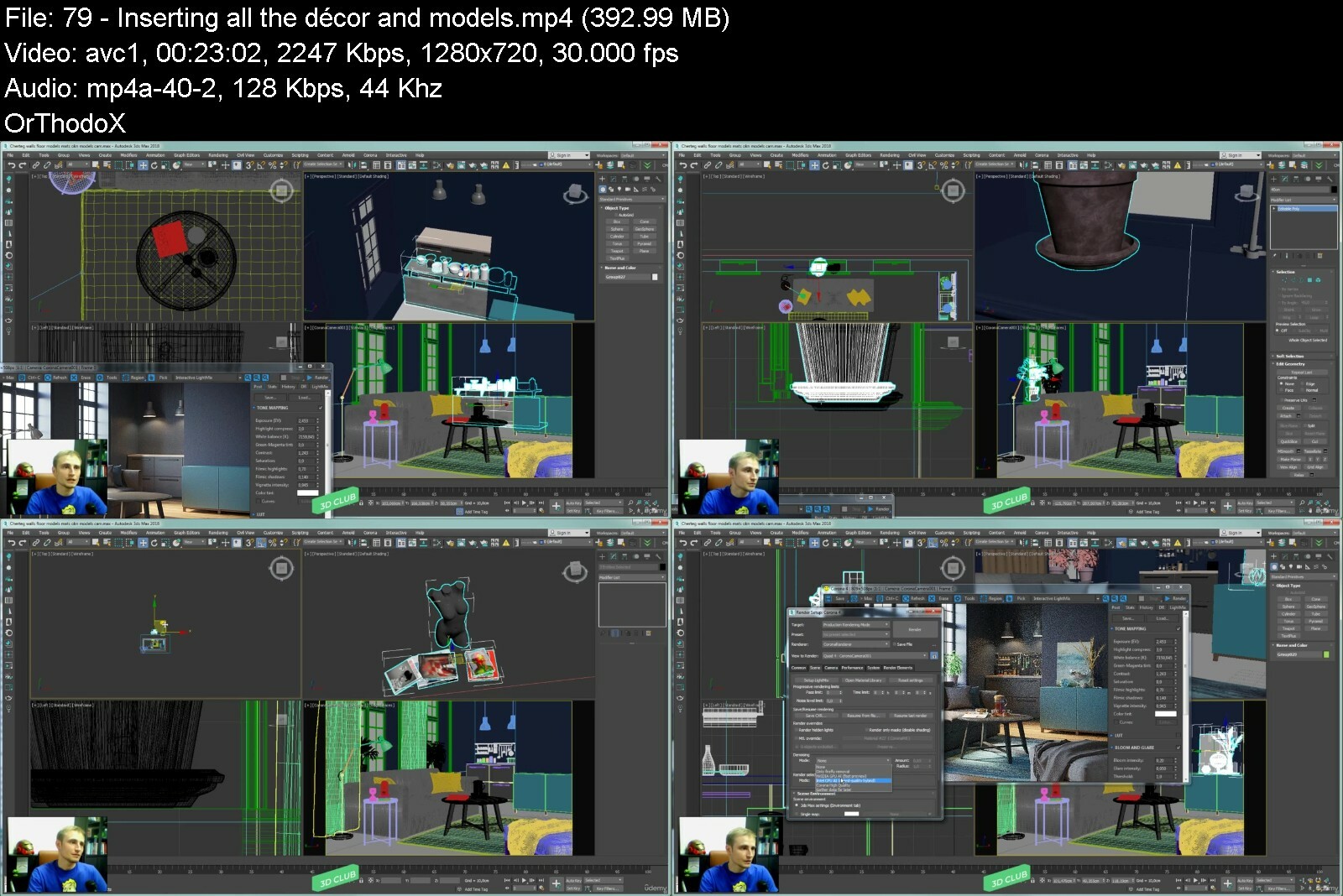
Lecture 80 What else can trouble you?)
Lecture 81 Self-assessment checklist
Lecture 82 Task
Lecture 83 Final correction of materials
Lecture 84 Try to adjust render as close to the sample as possible.
Lecture 85 Self-assessment checklist
Lecture 86 Task
Lecture 87 Final settings for rendering
Lecture 88 Most common mistakes
Lecture 89 Render Setup: Corona 6
Lecture 90 Task
Section 10: Background
Lecture 91 Final postprocessing and saving render
Lecture 92 Mistakes
Lecture 93 The final render will provide a higher resolution and better picture.
Lecture 94 Saving
Lecture 95 Self-assessment checklist
Lecture 96 Task
Section 11: Post-Processing
Lecture 97 1. Inserting background & adjusting the postprocessing of the day & night render
Lecture 98 2. Setting evening lighting (make street light fade)
Lecture 99 3. Setting evening background in Photoshop
Lecture 100 4. Adjustment in Post tab in daytime render
Lecture 101 5. Adjustment in Post tab in nighttime render
Lecture 102 ATTENTION!
Lecture 103 Materials for the lesson
Lecture 104 Task
Section 12: Creativity
Lecture 105 Make your work unique!
Lecture 106 How to use Adobe Color?
Lecture 107 Appealing render checklist
Lecture 108 The render sample
Lecture 109 Please note this
Lecture 110 Task
Section 13: Portfolio
Lecture 111 Additional viewing angles
Lecture 112 Some students' works
Lecture 113 Bad examples
Lecture 114 Adding some blur on the front- and background
Lecture 115 Task
Section 14: Additional Lesson #1
Lecture 116 How to get your first client?
Section 15: Additional Lessons
Lecture 117 Corona Renderer
Lecture 118 AnimaRender
Beginners who have never used 3DS MAX or any 3D software before!,People who are learning 3DS MAX now, but want to know more advanced, professional tools and workflows by improving their 3D renders like Ikea level.,Architects/Interior designers who want to learn 3D visualization.


3dvisualizerinteriorsvdf37.jpg


Download from RapidGator


Download from Keep2Share



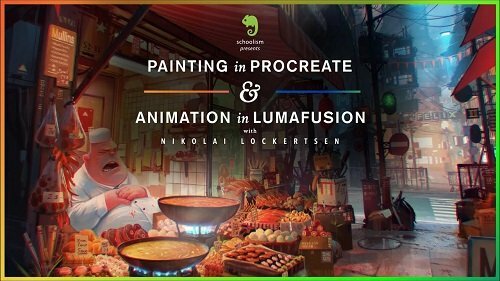
Painting in Procreate & Animation in LumaFusion

aihqavptcgghvwhonnhua4fwb.jpeg


Painting in Procreate & Animation in LumaFusion
MP4 | Video: h264, yuv420p, 1920x1080 | Audio: aac, 44100 Hz | Duration: 7h 59m | 18.8 GB
Genre: eLearning | Language: English

Whenever I post a high-rendered concept on social media, I am always asked if I have a tutorial for that image but I never do, so I created this course to address exactly that. Think of this course as a direct continuation of where my first course stops. While my other course ends before I do all of the details and show a fully polished render, in this course, you'll be following me through my process of creating a highly detailed scene from concept to completion, and then we're going to take it a step further by animating it in Lumafusion.
I'll be showing you every step of my process as I work on my idea of a mischievous girl snagging some food from a sleeping chef's food stand. You'll get to see my preparation stage, watch as I do a highly detailed concept painting from idea to final polish, and follow along as I make it come to life with animation and camera movement. And, of course, I'll be showing you how to use clever tricks in Procreate and Lumafusion to do this. Get ready to learn a lot throughout this whole process as we bring an idea to a fully polished painting and animated scene!
I recommend taking my first course, "Procreate with Nikolai Lockertsen", before moving on to this course.

paintinginprocreateanueiv3.jpg


Homepage

Download from RapidGator


Download from Keep2Share


Pilates Classes Using The Band, Wall & Light Weights

vvqubkeofdu4gjvtmijci54cja.jpg


Pilates Classes Using The Band, Wall & Light Weights
Published 9/2022
MP4 | Video: h264, 1280x720 | Audio: AAC, 44.1 KHz
Language: English | Size: 9.98 GB | Duration: 7h 53m

Safe workouts you can do from your home.


What you'll learn
Pilates fundamentals of how to exercise in the correct positions to maximise the benefits.
Classes using the Band.
Classes using a wall or surface to lean on.
Classes using light weights and high repititions for toning.
Requirements
You will need a mat, band and weights which can be tinned food or bottles of water or very light dumbells.

Description
Your Walls around you have just been there to hold up the roof or hang a picture, But not anymore!It is amazing how diverse a workout can be, using objects around your house. This set of workouts we utilize A surface that you are able to lean on, be it a wall, door or cupboard door to get a phenomenal workout. There are classes using weights which can be substituted for tinned food or water bottles - no need to go out and buy equipment.The exercise band gives you great resistance, if you don't have a band use your weights to give you that resistance or do the same movement with the band.For 17 years I have been teaching Pilates and coming up with fun changes and adaptive movements to give you a full body tone, while correcting posture and relieving posture related aches and pains.Join me for a series of enjoyable workouts, but first we always recap the basic principles that govern Pilates. We do this to ensure you are optimizing the workout. Here we learn how to breathe and hold your body in the correct placements. The placements themselves work muscle groups that align your body. These are homemade videos I've made in my home studio, please help me by reviewing the course and sharing it to people you think would reap mass benefits. Let's begin...
Overview
Section 1: Introduction
Lecture 1 Introduction
Section 2: Pilates Basic Principals
Lecture 2 Breathing
Lecture 3 Rib Cage Placement
Lecture 4 Shoulder Placement
Lecture 5 Abdominal Activation
Lecture 6 Head Position
Lecture 7 Lower Back Placement
Section 3: Band Workout 1
Lecture 8 Band
Section 4: Wall Workout 2
Lecture 9 Wall Workout
Section 5: Weights Workout
Lecture 10 Weights
Section 6: Matwork
Lecture 11 Matwork
Section 7: Stretch
Lecture 12 Stretch Class
Section 8: Band Workout 2
Lecture 13 Band
Section 9: Wall Class
Lecture 14 Wall
Section 10: Leg Workout
Lecture 15 Lower Body Workout
Section 11: The End
Lecture 16 Finished
Absolute beginners all the way up to advanced.,All Ages welcome.,If you have any injuries please get approval from your physician first.


pilatesclassesusingthagf6m.jpg


Download from RapidGator


Download from Keep2Share


Zurück
Oben Unten