• Regeln für den Video-Bereich:

    In den Börsenbereich gehören nur Angebote die bereits den Allgemeinen Regeln entsprechen.

    Einteilung

    - Folgende Formate gehören in die angegeben Bereiche:
    - Filme: Encodierte Filme von BluRay, DVD, R5, TV, Screener sowie Telesyncs im Format DivX, XviD und x264.
    - DVD: Filme im Format DVD5, DVD9 und HD2DVD.
    - HD: Encodierte Filme mit der Auflösung 720p oder darüber von BluRay, DVD, R5, TV, Screener sowie Telesyncs im Format x264.
    - 3D: Encodierte Filme von BluRay, die in einem 3D Format vorliegen. Dies gilt auch für Dokus, Animation usw.
    - Serien: Cartoon/Zeichentrick, Anime, Tutorials, Dokumentationen, Konzerte/Musik, Sonstiges sind demnach in die entsprechenden Bereiche einzuordnen, auch wenn sie beispielsweise im High Definition-Format oder als DVD5/DVD9/HD2DVD vorliegen. Ausnahme 3D.
    - Bereich Englisch: Englische Releases gehören immer in diesen Bereich.
    - Bereich Talk: Der Bereich, in dem über die Releases diskutiert werden kann, darf, soll und erwünscht ist.


    Angebot/Beitrag erstellen

    - Ein Beitrag darf erst dann erstellt werden, wenn der Upload bei mindestens einem OCH komplett ist. Platzhalter sind untersagt.
    - Bei einem Scenerelease hat der Threadtitel ausschließlich aus dem originalen, unveränderten Releasenamen zu bestehen. Es dürfen keine Veränderungen wie z.B. Sterne, kleine Buchstaben o.ä. vorgenommen werden. Ausnahme Serienbörse:
    - Bei einem Sammelthread für eine Staffel entfällt aus dem Releasename natürlich der Name der Folge. Beispiel: Die Simpsons S21 German DVDRip XviD - ITG
    - Dementsprechend sind also u.a. verboten: Erweiterungen wie "Tipp", "empfehlenswert", "only", "reup", usw. / jegliche andere Zusatzinformation oder Ergänzung, welche nicht in obiger Beschreibung zu finden ist.

    Aufbau des Angebots und Threadtitel

    Der Titel nach folgendem Muster erstellt zu werden. <Name> [3D] [Staffel] [German] <Jahr> <Tonspur> [DL] [Auflösung] <Quelle> <Codec> - <Group>
    Beispiel: The Dark Knight German 2008 AC3 DVDRip XviD - iND
    Beispiel: The Dark Knight 2008 DTS DL BDRip x264 - iND
    Beispiel: The Dark Knight 2008 AC3 DL BDRip XviD - iND
    Beispiel: The Dark Knight German 2008 AC3 720p BluRay x264 iND
    Beispiel: The Dark Knight 2008 DTS DL 1080p BluRay x264 iND
    Beispiel: Die Simpsons S01 German AC3 DVDRip XviD iND
    Beispiel: Die Simpsons S20 German AC3 720p BluRay x264 iND
    Beispiel: Sword Art Online II Ger Sub 2014 AAC 1080p WEBRip x264 - peppermint
    Entsprechend sind also u.a. verboten: Sonderzeichen wie Klammern, Sterne, Ausrufezeichen, Unterstriche, Anführungszeichen / Erweiterungen wie "Tipp", "empfehlenswert", "only", "reup", usw. / jegliche andere Zusatzinformation oder Ergänzung, welche nicht in obiger Beschreibung zu finden ist
    Ausnahmen hiervon können in den Bereichen geregelt sein.

    Die Beiträge sollen wie folgt aufgebaut werden:
    Überschrift entspricht dem Threadtitel
    Cover
    kurze Inhaltsbeschreibung
    Format, Größe, Dauer sind gut lesbar für Downloader außerhalb des Spoilers zu vermerken
    Nfo sind immer Anzugeben und selbige immer im Spoiler in Textform.
    Sind keine Nfo vorhanden z.B. Eigenpublikationen, sind im Spoiler folgende Dateiinformationen zusätzlich anzugeben :
    Quelle
    Video (Auflösung und Bitrate)
    Ton (Sprache, Format und Bitrate der einzelnen Spuren)
    Untertitel (sofern vorhanden)
    Hosterangabe in Textform außerhalb eines Spoiler mit allen enthaltenen Hostern.
    Bei SD kann auf diese zusätzlichen Dateiinformationen verzichtet werden.

    Alle benötigten Passwörter sind, sofern vorhanden, in Textform im Angebot anzugeben.
    Spoiler im Spoiler mit Kommentaren :"Schon Bedankt?" sind unerwünscht.


    Releases

    - Sind Retail-Release verfügbar, sind alle anderen Variationen untersagt. Ausnahmen: Alle deutschen Retail-Release sind CUT, in diesem Fall sind dubbed UNCUT-Release zulässig.
    - Im Serien-Bereich gilt speziell: Wenn ein Retail vor Abschluss einer laufenden Staffel erscheint, darf diese Staffel noch zu Ende gebracht werden.62
    - Gleiche Releases sind unbedingt zusammenzufassen. Das bedeutet, es ist zwingend erforderlich, vor dem Erstellen eines Themas per Suchfunktion zu überprüfen, ob bereits ein Beitrag mit demselben Release besteht. Ist dies der Fall, ist der bereits vorhandene Beitrag zu verwenden.
    - P2P und Scene Releases dürfen nicht verändert oder gar unter einem iND Tag eingestellt werden.


    Support, Diskussionen und Suche

    - Supportanfragen sind entweder per PN oder im Bereich Talk zu stellen.
    - Diskussionen und Bewertungen sind im Talk Bereich zu führen. Fragen an die Uploader haben ausschließlich via PN zu erfolgen, und sind in den Angeboten untersagt.
    - Anfragen zu Upload-Wünschen sind nur im Bereich Suche Video erlaubt. Antworten dürfen nur auf Angebote von MyBoerse.bz verlinkt werden.


    Verbote

    - Untersagt sind mehrere Formate in einem einzigen Angebotsthread, wie beispielsweise das gleichzeitige Anbieten von DivX/XviD, 720p und 1080p in einem Thread. Pro Format, Release und Auflösung ist ein eigener Thread zu eröffnen.
    - Grundsätzlich ebenso verboten sind Dupes. Uploader haben sich an geeigneter Stelle darüber zu informieren, ob es sich bei einem Release um ein Dupe handelt.
    - Gefakte, nur teilweise lauffähige oder unvollständige Angebote sind untersagt. Dies gilt auch für eigene Publikationen, die augenscheinlich nicht selbst von z.B. einer DVD gerippt wurden. Laufende Serien, bei denen noch nicht alle Folgen verfügbar sind, dürfen erstellt und regelmäßig geupdatet werden.
    - Untersagt sind Angebote, welche nur und ausschließlich in einer anderen Sprache als deutsch oder englisch vorliegen. Ausnahmen sind VORHER mit den Moderatoren zu klären.


    Verstoß gegen die Regeln

    - Angebote oder Beiträge, die gegen die Forenregeln verstoßen, sind über den "Melden"-Button im Beitrag zu melden.
  • Bitte registriere dich zunächst um Beiträge zu verfassen und externe Links aufzurufen.

*** Bestes IPTV *** bester Preis *** gratis Test ***


Englische Tutorials

Terraform on AWS EKS Kubernetes IaC SRE- 50 Real-World Demos
umjel8tddxji4um8xmpso7gd3n.jpg


Terraform on AWS EKS Kubernetes IaC SRE- 50 Real-World Demos
Genre: eLearning | MP4 | Video: h264, 1280x720 | Audio: AAC, 44.1 KHz
Language: English | Size: 20.6 GB | Duration: 307 lectures • 45h 14m

AWS EKS IAM, Ingress, EBS CSI, EFS CSI, VPC, Fargate, Application & Network Load Balancer, Autoscaling (CA, HPA, VPA)


What you'll learn
You will learn to master Terraform & Kubernetes on AWS EKS in a Real-world perspective with 55 demo's on AWS Cloud with 50+ Kubernetes and 30+ Terraform Concept
You will learn Terraform Basics for 4.5 hours
You will build a AWS VPC 3-Tier network with Terraform
You will build a AWS EKS Cluster with Public and Private Node Groups with Terraform
You will learn Kubernetes Fundamentals for 3 hours
You will implement a simple kubernetes deployment and service using Terraform Kubernetes Provider
Understand and Implement Terraform Remote State Datasource
You will learn AWS EKS IRSA (IAM Roles for Service Accounts Concept) in detail and implement it with Terraform
You will master Kubernetes Storage concepts with AWS EBS CSI Controller by automating the whole install process with Terraform
You will master AWS EKS IAM Concepts with 7 detailed Demo
You will learn to implement AWS Load Balancer Controller Install on AWS EKS Cluster with Terraform
You will learn to implement 14 Ingress Service Demos (AWS Application Load Balancer) using Terraform Kubernetes Provider
You will learn to implement 3 Kubernetes Service Demos for AWS Load Balancer Controller
You will master the AWS Fargate Concepts with 3 demos including running all workloads of EKS Cluster on AWS Fargate (Fargate Only EKS Cluster)
You will install Kubernetes Cluster Autoscaler on AWS EKS Cluster with Terraform and Test it
You will implement Horizontal and Vertical Pod Autoscaler Concepts with Terraform
You will learn to implement AWS EKS Monitoring and Logging using kubectl and Terraform

Requirements
You must have an AWS Cloud account to follow with me for hands-on activities.
You don't need to have any basic knowledge of Terraform. Course will get started from very very basics of Terraform and take you to very advanced levels
You don't need to have any basic knowledge of Kubernetes. Course will get started from very very basics of Kubernetes and take you to very advanced levels

Description
******* Course Overview *******

Welcome to this Amazing course on Terraform on AWS EKS Kubernetes IaC SRE- 50 Real-World Demos. Below is the list of modules covered in this course.

Course Modules

01. Infrastructure as Code (IaC)

02. Terraform Install Tools, Command and Language Basics

03. Terraform Settings, Providers, and Resources

04. Terraform Input Variables, Output Values, Datasources

05. Terraform Loops, MetaArguments, Splat Operator and Functions

06. AWS VPC 3-Tier Architecture Design using Terraform

07. Bastion Host AWS EC2 Instances, Security Groups, TF Provisioners with Terraform

08. AWS EKS Cluster, Public and Private Node Groups using Terraform

09. Kubernetes Fundamentals

10. Kubernetes Deployment and Service using YAML

11. Terraform Kubernetes Provider - Kubernetes Deployment & Service

12. Terraform Remote State Storage - AWS S3 & DynamoDB

13. AWS EKS IAM Roles for Service Accounts (IRSA) using Terraform

14. AWS EKS EBS CSI Driver Install with Self-Managed AddOn Option using Terraform

15. AWS EKS EBS Demo using k8s YAML (UserMgmt WebApp with MySQL DB)

16. AWS EKS EBS Demo using k8s Terraform (UserMgmt WebApp with MySQL DB)

17. AWS EKS EBS Volumes Retain and Resize Settings

18. AWS EBS CSI EKS Add-On

19. Provision AWS IAM Admin User as EKS Admin

20. Provision AWS IAM Basic User as EKS Admin

21. Provision of AWS Users (Admin & Basic) as EKS Admins using Terraform

22. Provision EKS Admins using IAM Roles & IAM Groups

23. Provision EKS Admins using IAM Roles & IAM Groups using Terraform

24. Provision EKS ReadOnly User using IAM Roles, Groups & k8s CR, CRB

25. Provision EKS Developer Users using IAM Roles, Groups & k8s R, RB

26. AWS Load Balancer Controller Install using Terraform Helm Provider

27. Ingress Basics - Automate with Terraform

28. Ingress Context Path based Routing - Automate with Terraform

29. Ingress SSL and SSL Redirect - Automate with Terraform

30. Install ExternalDNS using Terraform Helm Provider

31. Ingress with ExternalDNS - Automate with Terraform

32. Kubernetes LB Service with ExternalDNS - Automate with Terraform

33. Ingress Name based Virtual Host Routing- Automate with Terraform

34. Ingress SSL Discovery Host

35. Ingress SSL Discovery TLS

36. Ingress Groups - Automate with Terraform

37. Ingress Target Type IP - Automate with Terraform

38. Ingress Internal Load Balancer - Automate with Terraform

39. Ingress Cross Namespaces - Automate with Terraform

40. AWS Network Load Balancer with AWS Load Balancer Controller

41. AWS NLB TLS, External DNS with AWS LBC - Automate with Terraform

42. AWS NLB Internal LB with AWS LBC - Automate with Terraform

43. AWS EKS Fargate Profiles using Terraform

44. Run EKS Workloads on AWS Fargate - Automate with Terraform

45. AWS Fargate Only EKS Cluster using Terraform

46. AWS EFS CSI Controller Install using Terraform Helm Provider

47. AWS EFS Static Provisioning - Automate with Terraform

48. AWS EFS Dynamic Provisioning - Automate with Terraform

49. AWS EFS File System Mount for Fargate Workloads

50. Kubernetes Cluster Autoscaler Controller Install

51. Kubernetes Cluster Autoscaler Controller Test

52. Kubernetes Horizontal Pod Autoscaling with Terraform

53. Kubernetes Vertical Pod Autoscaling with Terraform

54. AWS EKS Monitoring and Logging with kubectl

55. AWS EKS Monitoring and Logging with Terraform

Kubernetes Concepts Covered

01. Kubernetes Deployments

02. Kubernetes Pods

03. Kubernetes Service of Type LoadBalancer

04. Kubernetes Service of Type ClusterIP

05. Kubernetes Ingress Service

06. Kubernetes Ingress Class

07. Kubernetes Storage Class

08. Kubernetes Storage Persistent Volume

09. Kubernetes Storage Persistent Volume Claim

10. Kubernetes RBAC

11. Kubernetes Role

12. Kubernetes Role Binding

13. Kubernetes Cluster Role

14. Kubernetes Cluster Role Binding

15. Kubernetes Cluster Autoscaler

16. Kubernetes Vertical Pod Autoscaler

17. Kubernetes Horizontal Pod Autoscaler

18. Kubernetes DaemonSets

19. Kubernetes Namespaces

20. Kubernetes Service Accounts

21. Kubernetes Groups

22. Kubernetes ConfigMaps

23. Kubernetes Requests and Limits

24. Kubernetes Worker Nodes

Terraform Concepts covered

01. Settings Block

02. Providers Block

03. Multiple Providers usage

04. Dependency Lock File Importance

05. Resources Syntax and Behavior

06. Resources Meta-Argument - depends_on

07. Resources Meta-Argument - count

08. Resources Meta-Argument - for_each

09. Resources Meta-Argument - lifecycle

10. Input Variables - Basics

11. Input Variables - Assign When Prompted

12. Input Variables - Assign with terraform.tfvars

13. Input Variables - Assign with auto tfvars

14. Input Variables - Lists

15. Input Variables - Maps

16. File Function

17. Output Values

18. Local Values

19. Datasources

20. Backends - Remote State Storage

21. File Provisioner

22. remote-exec Provisioner

23. local-exec Provisioner

24. Null Resource

25. Modules from Public Registry

26. element function

27. Remote State Datasource

28. Terraform Datasources

Terraform Providers used

1. AWS Terraform Provider

2. Kubernetes Terraform Provider

3. Kubectl Terraform Provider

4. HTTP Terraform Provider

5. Null Terraform Provider

6. Helm Terraform Provider

Each of my courses comes with

Amazing Hands-on Step By Step Learning Experiences

Real Implementation Experience

Friendly Support in the Q&A section

30-Day "No Questions Asked" Money Back Guarantee!

Who this course is for
Infrastructure Architects or Sysadmins or Developers who are planning to master Terraform from Real-World perspective on AWS Cloud in combination with AWS Elastic Kubernetes Service (AWS EKS)
Any beginner who is interested in learning IaC Infrastructure as Code current trending tool Terraform with AWS Cloud

Homepage

020step20kubernetessebee91.jpg


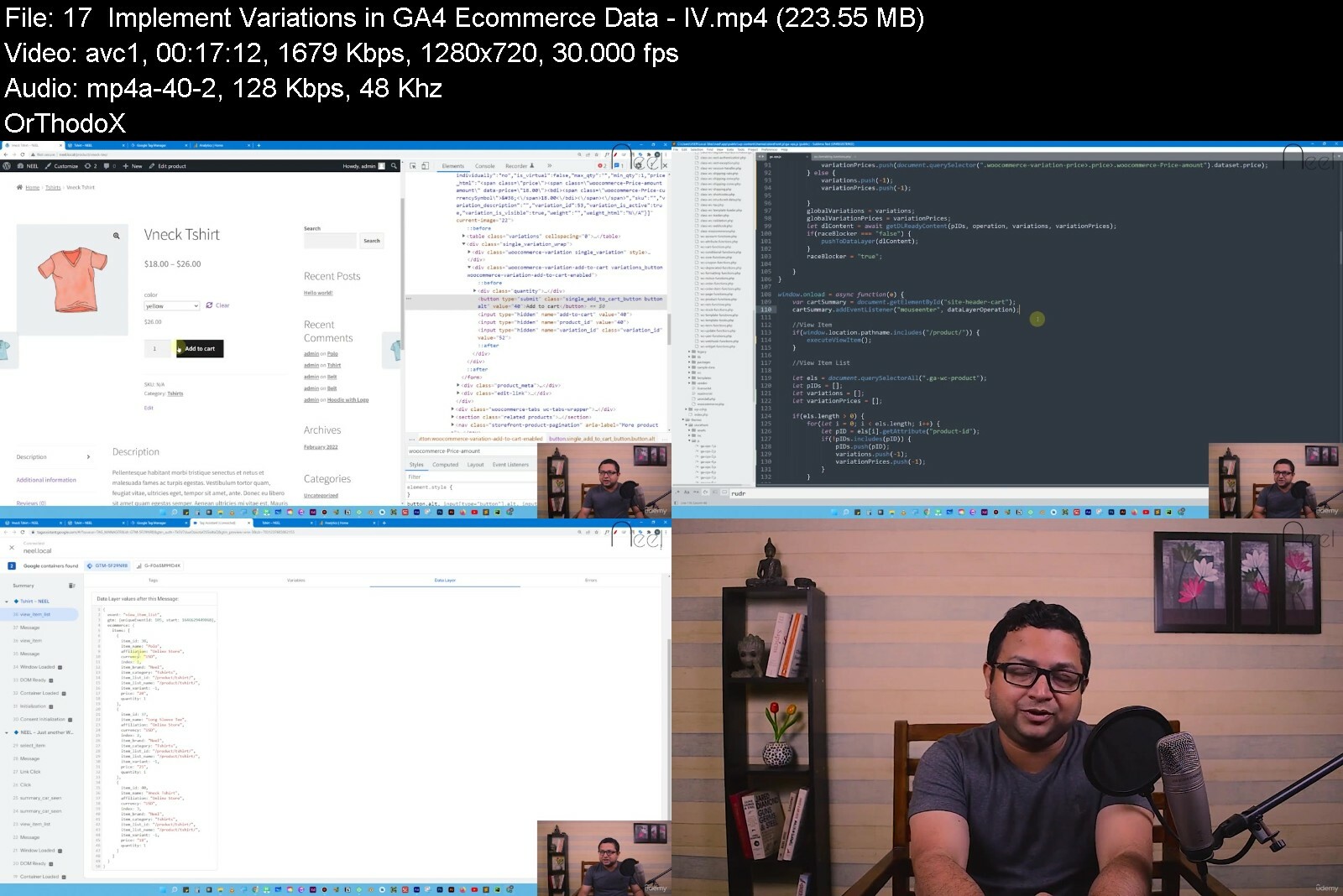
Advanced Google Analytics 4 Implementation with Tag Manager

46194323999ycffn.jpg


Advanced Google Analytics 4 Implementation with Tag Manager
Last Updated 04/2022
MP4 | Video: h264, 1280x720 | Audio: AAC, 44.1 KHz, 2 Ch
Genre: eLearning | Language: English + srt | Duration: 124 lectures (15h 46m) | Size: 10.6 GB


Learn advanced GA4 custom data collection, customization, ecommerce implementation with Google Tag Manager


What you'll learn
Complete GA4 implementation guide for Google Analytics learners at all skill levels
Learn Google Analytics 4 Custom Data Collection with JavaScript and Google Tag Manager
Learn Enhanced Ecommerce Implementation for GA4
Learn Custom Report Creation in Google Analytics 4 account and Data Studio
Learn Google Analytics 4 Data Model, Events, Event Parameters, User Properties and more
Master GA4 implementation with a Live Project
Requirements
None. Basics of JavaScript will be useful.
Description
This is a complete implementation and customization course on Google Analytics 4 including ecommerce data collection. With Universal Analytics ready to be sunset by 2023, this course will prepare you to handle any scale of Google Analytics 4 projects independently. The course starts with the fundamental concepts - GA4 reports, how GA4 works behind the scenes, the event data model, event parameters, user properties, and more.
We learn how Google Tag Manager is used for advanced implementation, user-id tracking, and ecommerce data collection and display in GA4. We use JavaScript extensively to handle advanced use cases. In fact, for learners who are not comfortable with JS, there are JS fundamentals chapters to get you up to speed. There is a live project, a website, that you and I will set up to implement google analytics together. There are chapters that discuss custom report creation at length including the use of Data Studio.
I am Rudranil, and I have been a marketing and analytics professional for more than a decade with many many projects under my belt. I bring to you this course with hours and hours of video content, an enormous discount, lifelong access, and a no questions asked 30-day money-back guarantee. You have zero risk in subscribing to the course. I would love to see you inside the course.
Thank you.
Reviews from my Google Analytics courses on Udemy
------------------------------------------------------------
An amazing course by a particularly fascinating lecturer. I usually listen to courses at double speed, here I had to slow down a bit to absorb all the good that the amazing lecturer has to give. This is not the first course not the last course I will take from this lecturer, please continue to update the course, the other courses and continue to produce more content because I enjoy learning from you and benefit from it immediately.
--Oren
Really an amazing course... super-detailed!! This is the place to start ... he takes from absolutely 0 to 100.
--Toshiba
This is a very detailed Google Analytics course on Udemy, that gave a wider range of ideas from the basic to the advanced concept of Google Analytics. I highly recommend this course.
--Mujaheed Abdul Wahab
Just a little bit in, but already one of the best overviews I have found. For new folks, I wish I had found this lesson when I first started! He does a fantastic job explaining the different sections of Analytics and what key terms mean.
-- JJ Kennedy
He has in-depth knowledge of the subject, making things clear in layman language will help non-coders like me to understand the subject. Answers promptly to the questions asked. Must recommended course for anyone who want to understand GTM. No one can be a better instructor than Rudranil when it comes to Google Tag Manager.
-- Arun
Who this course is for
Beginners planning to learn GA4 Implementation
Universal Analytics Implementers
GA4 Enthusiasts


advancedgoogleanalyti2tc2t.jpg


Download from RapidGator


Download from Keep2Share


Differential Equations Lectures with The Math Sorcerer

4681348cefc5rvisz.jpg


Differential Equations Lectures with The Math Sorcerer
Published 05/2022
MP4 | Video: h264, 1280x720 | Audio: AAC, 44.1 KHz, 2 Ch
Genre: eLearning | Language: English + srt | Duration: 47 lectures (33h 5m) | Size: 42 GB


Full Lectures + Assignments + Solutions + Final Exam with Solutions


What you'll learn
What is a Differential Equation
The Difference Between Ordinary and Partial Differential Equations
How to Find the Order of a Differential Equation
How to Determine if a Differential Equation is Linear or Nonlinear
The Definition of a One Parameter and a Two Parameter Family of Solutions
The Definition of the General Solution
The Definition of a Singular Solution
How to Find the Interval of Definition
The Definition of a Particular Solution
The Definition of an Initial Value Problem(I.V.P.) and What it Means Graphically
How to Solve an Initial Value Problem
How to Solve Separable Differential Equations
How to Solve Linear Differential Equations by Finding using the Integrating Factor
How to Determine if a Differential Equation is Exact
How to Solve Exact Differential Equations
The Definition of a Homogeneous Function
How to Determine if a Differential Equation is Homogeneous
How to Solve Homogeneous Differential Equations
How to Solve Bernoulli Differential Equations
How to Solve Differential Equations of the Form dy/dx = f(Ax + By + C)
How to use Newton's Law of Cooling to Solve a Word Problem
The Definition of Linear Independence and Dependence Applied to Functions
How to Prove a Set of Functions is Linearly Dependent or Indepenent
How to Compute the Wronksian of a Set of Functions
How to Use the Wronskian to Show Functions are Linearly Independent
The Terminology and Theory Surrounding Solutions of Linear Homogeneous Differential Equations with Constant Coefficients
What it Means Graphically for Two Functions to Be Independent or Dependent
Motivation and Proof Sketch for the Method used to Solve Linear Differential Equations with Constant Coefficients
How to Solve Linear Homogeneous Differential Equations with Constant Coefficients by Using the Auxiliary/Characteristic Equation
How to Use the Rational Roots Theorem, Quadratic Equation, and Various Factoring Techniques to Solve Linear DE's
How to Solve Initial Value and Boundary Value Problems with Linear DE's
How to Use The Method of Undetermined Coefficients to Solve Linear Nonhomogeneous Differential Equations with Constant Coefficients
How to Find the Complementary Function
How to Find the Form of the Particular Solution y_p
How to Use Variation of Parameters to Solve Linear Nonhomogeneous Differential Equations
How to Solve Cauchy-Euler Differential Equations
How to Find the Laplace Transform of a Function using the Definition
How to Find the Laplace Transform of a Piecewise Function using the Definition
How to Find the Laplace Transform from a Graph using the Definition
How to Use Formulas to Find the Laplace Transform of a Function
How to Find the Inverse Laplace Transform of a Function
How to Use the First Translation Theorem for Laplace Transforms
How to Solve Initial Value Problems using Laplace Transforms
How to Use Partial Fractions to Solve Laplace Transform Problems
How to Use the Heavyside Coverup Method in Laplace Transform Problems
The Definition of Convergence of a Series
How to Use The nth Term Test for Infinite Series
How to Use the p-test for Infinite Series
How to Use The Alternating Series Test for Infinite Series
How to Use The Ratio Test for Infinite Series
How to Use The Root Test for Infinite Series
How to Use The Direct Comparison Test for Infinite Series
How to Use The Limit Comparison Test for Infinite Series
Understand The Convergence Theorem for Series - Both the Real and Complex Case
How to Find the Interval and Radius of Convergence for an Infinite Series
How to Find Two Linearly Independent Solutions to a Differential Equation
How to Solve Differential Equations using Power Series
How to Solve an Initial Value Problem using Power Series
Requirements
Basic Differentiation and Integration Skills.
Description
This is a complete course on differential equations. The material covered in this course is equivalent to what is taught at most colleges. There might be some topics that you will see here that you don't see in a college course, and there might be some that are missing from a regular college course. Overall though, this is a very complete course.
You should have basic differentiation and integration skills in order to understand this course. Normally the requirement for Differential Equations is Calculus 2, but I would say as long as you can differentiate and you know some basic integration techniques such as u-substitution you should be able to follow along. Integration by Parts and other techniques are used but they are carefully reviewed when they are introduced. The pace is good and you should be ok as long as you know some basic calculus. You will probably learn a great deal of calculus and other things as you go through this course.
Here are some of the highlights of this course.
29 Full Lectures. In some cases there is more than one version of a particular lecture.
16 Assignments with Solutions. There is an assignment for every single section in this course.
A Full Review for the Final Exam.
A Final Exam with Solutions.
This course is perfect for anyone who wants to learn differential equations on their own or wants to prepare for a course on differential equations at the college level. If you are currently taking differential equations, this course would of course be extremely helpful.
I sincerely hope that you enjoy this course as much as I have enjoyed creating it. The lectures, the assignments, and the final exam were very carefully created so that anyone with some basic calculus knowledge can learn the material.
Good luck and enjoy the course:)
Who this course is for
Anyone who wants to learn differential equations.


differentialequationsipddl.jpg


Download from RapidGator


Download from Keep2Share


Voicetraining Online

2zdc2tpbe7iwtnmycbygxezifm.jpg


Voicetraining Online
MP4 | Video: h264, 1280x720 | Audio: AAC, 44.1 KHz
Language: English | Size: 5.11 GB | Duration: 3h 57m

A workshop with which you can free your voice


What you'll learn
How to get a beautiful sounding voice, How to improve your voice step by step, using practical examples
Singing without fear and freeing your voice and eliminating hoarseness, How you can improve your intonation with a well-founded technique
Singing high notes with ease, Maintain your vocal health so that you can sing effortlessly even in old age
Expand your vocal volume (forte and piano), A good breathing technique, which is also helpful for everyday life
How you can sing with „support", or how the voice is connected to the body in such a way that it can sound very full and is relieved at the same time.
Requirements
beginners and advanced

Description
Your guide to a full and beautiful sounding voice in all heights!
Singing progress guaranteed!
„This school helps you with your vocal goals, even if other singing teachers have given you up. Get started today!"
by Susanna Proskura, Dipl. Vocal Pedagogue, Dipl. Classical Singer
Wouldn't it be nice if you could sing with a free and full voice and express your favourite music with feeling? It is really possible for everyone. Why is it still so common to sing tight tones and cramp everything when you only think of a high tone? We try to manipulate the throat, „squeeze out" the tones and make it worse with a stiff musculature. At the thought that someone could listen to us, our breath becomes flat and high, and we believe that we can no longer breathe.
This creates a fatal misbelief
This wrong technique then determines the sound of our voice, and how others think about us, whether we have talent or not. In the end we realize that we simply don't have a beautiful voice and give up bitterly. I'm sure you know those moments where you think: „There must be more potential in my throat. that can't be all."
After a few mistakes in my past, I have found the right way.
Even as a professional singer I have experienced that my natural talent stops somewhere. The problem I had was that I couldn't sing „from the body" or „with support", which put so much strain on my voice, especially in the high notes, that the voice doctor said I couldn't be a singer anymore. But this was my vocation since I was 8 years old! More and more often I had to listen to myself that my voice would not carry enough to fill a hall.
The thought that I would never really be able to sing about an orchestra, using only a small part of my potential, became so strong that I had to change something. The despair was unbearable.
This encounter has changed my life.
And that's why I started searching all over Germany until I met Prof. Sylvia Greenberg in Munich. After the audition she explained to me without hesitation what to do. At that moment it was clear to me: For this singing teacher I am ready to travel to the end of the world! And it was worth it. After 3 months of very intensive lessons I went back to the voice doctor, and my voice problems had disappeared like a shadow in the night. At Christmas, when I sang again in Hamburg, all my friends were amazed by my vocal volume!
Now I really wanted to pass on what I had learned! Numerous hobby singers took private lessons with me and I gave many workshops.
But amateurs have different goals and often start singing much later. Thus students came to me who had already been told as a child: „Shut up, you can't sing". This has always led to great psychological injuries, because „I can't sing" is often subconsciously interpreted as „I am bad".
I was able to prove to all these dear people that anyone can learn to sing!
What does that mean for you?
With the help of the experience I have gained over the years, I have succeeded in developing an online workshop for you that guarantees you a full, healthy and free sounding voice!
Hundreds of success stories of my individual students and workshop participants online and offline are the best proof.
„I used to have a croaking voice and I didn't dare to sing in the choir. Thanks to your online workshop I can finally sing freely, and high notes don't scare me anymore. Now I sing in a great choir and don't have to hide anymore. Many thanks for that! Anne L.
„First of all I would like to thank you for the great videos, I bought the workshop 3 months ago and I am thrilled! It has already opened my eyes in many points! Finally a workshop, where not only theoretical things but many practical exercises are included. That really helps! Tina R.
„I have already completed your workshop 3 times. As a result, I was accepted into a large choir. For years I wanted to sing in this choir, but I didn't dare, because there is an entrance examination with audition. I always postponed it because I was afraid. Now, with the new practical knowledge, I have finally tackled it. My self-confidence in singing is greater than ever. My throat is much looser and my phrasing much more even. I have the courage to just stand up and sing! In short, I am very happy with my „new voice". Thank you very much for your complete set". Daniel F.
The Online Workshop
Of course I have thought for a long time whether it is even possible to learn to sing with an online course. That's why I have designed the course so that all voice types are taken into account and I show you different exercises for each goal. This has the advantage that you gain a holistic understanding of your voice and practice in a goal-oriented way.
I want to reach an even higher standard.
You will notice that this vocal workshop is much more than just a technical guide. It is a vocal course that takes into account that both technique and mental attitude have a direct influence on the sound.
Another very important point
Voicetraining Online is not some kind of scientific work. You learn practical methods that work for people!
Again and again I met people who have an impressive knowledge of the anatomy of the voice, but are not necessarily good singers.
Who is the vocal workshop suitable for?
For all who want to improve their vocal quality. Whether you are a complete beginner, chorist or soloist. Voicetraining Online is for all who have voice problems or are already advanced and want to make more out of their voice. If you are willing to practice diligently, you will love the course!
The workshop is not for you if you are looking for a magic pill: Just once looking through, instant understanding and becoming a star will not work. Singing exercises need repetition, diligence and patience. Your body needs to understand the technique and the new skills become your habit. It's like learning to juggle or getting a driver's license: With effective practice guaranteed to succeed!
Voicetraining Online is by no means a mere treatise of any exercises you sing up and down to „warm up" your voice. Each exercise has a deeper meaning and builds your voice so that progress is guaranteed. Step by step you will gain an overall understanding of your voice.
You will enjoy the results!
I like to compare a singing exercise with the empty shell of a pill. The exercise alone does not do much good. We need to understand why it is so important and what it can do to our voice in particular. We focus on the sonic goal we want to achieve.
How much does the singing workshop cost?
You can purchase the complete set for only 149 $!
You don't have any risk
Progress is guaranteed! If you have any additional problems, I will make a personal video for you to fix them immediately. You can ask me specific questions or send me a recording of yourself so that I can respond even more precisely to your wishes!
The voices of my students have quickly changed and reached a completely different quality.
My singing students sing more lightheartedly, courageously and of course more self-confidently. With the help of a well-founded breathing technique (which, by the way, has a direct influence on the voice) they sing high and low notes more easily and have a wider dynamic range.
That's exactly what I want for you, and that's what I want to give you with my workshop!
Act now!
Download the complete package now and get started right away! Don't think your voice will improve by itself if you just sing long enough, because it won't. That's why today you start learning a proven professional technique so you can achieve all your vocal goals.
Who this course is for
for hobby singers, for those who want to improve their vocal skills


voicetrainingonlineoid9c.jpg


Download from RapidGator


Download from Keep2Share


Acloud Guru - Microsoft Certified: Azure Data Engineer Associate (DP-203)

1648159044091course25sdf9l.png


Acloud Guru - Microsoft Certified: Azure Data Engineer Associate (DP-203)
MP4 | Video: h264, 1920x1080 | Audio: AAC, 44.1 KHz, 2 Ch
Genre: eLearning | Language: English + srt | Duration: 130 Lessons (12h 34m) | Size: 12.5 GB


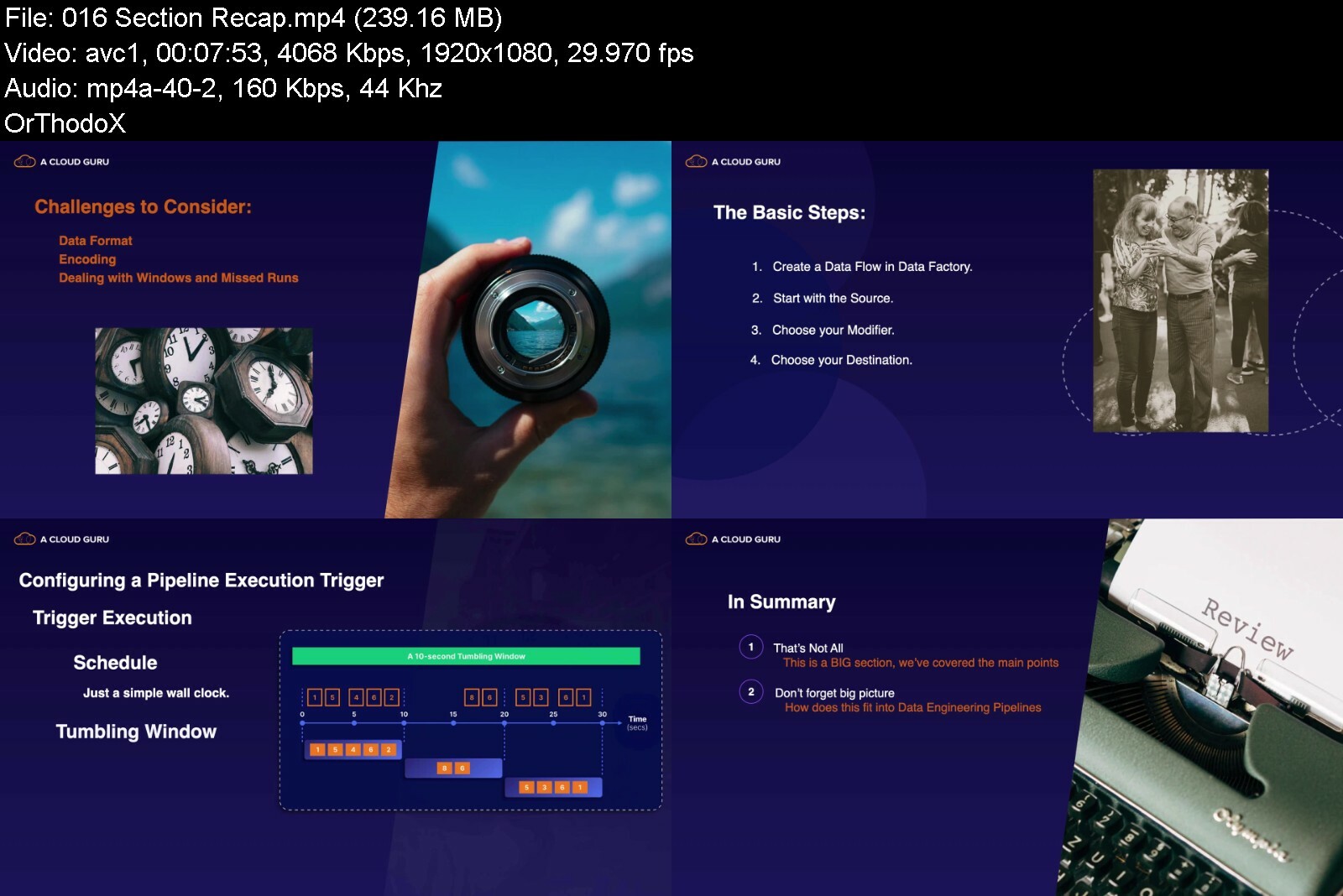
This course is designed to help you obtain the knowledge and skills required to pass the DP-203: Data Engineering on Microsoft Azure exam

We live in a data-rich world where the size, complexity, and uses of data are growing exponentially every day. The modern data engineer must build solutions to move, transform, and consolidate both structured and unstructured data from a variety of sources. Azure provides all the necessary services to accomplish these tasks and build a robust data analytics solution. Obtaining the title of Microsoft Certified: Azure Data Engineer Associate signals to the world that you are versed in building such solutions. In this course, we cover what you will need to know in order to be successful on the DP-203 certification exam. We start with an understanding of what data engineering is and how Azure meets the needs of this role, move on to covering data storage, data ingestion and transformation, building batch and stream processing, and how to secure, optimize, and troubleshoot your solutions. Microsoft's exam objectives have been carefully woven into the course and can be easily found using lesson descriptions or the included mapping guide.Those objectives include
Design and implement data storage
Design and develop data processing
Design and implement data security
Monitor and optimize data storage and data processing


microsoftcertifiedazumff0k.jpg


Download from RapidGator


Download from Keep2Share


Adobe Lightroom: Die Komplette Adobe Lightroom Masterclass

cbi3tlrhvj2wgxlemsefxtdfsk.jpg


Adobe Lightroom: Die Komplette Adobe Lightroom Masterclass
Video: .mp4 (1280x720, 30 fps(r)) | Audio: aac, 44100 Hz, 2ch | Size: 9.73 GB
Genre: eLearning Video | Duration: 65 lectures (7 hour, 50 mins) | Language: Deutsch


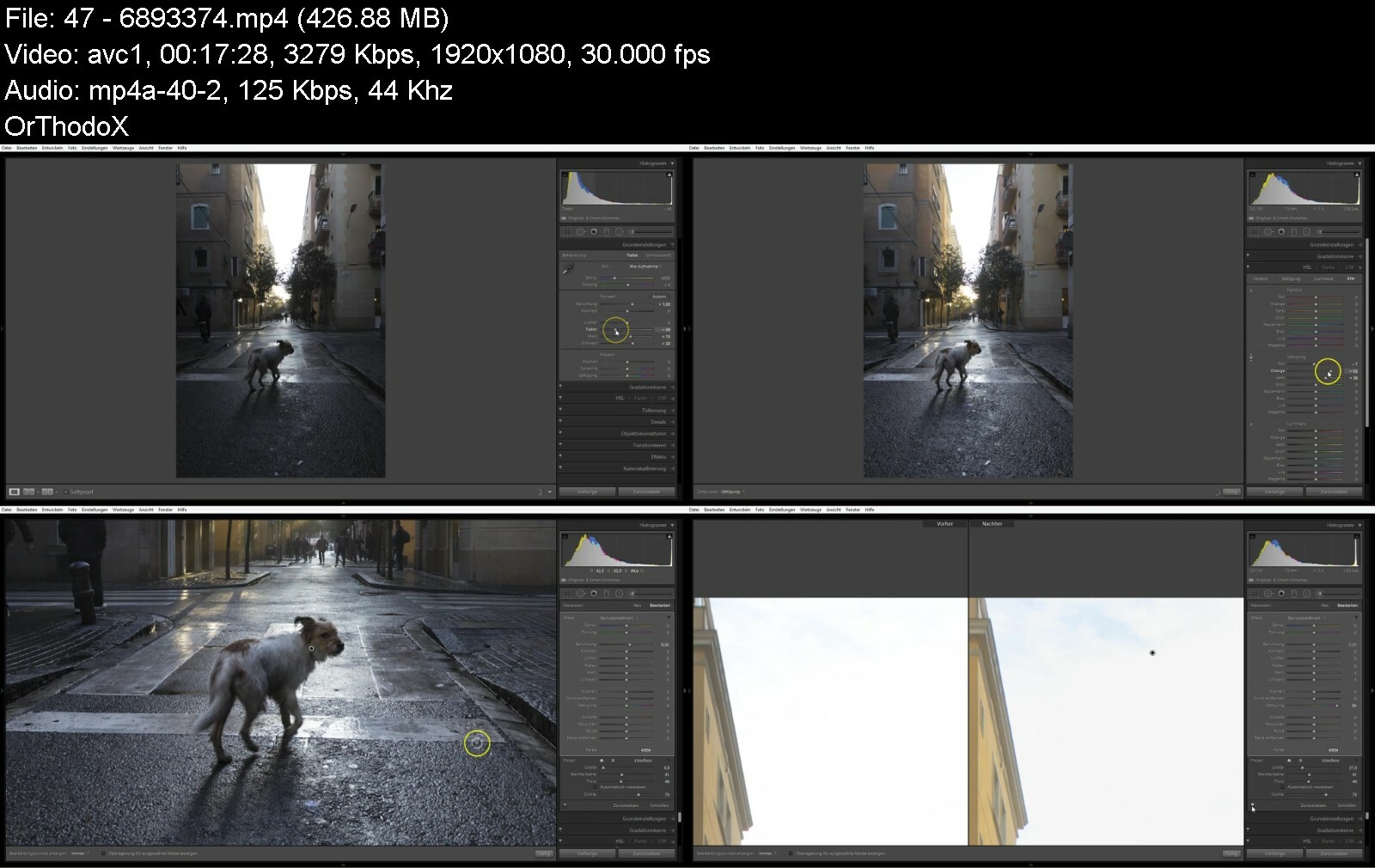
Professionelle Fotobearbeitung mit Adobe Lightroom CC, kostenfreier Support & Tipps und Tricks für Adobe Lightroom


What you'll learn
Was Lightroom dir bringt und wie du es anwendest!
Du kannst das volle Potential deiner Fotos auszunutzen!
Deine Bilder einfacher verwalten und sortieren!
Dank einfacher und schnellerer Verarbeitung, hast du MEHR ZEIT für deine Bilder!
Du kannst Fehler und Störungen aus deinen Bildern entfernen!
Du kannst mehr Farbe und Schärfe in deine Bilder bringen!
Du bist in der Lage, die Größe und Abmessungen deine Bilder einfach zu ändern!
Bilder zu drucken und in Büchern zusammenfassen!
Du lernst einen einfachen und effektiven Workflow!
Entdecke Tastenkürzel und Abkürzungen für deine Arbeit mit Lightroom!
Und vieles mehr!
Requirements
Um mit diesem Kurs Spaß zu haben, solltest du ein paar deiner Fotos auf deinem Computer haben - ansonsten kannst du meine nutzen. Den Rest zeige ich dir im Kurs.
Ein Block und Stift zum Erstellen von Notizen ist nicht verkehrt.
Du brauchst einen PC zum mitarbeiten.

Description
Möchtest du deine Bilder in Zukunft auf Profiniveau verarbeiten? Dann bist du hier richtig!
(Das letzte Kursupdate fand im November 2017 statt. Der Kurs behandelt "Lightroom Classic CC" - ehemals "Lightroom CC").
Ich bin Justus Zeemann, seit 5 Jahren erfolgreicher Fotograf und Videograf. Durch die Betreuung vieler Unternehmen habe ich mir ein umfangreiches Wissen angeeignet. In diesem Kurs zeige dir alles, was du brauchst um mit Adobe Lightroom durchzustarten und deine Bilder in der Zukunft professioneller und schneller zu bearbeiten.
"Praxisnah, schnell und lebendig. Danke für diese A-Z Masterclass, dank dem Kurs sehen meine Bilder viel schöner aus."
- (Paul Fröhlich, Berlin, Deutschland)
In diesem Kurs lernst du alles über Lightroom.
Vom Datei-Import und der Verwaltung über die Bearbeitung und den Export (für deine Kunden, Soziale Netzwerke, Verkaufsseiten, deine Website etc.) bis zur Druckvorbereitung, der Erstellung von Büchern (physikalisch und digital). Jede Funktion wird durchgesprochen und erklärt. Zusätzlich erfährst du Tastenkürzel, Tipps & Tricks, erhälst die Kursbilder zum Mitarbeiten und vieles mehr.
Danke, sehr gut gemacht, viele neue Sachen für mich mitgenommen :) !!!!
- (Martin Elsen)
Deine Bild Be- und Verarbeitung wird nach diesem Kurs nicht mehr wie vorher sein!
Habe bis jetzt noch keinen solch ausführlichen Workflow für LR gesehen. Jede einzelne Option der Bearbeitung genau erklärt.. Danke und Liebe Grüße
- (Steffen Boege, Lommatzsch, Sachsen, Deutschland)
Du kannst das Geld für den Kurs innerhalb von 30 Tagen zurück bekommen, wenn dir der Kurs nicht gefällt.
Dies ist deine Chance! Es ist Zeit, deine Bilderverarbeitung auf das nächste Level zu heben!
Who this course is for
Diese Masterclass richtet sich an alle, die gerne mehr aus ihren Bildern holen möchten. Ob Anfänger, Fortgeschrittener oder Profi - Lightroom hilft dir in vielen Bereichen schnell und einfach weiter.
Dieser Kurs richtet sich an hart arbeitende, motivierte Schüler!
Course content
10 sections • 65 lectures • 7h 50m total length

adobelightroomdiekompkyf1w.jpg


Download from RapidGator


Download from Keep2Share


The Bubble Beginners Bootcamp Course

4699716b1fe20qexh.jpg


The Bubble Beginners Bootcamp Course
Published 05/2022
MP4 | Video: h264, 1280x720 | Audio: AAC, 44.1 KHz, 2 Ch
Genre: eLearning | Language: English + srt | Duration: 59 lectures (11h 39m) | Size: 7.4 GB


Learn from Gregory John, a Yale University nocode instructor, Bubble bootcamp trainer and startup entrepreneur


What you'll learn
Building a dashboard style application
Mastering the Bubble editor
Setting up the database
Running workflows
Responsive design
UX design
and much more...
Requirements
No Bubble or programming experience needed
Motivation and a willingness to learn
Description
This course is the perfect introduction to Bubble and covers 6 years of my Bubble experience rolled up into an extensive introductory course. By the end of this course, you'll be well on your way to being a mid tier Bubble developer armed with enough knowledge to starting building applications independently.
Not only do we cover the technical aspects of creating an application, but I'll be dropping hints and expanding on the UX and UI side of app development, which means how users experience and interact with your software and how to improve retention.
Good design practises will form the backbone of all our implementation decisions and in fact, our dashboard will be mobile responsive. That's right, viewable and functional on a phone. We won't be doing different design for mobile, it will all be done on the same page.
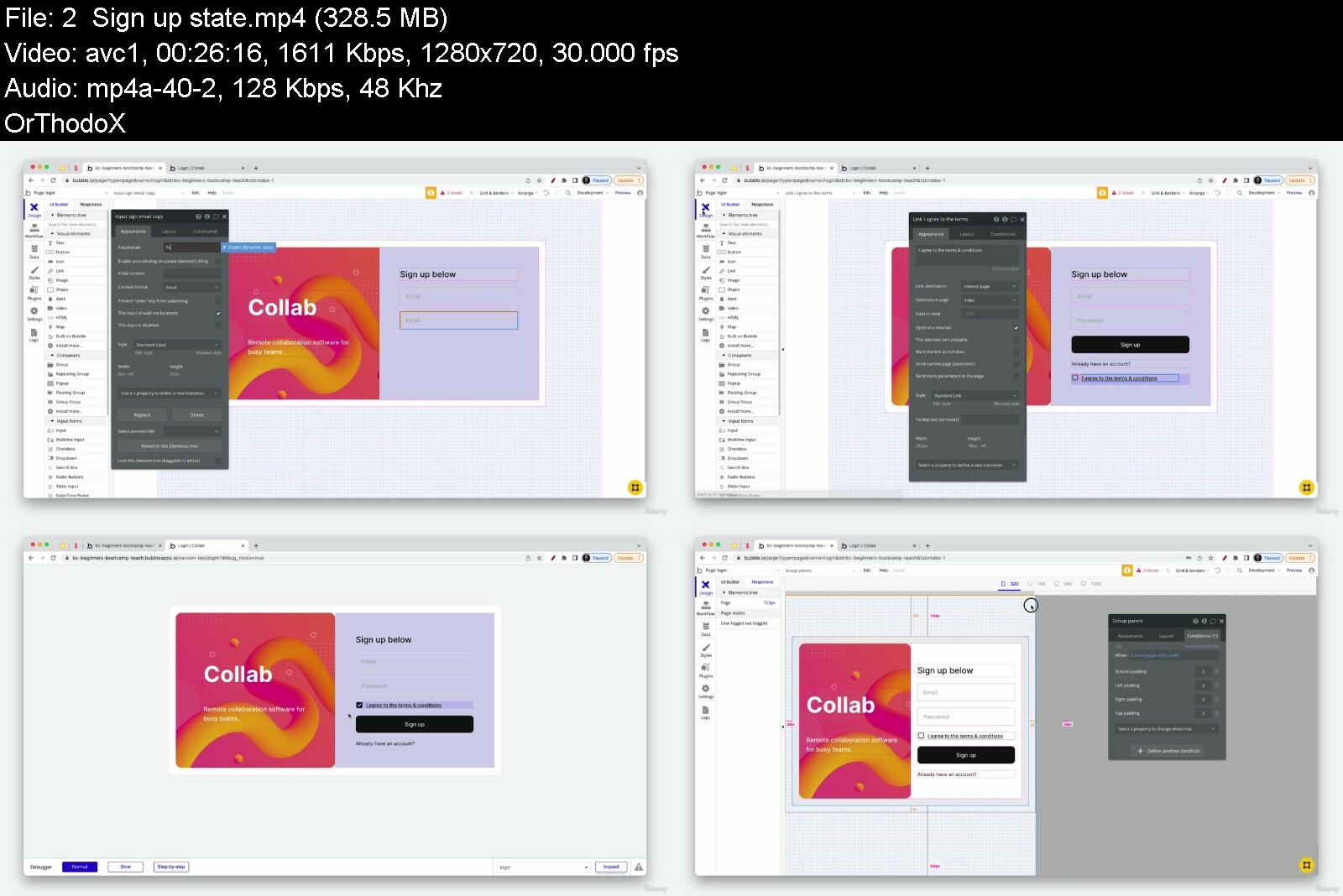
In this 14hr course we'll be building a production ready project & task management application called Collab that includes
Building a dashboard style application
Creating user accounts
Signup & login workflows
Project & team collaboration
Task management
Team creation
Inviting external users
User roles
Permissions
Privacy rules
UX design
The technical & design skills you will learn include
The Bubble Editor
Page layout and design
Workflow logic
Database design
Using styles
Custom States
Repeating group filtering and sorting
Dynamic data integration
Basic SEO settings
Image processing with Imgix
Conditional statements
Responsive design
Deploying your app live
Who this course is for
Aspiring Bubble nocode developers looking for the best start to their Bubble journey


thebubblebeginnersbooadc2y.jpg


Download from RapidGator


Download from Keep2Share


Creating Custom Decals for Games

filedwevx.jpg


Creating Custom Decals for Games
FlippedNormals
Instructors: fasttracktutorials
12 Lessons | Duration: 5h 15m
Video: MP4 1920x1080 44 KHz | English
Level: Beginner | Size: 6.262 GB

Creating Custom Decals for Games ︱ In-Depth Tutorial Course

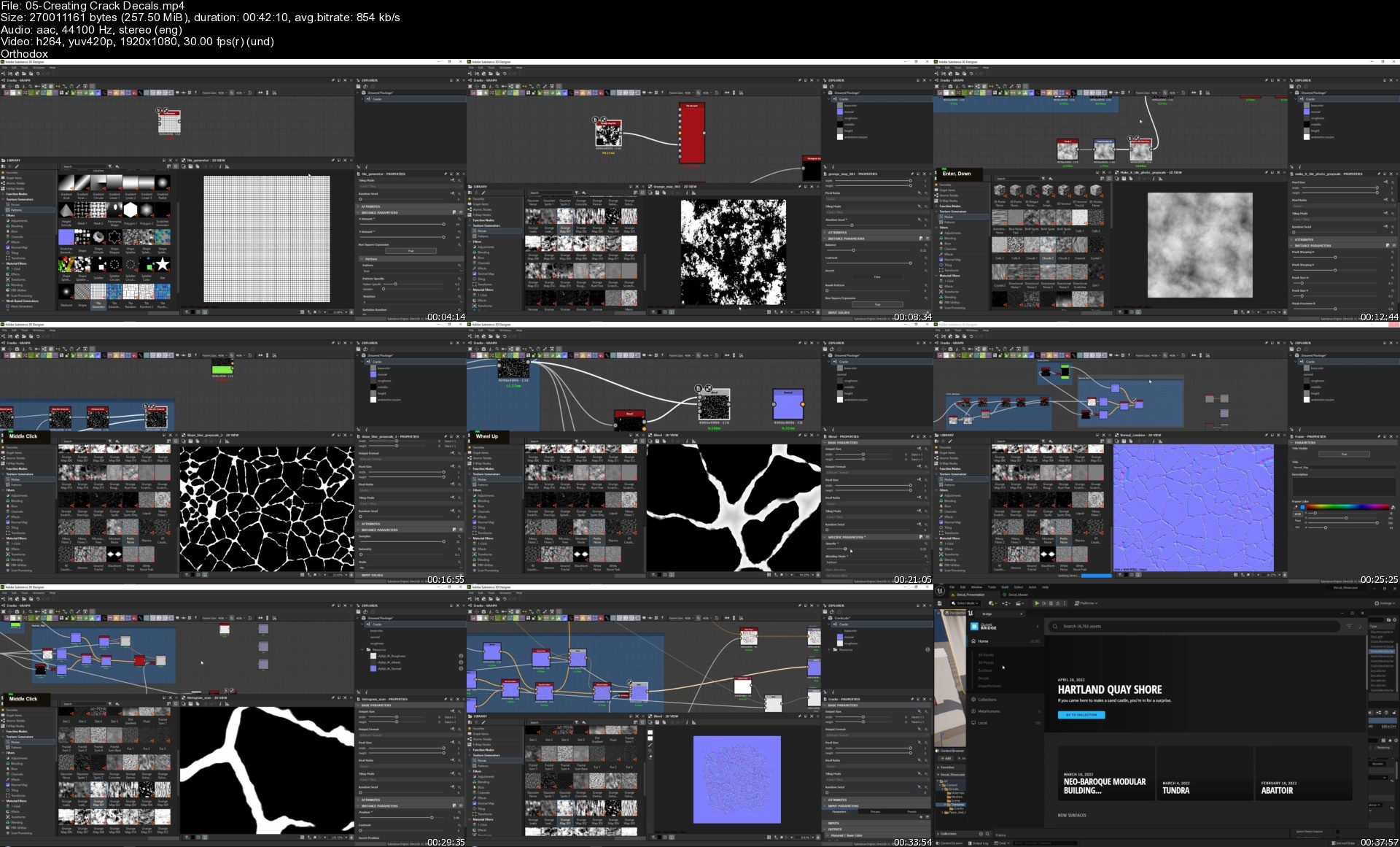
Learn how a professional environment artist works when creating custom decals using various techniques that can be used in-game engines. You will learn how to create everything from procedural decals to hand-painted to sculpted, Normal map only & POM decals, image-based decals, and much more!

SUBSTANCE DESIGNER & PAINTER, ZBRUSH, PHOTOSHOP, UNREAL ENGINE 5
We will cover various topics in this tutorial course, but the main ones are as followed
* Creating procedural leak decals using Substance Designer.
* Creating Hand Painted leak decals using Substance Painter
* Create edge damage and welding decals using Zbrush and Marmoset
* Creating road cracks and pothole decals using Substance designer
* Creating POM decals in Unreal Engine which stands for parallax occlusion mapping. It is a technique that uses height maps to make decals feel like they are made from geometry.
* Creating image-based decals
* Creating normal-map only decals that you can use on terrains
* Setting up various decal materials in unreal engine 5
* Using atlases with decals to optimize your scene
* Showcasing how to use decals in your levels

And so much more.

The general takeaway of this course is that in the end, you will have the knowledge on how to create a wide variety of decals to use for your games so that you no longer feel limited in your decal creation.

5+ HOURS!
This course contains over 5+ hours of content - You can follow along with every single step - This course has been done 100% in real-time except for a few small time-lapses for very repetitive tasks.

This course will come with all source files except for the showcase environment used in the images.

SKILL LEVEL
This game art tutorial is perfect for students who have familiarity with Unreal Engine & Substance - Everything in this tutorial will be explained in detail. However, if you have never touched Unreal Engine or Substance Designer/Painter before, then we recommend that you first watch an introduction course

TOOLS USED
* Unreal Engine 5
* Substance Painter
* Substance Designer
* Zbrush
* Marmoset Toolbag 4
* Photoshop

05creatingcrackdecalsdjid8.jpg


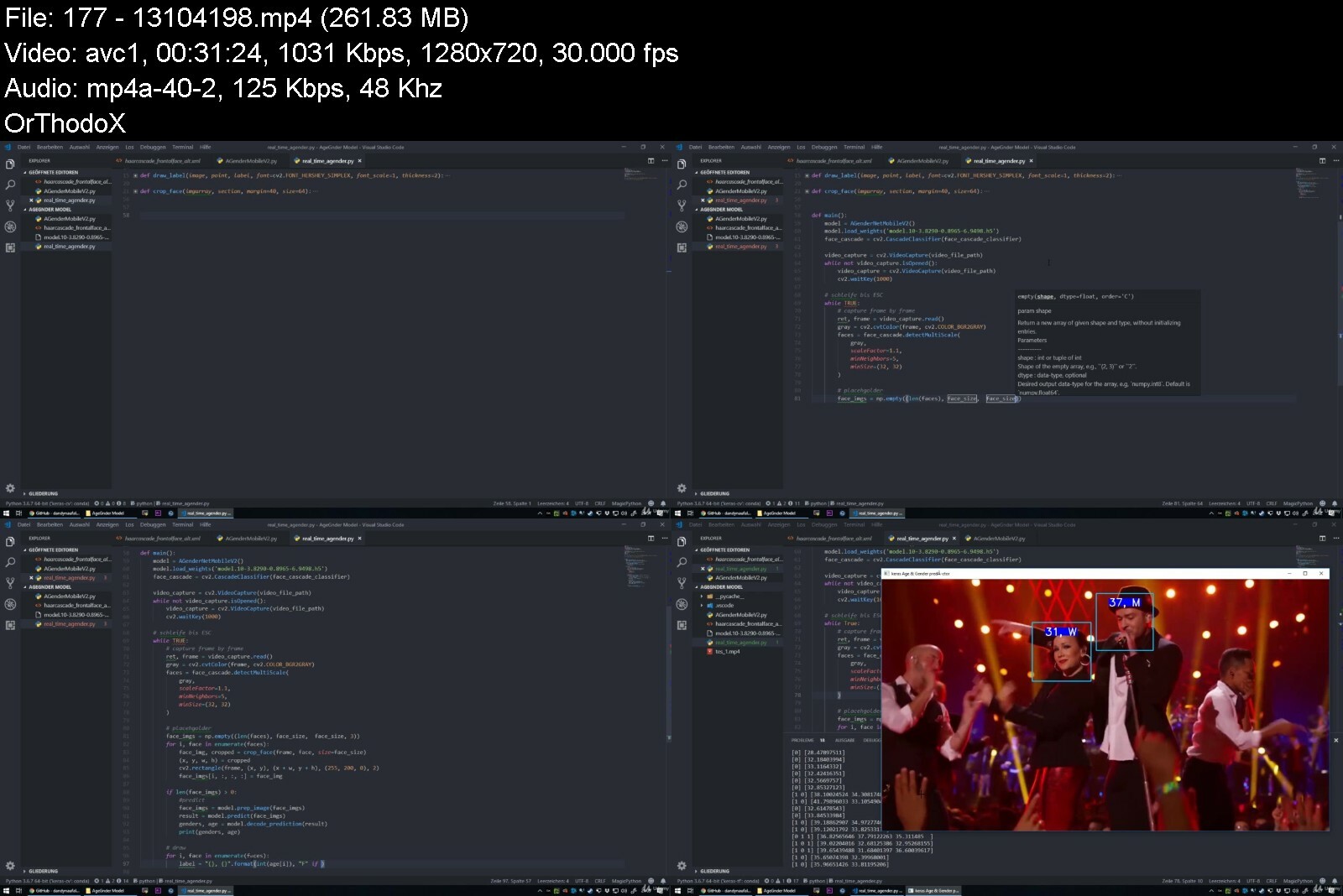
Deep Learning: Neuronale Netze mit TensorFlow 2.0 und Keras

pr1ruwx1jveaobsszjvdelkfw6.jpg


Deep Learning: Neuronale Netze mit TensorFlow 2.0 und Keras
Video: .mp4 (1280x720, 30 fps(r)) | Audio: aac, 48000 Hz, 2ch | Size: 9.03 GB
Genre: eLearning Video | Duration: 177 lectures (26 hour, 29 mins) | Language: Deutsch


Programmiere mehrere (10+) Neuronale Netze mit Tensorflow 2, Keras und Python! Erforsche Machine Learning in der Praxis!


What you'll learn
Entwickle ein Neuronales Netz das Preise vorhersagen kann
Entwickle ein Neuronales Netz das Alter und Geschlecht in Echtzeit (in Videos) vorhersagen kann
Entwickle ein Neuronales Netz das Aktienkurse vorhersagen kann
Entwickle ein Neuronales Netz das Hunde und Katzen vorhersagen kann
Entwickle ein Neuronales Netz das Ziffern vorhersagen kann
Entwickle ein Neuronales Netz das die Stimmung in Texte vorhersagen kann
Entwickle ein Neuronales Netz für Object Detection
Entwickle ein Neuronales Netz für Image Segmentation
Praktische Anwendung von Deep Learning Projekte im Berufsleben!
Das Komplexe Thema Deep Learning (Supervised Learning) verstehen
Von A-Z das beliebte Deep Learning Framework Keras mit TensorFlow lernen
Lerne wie du die Genauigkeit von Neuronale Netze erhöhen kannst
Lerne wie du Keras Modelle untersuchen und optimieren kannst
Lerne TensorBoard kennen
Lerne State-of-the-art Netzwerke kennen (R-CNN & Mask R-CNN)
Requirements
Lust etwas neues zu lernen :)

Description
Das sagen Teilnehmer über diesen Kurs
"Sehr aktiver Dozent der sich um die Kursteilnehmer und den Kurs kümmert. Der Tensorflow Kurs hat viele beispiele was mir geholfen hat Tensorflow und Keras besser zu verstehen. Ebenfalls sehr gut waren auch die Begriff erklärungen die einem sehr helfen ML als beginner zu lernen." - Ibrahim Akkulak
"Ich würde den Kurs auf jeden Fall weiter empfehlen. Mehr Content als gedacht und sehr viele Erklärungen. Top!" - Erik Andrè Thürsam
"Der Kurs gefällt mir ganz gut und bringt viele Beispiele ein. Der Saif beantwortet Fragen super schnell und ist sehr hilfsbereit. Empfehle den Kurs sehr für alle die Deep Learning mit vielen Praxisbeispielen lernen möchten." - Simon Behrens
Deep Learning ist eines der angesagtesten Themen weit und breit. Insbesondere wird Deep Learning und Künstliche Neuronale Netze in vielen Technologien in deinem Umfeld eingesetzt, um dir ein noch angenehmeres Leben zu ermöglichen.
Mithilfe diesen Praxis-Kurs bringe ich dir bei wie man Deep Learning mithilfe von Keras, Tensorflow und Python einsetzt. Du wirst eine gute Mischung von Theorie und Praxis in diesen Kurs erhalten. Viele der Techniken werden anhand von echten Praxis Projekte dir vermittelt.
Warum solltest du Keras lernen? Keras wird von den "Big Five" Unternehmen wie Apple, Google, Facebook, Amazon und Microsoft in vielen ihrer Produkte eingesetzt, um Machine Learning noch effizienter zu nutzen! Ebenfalls werde ich ihn auch immer auf dem neusten Stand der Technik und Wissenschaft halten.
Lerne wie du Keras meisterst und schreibe dich JETZT ein!
Who this course is for
Softwareentwickler, Data Scientists und Machine Learning Experten
Alle die Keras und die Welt von Deep Learning erkunden möchten
Studenten der Informatik, Bioinformatik, IT-Sicherheit, Mathematik etc.
Python Entwickler

deeplearningneuronalenzdvj.jpg


Download from RapidGator


Download from Keep2Share


French Vocabulary Course (89 hrs. 7,821 French words)

wqrolydrpzwrmqzpbe3p82xena.jpg


French Vocabulary Course (89 hrs. 7,821 French words)
Genre: eLearning | MP4 | Video: h264, 1280x720 | Audio: AAC, 48.0 KHz
Language: English | Size: 67 GB | Duration: 225 lectures • 89h 50m


What you'll learn
Upon confirmed registration to the course (1 month after the initial registration), you can contact us for a free one-hour French Skype course worth 27 USD.
You will learn 7,821 French words.
You will be good at French - English translation .
You will speak French confidently in everyday situations.
You will understand what is being said back to you.
Have a deeper knowledge of the structure of French.
You will improve your listening and comprehension skills with native French through ear training and visual learning.
Best French Movies to Learn French
French and Canadian Accents are used.
Requirements
A 2.1 level French

Description
1. You will learn 7,821 French words.
2. Upon confirmed registration to the course (1 month after the initial registration), you can contact us for a free one-hour French Skype course worth 27 USD.
3. You will speak French confidently in everyday situations.
4. You will understand what is being said back to you.
5. You will improve your listening and comprehension skills.
Snapshot French words and phrases to your brain for an amazing easy recall ... at super-fast speeds ...
while you learn to avoid the most common French language learning errors.
French and Canadian accents are used.
7,827 French words
This course is specially designed for students who want to improve their French easily. Cartoons will function like memory triggers and help to remember the newly learned words. Build up your vocab quickly and effectively. Every word is linked to a practical sentence, written and recorded by native speakers. Photographic visuals based on traditional flashcard methodology to consolidate your learning.
See, hear and learn a word used in a sentence.
Sentences
Every word is linked to a practical sentence, written and recorded by native speakers. Click on the picture to view the sentence before moving on to the next word. Great for extension practice. The sentences also feature as an independent course with a learning schedule and testing features.
e-Flashcards
Great photographic visuals. Ideal for testing and great to consolidate your learning.
Some Tips like
Some Useful French Travel Phrases.
How to write an e-mail in French
5 Steps to Becoming Fluent in French.
Best French Text Books.
How to Learn French Vocabulary for Proficiency in the Language.
Tips on Learning French through Movies.
6 Best Romantic French Movies to Learn French.
5 Addictive French Cartoons to Make Learning French Fun.
The 13 French phrases that'll make the difference.
28 Mistakes you should not do.
We would like you to know that we started with the principle of equality in education. For many years, we continue to produce content with our highly professional trainers.
You can reach us 24/7 on any subject you hang out during the course.
See you in the classes!
All aspects of life covered
Adjectives
Information Technology
Home - Bathroom
Home - Garden
Home - Kitchen
Food
Health
School
Countries
Shopping
Cars
Railways
Airport
Animals
Post
Bank
Expressions
Environment
On The Road
Sports
At The Doctor
Hospital
Careers
Sundry
Celebrations
Time
Materials
Friends
Housework
Work
Illnesses
Weather
In The Town
Leisure
Training
Prepositions
Conjunctions
Music
Shapes
Forms
Numbers
On Holiday
Who this course is for
Anyone who wants to improve his or her French


frenchvocabularycourskzfw4.jpg


Download from RapidGator


Download from Keep2Share


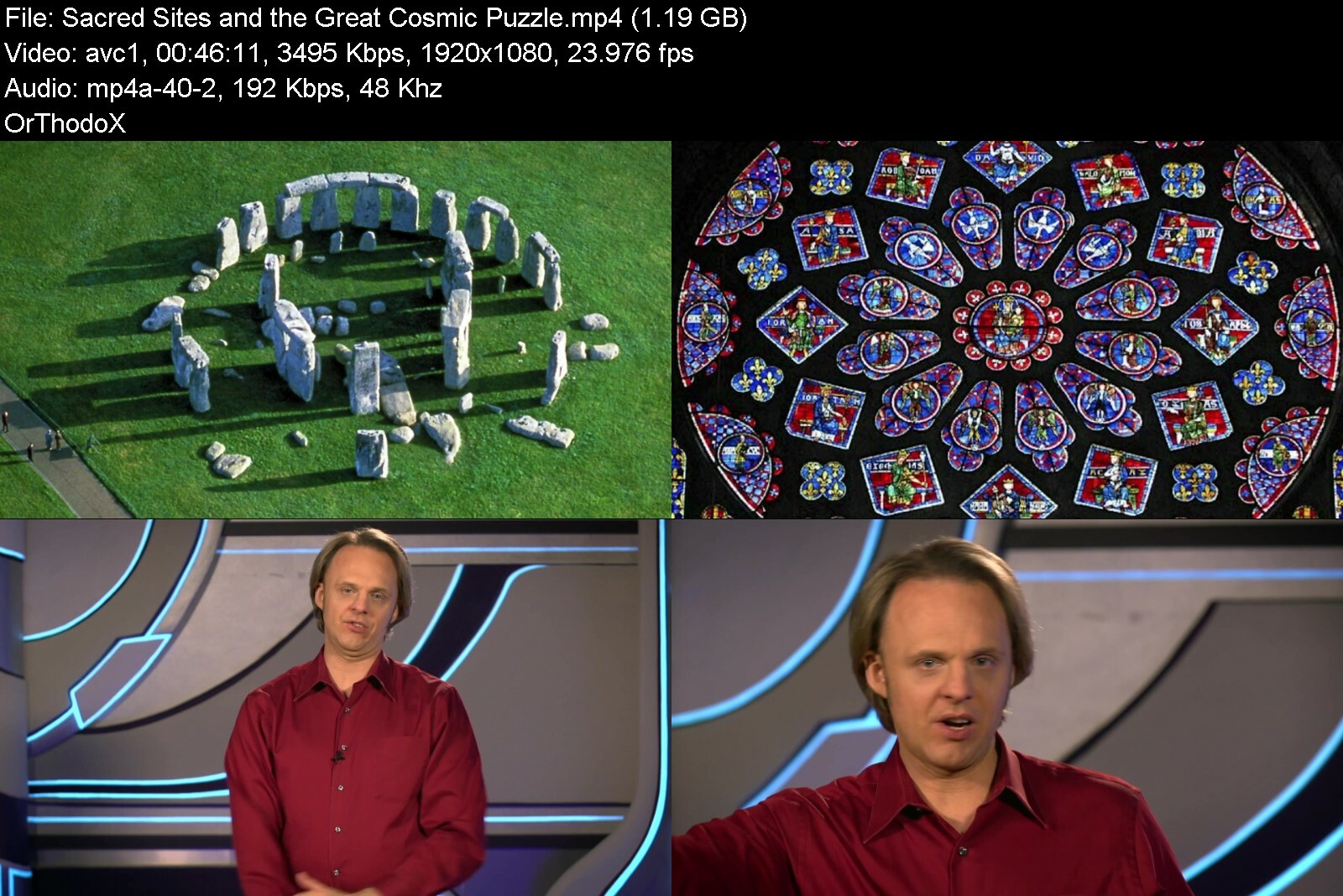
Gaia - Wisdom Teachings - Season 13

ced3f9f0ff4898a9448fcvvc8d.jpg


Gaia - Wisdom Teachings - Season 13
MP4 | Video: h264, 1920x1080 | Audio: AAC, 44.1 KHz, 2 Ch
Genre: eLearning | Language: English + srt | Duration: 17 Lessons (9h 3m) | Size: 14.3 GB

David Wilcock, author of Source Field Investigations, exposes some of the greatest secrets and cover-ups of our time in this eye-opening original series. Combining esoteric philosophy, alternative science and historical fact, Wilcock offers viewers the chance to rediscover our ancient systems of physics and spirituality. This series is best watched in consecutive order.

Homepage


wisdomteachingsseasonj3eke.jpg


Download from RapidGator


Download from Keep2Share


Python Gui Development with Tkinter Python and Python PyQt5

4688808be173faffv.jpg


Python Gui Development with Tkinter Python and Python PyQt5
Published 05/2022 MP4 | Video: h264, 1280x720 | Audio: AAC, 44.1 KHz, 2 Ch
Genre: eLearning | Language: English + srt | Duration: 113 lectures (15h 33m) | Size: 5.7 GB


Python Tkinter & Python Gui with PyQt5, boost your tkinter and pyqt5 skills to build gui desktop application development


What you'll learn
Tkinter is a Python binding to the Tk GUI toolkit. It is the standard Python interface to the Tk GUI toolkit, and is Python's de facto standard GUI.
Tkinter python is included with standard GNU/Linux, Microsoft Windows and macOS installs of Python. The name Tkinter comes from Tk interface
Python Tkinter is the de facto way in Python to Graphical User interfaces (GUIs) and is included in all standard Python Distributions.
Python is a general-purpose, object-oriented, high-level programming language.
Python's simple syntax is especially suited for desktop, web, and business applications.
Python is a general-purpose, object-oriented, high-level programming language.
In the software world, python is mostly used in data science and artificial intelligence operations. So you may not have seen many python based applications.
Whether you work in artificial intelligence or finance or are pursuing a career in web development or data science, Python is one of the most important skills
Graphical User Interface (GUI), a computer program that enables a person to communicate with a computer through the use of symbols, metaphors, pointing devices
In this training, we aimed to develop an application using python for beginners with you.
How to use Anaconda and Jupyter notebook
How to use an IDE with PyCharm
Variables concept
Python gui with pyqt, pyqt5, qt with python
Datatypes in Python
Lots of datatype operators, methods and how to use them
Conditional concept, if and elif statements
Logic of Loops and control statements
Functions and how to use them
How to use modules and create your own modules
How to handle and raise exceptions
File concepts and file operations
Object Oriented Programming with methods, constructors, magic methods and most importantly inheritance concept.
How to add components
How to manage layout
How to customize GUI
Geometry Management
How to improve the look with Styles and Themes
Understand GUI concept with the help of Tkinter
how to quickly develop interfaces in python gui
how to communicate between windows
Requirements
Desire to learn about Tkinter Python, Python Gui, Python
You'll need a desktop computer (Windows, Mac) capable of running Anaconda 3 or newer. We will show you how to install the necessary free software.
A little bit of coding experience
At least high school level math skills will be required.
Watch the course videos completely and in order
Learning determination and patience.
Curiosity for python gui programming using pyqt5
Desire to learn Python GUI
Desire to learn python pyqt, pyqt5
LIFETIME ACCESS, course updates, new content, anytime, anywhere, on any device
Nothing else! It's just you, your computer and your ambition to get started today
Description
Tkinter, Python Gui, tkinter python, python tkinter, gui, Python GUI, desktop application development, desktop application, python gui programming, pyqt, pyqt5 , python pyqt5
Hello there,
Welcome to the " Python Gui Development with Tkinter Python and Python PyQt5 " course.
Python Tkinter & Python Gui - Boost your Tkinter Python skills with hands- on python gui programming desktop application.
Python is a general-purpose, object-oriented, high-level programming language. Whether you work in artificial intelligence or finance or are pursuing a career in web development or data science, Python is one of the most important skills you can learn.
Tkinter is a Python binding to the Tk GUI toolkit. It is the standard Python interface to the Tk GUI toolkit and is Python's de-facto standard GUI. Tkinter is included with standard GNU/Linux, Microsoft Windows and macOS installs of Python. The name Tkinter comes from the Tk interface
Tkinter is the de facto way in Python to Graphical User interfaces (GUIs) and is included in all standard Python Distributions. Python has a lot of GUI frameworks, but Tkinter is the only framework that's built into the Python standard library. In fact, it's the only framework built into the Python standard library.
Tkinter is the standard GUI library for Python. Python when combined with Tkinter provides a fast and easy way to create GUI applications. Tkinter provides a powerful object-oriented interface to the Tk GUI toolkit.
The GUI (graphical user interface) is a form of user interface that allows users to interact with electronic devices through graphical icons and audio indicator such as primary notation, instead of text-based UIs, typed command labels or text navigation.
PyQt is a Python binding of the cross-platform GUI toolkit Qt, implemented as a Python plug-in. PyQt is free software developed by the British firm Riverbank Computing.
In this course, we will learn what is the GUI, and Tkinter and how they work. And also how we create a program with GUI in python. For those who want to use Python not only in AI and Data Science, but also to develop a program using Python.
Also in this course, we will learn what is the GUI, PyQT5 and how does it work. And also how we develop a program with python. For those who want to use Python not only in Artificial Intelligence ( AI ) and Data Science or Machine Learning but also develop a program using Python.
And in this course, We will open the door of the Python world and try to move deeper. We will learn fundamental things about Python, step by step. Throughout the course, we will do a variety of exercises to reinforce what we have learned.
Creating a GUI application using Tkinter is an easy task. All you need to do is perform the following steps −
Import the Tkinter module.
Create the GUI application main window.
Add one or more of the above-mentioned widgets to the GUI application.
Enter the main event loop to take action against each event triggered by the user.
This course has suitable for everybody who is interested in Python.
Python is a general-purpose, object-oriented, high-level programming language. Whether you work in artificial intelligence or finance or are pursuing a career in web development or data science, Python is one of the most important skills you can learn. Python's simple syntax is especially suited for desktop, web, and business applications. Python's design philosophy emphasizes readability and usability. Python was developed on the premise that there should be only one way (and preferably, one obvious way) to do things, a philosophy that resulted in a strict level of code standardization.
See why millions of people turn to Oak Academy's real-world experts to learn Python. Learn at your own pace with hands-on exercises and quizzes. Our courses are frequently updated so you'll always be working from the latest information. This is the training you'll need to become a professional Python developer.
Take one of Oak Academy's range of Python courses and learn how to code using this incredibly useful language. Its simple syntax and readability make Python perfect for Flask, Django, data science, and machine learning. You'll learn how to build everything from games to sites to apps. Choose from a range of courses that will appeal to both beginners and advanced developers alike.
As you all know or have guessed, Python is the most powerful programming language used in data science and artificial intelligence. Everyone is talking about it. This is said everywhere. Python is for data science.
- But don't we programmers ever wonder?
- Can we code an application using Python?
- How can we use GUI in Python?
- I wonder if we can quickly prepare a user interface?
In this course, we will seek answers to these questions with you. First of all, in our course, we will explain the fundamental topics of Python so that those who are new to Python can understand it. These fundamental topics will include the most powerful and important topics of both Python and software development, such as OOP. Then we will try to develop some programs with GUI using Python with you. While doing this, we will learn how to do GUI design in Python. We will also learn how to make database connections in Python.
Frequently asked questions
What is Python?
Python is a general-purpose, object-oriented, high-level programming language. Whether you work in artificial intelligence or finance or are pursuing a career in web development or data science, Python is one of the most important skills you can learn. Python's simple syntax is especially suited for desktop, web, and business applications. Python's design philosophy emphasizes readability and usability. Python was developed on the premise that there should be only one way (and preferably, one obvious way) to do things, a philosophy that resulted in a strict level of code standardization. The core programming language is quite small and the standard library is also large. In fact, Python's large library is one of its greatest benefits, providing different tools for programmers suited for a variety of tasks.
What is a Tkinter in Python?
Tkinter is Python's de-facto standard GUI (Graphical User Interface) package. It is a thin object-oriented layer on top of Tcl/Tk. Tkinter is not the only GuiProgramming toolkit for Python. It is however the most commonly used one.
What is GUI in Python?
The graphical user interface is a form of user interface that allows users to interact with electronic devices through graphical icons and audio indicator such as primary notation, instead of text-based UIs, typed command labels or text navigation.
What is the easiest GUI for Python?
Tkinter is one of the most popular GUI libraries in Python. It is one of the first choices for beginners to GUI development because of its simple and easy-to-learn syntax.
Is tkinter easy?
If your goal is to learn how to create GUIs, tkinter is arguably one of the best toolkits there is to reach that goal. It's simple and easy to learn and can provide a fantastic introduction to concepts you must master in order to create graphical desktop applications.
Why tkinter is used in Python?
Tkinter is the standard GUI library for Python. Python when combined with Tkinter provides a fast and easy way to create GUI applications. Tkinter provides a powerful object-oriented interface to the Tk GUI toolkit.
Is tkinter included in PyCharm?
The Tkinter library is built-in with every Python installation, so it's already installed in PyCharm per default. This means that you have to do nothing else but run " import tkinter " or " import tkinter as tk " in your Python 3 script without installation.
What does it mean that Python is object-oriented?
Python is a multi-paradigm language, which means that it supports many programming approaches. Along with procedural and functional programming styles, Python also supports the object-oriented style of programming. In object-oriented programming, a developer completes a programming project by creating Python objects in code that represent objects in the actual world. These objects can contain both the data and functionality of the real-world object. To generate an object in Python you need a class. You can think of a class as a template. You create the template once, and then use the template to create as many objects as you need. Python classes have attributes to represent data and methods that add functionality. A class representing a car may have attributes like color, speed, and seats and methods like driving, steering, and stopping.
What is GUI programming?
Graphical User Interface (GUI), a computer program that enables a person to communicate with a computer through the use of symbols, visual metaphors, and pointing devices.
Why Python is used for GUI?
Python has a huge number of GUI frameworks (or toolkits) available for it, from TkInter (traditionally bundled with Python, using Tk) to a number of other cross-platform solutions, as well as bindings to platform-specific (also known as "native") technologies.
Where is GUI is used?
The actions in a GUI are usually performed through direct manipulation of the graphical elements. Beyond computers, GUIs are used in many handheld mobile devices such as MP3 players, portable media players, gaming devices, smartphones and smaller household, office and industrial controls.
What is PyQt in Python?
PyQt is a Python binding of the cross-platform GUI toolkit Qt, implemented as a Python plug-in. PyQt is free software developed by the British firm Riverbank Computing.
Why PyQt is used?
PyQt is widely used for creating large-scale GUI-based programs. It gives programmers the freedom to create GUIs of their choice while also providing a lot of good pre-built designs. PyQT gives you widgets to create complex GUIs.
What are the limitations of Python?
Python is a widely used, general-purpose programming language, but it has some limitations. Because Python is an interpreted, dynamically typed language, it is slow compared to a compiled, statically typed language like C. Therefore, Python is useful when speed is not that important. Python's dynamic type system also makes it use more memory than some other programming languages, so it is not suited to memory-intensive applications. The Python virtual engine that runs Python code runs single-threaded, making concurrency another limitation of the programming language. Though Python is popular for some types of game development, its higher memory and CPU usage limits its usage for high-quality 3D game development. That being said, computer hardware is getting better and better, and the speed and memory limitations of Python are getting less and less relevant making Python even more popular.
How is Python used?
Python is a general programming language used widely across many industries and platforms. One common use of Python is scripting, which means automating tasks in the background. Many of the scripts that ship with Linux operating systems are Python scripts. Python is also a popular language for machine learning, data analytics, data visualization, and data science because its simple syntax makes it easy to quickly build real applications. You can use Python to create desktop applications. Many developers use it to write Linux desktop applications, and it is also an excellent choice for web and game development. Python web frameworks like Flask and Django are a popular choice for developing web applications. Recently, Python is also being used as a language for mobile development via the Kivy third-party library, although there are currently some drawbacks Python needs to overcome when it comes to mobile development.
What skills or experience should I have before learning Python?
Python is often taught in college-level classes because it is well-suited to being someone's first programming language. So, while it can be easier to learn Python if you already know Java, JavaScript, or other common languages, it isn't necessary. Before you learn Python, it might be helpful to understand the basics of programming logic, such as "if/then" gates, "while/for" loops and procedural vs. objective programming. You might also want to understand how applications get built, the difference between frontend and backend programming, and how computers utilize given applications. Udemy has a lot of beginner courses that can help you pick up Python quickly.
What jobs use Python?
Python is a popular language that is used across many industries and in many programming disciplines. DevOps engineers use Python to script website and server deployments. Web developers use Python to build web applications, usually with one of Python's popular web frameworks like Flask or Django. Data scientists and data analysts use Python to build machine learning models, generate data visualizations, and analyze big data. Financial advisors and quants (quantitative analysts) use Python to predict the market and manage money. Data journalists use Python to sort through information and create stories. Machine learning engineers use Python to develop neural networks and artificial intelligent systems.
Our goal is to learn how to write a program using Python at the end of the course. Are you excited? Because I'm excited.
Why would you want to take this course?
Our answer is simple: The quality of teaching.
When you enroll, you will feel the OAK Academy`s seasoned developers' expertise.
Video and Audio Production Quality
All our videos are created/produced as high-quality video and audio to provide you the best learning experience.
You will be,
Seeing clearly
Hearing clearly
Moving through the course without distractions
You'll also get
Lifetime Access to The Course
Fast & Friendly Support in the Q&A section
Udemy Certificate of Completion Ready for Download
Dive in now!
We offer full support, answering any questions.
See you in the "Python Gui Development with Tkinter Python and Python PyQt5 " course.
Python Tkinter & Python Gui - Boost your Tkinter Python skills with hands- on python gui programming desktop application.
Who this course is for
Those who want to master Python TkInter skills to build desktop application skill.
Anyone who is interested in Python, Python Gui, Python Tkinter.
Anyone who has programming experience and wants to enter the python world. In this world your journey never ends. You can develop yourself at data science or Machine learning and even developing an application.
Statisticians and mathematicians who want to learn python for machine learning and deep learning.
Tech geeks who curious with Machine Learning and Deep Learning concept.
Data analysts who want to learn machine learning and deep learning and data visualization.
And also, who want to learn how to develop a GUI with Python very easily.
Any developer or engineer who wants to crack programming interviews
If you are one of these, you are in the right place. But please don't forget. You must know a little bit of coding and scripting.
Students who want to learn about python gui, pyqt deeply


pythonguidevelopmentw32ex3.jpg


Download from RapidGator


Download from Keep2Share


Zurück
Oben Unten