• Regeln für den Video-Bereich:

    In den Börsenbereich gehören nur Angebote die bereits den Allgemeinen Regeln entsprechen.

    Einteilung

    - Folgende Formate gehören in die angegeben Bereiche:
    - Filme: Encodierte Filme von BluRay, DVD, R5, TV, Screener sowie Telesyncs im Format DivX, XviD und x264.
    - DVD: Filme im Format DVD5, DVD9 und HD2DVD.
    - HD: Encodierte Filme mit der Auflösung 720p oder darüber von BluRay, DVD, R5, TV, Screener sowie Telesyncs im Format x264.
    - 3D: Encodierte Filme von BluRay, die in einem 3D Format vorliegen. Dies gilt auch für Dokus, Animation usw.
    - Serien: Cartoon/Zeichentrick, Anime, Tutorials, Dokumentationen, Konzerte/Musik, Sonstiges sind demnach in die entsprechenden Bereiche einzuordnen, auch wenn sie beispielsweise im High Definition-Format oder als DVD5/DVD9/HD2DVD vorliegen. Ausnahme 3D.
    - Bereich Englisch: Englische Releases gehören immer in diesen Bereich.
    - Bereich Talk: Der Bereich, in dem über die Releases diskutiert werden kann, darf, soll und erwünscht ist.


    Angebot/Beitrag erstellen

    - Ein Beitrag darf erst dann erstellt werden, wenn der Upload bei mindestens einem OCH komplett ist. Platzhalter sind untersagt.
    - Bei einem Scenerelease hat der Threadtitel ausschließlich aus dem originalen, unveränderten Releasenamen zu bestehen. Es dürfen keine Veränderungen wie z.B. Sterne, kleine Buchstaben o.ä. vorgenommen werden. Ausnahme Serienbörse:
    - Bei einem Sammelthread für eine Staffel entfällt aus dem Releasename natürlich der Name der Folge. Beispiel: Die Simpsons S21 German DVDRip XviD - ITG
    - Dementsprechend sind also u.a. verboten: Erweiterungen wie "Tipp", "empfehlenswert", "only", "reup", usw. / jegliche andere Zusatzinformation oder Ergänzung, welche nicht in obiger Beschreibung zu finden ist.

    Aufbau des Angebots und Threadtitel

    Der Titel nach folgendem Muster erstellt zu werden. <Name> [3D] [Staffel] [German] <Jahr> <Tonspur> [DL] [Auflösung] <Quelle> <Codec> - <Group>
    Beispiel: The Dark Knight German 2008 AC3 DVDRip XviD - iND
    Beispiel: The Dark Knight 2008 DTS DL BDRip x264 - iND
    Beispiel: The Dark Knight 2008 AC3 DL BDRip XviD - iND
    Beispiel: The Dark Knight German 2008 AC3 720p BluRay x264 iND
    Beispiel: The Dark Knight 2008 DTS DL 1080p BluRay x264 iND
    Beispiel: Die Simpsons S01 German AC3 DVDRip XviD iND
    Beispiel: Die Simpsons S20 German AC3 720p BluRay x264 iND
    Beispiel: Sword Art Online II Ger Sub 2014 AAC 1080p WEBRip x264 - peppermint
    Entsprechend sind also u.a. verboten: Sonderzeichen wie Klammern, Sterne, Ausrufezeichen, Unterstriche, Anführungszeichen / Erweiterungen wie "Tipp", "empfehlenswert", "only", "reup", usw. / jegliche andere Zusatzinformation oder Ergänzung, welche nicht in obiger Beschreibung zu finden ist
    Ausnahmen hiervon können in den Bereichen geregelt sein.

    Die Beiträge sollen wie folgt aufgebaut werden:
    Überschrift entspricht dem Threadtitel
    Cover
    kurze Inhaltsbeschreibung
    Format, Größe, Dauer sind gut lesbar für Downloader außerhalb des Spoilers zu vermerken
    Nfo sind immer Anzugeben und selbige immer im Spoiler in Textform.
    Sind keine Nfo vorhanden z.B. Eigenpublikationen, sind im Spoiler folgende Dateiinformationen zusätzlich anzugeben :
    Quelle
    Video (Auflösung und Bitrate)
    Ton (Sprache, Format und Bitrate der einzelnen Spuren)
    Untertitel (sofern vorhanden)
    Hosterangabe in Textform außerhalb eines Spoiler mit allen enthaltenen Hostern.
    Bei SD kann auf diese zusätzlichen Dateiinformationen verzichtet werden.

    Alle benötigten Passwörter sind, sofern vorhanden, in Textform im Angebot anzugeben.
    Spoiler im Spoiler mit Kommentaren :"Schon Bedankt?" sind unerwünscht.


    Releases

    - Sind Retail-Release verfügbar, sind alle anderen Variationen untersagt. Ausnahmen: Alle deutschen Retail-Release sind CUT, in diesem Fall sind dubbed UNCUT-Release zulässig.
    - Im Serien-Bereich gilt speziell: Wenn ein Retail vor Abschluss einer laufenden Staffel erscheint, darf diese Staffel noch zu Ende gebracht werden.62
    - Gleiche Releases sind unbedingt zusammenzufassen. Das bedeutet, es ist zwingend erforderlich, vor dem Erstellen eines Themas per Suchfunktion zu überprüfen, ob bereits ein Beitrag mit demselben Release besteht. Ist dies der Fall, ist der bereits vorhandene Beitrag zu verwenden.
    - P2P und Scene Releases dürfen nicht verändert oder gar unter einem iND Tag eingestellt werden.


    Support, Diskussionen und Suche

    - Supportanfragen sind entweder per PN oder im Bereich Talk zu stellen.
    - Diskussionen und Bewertungen sind im Talk Bereich zu führen. Fragen an die Uploader haben ausschließlich via PN zu erfolgen, und sind in den Angeboten untersagt.
    - Anfragen zu Upload-Wünschen sind nur im Bereich Suche Video erlaubt. Antworten dürfen nur auf Angebote von MyBoerse.bz verlinkt werden.


    Verbote

    - Untersagt sind mehrere Formate in einem einzigen Angebotsthread, wie beispielsweise das gleichzeitige Anbieten von DivX/XviD, 720p und 1080p in einem Thread. Pro Format, Release und Auflösung ist ein eigener Thread zu eröffnen.
    - Grundsätzlich ebenso verboten sind Dupes. Uploader haben sich an geeigneter Stelle darüber zu informieren, ob es sich bei einem Release um ein Dupe handelt.
    - Gefakte, nur teilweise lauffähige oder unvollständige Angebote sind untersagt. Dies gilt auch für eigene Publikationen, die augenscheinlich nicht selbst von z.B. einer DVD gerippt wurden. Laufende Serien, bei denen noch nicht alle Folgen verfügbar sind, dürfen erstellt und regelmäßig geupdatet werden.
    - Untersagt sind Angebote, welche nur und ausschließlich in einer anderen Sprache als deutsch oder englisch vorliegen. Ausnahmen sind VORHER mit den Moderatoren zu klären.


    Verstoß gegen die Regeln

    - Angebote oder Beiträge, die gegen die Forenregeln verstoßen, sind über den "Melden"-Button im Beitrag zu melden.
  • Bitte registriere dich zunächst um Beiträge zu verfassen und externe Links aufzurufen.

*** Bestes IPTV *** bester Preis *** gratis Test ***


Englische Tutorials

_fc70c78f4118fae1eb28d9aef378e3a7.jpeg


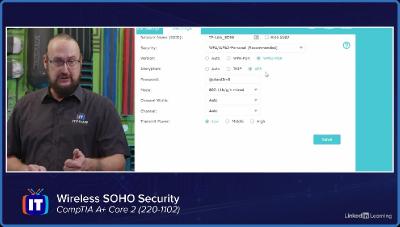
Linkedin.Learning.CompTIA.A.Core.2.220 1102.2.Security
Language: English
Files Type:sfv, pdf, nfo, mkv| Size:4.21 GB
Video:03:47:47 | 1280X720 | 2341 Kbps
Audio:A_AAC-2 | 319 Kbps | AAC
Genre:eLearning


Videos Files :
01.01 implementing physical security measures.mkv (299.45 MB)
01.02 logical user security concepts.mkv (417.38 MB)
01.03 logical device and network security concepts.mkv (332.69 MB)
01.04 wireless soho security.mkv (515.11 MB)
01.05 malware types.mkv (354.16 MB)
01.06 social engineering techniques and exploits.mkv (482.64 MB)
01.07 microsoft os security permissions.mkv (382.36 MB)
01.08 microsoft os security features.mkv (343.89 MB)
01.09 workstation security best practices.mkv (384 MB)
01.10 mobile device security solutions.mkv (378 MB)
01.11 securing web browsers.mkv (425.07 MB)

 
_12c61baff8c92edda5c11536431f7c4f.jpeg


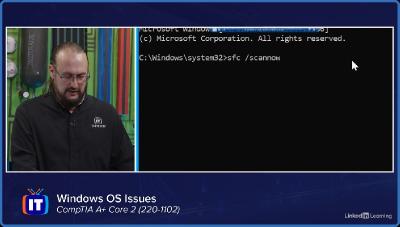
Linkedin.Learning.CompTIA.A.Core.2.220 1102.3.Software.Troubleshooting
Language: English
Files Type:sfv, pdf, nfo, mkv| Size:2.22 GB
Video:02:00:41 | 1280X720 | 2421 Kbps
Audio:A_AAC-2 | 159 Kbps | AAC
Genre:eLearning


Videos Files :
01.01 windows os issues.mkv (518.61 MB)
01.02 additional windows os issues.mkv (255.89 MB)
01.03 pc security issues.mkv (420.02 MB)
01.04 malware removal best practices.mkv (344.15 MB)
01.05 mobile os and application issues.mkv (387.19 MB)
01.06 mobile os and application security issues.mkv (348.45 MB)

 
Illustrator CC for Creative Professionals (Path)

ymcxhaftwmtilogmzx2pukuigf.jpg


Illustrator CC for Creative Professionals (Path)
Matthew Pizzi (et al.) | Duration: 33h 00m | Video: H264 1280x720 | Audio: AAC 44,1 kHz 2ch | 7,66 GB | Language: English

In this learning path, you'll start to master Illustrator by working on some practical examples. You'll then move onto more specific projects teaching some of the most core skills an Illustrator user needs to know. By the end of these courses, you'll not only be confident in your technical use of Illustrator, but you'll have also picked up a lot of theory and technique for design and illustration.

What you will learn

• User Interface, Tools, and Panels
• Document Setup
• Using Illustrator to Design
• Type Tool and Text Formatting
• Creating and Editing Shapes
• Logo Design
• Branding and Identity Design
• Recoloring Artwork
• Illustration
• Font Creation
Courses in this path

A: Beginner
The goal of this section is to teach you the fundamental skills for using the software. You'll learn enough of the basics to know how to use Illustrator competently.
A1. Illustrator CC Fundamentals (Matthew Pizzi, 2016)
A2. Illustrator CC Building on the Fundamentals (Matthew Pizzi, 2016)
A3. Illustrator CC Pen Tool (Laura Coyle, 2016)

B: Intermediate
In this section, you'll build on your foundation by learning how to put your technical skills to use with design and illustration theories and tools. This combination of theory and tools is the next step once a graphic designer or illustrator has a solid foundation of the software.
B1. Illustrator CC Designing Type With Graphic Styles (Laura Coyle, 2016)
B2. Illustrator CC Typography (Pariah Burke, 2016)
B3. Illustrator CC Drawing and Coloring with Live Paint (Laura Coyle, 2016)
B4. Illustrator CC Recolor Artwork (Laura Coyle, 2016)
B5. Illustrator CC Curvature Tool (Laura Coyle, 2016)
B6. Adobe Brush CC & Illustrator Art Brushes (Laura Coyle, 2016)
B7. Illustrator CC for Web Designers (William Everhart, 2017)

C: Advanced
These advanced level courses will spend more time covering techniques and skills, like advanced illustrations and font creation. Font creation specifically is a skill that many graphic designers today aspire to learn.
C1. Illustrator CC Blends and Gradient Mesh (Matthew Pizzi, 2016)
C2. Illustrator CC Perspective Tool (Laurie Ruhlin, 2017)
C3. Illustrator CC Working with 3D (Laura Coyle, 2016)
C4. Illustrator CC Print Production (Justin Seeley, 2017)

Homepage


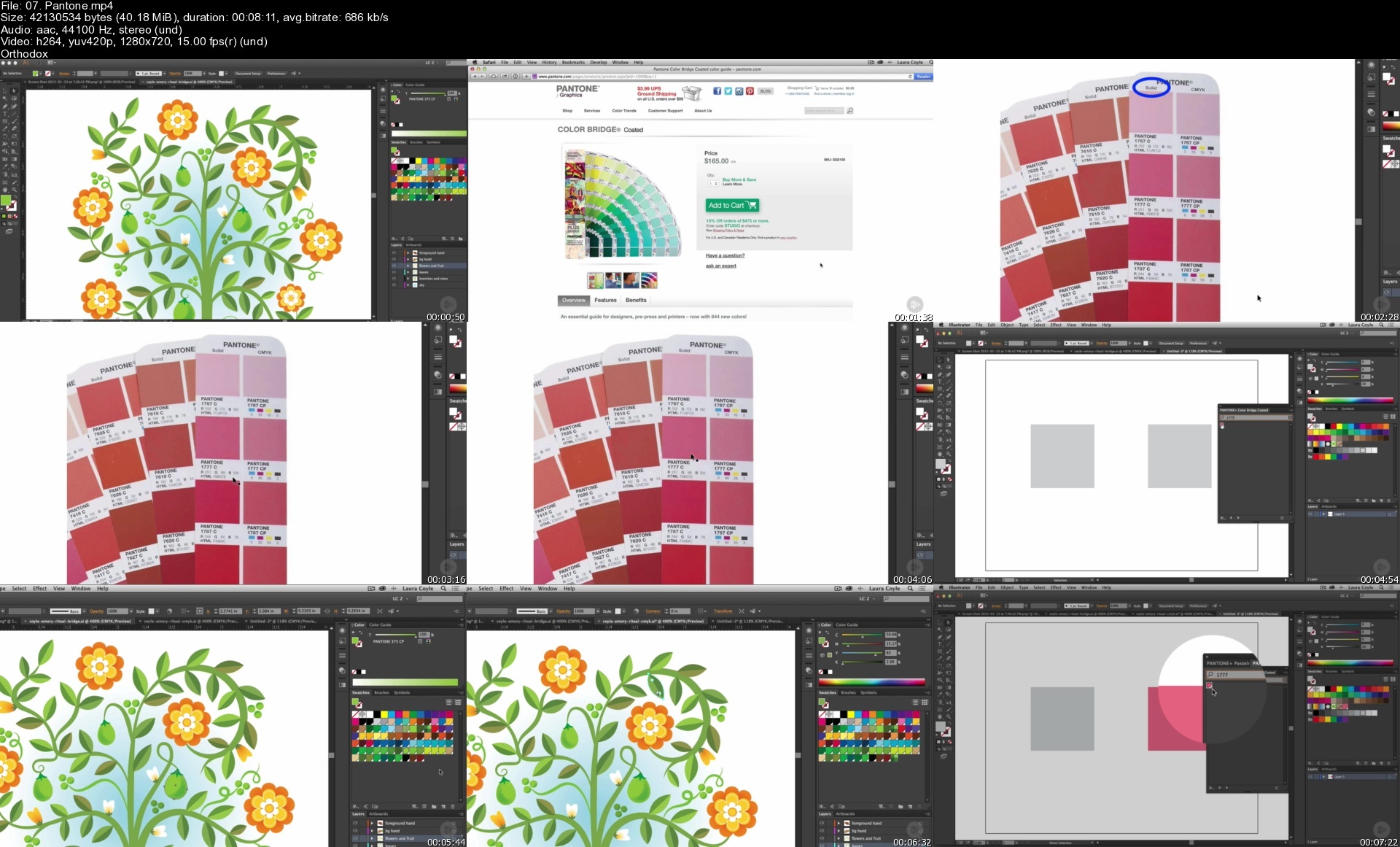
07.pantones4qf0h.jpg


Master Full Stack Web Development in 2022 - Novice to Expert

448925087303i8e27.jpg


Master Full Stack Web Development in 2022 - Novice to Expert
Published 06/2022
MP4 | Video: h264, 1280x720 | Audio: AAC, 44.1 KHz, 2 Ch
Genre: eLearning | Language: English + srt | Duration: 176 lectures (50h 48m) | Size: 40 GB

MERN Stack Web Development from A to Z all packed in ONE comprehensive course. Learn HTML, CSS, JavaScript, Node, React


What you'll learn
Be able to build ANY website you want.
Build REAL web applications using cutting-edge technologies for your startup or business.
Master Frontend Development with React
Master backend development with NodeJs
Learn modern frameworks and technologies, including JavaScript ES6, Bootstrap 5, React, MongoDB.
Use CSS Frameworks including Bootstrap 5 and Tailwind CSS.
Craft a portfolio of websites to apply for Junior Web Developer, UI Developer, Front End Developer, Back End Developer, and Full Stack Developer jobs.
Work as a freelance Web Developer.
Learn professional developer best practices.
Create responsive, accessible, and beautiful templates

Requirements
No coding or web development knowledge needed! We'll start from scratch!
A computer (Windows/Mac/Linux) with access to the internet. That's it!
All tools and software used in this course will be free!


Description
Want to build your own website, but don't know where to start? Hi and welcome to my unique full stack web development masterclass the only course you need to learn to code and become a full-stack web developer. At 51 hours, this Web Development course is by far the most comprehensive web development course you would find on the internet. This bootcamp includes HD video tutorials and builds your solid programming foundation even if you have zero programming experience. This course which will take you from zero to hero. You'll MASTER the full MERN stack and get hands-on practice building websites and real world web applications from scratch. You will learn tools and technologies like

HTML 5

CSS 3

Bootstrap 5

Tailwind CSS

JavaScript ES6

jQuery

JSON

React.js

Node.js

NPM

Express

Mustache

Handlebars

HBS

REST APIs

Databases

MongoDB

Mongoose

Git and GitHub

Hosting and deploying websites and Web Applications

You'll also get

$100 WORTH of exclusive web development starter kit for FREE

You'll be able to build in-depth knowledge on not just the frontend but backend too. Learn to code with up-to-date syntax and industry-standard best practices. Become a fully-fledged Full Stack developer with this comprehensive course in one of the fastest growing fields in the world.

Check out what existing students have to say about my other courses

"Prerak is fantastic at teaching, the project based learning is what I was looking for and I don't regret buying this course. I'll be looking forward in enrolling his future courses :)" - Charlotte Merkel

"He deserves more than just 5 stars. The Instructor knows what he is talking about. Anyone who don't have prior knowledge of programming can go for this course." - Juli

"The course is very good and definitely takes a novice to a very good level." - Eric Holzer

"He's explaining the stuff nicely and I can understand even though I know little about coding" - Sujoy Kundu

I'm super confident that you'll love this course and we're offering a FULL 30 days money-back guarantee! So what are you waiting for? Click the buy now button and join me in this exciting journey of becoming a Pro in Full Stack Web Development :)

Who this course is for
Buy this course if you are interested to learn to code and build Websites and Web Apps.
Buy this course if you are interested to start a career in Web Development.
Buy this course if you are interested to start your own business or become a freelancer.
Buy this course if you want to take ONE COURSE and learn everything you need to know about full stack web development.

Homepage


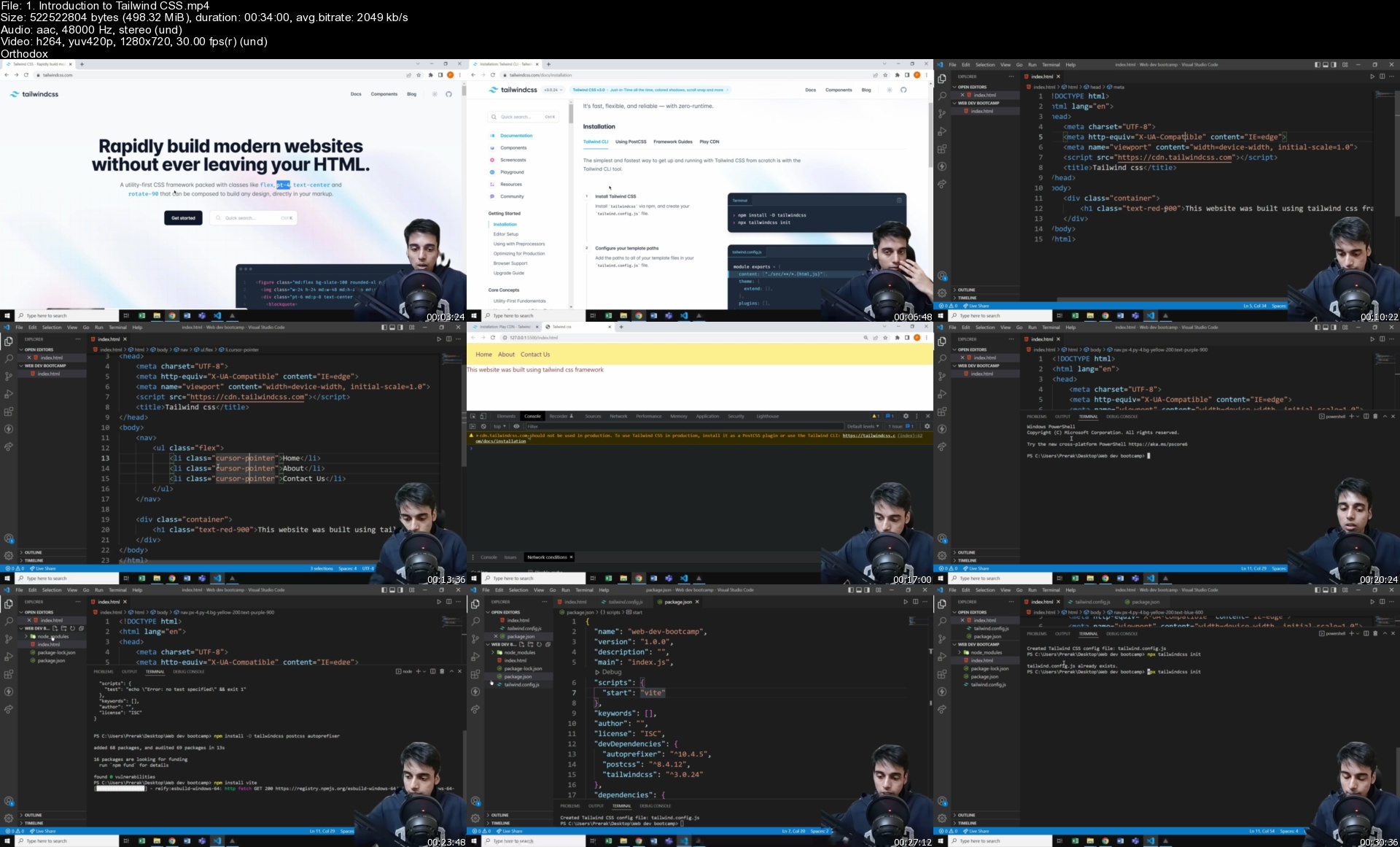
1.introductiontotailwhrd2e.jpg


Ultimate DevOps Guide with Interview Preparation

462411451752shd2f.jpg


Ultimate DevOps Guide with Interview Preparation
Published 06/2022
MP4 | Video: h264, 1280x720 | Audio: AAC, 44.1 KHz, 2 Ch
Genre: eLearning | Language: English + srt | Duration: 291 lectures (25h 29m) | Size: 9.8 GB

Learn all the needed skills and Land your Job Guarantee


What you'll learn
Linux from the beginning - History and Evolution
Unix Architecture
Linux Commands Hands On
Linux vs Unix
Learn Linux From the scratch
Shell Scripting
The Linux Boot Process
What is CI/CD ?
What is Jenkins and why
Install Jenkins
Create your first Jenkins Job
Integrate Jenkins with GitHub and AWS with Practice Step by Step
What is Docker and why
VM vs Containers
How Docker works Architecture
How to handle Dockerfile
Docker compose app py file
Learn Python From the scratch
Understanding Python Essentials and Concepts
Hands On projects
Python Practice Step By Step
Terraform Introduction
Terraform Create your First Resource
Terraform Generate Secrets
Terraform Strings
Terraform EC2 Create Instance
Terraform Hands-On Project Step By Step
Learn the AWS EC2
Learn the AWS S3
Learn the AWS ELB
Learn the AWS ASG
Learn the AWS RDS
Learn the AWS Cloud Watch Monitoring
Learn the AWS Cloud Formation IAC (Infrastructure as a code)
AWS Interview Preparation
Terraform Interview Preparation
Jenkins Interview Preparation
Docker Interview Preparation
Linux Interview Preparation

Requirements
Nothing just Patience and Eager to Learn !


Description
DevOps is a combination of software development and information technology operations that enables businesses to deliver applications at a faster pace. It brings together development and operations teams so there are fewer redundancies in the software development process.

DevSecOps is a culture shift in the software industry that aims to bake security into the rapid-release cycles that are typical of modern application development and deployment.

DevOps has revolutionized workplaces in many ways. The number of DevOps-related jobs are increasing, while its rank as an in-demand job.

DevOps is important because it's a software development and operations approach that enables faster development of new products and easier maintenance of existing deployments.

In this course we will learn all the below in this ultimate course

Linux from the beginning - History and Evolution

Unix Architecture

Linux Commands Hands On

Linux vs Unix

Learn Linux From the scratch

Shell Scripting

The Linux Boot Process

What is CI/CD ?

What is Jenkins and why

Install Jenkins

Create your first Jenkins Job

Integrate Jenkins with GitHub and AWS with Practice Step by Step

What is Docker and why

VM vs Containers

How Docker works Architecture

How to handle Docker file

Docker compose app py file

Learn Python From the scratch

Understanding Python Essentials and Concepts

Hands On projects

Python Practice Step By Step

Terraform Introduction

Terraform Create your First Resource

Terraform Generate Secrets

Terraform Strings

Terraform EC2 Create Instance

Terraform Hands-On Project Step By Step

Interview Preparation

Who this course is for
DevOps Engineers
DevSecOps Engineers
Developers
System Administrator
IT Engineers

Homepage


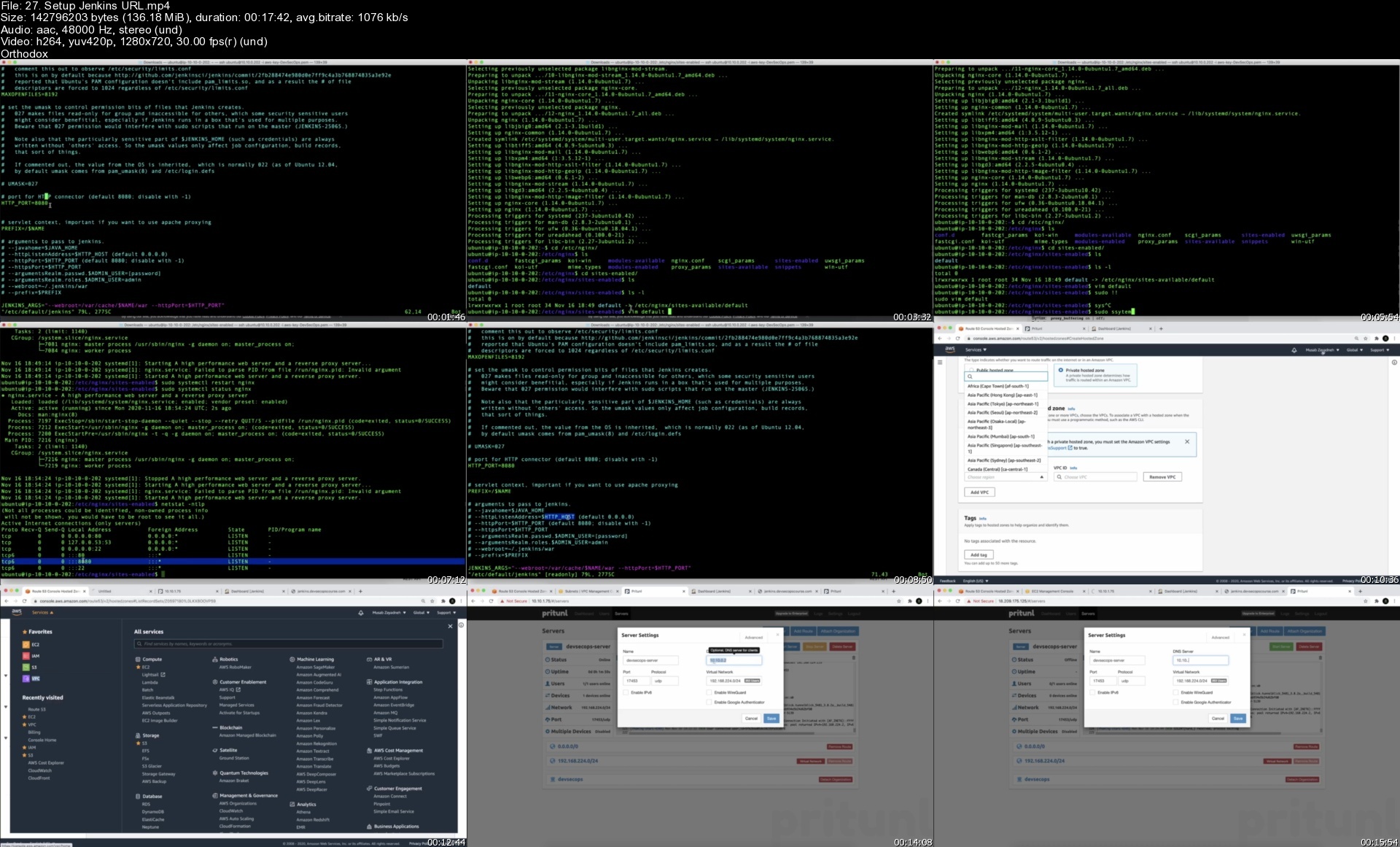
27.setupjenkinsurlsg8fy5.jpg


Indra Nooyi Teaches Leading With Purpose - MasterClass

0327e2dcf586b3c29fed6fce3f0414fe.jpg

MasterClass - Indra Nooyi Teaches Leading With Purpose
MP4 | Video: h264, 1920x1080 | Audio: AAC, 44.1 KHz, 2 Ch | Released 09/2022
Genre: eLearning | Language: English + Subs | Duration: 21 Lessons (2h 59m) | Size: 8 GB​
Indra Nooyi, former CEO of PepsiCo, teaches you to think big, be brave, and make purpose-driven changes at work.

Ever wonder what it takes to be the CEO of a Fortune 50 company? Indra Nooyi didn't set out to become the first woman of color to do so. She simply (and tenaciously) focused on big ideas. As the former CEO of PepsiCo, Indra transformed a global industry. Now she's teaching you her transformational approach to leadership. Learn to simplify complex problems, persuade others to buy into your vision, and discover how leading with purpose can improve your life beyond the boardroom.

Browse Lesson Plan
1. Meet Your Instructor
2. 7 C's of Leadership: Your Core Abilities
3. 7 C's of Leadership: Working With Others
4. 7 C's of Leadership: Creating A Better World
5. Make Great First Impressions
6. Take Charge Of Meetings
7. Zooming in and Zooming Out
8. Connect With Your Team
9. Harness The Consumer Pull
10. Study Your Competitors
11. Strategic Thinking: A Future Back Perspective
12. Performance With Purpose: Crafting The Dream
13. Assess and Use Megatrends
14. Creating Buy-In and Courting The Skeptics
15. Resourcing Turns A Dream Into A Reality
16. Monitor Risks and Progress
17. Global Change On A Local Level
18. Evaluating Success Against the Original Goals
19. Organizing Your People With Care
20. Case Study: My Megatrends of the 2020s
21. Case Study: Leadership In A Crisis

HOmepage:

Screenshots
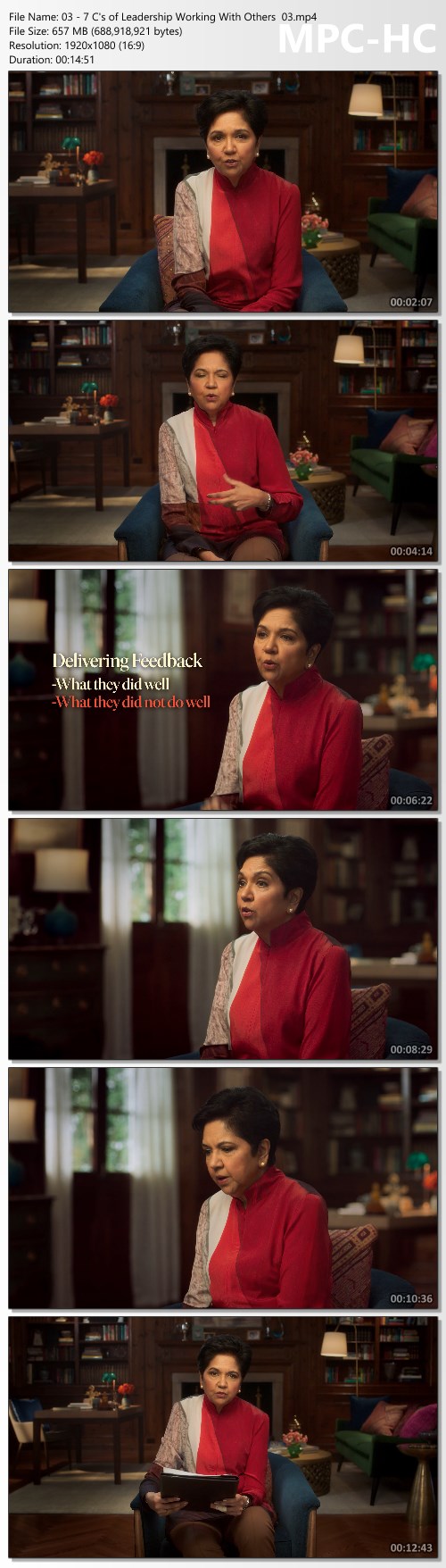
dad7b110b03120aacecf1f8aa6f3fc13.jpg


Link Download
Extract files with WinRar 5 or Latest !
 
Linux Shell Commands for Absolute Beginners using Ubuntu 20x

linuxshellcommandsforyfevs.jpg


Linux Shell Commands for Absolute Beginners using Ubuntu 20x
Last Updated 06/2022
MP4 | Video: h264, 1280x720 | Audio: AAC, 44.1 KHz, 2 Ch
Genre: eLearning | Language: English + srt | Duration: 289 lectures (22h 34m) | Size: 10.9 GB

A master class on linux commands for absolute beginners using Ubuntu 20.04


What you'll learn
Setup Ubuntu Linux on Windows using wsl
Getting Started with Linux Shell Commands using commands such as pwd, help, etc
Listing files and folders in Linux File System using ls
Filtering files and folders in Linux File System using commands such as find
Processing Data in Files using Linux Commands using commands such cat, tail, head, more, cut, sort, uniq, etc
Understanding File and Folder Properties and also commands to change the ownership as well as permissions
Managing Files and Folders in Linux using commands such as cp, mv, rm, etc along with awk for the automation
Basic System Commands in Linux such as lscpu, free, df, du, etc to get CPU, memory, free or available as well as used storage respectively
Comparing Files and Folders in Linux using diff
Variables and Environment Variables in Linux including commands such as env and concepts related to PATH Environment Variable
Getting Started with AWS to provision EC2 Instances to explore SSH, networking concepts, scp, etc
Overview of SSH to interact with remote servers which includes all key concepts such as sshd, configuration files, running commands remotely, etc
Basic Networking Concepts such as different ip addresses, ports using Linux including telnet command to troubleshoot networking issues
Copy Files and Folders between Multiple Systems using scp including fine tuning the performance of scp
Troubleshooting Application issues using find and grep in Linux

Requirements
PC or Mac with decent configuration
At least 8 GB RAM, i5 or equivalent processor
CPU with dual core or with higher configuration


Description
As part of this course, you will learn most of the important Linux commands that can come in handy while working in Linux-based environments.

Here are the high-level details of the Linux Commands that are covered as part of this hands-on course.

You will get started by having an appropriate environment to practice. Windows users can set up Ubuntu 20.04 using wsl.

Once the environment is ready, you will understand how to get started with basic Linux Commands.

The most commonly used command in Linux is ls. It is used to list the files. We will see different variations of ls by going through all the relevant arguments.

One of the powerful Linux commands and also my favorite is "find". It helps us to filter the files and directories based on name, type, modified time, etc. You will learn how to use the find command effectively from the perspective of finding the files based on the criteria.

As we understand how to get details related to files and folders in Linux, we will go through the details related to previewing the data in files using important Linux commands such as cat, tail, more, etc. Also, we will review Linux commands such as cut, sort, uniq to process the data. All these commands are typically used against text files.

After going through details related to ls, find commands as well as commands related to processing data in files, we will walk you through the details related to file and folder properties in Linux. You will get an overview of commands such as useradd, userdel, chmod, etc which are typically associated with file permissions.

One of the key aspects related to files and folders is to manage them effectively. We will go through the details about managing files and folders using Linux commands such as cp for copy, mv for move or rename, rm for delete or remove, tar to build uncompressed as well as compressed tar balls. Also, you will get a taste of the awk command to automate some of the common tasks such as reorganizing the files based on patterns.

The core components of a computer are nothing but CPU, Memory, and Storage. In this section or module, you will be learning Linux commands such as lscpu to get CPU details, free to get memory details, and then df and du to get storage details.

At times, we need to make sure the data is in files as well as codebase to troubleshoot the production issues or bugs in QA. In this section, you will learn how to use the Linux command called diff to compare files and folders and review the differences.

Environment Variables are the ones that can impact the sessions logged in by users in Linux. As part of this section, you will be learning details related to Variables, Environment Variables. Also, you will understand how to list all the Environment Variables using Linux commands such env, and how to get a value of a Variable or Environment Variable using the Linux command echo. On top of these things, you will also learn all important aspects related to one of the most important Environment Variables called PATH.

As we gain a decent amount of knowledge related to Linux commands using a single server, it is time for us to explore other important commands such as ssh, scp, pssh, pscp, etc which require more than one Linux System or Server. Also, we need to go through basic networking concepts. To learn commands to interact between the servers as well as to understand basic networking concepts, we will get started with AWS to provision Ubuntu-based virtual machines. These Virtual Machines will be used in the subsequent sections to learn the concepts mentioned earlier as part of this bullet point.

Once we go through the details about getting started with AWS, we will focus on learning all key concepts related to SSH such as sshd daemon, updating ssh config files, and restarting sshd using systemctl or service command. Also, we will go through the details related to passwordless login and also ability to run commands remotely via ssh. We will also understand how to set up parallel ssh and then run commands on multiple Linux systems in parallel.

To be comfortable with learning in a Linux environment, it is very important for one to understand key concepts such as different types of IP Addresses, Port Numbers, relationships between applications and databases with ports, etc. In this section, we will go through all important networking concepts using apache2, MongoDB, etc.

Once we are comfortable with SSH, it is time for us to use tools such as scp which uses ssh under the hood to copy files and folders between the Linux Systems. We will also explore parallel scp to copy files in parallel to multiple target systems from one source system. Also, we will go through the details related to speeding up the copy using different techniques which include submitting multiple scp commands using nohup.

Basic Linux Commands

Running the first command on Linux

Getting usage of Linux commands using the help

Overview of Files and Folders

Fully Qualified or Absolute Paths and Relative Paths of Files and Folders

Listing files and folders in Linux File System using ls

Overview of ls command to list files and folders in Linux

Setup Files and Folders from GitHub Account to learn Shell Commands

Setup Jupyter Lab to go through help on linux commands

Getting the properties of files and folders using the ls command in Linux

Sorting ls output while listing files in Linux

List files and folders in Linux sorted by time

List files and folders in Linux sorted by size

Overview of Hidden Folders and Files

Listing Hidden Files and Folders in Linux

Listing the files and folders recursively in Linux

Exploring Control Arguments while listing files in Linux

Overview of representation of file sizes

Overview of alias command and ll to list files and folders

Filtering files and folders in Linux File System

Introduction to the filtering files and folders on Linux File System

Accessing Windows Files and Folders from Linux setup using wsl

Overview of grep command

Few basic examples using grep and piping

Overview of Piping while running shell commands

Overview of Basic Pattern Matching

Deep Dive into the wc command to get word count or line count

Overview of the find command to filter files and folders

Understand the behavior of the simplest form of find command in Linux

Using Linux find command to find directories or folders

Using Linux find command to find files by type and pattern

Overview of Standard Directories in Linux

Get the list of files based on the modified time using the Linux find command

Get the list of files based on size using the Linux find command

Processing Data in Files using Linux Commands

Introduction to commands used for processing data in files using Linux

Overview of Different File Formats

Get file format or type using file command in Linux

Preview the data in the text file using head command in Linux

Preview the data in the text file using tail command

Install apache web server on Ubuntu Linux

Generate Apache Logs every second using shell script and nohup

Monitoring Logs using tail command in Linux

Preview the data in the text file using more command

Extract data from files in Linux using cut command

Sort data in files in Linux using sort command

Sort data in files in Linux using sort command based on key and delimiter

Extract Information and Redirect to a file in Linux

Getting Unique Records from File using sort in Linux

Using uniq to get unique values in Linux

Understanding File and Folder Properties

Introduction to Properties of Files and Folders

Understand File and Folder Properties provided by ls command

Understanding Owner of the Files in Linux

Overview of groups associated with files and folders in Linux

Creating Groups in Linux using groupadd

Create users in Linux using useradd command

Specifying bash as the default shell while creating users in Linux

Create Users with Group in Linux

Add users to supplementary or secondary groups in Linux

Overview of File Permissions in Linux

Overview of umask for default permissions on Files and Folders

Permissions on Home Folders for different Linux Users

File and Folder Permissions for Groups and Others

Conclusion for File and Folder Properties using Linux

Managing Files and Folders in Linux

Introduction to Managing Files and Folders in Linux

Generate empty files in Linux using touch command

Creating Directories in Linux using mkdir command

Overview of awk command in Linux

Overview of cp command to copy files in Linux

Using cp command to copy files in Linux

Create multiple folders at once using awk in Linux

Copy files using Patterns in Linux

Automate file copy using awk and cp in linux

Copying folders recursively using cp command in Linux

Copying files using cp while preserving properties in Linux

Moving Files in linux using mv command

Automate file move using awk and mv in linux

Overview of tar command to take the backups

Create backup of files and folders using tar command in linux

Restoring Files and Folders using tar command in Linux

Moving Folders in Linux using mv command

Overview of rm command to remove files from Linux File System

Delete files from Linux File System using rm command

Use alias to delete files interactively from Linux File System

Delete folders from Linux File System using rm command

Restore Data Folder from the tar ball

Delete files using find and rm from Linux file system based on name

Delete files using find and awk from Linux file system based on name

Generate log files for multiple years using touch with patterns

Update timestamp of files based on names in Linux using touch

Delete files using find and rm based on modified time in Linux

Renaming the files and folders in Linux

Basic System Commands in Linux

Introduction to Basic System Commands in Linux

Overview of core components of a computer

Get CPU Details using lscpu command in Linux

Get Memory Details using free on Linux

Get Storage Details using df in Linux

Get Disk Usage Details using du in Linux

Get largest folders and files using du and sort on Linux

Understand Storage Details of Directories using du on Windows

Get storage use of folders and files

Get Storage Details of larger files using find and du

Comparing Files and Folders in Linux using diff

Introduction to comparing files and folders in Linux using diff

Overview of the diff command

Prepare Dataset to explore diff command in Linux

Understand the output of the diff command in Linux

Compare Files Ignoring Blank Lines and White Spaces using diff in Linux

Compare Files Ignoring case using diff in Linux

Unified and Side By Side Comparison using diff in Linux

Compare Folders in Linux using the diff command

Variables and Environment Variables in Linux

Creating and Printing Variables using echo in Linux

Overview of Environment Variables in Linux and env command

Overview of Environment Variables in Windows

Review some of the standard environment variables in Linux

Get the location of commands in linux using which

Review PATH and unset PATH in Linux

Relevance of PATH Environment Variable while running Linux Commands

Overview of Profile and rc in Linux

Create a simple shell script and grant execute permissions in Linux

Update PATH with parent folders of custom applications

Update PATH in profile with parent folders of custom applications

Getting Started with AWS

Introduction to Getting Started with AWS

Signing up for AWS

Overview of AWS Web Console

Overview of AWS EC2 Console or Dashboard

Create AWS EC2 Key Pair using AWS EC2 Console

Create our first AWS EC2 Instance using Ubuntu 20

Login into AWS EC2 Instance using Key Pair

Overview of AWS Free Tier and Pricing

Overview of AWS Web Console Cloud Shell

Overview of AWS EC2 Instance Concepts

Managing AWS EC2 Instances

Overview of SSH to interact with remote servers

Introduction to Overview of SSH to interact with Remote Servers

Create Multiple AWS EC2 Instances

Different Modes of SSH Login to Remote Servers

Understanding Password less login to Remote Server

Overview of SSH Daemons on Remote Servers

Understand SSH Properties Files and Properties

Enabling Password login on Remote Server

Run Commands on Remote Servers using SSH

Connect to Remote Servers from Windows using Powershell as well as wsl

Setup pssh or parallel-ssh on Mac as well as Ubuntu Linux

Run Commands on multiple servers using parallel-ssh or pssh

Run Commands on multiple servers using pssh using the hosts file

Enable Password less login using ssh keys and the ssh-copy-id command

Terminate AWS EC2 Instances used for demo

Basic Networking Concepts using Linux

Introduction to Basic Networking Concepts using Linux

Provision EC2 Instance from AWS

Overview of AWS Security Groups

Overview of Different Types of IP Addresses

Install Apache Webserver on Ubuntu

Update Security Group to access Apache Web Application

Overview of Daemon or Background Processes and Ports

Understanding Structure of IP Address

Overview of DNS Aliases for IP Addresses

Install Jupyter Lab on Ubuntu

Run Jupyter Lab using Localhost

Update Security Group to access Jupyter Lab

Setup Mongo DB on AWS EC2 Instance

Run MongoDB on Universal IP Address

Update Security Group to access Mongo DB

Cleanup AWS EC2 Instance used to demo networking concepts

Copy Files and Folders between Multiple Systems using scp

Introduction to Copying Files and Folders between multiple Linux Systems using scp

Provision of multiple EC2 Instances from AWS

Connect to EC2 Instances using Windows Powershell

Connect to EC2 Instances from Linux on Windows

Prepare Data Sets to explore Copying Files

Overview of scp for secure copy between Multiple Systems

Copy Files using scp between Multiple Systems

Copy Folders using scp between Multiple Systems

Copy Tar Ball or Zip File using scp between Linux Servers

Setup parallel-scp or pscp to copy files to multiple systems

Prepare Target Systems by recreating folders using pssh

Copy Files onto remote machines in parallel using pscp

Copy Folders onto remote machines in parallel using pscp

Overview of Copying Files and Folders between two systems in parallel

Submit Long-Running Applications or Commands in the Background using nohup

Run multiple scp commands in parallel using nohup in Linux

Stop or Terminate AWS EC2 Instances used for the tasks

Desired Audience

Here is the desired audience for this advanced course.

Experienced application developers to gain expertise related to Linux shell commands

Experienced Data Engineers to gain enough skills related to Linux shell commands

Testers to improve their testing capabilities by using Linux shell commands effectively

Prerequisites

Logistics

Computer with decent configuration (At least 4 GB RAM, however 8 GB is highly desired)

Dual Core is required and Quad-Core is highly desired

Chrome Browser

High-Speed Internet

Who this course is for
Students who want to learn Linux commands by hands-on practice
Freshers and entry level IT professionals who want to gain the knowledge of Linux commands
Any Software developers such as Python, Java, etc who would like to gain proficiency of Linux Commands
Any Software Testers who would like to gain proficiency related to Linux Commands
This course is designed for all those IT Professionals who frequently work on Linux based Environment
System Administrators, Network Administrators, DevOps Engineers, etc

Homepage


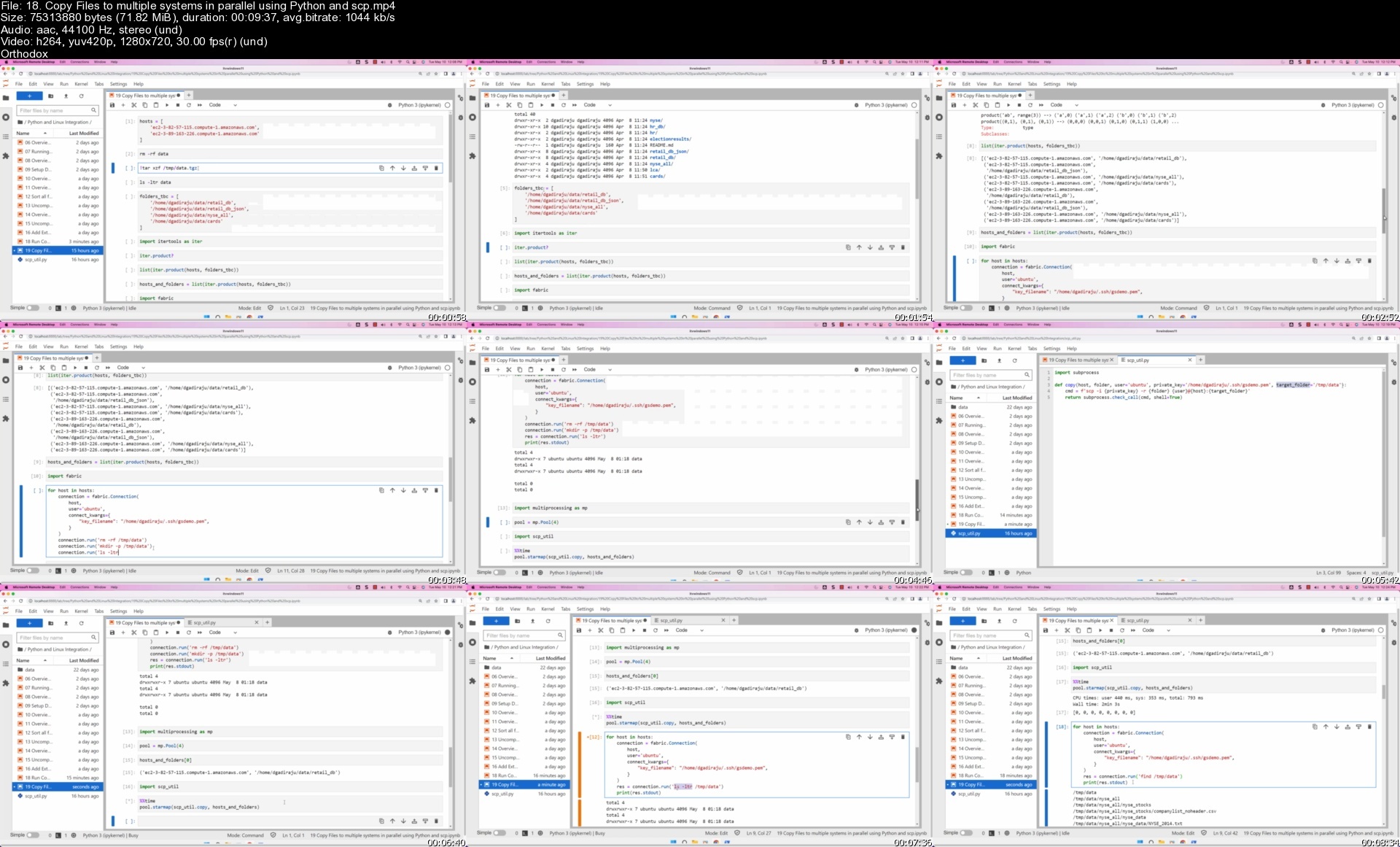
18.copyfilestomultiplajd0b.jpg


Realistic 3D Clothing

165252838903272020fgifb.jpg


Realistic 3D Clothing
Instructors: Tomas Sackmann
14 Chapters | Duration: 11h 42m
Video: MP4 1920x1080 44 KHz | English
Beginner to Intermediate | Size: 29 GB

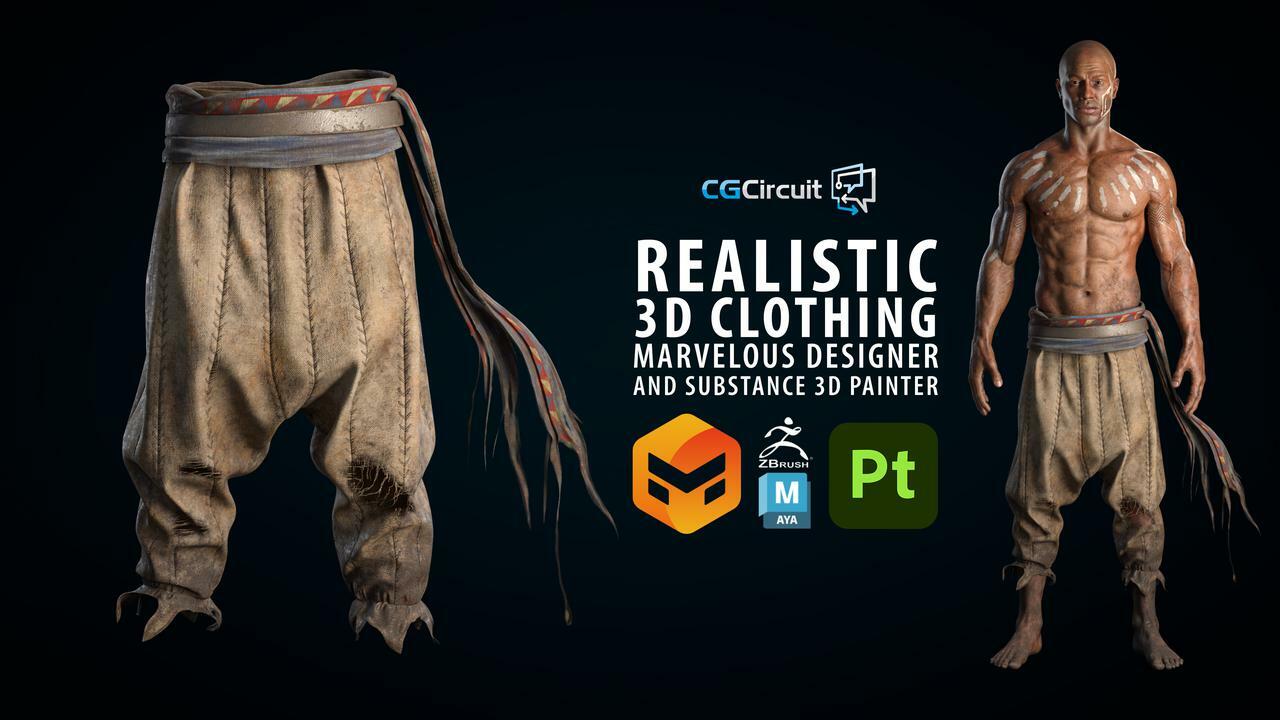
In this online course, the viewer will learn how to create realistic torned clothing ready for production using Marvelous Designer, Zbrush, Maya and Substance Painter. We will go through the Marvelous Designer user interface and its main features. Using as an example our character from the previous courses we will create his clothing, we will retopology, sculpt on them and texture them to get them ready to be animated. We will do all the clothing simulation in Marvelous Designer, the sculpting in Zbrush, retopology and UVs in Maya and the texturing in Substance 3D Painter.

This course has been designed for beginner and intermediate students with a passion for realism, garments and 3D characters in general.

This is the 4th of a series of tutorials where we will create a full 3D character ready for production. For this course, you will need to have a basic previous knowledge of Marvelous, Zbrush, Maya and Substance 3D Painter as in this course we don't teach the software itself but the fundamentals of the creation of a character and the full workflow to make it ready for production.

Key takeaways
- Understanding of the key elements of Marvelous User interface.
- Ability to create 3D garments
- Ability to create an animatable topology ready for production
- Ability to create good sets of UVs
- Ability to create primary, secondary and tertiary clothing details.
- Understanding of a texturing process for clothing using procedural and more artistic approaches in Substance 3D Painter, but with techniques that can be applied also in Mari or other texturing software.
- Understanding of the entire workflow of garment creation, not limited to softwares used in the course.

After viewing this course, people can expect to be able to create 3D clothing using the same workflow used for film, TV production, games and the metaverse. This is a key element in the process of getting a job as a Character Artist in the industry or just to make successful 3D character art pieces.
I am a designer, 3D Character and asset artist from Argentina working as a Modeler in Digital Domain 3.0. I love to work on realistic characters and I try to push my limits in each piece. Two of my main personal projects were the "Bedouin Elf " and ''Alejandro - Gaucho Argentino''. With the Bedouin Elf, I was lucky enough to get it selected on the Zbrush Summit 2020 Highlights and that gave me a lot of exposure. Thanks to this project I was invited to collaborate with Adobe Substance 3D Painter to create ''Alejandro'' for the Substance 3D Magazine.
I am excited about sharing my workflow with you and helping you to get the first steps in this amazing world of character creation.

Tools used: Autodesk Maya, Marvelous Designer, Substance 3D Painter, ZBrush
Prerequisites: a basic previous knowledge of Marvelous, Zbrush

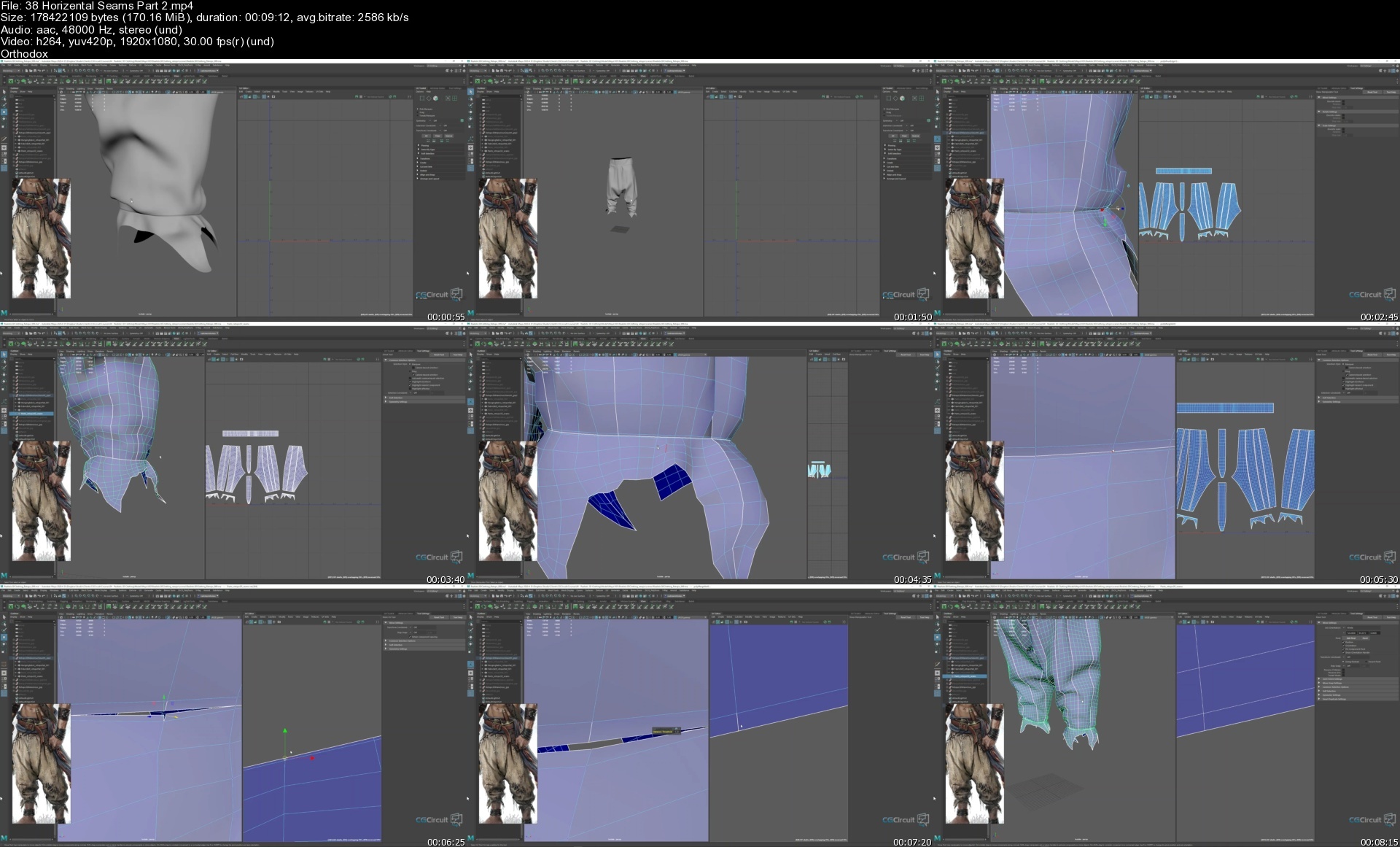
38horizentalseamsparts6il8.jpg


Linux Shell Commands for Absolute Beginners using Ubuntu 20x

linuxshellcommandsforyfevs.jpg


Linux Shell Commands for Absolute Beginners using Ubuntu 20x
Last Updated 06/2022
MP4 | Video: h264, 1280x720 | Audio: AAC, 44.1 KHz, 2 Ch
Genre: eLearning | Language: English + srt | Duration: 289 lectures (22h 34m) | Size: 10.9 GB

A master class on linux commands for absolute beginners using Ubuntu 20.04


What you'll learn
Setup Ubuntu Linux on Windows using wsl
Getting Started with Linux Shell Commands using commands such as pwd, help, etc
Listing files and folders in Linux File System using ls
Filtering files and folders in Linux File System using commands such as find
Processing Data in Files using Linux Commands using commands such cat, tail, head, more, cut, sort, uniq, etc
Understanding File and Folder Properties and also commands to change the ownership as well as permissions
Managing Files and Folders in Linux using commands such as cp, mv, rm, etc along with awk for the automation
Basic System Commands in Linux such as lscpu, free, df, du, etc to get CPU, memory, free or available as well as used storage respectively
Comparing Files and Folders in Linux using diff
Variables and Environment Variables in Linux including commands such as env and concepts related to PATH Environment Variable
Getting Started with AWS to provision EC2 Instances to explore SSH, networking concepts, scp, etc
Overview of SSH to interact with remote servers which includes all key concepts such as sshd, configuration files, running commands remotely, etc
Basic Networking Concepts such as different ip addresses, ports using Linux including telnet command to troubleshoot networking issues
Copy Files and Folders between Multiple Systems using scp including fine tuning the performance of scp
Troubleshooting Application issues using find and grep in Linux

Requirements
PC or Mac with decent configuration
At least 8 GB RAM, i5 or equivalent processor
CPU with dual core or with higher configuration


Description
As part of this course, you will learn most of the important Linux commands that can come in handy while working in Linux-based environments.

Here are the high-level details of the Linux Commands that are covered as part of this hands-on course.

You will get started by having an appropriate environment to practice. Windows users can set up Ubuntu 20.04 using wsl.

Once the environment is ready, you will understand how to get started with basic Linux Commands.

The most commonly used command in Linux is ls. It is used to list the files. We will see different variations of ls by going through all the relevant arguments.

One of the powerful Linux commands and also my favorite is "find". It helps us to filter the files and directories based on name, type, modified time, etc. You will learn how to use the find command effectively from the perspective of finding the files based on the criteria.

As we understand how to get details related to files and folders in Linux, we will go through the details related to previewing the data in files using important Linux commands such as cat, tail, more, etc. Also, we will review Linux commands such as cut, sort, uniq to process the data. All these commands are typically used against text files.

After going through details related to ls, find commands as well as commands related to processing data in files, we will walk you through the details related to file and folder properties in Linux. You will get an overview of commands such as useradd, userdel, chmod, etc which are typically associated with file permissions.

One of the key aspects related to files and folders is to manage them effectively. We will go through the details about managing files and folders using Linux commands such as cp for copy, mv for move or rename, rm for delete or remove, tar to build uncompressed as well as compressed tar balls. Also, you will get a taste of the awk command to automate some of the common tasks such as reorganizing the files based on patterns.

The core components of a computer are nothing but CPU, Memory, and Storage. In this section or module, you will be learning Linux commands such as lscpu to get CPU details, free to get memory details, and then df and du to get storage details.

At times, we need to make sure the data is in files as well as codebase to troubleshoot the production issues or bugs in QA. In this section, you will learn how to use the Linux command called diff to compare files and folders and review the differences.

Environment Variables are the ones that can impact the sessions logged in by users in Linux. As part of this section, you will be learning details related to Variables, Environment Variables. Also, you will understand how to list all the Environment Variables using Linux commands such env, and how to get a value of a Variable or Environment Variable using the Linux command echo. On top of these things, you will also learn all important aspects related to one of the most important Environment Variables called PATH.

As we gain a decent amount of knowledge related to Linux commands using a single server, it is time for us to explore other important commands such as ssh, scp, pssh, pscp, etc which require more than one Linux System or Server. Also, we need to go through basic networking concepts. To learn commands to interact between the servers as well as to understand basic networking concepts, we will get started with AWS to provision Ubuntu-based virtual machines. These Virtual Machines will be used in the subsequent sections to learn the concepts mentioned earlier as part of this bullet point.

Once we go through the details about getting started with AWS, we will focus on learning all key concepts related to SSH such as sshd daemon, updating ssh config files, and restarting sshd using systemctl or service command. Also, we will go through the details related to passwordless login and also ability to run commands remotely via ssh. We will also understand how to set up parallel ssh and then run commands on multiple Linux systems in parallel.

To be comfortable with learning in a Linux environment, it is very important for one to understand key concepts such as different types of IP Addresses, Port Numbers, relationships between applications and databases with ports, etc. In this section, we will go through all important networking concepts using apache2, MongoDB, etc.

Once we are comfortable with SSH, it is time for us to use tools such as scp which uses ssh under the hood to copy files and folders between the Linux Systems. We will also explore parallel scp to copy files in parallel to multiple target systems from one source system. Also, we will go through the details related to speeding up the copy using different techniques which include submitting multiple scp commands using nohup.

Basic Linux Commands

Running the first command on Linux

Getting usage of Linux commands using the help

Overview of Files and Folders

Fully Qualified or Absolute Paths and Relative Paths of Files and Folders

Listing files and folders in Linux File System using ls

Overview of ls command to list files and folders in Linux

Setup Files and Folders from GitHub Account to learn Shell Commands

Setup Jupyter Lab to go through help on linux commands

Getting the properties of files and folders using the ls command in Linux

Sorting ls output while listing files in Linux

List files and folders in Linux sorted by time

List files and folders in Linux sorted by size

Overview of Hidden Folders and Files

Listing Hidden Files and Folders in Linux

Listing the files and folders recursively in Linux

Exploring Control Arguments while listing files in Linux

Overview of representation of file sizes

Overview of alias command and ll to list files and folders

Filtering files and folders in Linux File System

Introduction to the filtering files and folders on Linux File System

Accessing Windows Files and Folders from Linux setup using wsl

Overview of grep command

Few basic examples using grep and piping

Overview of Piping while running shell commands

Overview of Basic Pattern Matching

Deep Dive into the wc command to get word count or line count

Overview of the find command to filter files and folders

Understand the behavior of the simplest form of find command in Linux

Using Linux find command to find directories or folders

Using Linux find command to find files by type and pattern

Overview of Standard Directories in Linux

Get the list of files based on the modified time using the Linux find command

Get the list of files based on size using the Linux find command

Processing Data in Files using Linux Commands

Introduction to commands used for processing data in files using Linux

Overview of Different File Formats

Get file format or type using file command in Linux

Preview the data in the text file using head command in Linux

Preview the data in the text file using tail command

Install apache web server on Ubuntu Linux

Generate Apache Logs every second using shell script and nohup

Monitoring Logs using tail command in Linux

Preview the data in the text file using more command

Extract data from files in Linux using cut command

Sort data in files in Linux using sort command

Sort data in files in Linux using sort command based on key and delimiter

Extract Information and Redirect to a file in Linux

Getting Unique Records from File using sort in Linux

Using uniq to get unique values in Linux

Understanding File and Folder Properties

Introduction to Properties of Files and Folders

Understand File and Folder Properties provided by ls command

Understanding Owner of the Files in Linux

Overview of groups associated with files and folders in Linux

Creating Groups in Linux using groupadd

Create users in Linux using useradd command

Specifying bash as the default shell while creating users in Linux

Create Users with Group in Linux

Add users to supplementary or secondary groups in Linux

Overview of File Permissions in Linux

Overview of umask for default permissions on Files and Folders

Permissions on Home Folders for different Linux Users

File and Folder Permissions for Groups and Others

Conclusion for File and Folder Properties using Linux

Managing Files and Folders in Linux

Introduction to Managing Files and Folders in Linux

Generate empty files in Linux using touch command

Creating Directories in Linux using mkdir command

Overview of awk command in Linux

Overview of cp command to copy files in Linux

Using cp command to copy files in Linux

Create multiple folders at once using awk in Linux

Copy files using Patterns in Linux

Automate file copy using awk and cp in linux

Copying folders recursively using cp command in Linux

Copying files using cp while preserving properties in Linux

Moving Files in linux using mv command

Automate file move using awk and mv in linux

Overview of tar command to take the backups

Create backup of files and folders using tar command in linux

Restoring Files and Folders using tar command in Linux

Moving Folders in Linux using mv command

Overview of rm command to remove files from Linux File System

Delete files from Linux File System using rm command

Use alias to delete files interactively from Linux File System

Delete folders from Linux File System using rm command

Restore Data Folder from the tar ball

Delete files using find and rm from Linux file system based on name

Delete files using find and awk from Linux file system based on name

Generate log files for multiple years using touch with patterns

Update timestamp of files based on names in Linux using touch

Delete files using find and rm based on modified time in Linux

Renaming the files and folders in Linux

Basic System Commands in Linux

Introduction to Basic System Commands in Linux

Overview of core components of a computer

Get CPU Details using lscpu command in Linux

Get Memory Details using free on Linux

Get Storage Details using df in Linux

Get Disk Usage Details using du in Linux

Get largest folders and files using du and sort on Linux

Understand Storage Details of Directories using du on Windows

Get storage use of folders and files

Get Storage Details of larger files using find and du

Comparing Files and Folders in Linux using diff

Introduction to comparing files and folders in Linux using diff

Overview of the diff command

Prepare Dataset to explore diff command in Linux

Understand the output of the diff command in Linux

Compare Files Ignoring Blank Lines and White Spaces using diff in Linux

Compare Files Ignoring case using diff in Linux

Unified and Side By Side Comparison using diff in Linux

Compare Folders in Linux using the diff command

Variables and Environment Variables in Linux

Creating and Printing Variables using echo in Linux

Overview of Environment Variables in Linux and env command

Overview of Environment Variables in Windows

Review some of the standard environment variables in Linux

Get the location of commands in linux using which

Review PATH and unset PATH in Linux

Relevance of PATH Environment Variable while running Linux Commands

Overview of Profile and rc in Linux

Create a simple shell script and grant execute permissions in Linux

Update PATH with parent folders of custom applications

Update PATH in profile with parent folders of custom applications

Getting Started with AWS

Introduction to Getting Started with AWS

Signing up for AWS

Overview of AWS Web Console

Overview of AWS EC2 Console or Dashboard

Create AWS EC2 Key Pair using AWS EC2 Console

Create our first AWS EC2 Instance using Ubuntu 20

Login into AWS EC2 Instance using Key Pair

Overview of AWS Free Tier and Pricing

Overview of AWS Web Console Cloud Shell

Overview of AWS EC2 Instance Concepts

Managing AWS EC2 Instances

Overview of SSH to interact with remote servers

Introduction to Overview of SSH to interact with Remote Servers

Create Multiple AWS EC2 Instances

Different Modes of SSH Login to Remote Servers

Understanding Password less login to Remote Server

Overview of SSH Daemons on Remote Servers

Understand SSH Properties Files and Properties

Enabling Password login on Remote Server

Run Commands on Remote Servers using SSH

Connect to Remote Servers from Windows using Powershell as well as wsl

Setup pssh or parallel-ssh on Mac as well as Ubuntu Linux

Run Commands on multiple servers using parallel-ssh or pssh

Run Commands on multiple servers using pssh using the hosts file

Enable Password less login using ssh keys and the ssh-copy-id command

Terminate AWS EC2 Instances used for demo

Basic Networking Concepts using Linux

Introduction to Basic Networking Concepts using Linux

Provision EC2 Instance from AWS

Overview of AWS Security Groups

Overview of Different Types of IP Addresses

Install Apache Webserver on Ubuntu

Update Security Group to access Apache Web Application

Overview of Daemon or Background Processes and Ports

Understanding Structure of IP Address

Overview of DNS Aliases for IP Addresses

Install Jupyter Lab on Ubuntu

Run Jupyter Lab using Localhost

Update Security Group to access Jupyter Lab

Setup Mongo DB on AWS EC2 Instance

Run MongoDB on Universal IP Address

Update Security Group to access Mongo DB

Cleanup AWS EC2 Instance used to demo networking concepts

Copy Files and Folders between Multiple Systems using scp

Introduction to Copying Files and Folders between multiple Linux Systems using scp

Provision of multiple EC2 Instances from AWS

Connect to EC2 Instances using Windows Powershell

Connect to EC2 Instances from Linux on Windows

Prepare Data Sets to explore Copying Files

Overview of scp for secure copy between Multiple Systems

Copy Files using scp between Multiple Systems

Copy Folders using scp between Multiple Systems

Copy Tar Ball or Zip File using scp between Linux Servers

Setup parallel-scp or pscp to copy files to multiple systems

Prepare Target Systems by recreating folders using pssh

Copy Files onto remote machines in parallel using pscp

Copy Folders onto remote machines in parallel using pscp

Overview of Copying Files and Folders between two systems in parallel

Submit Long-Running Applications or Commands in the Background using nohup

Run multiple scp commands in parallel using nohup in Linux

Stop or Terminate AWS EC2 Instances used for the tasks

Desired Audience

Here is the desired audience for this advanced course.

Experienced application developers to gain expertise related to Linux shell commands

Experienced Data Engineers to gain enough skills related to Linux shell commands

Testers to improve their testing capabilities by using Linux shell commands effectively

Prerequisites

Logistics

Computer with decent configuration (At least 4 GB RAM, however 8 GB is highly desired)

Dual Core is required and Quad-Core is highly desired

Chrome Browser

High-Speed Internet

Who this course is for
Students who want to learn Linux commands by hands-on practice
Freshers and entry level IT professionals who want to gain the knowledge of Linux commands
Any Software developers such as Python, Java, etc who would like to gain proficiency of Linux Commands
Any Software Testers who would like to gain proficiency related to Linux Commands
This course is designed for all those IT Professionals who frequently work on Linux based Environment
System Administrators, Network Administrators, DevOps Engineers, etc

Homepage


18.copyfilestomultiplajd0b.jpg


Realistic 3D Clothing

165252838903272020fgifb.jpg


Realistic 3D Clothing
Instructors: Tomas Sackmann
14 Chapters | Duration: 11h 42m
Video: MP4 1920x1080 44 KHz | English
Beginner to Intermediate | Size: 29 GB

In this online course, the viewer will learn how to create realistic torned clothing ready for production using Marvelous Designer, Zbrush, Maya and Substance Painter. We will go through the Marvelous Designer user interface and its main features. Using as an example our character from the previous courses we will create his clothing, we will retopology, sculpt on them and texture them to get them ready to be animated. We will do all the clothing simulation in Marvelous Designer, the sculpting in Zbrush, retopology and UVs in Maya and the texturing in Substance 3D Painter.

This course has been designed for beginner and intermediate students with a passion for realism, garments and 3D characters in general.

This is the 4th of a series of tutorials where we will create a full 3D character ready for production. For this course, you will need to have a basic previous knowledge of Marvelous, Zbrush, Maya and Substance 3D Painter as in this course we don't teach the software itself but the fundamentals of the creation of a character and the full workflow to make it ready for production.

Key takeaways
- Understanding of the key elements of Marvelous User interface.
- Ability to create 3D garments
- Ability to create an animatable topology ready for production
- Ability to create good sets of UVs
- Ability to create primary, secondary and tertiary clothing details.
- Understanding of a texturing process for clothing using procedural and more artistic approaches in Substance 3D Painter, but with techniques that can be applied also in Mari or other texturing software.
- Understanding of the entire workflow of garment creation, not limited to softwares used in the course.

After viewing this course, people can expect to be able to create 3D clothing using the same workflow used for film, TV production, games and the metaverse. This is a key element in the process of getting a job as a Character Artist in the industry or just to make successful 3D character art pieces.
I am a designer, 3D Character and asset artist from Argentina working as a Modeler in Digital Domain 3.0. I love to work on realistic characters and I try to push my limits in each piece. Two of my main personal projects were the "Bedouin Elf " and ''Alejandro - Gaucho Argentino''. With the Bedouin Elf, I was lucky enough to get it selected on the Zbrush Summit 2020 Highlights and that gave me a lot of exposure. Thanks to this project I was invited to collaborate with Adobe Substance 3D Painter to create ''Alejandro'' for the Substance 3D Magazine.
I am excited about sharing my workflow with you and helping you to get the first steps in this amazing world of character creation.

Tools used: Autodesk Maya, Marvelous Designer, Substance 3D Painter, ZBrush
Prerequisites: a basic previous knowledge of Marvelous, Zbrush

38horizentalseamsparts6il8.jpg


The Complete English Grammar Course - Perfect Your English

iltkbj7nf5vagvs9ettkej5irs.jpg


The Complete English Grammar Course - Perfect Your English
MP4 | Video: h264, 1280x720 | Audio: AAC, 44.1 KHz
Language: English | Size: 17.0 GB | Duration: 35h 53m

A detailed and thorough English grammar course for all learners. Improve your language skills and understanding TODAY.


What you'll learn
A detailed and thorough knowledge of English grammar.
To understand English easier.
To speak and write English with MORE confidence.
Get answers to all your English grammar questions from someone who ACTUALLY teaches the language.

Requirements
A desire to learn and master English grammar.
Basic listening and reading ability for non-beginner material.
Otherwise, no previous knowledge of English grammar.

Description
This Udemy course gives you, the English language learner, a complete overview of English grammar.

This course will give you the ability to understand English better and the confidence to speak and write English more fluently.

This English grammar course is taught by two world-renowned communications trainers, TJ Walker and Derek Smith.

Message from Derek Smith

My name is Derek, I'm a native Brit and qualified and experienced TEFL/TESOL trainer.

I have been teaching English to adults for over 10 years and look forward to using technology to reach a wider audience.

I have a neutral accent which is clear and easy to understand.

This might not be the longest course on Udemy but I do respect your time.

The lessons are as long as necessary, and as short as possible.

Downloadable PDFs for each lesson will form a valuable resource collection for you.

The course is not designed to be accessed in sequence but takes more of a pick and mix approach.

For example, if you need help with prepositions of place, simply go to the prepositions section and look for the lesson on prepositions of place.

Or if you need help with present perfect continuous, go to the tenses and aspects section and check out the lesson on present perfect continuous.

The exception to this is the Beginner's Section, which is intended to be accessed from start to finish, in order.

Where there are differences between UK and US grammar, these are explained in the lesson.

I encourage you to ask questions if you feel that something has not been fully or clearly explained. You will get an answer and, if necessary, the course material will be updated. Depending on the answer, I will add a new lesson to the course.

Here is a brief summary of the course benefits for you

Native speaker

Experienced and qualified teacher

Neutral and easy to understand accent

Lessons structured for easy access

Downloadable resources for each lesson

No bloated lessons to trick you or waste your time

Valid for UK and US English

Updates as required by the learners

Udemy 30-day refund policy

How many of your boxes did I tick?

This is the English grammar course you need. I look forward to seeing you on the inside.

Message from TJ Walker

I have been teaching executives around the globe to deliver presentations in English for the last 30 years. Most people, even native English speakers, are insecure about their English grammar. You can become an accomplished speaker and communicator and know that you are using excellent English Grammar every time you speak.

Derek is one of the top English grammar instructors in the world and I am proud to be teaching this course with him. He has the English and European sensibility down perfectly. And I have been living in and working in the United States my entire life. When you put us together, it is a powerful combination designed to help you become a master at English grammar and communication.

Good luck and I hope to see you inside the course!

This English Grammar course is ideal for anyone searching for more info on the following: English speaking - English - English grammar - learn English - English course - grammar - advanced English grammar. Plus, this course will be a great addition to anyone trying to build out their knowledge in the following areas: English language - English conversation - English pronunciation.

Who this course is for
English learners who wish to improve their grammar knowledge.
English learners who wish to communicate confidently in English.

Homepage


001tensesandaspectsstboi1e.jpg


Become an AWS SageMaker Machine Learning Engineer in 30 Days

45794066c5e7zmirz.jpg


Become an AWS SageMaker Machine Learning Engineer in 30 Days
Last Updated 06/2022
MP4 | Video: h264, 1280x720 | Audio: AAC, 44.1 KHz, 2 Ch
Genre: eLearning | Language: English + srt | Duration: 473 lectures (41h 17m) | Size: 27.8 GB

Build 30+ ML Projects in 30 Days in AWS, Master JumpStart, Canvas, AutoPilot, Data Wrangler, Lambda, GroundTruth, & S3


What you'll learn
Build, Train, Test and Deploy Machine Learning Models in AWS
Learn SageMaker Built-in Algorithms such as Linear Learner, XG-Boost, Principal Component Analysis (PCA), and K-Nearest Neighbors
Define and Perform Image and Text Labeling Jobs Using AWS SageMaker GroundTruth
Prepare, Clean and Visualize data Using AWS SageMaker Data Wrangler without Writing any Code
Optimize ML model hyperparameters using GridSearch, Bayesian & Random Search Optimization Techniques
Master Key AWS services such as Simple Storage Service (S3), Elastic Compute Cloud (EC2), Identity and Access Management (IAM) and CloudWatch
Understand Machine Learning workflow automation using AWS Lambda, Step functions and SageMaker Pipelines.
Learn how to define a lambda function in AWS management console, understand the anatomy of Lambda functions, and how to configure a test event in Lambda
Train a Machine Learning Regression and Classifier Models Using No-code AWS Canvas
Learn how to leverage Amazon SageMaker Autopilot and SageMaker Canvas to train multiple models without writing any code.
Perform Exploratory Data Analysis and Visualization Using Pandas, Searborn and Matplotlib Libraries
Understand Regression Models KPIs Such as RMSE, MSE, MAE, R2 and Adjusted R2
Understand Classification Models KPIs such as Accuracy, Precision, Recall, F1-Score, ROC, and AUC
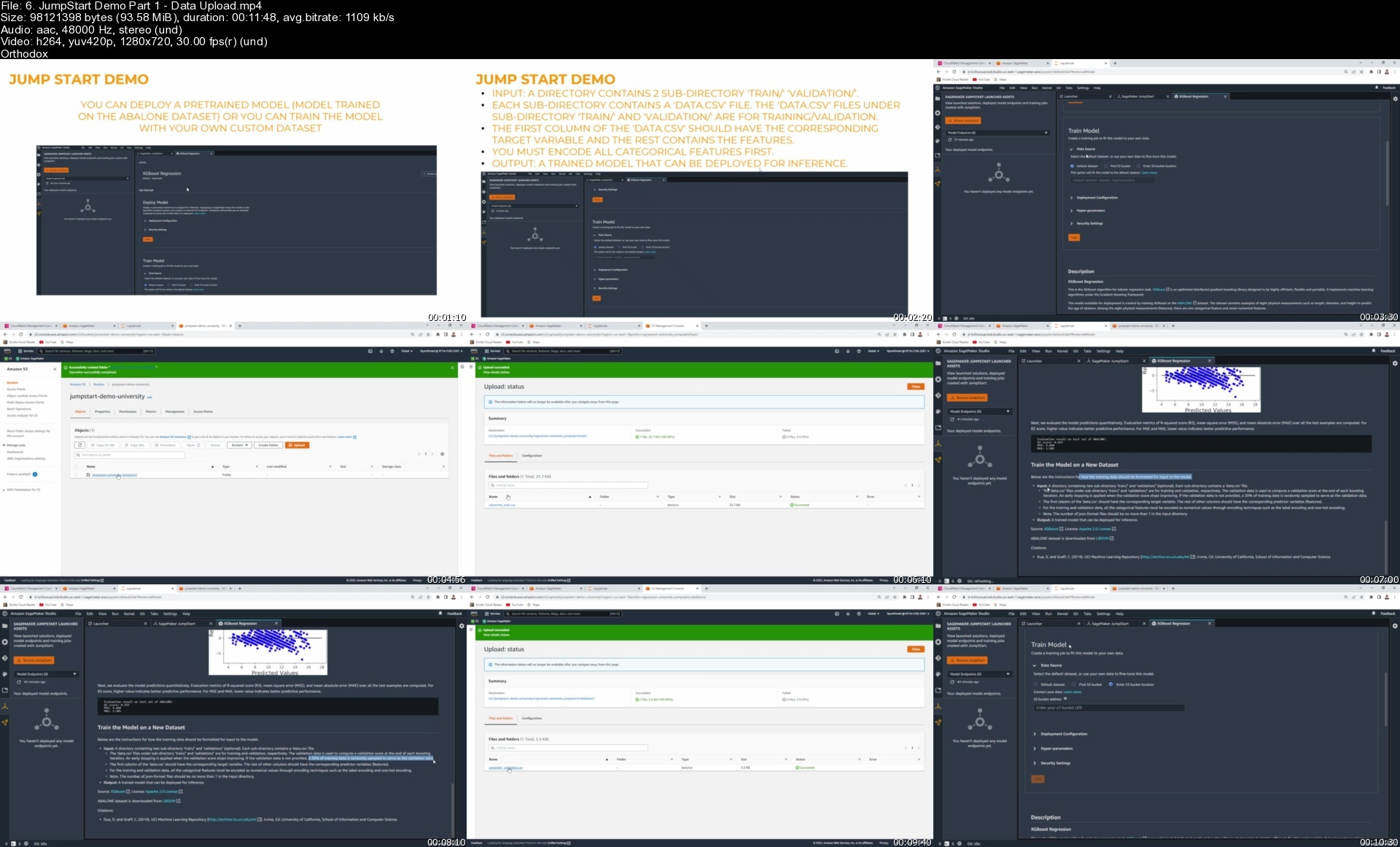
Define a Machine Learning Training Job Using AWS SageMaker JumpStart
Deploy an Endpoint Using Amazon SageMaker, Perform Inference and Generate Predictions
Define a Lambda function using Boto3 SDK and Test the lambda function using Eventbridge (cloudwatch events)
Understand the difference between synchronous and asynchronous Lambda Functions invocations
Perform AI/ML Models Prototyping Using AutoGluon Library
How to monitor billing dashboard, set alarms, S3/EC2 instances pricing and request service limits increase
Understand the difference between Artificial Intelligence (AI), Machine Learning (ML), Data Science (DS) and Deep Learning (DL)
Learn the fundamentals of Amazon SageMaker, SageMaker Components, training options including built-in algorithms, AWS Marketplace, & customized ML Algorithms
Leverage a Yolo V3 Object Detection Algorithm available on the AWS Marketplace
Understand the format and Use Case of Json Lines and Manifest Files
Learn auto-labeling workflow and understand the difference between SageMaker GroundTruth and GroundTruth Plus
Learn how to define a labeling job with bounding boxes (object detection), pixel-level Semantic Segmentation, and text data
Understand the difference between data labeling workforces in AWS such as public mechanical Turks, private labelers and AWS curated third-party vendors
Learn the difference between Supervised, Unsupervised and Reinforcement Machine Learning Strategies
Perform data visualization using Seaborn & Matplotlib libraries, plots include line plot, pie charts, subplots, pairplots, countplots, and correlations heatmaps
Export a data wrangler workflow into Python script, create a custom formula and apply it to a given column in the data, and generate summary tables/bias report
Learn how to train an XG-boost algorithm in SageMaker using AWS JumpStart, assess trained model performance, plot residuals, & deploy an endpoint
Understand Bias-Variance Trade-off, L1 and L2 Regularization Techniques
Train/Test several ML Classifiers such as Logistic Regression, Support Vector Machine, K-Nearest Neighbors, Decision Trees, and Random Forest Classifiers

Requirements
Basic Python Programming Knowledge
Basic knowledge in AWS
Basic knowledge in machine learning


Description
Do you want to become an AWS Machine Learning Engineer in 30 days?

Do you want to build super powerful production-level Machine Learning (ML) applications in AWS but don't know where to start?

Are you an absolute beginner and want to break into AI, ML and Cloud Computing and looking for a course that includes everything you need?

Are you an aspiring entrepreneur who wants to maximize business revenues and reduce costs with ML but don't know how to get there quickly and efficiently?

If the answer is yes to any of these questions, then this course is for you!

Machine Learning is the future one of the top tech fields to be in right now! ML and AI will change our lives in the same way electricity did 100 years ago. ML is widely adopted in Finance, banking, healthcare, transportation, and technology. The field is exploding with opportunities and career prospects.

AWS is the one of the most widely used cloud computing platforms in the world and several companies depend on AWS for their cloud computing purposes. AWS SageMaker is a fully managed service offered by AWS that allows data scientist and AI practitioners to train, test, and deploy AI/ML models quickly and efficiently.

This course is unique and exceptional in many ways, it includes several practice opportunities, quizzes, and final capstone projects. In this course, students will learn how to create production-level ML models using AWS. The course is divided into 8 main sections as follows

Section 1 (Days 1 - 3): we will learn the following: (1) Start with an AWS and Machine Learning essentials "starter pack" that includes key AWS services such as Simple Storage Service (S3), Elastic Compute Cloud (EC2), Identity and Access Management (IAM) and CloudWatch, (2) The benefits of cloud computing, the difference between regions and availability zones and what's included in the AWS Free Tier Package, (3) How to setup a brand-new account in AWS, setup a Multi-Factor Authentication (MFA) and navigate through the AWS Management Console, (4) How to monitor billing dashboard, set alarms, S3/EC2 instances pricing and request service limits increase, (5) The fundamentals of Machine Learning and understand the difference between Artificial Intelligence (AI), Machine Learning (ML), Data Science (DS) and Deep Learning (DL), (6) Learn the difference between supervised, unsupervised and reinforcement learning, (7) List the key components to build any machine learning models including data, model, and compute, (8) Learn the fundamentals of Amazon SageMaker, SageMaker Components, training options offered by SageMaker including built-in algorithms, AWS Marketplace, and customized ML algorithms, (9) Cover AWS SageMaker Studio and learn the difference between AWS SageMaker JumpStart, SageMaker Autopilot and SageMaker Data Wrangler, (10) Learn how to write our first code in the cloud using Jupyter Notebooks. We will then have a tutorial covering AWS Marketplace object detection algorithms such as Yolo V3, (11) Learn how to train our first machine learning model using the brand-new AWS SageMaker Canvas without writing any code!

Section 2 (Days 4 - 5): we will learn the following: (1) Label images and text using Amazon SageMaker GroundTruth, (2) learn the difference between data labeling workforces such as public mechanical Turks, private labellers and AWS curated third-party vendors, (3) cover several companies' success stories that have leveraged data to maximize revenues, reduce costs and optimize processes, (4) cover data sources, types, and the difference between good and bad data, (5) learn about Json Lines formats and Manifest Files, (6) cover a detailed tutorial to define an image classification labeling job in SageMaker, (7) auto-labeling workflow and learn the difference between SageMaker GroundTruth and GroundTruth Plus, (8) learn how to define a labeling job with bounding boxes (object detection and pixel-level Semantic Segmentation), (9) Label Text data using Amazon SageMaker GroundTruth.

Section 3 (Days 6 - 10): we will learn: (1) how to perform exploratory data analysis (EDA), (2) master Pandas, a super powerful open-source library to perform data analysis in Python, (3) analyze corporate employee information using Pandas in Jupyter Notebooks in AWS SageMaker Studio, (4) define a Pandas Dataframe, read CSV data using Pandas, perform basic statistical analysis on the data, set/reset Pandas DataFrame index, select specific columns from the DataFrame, add/delete columns from the DataFrame, Perform Label/integer-based elements selection, perform broadcasting operations, and perform Pandas DataFrame sorting/ordering, (5) perform statistical data analysis on real world datasets, deal with missing data using pandas, change pandas DataFrame datatypes, define a function, and apply it to a Pandas DataFrame column, perform Pandas operations, and filtering, calculate and display correlation matrix, use seaborn library to show heatmap, (6) analyze cryptocurrency prices and daily returns of Bitcoin (BTC), Ethereum (ETH), Litecoin (LTC), Cardano (ADA) and Ripple (XRP) using Matplotlib and Seaborn libraries in AWS SageMaker Studio, (7) perform data visualization using Seaborn and Matplotlib libraries, plots include line plot, pie charts, multiple subplots, pairplot, count plot, correlations heatmaps, distribution plot (distplot), Histograms, and Scatterplots, (8) Use Amazon SageMaker Data wrangler in AWS to prepare, clean and visualize the data, (9) understand feature engineering strategies and tools, understand the fundamentals of Data Wrangler in AWS, perform one hot encoding and normalization, perform data visualization Using Data Wrangler, export a data wrangler workflow into Python script, create a custom formula and apply it to a given column in the data, generate summary table tables in Data Wrangler, and generate bias reports.

Section 4 (Days 11 - 18): we will learn: (1) machine learning regression fundamentals including simple/multiple linear regression and least sum of squares, (2) build our first simple linear regression model in Scikit-Learn, (3) list all available built-in algorithms in SageMaker, (4) build, train, test and deploy a machine learning regression model using SageMaker Linear Learner algorithm, (5) list machine learning regression algorithms KPIs such as Mean Absolute Error (MAE), Mean Squared Error (MSE), Root Mean Squared Error (RMSE), Mean Percentage Error (MPE), Coefficient of Determination (R2), and adjusted R2, (6) Launch a training job using the AWS Management Console and deploy an endpoint without writing any code, (7) cover the theory and intuition behind XG-Boost algorithm and how to use it to solve regression type problems in Scikit-Learn and using SageMaker Built-in algorithms, (8) learn how to train an XG-boost algorithm in SageMaker using AWS JumpStart, assess trained regression models performance, plot the residuals, and deploy an endpoint and perform inference.

Section 5 (Days 19 - 20): we will learn: (1) hyperparameters optimization strategies such as grid search, randomized search, and Bayesian optimization, (2) Understand bias variance trade-off and L1 and L2 regularization, (3) perform hyperparameters optimization using Scikit-Learn library and using SageMaker SDK.

Section 6 (Days 21 - 24): we will learn: (1) how to train several classification algorithms such as Logistic Regression, Support Vector Machine, K-Nearest Neighbors, and Random Forest Classifier, (2) list the difference between various classifier models KPIs such as accuracy, precision, recall, F1-score, Receiver Operating Characteristic Curve (ROC) and Area Under the Curve (AUC), (3) train an XG-boost and Linear Learner algorithms in SageMaker to solve classification type problems, (4) learn the theory and intuition behind K Nearest Neighbors (KNN) in SageMaker and learn how to build, train and test a KNN classifier model in SageMaker.

Section 7 (Days 25 - 28): we will learn: (1) how to use AutoGluon library to perform prototyping of AI/ML models using few lines of code, (2) leverage AutoGluon to train multiple regression and classification models and deploy the best one, (3) leverage Amazon SageMaker Autopilot and SageMaker Canvas to train multiple models without writing any code.

Section 8 (Days 29 - 30): we will learn: (1) how to define and invoke lambda functions in AWS, (2) understand Machine Learning workflow automation using AWS Lambda, Step functions and SageMaker Pipelines, (3) learn how to define a lambda function in AWS management console, (4) understand the anatomy of Lambda functions, (5) learn how to configure a test event in Lambda, and monitor Lambda invocations in CloudWatch, (6) define a Lambda function using Boto3 SDK, (7) test the lambda function using Eventbridge (cloudwatch events), (8) understand the difference between synchronous and asynchronous invocations, and Invoke a Lambda function using Boto3 SDK.

Who this course is for
Beginner developers who want to break into machine learning in AWS
Beginners Data Scientists wanting to advance their careers and build their portfolio
Seasoned consultants wanting to transform businesses by leveraging AI/ML using AWS
Tech enthusiasts who are passionate and new to Data science & AI and want to gain practical experience using AWS

Homepage
4579406_6c5e_7.jpg


6.jumpstartdemopart1dt7iit.jpg


Zurück
Oben Unten