• Regeln für den Video-Bereich:

    In den Börsenbereich gehören nur Angebote die bereits den Allgemeinen Regeln entsprechen.

    Einteilung

    - Folgende Formate gehören in die angegeben Bereiche:
    - Filme: Encodierte Filme von BluRay, DVD, R5, TV, Screener sowie Telesyncs im Format DivX, XviD und x264.
    - DVD: Filme im Format DVD5, DVD9 und HD2DVD.
    - HD: Encodierte Filme mit der Auflösung 720p oder darüber von BluRay, DVD, R5, TV, Screener sowie Telesyncs im Format x264.
    - 3D: Encodierte Filme von BluRay, die in einem 3D Format vorliegen. Dies gilt auch für Dokus, Animation usw.
    - Serien: Cartoon/Zeichentrick, Anime, Tutorials, Dokumentationen, Konzerte/Musik, Sonstiges sind demnach in die entsprechenden Bereiche einzuordnen, auch wenn sie beispielsweise im High Definition-Format oder als DVD5/DVD9/HD2DVD vorliegen. Ausnahme 3D.
    - Bereich Englisch: Englische Releases gehören immer in diesen Bereich.
    - Bereich Talk: Der Bereich, in dem über die Releases diskutiert werden kann, darf, soll und erwünscht ist.


    Angebot/Beitrag erstellen

    - Ein Beitrag darf erst dann erstellt werden, wenn der Upload bei mindestens einem OCH komplett ist. Platzhalter sind untersagt.
    - Bei einem Scenerelease hat der Threadtitel ausschließlich aus dem originalen, unveränderten Releasenamen zu bestehen. Es dürfen keine Veränderungen wie z.B. Sterne, kleine Buchstaben o.ä. vorgenommen werden. Ausnahme Serienbörse:
    - Bei einem Sammelthread für eine Staffel entfällt aus dem Releasename natürlich der Name der Folge. Beispiel: Die Simpsons S21 German DVDRip XviD - ITG
    - Dementsprechend sind also u.a. verboten: Erweiterungen wie "Tipp", "empfehlenswert", "only", "reup", usw. / jegliche andere Zusatzinformation oder Ergänzung, welche nicht in obiger Beschreibung zu finden ist.

    Aufbau des Angebots und Threadtitel

    Der Titel nach folgendem Muster erstellt zu werden. <Name> [3D] [Staffel] [German] <Jahr> <Tonspur> [DL] [Auflösung] <Quelle> <Codec> - <Group>
    Beispiel: The Dark Knight German 2008 AC3 DVDRip XviD - iND
    Beispiel: The Dark Knight 2008 DTS DL BDRip x264 - iND
    Beispiel: The Dark Knight 2008 AC3 DL BDRip XviD - iND
    Beispiel: The Dark Knight German 2008 AC3 720p BluRay x264 iND
    Beispiel: The Dark Knight 2008 DTS DL 1080p BluRay x264 iND
    Beispiel: Die Simpsons S01 German AC3 DVDRip XviD iND
    Beispiel: Die Simpsons S20 German AC3 720p BluRay x264 iND
    Beispiel: Sword Art Online II Ger Sub 2014 AAC 1080p WEBRip x264 - peppermint
    Entsprechend sind also u.a. verboten: Sonderzeichen wie Klammern, Sterne, Ausrufezeichen, Unterstriche, Anführungszeichen / Erweiterungen wie "Tipp", "empfehlenswert", "only", "reup", usw. / jegliche andere Zusatzinformation oder Ergänzung, welche nicht in obiger Beschreibung zu finden ist
    Ausnahmen hiervon können in den Bereichen geregelt sein.

    Die Beiträge sollen wie folgt aufgebaut werden:
    Überschrift entspricht dem Threadtitel
    Cover
    kurze Inhaltsbeschreibung
    Format, Größe, Dauer sind gut lesbar für Downloader außerhalb des Spoilers zu vermerken
    Nfo sind immer Anzugeben und selbige immer im Spoiler in Textform.
    Sind keine Nfo vorhanden z.B. Eigenpublikationen, sind im Spoiler folgende Dateiinformationen zusätzlich anzugeben :
    Quelle
    Video (Auflösung und Bitrate)
    Ton (Sprache, Format und Bitrate der einzelnen Spuren)
    Untertitel (sofern vorhanden)
    Hosterangabe in Textform außerhalb eines Spoiler mit allen enthaltenen Hostern.
    Bei SD kann auf diese zusätzlichen Dateiinformationen verzichtet werden.

    Alle benötigten Passwörter sind, sofern vorhanden, in Textform im Angebot anzugeben.
    Spoiler im Spoiler mit Kommentaren :"Schon Bedankt?" sind unerwünscht.


    Releases

    - Sind Retail-Release verfügbar, sind alle anderen Variationen untersagt. Ausnahmen: Alle deutschen Retail-Release sind CUT, in diesem Fall sind dubbed UNCUT-Release zulässig.
    - Im Serien-Bereich gilt speziell: Wenn ein Retail vor Abschluss einer laufenden Staffel erscheint, darf diese Staffel noch zu Ende gebracht werden.62
    - Gleiche Releases sind unbedingt zusammenzufassen. Das bedeutet, es ist zwingend erforderlich, vor dem Erstellen eines Themas per Suchfunktion zu überprüfen, ob bereits ein Beitrag mit demselben Release besteht. Ist dies der Fall, ist der bereits vorhandene Beitrag zu verwenden.
    - P2P und Scene Releases dürfen nicht verändert oder gar unter einem iND Tag eingestellt werden.


    Support, Diskussionen und Suche

    - Supportanfragen sind entweder per PN oder im Bereich Talk zu stellen.
    - Diskussionen und Bewertungen sind im Talk Bereich zu führen. Fragen an die Uploader haben ausschließlich via PN zu erfolgen, und sind in den Angeboten untersagt.
    - Anfragen zu Upload-Wünschen sind nur im Bereich Suche Video erlaubt. Antworten dürfen nur auf Angebote von MyBoerse.bz verlinkt werden.


    Verbote

    - Untersagt sind mehrere Formate in einem einzigen Angebotsthread, wie beispielsweise das gleichzeitige Anbieten von DivX/XviD, 720p und 1080p in einem Thread. Pro Format, Release und Auflösung ist ein eigener Thread zu eröffnen.
    - Grundsätzlich ebenso verboten sind Dupes. Uploader haben sich an geeigneter Stelle darüber zu informieren, ob es sich bei einem Release um ein Dupe handelt.
    - Gefakte, nur teilweise lauffähige oder unvollständige Angebote sind untersagt. Dies gilt auch für eigene Publikationen, die augenscheinlich nicht selbst von z.B. einer DVD gerippt wurden. Laufende Serien, bei denen noch nicht alle Folgen verfügbar sind, dürfen erstellt und regelmäßig geupdatet werden.
    - Untersagt sind Angebote, welche nur und ausschließlich in einer anderen Sprache als deutsch oder englisch vorliegen. Ausnahmen sind VORHER mit den Moderatoren zu klären.


    Verstoß gegen die Regeln

    - Angebote oder Beiträge, die gegen die Forenregeln verstoßen, sind über den "Melden"-Button im Beitrag zu melden.
  • Bitte registriere dich zunächst um Beiträge zu verfassen und externe Links aufzurufen.

*** Bestes IPTV *** bester Preis *** gratis Test ***


Englische Tutorials

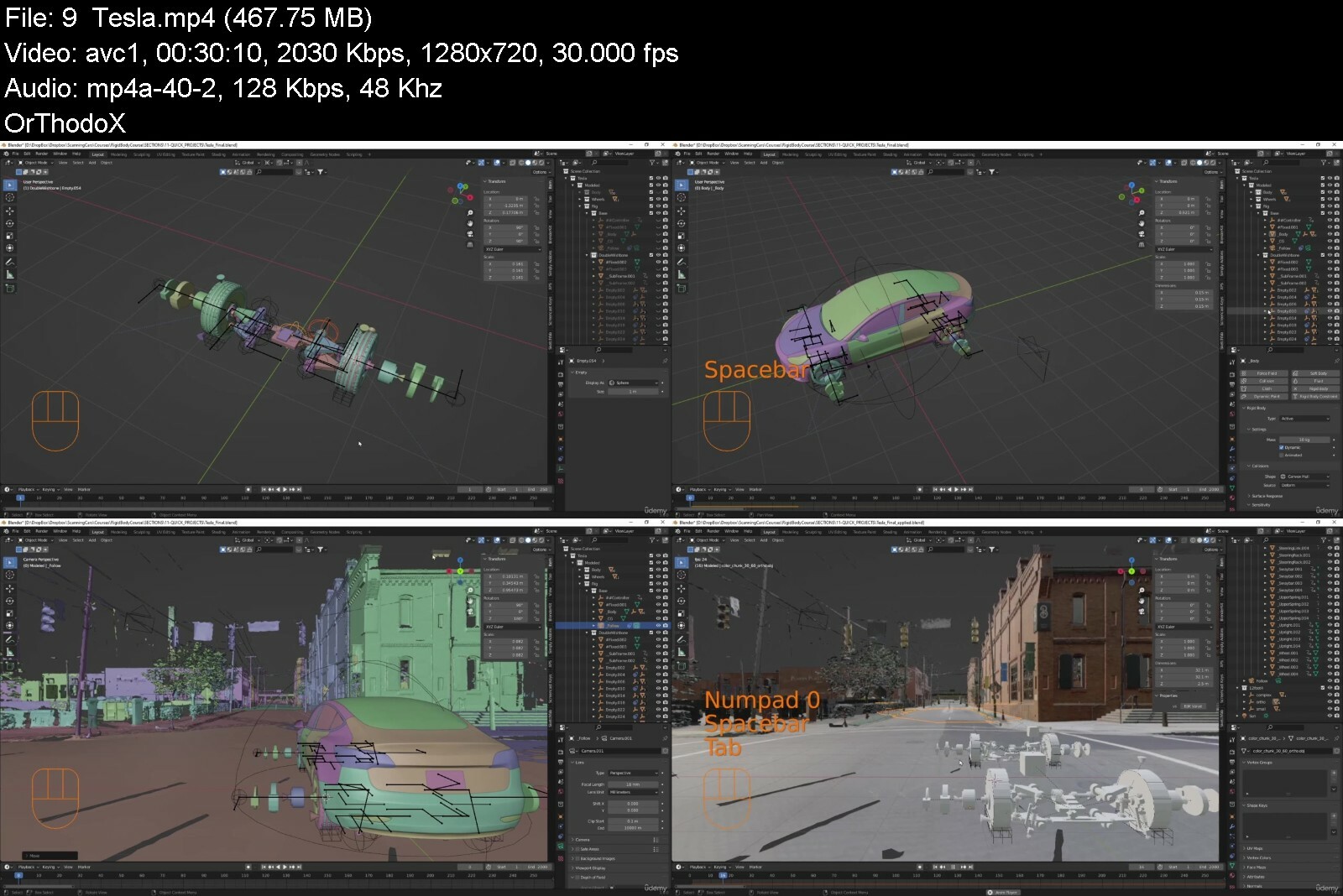
Rigging Vehicles with Rigid Body Physics in Blender 3.0

45402525acf3opf9t.jpg


Rigging Vehicles with Rigid Body Physics in Blender 3.0
Published 06/2022
MP4 | Video: h264, 1280x720 | Audio: AAC, 44.1 KHz, 2 Ch
Genre: eLearning | Language: English + srt | Duration: 81 lectures (9h 31m) | Size: 11.7 GB


Use Blender's physics engine to create more accurate motion for your vehicle animations


What you'll learn
Learn how to rig and tune 5 different vehicles that you can "drive" in real time
Create accurate, simulated suspension geometries - Trailing arm, Double wishbone, Solid Axle, MacPherson Strut and Twist Beam
Learn the basics of suspension design
Learn techniques that will allow you to efficiently rig a drivable vehicle in about 30 minutes
Techniques in this course can be expanded to other machinery eg robots, cranes etc.
Learn the basics and caveats of Rigid Bodies and Rigid Body Constraints in Blender
Requirements
Blender 3.0+
Some experience in Blender is helpful but not required
No Addons required
Starts with the basics of Rigid Bodies
Description
This course will walk you through a more realistic way of rigging your vehicle using Blender's Physics engine. By using Rigid Bodies and Rigid Body Constraints, you can literally drive your vehicle through your scene. This method lets the physics engine calculate all the vehicle's motion like, camber angles, wheel speeds, body roll, brake dive etc, making your vehicle's motion much more realistic!
The techniques used in this course are aimed at making the finicky nature of using Rigid Bodies more manageable and efficient. While some knowledge of Blender is helpful, this course starts from beginner friendly introductions to Rigid Bodies and Constraints.
Blender 3.0+ is recommended, no addons required. Only very light modeling is used, course includes all the models used. Completed .blend files included for all applicable lectures. All vehicles are based on 3d Scanned real vehicles.
This course goes over
Rigid Bodies and Constraints
The Rigid Body World
Custom Properties
Drivers
Physics
Vehicle Suspensions
Armatures and Inverse Kinematics
A few different suspension types are explored: Double Wishbone, Solid Axle, Trailing Arm, MacPherson Strut, and Twist Beam.
By the end of the course you will be able to "drive" a vehicle around a dynamic scene all by adjusting driver inputs: Acceleration, Braking, Steering, Parking Brake and Target Speed. An experimental section to control your vehicle using an XBox One (or similar) controller is also included (only tested in Windows).
Who this course is for
Blender users that want to more accurately simulate the motion of a vehicle
Blender users who want to learn how to simulate complex mechanical systems with rigid bodies
Blender users who enjoy learning unique ways of doing things!


riggingvehicleswithritri23.jpg


Download from RapidGator


Download from Keep2Share


SS 1 English Lesson | Complete Session

atvmmhtiua7wn0cnhimyjdzdo2.jpg


SS 1 English Lesson | Complete Session
MP4 | Video: h264, 1280x720 | Audio: AAC, 44.1 KHz
Language: English | Size: 8.70 GB | Duration: 6h 54m

Get ahead of the terms' rush. Learn English at your won pace for First to Third Term at an economic rate!
Overview
Section 1: SS 1 English Lesson | First Term
Lecture 1 Narrative Writing
Lecture 2 Vocabulary associated with the home
Lecture 3 Vocabulary Associated with Family Life
Lecture 4 Vocabulary Associated with Agriculture
Lecture 5 Countable and uncountable noun
Lecture 6 Descriptive Essay
Lecture 7 Narrative Essay
Lecture 8 Vocabulary Associated with Fishing
Lecture 9 Nominalization of Adjective
Lecture 10 Irregular Verbs
Section 2: SS 1 English Lesson | Second Term
Lecture 11 Vocabulary associated with Christian Religion
Lecture 12 Letter Writing (Informal Letter)
Lecture 13 Vocabulary Associated with Religion - Islamic Religion
Lecture 14 Sentence Types
Lecture 15 Vocabulary associated with Traditional Religion
Lecture 16 Continuous Writing (Semi-formal letters)
Lecture 17 Kind Of Sentences
Lecture 18 Figures Of Speech
Lecture 19 Vowels And Consonants
Lecture 20 Types And Function Of Clauses
Section 3: SS 1 English Lesson | Third Term
Lecture 21 Antonyms
Lecture 22 Reading comprehension to make notes
Lecture 23 Adjuncts (Adverbs)
Lecture 24 Synonyms
Lecture 25 Speech writing
Lecture 26 Phrasal Verbs
Lecture 27 Argumentative Essay
Lecture 28 Reading comprehension to make notes
Lecture 29 Diphthongs And Triphthongs
Students Preparing to resume into SSS 1,Students who need better understanding of SSS 1English topics,If you're preparing to revise for SSCE, JAMB, NECO etc you'll find it helpful,eachers or Tutors who need quick, in-depth revision or study of the topics,Parents/Guardians who desire to help Children or Wards build strong ability in English Language,English Language enthusiast seeking to keep shape or have firm grip of SSS 1 English Langua


ss1englishlessoncompl3cefc.jpg


Download from RapidGator


Download from Keep2Share


BECOME A GREAT SINGER: Your Complete Vocal Training System

ixwqoa1r6htclx2eauuskr9fcj.jpg


BECOME A GREAT SINGER: Your Complete Vocal Training System
MP4 | Video: h264, 1280x720 | Audio: AAC, 44.1 KHz
Language: English | Size: 29.4 GB | Duration: 23h 32m

Immediately Improve Your Singing. (Any Level, Any Style)


What you'll learn
The MOST Successful Singing Course on Udemy.
Chris Cornell, Layne Staley, Geoff Tate and Ann Wilson all trained THESE techniques. You will be part of that legacy of training.
Extend Your Vocal Range.
Learn How To Hit The High Notes! Guaranteed.
Learn Vocal Distortion & Vocal Rasp Techniques.
STOP Pushing and Squeezing Into The High Notes, GUARANTEED.
Develop Your Head Voice for a Four Octave Range.
Learn How To Get Your Voice Into Cry Vocal Mode.
Customize Your Own Vocal Workouts To Fix YOUR Unique Vocal Problems.
Learn About Singing Vowels & Onsets... Famous in The TVS Method.
How to Train The Voice for Contemporary Styles. NOT Classical.
Requirements
Any computer, tablet or phone that has internet access.
A Keyboard (Can Be An App. or Something Small & Simple).
Amplification With Microphones If Possible, But Not Required.
Patience and the ability to take the time to learn the program and method.
Click On One Link & Enter One Password to Access a Provided External Training Page.

Description
ALL STUDENTS WILL RECEIVE THE 119-page EBOOK for FREE FROM "THE FOUR PILLARS OF SINGING" WITH THEIR PURCHASE!
This has never been offered before on Udemy!
Udemy's BEST SELLING Singing Course for over 5 Years!
Over 23.5 Hours of Content with Over 160 Lessons.
Get an opportunity to WIN a FREE Microphone with This Course!
Get a FREE 120 Page eBook with This Course.
Get 8 FREE "Myth Busting About Singing" Lessons with This Course.
Video Demonstrations of How To Do Every Workout From The Creator.
53 Pre-recorded Solo Piano Workouts on the Quick Access Training Page.
53 Videos of Robert Lunte Demonstrating each Workout.
Workouts Come in Different Speeds.
Workouts especially for Women & Men.
Provided Notation for Each Workout.
View The Testimonial Videos & FREE Performance Videos In The Curriculum.
"Hi Robert, Your course, BECOME A GREAT SINGER: Your Complete Vocal Training System has just been rated 9.5/10 on Coursemarks, an online course review, and rating service. Here are your stats. Your course is in the TOP 4% of 94,680 courses! We are truly impressed. We are one of the largest digital course review sites with 94,680 independent reviews. Every month, 101,400 learners search for courses like yours on Coursemarks". -Dr. Michael Curtis. Founder of Coursemarks
"I am a professional opera singer and I have found some exciting new insights in this course. Robert's courageous foray into the realms of what we opera singers would consider being "extreme singing" ( similar to "extreme sports") has given me new lenses through which to view vocal technique." - Belinda Metlitzky Silbert
"Hands Down- THE best vocal training ever...I can't say enough about how well Robert Lunte explains and demonstrates the techniques and the theory behind the art of singing." - Michael Rendon
"I'm only about a week and a half into the course, but the difference is absolutely dramatic. The training techniques are very different from anything I've ever experienced." - Cole Gentles
"TheTVS Vocal Training course is no joke. It's the real deal. If you're aspiring to become a successful singer this is the place you need to be." - Bram Hilden
"ROBERT DOES EVERY VIDEO IN ONE TAKE! The amount of understanding and organization in his head must be "beyond" to pull that off especially when you are talking about voice technique and vocal science. Why is he not on a syndicated show?" - Shane Colbert
The TVS vocal training courses and books are widely considered to be the most comprehensive and complete home study vocal training programs ever developed for singers of all styles and levels of experience. Sold in over 179 countries. Enjoy this special course that focuses on one singular mission, Belting In The Head Voice. Now available to Udemy students at an amazing price!
Scroll through the curriculum / the list of video lectures to preview the value contained in this complete vocal training system. You CAN become a great singer. It's not genetics. It's science, applied with the right practice habits.
Enroll now, start following through with Robert's techniques, and apply the practice techniques.
See you on the inside!
Who this course is for
Singers of all levels; Beginners & Advanced.
Baritones that need to learn the techniques to sing high.
Singers that want to learn vocal distortion, rasp, grit and vibrato.
Singers that seek to increase vocal range, endurance and stability for singing.
Students prepared to train and practice 30 - 120 minutes, 2 - 6 days a week.
Singers interested in learning the science of singing and how the singing voice actually works.
Students that are fed up with programs that do not work, that seek a course that will finally give them results.


becomeagreatsingeryouprftq.jpg


Download from RapidGator


Download from Keep2Share


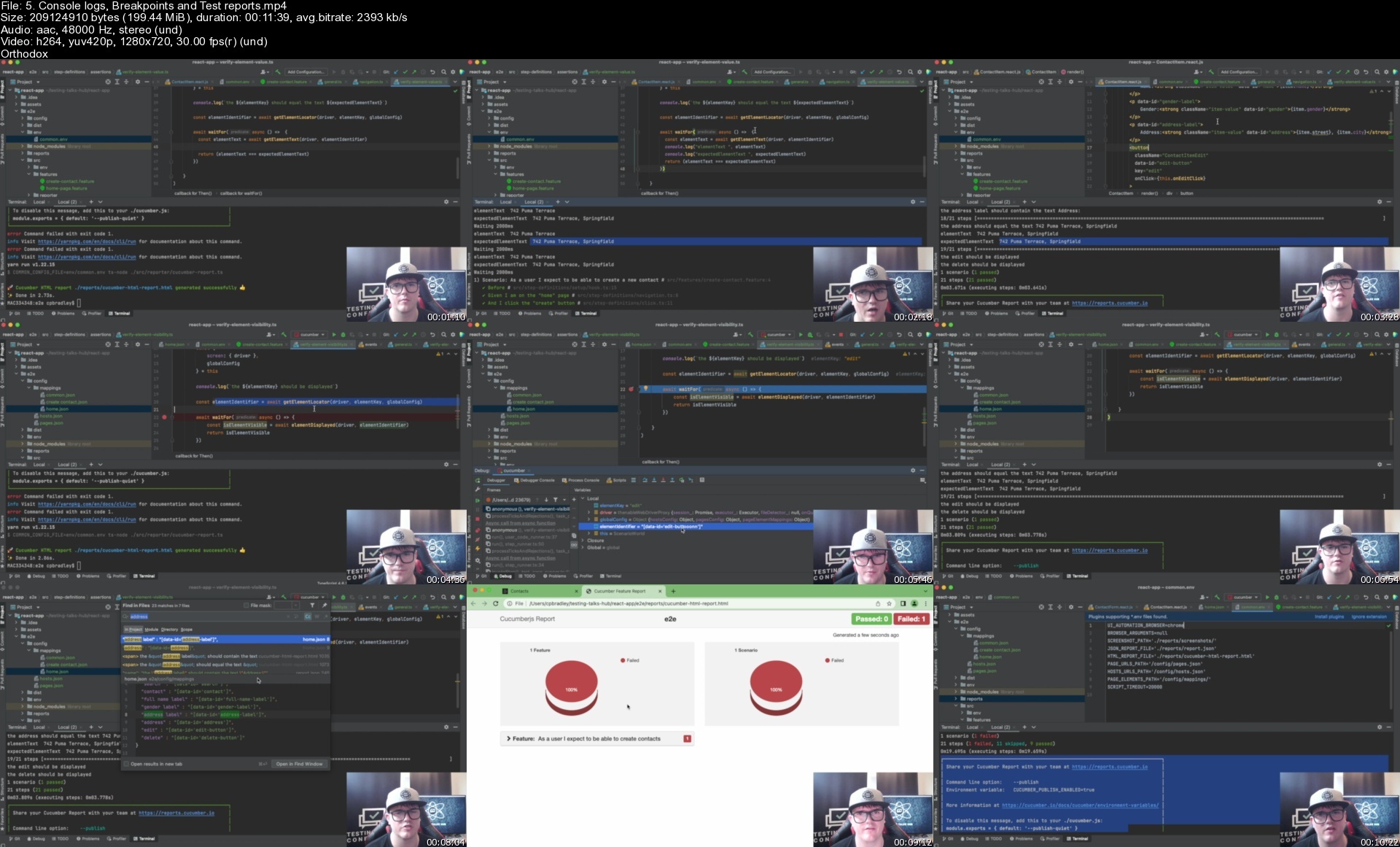
Build a Cucumber Selenium TypeScript Automation Framework

4710132520c2g4isf.jpg


Build a Cucumber Selenium TypeScript Automation Framework
Published 06/2022
MP4 | Video: h264, 1280x720 | Audio: AAC, 44.1 KHz, 2 Ch
Genre: eLearning | Language: English + srt | Duration: 172 lectures (22h 6m) | Size: 24.4 GB

Learn how to develop a world class Cucumber, Selenium & TypeScript automation framework from the ground up


What you'll learn
Setting up your local development environment.
Build and run our own locally running react application.
Creating our first automation test with Cucumber, Selenium & TypeScript.
Executing your automation test on your locally running application.
Deep dive into our first test and understand tagging, regex, step linking, cucumber params, element locators, developer tools and hooks.
Adding your own unique element identifiers to the application code to enable more automation scenarios.
Setting up our automation framework to produce screenshots on test failure.
Implement Cucumber World to enable us to pass global variable and configuration within each scenarios separated context.
Leverage ENV files for better environment variable management.
Implement dynamic test configuration to provide more flexibility when running our cucumber scenarios.
Defining our element, page and host mappings in page specific .json files.
Introduce our own custom waitFor() function to add stability to our automation framework.
Adding a common ENV file to house all our common configuration across our automation framework.
Setup cucumber html reporter to report on our test suite results.
Reuse our waitFor to help stabilise and validate page has loaded before moving onto the next step.
Advanced debugging techniques leveraging chrome developer tools, console logs and break points.
Automating Links, Buttons and Elements at specific index.
Automating Tables and asserting on an exact match between our Cucumber DataTable and the UI.
Automating Switches, Cards & Avatars.
Automating Drop Down Menus and Select Boxes.
Adding the ability to refresh our page during an automation test.
Automating Browser Alerts, Page Alerts and Tooltips.
Automating Text Areas and Hidden & Visible Text.
Automating stored values and expected values.
Preparing our automation suite for production Automation Suite Runs.
Running our automation on a production environment.
Storing login details in environment specific ENV files.
Leverage Example Tables from Cucumber to run scenarios on specific environments.
Emulate devices resolution during automation text execution.
Introduce the ability to customise our console logs for errors, logs and debug and off.
Adding the ability to customise our automation failure errors.
Leverage random data in our automation suite form steps.
Demonstrate how quickly automation can be added with our world class automation framework.
Tagging our suite for @smoke and @regression in preparation for CI.
Implement an accessibility automation testing suite across our react application.
Produce detailed accessibility improvement reports as well as fix some issues ourselves.
Pushing our project containing our automation framework to GitHub.
Implementing Selenium Hub (Grid) to orchestrate our automation test execution in parallel.
Get our automation tests running on pull request and in CI (Continuous Integration)
Develop and grow your understanding of TypeScript across the entirety of the course.
Implement Advanced Object Orientated Design Patterns and Separation of Concerns.

Requirements
The course has been designed to take you from beginner to expert in building a world class automation framework.
You can complete this entire course on MAC, Windows on Linux.


Description
This course has been designed to simulate a real-world experience in building a Cucumber, Selenium & TypeScript automation framework from the ground up for a fully-featured application.

Upon completion, you will be able to apply your learnings and the automation framework you have built into your respective companies and projects. We are confident you will become an expert in building a world-class automation framework.

Our course and the automation framework we will build together has been developed with guidance from some of the globes leading testing and software engineering professionals and because of that we believe we can offer an incredible course where we will

- Develop your automation framework against a real react application running on your local machine.

- Build an end-to-end automation framework from the ground up for a full-featured end-to-end react application.

- Evolve your skills and continuously improve your automation framework as we progress through the course

- Learn how to build an object-orientated - engineer reviewed and approved automation framework.

We want this course to be the best decision you have ever made for your personal growth when it comes to improving your knowledge and skills in test automation framework architecture.

Across 170 lectures, 19 Quizzes and 22+ hours of exciting content I will be at the bottom right of your screen instructing and cheering you along throughout the course. You will have everything you need to learn how to build a world-class automation framework.

Who this course is for
Automation Engineers
Software Testers
Software Engineers
IT Professionals

Homepage


5.consolelogsbreakpoihcfx2.jpg


Business Intelligence with PowerBI & Tableau:Complete Course

470662654bb2wihu.jpg


Business Intelligence with PowerBI & Tableau:Complete Course
Published 06/2022
MP4 | Video: h264, 1280x720 | Audio: AAC, 44.1 KHz, 2 Ch
Genre: eLearning | Language: English + srt | Duration: 214 lectures (11h) | Size: 5.11 GB

Power Bi, Dax, Table, Excel, Statistics, Data visualization, BI, Business Intelligence, Statistical practices with Excel


What you'll learn
● The introduction and importance of Business Intelligence.
● Practical explanation and live implementation of all important functions of Bi and statistical concepts using Excel, Power BI, and tableau.
● Business Intelligence Applications.
● Basic concepts of Statistics required for understanding Business Intelligence
● Practical implementation of statistical concepts in Excel
● Complete guide and tutorial of Power BI from scratch to Publishing Dashboard
● Mini projects and Quizzes with Solutions to reinforce your learning skills of Power BI
● Complete guide and Tutorial of Tableau from Installation to Dashboard and Story
● Practical Exercises to enhance the learning of Tableau
● Mini Project of Regression Analysis using Excel
● Segregated modules to learn fundamental concepts of Statistics along with explanation and practical implementation using exercises
● Power BI Project: Sales Dashboard
● Tableau Project Customer Analysis
● Interview Preparations

Requirements
• Basic understanding of Microsoft Excel.
• An elementary understanding of data science.
• A willingness to learn and practice.


Description
Comprehensive Course Description

Business intelligence is an umbrella term covering different methods of collecting, storing, and analyzing data from business operations. We designed the course in the same pattern; started with an introduction and overview of Business Intelligence followed by the importance of Business Intelligence and its applications. Business Intelligence is incomplete without data analysis and visualization, so to firm your hands-on BI concepts, statistical terminologies are explained along with its practical explanation so that you should feel confident when using any particular statistical measure in your business.

Business Intelligence is implemented through its tools. These tools are technology-driven business intelligence solutions that are used for analyzing and visualizing raw data to present actionable information. It combines business analytics, data visualization, and best practices that help an organization make decisions. We selected two important, economical, use user-friendly and effective tools of Business Intelligence that are Power BI and Tableau.

Power BI is a product of Microsoft that is designed for analyzing and visualizing raw data to present actionable information. It combines business analytics, data visualization, and best practices that help an organization make data-driven decisions. This course provides a coma plate guide on power, Bi, from installation to Dashboard along with practical exercises, Quizzes, and a Project of Sales dashboard that will help business users to practice it side by side to become an export in Power BI.

Tableau is a visual analytics platform transforming the way we use data to solve problems empowering people and organizations to make the most of their data. The course has given a detailed insight into the software by illustrating various fields and attributes. Moreover, exercises and quizzes will engage the students to firm their analytical concepts. Additionally, the Customer Analysis dashboard is designed in the projects with a simple but comprehensive explanation to help the business users to by with practicing the same in their businesses.

We did not stop there; career development is addressed at the end to prepare the participants for their interviews if they appear for any BI role. Also, the market trend is introduced to them so that users will be fully prepared to go to the workplace with all essential BI concepts and practice it with confidence and encouragement. On whole, it's a MUST take the course for business and common users to enhance their careers empowering ring their skills.

How Is This Course Different?

In this Learning by Doing course, every theoretical explanation is followed by practical implementation.

Most of the courses that are available online are either overloaded with a lot of mathematics or just implementations without any theory. This course is a perfect balance between theory and practice. Our focus is to teach BI to a beginner so we tried our best to make things simple and implement everything using Python.

The course 'Business Intelligence' is crafted to reflect the most in-demand workplace skills. This course will help you understand all the essential concepts and methodologies of Business Intelligence.

The course is

• Easy to understand.

• Expressive.

• Exhaustive.

• Practical with live working on Excel, Power BI, and Tableau.

• Rich with the state of the art and latest knowledge of this field.

As this course is a detailed compilation of all the basics, it will motivate you to make quick progress and experience much more than what you have learned. At the end of each concept, you will be assigned Homework/tasks/activities/quizzes along with solutions. This is to evaluate and promote your learning based on the previous concepts and methods you have learned. Most of these activities will be practical-based, as the aim is to get you up and running with implementations.

High-quality video content, in-depth course material, evaluating questions, detailed course notes, and informative handouts are some of the perks of this course. You can approach our friendly team in case of any course-related queries, and we assure you of a fast response.

The course tutorials are divided into 200+ brief videos. You'll learn the concepts and methodologies of Reinforcement & Deep Reinforcement Learning along with a lot of practical implementation. The total runtime of the HD videos is 11+ hours.

Why Should You Learn Business Intelligence?

Businesses are moving at neck-breaking speeds and so is their competition. For these businesses to have an edge in the market, every decision they make must be informed. Irrespective of the industry, every business has access to a lot of data that they can leverage to their advantage. But unfortunately, very few do. Business Intelligence (BI) helps these businesses to use their data to their advantage by presenting the otherwise unusable pile of data in an understandable and interpretable form. BI enables you to combine the power of technology and business expertise to make fully informed decisions and stay ahead of the competition.

Course Content

The all-inclusive course consists of the following topics

Section 1: Introduction of BI

1. Why BI?

2. Applications of BI

3. Introduction to the Course Instructor

4. Introduction to the Course and Mini-Projects

5. BI Project Overview

Section 2: Types of business intelligence tools and applications

1. Ad hoc analysis

2. Online Analytical processing

3. Mobile BI

4. Real-timeime BI

5. Operation Intelligence

6. Open-Source BI

7. Embedded BI

8. Collaborative BI

9. Location Intelligence

10. Business intelligence vendors and market

Section 3: Statistics Overview

1. Welcome to the Statistics Course

1.1. What Course is it about?

1.2. Sample

1.3. Population

2. Descriptive Statistics

2.1. Data Types

2.2. Level of Measurement

2.3. Numerical and Categorical variables

2.4. Scatter plot, Cross table & Histogram

2.5. Mode, Median, and Mean

2.6. Coefficient of variation, standard deviation & Variance

2.7. Skewness, Covariance & Correlation

3. Inferential Statistics

3.1. What is Inferential statistics?

3.2. Distribution, Normal Distribution & Standard Normal Distribution

3.3. What is a Standard Error?

3.4. Estimators & Estimates

3.5. What is the Central Limit Theorem?

4. Overview of Confidence Intervals

4.1. What are Confidence Intervals?

4.2. Clarifications & Margin of Error

4.3. Z-Score

4.4. T-Score & Student's T Distribution

4.5. Dependent Samples, Two Mean Test

4.6. Independent Samples, Two Mean Test

5. Hypothesis Testing

5.1. Null vs Alternative Hypothesis

5.2. Error types

5.3. Rejection Region, Significance level & P-Value

5.4. Population Variance Known

5.5. Population Variance Unknown

5.6. Dependent & Independent Samples for Mean Test

Section 4: Statistical Practices Using Excel

1. Descriptive Statistics

2. Measures of Central Tendency

3. Data Spread

4. Data Visualization

5. Correlation

6. Paired sample t-test

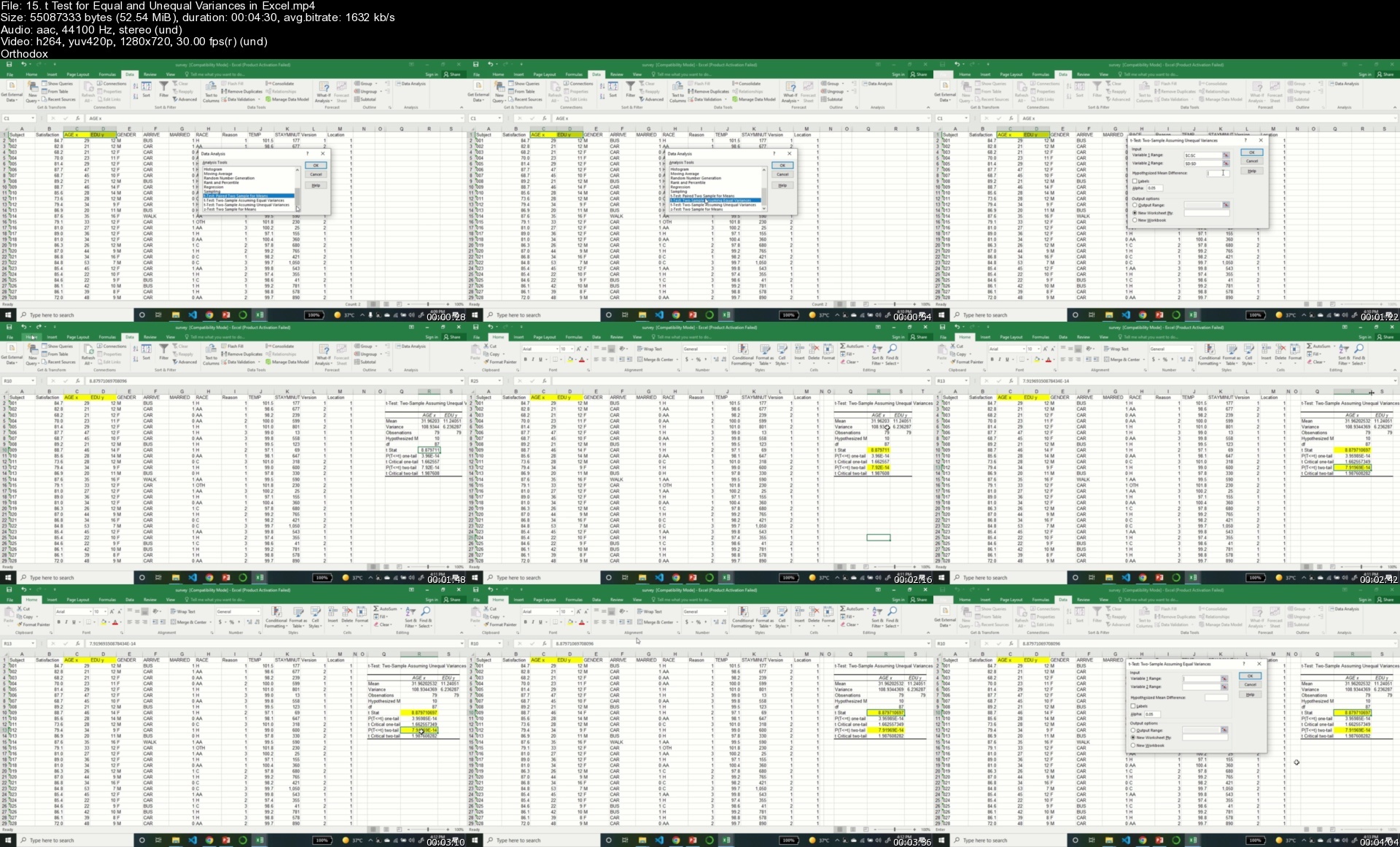
7. T-test for equal and unequal variances

8. Confidence interval

9. Hypothesis testing

10. Example Project: Regression Analysis

Section 5: Power BI

1. Introduction to Power BI

1.1 Power BI Overview

1.2 Installation

Data Sources

2.1 Introduction to data sources

2.2 Query Editor

2.3 Importing files

2.4 Data Modelling

2.5 Lookup data tables

2.6 Active vs Inactive Relationships

2.7 Roles

2.8 Refreshing data and hierarchies

Data Modeling

3.1 Introduction

3.2 DAX

3.3 Calculated Columns

3.4 Measures

3.5 Complex Functions

3.6 Hybrid Measures

3.7 Star Schema

3.8 Snowflake Schema

3.9 Filter flow

3.10 Bi-directional Cross-filtering

3.11 Time Intelligence

3.12 Defining day and date function

3.12 Making your date table

Design and interactive reports

4.1 Adding visuals

4.2 Adding Measures to Reports

4.3 Applying basic filtering

4.4 Slice and dice

4.5 Apply formatting

5. Dashboard

5.1 Add data to the dashboard

5.2 Format the dashboard

5.3 Publish dashboard to workspace

6. Career opportunities with power BI

Section 6 Tableau

1. Introduction to Tableau

1.1. Tableau Overview

1.2. Installation

2. Tableau Fundamentals: Data Sources, First Bar chart Graph

2.1. Exciting Challenge

2.2. Excel / CSV File connection with tableau

2.3. Tableau Navigation Overview

2.4. Establish Fields

2.5. Addition of Colors, labels, and Formatting

2.6. Final Worksheet Exportation

3. Overview of different terms

3.1. Overview

3.2. Understand the extracted data

3.3. Knowledge of Aggregation, Granularity, and Time-series

3.4. Level of Detail

3.5. Working with Charts and Filter

4. Overview of First Dashboard, Maps and scatter plots

4.1. Overview

4.2. Joins and Relationship

4.3. Data Joining

4.4. Map Creation

4.5. Scatter plot creation

4.6. First dashboard creation with Highlighting & Filters

5. Overview of Dual-axis Chart, Joining, relationship, and Blending

5.1. Overview

5.2. Working with joins

5.3. Joining with different conditions i.e., Multiple Fields and Duplicate values

5.4. Difference between Blending and Joining data

5.5. Working on Blending data

5.6. Creation of Dual axis chart

5.7. Understanding of Calculated fields

5.8. Another exciting challenge with a data set

5.9. Model dataset

5.10. Understanding of relationship data

6. Overview of new Dashboard

6.1. Overview

6.2. Dataset

6.3. Understanding of mapping

6.4. Table calculations: For Age

6.5. Table calculations of bins and distribution

6.6. Power Parameters

6.7. Treemape map chart

6.8. New Dashboard

7. Updated way of data preparation

7.1. Overview

7.2. Data Format & Data Interpreter

7.3. Pivot & Multi data grid

7.4. Conversion of one column into multiple columns

7.5. Solutions to fix the Data errors

8. Overview of New Design Feature and many more

8.1. Difference of custom territories from Geographic roles & Groups

8.2. Understanding of Highlighter & Clustering

8.3. Understanding of cross-database joining

8.4. Clusters modeling and saving overview

8.5. New features: Of Design

8.6. New features: Of Mobile

9. Advancement in Tableau

9.1. Overview

9.2. Data extraction from a text file

9.3. Connection and joining to spatial Files

9.4. Tooltip: New feature

9.5. Understanding of Jump and step Line chart

Section 7: Real-Time Projects

1. Sales dashboard using Power BI (Dashboard)

2. Customer Analysis using Tableau (Dashboard)

Section 8: Career Development

1. Preparing for the Interview

2. Roles in Business Intelligence

3. Market value of various BI roles worldwide

After the successful completion of this course, you will be able to

● Relate the concepts and practices of data science and business intelligence techniques and implement them using data analytic BI software

● Apply for the jobs related to Business intelligence, data analytic, and data science roles.

● Can work as a freelancer for the jobs related to BI such as Business analyst and Data modeler

● Implement any project that requires BI knowledge of Power Bi and Tableau from scratch.

● Extend or Improve the implementation of any other project for performance improvement.

● Know the theory and practical aspects of Bi, Power Bi, and Tableau

Who this course is for

● People who are beginners and know absolutely nothing about Business intelligence, Power BI and Tableau

● People who want to extend their business as well as their career through intelligent BI techniques.

● People who love to make themselves ready for BI roles

● People who want to learn BI along with its implementation in realistic projects.

● Statistical, Power BI, data analytics, and tableau lovers.

● Who are interested in learning new tools

Who this course is for
● People who are beginners and know absolutely nothing about Business intelligence, Power BI and Tableau
● People who want to extend their business as well as their career through intelligent BI techniques.
● People who love to make themselves ready for BI roles
● People who want to learn BI along with its implementation in realistic projects.
● Statistical, Power BI, data analytics, and tableau lovers.
● Who are interested in learning new tools

Homepage


15.ttestforequalandunw7co8.jpg


Web Development Course from Scratch: Bootcamp

4712376ef0d4odal.jpg


Web Development Course from Scratch: Bootcamp
Published 06/2022
MP4 | Video: h264, 1280x720 | Audio: AAC, 44.1 KHz, 2 Ch
Genre: eLearning | Language: English + srt | Duration: 131 lectures (12h 44m) | Size: 5.37 GB


Become a Full-Stack Web Developer with just ONE course. HTML, JavaScript and Python


What you'll learn
Build websites and webapp
Get a job as a junior web developer
Create your own stunning, html layouts for awesome websites
Start their own online business
Master front-end development using HTML & JavaScript back-end development using Python
Add Client-Side interactivity to Web Pages using JavaScript
Apply HTML, JavaScript and Python Beginner to start code on real-world tasks
Requirements
No programming experience needed. You will learn everything you need to know
No software is required in advance of the course (all software used in the course is free)
No pre-knowledge is required - you will learn from basic
Description
In this course, we will learn the basic tools that every web developer needs to know. We will start from the scratch by learning how to implement modern web development with HTML, JavaScript and Python code.
Learn to code HTML, JavaScript and Python is The first step to Coding you need to learn to succeed in web development, it is easy to learn and understand our online HTML, JavaScript and Python Training course is designed for you with the complete steps to require learn Web Developer course topics. Mr. Sekhar Metla[MCP - Microsoft Certified Professional] will explain to you even complex topics to simplify and teach you even beginners can easily understand with real-time examples.
At this Web Development course is without a doubt the most comprehensive web development courses available online. Even if you have zero programming experience, this course will take you from beginner to mastery. Here's why
The course is taught by the lead instructor having 20+ years of professional experience.
Become a Full-Stack Web Developer with just ONE course. HTML, JavaScript and Python
The course has been updated to be trending technology ready and you'll be learning the latest tools and technologies used at large companies such as Apple, Facebook, Google and Netflix.
The curriculum was developed over a period of three years, with comprehensive student testing and feedback who are working and applying these coding examples.
We've taught many students how to code and many have gone on to change their lives by becoming professional developers or starting their own tech startup.
The course is constantly updated with new content, with new projects and modules determined by students - that's you!
We'll take you step-by-step through engaging video tutorials and teach you everything you need to know to succeed as a web developer.
The course includes HD video tutorials and builds your programming knowledge while making real-world websites and web apps.
Throughout this comprehensive course, we cover a massive amount of tools and technologies, including
Front-End Web Development
HTML 5
Website layout
JavaScript
Validations
Python
Data Structures
Control flow statements
Code Development
Web Design
By the end of this course, you will be fluently programming and be ready to make any website you can dream of.
Sign up today, and look forward to
HD Video Lectures
Code Challenges and Coding Exercises
Beautiful Real-World Projects
ABOUT YOUR INSTRUCTOR
Sekhar Metla is a software engineer with 20 years of professional experience. He is the author of several online-selling courses with more than 30,000+ students in many countries. He has a Master of Science in Computer Applications as Software Engineering. His students describe him as passionate, pragmatic, and motivational in his teaching.
What are you waiting join now to start learning how to make your own Coding Career TODAY :)
Who this course is for
Beginner HTML, JavaScript and Python developers curious about web development
Anyone who wants to generate new income streams
Anyone who wants to build websites
Anyone who wants to become financially independent
Anyone who wants to start their own business or become freelance
Anyone who wants to become a Full stack web developer


webdevelopmentcoursef3ue11.jpg


Download from RapidGator


Download from Keep2Share


Master 3D Sculpting in Blender - PART 3: Chapter 10

master3dsculptinginbld0e4f.jpg


Master 3D Sculpting in Blender - PART 3: Chapter 10
CGBoost
Instructors: Zach Reinhardt
21 Lessons | Duration: 3h 28m
Video: MP4 1920x1080 44 KHz | English
Updated May 2022 | Size: 23 GB

Master 3D Sculpting in Blender
The Ultimate Guide to Digital Sculpting
Currently, (with part 1, 2 and partially 3 out), over 18+ hrs of content awaits you. To make this easy to chew, we split the course into multiple chapters and currently 130+ short and fun videos, mostly between 5 and 15 minutes long. The videos can be streamed online in up to 4k resolution, or be fully downloaded in 2k resolution.
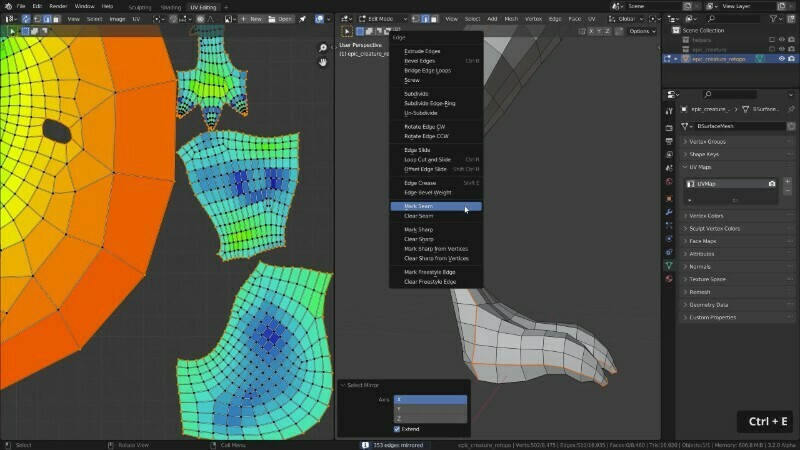
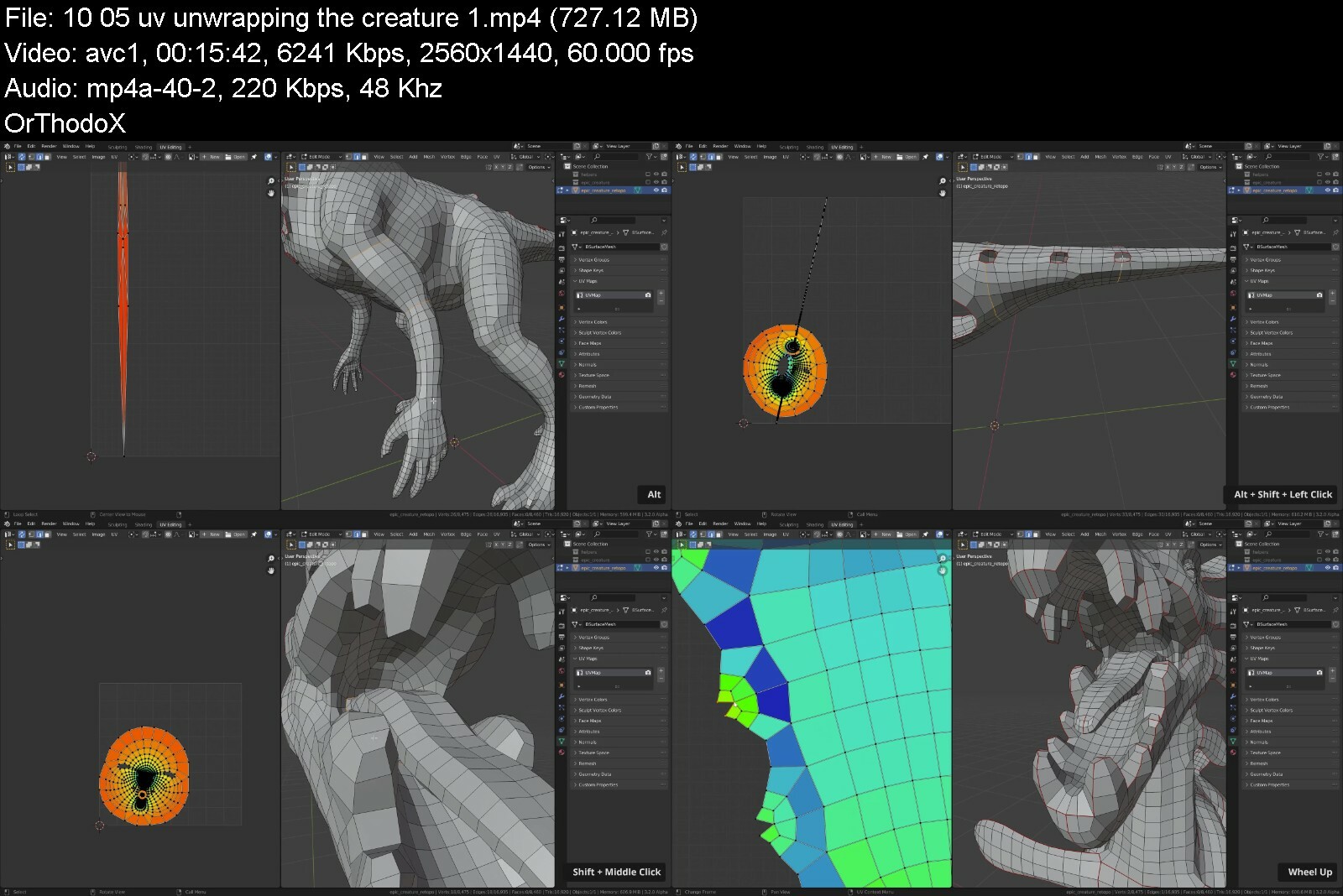
In this chapter, you will learn how to texture the creature from scratch. We will UV unwrap the model, bake different texture maps, texture paint the base color and add fine details to the skin in the shader editor. Additionally, we will create semi-realistic eyes for the creature.

master3dsculptinginbl3uie9.jpg


Download from RapidGator


Download from Keep2Share


Gaia - Open Minds - Season 8

mv5bodhlowixmwleeat.jpg


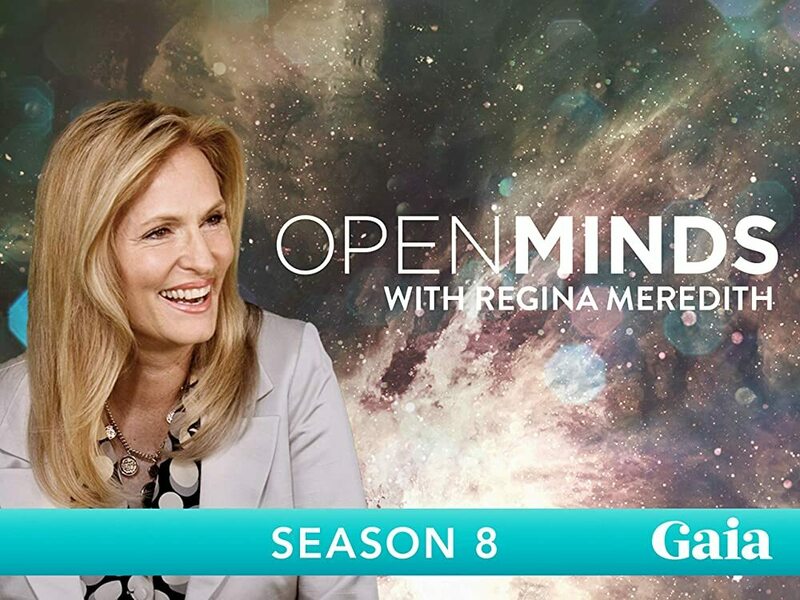
Gaia - Open Minds - Season 8
MP4 | Video: h264, 1920x1080 | Audio: AAC, 44.1 KHz, 2 Ch
Genre: eLearning | Language: English + Subs | Duration: 22 Lessons (21h 13m) | Size: 33.6 GB

Host Regina Meredith conducts interviews with thought-provoking luminaries, cutting-edge visionaries and tireless researchers, providing crucial information to awaken viewers to new perspectives that spark awareness, understanding and ultimately, transformation.

Homepage

openmindsseason83ofj0.jpg


Download from RapidGator


Download from Keep2Share


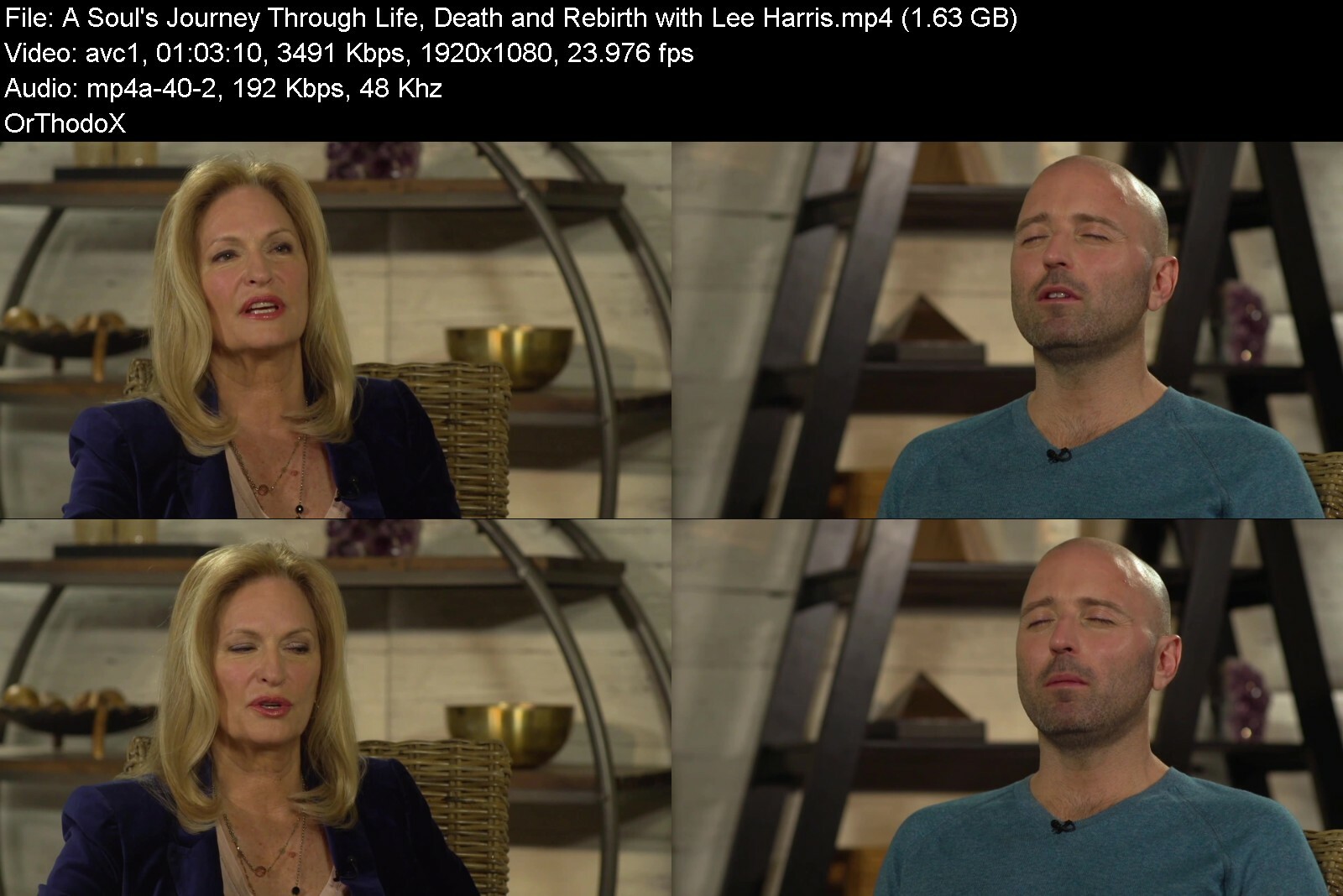
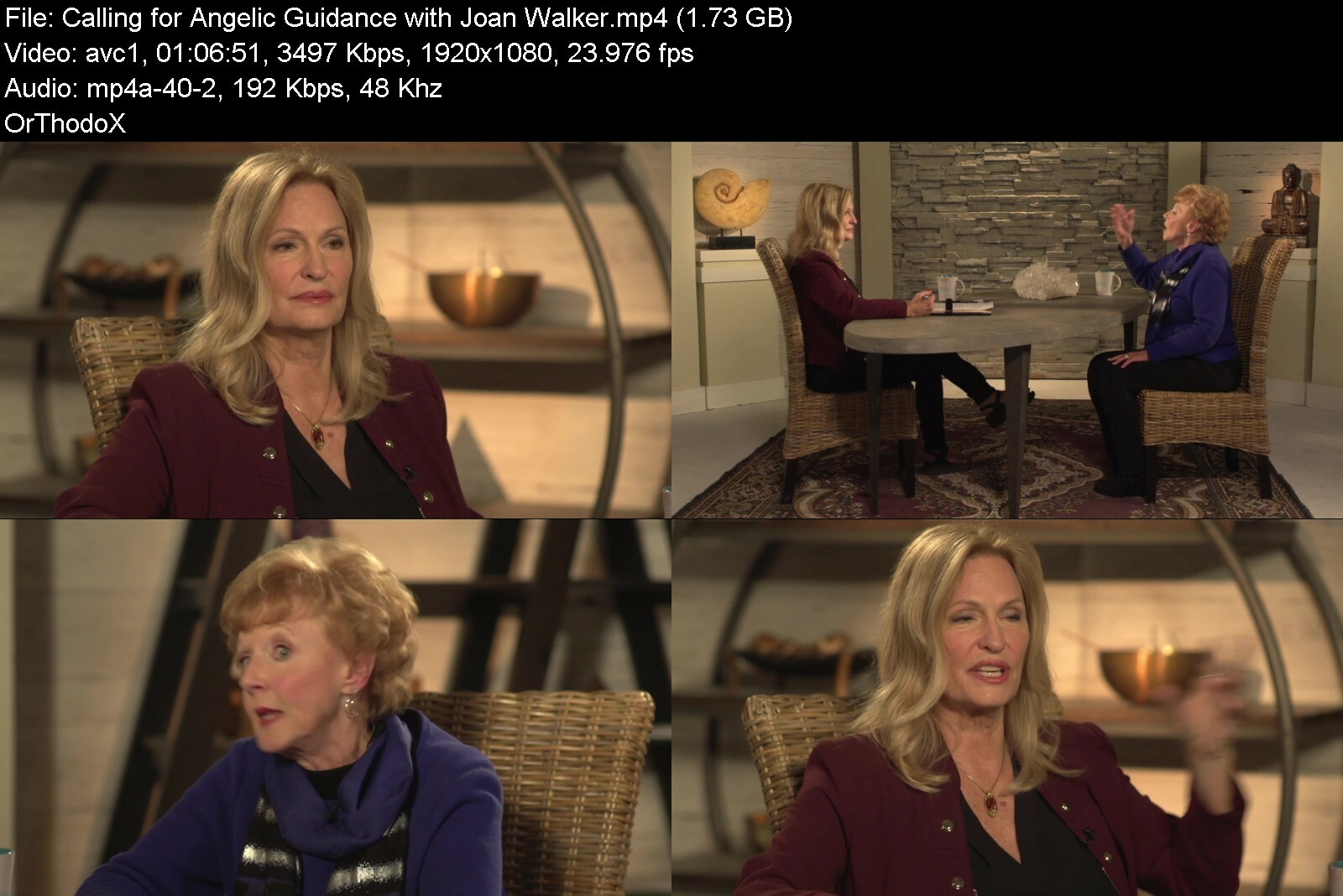
Gaia - Open Minds - Season 9

6bfc6010dd7c0553415f2a1dua.jpg


Gaia - Open Minds - Season 9
MP4 | Video: h264, 1920x1080 | Audio: AAC, 44.1 KHz, 2 Ch
Genre: eLearning | Language: English + Subs | Duration: 17 Lessons (16h 44m) | Size: 26.5 GB

Host Regina Meredith conducts interviews with thought-provoking luminaries, cutting-edge visionaries and tireless researchers, providing crucial information to awaken viewers to new perspectives that spark awareness, understanding and ultimately, transformation.

Homepage

openmindsseason980f9k.jpg


Download from RapidGator


Download from Keep2Share


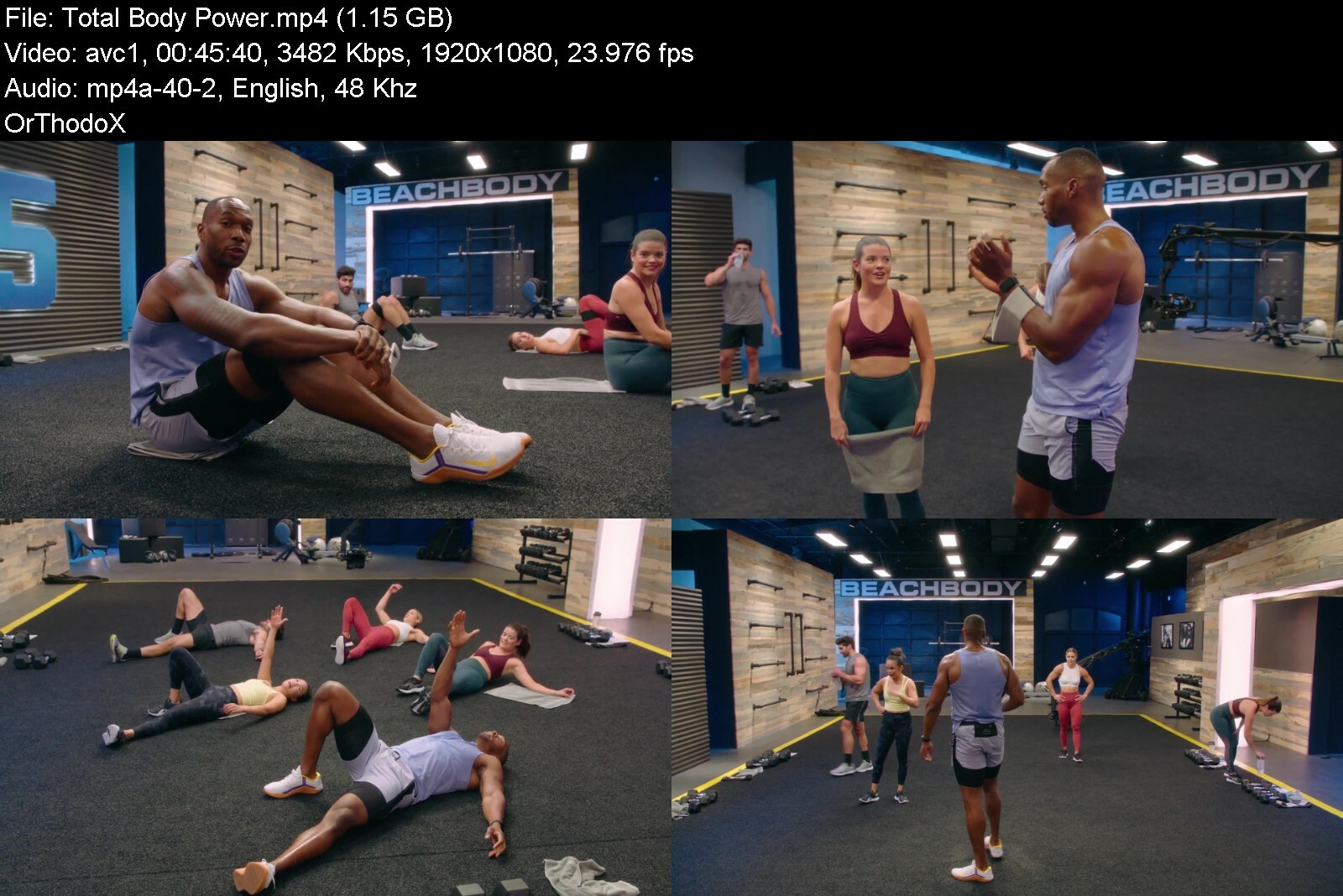
BeachBody - 645 - Week 6

645boxarthorizontaltm4kfgz.jpg


BeachBody - 645 - Week 6
MP4 | Video: h264, 1920x1080 | Audio: AAC, 44.1 KHz, 2 Ch
Genre: eLearning | Language: English | Duration: 6 Lessons (4h 33m) | Size: 7 GB

Is 645 right for me?
Commitment is the key to success. Lock in, and get to work 6 days a week, 45 minutes a day, to reach your peak in 13 weeks. 645 combines strength training, cardio, and an active warm-up that will leave you feeling strong and energized. With next-level coaching cues, and a focus on fundamental, powerful moves, Super Trainer Amoila Cesar can help get your body ready to take on everything.

Equipment Required
Power Loops, Dumbbells

What are the workouts like?
Each week features 4 full-body strength workouts, 1 mobility workout, and 1 cardio workout, all with a 10-minute active warm-up that will prepare your body for the work to come. The 13 weeks are broken into 4 stages: The first three are 4 weeks each, while week 13 is a Performance Week where you'll reach your peak. In each stage, the moves, intensity, and volume change weekly and end with a Deload Week where your intensity stays the same, but with less volume. This is to help with recovery and start the new stage fresh and ready. Amoila's goal is to put you on a straight path to finishing each stage, and the entire program, without crawling across the finish line

Homepage


645week6e5fyv.jpg


Download from RapidGator


Download from Keep2Share


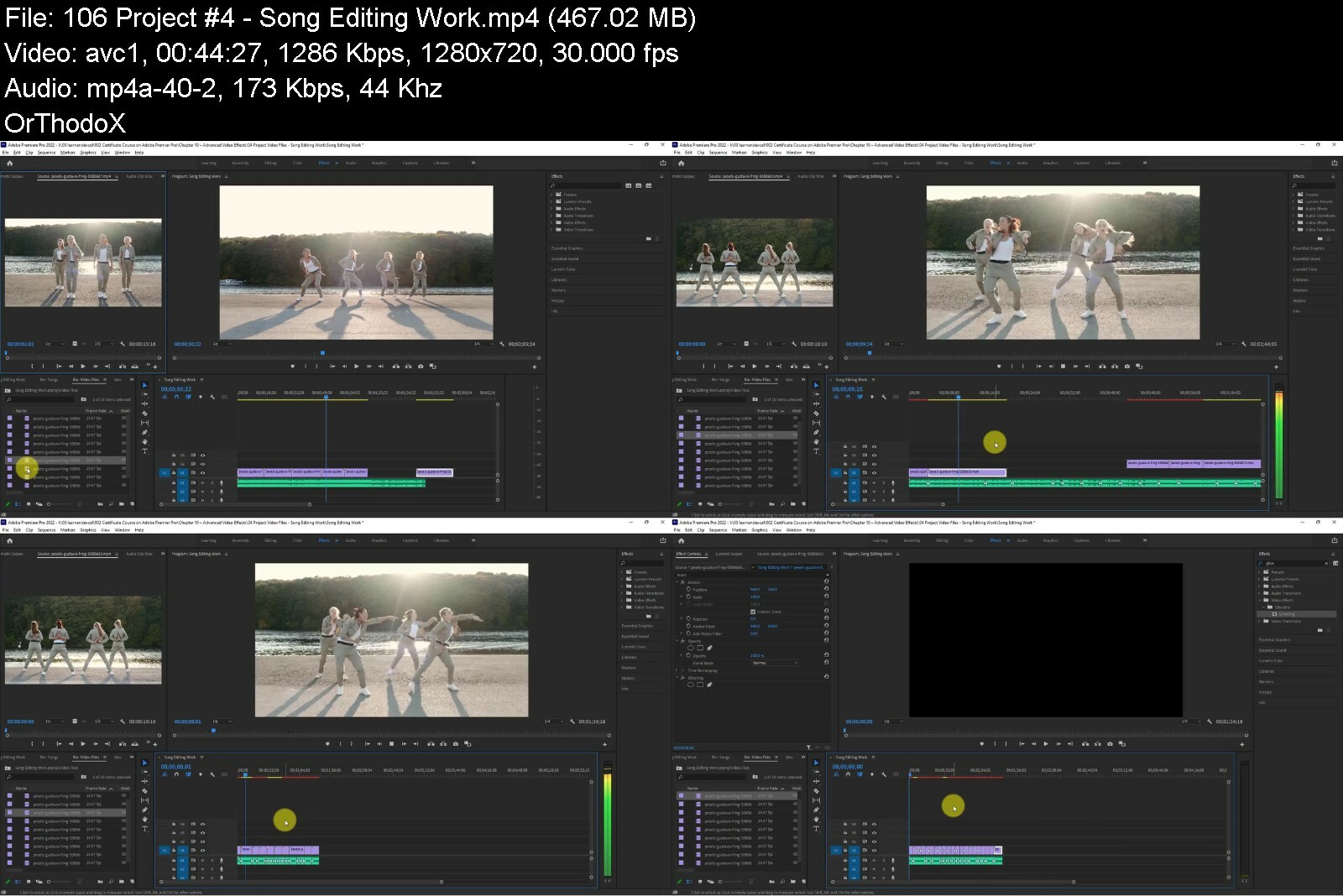
Essential Training Course on Adobe Premiere Pro CC 2022

adobepremiereprocctut1odjv.jpg


Essential Training Course on Adobe Premiere Pro CC 2022
Duration: 21h 9m | Video: .MP4, 1280x720, 30 fps | Audio: AAC, 48 kHz, 2ch | Size: 8.05 GB
Genre: eLearning | Language: English

Welcome to the course 'Essential Training Course on Adobe Premiere Pro CC 2022'. In this class, You will learn, Many Video Editing Techniques which are highly helpful for beginners and learners of Video Editing.*Adobe Premiere Pro is one of the best software for creating*all kinds of video editing Works.
Through this class, you will learn the following lessons
Introduction to Video Editing
New Project Setup with Premiere Pro
Overview of Workspace
Importance of Project Panel and Media Panel
Working with Source Monitor
New Sequence Creation
Timeline in Detail
Program Monitor
Tools in Adobe Premiere Pro
Effects Control in Premiere Pro
Essential Effects Panel
Assemble the multimedia elements
Markers in Action
Trim a Video
Ripple Delete Function
Move your Video Segments
Quick Export as Video
Label Colour
Customize the Clip Speed
Frame Hold Option
Scale to Frame Size
Customizing the Keyboard Functions
Make New Colour Matte
Import your Image Sequence
Load Images into Timeline
Basic Transformation Attributes
Opacity Adjustment
Fit all Images within the Sequence Dimension
Set Duration of Images
Most Wanted Time Remapping
Add Rectangle and Ellipse
Graphics in Timeline
Modify the Graphics
Browse Essential Graphics
Add Graphics Template
Edit Graphics Template Attributes
Graphics Transformations
Time of Graphics
Rolling the Graphics
Crucial Graphics Group
Different ways to create Text from Scratch
Handle the Text in Program Window
Add Paragraph Text in Premiere Pro
Text Alignment and Transformation
Text Appearance Adjustment
Working with Styles
Text Engine and Hindi Digits
Font Replacement
Sound in Audio Interface
Audio Gain
Channels of Audio
Edit your Audio
Audio Clip Mixing
Audio Track Mixer
Voice Over Record in Adobe Premiere Pro
Dialogue in Essential Sound
Music, SFX, Ambiance
Audio Effects - Amplitude, Delay, and Echo
Filter EQ and Modulation
Noise Reduction
Reverb and Special
Stereo Imagery Time and Pitch
Applying Audio Transitions
Applying Video Transition
Exploring Various Video Transitions
What is Default Transition? Why it is?
Apply Default Transition for Selection
Transition Adjustments in Timeline
Adjust Transition Effect Properties
Replacing Existing Transitions
Applying Graphic Template Transition
Edit Graphic Transition
Applying Video Effect
Customize Video Effects
Presets - Bevel Edges and Blurs
Convolution Kernel Effects
Lens Distortion Mosaics and Solarizes
Twirls in Action
Lumetri Presets - Cinematic
Filmstocks and Monochrome
SpeedLooks and Technical
Essential Adjustments
Blur and Sharpen
Distort your Footage
Generate Artificial Elements
Noise and Gain
Perspective Adjustment
Various Stylize Effects
The Magical Time
Transform Effects
Transition Utility and Video
Video Clip inside the Specific Shape
Add Rectangle and Ellipse Mask
Create Freeform Shape mask using Pen Tool
Alpha Adjustment, Color Key Effect
Luma Key in Premiere Pro
Ultra Key for Keying Function
Set Animation for Images
Add animation for Text and Graphics
Animate Video Effects
Interpolation Controls for Animation
Nature of Rotation in Animation
Manual Motion Tracking
Tracking in Premiere Pro
Fundamentals of Colour Wheel
Primary, Secondary, and Tertiary Colours
Warm Colours and Cool Colours
Tint, Shade, and Tone
Hue, Saturation, and Light
Colour Correction Effects
Image Control Effects for Colour Correction
Obsolete - Auto Adjustments
Blue, Green Screen Key, Color Balance
Dust Scratch, Fast Blur Colour Corrector
Ghosting and Luma Adjustments
Noise, Paint Bucket, and RGB Adjustments
Miscellaneous Obsolete Effects
Exciting Adjustment Layer
Export the Sequence as Video File
Export Single Frame
Export Media from Project Panel
Essential Adobe Media Encoder
Time to fly with Premiere Pro

Homepage

essentialtrainingcour6odur.jpg


Download from RapidGator


Download from Keep2Share


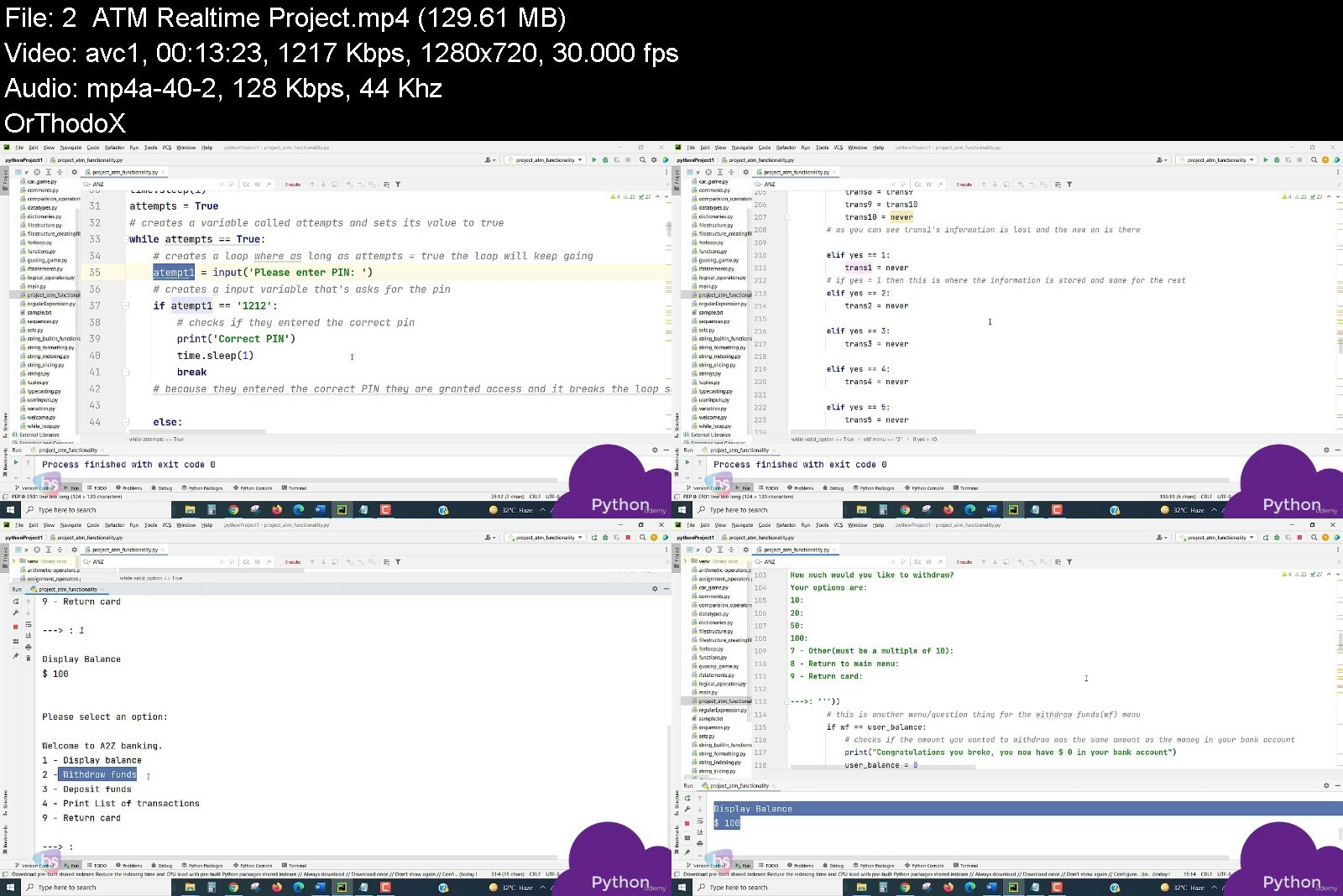
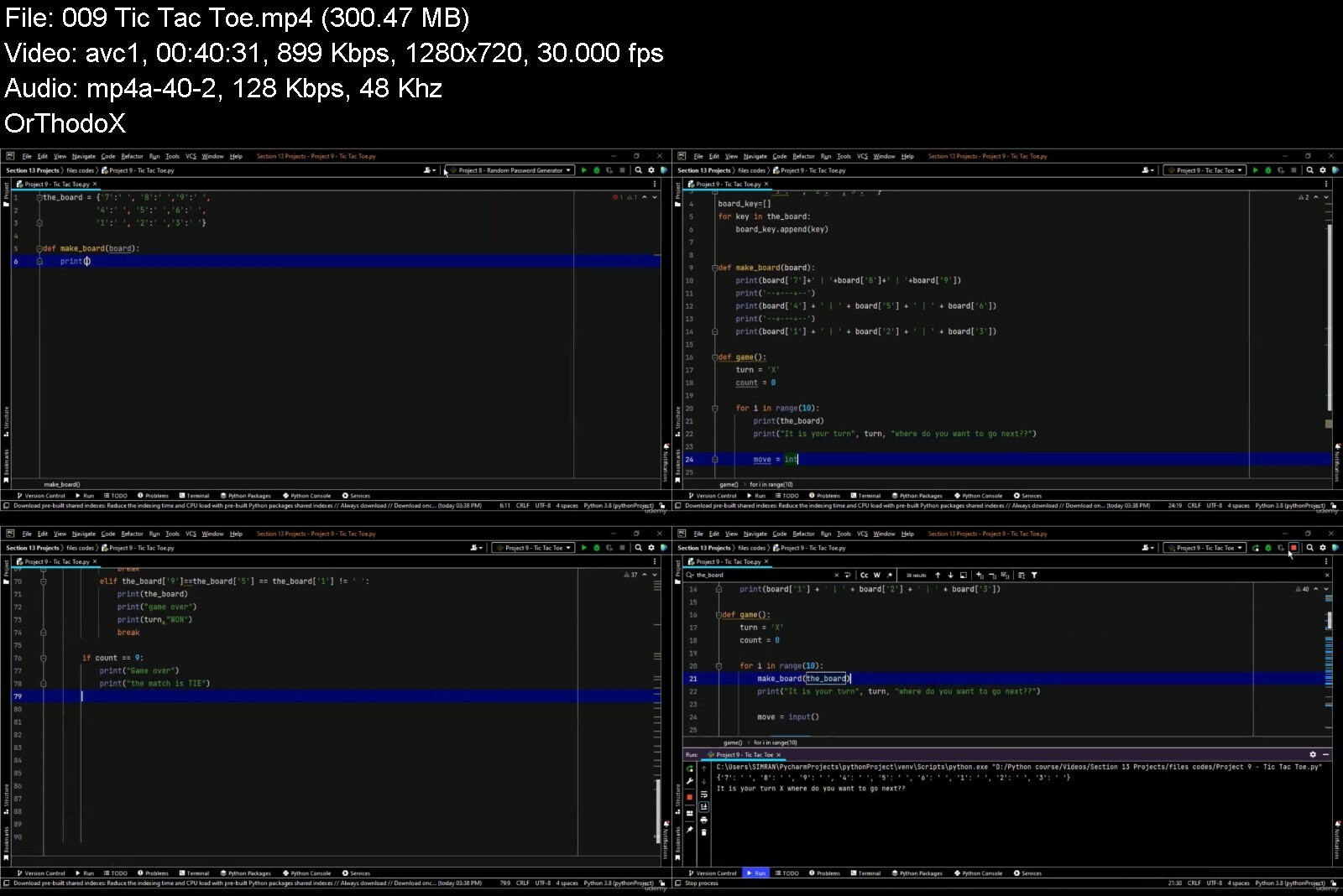
The complete Python training. Learn A - Z of Python.

iajzsdqpqevcbavpckrsmkvfk7.jpg


The complete Python training. Learn A - Z of Python.
Genre: eLearning | MP4 | Video: h264, 1280x720 | Audio: AAC, 48.0 KHz
Language: English | Size: 6.60 GB | Duration: 82 lectures • 14h 11m


What you'll learn
You will master the Python programming language by understanding it from the basics to the advanced and building 100 unique projects over 100 days.
You will learn automation, game, app and web development, data science and machine learning all using Python.
You will get to learn Python programming from experienced professional software developers who work on live projects.
Acquire the pre-requisite Python skills to move into specific branches - Machine Learning, Data Science, etc..
You will learn Selenium, Beautiful Soup, Request, Flask, Pandas, NumPy, Scikit Learn, Plotly, and Matplotlib.
Understand how to create your own Python programs. Our course includes loads of resources which has downloadable Python programming codes for you to practice
Understand both Python 2 and Python 3.
Have the skills and understanding of Python to confidently apply for Python programming jobs.
Add the Python Object-Oriented Programming (OOP) skills to your résumé and be ready to pick up high paying jobs.
Requirements
No programming experience is required here, but it can be good if you have some coding knowledge.

Description
Hey Students, Are you,
a. New to programming and do not know where to start from.
b. Know the basics of python programming and want to get into advanced level.
c. Build a career in datascience and hence want to learn python.
Then you have come to the right place.
Python is known for being robust, scalable and provides extensible visualization and graphics options. Hence it's widely used in Data Science.
This course is built block by block so that you are able to learn Python from the basics to the advanced level. At the end of every module of this course comes quizzes to check on your understandings. There will also be several projects that we have included in this course so that it gives you a first hand view of python programming.
This course is aimed at complete beginners who have never programmed before, as well as existing programmers who want to increase their career options by learning Python. The course offers hands-on development experience and will prepare you for an exciting and accelerated career in Python programming.
The fact is, Python is one of the most popular programming languages in the world - Huge companies like Google use it in mission critical applications like Google Search.
And Python is the number one language choice for machine learning, data science and artificial intelligence. To get those high paying jobs you need an expert knowledge of Python, and that's what you will get from this course.
By the end of the course you'll be able to apply in confidence for Python programming jobs. And yes, this applies even if you have never programmed before. With the right skills which you will learn in this course, you can become employable and valuable in the eyes of future employers.
So lets begin to learn Python Programming with Cloud ConneKt
Who this course is for
This Python course is for beginners and also mid level python programmers. This course will take you from the basics to the advanced level of python programming.


thecompletepythontraimheux.jpg


Download from RapidGator


Download from Keep2Share


Zurück
Oben Unten