• Regeln für den Video-Bereich:

    In den Börsenbereich gehören nur Angebote die bereits den Allgemeinen Regeln entsprechen.

    Einteilung

    - Folgende Formate gehören in die angegeben Bereiche:
    - Filme: Encodierte Filme von BluRay, DVD, R5, TV, Screener sowie Telesyncs im Format DivX, XviD und x264.
    - DVD: Filme im Format DVD5, DVD9 und HD2DVD.
    - HD: Encodierte Filme mit der Auflösung 720p oder darüber von BluRay, DVD, R5, TV, Screener sowie Telesyncs im Format x264.
    - 3D: Encodierte Filme von BluRay, die in einem 3D Format vorliegen. Dies gilt auch für Dokus, Animation usw.
    - Serien: Cartoon/Zeichentrick, Anime, Tutorials, Dokumentationen, Konzerte/Musik, Sonstiges sind demnach in die entsprechenden Bereiche einzuordnen, auch wenn sie beispielsweise im High Definition-Format oder als DVD5/DVD9/HD2DVD vorliegen. Ausnahme 3D.
    - Bereich Englisch: Englische Releases gehören immer in diesen Bereich.
    - Bereich Talk: Der Bereich, in dem über die Releases diskutiert werden kann, darf, soll und erwünscht ist.


    Angebot/Beitrag erstellen

    - Ein Beitrag darf erst dann erstellt werden, wenn der Upload bei mindestens einem OCH komplett ist. Platzhalter sind untersagt.
    - Bei einem Scenerelease hat der Threadtitel ausschließlich aus dem originalen, unveränderten Releasenamen zu bestehen. Es dürfen keine Veränderungen wie z.B. Sterne, kleine Buchstaben o.ä. vorgenommen werden. Ausnahme Serienbörse:
    - Bei einem Sammelthread für eine Staffel entfällt aus dem Releasename natürlich der Name der Folge. Beispiel: Die Simpsons S21 German DVDRip XviD - ITG
    - Dementsprechend sind also u.a. verboten: Erweiterungen wie "Tipp", "empfehlenswert", "only", "reup", usw. / jegliche andere Zusatzinformation oder Ergänzung, welche nicht in obiger Beschreibung zu finden ist.

    Aufbau des Angebots und Threadtitel

    Der Titel nach folgendem Muster erstellt zu werden. <Name> [3D] [Staffel] [German] <Jahr> <Tonspur> [DL] [Auflösung] <Quelle> <Codec> - <Group>
    Beispiel: The Dark Knight German 2008 AC3 DVDRip XviD - iND
    Beispiel: The Dark Knight 2008 DTS DL BDRip x264 - iND
    Beispiel: The Dark Knight 2008 AC3 DL BDRip XviD - iND
    Beispiel: The Dark Knight German 2008 AC3 720p BluRay x264 iND
    Beispiel: The Dark Knight 2008 DTS DL 1080p BluRay x264 iND
    Beispiel: Die Simpsons S01 German AC3 DVDRip XviD iND
    Beispiel: Die Simpsons S20 German AC3 720p BluRay x264 iND
    Beispiel: Sword Art Online II Ger Sub 2014 AAC 1080p WEBRip x264 - peppermint
    Entsprechend sind also u.a. verboten: Sonderzeichen wie Klammern, Sterne, Ausrufezeichen, Unterstriche, Anführungszeichen / Erweiterungen wie "Tipp", "empfehlenswert", "only", "reup", usw. / jegliche andere Zusatzinformation oder Ergänzung, welche nicht in obiger Beschreibung zu finden ist
    Ausnahmen hiervon können in den Bereichen geregelt sein.

    Die Beiträge sollen wie folgt aufgebaut werden:
    Überschrift entspricht dem Threadtitel
    Cover
    kurze Inhaltsbeschreibung
    Format, Größe, Dauer sind gut lesbar für Downloader außerhalb des Spoilers zu vermerken
    Nfo sind immer Anzugeben und selbige immer im Spoiler in Textform.
    Sind keine Nfo vorhanden z.B. Eigenpublikationen, sind im Spoiler folgende Dateiinformationen zusätzlich anzugeben :
    Quelle
    Video (Auflösung und Bitrate)
    Ton (Sprache, Format und Bitrate der einzelnen Spuren)
    Untertitel (sofern vorhanden)
    Hosterangabe in Textform außerhalb eines Spoiler mit allen enthaltenen Hostern.
    Bei SD kann auf diese zusätzlichen Dateiinformationen verzichtet werden.

    Alle benötigten Passwörter sind, sofern vorhanden, in Textform im Angebot anzugeben.
    Spoiler im Spoiler mit Kommentaren :"Schon Bedankt?" sind unerwünscht.


    Releases

    - Sind Retail-Release verfügbar, sind alle anderen Variationen untersagt. Ausnahmen: Alle deutschen Retail-Release sind CUT, in diesem Fall sind dubbed UNCUT-Release zulässig.
    - Im Serien-Bereich gilt speziell: Wenn ein Retail vor Abschluss einer laufenden Staffel erscheint, darf diese Staffel noch zu Ende gebracht werden.62
    - Gleiche Releases sind unbedingt zusammenzufassen. Das bedeutet, es ist zwingend erforderlich, vor dem Erstellen eines Themas per Suchfunktion zu überprüfen, ob bereits ein Beitrag mit demselben Release besteht. Ist dies der Fall, ist der bereits vorhandene Beitrag zu verwenden.
    - P2P und Scene Releases dürfen nicht verändert oder gar unter einem iND Tag eingestellt werden.


    Support, Diskussionen und Suche

    - Supportanfragen sind entweder per PN oder im Bereich Talk zu stellen.
    - Diskussionen und Bewertungen sind im Talk Bereich zu führen. Fragen an die Uploader haben ausschließlich via PN zu erfolgen, und sind in den Angeboten untersagt.
    - Anfragen zu Upload-Wünschen sind nur im Bereich Suche Video erlaubt. Antworten dürfen nur auf Angebote von MyBoerse.bz verlinkt werden.


    Verbote

    - Untersagt sind mehrere Formate in einem einzigen Angebotsthread, wie beispielsweise das gleichzeitige Anbieten von DivX/XviD, 720p und 1080p in einem Thread. Pro Format, Release und Auflösung ist ein eigener Thread zu eröffnen.
    - Grundsätzlich ebenso verboten sind Dupes. Uploader haben sich an geeigneter Stelle darüber zu informieren, ob es sich bei einem Release um ein Dupe handelt.
    - Gefakte, nur teilweise lauffähige oder unvollständige Angebote sind untersagt. Dies gilt auch für eigene Publikationen, die augenscheinlich nicht selbst von z.B. einer DVD gerippt wurden. Laufende Serien, bei denen noch nicht alle Folgen verfügbar sind, dürfen erstellt und regelmäßig geupdatet werden.
    - Untersagt sind Angebote, welche nur und ausschließlich in einer anderen Sprache als deutsch oder englisch vorliegen. Ausnahmen sind VORHER mit den Moderatoren zu klären.


    Verstoß gegen die Regeln

    - Angebote oder Beiträge, die gegen die Forenregeln verstoßen, sind über den "Melden"-Button im Beitrag zu melden.
  • Bitte registriere dich zunächst um Beiträge zu verfassen und externe Links aufzurufen.

*** Bestes IPTV *** bester Preis *** gratis Test ***


Englische Tutorials

The Ultimate Play Piano By Ear Course | Easy Piano Lessons

r2pqq8c2kbyxhvseibpmp3hf31.jpg


The Ultimate Play Piano By Ear Course | Easy Piano Lessons
MP4 | Video: h264, 1280x720 | Audio: AAC, 48 KHz
Language: English | Size: 5.80 GB | Duration: 5h 3m

Learn to Play the piano in weeks. Beginner to Intermediate Level Course with a fast approach to playing in All Keys


What you'll learn
This course will get you playing the piano or keyboard by ear from scratch without prior knowledge
With the easy systems and techniques demonstrated in this course, you will sound like a pro in a short time with tips, tricks and hacks
You will learn to read chord charts and Translate into all 12 keys with the number system.
You can play all your favourite songs and even play them in any key of your choice
Requirements
No pre-course requirements
Plan to practice 15-20mins daily to see huge progress after the first few lessons
Students may skip the first few lectures if they have the prior knowledge

Description
This is a great course for people who need a quick but well-structured system of learning to play the piano or keyboard by ear. In this course, you will be exposed to easy and quick systems that will help you play the piano easily in all 12 keys. No prior music knowledge or piano knowledge is required to take this course. You will learn to play common piano chords and progressions and easy systems needed to take those progressions into all 12 keys.With the knowledge obtained from this course, you will be well equipped to play in different music styles. e.g. Gospel, Rock, Pop, RnB, Jazz, Salsa, etc.What some students say about this course:James BreenI am 38 years old and have always loved Piano music so i decided to just try an online course to see if I can make heads nor tails of all the keys and how to use them! , I find Kingsley to be a wonderful tutor and explains everything so well and in a great cheerful relaxed manner I have watched this course a lot of times and I am now at a much better place with piano than i was 5 Weeks ago Totally recommend this course to anyone wanting to learnKngVery easy & precise instructions! Going over this helped me discover the missing pieces to my theory: the lessons are very well organized and he does a great job of showing the root to the madness which now i dont view as madness!! i would recommend to any musician who feels like they are at a plateau. Thanks!Isaac KlewiahI came into this course with absolute zero knowledge about piano or any related instrument and I must say this course was exactly what i needed to get me started. I find the course setup very interactive and the instructor makes it really easy to comprehend the lessons. I am super excited and glad that I signed up! If you are a beginner like myself, looking to start from the basics, this course is definitely for you.
Overview
Section 1: Introduction to the Piano and Basic Chords
Lecture 1 Introduction to the Keyboard
Lecture 2 The Major Scale
Lecture 3 Major Scale Fingerings
Lecture 4 Major Chords
Lecture 5 Minor Chords
Lecture 6 Let's Get Social
Section 2: Learn to Play song progressions
Lecture 7 The 1, 4 & 5 Chords
Lecture 8 The 2, 3 & 6 Chords
Lecture 9 Let's Play Some Songs
Lecture 10 Diatonic Chords of the Major Scale
Section 3: Lets's take It A Step Further
Lecture 11 The Add2 Sus2 and Sus4 Chords
Lecture 12 Slash Chords
Lecture 13 Improved 3 & 7 Chords
Lecture 14 Basic Rhythms
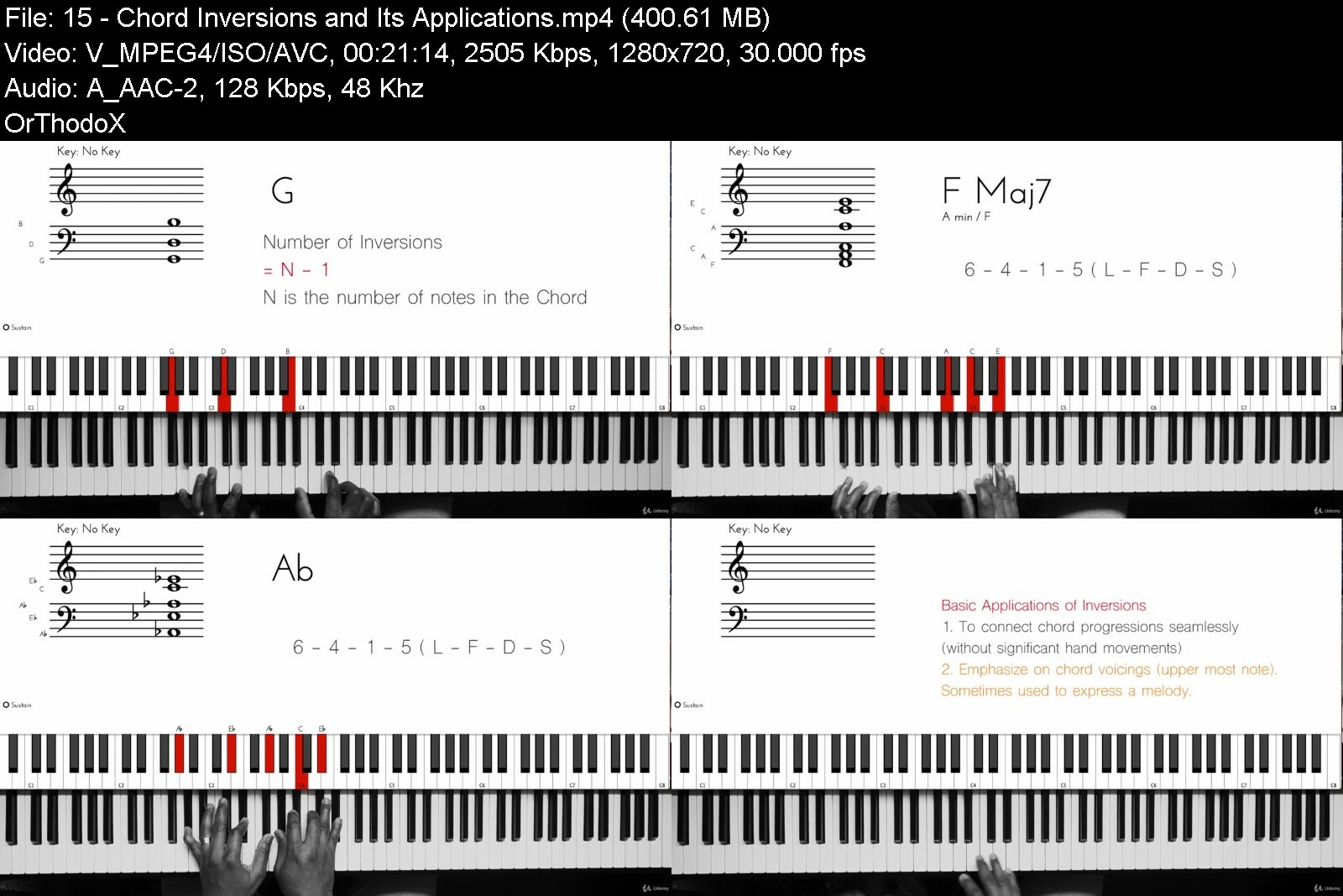
Lecture 15 Chord Inversions and Its Applications
Section 4: Almost there!
Lecture 16 Right Hand Patterns
Lecture 17 Left Hand Patterns
Lecture 18 Introduction to Melodies
Lecture 19 Using the Sustain Pedal
Lecture 20 Reading Chord Charts
Lecture 21 Transposing Chord Charts into Other Keys
Section 5: Pre-Intermediate Lessons
Lecture 22 The 1-5-6-4 Chord Progression
Lecture 23 The 1-5-2-4 Chord Progression
Lecture 24 Lesson 22 - Play All Your favourite songs with only 4 Chord types
Lecture 25 Lesson 23 - Adding Fills between Chords
Lecture 26 Lesson 24 - Targeting the 3rd - Part 1
Lecture 27 Lesson 25 - Targeting the 3rd - Part 2
Beginner Piano Players,People with passion to learn the piano but no prior knowledge on Music,Piano players interested in playing piano by ear


theultimateplaypianob39c18.jpg


Download from RapidGator


Download from Keep2Share


 
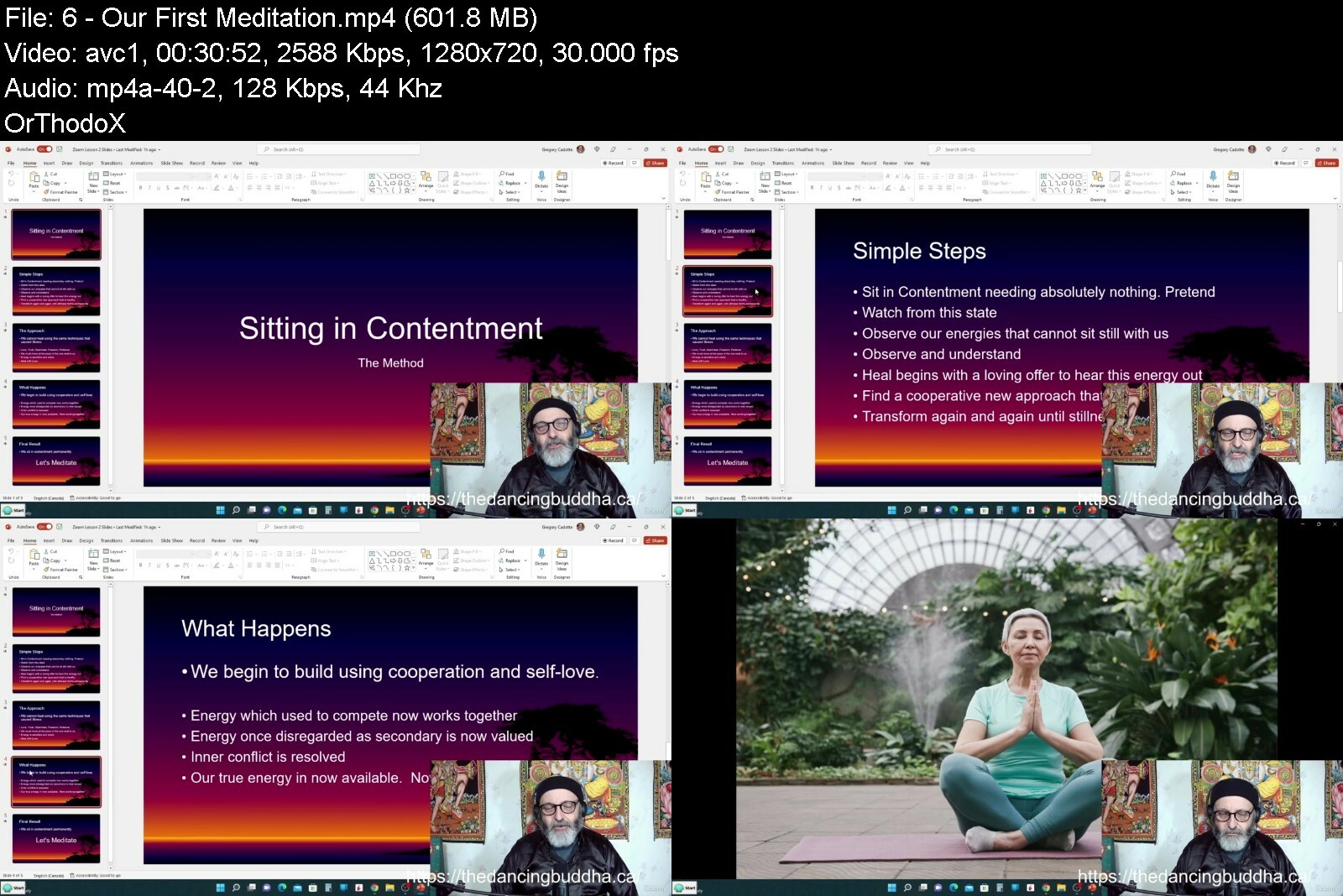
Meditation for TUNING CONSCIOUSNESS

gk88yy7w88btx0dezweu73fdmy.jpg


Meditation For Tuning Consciousness
Published 6/2022
MP4 | Video: h264, 1280x720 | Audio: AAC, 44.1 KHz
Language: English | Size: 7.60 GB | Duration: 7h 51m

Finding Contentment


What you'll learn
To let go of traditional rules and use meditation to 'sit in contentment' and then heal those parts of us that cannot sit with us.
To be content, relaxed, and happy outside of meditation.
To see how we are all connected as the Conscious Universe.
To expand our minds and hearts by letting go of narrow thinking to find ultimate comfort.
To remove energy blockages and build energy by identifying how we work against ourselves.
To build self-love, openness, trust, patience, and to use these tools to build a happy life
Spiritual thinking and teachings of the Buddha Mind that lead to freedom.
Requirements
The only requirement is a quiet place where you can meditate, or sit silently. A chair, the floor, a pillow, even lying down works.
Note: No basic instruction will be given on how to sit and how to breathe in this course. Instead, this course brings meditation to its basics by teaching us to 'sit in contentment' in whatever way that resonates with us and examine what within us cannot join us in contentment. Perfect for those who cannot meditate. In this way, meditation is being used as a tool to find a heal our conflicted energies. For this reason, much of this course relates to our thinking and actions and how we can unwittingly be contributing to our own discontentment by our approach to life. This course blends meditation coaching with early Buddhist spiritual understanding to help contentment be our permanent state. After all, that is our Original self.

Description
A simple course on how we can return to our original state of contentment. In this course, we will learn to use 'sitting in contentment' to find our still spot - and from that spot begin to understand those parts of us that cannot sit still. We will learn the two steps of first finding contentment each day in mediation and then to find a deeper contentment through bring those parts of us that are unable to meditate to healing rest.What is Meditation??Meditation is simply 'sitting in contentment' and if we cannot remember how this feels we can simply begin by pretending - but we are not pretending. We simply have been discontented so long we cannot remember our original state of being of being content.Meditation allows us to 'sit in contentment' in the present moment for a few minutes each day and watch those parts of us that cannot sit with us. And how can they? These are the parts of us that cannot sit in contentment because they require more to feel content, requirements we formed in the past. So, our thinking created these energies making us the perfect self-healer.Meditation allows us to first watch from a place of safety, then to understand how these energies form, and then to heal our energies that now compete for control of our present moment. This leaves us sitting in contentment permanently, our original state before we became discontented.You see, we have 100 percent potential. But if 60% of our potential, our thinking is tied up in these energies that are monitoring, protecting, and searching for past experiences, only 40% of our potential is available as energy in the present moment to be anything new. We are weak even though we have expended lots of potential. 100 percent of our potential - to produce a 40% result.Meditation builds cooperation where conflict was, and this can increase our present consciousness to 100 percent very easily.Watch first, understand next, and then heal. This is the power of meditation.
Overview
Section 1: Disclaimer and Introduction
Lecture 1 DISCLAIMER
Lecture 2 Live Group Meditation Classes Offer - For New Students
Lecture 3 Introduction
Section 2: Meditation for the Mind (Consciousness)
Lecture 4 A Brief History/List of Types of Meditation and how we fit in
Lecture 5 What is Meditation?
Lecture 6 Our First Meditation
Lecture 7 The Explanation - Why this Meditation works
Lecture 8 Mastering Meditation and a Simple Talk-Down Method
Lecture 9 A Practical Guide to Doing Meditation
Section 3: Meditation Videos
Lecture 10 20 Minute Contentment Induction with Singing Bowls and Thunderstorm
Lecture 11 20 Minute Mindfulness with Singing Bowls
Lecture 12 20 Minute Music Only Video for Mindfulness Meditation
Lecture 13 20 Minute Music and Induction Video for Mindfulness Meditation
Lecture 14 20 Minute Contentment Induction and Silence
Lecture 15 20 Minute Induction with Silence for Mindfulness Meditation
Lecture 16 25 Minute Singing Bowls Only
Lecture 17 25 Minute Contentment Induction with Singing Bowls and Birds
Section 4: Meditation for the Body
Lecture 18 The Power of Finding Contentment Early - Part One
Lecture 19 The Power of Finding Contentment - Part 2
Section 5: Conversations with the Buddha Mind
Lecture 20 We are Conscious Love
Lecture 21 How to Handle Arguments in Meditation
Lecture 22 Finding Safety in Meditation and Life
Lecture 23 The Three Teachers
Lecture 24 The Cord of Light and Love - Final Lecture
Section 6: Extra Guided Meditations
Lecture 25 Guided Meditation for a Conflicted Mind
Lecture 26 Guided Meditation for Slowing Personal Consumption
Lecture 27 Guided Meditation to End Addiction
This course will appeal to those who wish to know how meditation created the Buddha Mind. Much of this course relates to how this powerful thinking can change our lives and lead to a single state of contentment.,Note: No basic instruction will be given on how to sit and how to breathe in this course. Instead, this course brings meditation to its basics by teaching us to 'sit in contentment' in whatever way that resonates with us and examine what within us cannot join us in contentment. Perfect for those who cannot meditate. In this way, meditation is being used as a tool to find a heal our conflicted energies. For this reason, much of this course relates to our thinking and actions and how we can unwittingly be contributing to our own discontentment by our approach to life. This course blends meditation coaching with early Buddhist spiritual understanding to help contentment be our permanent state. After all, that is our Original self.


meditationfortuningcoepc3v.jpg


Download from RapidGator


Download from Keep2Share



The Complete AP and College Physics Course

wb3xro37466eifcsobnzxleevq.jpg


The Complete Ap And College Physics Course
Last updated 11/2021
MP4 | Video: h264, 1280x720 | Audio: AAC, 44.1 KHz
Language: English | Size: 18.18 GB | Duration: 30h 32m

Master the College/AP physics from classical to modern physics, then test your knowledge with 300+ practice exercises!


What you'll learn
One Dimensional Kinematics
Two Dimensional Kinematics
Forces And Newton's Laws of Motion
Work and Energy
Linear Momentum and Collisions
Rotational Motion
Gravitation
Fluid Mechanics
Oscillations and Waves
Heat And Temperature
Thermodynamics
Electrostatics and Electricity
Magnetism and Electromagnetism
Optics and Light
Special Relativity
Introduction to The Quantum World
Atomic and Nuclear Physics
Requirements
Just your attention

Description
MASTER THE COLLEGE PHYSICS/AP PHYSICS NOW!This 30+ hours course goes from Newtonian Mechanics, all the way to the mind-blowing world of Quantum Mechanics. It contains crystal clear video explanation of all the AP Physics curriculum, it also includes PHET Simulations so that you don't get bored and fall asleep or you know, curse me on the comment section. THIS COURSE IS PERFECT FOR SAT/ACT/GCE A LEVEL TEST PREP!You'll also find 300+ practice exercises including MCQs and numerical problems. The solutions to these problems are given in video and PDF forms. And if maybe that's not enough practice, I've also included tons of worked additional problems from various resources. You'll also find a summary as a PDF file taken from my favorite book which I will provide the link to, these summaries are included in the last course lecture of every section as a resource. The exercises PDF files are included in the practice exercises lectures.*What students say about this course: "Just finished the whole course, one word: PERFECT! I'd recommend this to anyone learning or majoring in Physics. Thank you so much for your help!" _ Michael Carrot
Overview
Section 1: AP Physics: Introduction
Lecture 1 Course Overview
Section 2: Basic Trigonometry Review
Lecture 2 Vectors and Scalars
Lecture 3 Cosine Rule and Triangle Law
Section 3: One Dimensional Kinematics
Lecture 4 Average Speed and Average Velocity
Lecture 5 Acceleration, Instantaneous Velocity and Graphs
Lecture 6 Free Fall
Lecture 7 Practice Exercises
Section 4: Two Dimensional Kinematics
Lecture 8 Horizontally Launched Projectiles
Lecture 9 Projectile Launched at An Angle
Lecture 10 Practice Exercises
Section 5: Forces and Newtons's Laws
Lecture 11 Introduction To Forces
Lecture 12 Newton's First Law of Motion
Lecture 13 Newton's Second Law of Motion
Lecture 14 Newton's Third Law of Motion
Lecture 15 Weight and Normal Force
Lecture 16 Inclined Planes
Lecture 17 Friction
Lecture 18 Uniform Circular Motion And The Centripetal Acceleration
Lecture 19 Central Forces
Lecture 20 Practice Exercises
Section 6: Work and Energy
Lecture 21 Work
Lecture 22 Potential and Kinetic Energy
Lecture 23 Potentiel and Kinetic Energy in a Pendulum
Lecture 24 Hooke's Law
Lecture 25 Work-Energy Theorem
Lecture 26 Conservation of Energy
Lecture 27 Practice Exercises
Section 7: Linear Momentum and Collisions
Lecture 28 Linear Momentum and Impulse
Lecture 29 Conservation of Linear Momentum
Lecture 30 Collisions
Lecture 31 Center of Mass
Lecture 32 Practice Exercises
Section 8: Rotational Motion
Lecture 33 Torque
Lecture 34 Angular Position, Displacement, Velocity and Acceleration
Lecture 35 Rotational Equilibrium
Lecture 36 Moment of Inertia
Lecture 37 Angular Momentum and It's Conservation
Lecture 38 Practice Exercises
Section 9: Gravitation
Lecture 39 Kepler's Laws of Planetary Motion
Lecture 40 Newton's Law of Universal Gravitation
Lecture 41 Satellites Orbit
Lecture 42 Gravitational Potential Energy in Space and The Escape Velocity
Lecture 43 Derivation of GPE In outer Space(Calculus)
Lecture 44 Practice Exercises
Section 10: Fluid Mechanics
Lecture 45 Introduction To Fluid Mechanics: Fluid Statics
Lecture 46 Pascal's Principle
Lecture 47 Archimedes Principle
Lecture 48 Flow Rate
Lecture 49 Bernoulli's Principle
Lecture 50 Practice Exercises
Section 11: Heat and Temperature
Lecture 51 Introduction to Thermal Physics
Lecture 52 Heat Transfer and Temperature Change
Lecture 53 Phase Changes
Lecture 54 Thermal Expansion
Lecture 55 Mechanisms of Heat Transfer
Lecture 56 Charle's Law and Boyle's Law
Lecture 57 Ideal Gas Law
Lecture 58 The Kinetic Theory of Gases
Lecture 59 Practice Exercises
Section 12: Thermodynamics
Lecture 60 Introduction To Thermodynamics and The Zeroth Law
Lecture 61 First Law of Thermodynamics
Lecture 62 Thermodynamic Processes
Lecture 63 Second Law of Thermodynamics
Lecture 64 The Heat Engine and The Carnot Cycle
Lecture 65 Practice Exercises
Section 13: Oscillations and Waves
Lecture 66 Introduction To Oscillating Motion
Lecture 67 Writing The Equation For a Sinusoidal Wave
Lecture 68 Acceleration Equation of a Sine Wave and Proof of The Period Formula (Calculus)
Lecture 69 Damped Oscillations
Lecture 70 Transverse Waves
Lecture 71 Longitudinal Waves: Sound
Lecture 72 Superposition, Destructive and Constructive Interference
Lecture 73 Standing Waves
Lecture 74 Reflection Of Waves On a String
Lecture 75 Resonance
Lecture 76 Doppler Effect
Lecture 77 Practice Exercises
Section 14: Electricity and Electrostatics
Lecture 78 Electric Charge and Conservation of Charge
Lecture 79 Coulomb's Law
Lecture 80 Superposition of Charges
Lecture 81 The Electric Field
Lecture 82 Electric Potential Energy
Lecture 83 Electric Potential
Lecture 84 Work Done On a Charge at Infinite Distance (Calculus)
Lecture 85 Conductors and Insulators
Lecture 86 Electric Current
Lecture 87 Resistivity, Resistance and Ohm's Law
Lecture 88 Electric Circuits
Lecture 89 Electric Power and Heat
Lecture 90 Electromotive Force and Internal Resistance
Lecture 91 Kirschoff's Rules
Lecture 92 Kirschoff's Rules (Example)
Lecture 93 Capacitors
Lecture 94 Alternating Current Versus Direct Current
Lecture 95 Practice Exercises
Section 15: Magnetism and Electromagnetism
Lecture 96 Magnetic Force on a Moving Charge
Lecture 97 Circular Motion of Moving Charges
Lecture 98 Magnetic Force on a Current-Carrying Conductor
Lecture 99 Electromagnetic Induction: Motional EMF
Lecture 100 Faraday's Law
Lecture 101 Lenz's Law
Lecture 102 Practice Exercises
Section 16: Optics and Light
Lecture 103 Intro to Optics and Light
Lecture 104 Interference and Diffraction
Lecture 105 Huygens's Principle
Lecture 106 Young's Double Slit Experiment
Lecture 107 Polarization
Lecture 108 Law of Reflection
Lecture 109 Law of Refraction
Lecture 110 Total Internal Reflection
Lecture 111 Dispersion
Lecture 112 Flat Mirrors
Lecture 113 Concave and Convex Mirrors
Lecture 114 Concave and Convex Lenses
Section 17: Special Relativity
Lecture 115 The Michelson-Morley Experiment
Lecture 116 Einstein's Postulates
Lecture 117 Time Dilation and Length Contraction
Lecture 118 Relativistic Velocity Addition
Lecture 119 Relativistic Energy and The Equivalence of Mass and Energy
Lecture 120 Rutherford's Gold Foil Experiment
Section 18: Introduction to Quantum Mechanics
Lecture 121 Introduction to The Quantum World
Lecture 122 Blackbody Radiation and Quantization of Energy
Lecture 123 The Photoelectric Effect
Lecture 124 The Particle-Wave Duality
Lecture 125 Heisenberg's Uncertainty Principle
Lecture 126 The Schrӧdinger Equation (Basics)
Lecture 127 Atomic Spectra: Hydrogen Spectrum
Section 19: Atomic and Nuclear Physics
Lecture 128 The Bohr Model of The Atom
Lecture 129 Atomic, Neutron, and Mass Number
Lecture 130 Binding Energy
Lecture 131 Radioactivity and Alpha Decay
Lecture 132 Beta Decay
Lecture 133 Gamma Decay
Lecture 134 Radioactive Decay Rates
Lecture 135 Nuclear Reactions: Nuclear Fission and Nuclear Fusion
Current physics students or students looking to follow a career in physics or at least related to physics.,Teachers or homeschool parents looking for extra support with physics.,Anyone who wants to study physics for fun.


thecompleteapandcolleaxcgm.jpg


Download from RapidGator


Download from Keep2Share



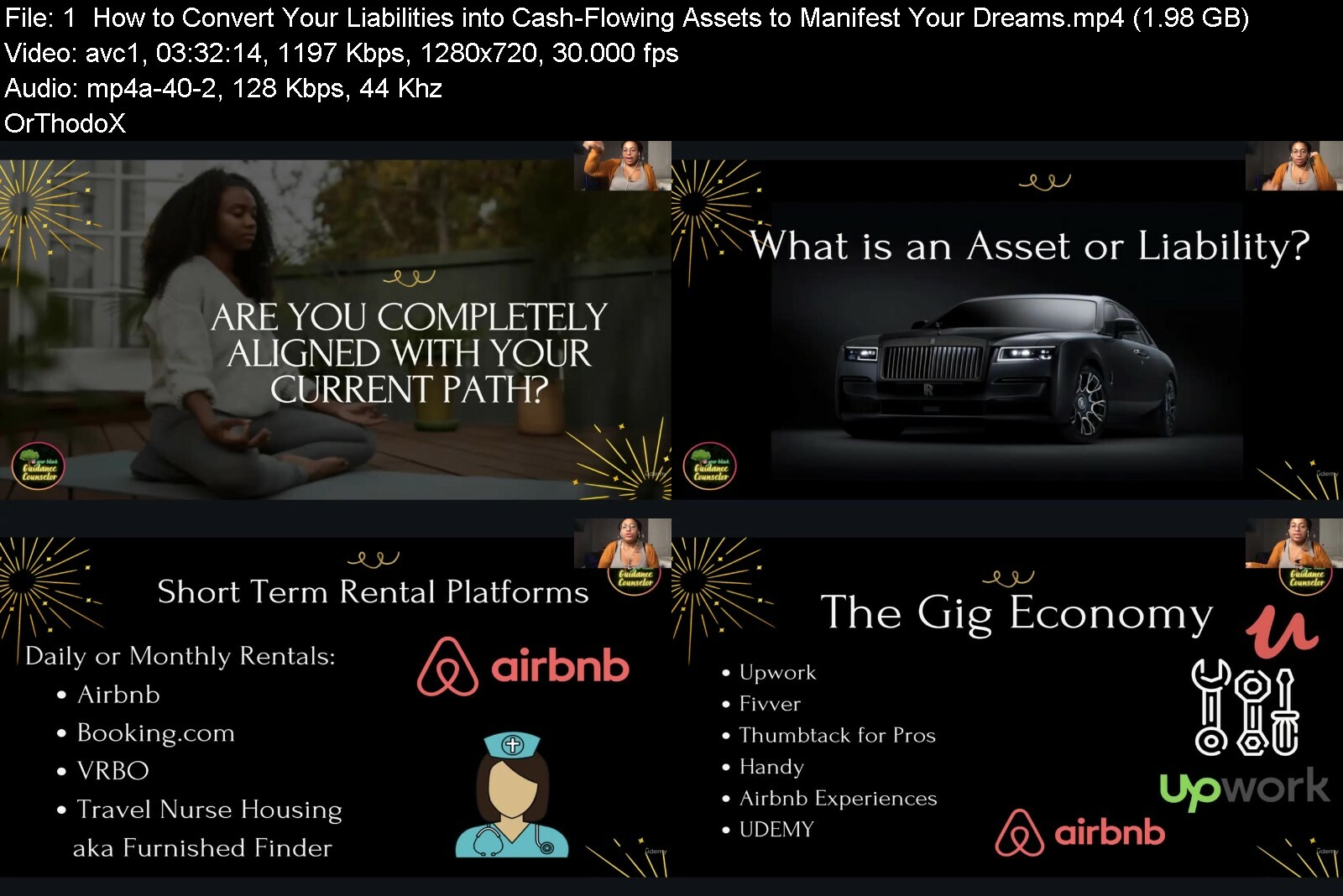
InstaAlignment 3.0 - Manifest Your Dream Life w/ Investing

44700864974528ciw.jpg


InstaAlignment 3.0 - Manifest Your Dream Life w/ Investing
Published 06/2022
MP4 | Video: h264, 1280x720 | Audio: AAC, 44.1 KHz, 2 Ch
Genre: eLearning | Language: English + srt | Duration: 20 lectures (6h 51m) | Size: 6.43 GB


Learn How to Manifest Your Dream Life w/ Entrepreneurship & Investing - Khadijah Lashaun aka @YourBlackGuidanceCounselor


What you'll learn
How to Become Spiritually Aligned ? to Manifest The Life of Your Dreams
How to Navigate the Entrepreneurship Journey ???
How to Identify Current Assets & Liabilities in Your Life
Action Steps to Acquiring More Assets
How to Create Your Own Consistent Revenue Streams
How to Leverage Online Platforms to Market Your Cash-Flowing Assets
Ownership vs. Leasing with Investment Properties & Vehicles ? ?
Short Term Rental Platforms
Location Rental ? Platforms
Turning Your Car into a Cash-Flowing Asset ?
Converting Your Skills into Cash-Flowing Assets ?
Ways to Legally Reduce Your Tax Liability & Save on Taxes! ?
Best Resources for Spiritual Entrepreneurs, Grants, Entrepreneur Business Incubators, & more
Requirements
You must be hungry for change & willing to Adapt a different Mindset to start Building Wealth ???
Description
My name is Khadijah Lashaun, I am also known as @YourBlackGuidanceCounselor on Instagram and YouTube.
I am an Influencer, Investor & Serial Entrepreneur. I created this E-Course with you in mind.
Learn how to Align to your True Path with Entrepreneurship & Investing.
In this E-Course, I Share everything I've learned about Investing, Entrepreneurship, Social Media Growth, Internal Healing of Limiting Beliefs, & more.
This E-Course is full of everything you need to hit the ground running on your Entrepreneurial and/or Investing Journey.
Learn how to Align your Life to the Life of your Dreams.
As a Strategic Investor & CEO ??*? I have gained knowledge around Many Business Models that allow you and your Family to receive income from a variety of sources on a regular basis.
This includes AirBnb, Travel Nurse Housing, Car Renting with Turo, Social Media Influencing, Podcasting, and more.
So it is MY Responsibility, to Share my Knowledge & Experiences with you.
With this E-Course & Resources, You Will Learn
- How to Become Spiritually Aligned ? to Manifest The Life of Your Dreams
- How to Navigate the Entrepreneurship Journey ???
- How to Identify Current Assets & Liabilities in Your Life
- Action Steps to Acquiring More Assets
- How to Create Your Own Consistent Revenue Streams ?
- How to Leverage Online Platforms to Market Your Cash-Flowing Assets
- Best Practices for ✨Airbnb, Turo, Furnished Finder & more!
- Ownership vs. Leasing with Investment Properties & Vehicles ? ?
- Short Term Rental Platforms
- Location Rental ? Platforms
- Turning Your Car into a Cash-Flowing Asset
- Converting Your Skills into Cash-Flowing Assets ?
- Ways to Legally Reduce Your Tax Liability & Save on Taxes! ?
- Best Resources for Investors & Entrepreneurs & even more!
Who this course is for
This course is for the ✨Spiritual Entrepreneurs & Side Hustlers who are Ready to Invest in Themselves so their Business(es) & Wealth can Grow.
This course is for the 9 to 5'ers who are Ready to Work Smarter not Harder to Align to the Life of their Dreams ❤
This course is for the Former College Grads & Drop-Outs Still Finding Themselves.
This course is for Anyone ready to Leverage the Power of the Universe to their Advantage.


instaalignment3.0maniurcnf.jpg


Download from RapidGator


Download from Keep2Share


Zsigmondy'S Theorem

36l9sepmncmvcudth3clq8ac81.jpg


Zsigmondy'S Theorem
MP4 | Video: h264, 1280x720 | Audio: AAC, 44.1 KHz
Language: English | Size: 10.90 GB | Duration: 8h 24m

Advancing Algebra to understand Number theory


What you'll learn
Proof of Zsigmondy's Theorem
Applications of Zsigmondy's Theorem
Lifting the Exponent Lemma
Cyclotomic polynomials
Complex roots of unity
Mobius Inversion
Number theory
Algebra
Requirements
Modular arithmetic with prime numbers
Sound algebra skills

Description
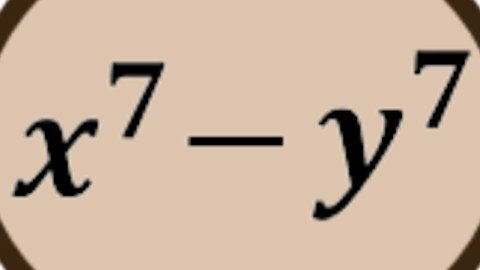
The story line that guides us is proving a theorem of Zsigmondy in number theory and seeing how it can be used to solve maths olympiad problems that would otherwise be quite difficult. To achieve this goal we first understand what I consider to be the most central topic in high school algebra which is omitted in high schools: cyclotomic polynomials. This sounds specialised but this is at the heart of all the algebra learned at high school such as factorising a difference of 2 squares or cubes. The cyclotomic polynomials gives a factorisation of x^n-1. When n is 2, this is just the difference of 2 squares. If you let the x be x/y then you really get x^2-y^2 after some easy manipulation. (x^n means x to the power of n)These lessons will be a very valuable part of a serious high school maths student or olympian.One of the really interesting features of this course is that the instructor learns the proof of the Zsigmondy Theorem with the students and you get to see how to educate yourself without further need to be taught.

Overview

Section 1: Introduction

Lecture 1 Introduction

Section 2: Polynomials

Lecture 2 PST polynomials part 1

Lecture 3 PST polynomials part 2

Lecture 4 Irreducibility

Section 3: Diophantine equations

Lecture 5 PST 3: Diophantine equations

Lecture 6 PST 3.11 Cyclotomic Recognition

Section 4: Mobius inversion

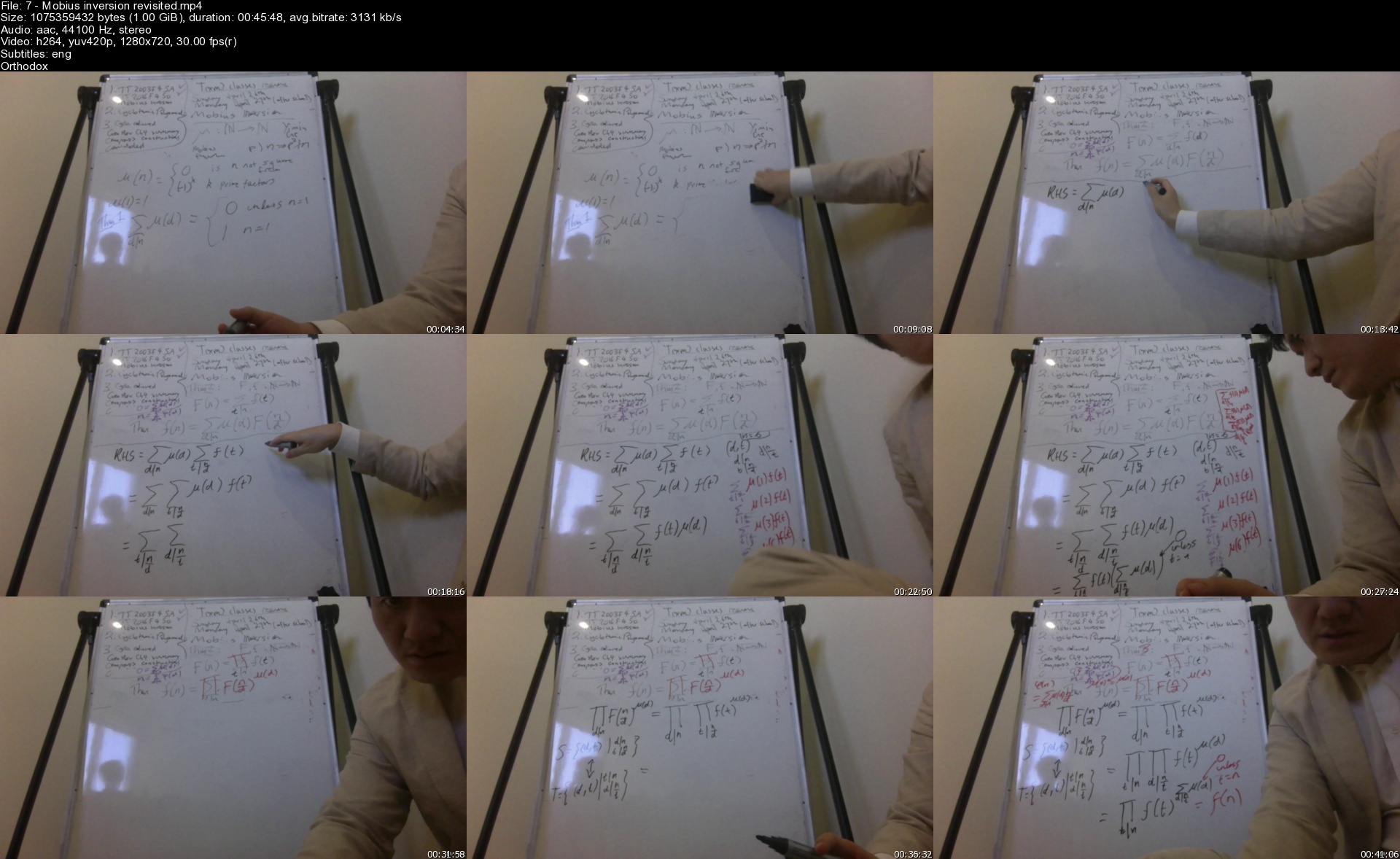
Lecture 7 Mobius inversion revisited

Section 5: Cyclotomic polynomials

Lecture 8 Cyclotomic polynomials skipping Mobius

Lecture 9 Cyclotomic polynomials including Mobius

Lecture 10 Cyclotomic recognition revisited

Lecture 11 Infinitely many primes 1 mod n

Lecture 12 2002 IMO Shortlist N3

Lecture 13 2006 IMO Shortlist N5

Section 6: LTE

Lecture 14 Summary summarised

Lecture 15 Problem 1

Lecture 16 2018 IMO Q4

Section 7: Zsigmond Prerequisites

Lecture 17 Prerequisites stated and some proved

Section 8: Zsigmondy Theorem Proof

Lecture 18 Relate to Cyclotomic polynomials

Lecture 19 Consolidate and continue

Lecture 20 psi_n=lambda_nP_n

Lecture 21 lambda_nP_n primes

Lecture 22 lambda_n=1 and other cases

Lecture 23 When a-b=1. QED

Section 9: Zsigmondy Applications

Lecture 24 a^n+b^n and other applications

Lecture 25 Problems

Maths olympiad students,Serious maths students,Serious students seeking proper foundation in algebra in high school

Homepage


7mobiusinversionrevis66eqz.jpg


Unreal Engine 5, Jeux En C++ Pour Débutants

ce9vpm0dpp4byu4cn4jc0t7cw7.jpg


Unreal Engine 5, Jeux En C++ Pour Débutants
MP4 | Video: h264, 1280x720 | Audio: AAC, 48 KHz
Language: Français | Size: 13.67 GB | Duration: 20h 48m

Gérer facilement les jeux en C++, sans utiliser de blueprints


What you'll learn
Apprendre l'interface de Unreal Engine 5
Apprendre à programmer en C++
Créer des jeux sur Unreal Engine, en C++
Approfondir ses connaissances, et pièges à éviter
Requirements
Aucune expérience requise

Description
Formation facile pour débutants. Découverte de la version 5 de Unreal Engine. Initiation et programmation des jeux avec Unreal Engine C++, sans utiliser de blueprint. Récupérer des personnages et animations gratuitement sur le site Mixamo.Importer les personnages et les animations.Gérer les entrées axis et action.Gérer les animations de déplacements, d'attente, de saut, de tir, de mort...Modifier les animations.Retargeting, transposer les animations sur les autres personnages.Placer l'arme dans la main droite du personnage, et des ennemis.Tirer sur les ennemis.Etincelles de tir et d'impacts.Bruitage des coups de feu.Afficher une cible. Tirer en rafale.Causer des dommages sur le personnage et les ennemis.Traces de balles. Sang.Gérer les decals.Faire mourir le personnage et les ennemis.Programmer l'intelligence artificielle, pour que les ennemis poursuivent et tirent sur le personnage, quand ils le voit.Ennemis qui continuent de patrouiller quand ils ne voit pas le personnage.Bruits de pas différents, suivant la surface du sol.Animer des objets, avec bruitage.Ouvrir une porte.Allumer une lumière.Récupérer des objets (clés)Gérer la physique, les collisions.Widgets. Informations affichées sur l'écran. Gérer les textes, images et progressions affichées à l'écran, depuis le code c++Programmer des codes de triche.Personnage immortel.Nombre de balles illimitées.Donner au personnage la possibilité de se cacher de l'ennemi, et donc de pouvoir l'attaquer sans être vus.Musique d'ambiance.

Overview

Section 1: Télécharger et installer

Lecture 1 Télécharger et installer Unreal Engine

Lecture 2 Télécharger et installer Visual Studio

Section 2: Nouveau projet

Lecture 3 Créer un nouveau projet

Lecture 4 Ouvrir un projet

Lecture 5 Sauvegarder le projet

Lecture 6 Restaurer le Projet

Lecture 7 Si Generate n'apparait pas

Section 3: Présentation du logiciel

Lecture 8 Interfaces

Lecture 9 Se déplacer dans la scène

Lecture 10 Sélectionner les objets dans la scène

Lecture 11 Déplacer les objets

Lecture 12 Pivoter les objets

Lecture 13 Redimentionner les objets

Lecture 14 Modifier dans le panneau Details

Lecture 15 Raccourcis clavier

Lecture 16 World et Local

Lecture 17 Magnétisme

Lecture 18 Surface snapping

Lecture 19 Différentes vues de la scène

Lecture 20 Aller rapidement à différents endroits de la scène

Section 4: Introduction au C++

Lecture 21 Créer une classe

Lecture 22 Découverte des fichiers H et CPP

Lecture 23 Déclarations et implémentations

Lecture 24 Afficher du texte

Lecture 25 Commentaires

Lecture 26 Créer et afficher une variable de nombre entier

Lecture 27 Variable de type float

Lecture 28 Variable de type boolean

Lecture 29 Variable de type texte

Lecture 30 Création de notre première fonction

Lecture 31 Fonction avec arguments

Lecture 32 Fonction avec un retour

Lecture 33 Fonction avec une valeur par défaut

Lecture 34 Fonction avec plusieurs valeurs par défaut

Lecture 35 Conditions

Lecture 36 Raccourcis pour les opérations

Section 5: Création du projet Tuto

Lecture 37 Création du projet

Lecture 38 Sauvegarde du Level

Section 6: Importer des animations de Mixamo

Lecture 39 Télécharger les personnages et les animations

Lecture 40 Importer dans Unreal Engine

Section 7: Classe du personnage Megan

Lecture 41 Création de la classe

Lecture 42 Ce qu'on va faire

Lecture 43 Accéder à la Capsule de Collision

Lecture 44 Savoir quel include ajouter

Lecture 45 Accéder au Character Movement Component

Lecture 46 Accéder au SkeletalMesh Component

Lecture 47 Récupérer la référence du SkeletalMesh de Megan

Lecture 48 Savoir quelle classe ajouter

Lecture 49 Placer Megan dans le SkeletalMesh Component

Lecture 50 Axes Y, Y et Z

Lecture 51 Baisser le personnage au niveau de la capsule

Lecture 52 PITCH - YAW - ROLL - Tourner le personnage vers la gauche

Lecture 53 Redimentionner le personnage

Lecture 54 Ajouter le bras de la caméra

Lecture 55 UPROPERTY

Lecture 56 Ajouter la caméra

Lecture 57 Prendre la possession du personnage

Section 8: Gérer les Inputs

Lecture 58 Assigner les Inputs dans Unreal Engine

Lecture 59 Déléguer l'input Axis dans le code C++

Lecture 60 Déléguer l'input Action dans le code C++

Lecture 61 Déplacer le personnage en avant et en arrière

Lecture 62 Vitesse de marche et de course

Lecture 63 Déplacer le personnage à gauche et à droite

Lecture 64 Tourner le personnage quand il se déplace

Lecture 65 DeltaTime

Lecture 66 Tourner la caméra vers le haut ou vers le bas

Lecture 67 Activer ou désactiver le ressort du bras de la caméra

Lecture 68 Zoom

Lecture 69 Faire sauter le personnage

Lecture 70 Accroupir le personnage

Section 9: Animations

Lecture 71 Découverte de l'Animation Blueprint

Lecture 72 Création de la classe dérivée de AnimInstance

Lecture 73 Variables pilotées depuis notre classe

Lecture 74 Animation de marche

Lecture 75 Sélectionner notre Animation Blueprint

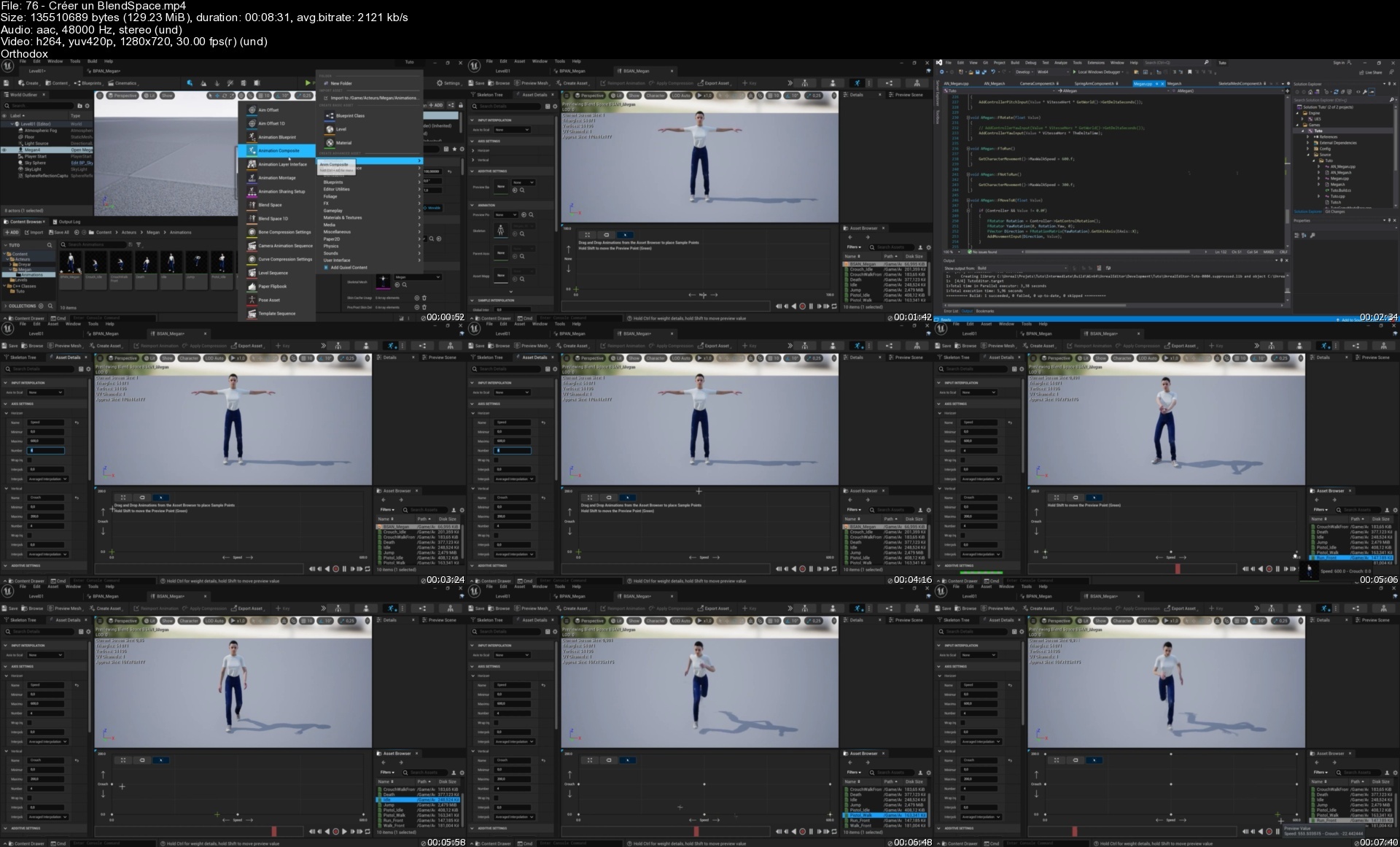
Lecture 76 Créer un BlendSpace

Lecture 77 Gérer les animations

Section 10: Retargeting

Lecture 78 Récupérer les animations du Mannequin

Lecture 79 Retargeting nouvelle version !

Lecture 80 Retargeting ancienne version : Retarget Manager - Humanoid

Lecture 81 Retargeting ancienne version : Faire correspondre les bones

Lecture 82 Retargeting ancienne version : Preview mesh

Lecture 83 Retargeting ancienne version : Finalisation

Section 11: Animations de saut

Lecture 84 Ajouter les états

Lecture 85 Finaliser les animations de saut

Section 12: Bruits de pas

Lecture 86 Bruits de pas

Lecture 87 Bruit de saut

Lecture 88 Différence entre Notify et Notify State

Lecture 89 Créer une classe dérivée de AnimInstance

Lecture 90 Ajouter les fonctions de base

Lecture 91 Références des 3 bruits de pas

Lecture 92 Fonctionnement des notifications

Lecture 93 Ajouter des variables

Lecture 94 Gérer les audios

Lecture 95 Megascans - Quixel Bridge

Lecture 96 Créer 3 Physical Materials

Lecture 97 Define

Lecture 98 Appeler la fonction qui détecte le material

Lecture 99 Fonction qui détecte le material

Lecture 100 Améliorer la synchro des bruits

Section 13: Clef

Lecture 101 Création de la classe

Lecture 102 Récupérer une particle du Starter Content

Lecture 103 Ajouter une Box Collision

Lecture 104 Ajouter la clé

Lecture 105 Placement de la Box et de la clé

Lecture 106 Ajouter la particle

Lecture 107 Audio et Tags

Lecture 108 Evènements quand on entre en collision avec la clé

Lecture 109 Faire tourner la clé

Lecture 110 Code de collision

Section 14: Pistolet

Lecture 111 Créer la classe Pistolet

Lecture 112 Ajouter le pistolet

Lecture 113 Ajouter un socket au bout du canon

Lecture 114 Ajouter une flèche

Lecture 115 Ajouter un socket dans la main droite de Megan

Lecture 116 Déclaration du pistolet dans Megan

Lecture 117 Eviter les redondances des Includes

Lecture 118 Récupérer la référence d'une classe

Lecture 119 Créer un blueprint dérivé d'une classe

Lecture 120 Mettre le pistolet dans la main droite de Megan

Lecture 121 Afficher et cacher l'arme

Lecture 122 Etincelle au bout du canon

Lecture 123 Particles d'impact

Lecture 124 Traces de balles

Lecture 125 Audio et Includes

Section 15: Modifier une animation

Lecture 126 Modifier une animation

Section 16: Afficher la cible

Lecture 127 Importer l'image, et créer un Widget Blueprint

Lecture 128 Déclarer le widget et ajouter un module dans le fichier Build.cs-

Lecture 129 Ajouter le widget dans le viewport

Lecture 130 Passer en mode tir avec cible et décentrer le personnage

Lecture 131 Ne pas montrer les pieds du personnage

Lecture 132 Tirer en direction de la cible

Lecture 133 Optimiser le code

Section 17: Tirer en rafale

Lecture 134 Timer

Lecture 135 Tirer en rafale

Section 18: Collision et impact physique

Lecture 136 Collision Visibility - Block et Ignore

Lecture 137 Impact physique sur les objets

Section 19: Ouvrir une porte en prenant une clé

Lecture 138 Créer l'animation

Lecture 139 Préparer le code

Lecture 140 Code pour ouvrir la porte

Lecture 141 Ajouter le bruit de la porte qui s'ouvre

Section 20: Enumérations

Lecture 142 Remplacer les Tags par une liste

Lecture 143 Texte de la ligne sélectionnée

Lecture 144 Numéro de la ligne sélectionnée

Lecture 145 Remplacer les tags

Section 21: Créer un blueprint dérivé d'une classe

Lecture 146 Créer un blueprint dérivé d'une classe

Section 22: Santé du personnage

Lecture 147 Diminuer la santé du personnage

Lecture 148 Animation de mort du personnage

Section 23: Dreyar, l'ennemi

Lecture 149 Animation Blueprint et Blend Space

Lecture 150 Créer la classe Dreyar

Lecture 151 Modification de notre classe qui pilote l'Animation Blueprint

Lecture 152 Envoyer le Blend Space dans l'Animation Blueprint

Lecture 153 Pour que Dreyar puisse prendre la clé

Lecture 154 Ajouter le socket dans la main droite

Lecture 155 Modifier l'animation Idle pour pointer le pistolet plus haut

Lecture 156 Animations de Jump

Section 24: Intelligence artificielle

Lecture 157 Création de la classe

Lecture 158 Donner la possession de Dreyar à l'intelligence artificielle

Lecture 159 Fonction OnPossess

Lecture 160 Nav Mesh Bound

Lecture 161 Quand l'ennemi voit Megan

Lecture 162 Quand l'ennemi ne voit pas Megan

Lecture 163 Arrêter l'ennemi quand il ne voit pas Megan

Lecture 164 Patrouiller vers des Target Points aléatoirement

Lecture 165 Savoir si l'ennemi a rejoint sa cible

Lecture 166 Modifier la valeur de rapprochement

Lecture 167 Code pour faire patrouiller l'ennemi

Lecture 168 Patrouiller aussi, quand l'ennemi ne peut pas atteindre Megan

Lecture 169 Armer l'ennemi, et tirer

Lecture 170 Lignes rouges pour voir le tir de l'ennemi

Lecture 171 Optimiser

Lecture 172 Fréquence du tir

Lecture 173 Tourner à l'arrêt (1)

Lecture 174 Tourner à l'arrêt (2)

Lecture 175 Tir sur un ami

Lecture 176 NavMeshBound dynamique

Lecture 177 Si aucun TargetPoint

Lecture 178 Quand 2 ennemis se rencontrent

Section 25: Simuler la physique

Lecture 179 Pour que le mur puisse tomber, quand on lui tire dessus

Lecture 180 Ce qui tombe, et ce qui ne tombe pas

Section 26: Classe GameModeBase

Lecture 181 Création de la classe

Lecture 182 Définir le Game Mode Base, pour le Level

Lecture 183 Accéder au GameMode depuis un acteur

Section 27: Ajustements de l'ennemi et de Megan

Lecture 184 Corriger le tir de l'ennemi

Lecture 185 Megan immortelle

Lecture 186 Mort de l'ennemi

Section 28: Trigger

Lecture 187 Ce qu'on va faire

Lecture 188 Créer la classe

Lecture 189 Ajouter la lampe

Lecture 190 Implémenter les fonctions

Lecture 191 Allumer et éteindre la lumière

Section 29: Widgets

Lecture 192 Créer un autre Widget Blueprint

Lecture 193 Progress Bar

Lecture 194 Texte

Lecture 195 Image

Lecture 196 Optimiser le code

Lecture 197 Afficher l'accès au super Jump et à la cible

Lecture 198 Correction de l'écrasement de l'image Target

Section 30: Aligner

Lecture 199 Déplacer un point de pivot

Lecture 200 Positionner le pivot sur un vertex

Lecture 201 Aligner 2 objets

Section 31: Placer un acteur pendant le jeu

Lecture 202 Ajouter une clef dynamiquement pendant le jeu

Lecture 203 Modifier la localisation d'un acteur

Lecture 204 S'il y a déjà un acteur dans l'emplacement

Section 32: Grouper et Merger des objets

Lecture 205 Grouper plusieurs acteurs

Lecture 206 Merger plusieurs acteurs en un seul

Section 33: Scénario

Lecture 207 Faire les murs

Lecture 208 Ajouter un cube pour sauter

Lecture 209 Préparer l'ajout aléatoire des clés

Lecture 210 Calcul de la position aléatoire

Lecture 211 Placer la première clé

Lecture 212 Placer la deuxième clé pour l'exemple

Lecture 213 Target (cible) accessible par défaut

Lecture 214 Supprimer les ennemis en trop

Lecture 215 Replacer aléatoirement les ennemis

Lecture 216 Supprimer les pistolets restants

Lecture 217 Codes pour tricher

Lecture 218 Implémentations des codes de triche

Lecture 219 Ajouter l'image et tester le code d'immortalité

Lecture 220 Nombre de munitions

Lecture 221 Afficher le nombre de munitions

Lecture 222 Placer les ennemis loin de Megan

Lecture 223 Cacher Megan

Lecture 224 Vision de l'ennemi, et l'empêcher de prendre la clé

Lecture 225 Nombre d'ennemis

Lecture 226 Stopper l'ennemi quand il meurt

Lecture 227 Musique d'ambiance

Section 34: Fichiers du Projet

Lecture 228 Projet Tuto

Who this course is for
Débutants qui désirent apprendre à programmer des jeux en C++ sur Unreal Engine 5

Homepage


76creerunblendspaces9jcv2.jpg


Maîtriser Node.Js Et Son Écosystème (Npm, Express, Mongo, .)

lamogn2ftypoktvnzv70p8ld4h.jpg


Maîtriser Node.Js Et Son Écosystème (Npm, Express, Mongo, .)
MP4 | Video: h264, 1280x720 | Audio: AAC, 48 KHz
Language: Français | Size: 5.23 GB | Duration: 10h 12m

Une formation complète sur Node.js, Express, MongoDB, Mongoose, EJS, etc. incluant plusieurs projets pratiques !


What you'll learn
Maîtriser Node js et son écosystème
Utiliser le gestionnaire de paquets NPM
Découvrir les bases de données MongoDB (NoSQL)
Maîtriser les modules incontournables de Node js : Express js, Mongoose, EJS, etc.
Apprendre et comprendre Node js à travers des projets concrets
Devenir autonome dans la création d'applications web et sites internet avec Node js
Requirements
Avoir un ordinateur (MacOS, Windows ou Linux)
Avoir des bases en développement web (notamment HTML)
Avoir des notions de programmation (en JS ou dans un autre langage)

Description
Bienvenue dans ce cours complet sur Node.js et de nombreux outils qui composent sa stack de développement ! Pour n'en citer que certains : NPM (gestionnaire de packets pour node), Express (incontournable framework web), MongoDB (base de données NoSQL), EJS (moteur de template), etc.Arrivé en 2009, Node.js fait aujourd'hui tourner plus de 30 millions de sites internet dans le monde, dont de nombreux ayant un fort trafic ! Cette technologie est notamment appréciée pour sa rapidité d'exécution et son modèle de traitement non-bloquant; c'est pourquoi des entreprises comme Netflix, PayPal, LinkedIn, Uber, Twitter et plein d'autres l'utilisent.Avec un formateur cumulant plus de 5 ans d'expérience dans le développement web, vous apprendrez toute la théorie nécessaire à l'utilisation de Node tout en mettant vos connaissances en pratique à travers trois projets concrets : un programme affichant le cours du Bitcoin en lignes de commande, une todolist ainsi qu'une photothèque (gestionnaire d'albums photo).Vous serez guidé pas à pas et, à la fin de ce cours, vous serez totalement autonome dans l'utilisation de Node.js ! Vous serez donc capable de développer vos propres sites internet et applications web avec Node.js et ses nombreux modules.En plus, vous avez uniquement besoin de connaissances de base en HTML et dans JS (ou tout autre langage de programmation) pour suivre ce cours.Prêt à créer vos premiers sites internet avec Node.js ?

Overview

Section 1: Introduction

Lecture 1 Node.js, à quoi ça sert ?

Lecture 2 Qu'allons-nous apprendre et quels sont les prérequis ?

Section 2: Installer Node.js

Lecture 3 Quelle version choisir ?

Lecture 4[MacOS] Installer Node.js

Lecture 5[Windows] Installer Node.js

Lecture 6 Utiliser NVM pour gérer ses versions (Node Version Manager)

Lecture 7 Notre premier serveur Node.js

Section 3: Notions clés de JS (ES6, ES7, ES 2017)

Lecture 8 Introduction

Lecture 9 Point-virgule ?

Lecture 10 Les variables et constantes

Lecture 11 Les boucles for ... of

Lecture 12 Les fonctions "fléchées"

Lecture 13 Les paramètres de fonction par défaut

Lecture 14 Rappel sur les objets (JSON)

Lecture 15 Les classes

Lecture 16 Les fonctions asynchrones (promises, async/await, etc.)

Section 4: NPM : Des packages bien pratiques

Lecture 17 NPM (Node Package Manager), c'est quoi ?

Lecture 18 Initialiser un projet avec "npm init"

Lecture 19 Installer et supprimer des packages

Lecture 20 Les scripts npm

Lecture 21 Le versionning avec npm

Section 5: TP1 - Le cours du Bitcoin

Lecture 22 Présentation du projet

Lecture 23 Création du projet

Lecture 24 Une API pour récupérer des données

Lecture 25 Récupérer le cours du Bitcoin

Lecture 26 Passer une devise en argument du programme

Lecture 27 Gérer les erreurs

Lecture 28 Un peu de refactoring

Section 6: Node.js pour le web avec Express.js

Lecture 29 Express.js, c'est quoi ?

Lecture 30 Installer Express

Lecture 31 Les routes

Lecture 32 Les pages HTML

Lecture 33 Les fichiers statiques

Lecture 34 Les routes dynamiques

Lecture 35 Les variables d'URL

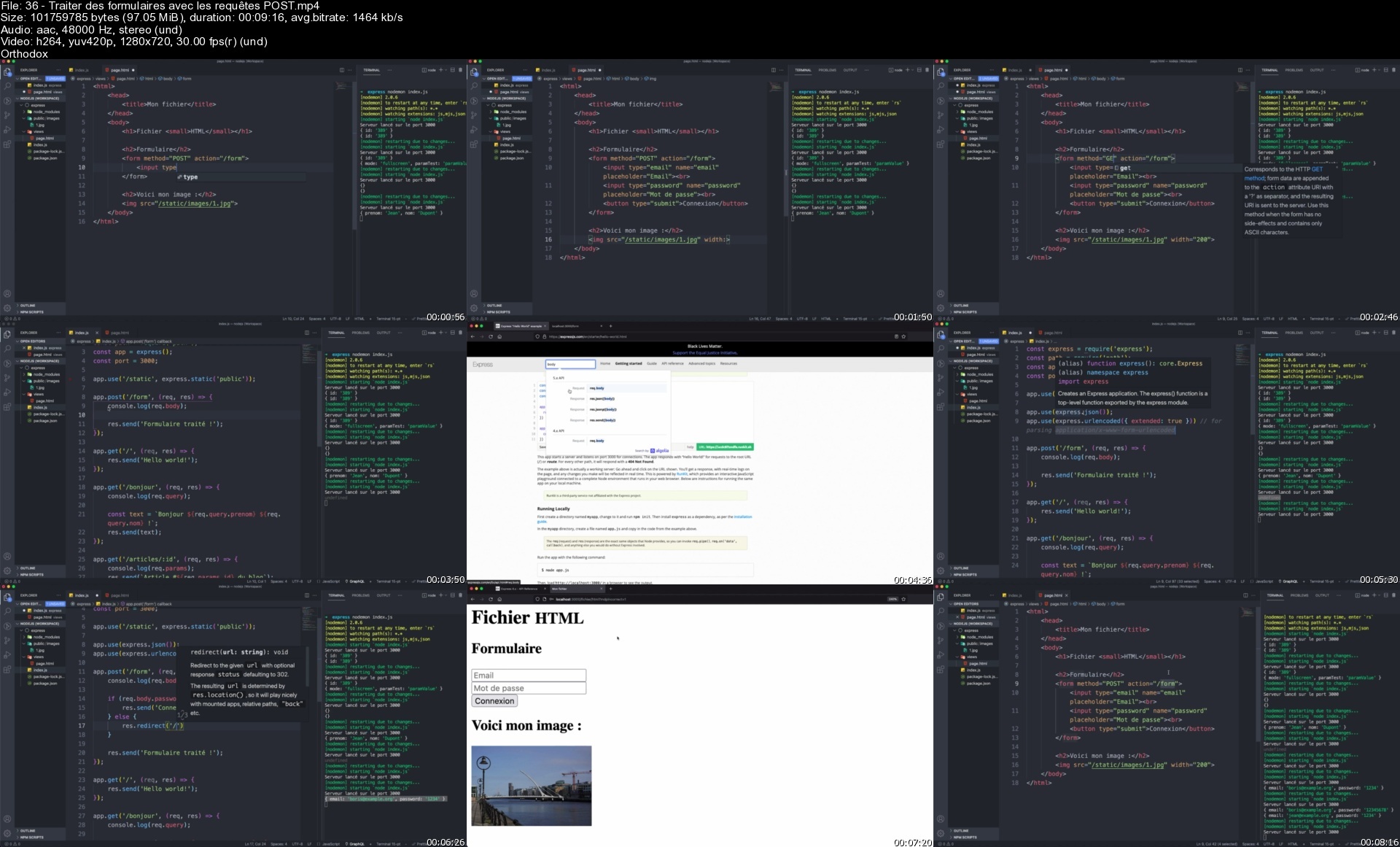
Lecture 36 Traiter des formulaires avec les requêtes POST

Lecture 37 Page non trouvée ? Afficher une erreur 404

Lecture 38 Les middlewares

Lecture 39 Les sessions

Section 7: Du HTML dynamique avec EJS (moteur de template)

Lecture 40 EJS (Embedded JavaScript), c'est quoi ?

Lecture 41 Installer et configurer EJS avec Express

Lecture 42 Notre première page dynamique

Lecture 43 Les conditions

Lecture 44 Les boucles

Lecture 45 Les templates (include)

Section 8: TP2 - Une todolist avec Node.js, Express et EJS

Lecture 46 Présentation du projet

Lecture 47 Création du projet

Lecture 48 Définir la structure d'une todolist

Lecture 49 Afficher la todolist (EJS)

Lecture 50 Créer des tâches dans notre todolist (traitement de formulaire)

Lecture 51 Marquer une tâche comme terminée

Lecture 52 Supprimer une tâche

Lecture 53 Gestion des erreurs

Lecture 54 Sauvegarder la todolist dans une session

Section 9: MongoDB & mongoose pour gérer nos données

Lecture 55 MongoDB : qu'est-ce que c'est ?

Lecture 56[MacOS] Installer MongoDB

Lecture 57[Windows] Installer MongoDB

Lecture 58 Insérer, lire, mettre à jour et effacer des données avec MongoDB (CRUD)

Lecture 59 Compass : une interface graphique pour MongoDB

Lecture 60 Installer Mongoose

Lecture 61 Nos premiers schema et model mongoose : "User"

Lecture 62 Mongoose : insérer des documents

Lecture 63 Mongoose : récupérer des documents

Lecture 64 Mongoose : mettre à jour des documents

Lecture 65 Mongoose : supprimer des documents

Lecture 66 Mongoose : créer des liens (références) entre les collections

Lecture 67 Mongoose : les timestamps automatiques

Section 10: TP3 - Créer une photothèque (Express, EJS, Mongoose, MVC, file upload, etc.)

Lecture 68 Présentation du projet

Lecture 69 Création du projet et structure de fichiers

Lecture 70 Les fichiers views (EJS)

Lecture 71 Le formulaire de création d'un album (EJS)

Lecture 72 Modèle d'un album et traitement du formulaire de création (Mongoose)

Lecture 73 Traiter les erreurs lors de la création d'un album

Lecture 74 Afficher une liste d'albums (EJS)

Lecture 75 Afficher un album unique (EJS)

Lecture 76 Formulaire de téléversement (upload) d'image (EJS)

Lecture 77 Traiter l'ajout d'une image à un album (Mongoose, express-fileupload)

Lecture 78 Traiter les erreurs lors de l'upload d'une image

Lecture 79 Afficher les images d'un album (EJS)

Lecture 80 Supprimer une image d'un album

Lecture 81 Impossible de créer un album ? Attention aux routes dynamique

Lecture 82 Supprimer un album

Lecture 83 Des erreurs ? Attrapez-les toutes ! (méthode catch async)

Lecture 84 Aller plus loin

Who this course is for
Toute personne intéressée par le développement avec Node js,Développeur web front à la recherche d'une technologie back-end robuste,Développeur back-end (/programmeur) averti qui souhaite s'initier à Node js

Homepage


36traiterdesformulairxsiwm.jpg


Live Project in C# Net Core & Windows Forms by SQL Database

46329428aea609c8e.jpg


Live Project in C# Net Core & Windows Forms by SQL Database
Published 06/2022
MP4 | Video: h264, 1280x720 | Audio: AAC, 44.1 KHz, 2 Ch
Genre: eLearning | Language: English + srt | Duration: 142 lectures (37h 26m) | Size: 20 GB

Real World Project From Scratch by Windows Forms - C# Net Core 6 by SQL Database - Crystal Reports


What you'll learn
Live Full Graphical Project by C# .NET Core + SQL Database from scratch
Easily Learn Create Pro Windows Apps by .NET core - SQL database in C# - SAP Crystal Reports
Using C#.NET Core by SQL Server to Create Database Apps - SAP Crystal Reports in C#, Using AES to encrypt and decrypt password
SAP Crystal Reports to design reports in C#
SQL Server, It's installation & Using in C#
Using AES to encrypt and decrypt password

Requirements
Visual Studio 2022 Free Community Edition and Some Patience!


Description
Hi There!

With my 23 years programming skills I'm with you to share my knowledge with you.

So

If you try you will be a c sharper!

If you wanna make a lot of money!

If you wanna find best jobs in programming!

If you Want to learn the C# .NET Core

If you are beginners or student looking for a tutorial that teach c# with real project in simplest way!

If you want really to be a programmer so it's best place that you can start to learn C#.

This course includes

Start using C# with Visual Studio 2022 From Scratch

Designing Main Form

Using SQL in C# by ADO. NET

SQL Server, It's installation and working

Create database App with SQL and C#

SAP Crystal Reports to design amazing reports in C#

Working with settings in Application

Design: "Incoming Letters List" Form

Design: "Incoming Letters Data Entry" Form

Design: "Outgoing Letters" Form

Design: "Outgoing Letters Data Entry" Form

Deeper look at: TableAdapter, Dataset and Datatable

Customizing DataGridView

Create database for incoming letters

Add analog clock to sidebar

Add login user image to sidebar

and .

Don't hesitate to start learning C# .NET Core 6!

Every thing will be discussed with sample project and you will have lot of fun within my course.

Say Hi C# world and let's go !!!

Who this course is for
Any C# programmers who want to learn how to create a live pro project from scratch to use SQL in C#.NET and Crystal reports

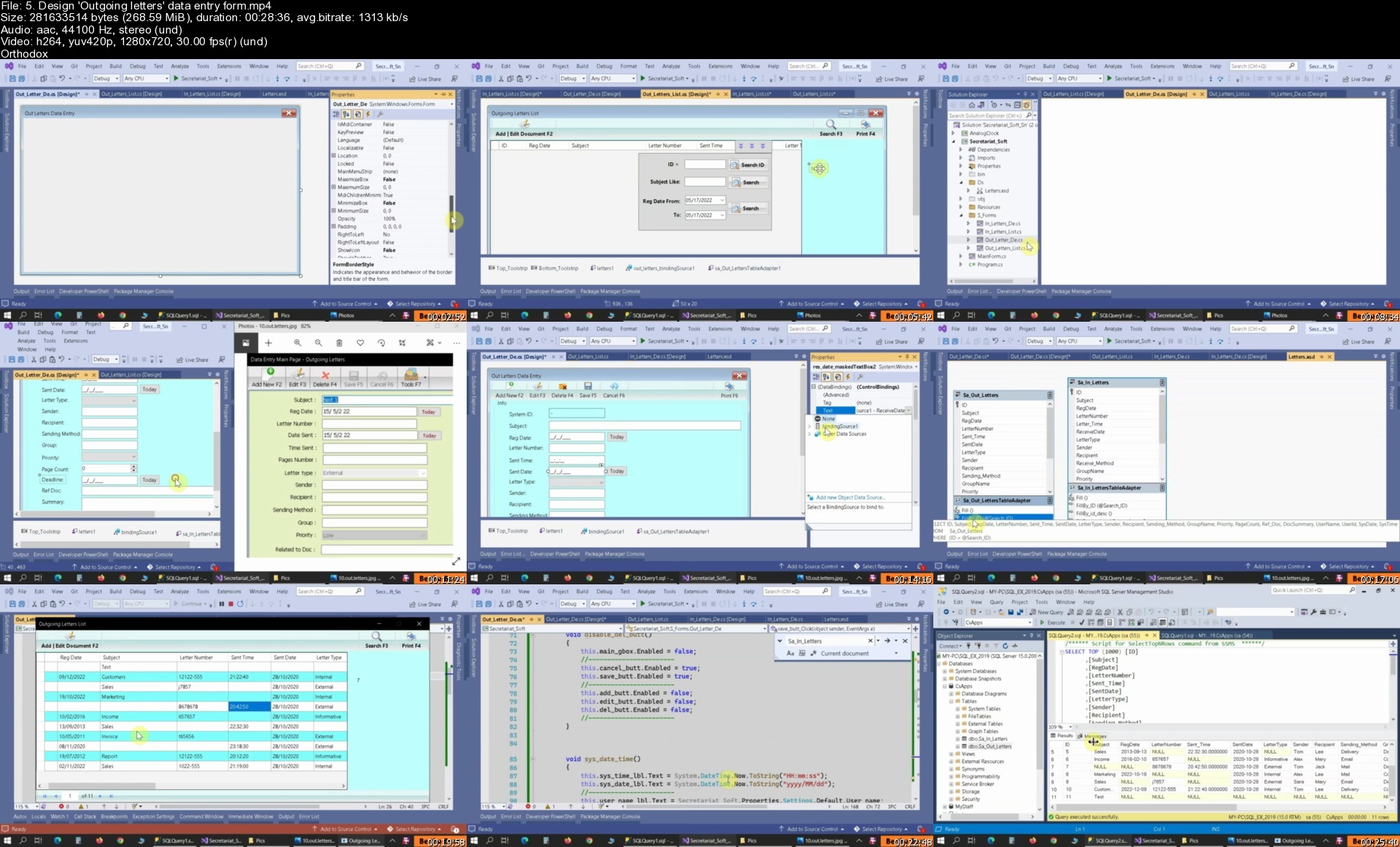
Homepage


5.designoutgoinglette0ycgi.jpg


Keyboard Lernen Im Einsteiger-Crashkurs (Videos + Downloads)

tjtiaszuca0cjyk2sabtosaezl.jpg


Keyboard Lernen Im Einsteiger-Crashkurs (Videos + Downloads)
MP4 | Video: h264, 1280x720 | Audio: AAC, 48 KHz
Language: Deutsch | Size: 6.77 GB | Duration: 5h 34m

Niño Locos Online-Keyboardschule O-KEY ist ein einfach anwendbarer teilinteraktiver Videokurs mit systematischem Aufbau.


What you'll learn
Im O-Key-Level 1 alle essentiellen Grundlagen für das typische Homekeyboarding üben und erlernen, um später mit O-Key-Level 2 weiter machen zu können.
Kennenlernen, verstehen und anwenden tonaler und rhythmischer Kenntnisse sowie praktische Fähigkeiten in Instrumentalspiel und Musiktheorie.
Kennenlernen, verstehen und anwenden wichtiger instrumentaltechnischer Basics am elektronischen Keyboard, sowie Fingertechniken am Tasteninstrument.
Erlernen erster beidhändiger Koordination am Keyboard (teils auch für Piano gültig), sowie erste Bekanntschaft mit dem Keyboard-Akkordspiel im SFC-Akkordmodus.
Am Ende von O-Key Level 1 spielst Du bereits beidhändig und bei laufender Begleitung Deinen ersten Keyboard-Song!
Requirements
Dieser O-Key-Level 1-Crashkurs richtet sich an Keyboard-Anfänger, welche zumindest ein Einsteiger-Keyboard besitzen.
Ebenfalls empfohlen ist ein Farbdrucker.

Description
Hallo Neu-O-Keyaner/in, sei herzlich willkommen!Beginne noch heute Deinen privaten Keyboardunterricht mit meinen professionellen und trotzdem unterhaltsamen Lehrfilmen. Steige hier und jetzt mit O-Key-Level 1 ein, dem Einsteigercrashkurs für blutige Anfänger. Lerne zuhause bei freier Zeiteinteilung modellunabhängig mit jedem Keyboard (optional und bedingt auch Piano) mit den Videos meiner Onlinemusikschule, von welchen es auf der O-Key-Webseite sehr viel mehr Videos in insgesamt 5 Level gibt.Im gesamtheitlichen O-Key-Kurs lernst Du Step by Step, wie Keyboardspielen wirklich (!) funktioniert, ab O-Key-Level 2 auch systematisch nach Noten vom Blatt, ab O-Key-Level 3 auch mit richtigen Multifinger-Akkorden. Auch reine Pianospieler können einen beträchtlichen Teil aller Videos ebenso fürs Klavier lernen nutzen, der Schwerpunkt bei O-Key liegt jedoch ganz klar auf dem Keyboard. Lade Dir dabei zu jedem Video alle zugehörigen Blätter zum Ausdrucken herunter, was Dich natürlich nichts extra kostet. Die kinderleichte Handhabung und die sonnenklaren Anweisungen in allen Lehrfilmen werden Dich beim Keyboard lernen mühelos von einem Aha-Erlebnis zum nächsten Spielerfolg katapultieren. Sobald Du einen Zugang zum gesamten Kurs mit seinen hunderten Videos und Downloads direkt auf O-Key buchst, hast Du gleichzeitig Zugang zum O-Key-Forum, zum Laborvideobereich, zum kompletten mini-TIPPs-Videobereich und zum virtuellen Proberaum und kannst Dich jederzeit mit anderen O-Keyanern austauschen und sogar Deine Aufnahmen uploaden und besprechen.Ich garantiere Dir, dass Du - unabhängig Deiner Altersklasse - mit dem riesigen Vorrat an O-Key-Lehrmaterial und allen auf O-Key gegebenen Möglichkeiten nach wenigen Monaten (manchmal nur Wochen) nachhaltigen Spielerfolg erzielst und viel Spaß mit meinem lockeren Humor in den Videos haben wirst, wie bereits einige Tausend O-Keyaner vor Dir. Probier´s aus!Los geht´s jetzt aber erstmal hier und heute mit O-Key-Level 1 als Einstiegs-Crashkurs.Dein Coach Niño Loco

Overview

Section 1: Tonklang

Lecture 1 LEHRVIDEO 1 zum Keyboard lernen: Intro, Übegelübde & erste Infos zur Tonordnung.

Lecture 2 Keyboardunterricht im PLAYALONG 1: Nachspiel- & Tonfindungsübungen an Stammtönen

Lecture 3 LEHRVIDEO 2: Sounds, erste Tonfindung und ganze Melodien am Keyboard spielen.

Lecture 4 Keyboard lernen im PLAYALONG 2: Sound-bezogenes Melodiemitspiel bekannter Songs.

Section 2: Koordination

Lecture 5 Keyboard spielen lernen im LEHRVIDEO 3: Handhaltung, Fingersatz & Koordination.

Lecture 6 PLAYALONG 3: Beidhändige Nachspiel- und Tonfindungsübungen auf allen Stammtönen.

Lecture 7 Keyboard Unterricht im LEHRVIDEO 4: Styleplay & Akkorde in Koordinationsübungen.

Section 3: Rhythmik

Lecture 8 LEHRVIDEO 5: Metronom, Tondauer und Zählen, 2 Kinderlieder mit grober Rhythmik.

Lecture 9 Keyboardschule-LEHRVIDEO 6: Rhythmusübungen & -pyramide, genauere Rhythmik.

Lecture 10 LEHRVIDEO 7 zum Keyboard lernen: Grundschlag, Taktart, Zählen, Rhythmikübungen.

Lecture 11 LEHRVIDEO 8: Beidhändiges Rhythmikspiel nach Noten in 8 Lagenübungen mit Style.

Section 4: Abschluss

Lecture 12 Keyboard online lernen im LEHRVIDEO 9: Akkordangaben, SFC-Akkordübungen, Checkup

Lecture 13 LEHRVIDEO 10: Spielübung, Keyboard spielen im 1. Song FREUDE SCHÖNER GÖTTERFUNKE

Lecture 14 QUIZVIDEO: Mit 5-seitigem Ausfüllbogen zum interaktiven Abschluss-Wissensquiz.

Lernwillige Keyboard-Einsteiger (Piano-Einsteiger nur bedingt), welche von der Pieke auf Keyboard spielen lernen und dabei wirklich ALLE Grundlagen mitnehmen möchten.,Vornehmlich für Erwachsene oder Jugendliche ab mindestens 10 Jahren.,Ideal auch für Menschen älteren Semesters, welche sich koordinativ, geistig oder handmotorisch vital halten wollen.,Angehende Neumusiker an den Tasten, welche nach einem fundierten und umfassenden, aber dennoch lustig unterhaltsamen Videokurs suchen.

Homepage


10lehrvideo7zumkeyboa6aevl.jpg


Learn Asp Net C# Oops Sql And Javascript For Development

jfr9oufcuidrz8j6fmxenv0fbd.jpg


Learn Asp Net C# Oops Sql And Javascript For Development
Published 6/2022
MP4 | Video: h264, 1280x720 | Audio: AAC, 44.1 KHz
Language: English | Size: 8.01 GB | Duration: 21h 30m

Complete developers course for web design, development, coding and database


What you'll learn
Build coding for webapps
Get a job as a junior web developer
Create your own stunning, layouts for awesome websites
Start their own online business
Master client-end design using JavaScript, back-end development C# aspnet coding with Microsoft SQL
Apply Asp Net C#, Microsoft SQL and JavaScript on real-world tasks
Create fully function web apps using Microsoft C#, SQL and JavaScript
Requirements
No programming experience needed. You will learn everything you need to know
No pre-knowledge is required - you will learn from basic

Description
In this course, we will learn the basic tools that every Web developer needs to know. We will start from the scratch by learning how to implement modern web development with JavaScript, Microsoft asp net C# and SQL.Learn to code JavaScript, Microsoft C# language and SQL database is The first step to Coding you need to learn to succeed in web development, it is easy to learn and understand our online JavaScript, asp net C# and Microsoft SQL Training course is designed for you with the complete steps to require learn Complete Developer topics. Mr. Sekhar Metla[MCP - Microsoft Certified Professional] will explain to you even complex topics to simplify and teach you even beginners can easily understand with real-time examples.At this Development course is without a doubt the most comprehensive web development course available online. Even if you have zero programming experience, this course will take you from beginner to mastery. Here's why:The course is taught by the lead instructor having 20+ years of professional experience.Become a Full-Stack Web Developer with just ONE course. Developers complete course for web design, development with scripting, coding and database queries!The course has been updated to be trending technology ready and you'll be learning the latest tools and technologies used at large companies such as Apple, Facebook, Google and Netflix.The curriculum was developed over a period of four years, with comprehensive student testing and feedback who are working and applying these coding examples.We've taught many students how to code and many have gone on to change their lives by becoming professional developers or starting their own tech startup.We'll take you step-by-step through engaging video tutorials and teach you everything you need to know to succeed as a web developer.The course includes HD video tutorials and builds your programming knowledge while making real-world websites and web apps.Throughout this comprehensive course, we cover a massive amount of tools and technologies, including:JavaScriptFront-End Web DevelopmentClient-side scriptingDatatypesOperatorsStatementsLoopsFunctionsValidationsError Handlingand more..Asp Net C# LanguageVariablesData typesStatementsControl flow statementsCode DevelopmentWeb DesignFunctionsObject oriented programming[OOPs]ClassMethodsInheritancePolymorphismAbstractionInterfaceError Handlingand more..Microsoft SQLSQL installationDatabaseTablesSQL functionsSQL statementsSQL operatorsSQL joinsSQL advancedTimestampFiltering dataAnalyzing dataGrouping dataConstraintsReportsBackup and Restoreand more..By the end of this course, you will be fluently programming and be ready to make any website you can dream of.Sign up today, and look forward to:HD Video LecturesCode Challenges and Coding ExercisesBeautiful Real-World dynamic ProjectsABOUT YOUR INSTRUCTORSekhar Metla is a software engineer with 20 years of professional experience. He is the author of several online-selling courses with more than 30,000+ students in many countries. He has a Master of Science in Computer Applications as Software Engineering. His students describe him as passionate, pragmatic, and motivational in his teaching.What are you waiting join now to start learning how to make your own Developer Career TODAY :)

Overview

Section 1: Introduction

Lecture 1 Introduction

Lecture 2 How to as great questions

Lecture 3 What is JavaScript

Lecture 4 Hello World Program

Lecture 5 Getting Output

Lecture 6 Internal JavaScript

Lecture 7 External JavaScript

Lecture 8 Inline JavaScript

Lecture 9 Async and defer

Section 2: JavaScript Basics

Lecture 10 Variables

Lecture 11 Data Types

Lecture 12 Numbers

Lecture 13 Strings

Lecture 14 String Formatting

Section 3: JavaScript Operators

Lecture 15 Arithmetic operators

Lecture 16 Assignment operators

Lecture 17 Comparison operators

Lecture 18 Logical operators

Section 4: JavaScript Conditional Statements

Lecture 19 If-else statement

Lecture 20 If-else-if statement

Section 5: JavaScript Control Flow Statements

Lecture 21 While loop

Lecture 22 Do-while loop

Lecture 23 For loop

Lecture 24 Coding Exercise

Lecture 25 Solution for Coding Exercise

Section 6: JavaScript Functions

Lecture 26 Creating a Function

Lecture 27 Function Call()

Lecture 28 Function with parameters

Section 7: JavaScript Error Handling

Lecture 29 Try-catch

Lecture 30 Try-catch-finally

Section 8: JavaScript Client-Side Validations

Lecture 31 On Submit Validation

Lecture 32 Input Numeric Validation

Section 9: C# Introduction

Lecture 33 Introduction to CSharp

Lecture 34 CSharp vs .NET

Lecture 35 What is CLR

Lecture 36 Architecture of .NET Application

Lecture 37 Getting Visual Studio

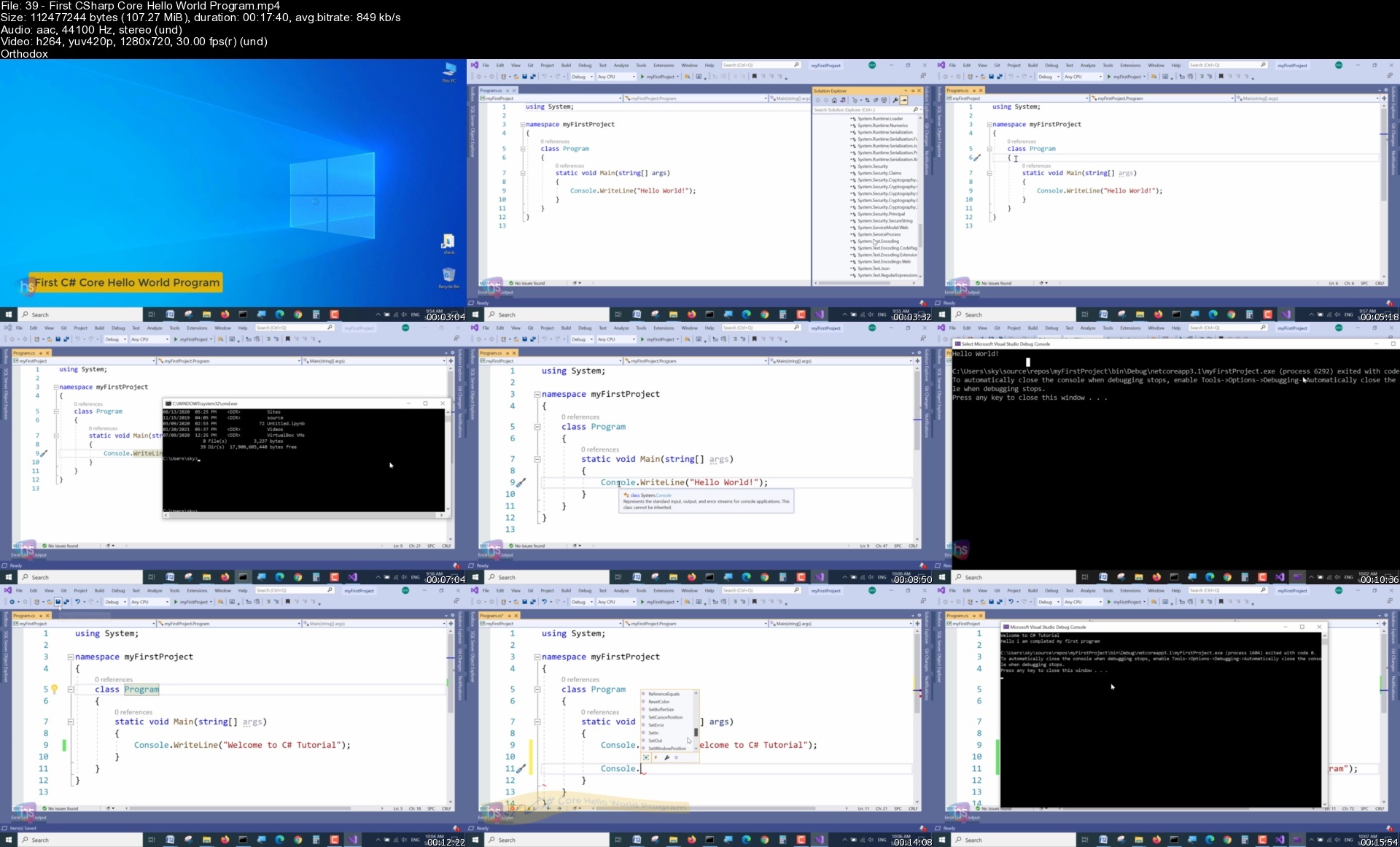
Lecture 38 First CSharp Hello World Application

Lecture 39 First CSharp Core Hello World Program

Lecture 40 Assessment Test

Lecture 41 Solution for Assessment Test

Section 10: C# Basic

Lecture 42 Variables

Lecture 43 CSharp Identifiers

Lecture 44 Data Types

Lecture 45 Type Casting

Lecture 46 User Inputs

Lecture 47 Comments

Section 11: C# Operators

Lecture 48 Arithmetic Operators

Lecture 49 Assignment Operators

Lecture 50 Comparison Operators

Lecture 51 Logical Operators

Lecture 52 Strings

Lecture 53 String Properties

Lecture 54 Booleans

Lecture 55 Assessment Test

Lecture 56 Solution for Assessment Test

Section 12: C# Statements

Lecture 57 If else Conditions and Statements

Lecture 58 Switch-Case Statements

Section 13: C# Control Flow statements

Lecture 59 While Loop Statement

Lecture 60 Do-While Statement

Lecture 61 For Loop Statement

Lecture 62 Foreach Statement

Lecture 63 Break and Continue

Section 14: C# Built-in coding

Lecture 64 Arrays

Lecture 65 Loop Through Arrays

Lecture 66 Lists

Lecture 67 System.IO Namespace

Lecture 68 Datetime

Lecture 69 TimeSpan

Section 15: C# Debugging techniques

Lecture 70 Debugging Tools in Visual Studio

Lecture 71 Call Stack Window

Lecture 72 Locals and Autos

Section 16: C# Object oriented programming[OOPs]

Lecture 73 Introduction to Class

Lecture 74 Create a Class

Lecture 75 Object Initializers

Lecture 76 Parameters

Lecture 77 Access Modifiers(theory)

Section 17: C# Methods

Lecture 78 Introduction to methods

Lecture 79 Create a method

Lecture 80 Method with parameters

Lecture 81 Method default and multiple parameters

Lecture 82 Method return keyword

Lecture 83 Method Over loading

Lecture 84 Assessment Test

Lecture 85 Solution for Assessment Test

Section 18: C# Class Encapsulation

Lecture 86 Introduction to OOPs

Lecture 87 Classes and Objects

Lecture 88 Class Members

Lecture 89 Class Constructors

Lecture 90 Access Modifiers

Lecture 91 Properties Get Set

Lecture 92 Encapsulation

Section 19: C# Inheritance and Polymorphism

Lecture 93 Intro Inheritance and Polymorphism

Lecture 94 Inheritance

Lecture 95 Polymorphism

Lecture 96 Assessment Test

Lecture 97 Solution for Assessment Test

Section 20: C# Abstract and Interfaces

Lecture 98 Introduction

Lecture 99 Abstraction

Lecture 100 Interfaces

Lecture 101 Enums

Section 21: C# Error Handling techniques

Lecture 102 Try Catch

Lecture 103 Custom message on Errors

Lecture 104 Finally

Lecture 105 Throw keyword

Section 22: Microsoft SQL Introduction

Lecture 106 Introduction

Lecture 107 Overview of Databases

Lecture 108 MSSQL Installation

Lecture 109 MSSQL SSMS Installation

Lecture 110 Connecting to MS-SQL (Windows Authentication)

Lecture 111 Connecting to MS-SQL (SQL Server Authentication)

Section 23: MS SQL Statements

Lecture 112 SQL statement basic

Lecture 113 SELECT Statement

Lecture 114 SELECT DISTINCT

Lecture 115 Column AS Statement

Lecture 116 COUNT

Section 24: MS SQL Filtering Data

Lecture 117 SELECT WHERE Clause - One

Lecture 118 SELECT WHERE Clause - Two

Lecture 119 ORDER BY

Lecture 120 TOP in MSSQL

Lecture 121 BETWEEN

Lecture 122 IN Operator - Condition

Lecture 123 LIKE

Section 25: MS SQL Functions

Lecture 124 Overview of GROUP BY

Lecture 125 Aggregation Function - SUM()

Lecture 126 Aggregation Function - MIN()-MAX()

Lecture 127 GROUP BY - One(theory)

Lecture 128 GROUP BY - Two(practical)

Lecture 129 HAVING

Section 26: MS SQL Joins

Lecture 130 Overview of JOINS

Lecture 131 Introduction to JOINS

Lecture 132 AS Statement

Lecture 133 INNER Join

Lecture 134 Full Outer Join

Lecture 135 Left Outer Join

Lecture 136 Right Outer Join

Lecture 137 Union

Section 27: MS SQL Advanced commands

Lecture 138 Basic of Advanced SQL Commands

Lecture 139 Timestamp

Lecture 140 Extract from Timestamp

Lecture 141 Mathematical Scalar Functions

Lecture 142 String Functions

Lecture 143 SubQuery

Section 28: MS SQL Structure and Keys

Lecture 144 Basic of Database and Tables

Lecture 145 Data Types

Lecture 146 Select Datatype on SSMS

Lecture 147 How to set Primary Key

Lecture 148 How to set Foreign Key

Lecture 149 Create Table using SQL Script

Section 29: MS SQL Queries

Lecture 150 Insert query

Lecture 151 Update query

Lecture 152 Delete query

Section 30: MS SQL Structure queries

Lecture 153 Alter Table

Lecture 154 Drop Table

Section 31: MS SQL Constraints

Lecture 155 Check Constraint

Lecture 156 NOT NULL Constraint

Lecture 157 UNIQUE Constraint

Section 32: MS SQL Backup and Restore

Lecture 158 Overview of Database and Tables

Lecture 159 Creating a Database backup using SSMS

Lecture 160 Restoring a Database from backup using SSMS

Beginner Asp Net C# coding, Microsoft SQL and JavaScript developers curious about web development,Anyone who wants to generate new income streams,Anyone who wants to build websites,Anyone who wants to become financially independent,Anyone who wants to start their own business or become freelance,Anyone who wants to become a Full stack web developer

Homepage


39firstcsharpcorehellrae44.jpg


Build NFT metaverse with Unity on Algorand

6gt2za5rsoseyapelzirpbzc4j.jpg


Build NFT metaverse with Unity on Algorand
Published 06/2022
MP4 | Video: h264, 1280x720 | Audio: AAC, 44.1 KHz, 2 Ch
Genre: eLearning | Language: English + srt | Duration: 93 lectures (8h 45m) | Size: 6.85 GB

The most comprehensive course to build a metaverse world on a blockchain


What you'll learn
Foundations to start building a metaverse from scratch on the Algorand blockchain
Create 2-way transactions between Unity3D game and the blockchain
Have players "play to earn" crypto tokens
Build a system for players to buy, sell and trade NFTs
multiplayer communication
deploy your metaverse game on iPhones, Android phones, and the web

Requirements
No programming experience needed, every single steps is shown in the video lectures. You will learn everything you need to know. Works on Mac, Windows and Linus computers


Description
Hello and thank you for your interest in this course. My name is Yohann. I am course instructor.

This course is the only course you need to get the fundamentals to help you build a "play to earn" metaverse world on the blockchain.

With over 20 years of experience as a software engineer combined with my experience as a college instructor, I have no doubt that by taking this course you will have a hands-on experience on how to build your own NFT metaverse world using Unity3D game engine and making transactions of the algorand blockchain, one of the best blockchains there is out there.

The course covers a variety of technologies and tools.

You will learn how to use Unity to design a game and an NFT store. (non fungible tokens). You will also learn how to make transactions on the algorand blockchain to allow users to play to earn crypto coins, buy, sell and trade NFTs and also how to allow user to connect they crypto wallet the safe and secure way.

Now if you don't know much of the above terminology, don't worry about it, you're in the right place. I literally have recorded every single details in the video lectures, there is no prior knowledge required, everything is shown to you. And you can pause and replay the videos as many times as you wish to.

This course is an "all in one" course, it covers the game design, programming, setup, deployment and the blockchain foundations to make you advance in your career.

And the best part is that I keep adding new content regularly because this field is evolving at light speed.

Finally, I am so confident this course will bring you so much value that I'm giving away the first 2 hours at no cost to watch instantly.

Don't be the one to get left behind. Get started today and join millions of people taking part in the meta verse revolution.

Start watching now. Enjoy the course and I wish you good fortune making your own metaverse.

Who this course is for
Game developers and hobbyists
Video game lovers
Metaverse enthusiasts
Smart people wanting to build the FUTURE today

Homepage


8.008codingthelogicfohxc41.jpg


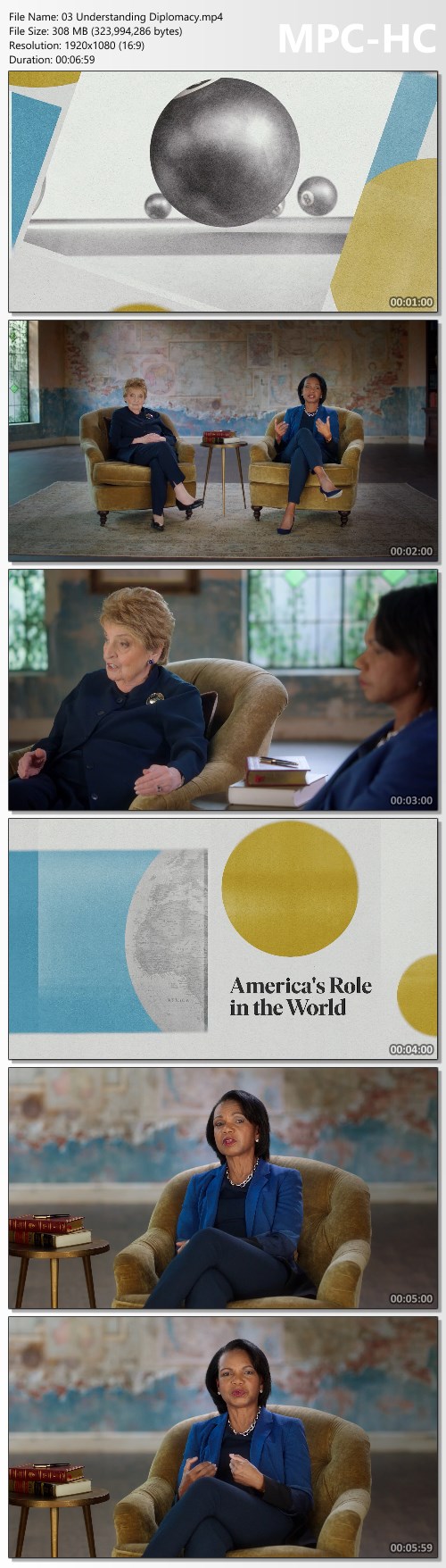
MasterClass - Madeleine Albright and Condoleezza Rice Teach Diplomacy

3601407bd7039948c4951aafbb4907af.jpg

MasterClass - Madeleine Albright and Condoleezza Rice Teach Diplomacy
MP4 | Video: h264, 1920x1080 | Audio: AAC, 44.1 KHz, 2 Ch | Released 08/2022
Genre: eLearning | Language: English + srt | Duration: 17 Lessons (3h 40m) | Size: 9.8 GB​
Former Secretaries of State Madeleine Albright and Condoleezza Rice teach you to settle differences in everyday life like a diplomat

Madeleine Albright and Condoleezza Rice stood toe to toe with dictators, counseled presidents, and managed to find common ground on issues that still polarize us today. Sit down with two legendary secretaries of state as they reveal how to build bridges, hold boundaries, and apply history's lessons to everyday challenges. The class presents an intimate portrait of the late Dr. Albright's legacy for the next generation.

Browse Lesson Plan
1. Prologue
2. Meet Your Instructors: Madeleine Albright & Condoleezza Rice
3. Understanding Diplomacy
4. Traits of a Good Diplomat
5. Diplomacy Primer: Cold War and NATO
6. A Diplomat's Toolbox
7. Building Relationships
8. Reconciling Differences and Disagreements
9. Navigating Personalities
10. Being the First
11. Building a Trusted Team
12. Leading Your Team
13. Rubrics for Decision Making
14. Learning From Failed Decisions
15. Managing Crises
16. Read My Pins: Stories of Jewelry Box Diplomacy
17. The Future of Democracy

Screenshots
7bcbc3abdc8963b7925b63e86743241a.jpg


Link Download
Extract files with WinRar 5 or Latest !
 
Zurück
Oben Unten