• Regeln für den Video-Bereich:

    In den Börsenbereich gehören nur Angebote die bereits den Allgemeinen Regeln entsprechen.

    Einteilung

    - Folgende Formate gehören in die angegeben Bereiche:
    - Filme: Encodierte Filme von BluRay, DVD, R5, TV, Screener sowie Telesyncs im Format DivX, XviD und x264.
    - DVD: Filme im Format DVD5, DVD9 und HD2DVD.
    - HD: Encodierte Filme mit der Auflösung 720p oder darüber von BluRay, DVD, R5, TV, Screener sowie Telesyncs im Format x264.
    - 3D: Encodierte Filme von BluRay, die in einem 3D Format vorliegen. Dies gilt auch für Dokus, Animation usw.
    - Serien: Cartoon/Zeichentrick, Anime, Tutorials, Dokumentationen, Konzerte/Musik, Sonstiges sind demnach in die entsprechenden Bereiche einzuordnen, auch wenn sie beispielsweise im High Definition-Format oder als DVD5/DVD9/HD2DVD vorliegen. Ausnahme 3D.
    - Bereich Englisch: Englische Releases gehören immer in diesen Bereich.
    - Bereich Talk: Der Bereich, in dem über die Releases diskutiert werden kann, darf, soll und erwünscht ist.


    Angebot/Beitrag erstellen

    - Ein Beitrag darf erst dann erstellt werden, wenn der Upload bei mindestens einem OCH komplett ist. Platzhalter sind untersagt.
    - Bei einem Scenerelease hat der Threadtitel ausschließlich aus dem originalen, unveränderten Releasenamen zu bestehen. Es dürfen keine Veränderungen wie z.B. Sterne, kleine Buchstaben o.ä. vorgenommen werden. Ausnahme Serienbörse:
    - Bei einem Sammelthread für eine Staffel entfällt aus dem Releasename natürlich der Name der Folge. Beispiel: Die Simpsons S21 German DVDRip XviD - ITG
    - Dementsprechend sind also u.a. verboten: Erweiterungen wie "Tipp", "empfehlenswert", "only", "reup", usw. / jegliche andere Zusatzinformation oder Ergänzung, welche nicht in obiger Beschreibung zu finden ist.

    Aufbau des Angebots und Threadtitel

    Der Titel nach folgendem Muster erstellt zu werden. <Name> [3D] [Staffel] [German] <Jahr> <Tonspur> [DL] [Auflösung] <Quelle> <Codec> - <Group>
    Beispiel: The Dark Knight German 2008 AC3 DVDRip XviD - iND
    Beispiel: The Dark Knight 2008 DTS DL BDRip x264 - iND
    Beispiel: The Dark Knight 2008 AC3 DL BDRip XviD - iND
    Beispiel: The Dark Knight German 2008 AC3 720p BluRay x264 iND
    Beispiel: The Dark Knight 2008 DTS DL 1080p BluRay x264 iND
    Beispiel: Die Simpsons S01 German AC3 DVDRip XviD iND
    Beispiel: Die Simpsons S20 German AC3 720p BluRay x264 iND
    Beispiel: Sword Art Online II Ger Sub 2014 AAC 1080p WEBRip x264 - peppermint
    Entsprechend sind also u.a. verboten: Sonderzeichen wie Klammern, Sterne, Ausrufezeichen, Unterstriche, Anführungszeichen / Erweiterungen wie "Tipp", "empfehlenswert", "only", "reup", usw. / jegliche andere Zusatzinformation oder Ergänzung, welche nicht in obiger Beschreibung zu finden ist
    Ausnahmen hiervon können in den Bereichen geregelt sein.

    Die Beiträge sollen wie folgt aufgebaut werden:
    Überschrift entspricht dem Threadtitel
    Cover
    kurze Inhaltsbeschreibung
    Format, Größe, Dauer sind gut lesbar für Downloader außerhalb des Spoilers zu vermerken
    Nfo sind immer Anzugeben und selbige immer im Spoiler in Textform.
    Sind keine Nfo vorhanden z.B. Eigenpublikationen, sind im Spoiler folgende Dateiinformationen zusätzlich anzugeben :
    Quelle
    Video (Auflösung und Bitrate)
    Ton (Sprache, Format und Bitrate der einzelnen Spuren)
    Untertitel (sofern vorhanden)
    Hosterangabe in Textform außerhalb eines Spoiler mit allen enthaltenen Hostern.
    Bei SD kann auf diese zusätzlichen Dateiinformationen verzichtet werden.

    Alle benötigten Passwörter sind, sofern vorhanden, in Textform im Angebot anzugeben.
    Spoiler im Spoiler mit Kommentaren :"Schon Bedankt?" sind unerwünscht.


    Releases

    - Sind Retail-Release verfügbar, sind alle anderen Variationen untersagt. Ausnahmen: Alle deutschen Retail-Release sind CUT, in diesem Fall sind dubbed UNCUT-Release zulässig.
    - Im Serien-Bereich gilt speziell: Wenn ein Retail vor Abschluss einer laufenden Staffel erscheint, darf diese Staffel noch zu Ende gebracht werden.62
    - Gleiche Releases sind unbedingt zusammenzufassen. Das bedeutet, es ist zwingend erforderlich, vor dem Erstellen eines Themas per Suchfunktion zu überprüfen, ob bereits ein Beitrag mit demselben Release besteht. Ist dies der Fall, ist der bereits vorhandene Beitrag zu verwenden.
    - P2P und Scene Releases dürfen nicht verändert oder gar unter einem iND Tag eingestellt werden.


    Support, Diskussionen und Suche

    - Supportanfragen sind entweder per PN oder im Bereich Talk zu stellen.
    - Diskussionen und Bewertungen sind im Talk Bereich zu führen. Fragen an die Uploader haben ausschließlich via PN zu erfolgen, und sind in den Angeboten untersagt.
    - Anfragen zu Upload-Wünschen sind nur im Bereich Suche Video erlaubt. Antworten dürfen nur auf Angebote von MyBoerse.bz verlinkt werden.


    Verbote

    - Untersagt sind mehrere Formate in einem einzigen Angebotsthread, wie beispielsweise das gleichzeitige Anbieten von DivX/XviD, 720p und 1080p in einem Thread. Pro Format, Release und Auflösung ist ein eigener Thread zu eröffnen.
    - Grundsätzlich ebenso verboten sind Dupes. Uploader haben sich an geeigneter Stelle darüber zu informieren, ob es sich bei einem Release um ein Dupe handelt.
    - Gefakte, nur teilweise lauffähige oder unvollständige Angebote sind untersagt. Dies gilt auch für eigene Publikationen, die augenscheinlich nicht selbst von z.B. einer DVD gerippt wurden. Laufende Serien, bei denen noch nicht alle Folgen verfügbar sind, dürfen erstellt und regelmäßig geupdatet werden.
    - Untersagt sind Angebote, welche nur und ausschließlich in einer anderen Sprache als deutsch oder englisch vorliegen. Ausnahmen sind VORHER mit den Moderatoren zu klären.


    Verstoß gegen die Regeln

    - Angebote oder Beiträge, die gegen die Forenregeln verstoßen, sind über den "Melden"-Button im Beitrag zu melden.
  • Bitte registriere dich zunächst um Beiträge zu verfassen und externe Links aufzurufen.

*** Bestes IPTV *** bester Preis *** gratis Test ***


Englische Tutorials

The Complete Mergers & Acquisitions Master Class!

hpqkpilqkoomd2nmnfjucpei9k.jpg


The Complete Mergers & Acquisitions Master Class!
Last updated 6/2022
MP4 | Video: h264, 1280x720 | Audio: AAC, 44.1 KHz
Language: English | Size: 6.45 GB | Duration: 6h 15m

Your Comprehensive Guide to become an Expert of M&A in a very dynamic globalized Business World, ACE THE DEAL!


What you'll learn
Mergers and Acquisitions (M&A) - Business valuation - Business analysis - Business growth - Business decision-making
Corporate strategy - Due Diligence - Market and competition analysis - corporate culture - Anti-trust & Anti-Monopoly laws
Requirements
Have an idea about business, Accounting and Finance
Microsoft Excel basics
You must have passion as well!

Description
Please leave me alone !!!!!!!!!!!Why would I take that course and learn Mergers and Acquisitions ?????????????????????A good question, but if you think that your company is far away from mergers and Acquisitions, you are wrong!!!What wrong? why do you say so Sam?Because, all companies are looking for synergies and alliances to strengthen their position in the market. Mergers and acquisition can provide a safe path for growing businesses. Look around you, read Finance articles and watch Business shows, you would know that mergers and Acquisitions are closer to you than you might think. If you search for past Mergers and Acquisitions deals, you would believe my words. Look at the Chinese and American markets and see how many deals took place already and how many cases are under negotiations by now?It's time to learn the concepts of M&A and equip yourself with the necessary skills to be ready, in case your company decided to go into Mergers and Acquisitions!What are you waiting for? let's hop right in !!!!Mergers and Acquisitions explained step by step and made easy. Topics covered are:Mergers and Acquisition definitionsTypes of Mergers and Acquisition from multiple anglesLegal aspects of Mergers and AcquisitionsSynergies and benefits of M&ADrawbacks of M&APre-acquisition steps Post-Acquisition stepsBusiness valuation techniques and approaches with practical examplesFunding and Consideration sourcesM&A negotiations and managerial tacticsOrganic corporate growthCorporate life cycleTax implications of M&AAnti-trust and anti-monopoly lawsTechniques to counter attack a hostile AcquisitionDue Diligence for a target companyBusiness analysis and techniques Corporate strategy and planningPast Mergers and Acquisition transactions' statisticsSome successful M&A real cases in detail and many other thingsRecommendations and quick wins to managers

Overview

Section 1: Introduction

Lecture 1 Table Of Contents

Lecture 2 Course overview

Lecture 3 Expectations out of the course

Lecture 4 Tutor's intro

Section 2: What are Mergers and Acquisition

Lecture 5 Doubt over definitions of M&A

Lecture 6 Acquisition definition

Lecture 7 Mergers definition

Section 3: Legal aspects of M&A

Lecture 8 Legal form of Acquisitions

Lecture 9 Legal form of Mergers

Lecture 10 Legal Integeration Forms

Section 4: Types of Mergers and Acquisitions (based on industry, products, and services)

Lecture 11 Types of M&A based on industry

Lecture 12 Vertical M&A

Lecture 13 Vertical M&A example

Lecture 14 Horizontal M&A

Lecture 15 Conglomerate M&A

Lecture 16 Conglomerate M&A and risk

Lecture 17 Concentric M&A

Lecture 18 Pre-Acquisition Checklist

Section 5: Types of Mergers and Acquisitions (based on company form)

Lecture 19 Types of M&A based on company form

Lecture 20 Private target company

Lecture 21 Public target company

Lecture 22 Engagement & Coming together!

Section 6: Friendly or hostile take-over?

Lecture 23 Friendly or hostile take-over

Lecture 24 Friendly take-over

Lecture 25 Hostile take-over

Section 7: How to resist a hostile take-over?

Lecture 26 Techniques to counter attack a hostile take over

Lecture 27 Golden Parachute

Lecture 28 Poison Pill

Lecture 29 Self-Tender

Lecture 30 Greenmail

Lecture 31 Pac-Man

Lecture 32 White Knight

Lecture 33 Asset Spinoff

Lecture 34 People Pill technique

Section 8: Pre-acquisition steps

Lecture 35 pre-acquisition steps brief

Lecture 36 Determine Growth Markets/Services

Lecture 37 Identify Merger and Acquisition Candidates

Lecture 38 Assess Strategic Financial Position and Fit

Lecture 39 Make a Go/No Decision

Lecture 40 Perform business Valuation

Lecture 41 Perform Due Diligence, Negotiate , and Execute Transaction

Lecture 42 Real life engagement case scenario

Section 9: Post-acquisition steps

Lecture 43 Post-acquisition steps

Lecture 44 Top Executives & Stakeholders

Lecture 45 Diligence Team Members

Lecture 46 Human Resources (HR)

Lecture 47 A Change Management Expert team

Lecture 48 Post-Acquisition Checklist

Section 10: Synergies and benefits of M&A

Lecture 49 Synergies of M&A

Lecture 50 Cost synergies

Lecture 51 Revenue synergies

Lecture 52 Financial synergies

Lecture 53 Marketing synergies

Section 11: Disadvantages of M&A

Lecture 54 Disadvantages of M&A

Lecture 55 Clash of Cultures

Lecture 56 Diseconomies of Scale

Lecture 57 Consumer Perceptions

Lecture 58 The Layoffs Dilemma

Lecture 59 Higher Consumer Prices

Lecture 60 Economies vs diseconomies of scale!

Section 12: Modes of Payment & Deal settlement

Lecture 61 Payment modes

Lecture 62 Cash payment

Lecture 63 Securities payment

Lecture 64 Fixed shares or Fixed value approach?

Lecture 65 Leveraged buyout

Section 13: Organic growth & Corporate life cycle

Lecture 66 Organic Growth

Lecture 67 Corporate life cycle

Lecture 68 At what stage M&A is preferred

Lecture 69 Decision to go for M&A

Lecture 70 Growth opportunity Case study - CEO

Section 14: Valuation Techniques & Tactics

Lecture 71 Valuation Techniques

Lecture 72 Assets based Valuation

Lecture 73 Assets based valuation example

Lecture 74 Income based valuation technique

Lecture 75 Income based valuation example

Lecture 76 Income-Based Valuation Example Advanced

Lecture 77 Market based valuation technique

Lecture 78 Market based valuation example

Lecture 79 Business Goodwill!

Section 15: Quick wins

Lecture 80 Cash Vs Shares settlement

Lecture 81 Single-bidder Vs Multi-bidders target co

Lecture 82 Big Vs Small target co

Section 16: Past M&A statistics & Trends

Lecture 83 Ranking of top 10 Mergers and Acquisitions

Lecture 84 Number and value of cross border M&A

Lecture 85 Number and value of hostile M&A

Lecture 86 M&A number and value per country

Lecture 87 Number and value of mergers of equals

Lecture 88 Number and value of mega M&A

Lecture 89 Past M&A deals in India

Section 17: Real Market Cases, WIN-WIN Deals

Lecture 90 Disney and Pixar/ Marvel Acquisition

Lecture 91 Google and Android Acquisition

Lecture 92 Pfizer and Warner Lambert Acquisition

Section 18: Business analysis - PORTERS 5 FORCES

Lecture 93 Porter's 5 Forces

Lecture 94 Threats of new entrants

Lecture 95 Threats of substitutes

Lecture 96 Bargaining power of customers

Lecture 97 Bargaining power of suppliers

Lecture 98 Competitive rivalry

Section 19: Business analysis - PESTEL Model

Lecture 99 PESTEL technique

Lecture 100 Political aspects

Lecture 101 Economical aspects

Lecture 102 Socio-cultural aspects

Lecture 103 Technological aspects

Lecture 104 Environmental aspects

Lecture 105 Legal aspects

Section 20: Business analysis - SWOT Model

Lecture 106 SWOT analysis overview

Lecture 107 SWOT analysis continued

Lecture 108 Strengths aspect

Lecture 109 Weaknesses aspect

Lecture 110 Opportunities aspect

Lecture 111 Opportunities continued

Lecture 112 Threats aspect

Lecture 113 Case Study

Section 21: Deal Negotiations and Managerial Tactics

Lecture 114 The Letter Of Intent (LOI)

Lecture 115 Negotiations after The Letter Of Intent (LOI)

Lecture 116 Importance of Negotiations

Lecture 117 What to do before negotiations start?

Lecture 118 What to do during negotiations?

Lecture 119 What to do after negotiations?

Lecture 120 Covid-19 & Europe

Section 22: Deal Structure & Tax Implications

Lecture 121 Tax impacts and consequences of M&A

Lecture 122 Stock purchase transaction

Lecture 123 Pros & Cons of Stock purchase transaction

Lecture 124 Assets purchase transaction

Lecture 125 Pros & Cons of Assets purchase transaction

Section 23: Role of Investment Banking In M&A

Lecture 126 Investment Banking Overview

Lecture 127 Levels Of Engagement With Investment Banking

Lecture 128 Role of Investment Banking In M&A

Lecture 129 Business Valuation Services

Lecture 130 Provision of Financing

Lecture 131 Value Creation not value destruction

Lecture 132 Confidential Information Memorandum

Lecture 133 Investment Teaser

Section 24: Management buyout (MBO) & buy-in (MBI)

Lecture 134 Unlike a normal M&A transaction

Lecture 135 Management Buyout (MBO)

Lecture 136 Management Buy-In (MBI)

Section 25: Anti-trust & Anti-monopoly laws

Lecture 137 What is anti-trust laws

Lecture 138 Extracts from AntI- trust laws

Section 26: M&A and Intellectual Property Rights

Lecture 139 What is Intellectual Property?

Lecture 140 IP-Related Issues!

Section 27: M&A and Enterprise Risk Management (ERM)

Lecture 141 M&A and ERM

Lecture 142 Areas to be Analyzed by ERM Team

Lecture 143 Failed M&A due to Lack of ERM

Section 28: Wrapping up and Conclusion

Lecture 144 Wrapping up and conclusion

Lecture 145 Wrap up

Lecture 146 Conclusion

Section 29: Multiple Lectures

Lecture 147 M&A- It's like marriage!!

Lecture 148 Power of customers over companies!

Lecture 149 Change management team

Lecture 150 Covid-19 and Corporate Risk Management

Section 30: Final assessment

Business & law students, Accountants, Finance officers, Finance managers, Business analysts, Financial analysts, Entrepreneurs, any one interested in business,Enthusiasts and Aspirants in the field of Business, Law, Accounts, Finance, and Entrepreneurship

Homepage

47achangemanagementexp8fj4.jpg


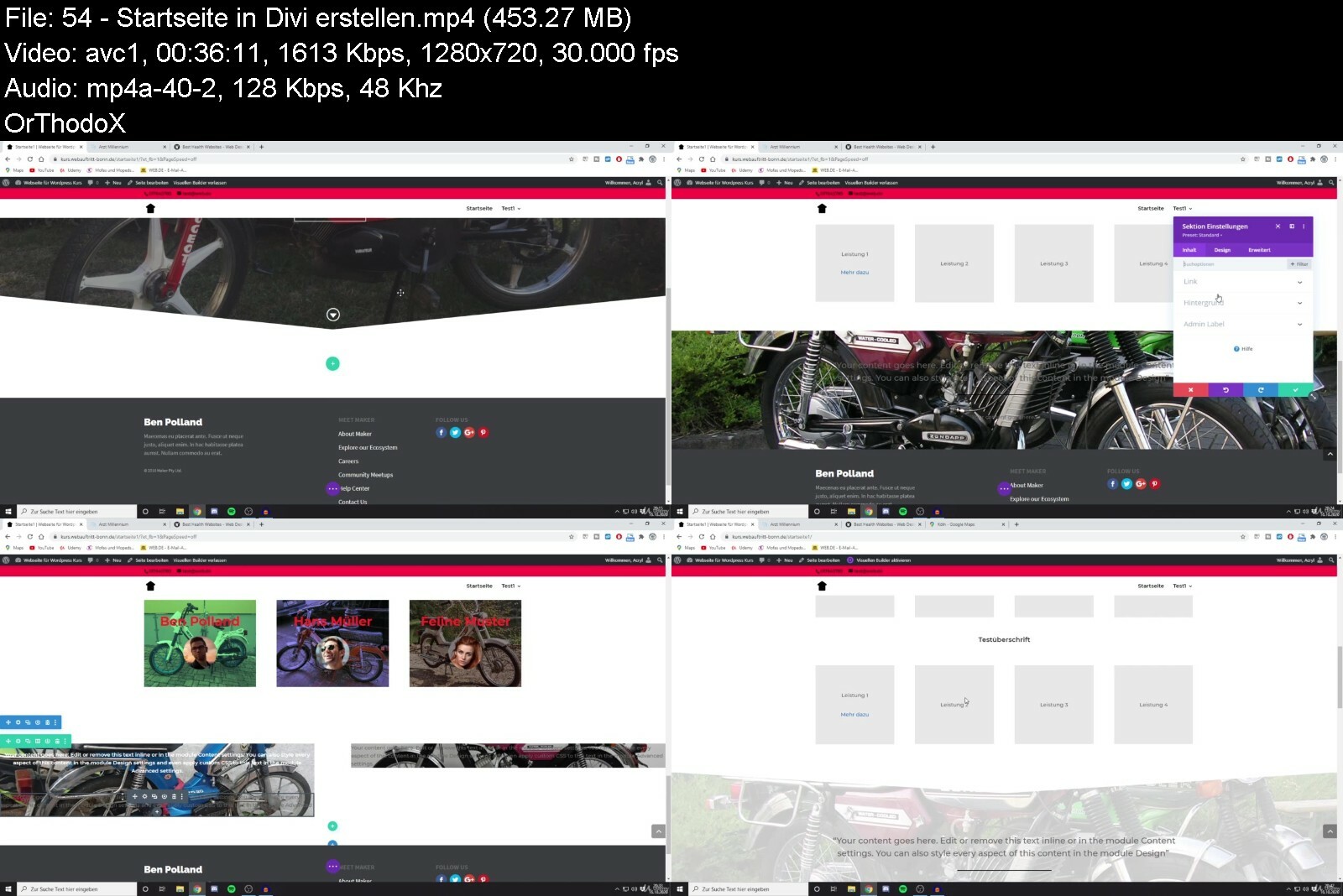
Wordpress Masterclass - Blog Und Webseite Selbst Erstellen!

qy6tk4xygbph1l3g6sdsadoct1.jpg


Wordpress Masterclass - Blog Und Webseite Selbst Erstellen!
MP4 | Video: h264, 1280x720 | Audio: AAC, 48 KHz
Language: Deutsch | Size: 7.88 GB | Duration: 12h 9m

Wordpress Profi Tutorial. Lerne, professionelle Webseiten mit Wordpress zu erstellen.


What you'll learn
Erstellung einer professionellen Webseite in Wordpress ohne Programmierkenntnisse
Du lernst, wie Du sicher und eigenständigmit Wordpress umgehen kannst
Lerne mit Wordpress eine komplette Webseite von A-Z zu erstellen
Du kannst nach diesem Kurs Landingpages erstellen
Der Kurs ist für die aktuelle Wordpress Version optimiert und wird ständig aktualisiert.
Tipps und Tricks rund um Elementor und Divi
Hilfreiche Tipps zum Thema DSGVO, Plugins und Themes
Viele Praxis Projekte, die Du 1:1 für Dich verwenden kannst.
Requirements
Wordpress, unabhängig von der Version.
Es ist kein Vorwissen nötig. Ich erkläre auch, wie Du ein Hosting-Paket kaufst und dort Wordpress installierst.
Der Kurs ist logisch strukturiert, somit ist er perfekt für Anfänger geeignet.

Description
Du bist Anfänger und hast keine Programmierkenntnisse, möchtest aber trotzdem tolle und professionelle Webseiten erstellen?Dann bist du hier genau richtig - Mein Name ist Ben Polland und ich zeige dir Schritt für Schritt wie einfach es ist, dank Wordpress in kurzer Zeit individuelle und eye-catching Homepages zu erstellen.Webseiten Erstellung leicht gemachtDank dem Drag-and-Drop Builder "Divi" und "Elementor" benötigst du keine Vorkenntnisse oder Programmierkenntnisse. Die Bedienung hast du innerhalb kürzester Zeit verinnerlicht und bist dann in der Lage, tolle Webseiten für deine eigenen Projekte zu erstellen.In meinem Kurs lernst du sowohl ein kostenpflichtiges Theme (Divi) als auch ein kostenloses Theme (Futurio) kennen, damit du entscheiden kannst, wie du mit Wordpress durchstartest. Selbstverständlich kannst Du auch ein eigenes Theme auswählen und das gelernte Wissen anwenden.Profitiere von der umfangreichen Divi Layout-Bibliothek und den kostenlose Theme Demos oder erstelle deine eigene Seite von null an - für jeden ist hier das richtige dabei.In diesem Kurs gehe ich ausführlich und Schritt für Schritt vor und erkläre dir hier nicht nur in der Theorie, worauf du bei Erstellung einer Webseite achten sollst sondern zeige dir alle wichtigen Elemente in Divi und Elementor. Außerdem zeige ich dir in mehreren Praxisbeispielen, wie schnell du dank der einfachen Page-Builder eine Homepage für dein Projekt aufbaust.Worauf wartest du? Schreib dich noch heute ein und los gehts!
Who this course is for
Jeder, der sicher und eigenständig mit Wordpress umgehen möchte,Alle, die eine professionelle Webseite erstellen wollen


wordpressmasterclassbi7dkc.jpg


Download from RapidGator


Download from Keep2Share


Master Data Science | A Step-by-Step Guide for 2022

4064498ae10elcea.jpg


Master Data Science | A Step-by-Step Guide for 2022
Last Update: 6/2022
Duration: 11h 10m | Video: .MP4, 1280x720 30 fps | Audio: AAC, 48 kHz, 2ch | Size: 6.41 GB
Genre: eLearning | Language: English

Master Data Science | A Step-by-Step Guide for 2022 | Practice your skills with 200 (MCQs) Multiple Choice Questions.


What you'll learn:
List the important Data Mining techniques and popular Data Science tools.
Recount the advantages and disadvantages of Data Science.
Perceive the application of Data Science examples in real life.
Ideate a project work for practicing Data Science.
Choose from the wide range of career options available in Data Science.
Requirements
No prior knowledge of Data Science is required.

Description
Welcome to the most in-demand course to Master Data Science | A Step-by-Step Guide for 2022
This course is developed by R Tutor in coordination with industry masters and professors from elite educational institutes. R Tutor is a team of Data Science training professionals who explain complex concepts in the simplest form with real-life examples.
The course offers extensive training on the most in-demand Data Science skills with hands-on exposure to key tools and technologies. Become an expert in Data Science by diving deep into the nuances of data interpretation, mastering new technologies, and learning relevant skills to take your career in Data Science competency to the next level.
This course accelerates your career in Data Science and provides you with the world-class training and skills required to become successful in this field. Practice your skills with 200 Multiple Choice Questions and be a pro in the domain of Data Science.
After you have completed this Data Science course, you will receive a certificate from R-Tutor and Udemy, stating that you have acquired the skill set required to be a Data Science professional. This certificate will testify to your skills and assert your Data Science expertise.
On completing the course, you will be able to
List the important Data Mining techniques and popular Data Science tools.Recount the advantages and disadvantages of Data Science.Perceive the application of Data Science examples in real life.Ideate a project work for practicing Data Science.Choose from the wide range of career options available in Data Science.
No prior knowledge of Data Science is required.
Everyone can take this course and is best suited for: Students of high school, college, and university. Professionals and employees looking to step into the Data Science space. Everyone who is involved with Data Science in their everyday work.
Become a Data Science professional by enrolling in this course which helps you get started and pave your success from a beginner to an expert.
Start your Data Science journey today. It's easy!
Who this course is for
Students of high school, college, and university.
Professionals and employees looking to step into the Data Science space.
Everyone who is involved with Data Science in their everyday work.

Homepage

masterdatascienceastepviso.jpg


Download from RapidGator


Download from Keep2Share


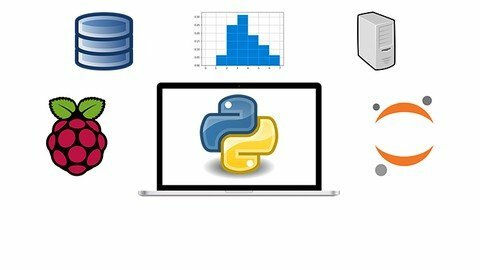
The Complete Python Developer Masterclass

tvylc1f74km8hxm3zdetpirfip.jpg


The Complete Python Developer Masterclass
Updated 06/2022
Genre: eLearning | MP4 | Video: h264, 1280x720 | Audio: AAC, 44.1 KHz
Language: English | Size: 10.8 GB | Duration: 232 lectures • 29h 0m


What you'll learn
Python 3 Basics and Advanced Concepts
Setting Up and using Raspberry Pi
Scientific Python Ecosystem
Basics of Data Science and Pandas
Image Processing
Work with MySQL, Excel, Plaintext, and CSV
Python Distributions
Python Visualization
Requirements
Basic Knowledge of Computers and Mathematics
A Windows PC/ Raspberry Pi with Internet Connection
Zeal and enthusiasm to Learn
Burning desire to take your career to the next level

Description
Become a Master in Python 3 Programming and acquire employers' one of the most requested skills of 21st Century! A great Python Programmer earns more than $150000 per year in today's market!
This is the most comprehensive, yet straight-forward course for the Python 3 Programming on Udemy! Whether you have never programmed before, already know basics of Python, or want to learn the advanced features of Python 3, this course is for you! In this course we will teach you Basic and Advanced Python 3 programming.
(Note, we also provide you PDFs and Jupyter Notebooks in case you need them)
With over 230 lectures and more than 28.5 hours of video this comprehensive course leaves no stone unturned in teaching you Basic and Advanced Programming with Python 3!
This course will teach you Python 3 Programming in a very practical manner, with every lecture comes a full programming video and a corresponding Jupyter notebook or a python code file that has Python 3 code! Learn in whatever manner is the best for you!
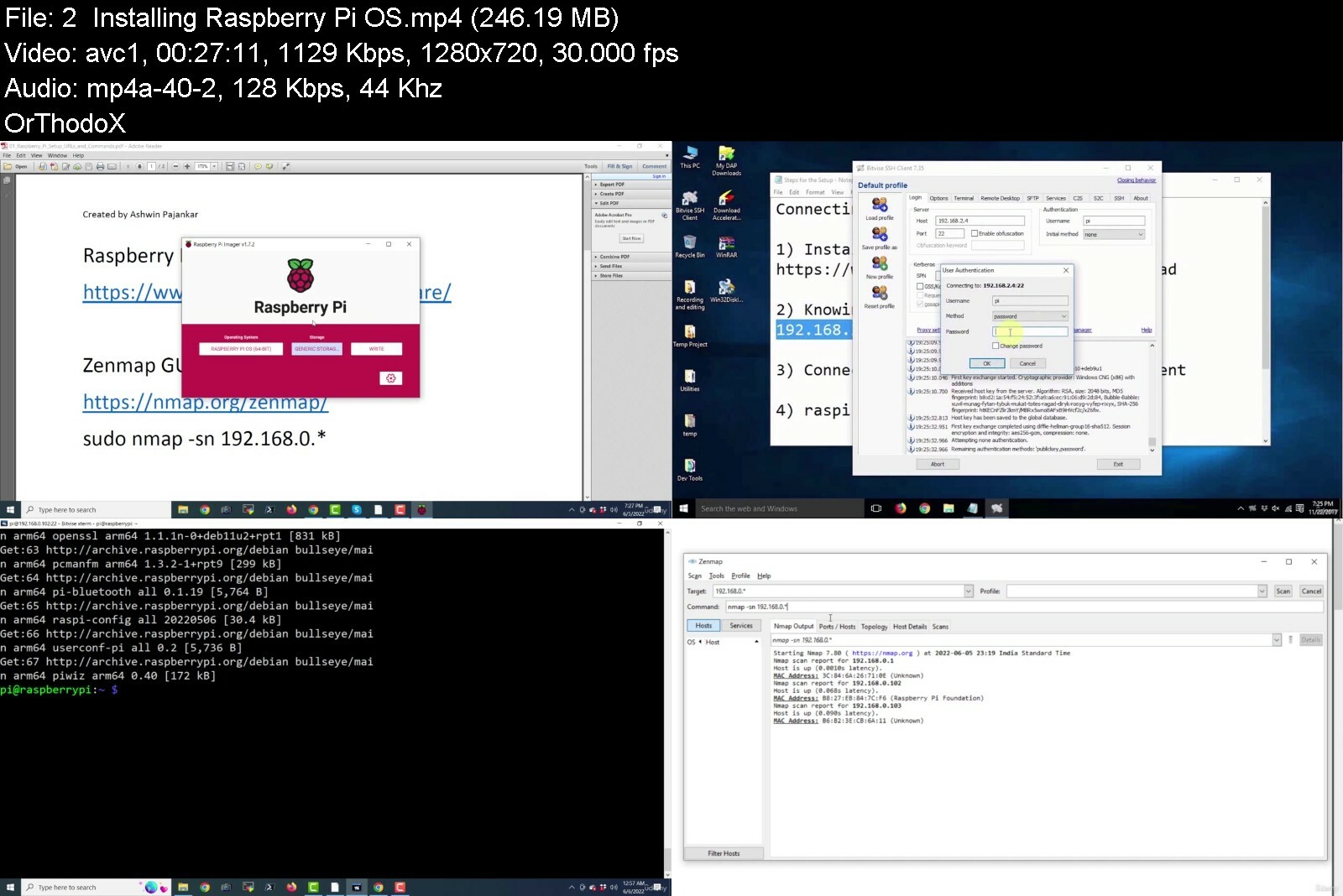
We will start by helping you get Python3 installed on your Windows computer and installing Raspbian Linux OS on your Raspberry Pi Board.
We cover a wide variety of topics, including
Installation of Python 3 on Windows
Setting up Raspberry Pi
Tour of Python 3 environment on Raspberry Pi and Windows
Basics of Python Programming
Object Oriented Programming
Exception Handling
Jupyter installation and basics
Basics of Scientific Python Ecosystem
Basics of NumPy and Matplotlib
SciPy Basics
Matrices and Linear Algebra
Data Preprocessing with Pandas
Data Cleansing and Wrangling with Pandas
Visualization with Pandas and Matplotlib
Python and SQL
Image Processing
Python Distributions and IDEs
Word Clouds with Python
Python Data Visualization with Pygal
And many more advanced topics
You will get lifetime access to over 75 lectures plus corresponding PDFs and the Jupyter notebooks for the lectures!
So what are you waiting for? Learn Data Visualization with Python 3 in a way that will advance your career and increase your knowledge, all in a fun and practical way!
Who this course is for
Programmers and Developers
Data Scientists, Data Analysts, and Data Engineers
Mathematicians, Statisticians, Scientists, and Engineers
Machine Learning and AI Professionals
Tinkerers and Hobbyists
Students, Job seekers, anyone wanting to learn new stuff


thecompletepythondevegjcme.jpg


Download from RapidGator


Download from Keep2Share


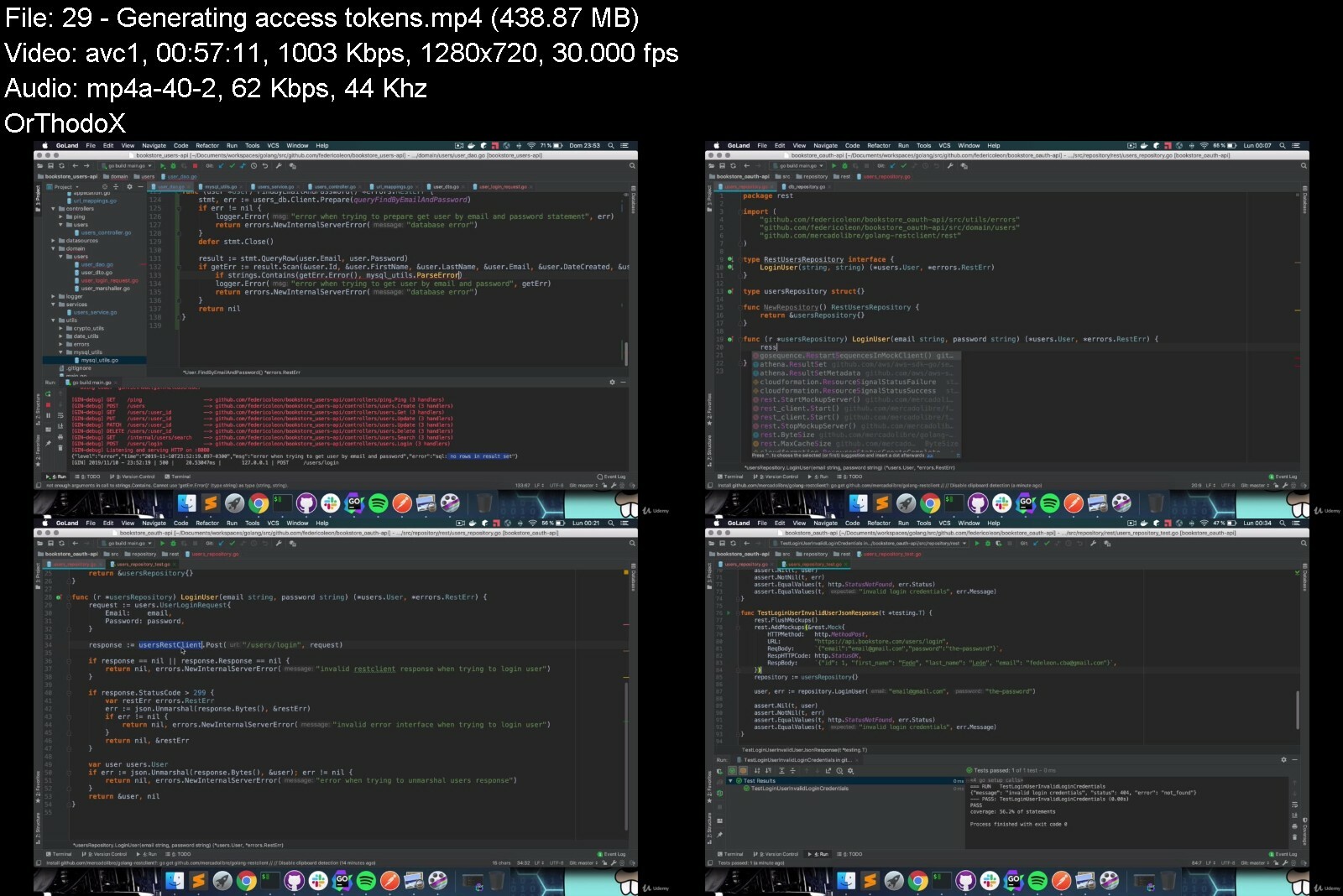
How To Design & Develop Rest Microservices In Golang (Go)

jnrggz80q89tyv4cbnceuuoift.jpg


How To Design & Develop Rest Microservices In Golang (Go)
Last updated 4/2020
MP4 | Video: h264, 1280x720 | Audio: AAC, 44.1 KHz
Language: English | Size: 7.29 GB | Duration: 20h 40m

All you need to integrate SQL & NoSQL databases, search engines and all the tools that you need in your REST API.


What you'll learn
How to structure and organize your microservice.
Domain Driven Development.
Hexagonal architecture applied.
MySQL integration and configuration.
Integrate Cassandra DB in your microservices.
Elasticsearch integration and configuration.
Logging to standard output and log files.
DAO pattern implementation.
How to build, publish and use a custom Go library.
Testing all the layers of your application.
How dependencies work in Go.
Requirements
Just complete the Golang tour available at Golang's website
Nice to have: Part 1 of this course

Description
Welcome! In this second part of the series I'm working with MySQL, Cassandra and Elasticsearch as persistence layers and we're going to create 3 different microservices using different design patterns:*MVC, featured MVC and Domain Driven Development implementing the Hexagonal architecture.At the end of the course you'll learn:How to structure our application's packages and code.MVC pattern, Domain Driven Development and Hexagonal Architecture applied!How to configure MySQL*client in Go. DAO*pattern implemented.How to configure and use CassandraDB client in Go.How to configure and use Elasticsearch in Go.Testing and mocking database integrations.Stress test the microservice with goroutines.How dependencies work in Go. Usage of Go modules.How to build, publish, use and share a custom Go library.Application design patterns.Preparing our distributed logging system.Real life examples and exercises.I'm sure you're going to enjoy this course!*if you have any doubts, please check the reviews on my other courses so you can get an idea about what you're about to get. This is real life and industry experience!Hope to hear from you!Fede.
Overview
Section 1: Introducción
Lecture 1 Course goal: What we're going to build
Lecture 2 A quick preview
Lecture 3 These are all of the repos!
Section 2: Creating our projects: Users API
Lecture 4 Create projects in Github
Lecture 5 HTTP frameworks
Lecture 6 Basic application structure: MVC pattern
Lecture 7 Starting from our domain
Lecture 8 How to structure our domain persistence
Lecture 9 Working with dates
Section 3: MySQL integration
Lecture 10 Configure MySQL client in Go
Lecture 11 How to insert rows
Lecture 12 How to read rows
Lecture 13 How to handle MySQL errors
Lecture 14 How to update rows
Lecture 15 How to delete rows
Lecture 16 How to find rows
Section 4: Fixing the mistakes we made
Lecture 17 How to marshal structs
Lecture 18 Services structure
Lecture 19 No logging system
Section 5: Creating our projects: OAuth API
Lecture 20 OAuth authentication
Lecture 21 Domain Driven Development
Lecture 22 DDD - Starting with the domain
Lecture 23 DDD - Project structure
Section 6: Cassandra integration
Lecture 24 Introduction to Cassandra DB
Lecture 25 Cassandra Go client
Lecture 26 How to insert, get and update records
Lecture 27 Tune our get session implementation
Section 7: Making the authentication work
Lecture 28 Authenticating users
Lecture 29 Generating access tokens
Lecture 30 Different requests for the two APIs
Section 8: Golang libraries & dependencies
Lecture 31 Creating a shared OAuth library
Lecture 32 How dependencies work: go modules
Lecture 33 Defining transitive dependencies
Lecture 34 Creating a shared utils library
Section 9: Creating our projects: Items API
Lecture 35 Application structure: MVC & gorilla/mux
Lecture 36 Configure our mux router
Lecture 37 Introduction to Elasticsearch
Lecture 38 Adding ElasticSearch client
Lecture 39 Index documents in ES
Lecture 40 Moving our logger to the utils library
Lecture 41 Improving our errors library
Lecture 42 Dependencies: Using modules in all projects
Lecture 43 How to get documents by ID
Lecture 44 Searching documents in ES
Lecture 45 Homework: Add delete and update endpoints
Section 10: Testing
Lecture 46 Testing our application: OAuth client
Section 11: Docker
Lecture 47 Use Docker to ship our Items API
Section 12: Extra chapter
Lecture 48 Extra class - Take a look at my website
Software engineers.,Software developers.,Technical leaders.,Architects.,Anyone who wants to get serious about microservices in Go.


howtodesigndeveloprestxfx2.jpg


Download from RapidGator


Download from Keep2Share


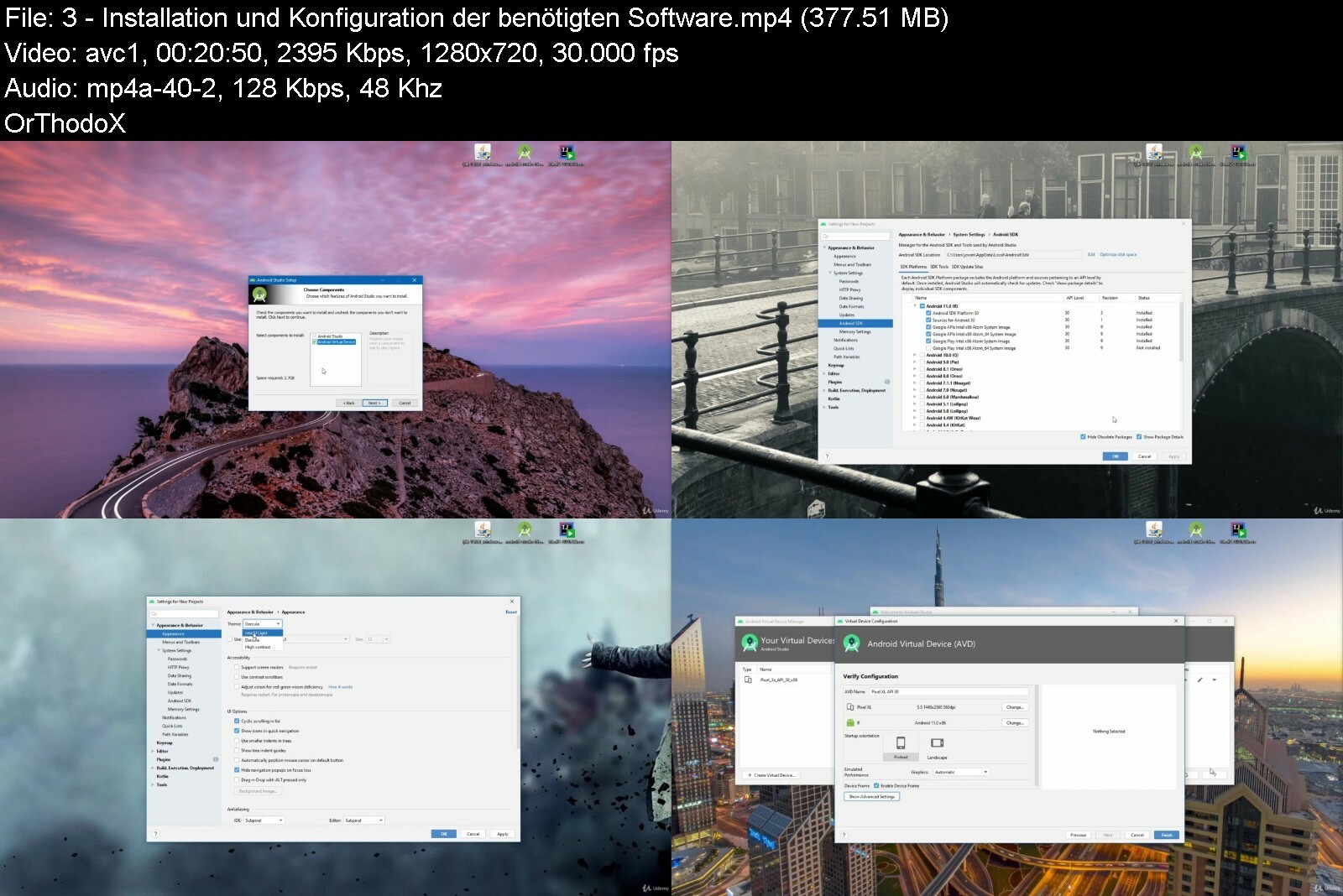
Ultimativer Android Java Kurs Für Beginner

dcjydwxymus8r9metmqujv0cgq.jpg


Ultimativer Android Java Kurs Für Beginner
MP4 | Video: h264, 1280x720 | Audio: AAC, 48 KHz
Language: Deutsch | Size: 15.90 GB | Duration: 39h 0m

Lerne Android Apps mit Java zu entwickeln


What you'll learn
Du wirst in der Lage sein jede Idee die Du hast in einer App umzusetzen
Du kannst Dich dann für Junior Softwareprogrammierer Rollen bewerben
Ein professioneller App Entwickler, um z.B. als Freelancer zu arbeiten
Mit Java deine eigenen Programme entwickeln
Verstehen was Objektorientierte Programmierung ist: Klassen, Objekte, abstrakte Klassen, interface ,Vererbung, Assoziation, Modifikatoren und vieles mehr
Von der Konsole zum ersten Programm - Im Kurs wirst du dein erstes Programm mit Oberflächen entwickeln
Die Programmiersprache Java verstehen und anwenden können
Lerne was Anonyme Klassen sind und wie man diese nutzen kann
Datenbanken verstehen
Mit SQLite Datenbanken arbeiten
Arbeiten mit Relationalen Datenbanken
Java Programme mit einer Datenbank erweitern
Mit Drittanbieter Bibliotheken arbeiten
Threading und Hintergrundprozesse verstehen
Networking: Daten aus dem Internet kriegen und ins Internet senden
Requirements
Keine Vorkenntnisse nötig. Du lernst alles was du brauchst im Kurs.
Einen PC bedienen können (Basiskenntnisse).
Windows- / Linux-/ MacOS-Computer oder Laptop besitzen

Description
Für wen ist der Kurs?Für jeden der programmieren lernen möchte. Java ist eine super Programmiersprache um mit dem Programmieren zu beginnen.Alle die App Entwickler werden wollen. Das ist ein kompletter Kurs. Er wird dir alles beibringen was Du dazu wissen musst.Alle die wissen wollen wie Computer funktionieren. Programmieren ist mehr als nur die Erstellung von Apps. Es ist zu verstehen wie ein Computer funktioniert. Das kann dir auch in anderen Bereichen helfen.Warum solltest Du überhaupt die Android App Entwicklung lernen?Android ist mit Abstand die größte Mobile Plattform mit über 85% Marktanteil und über 1mrd. Geräten die allein 2017 verkauft wurden.Nicht nur das, Du kannst Android auf Windows, Mac und Linux entwickeln.Werbungbasierter Umsatz ist auf Android verbreiteter und einfacher zu nutzen als auf iOSWas bring der*Kurs?Tauche tiefer in die Java Welt ein. Lerne im Kurs mit Datenbanken zu arbeiten. Du lernst die Sprache SQL, welche die Sprache der Datenbanken ist.Anhand vieler Beispiele lernst du, wie du in deinen Java Programmen eine Datenbank Verbindung aufbaust.Was du lernen wirst?Lernen ALLES, was du für eine erfolgreiche Karriere in der Android-App-Entwicklung brauchst.Mit mehr als 39 Stunden herunterladbaren Video-Tutorials wirst Du zum Meister der Android-App-Entwicklung.Dieser Kurs beginnt ganz am Anfang, mit Java und objektorientierter Programmierung und hilft Dir bei jedem Schritt deiner Reise, bis Du Deine erste Anwendung im Play Store veröffentlichen kannst.Java ProgrammierspracheConcurrencySingelton PatternUser Interfaces zu erstellenSnackbar und CardViewListView und SpinnerRecyclerViewFontsDeinen Code zu debuggenNetworking in AndroidHintergrundprozesse in AndroidThreading und*AsyncTaskStarted / Bound ServicesJob SchedulerWork ManagerDatenbankenDie Sprache SQLWas eine Relationale Datenbank istDatenbanksystem SQLiteDatenbanken mit Java Programmen nutzenSQL Injection verhindernBilder in eine Datenbank ladenDas beste ist du brauchst keine Kenntnisse über Java , der Kurs ist so aufgebaut, dass du als Programmier Einsteiger loslegen kannst.Außerdem gehst du kein Risiko ein. Du hast ein 30 Tägiges Rückgaberecht. Des Weiteren erhältst du von mir in den Foren jederzeit Hilfe.
Who this course is for
Alle die App Entwickler werden wollen. Das ist ein kompletter Kurs. Er wird Dir alles beibringen was Du dazu wissen musst.,Für jeden der Programmieren lernen möchte. Java ist eine super Programmiersprache um mit dem Programmieren zu beginnen.,Alle, die gerne Java lernen und verstehen möchten


ultimativerandroidjavc8clk.jpg


Download from RapidGator


Download from Keep2Share


Dunkle Psychologie: Dein Unfairer Vorteil In Der Rhetorik

pxobnahl9gkmwcdtolemb20edw.jpg


Dunkle Psychologie: Dein Unfairer Vorteil In Der Rhetorik
MP4 | Video: h264, 1280x720 | Audio: AAC, 48 KHz
Language: Deutsch | Size: 11.16 GB | Duration: 8h 30m

Wie Du sofort durch schwarze Rhetorik & Manipulationstechniken an Einfluss gewinnst, stärker überzeugst & mehr verkaufst


What you'll learn
Lerne überzeugender zu Wirken
Erkenne Manipulation und schütze Dich
Gewinne Menschen für Dich
Lerne die psychologischen Prinzipien der Manipulation
Erkenne Die Motive des sozialpsychologischen Handelns
Wie Du Manipulation für Deine Vorteile anwendest
NLP-Techniken noch besser verstehen
Werbepsychologie verstehen
Stärke Deinen sozialen Einfluss
Lege Scheinargumenten das Handwerk
Requirements
Hast Du die Offenheit alte Denkmuster zu hinterfragen und neues zu Lernen? Dann steig ein :)

Description
Menschliche Schlüsselreize erkennen und lenkenMenschen reagieren auf bestimmte Reize fast schon mechanisch - das bedeutet, dass du die Reaktion direkt vorhersehen und auch steuern kannst.*Und weißt du was?*Genau das passiert auch täglich mit dir. Dich mit der dunklen*Psychologie auszukennen hat also gleich zwei Vorteile für dich:*Du kannst deine Überzeugungskraft auf ein ganz neues Level hebenEs wird schwerer werden, dich zu manipulieren - denn du wirst erkennen, welche*Technik wann angewandt wirdNutze die Geheimnisse der dunklen Psychologie für Dich und Deine KommunikationJede zielgerichtete Kommunikation ist Manipulation. Egal ob Bewerben, Verhandeln, Flirten oder Diskutieren - alles das ist auf Beeinflussung ausgelegt.*Daran ist nichts schlimmes, der Mensch ist ein kommunikatives*Wesen. Aber, wenn wir ohnehin schon unser ganzes Leben mit solchen*Dingen zu tun haben - warum machen wir es dann nicht richtig und mit System?*Dunkle Psychologie ist nichts anderes, als dein*Vorsprung im*Spiel der Kommunikation und Überzeugung.Die Säulen dunklen PsychologieReziprozität, Knappheit und soziale Bewährtheit sind Mechanismen aus der dunklen Psychologie.*Wenn du bemerkst, dass jemand sie anwendet, dann wurde unprofessionell beeinflusst.*Doch wahre Meister sind in der Lage, Menschen zu spielen wie ein*Instrument. Deine*eigene Musikerausbildung hat schon begonnen, als du angefangen hast, diesen*Text zu lesen. Denn du wirst dir gerade immer mehr bewusst:*Wenn du nicht merkst, dass du manipuliert wirst, fühlt es sich nicht wie Manipulation an und erreicht mit absoluter Sicherheit das Ziel.Lügen erkennen, Lügner entlarvenMit Techniken, die nicht nur das*FBI, sondern auch die*Geheimpolizei in den verschiedenen Ländern verwendet wirst du wie ein menschlicher Lügendetektor eine Täuschung durchschauen. Denn so gut wir uns auch im*Griff haben, emotionale Reaktionen können nie ganz unterdrückt werden. Damit bringen diese Techniken nicht nur deine*analytischen*Fähigkeiten auf ein neues Level - auch dein*Einsatz der Körpersprache wird sich verbessern.So wirst du von Unternehmen manipuliertDieses*Wissen wird von Großkonzernen auf der ganzen Welt angewandt - mit durchschlagendem*Erfolg. Doch ab jetzt wird jede Manipulation für dich zu einem*Manipulationsversuch werden.*Es macht Spaß, wenn man im Alltag so etwas erkennt und dann nicht mehr darauf hereinfällt.Entscheide dich also noch heute dafür, dass die dunkle Psychologie dein offensichtlicher Freund ist - denn sonst ist sie dauerhaft dein heimlicher*Feind.
Who this course is for
Menschen die sich für die psychologie der Überzeugung interessieren,Menschen die Manipulation erkennen und sich davor schützen möchten


dunklepsychologiedeinmeinx.jpg


Download from RapidGator


Download from Keep2Share


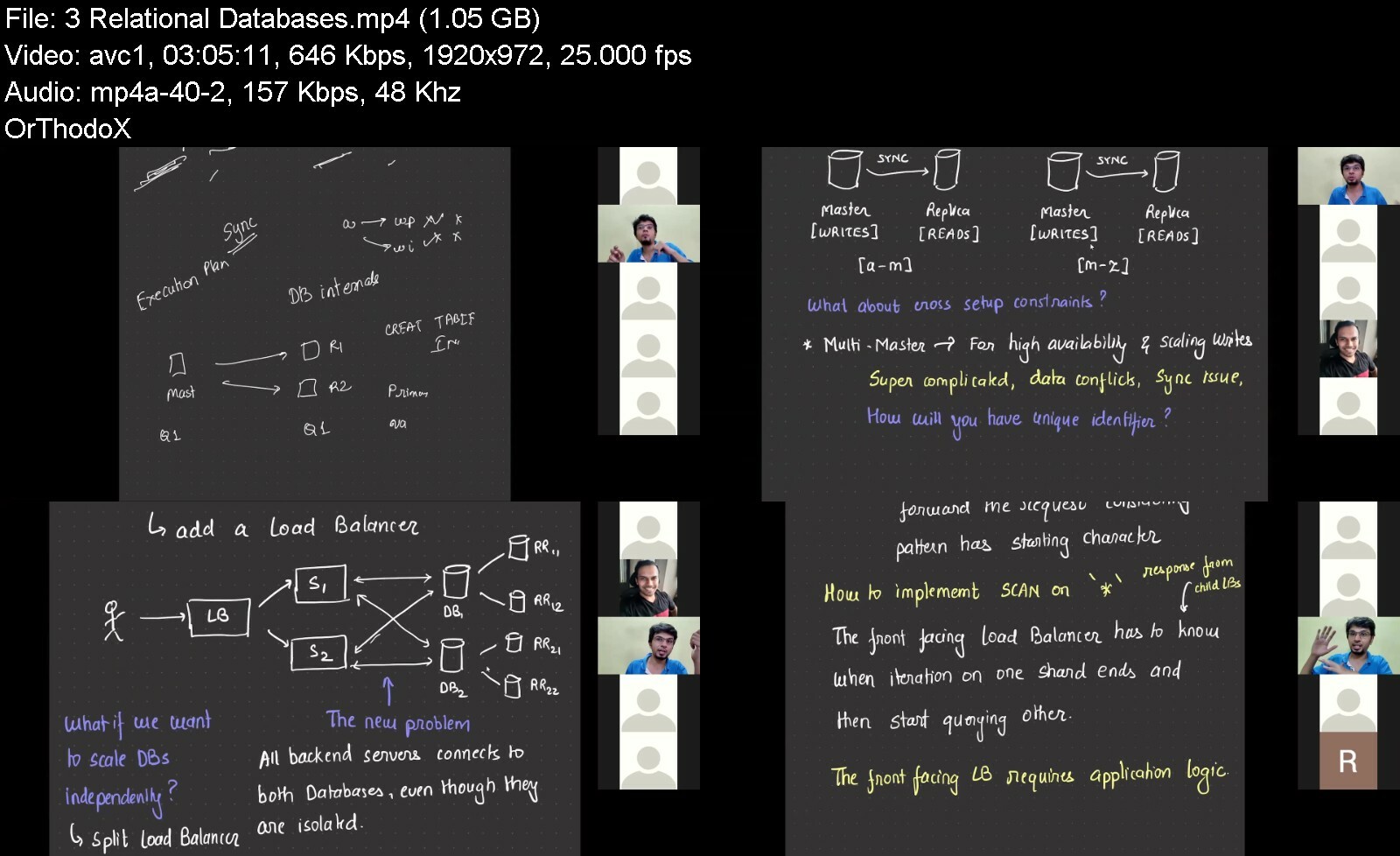
The System Design Masterclass

systemdesignmasterclaf8dok.png


The System Design Masterclass
MP4 | Video: h264, 1280x720 | Audio: AAC, 44.1 KHz, 2 Ch
Genre: eLearning | Language: English | Duration: 16 Lessons (43h 14m) | Size: 14.5 GB


A masterclass that helps you become great at designing scalable, fault-tolerant, and highly available systems

The Program
This is a prime and intermediate-level cohort-based course aimed at providing an exclusive and crisp learning experience. The program will cover most of the topics under System Design and Software Architecture including but not limited to - Architecting Social Networks, Building Storage Engines and, Designing High Throughput Systems.
The program will have a blend of Live Classes happening on Weekends, 1:1 Mentorship sessions, and self-assignments. The program is designed to be intense and crisp to accelerate learning.
Program pre-requisites
The course operates at an intermediate-level and you would get 100x value out of it if
You have at least 6 months of work experience
You are interested in learning how real systems are built
Have watched at least a few System Design videos on YouTube
You have a basic knowledge of cloud offerings like S3 and SQS
Have couple of months of time over weekends that you can dedicate towards upskilling
I have created this playlist of videos that would give you a good headstart for this course. Feel free to go down the rabbit hole and explore in detail the tech mentioned in the playlist.
Why should you join?
The primary objective of this program is to make you comfortable at building systems that are scalable, fault-tolerant, and reliable. But here is what you could reap out of it.


thesystemdesignmaster9ncjb.jpg


Download from RapidGator


Download from Keep2Share


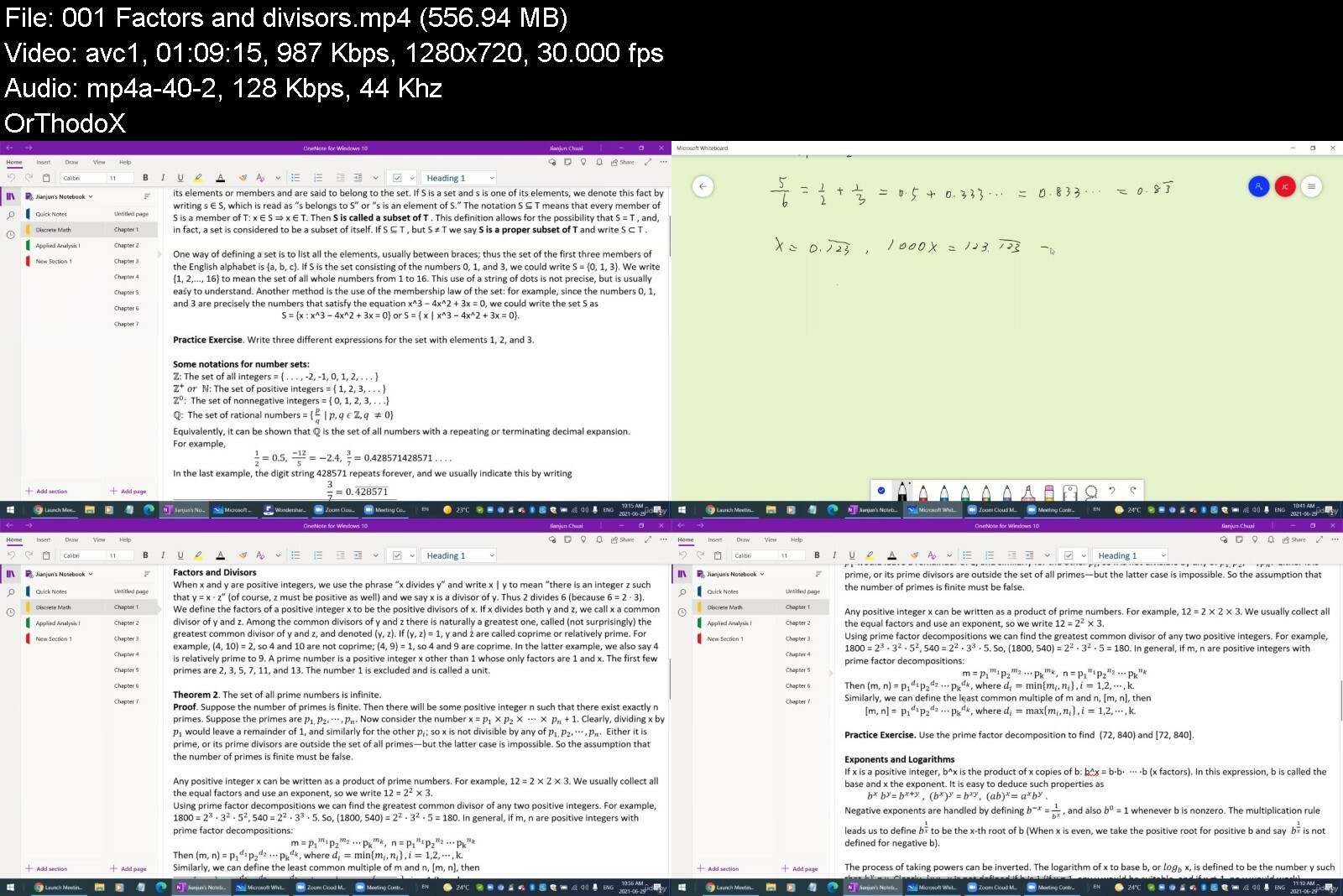
Discrete Mathematics (2022)

4519358e45fcdc9s.jpg


Discrete Mathematics (2022)
Published 06/2022
MP4 | Video: h264, 1280x720 | Audio: AAC, 44.1 KHz, 2 Ch
Genre: eLearning | Language: English + srt | Duration: 15 lectures (12h 15m) | Size: 5.62 GB

Discrete Mathematics for Science and Engineering Students


What you'll learn
Properties of numbers; Conversions among bases; Sets; Logic and truth tables
Boolean algebras; Relations and functions
The theory of counting; Combinatorial formulas; Probability
Introduction to Graph Theory

Requirements
High school mathematics needed


Description
Discrete Mathematics is the study of mathematical structures that can be considered discrete rather than continuous. The study includes integers, statements in logic, and graphs. Concepts and notations from discrete mathematics are especially useful in studying and describing objects and problems in branches of computer science, such as computer algorithms, programming languages, cryptography, automated theorem proving, and software development.

This course will cover the following topics

1. Properties of Numbers: Factors and Divisors; Greatest common divisor and least common multiple; Exponents and logarithms; Converting a number from one base to another.

2. Data Structures: Propositions and Logic; Truth tables; de Morgan's laws.

3. Elements of Set Theory: the union and the intersection of sets; The complement of a set; A partition of a set; Method of Truth Tables, Mathematical Induction.

4. Boolean Algebras: Principle of Duality; Idempotent Laws; Absorption Laws; Nullity Laws; de Morgan's Laws.

5. Relations and Functions: Equivalence Relations; One-One and onto Functions; Inverse functions.

6. The Counting Theory: Event and sample space; The Multiplication Principle; Combinatorial formulas; The Pigeonhole Principle

7. Probability: Probability Measures; Repeated Experiments; Conditional Probabilities; Bayes' Formula and Applications.

8. Introduction to Graph Theory: Directed graph; Simple graph.

The course is taught in a way of lectures and in-class exercises combined. So when you reach the session for in-class exercises, you should stop watching the video to do the problems. When done, continue to watch the video to check your answers.

Who this course is for
Any undergraduate student

Homepage


discretemathematicsftis8.jpg


Download from RapidGator


Download from Keep2Share


Scrum Verstehen - Agil Denken Und Arbeiten

vwoyfwvrd9t4dh5r71mmtybe80.jpg


Scrum Verstehen - Agil Denken Und Arbeiten
MP4 | Video: h264, 1280x720 | Audio: AAC, 48 KHz
Language: Deutsch | Size: 6.00 GB | Duration: 7h 10m

Agilität auf den Grund gehen. Agiles Projektmanagement und Scrum verständlich erklärt. Für jeden - ohne Vorkenntnisse.


What you'll learn
Agiles Arbeiten verstanden
Scrum verstanden
Ein paar Aha-Erkenntnisse mehr haben
Scrum praktizieren können
Requirements
Interesse an modernem Arbeiten und denken.

Description
Prolog:Irgendwie verstand ich nicht so recht, warum das agile Arbeiten nun besser sein sollte. Wir waren vor ein paar Wochen auf Scrum umgestiegen. Nach Lehrbuch. Zertifiziert. Aber so richtig wollte sich kein Flow, wollte sich keine wirkliche Produktivitätssteigerung einstellen. Schon nach zwei Sprints kam erstes Murren auf. Die Ziele, die wir uns gesteckt hatten, wurden nicht erfüllt. Der Produktmanager wurde unruhig, der Kunde fragte täglich nach.*Was war das Problem? Es war nicht unsere Motivation. Es waren keine Führungskräfte die uns nicht genug Raum gaben. Nein - wir hatte nur noch nicht verstanden, was Agilität, was agiles Arbeiten wirklich bedeutet. Erst, als wir anfingen "hinter Scrum" zu schauen, uns mit den Konzepten der Agilität beschäftigten, wurde es besser. Wir verstanden, was wir gedanklich falsch gemacht hatten. Wir konnten dem Kunden klare Vorteile vermitteln. Der Flow setzte ein. Die Produktivität stieg. Der Kunde wurde immer zufriedener.Dieses Aha-Erlebnis - das Agile Denken - will ich dir in diesem Kurs ermöglichen.*SCRUM verstehen - Agil denken und arbeiten ist ein Kurs für jeden, der sich für Agiles Projektmanagement und Scrum interessiert. Selbst wer schon agil arbeitet wird in diesem Kurs die ein oder andere Anregung für seinen Arbeitsalltag finden. Als agile Methode wird Scrum komplett vorgestellt, so dass auch Anfänger es verstehen.Es werden in diesem Kurs nicht nur agile Werte, Prinzipien, Praktiken und Methoden vorgestellt, sondern eine*Haltung*vermittelt, die einem das professionelle agile Arbeiten ermöglichen.Meine Motivation für diesen Kurs ist es, dir die Kernideen des agilen Denken*und Arbeiten so zu zeigen, dass du mit Leichtigkeit*und Freude Scrum verwenden kannst - und dabei noch enorm produktiv wirst! Dies wünsche ich dir von Herzen.Thorsten DiekhofThemen die behandelt werden:Taylor-WanneKerngedanken der AgilitätDas agile TeamSelbstorganisationCrossfunktionale TeamsAutonome TeamsAgile Project ManagementAgiles Führen / Servant LeadershipAgile WerteAgile PrinzipienAgile Praktiken / TechnikenAgile MethodenDas agile ManifestScrumProduct OwnerScrum MasterProduct BacklogSprint*User Stories & Story PointsPlanning PokerKano AnalysePersonaund vieles mehr...Praxis oder Theorie?Es ist ein recht*theoretischer Kurs. Es gibt Quiz-Fragen um sein Wissen zu festigen.
Who this course is for
Für jeden, der wissen möchte, wie agiles Arbeiten funktioniert.,Für jeden, der Scrum lernen möchte.,Softwareentwickler, Programmierer, Geeks,Projektmanager,Führungskräfte


scrumverstehenagilden86fbx.jpg


Download from RapidGator


Download from Keep2Share


Architectural Design & Animation In Blender 3X

q3qmueh1b1jrdmeofqj8chufas.jpg


Architectural Design & Animation In Blender 3X
Last updated 3/2022
MP4 | Video: h264, 1280x720 | Audio: AAC, 44.1 KHz
Language: English | Size: 9.66 GB | Duration: 14h 27m

Design & Create Architectural Animations in Blender - 3D Graphics in Blender - Full project - 3D Modeling in Blender


What you'll learn
Create the house construction animation and render a final video
Draft Accurate 2D Designs in CAD Software
3D Model the layouts into a fully realised 3D House ready for animation
How to work Fast & Efficiently inside the Free Software Blender & FreeCAD
How to Light your scene with Environment textures to achieve real world lighting conditions
Use the Archimesh add-on to quickly create architectural elements inside Blender
Requirements
Computer capable of running Blender 3x or above
You should be able to use a PC at beginner level

Description
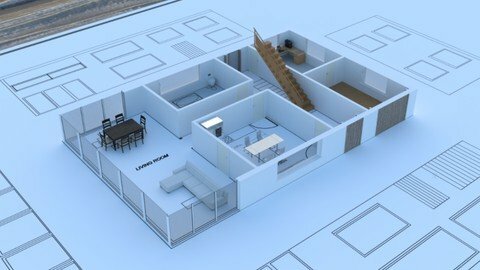
Welcome to the course Architectural Design and Animation in blender 3.In this course you will learn to create a modern house construction animation in the free and open source software Blender & FreeCAD. Learn to Draft the house plans in free CAD software before 3D modelling a fully realised house model in Blender. Learn this amazing free software and new skills by getting hands on with detailed instruction.This course will teach you the skills to accurately design the Layouts in CAD software. Then take those design into a fully realised 3D model for animation. By the end of the course you'll be able to draft designs in CAD and 3D model and create in Blender.The CAD section of the course is designed to help you achieve accurate real world scale while you are learning this powerful design tool. CAD allows for detailed drawings to be created so we can accurately model the house model.This course is designed for practical learning. The videos will take you step by step through the process of design, Modelling, Texturing & Animation. Each step is clearly detailed so beginners to intermediate students can successfully complete the course. With the latest release of Blender there has never been a better time to master the software.This course is project based so each section builds on the previous examples so you are always learning how to work more efficiently in Blender. You will learn everything necessary to complete the project successfully and in your own time.This is a unique skill especially for Architectural Designers, 3D artists or beginners looking to create their own unique architectural models.Some of the Course Highlights:Creation of 2D layoutsGeometry NodesHow to convert Ngons to Quad topology.Asset Library3D Modelling & Texturing the AssetsCreation of trees, rocks & grassSet up the scene & LightingCreate the plans rolling openSetup the animation with camera & key framesRendering with the new Real time render engine EeveeVideo format in Blender's video sequence editorAnimation & RenderingLearn how to design in this amazingly powerful 3D production suite and start designing architectural 3D models, design for 3D games, design unique 3D assets, design for 3D printed objects, or create amazing art work.Architectural visualization in Blender will allow you to impress your clients with photo realistic animations and images of their proposed designs.Unleash your Creative sideOpen Blender and be amazed at the possibilities. Discover a new world of creativity. Blender is free, and constantly improving to deliver industry standard tools. It has a strong online community just waiting to be discovered.More industries than ever are starting to use Blender with more and more small production houses releasing work created using this amazing and user focused software. This will increase greatly overSo jump in and start creating today!
Overview
Section 1: Introduction
Lecture 1 Introduction
Section 2: Drafting & Design
Lecture 2 Where to get the free & Open Source Software FreeCAD
Lecture 3 Setting up the FreeCAD Interface
Lecture 4 An Introduction to the Interface Part 01
Lecture 5 An Introduction to the Interface Part 02
Lecture 6 An introduction to the Snap menu
Lecture 7 Drafting the layouts part 1
Lecture 8 Drafting the layouts part 2
Lecture 9 Drafting the layouts part 3
Lecture 10 Drafting the layouts part 4
Lecture 11 Drafting the Windows part 1
Lecture 12 Drafting the Windows part 2
Lecture 13 Drafting the Doors part 1
Lecture 14 Drafting the Doors part 2
Lecture 15 Changing the Line styles and Thickness
Lecture 16 Adding the stairs detail
Lecture 17 Setting up the ODA File Convertor
Lecture 18 Importing Furniture Assets
Lecture 19 Adding Dimensions in FreeCAD
Lecture 20 Adding Text to the Layouts
Lecture 21 Creating Layouts in FreeCAD
Lecture 22 Exporting DXF File From FreeCAD
Section 3: Introduction to Blender
Lecture 23 Where to get the free and Open Source Software Blender
Lecture 24 Customising the Interface for easier control
Lecture 25 How to Enable Add-ons
Lecture 26 How to Recover Files After Crashes
Lecture 27 Shortcut Key Guide
Lecture 28 How to Navigate the Blender interface
Lecture 29 Introduction to the 3D View Part 1
Lecture 30 Introduction to the 3D View Part 2
Lecture 31 Introduction to the 3D View Part 3
Lecture 32 Introduction to the Tool Shelf Part 1
Lecture 33 Introduction to the Tool Shelf Part 2
Lecture 34 Introduction to the Tool Shelf Part 3
Lecture 35 Introduction to the Tool Shelf Part 4
Lecture 36 Introduction to the Tool Shelf Part 5
Lecture 37 Layout_Tabs_Editors_And_Splitting_Screens
Lecture 38 Introduction to Collections
Lecture 39 Introduction to the 3D Cursor
Lecture 40 Introduction to Snapping
Lecture 41 Face Orientation & the Direction of Normals
Lecture 42 An Introduction to Coordinates
Lecture 43 An Introduction to the Asset Browser
Section 4: House Construction
Lecture 44 Setting Up the Unit Scale
Lecture 45 Importing the DXF File From FreeCAD into Blender
Lecture 46 Positioning the DXF Objects
Lecture 47 Introduction to Archimesh
Lecture 48 Adding External Walls Using Archimesh
Lecture 49 How to add External Doors with Archimesh
Lecture 50 Adding Internal Walls with Archimesh
Lecture 51 Adding Internal Doors on the Ground Floor
Lecture 52 Adding Windows Using Archimesh
Lecture 53 Adding Large Windows Group using Archimesh
Lecture 54 Modelling The First Floor
Lecture 55 Modelling the First Floor Balcony
Lecture 56 Adding Internal Doors on the First Floor
Lecture 57 Adding Windows using Archimesh
Lecture 58 Using Archimesh to Create a Stairs
Lecture 59 Creating a ceiling for the ground floor
Lecture 60 Creating Floors to the Model
Lecture 61 Ground Floor and Base
Lecture 62 Modelling the roof and Base
Lecture 63 Using Archimesh to Add Railings to the Balcony area
Lecture 64 3D Modelling the Front Step
Lecture 65 3D Modelling the External Walls
Lecture 66 3D Modelling the patio and Grass Area
Section 5: Lighting & Materials
Lecture 67 Adding Lighting Elements to the Scene
Lecture 68 Where to get texture maps
Lecture 69 UV Unwrapping and Texturing Floor
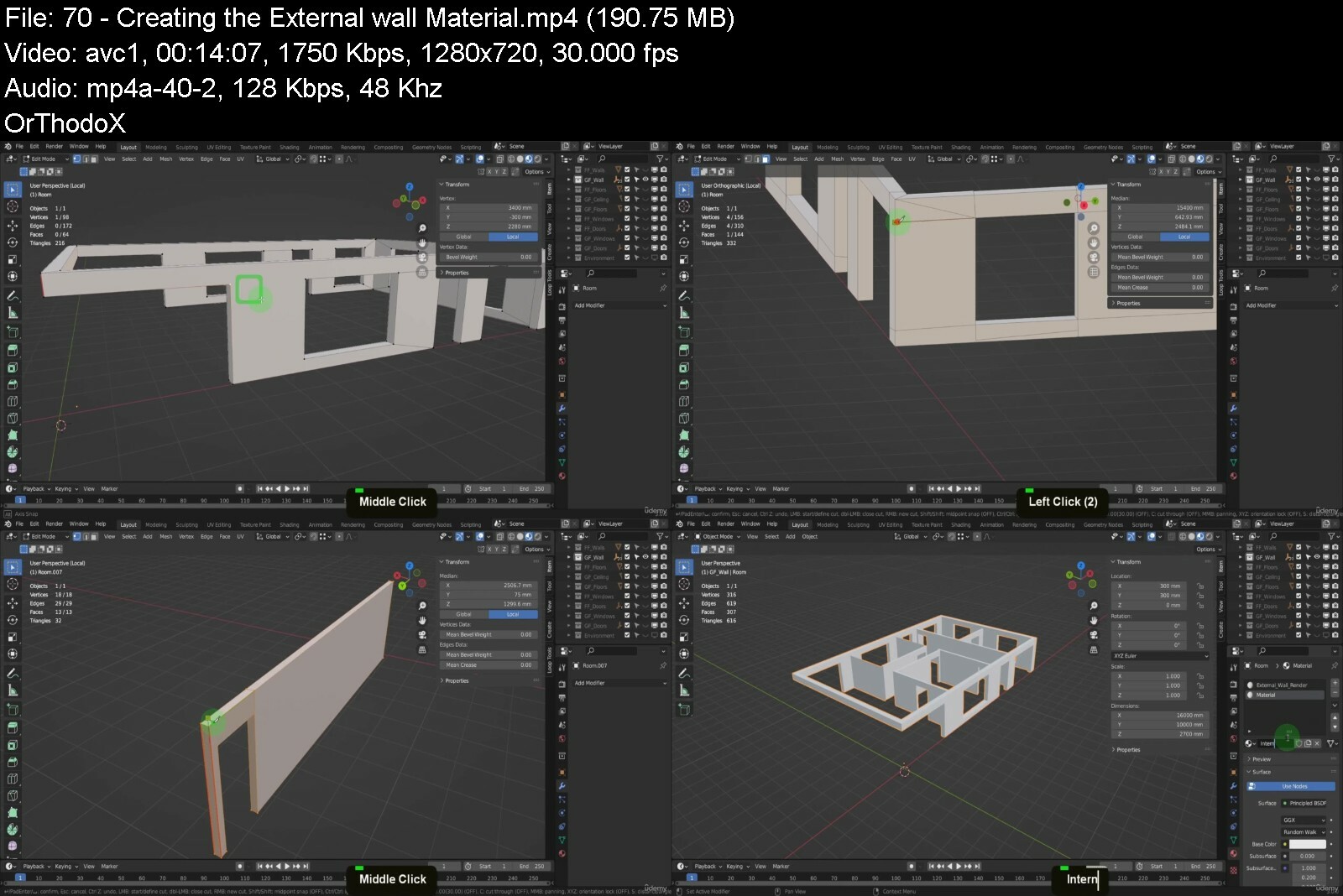
Lecture 70 Creating the External wall Material
Lecture 71 Preparing the First Floor Mesh
Lecture 72 Creating Sill Material
Lecture 73 Creating Door Material
Lecture 74 Creating External Wall & Paving
Lecture 75 Ground Plane Material
Lecture 76 Creating Stone Particles
Lecture 77 Creating Grass Particles Part 1
Lecture 78 Creating a tree using the Sapling add-on
Lecture 79 Creating a tree using the Sapling add-on
Lecture 80 Creating the Tree Material
Section 6: Creating the House Construction Animation
Lecture 81 Combining Objects
Lecture 82 Final Checks
Lecture 83 Adding the Table and Plan Textures
Lecture 84 Roll the plan open
Lecture 85 Setting up the Boolean Modifier
Lecture 86 Setting up the Camera
Lecture 87 Adding the Remaining Booleans
Lecture 88 Setting up the Animation Part 01
Lecture 89 Setting up the Animation Part 02
Lecture 90 Setting up the Animation Part 03
Lecture 91 Setting up the Animation Part 04
Lecture 92 Rendering the Animation
Lecture 93 Combining the Animation in the Video Editor
Lecture 94 Combining the Animation in the Video Editor
Section 7: Drafting & Design - 2.8 Content
Lecture 95 Getting the free & open source parametric modeler
Lecture 96 Creating construction lines in FreeCAD Part 1
Lecture 97 Creating construction lines in FreeCAD Part 2
Lecture 98 Creating construction lines in FreeCAD Part 3
Lecture 99 Creating walls and window lines in FreeCAD part 1
Lecture 100 Creating walls and window lines in FreeCAD part 2
Lecture 101 Creating doorway lines in FreeCAD
Lecture 102 Creating line styles in FreeCAD
Lecture 103 Creating stairs lines in FreeCAD
Lecture 104 The ODA file converter available for FreeCAD
Lecture 105 Adding CAD Blocks to the layouts in FreeCAD
Lecture 106 Adding Dimensions to the layouts in FreeCAD
Lecture 107 Adding text to the layouts in FreeCAD
Lecture 108 Creating layouts in FreeCAD
Lecture 109 Exporting the DXF file we created from FreeCAD
Section 8: Introduction to Blender - 2.8 Content
Lecture 110 Getting Blender
Lecture 111 Setting up the interface and enabling add-ons in Blender
Lecture 112 An introduction to navigation in Blender
Lecture 113 An introduction to the 3D view
Lecture 114 An introduction to the tool shelf
Lecture 115 An introduction to collections
Lecture 116 An introduction to the 3D cursor and the multiple use cases
Lecture 117 An introduction to snapping in Blender
Section 9: Layout Creation in Blender - 2.8 Content
Lecture 118 Creating a landscape and examining two methods of generating the mesh
Lecture 119 Marking out the site position
Lecture 120 Importing the DXF file into the scene, converting and scaling to correct size
Lecture 121 Positioning the DXF imports in the scene
Lecture 122 Adding the external wall positions to the layouts
Lecture 123 Adding the internal wall positions to the layouts
Lecture 124 Adding the door positions to the layouts
Lecture 125 Adding the door open direction to the layouts
Lecture 126 Adding the window positions to the layouts
Lecture 127 Adding Dimensions to the layouts using MeasureIt
Lecture 128 Adding text to the layouts using MeasureIt
Lecture 129 Adding material to the layouts and enabling Freestyle to create the hard line re
Lecture 130 Rendering the layouts in Blender and combing with dimensions in the compositor
Section 10: House Construction - 2.8 Content
Lecture 131 Setting up Archipack with material library and thumbnail images
Lecture 132 Using Archipack to create external doors
Lecture 133 Using Archipack to create internal walls
Lecture 134 Using Archipack to create doors on the ground floor
Lecture 135 Using Archipack to create windows on the ground floor
Lecture 136 Using Archipack to create large windows
Lecture 137 3D Modelling the first floor
Lecture 138 3D Modelling the balcony area
Lecture 139 Using Archipack to create doors on the first floor
Lecture 140 Using Archipack to create windows on the first floor
Lecture 141 Using Archipack to create a stairs
Lecture 142 Organizing the collections in the Outliner
Lecture 143 Using Archipack to create ceilings for each room on the ground floor
Lecture 144 3D Modelling the floor to accommodate the stairs
Lecture 145 Using Archipack to create floors for each room of the house
Lecture 146 Tidy up the floors issues and organize the Outliner
Lecture 147 3D Modelling the roof
Lecture 148 Using Archipack to create railings for the balcony area
Lecture 149 3D Modelling the concrete base
Section 11: Lighting & Materials - 2.8 Content
Lecture 150 Adding lighting elements to the scene
Lecture 151 Creating floor material using texture maps
Lecture 152 Setting up a render camera to preview the material
Lecture 153 Creating window material using texture maps
Lecture 154 Creating railing material using texture maps
Lecture 155 Creating door material using texture maps
Lecture 156 Creating an external render material for the external walls of the house
Lecture 157 3D modelling the external environment
Lecture 158 Creating stone tile material for the external paving area
Lecture 159 Creating stones and using the particle system to disperse in the scene
Lecture 160 Creating grass and using the particle system to disperse in the scene
Lecture 161 Creating trees with the sapling add-on
Lecture 162 Creating tree texture images to add back into the scene
Lecture 163 Setting up the camera and arranging the scene
Lecture 164 Updating the House external plaster with texture maps
Lecture 165 Rendering out an image using the Eevee render settings
Section 12: Creating the House Construction Animation - 2.8 Content
Lecture 166 Combing each set of objects and preparing for the animation part 1
Lecture 167 Combing each set of objects and preparing for the animation part 2
Lecture 168 Using the boolean modifier to setup for the house reveal
Lecture 169 Creating the table and plans with textures for the material
Lecture 170 Using the curve modifier to create the plans rolling open on the table
Lecture 171 Setting up the Camera to capture the Animation
Lecture 172 Setting Key frames and creating the animation
Lecture 173 Rendering the animation and combining them in Blender's VSE to Create a Video
Section 13: Bonus Section
Lecture 174 Bonus Lectures
Students Who Want To Be Capable Of Adding Animation To Architectural Visualization Projects,Students Who Want To Learn A Free Design Package For Their Own Professional Use,Designers And 3d Visualization Students,Beginners Who Want To Design & 3D Model Successfully,Students Who Want To Create Unique 3d Models,Designers Who Need To Iterate Quickly And See Their Ideas In Physical Form,Architects Who Need Accurate Designs & Models,Blender Users Who Want to Learn Quickly


architecturaldesignanl2esn.jpg


Download from RapidGator


Download from Keep2Share


Meditation, Breathwork, Yoga & Mindfulness For Inner Peace

uow1muib2kyr3cvfwg3wmjfi2u.jpg


Meditation, Breathwork, Yoga & Mindfulness For Inner Peace
Last updated 6/2022
MP4 | Video: h264, 1280x720 | Audio: AAC, 44.1 KHz
Language: English | Size: 7.17 GB | Duration: 5h 49m

Mindfulness, Guided Meditations, Breathwork, Journaling, Dance Therapy, Sound Healing, Affirmations, Mantras, Yoga Nidra


What you'll learn
A comprehensive Mindfulness, Yoga and Meditation course
6 Experienced teachers and healers in one course
Mindfully curated practice flow for deeper inner self immersion
Perfect for any level: from beginners to experienced practitioners
Guided classes with hands-on exercises
Cultivate Inner Peace
Mantra Chanting + Affirmations
Self-love Vinyasa Yoga + Restorative Yoga
Guided Journaling Meditation + 30 Journaling Prompts
Ecstatic Dance/ Dance Therapy/ Movement Meditation
Cosmic Breathwork
Sound Healing/ Sound Therapy/ Gong Bath
Yoga Nidra Guided Meditation
Mindfulness Lifehacks + Gratitude Practice
Lifetime access
Over 10 000 students taught
Completely self-paced
100% satisfaction guaranteed
Requirements
This course is designed for any level of experience

Description
Hi friendWelcome to the MEDITATION, BREATHWORK, YOGA & MINDFULNESS FOR*INNER*PEACE course by peace inside me.We like to think about this mindfulness course as an ONLINE*RETREAT, a safe place where you can connect deeper to your true self, cultivate inner peace and reset your mind and body. In a fast-paced and constantly changing world, finding your inner peace and balance is essential to your mental and physical well-being. This course offers a unique opportunity to step back and get in touch with yourself at your home. You don't need to travel to the far ends of the world to find what you're looking for. All the answers lie within. Travel inward.ALL CLASSES*IN*THIS*MEDITATION*COURSE*ARE 100% PRACTICE!Our goal was to create a practical course with full guided sessions for you to try as there are so many ways to create inner peace. There are reading materials to learn about each mindfulness technique and theory basics as well. IN THIS*MINDFULNESS & MEDITATION*COURSE YOU*WILL EXPLORE:Mantra Chanting + Affirmations Meditation - 8 minSelf-Love Vinyasa Yoga Flow - 64 minCosmic Breathwork - 36 minGuided Journaling Meditation - 15 minEcstatic Dance Therapy (Movement Meditation) - 45 minRestorative Yoga Class - 76 minYoga Nidra (Guided Meditation) - 53 minSound Healing Therapy (Gong Sound Bath) - 50 minBONUS Mindfulness Practices and TipsWe collected unusual mindfulness techniques and put them together in an easy-follow sequence to help you discover yourself on a deeper level. Learning yourself and healing is a journey and an inside job, but it can still be exciting. This online retreat will break any stereotypes that meditations are boring! COACHES:We gathered experienced teachers and healers in one place. Each of them has a unique story to tell and a wisdom to share.Cathy Dirkx, Intuitive Coach, E-RYT 500 Yoga Teacher, Yoga Nidra Teacher Trainer, Ayurvedic Practitioner, and Mentor. Alevtina Levina, Gong Master who has studied from the Grand Gong Master Don Conreaux. Intuitive Musician, Holistic Therapist, Neuro-Acoustic Researcher, Neurography Teacher, and Artist.Julia Grace Vishnepolsky, MA, LPCC, R-DMT, Licensed Psychotherapist and Registered Dance and Movement Therapist.Andrew Hague, Cosmic Breathwork Leader and Peak Performance Coach.Alina Avdyukova, Creator of peace inside me, Thetahealing Practicioner, Movement Meditation Coach, Women's Circles and Retreats Leader.Justin Ifill, E-RYT 500, YACEP, Restorative Yoga, Trauma-Informed Yoga, Bhakti, Ayurveda, and Chakras training.THIS MEDITATION COURSE*IS*FOR*YOU IF*YOU*NEED*TO:Cultivate inner peaceReconnect with yourselfRenew your mind, body, and soulRelax and unwindRelease stress Let go of negative emotionsHeal and overcome traumaRaise your vibrationsFind clarityTake a look at your life from different angleRe-parent your inner childWHY DO*PEOPLE*TAKE*THIS MEDITATION*CLASS:"My intention is to take the time to check back in with myself. I have a 9 month old and it has been a while since I have meditated.""I am very tired from the bustle of the city and I just want to relax a little, but with the benefit of my body and mind.""I am here to clear my mind from billion thoughts and listen to my subconscious mind.""Looking to reset my mind & body. I'm always tired and have no energy.""It's been a tough couple weeks for me and today I'm here for clear my mind and may be find answers inside of me.""I am here to explore. I want to start meditating, but have no idea where to start.""I need a break, but I have just forgotten how to relax.""I want to re-think my work-life balance. I am overwhelmed at work and need to take steps to prioritize myself and my mental health.""I am here today to get grounded. I'm going through a major life change."WHY DO*PEOPLE*SAY ABOUT*THIS MEDITATION*RETREAT:Taty: peace inside me actually helped me to find peace and strength inside. I had a rough couple of months with a lot of stress and anxiety and didn't think that something could help me to feel better, especially online. So if you like me hesitating - should I? Yes! Yes and Yes! All instructors lead you through the classes and it's very easy to follow, you can do it in your own time and you even can repeat it later, like me, ecstatic dance, loved it, did it 4 times in one week, it really helped me to feel much better and sleep better, helped me to look inside, find my fears, helped me to realize my anger and disappointment, helped me to reset my mind and focus on my inner peace during the retreat.Anastasia: Our couple has very different interests. I am more inclined towards spiritual practices and self-knowledge through analysis. For Dima, it is much more familiar to know himself through the physics of the body. When I want to go to the theater, he wants to go to the sports field. Therefore, when I saw the peace inside me Retreat program, I realized that I had found the very joint kind of leisure for us.Dima: This is all new to me. My wife suggested that we have a good time on the weekend, but she didn't say what exactly we would do. It was a surprise to me. Honestly, I thought it would be a trip to a museum, to a cinema, or to some kind of art exhibition. But I was wrong and was pleasantly surprised. We spent this weekend with practicing online retreat. I want to say thank you to those who developed this program. The combination of spiritual and physical development is especially valuable for us. We found something that could interest both of us. We will advise our friends!Anu: Very nice retreat. Relaxing and enjoyable. In todays stressful times, meditation and mindfulness is not a luxury but a necessity. peace inside me is the best way to take a pause and think about ourselves. Highly recommended for all levels of experience!Acker: I like how this retreat course has multiple teachers. Normally in this type of meditation courses you practice a particular type of meditation vs at peace inside me you experiment with different approaches! Lots to learn!Tatyana: I would like to thank peace inside me for this experience. The retreat is truly amazing and life-changing. I was a little bit lost in my career search and I needed time and the right practices to listen to my heart and understand what will make me happy in the next steps. I was able to spend quality time with myself. Practice after practice I had deeper conversations with myself and I am very thankful for that. I love that all practices are so different. And each practice opens you up from a different side. This is a very unique retreat where you can find the best teachers/coaches in one place!THANK*YOU*FOR*TAKING*TIME*TO*MAKE*YOUR*SOUL*HAPPY!
Overview
Section 1: Introduction
Lecture 1 Intro
Lecture 2 Take a Look What's Inside
Lecture 3 Prepare Your Space
Lecture 4 Prepare Your Mind
Section 2: Affirmations & Mantra Chanting
Lecture 5 Affirmations & Mantra Chanting Intro
Lecture 6 Affirmations & Mantra Chanting Practice
Lecture 7 Affirmations & Mantra Chanting Bonus
Section 3: Self-Love Vinyasa Yoga Flow
Lecture 8 Self-Love Vinyasa Intro
Lecture 9 Self-Love Vinyasa Class
Lecture 10 Manifest Your Self-Love
Section 4: Cosmic Breathing
Lecture 11 Breathwork Intro
Lecture 12 Cosmic Breathwork Experience
Lecture 13 Reflection Time
Section 5: Guided Journaling
Lecture 14 Guided Journaling Intro
Lecture 15 Guided Journaling Practice
Lecture 16 Journaling Prompts For 1 Month
Section 6: Dance Therapy
Lecture 17 Dance Therapy Intro
Lecture 18 Movement Therapy/ Ecstatic Dance
Lecture 19 Dance Therapy Lifehack
Lecture 20 Reflection Time
Section 7: Restorative Yoga
Lecture 21 Restorative Yoga Intro
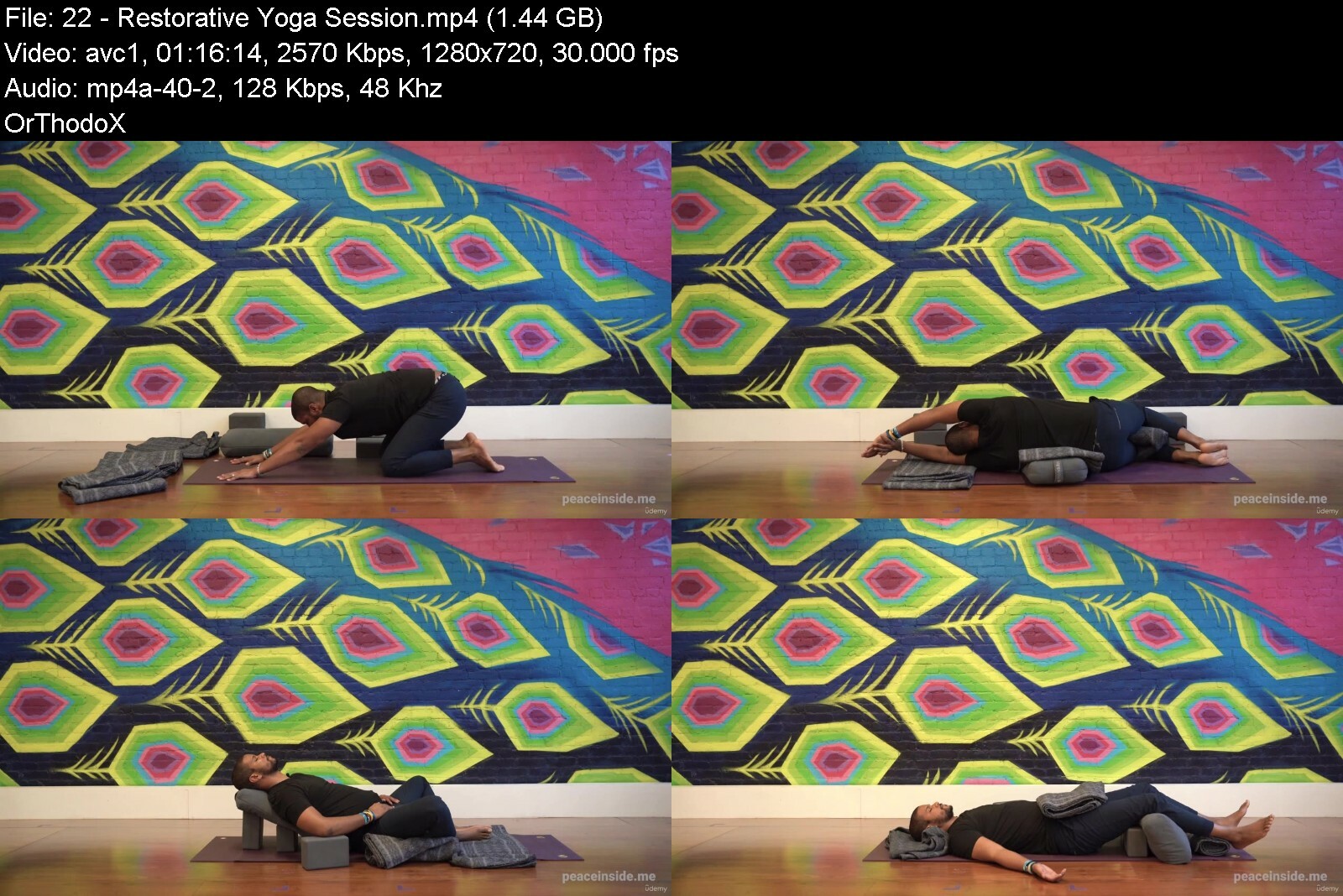
Lecture 22 Restorative Yoga Session
Section 8: Yoga Nidra
Lecture 23 Yoga Nidra Intro
Lecture 24 Yoga Nidra Guided Meditation
Section 9: Sound Bath
Lecture 25 Sound Healing Intro
Lecture 26 Gong Bath Meditation
Lecture 27 Sound 1
Lecture 28 Sound 2
Lecture 29 Sound 3
Section 10: You are a rock star!
Lecture 30 Final Words
Lecture 31 Bonus Gratitude Practice
Lecture 32 Post-Retreat Recommendations
Lecture 33 Let's Be Friends
Lecture 34 Happiness Is an Inside Job
Anyone who wants to create a deeper connection with inner self


meditationbreathworkyu9epg.jpg


Download from RapidGator


Download from Keep2Share


Zurück
Oben Unten