• Regeln für den Video-Bereich:

    In den Börsenbereich gehören nur Angebote die bereits den Allgemeinen Regeln entsprechen.

    Einteilung

    - Folgende Formate gehören in die angegeben Bereiche:
    - Filme: Encodierte Filme von BluRay, DVD, R5, TV, Screener sowie Telesyncs im Format DivX, XviD und x264.
    - DVD: Filme im Format DVD5, DVD9 und HD2DVD.
    - HD: Encodierte Filme mit der Auflösung 720p oder darüber von BluRay, DVD, R5, TV, Screener sowie Telesyncs im Format x264.
    - 3D: Encodierte Filme von BluRay, die in einem 3D Format vorliegen. Dies gilt auch für Dokus, Animation usw.
    - Serien: Cartoon/Zeichentrick, Anime, Tutorials, Dokumentationen, Konzerte/Musik, Sonstiges sind demnach in die entsprechenden Bereiche einzuordnen, auch wenn sie beispielsweise im High Definition-Format oder als DVD5/DVD9/HD2DVD vorliegen. Ausnahme 3D.
    - Bereich Englisch: Englische Releases gehören immer in diesen Bereich.
    - Bereich Talk: Der Bereich, in dem über die Releases diskutiert werden kann, darf, soll und erwünscht ist.


    Angebot/Beitrag erstellen

    - Ein Beitrag darf erst dann erstellt werden, wenn der Upload bei mindestens einem OCH komplett ist. Platzhalter sind untersagt.
    - Bei einem Scenerelease hat der Threadtitel ausschließlich aus dem originalen, unveränderten Releasenamen zu bestehen. Es dürfen keine Veränderungen wie z.B. Sterne, kleine Buchstaben o.ä. vorgenommen werden. Ausnahme Serienbörse:
    - Bei einem Sammelthread für eine Staffel entfällt aus dem Releasename natürlich der Name der Folge. Beispiel: Die Simpsons S21 German DVDRip XviD - ITG
    - Dementsprechend sind also u.a. verboten: Erweiterungen wie "Tipp", "empfehlenswert", "only", "reup", usw. / jegliche andere Zusatzinformation oder Ergänzung, welche nicht in obiger Beschreibung zu finden ist.

    Aufbau des Angebots und Threadtitel

    Der Titel nach folgendem Muster erstellt zu werden. <Name> [3D] [Staffel] [German] <Jahr> <Tonspur> [DL] [Auflösung] <Quelle> <Codec> - <Group>
    Beispiel: The Dark Knight German 2008 AC3 DVDRip XviD - iND
    Beispiel: The Dark Knight 2008 DTS DL BDRip x264 - iND
    Beispiel: The Dark Knight 2008 AC3 DL BDRip XviD - iND
    Beispiel: The Dark Knight German 2008 AC3 720p BluRay x264 iND
    Beispiel: The Dark Knight 2008 DTS DL 1080p BluRay x264 iND
    Beispiel: Die Simpsons S01 German AC3 DVDRip XviD iND
    Beispiel: Die Simpsons S20 German AC3 720p BluRay x264 iND
    Beispiel: Sword Art Online II Ger Sub 2014 AAC 1080p WEBRip x264 - peppermint
    Entsprechend sind also u.a. verboten: Sonderzeichen wie Klammern, Sterne, Ausrufezeichen, Unterstriche, Anführungszeichen / Erweiterungen wie "Tipp", "empfehlenswert", "only", "reup", usw. / jegliche andere Zusatzinformation oder Ergänzung, welche nicht in obiger Beschreibung zu finden ist
    Ausnahmen hiervon können in den Bereichen geregelt sein.

    Die Beiträge sollen wie folgt aufgebaut werden:
    Überschrift entspricht dem Threadtitel
    Cover
    kurze Inhaltsbeschreibung
    Format, Größe, Dauer sind gut lesbar für Downloader außerhalb des Spoilers zu vermerken
    Nfo sind immer Anzugeben und selbige immer im Spoiler in Textform.
    Sind keine Nfo vorhanden z.B. Eigenpublikationen, sind im Spoiler folgende Dateiinformationen zusätzlich anzugeben :
    Quelle
    Video (Auflösung und Bitrate)
    Ton (Sprache, Format und Bitrate der einzelnen Spuren)
    Untertitel (sofern vorhanden)
    Hosterangabe in Textform außerhalb eines Spoiler mit allen enthaltenen Hostern.
    Bei SD kann auf diese zusätzlichen Dateiinformationen verzichtet werden.

    Alle benötigten Passwörter sind, sofern vorhanden, in Textform im Angebot anzugeben.
    Spoiler im Spoiler mit Kommentaren :"Schon Bedankt?" sind unerwünscht.


    Releases

    - Sind Retail-Release verfügbar, sind alle anderen Variationen untersagt. Ausnahmen: Alle deutschen Retail-Release sind CUT, in diesem Fall sind dubbed UNCUT-Release zulässig.
    - Im Serien-Bereich gilt speziell: Wenn ein Retail vor Abschluss einer laufenden Staffel erscheint, darf diese Staffel noch zu Ende gebracht werden.62
    - Gleiche Releases sind unbedingt zusammenzufassen. Das bedeutet, es ist zwingend erforderlich, vor dem Erstellen eines Themas per Suchfunktion zu überprüfen, ob bereits ein Beitrag mit demselben Release besteht. Ist dies der Fall, ist der bereits vorhandene Beitrag zu verwenden.
    - P2P und Scene Releases dürfen nicht verändert oder gar unter einem iND Tag eingestellt werden.


    Support, Diskussionen und Suche

    - Supportanfragen sind entweder per PN oder im Bereich Talk zu stellen.
    - Diskussionen und Bewertungen sind im Talk Bereich zu führen. Fragen an die Uploader haben ausschließlich via PN zu erfolgen, und sind in den Angeboten untersagt.
    - Anfragen zu Upload-Wünschen sind nur im Bereich Suche Video erlaubt. Antworten dürfen nur auf Angebote von MyBoerse.bz verlinkt werden.


    Verbote

    - Untersagt sind mehrere Formate in einem einzigen Angebotsthread, wie beispielsweise das gleichzeitige Anbieten von DivX/XviD, 720p und 1080p in einem Thread. Pro Format, Release und Auflösung ist ein eigener Thread zu eröffnen.
    - Grundsätzlich ebenso verboten sind Dupes. Uploader haben sich an geeigneter Stelle darüber zu informieren, ob es sich bei einem Release um ein Dupe handelt.
    - Gefakte, nur teilweise lauffähige oder unvollständige Angebote sind untersagt. Dies gilt auch für eigene Publikationen, die augenscheinlich nicht selbst von z.B. einer DVD gerippt wurden. Laufende Serien, bei denen noch nicht alle Folgen verfügbar sind, dürfen erstellt und regelmäßig geupdatet werden.
    - Untersagt sind Angebote, welche nur und ausschließlich in einer anderen Sprache als deutsch oder englisch vorliegen. Ausnahmen sind VORHER mit den Moderatoren zu klären.


    Verstoß gegen die Regeln

    - Angebote oder Beiträge, die gegen die Forenregeln verstoßen, sind über den "Melden"-Button im Beitrag zu melden.
  • Bitte registriere dich zunächst um Beiträge zu verfassen und externe Links aufzurufen.

*** Bestes IPTV *** bester Preis *** gratis Test ***


Englische Tutorials

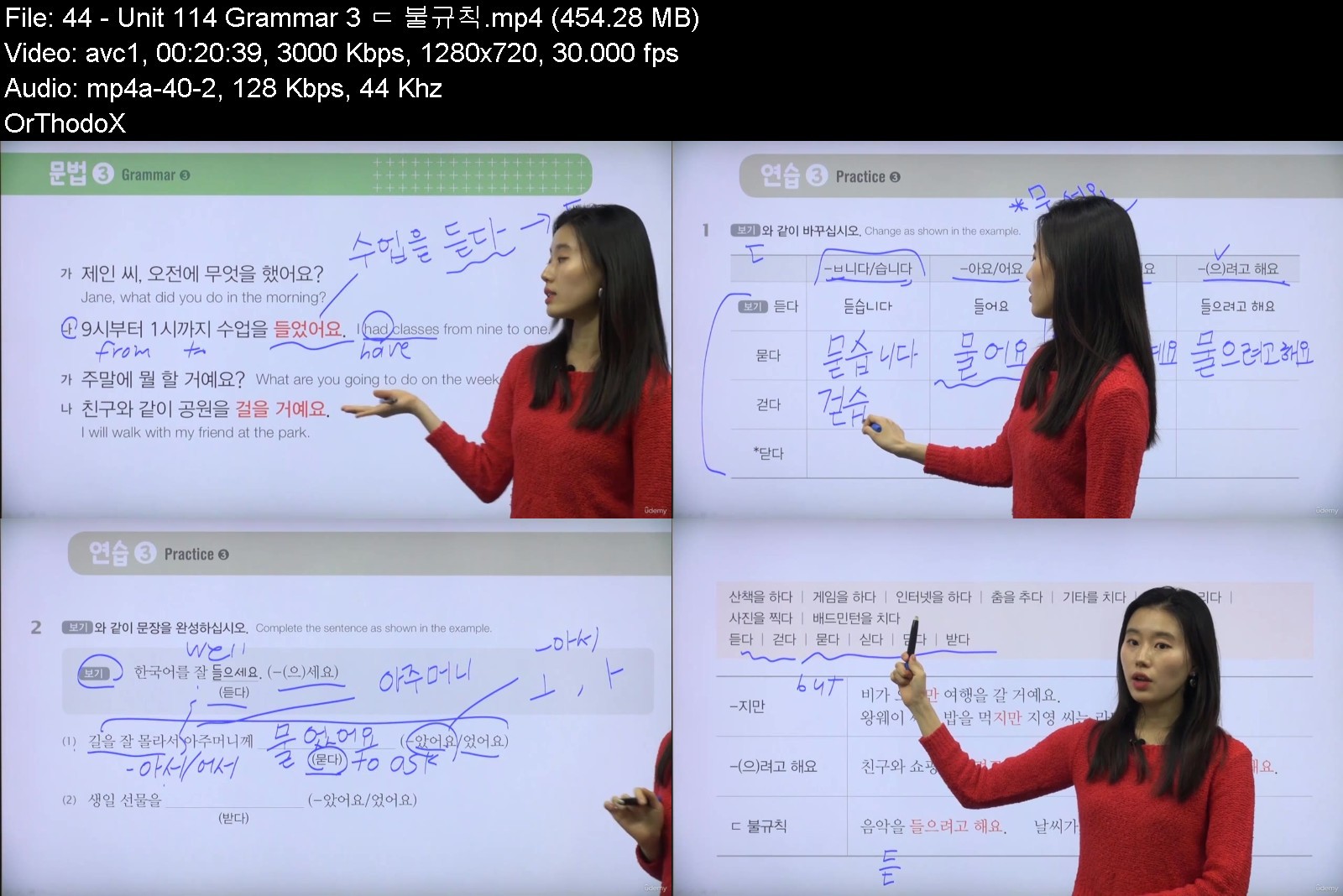
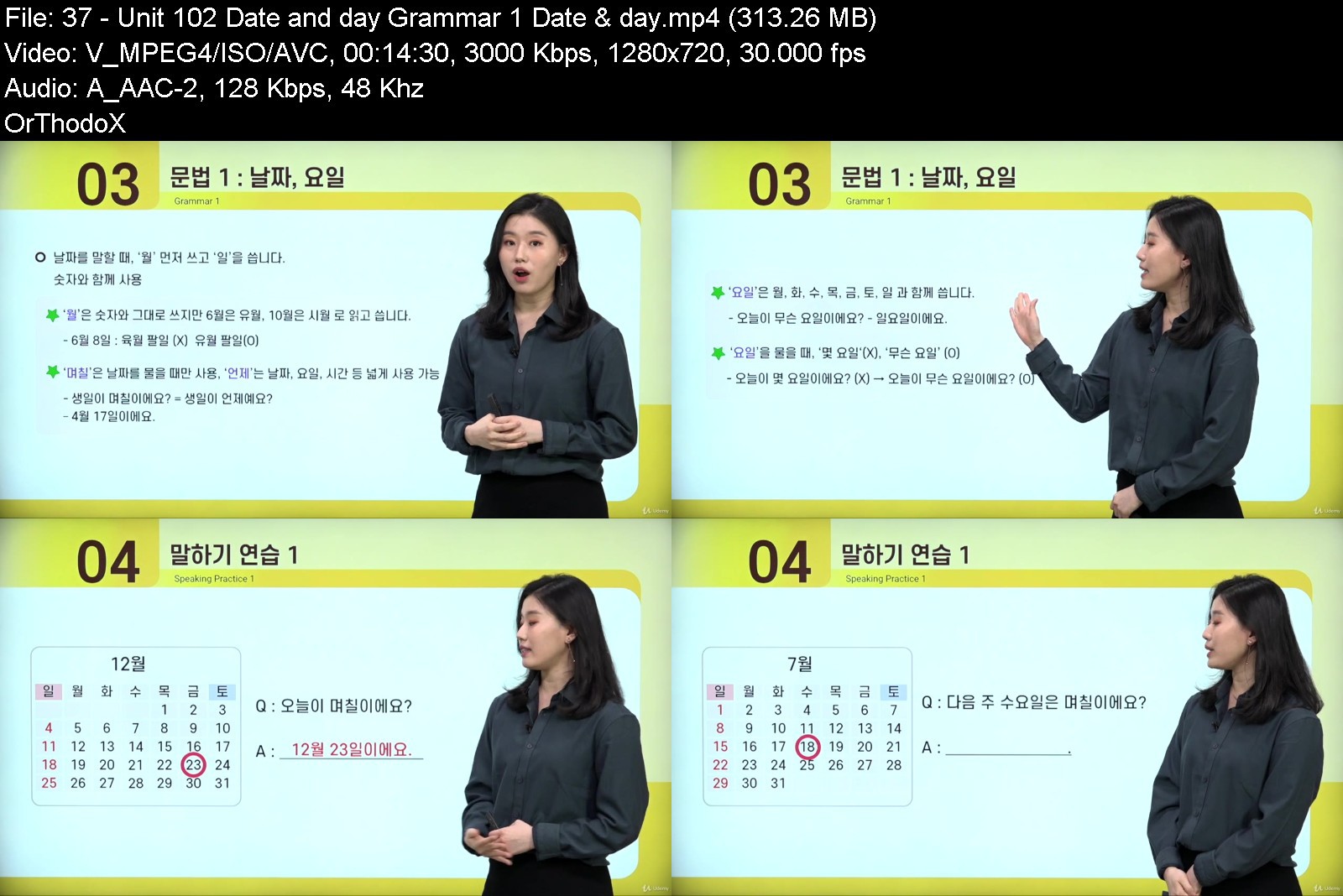
Korean for Beginner 1

eec96eppnxjlkmnw59rwwzvk7w.jpg


Korean for Beginner 1
MP4 | Video: h264, 1280x720 | Audio: AAC, 48 KHz
Language: English | Size: 9.09 GB | Duration: 7h 1m

You can learn complete all skills in one course with Teacher In-young


What you'll learn
You can learn Korean at the beginner level.
You can do simple conversations and writing in everyday life.
Requirements
Can read Korean alphabet (Hangeul)

Description
Sarlang provides 1:1 online Korean education service to improve your Korean skills. You can take 1:1 real-time online Korean class on any date and time you want. You can take the class about the subject you want. You can take a Korean class from a tutor that you want. Study Korean through video lectures recorded for a certain period of time. You can select the course&tutor you want by watching a sample Korean class video. Because it is a Video Class, you can listen at any time you want.There are Beginner 1 and Beginner 2 course. Each course consists of 20 lessons, from Korean Alphabets (vowels, consonants) for first-time learners. There also introduce 80 grammars must needed for beginner learner.The course introduces and explains in detail the basic grammar and vocabulary system. After completing the Beginner course, students can practice basic Korean communication and writing in everyday life.Beginner's course  Target audience: - Beginner-level foreign and Korean learners who can read and write Korean alphabet - Learners interested in Korean language and culture  Purpose of learning -You can do simple conversations and writing in everyday life.  Learning features -It is composed of essential vocabulary and grammar centering on the topics you need to know! -Speaking practice is organized in stages, so you can practice speaking more! -Translated into English, Vietnamese, and Chinese, it is easy for learners from the country to study! -You can review it with a workbook! Teacher's message:Hello:) I am your Korean teacher Inyoung! I do speak Korean, English, Japanese, and Chinese. As a multilingual speaking instructor, I know how difficult it is to learn a language, but I want you to enjoy learning Korean with me. Let's talk & have fun!

Who this course is for
Students who want to learn Korean. Students preparing for TOPIK Lv.1~2 exam,All the Learners who are interested in Korean language and culture.


koreanforbeginner1osj0k.jpg


Download from RapidGator


Download from Keep2Share



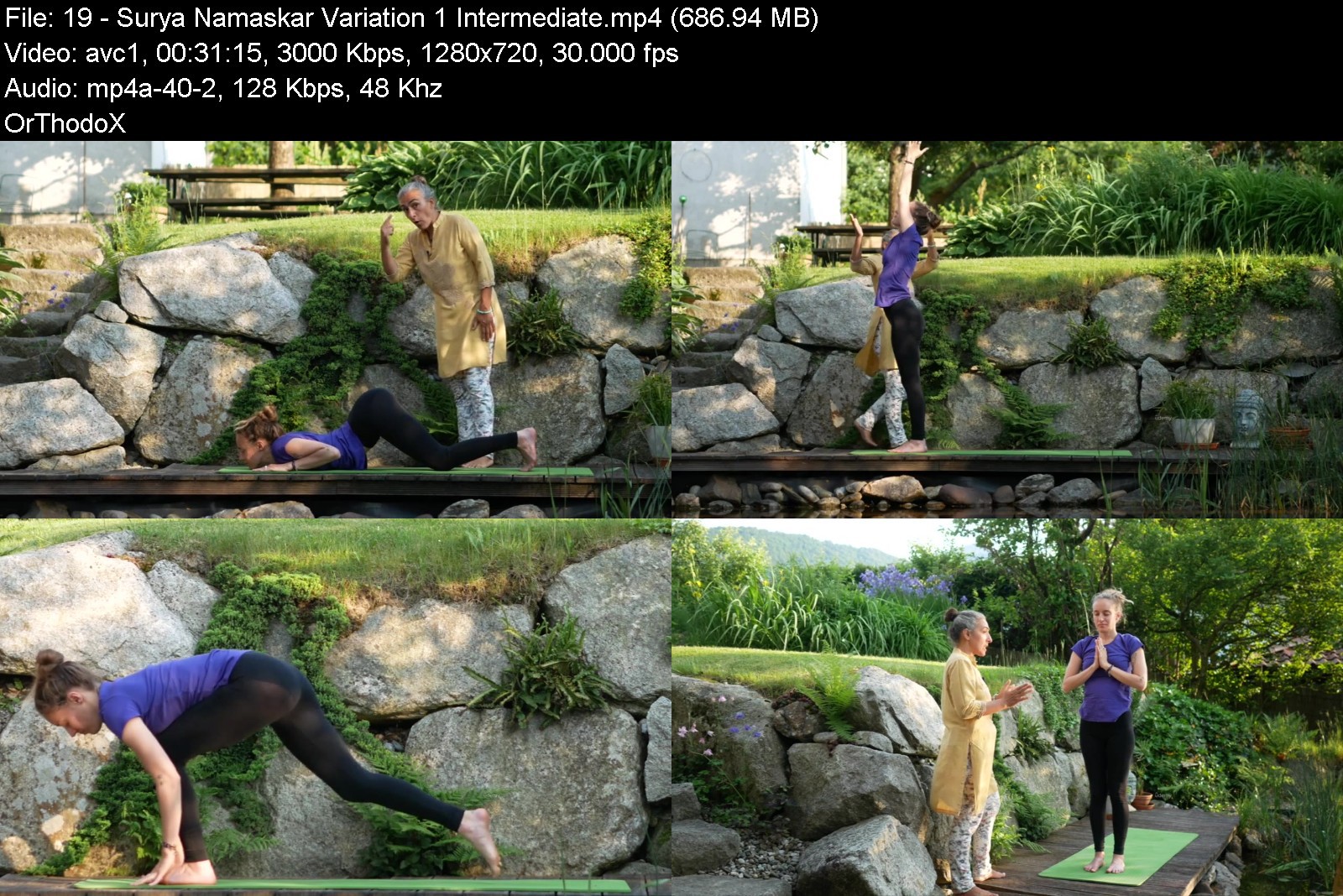
Traditional Indian Yoga

om4p7lksmiern33ehvmazftkoy.jpg


Traditional Indian Yoga
Published 6/2022
MP4 | Video: h264, 1280x720 | Audio: AAC, 44.1 KHz
Language: English | Size: 7.85 GB | Duration: 6h 9m

Yoga is more than poses


What you'll learn
Yoga
Create your own Yoga Sequences
Traditional Indian Yoga
Hatha Yoga
Requirements
Whether you are a beginner or advanced, everyone can take something away from this course.

Description
The most comprehensive traditional Indian Yoga Video-Workshop for Beginners to Advanced. Learn from a real Yoga teacher from India. Vijaya has been practicing for over 30 years and teaching Yoga for 20 years. You will be able to create your own complete Yoga Session to suit your needs. Ready-made templates for sequences provided. Completely transform your life, thoughts and emotions by learning to apply Yogic Philosophy into every moment of every day. With Yoga Nidra you be able to reach deeper layers of consciousness. With the sound files you be able to go deep in the psychic sleep. In over 100 Videos Vijaya provides you with a complete Yoga-Course.Learn from the real Yoga teacher Vijaya from India. Vijaya carries the power of her previous generations where relatives have been taught and guided by famous guru's over many many decades. Swami Satyananda, Swami Vivekananda and the International जब Meditation Institute are just some of her notable influences. Other confidential clients within Bollywood, Hollywood and the Indian Royal Family have experienced Vijaya's authentic guidance. She carries this knowledge in her blood.The Course and all the Modules are created to suit beginners to advanced practitioners. Start now the most comprehensiveTraditional Indian Yoga Video-Workshop!
Overview
Section 1: Intro
Lecture 1 Introduction to the Course
Lecture 2 Yoga on the mat
Lecture 3 Yoga off the mat
Section 2: Modul A - Breathing
Lecture 4 Intro to Hatha Yog
Lecture 5 Introduction to Pranayam
Lecture 6 The Mind-Breath Connection
Lecture 7 Notes on Pranayam
Lecture 8 Breath Awareness
Lecture 9 Breathing Exercise: Abdominal Breathing
Lecture 10 Breathing Exercise: Thoracic Breathing
Lecture 11 Breathing Exercise: Clavicular Breathing
Lecture 12 Breathing Exercise: Yogic Breathing
Lecture 13 Breathing Exercise: Deep Breathing with Abdomen
Lecture 14 Breathing Exercise: Fast Breathing
Section 3: Modul B | Part I | Movement | Surya Namaskar
Lecture 15 Introduction to Hatha Yog (Asanas)
Lecture 16 Introduction and purpose of Surya Namaskar
Lecture 17 Benefits of Surya Namaskar
Lecture 18 General Warm-up
Lecture 19 Surya Namaskar Variation 1 (Intermediate)
Lecture 20 Surya Namaskar Variation 2 (Easy)
Section 4: Modul B | Part II | Movement | How to create your Yog-Sequence
Lecture 21 How to create your Yog-Sequence
Section 5: Modul B | Part II | Movement | Preposition Supine
Lecture 22 Ek/Dwi pad Uttanpadasan (One/Two Leg Raised Pose)
Lecture 23 Ardha Chakrasan (Half Wheel Pose) - Variation 1
Lecture 24 Ardha Chakrasan (Half Wheel Pose) - Variation 2 & 3
Lecture 25 Variation 1: Ardha Shulabh Asana (Half Easy Gas Release Pose)
Lecture 26 Variation 2: Ardha Pawanmuktasan (Half Easy Gas Release Pose)
Lecture 27 Variation 3: Sulabh Pawanmuktasan (Easy Gas Release Pose)
Lecture 28 Variation 4: Poorna Pawanmuktasan (Full Gas Release Pose)
Lecture 29 Chakrasan (Full Wheel Pose)
Lecture 30 Sarvangasan (Shoulderstand)
Lecture 31 Halasan (Plough)
Lecture 32 Matsyasan (Fish) - Easy Variation
Lecture 33 Matsyasan (Fish) - Intermediate Variation
Section 6: Modul B | Part II | Movement | Preposition Prone
Lecture 34 Moving from Supine to Prone
Lecture 35 Advasana (Downward Face Pose)
Lecture 36 Variation 1: Sahajhasta (Easy Arm)
Lecture 37 Variation 2: Shiro Hasta (Head Arm)
Lecture 38 Variation 3: Karna Hasta (Ear Arm)
Lecture 39 Variation 4: Skandha Hasta (Shoulder Arm Cobra)
Lecture 40 Variation 1: Sahaj Shalabasan (Easy Locust Pose)
Lecture 41 Variation 2: Ardha Shalabhasan (Half Locust Pose)
Lecture 42 Variation 3: Shalabhasan (Locust Pose)
Lecture 43 Shashankasan (Child/Hare Pose)
Lecture 44 Naukasan (Boat Pose)
Lecture 45 Tiryak Dhanurasan (Twisted Diagonal Boat Pose)
Section 7: Modul B | Part II | Movement | Sitting
Lecture 46 Moving from Supine to Sitting
Lecture 47 Vajrasan (Thunderbolt Pose)
Lecture 48 Vajrasan Yoga Mudra Type 1 (Thunderbolt Yoga Gesture Type 1)
Lecture 49 Ardha Pachimmotaasan (Half Forward Bend)
Lecture 50 Pachimmotaasan (Forward Bend)
Lecture 51 Vakrasan (Twist Pose)
Lecture 52 Ardha Matsyendrasan (Half Rishi Pose)
Lecture 53 Utkasan -(Single toe Balancing Pose)
Section 8: Modul B | Part II | Movement | Standing
Lecture 54 Moving to Standing
Lecture 55 Trikonasan (Triangle Pose)
Lecture 56 Veerasan (Warrior Pose)
Lecture 57 Veerabhadrasan (Gracious Warrior Pose)
Lecture 58 Ugrasan (Ferocious Pose)
Lecture 59 Sankatasan (Difficult Pose)
Lecture 60 Patangasan (Kite Pose)
Lecture 61 Shavasan (Corpse Pose)
Section 9: Modul B | Part II | Movement | Pranayam
Lecture 62 Introduction to Pranayam
Lecture 63 TYPE 1 - Dynamic - Fast Breathing
Lecture 64 TYPE 2 - Balancing - Nadi Shodana
Lecture 65 TYPE 3 - Cooling - Sheetal
Lecture 66 TYPE 3 - Ujayi (Victorious Breath)
Lecture 67 TYPE 3 - Bhramari (Humming Bee Breath)
Section 10: Modul C | Part I | Mind
Lecture 68 Introduction to Ashtanga Yog
Lecture 69 Introduction to Yamas (Social discipline)
Lecture 70 Ahimsa (Non-violence)
Lecture 71 Satya (Truthfulness)
Lecture 72 Asteya (Non stealing)
Lecture 73 Brahmacharya (Controlling desires)
Lecture 74 Aparigraha (Non-Possessivness)
Section 11: Modul C | Part II | Mind
Lecture 75 Introduction to Niyamas
Lecture 76 Shoucha (Purity, Cleanliness)
Lecture 77 Santosha (Contentment)
Lecture 78 Tapa (Austerity)
Lecture 79 Swadhyaya (Self study)
Lecture 80 Ishwara Pranishana
Section 12: Modul D | Emotion
Lecture 81 Introduction to Bhakti Yog
Lecture 82 Relaxation Series - Introduction
Lecture 83 Matsya Kreedasan (Flapping Fish Pose)
Lecture 84 Adhvasan (Downward Face Pose)
Lecture 85 Shavasan (Corpse Pose)
Lecture 86 Makarasan (Crocodile Pose)
Section 13: Modul E | Action
Lecture 87 Introduction to Karma Yog
Lecture 88 Nirahankar (Without Ego)
Lecture 89 Nishka (Without Attachment)
Lecture 90 Swadhara (In line with your Duties/Responsibility)
Section 14: Modul F | Yoga Nidra
Lecture 91 Introduction to Yog Nidra
Lecture 92 Tips
Section 15: Modul G | Matras
Lecture 93 Introduction to Mantras & Benefits
Section 16: Modul H | Cleansing
Lecture 94 Introduction to Shatkarmas (Cleansing Techniques)
Lecture 95 Kapal Bhathi
Lecture 96 Agnisar
Lecture 97 Jyoti Trataka
Lecture 98 Bindu Trataka
Lecture 99 Jala Neti
Section 17: Modul I | How to deepen Your Practise
Lecture 100 Asans
Lecture 101 Pranayam
Lecture 102 Chakras
Lecture 103 Introduction to Mudras
Lecture 104 Introduction to Meditation
Lecture 105 Meditation Session
Yoga enthusiastic


traditionalindianyogatgjec.jpg


Download from RapidGator


Download from Keep2Share



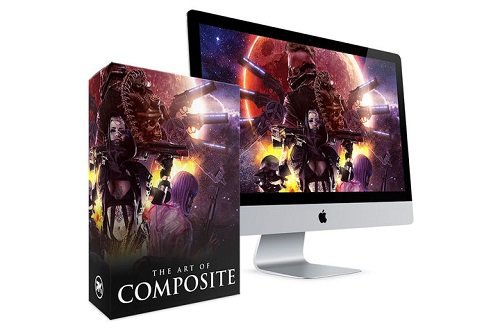
Art of Composite: Photoshop Video Training Bundle

iww6jrdjpihurl5tjcqslqkjrk.jpg


Art of Composite: Photoshop Video Training Bundle
MP4 | Video: h264, yuv420p, 2560x1440 | Audio: aac, 48000 Hz | Duration: 15h 50m | 44.9 GB
Genre: eLearning | Language: English

Module 1 | PREP WORK & PLANNING
8 VIDEOS | 95.5 MINUTES
In this module you'll learn how to prepare and plan for your Photo Manipulation / Compositing projects, as well as essential fundamentals for understanding Colour, Light, and Composition.
Module 2 | FOUNDATIONAL TOOLS
8 VIDEOS | 107.5 MINUTES
The Foundational Tools Module will teach you the ESSENTIAL tools for creating Photo Manipulation / Composite artwork.
Lessons cover Compositing Tools (Pen Tools, Selections, Layers, Layer Masks, Clipping Masks), and Processing Tools (Adjusment Layers, Layer Blend Modes, Curves Adjustments, Brushes, and Smart Objects).
Module 3 | COMPOSITING
7 VIDEOS | 78.8 MINUTES
The Compositing Module gives you the tools and building blocks for creating high-drama composite artwork.
You'll learn Colour Matching, Perspective, Tonal Values, Shadows, creating the illusion of Depth, and much much more.
Module 4 | STYLING & PROCESSING
7 VIDEOS | 94.5 MINUTES
With Styling & Processing you'll learn how to add the final 'polish' to your artwork, ready to show your client, or share to your online portfolio.
Lessons cover a massive collection of hacks, tricks, and final touches - including lessons in Dodge and Burn, adding Light and Atmosphere FX, tweaking Contrast, Color Grading, Sharpening, and more!
Module 5 | FULL WALKTHROUGHS
5 VIDEOS | 9.2HRS
With an understanding of Prep Work, Foundational Tools, Compositing, and Processing - you can put your new skills into action with these full-length Project Tutorials.
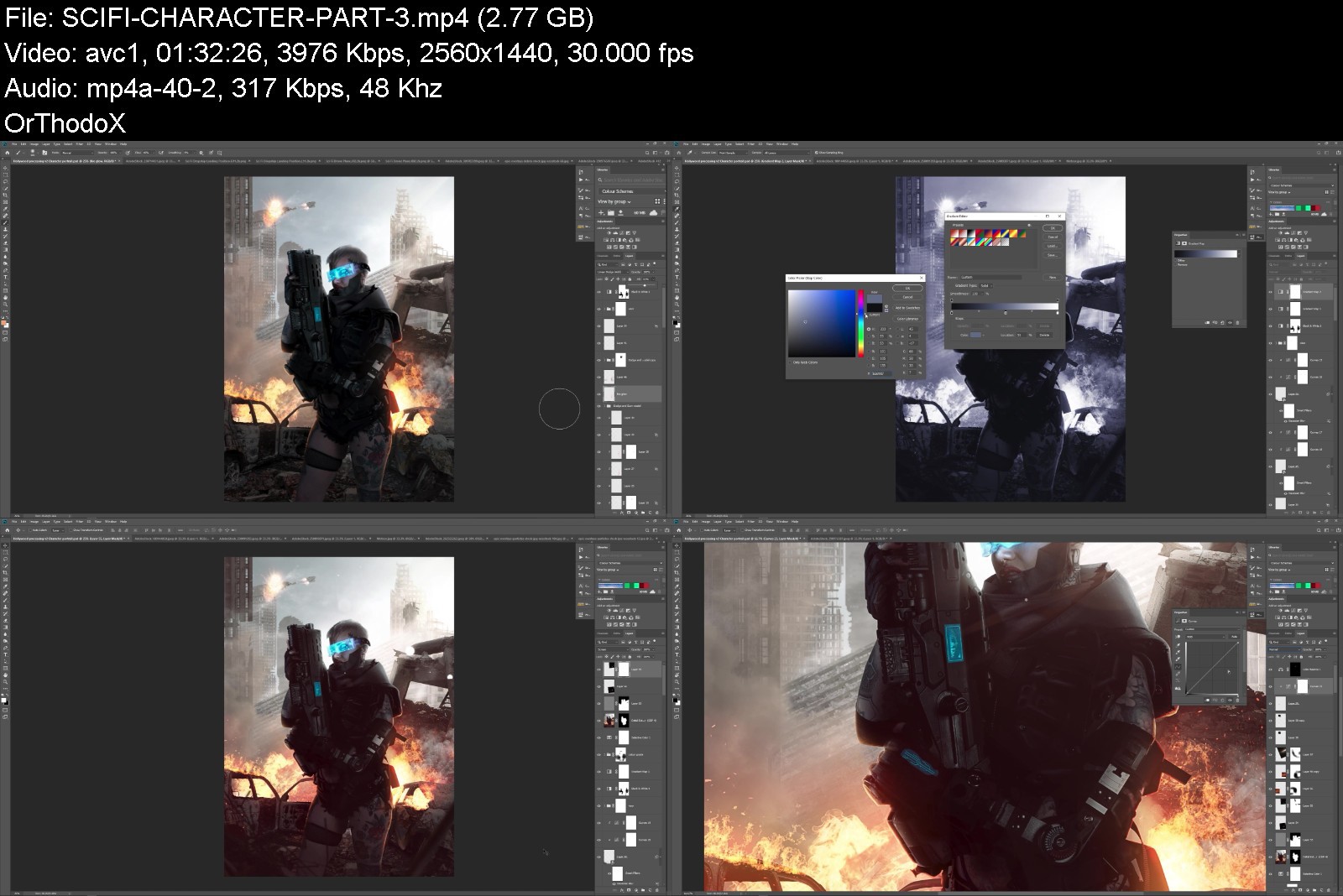
FULL Walkthrough Lessons include: Editorial Composite, Fantasy Scene, Movie Poster, and SciFi Character.
FULL WALKTHROUGH 1 | Editorial Composite
The first full length walkthrough will 'ease you' the Photoshop workflow, with a more straightforward / basic composite - a magazine style editorial image!
With this lesson you'll learn how to combine your new technical skillsets, to create professional looking composite artwork.
FULL WALKTHROUGH 2 | Movie Poster
With the study + learning out the way... this is when things start to get INTENSE!!
In this full-length walkthrough Clinton will show you how to combine all of the Theory, Software Tools, and Compositing know-how, to create a complex / high-octane movie poster.
FULL WALKTHROUGH 3 | SciFi Character
In this full-length walkthrough you'll be working on a more 'character focused' project, designed to fine-tune your skills in adding Details, Flourishes, and Finishing Touches...
This walkthrough uses stocks from the Cyber Dystopia character set (1000+ assets, JPG and pre-cut PNG!), which is included with this video training bundle!
FULL WALKTHROUGH 4 | Fantasy Art
So there's a LOT of scifi in this course... how about some FANTASY?
In the Fantasy Art walkthrough, you'll learn that there's a tonne of different approaches to: theme, aesthetic style, and palette. This lesson is designed to get you out of the 'comfort zone' and explore more muted / realisitic tones with your work.
REFERENCE PSDs
Reverse-engineer and LEARN HOW IT'S DONE with these (fully-layered) PSD documents!

Homepage

photoshopvideotrainineekad.jpg


Download from RapidGator


Download from Keep2Share



Topik Grammar 1 for Beginner

hddvhfmb78texdcp3oxhel3k0h.jpg


Topik Grammar 1 For Beginner
MP4 | Video: h264, 1280x720 | Audio: AAC, 44.1 KHz
Language: English | Size: 10.81 GB | Duration: 8h 31m

Improve your Korean skills and learn 'TOPIK' grammar quickly and easily.


What you'll learn
You can quickly and easily learn communication skills necessary for daily life and human relationships.
You can learn frequently used expressions, vocabulary and grammar in Korea.
You can learn Korean culture naturally based on Korean.
You can learn Korean grammar easily and happily.
Requirements
Can read Korean alphabet (Hangeul)

Description
'TOPIK Grammar Class' is based on the 'Vitamin Korean' textbook published by Darakwon Co., Ltd., and learners can easily understand Korean culture through various social phenomena of Korea based on Korean language and have the necessary functions for daily life. It is structured to help you study Korean grammar, which is an essential element in preparing for 'TOPIK' by learning Korean.Lecture effect- It helps to apply the functions necessary for daily life to real situations.- Improve your Korean skills and learn 'TOPIK' grammar quickly and easily.- You can find the joy of studying Korean.Teacher's message:Hello:) I am your Korean teacher Inyoung! I do speak Korean, English, Japanese, and Chinese. As a multilingual speaking instructor, I know how difficult it is to learn a language, but I want you to enjoy learning Korean with me. Let's talk & have fun!Sarlang provides 1:1 online Korean education service to improve your Korean skills. You can take 1:1 real-time online Korean class on any date and time you want. You can take the class about the subject you want. You can take a Korean class from a tutor that you want. Study Korean through video lectures recorded for a certain period of time. You can select the course&tutor you want by watching a sample Korean class video. Because it is a Video Class, you can listen at any time you want.
Who this course is for
Learners who want to learn Korean expressions that are frequently used in daily life,Learners who want to take classes regardless of time and place


topikgrammar1forbeginjxk1e.jpg


Download from RapidGator


Download from Keep2Share



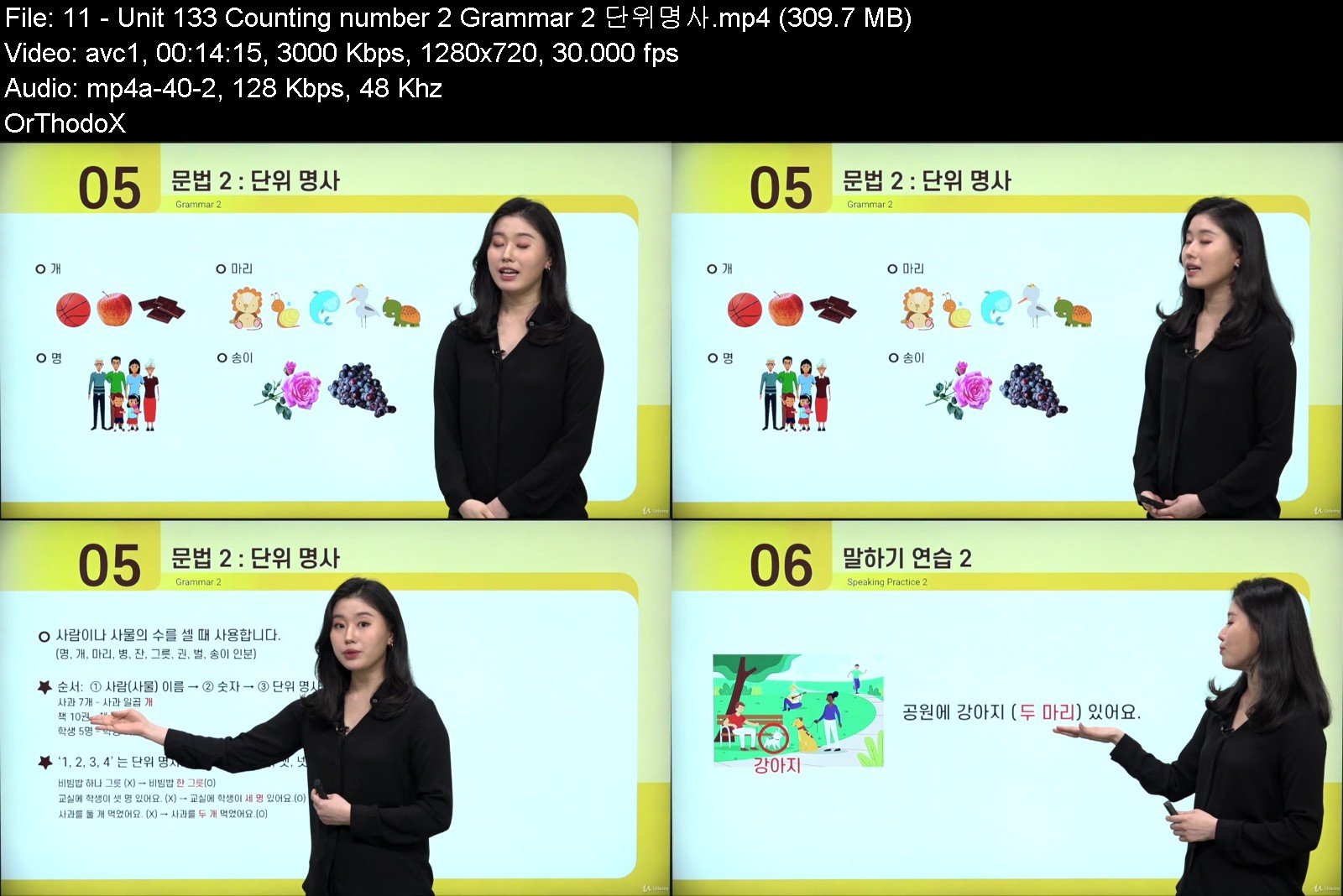
Korean for Beginner 2

qxwsbg6aofxqkllrdhi0xwgkok.jpg


Korean For Beginner 2
MP4 | Video: h264, 1280x720 | Audio: AAC, 48 KHz
Language: English | Size: 9.17 GB | Duration: 7h 6m

Teacher In-young will help you speak Korean like a native.


What you'll learn
You can learn Korean at the beginner level.
You can do simple conversations and writing in everyday life.
Requirements
Can read Korean alphabet (Hangeul)

Description
Sarlang provides 1:1 online Korean education service to improve your Korean skills. You can take 1:1 real-time online Korean class on any date and time you want. You can take the class about the subject you want. You can take a Korean class from a tutor that you want. Study Korean through video lectures recorded for a certain period of time. You can select the course&tutor you want by watching a sample Korean class video. Because it is a Video Class, you can listen at any time you want.There are Beginner 1 and Beginner 2 course. Each course consists of 20 lessons, from Korean Alphabets (vowels, consonants) for first-time learners. There also introduce 80 grammars must needed for beginner learner.The course introduces and explains in detail the basic grammar and vocabulary system. After completing the Beginner course, students can practice basic Korean communication and writing in everyday life.Beginner's course  Target audience: - Beginner-level foreign and Korean learners who can read and write Korean alphabet - Learners interested in Korean language and culture  Purpose of learning -You can do simple conversations and writing in everyday life.  Learning features -It is composed of essential vocabulary and grammar centering on the topics you need to know! -Speaking practice is organized in stages, so you can practice speaking more! -Translated into English, Vietnamese, and Chinese, it is easy for learners from the country to study! -You can review it with a workbook! Teacher's message:Hello:) I am your Korean teacher Inyoung! I do speak Korean, English, Japanese, and Chinese. As a multilingual speaking instructor, I know how difficult it is to learn a language, but I want you to enjoy learning Korean with me. Let's talk & have fun!
Who this course is for
Students who want to learn Korean. Students preparing for TOPIK Lv.1~2 exam,All the Learners who are interested in Korean language and culture.


koreanforbeginner273k0t.jpg


Download from RapidGator


Download from Keep2Share



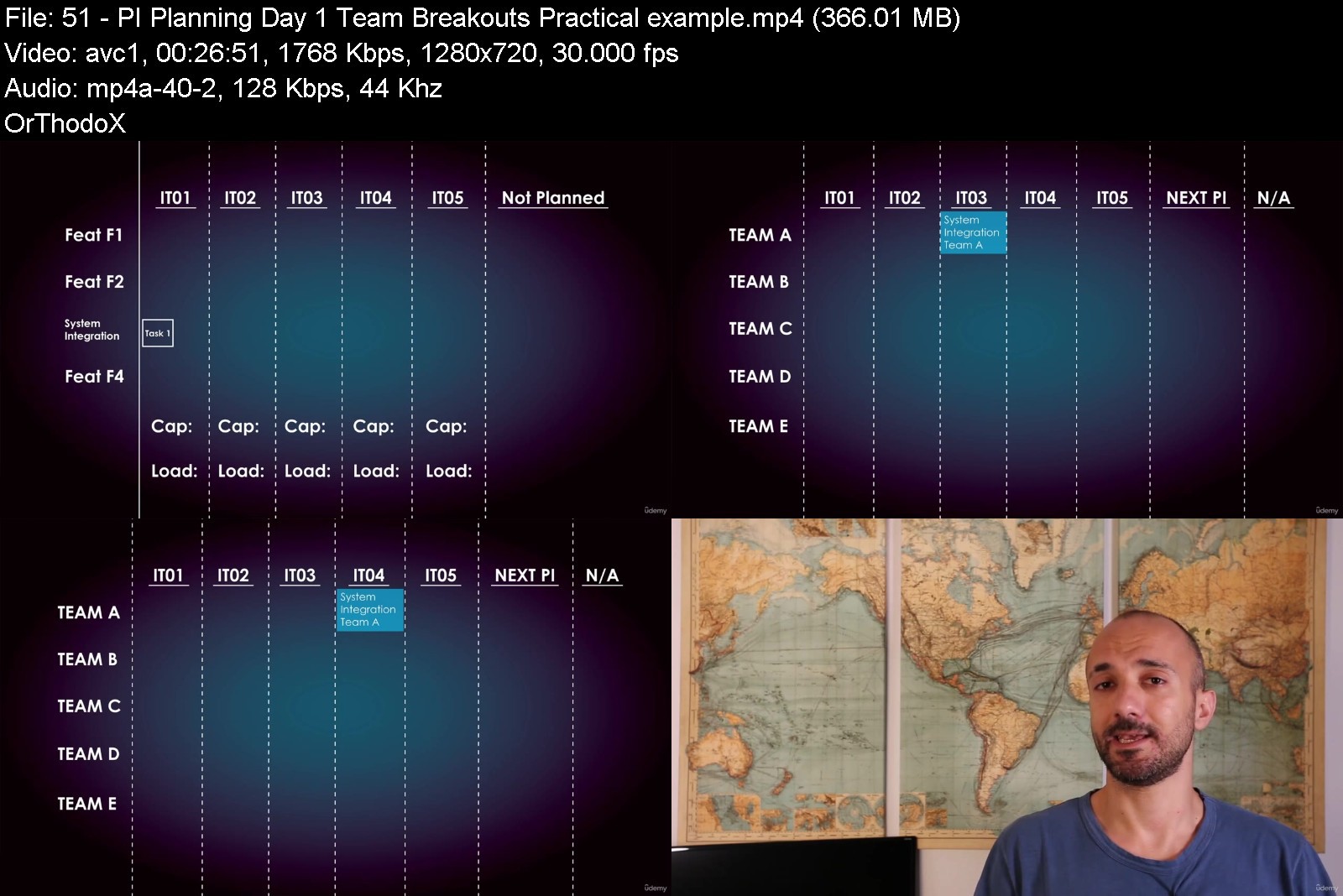
[Agileteka] Scaled Agile Framework (Safe) From Zero To Hero

o4v0yzcowmpuacjrt7dakm9js3.jpg


[Agileteka] Scaled Agile Framework (Safe) From Zero To Hero
Published 6/2022
MP4 | Video: h264, 1280x720 | Audio: AAC, 44.1 KHz
Language: English | Size: 5.01 GB | Duration: 4h 33m

Get the most out of the Scaled Agile Framework (SAFe) by mastering the real world & daily activities!


What you'll learn
Scaled Agile Framework (SAFe) concept - What is Scaled Agile Framework (SAFe) and how does it serve us.
Scaled Agile Framework Roles - What is the concept about each role, followed by an in-depth analysis. The responsibilities of each role are mentioned in detail.
Scaled Agile Framework (SAFe) Artifacts - What is the purpose of each Artifact, a detailed guide on how to use each one of them, along with practical examples.
Scaled Agile Framework (SAFe) Meetings - What is the goal of each SAFe Meeting, how to take advantage of it, and pitfalls that you should avoid.
Scaled Agile Framework (SAFe) 7 core competencies - A quick overview of the 7 core competencies of SAFe, in order to better grasp the SAFe mindset.
Scaled Agile Framework (SAFe) PI Walkthrough - A detailed walkthrough of a Product Increment (PI) , starting from day 1, until the end of it.
Requirements
Basic Agile Scrum knowledge is necessary (Roles, meetings, artifacts, philosophy)
Willingness to explore the Scaled Agile Framework (SAFe) world

Description
Why you should get this courseYou will learn what is Scaled Agile Framework (SAFe) and how to get the most out of the Framework, with specific steps mentioned for each Role!How to interact with your colleaguesWhat to do during each Meeting How to use the ArtifactsYou will get a very accurate picture of the daily work within the Scaled Agile Framework (SAFe).The course is not focused on boring theory, but I*provide you with as much practical information possible, so that you can start working within SAFe tomorrow!Get taught by a successful professional with several years of experience in managing teams &*projects and a proven track record.I*have worked with various development methodologies &*frameworks. As a result, I know the strong &*weak points of each methodology, and what you should be careful about.I*apply all the information taught in this course successfully and on a daily basis.What's included in the course:High-quality Videos (visual &*audio) so that you can watch the course from any device with great comfort.Hand crafted graphics & organigrams that will help you understand the Agile Scrum Roles, Meetings, Artifacts etcLifetime access - No expiration. You buy the course once, you have it forever.Q&A*support from the instructor on your questions.Free course updates - The material is constantly updated and you will receive all the actualisations.This course is ideal for:people with basic knowledge of Agile Scrum, who want to learn how to apply Agile on a scale, according to the Scaled Agile Framework (SAFe)People with intermediate SAFe experience who want to build up on their knowledge and clarify any misconceptions.Managers & Scrum Masters that are looking for an optimal application of SAFe in order to apply it to their organisation.People that want to prepare for an interview regarding SAFe.People who are / want to be part of a company / organisation that works using the Scaled Agile Framework (SAFe).This course is NOT*for:people of advanced SAFe knowledge are not the main focus of the course. The course starts from the very basics. However, those people can benefit from the more advanced concepts & application methods that I mention here.People who are looking for an official Scaled Agile Framework (SAFe) certification. The goal of the course is to educate and give a solid understanding about the Scaled Agile Framework (SAFe) and how to work with it on a daily basis. I do not follow the official certification exam outlinePRICING*POLICY5% of the monthly income is donated to NGOs.
Overview
Section 1: Course Introduction
Lecture 1 Introduction Instructor
Lecture 2 Why I created this Course
Lecture 3 What you will gain with this course
Lecture 4 Overview of the course's structure
Lecture 5 What is SAFe?
Lecture 6 Differences with Agile Scrum
Section 2: SAFe Terminology
Lecture 7 Terminology Introduction
Lecture 8 Agile Release Train
Lecture 9 Iteration
Lecture 10 Product Increment
Lecture 11 Terminology Outro
Section 3: SAFe Roles
Lecture 12 SAFe Roles Introduction
Lecture 13 Business Owner
Lecture 14 Product Manager
Lecture 15 Release Manager
Lecture 16 Release Train Engineer
Lecture 17 System Architect
Lecture 18 SAFe Roles Outro
Section 4: SAFe Artifacts
Lecture 19 SAFe Artifacts Introduction
Lecture 20 Story
Lecture 21 Capability & Feature
Lecture 22 Epic
Lecture 23 Program Backlog
Lecture 24 PI Objectives
Lecture 25 SAFe Artifacts Outro
Section 5: SAFe Meetings
Lecture 26 SAFe Meetings Introduction
Lecture 27 Set Business Objectives
Lecture 28 Set Business Objectives - Take advantage of it
Lecture 29 Set Business Objectives - Things to avoid
Lecture 30 Program Backlog Presentation
Lecture 31 Program Backlog Presentation - Take advantage of it
Lecture 32 Program Backlog Presentation - Things to avoid
Lecture 33 PI Planning Introduction
Lecture 34 PI Planning Day 1 - Introductory meeting
Lecture 35 PI Planning Day 1 - Introductory meeting - Take advantage of it
Lecture 36 PI Planning Day 1 - Introductory meeting - Things to avoid
Lecture 37 PI Planning Day 1 - Program Backlog recap
Lecture 38 PI Planning Day 1 - Program Backlog recap - Take advantage of it
Lecture 39 PI Planning Day 1 - Program Backlog recap - Things to avoid
Lecture 40 PI Planning Day 1 - Planning guidelines
Lecture 41 PI Planning Day 1 - Planning guidelines - Take advantage of it
Lecture 42 PI Planning Day 1 - Planning guidelines - Things to avoid
Lecture 43 PI Planning Day 1 - Team Breakouts - Introduction
Lecture 44 PI Planning Day 1 - Team Breakouts - task card for the Team Board.
Lecture 45 PI Planning Day 1 - Team Breakouts - Complete the Team Board.
Lecture 46 PI Planning Day 1 - Team Breakouts - TIP for Completing the Team Board.
Lecture 47 PI Planning Day 1 - Team Breakouts - Complete the PI Board
Lecture 48 PI Planning Day 1 - Team Breakouts - Team PI Objectives
Lecture 49 PI Planning Day 1 - Team Breakouts - Probability & Impact matrix
Lecture 50 PI Planning Day 1 - Team Breakouts - Summary
Lecture 51 PI Planning Day 1 - Team Breakouts - Practical example
Lecture 52 PI Planning Day 1 - Team Breakouts - Take advantage of it
Lecture 53 PI Planning Day 1 - Team Breakouts - Things to avoid
Lecture 54 PI Planning Day 1 - Program Board Review
Lecture 55 PI Planning Day 1 - Program Board Review - Take advantage of it
Lecture 56 PI Planning Day 1 - Program Board Review - Things to avoid
Lecture 57 PI Planning Day 1 - Management meeting
Lecture 58 PI Planning Day 1 - Management meeting - Take advantage of it
Lecture 59 PI Planning Day 1 - Management meeting - Things to avoid
Lecture 60 PI Planning Day 2 - Introductory meeting
Lecture 61 PI Planning Day 2 - Risk ROAM
Lecture 62 PI Planning Day 2 - Risk ROAM - Take advantage of it
Lecture 63 PI Planning Day 2 - Risk ROAM - Things to avoid
Lecture 64 PI Planning Day 2 - Team Breakouts
Lecture 65 PI Planning Day 2 - Program Board Review
Lecture 66 PI Planning Day 2 - Confidence Vote
Lecture 67 PI Planning Day 2 - Retrospective
Lecture 68 PI Planning Day 2 - Retrospective - Take advantage of it
Lecture 69 PI Planning Day 2 - Retrospective - Things to avoid
Lecture 70 PI Planning Day 2 - Closure & Next Steps
Lecture 71 PI Planning Day 2 - Closure & Next Steps - Take advantage of it
Lecture 72 PI Planning Day 2 - Closure & Next Steps - Things to avoid
Lecture 73 PO Synch
Lecture 74 PO Synch - Take advantage of it
Lecture 75 PO Synch - Things to avoid
Lecture 76 Scrum of Scrums
Lecture 77 Scrum of Scrums - Take advantage of it
Lecture 78 Scrum of Scrums - Things to avoid
Lecture 79 Release Management Meeting
Lecture 80 Release Management Meeting - Take advantage of it
Lecture 81 Release Management Meeting - Things to avoid
Lecture 82 Inspect & Adapt
Lecture 83 Inspect & Adapt - Take advantage of it
Lecture 84 Inspect & Adapt - Things to avoid
Lecture 85 SAFe Meetings Outro
Section 6: 7 Core Competencies
Lecture 86 7 Core Competencies Introduction
Lecture 87 Competency: Enterprise Solution Delivery
Lecture 88 Competency: Agile Product Delivery
Lecture 89 Competency: Team & Technical Agility
Lecture 90 Competency: Lean Portfolio Management
Lecture 91 Competency: Organisational Agility
Lecture 92 Competency: Continuous Learning Culture
Lecture 93 Competency: Lean-Agile Leadership
Section 7: PI Walkthrough
Lecture 94 PI Walkthrough Introduction
Lecture 95 Activity Streams
Lecture 96 Pre-PI activities
Lecture 97 PI activities
Lecture 98 PI Walkthrough Outro
Section 8: Course Outro
Lecture 99 Course Outro
People with basic knowledge of Agile Scrum, who want to learn how to apply Agile on a scale, according to the Scaled Agile Framework (SAFe),People with intermediate SAFe experience who want to build up on their knowledge and clarify any misconceptions.,Managers & Scrum Masters that are looking for an optimal application of SAFe in order to apply it to their organisation.,People that want to prepare for an interview related to SAFe,People who are / want to be part of a company / organisation that works using the Scaled Agile Framework (SAFe),People of advanced SAFe knowledge are not the main focus of the course. The course starts from the very basics. However, those people can benefit from the more advanced concepts & application methods that I mention here.,NOT for: People who are looking for an official Scaled Agile Framework (SAFe) certification. The goal of the course is to educate and give a solid understanding about the Scaled Agile Framework (SAFe) and how to work with it on a daily basis. I do not follow the official certification exam outline


agiletekascaledagilefm2kmk.jpg


Download from RapidGator


Download from Keep2Share


 
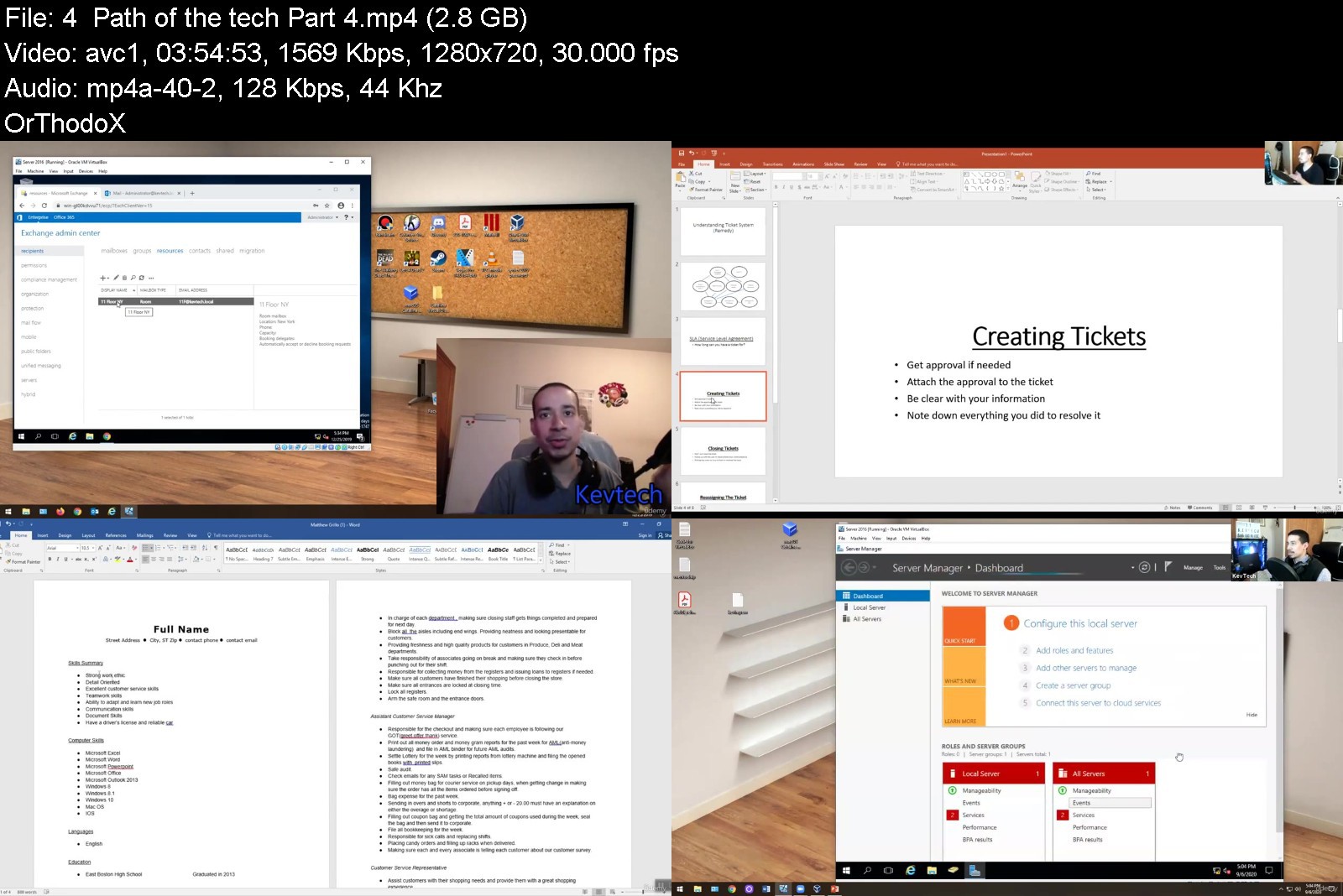
IT Support Technical Skills Helpdesk

468800292a43lnkm1.jpg


IT Support Technical Skills Helpdesk
Last Updated 05/2022
MP4 | Video: h264, 1280x720 | Audio: AAC, 44.1 KHz, 2 Ch
Genre: eLearning | Language: English + srt | Duration: 24 lectures (10h 49m) | Size: 7.64 GB


Hands-on Technical skills for IT Support Learners


What you'll learn
active directory
desktop support
tech support
helpdesk
Requirements
no experience
willing to learn
self taught
entry level computer knowledge
Description
This course is designed to give you a good understanding on IT Support. The course has live real-world hands on training that you can to use in a work environment.
This course will give you the basic knowledge, skills and confidence to being learning IT Support.
The course is designed to help you get familiar with real world technologies used in a work environment.
You will learn the below in this course
What is active directory.
How to share folders.
What is office 365.
How to fix your resume.
What is windows 10 and how to troubleshoot it.
What is a ticketing system and how to get it for free.
How to unlock accounts and reset passwords on active directory
How to access a client with MFA 2 factor authentication
Exchange mailbox access.
How to give someone access to a calendar.
How to answer a phone call with a client.
How to remote into someone machine/pc.
How to troubleshoot hardware issues.
How to apply to jobs.
How to troubleshoot outlook issues.
How to troubleshoot mobile devices.
How to troubleshoot mac/android devices.
What is RSAT Tools?
How to fix an issue with a computer that fell off the domain
Who is this course for
This is for someone brand new starting out in the job market who has little to entry level skills. This is the perfect combination for someone who read the comptia a+ and wants to learn more about what you see on the job market. Reading the A+ and taking this course will make you well rounded.
Who this course is for
Beginners


itsupporttechnicalski81jja.jpg


Download from RapidGator


Download from Keep2Share


CBTNuggets - Server Administrator Training: Fundamentals

knoxhutchinson21024x5hij5n.jpg


CBTNuggets - Server Administrator Training: Fundamentals
Released 06/2022
MP4 | Video: h264, 1920x1080 | Audio: AAC, 44.1 KHz, 2 Ch
Genre: eLearning | Language: English | Duration: 63 Lessons (8h 26m) | Size: 8.8 GB


This entry-level Server Administrator Training: Fundamentals training prepares network administrators to perform the basic tasks of a server administrator, installing, configuring and troubleshooting servers and their operating systems

This course covers the basics of server administration. This server administrator training covers the basics of traditional and virtualized servers, configuring and managing them, as well as installing and troubleshooting server operating systems.
After completing this CompTIA training you'll know how to perform the basic tasks of a server administrator: installing, configuring and troubleshooting servers and their operating systems.
For anyone who manages network administrators, this CompTIA training can be used to onboard new network administrators, curated into individual or team training plans, or as a CompTIA reference resource.
Server Administrator Training: Fundamentals: What You Need to Know
This Server Administrator Training: Fundamentals training has videos that cover topics including
Installing a server operating system from scratch
Understanding the fundamentals of web servers like Apache
Implementing basic user roles and accesses
Understanding virtualization, how to secure it and use it
Who Should Take Server Administrator Training: Fundamentals Training?
This Server Administrator Training: Fundamentals training is considered foundational-level CompTIA training, which means it was designed for network administrators. This networking skills course is valuable for new IT professionals with at least a year of experience with OS installation best practices and experienced network administrators looking to validate their CompTIA skills.
New or aspiring network administrators. If you're brand new to network administration, this course is exactly what you need to get started. You'll learn the concepts and theory of servers and how they connect, and then learn configuration and practice doing it yourself. This is a fast, entry-level introduction to network administration.
Experienced network administrators. If you're a network administrator with several years of experience, this course on server administration fundamentals will likely be completely familiar. You might still want to take the course if you're brushing up on fundamentals before an exam or if you need an example of how to teach server administration to your own subordinates.


serveradministratortry6jwk.jpg


Download from RapidGator


Download from Keep2Share



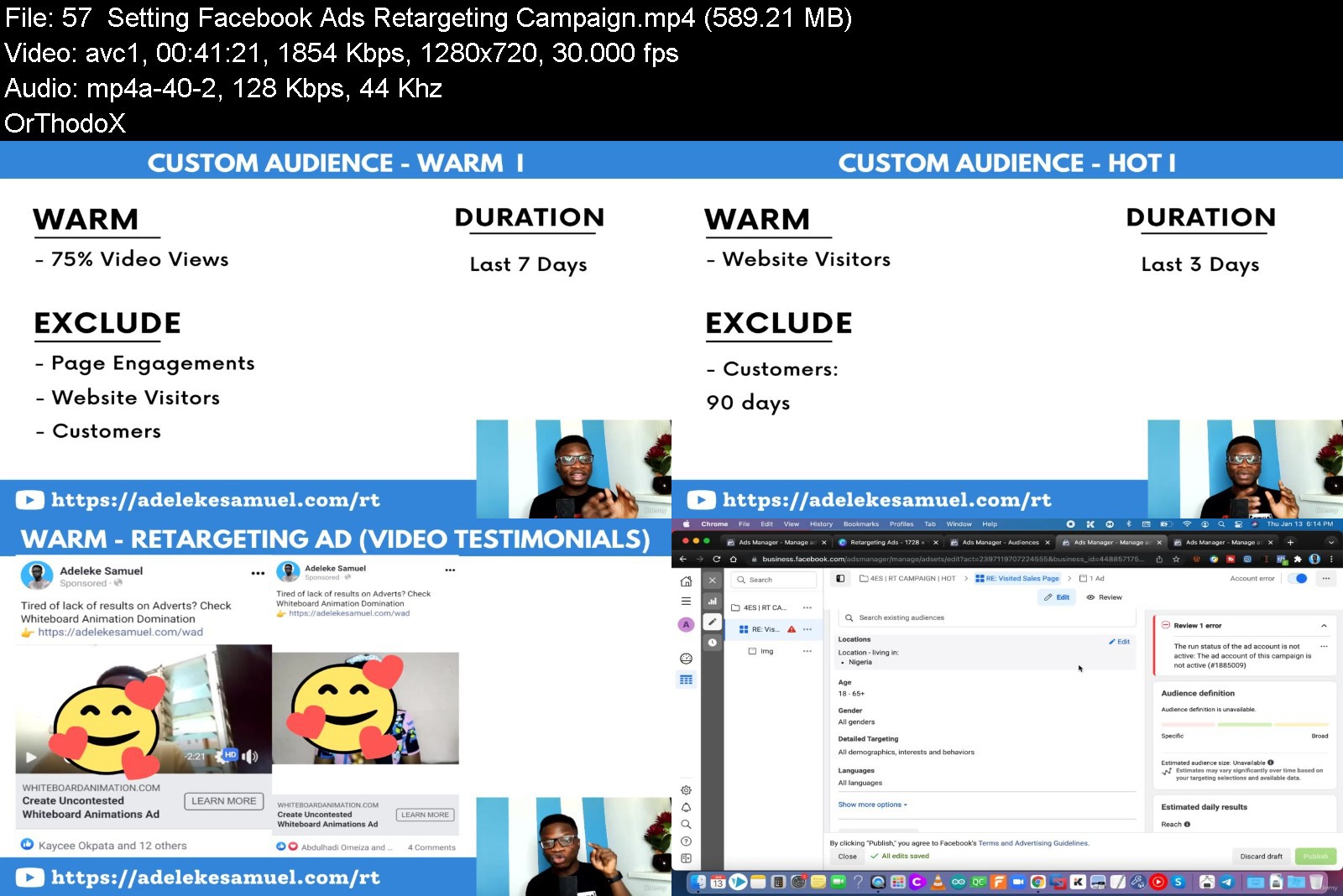
The Ultimate Profitable Facebook Ads Blueprint

4661310ad583h1kwk.jpg


The Ultimate Profitable Facebook Ads Blueprint
Published 06/2022
MP4 | Video: h264, 1280x720 | Audio: AAC, 44.1 KHz, 2 Ch
Genre: eLearning | Language: English + srt | Duration: 62 lectures (15h 52m) | Size: 6.5 GB


Discover My Time-tested And Proven step-by-step Framework You Can Use To Launch a Profitable Facebook Ads Campaign


What you'll learn
Possess confidence to create a Profitable Facebook Ads Campaign from Scratch
Acquire New Customers and make sales on a daily basis through Facebook Ads
Generate Quality Leads To Your Business
Scale and grow your business with Facebook Ads
Requirements
No prior advertising skills required. You'll learn everything from the very basics
Access to a PC and internet connection
Description
Do you currently have a business and you're looking for a better way to acquire new customers and make daily sales?
Or you currently run Facebook Ads but you are tired of wasting money without getting your desired return on your Ad spent?
Then let me show you how to properly and confidently launch a Profitable Facebook Ads campaign by leveraging on my time-tested and proven blueprint to get massive results no matter what you're selling, who you're selling to or your level of Facebook Ads knowledge.
This is the Ultimate Facebook Ads Blueprint because it contains everything you'll ever need to learn how to Setup And Launch Profitable Facebook Ads Campaign That Generate Daily Sales and Quality Leads even if you're a Total Newbie.
This is for you, if you're a
Business owners, Info marketer, Drop-shippers that wants to acquire new customers and make daily sales
Affiliate Marketer, Real Estate Consultant , Network Marketer ,Sales Person: Looking to generate Quality Leads
Bloggers, YouTubers, Podcasters: Looking for a way to drive Quality Traffic and grow their fan base, subscribers or followers
Digital Marketers, Freelancers and Individuals: Looking for a new skill to learn or master and offer as service to other businesses
After going through this course, you'll be
Confident to hit the "publish" button knowing you have setup your Ads Campaign to convert
Never worry of not being able to acquire New customers
Never worry of making daily sales ever again
The course contains video lessons, checklist, templates, scripts, tasks that will make learning easy and implementing what was learnt even more easy.
Who this course is for
Business owners, Drop-shippers, Info marketers and eComPreneurs that wants to acquire new customers and make daily sales
Affiliate Marketers, Real Estate Agents, Network Marketers, Sales Persons: Looking to generate Quality Leads
Digital Marketers, Freelancers and Individuals: Looking for a new skill to learn or master and offer as service to other businesses
Bloggers, YouTubers, Podcasters: Looking for a way to drive Quality Traffic and grow their fan base, subscribers or followers


theultimateprofitablel6j6a.jpg


Download from RapidGator


Download from Keep2Share



System Design Course

imagemmkj2.jpg


System Design Course
Last Updated 06/2022
MP4 | Video: h264, 1920x1080 | Audio: AAC, 44.1 KHz, 2 Ch
Genre: eLearning | Language: English | Duration: 113 Lessons (13h 3m) | Size: 19.7 GB

Learn how to design large-scale distributed systems, implement coding design patterns and make tradeoffs on consistency, availability and performance

What makes this course special?
In-depth explanations of system tradeoffs, internals and final decisions.
An organised guide saves time and makes learning easy.
Master critical concepts like routing, security, caching, etc...
Real-world design examples including executable code and tests.
Measure progress and solidify your learning with our tailored quizzes.
See through tricky questions and crush the next interview!

What sets us apart
Examples with Live Code

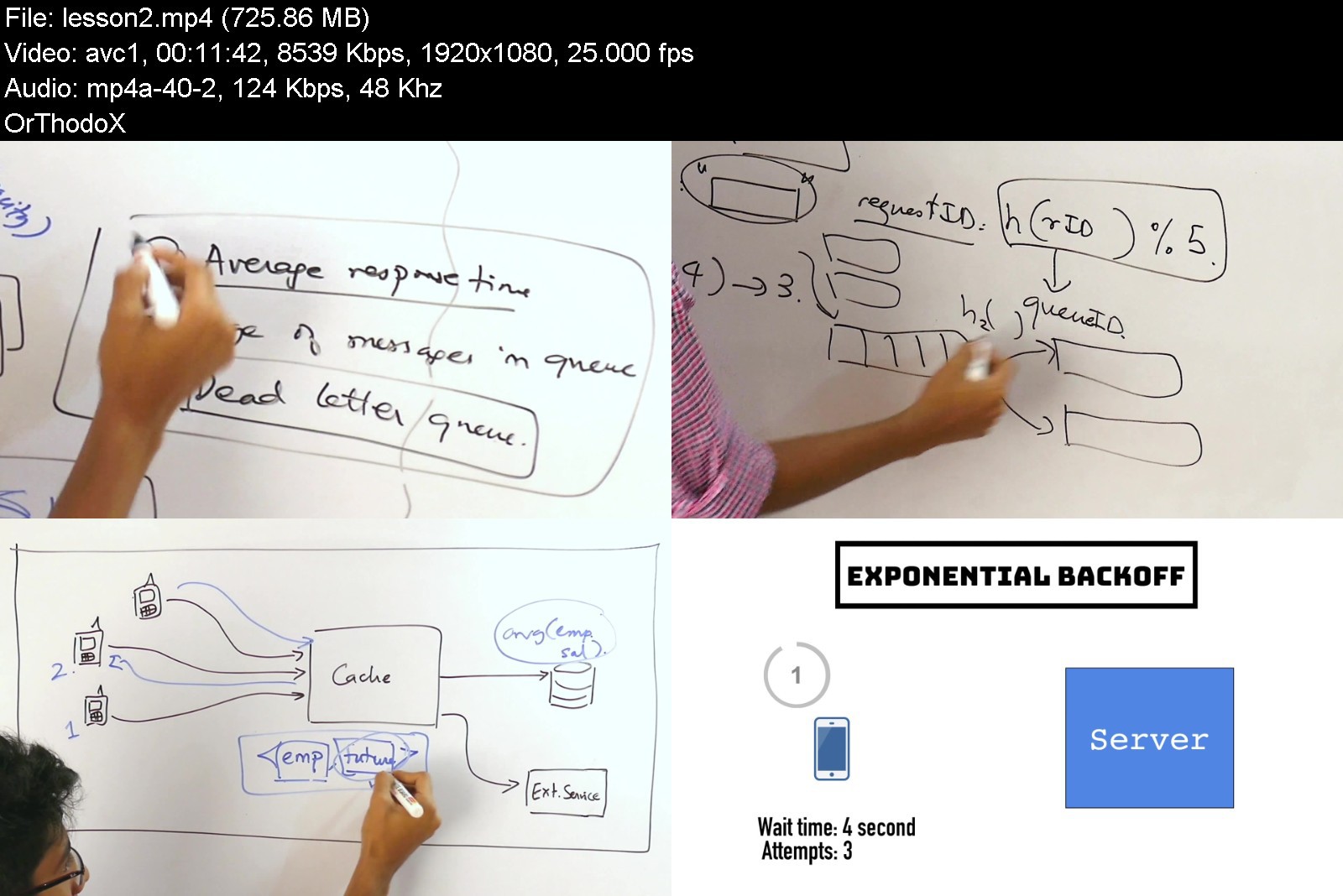
Some things are better said than done. Our designs are backed with architecture diagrams, capacity estimations and code.
Video & animations

Our high quality visualisations makes complex system interactions easy to understand.
Real-World Examples

Our lessons highlight common design patterns and best practices used in the software industry.

Homepage


systemdesigncoursea9jul.jpg


Download from RapidGator


Download from Keep2Share



Zbrush to 3d Printing: Bring your 3d Models to Life

464475091a32cgj49.jpg


Zbrush to 3d Printing: Bring your 3d Models to Life
Last Updated 05/2022
MP4 | Video: h264, 1280x720 | Audio: AAC, 44.1 KHz, 2 Ch
Genre: eLearning | Language: English + srt | Duration: 65 lectures (13h 49m) | Size: 11.5 GB


Bring your ideas to life and into the real world thanks to the 3d printing technology


What you'll learn
Sculpt Characters for 3D Print
Create Armor, Cloth and Anatomy
Print and clean your prototypes
plan and prepare a model for 3D printing
Requirements
I expect you to have some sort of basic zbrush experience.
You should have Zbrush 2022 installed on your computer.
Access to a resin 3D printing is highly recommended.
Description
Are you interested in 3d printing but don't know were to start? Would you like to create amazing characters, props and prototypes? If that is the case then I welcome you to this course. In this course we will learn all the necessary information to bring your ideas to life and into the real world thanks to the 3d printing technology.
Instructor
My name is Abraham Leal and I have 11 years of experience in the 3D World. I own my own studio Critical Hit were we develop projects for the entertainment industry.
By the end of this course
● you'll be able to model good looking female characters with clothing, accessories and weapons in Zbrush from start to finish.
● You will be able to plan and prepare a model for 3D printing
● You will be able to print and clean your prototypes.
What will you learn
● Sculpting the female body
● Sculpting Armor, Hair and Cloth
● How to prepare models for 3D Printing
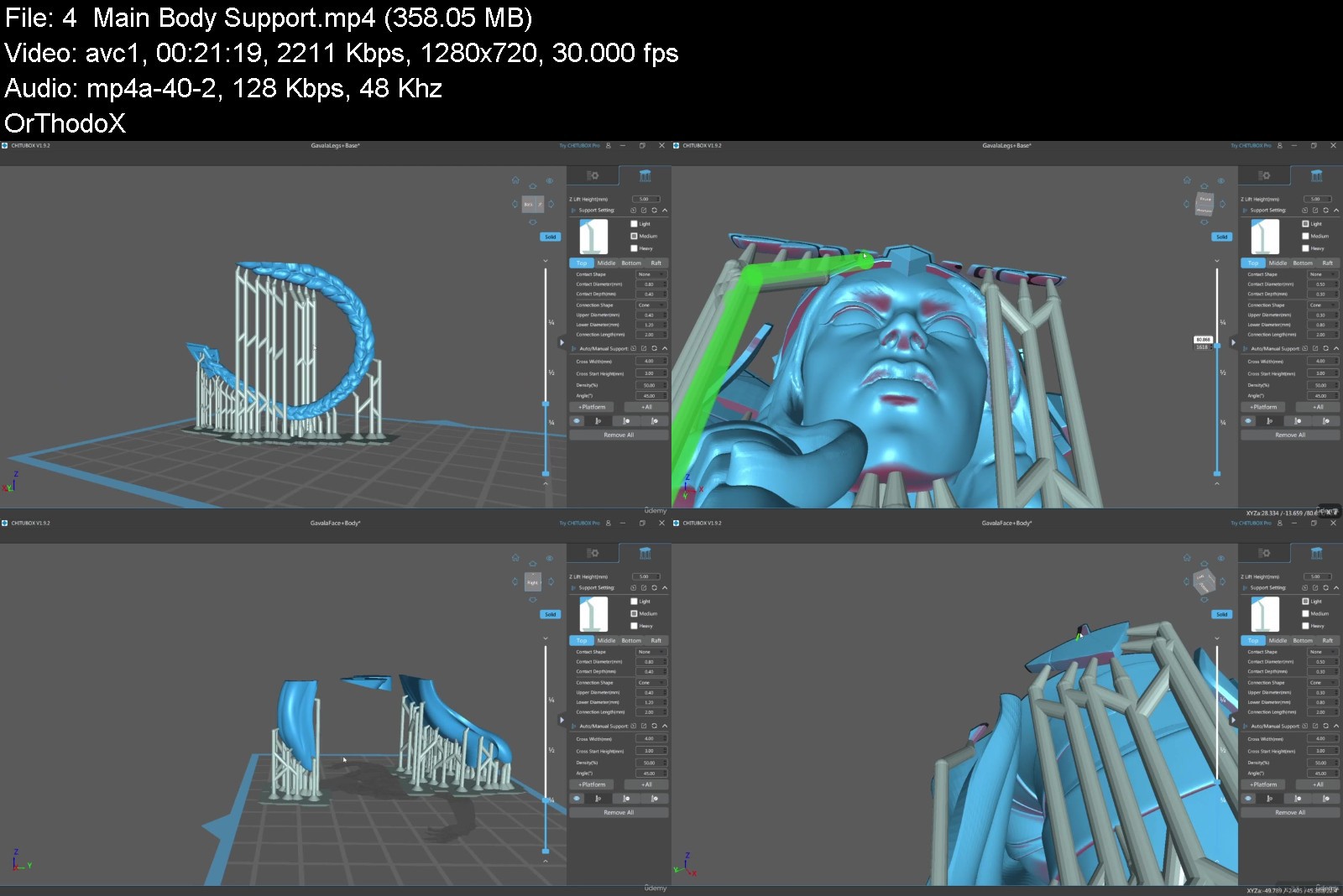
● How to support models for 3D Printing
● Rendering and Design
Course Projects
The Couse is divides into 6 chapters. In the first chapter we will generate the base mesh for our character while learning about anatomy, proportions and scale. After that in the next chapters we will explore the creation of Armor, cloth, hair and all the relevant details. We will pose our character and get her ready for the 3D printing process. Once everything is setup i will show you the whole 3d printing process from setup to final print.
Who is this course for
I have designed this course for intermediate 3d sculpting students, who want to learn about the 3d printing process while creating a complete character from scratch
Who is not the ideal student
This course is not designed for absolute Zbrush beginners.
What should I know or have for the course
● I expect you to have some sort of basic Zbrush experience.
● You should have Zbrush 2022 installed on your computer.
● Access to a resin 3D printing is highly recommended.
Join me now
If you want to create amazing characters and print incredible collectibles then join me in this course!
Who this course is for
I have designed this course for intermediate 3d sculpting students, who want to learn about the 3d printing process while creating a complete character from scratch
This course is not designed for absolute Zbrush beginners,


zbrushto3dprintingbriasky8.jpg


Download from RapidGator


Download from Keep2Share


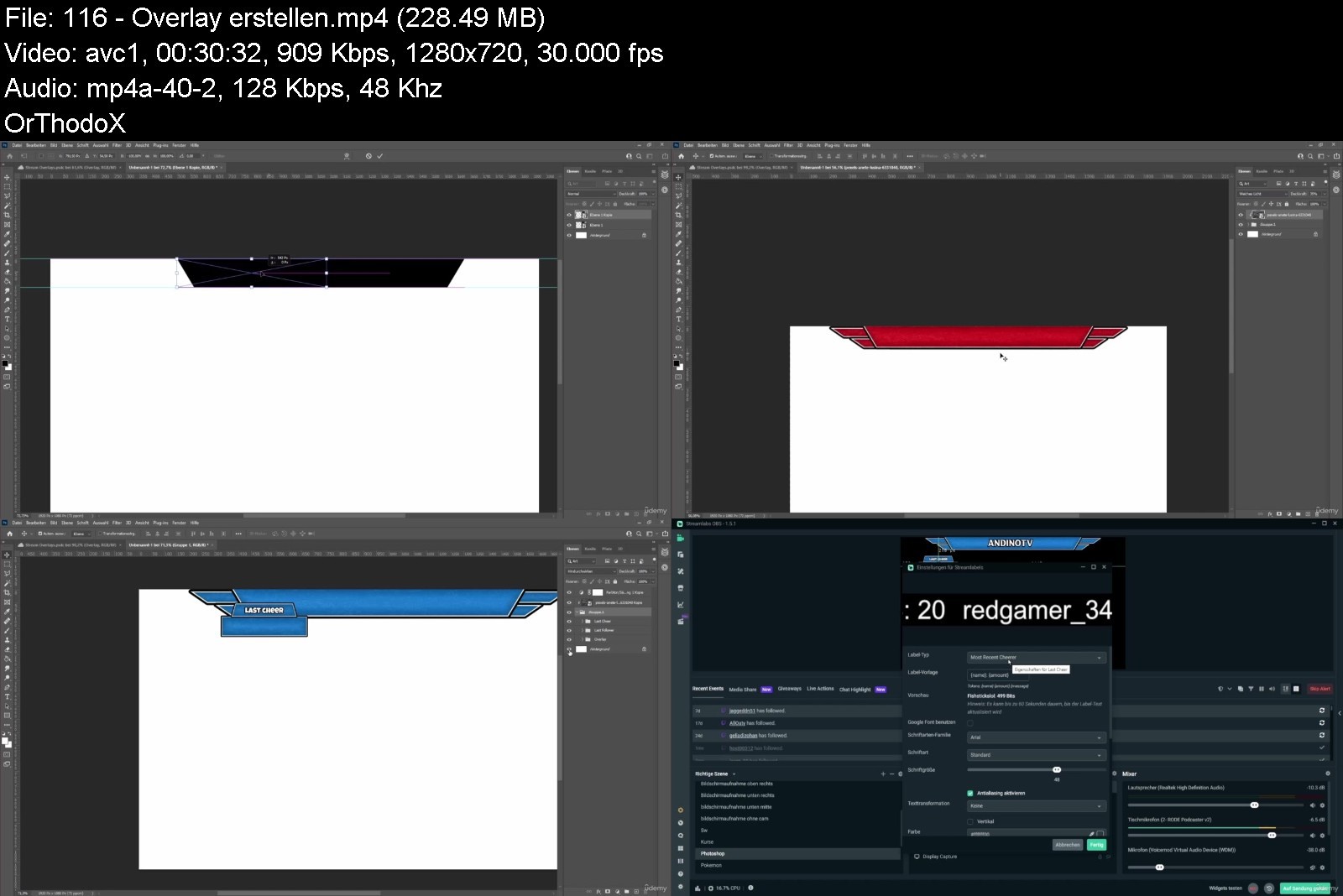
Streamlabs Obs Von A Bis Z Der Exklusive Komplettkurs

mcjcnnykvvyokgezwikyb1ij1n.jpg


Streamlabs Obs Von A Bis Z Der Exklusive Komplettkurs
MP4 | Video: h264, 1280x720 | Audio: AAC, 48 KHz
Language: Deutsch | Size: 6.24 GB | Duration: 15h 46m

Für Anfänger und Fortgeschrittene Streamer oder Videoproduzenten ist dieser Streamlabs OBS Kurs perfekt geeignet


What you'll learn
Installation & Einstieg
Fachwörter für Streamlabs OBS
Alle Einstellungen
Alle Widgets
Alle Cloudbot Funktionen
Sehr nützliche Zusatzprogramme & Seiten
Fehlerbehebungen bei Problemen
Streaming Designs erstellen mit Photoshop
Und vieles mehr!
Requirements
Keine Kenntnisse notwendig.

Description
Über michMein Name ist Andreas und ich befasse mich seit einigen Jahren aktiv mit Streamlabs OBS. Ich habe mich sehr intensiv mit der Streaming Software*auseinander gesetzt und vielen anderen auch schon erfolgreich geholfen Streamlabs OBS einzurichten. Meine Erfahrungen mit der Stream Plattform Twitch ist auch ziemlich hoch, weil ich auch selber Twitch Streamer bin und die Szene aktiv verfolge. Genau deswegen kenne ich auch die größten Probleme und die meist gestellten Fragen, die in diesem Streamlabs OBS Kurs auf deutsch alle abgedeckt werden mit über 115 Lektionen.Mein GeschichteAls ich mit Streamlabs OBS angefangen habe hatte ich natürlich noch keine Ahnung wie ich das ganze angehen soll und worauf ich zu achten habe. Deswegen musste ich mir alles selber beibringen und habe über die Jahre sehr viel über dieses Programm gelernt. Das alles hat mich viel wertvolle Zeit gekostet und das soll Dir nach diesem Kurs aufjedenfall nicht passieren! Ich werde Dir Lektion für Lektion deutlich erklären, dass Du am Ende der Lektion auch wirklich verstehst, wie das ganze funktioniert.InhaltIn diesem Kurs geht es hauptsächlich, um das Thema Streaming und Aufnahme Einstellungen, Widgets, Cloudbot, Overlays, Problemlösungen und zusätzliche Programme, die Euren Stream auf ein ganz neues Level heben werden! Dieser Kurs deckt mit seinen Lektionen so gut wie alles was Streamlabs OBS bietet an und ist somit perfekt für Streaner und Content Creator, die mit Streamlabs aufnehmen oder auch streamen. Der Kurs eignet sich sowohl für Anfänger als auch für Fortgeschrittene. Ich werde den Kurs in Zukunft, wenn etwas neues zu Streamlabs OBS hinzukommt immer wieder updaten.100% Geld zurück Garantie, falls Dir dieser Kurs nicht gefallen sollte.
Who this course is for
An jeden egal wie viele Kenntsnisse man über Streamlabs OBS hat.


streamlabsobsvonabiszidkvm.jpg


Download from RapidGator


Download from Keep2Share


Zurück
Oben Unten