• Regeln für den Video-Bereich:

    In den Börsenbereich gehören nur Angebote die bereits den Allgemeinen Regeln entsprechen.

    Einteilung

    - Folgende Formate gehören in die angegeben Bereiche:
    - Filme: Encodierte Filme von BluRay, DVD, R5, TV, Screener sowie Telesyncs im Format DivX, XviD und x264.
    - DVD: Filme im Format DVD5, DVD9 und HD2DVD.
    - HD: Encodierte Filme mit der Auflösung 720p oder darüber von BluRay, DVD, R5, TV, Screener sowie Telesyncs im Format x264.
    - 3D: Encodierte Filme von BluRay, die in einem 3D Format vorliegen. Dies gilt auch für Dokus, Animation usw.
    - Serien: Cartoon/Zeichentrick, Anime, Tutorials, Dokumentationen, Konzerte/Musik, Sonstiges sind demnach in die entsprechenden Bereiche einzuordnen, auch wenn sie beispielsweise im High Definition-Format oder als DVD5/DVD9/HD2DVD vorliegen. Ausnahme 3D.
    - Bereich Englisch: Englische Releases gehören immer in diesen Bereich.
    - Bereich Talk: Der Bereich, in dem über die Releases diskutiert werden kann, darf, soll und erwünscht ist.


    Angebot/Beitrag erstellen

    - Ein Beitrag darf erst dann erstellt werden, wenn der Upload bei mindestens einem OCH komplett ist. Platzhalter sind untersagt.
    - Bei einem Scenerelease hat der Threadtitel ausschließlich aus dem originalen, unveränderten Releasenamen zu bestehen. Es dürfen keine Veränderungen wie z.B. Sterne, kleine Buchstaben o.ä. vorgenommen werden. Ausnahme Serienbörse:
    - Bei einem Sammelthread für eine Staffel entfällt aus dem Releasename natürlich der Name der Folge. Beispiel: Die Simpsons S21 German DVDRip XviD - ITG
    - Dementsprechend sind also u.a. verboten: Erweiterungen wie "Tipp", "empfehlenswert", "only", "reup", usw. / jegliche andere Zusatzinformation oder Ergänzung, welche nicht in obiger Beschreibung zu finden ist.

    Aufbau des Angebots und Threadtitel

    Der Titel nach folgendem Muster erstellt zu werden. <Name> [3D] [Staffel] [German] <Jahr> <Tonspur> [DL] [Auflösung] <Quelle> <Codec> - <Group>
    Beispiel: The Dark Knight German 2008 AC3 DVDRip XviD - iND
    Beispiel: The Dark Knight 2008 DTS DL BDRip x264 - iND
    Beispiel: The Dark Knight 2008 AC3 DL BDRip XviD - iND
    Beispiel: The Dark Knight German 2008 AC3 720p BluRay x264 iND
    Beispiel: The Dark Knight 2008 DTS DL 1080p BluRay x264 iND
    Beispiel: Die Simpsons S01 German AC3 DVDRip XviD iND
    Beispiel: Die Simpsons S20 German AC3 720p BluRay x264 iND
    Beispiel: Sword Art Online II Ger Sub 2014 AAC 1080p WEBRip x264 - peppermint
    Entsprechend sind also u.a. verboten: Sonderzeichen wie Klammern, Sterne, Ausrufezeichen, Unterstriche, Anführungszeichen / Erweiterungen wie "Tipp", "empfehlenswert", "only", "reup", usw. / jegliche andere Zusatzinformation oder Ergänzung, welche nicht in obiger Beschreibung zu finden ist
    Ausnahmen hiervon können in den Bereichen geregelt sein.

    Die Beiträge sollen wie folgt aufgebaut werden:
    Überschrift entspricht dem Threadtitel
    Cover
    kurze Inhaltsbeschreibung
    Format, Größe, Dauer sind gut lesbar für Downloader außerhalb des Spoilers zu vermerken
    Nfo sind immer Anzugeben und selbige immer im Spoiler in Textform.
    Sind keine Nfo vorhanden z.B. Eigenpublikationen, sind im Spoiler folgende Dateiinformationen zusätzlich anzugeben :
    Quelle
    Video (Auflösung und Bitrate)
    Ton (Sprache, Format und Bitrate der einzelnen Spuren)
    Untertitel (sofern vorhanden)
    Hosterangabe in Textform außerhalb eines Spoiler mit allen enthaltenen Hostern.
    Bei SD kann auf diese zusätzlichen Dateiinformationen verzichtet werden.

    Alle benötigten Passwörter sind, sofern vorhanden, in Textform im Angebot anzugeben.
    Spoiler im Spoiler mit Kommentaren :"Schon Bedankt?" sind unerwünscht.


    Releases

    - Sind Retail-Release verfügbar, sind alle anderen Variationen untersagt. Ausnahmen: Alle deutschen Retail-Release sind CUT, in diesem Fall sind dubbed UNCUT-Release zulässig.
    - Im Serien-Bereich gilt speziell: Wenn ein Retail vor Abschluss einer laufenden Staffel erscheint, darf diese Staffel noch zu Ende gebracht werden.62
    - Gleiche Releases sind unbedingt zusammenzufassen. Das bedeutet, es ist zwingend erforderlich, vor dem Erstellen eines Themas per Suchfunktion zu überprüfen, ob bereits ein Beitrag mit demselben Release besteht. Ist dies der Fall, ist der bereits vorhandene Beitrag zu verwenden.
    - P2P und Scene Releases dürfen nicht verändert oder gar unter einem iND Tag eingestellt werden.


    Support, Diskussionen und Suche

    - Supportanfragen sind entweder per PN oder im Bereich Talk zu stellen.
    - Diskussionen und Bewertungen sind im Talk Bereich zu führen. Fragen an die Uploader haben ausschließlich via PN zu erfolgen, und sind in den Angeboten untersagt.
    - Anfragen zu Upload-Wünschen sind nur im Bereich Suche Video erlaubt. Antworten dürfen nur auf Angebote von MyBoerse.bz verlinkt werden.


    Verbote

    - Untersagt sind mehrere Formate in einem einzigen Angebotsthread, wie beispielsweise das gleichzeitige Anbieten von DivX/XviD, 720p und 1080p in einem Thread. Pro Format, Release und Auflösung ist ein eigener Thread zu eröffnen.
    - Grundsätzlich ebenso verboten sind Dupes. Uploader haben sich an geeigneter Stelle darüber zu informieren, ob es sich bei einem Release um ein Dupe handelt.
    - Gefakte, nur teilweise lauffähige oder unvollständige Angebote sind untersagt. Dies gilt auch für eigene Publikationen, die augenscheinlich nicht selbst von z.B. einer DVD gerippt wurden. Laufende Serien, bei denen noch nicht alle Folgen verfügbar sind, dürfen erstellt und regelmäßig geupdatet werden.
    - Untersagt sind Angebote, welche nur und ausschließlich in einer anderen Sprache als deutsch oder englisch vorliegen. Ausnahmen sind VORHER mit den Moderatoren zu klären.


    Verstoß gegen die Regeln

    - Angebote oder Beiträge, die gegen die Forenregeln verstoßen, sind über den "Melden"-Button im Beitrag zu melden.
  • Bitte registriere dich zunächst um Beiträge zu verfassen und externe Links aufzurufen.

*** Bestes IPTV *** bester Preis *** gratis Test ***


Englische Tutorials

Frank Kern - Social Sales Formula (With Bonus Youtube Training!)

163024b86e91886aa3e5dd3aa668e395.jpg

Frank Kern - Social Sales Formula (With Bonus Youtube Training!) | 4.93 GB
New 3 day Frank Kern workshop and course on Social Selling published in March 2022. Also includes the "Cash for Equity" Webinar.
These methods are an evolution of his previous products and works on content creation followed by using chatbots to engage participants in deals.

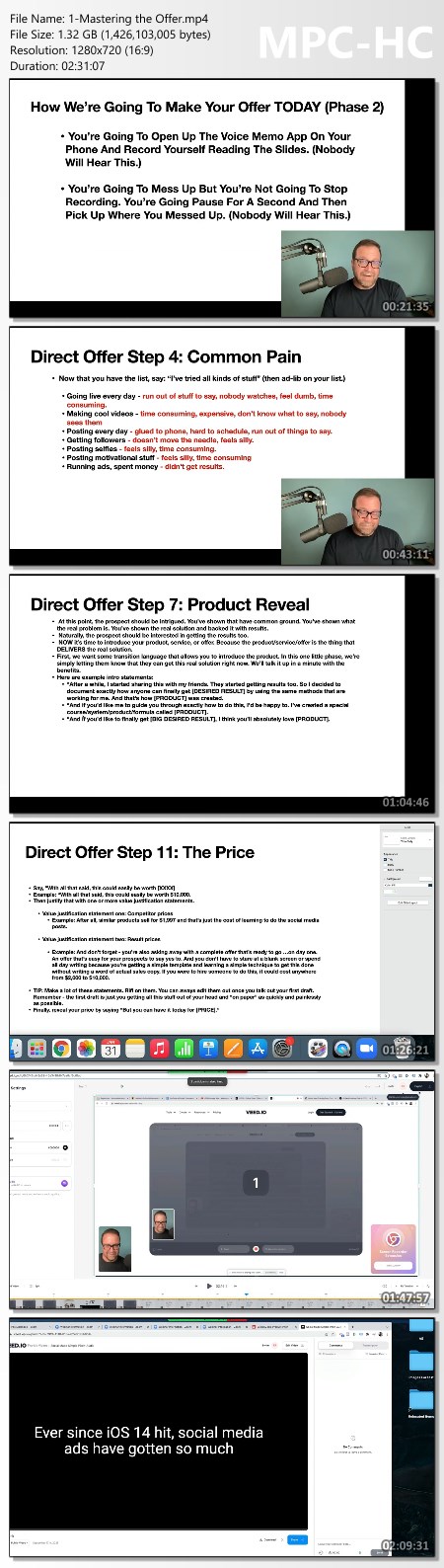
Mastering the Offer
- Providing templates for how to structure an offer
- Clear pain by numbers follow along to create a basic offer
- Some good ideas for a script and how to frame your product to sound bigger and better

Creating Content - deals with creating content for social media:
- 3 types of posts (how-to, Inspirational, Promotional)
- Where to get inspiration for posts
- A structure for creating posts and videos

Using ManyChat to Automate - Nurturing leads
- Discusses using Manychat and chat bots to convert and nurture leads.

Bonus Social Media Templates Includes templates and follow alongs with graphics and creative examples.

Homepage:

Screenshots
2302ea4cf48258bd8081586799f2b958.jpg


Link Download
Extract files with WinRar 5 or Latest !
 
Complete Photogrammetry Workflow by Charleston Silverman

34159238fc2997cf3f7c1b48c6c165c5.jpg

The Gnomon Workshop - Complete Photogrammetry Workflow With Charleston Silverman | 1.9 GB
Duration: 3h 36m - 7 Lessons | Video: MP4 1920x1080 44 KHz | English​
SCANNING, CLEANUP & RENDERING WITH CHARLESTON SILVERMAN
If you're looking for a complete step-by-step walkthrough of a professional photogrammetry process, look no further than this 3.5-hour workshop by Lead Digital Projects Engineer, Charleston Silverman. This in-depth workshop provides you with the techniques and knowledge you need to scan objects from the real world into the virtual.

Charleston kicks off the workshop with the capture before demonstrating the image processing part of the workflow using Photoshop, Adobe Camera RAW, and Adobe DNG. From there, it's all about the solve, for which Charleston brings both RealityCapture and Metashape into the fold. Mesh retopology is handled and demonstrated in ZBrush, while the effective texture generation and cleanup process employs the power of Substance Painter. As the final step, the assembly of the scene takes place in Unreal Engine - although, the process and techniques covered can be used with any renderer of choice.

This detailed workshop covers a vast array of information and techniques, discussing everything from the dos and don'ts of capturing to the subtle details for image adjustments and solves that you won't want to miss. Charleston's thorough instruction not only teaches how to set everything up correctly to achieve the best results but also advises on the importance of every step of the process.

Chapter List
00. Preview
01. Introduction
02. Software Overview, Capture Setup & Best Practices
03. Solving the data
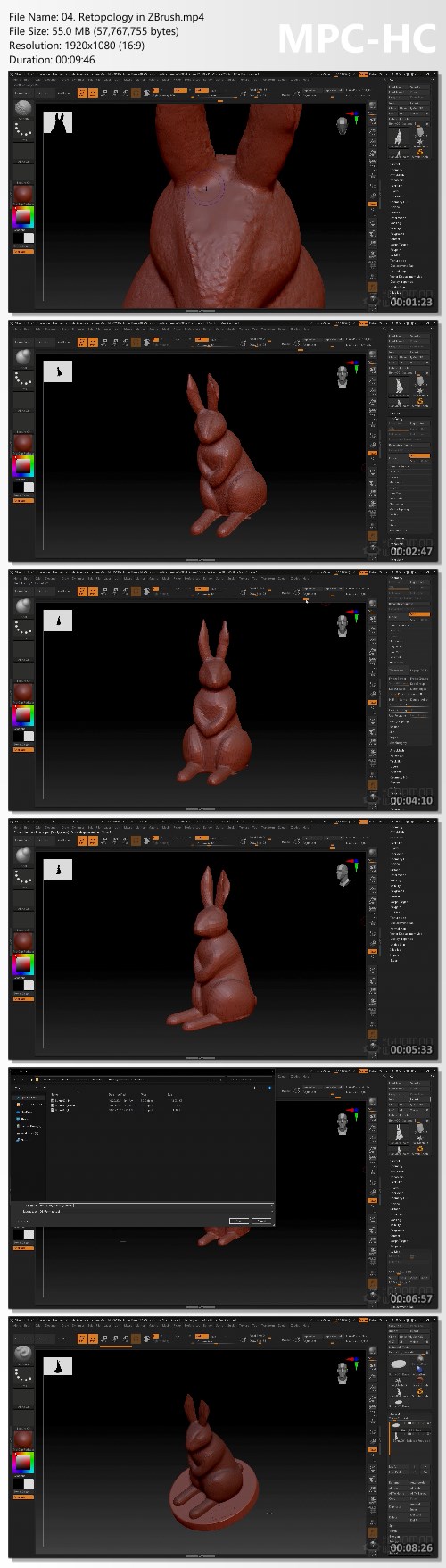
04. Retopology in ZBrush
05. Working With a Retopologized Mesh in Metashape
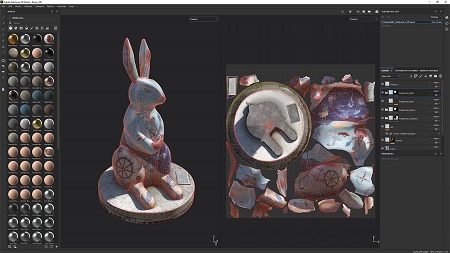
06. Texture Creation & Cleanup in Substance Painter
07. Assembling in Unreal Engine & Final Wrap-up

HOmepage:

Screenshots
377659db959e2af794ab3e22d3fa3fb4.jpg


Link Download
Extract files with WinRar 5 or Latest !
 
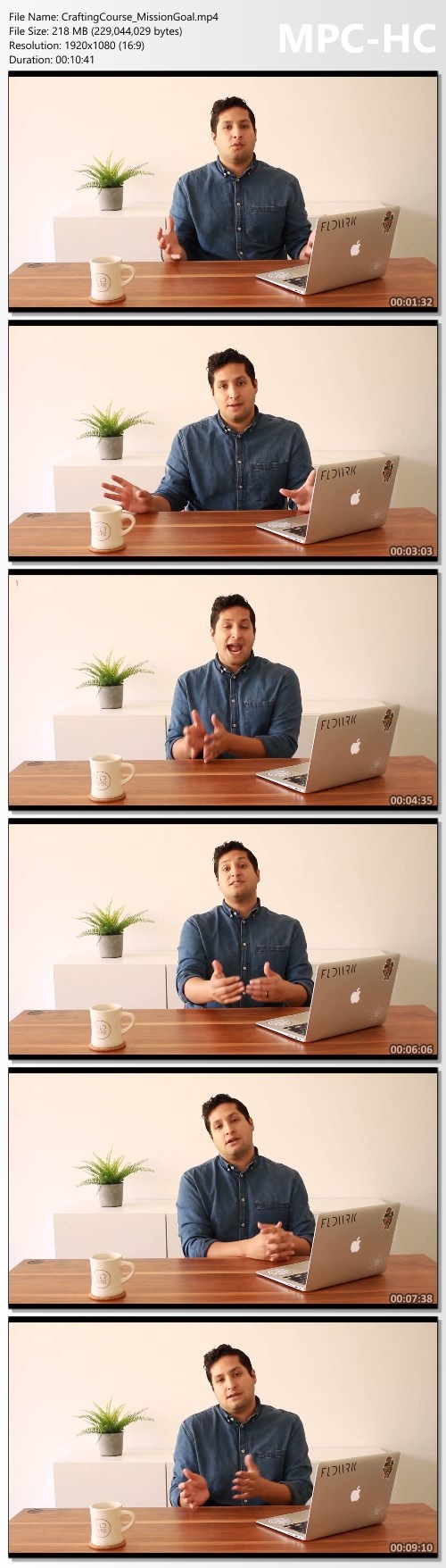
Inner Circle Mastermind - Laura Schoenfeld

4ef1a101ba41f01647a960808a462931.jpg

Laura Schoenfeld - Inner Circle Mastermind | 74.42 GB
It's time to join the Nutrition CEO Mastermind!
Just imagine what could be possible.

When you have a mentor with 8+ years of online business experience, both working behind the scenes of a multiple 7-figure business and running her own multiple 6-figure business
When you're surrounded by other passionate, ambitious nutritionists and dietitians working to grow their online coaching and consulting businesses to multiple 6-figures and beyond
When you can finally hire a team member (or more!) to help you do the necessary work that's been distracting you from serving your clients at your highest possible level
When you can scale your signature program that exponentially grows your ability to impact the clients you are here to serve and brings in the revenue you desire
When you can grow your circle of business "besties" who are there to support you and encourage you, provide feedback on your work, and help connect you with the resources that will allow your business to thrive
When you're able to bring in the annual revenue you know you're capable of, all while working the amount that supports your best health and allows you to fill your cup so you can pour into others

Imagine if growing your online business could be both joyful and incredibly profitable.

Now it can be!
I'm a women's health expert and a registered dietitian (RD) with a mission to help nutrition business owners drop the hustle and come into alignment with their ideal business goals, so they can work from a sense of ease and abundance, and grow their income and impact with joy.

Unlike other business coaches, I have experience in the health and wellness industry and I've heavily invested in my own online business training and mentorship, to get to a place where I'm now bringing over half a million dollars of revenue on an annual basis.

Fun fact: Would you believe that I've invested over $250,000 in my own business development and mentorship over the past 7+ years?

And that's just the financial cost of growing my business. It's taken me hours and hours of testing, learning, experimenting, and lots of failing to get to the place I am today.

And after all this, I can tell you one thing with absolute certainty: There's no way I would be where I am today had I not been willing to invest in my growth and to find the mentors who could help me accelerate my business faster than I ever imagined.

The truth is, running an online business can be incredibly isolating. And if you don't have the right strategy and systems in place, it can take up nearly every waking minute of your free time. which is a recipe for a major health disaster (I've been there before!) and some serious business burnout.

And after working with hundreds of clients over the years, coaching other RDs to their first $20-100k+ months, and supporting my peers in the masterminds I've personally invested in.

I knew I had to use my knowledge and experience to help other nutrition entrepreneurs grow their online businesses even faster and easier than I was able to.

That's why I created the mastermind group I wish I had when I was first working on hitting my first multi-6-figure year.

And I am so excited to create a space for you to experience joyful, profitable business growth, all while being surrounded and supported by business owners on the same thrilling journey of entrepreneurship.

HOmepage:

Screenshots
5e89ae94bb2529a4f05342836c37f6e5.jpg


Link Download
Extract files with WinRar 5 or Latest !
 
Phoenix Finder Targets Hot Stock Picks by Danielle Shay

7d9692e1aa622e422dbac7770706120a.jpg

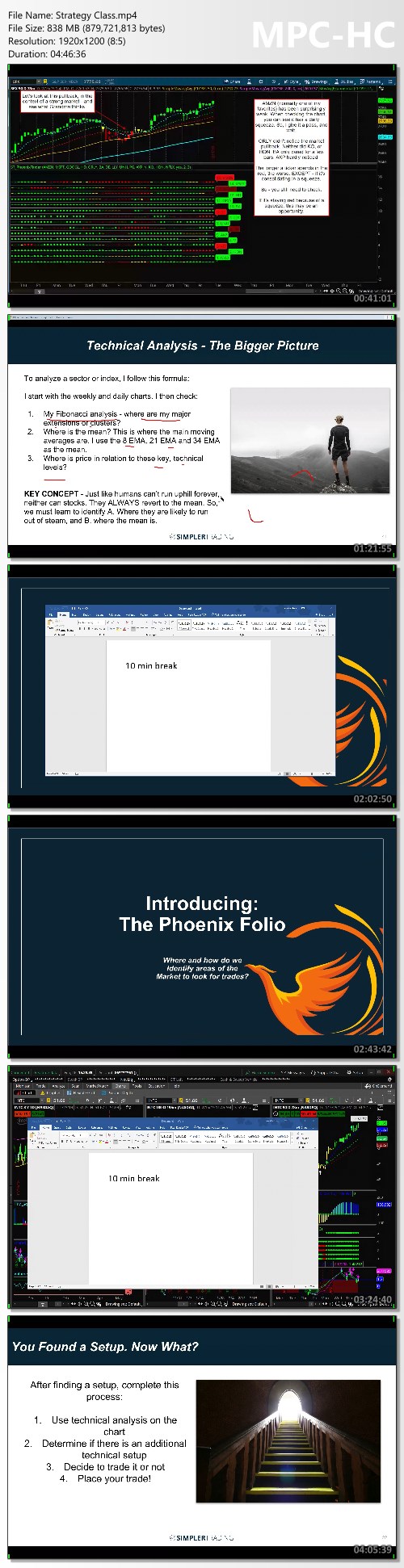
Simpler Trading - Phoenix Finder Targets Hot Stock Picks | 5.73 GB
Here's the course you've been searching for to ignite your trading portfolio by revealing the most profitable stocks in the hottest markets.
No matter what markets you're in now.

Even if you have little trading experience.
Even if you don't know what stocks or markets to consider.
This is the course that delivers the tools, tactics, and strategies to grow your trading account.
How does $1,000 profit in an hour sound?
That's the power of the Phoenix Finder Tool and Strategy created by Danielle Shay, Director of Options and head of Simpler Foundation at Simpler Trading.
This trading system is designed to energize your trading plan whether you're new to trading or a seasoned pro. It's simple. It's widely used by professionals and novices alike.
And it has yielded 50%, 100%, even 200% gains.
How strong is the latest "hot" stock?
Which stocks are most advantageous to get into in any market . even a very volatile one?
How do I pick a profitable stock in a crazy market?
As the volatile markets throw ticker trackers into chaos, the Phoenix Finder rises above the mayhem to provide answers to critical stock selection and deliver strong picks for consistent gains.
What is the Phoenix Finder?
In any market it's essential to know the true strength (or weakness) of a stock relative to others in its industry group. Before, ranking the strength of a security (stock, ETF, etc.) was difficult to visualize using individual charts. Until now.
With the Phoenix Finder Tool and Strategy, it becomes clear at a glance which stocks are ripe for a rally and which are ready to drop like a rock. Targeting 50 to 200 percent short-term gains becomes possible when you can identify when money flows in (or out) to key securities in carefully chosen industries.

Homepage:

Screenshots
86b1cabcb91584051f3f551ca0e2abc0.jpg


Link Download
Extract files with WinRar 5 or Latest !
 
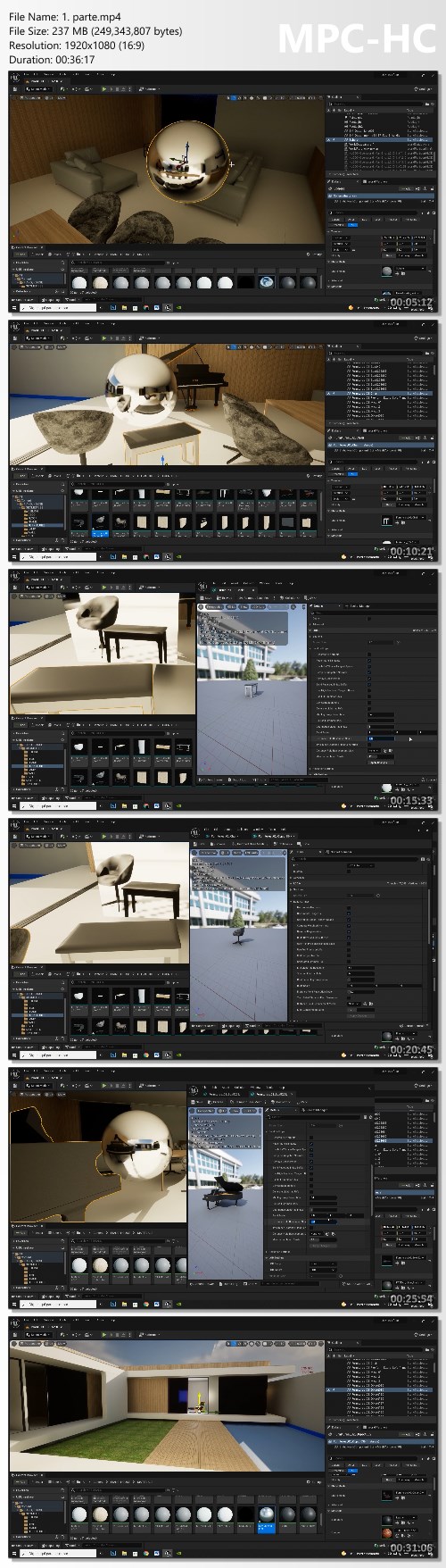
Unreal Engine 5 Course for Archviz

e25f8969d302b68d23322f7e6ce786d8.jpg

Dviz - Unreal Engine 5 Course for Archviz | 22.86 GB
Create realistic designs in real-time, no render

FROM ZERO TO EXTRAORDINARY
- Unreal Engine is free
- Compatible with the most 3d modeling software on the market
Sketchup - Revit - Cinema 4d - 3DS Max - Blender
The course has more than 50 hours of straight content, covering the details, concepts and fundamentals (theory + technique) From installation, from Scratch! How to import files, which file format is the best choice, and much more. All classes with English audio!

Screenshots
8b257a0a3d3f814a78561e027430c12e.jpg


Link Download
Extract files with WinRar 5 or Latest !
 
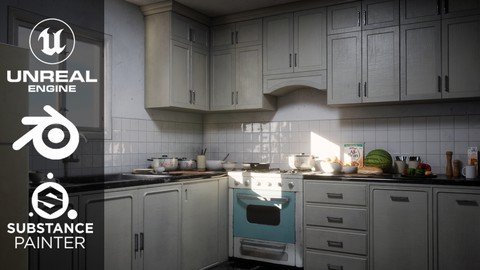
Creating a Kitchen Environment in Unreal Engine 5

w3f9n8utaagpia4kepniiozk8s.jpg


Creating a Kitchen Environment in Unreal Engine 5
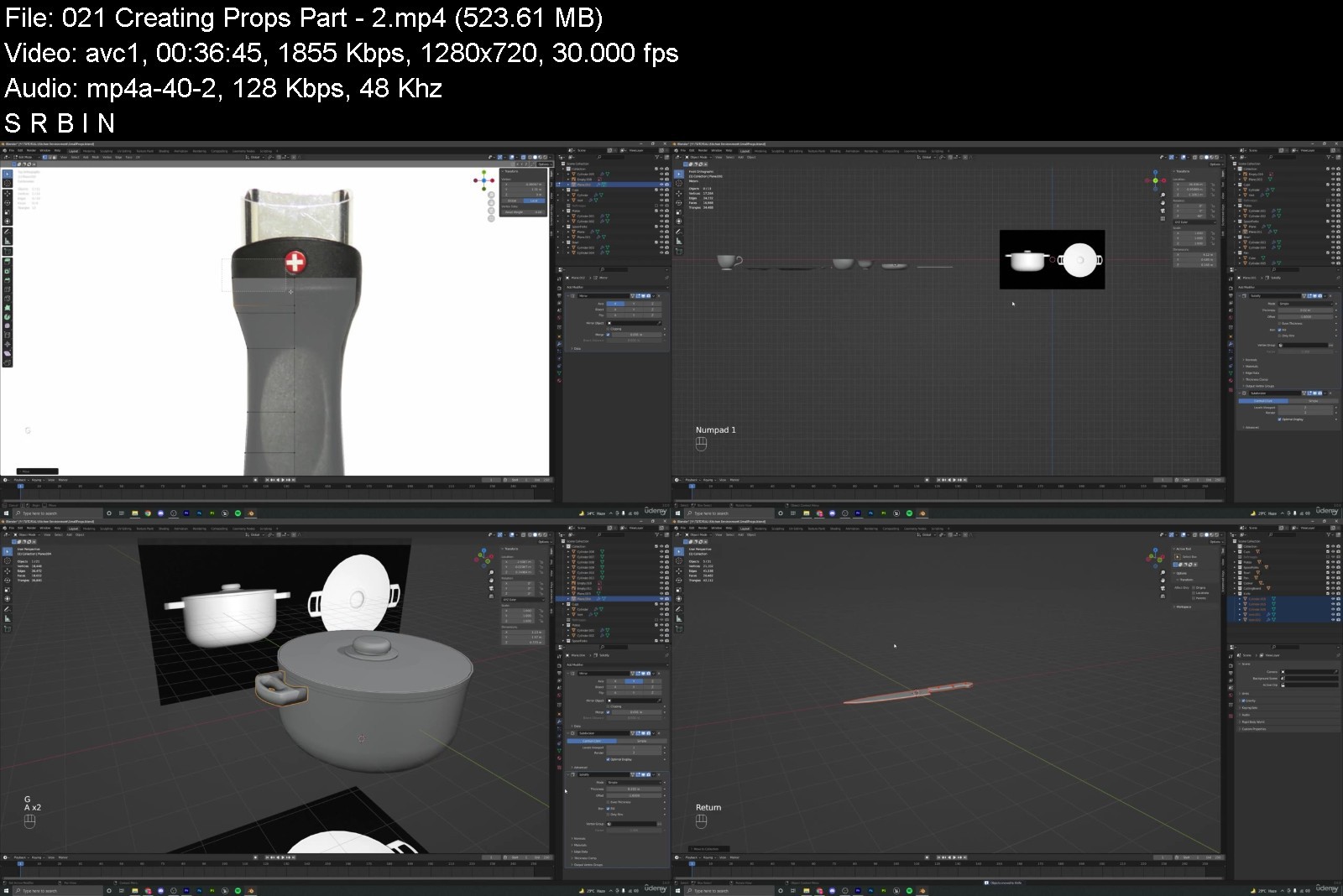
Genre: eLearning | MP4 | Video: h264, 1280x720 | Audio: AAC, 48.0 KHz
Language: English | Size: 8.8 GB | Duration: 28 lectures • 11h 0m


What you'll learn
Learn to create a High-Quality 3D environment from Start to Finish
Learn 3D modelling in Blender
Learn to create realistic textures in Substance Painter
Using Smart Masks and Materials in Substance Painter
Level Design, Composition and Lighting in Unreal Engine 5
Requirements
Basic understanding of 3D and the softwares used - Blender, Substance Painter, Unreal Engine 5

Description
Hello Everyone and welcome to this new course. In this course, we will go over the entire process of creating a Kitchen Environment using Unreal Engine 5, Blender, Substance Painter.
We will go over modelling in Blender, texturing using Substance Painter and setting up the scene, lighting and materials in Unreal Engine 5.
You will get
1. 27 Full HD video lectures with over 11 hours of content and AUDIO commentary.
2. All the files related to the course including .blend files, unreal project files, substance files, reference images, textures etc.
SOFTWARES USED - (BLENDER, Substance Painter, Unreal Engine 5)
All the modelling will be done in Blender, However, the techniques used are universal and can be replicated in any other 3D modelling package. The materials and textures will be created using Substance Painter. Level art, lighting and composition will be done in Unreal Engine 5.
In this course, you will learn everything you need to know to create the final results that you see in the images and trailers. The same techniques can be applied to almost any type of environment.
This course has over 11 hours of content! (All the videos have audio commentary)
We will go over each and every step in this course together and nothing will be skipped. The course does not have any kind of timelapses so that you can follow every step easily.
We will start by gathering some reference images to gain some initial ideas and the mood for our scene. We will arrange these reference images in a free program called PureRef. After this we will move on to Blender and start modelling our main assets. We will go over the entire process of modelling this from start to finish in Blender only. We will start by modelling some of our main assets such as the stove, fridge, and the cabinets.
After we have modeled all our assets, we will export them to Substance Painter to start the texturing process. We will learn to create high quality and realistic materials and the key features of Substance Painter like Smart Masks, generators, smart materials etc.
After this we will import all our models into Unreal Engine and export the textures from Painter to Unreal Engine. The next step would be to setup our lighting and create a mood and atmosphere for our scene. We will make use of the new features of Unreal Engine such as Lumen to get realistic lighting for our scene, next we will set up a post-Processing volume to further enhance the visuals of our scene.
Then we will spend some more time creating a lot of small props for our scene to further detail the scene even more. We will end this course by adding some food items from Quixel Megascans, setting up different camera angles and taking high resolution screenshots for our portfolio.
So, I hope to see you there in the course, thank you.
Who is this course for?
Students that have basic knowledge of modelling, texturing and want to learn how to create environments. Everything in this course would be explained in detailed but some prior knowledge of the software would be helpful.
Who this course is for
Students that have basic knowledge of modelling, texturing and want to learn how to create environments. Everything in this course would be explained in detailed but some prior knowledge of the software would be helpful.


creatingakitchenenvirizjor.jpg


Download from RapidGator


Download from Keep2Share



Excel Secrets - Fai di Excel la tua formula vincente

wk2auhlqbdqkkmvrj9jttvdj6h.jpg


Excel Secrets - Fai di Excel la tua formula vincente
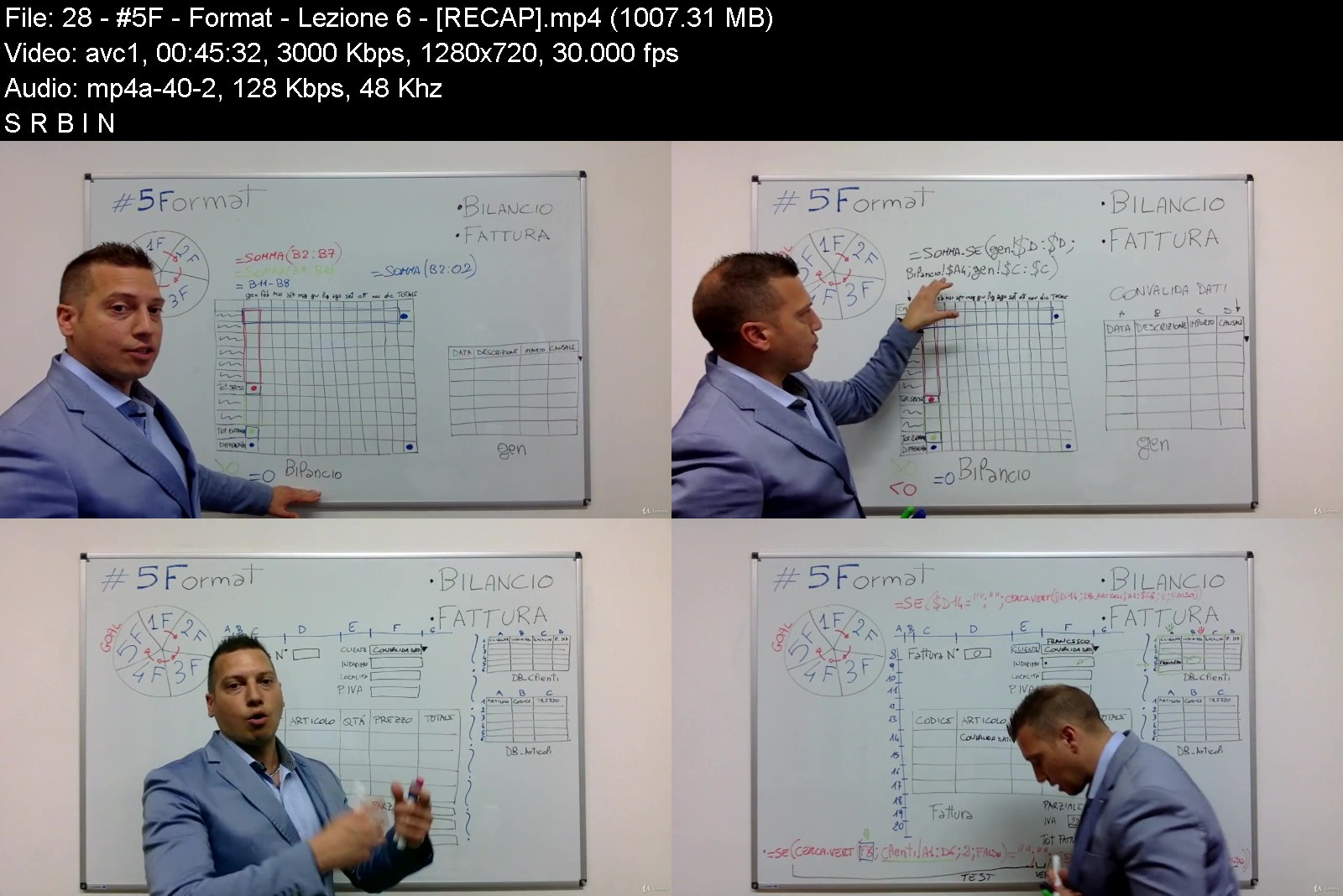
Video: .mp4 (1280x720, 30 fps(r)) | Audio: aac, 48000 Hz, 2ch | Size: 6.72 GB
Genre: eLearning Video | Duration: 36 lectures (12 hour, 28 mins) | Language: Italian


Uso strategico del foglio di calcolo "Excel" in ambiente aziendale. Analisi dei Dati e Business Modeling


What you'll learn
Formattazione: Carattere, Bordi, Unisci Celle, Allineamento
Formattazione cella (valuta, ora, testo, ecc)
Fogli e Cartella di lavoro
Formattazione Condizionale
Operazioni Matematiche di Base (+ - * /)
Simboli (= ; : ! $ "" ())
Funzioni SOMMA, MEDIA, MAX, MIN, CONTA VALORI, SUBTOTALE
Funzione SE
Funzioni E, O
Funzioni SX/DX, MAIUSC, MAIUSC INIZ
Funzioni SOMMA SE, SOMMA PIU SE
Funzioni CONCATENA | &
Funzione CERCA VERTICALE
Differenza tra Funzioni e Formule
SE(SOMMA. + SE(SE... + SE(CERCA VERT... + SE(E. | SE(O.
INDICE e CONFRONTA
Come creare il Bilancio con gli automatismi di EXCEL
Come creare la reportistica per le Fatture con gli automatismi di EXCEL
Requirements
Diventerai completamente autonomo nell'utilizzo di qualsiasi foglio di calcolo
Imparerai la logica che si cela dietro ad EXCEL
Sarai in grado di creare delle formule complesse in completa autonomia

Description
Questo è il corso più completo sul mercato, ho racchiuso più di 15 anni di esperienza in 65 video lezioni e troverai tutte le informazioni che ti serviranno per trasformare le tue competenze e diventare un EXCEL MASTER!
Mi metto in gioco e ti PROMETTO che alla fine di questo percorso sarai in grado di creare in piena autonomia dei Format, delle Dashboard e dei Business Modeling completamente AUTOMATIZZATI. Questo ti permetterà di essere più efficiente, efficace e risparmierai tempo prezioso, dedicandolo ad altro.
Che cos'è?
EXCEL Secrets è la prima ed unica Masterclass di Excel ideata dopo 15 anni di esperienza sul campo, strutturata su 3 livelli, composta da 2 video corsi con 13 aule e più di 25 ore di ALTA formazione, usufruibili in 8 settimane, con accesso a vita a tutti i materiali didattici, video, audio, file, simulazioni, esercizi e tutorial.
Per chi è?
EXCEL Secrets è per chiunque vuole iniziare ad essere completamente autonomo imparando un METODO, è per chi ha già una base solida e vuole potenziare le proprie conoscenze ed infine è per chi vuole fare carriera e vuole portare il proprio business al livello successivo.
Dove si svolge?
La Masterclass di EXCEL Secrets è completamente online su una piattaforma digitale user friendly, creata appositamente per migliorare le prestazioni di e-learning. Consiste in video lezioni di ALTA formazione, strumenti di simulazione, si possono fare domande e si ricevono le risposte tramite la nostra community.
Come funziona?
Ma è semplicissimo! Guarda i video che vengono sbloccati periodicamente, implementa ogni singolo argomento nei tuoi file, fai gli esercizi e utilizza gli strumenti e i modelli forniti. Fai domande nel gruppo Fb, segui la procedura per ottenere i risultati sempre desiderati.
Quando inizia?
EXCEL Secrets è un corso online, il tutto inizia nel momento in cui ti iscrivi. Puoi completarlo in poche settimane o in quanto tempo vuoi, nel tuo tempo libero o al lavoro. Avendo accesso illimitato scegli tu quando vedere le video lezioni e quando implementare i tuoi file.
Perché esiste?
Ho creato EXCEL Secrets perché non esisteva niente che mostrasse un percorso completo sull'uso sapiente del foglio di calcolo. In rete si trovano tanti video, ma sono fini a se stessi. Ho deciso di riempire quel vuoto nei minimi dettagli, solo per darti l'opportunità che meriti!
Who this course is for
Manager
Liberi professionisti
Impiegati
Dirigenti
Tutti coloro che usano il computer per lavoro

excelsecretsfaidiexce1aja3.jpg


Download from RapidGator


Download from Keep2Share



Applied Computer Vision For Beginners

46371400e5a9xkbj.jpg


Applied Computer Vision For Beginners
Published 04/2022 MP4 | Video: h264, 1280x720 | Audio: AAC, 44.1 KHz, 2 Ch
Genre: eLearning | Language: English + srt | Duration: 55 lectures (6h 47m) | Size: 5.31 GB


Learn to master computer vision and build cutting edge CV solutions


What you'll learn
Learn to master computer vision from scratch
Learn OpenCV for creating computer vision solutions
Learn to build practical computer vision solutions
Learn to get a Job as computer vision specialist
Requirements
Basic knowledge of Python programming is required to complete the course
Description
Do You Want To Learn The In-Demand Skills Of Computer Vision?
Here is the perfect solution for you! You can learn Applied Computer Vision from scratch to advance with this comprehensive program. This program helps you learn how to tackle real-world problems with images and media using computer vision and different algorithms. You'll also get an in-depth knowledge of neural networks and how they can be used for image and vision classification. You can learn basic tasks of Applied Computer Vision like image manipulation, image detection, and color detection to advanced tasks such as age detection, face detection, object detection, tracking, and a lot more.
Major Concepts That You'll Learn!
Introduction to Images and OpenCV
Advanced Image Manipulation
Advanced Image Operations with OpenCV
Image Filters and Edge Detection
Contour Fitting and Face Detection
Image Classification with Neural Network
If you want to learn and master the art of computer vision using artificial intelligence, this program will help you learn the systems to derive meaningful information from digital images, videos, and other visual inputs.
Top Skills This Program Covers
Computer Vision
Machine Learning
OpenCV
Deep Learning
Artificial Intelligence
Extra Benefits Of This Program
Expert-Curated Content
Learn From Industry Experts
In-Depth Knowledge On Trending Tools & Technologies
So why are you waiting? Get yourself updated with the latest and in-demand Applied Computer vision skills.
Who this course is for
Anyone who wants to master computer vision from ground up will find this course very useful


appliedcomputervisionn2jsh.jpg


Download from RapidGator


Download from Keep2Share


 
Algebra 1 Made Simple!

46570426a872eyji5.jpg


Algebra 1 Made Simple!
Published 04/2022 MP4 | Video: h264, 1280x720 | Audio: AAC, 44.1 KHz, 2 Ch
Genre: eLearning | Language: English + srt | Duration: 80 lectures (12h 56m) | Size: 6 GB


An Incredibly easy method that works


What you'll learn
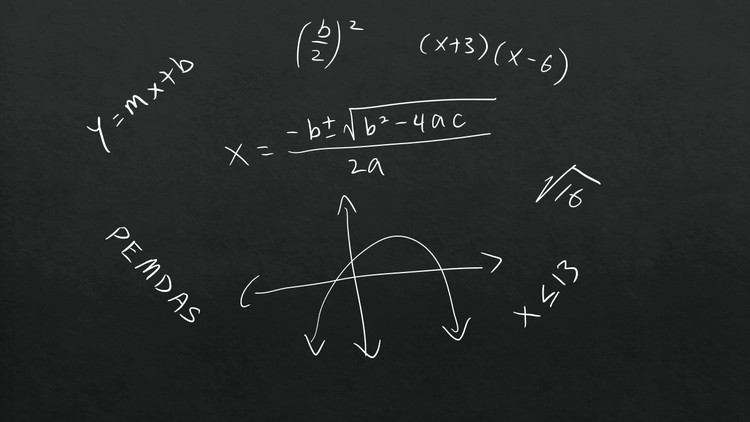
Order of operations (PEMDAS), equations and inequalities
Number line, absolute value, distributive property, combining like terms
Solving linear equations, ratios, rates, percentage
Graphing linear equations and functions, including horizontal and vertical lines
Slope intercept form (y-intercept form), point slope form, standard form
Solving and graphing linear inequalities
Solve linear systems of equations by substitution or linear combination (elimination)
Exponents and exponential functions, exponential growth and decay functions
Solve and graph quadratic equations and functions, quadratic formula, square roots, and simplifying radicals
Factoring and polynomials
Direct and inverse variations, proportions, simplify rational expressions, and rational equations
Radical equations, rational exponents, completing the square, distance and midpoint formulas
Requirements
Learn how to add, subtract, multiply and divide numbers and fractions
Pre-Algebra
Description
Algebra 1 Made Simple!
To maximize your learnings is to know the easiest way. Go at your own pace. Straight to the point, practical, short, and crystal clear teaching style. There are a total of 12 sections and 80 video lessons. Each lesson has concepts and step by step solutions to several math problems. Here is the Algebra 1 Made Simple! curriculum
Brief Review of Pre-Algebra
Variables in Algebra
Exponents and Powers
Order of Operations
Equations and Inequalities
Translating Words into Mathematical Symbols
Properties of Real Numbers
The Real Number Line
Absolute Value
Adding Real Numbers
Subtracting Real Numbers
Multiplying Real Numbers
The Distributive Property
Combining Like Terms
Dividing Real Numbers
Solving Linear Equations
Solving Equations Using Addition and Subtraction
Solving Equations Using Multiplication and Division
Solving Multi-Step Equations
Solving Equations with Variables on Both Sides
Ratios and Rates
Percent
Graphing Linear Equations and Functions
The Coordinate Plane
Graphing Linear Equations
Graphing Horizontal and Vertical Lines
Graphing Lines Using Intercepts
The Slope of a Line
Direct Variation
Graphing Lines Using Slope-Intercept Form
Functions and Relations
Writing Linear Equations
Slope-Intercept Form
Point-Slope Form
Writing Linear Equations Given Two Points
Standard Form
Perpendicular Lines
Solving and Graphing Linear Inequalities
Solving Inequalities Using Addition or Subtraction
Solving Inequalities Using Multiplication or Division
Solving Multi-Step Inequalities
Solving Compound Inequalities Involving "And"
Solving Compound Inequalities Involving "Or"
Solving Absolute-Value Equations
Solving Absolute-Value Inequalities
Graphing Linear Inequalities in Two Variables
Systems of Linear Equations and Inequalities
Graphing Linear Systems
Solving Linear Systems By Substitution
Solving Linear Systems By Linear Combinations
Linear Systems and Problem Solving
Special Types of Linear Systems
Systems of Linear Inequalities
Exponents and Exponential Functions
Multiplication Properties of Exponents
Zero and Negative Exponents
Graphs of Exponential Functions
Division Properties of Exponents
Scientific Notation
Exponential Growth Functions
Exponential Decay Functions
Quadratic Equations and Functions
Square Roots
Solving Quadratic Equations by Finding Square Roots
Simplifying Radicals
Graphing Quadratic Functions
Solving Quadratic Equations by Graphing
Solving Quadratic Equations by the Quadratic Formula
Using the Discriminant
Graphing Quadratic Inequalities
Polynomials and Factoring
Adding and Subtracting Polynomials
Multiplying Polynomials
Solving Quadratic Equations in Factored Form
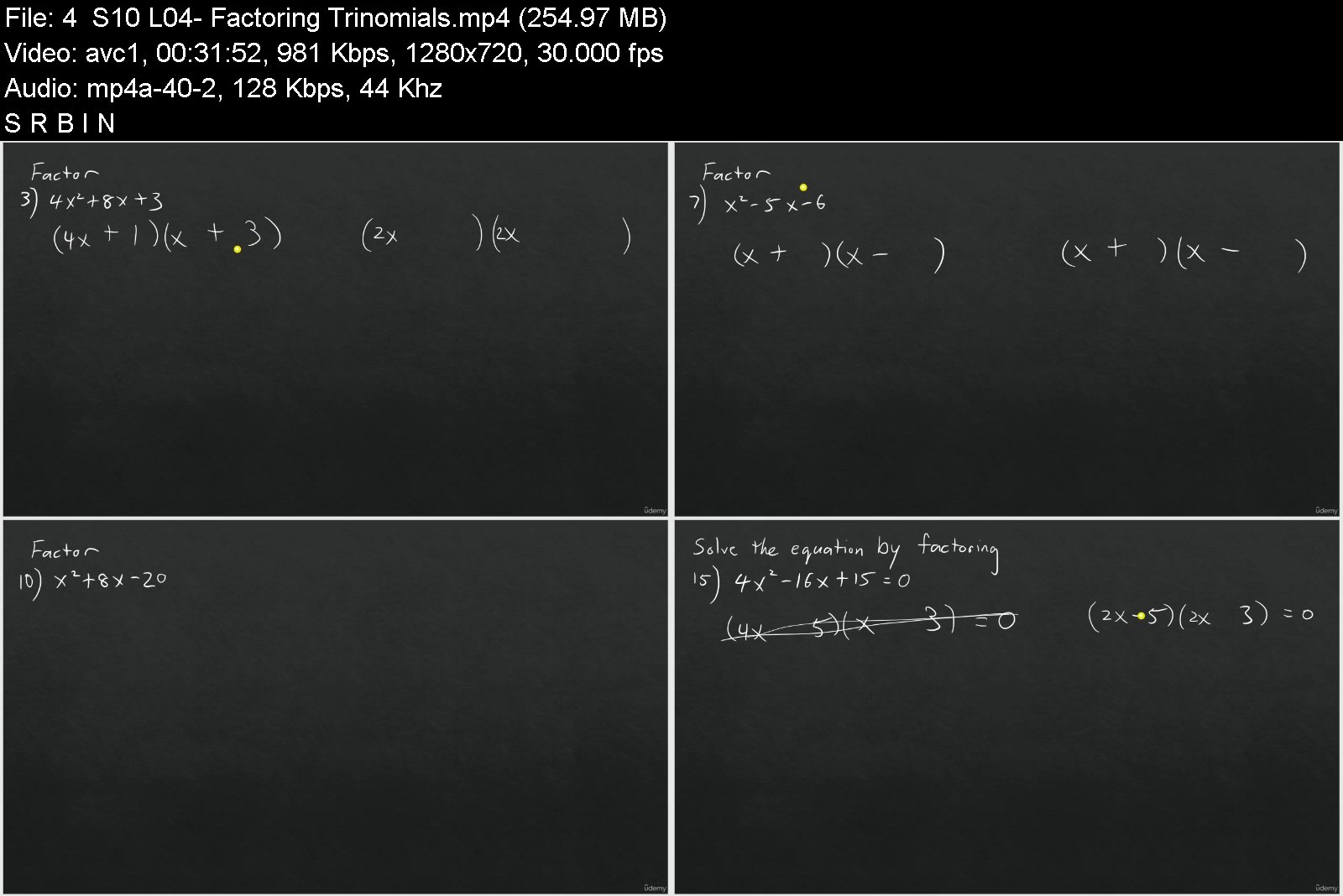
Factoring Trinomials
Factoring Special Products
Factoring Cubic Polynomials
Rational Expressions and Equations
Proportions
Direct and Inverse Variation
Simplifying Rational Expressions
Multiplying and Dividing Rational Expressions
Adding and Subtracting with Like Denominators
Adding and Subtracting with Unlike Denominators
Rational Equations
Radicals, distance and midpoint formulas
Functions Involving Square Roots
Operations with Radical Expressions
Solving Radical Equations
Rational Exponents
Completing the Square
The Distance and Midpoint Formulas
The course will help you become an expert in Algebra 1 and prepare you for more challenging math courses such as Geometry and Algebra 2.
Who this course is for
Middle and high school students who are or will be taking Algebra 1
College students or adults who are taking Algebra 1
Homeschool students who are taking Algebra 1
Anyone else who just want to learn for fun!


algebra1madesimplenekvy.jpg


Download from RapidGator


Download from Keep2Share


 
Beginner English With Ryan Kenny. A1 Plus

4611360bf6a2pfkoh.jpg


Beginner English With Ryan Kenny. A1 Plus
Published 04/2022
MP4 | Video: h264, 1280x720 | Audio: AAC, 44.1 KHz, 2 Ch
Genre: eLearning | Language: English + srt | Duration: 215 lectures (24h) | Size: 18.2 GB


Speak English quickly with 1000+ words, inspired by A1, in a fun, interactive way that feels like 1 on 1 lessons


What you'll learn
Understand and remember more than 1000 English words inspired by A1 vocabulary and additional English for every day use.
Communicate with a basic level of English.
Learn the English alphabet, letters, sounds and blends to read, write and speak in English.
Communicate in various situations including every day, travel, shopping, business and more.
Understand and create your own English sentences and stories.
Assist in language memory and in support of professional English tests.
Requirements
English from zero! No previous English required.
Optional but advised:To print the free 106 page English grammar and exercise book. This book has been designed for black and white printing. It includes word images and exercises in support of lessons in this coarse! (53 pages back to back)
Willingness to repeat words heard during lessons when required.
Description
Beginner English With Ryan Kenny, A1 Plus, is without question the best course available for students who would be looking for a 1 on 1 live English learning experience. This course aims to create the private lesson feeling which includes custom designed slides, and simulated 2 way communication.
Free English language and exercise book included! Lessons have a supporting page which includes word images from lessons and more fun exercises. Designed for black and white printing. There are 106 pages, printed back to back with at 53 pages. Keep this book on hand for quick reference to extend the value of this course far beyond the hours in the video lectures. (You can download the first 30% of this book, free by viewing the free resource in the preview lessons.) (Offer is EXCLUSIVE to Udemy)
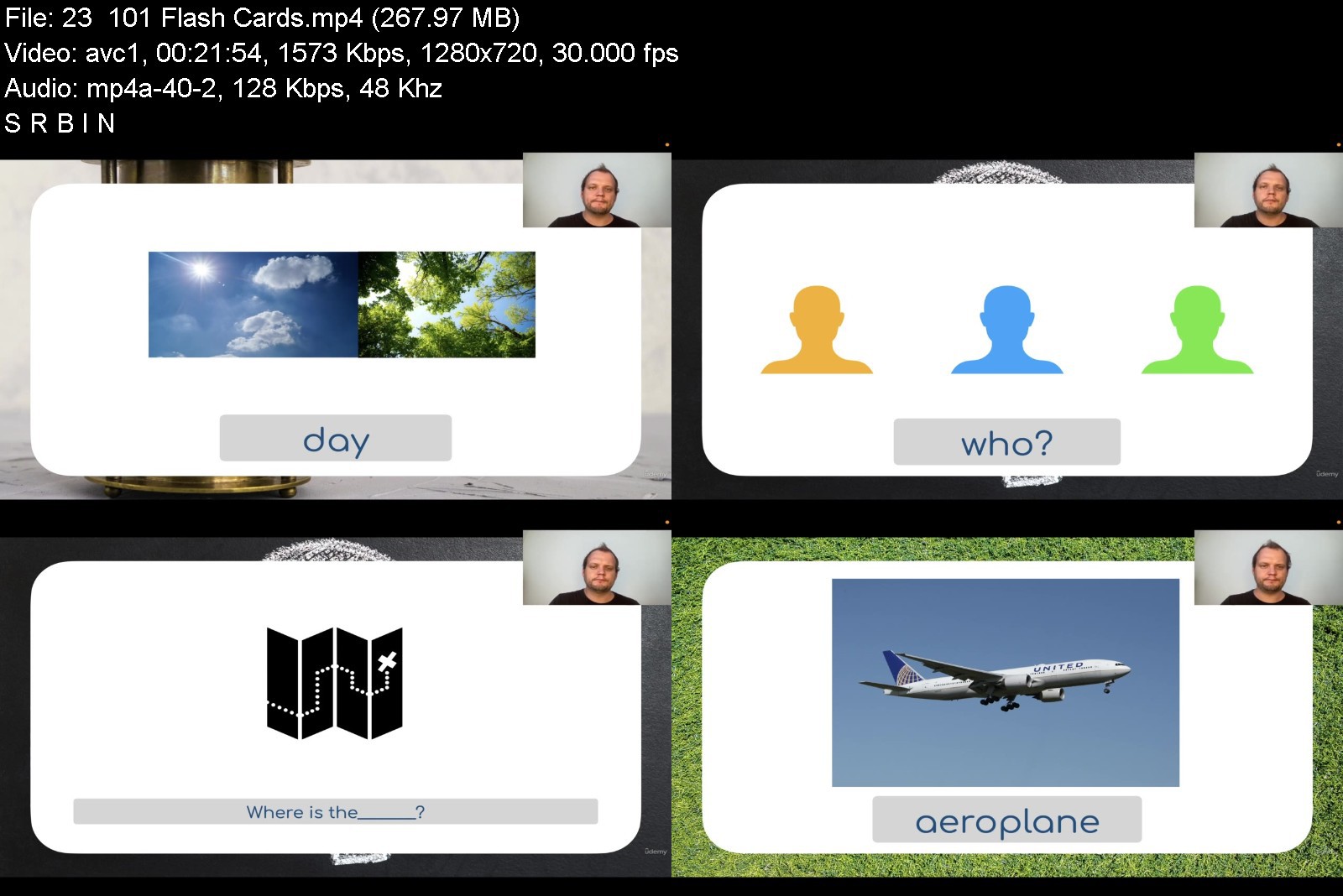
Strong focus on visual learning, aimed at people who like to learn by seeing ideas, not just hearing them, using real images, (realia). Words are explained as flash cards using gorgeous high definition images, shapes, colours and animations.
Games and exercises are built into lessons to improve memory retention. Enjoy dedicated 'Game lessons' inspired by 'Mario', 'Zelda' , popular apps on your phone and more!
Subtitles are optional! Course was designed to be used without the need of subtitles. They distract from learning English in English. It is understood that many students would prefer them to be available, even if just as a backup, so they are optional.
Go beyond simply explaining and using words. Mind castle memory techniques are used as stories. Spaced repetition and flash cards are used in support of word learning.
Lessons follow a simple format which is shown to deliver the best results. Hear a word and repeat it, without worrying about it's meaning. Learn the word and its meaning by practicing it. Use the word in a sentence or story. Solve a puzzle, test or game. Visit lesson in print format and complete exercise. Practice the word again by using it in later lessons or revision and possibly see it again in a longer story.
Maria Montessori was and educator who pioneered a superior and revolutionary sensory education style(which has her name) for Early Childhood education. A qualified and experienced Montessori educator assisted in the development of Section 1. For those who do not know the Latin alphabet(used in English) take your time with section 1. (Other students will need to go over it still to pick up English sounds and simple 3 words to prepare you for Section 2. (It is a short section)
Revision with Laurette. Hearing a word spoken in a 2nd voice, preferably from another gender, assists in the learning process. These lessons show up as revision of words learned, and to hear it pronounced by someone else.
This course s designed by Ryan Kenny who is qualified and experienced in the following.
English teacher: To deliver natural and clear sounding English lessons from a 1st language English speaker.
UX designer: To design gorgeous lessons that are easy to follow for the student.
Entertainment Technology: Lessons are fun, exciting and leave you wanting more.
Communication Specialist: Lessons follow a story, and empower you do use these words naturally.
Who this course is for
For those who want to learn English in a fun, interactive way with what feels like 1 on 1 online lessons!
If you require an easy method to learn lessons through mind caste memory building, spaced repetition, gamification and speaking exercises.
I you want to enjoy visually beautiful and creative lessons.
If you insist on learning from a first language English speaker with a natural, neutral and clear sounding accent.


beginnerenglishwithrybvkdz.jpg


Download from RapidGator


Download from Keep2Share



Revit 2023: Essential Training for Architecture (Imperial and Metric)

orjxp.jpg


Revit 2023: Essential Training for Architecture (Imperial and Metric)
Released 04/2022
MP4 | Video: h264, 1280x720 | Audio: AAC, 44.1 KHz, 2 Ch Skill Level: Beginner | Genre: eLearning | Language: English + srt | Duration: 15h 10m | Size: 5 GB

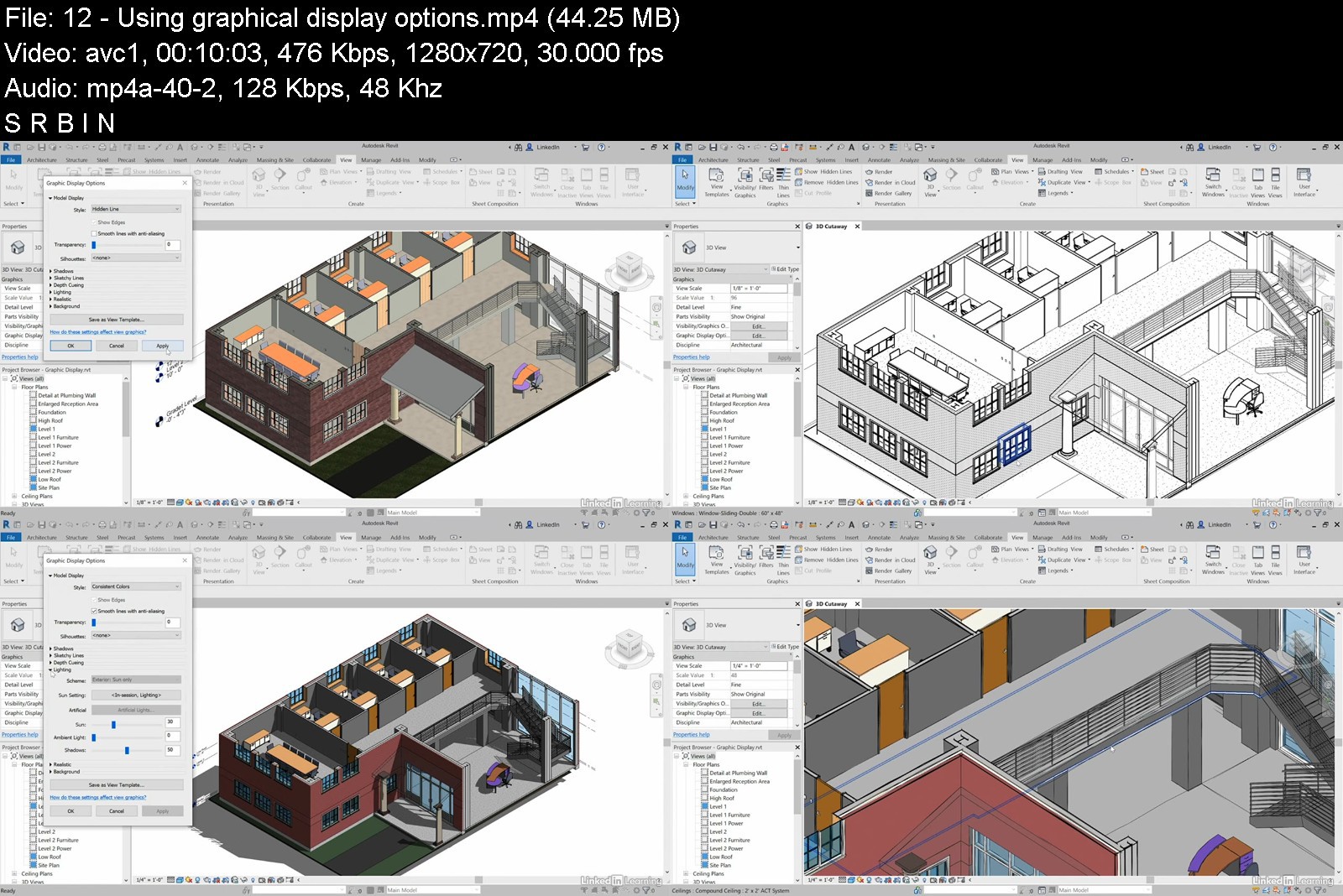
Get up and running with Revit 2023 for architectural design. This course is designed for students who have no prior Revit experience and want to learn the basics. Instructor Paul F. Aubin begins by helping you get comfortable with the Revit environment. He demonstrates how to set up a project and add the grids, levels, and dimensions that will anchor your design. Then Paul helps you dive into modeling: Adding walls, doors, and windows; using joins and constraints; creating groups; linking to DWG files; and modeling floors, roofs, and ceilings. He also shows advanced techniques for modeling stairs and complex walls, adding rooms, and creating schedules. Finally, discover how to annotate your drawings so all the components are clearly understood, as well as output sheets to PDF and AutoCAD.


revit2023essentialtrar5jbv.jpg


Download from RapidGator


Download from Keep2Share

 
Zurück
Oben Unten