• Regeln für den Video-Bereich:

    In den Börsenbereich gehören nur Angebote die bereits den Allgemeinen Regeln entsprechen.

    Einteilung

    - Folgende Formate gehören in die angegeben Bereiche:
    - Filme: Encodierte Filme von BluRay, DVD, R5, TV, Screener sowie Telesyncs im Format DivX, XviD und x264.
    - DVD: Filme im Format DVD5, DVD9 und HD2DVD.
    - HD: Encodierte Filme mit der Auflösung 720p oder darüber von BluRay, DVD, R5, TV, Screener sowie Telesyncs im Format x264.
    - 3D: Encodierte Filme von BluRay, die in einem 3D Format vorliegen. Dies gilt auch für Dokus, Animation usw.
    - Serien: Cartoon/Zeichentrick, Anime, Tutorials, Dokumentationen, Konzerte/Musik, Sonstiges sind demnach in die entsprechenden Bereiche einzuordnen, auch wenn sie beispielsweise im High Definition-Format oder als DVD5/DVD9/HD2DVD vorliegen. Ausnahme 3D.
    - Bereich Englisch: Englische Releases gehören immer in diesen Bereich.
    - Bereich Talk: Der Bereich, in dem über die Releases diskutiert werden kann, darf, soll und erwünscht ist.


    Angebot/Beitrag erstellen

    - Ein Beitrag darf erst dann erstellt werden, wenn der Upload bei mindestens einem OCH komplett ist. Platzhalter sind untersagt.
    - Bei einem Scenerelease hat der Threadtitel ausschließlich aus dem originalen, unveränderten Releasenamen zu bestehen. Es dürfen keine Veränderungen wie z.B. Sterne, kleine Buchstaben o.ä. vorgenommen werden. Ausnahme Serienbörse:
    - Bei einem Sammelthread für eine Staffel entfällt aus dem Releasename natürlich der Name der Folge. Beispiel: Die Simpsons S21 German DVDRip XviD - ITG
    - Dementsprechend sind also u.a. verboten: Erweiterungen wie "Tipp", "empfehlenswert", "only", "reup", usw. / jegliche andere Zusatzinformation oder Ergänzung, welche nicht in obiger Beschreibung zu finden ist.

    Aufbau des Angebots und Threadtitel

    Der Titel nach folgendem Muster erstellt zu werden. <Name> [3D] [Staffel] [German] <Jahr> <Tonspur> [DL] [Auflösung] <Quelle> <Codec> - <Group>
    Beispiel: The Dark Knight German 2008 AC3 DVDRip XviD - iND
    Beispiel: The Dark Knight 2008 DTS DL BDRip x264 - iND
    Beispiel: The Dark Knight 2008 AC3 DL BDRip XviD - iND
    Beispiel: The Dark Knight German 2008 AC3 720p BluRay x264 iND
    Beispiel: The Dark Knight 2008 DTS DL 1080p BluRay x264 iND
    Beispiel: Die Simpsons S01 German AC3 DVDRip XviD iND
    Beispiel: Die Simpsons S20 German AC3 720p BluRay x264 iND
    Beispiel: Sword Art Online II Ger Sub 2014 AAC 1080p WEBRip x264 - peppermint
    Entsprechend sind also u.a. verboten: Sonderzeichen wie Klammern, Sterne, Ausrufezeichen, Unterstriche, Anführungszeichen / Erweiterungen wie "Tipp", "empfehlenswert", "only", "reup", usw. / jegliche andere Zusatzinformation oder Ergänzung, welche nicht in obiger Beschreibung zu finden ist
    Ausnahmen hiervon können in den Bereichen geregelt sein.

    Die Beiträge sollen wie folgt aufgebaut werden:
    Überschrift entspricht dem Threadtitel
    Cover
    kurze Inhaltsbeschreibung
    Format, Größe, Dauer sind gut lesbar für Downloader außerhalb des Spoilers zu vermerken
    Nfo sind immer Anzugeben und selbige immer im Spoiler in Textform.
    Sind keine Nfo vorhanden z.B. Eigenpublikationen, sind im Spoiler folgende Dateiinformationen zusätzlich anzugeben :
    Quelle
    Video (Auflösung und Bitrate)
    Ton (Sprache, Format und Bitrate der einzelnen Spuren)
    Untertitel (sofern vorhanden)
    Hosterangabe in Textform außerhalb eines Spoiler mit allen enthaltenen Hostern.
    Bei SD kann auf diese zusätzlichen Dateiinformationen verzichtet werden.

    Alle benötigten Passwörter sind, sofern vorhanden, in Textform im Angebot anzugeben.
    Spoiler im Spoiler mit Kommentaren :"Schon Bedankt?" sind unerwünscht.


    Releases

    - Sind Retail-Release verfügbar, sind alle anderen Variationen untersagt. Ausnahmen: Alle deutschen Retail-Release sind CUT, in diesem Fall sind dubbed UNCUT-Release zulässig.
    - Im Serien-Bereich gilt speziell: Wenn ein Retail vor Abschluss einer laufenden Staffel erscheint, darf diese Staffel noch zu Ende gebracht werden.62
    - Gleiche Releases sind unbedingt zusammenzufassen. Das bedeutet, es ist zwingend erforderlich, vor dem Erstellen eines Themas per Suchfunktion zu überprüfen, ob bereits ein Beitrag mit demselben Release besteht. Ist dies der Fall, ist der bereits vorhandene Beitrag zu verwenden.
    - P2P und Scene Releases dürfen nicht verändert oder gar unter einem iND Tag eingestellt werden.


    Support, Diskussionen und Suche

    - Supportanfragen sind entweder per PN oder im Bereich Talk zu stellen.
    - Diskussionen und Bewertungen sind im Talk Bereich zu führen. Fragen an die Uploader haben ausschließlich via PN zu erfolgen, und sind in den Angeboten untersagt.
    - Anfragen zu Upload-Wünschen sind nur im Bereich Suche Video erlaubt. Antworten dürfen nur auf Angebote von MyBoerse.bz verlinkt werden.


    Verbote

    - Untersagt sind mehrere Formate in einem einzigen Angebotsthread, wie beispielsweise das gleichzeitige Anbieten von DivX/XviD, 720p und 1080p in einem Thread. Pro Format, Release und Auflösung ist ein eigener Thread zu eröffnen.
    - Grundsätzlich ebenso verboten sind Dupes. Uploader haben sich an geeigneter Stelle darüber zu informieren, ob es sich bei einem Release um ein Dupe handelt.
    - Gefakte, nur teilweise lauffähige oder unvollständige Angebote sind untersagt. Dies gilt auch für eigene Publikationen, die augenscheinlich nicht selbst von z.B. einer DVD gerippt wurden. Laufende Serien, bei denen noch nicht alle Folgen verfügbar sind, dürfen erstellt und regelmäßig geupdatet werden.
    - Untersagt sind Angebote, welche nur und ausschließlich in einer anderen Sprache als deutsch oder englisch vorliegen. Ausnahmen sind VORHER mit den Moderatoren zu klären.


    Verstoß gegen die Regeln

    - Angebote oder Beiträge, die gegen die Forenregeln verstoßen, sind über den "Melden"-Button im Beitrag zu melden.
  • Bitte registriere dich zunächst um Beiträge zu verfassen und externe Links aufzurufen.

*** Bestes IPTV *** bester Preis *** gratis Test ***


Englische Tutorials

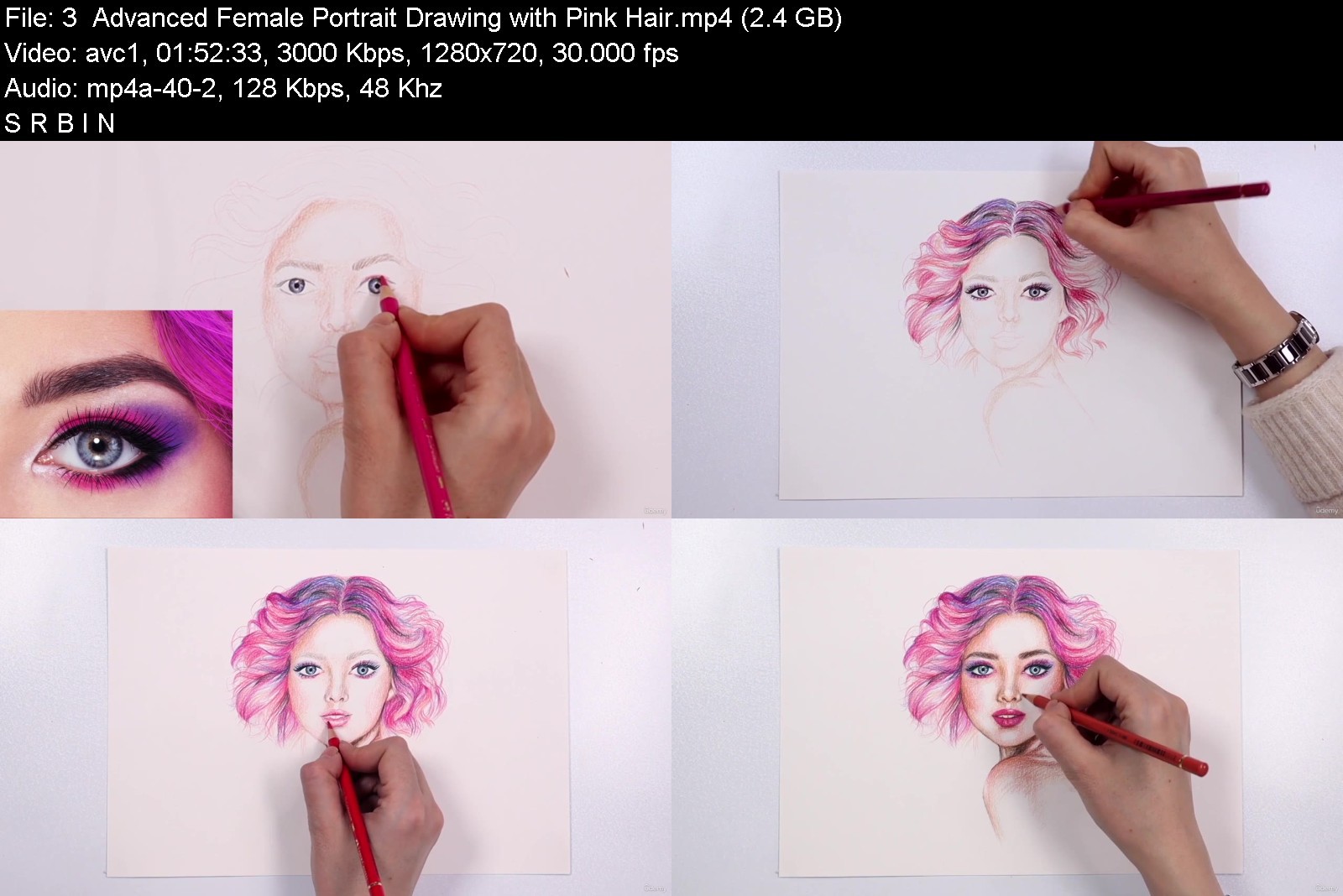
Introduction to Color Pencil Drawing

bi7jmbg2ulgltjfccnzh97rjgr.jpg


Introduction to Color Pencil Drawing
Video: .mp4 (1280x720, 30 fps(r)) | Audio: aac, 48000 Hz, 2ch | Size: 16 GB
Genre: eLearning Video | Duration: 20 lectures (11 hour, 59 mins) | Language: English


Learn Colour Pencil Drawing From Beginner To Advanced Level


What you'll learn
Fundamental color pencil techniques
Unique personalised color pencil methods
Do's and don'ts
Basic to advanced level
Still life drawings
How to draw realistic hair
Facial features
Advanced portrait drawing
Free hand drawing
Requirements
Paper
Color Pencils
Eraser or Kneaded Eraser
Sharpener

Description
Welcome to the "Introduction to Color Pencil Drawing" course!
This course is designed to teach you all the tips and hacks, all the basics and different methods of drawing with color pencils, as well as teaching you how to observe your subject and draw portraits in your own style.
With this medium, you require a good understanding of colors, this is why we teach you all about the color wheel and how to mix them perfectly together. You will then learn about different color combinations, tones and more importantly textures. Learn how your pencil and hand pressure control affects your result on the paper.
But more importantly this course is designed to break the traditional perspective of color pencil as a slow medium. This is why we focus on teaching color pencil drawings with a modern style.
What is more exciting about these tutorials is that you will get access to all freebie drawing outlines for each course but also each lesson will teach you how to draw in free hand style without tracing or measurement tools. So you will both improve your drawing skills as well as color pencil techniques.
Different techniques such as burnishing, layering and hatching are all taught in this course with carefully designed step by step tutorials and downloadable guidance for each lesson.
Then, you will get to know more about the source of light and how it affects the subject you are going to draw, teaching you how different shadows are created in color pencil drawings. If you want to find out what you may be doing wrong in your drawings, we have a do's and don'ts lesson in this course which will teach you about the main things to avoid in your color pencil drawings.
Later on in this step by step tutorial, we will apply the acquired skills from the previous lessons onto a still life sample, before then going through the different facial features.
This course will cover all human facial features from the basics all the way through to modern realistic drawing with faster hand movements. This will include eyes, lips, nose and different hairstyle colors. Each of these features have been taught in two different brands so you can compare and learn more about them, such as Faber Castell and Caran d'Ache.
We all know skin tone colors have always been confusing but now you will get to know how to create all different skin tones with color pencils. Let's unlock all the different colour combinations together by mixing multiple pencils to create a variety of skin tones.
The final step of this course is to learn how to draw and color beginner to advanced portraits.
In this course, you will have access, step by step tutorials, alongside assignments and freebie articles to help you improve your color pencil drawing skills with your teacher's online guidance throughout your art journey.
Who this course is for
Art lovers
Students
All ages
Those looking to learn something new
Anyone who wishes to learn how to draw with their color pencils
Course content
8 sections • 20 lectures • 11h 59m total length
introductiontocolorpetnj7g.jpg


Download from RapidGator


Download from Keep2Share



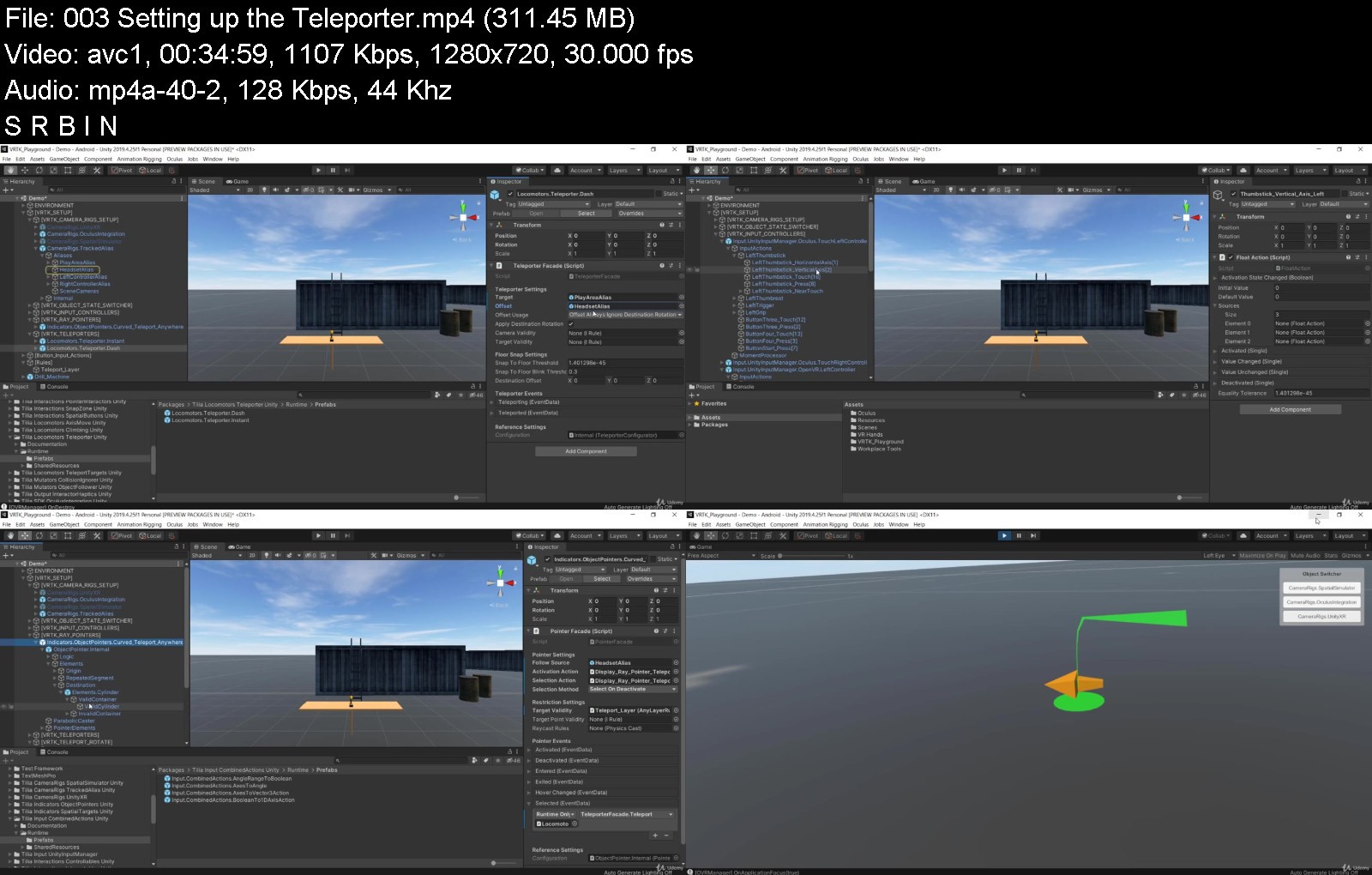
Unity ® Virtual Reality (VR) Development No Coding Approach

mc8mkdw8rcqarauxyhgyh1bknc.jpg


Unity ® Virtual Reality (VR) Development No Coding Approach
Genre: eLearning | MP4 | Video: h264, 1280x720 | Audio: AAC, 44.1 KHz
Language: English | Size: 10.2 GB | Duration: 78 lectures • 14h 29m


What you'll learn
Develop Immersive VR Experiences.
Build an entire VR Framework, from scratch, with Zero coding.
Build Once, and deploy to both Steam VR, as well as Oculus, 6 DOF devices.
Build a VR Simulator, to test your project without the need for VR hardware, using a XBox Controller, or keyboard and mouse input.
Create core VR Mechanics, such as Interactions as well as, Teleporting, and Sliding forms of locomotion.
Create advanced forms of VR Locomotion, which include Climbing, Arm swinging movement, Teleport Zones, Teleport Regions, and Locomotion using Unity's Nav mesh.
Create Distance Grab Mechanics
Create advanced realistic VR Hands, that allow you use Physics, to push objects about in the VR World.
Build advanced VR Mechanics that involve creating Player holsters, and Inventory Snap Zones.
Setup both linear, and angular joint drives, to create sliding drawers, doors, levers, push buttons and even a steering wheel.
Create advanced Spatial UI, that you can interact with physically, using your hands, as well as using a pointer.
Create 2D UI, that you can interact with using a pointer.
Learn to generate Haptic feedback, upon grabbing objects.
Learn to Outline Objects, using a Shader material, when an object is touched.
Create Spatial Tooltips that can follow any object about.
Create a Mini VR game, without writing a single line of code.
Requirements
An Oculus Rift, or HTC Vive headset or an Oculus Quest with a link cable.
A computer that supports your VR headset, in terms of hardware required.
Comfortable with using the Unity editor for basic scene editing.
Some basic knowledge about Unity's Prefabs. No coding knowledge required.
Basic knowledge of how Events work. You don't need to know, how to write event code.
Know how to setup your VR device for development.

Description
Welcome to Udemy's first, No Coding Required, VR development course, using VRTK 4. Build once and deploy to both Oculus and Steam VR devices.
This course, teaches you everything you need to know to build your very own VR apps and games using the world class Unity Engine.
I am also the author of the book 'Unity® Virtual Reality Development with VRTK4: A No-Coding Approach to Developing Immersive VR Experiences, Games, & Apps' published by Apress and available world wide on the Amazon and Springer stores.
The entire completed advanced VR Framework, is available for download, within Section 13 of the course, once you enroll.
Unity is the top rated game engine, when it comes to developing VR apps and games. VRTK on the other hand is a battle-tested VR solution for Unity. Several block buster games have been made using Unity and VRTK 3.x.
VRTK 4 in conjunction with Unity, has changed the dynamics of VR development. No other game engine comes even close, to providing you with such advanced functionality for VR development, as does VRTK 4 with Unity.
From a toolkit standpoint, there are several free, as well as paid toolkits out there, for VR development, including Unity's very own XR interaction toolkit. However, none of these toolkits, provide you with the advanced functionality that VRTK 4 provides, out of the box. There is currently no toolkit out there, that would allow you to create such advanced VR mechanics, without the need to write a single line of code.
The 2 most prominent VR Toolkits on the Unity Asset Store cost approximately $60 and you don't get the Arm swinging mechanic, different gliding locomotion styles, a rotatable teleport arrow head pointer, a 3D spatial hand interactable UI, a spatial simulator that works with a X Box Controller and a no coding approach.
For one of these toolkits, for the climbing mechanic alone, you have to shell out an extra $60, resulting in a whopping amount of $120, for a VR toolkit. Over and above this, the learning curve is not easy, as tutorials do not exist or are scarce, and the manuals are poorly written, calling on you to rely on forums and community members, to help you out.
Try to rebuild the mini game in this course, without writing a single line of code, using any other VR framework or toolkit currently available on the Asset store, even Unity's very own XR Interaction toolkit. It wont be possible.
In this course, you will not be called upon to launch Visual Studio, even once. No programming skills are required!
There's a popular English saying, "Give a person a fish and you feed him/her for a day. Teach a person to fish and you feed him/her for a lifetime." In this course I give you the lifetime lesson.
Using Unity and VRTK 4, you will build a complete framework from scratch, that can be used as the foundation, for building any VR game or experience. Towards the end of this course, you will utilize the framework you have built, to create your very own mini game.
This course makes understanding VRTK 4, super easy, and the framework you develop, will be one massive cohesive, lean, mean machine.
At the end of this course, you will have an advanced VR framework, that you could even publish!
You can even, enhance the mini game further, using the ideas provided within this course, and publish your game to both Oculus, and Steam.
This course is aimed at beginner to intermediate Unity users who need to know their way about the Unity editor, for basic scene editing. A basic knowledge on how Unity Prefabs function and a basic understanding of how events work in general, would be helpful. You don't need to know how to write any event code.
This course will take you through everything, step by step and give you plenty of practice.
You will need to have access to a 6 DOF (degrees of freedom) headset for Steam VR, or Oculus only. This course cannot be taken using a 3 DOF headset, as you need to be able to move around within your world.
You could use a Steam VR headset like the HTC Vive, or an Oculus Rift, or an Oculus Quest (both 1 and 2 will work fine), which are some of the more popular, 6 DOF headsets available, and the ones this course has been tested against.
If using the Oculus Quest, it would be advisable to have a link cable, as deploying a build to the headset, each time you test is not very practical, and would be time consuming.
Please use Udemy's Q & A, for any explanations you seek from my end, related to this course.
This course will continue to be updated, as VRTK evolves.
Become a VR pioneer now, and create the future!
- Chris Coutinho
Who this course is for
Beginning to Intermediate Unity developers looking for a non coding, fun way to enhance their skills.
Advanced Unity Developers wanting to understand the unique challenges of VR within Unity.
Oculus Quest, Rift or HTC Vive owners wanting to create their own VR experiences.
A VR Hobbyist, wanting to get into VR game development.


unityvirtualrealityvr2hjc9.jpg


Download from RapidGator


Download from Keep2Share



Ultimate MATLAB-Simulink for Electrical Engineerining

moxigjdpqxeegqmeclvlc6pjby.jpg


Ultimate MATLAB-Simulink for Electrical Engineerining
Genre: eLearning | MP4 | Video: h264, 1280x720 | Audio: AAC, 44.1 KHz
Language: English | Size: 10.2 GB | Duration: 124 lectures • 27h 19m


What you'll learn
Learn MATLAB simulations related to electrical enegineering topics
Complete MATLAB simulations of power electronics
Simulations of 1-phase rectifiers (controlled, uncontrolled, HWR and FWR)
How to simulate 3-phase rectifiers in MATLAB-Simulink
Complete Simulations of AC voltage controllers ( 1-ph & 3-ph)
How to apply closed loop control of AC voltage controllers in MATLAB-Simulink
Complete MATLAB simulations of DC-DC converters
How to apply PID controller to DC-DC converters in MATLAB/Simulink
How to apply Hystereysis controller to DC-DC converters in MATLAB/Simulink
How to design different DC Regulators in MATLAB/Simulink
How to simulate 1-ph inverter circuits (half bridge and full bridge)
How to apply pulse width modulation (PWM) techniques in MATLAB/Simulink
How to simulate 3-ph inverter circuits
Simulations of R-L , R-C , R-L-C circuits in MATLAB/Simulink
Applying forced and free response in transient circuits in Simulink
How to simulate the electric resonance in MATLAB/Simulink
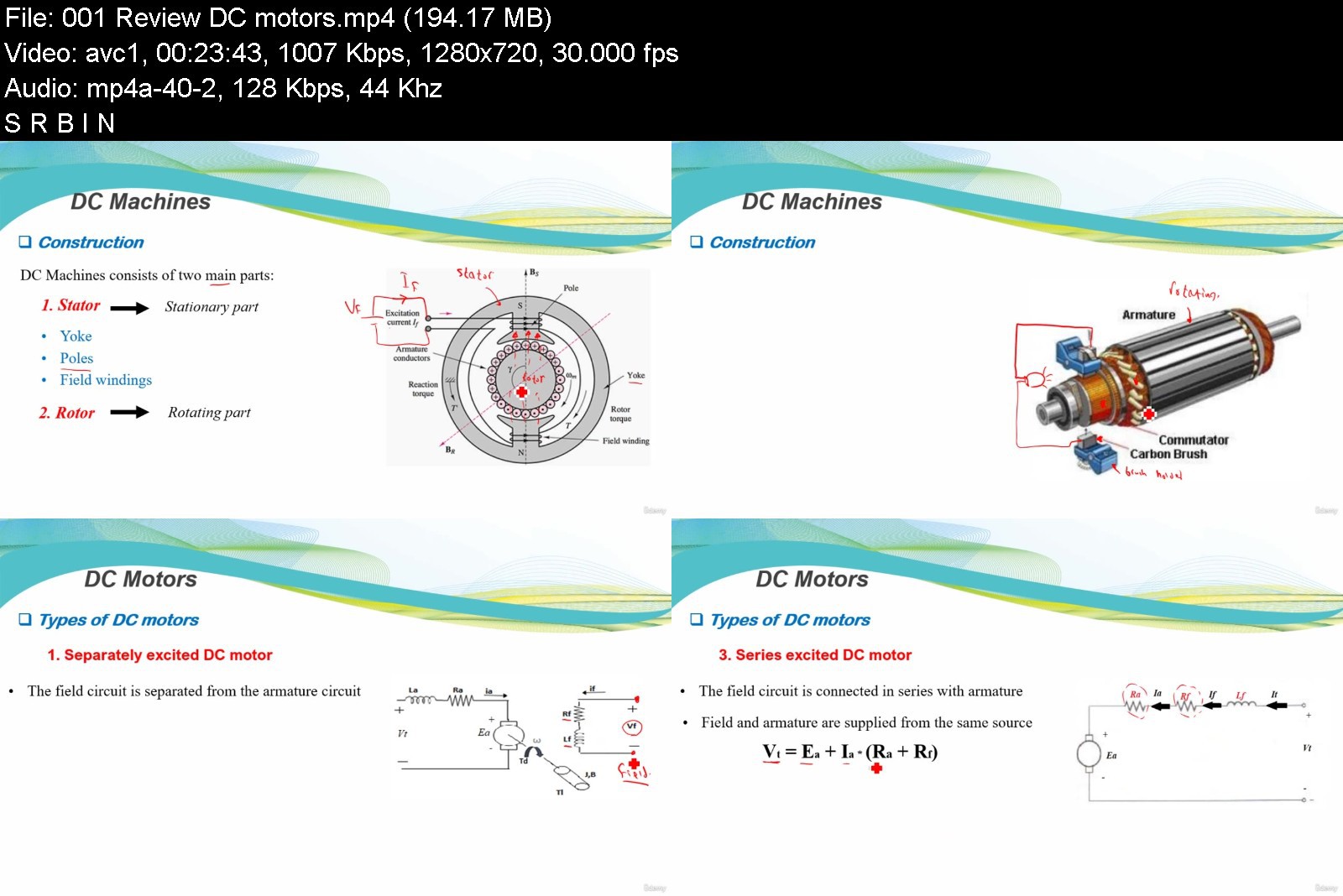
Complete MATLAB Simulations of DC motors (shunt, series and separately excited)
How to apply speed control of DC motors in MATLAB/Simulink
How to start DC motors using starters in MATLAB/Simulink
Complete simulations of Induction motors
Learn speed control and starting of induction motors in MATLAB/Simulink
Apply VFD with induction motors in MATLAB/Simulink
Perform different induction motor tests in MATLAB/Simulink
Complete simulations of Induction generators
Complete MATLAB simulations of synchronous machines
How to apply voltage and frequency control of synchronous generator in Simulink
How to simulate synchronous generator connected with grid
Simulation of permanent magnet synchronous motors (PMSM)
How to simulate transformers (1-ph & 3-ph) in MATLAB/Simulink
How to obtain efficiency, losses and voltage regulation of transformer in Simulink
Perform open circuit and short circuit tests of transformers in MATLAB/Simulink
Power systems simulations in MATLAB/Simulink
How to model transmission lines in MATLAB/Simulink
How to perform load flow analysis MATLAB/Simulink
Symmetrical and unsymmetrical fault analysis in MATLAB/Simulink
How to apply overcurrent protection against faults in MATLAB/Simulink
Complete MATLAB simulations of solar energy
Step by step modelling and design of solar panels in Simulink
How to obtain I-V and P-V characteristics of solar panel in MATLAB
How to simulate solar panel using MATLAB Simscape library
Step by step Wind turbine modelling and design in MATLAB/Simulink
How to design 5KW wind turbine in MATLAB/Simulink
Learn effect of wind turbine parameters on turbine power in MATLAB/Simulink
Requirements
MATLAB software to learn and simulate
Passion to learn MATLAB simulations for all electrical engineering branches

Description
Hi my friend !
This course is deigned to provide a complete step by step MATLAB simulations for various electrical engineering disciplines in ONE course so that it will be a comprehensive guide for you to build and design your own models.
In this course, you are going to learn MATLAB/Simulink for
<<<< Power Electronics Simulations >>>>
Simulations of 1-phase rectifiers (controlled, uncontrolled, HWR and FWR)
Simulations of 3-phase rectifiers
Complete Simulations of AC voltage controllers ( 1-ph & 3-ph)
How to apply closed loop control of AC voltage controllers in MATLABl/Simulink
Complete MATLAB simulations of DC-DC converters
Apply PID controller to DC-DC converters in MATLAB/Simulink
Apply Hysteresis controller to DC-DC converters in MATLAB/Simulink
Design different DC Regulators in MATLAB/Simulink
Simulations of 1-ph inverter circuits (half bridge and full bridge)
Apply pulse width modulation (PWM) techniques in MATLAB/Simulink
Simulations of 3-ph inverter circuits
<<<< Electrical Circuits Simulations >>>>
Simulations of DC transient circuits
Simulations of R-L , R-C , R-L-C circuits
Applying forced and free response in transient circuits in Simulink
Simulations of the Electric Resonance in MATLAB/Simulink
<<<< Electrical Machines Simulations >>>>
Complete MATLAB Simulations of DC motors (shunt, series and separately excited)
Speed control of DC motors in MATLAB/Simulink
Starting of DC motors using starters in MATLAB/Simulink
Simulations of DC generators
Complete simulations of Induction motors
Speed control and starting of induction motors in MATLAB/Simulink
Apply VFD with induction motors in MATLAB/Simulink
Perform different induction motor tests in MATLAB/Simulink
Complete simulations of Induction generators
Complete MATLAB simulations of synchronous machines
Apply voltage and frequency control of synchronous generator in Simulink
Simulations of synchronous generator connected with grid
Simulation of permanent magnet synchronous motors (PMSM)
Simulations of transformers (1-ph & 3-ph) in MATLAB/Simulink
Efficiency, losses and voltage regulation of transformer in Simulink
Open circuit and short circuit tests of transformers in MATLAB/Simulink
<<<< Power Systems Simulations >>>>
Modelling and design of transmission lines in MATLAB/Simulink
load flow analysis in MATLAB/Simulink
Symmetrical and unsymmetrical fault analysis in MATLAB/Simulink
Logic design of overcurrent relay in MATLAB/Simulink
Apply overcurrent protection against power system faults in MATLAB/Simulink
<<<< Solar Energy Simulations >>>>
Step by step modelling and design of solar panels in Simulink
Obtain I-V and P-V characteristics of solar panel in MATLAB
Effect of irradiation and temperature on PV cell characteristics in MATLAB
How to simulate solar panel using MATLAB Simscape library
<<<< Wind Energy Simulations >>>>
Step by step Wind turbine modelling and design in MATLAB/Simulink
Design of 5KW wind turbine in MATLAB/Simulink
Effect of wind turbine parameters on turbine power in MATLAB/Simulink
By the end of this course, you will be specialized in dealing with MATLAB/Simulink related to various
electrical engineering branches.
I thank you very much for taking the time to check the course content.
See you in the course !
Who this course is for
Electrical Engineering Students
Researchers and practicing engineers
Anyone who wants to learn electrical engineering simulations
Anybody with an interest in learning about MATLAB/Simulink


ultimatematlabsimulin1uksb.jpg


Download from RapidGator


Download from Keep2Share



Learn About The Trans & Gender Non-Conforming Community

xnwb8x0ia7dqbbjljhuvycuk4j.jpg


Learn About The Trans & Gender Non-Conforming Community
Video: .mp4 (1280x720, 30 fps(r)) | Audio: aac, 48000 Hz, 2ch | Size: 5.3 GB
Genre: eLearning Video | Duration: 19 lectures (4 hour, 3 mins) | Language: English


The Complete Guide On Advocating For The Trans & Gender Non-Conforming Community


What you'll learn
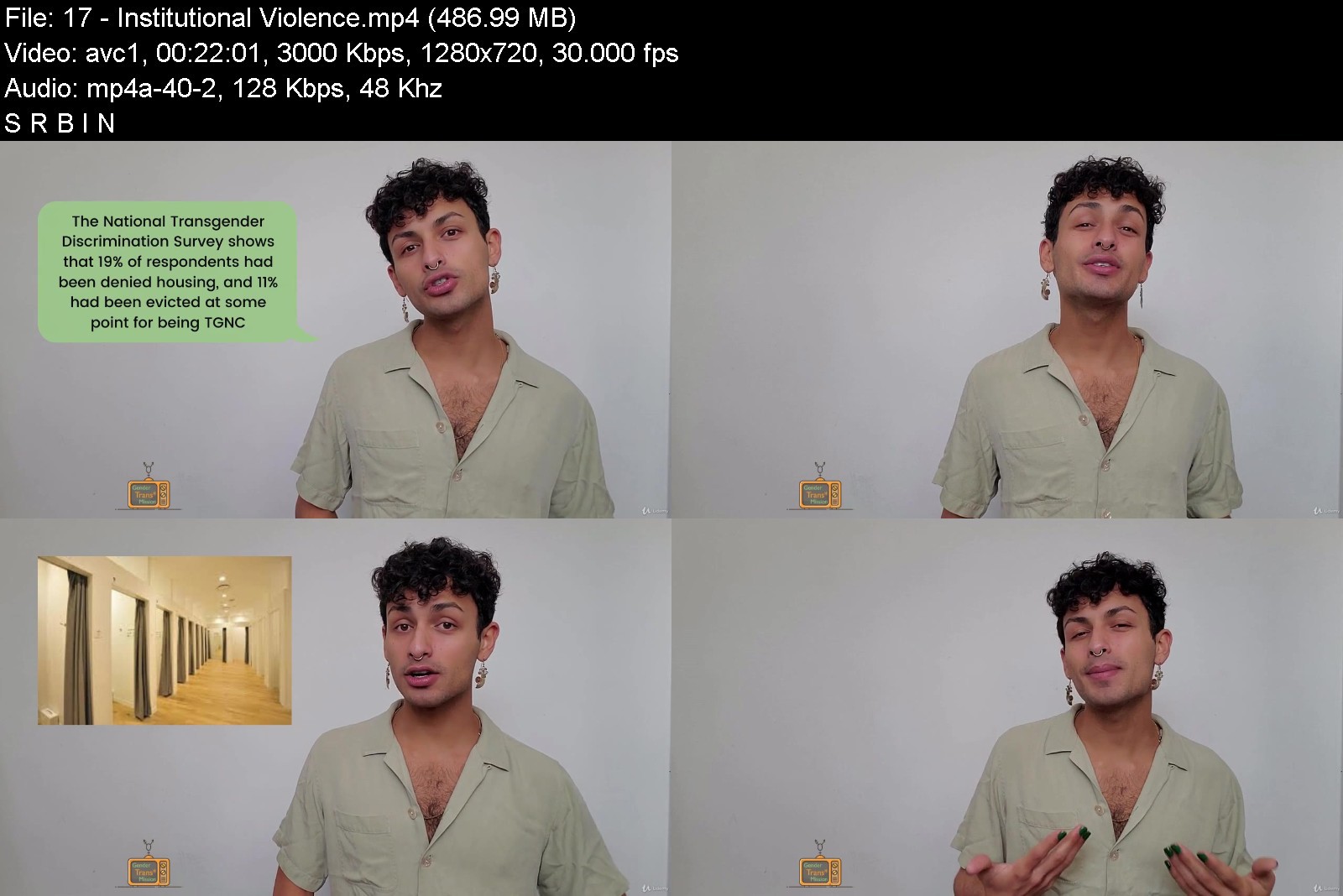
How To Create Welcoming Environments For The Trans & Gender Non-Conforming (TGNC) Community
In-Depth Understanding of The Trans & Gender Non-Conforming Experience
How To Educate Others About TGNC Issues
Best Practices For Helping Professionals
Requirements
Be Willing & Excited To Learn

Description
Imagine the progress we would make if every single ally contributed by actively educating the people in their life. Beyond Trans 101, The Gender Transmission has been tailored to empower you with the necessary tools to be an effective educator and advocate for the Trans & Gender Non-Conforming (TGNC) Community.
There is a common misconception that creating progress is restricted to large-scale activism and political work. However, you can make some of the most valuable contributions by engaging in interpersonal activism; between you and your friends, coworkers, and family. This is why we need help from people like you, who are not only willing but extremely capable of helping foster welcoming and loving environments.
The Gender Transmission School is made for people
who are new to the the identities & experiences of the TGNC community and want to learn the most important information.
organizations looking to create environments that are inclusive of Gender diversity
who have a desire to support TGNC rights, and want to know how to help in ways that can be integrated into their lives.
who are tired of wasting time and energy by arguing, and are ready to learn tools for how to strategically educate others.
There's something about that moment when you turn a light on in someone's head, when you help them see things through a fresh new perspective. This truly feels magical.
Who this course is for
Allies To The LGBTQ+ Community Seeking To Learn How To Support TGNC People
People Who Want To Learn More About TGNC Identities & Experience
Business/Employers Seeking To Train Employees On Inclusivity

learnaboutthetransgenv3jk5.jpg


Download from RapidGator


Download from Keep2Share

 
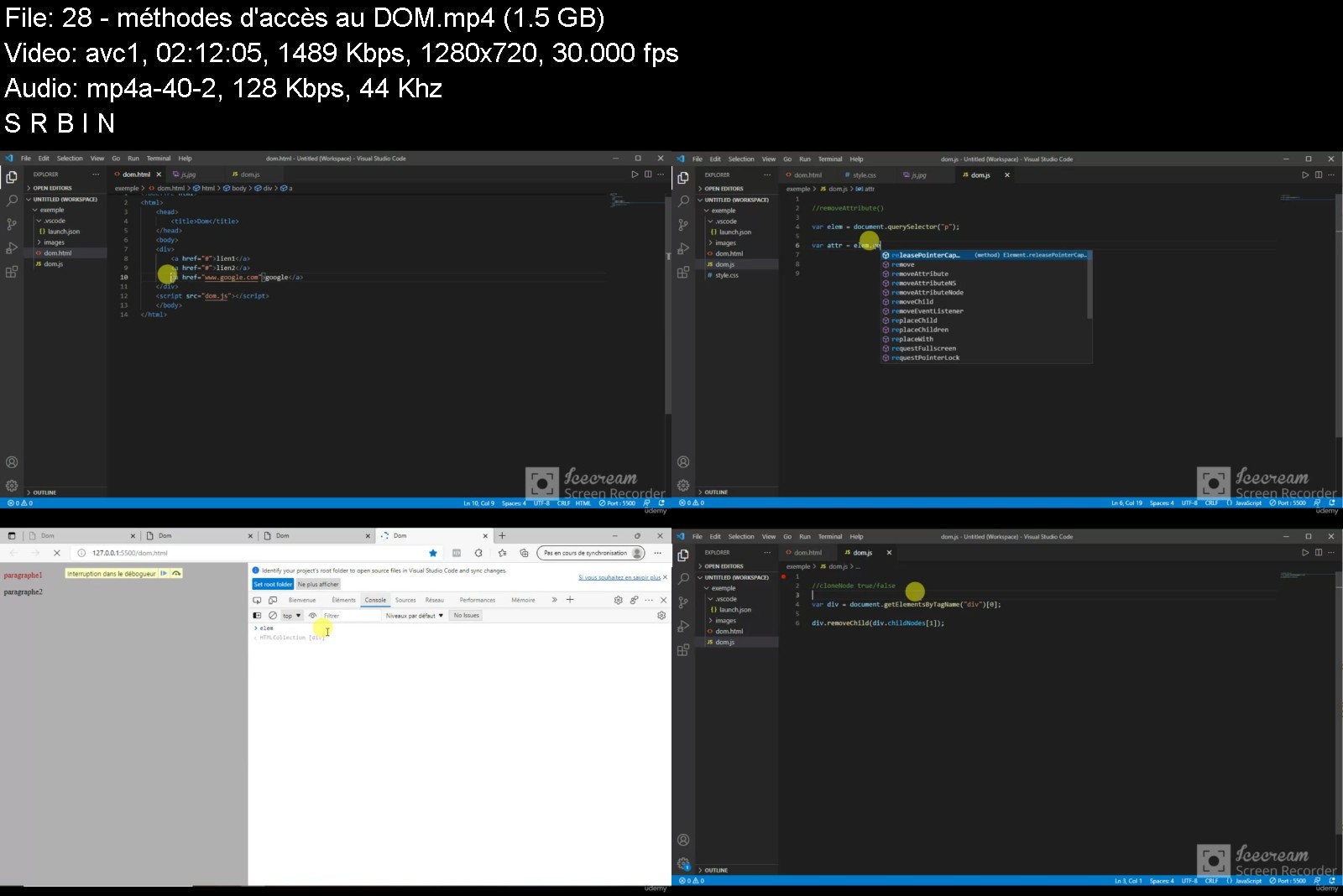
Apprendre facilement Javascript

lixk4842puypnmmljo6hf46kjr.jpg


Apprendre facilement Javascript
Video: .mp4 (1280x720, 30 fps(r)) | Audio: aac, 44100 Hz, 2ch | Size: 5.93 GB
Genre: eLearning Video | Duration: 29 lectures (8 hour, 28 mins) | Language: French


Un cours javascript, facile à comprendre avec plein d'exemples et d'exercices


What you'll learn
Les bases du javascript
les variables, les tableaux, les chaines de caractères
Les fonctions, les opérateurs, les conditions
Les boucles, les expressions régulières
Manipuler une page HTML depuis un programme JavaScript
mettre en pratique chaque notion avec des Quiz + exercices
Être capable d'écrire du code Javascript solide et propre en prenant toujours du plaisir
Course content
10 sections • 29 lectures • 8h 28m total length
Requirements
Un navigateur de votre choix
Une connaissance basique en HTML et CSS

Description
Le JavaScript est le langage le plus important du Web et plus globalement le langage de programmation le plus utilisé au monde. C'est lui qui a rendu possible la création des sites Web dynamiques et sur lequel repose tous les frameworks modernes (React, Angular ou encore Vue).
C'est un langage que l'on présente souvent comme facile, mais très peu de personnes maîtrisent ce langage complexe. Nous allons vous apprendre tout ce qu'il y a savoir dessus, de la déclaration d'une variable jusqu'aux notions les plus avancées.
Au programme de cette formation vous allez apprendre le JavaScript
Qu'est ce que javascript,
Préparation de l'environnement de travail,
Où écrire le code JavaScript ?,
Les commentaires,
Les variables, déclaration et initialisation,
Les types des variables et l'opérateur typeof,
Déclaration et initialisation des tableaux,
Manipulation des tableaux,
Définition et déclaration des chaines de caractères,
Définition, déclaration et appel des fonctions,
Les fonctions prédéfinies,
Les opérateurs arithmétiques & d'assignation,
Les conditions, les boucles,
Les expressions régulières,
Javascript et le Dom,
Il y aura également beaucoup d'exercices et de quizz !
Si vous êtes motivé, intéressé par JavaScript, et que vous recherchez un cours dans lequel vous ne serez pas déçu. Vous êtes au bon endroit :)
J'aurai plaisir à vous aider à atteindre vos objectifs.
Who this course is for
Toute personne souhaite développer ses compétences en javascript

apprendrefacilementjaymjj9.jpg


Download from RapidGator


Download from Keep2Share

 
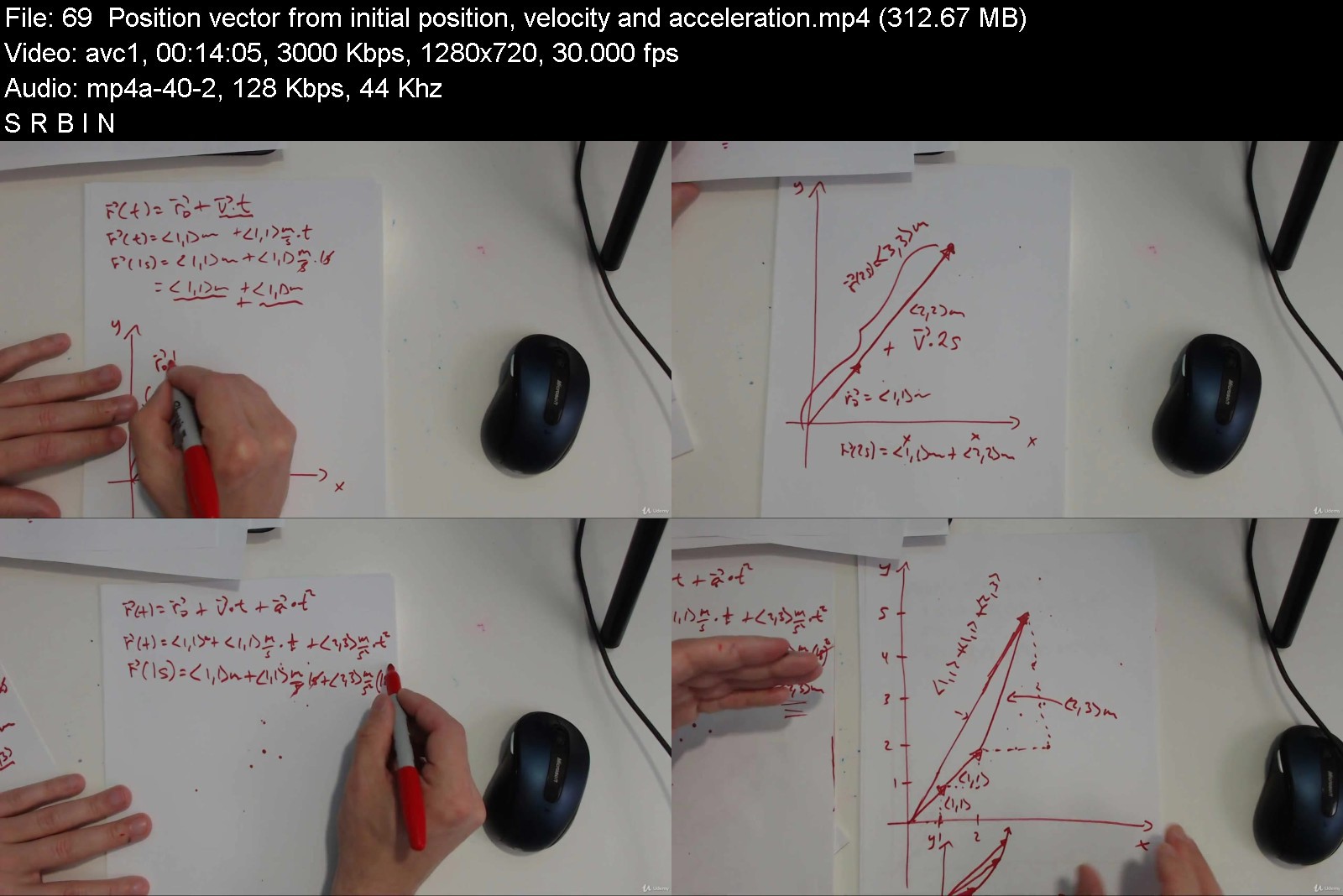
Game Math and Physics Basics in 2D

18178140b5b8kqknd.jpg


Game Math and Physics Basics in 2D
Last Updated 08/2018
MP4 | Video: h264, 1280x720 | Audio: AAC, 44.1 KHz, 2 Ch
Genre: eLearning | Language: English + srt | Duration: 79 lectures (8h 9m) | Size: 5 GB


Learn Useful Computer Game Math


What you'll learn
describe unit vectors
describe vectors in general
describe scalars
describe distance
describe speed
describe velocity
understand coordinate transformations
describe world space
describe object space
describe forces
describe acceleration
describe displacement
describe the z axis in unity vividly
describe rotations
work with square roots as needed
describe vector components
describe magnitudes
describe motion on a circle
understand angles
add vectors
subtract vectors
multiple vectors by scalars
find unit vectors
find vectors of a desired magnitude and direction
understand weighted averages
describe average speed
describe average velocity
and many others!
Requirements
It's helpful to have the latest version of the Unity installed.
You should already know how to work with signed numbers.
You should already have seen the concept of a two dimensional coordinate space.
Description
1. Friends, please take the time to review the curriculum carefully before buying so you can see exactly whether this is the right course for you. Please do not join until you have completed this step.
2. Please watch the free preview videos so you can see whether the presentation style works for you. Please remember I am just one person, and I make my videos often after I have been working for many hours already. Please do not join until you have completed this step.
3. If something needs fixing, please let me know. Again, I'm just one person and not a big team of people. I will try to fix it as quickly as possible. Thank you.
Course Overview
1. This course is for those who already know how to make a simple 2D project in unity. I'm assuming you can figure out how to do this. Please remember, however, that using Unity is NOT the main objective of this course.
2. This course focuses only on two dimensional math and physics concepts related to game programming.
3. In some of the videos you see how to use unity.
4. In some of the videos I use physical demonstrations to illustrate mathematical concepts related to game development.
5. In some of the videos I write by hand on paper because this is faster than writing on the computer screen.
6. You should be mentally prepared to work with square roots, vectors and units of various kinds like m/s and m/s^2 and kg.
7. I draw a lot in this course to illustrate various vector concepts. In other words, I use a variety of teaching methods.
8. There are a variety of exercises placed throughout the videos. Please try to complete every exercise. Practice, of the right kind, counts!:)
9. These videos focus primarily on understanding the concepts of vectors, distances, angles, transformations, speeds, velocities, accelerations, forces, and related concepts.
10. You should already be able to solve basic linear equations like 2+4+x=10 and you should understand how to compare numbers with ratios, as in 10kg/2kg. I do, however, still explain these too.
11. Please be sure to read the curriculum with meticulous care before enrolling so you can be sure this is truly the right course for you.
12. If you are already a great physics/math expert, please do not join this course. It will not help you.
13. For the hearing-impaired, closed-captions are added automatically. I do not have control over those, so they might not be perfect.
14. Thank you for reading, and see you inside!
Who this course is for
This is a course for those are interested in understanding the mathematics of 2D game development.
This is a course for those who are interested in understanding the basic physics of 2D game development.


gamemathandphysicsbas85ky4.jpg


Download from RapidGator


Download from Keep2Share

 
React.js e Redux in Italiano: Teoria, Hooks + 11 Progetti

ojtlp0hsyd4k2sbaepmzs6tkpc.jpg


React.js e Redux in Italiano: Teoria, Hooks + 11 Progetti
Video: .mp4 (1280x720, 30 fps(r)) | Audio: aac, 48000 Hz, 2ch | Size: 12.5 GB
Genre: eLearning Video | Duration: 216 lectures (24 hour, 13 mins) | Language: Italiano


La libreria più diffusa sul mercato Front-end


What you'll learn
Utilizzare la Libreria React per creare interfacce utente.
Sviluppare web app performanti ed ottimizzate per i tuoi utenti.
Imparare una delle Skill più richieste nel mercato moderno.
Sfruttare il potenziale di Javascript per creare incredibili User Experience.
Imparare ad utilizzare Redux
Imparare ad utilizzare le librerie più comuni dell'ecosistema di React
Course content
5 sections • 216 lectures • 24h 13m total length
Requirements
Buona conoscenza dei fondamenti di Html
Buona conoscenza dei fondamenti di CSS
Buona Conoscenza di Javascript (ES6 Opzionale)

Description
React è la Libreria più diffusa per lo sviluppo Front-End e vanta la community più vasta tra gli sviluppatori di web app e mobile.
La richiesta di React sul mercato è in continua crescita ed è ormai quasi uno standard per gli sviluppatori web per poter accedere a posizioni lavorative in ambito web development in Italia e all'estero ma anche per poter sviluppare progetti personali.
La dimensione della community di React Developer permette di poter facilmente di poter collaborare e comprendere progetti di altri sviluppatori, oltre che di poter facilmente venire a capo di problematiche e bug grazie all'aiuto della vasta community. Facebook, Instagram, WhatsApp, Netflix, Airbnb, eBay, PayPal, New York Time, sono solo alcune delle aziende che utilizzano React in produzione.
In questo corso imparerai
Come creare interfacce Moderne, Performanti e Responsive
La Teoria Base del Linguaggio JSX
Creare Componenti di Interfaccia riutilizzabili Riutilizzabili
Imparare ad utilizzare i principali React Hooks
Imparare ad Utilizzare Redux
Conoscere le Principali librerie usate nell'ecosistema React
Creare Hook Personalizzati
Oltre alla spiegazione teorica Realizzeremo 11 Progetti per consolidare le nostre competenze e vedere nel dettaglio alcune delle Best Practice per sfruttare tutto il potenziale delle nostre React App
Appuntamenti: Una Lista di Appuntamenti Rimovibili dall'utente
Dark Mode: Cambia Modalità alla tua applicazione
Vacanze: Scorri la vetrina per una serie di Pacchetti Vacanze
Slider: Il Classico Slider di Recensioni che non può mai mancare in una buona App
Color-Grading: Applicazione che permette all'utente di trovare tutte le sfumature a partire da un colore da lui scelto ed al click copiarlo nei suoi appunti
Navbar: Una barra di navigazione responsive ed espandibile Orizzontalmente in maniere dinamica in base al numero di item presenti.
Sidebar: Una Barra di navigazione Laterale espandibile solo da Mobile per offrire una navigazione di qualità
Cart: La gestione di un carrello di prodotti utilizzando lo useReducer Hook. La miglior Introduzione all'utilizzo di un framework di gestione e manutenzione degli State
Wiki Drink: Un'applicazione completa con una Home Page, un About Page ed una Contact Page. Il nostro utente potrà cercare il nome di qualsiasi cocktail esistente e noi gli forniremo tutte le istruzioni per realizzare e gustarselo. Nel caso Mancasse? Può contattarci per aggiungere il suo cocktail preferito.
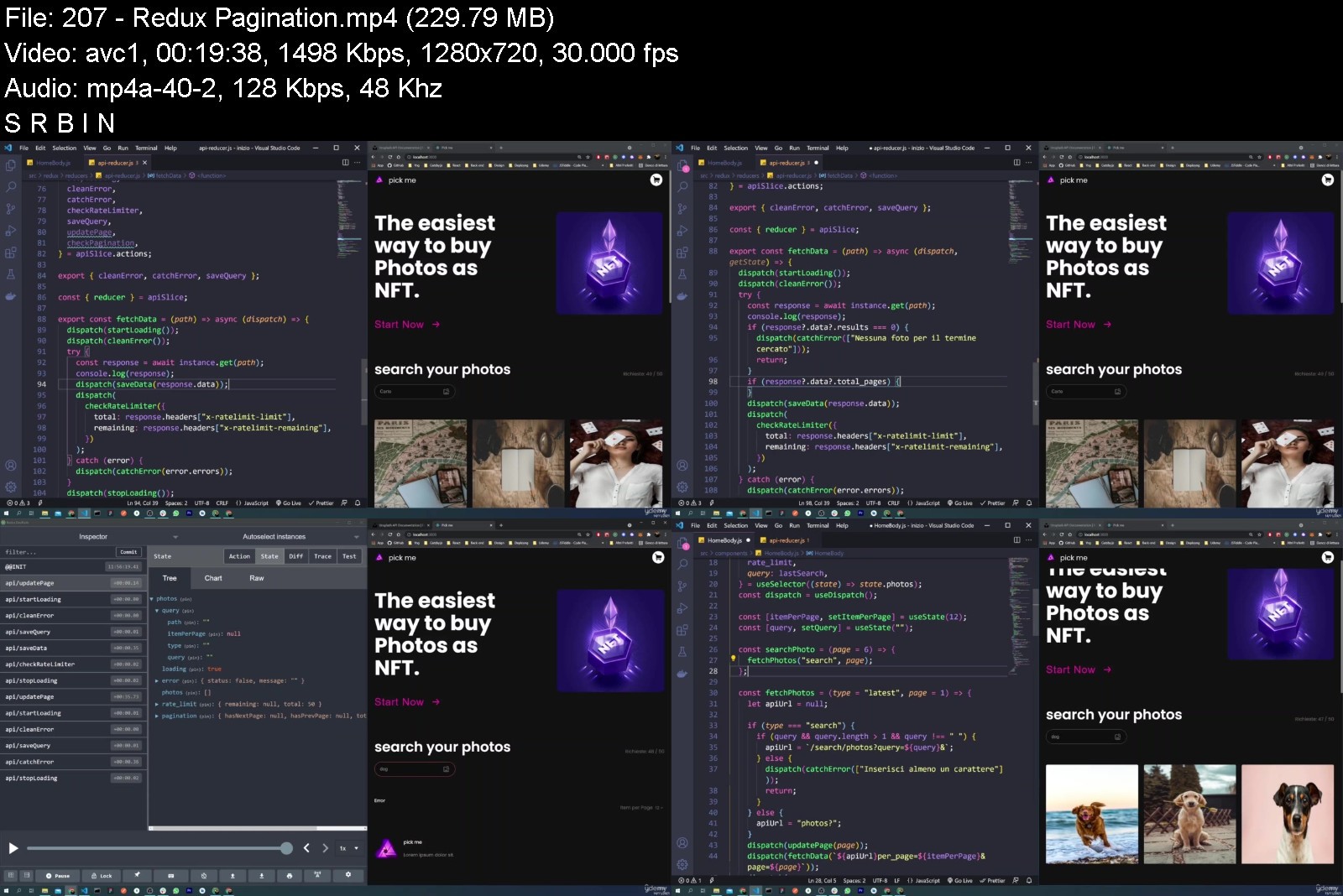
Pick-me: Un'applicazione in cui andremo ad utilizzare le principali librerie che si usano sul frontend con una speciale attenzione a Redux. Altre librerie saranno Styled-system, Formik e Yup.
Who this course is for
Chiunque Voglia imparare React
Imparare ad utilizzare una delle Librerie più utilizzate sul lato Front-end

react.jsereduxinitali9ujb4.jpg


Download from RapidGator


Download from Keep2Share


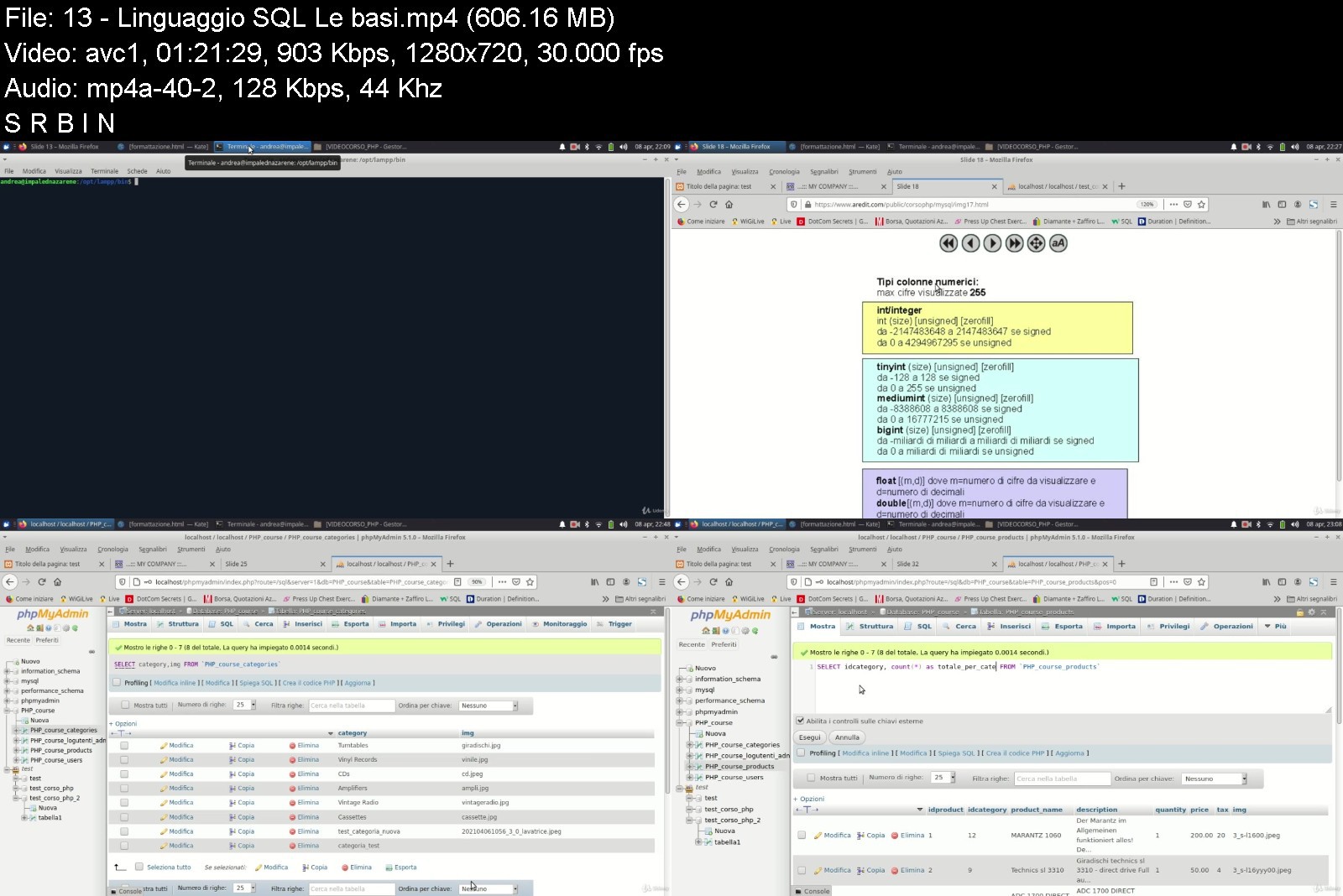
Corso pratico programmazione PHP HTML MySQL.

rk7enci6ovipato72azrn2dk1x.jpg


Corso pratico programmazione PHP HTML MySQL.
Video: .mp4 (1280x720, 30 fps(r)) | Audio: aac, 44100 Hz, 2ch | Size: 5.96 GB
Genre: eLearning Video | Duration: 26 lectures (12 hour, 50 mins) | Language: Italiano


Crea una WebApp partendo da zero. Impara a programmare per il web creando il sito pubblico e l'area di back office.


What you'll learn
Creazione di una applicazione web basata su PHP HTML con il database MySQL
Conoscere le basi di HTML PHP e del database MySQL
Course content
1 section • 26 lectures • 12h 50m total length
Requirements
no

Description
Questo è il corso che avrei voluto frequentare quando ho iniziato più di 20 anni fa il mio viaggio nel mondo della programmazione web: prima come semplice "htmellista", scrivendo pagine e pagine di codice HTML per un'azienda di Milano e poi imparando sul campo e da autodidatta i rudimenti della programmazione per il web di allora: prima il linguaggio ASP e poi il linguaggio PHP che da allora non ho più lasciato. Insieme alle cosiddette "pagine dinamiche" venivano i database: partendo da ACCESS e arrivando a MySQL e alle sue varianti open source, come MariaDB. Ho dovuto ogni volta picchiare la testa per cercare di trovare soluzioni: all'epoca internet non era così veloce. e i frequentatori dei forum tecnici meno. disponibili di adesso: spesso ad una richiesta di aiuto ti veniva risposto con RTFM: "Read The F**cking Manual"! ;-))
Dunque è proprio pensando a chi adesso si avvicina al mondo della programmazione web che ho costruito questo corso: prima scrivendo il libro "Corso Pratico Programmazione PHP HTML MySQL. Guida alla programmazione Web" (cercatelo su amazon o su phppratico it), e poi registrando questo video corso che prende spunto dal libro stesso.
Imparerai le basi della programmazione per il web utilizzando HTML, PHP e il database MySQL.
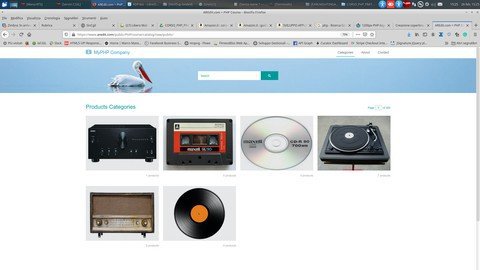
Il corso comprende la parte "classica" con lezioni sui fondamenti di HTML, PHP e il linguaggio SQL per i database e la parte forse più interessante in cui si costruirà passo per passo una vera applicazione web per la gestione di un catalogo on line, compresa di area pubblica aperta a tutti i visitatori del sito e un'area di back office per gli amministratori del sistema.
Partendo prima da un'interfaccia utente più semplice, che darà modo di mettere in pratica quanto si è imparato nelle lezioni su HTML e PHP, il sito e l'area di back office verrà successivamente "aggiornata" cercando grafiche più "moderne" e adatte a tutti i dispositivi. Si vedrà quindi come è possibile adattare e riutilizzare il codice PHP già creato all'aggiornamento della grafica e del codice HTML.
Inoltre è possibile richiedere il libro da cui è nato il presente corso, acquistabile su amazon oppure scontato direttamente da me: Per info: mailto:[email protected]][email protected][/url]
Vi aspetto!
Andrea Raimondi
Who this course is for
chi vuole iniziare a programmare per il web
chi vuole capire come si crea una applicazione web con area back office e sito web dinamico

corsopraticoprogramma1ykms.jpg


Download from RapidGator


Download from Keep2Share

 
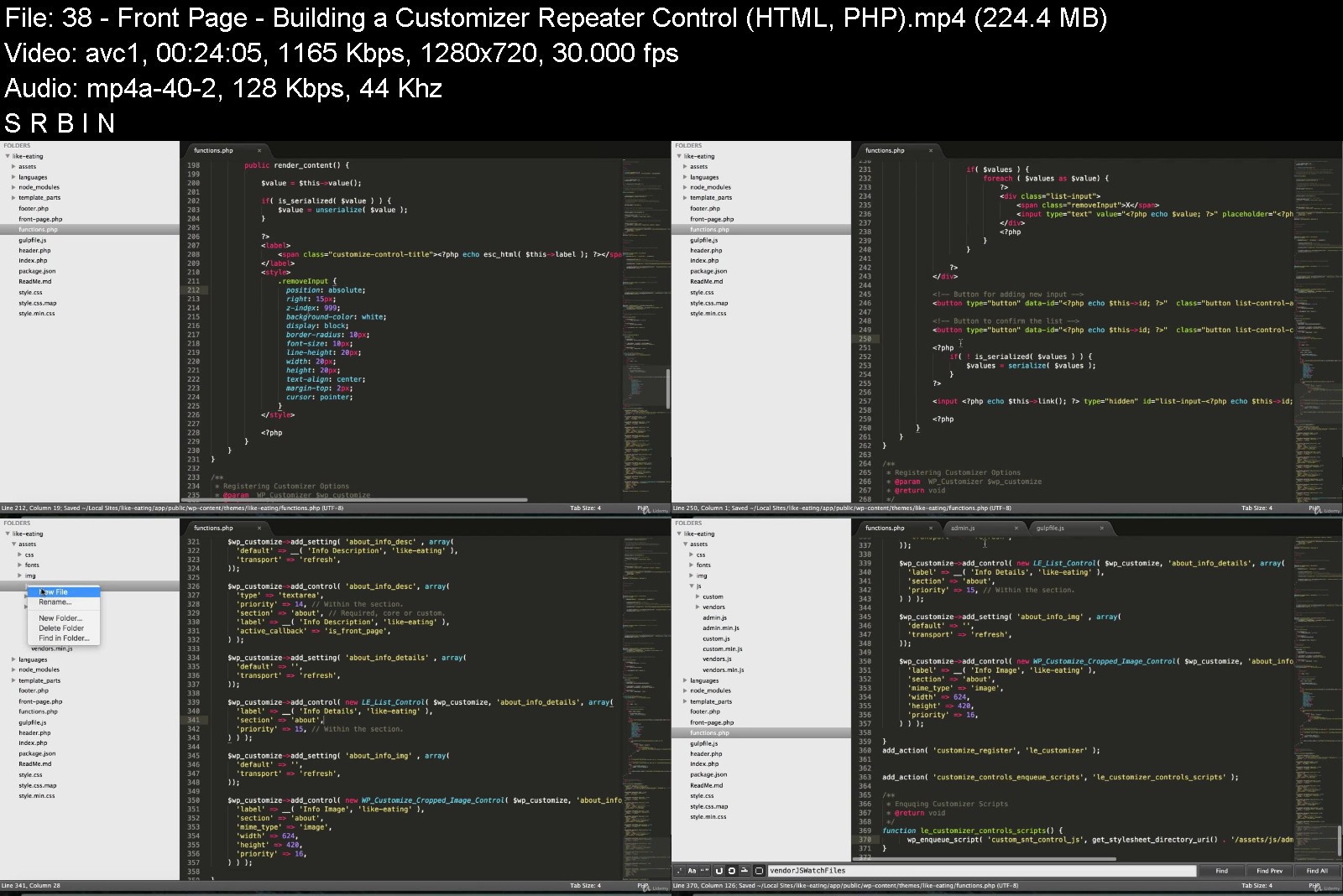
Udemy: Become a WordPress Developer

rvl4hd5b0mnmwogx7j8fb40ktu.jpg


Become a WordPress Developer: Unlocking Power With Code (Last updated 4/2022)
Last updated 4/2022 MP4 | Video: h264, 1280x720 | Audio: AAC, 44.1 KHz
Language: English | Size: 16.9 GB | Duration: 41h 54m

Learn PHP, JavaScript, WordPress theming & the WP REST API to Create Custom & Interactive WordPress Websites


What you'll learn
Why code is the key to building whatever you can imagine with WordPress
The ability to write PHP to manipulate the data of a WordPress site
The ability to write JavaScript to add on-the-fly interactivity to a WordPress site
How to code your own new custom block types for the "Gutenberg" Block Editor
The skills, knowledge and vocabulary to work professionally as a WordPress developer
Requirements
Basic WordPress knowledge (how to create a blog post, etc...)
A basic understanding of HTML (e.g. "p" is for paragraph, "h1" is for headline, etc...)
No CSS knowledge required (although it helps to understand that CSS is used to add style & design to a page)
No JavaScript knowledge required (although it helps to understand that JS is used to add interactivity to a page)

Description
Unlock the full power of WordPress and go beyond "just a blog platform" by learning how to code completely custom WordPress powered sites.
Updated for 2019: A new 3 part lesson on coding our own custom block type for the new "Gutenberg" Block Editor in WordPress.
I've spent the last 12 years studying WordPress, PHP, and JavaScript and now I'm here to teach you everything I know. Come along on this journey with me and become a WordPress developer.
Together we will build a website for a fictional university and along the way we will
Install WordPress on your personal computer so you have a private playground copy of WordPress to practice and experiment with
Get introduced to the PHP language (this is what powers WordPress)
Set Up a New Theme (You'll learn how to convert any HTML template into a living breathing WordPress theme)
Create Custom Post Types and Custom Fields
Relate pieces of content with each other (e.g. a professor and a program)
Learn the basics of (object-oriented) JavaScript
Leverage the WP REST API
Learn to use JavaScript to communicate with the WordPress back-end on-the-fly
Let visitors sign up for a basic account on our site
Build a "My Notes" feature (user specific single page application with real-time CRUD actions)
Let users "like" or "heart" a professor (update the professor's like count on-the-fly)
Deploy our website live up onto the web for the entire world to view
And much more!
This course may be brand new, but this isn't my first time teaching. I've led training sessions for Fortune 500 companies and I've already helped over 17,000 people on Udemy and received the following feedback
"Brad definitely has some of the best techniques to embed the lesson into your mind. hands down these are the best tutorials I have had the opportunity to view."
"Presentation is concise without being tedious. you honestly feel that you have a thorough understanding of the subject."
".[Brad] explained the process. Not memorize this or that, he explained the process. If you're looking to take a course to understand the foundations of creating websites, look no further."
Become highly valuable and relevant to the companies that are hiring WordPress developers; in one convenient place alongside one instructor. If you're ready to begin coding custom websites - I'll see you on the inside!
Who this course is for
Developers who want to use WordPress as a true Content Management System and not "just a blog platform."
Those looking to learn the PHP and JavaScript languages.
People who want to learn about the "REST API" which allows us to interact with WordPress data on-the-fly in realtime.
Anyone interested in custom post types, custom fields, and creating relationships between various content types.

becomeawordpressdevelxjjnw.jpg


Download from RapidGator


Download from Keep2Share


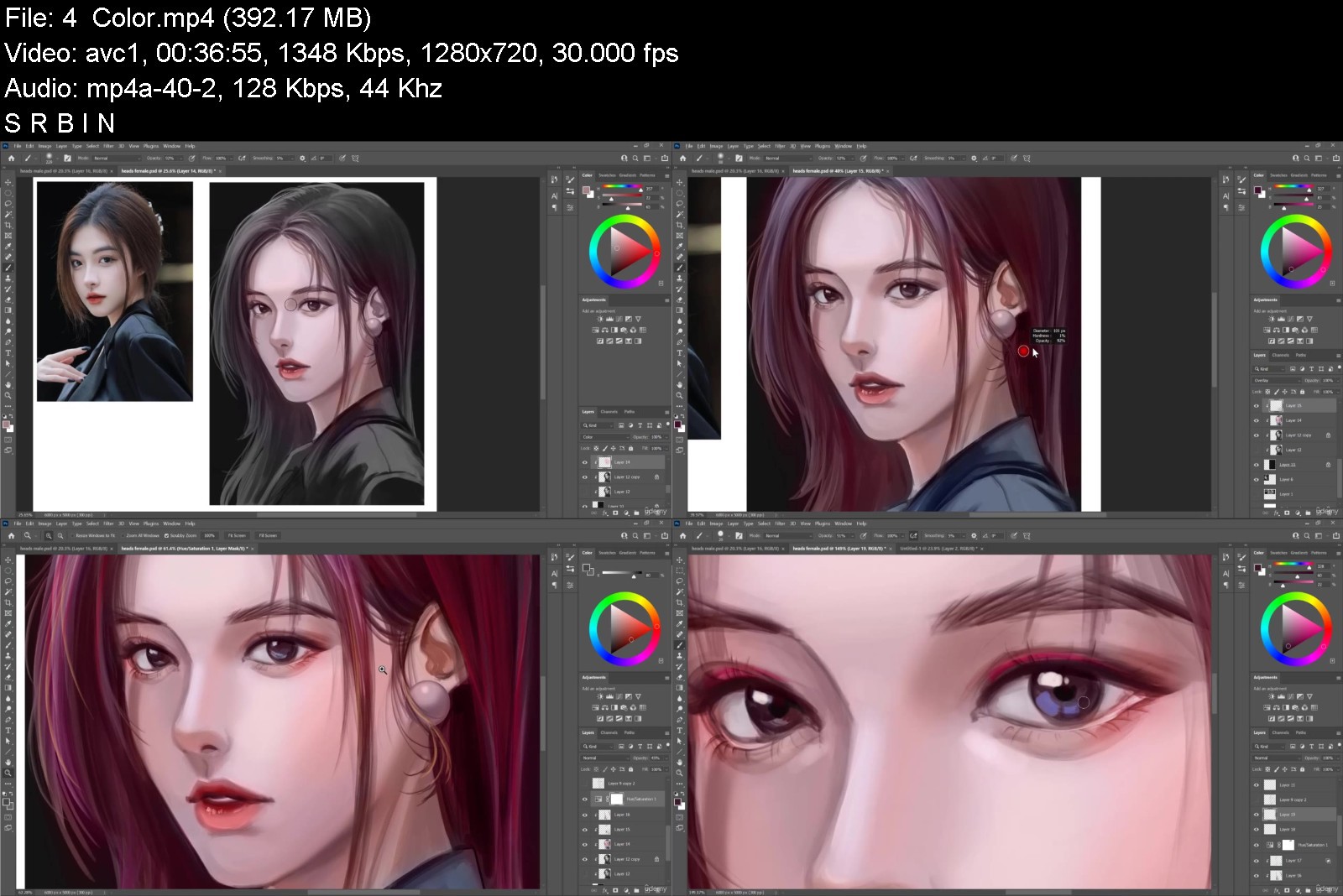
How to Draw and Paint People Made Simple

4574520ea639mjfj.jpg


How to Draw and Paint People Made Simple
Published 04/2022 MP4 | Video: h264, 1280x720 | Audio: AAC, 44.1 KHz, 2 Ch
Genre: eLearning | Language: English + srt | Duration: 44 lectures (17h 41m) | Size: 7.8 GB


Learn proportions, muscle groups, posing, portrait painting, and more!


What you'll learn
Anatomy simplified
How to construct the body
Proportion breakdown
How to draw hands and feet
Muscle breakdown
How to draw poses
Requirements
Any drawing program
Computer and tablet
Paper and pencil (optional)
Description
Are you tired of not being able to draw nice faces? Do you wonder why your portraits look weird? Do you find it difficult to understand anatomy and figure drawing? Then this course is what you're looking for!
You will learn how to draw the male and female body, understand simplified forms of the body, and how to draw and paint portraits! You will also be going through the process of painting the figure and the head in an effective way.
So what else is in it for you?
In this course, you'll learn how to construct the body using simple proportions, and have a more solid understanding of how the muscles are constructed, as well as seeing how the skull affects the overall outcome in your portraits. You will also be learning about painting in black and white, and how to apply color on top!
You'll also gain instant, life time access to all 11 sections of the course.
The course is designed to help you to easily understand all about people drawing, within a short amount of time. You will be learning how to apply the basic shapes and turn it into a fantastic portrait, or a dynamic figure drawing! These foundations will help your illustrations look a lot more solid and will help you be more confident in your drawing skills.
Here's what you get with the course
You'll get access to the 11 sections of the course that will teach you the step by step process of drawing good proportioned figures, how to draw muscles in an easy way, how to draw different types of people, and how to draw aesthetic portraits. The course is supported with over 15 hours of content that I will guide you through each step of the way!
All yours instantly
The course starts with the basics. I will be going over how to draw boxes, cylinders, and spheres. You will also be doing line exercises, as well as learning how to use basic photoshop skills.
Next, you will get an in-depth understanding of figure drawing and proportions using the 8 heads method, 3 box method, and using hand measurements.
Following that, you will be drawing the torso muscles, back muscles, legs, and arm muscles. You will also be drawing hands and feet and breaking them down in a simple manner.
Then, you will learn how to put together all the muscles to form the male and female body, constructing it from the ground up. I will also go over how to draw different body types for men and women, and how to construct quick poses.
I will also be teaching you a simple rendering process so you can start painting figures with ease.
After that, we will be going into how to draw different types of male and female heads, where I explain how ethnic features lead to more interesting faces.
We will then be taking the heads and making portrait studies out of them by painting in black and white values.
For the last projects, we will be doing a full head to toe figure painting that'll bring together everything you have learned in this course!
Over the 11 sections you will learn
How to make good proportions
Anatomy
How to use photoshop
How to draw different body types
How to draw the head
Perspective for the head
Different types of heads
How to render in a simple way
How to paint in black and white
How to convert black and white images to color
What else will you get?
- Personal contact with the instructor through udemy
- Lifetime access to course materials
- Real time tutorials
- Live commentary
This all comes under one convenient easy to use platform. In addition, you will get fast, friendly, responsive support on the Udemy Q&A section of the course or direct message.
Can't wait to see what you come up with!
So what are you waiting for? Sign up now and start practicing!
Who this course is for
Beginners who want to learn anatomy in a simple way
Beginners struggling with how to draw poses
Beginners who want to understand proportions


howtodrawandpaintpeopzok9q.jpg


Download from RapidGator


Download from Keep2Share


Wing Chun Chum Kiu

iwmjtqedtcaqrlo2snxgaq1kkg.jpg


Wing Chun Chum Kiu
MP4 | Video: h264, 960x540 | Audio: AAC, 44.1 KHz
Language: English | Size: 13.6 GB | Duration: 10h 34m

After completing level 1 you are ready to begin learning how Wing Chun can really be used.


What you'll learn
You will learn Advanced technique
You will learn Single hand skills
You will learn Turning and twisting
You will learn Elbow skill
You will learn Form and application
You will learn Advanced foot work
Requirements
Interested in fitness and self-defence
An open mind and willingness to learn
The willingness to learn

Description
After completing level 1 you are ready to begin learning how Wing Chun can really be used. As before Level 2 Chum Kui (Sinking Bridge) training begins with a higher level of learning to know yourself. Master Wong will teach you to develop power and new skills to be used to search for your enemy find contact and destroy their defences. With Master Wong as your personal guide it has never been easier to take your Wing Chun to the next level.
Who this course is for
Anyone interested in Wing Chun Kung Fu
Anyone wanting an alternative to regular fitness training
Anyone interested in CQC and self-defense


wingchunchumkiusokqe.jpg


Download from RapidGator


Download from Keep2Share


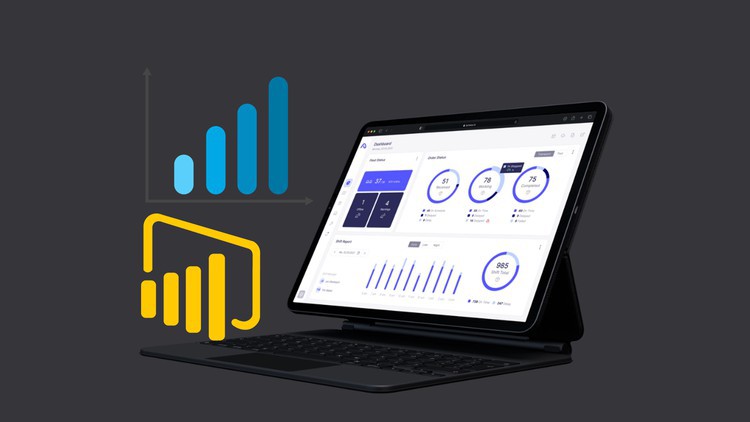
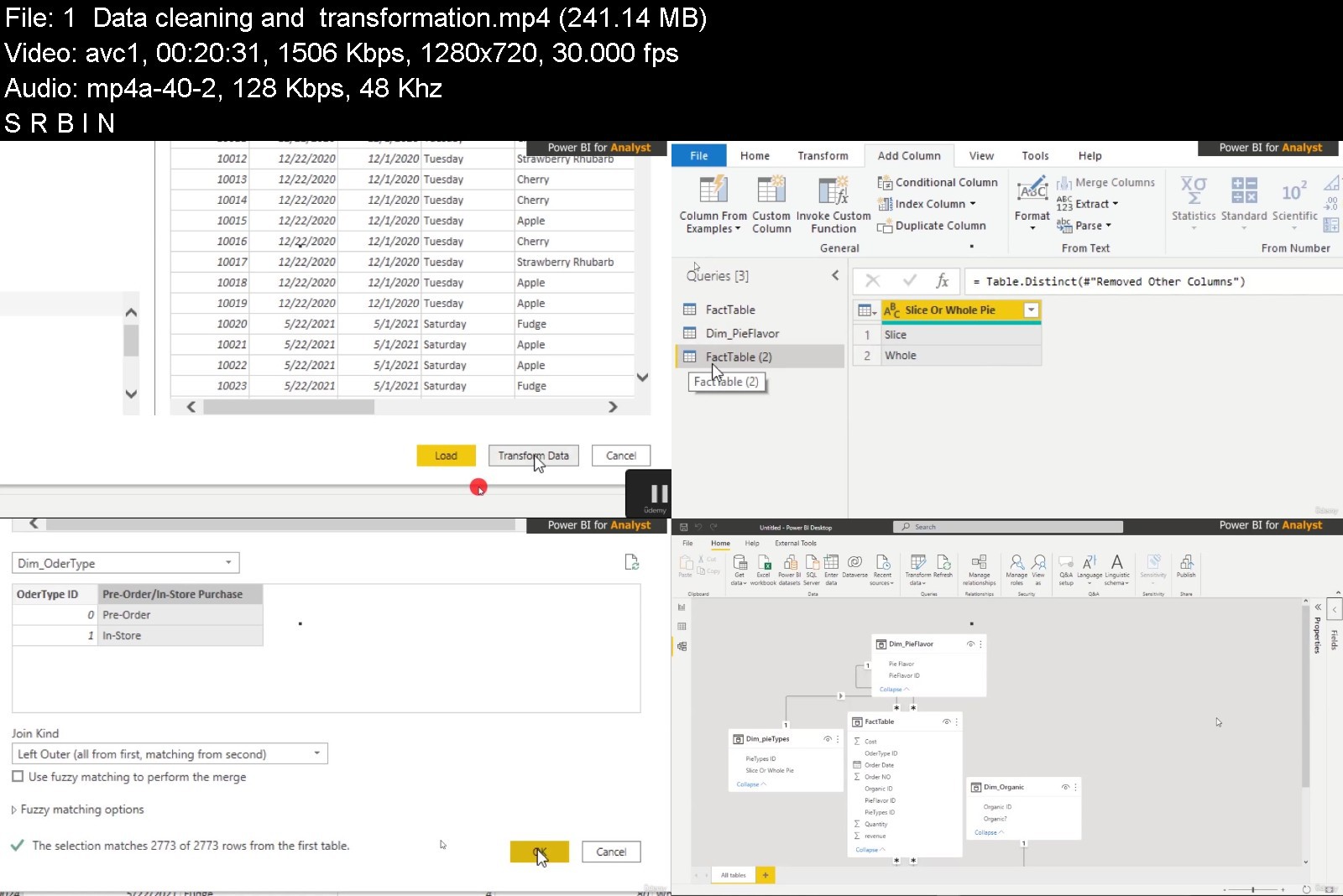
POWER BI data Analytics Course and DASHBOARDS creation 2022

4576028d8446h9jak.jpg


POWER BI data Analytics Course and DASHBOARDS creation 2022
Published 04/2022
MP4 | Video: h264, 1280x720 | Audio: AAC, 44.1 KHz, 2 Ch
Genre: eLearning | Language: English + srt | Duration: 170 lectures (15h 53m) | Size: 10.3 GB


Power BI Dashboard Advanced Example, Better ways to create Advanced Power BI Visualization and impress your Boss, Now


What you'll learn
Learn how to create a clean decision making dashboard in POWER BI
How to sign up for Power BI Service without a working email
You will learn how to Get and Transform multiple sources of data, including merging multiple files from a folder, pivoting and unpivotting.
Create designs from Power Point and import to Power BI to make your designs outstanding
Master data analysis expression (DAX) for Power BI Desktop and build better dashboards
How to join data challenges and win amazing prices
Requirements
You will need Windows 8.1, 10 or 11, Sql server, to install the Power BI program.
Analytics mindset
Pc or desktops computer
Microsoft Power Point
Description
LET ME TAKE YOU BY HAND TO CREATE STUNNING DASHBOARDS FOR YOUR ORGANIZATION OR CLIENTS
Today I'm going to share with you my whole journey as a POWER BI Data Visualization Engineer. All I do is help companies and organizations or clients create an outstanding and well-built interactive Power BI Dashboard to help them understand trends and other metrics.
CONTENT OVERVIEW.
I don't care If you have any analytics background before now, this course dives deep down into every elementary you need to grow and get creative as a POWER BI Analyst and Data Visualization Engineer.
This course is 100% practical with real-life data to understand how to approach projects, and what to do to achieve the aims of your clients or your boss in the office.
You might be good at writing DAX in POWER BI but not always cool with the end results of either your reports or dashboards, I am going to say that is why I am here. I am here to help you with DAX, data cleaning, and transformation using POWER QUERY.
My dashboards look stunning and outstanding because I use an external tool called POWERPOINT to create beautiful background temples. In this course, I am going to teach you how to use PowerPoint to create a background template for your dashboards and import it to POWER BI.
I went through some POWER BI dashboards challenges I had taken part in and won some.
As soon as you complete this course, you can apply for a Power BI job with no fear. Take part in data challenges and show them what you got.
Are you ready now? If you are, sign up for the course.
Who this course is for
Beginners, intermediary, and advanced Power BI users
For analyst who wants to get a lot better at dashboard creation
For someone who wants to work as freelancer and help businesses from HOME
No prior experience in reporting tools or DAX function is required.
This course may not be for you if you have no interest for data analytics skills


powerbidataanalyticscwfkt6.jpg


Download from RapidGator


Download from Keep2Share



Zurück
Oben Unten