• Regeln für den Video-Bereich:

    In den Börsenbereich gehören nur Angebote die bereits den Allgemeinen Regeln entsprechen.

    Einteilung

    - Folgende Formate gehören in die angegeben Bereiche:
    - Filme: Encodierte Filme von BluRay, DVD, R5, TV, Screener sowie Telesyncs im Format DivX, XviD und x264.
    - DVD: Filme im Format DVD5, DVD9 und HD2DVD.
    - HD: Encodierte Filme mit der Auflösung 720p oder darüber von BluRay, DVD, R5, TV, Screener sowie Telesyncs im Format x264.
    - 3D: Encodierte Filme von BluRay, die in einem 3D Format vorliegen. Dies gilt auch für Dokus, Animation usw.
    - Serien: Cartoon/Zeichentrick, Anime, Tutorials, Dokumentationen, Konzerte/Musik, Sonstiges sind demnach in die entsprechenden Bereiche einzuordnen, auch wenn sie beispielsweise im High Definition-Format oder als DVD5/DVD9/HD2DVD vorliegen. Ausnahme 3D.
    - Bereich Englisch: Englische Releases gehören immer in diesen Bereich.
    - Bereich Talk: Der Bereich, in dem über die Releases diskutiert werden kann, darf, soll und erwünscht ist.


    Angebot/Beitrag erstellen

    - Ein Beitrag darf erst dann erstellt werden, wenn der Upload bei mindestens einem OCH komplett ist. Platzhalter sind untersagt.
    - Bei einem Scenerelease hat der Threadtitel ausschließlich aus dem originalen, unveränderten Releasenamen zu bestehen. Es dürfen keine Veränderungen wie z.B. Sterne, kleine Buchstaben o.ä. vorgenommen werden. Ausnahme Serienbörse:
    - Bei einem Sammelthread für eine Staffel entfällt aus dem Releasename natürlich der Name der Folge. Beispiel: Die Simpsons S21 German DVDRip XviD - ITG
    - Dementsprechend sind also u.a. verboten: Erweiterungen wie "Tipp", "empfehlenswert", "only", "reup", usw. / jegliche andere Zusatzinformation oder Ergänzung, welche nicht in obiger Beschreibung zu finden ist.

    Aufbau des Angebots und Threadtitel

    Der Titel nach folgendem Muster erstellt zu werden. <Name> [3D] [Staffel] [German] <Jahr> <Tonspur> [DL] [Auflösung] <Quelle> <Codec> - <Group>
    Beispiel: The Dark Knight German 2008 AC3 DVDRip XviD - iND
    Beispiel: The Dark Knight 2008 DTS DL BDRip x264 - iND
    Beispiel: The Dark Knight 2008 AC3 DL BDRip XviD - iND
    Beispiel: The Dark Knight German 2008 AC3 720p BluRay x264 iND
    Beispiel: The Dark Knight 2008 DTS DL 1080p BluRay x264 iND
    Beispiel: Die Simpsons S01 German AC3 DVDRip XviD iND
    Beispiel: Die Simpsons S20 German AC3 720p BluRay x264 iND
    Beispiel: Sword Art Online II Ger Sub 2014 AAC 1080p WEBRip x264 - peppermint
    Entsprechend sind also u.a. verboten: Sonderzeichen wie Klammern, Sterne, Ausrufezeichen, Unterstriche, Anführungszeichen / Erweiterungen wie "Tipp", "empfehlenswert", "only", "reup", usw. / jegliche andere Zusatzinformation oder Ergänzung, welche nicht in obiger Beschreibung zu finden ist
    Ausnahmen hiervon können in den Bereichen geregelt sein.

    Die Beiträge sollen wie folgt aufgebaut werden:
    Überschrift entspricht dem Threadtitel
    Cover
    kurze Inhaltsbeschreibung
    Format, Größe, Dauer sind gut lesbar für Downloader außerhalb des Spoilers zu vermerken
    Nfo sind immer Anzugeben und selbige immer im Spoiler in Textform.
    Sind keine Nfo vorhanden z.B. Eigenpublikationen, sind im Spoiler folgende Dateiinformationen zusätzlich anzugeben :
    Quelle
    Video (Auflösung und Bitrate)
    Ton (Sprache, Format und Bitrate der einzelnen Spuren)
    Untertitel (sofern vorhanden)
    Hosterangabe in Textform außerhalb eines Spoiler mit allen enthaltenen Hostern.
    Bei SD kann auf diese zusätzlichen Dateiinformationen verzichtet werden.

    Alle benötigten Passwörter sind, sofern vorhanden, in Textform im Angebot anzugeben.
    Spoiler im Spoiler mit Kommentaren :"Schon Bedankt?" sind unerwünscht.


    Releases

    - Sind Retail-Release verfügbar, sind alle anderen Variationen untersagt. Ausnahmen: Alle deutschen Retail-Release sind CUT, in diesem Fall sind dubbed UNCUT-Release zulässig.
    - Im Serien-Bereich gilt speziell: Wenn ein Retail vor Abschluss einer laufenden Staffel erscheint, darf diese Staffel noch zu Ende gebracht werden.62
    - Gleiche Releases sind unbedingt zusammenzufassen. Das bedeutet, es ist zwingend erforderlich, vor dem Erstellen eines Themas per Suchfunktion zu überprüfen, ob bereits ein Beitrag mit demselben Release besteht. Ist dies der Fall, ist der bereits vorhandene Beitrag zu verwenden.
    - P2P und Scene Releases dürfen nicht verändert oder gar unter einem iND Tag eingestellt werden.


    Support, Diskussionen und Suche

    - Supportanfragen sind entweder per PN oder im Bereich Talk zu stellen.
    - Diskussionen und Bewertungen sind im Talk Bereich zu führen. Fragen an die Uploader haben ausschließlich via PN zu erfolgen, und sind in den Angeboten untersagt.
    - Anfragen zu Upload-Wünschen sind nur im Bereich Suche Video erlaubt. Antworten dürfen nur auf Angebote von MyBoerse.bz verlinkt werden.


    Verbote

    - Untersagt sind mehrere Formate in einem einzigen Angebotsthread, wie beispielsweise das gleichzeitige Anbieten von DivX/XviD, 720p und 1080p in einem Thread. Pro Format, Release und Auflösung ist ein eigener Thread zu eröffnen.
    - Grundsätzlich ebenso verboten sind Dupes. Uploader haben sich an geeigneter Stelle darüber zu informieren, ob es sich bei einem Release um ein Dupe handelt.
    - Gefakte, nur teilweise lauffähige oder unvollständige Angebote sind untersagt. Dies gilt auch für eigene Publikationen, die augenscheinlich nicht selbst von z.B. einer DVD gerippt wurden. Laufende Serien, bei denen noch nicht alle Folgen verfügbar sind, dürfen erstellt und regelmäßig geupdatet werden.
    - Untersagt sind Angebote, welche nur und ausschließlich in einer anderen Sprache als deutsch oder englisch vorliegen. Ausnahmen sind VORHER mit den Moderatoren zu klären.


    Verstoß gegen die Regeln

    - Angebote oder Beiträge, die gegen die Forenregeln verstoßen, sind über den "Melden"-Button im Beitrag zu melden.
  • Bitte registriere dich zunächst um Beiträge zu verfassen und externe Links aufzurufen.

*** Bestes IPTV *** bester Preis *** gratis Test ***


Englische Tutorials

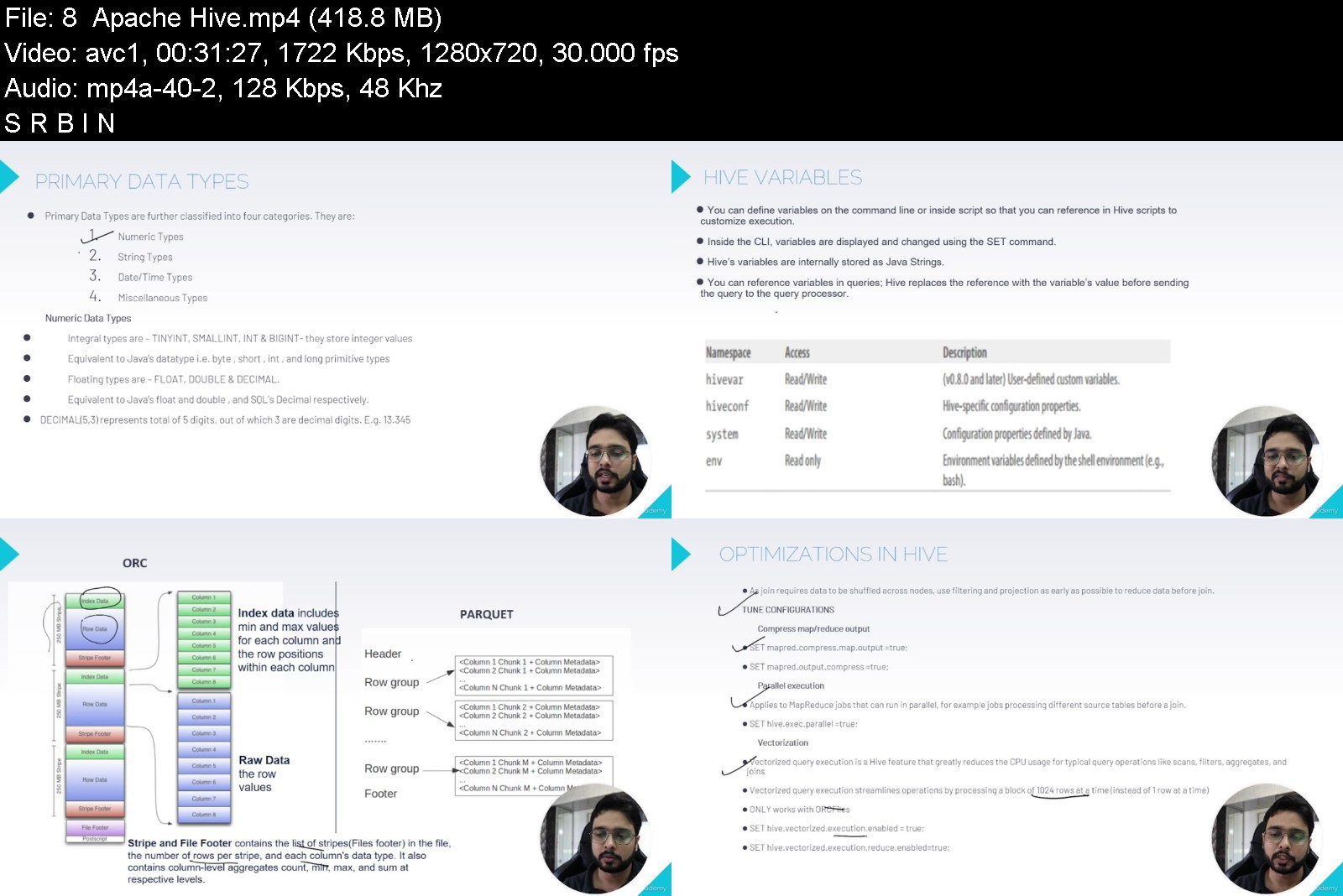
Big Data Engineering Masters - End to End In Depth

4625292ed65476kj2.jpg


Big Data Engineering Masters - End to End In Depth
MP4 | Video: h264, 1280x720 | Audio: AAC, 44.1 KHz, 2 Ch
Genre: eLearning | Language: English + srt | Duration: 39 lectures (8h 49m) | Size: 8.24 GB

In depth course on Big Data Hadoop, Hive, Spark, HBase, MongoDB, Spark, Databricks, Kafka, Airflow and Projects


What you'll learn
Learn Big Data Engineering required to work in any organisation
Learn Big Data Engineering required to prepare for interviews
Hands on implementations and practice
Hadoop, Hive, Spark, Kafka, Airflow and NoSQL(Hbase, MongoDB)
Requirements
IT Background and some basic coding knowledge
For Windows/Mac user atleast 8 GB RAM in system to do hands on using VM OR For Linux usersability to install using Linux commands
Description
Data now surround us. People upload videos, take pictures with their phones, text pals, change their Facebook status, write comments on websites, click on advertisements, and so on. Machines, too, are producing and storing an increasing amount of data. Specialized tools are required to process such massive datasets. This course covers both Hadoop and Spark, two fundamental frameworks that provide essential tools for completing massive big data projects.
This course has been designed to cater to all types of learners who want to get into the vast field of Big Data Engineering. Be it theory , hands on or projects, everything is covered in detail without missing any topics in the field.
You will learn the following in details
Introduction to Big Data and Data Engineering- Big Data Engineering
Introduction to Distributed Systems - Hadoop and MapReduce -Big Data Engineering Introduction
Map Reduce & YARN -Big Data Hadoop Map Reduce YARN, Hadoop Map Reduce Hands On
Hive - Theory and Hands On
Hive Hands On- Theory and Hands On
NoSQL and Hbase- Theory and Hands On
Sqoop- Theory and Hands On
Spark- Theory and Hands On
Spark - Introduction
Big Data Engineering using PySpark- RDDs
Spark hands on - RDD
Big Data Engineering using PySpark- Core, Internals, Architecture
Apache Spark Actions_ Transformations
Apache Spark Caching
Big Data Engineering using PySpark- Shared Vars , Coalesce Repartition
Big Data Engineering using PySpark- Dataframes
Spark hands on - Dataframe
Spark hands on - Databricks
Big Data Engineering using PySpark- Catalyst& Tungsten
Spark ML- Theory and Hands On
Spark Streaming- Theory and Hands On
Kafka- Theory and Hands On
Apache Airflow - Workflow Management Platform- Theory and Hands On
Big Data Projects - 3 end to end hands on projects
Big Data Enterprise Architecture
Who this course is for
Big Data/ Data Engineering Enthusiasts, learners, professionals and students alike.


bigdataengineeringmase9j8t.jpg


Download from RapidGator


Download from Keep2Share


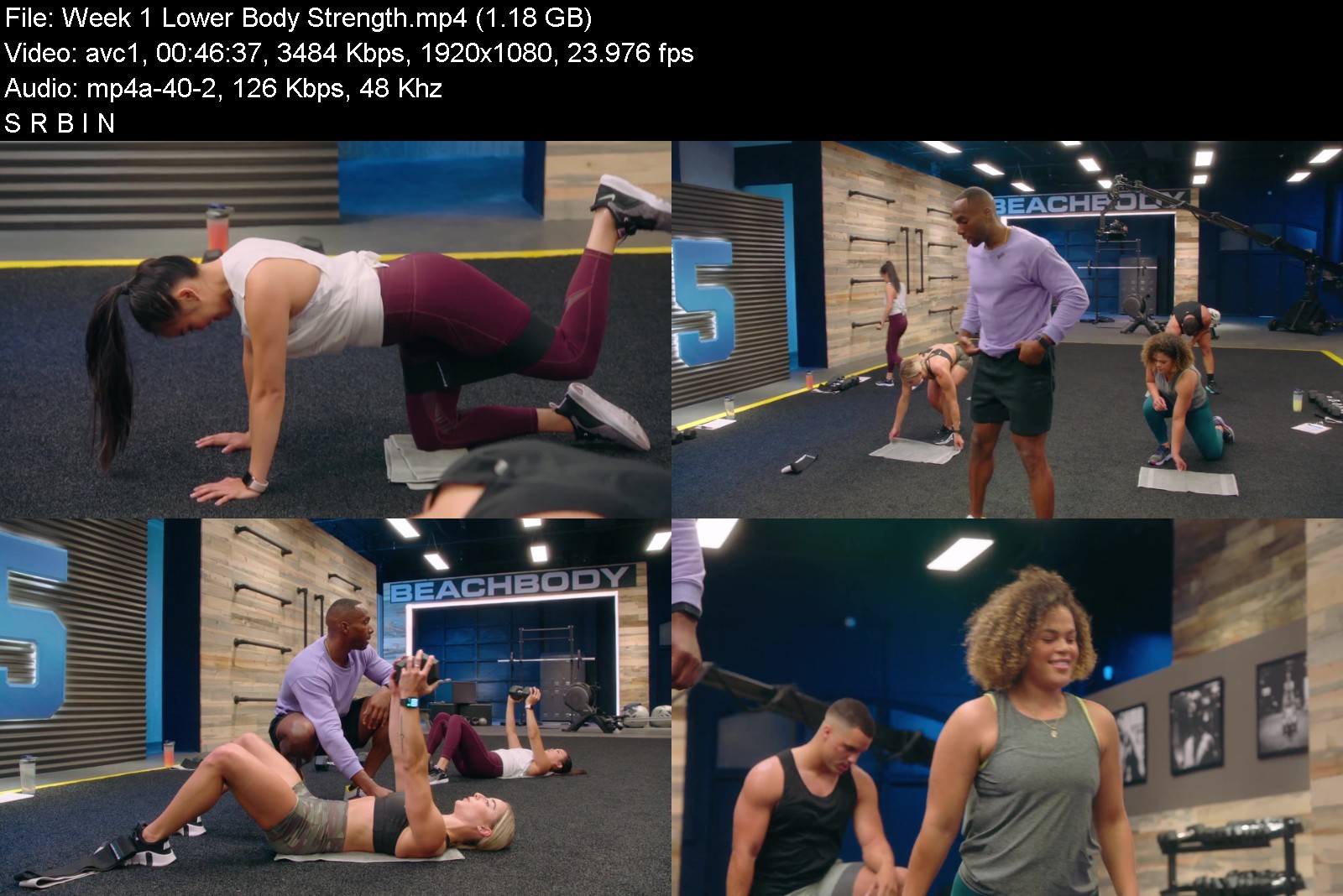
BeachBody - 645 - Week 1

645bannerwfkpp.jpg


6 Week Face Toning Bootcamp
MP4 | Video: h264, yuv420p, 1920x1080 | Audio: aac, 48000 Hz | Duration: 11h 35m | 14.2 GB
Genre: eLearning | Language: English

Complement your skincare routine with a step-by-step journey of facial exercises that can improve any part of your face in as short as 6 weeks.
A Fly-Through Of The Bootcamp Site
The Face Toning Bootcamp is a result of 15 years of studying facial anatomy. Check out what's inside the world's best-selling Face Yoga Program
Your Forever Access Includes
42 Days Of Unique On-Demand Face Yoga Method Routines
Simply log in and follow your daily video led by Founder of the Face Yoga Method, Fumiko Takatsu, and rest assured that you have done a perfect Face Yoga Practice for the day.
Each week you will focus on a new area of the face, by the end of the 6 week Program, you will have toned every inch of your face and neck!
- The blueprint will help keep you motivated and organised day in and day out. Print it and cross out the exercises you've performed every single day.
- Practice side by side with Fumiko's video so that you can watch her perform the exercise while you can correct your poses.
- This new tool allows you to find bonuses, poses and more by typing in a keyword!
About Face Yoga
Face Yoga is a completely natural alternative to anti-aging remedies. By practicing a series of facial exercises you can learn to tone the muscles beneath the facial skin and increase facial circulation and blood flow which results in a more youthful and radiant complexion.


645week1umk00.jpg


Download from RapidGator


Download from Keep2Share


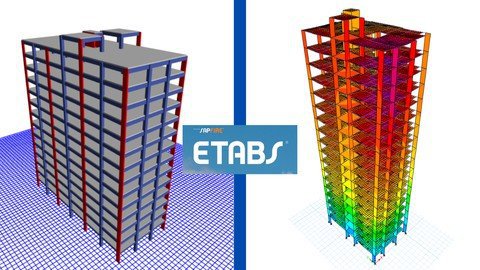
Etabs: G+12 RC Building Modeling,Analysis,Design,Stability

k1a4fulxolx7azighvo1xmnkq8.jpg


Etabs: G+12 RC Building Modeling,Analysis,Design,Stability
Genre: eLearning | MP4 | Video: h264, 1280x720 | Audio: AAC, 44.1 KHz
Language: English | Size: 7.43 GB | Duration: 16h 26m

Learn CSI Etabs&G+12 building practical design using Indian & International codes from very basic to professional level


What you'll learn
Practical application CSI Etabs for design of G+12 Storey RC residential building by industrial expert
Reinforcement detailing of beam, column, slabs as per IS456,IS13920 and SP 34 using STAAD RCDC
Manual calculation and application of various external loads like Super-dead, live, wind, Static and dynamic earthquake forces as per Indian codes
This course is just not about tutorials on ETABS it's about practical application of Etabs in real life project design using various Indian Codes
Application of various Indian and International codes in structural design
Understanding structural analysis and it's types such as P-delta, buckling, creep and more as per Indian and International Codes.
Performing stability checks on building as per Indian codes
How real life projects are done Etabs
No assumption, 100% structural design asper Indian codes
Designing and analyzing the ability of the structures to withstand various external loads that will be acting on it.
Model checking & correcting structural modeling mistakes.
Understanding degree of freedom, Supports, types of supports and their functions
Understanding modes of vibrations and correcting modal shapes
Understanding end releases and their functions
Understanding different types of loads acting on structure
Manual calculation & application of Super-dead load using IS 875 (Part-1)
Manual calculation & application of live load using IS 875 (Part-2)
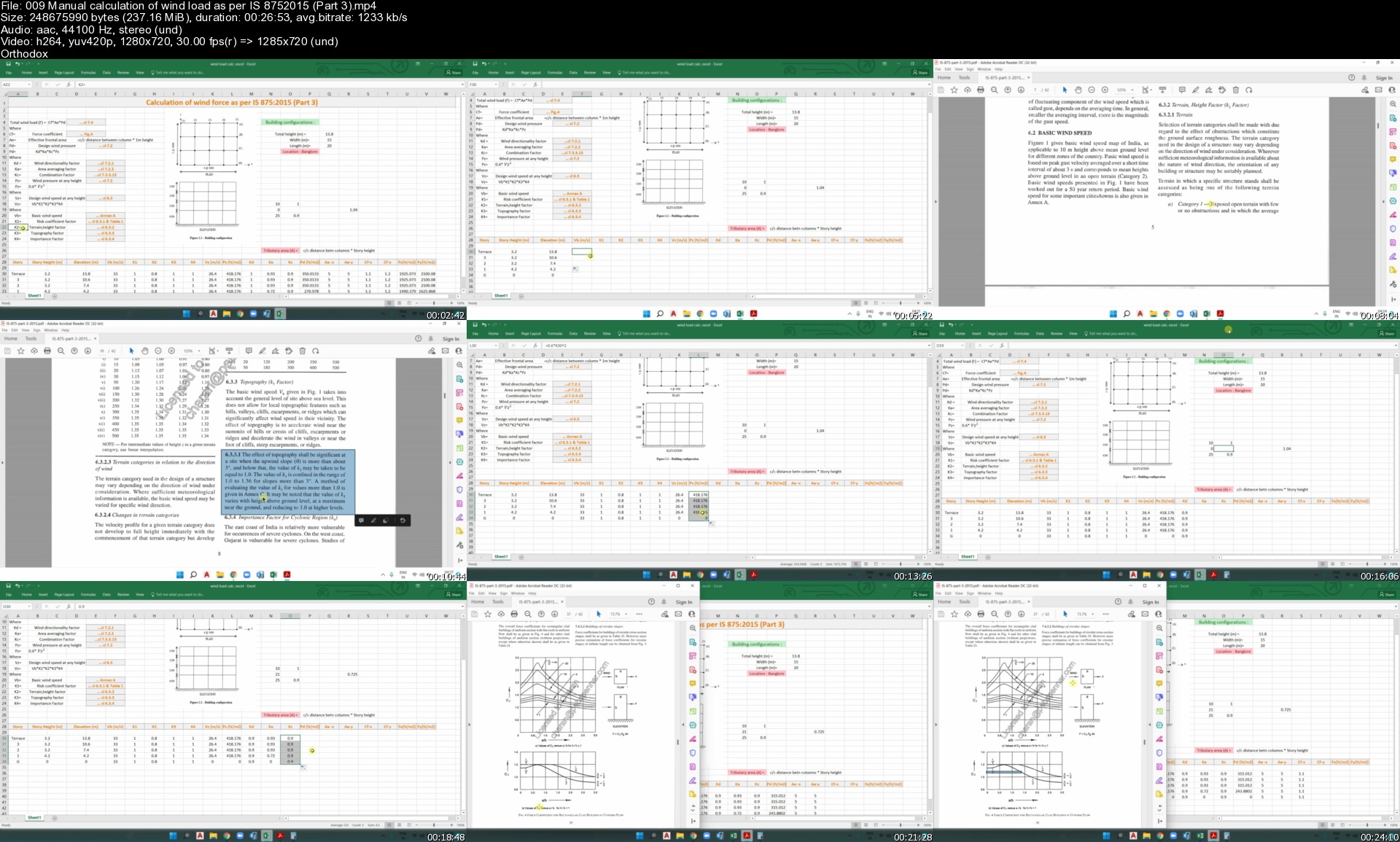
Manual calculation & application of wind load using IS 875 (Part-3)
Manual calculation & application of static seismic load using IS 1893 (Part-1)
Application of horizontal and vertical dynamic seismic load load using IS 1893 (Part-1)
Understanding load combinations & It's application in Etabs as per IS codes.
Studying bending moment and shear force diagram in beams, columns, shear walls and slabs
Beam, Column and shear wall design as per IS 456:2000
Structural stability checks for building as per Indian codes and their necessity
Fundamentals and Manual design of structural members such as slabs, beams, columns as per IS 456
Slabs reinforcement detailing in STAAD RCDC as per IS 456, SP34, IS 13920
Beams reinforcement detailing in STAAD RCDC as per IS 456, SP34, IS 13920
Columns reinforcement detailing in STAAD RCDC as per IS 456, SP34, IS 13920

Requirements
Computer system with CSI Etabs, Staad RCDC and AutoCAD installed

Description
In this course you'll learn CSI Etabs and Staad RCDC from very basic to professional level along with G+2 & G+12 RC building structure modeling, design, analysis and stability checking as per various Indian codes.

This course is just not about tutorials on ETABS and RCDC it's more about practical application of Etabs and RCDC in real life project design using various Indian Codes.

Learn reinforcement detailing of structural members such as beams, columns, slabs as per Indian codes with the help of widely used software tool STAAD RCDC

This course will you complete knowledge of how real life projects and reinforcement detailing of structural members is done using Indian, International codes and widely used software tools AutoCAD, CSI Etabs, Staad RCDC.

You'll get to learn fundamentals of structural engineering, structural design and structural analysis such P-delta, Buckling, Creep and more

You'll Learn manual calculation and application of various external loads like Super-dead, live, wind, Static and dynamic earthquake forces as per Indian codes.

Learn designing and analyzing the ability of the structures to withstand various loads that will be acting on it through its service.

This course comprises of learning structural design of G+2 & G+12 RC residential building and structural analysis with industry relevant curriculum.

No assumption 100% design using Indian & International codes.

. This course includes about 65 lectures and 16.30 hrs. total time

Projects included: 2 (G+2 Commercial building & G+12 residential building)

Codes included

IS 456:2000, IS 875:1987 (Part-1,2,5), IS 875:2015(Part-3), IS 1893:2016 (part-1), IS 16700:2017, IS13920:2016

Software tools included

CSI Etabs, STAAD RCDC, AutoCAD & MS Excel sheets

Along with the precise knowledge, you will get the following benefits

Course completion certificate

Live interactive doubt clearing sessions

Who this course is for
Structural engineers
civil engineering students
civil engineers
Structural engineering students
civil structural engineer

Homepage


009manualcalculationoopkfk.jpg


IELTS - Listening, Reading, Writing and Speaking skills

452423615564qoj0j.jpg


IELTS - Listening, Reading, Writing and Speaking skills
MP4 | Video: h264, 1280x720 | Audio: AAC, 44.1 KHz, 2 Ch
Genre: eLearning | Language: English + srt | Duration: 22 lectures (6h 24m) | Size: 8.5 GB

This course is made for both types of IELTS test takers, General and Academic


What you'll learn
Answer efficiently, quickly, and correctly.
Learn the tips, techniques, and strategies of answering; moreover, develop test-taking strategies.
Improve the band that the candidate wants after follow up with the course instructions.
Improve all four skills of English.
Requirements
The level of the participant should be above beginner and the language of the course is in English. Furthermore, the learner should follow up with the classes, and practice and apply all the learned lessons to get benefit from the course.
Description
This is an IELTS test preparation course; the course is made for both types of IELTS test takers, General and Academic. The course will prepare those candidates who wish to take the test for marriage or job opportunities or further studies in any English speaking country. The course will improve a candidate's all four skills in English (Listening, Reading, Writing, and Speaking)and all sections, passages, tasks, and parts. As far as the learner's level of English is above beginner and can understand the language, so the course is made for him/her to improve the four skills of English and help the learner increase and improve the band.
The level of the participant should be above beginner and the language of the course is in English. Furthermore, the learner should follow up with the classes, and practice and apply all the learned lessons to get benefit from the course.
What will you learn in this course (IELTS preparation course) are
1. Answer efficiently, quickly, and correctly.
2. Learn the tips, techniques, and strategies of answering; moreover, develop test-taking strategies.
3. Improve the band that the candidate wants after follow up with the course instructions.
4. Improve all four skills of English.
Who this course is for
This is an IELTS test preparation course; the course is made for both types of IELTS test takers, General and Academic. The course will prepare those candidates who wish to take the test for marriage or job opportunities or further studies in any English speaking country. The course will improve a candidate's all four skills in English (Listening, Reading, Writing, and Speaking)and all their sections, passages, tasks, and parts. As far as the learner's level of English is above beginner and can understand the language, so the course is made for him/her to improve the four skills of English and help the learner increase and improve the band.


ieltslisteningreadingikjj9.jpg


Download from RapidGator


Download from Keep2Share


Learn OpenGL with Python for Graphics and Games

fhsgqlpw8pdxujjks5qao9yjwt.jpg


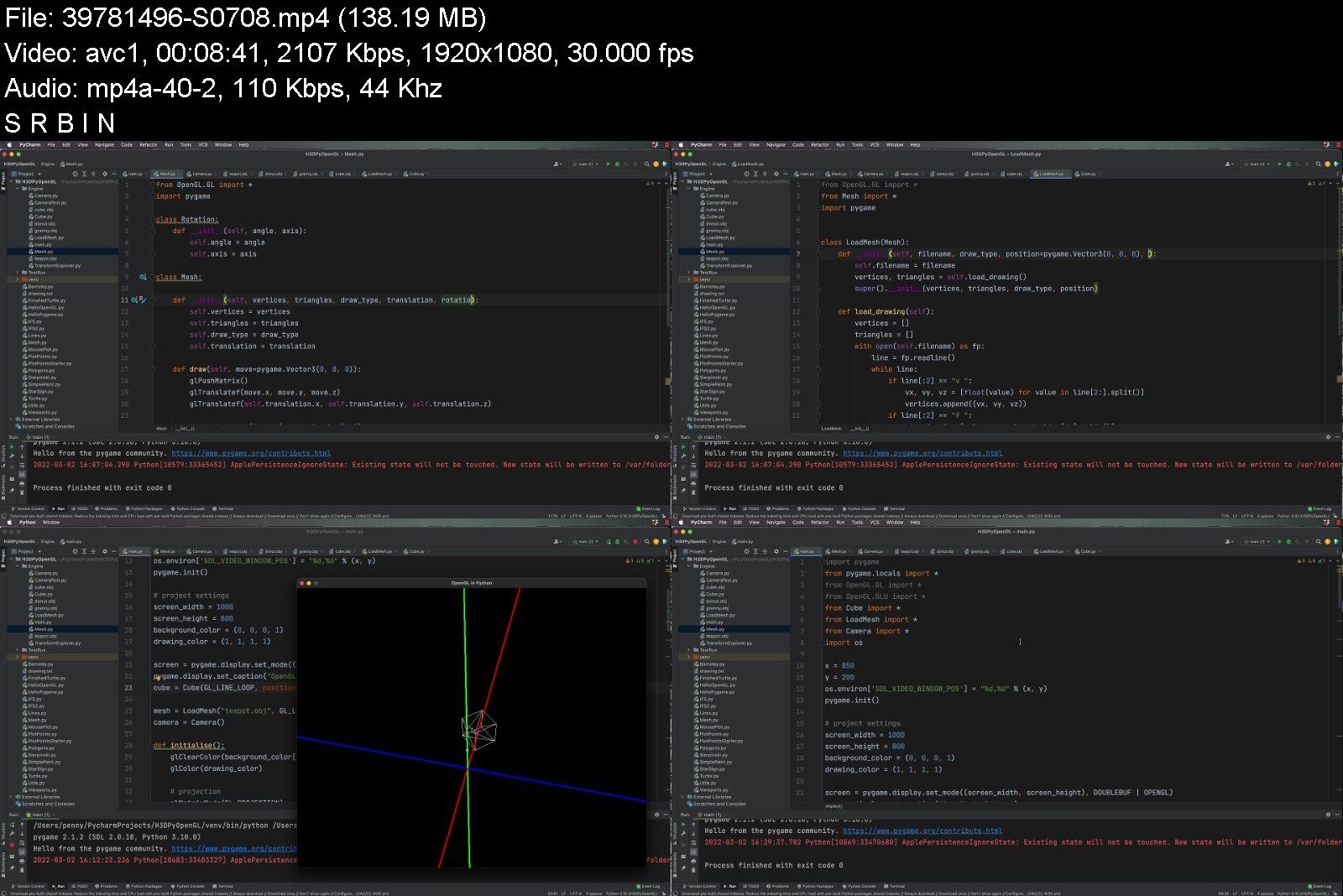
Learn OpenGL with Python for Graphics and Games
Genre: eLearning | MP4 | Video: h264, 1280x720 | Audio: AAC, 44.1 KHz
Language: English | Size: 6.72 GB | Duration: 13h 59m


What you'll learn
Understand the fundamental concepts required to render a scene with OpenGL.
Write vertex shader code to render points, wireframes, lit solid objects and textured meshes.
Identify the steps in the OpenGL render pipeline and discuss purpose of each.
Complete the development of a generalised 3D graphics engine in Python.
Requirements
A working knowledge of a procedural or object-orientated language.
A healthy respect for vectors and trigonometry.

Description
Why should you learn OpenGL? (a) It's one of the original graphics libraries developed to be implemented mostly (or entirely) on hardware. (b) A knowledge about OpenGL will reveal to you what goes on in the background of other graphic and game engines giving you superior problem-solving and trouble-shooting skills in other applications (c) It will improve your understanding of 3D mathematics, and (d) It brings vertex shader programming to the forefront of developing computer graphics applications delivering you a higher level of skill in creating fast GPU-based parallel-processed 2D and 3D graphics.
Designed for INTERMEDIATE level students with a working knowledge of programming, the content in this course will take you step-by-step through the setup of Python, Pygame, and PyOpenG and the development of a generalised 3D graphics engine designed on the fly (as the course progresses), to focus on adding the required functionality as each fundamental concept in computer graphics generation, mathematics, and rendering is revealed.
You will learn about
The Pycharm Development Environment.
The Pygame API, which is an interface for OpenGL.
PyOpenGL, a python wrapper for the OpenGL API.
Coordinate systems in orthogonal, perspective, screen space, and camera space.
Moving a virtual camera.
Constructing 3D graphics using vertex shaders.
Vertex Colouring.
Lighting.
Essential mathematics for working with 3D space and positioning vertices with a variety of 4x4 viewing matrices.
Working with 3D OBJ model files.
UV mapping and texturing of meshes.
What people are saying about Penny's courses
Once again Penny delivers a powerful, clear, and worthy course. I believe this material will be very helpful in understanding the underlying workings of many game engines. It is also something a bit different that will allow me to work on my python skills having some fun by making games. She is very clear in her instruction, very knowledgeable and of course delivers easy to follow and understand information that you can easily pick up and learn.
Allow me to say how hugely important this is for a person who is interested in certain types of game design. Creating games where you can create AI behaviors that support emergent situations.
I honestly love Holistic's teaching approach and I've never learned so much within a few hours about coding effectively with such detailed explanations!
This course focuses on providing students with hands-on experience coding a general 3D graphics engine using PyOpenGL, while also providing an easy introduction to Python for the intermediate programmer.
Who this course is for
Intermediate game programmers interested in learning OpenGL
Python programmers interested in expanding their skillset to draw 3D graphics.


learnopenglwithpythonzekc7.jpg


Download from RapidGator


Download from Keep2Share


3ds Max + V-Ray FULL Photorealistic 3D Rendering Masterclass

ic5xez9wbrr22dqgdhgjri8jyy.jpg


3ds Max + V-Ray FULL Photorealistic 3D Rendering Masterclass
MP4 | Video: h264, 1280x720 | Audio: AAC, 44.1 KHz
Language: English | Size: 7.62 GB | Duration: 9h 34m

The Best 3d Rendering Class By An Official V-Ray Mentor: Create Photorealistic Renders Beginners & Advanced 3D Artists


What you'll learn
⭐NEW! Completely Updated with new 3ds Max + V-Ray 5 lessons.
⭐DOWNLOAD! 3ds Max scene files to use to develop your own projects.
Learn 3ds Max + V-Ray from scratch and create your first photorealistic render within 20 minutes.
By the end of the course, you'll have rendered out 5+ photorealistic images for your portfolio.
Create an entire 3d scene from beginning to end, using professional techniques.
Master the confidence to use 3ds Max and V-Ray in a professional setting.
Edit your renders and make them publication ready with professional post production techniques.
Take your 3D rendering knowledge from zero to professional by following the easy-to-follow steps.
Develop your career as a 3D Artist.
Improve your lighting workflow.
Build your own high-quality material library to use over and over again.
Access to the student only group to ask questions and get support.
NEW! 3ds Max Introduction Section. Learn the essential tools of 3ds Max. Navigation, moving, creating, lighting, materials and rendering in 3ds Max
NEW! Learn to use Photoshop to add people to you 3D renderings.
New content added regularly!
You'll learn the essential tools for modelling, mapping, materials, lighting and rendering.
You will be able to start earning money from your CGI Skills.
You will create your own 3D rendering studio scene.
You'll learn how to write your own 3ds Max Scripts to speed up your work by up to 80%.
Create photo realistic images from scratch.
Have the knowledge to create photo realistic images every time.
Know the secrets the professionals use to stand out from the crowd.
Learn the value of systems and how to use them.
Understand how professional studios work.
Master the workflow pros use day to day to make 3D renders.
Have the skills needed to work in the 3D rendering industry.
Improve your 3D rendering quality.
You'll learn how to use client plans and DWG files.
You will know how to source 3D models for projects.
You'll be comfortable navigating 3ds Max and rendering photo real images with V-Ray.
You will know how to model your own 3ds Max interior scene.
You will understand how to use V-Ray Fur.
You'll be comfortable creating V-Ray Materials and UVW Mapping.
How to light a 3ds Max scene with HDRI lights.
You will build a world class portfolio.
and so much more!
Requirements
You will need 3ds Max and V-Ray software installed to follow along.
You can use the 30-day free trials of 3ds Max and V-Ray to get started.
Experience in 3D Rendering is a bonus but not essential.
NO EXPERIENCE NEEDED. Prior knowledge of 3D is advantageous but not essential. A full Introduction to 3ds Max section is included ?

Description
"This is the best course on Udemy to get started on this 3ds Max." Abdelmalek Bensetti
3Ds Max + V-Ray workflow explained in an understandable teaching style by an Official V-Ray Mentor. Start creating photorealistic renders, build an amazing 3D portfolio and launch your career.
Create better images, get more clients, with less effort. Create a world-class 3D portfolio and workflow in 9 hours.
Who is it for?
Anybody who wants to be able to create photorealistic images for their clients. Regardless of previous experience, it will work for anybody that wants to create professional 3D renders.
How does it work?
You watch the videos, complete the exercises, and start building your skills. You can ask questions in the community group as well as post work and receive feedback.
Why does it exist?
I was where you are now. I was frustrated that there was nothing that showed how to create photorealistic images in an understandable way. This shows you how, step by step, it works, and 10,000 happy students agree.
The Promise of the Course
You will learn how to create a portfolio of photorealistic images using industry tools and workflows, with ongoing support that will build confidence, increase work quality and get clients.
What's included
9+ hours of video lectures simplifying industry workflows taught by Jake. (plus lifetime access to future lectures)
Private online community of like-minded, supportive artists. Get the answers you need and meet other 3D artists.
30-Day Money-Back Guarantee To make this decision risk-free, if within 30 days you decide the course didn't deliver on its promise, just let us know and you'll get a full refund.
Get the 3D CGI training you need. Learn 3D CGI from an expert with simple, hands-on training.
1 of only 28 Official V-Ray Mentor in the world and Autodesk University Speaker.
*Completely updated with the latest V-Ray 5 and 3ds Max 2021 updates*
08/11/2021 - Introduction to 3ds Max added
Whilst the course is made to be as beginner-friendly as possible, a new section called Introduction to 3ds Max has been added. This is if you want to brush up on the basics before you begin, have been away from 3ds Max for a while, or are completely new. Just scroll down in the lectures until you see Introduction to 3ds Max. I hope this helps!
07/2021 - Bonus Lectures Added
05/2021 - Adding People to our Images
A whole new section has been added called Adding People to our Images. In this section, we look at how we can add life to our image using both 2D and 3D people.
07/2020 - Official V-Ray Mentor.
Jake is now recognized by Chaos Group as a V-Ray Mentor, and they comply with the standards of the Chaos Group Academy program.
You want to learn how to use 3ds Max and V-Ray to create photorealistic 3D rendering, right?
3ds Max and V-Ray are the industry standard applications in Architectural Visualisation and I am going to show you how to use them both.
Take the guesswork out of 3D visualisation and start making photo-real renders today!
Designed for all levels of 3ds Max and V-Ray users, you'll learn how to master 3D rendering and useful techniques used in 3ds Max to create amazing images. Here's more detail about what you'll learn in this best selling 3ds Max and V-Ray Class...
3D Rendering with 3ds Max and V-Ray.
Are you having trouble achieving photo realistic results?
In this project-based course I am going to walk you step by step through how to create photo-realistic images every time, no more hoping for a good result. You can follow along with your own project or use the example scene.
By the end of this tutorial series, you will have...
Mastered the 3D Rendering Workflow
Have the knowledge to create photorealistic images every time.
Know the secrets the professionals use to stand out from the crowd.
It's great to have you here. I LOVE 3D RENDERING ESPECIALLY 3DS MAX AND V-RAY!
The Interior 3D Rendering with 3ds Max + V-Ray course is the highest quality course I've ever put out! And I'm proud to invite you to join us in the course today. It's the course about 3d rendering I needed 15 years ago!
TAKE YOUR 3D RENDERING TO THE NEXT LEVEL
This course is perfect for anyone that wants to learn the quickest way to make high-end images that sell, win awards and get published. These are the exact steps I use when working with world-famous brands.
Whether you're an Interior Designer, Architect, 3D Generalist, 3D Visualisation Artist, 3D Artist, 3Ds Max User or just want to be able to make world-class 3D renders - this course will help you make better 3D images.
COURSE BONUSES
Download the 3ds Max scenes
Download the Photoshop Files
Follow along to the step by step guide
Create and download the scripts to speed up your work
Student only Facebook group
What makes me qualified to teach you?
I am an Offical V-Ray Mentor, meaning I have been trained by Chaos Group to train and certify V-Ray users. I have given talks at universities and conferences including Autodesk University, BFX and Creative Expo.
I have spent the last 15 years figuring out how to make world-class renders. I did this through a Bachelors and a Masters of Arts from Universities in the UK. And working for some of the best design teams in places like Monaco, USA and UK. You can get all my knowledge. Seriously, I will teach you the most important things that will get you making remarkable 3D images.
Great Reviews Already!
This is the quickest way to get results, just check out some of the course feedback below!
"After finishing this course I feel very confident working with V-RAY. It just takes like 90 minutes but i learned so so much about render setup, materials, etc. So I absolutely recommend this course to anyone who wants to get started with V-RAY!" - Pascal Bürkle
"Fast no BS. Quick to the point!" - Joonas Tähtinen
"Straight to the point from someone at the top of their game. Look no further, this is the one!" - Donnie Todd
My Promise to You I'll be here for you every step of the way. If you have any questions about the course content or anything related to this topic, you can always post a question in the course or send me a direct message. I want to make this the best course on how to create photorealistic images with 3ds Max and V-Ray. So if there is any way I can improve this course, just tell me and I'll make it happen.
What's this course all about? Get ready to create images that will improve your confidence, clients and pricing. If you've always wanted to learn how the professionals create remarkable images and land the best contracts, you can learn 3ds Max and V-Ray right now.
Practice lessons will get you motivated and moving to your goals. The lessons are meant to teach you how to think like a 3D Visualisation Artist. 3ds Max is a robust tool that is capable of creating almost any 3d graphics out there. Don't be intimidated, you will learn everything you need to know to create photorealistic renders and then apply slick post-production in Photoshop.
Key things you will learn
You'll learn the essential tools for modelling, mapping, materials, lighting and rendering.
You will have 5 of your own images to add to your portfolio.
You will create your own 3D rendering studio scene.
You'll learn how to write your own 3ds Max Scripts to speed up your work by up to 80%.
Create photo-realistic images from scratch.
Have the knowledge to create photorealistic images every time.
Know the secrets the professionals use to stand out from the crowd.
Learn the value of systems and how to use them.
Understand how professional studios work.
Master the workflow pros use day to day to make 3D renders.
Have the skills needed to work in the 3D rendering industry.
Improve your 3D rendering quality.
You'll learn how to use client plans and DWG files.
You will know how to source 3D models for projects.
You'll be comfortable navigating 3ds Max and rendering photo-real images with V-Ray.
You will know how to model your own 3ds Max interior scene.
You will understand how to use V-Ray Fur.
You'll be comfortable creating V-Ray Materials and UVW Mapping.
How to light a 3ds Max scene with HDRI lights.
You will build a world-class portfolio.
and so much more!
Knowing 3ds Max is a great skill to have that is in demand and highly marketable. These are the exact steps I use to deliver remarkable work to dream clients. I've landed many jobs with the skills that I teach you in this course.
With a 30-day 100% money-back guarantee, there is nothing holding you back from jumping in right now and trying the course out.
Go ahead and click the enrol button, and I'll see you in lesson 1!
Render On!
Jake
Who this course is for
Students and aspiring CGI artists
Photographers and designers
CGI Professionals
Interior Designers, Architects, 3D Generalists
3D Visualization Artists, 3D Artists, 3Ds Max Users
3D Visualisation Artists
New and experienced 3ds Max users who want to create photo realistic 3D renderings.
Anyone who would like to make money creating photo realistic 3d renderings.


3dsmaxvrayfullphotorefwjiq.jpg


Download from RapidGator


Download from Keep2Share



50 Days React Bootcamp: Build 50 Real World React Projects

scbipcpl8dauwukuhogrzauk5a.jpg


50 Days React Bootcamp: Build 50 Real World React Projects
MP4 | Video: h264, 1280x720 | Audio: AAC, 44.1 KHz
Language: English | Size: 32.2 GB | Duration: 74h 7m

Learn React Programming: Develop Web Applications Using Socket, REST APIs, Firebase, React Hooks, Bootstrap, React.js


What you'll learn
Build powerful, fast, user-friendly and reactive web app
Provide amazing user experiences by leveraging the power of JavaScript with ease
Learn all about React Hooks and React Components
Assemble incredibly reusable React components
Learn to use React Hooks for building functional components
Create portfolio of real- world projects on one of the most in-demand web development technologies
See the step-by-step process of designing and assembling an advanced project

Requirements
Basic knowledge of React

Description
React uses declarative instead of imperative syntax. It's a simpler way of developing apps, and you can learn why here.

Basically, React is faster to develop with because you don't need to tell the app how to represent the state - you just need to say what you'd like to happen. It's quick, it's easy, and there's less room for human error.

You may have heard of the phrase "Write once, run anywhere" before. React Native brings that kind of philosophy to React with "Learn once, write anywhere".

Once you understand the basic architecture and thinking behind React, you'll be able to develop fully functioning apps for both Android and iOS. You won't have to learn two different ways to represent your app. So after you learn React, you can bring your new product to users not just as quickly as possible, but as widely as possible.

React JS is an open-source, component-based Javascript library, which is used to build UI specifically for single-page applications. It's one of the most popular Javascript libraries used to build apps front-end right now. Facebook developers created ReactJS in 2011 and used first in the Facebook app, and until today it has a huge community supporting it and lots of resources to learn it.

In This Course Learn React Programming Practically, Develop Real World Web Applications Using Socket, REST APIs, Firebase, React Hooks, Bootstrap, React.js, Webpack , HTML5 , CSS3 , React- Router.

React js developer: salaries per region

New York -$142,350

Georgia -$135,000

New Jersey -$131,625

California -$130,000

Illinois -$126,750

Arizona -$121,875

Texas -$117,000

In This Course, We Are Going To Work On 50 Real World React Development Projects Listed Below

Project-1 : E-Commerce (Amazon Clone) - React, React-Context-Api, Firebase

Project-2 : Chat Application - React, React Chat engine, Socket, Rest Apis

Project-3 : Movies Application (Ott) - React, Omdb Api, React Hooks, Bootstrap

Project-4 : Video Sharing Website - React, Youtube Api, Material-Ui, Axios

Project-5 : Todolist Website - React, Material-Ui, React Hooks, State Management

Project-6 : Blog Website - React, Material-Ui, React Hooks, State Management, Gnews Api

Project-7 : Social Networking Website - Material-Ui, React Hooks, State Management, Google Oauth, Security And Authentication

Project-8 : Resume Website (Portfolio) - React, Material-Ui, React Hooks, State Management--

Project-9 : An Emoji Search Application Made With React - React, Reactdom, Html5, Css3

Project-10 : A Breaking Bad Character Application Made With React - React, Reactdom, Html5, Scss, React Context

Project-11 : A Random Quote Generator Application Made With React And Deployed On Heroku

Project-12 : A Password Generator Application Made With React - React, Reactdom, Html5, Css

Project-13 : A Quiz App Made With React - React, Reactdom, Html5, Scss

Project-14 : UnSplash Image Gallery Application made with React -ReactDOM, React Hooks

Project-15 : A React Router Demo Application made with ReactJs -React Js , NPM , CSS , React Router Dom , Context , React Hooks

Project-16 : A Book Shelf Application made with React- React Js , NPM , CSS , State Management

Project-17 : A Note Taking Application Made with React and Redux-React Js , NPM , CSS , State Management , Redux , React-Redux , CRA

Project-18 : A React Contact Register Application-React Js , NPM , CSS , State Management , React Context , Hooks

Project-19 : A Spend Money App made with React-React Js , NPM , CSS , State Management , React Context , Hooks

Project-20 : A Resort Booking Application made with React-React Js , NPM , CSS , State Management , Hooks , CRA

Project-21 : A Body Mass Index Calculator made with React-React Js , NPM , CSS , State Management , React Context , Hooks , Context

Project-22 : A Furniture Store made with React and Redux-React Js , NPM , CSS , State Management , React Context , Hooks

Project-23 : A Scoreboard Application made with ReactJS-React Js , NPM , CSS , State Management , React Context , Hooks

Project-24 : Meta Tag Generator Application made with React-React Js , NPM , CSS , State Management , React Context , Hooks

Project-25 : Food Ordering Web Application - ReactJs, Material-Ui, React Router, Css

Project-26 : Weather Web Application Using Api - ReactJs, Open Weather Api, Css

Project-27 : Food Recipe Application - ReactJs, Edamam Api, Firebase For Hosting, Css

Project-28 : My Cart Application - ReactJs, React-Hooks, External Api, Css

Project-29 : Cafe Menu Application - ReactJs, React-Hooks , Firebase, Css

Project-30 : Cocktail Hub Web Application - ReactJs, React-Hooks, External Api, Context Api, Css

Project-31 : Review Posting Application - ReactJs, Material-Ui, Css, Nanoid

Project-32 : Pomodoro Application - ReactJs, React Countdown Timer Npm Package, Css

Project-33 : Google Search Application Using Api - ReactJs, Tailwind Css, Google Search Api, React Router Dom, React Player--

Project-34 : Tic-Tac-Toe game with React js

Project-35 : Word and letter counter apllication using react js, including useState hooks and pure javascript.

Project-36 : Currency converter using React js

Project-37 : Speech Recogitio, Voice assistant app using react js

Project-38 : How to build a Calculator using react js, with hooks

Project-39 : Build a budget app using react js, hooks, custom hooks, react-contex concept

Project-40 : Music Player using react js (Spotify clone) using react js with proper user interface using official spotify api

Project-41 : Calender Application with scheduling events functionality

Project-42 : Dictionary App using react js

Project-43 : Youtube Clone using react js

Project-44 : Canndy Crush game usinng react js

Project-45 : Astronomy stuff of the day Using ReactJs CSS , react hooks, APOD API of NASA

Project-46 : Rock paper Scissors using Reactjs , CSS, React hooks

Project-47 : Realtime Notification app Using ReactJs , CSS, React hooks , Socket

Project-48 : Covid-19 tracker Application Using ReactJs , CSS , React hooks

Project-49 : Random gif generator app using ReactJs , React Hooks , CSS , API , asynchronous javascript

Project-50 : Wildfire tracker App USing Reactjs, CSS, asynchronous js, NASA open API

Note (Read This): This Course Is Worth Of Your Time And Money, Enroll Now Before Offer Expires.

Who this course is for
Beginners In React

Homepage


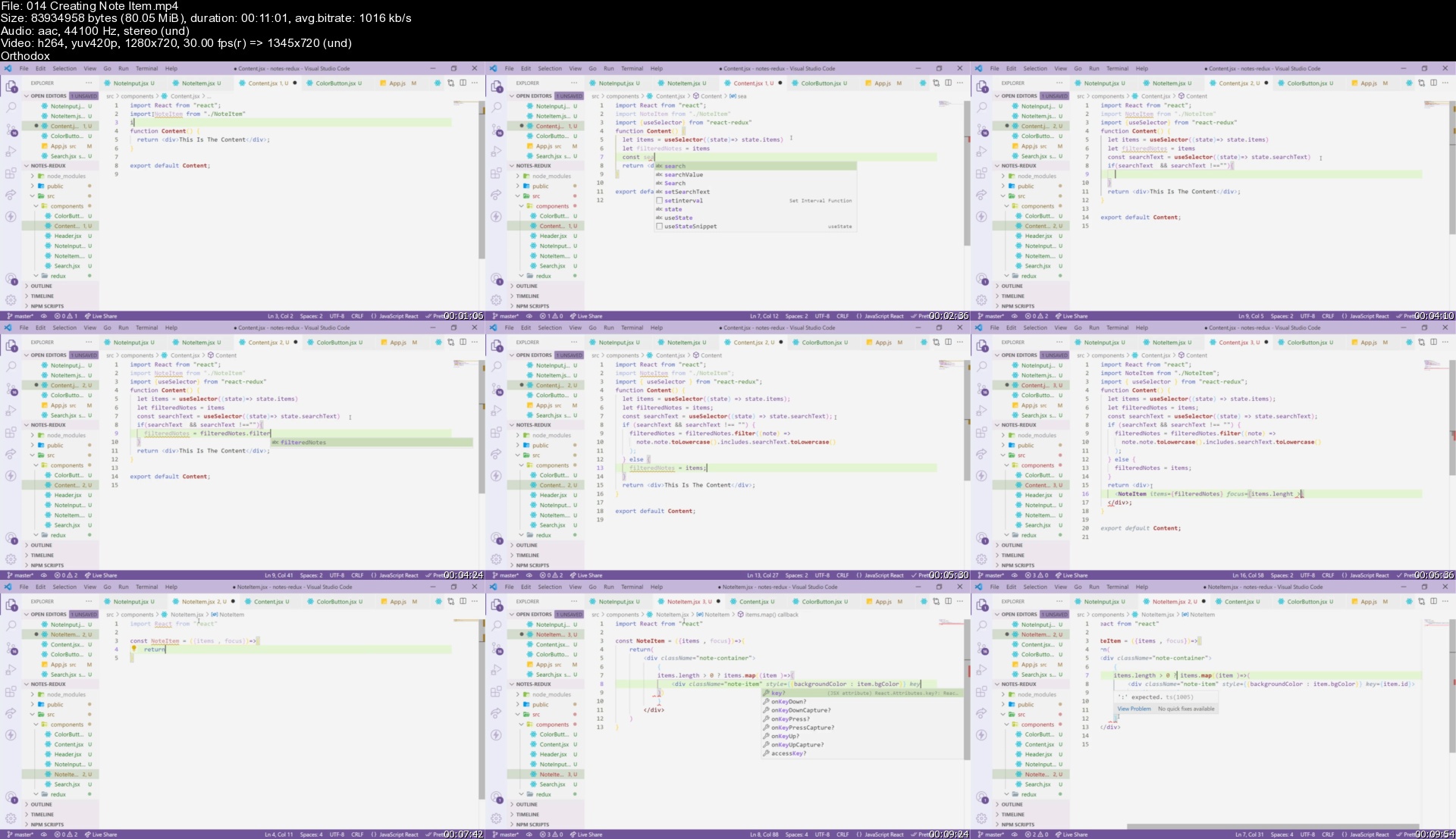
014creatingnoteitemscxkby.jpg


The Complete React Developer Course (w/ Hooks and Redux)

wduufzqpcl7hikyrpojiwvgjhy.jpg


The Complete React Developer Course (w/ Hooks and Redux)
MP4 | Video: h264, 1280x720 | Audio: AAC, 44.1 KHz
Language: English | Size: 11.8 GB | Duration: 39h 11m

Learn how to build and launch React web applications using React, Redux, Webpack, React-Router, and more!


What you'll learn
Build, test, and launch React apps
Use cutting-edge ES6/ES7 JavaScript
Setup authentication and user accounts
Deploy your React apps live to the web
Learn the latest React libraries and tools
Master React, Redux, React-Router, and more

Requirements
A computer on which you can install software (Windows, MacOS, or Linux)
An understanding of core JavaScript (functions, objects, arrays, callback functions)

Description
This course was just updated to support React v16, React Hooks, the Context API, and more!

--

Have you tried to learn React before?

It's easy to go down the rabbit hole of libraries and tools only to come out of it not knowing how to build and launch a real-world React application. You get things configured, but you're not sure how the libraries fit together (or if you're even using the right one).

Sound familiar?

I built this course to show you how you can build and launch real-world React web applications.

The Complete React Web Developer Course 2 starts with the fundamentals and covers everything you'll need to build and launch React web apps.

You'll see what it takes to build and launch a React app, from the first line of code to the final production deployment.

This course was designed around one goal: turning you into a professional React developer capable of developing, testing, and deploying real-world production applications.

You'll learn React by doing, not watching.

From the first videos you'll be building out each project as well as completing programming challenges I've designed to test and reinforce what you've learned.

Throughout the course you'll build two React web apps

The first app, a decision-making app called Indecision, is our starter application. You'll learn the fundamentals of React while seeing exactly what it takes to get a React app up and running.

The second app, an expense manager called Budget, has all the features you'd expect from a real application. You'll set up authentication, user accounts, routing, testing, form validation, database storage, and more.

Stay up-to-date in an ever changing world.

The world of React changes fast, and that's why I'm always working to keep this course as up-to-date as possible. You can jump in knowing you're getting access to hot-off-the-press features.

Everything you need comes in one easy-to-use package.

There's no need to worry if you're learning the right skills to land that React job or launch that React app. I've mapped out everything you need to know in an interactive easy-to-follow package designed to get you up and running in a couple of weeks.

There's no better time to learn React.

React's not going anywhere. Companies like Facebook, Walmart, Uber, Airbnb, and Netflix are all using React in production right now.

They've also made heavy investments in the React ecosystem, creating new libraries and tools that speed up and simplify React development. From the biggest to the smallest, everyone's using React and new jobs are popping up every day.

Get access to fast support if you get stuck.

There's nothing worse than getting stuck ten hours into a course and not getting the help you need to continue. Getting stuck is part of the learning process. That's why I'm here to answer every single question.

I'll work with you to get you unstuck and back on track. It's one of the reasons students love taking my courses

"This is the absolute best course I've taken on udemy. Andrew is amazing at explaining things concisely, and the flow of the course is perfect. He doesn't skip over anything and he doesn't over-explain anything. On top of all that, he responds to questions so quickly that you won't be stuck at any point." - Tanya Gamarian

"The lessons are of high quality and even more important, he actually takes time to answer your questions!" - Thomas Vercamer

"The instructor does an excellent job in explaining how to build React Apps. He also responds quickly to any questions that are asked." - Matt Willy

I guarantee that this is the most up-to-date and engaging React course available, and it comes with a Udemy 30-day money-back guarantee.

Over eighteen sections you'll learn

React

Redux

React-Router

Webpack

Babel

Testing with Jest

Enzyme

App Debugging

App Deployment

Firebase

Authentication

Git/GitHub

ES6/ES7

And many more tools

I can't wait to see you on the inside!

- Andrew

Who this course is for
Anyone looking to launch their own React applications, switch careers, or freelance as a React developer

Homepage


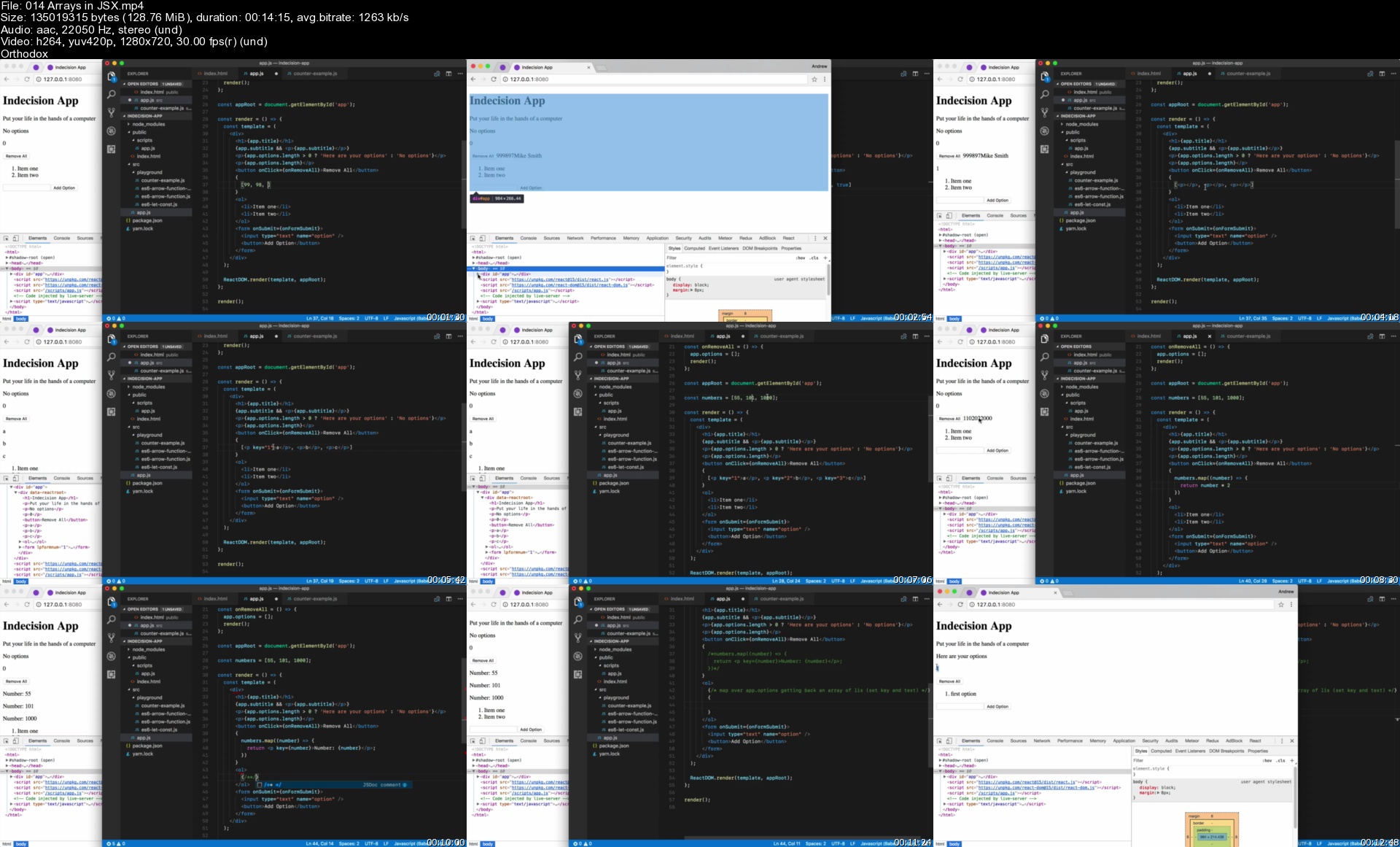
014arraysinjsxs1akff.jpg


React Native + Expo: From Beginner to Expert [2022]

4620342851d3ygkyv.jpg


React Native + Expo: From Beginner to Expert [2022]
MP4 | Video: h264, 1280x720 | Audio: AAC, 44.1 KHz, 2 Ch
Genre: eLearning | Language: English + srt | Duration: 22 lectures (8h 24m) | Size: 7.65 GB

Learn how to build apps using React Native. Push notifications, navigation, Hooks, AppState, and more.


What you'll learn
Learn everything you need to know to be a React Native developer.
Learn navigation, push notifications, text inputs, hooks, and more.
Learn UX/UI app design principles.
Build a complete note-taking app that you could publish to the Apple or Google app store.
Requirements
No React Native experience needed. You will learn all you need to know about React Native from this course.
You should have some basic knowledge of HTML, CSS, JavaScript, and React.
Description
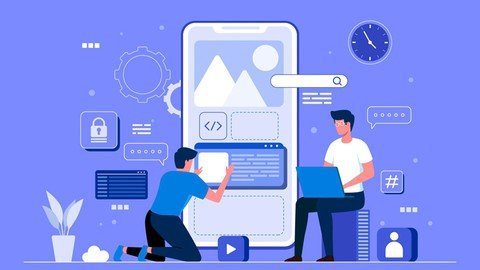
In this course, you'll learn everything you need to know to be a React Native developer. You'll also learn about app UX/UI design principles. By the end of this course, you'll not only know how to build React Native apps, but also how to design React Native apps well.
In this course you will build a fully functioning React Native note-taking app. You'll be able to create, edit, and delete notes. Your note files will save automatically to your device's local storage so the notes will still be in your app if you close your app and return to your app later.
You'll learn about push notifications, navigation, Hooks, AppState, Local Storage, and more.
Here is an overview of the course
Installing Node.js and React Native Expo CLI
React Native Environment Explained
App File Structure
Hooks, Global AppState, & Props
React Navigation
Styling Setup
Push Notifications
Passing Down Props
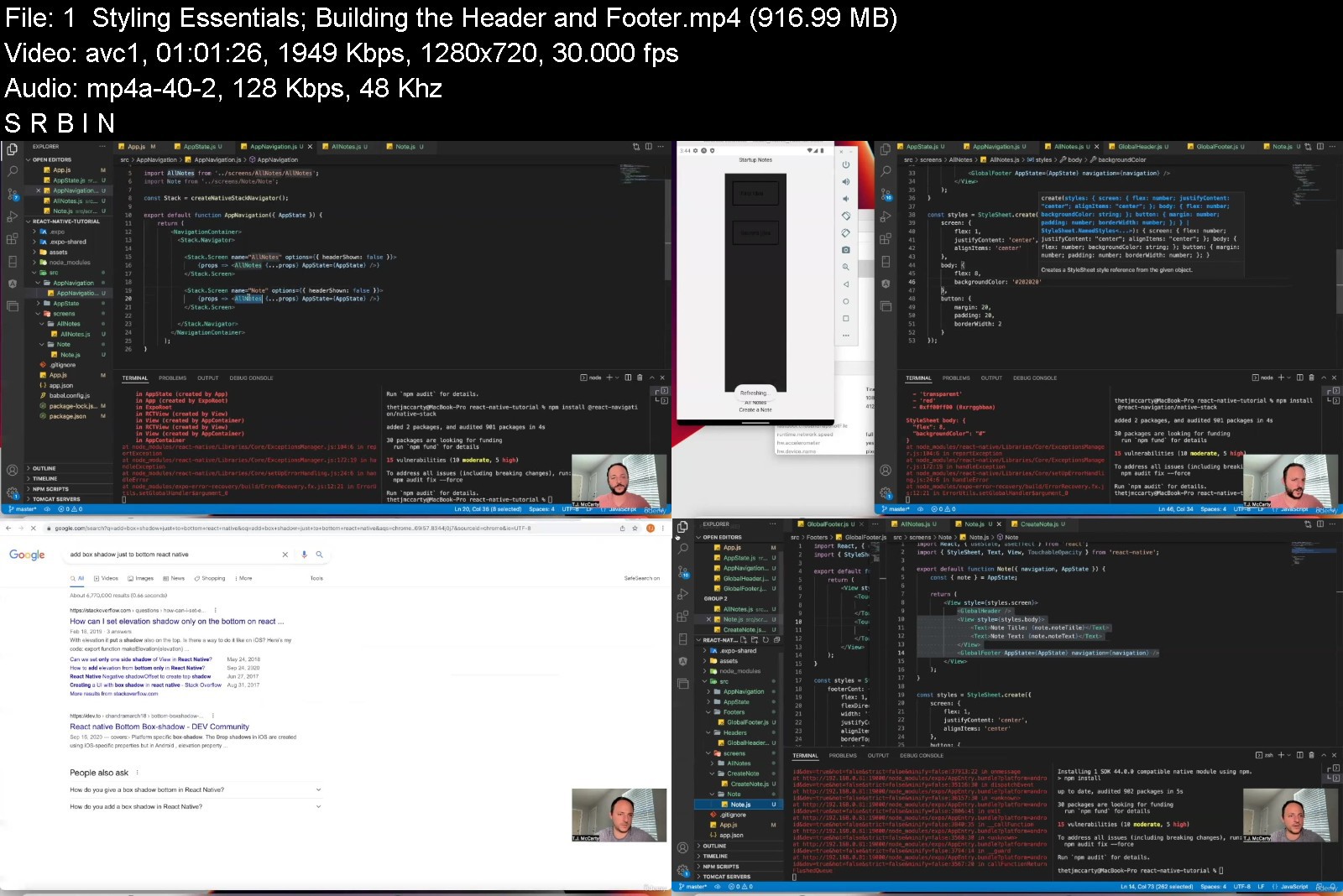
Styling Essentials; Building the Header and Footer
Vector Icons, Text Fonts, Text Components, Text Styling
ScrollViews
TextInputs
AsyncStorage; Buttons (TouchableOpacity); More on TextInputs
useEffect; Spread Operators in Hooks; Creating the Note Saving Functionality
useIsFocused
Keyboard Events; KeyboardAvoidingView
App Icons & Splash Screens; Editing Notes; More Styling
Deleting Notes; splice function; forceUpdate function
Conditional (Ternary) Operator in Styling; Footer Styling
Build App files; Alert Component
By the end of this course, you will go from beginner to pro!
Who this course is for
Everyone who wants to become a React Native developer.
React developers who want to learn React Native.


reactnativeexpofrombebyjzu.jpg


Download from RapidGator


Download from Keep2Share



Becoming the Master of Java

hkkspcziyoh2howqbvwfc12kh6.jpg


Becoming the Master of Java
Genre: eLearning | MP4 | Video: h264, 1280x720 | Audio: AAC, 48.0 KHz
Language: English | Size: 23.5 GB | Duration: 57h 14m


What you'll learn
Fundamentals of Java
Object-Oriented Programming
Best Practices of Software Development
Java Virtual Machine
Requirements
Basic understanding of computers and programming

Description
This course will take you on a journey of fundamentals of Java all the way through the bytecodes to the more advanced topics of programming.
Understanding and mastering Java programming will immediately put you in a good position for learning other languages such as C++ and Python.
The syntax of Java was designed to be similar to that of the C++ programs, hence if you are coming from the C++ world, then you are already halfway through mastering the Java language! Similarly, Python operates based on the assumption that every type is represented by an Object, hence closely resembles the philosophy that Java language follows.
This course is structured in a way to be very congruent with the official Oracle website for learning Java called dev dot java website. I will walk you through all the items discussed on dev dot java website and give very detailed examples of explanations.
One strong feature of this course is the frequent look under the hood in the bytecode of classes. Bytecodes are the compiled code that the java compiler "javac" provides, which sometimes reveal the hidden extra codes that javac adds to accomplish a task. For example, in the most recent version of JDK (java development kit), String concatenation always translates into creating a StringBuilder object behind the scene and calling its "append" method. Understanding such behind the scene concepts will enable you to truly master the Java language and write efficient codes.
The topics discussed in this course are
Section 1: Getting Started with Java
In this section, I introduce the dev dot java website and discuss concepts such as "JAVA_HOME" and "CLASSPATH" environment variables. The concept of CLASSPATH will be discussed in more detail later in section 9 when I discuss the concept of java "packages".
Section 2: Primitives and Literals
This section is the absolute beginner's introduction to Java language features. Java language supports raw primitives and also provides wrapper classes (also called Boxed primitives). I discuss all of the supported primitives such as byte, short, int, long, float, double.
Section 3: Arrays
This section is dedicated to the built-in array construct in java. Java language allows primitive arrays and object arrays. An array can be directly initialized when it is declared. User-defined classes cannot extend built-in arrays.
Section 4: Local Variable Type Inference
This section is a brief introduction to the "var" identifier that was introduced in the recent versions of java. "var" allows the compiler to infer the type of local variables without the need for the developer to intervene.
Section 5: Operators in Java
This section introduces the core concept of operators that the java programming language supports. Math operators such as "addition +", "subtraction -", and "modulus %" are discussed in detail. The important concept of "operator overloading" is also discussed.
Section 6: Expressions and Statements
This section briefly presents a discussion on what constitutes an expression and a statement in java. Expressions are formed from operators and operands. Statements consist of one or more expressions and are always terminated by the semicolon ";".
Section 7: Control flow statements
This is an important section that discusses the control flow statements such as "if", "if else", "while" loop, "for" loop, "switch expression" and "switch statement". The behind the scene bytecode is also reviewed for each control flow construct.
Section 8: Intro to Object-Oriented Programming
This section is the introduction to the main concepts of object-oriented programming. Java language was developed with these concepts in mind and relies on the "inheritance", "abstraction", and "interfaces". Every "class" definition in java implicitly inherits from the "Object" class that exists inside the "java.lang" package. The idea of organizing the java project into packages and fully-qualified-name of the types is discussed in great detail.
Section 9: Classes and Objects
This section puts the general concepts of object-oriented programming in the context of Java programming (syntax) and the unique features that Java provides. We discuss how java handles inheritance, polymorphism, encapsulation, and the difference between the static and non-static states of objects.
Section 10: Advanced Topics on Classes and Objects
This section dives deeper into the features of classes and objects that Java programming provides.
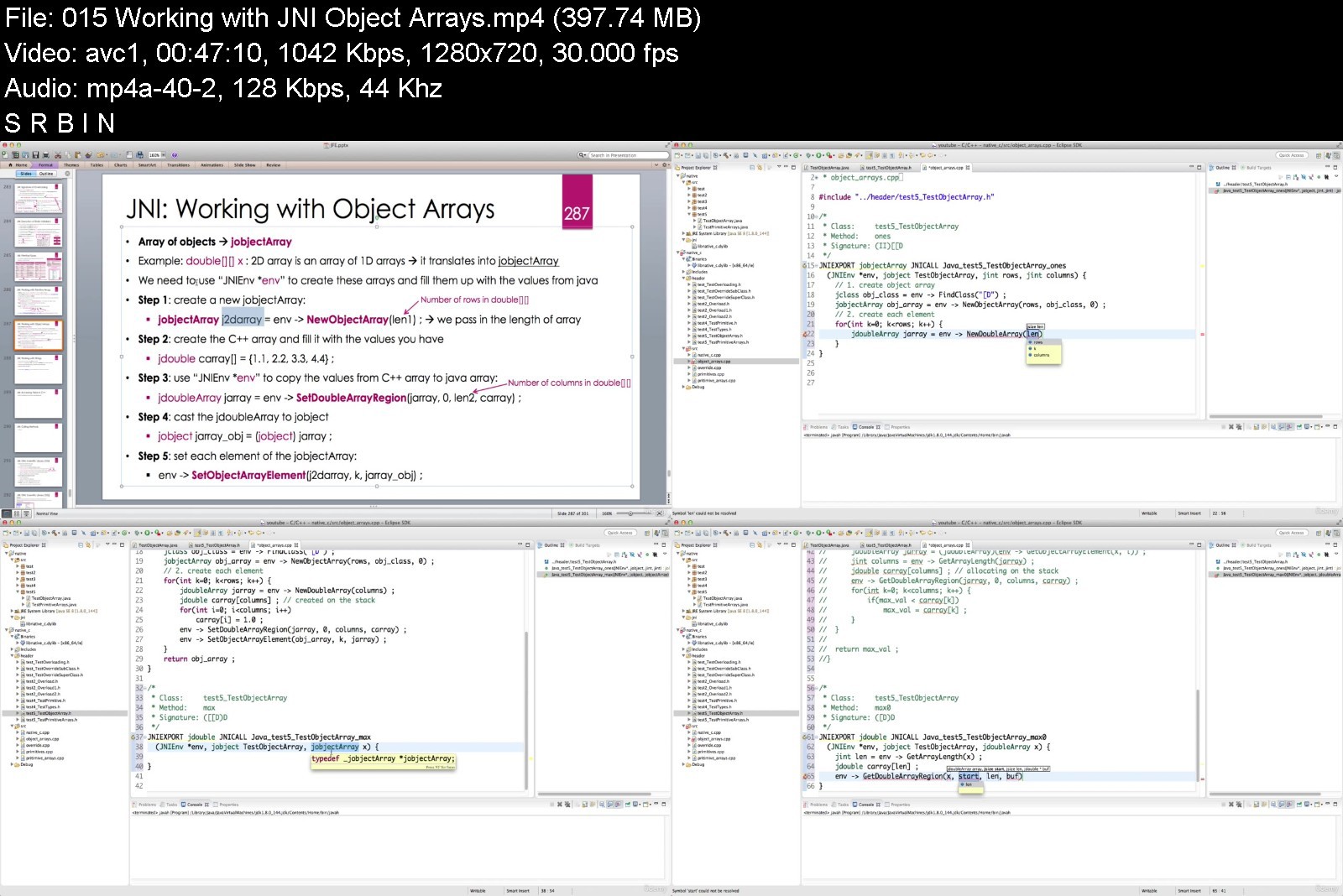
Section 11: Introduction to Java Native Interface
This section is an introduction to the foreign function interface (FFI) that the java development kit provides. JNI is considered by some as a difficult topic and is rarely discussed in lectures and courses. This chapter assumes the student has some knowledge of C++ programming and how to compile ".cpp" and ".h" files.
Section 12: Introduction to Effective Java
This section introduces the most important book titled "Effective Java" that every java developer must have. Each lecture corresponds to an item of best practices of java programming that is discussed in the book.
Section 13: Miscellaneous Topics
This section provides additional insights about the java programming language or the tools that are directly or indirectly related to java programming. Tools such as GraalVM's native image and Jupyter notebooks are discussed.
Who this course is for
Everyone interested in programming


becomingthemasterofjactkl6.jpg


Download from RapidGator


Download from Keep2Share



3D Printing from Zero to Hero in Blender 3x - 3D Design

jitlmb3yzhn3jx6yprlieqnkp2.jpg


3D Printing from Zero to Hero in Blender 3x - 3D Design
MP4 | Video: h264, 1280x720 | Audio: AAC, 44.1 KHz
Language: English | Size: 5.17 GB | Duration: 7h 17m

Learn to 3D Model & 3D Print with the Free Software Blender - Start 3D Printing your Imagination in Blender 3D!


What you'll learn
How to 3D Model & 3D Print Successfully
How to Create 3D Models Fast And Efficiently Inside the Free Software Blender
How to Export your 3D Models
How to Slice your 3D Models and Generate G-Code
How to Print your Models in a 3D Printer
How to Upload your Models to Shapeways for Costing & 3D printing
Requirements
A Computer Capable of Running the Free Software Blender
A basic understanding of computers

Description
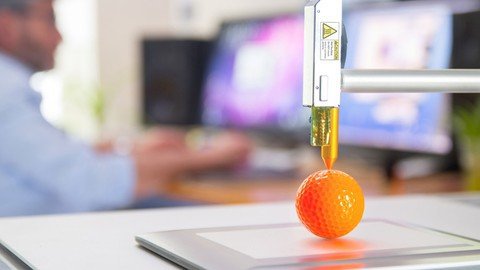
Learn to 3D Model & 3D Print with this comprehensive & detailed 3D printing course on Udemy. The software we use will be the free and open source software Blender. On completion of the course you will be able to use Blender as the complete 3D design and creation package. Using the methods and techniques demonstrated throughout this course you will be capable of Designing, 3D Modelling & Slicing, your own unique 3D models for 3D printing.
The course is designed for practical learning. The videos will take you step by step through the process of creating 3D models and exporting for 3D printing. Each step is clearly detailed so beginners to intermediate students can successfully complete the course. With the latest release of Blender there has never been a better time to get your creativity flowing.
Learn about common 3D Printing terms such as Wall Thickness, Infill, Supports, Bridging, Brim, STL Files, Slicing, G - code, Heat Bed & Extruder and many more.
During the course we create a range of models. These include a phone stand, door grip, vase, piggy bank, coin and we 3D reconstruct a model taken from a phone camera. All these examples will expose you to the powerful tools within Blender and teach you the most important concepts while working in 3D software.
The Course Includes
3D Modelling in Blender
The 3D print Toolbox Add-on to test and fix common issues
Exporting STL files
Generating the G-Code
Printing on a Prusa 3D printer
Uploading to the Shapeways Print Service
3D reconstruction, photo scanning & Printing
Importing External Models & Techniques for Preparing for 3D Printing
Blender is an amazing program that enables your creative side while constantly challenging you to improve. By simply following this course you will not only be be learning the basics of Blender but on completion be capable of modelling anything and 3D Printing successfully.
The lessons are taught using practical examples and designed so you can complete each section before moving forward. Learning Blender doesn't need to be difficult and you should enjoy the journey as you create some amazing 3D models. This 3D printing course will take you step by step through each critical stage and help you develop your skills along the way.
Learn how to design in this amazingly powerful 3D production suite and you'll be amazed at what you can create.
This introduction to 3D printing course is designed to provide students with the necessary skill set required to model their designs in a free 3D program and export to either their own 3D printer or a 3D print service. This course will guide the student step by step through every process involved in bringing their idea or drawing into the physical form. 3D printing is changing the way we design and buy our products. Unleash your creative side with this incredible process and stay ahead of the curve by seeing your products quickly without the huge investment.
The course includes a simple model of a smart phone to help with the design stage of the mobile phone stand. This course is structured so students gain an understanding of the processes involved early on and by the end should be competent to begin their very own creations.
Unleash your Creative side
Open Blender and be amazed at the possibilities. Discover a new world of creativity. Blender is free, and constantly improving to deliver industry standard tools. It has a strong online community just waiting to be discovered.
More industries than ever are starting to use Blender with more and more small production houses releasing work created using this amazing and user focused software. This will increase greatly over
So jump in and start creating today!
Who this course is for
Beginners Who Want To 3d Model & 3d Print Their Own Models Successfully
Students Who Need To Get From Zero To Hero Without The Fluff
Students Who Want To Create Unique 3d Models For 3d Printing
Designers Who Need To Iterate Quickly And See Their Ideas In Physical Form
Architects Who Need To 3d Print Models For Clients
3D Printer Owners Who Want An Easy To Follow Course 3D Printing
Blender Users Who Want to 3D Print their Models
Students who want to 3D Print even without a 3D Printer
Students Who Want To Learn A Free Design Package For Their Own Professional Use
3D Print Hobbyist


3dprintingfromzerotohtjkob.jpg


Download from RapidGator


Download from Keep2Share



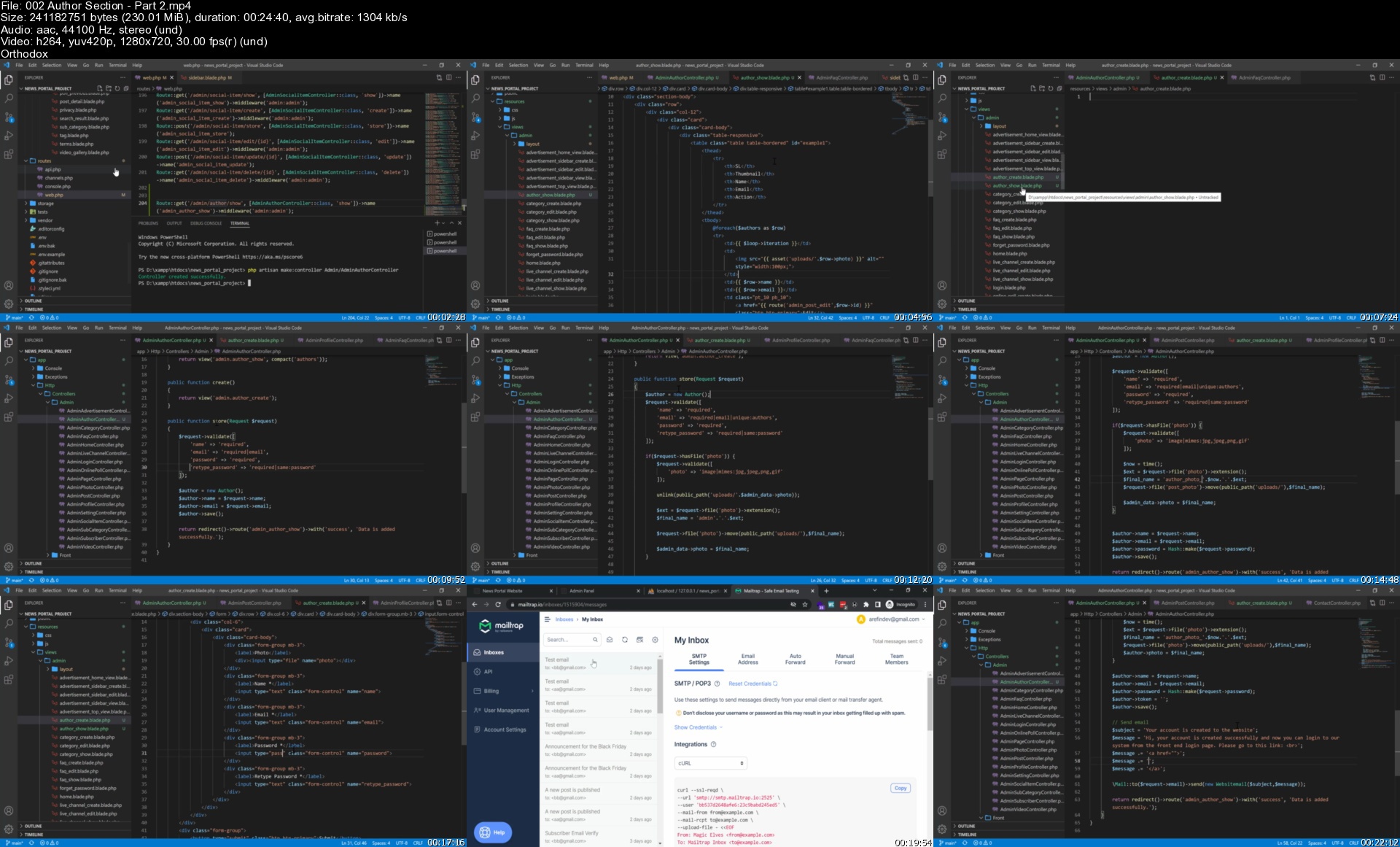
Laravel News Portal Website for Beginner to Advanced

jybafue65b3tvdlfjfe68azk4e.jpg


Laravel News Portal Website for Beginner to Advanced
Genre: eLearning | MP4 | Video: h264, 1280x720 | Audio: AAC, 44.1 KHz
Language: English | Size: 22.9 GB | Duration: 43h 0m

Learning Laravel fundamentals (A to Z) and developing a complete news portal website with Laravel 9


What you'll learn
Laravel 8 or Laravel 9 from scratch
Laravel Fundamentals (A to Z)
Laravel Single and Multi Auth (with Guard) System
Visual Studio Code Editor and Important Plugins
Laravel CRUD option
Complete Multi Language System in Laravel
Laravel Login System
Forget Password and Reset Password Sytem
Email Verification System Logic and Implementation
Contact form email sending using Ajax
Newsletter email sending using Ajax and email verification
Website Color Settings Option
Website logo, favicon and other items setup
Admin and author profile managements
Security for post section in author section
Photo uploading system
Toastr message notification system
Home page search option using chained select with jquery
Uploading project in web server
Email sending in web server

Requirements
Basic Knowledge in PHP Language
Basic Knowledge in OOP Concept
Knowledge about using local server. Ex: xampp
Basic knowledge about HTML, CSS and Bootstrap
Basic knowledge about using code editor like Notepad++, Sublime Text or any

Description
In this course, I have taught the students the Laravel framework from scratch. After showing all the basics of Laravel, authentication system, template mastering etc., I have developed a complete News Portal System with the latest version of Laravel, Laravel 9.

The persons who are very beginner in Laravel and only have few php and oop idea, they will be benefitted the most from this course. But the advanced persons will also get help from this course, because I have coded following the standard and showed some advanced features.

Admin Panel Features

Admin can create, edit and delete Authors.

Admin can change the website color

Admin can change logo, favicon etc.

Admin can change top bar information.

Admin can control the home page information.

Admin can create, edit and delete languages.

Admin can create, edit and delete news categories and subcategories.

Admin can create, edit and delete news posts.

Admin can create, edit and delete FAQs.

Admin can create, edit and delete Online Polls.

Admin can create, edit and delete Live Channel items.

Admin can create, edit and delete photos for the photo gallery.

Admin can create, edit and delete photos for the video gallery.

Admin can create, edit and delete the social items.

Admin can create, edit and delete advertisements.

Admin can send email to subscribers.

Admin can control the share and comment section during post.

Admin can change his own photo, information and password.

Author Features

1. Author can change his own photo, information and password.

2. Author can create, edit and delete news posts.

Who this course is for
Persons who want to learn a php framework from scratch
Persons who want to learn making a complete web application from beginning
Persons who are looking for a good job in web development sector
Persons who want to learn laravel very well to be able to make awesome products to sell from their websites

Homepage


002authorsectionpart2pwk56.jpg


Zurück
Oben Unten