• Regeln für den Video-Bereich:

    In den Börsenbereich gehören nur Angebote die bereits den Allgemeinen Regeln entsprechen.

    Einteilung

    - Folgende Formate gehören in die angegeben Bereiche:
    - Filme: Encodierte Filme von BluRay, DVD, R5, TV, Screener sowie Telesyncs im Format DivX, XviD und x264.
    - DVD: Filme im Format DVD5, DVD9 und HD2DVD.
    - HD: Encodierte Filme mit der Auflösung 720p oder darüber von BluRay, DVD, R5, TV, Screener sowie Telesyncs im Format x264.
    - 3D: Encodierte Filme von BluRay, die in einem 3D Format vorliegen. Dies gilt auch für Dokus, Animation usw.
    - Serien: Cartoon/Zeichentrick, Anime, Tutorials, Dokumentationen, Konzerte/Musik, Sonstiges sind demnach in die entsprechenden Bereiche einzuordnen, auch wenn sie beispielsweise im High Definition-Format oder als DVD5/DVD9/HD2DVD vorliegen. Ausnahme 3D.
    - Bereich Englisch: Englische Releases gehören immer in diesen Bereich.
    - Bereich Talk: Der Bereich, in dem über die Releases diskutiert werden kann, darf, soll und erwünscht ist.


    Angebot/Beitrag erstellen

    - Ein Beitrag darf erst dann erstellt werden, wenn der Upload bei mindestens einem OCH komplett ist. Platzhalter sind untersagt.
    - Bei einem Scenerelease hat der Threadtitel ausschließlich aus dem originalen, unveränderten Releasenamen zu bestehen. Es dürfen keine Veränderungen wie z.B. Sterne, kleine Buchstaben o.ä. vorgenommen werden. Ausnahme Serienbörse:
    - Bei einem Sammelthread für eine Staffel entfällt aus dem Releasename natürlich der Name der Folge. Beispiel: Die Simpsons S21 German DVDRip XviD - ITG
    - Dementsprechend sind also u.a. verboten: Erweiterungen wie "Tipp", "empfehlenswert", "only", "reup", usw. / jegliche andere Zusatzinformation oder Ergänzung, welche nicht in obiger Beschreibung zu finden ist.

    Aufbau des Angebots und Threadtitel

    Der Titel nach folgendem Muster erstellt zu werden. <Name> [3D] [Staffel] [German] <Jahr> <Tonspur> [DL] [Auflösung] <Quelle> <Codec> - <Group>
    Beispiel: The Dark Knight German 2008 AC3 DVDRip XviD - iND
    Beispiel: The Dark Knight 2008 DTS DL BDRip x264 - iND
    Beispiel: The Dark Knight 2008 AC3 DL BDRip XviD - iND
    Beispiel: The Dark Knight German 2008 AC3 720p BluRay x264 iND
    Beispiel: The Dark Knight 2008 DTS DL 1080p BluRay x264 iND
    Beispiel: Die Simpsons S01 German AC3 DVDRip XviD iND
    Beispiel: Die Simpsons S20 German AC3 720p BluRay x264 iND
    Beispiel: Sword Art Online II Ger Sub 2014 AAC 1080p WEBRip x264 - peppermint
    Entsprechend sind also u.a. verboten: Sonderzeichen wie Klammern, Sterne, Ausrufezeichen, Unterstriche, Anführungszeichen / Erweiterungen wie "Tipp", "empfehlenswert", "only", "reup", usw. / jegliche andere Zusatzinformation oder Ergänzung, welche nicht in obiger Beschreibung zu finden ist
    Ausnahmen hiervon können in den Bereichen geregelt sein.

    Die Beiträge sollen wie folgt aufgebaut werden:
    Überschrift entspricht dem Threadtitel
    Cover
    kurze Inhaltsbeschreibung
    Format, Größe, Dauer sind gut lesbar für Downloader außerhalb des Spoilers zu vermerken
    Nfo sind immer Anzugeben und selbige immer im Spoiler in Textform.
    Sind keine Nfo vorhanden z.B. Eigenpublikationen, sind im Spoiler folgende Dateiinformationen zusätzlich anzugeben :
    Quelle
    Video (Auflösung und Bitrate)
    Ton (Sprache, Format und Bitrate der einzelnen Spuren)
    Untertitel (sofern vorhanden)
    Hosterangabe in Textform außerhalb eines Spoiler mit allen enthaltenen Hostern.
    Bei SD kann auf diese zusätzlichen Dateiinformationen verzichtet werden.

    Alle benötigten Passwörter sind, sofern vorhanden, in Textform im Angebot anzugeben.
    Spoiler im Spoiler mit Kommentaren :"Schon Bedankt?" sind unerwünscht.


    Releases

    - Sind Retail-Release verfügbar, sind alle anderen Variationen untersagt. Ausnahmen: Alle deutschen Retail-Release sind CUT, in diesem Fall sind dubbed UNCUT-Release zulässig.
    - Im Serien-Bereich gilt speziell: Wenn ein Retail vor Abschluss einer laufenden Staffel erscheint, darf diese Staffel noch zu Ende gebracht werden.62
    - Gleiche Releases sind unbedingt zusammenzufassen. Das bedeutet, es ist zwingend erforderlich, vor dem Erstellen eines Themas per Suchfunktion zu überprüfen, ob bereits ein Beitrag mit demselben Release besteht. Ist dies der Fall, ist der bereits vorhandene Beitrag zu verwenden.
    - P2P und Scene Releases dürfen nicht verändert oder gar unter einem iND Tag eingestellt werden.


    Support, Diskussionen und Suche

    - Supportanfragen sind entweder per PN oder im Bereich Talk zu stellen.
    - Diskussionen und Bewertungen sind im Talk Bereich zu führen. Fragen an die Uploader haben ausschließlich via PN zu erfolgen, und sind in den Angeboten untersagt.
    - Anfragen zu Upload-Wünschen sind nur im Bereich Suche Video erlaubt. Antworten dürfen nur auf Angebote von MyBoerse.bz verlinkt werden.


    Verbote

    - Untersagt sind mehrere Formate in einem einzigen Angebotsthread, wie beispielsweise das gleichzeitige Anbieten von DivX/XviD, 720p und 1080p in einem Thread. Pro Format, Release und Auflösung ist ein eigener Thread zu eröffnen.
    - Grundsätzlich ebenso verboten sind Dupes. Uploader haben sich an geeigneter Stelle darüber zu informieren, ob es sich bei einem Release um ein Dupe handelt.
    - Gefakte, nur teilweise lauffähige oder unvollständige Angebote sind untersagt. Dies gilt auch für eigene Publikationen, die augenscheinlich nicht selbst von z.B. einer DVD gerippt wurden. Laufende Serien, bei denen noch nicht alle Folgen verfügbar sind, dürfen erstellt und regelmäßig geupdatet werden.
    - Untersagt sind Angebote, welche nur und ausschließlich in einer anderen Sprache als deutsch oder englisch vorliegen. Ausnahmen sind VORHER mit den Moderatoren zu klären.


    Verstoß gegen die Regeln

    - Angebote oder Beiträge, die gegen die Forenregeln verstoßen, sind über den "Melden"-Button im Beitrag zu melden.
  • Bitte registriere dich zunächst um Beiträge zu verfassen und externe Links aufzurufen.

*** Bestes IPTV *** bester Preis *** gratis Test ***


Englische Tutorials

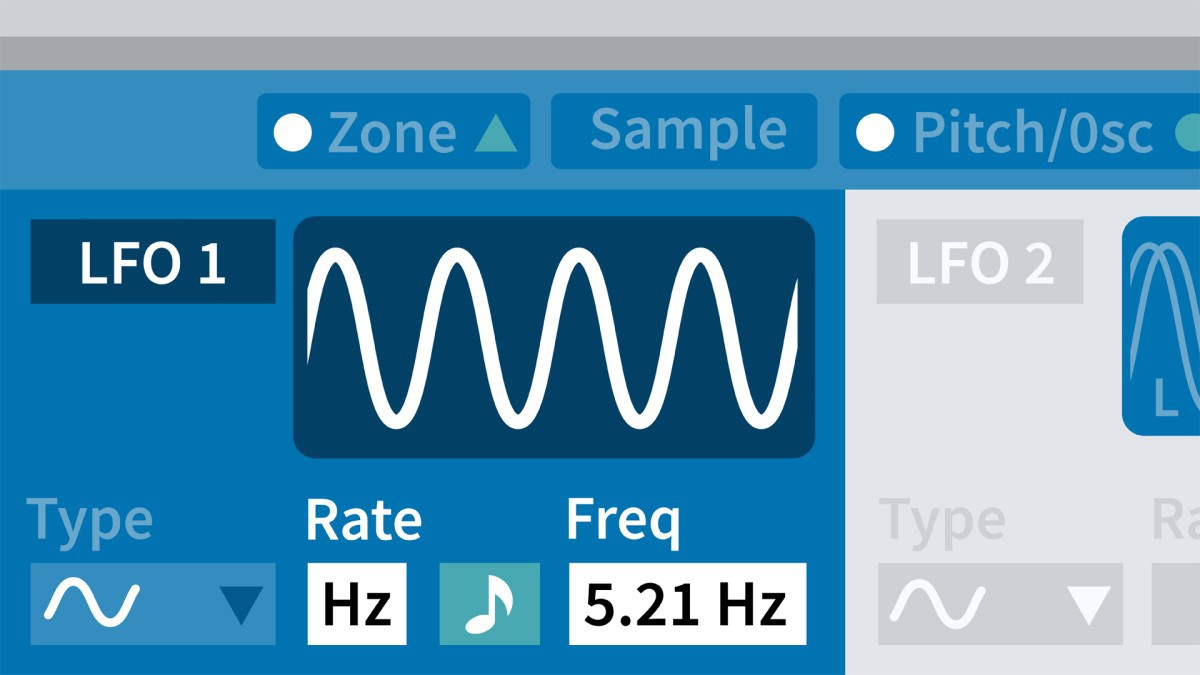
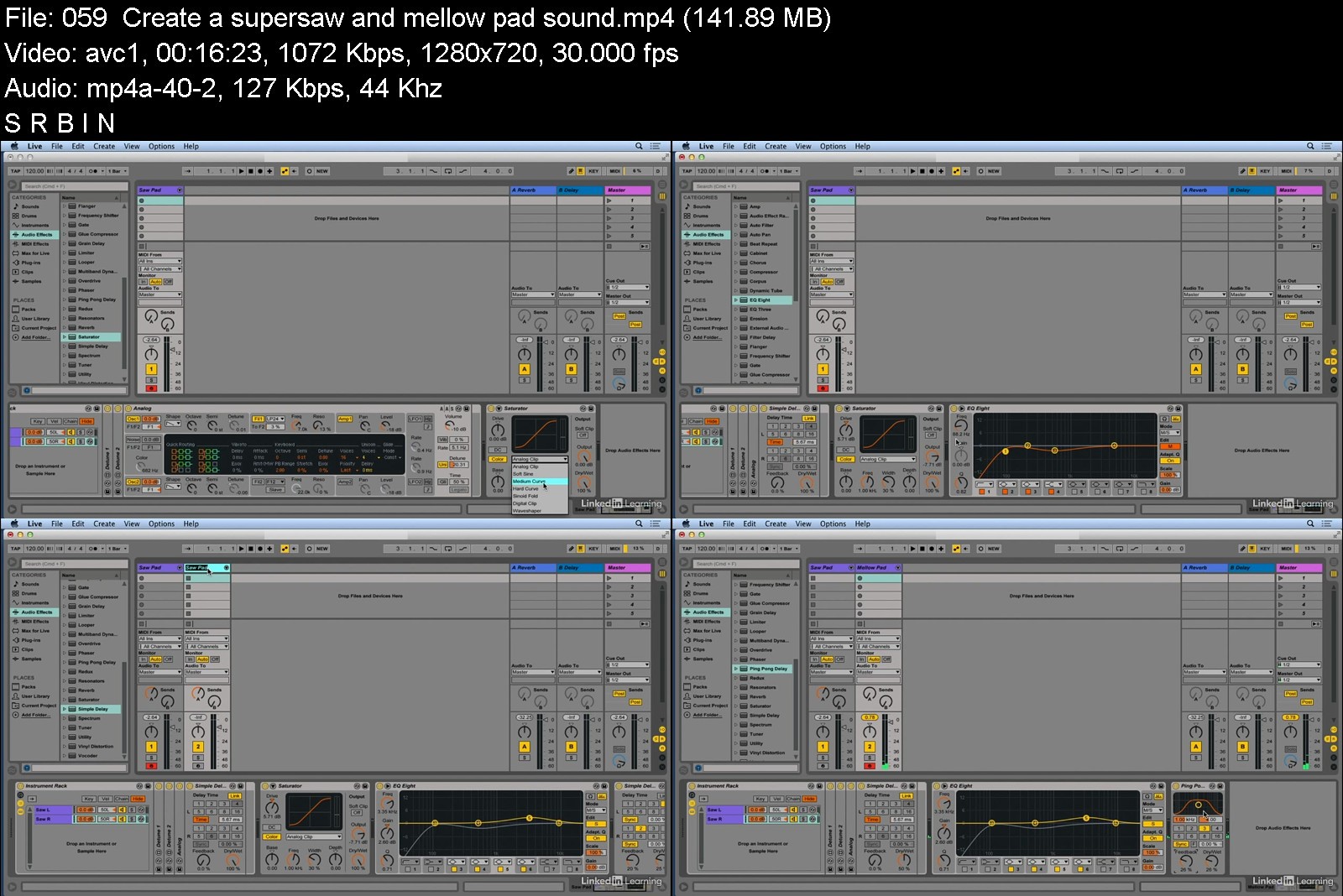
Creating with Ableton Live Plugins and Instruments (2022)

wyjh4.jpg


Creating with Ableton Live Plugins and Instruments (2022)
LinkedIn Learning Duration: 10h 49m | .MP4 1280x720, 30 fps(r) | AAC, 48000 Hz, 2ch | 6.37 GB
Genre: eLearning | Language: English

Explore the wide variety of powerful plugins and instruments in Ableton Live, the popular music production software. Instructor Rick Schmunk starts with an in-depth look at Sampler and how to create multi-sample presets, as well as overviews of the core instruments Electric, Collision, Analog, and Operator. Rick also covers audio and MIDI plug-ins through a variety of walkthroughs, tips, tricks, and examples.

Homepage

creatingwithabletonlic3j8p.jpg


Download from RapidGator


Download from NitroFlare


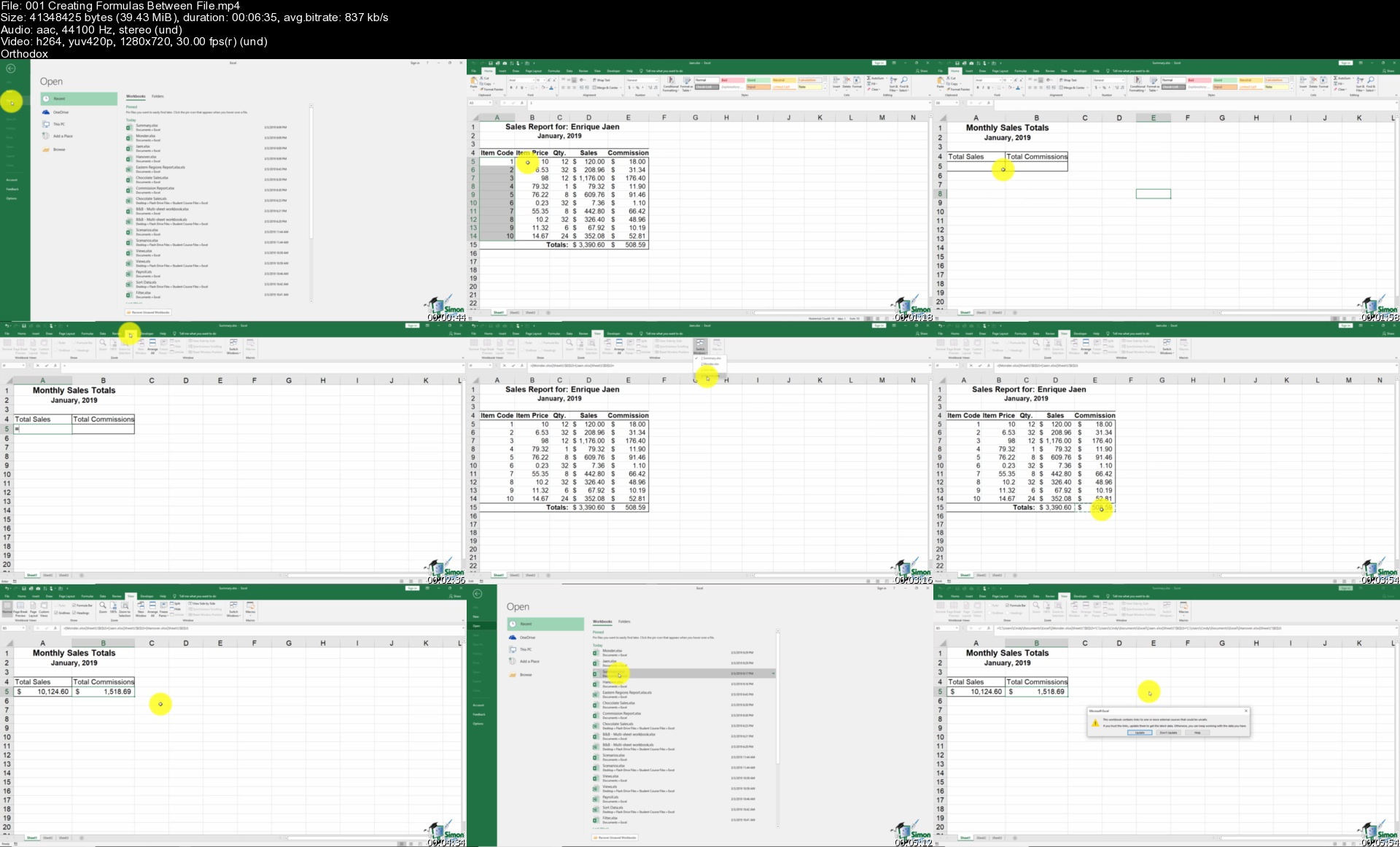
Ultimate Microsoft Office; Excel, Word, PowerPoint & Access

fvxpfmmylyh0oyhza4kumygku1.jpg


Ultimate Microsoft Office; Excel, Word, PowerPoint & Access
MP4 | Video: h264, 1280x720 | Audio: AAC, 44.1 KHz
Language: English | Size: 11.5 GB | Duration: 68h 39m

Learn basic to advanced Microsoft Office skills in this 9-course bundle for Office 365 or Office 2019


What you'll learn
Learn the essential and advanced Microsoft Office Skills in Excel, Word, PowerPoint, Outlook, Teams and Access
HUGE Value Bundle - Eight Courses!
Learn practical methods to backup and recover your Excel spreadsheets and never lose data
Effectively use autofill and flashfill so you are more productive in Microsoft Excel.
Discover the essentials of using formulas and functions in Excel
Discover how to create stunning charts and graphs in Excel
Learn practical methods to sort and filter your data in Excel
Discover new features in PowerPoint 2019 including Icons and 3D Models
Learn how to insert shapes, graphics and pictures to add some "zing" to your PowerPoint
Add charts, graphs and tables to your PowerPoint presentation information in a non-text format
Wow your audience by adding animations, audio and video to PowerPoint
Discover practical tips to present your PowerPoint presentation to your audience
Learn time saving techniques including how to copy slides, and exporting your presentation
Master the most common uses of Microsoft Word
Learn Word tools including using columns, indents, footers, borders and watermarks.
How to create a mail merge in Microsoft Word
Learn how to correctly Print envelopes and labels in Word
Learn to protect your Word document from changes
Insert professional pictures and graphics in your Word document
Make your Word documents look amazing by inserting and editing tables
Sorting information and running queries in Access
Navigating the Access 2019 interface
Discover how to into import data from Excel in Access
Learn Queries, use validations, how to create and print reports in Access
How to compact, repair and backup your Access database
How to create a linked table in Access
How to get set up in Outlook
All about sending and receiving emails
How to customize your mailbox and view
How to organize and manage your mail including ignoring, flagging and conditional formatting
Creating and managing tasks and reminders
How to use signatures and voting buttons
Adding, managing and searching contacts in the address book
Working with the Outlook Calendar, including creating meetings and appointments
How to create Notes and link Outlook to OneNote
Requirements
Excel, Word, PowerPoint, Access, Teams and Outlook installed on your machine. Preferably Office 2019 or Office 365

Description
**This course includes practice exercises and LIFETIME access**

Learn Excel, PowerPoint, Access, Outlook, Teams, OneNote, and Word with this tremendous value 9-course bundle from Simon Sez IT.

The Microsoft Office suite is used by millions worldwide. Unlocking its full potential could see you drastically improve your productivity.

But you know all that because you're on this page.

Instead, you're probably wondering whether we're the right team to teach you Office.

Simon Sez IT has been teaching MS Office for over 13 years, and we've got pretty good at it. Just take a look at our Udemy ratings if you don't believe us.

For this Ultimate Microsoft Office 2019 course, we've bundled together 9 of our best-selling titles into one huge value offering.

You don't just get access to beginner courses either. You get advanced training in Microsoft Excel and Microsoft Access and a comprehensive grounding in Microsoft PowerPoint, Microsoft Outlook, Microsoft Teams, Microsoft Word, and Microsoft OneNote.

***UPDATED APRIL 2020 - Outlook 2019 Added***

***UPDATED May 2020 - Microsoft Teams Added***

***UPDATED 2021 - Microsoft OneNote Added**

What's covered in each course?

Microsoft Excel 2019

What's new in Excel 2019

Creating workbooks

Entering text, numbers and working with dates

Navigating workbooks

Page setup and print options

Working with rows, columns, and cells

Cut, Copy and Paste

Introduction to Functions and Formulas

Formatting in Excel, including formatting cells and numbers

Creating charts and graphs

Sorting and Filtering

Introduction to PivotTables

Logical and lookup formulas - the basics

Advanced Microsoft Excel 2019

What's new/different in Excel 2019

Advanced charting and graphing in Excel

How to use detailed formatting tools

Lookup and advanced lookup functions

Financial functions including calculating interest and depreciation

Statistical functions

Connecting to other workbooks and datasets outside of Excel e.g. MS Access and the web.

How to create awesome visualizations using sparklines and data bars

Mastery of PivotTables and Pivot Charts

Scenario Manager, Goal Seek, and Solver

Advanced charts such as Surface, Radar, Bubble, and Stock Charts

Microsoft PowerPoint 2019

How to navigate around PowerPoint

Presentation dos and don'ts

Text and bullet edition options

How to use graphics, images, objects, and shapes

Using SmartArt

Working with Charts and Graphs

How to utilize Master Slides and just how much time this could save you

How to add audio and video to a presentation

All about transitions between slides

Animation, the animation pane, and motion paths

Setting your slideshow options

Presentation preparation and delivery

The backstage area of PowerPoint including printing a presentation

Microsoft Word 2019

How to get started with Word 2019

Word 2019 basics including navigation, editing, and saving

Character formatting in Word including Format Painter and AutoCorrect

How to properly work with bullets and numbering in Microsoft Word

All about formatting paragraphs and managing lists

Working with Tables in Word including formatting, converting data and formulas

Page appearance including page-breaks, watermarks, and styles

All about Sectioning a document

Inserting graphics, pictures, shapes, icons, and 3d models (new for 2019)

How to work with envelopes and labels

All about mail-merge and operating Word at scale

How to create an Index or Contents page

Reviewing and Printing in Word and Page Setup

Protecting a Word document and basic macros in Word

Microsoft Access 2019

Where to start in Microsoft Access and whether to use a template or not

How to modify Access to suit your needs

All about importing data and the datasheet view

How tables work in Access and how to create relationships between them

Creating forms and sub-forms that feed data into your tables

How to run queries in Access

Setting up validations and calculations using expressions in Access

Printing from Access

To start to use macros and Modal Dialog

The basics of the Access web app

Exporting and reporting in Access

Advanced Microsoft Access 2019

About Primary Keys and Indexes in Access

About customizing and filtering on the Datasheet View

How to link to other databases

All about using ODBC and SQL Server

How to split an Access database into front and back-end

All about Macros in Access including AutoExec

How to do basic VBA in Access including code and error handling

More advanced techniques around creating forms in Access

Advanced queries including "multiple where" criteria

Microsoft Outlook 2019

How to get set up in Outlook

Some useful Outlook keyboard shortcuts

All about sending and receiving emails

How to customize your mailbox and view

How to search in Outlook

How to organize and manage your mail including ignoring, flagging, and conditional formatting

How to effectively deal with Junk Mail

Attaching files, photos, and graphics in Outlook

About recalling a message

How to use signatures and voting buttons

How to best use, add to, and manage contacts

Working with the Outlook Calendar, including creating meetings and appointments

How to share Calendars with colleagues

How to use Tasks in Outlook

How to create Notes and link Outlook to OneNote

How to print the right thing in Outlook

Microsoft Teams

How to access, download and set up Teams

How to create your first team and manage members and channels

All about posting and receiving public and private messages

How to do user announcements, tags, and message extensions

How to schedule an audio or video call

How to use the audio and video calling options including recording calls

How to use the meeting notes function

How to create a wiki

All about using apps, bots, and connectors

How to adjust admin and user settings

How to use Teams on your mobile device

Microsoft OneNote

How to get started using OneNote Desktop or OneNote Windows 10

How to add text, videos, images, clips, and links to OneNote

How to use the screen clipping tool in OneNote

How to format notes in OneNote

How to create a to-do list in OneNote

How to add tags in OneNote and search for content

How to link notes in OneNote

How to format pages in OneNote

How to use the pen tools in OneNote, including handwriting to text

How to link OneNote with Outlook

How to share notebooks in OneNote

How to collaborate using OneNote

How to customize your options in OneNote

About using OneNote Online and the OneNote App

***Exercise and demo files included***

This bundle includes

68+ hours of video tutorials

600+ individual video lectures

Exercise files to practice what you learned

Certificate of completion

NINE full-length Microsoft courses

These courses were all recorded in the 2019 versions of MS Office but are still applicable if you're working with Office 2013, 2016, or Office 365. Microsoft Teams and Microsoft OneNote were recorded using Office 365.

Here's what our students are saying.

"I'm finding this course very helpful and the instructor is very easy to understand. I am learning so much more than I did from another course I tried to take and lost interest in. This course has really kept my interest."
- Dianne Munizza

"Loving the lessons. Easy to understand and can replay the lesson if I did not catch something the first time.."
- Monica Yvette Disbrow

"It's still early on in the course, but I love it. He's so very clear with each tiny thing he's teaching you. He sounds quite like a gentle and patient friend or mentor walking you through step by step. He also repeats things (not monotonously) which helps you retain what you're learning. When I first registered for this course, I thought 'oh my goodness, what have I done'... when you look at the 'your progress' dropdown at the upper right corner of your dashboard and see that you're on #21 of 518(!), it can seem a bit intimidating. But, no -- I think with this particular instructor's gift of friendly teaching, we'll all do fantastically well!"
- Celine Barton

Who this course is for
Anyone new to Microsoft Office or upgrading from a previous version
Anyone looking to improve their productivity by mastering MS Office

Homepage


001creatingformulasbeikkbz.jpg


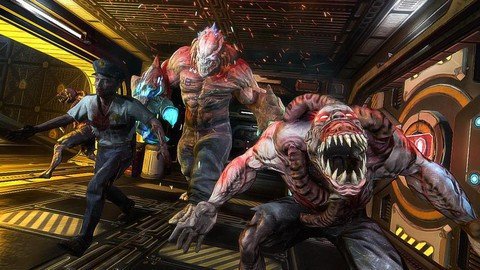
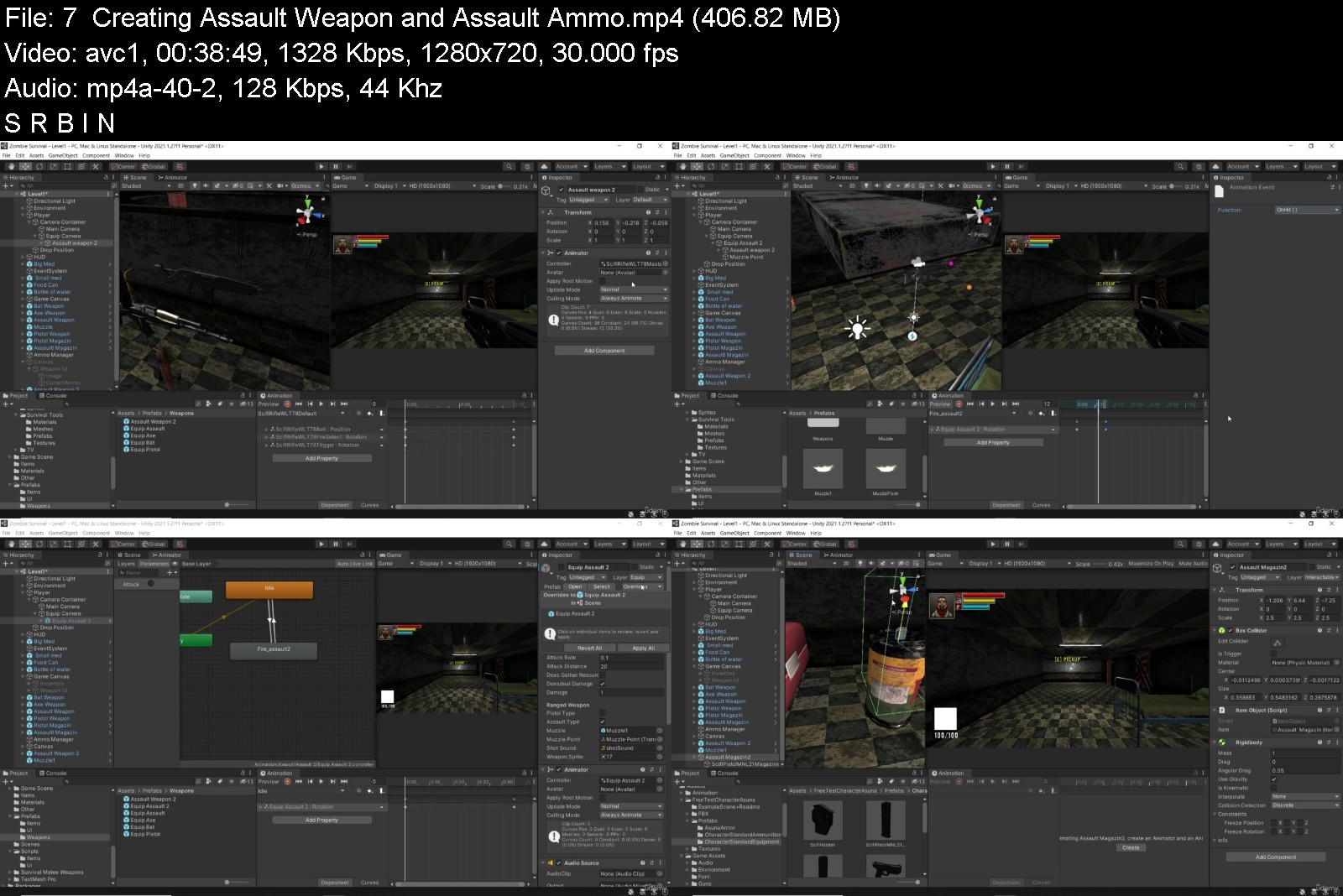
How To Create Horror Survival Game In Unity & C# Part 1

qfrzzghpolvnyf0yfcu686vk8p.jpg


How To Create Horror Survival Game In Unity & C# Part 1
Genre: eLearning | MP4 | Video: h264, 1280x720 | Audio: AAC, 44.1 KHz
Language: English | Size: 5.41 GB | Duration: 9h 16m


What you'll learn
progarmming with C#
work with unity
design in 3D
Create a full game
Requirements
Have a PC or Mac

Description
Learn how to create and program your very own 3D Platformer game using Unity, an industry-standard game development program used by many large gaming studios and indie developers across the world.
In this course you won't just be learning programming concepts, but tying these concepts to real game development uses.
This course has been designed to be easily understandable to everyone, so whether you're a complete beginner, Or expand their game development range or a programmer interested in understanding game design, this course will help you gain a greater understanding of development.
At the end of this course you will have developed the ability to create such game elements as
Full 3D Character Movement
Unity Installation and setup
physics
camera
Complete Health System
Player Attack system
Player diffrent Weapon
Camera Look System
Player Jump
Scripting,Scripting and Scripting
Creating basic horor survival game
and a tone more
Start learning today and let me help you become a game developer!
Who this course is for
Anyone who wants to make their own 3D games.
People who want to create and publish their own games.
Complete beginners with an interest in learning game development.
Developers who want to re-skill across to game development.
People interested in working in the game design industy.
Competent and confident with using a computer...
Who this course is for
Beginners to advance


howtocreatehorrorsurvawj0w.jpg


Download from RapidGator


Download from NitroFlare


IELTS Complete Preparation for (Academic & General)

xluj02haypzfxjoc0c7udajjps.jpg


IELTS Complete Preparation for (Academic & General)
Genre: eLearning | MP4 | Video: h264, 1280x720 | Audio: AAC, 48.0 KHz
Language: English | Size: 10.6 GB | Duration: 18h 27m


What you'll learn
This video course is for students taking the Academic or General IELTS test.
This video is a complete IELTS Full Preparation video course.
As this IELTS video is the newest to be added to UDEMY, you will be learning the most up to date Tips & Techniques.
You can add me and contact me on Instagram: English_grammar_vocab_ielts If you have any questions or want to practice a Speaking test.
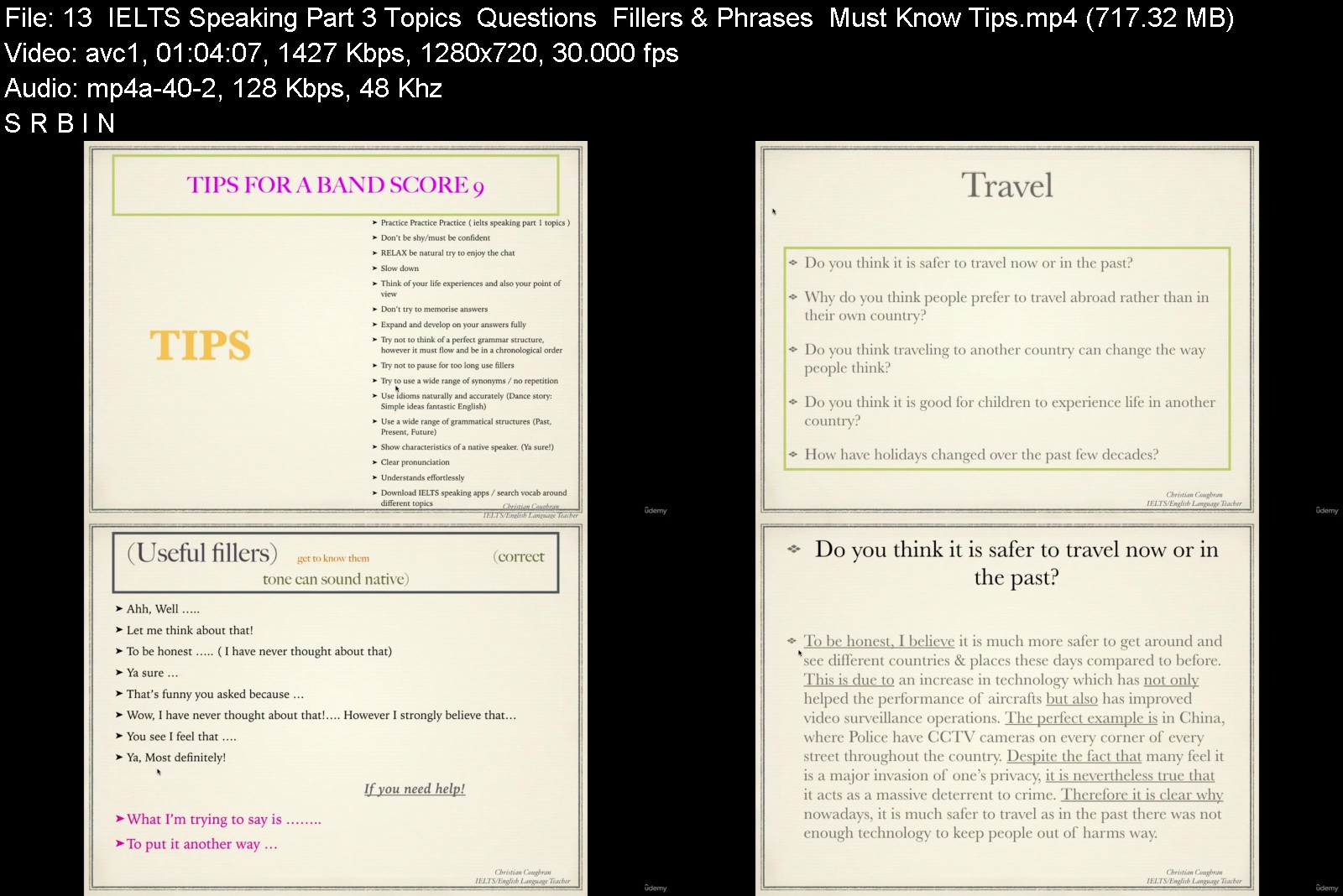
You will learn everything there is to know about each section of the test starting with Speaking part 1, 2 and then 3.
There is one video for each part of the Speaking test. You will learn impressive vocabulary, linking words and grammar structures which you can use in the test.
You will learn everything there is to know about IELTS Writing. I have created one structure which you can use for almost all writing structures.
Writing includes: Part 1 academic, all 6 writing types including the Pie chart, Bar chart, Line graph, Process, Map & Table. (You can follow my one structure)
Writing: Academic & General Essay. 3 Essay types. ( remember I have created one structure you can copy )
Writing General: Formal & Informal letter.
You will learn everything there is to know about the IELTS listening test, including tips & how to approach this section. .
You be given a real practice listening test to do which has been used in the past.
You will also be given a video which help with your listening as we do a spelling test and you will need to listen out for names, dates & places.
You will learn everything there is to know about the IELTS Reading test.
You will be given advice on what to do on the day of your test and what not to do. This is inorder to make you more confident.
Requirements
No prior experience needed, you will learn everything you need to know in this video course.
You should practice everything you learn in this course.

Description
This is the newest complete IELTS preparation course for anyone taking the Academic or General IELTS test. You will learn the most up to date tips / techniques and learn from real IELTS materials. My video course is the most recent to be added to UDEMY so please learn form the newest material and the latest tips. The old videos on UDEMY are most likely outdated and have old information.
In this IELTS full preparation course you will learn everything about each part of the IELTS test along with impressive vocabulary, linking words and must know tips. Together we will begin with Speaking part 1, 2 and then 3. You will learn many things including how you can continue speaking even if you have nothing left to talk about. I promise you are learning from the best. I have been teaching IELTS & English since 2008, which means I have a lot of experience. In addition, (which means AND) I have a large Instagram following where I not only do Zoom lessons but also post some useful English phrases and expressions. Once you join my video course you can contact me anytime for help and also a practice speaking test, if you like. My ID: English_Grammar_vocab_ielts
After the Speaking video lesson we will move on to Writing where you will learn part 1 & 2. I have made this section much easier for you, so you can use my one structure for almost all of the different types of writing. By following my structure, your writing will sound more formal and help you to achieve your IELTS band score.
Following the writing we will go through listening where you will learn how they try to trick you, in this section of the test. Did you know that sometimes the answer is not what they say in the recording but what they DO NOT say. (I will talk about this in much more detail in the course) After you learn how to approach the listening section you will get the chance to try a full IELTS listening test, which is a real test that has been used in the past.
Finally we will finish with the Reading section, where you will learn about the 15 different question types. I have made it easier for you and combined the 15 questions into only 6 main question types. You will also learn tips for the reading such as, which questions ALWAYS go in order to the reading and which NEVER go in order. This can be very helpful to know, so that it saves you time in the reading test.
I will also provide some advice for you on what you should do on the day of your test as well as things you should not be doing. I have worked extremely hard creating this IELTS FULL PREPARATION video course so that you don't have to. In my video course it has only what you must know and no extra information that is not needed. Too many teacher give students too many paper handouts and too much unhelpful information.
Enroll in my video course and lets do this together step by step. I will be with you all of the way and when you finish your test, I want you to message me on Instagram to let me know the good news.
Who this course is for
Anyone who is taking the IELTS Academic or General test.
Anyone who wants to improve their speaking, listening, reading & writing of an essay, letter or to analyse a chart.


ieltscompletepreparatspki2.jpg


Download from RapidGator


Download from NitroFlare


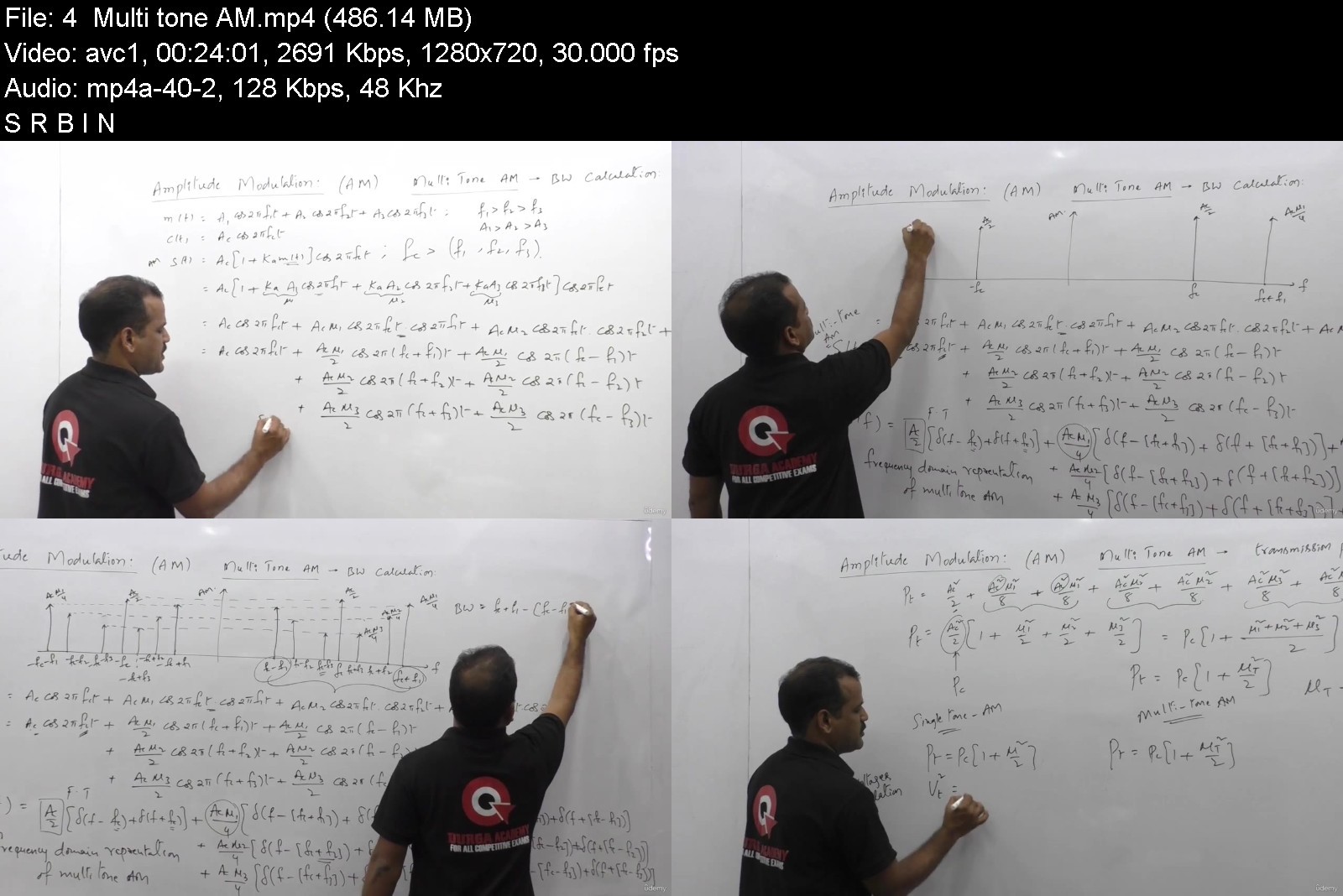
Analog Communications for GATE and other Exams

analogcommunicationsfqokco.jpg


Analog Communications for GATE and other Exams
MP4 | Video: h264, 1280x720 | Audio: AAC, 44.1 KHz, 2 Ch
Genre: eLearning | Language: English + srt | Duration: 63 lectures (10h 33m) | Size: 13.1 GB

Completeness of each topic of Analog Communications with utmost clarity


What you'll learn
Students can get complete in-depth knowledge of Communication & System
Can get the knowledge of Communication & System
Can get the knowledge of AM power Calculations
Can get the knowledge of Square law Modulator - AM Generation
Requirements
Should have knowledge of trigonometry
Should have knowledge of differentiation and integration
Should have knoweldge of algebraic equations
Description
Fourier Transform
==
1. Introduction to Fourier Transforms & Dirichlet s conditions
2. Fourier Transform of Unit Impulse function and One sided Exponential.
3. Fourier Transform of Two sided Exponential.
4. Fourier Transform of Signum Function
5. Fourier Transform of Unit Step function & Sinusoidal Functions.
6. Fourier Transform of Rectangular & Sinc & Fampling Functions.
7. Fourier Transform of Triangular Function.
8. Fourier Transform of Trapezoidal Signal.
9. Linearity property of Fourier Transform
10. Time scaling property of Fourier Transform
11. Time shifting property of Fourier Transform
12. Frequency shifting property of Fourier Transform
13. Differentiation in Time property of Fourier Transform
14. Integration in Time domain Property of Fourier Transform
15. Differentiation in Frequency domain Property of Fourier Transform
16. Conjugation Property of Fourier Transform
17. Duality Property of Fourier Transform
18. Modulation Property of Fourier Transform
19. Area Under time and Frequency Domain Signals.
20. Time Convolution Property of Fourier Transform
21. Frequency Convolution Property of Fourier Transform
22. Parseval's relation
23. Fourier Transform of Periodic Signal
24. GATE Previous Problems with Solutions Set - 1
25. GATE Previous Problems with Solutions Set - 2
Communication & System
========
1.Time Domain Analysis AM
2.Single tone AM
3.Power Calculations AM
4.Multi tone AM
5.limitations of AM
6.Square law Modulator - AM Generation
7.Switching Modulator - AM Generation
8.Coherent Detector - AM Detection
9.Square law detector-AM Detection
10.Example problems on AM
11.GATE problems on AM Set - 1
12.GATE problems on AM Set - 2
13.GATE problems on AM Set - 3
14.DSB introduction
15.Balanced Modulator-DSB generation
16.Ring Modulator - DSB Generation
17.Coherent detector - DSB Detection
18.Costas Loop/Receiver - DSB Detection
19.DSB example problem
20.GATE - Problems on DSB Set - 1
21.GATE - Problems on DSB Set - 2
22.SSB Introduction
23.SSB Time domain representation
24.SSB Generation-Frequency and Phase Descrimination Methods
25.SSB Detection - Coherent Detector
26.Single tone FM
27.Narrow Band FM(NBFM)
28.Wide Band FM(WBFM)
29.Carson's rule for FM bandwidth
30. Example Problems Set - 1 FM
31. Example Problems Set - 2 FM
32.GATE FM Problems
33.Super Heterodyne Receiver
34.Super heterodyne Receiver Example Problems
Who this course is for
Engineering students appearing for University and Competitive Examinations.


analogcommunicationsfhdkwi.jpg


Download from RapidGator


Download from NitroFlare


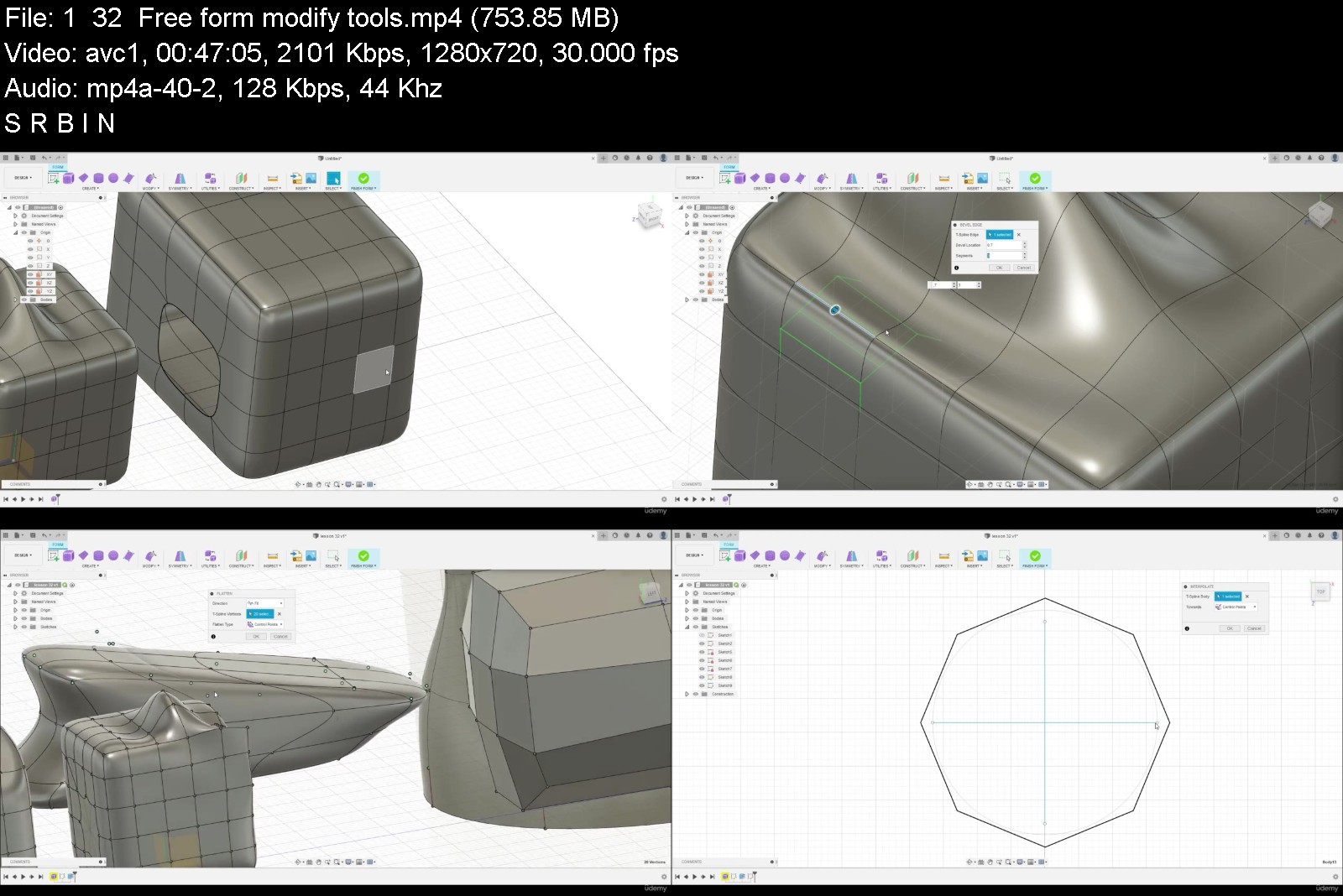
Autodesk Fusion Basic Course

fycwdqtrnhyzkjpbn4wyihykp4.jpg


Autodesk Fusion Basic Course
Genre: eLearning | MP4 | Video: h264, 1280x720 | Audio: AAC, 44.1 KHz
Language: English | Size: 6.26 GB | Duration: 8h 40m


What you'll learn
You will learn fundamental skills and knowledge to create design in the Autodesk Fusion software.
Creating sketches, 3D models and assemblies.
Creating and modify Free Form models.
Basics of model static simulation, Creating Animations and Drawings.
Requirements
Operating System: Apple® macOS macOS 12 Monterey macOS 11 Big Sur macOS 10.15 Catalina macOS 10.14 Mojave (Until March 2022) Note: macOS 10.14 Mojave support will be deprecated on March,2022. (More details) Microsoft® Windows® Windows 11 Windows 10 (64-bit) Windows 8.1 (64-bit) (until January 2023)**
Memory: 4GB of RAM; Disk space: 3 GB of storage; Internet connection 2.5 Mbps or faster download; 500Kbps or faster upload
Installed Autodesk Fusion 360 software.
No programming skills needed.
Basic computer skills.

Description
Hello everyone!
Welcome to the Autodesk Fusion 360 Basic Course.
This course is intended for everyone who would like to get familiar with the Fusion 360 software, from very beginning, with no knowledge about it.
Course requirements
Installed Autodesk Fusion software, internet connection.
Course contains 33 Practical lectures, about 8 hours in video format. Below you will see the Course content table with four columns
No. - Number of Lesson
Lesson Name - Name of the lesson
File name - The name of the file which is attached to the relevant lecture resource. In some lessons practice files should be used to learn how to use relevant design technique. To download the attached files please follow these steps
1. Create folder on the C drive, with name Autodesk Fusion Practice files.
2. Download the attached to the lectures practice files and save in folder Autodesk Fusion Practice files on the C drive.
3. During watching the lectures, You will be guided how to upload the practice files from Autodesk Fusion Practice files folder in the Fusion project.
In lectures without practice files ( Not applicable), You should repeat instructor actions to learn the lesson.
Lesson time - The length of the lesson in minutes:seconds
Course content:
No. Lesson Name File name Lesson time
0. Presentation Not applicable 03:34
1. Introduction Not applicable 29:05
2. Control of the Model 2. BBQ 18:27
3. Basic Shapes Not applicable 18:15
4. Sketch in the Fusion 360 Not applicable 21:42
5. Extrude feature for 3D model creation Not applicable 15:40
6. Revolve feature for 3D model creation Not applicable 09:57
7. Constraints Application 7. constraints_1 09:01
8.1. Dimension and constraints to fully constraint the sketch Not applicable 13:45
8.2. Dimension and constraints to fully constraint the sketch Not applicable 14:52
9. Trim Extend Mirror 9. Trim_Extend_Mirror 04:19
10. Copy Sketch 10. copy_sketch 08:02
11. Sketch Patterns 11. sketch_patterns 07:28
12.1. Extrude from sketch on the model 12.1 Extrude from sketch on the model part 1 09:07
12.2. Offset in the sketch on the model 12.2 Extrude from sketch offset on the model part 2 05:23
13. One sketch for multiple features 13. One sketch for multiple features 05:36
14. Fillet and Chamfer 14. Fillet and Chamfer 09:41
15. Hole creation Not applicable 14:56
16. Construct Features Not applicable 21:58
17.1. Parameter Dimensions by equations 17.1 Equations for dimensions 11:23
17.2. Parameter Dimensions by equations 17.2 Equations for dimensions 2 09:52
18. Shell and Rib 18. Shell and Rib 07:12
19. Design Modify Tools Not applicable 07:01
20. Feature order impact to the model Not applicable 07:02
21. Direct Modelling 21. Direct modeling v2 11:24
22. Sweep feature Not applicable 09:25
23. Loft feature 23. Loft Feature 08:08
24. Mirror feature Not applicable 06:47
25. Pattern feature 25. Pattern Feature 14:32
26. Assembly Joints 26. Assembly Joints v1 v2 21:26
27. As built joint Assembly 27. As built Joint Assembly 19:31
28. Drawing creation 14. Fillet and Chamfer 09:53
29. Assembly drawing 29. As built Joint Assembly Final 21:55
30. Free form modelling Not applicable 19:30
31. Free Form Edit tool Not applicable 10:34
32. Free form modify tools Not applicable 46:41
33. Static Analysis Not applicable 16:49
TOTAL time: 8hr 22min
During this course, step by step You will learn how to create design in Fusion , starting from interface of the software, then creating sketch, constraints, 3D model, combine parts by joints making assemblies, prepare exploded view in animation, then generating the drawing. As well as creating and modifying free forms and at the end the basics of static stress analysis.
Thank You for participating in this Autodesk Fusion 360 Basic Course.
Who this course is for
This course is intended for complete beginners.
Essential users can also learn a few new things as this course includes practice lessons on various design techniques and tools.


autodeskfusionbasicco4njv0.jpg


Download from RapidGator


Download from NitroFlare


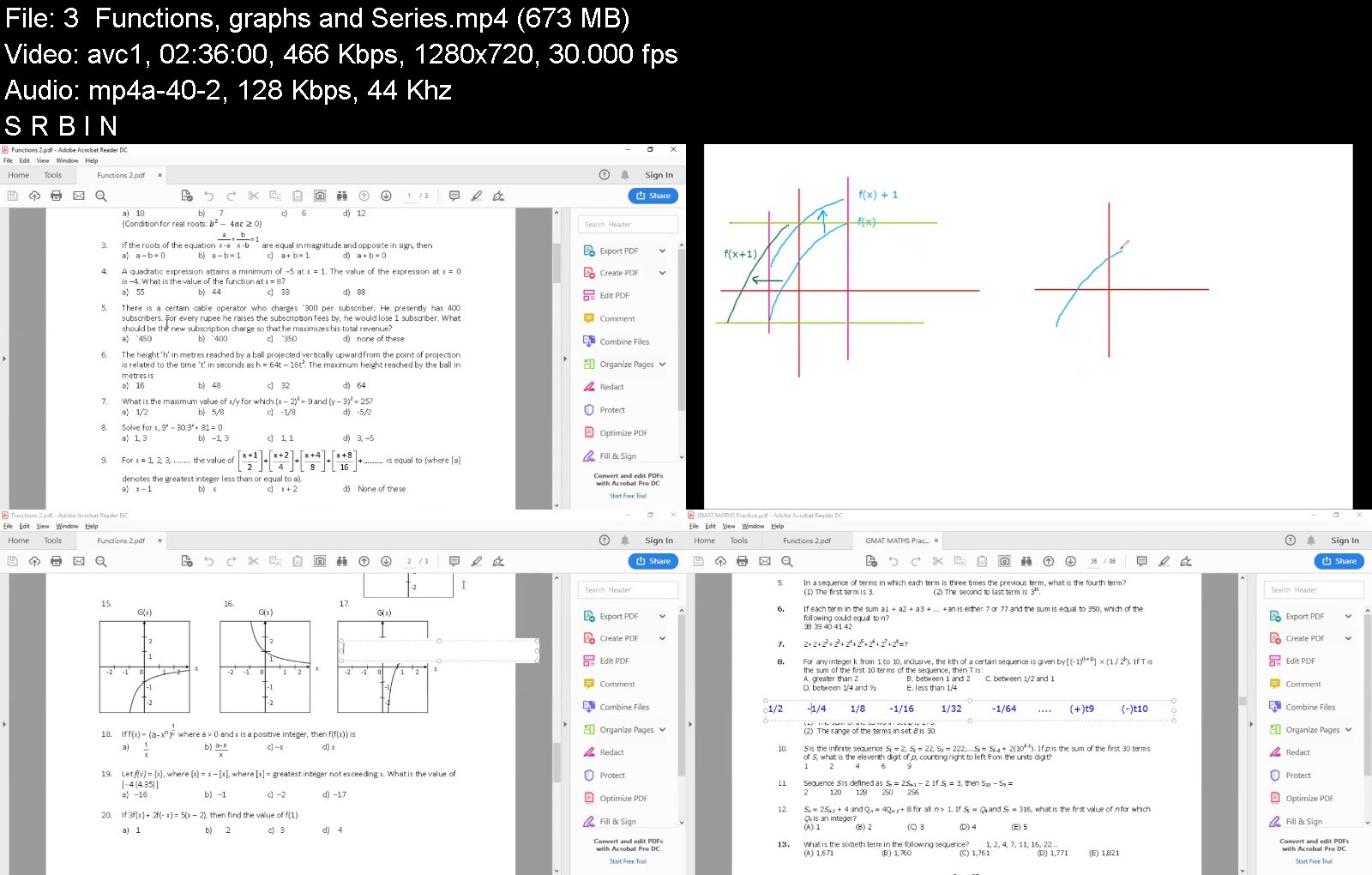
Learn GMAT Quant - a comprehensive course

275942831_weddszamfyizszptmxgqfuxh4zeqzhem.jpg


Learn GMAT Quant - a comprehensive course
Genre: eLearning | MP4 | Video: h264, 1280x720 | Audio: AAC, 44.1 KHz
Language: English | Size: 8.35 GB | Duration: 32h 26m


What you'll learn
Know the different concepts of Quantitative reasoning of the GMAT
Apply the concepts in different questions from easy to difficult (750+) levels
Improve your conceptual understanding of interrelations between Quant topics
Improve your Quant score in the GMAT to Q50 or above
Requirements
No prior experience needed. You just need to spend enough time regularly on this course

Description
The course covers the entire Quant for the GMAT through a series of 24 detailed videos explaining the concepts along with practice problems.
# More than 32 hours of recorded videos
# Over 150 questions solved - easy to difficult (750+ levels)
# Multiple ways of solving a problem shown
# Assignments with over 600 questions provided along with answers
# The course will cover the topics from the basics, no prior knowledge is necessary
Ideally, the student should invest time regularly in learning the concepts, solving the questions and reviewing previous concepts at regular intervals. An ideal preparation time to complete the course would be 3 months for the average learner. The students will be in touch with me and can ask any doubts they may be having.
About the instructor: Sujoy Kr Datta is a mentor & coach for GMAT, GRE, CAT, SAT, ACT. He has over 15 years experience as a mentor and is an IIT alumnus. He has scored Q51 in the GMAT (in 30 minutes) and also scored 99.98 (99.5+ scores 10 times) in CAT with QA 99.99, LRDI 99.6 & VA 99.1. His students have scored in the top 5 percent in these tests and have been selected by the IIMs, ISB, Cornell, USC Marshall, NUS, UCB, ESMT, XLRI, and more.
Who this course is for
Any student or professional who plans to write the GMAT

Homepage

learngmatquantacompreo7kd3.jpg


Download from RapidGator


Download from NitroFlare


Fundamentals of MPLS in Juniper

zfvtu4lloshpqcwz5r8cbnskyl.jpg


Fundamentals of MPLS in Juniper
Genre: eLearning | MP4 | Video: h264, 1280x720 | Audio: AAC, 48.0 KHz
Language: English | Size: 5.29 GB | Duration: 7h 17m


What you'll learn
Juniper MPLS Fundementals
Labelled Packet Forwarding Mechanism
LDP
RSVP
Traffic Engineering
MPLS L3VPN
VPLS
Requirements
Fundemental Network Knowledge,Dynamic Routing Protocols

Description
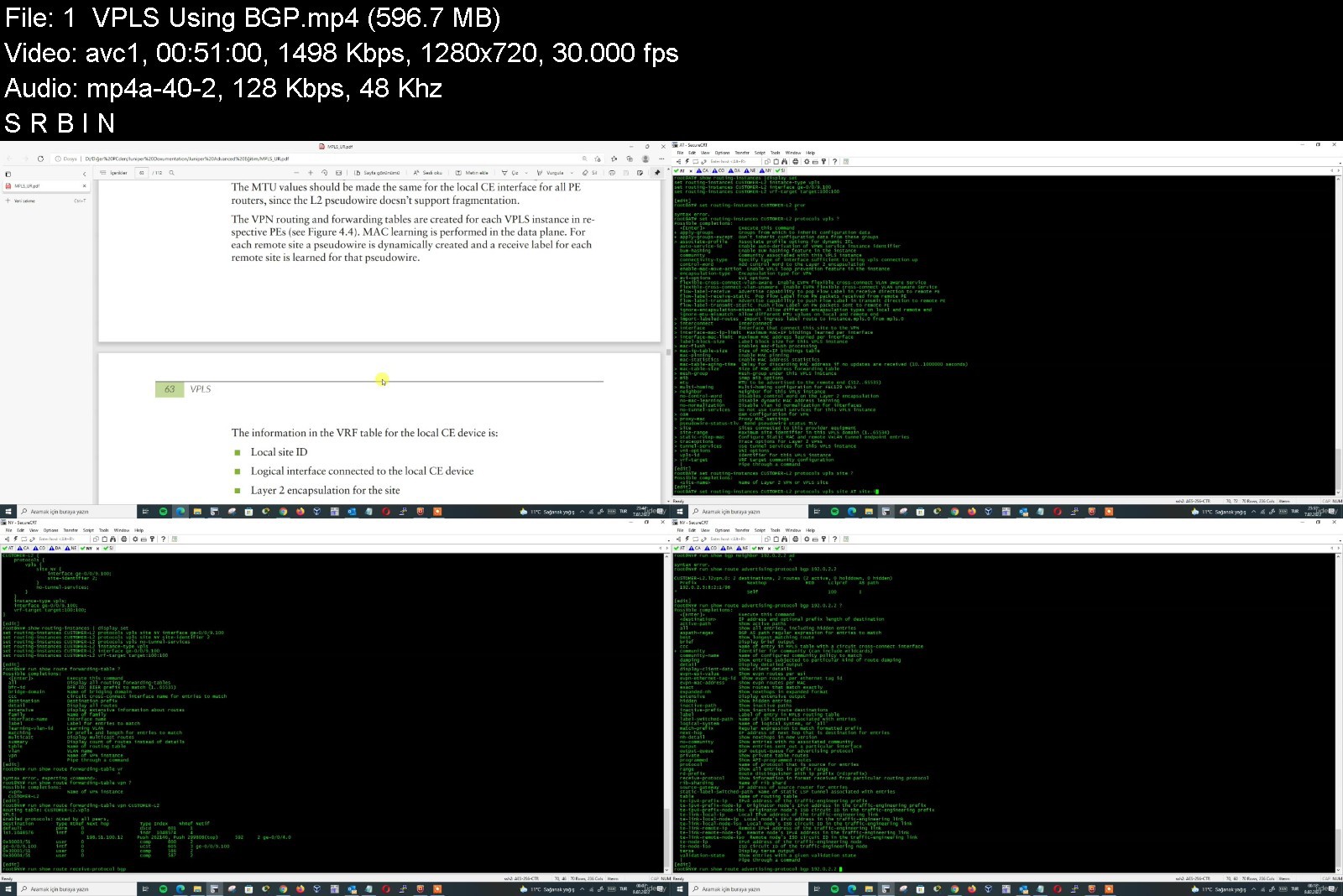
In this course, you are going to learn details of MPLS technologies and how to configure MPLS in Juniper.
MPLS is really important technology which is used in wide area of Service Providers and even in some enterprises. Actually, it is seen with multi-brunches customers to connect their network to central. But, as a network engineer, you have to know background of this technology even if you are not in service provider team.
This course starts with labeling mechanism and will continue with labeling signalling protocols such as LDP and RSVP. RSVP has more complexity comparison to LDP and you will learn all details of them.
We will build together large MPLS topology and configure all router by starting IGP protocol OSPF and advertise routes of loopbacks.
Then we will enable MPLS and try to communicate customer end sider in MPLS L3VPN. In last chapter, we will touch on VPLS also.
VPLS provides you point-to-multipoint communication as if your clients in same broadcast LAN network. We will work VPLS using BGP and VPLS using LDP configuration. Also we will mention about their difference and why we use for which reason.
I will add some small quiz for you in order to make you understand concept of technology
I hope this course will help you and you will like it.
Have an enjoy!
Regards,
Who this course is for
Network Engineers


fundamentalsofmplsinjmykjw.jpg


Download from RapidGator


Download from NitroFlare


Complete Wordpress course for beginners in 2022

275942648_4526994_7cad.jpg


Complete Wordpress course for beginners in 2022
MP4 | Video: h264, 1280x720 | Audio: AAC, 44.1 KHz, 2 Ch
Genre: eLearning | Language: English + srt | Duration: 56 lectures (7h 34m) | Size: 7.25 GB

Create your own Agency website using Wordpress. Even if you never made any website before!


What you'll learn
Wordpress basic A2Z | Everything i show in this course
About Elementor Free and Elementor Pro A2Z
How to install Themes and Plugins
How to design Proparly
How to get free domain and Hosting
Many More
Requirements
Nothing need i will show you everything
Just Need Internet and a Computer.
Description
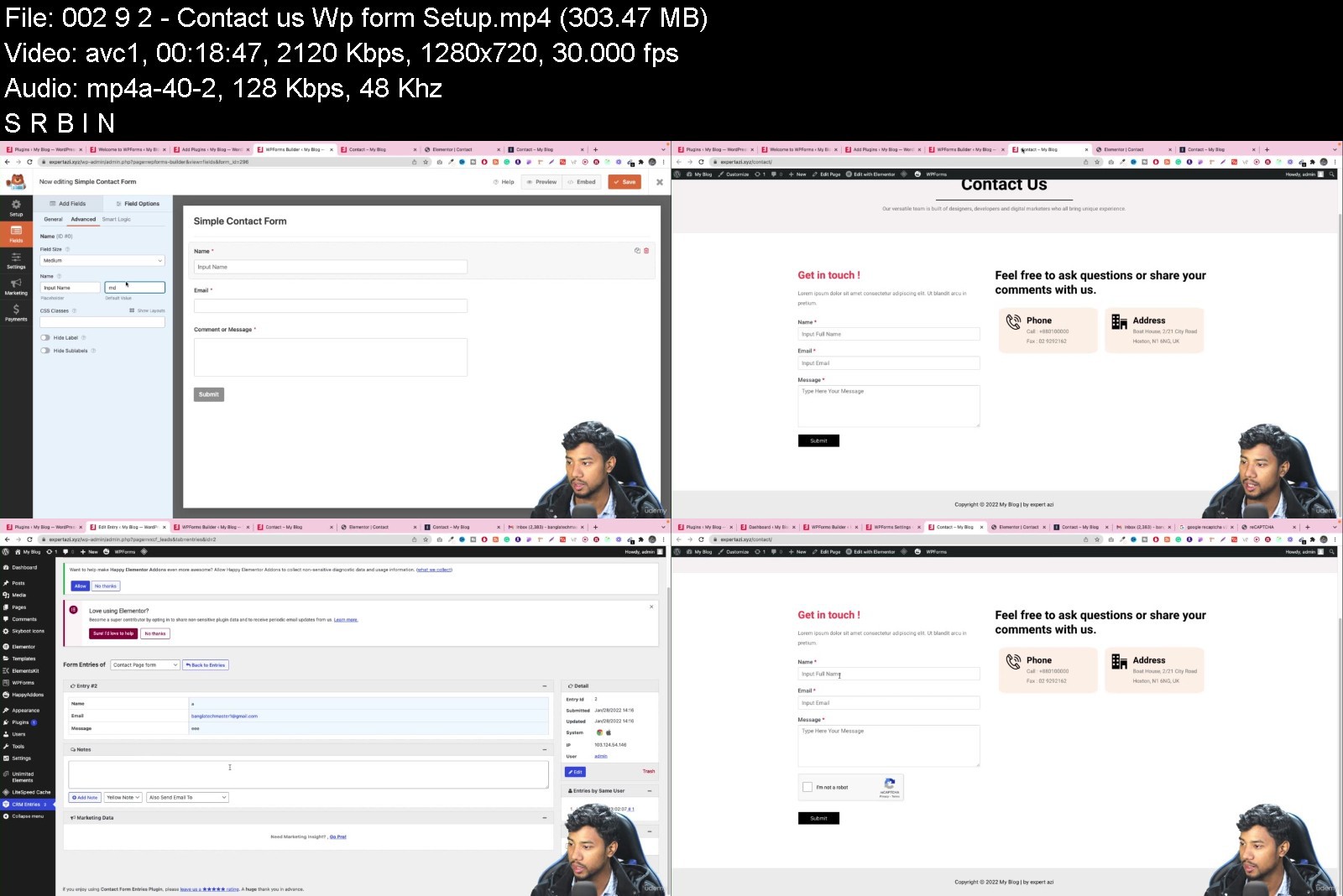
Welcome To My WordPress Elementor Course. I am Md Azizul from Expert Azi.CEO And Founder of getwpexpert.com.Last 5 years I am working on youtube and taught People about web design and development. Last 3 years I am working on Fiverr and Upwork as a freelance web developer. I finish A lot of projects Online and Offline.
In this course, I will teach you. how you can create a website from scratch using WordPress and we will use a free theme and some free plugins, and Elementor Page Builder. Even if you are new to WordPress, if you complete the course you will learn many things and you will get confidence. You will be able to redesign or recreate any kind of Responsive website.
Benefits
you and me. we will design this full website from scratch.
give you all the files and source code.
Unlimited support.
Share with you Premium Plugins and software.
If you want to do freelance then we will help you and give proper guidance.
Basically, we directly focus on practical work. Firstly we show you some basics then we start designing the full website.
We are targeting beginners .who want to start WordPress.who want to make their own website and want to earn money.
Who this course is for
Complete wordpress course for beginners


completewordpresscoureuk16.jpg


Download from RapidGator


Download from NitroFlare


Python for webscraping, scheduling & automation (Selenium)

d72htiuty1af5jr3oubm8likxf.jpg


Python for webscraping, scheduling & automation (Selenium)
Genre: eLearning | MP4 | Video: h264, 1280x720 | Audio: AAC, 48.0 KHz
Language: English | Size: 5.0 GB | Duration: 6h 44m


What you'll learn
Using Python for sending emails and text messages
Scrapping content on websites like Linkedin, Instagram, Google, ...
Scheduling & automating Python scripts
Setting up a server to host a Python application
Connecting a Python app to databases
Using Python to automate tasks
Requirements
Python language or familiar with other programming languages

Description
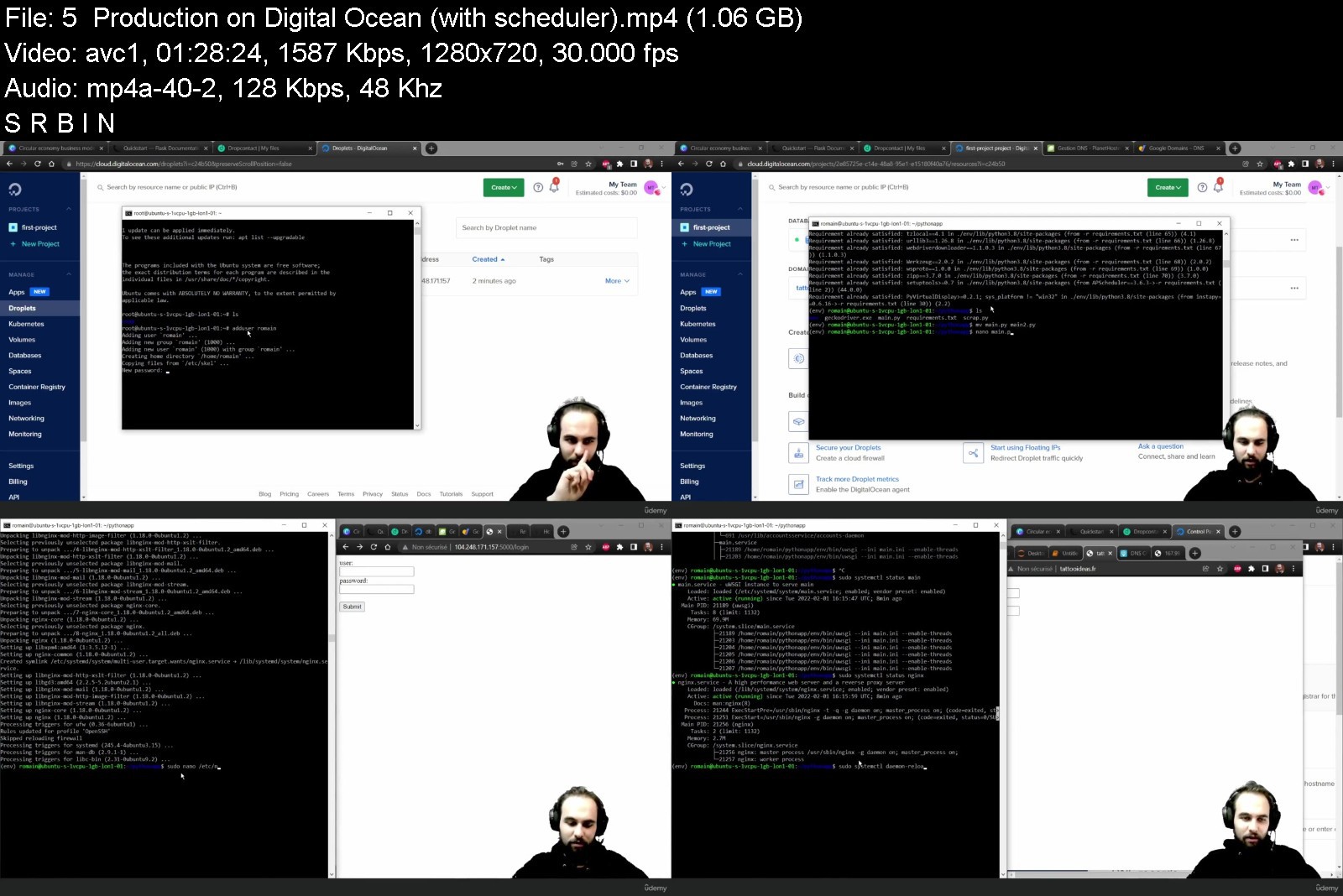
Even though low-code and no-code technologies are becoming more and more popular, scraping any website and automating any task can still be difficult. This course gives you the tools so that you can use Python to automate any task on a browser, like creating a Linkedin or Instagram bot.
This course offers practical solutions to the most challenging problems that you will meet while trying to retrieve data from websites during your growth hacking journey: scraping email addresses, creating an Instagram bot, ... With this course, you will understand how you can automate any Python script to perform actions online. You will learn how to connect your application to databases and how to put it to production. This course is broken into 23 chapters that address all the subjects that you need to understand to build any automation or web scraping tool. You will learn
- How to modify files with Python
- How to scrap data from any website (Linkedin, Instagram, etc)
- How to send emails & text messages with Python
- How to connect your application to databases (MySQL, PostgreSQL, MongoDB)
- How to automate & schedule Python scripts
- How to put your application to production with different providers
I have intentionally designed this course so that you can come back any time and find what you need in separate videos and course chapters. This course is part on an ongoing Python's series including
- Python for web development
- Python for web scrapping, scheduling & automation (this course)
- Python for mobile app backends & APIs
Who this course is for
Python and full-stack developers, engineering students, self-taught developers


pythonforwebscrapingsb2ktc.jpg


Download from RapidGator


Download from NitroFlare


English Club TV - A School Day in the UK - Part 1

englishclubtvaschooldwej59.jpg


English Club TV - A School Day in the UK - Part 1
MP4 | Video: AVC 1920 x 1080 | Audio: AAC 48 Khz 2ch | Duration: 23:15:08 | 21.12 GB
Genre: eLearning | Language: English

English Club TV Group is a group of production, education and distribution companies that operates worldwide in the field of English, teaching under the brands ENGLISH CLUB TV and ECTV. English Club TV is an educational channel for those who study English. All programs are developed by experienced methodologists and have an educational aspect. The English Club TV channel covers the European, Asian and African continents. English Club TV HD is a high definition simulcast of an English club TV channel.

englishclubtvaschoold1kj6o.jpg


Download from RapidGator


Download from NitroFlare


English Conversation: Master Conversation Skills 3

enncb2u6pator8ptvcwojwrkxk.jpg


English Conversation: Master Conversation Skills 3
MP4 | Video: h264, 1280x720 | Audio: AAC, 44.1 KHz
Language: English | Size: 6.74 GB | Duration: 6h 9m

Master and Learn the most common Phrases in Spoken English Through 5 Stages


What you'll learn
Hold conversations on a variety of topics
Understand the most common spoken Questions and Phrases in English
Learn how to Communicate effectively with English Native Speakers
Feel confident in understanding and being understood in practical conversations.
Understand the Formal and Informal phrases and how to use in Context
Requirements
A Desire to improve your Conversation skills and spoken English
Basic Understanding of English.

Description
Do you want to improve your English communication at work , school and English world ? So if your answer is Yes , This course is Definitely For You
Many students have trouble Using English in formal and Informal situations .. But in this course I would help you understand these differences and explain How to use them . ..
Remember , Repeating the sentences and phrases is the best way to Improve your Pronunciation ..
In this course I Have tried to choose the most common topics people use in their Conversations
Such as : Talking about future plans , Asking others for their opinions , Speaking about Statistics , Phrases for disappointment , Phrases commonly used in order to agree or disagree with people, Phrases sued for compliment , Cheering people up , bad and good experiences etc.
So my technique and Method of Teaching is .
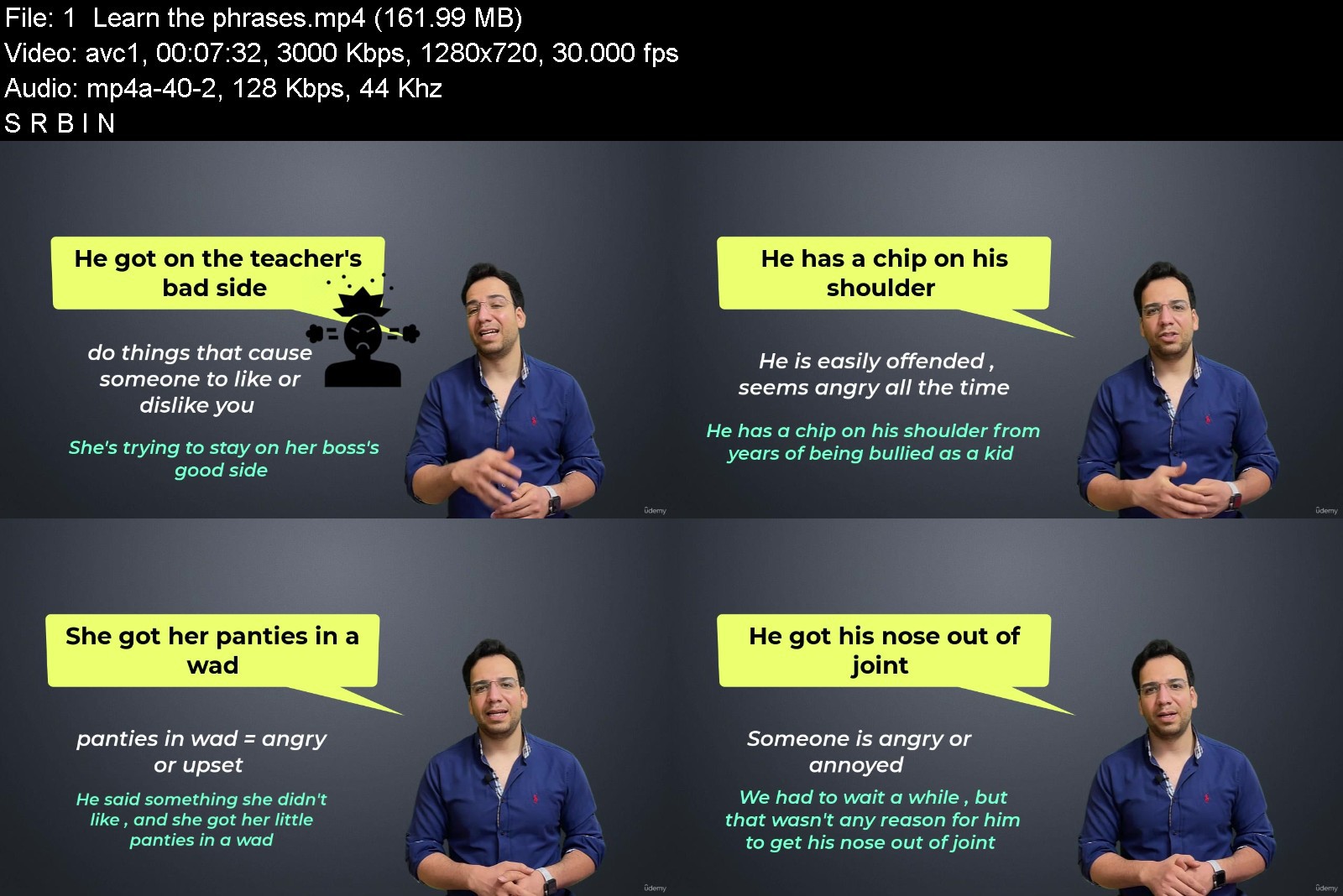
Learn the phrases
Understand where and how to use them in different context
Review them in short movies
Checking your undestanding of these phrases
Improving listening
In order to improve your English conversation, you need to improve your listening, understanding, and speaking. through this style and method, you will definitely improve your English conversation skills.
This way , I'm sure you will never forget them .. but Remember Practice is the best way to Improve ..
Who this course is for
This course is meant for people who want to improve their conversation skills.
This course is meant for people who enjoy meeting people from all around the world.
Those students who are tired of using repetitive phrases and want to upgrade their speaking skills


englishconversationmakdjgz.jpg


Download from RapidGator


Download from NitroFlare


Zurück
Oben Unten