• Regeln für den Video-Bereich:

    In den Börsenbereich gehören nur Angebote die bereits den Allgemeinen Regeln entsprechen.

    Einteilung

    - Folgende Formate gehören in die angegeben Bereiche:
    - Filme: Encodierte Filme von BluRay, DVD, R5, TV, Screener sowie Telesyncs im Format DivX, XviD und x264.
    - DVD: Filme im Format DVD5, DVD9 und HD2DVD.
    - HD: Encodierte Filme mit der Auflösung 720p oder darüber von BluRay, DVD, R5, TV, Screener sowie Telesyncs im Format x264.
    - 3D: Encodierte Filme von BluRay, die in einem 3D Format vorliegen. Dies gilt auch für Dokus, Animation usw.
    - Serien: Cartoon/Zeichentrick, Anime, Tutorials, Dokumentationen, Konzerte/Musik, Sonstiges sind demnach in die entsprechenden Bereiche einzuordnen, auch wenn sie beispielsweise im High Definition-Format oder als DVD5/DVD9/HD2DVD vorliegen. Ausnahme 3D.
    - Bereich Englisch: Englische Releases gehören immer in diesen Bereich.
    - Bereich Talk: Der Bereich, in dem über die Releases diskutiert werden kann, darf, soll und erwünscht ist.


    Angebot/Beitrag erstellen

    - Ein Beitrag darf erst dann erstellt werden, wenn der Upload bei mindestens einem OCH komplett ist. Platzhalter sind untersagt.
    - Bei einem Scenerelease hat der Threadtitel ausschließlich aus dem originalen, unveränderten Releasenamen zu bestehen. Es dürfen keine Veränderungen wie z.B. Sterne, kleine Buchstaben o.ä. vorgenommen werden. Ausnahme Serienbörse:
    - Bei einem Sammelthread für eine Staffel entfällt aus dem Releasename natürlich der Name der Folge. Beispiel: Die Simpsons S21 German DVDRip XviD - ITG
    - Dementsprechend sind also u.a. verboten: Erweiterungen wie "Tipp", "empfehlenswert", "only", "reup", usw. / jegliche andere Zusatzinformation oder Ergänzung, welche nicht in obiger Beschreibung zu finden ist.

    Aufbau des Angebots und Threadtitel

    Der Titel nach folgendem Muster erstellt zu werden. <Name> [3D] [Staffel] [German] <Jahr> <Tonspur> [DL] [Auflösung] <Quelle> <Codec> - <Group>
    Beispiel: The Dark Knight German 2008 AC3 DVDRip XviD - iND
    Beispiel: The Dark Knight 2008 DTS DL BDRip x264 - iND
    Beispiel: The Dark Knight 2008 AC3 DL BDRip XviD - iND
    Beispiel: The Dark Knight German 2008 AC3 720p BluRay x264 iND
    Beispiel: The Dark Knight 2008 DTS DL 1080p BluRay x264 iND
    Beispiel: Die Simpsons S01 German AC3 DVDRip XviD iND
    Beispiel: Die Simpsons S20 German AC3 720p BluRay x264 iND
    Beispiel: Sword Art Online II Ger Sub 2014 AAC 1080p WEBRip x264 - peppermint
    Entsprechend sind also u.a. verboten: Sonderzeichen wie Klammern, Sterne, Ausrufezeichen, Unterstriche, Anführungszeichen / Erweiterungen wie "Tipp", "empfehlenswert", "only", "reup", usw. / jegliche andere Zusatzinformation oder Ergänzung, welche nicht in obiger Beschreibung zu finden ist
    Ausnahmen hiervon können in den Bereichen geregelt sein.

    Die Beiträge sollen wie folgt aufgebaut werden:
    Überschrift entspricht dem Threadtitel
    Cover
    kurze Inhaltsbeschreibung
    Format, Größe, Dauer sind gut lesbar für Downloader außerhalb des Spoilers zu vermerken
    Nfo sind immer Anzugeben und selbige immer im Spoiler in Textform.
    Sind keine Nfo vorhanden z.B. Eigenpublikationen, sind im Spoiler folgende Dateiinformationen zusätzlich anzugeben :
    Quelle
    Video (Auflösung und Bitrate)
    Ton (Sprache, Format und Bitrate der einzelnen Spuren)
    Untertitel (sofern vorhanden)
    Hosterangabe in Textform außerhalb eines Spoiler mit allen enthaltenen Hostern.
    Bei SD kann auf diese zusätzlichen Dateiinformationen verzichtet werden.

    Alle benötigten Passwörter sind, sofern vorhanden, in Textform im Angebot anzugeben.
    Spoiler im Spoiler mit Kommentaren :"Schon Bedankt?" sind unerwünscht.


    Releases

    - Sind Retail-Release verfügbar, sind alle anderen Variationen untersagt. Ausnahmen: Alle deutschen Retail-Release sind CUT, in diesem Fall sind dubbed UNCUT-Release zulässig.
    - Im Serien-Bereich gilt speziell: Wenn ein Retail vor Abschluss einer laufenden Staffel erscheint, darf diese Staffel noch zu Ende gebracht werden.62
    - Gleiche Releases sind unbedingt zusammenzufassen. Das bedeutet, es ist zwingend erforderlich, vor dem Erstellen eines Themas per Suchfunktion zu überprüfen, ob bereits ein Beitrag mit demselben Release besteht. Ist dies der Fall, ist der bereits vorhandene Beitrag zu verwenden.
    - P2P und Scene Releases dürfen nicht verändert oder gar unter einem iND Tag eingestellt werden.


    Support, Diskussionen und Suche

    - Supportanfragen sind entweder per PN oder im Bereich Talk zu stellen.
    - Diskussionen und Bewertungen sind im Talk Bereich zu führen. Fragen an die Uploader haben ausschließlich via PN zu erfolgen, und sind in den Angeboten untersagt.
    - Anfragen zu Upload-Wünschen sind nur im Bereich Suche Video erlaubt. Antworten dürfen nur auf Angebote von MyBoerse.bz verlinkt werden.


    Verbote

    - Untersagt sind mehrere Formate in einem einzigen Angebotsthread, wie beispielsweise das gleichzeitige Anbieten von DivX/XviD, 720p und 1080p in einem Thread. Pro Format, Release und Auflösung ist ein eigener Thread zu eröffnen.
    - Grundsätzlich ebenso verboten sind Dupes. Uploader haben sich an geeigneter Stelle darüber zu informieren, ob es sich bei einem Release um ein Dupe handelt.
    - Gefakte, nur teilweise lauffähige oder unvollständige Angebote sind untersagt. Dies gilt auch für eigene Publikationen, die augenscheinlich nicht selbst von z.B. einer DVD gerippt wurden. Laufende Serien, bei denen noch nicht alle Folgen verfügbar sind, dürfen erstellt und regelmäßig geupdatet werden.
    - Untersagt sind Angebote, welche nur und ausschließlich in einer anderen Sprache als deutsch oder englisch vorliegen. Ausnahmen sind VORHER mit den Moderatoren zu klären.


    Verstoß gegen die Regeln

    - Angebote oder Beiträge, die gegen die Forenregeln verstoßen, sind über den "Melden"-Button im Beitrag zu melden.
  • Bitte registriere dich zunächst um Beiträge zu verfassen und externe Links aufzurufen.

*** Bestes IPTV *** bester Preis *** gratis Test ***


Englische Tutorials

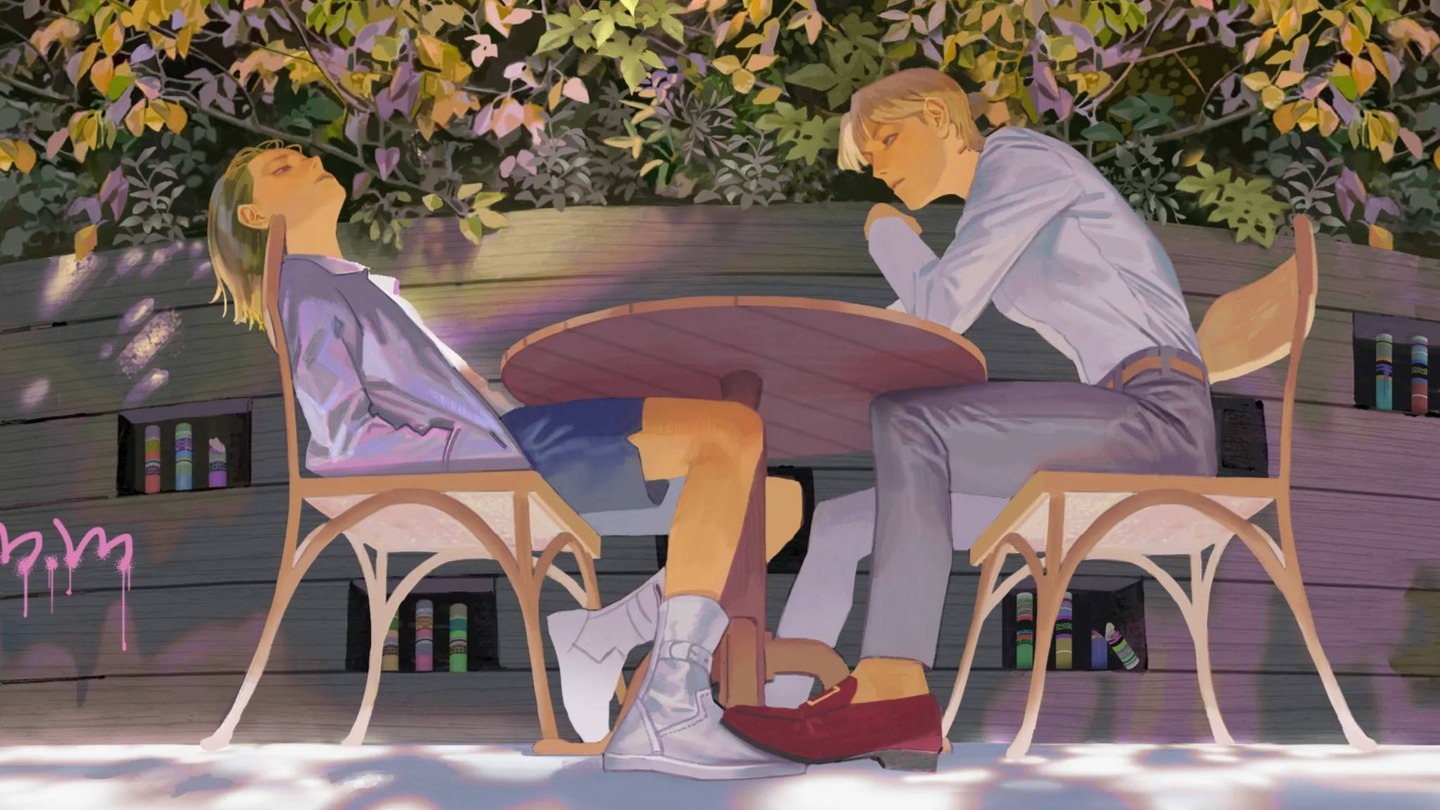
Class101 - Udon - Express Your Story Through an Illustration: Online Digital Drawing Class
c9k54.jpg


Class101 - Udon - Express Your Story Through an Illustration: Online Digital Drawing Class
Video: h264, yuv420p, 1920x1080, 8500 kb/s, 29.97 fps | Audio: aac, 48000 Hz, 2 channels, s16, 125 kb/s
Genre: eLearning | Duration: 6hrs+ | Language: KOREAN (No Subtitle) | File size: 10 GB

I'm working on reinterpreting digital painting and the moments I want to remember using Photoshop as a medium. In addition, I've been recently painting in a wide range of styles with various paintings, including characters and character illustrations.

Elements of your own are important when it comes to illustration work but, the most important thing is the ability to express what you want, how you want.

There were so many I wanted to draw, but I couldn't draw them all because of my limited knowledge in artistic expression. So, rather than drawing a picture, I focused on building the basic skills and senses that I need to draw a variety of things. In this class, I will show you everything I've learned, and you will improve your basic skills & senses that you need in order to draw.

Let's express our favorite things in many different ways!

The advantage of digital painting is that you can draw a picture in the atmosphere you want in a relatively convenient way, regardless of material and expression. Let's learn the basics of painting and how to use Photoshop, and express yourself in various ways on an empty canvas!

In this class, we will focus on everything you need to know to create amazing illustrations. For those of you who find it difficult to draw pictures with Photoshop, I'll teach you about various functions to help you with your work, the components that make a picture attractive, and how to achieve effects that vary according to different techniques and expressions, etc.

Lastly, I will show you an easy overview of the important basics of drawing! The goal of this class is to explore and learn the necessary fundamentals and techniques together, find your own style, or broaden your spectrum of expression.

Homepage

4sfekw5.jpg


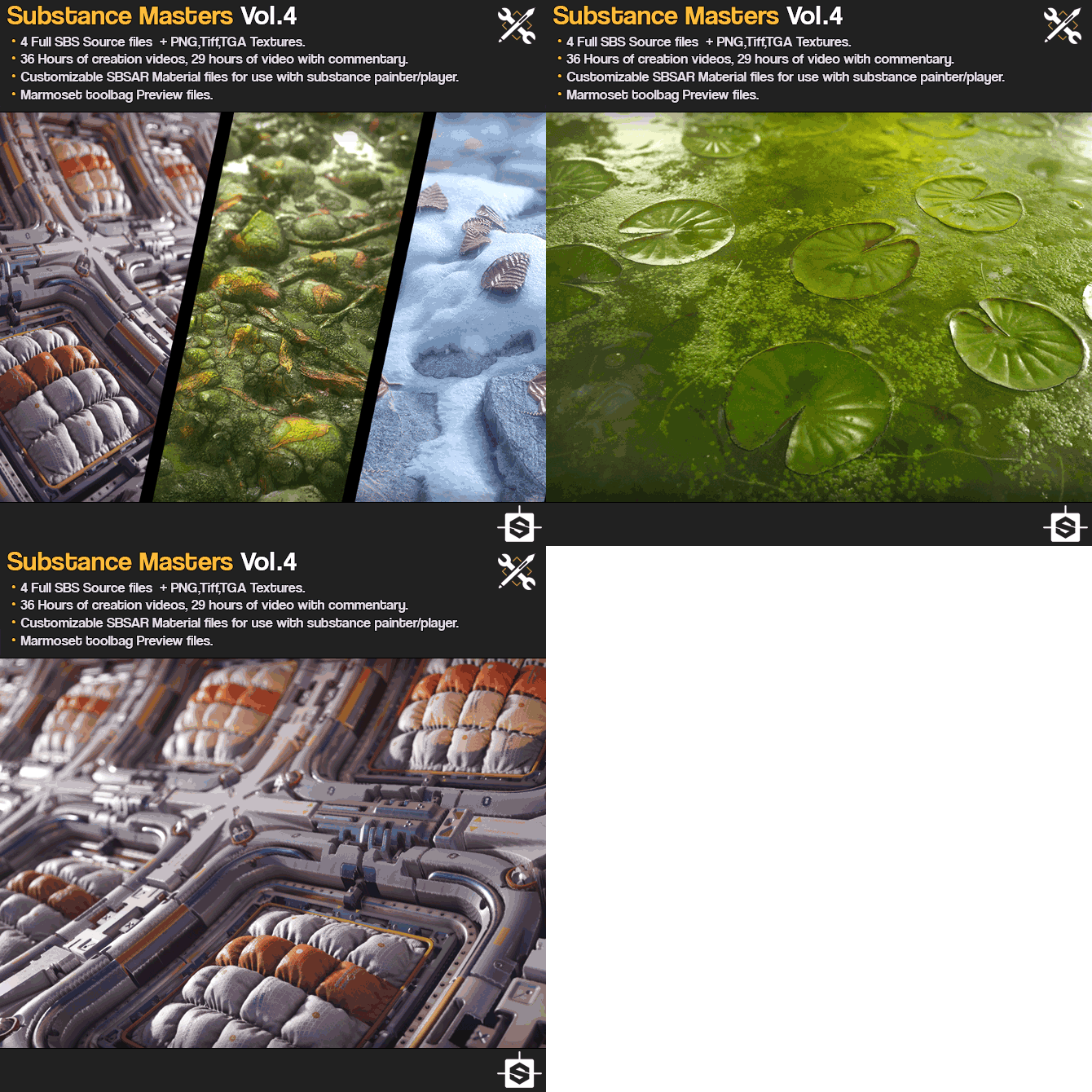
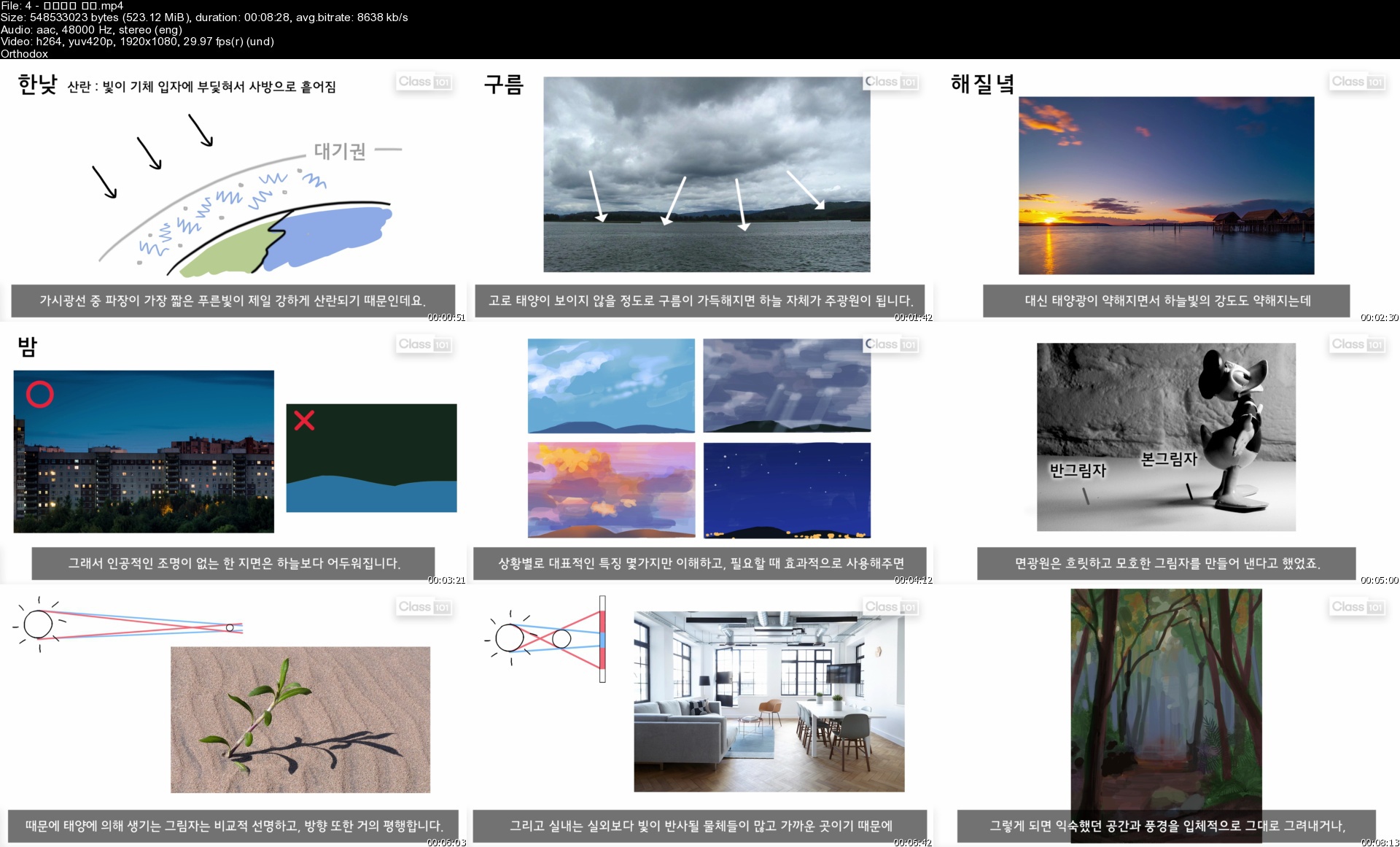
Gumroad - Substance Masters Vol.4

7bk2s.gif


Gumroad - Substance Masters Vol.4
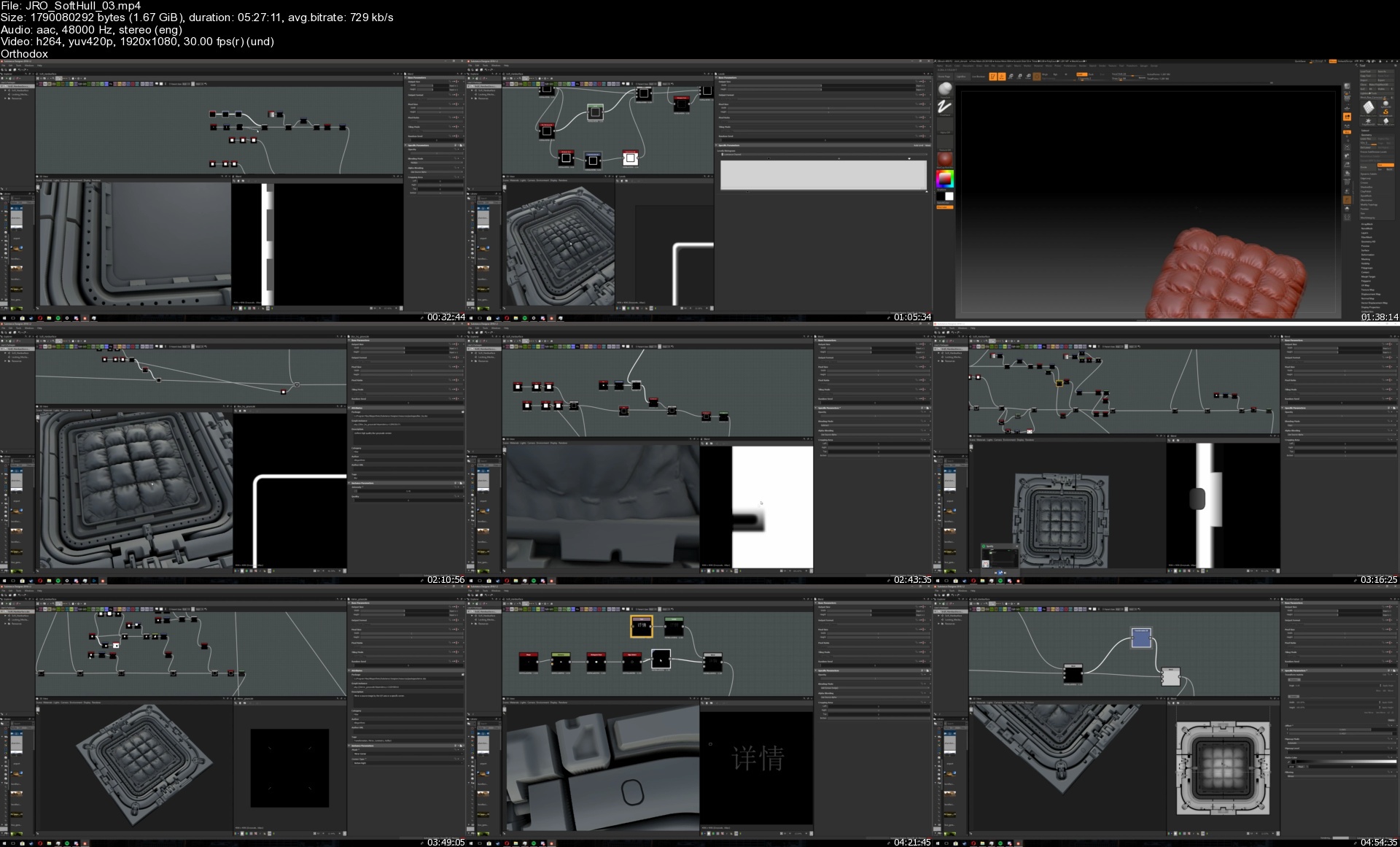
Video: h264, yuv420p, 1920x1080, 623 kb/s, 30.00 fps | Audio: aac, 48000 Hz, 2 channels, s16, 87 kb/s
Genre: eLearning | Duration: 36-29hrs+ | Language: English | File size: 17.2 GB

This set focuses on teaching and showing the creation process of 4 advanced substance designer materials, you can dig into the full SBS substance designer files or watch the creation process in the 36 hours of recorded video, 29 hours of those with commentary. For those interested in lighting and presentation you can also check out the Marmoset toolbag files that are included.

Contents
JRO_SoftHull
JRO_Riverbed
JRO_MeltingSnow
JRO_Swamp

- 4 SBS Substance designer source files, 3 of them commented.
- 29 Hours of creation video with commentary
- A total of 36 hours of Recorded creation video.
- PNG,Tiff,TGA Textures.
- Customizable SBSAR material files for use with substance painter/substance player.
- Marmoset Toolbag preview files.

JRO_SoftHull
- Full SBS Source Material file with comments.
- 24 hours of creation video with commentary.
- PNG, Tiff, TGA Textures
- Customizable SBSAR Substance Painter material file.
- Marmoset Toolbag preview files.

JRO_Riverbed
- Full SBS Source Material file.
- 1h 22min of creation video with commentary.
- PNG, Tiff, TGA Textures
- Customizable SBSAR Substance Painter material file.
- Marmoset Toolbag preview files.

JRO_MeltingSnow
- Full SBS Source Material file.
- 2h 27min of creation video with commentary.
- PNG, Tiff, TGA Textures
- Customizable SBSAR Substance Painter material file.
- Marmoset Toolbag preview files.

JRO_Swamp
- Full SBS Source Material file with comments.
- 8h 48min of raw creation video.
- PNG, Tiff, TGA Textures.
- Customizable SBSAR Substance Painter material file.
- Marmoset Toolbag preview files.

Homepage


jrosofthull03scrkkl.jpg


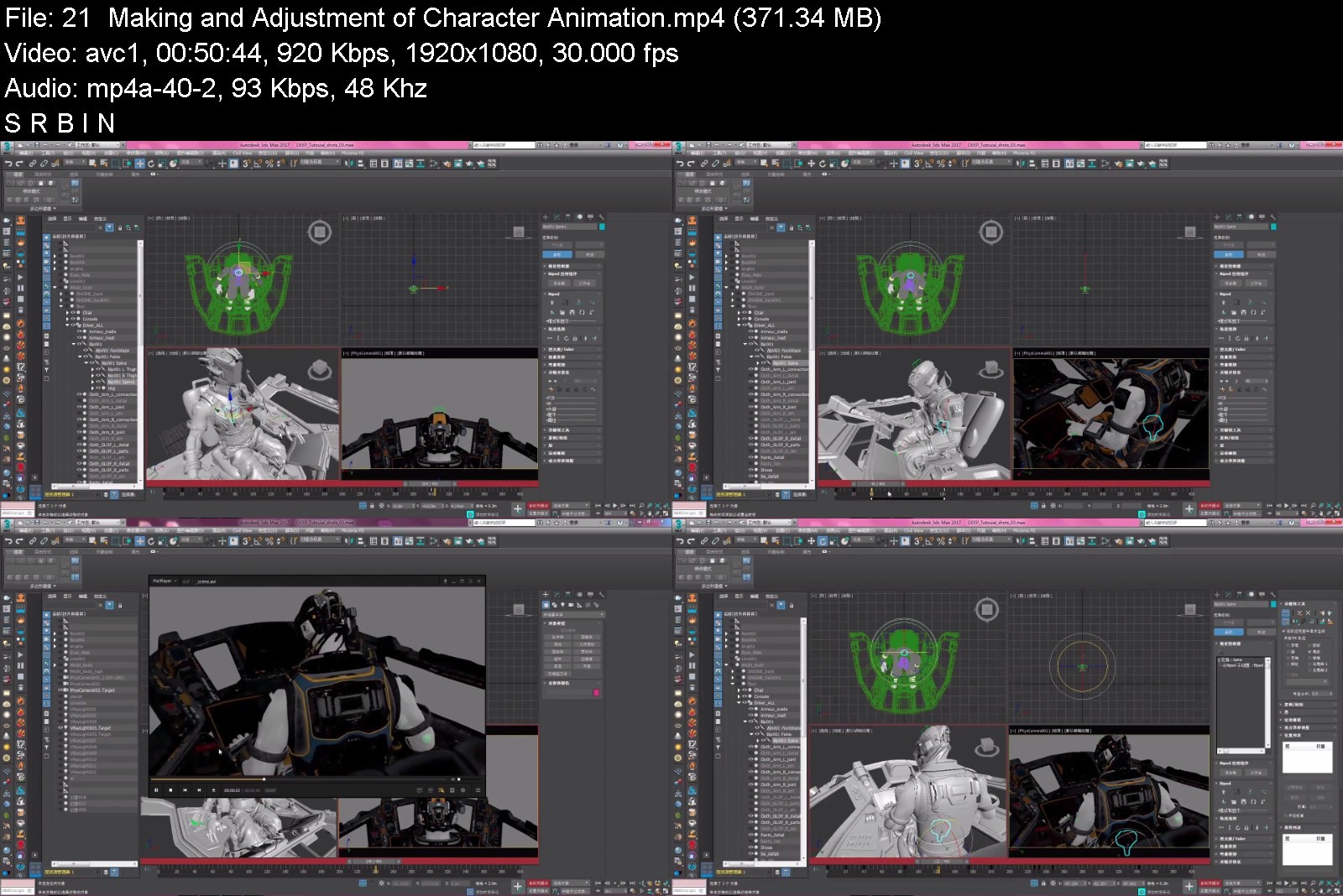
Wingfox - Making A CGI Sci-Fi Short Film - DEEP with Gao Zihan

viewer.php


Wingfox - Making A CGI Sci-Fi Short Film - DEEP with Gao Zihan
Video: h264, 1920x1080, 1030 kb/s, 30.00 fps | Audio: aac, 48000 Hz, 2 channels, 148 kb/s Genre: eLearning | Duration: 10hrs+ | Language: English/Chinese | File size: 22.2 GB

This course centers around the question of "how to create your own CG short film". The lecturer will share and analyze the whole process of the making of CG shots from a creator's perspective.The course uses 3 typical shots featured in the film as examples. The whole making process will be broken down in details. You will learn animation, rendering, composition and refinement of 3D scenes. The course will focus on bringing you new ideas and means of achieving them, in order to help you create your own CG film more smoothly and conveniently, meanwhile ensure good quality. No complicated and useless steps will be taught, only the gist!
Content: HD Videos + Partial Project Files
Duration: Around 10 hours
Software: 3dsMax 2017+ ; After Effects CC 2018+ ; Substance Painter 2017+
System: No system restriction.
Project file: Reference video, texture map, scene project file, compositing project file.


wingfoxmakingacgiscify9jpu.jpg


Download from RapidGator


Download from NitroFlare


ae48ecec-869d-4c49-bcbe-dcfbba4595ab.png

7 Pro Magic Trick Prop Builds
MP4 | Video: h264, 1280x720 | Audio: AAC, 44.1 KHz, 2 Ch
Genre: eLearning | Language: English | Duration: 15 lectures (1h 29m) | Size: 2 GB

Se7en Cool Magic Props You Can Build !
What you'll learn
Build Seven Unique Props for Stage Magic with Basic tools
Trick Explanation
Martials, Where to buy
DIY instructions & Setup
Requirements
Basic Tools like Hammer, Drill, and a Screwdriver
Purchase items from Hobby stores, Dollar Tree, and Thrift stores
No sewing, & No electric wood work machines
Description
We are offering se7en creative Magic Trick Props builds that you can custom make to your own unique style.
You will get to see the process of how we build these stage size props, also learn the working of the tricks. Then go over some tips on storing and preforming in the Tricks. .
To my knowledge; all the props presented are either classic or my creation. The classics are in the open source domain. Please contact me if I made a mistake, I will be glad to take down any material that doesn't belong in the course.
The Magic Props build are unique; some are original Ideas, and some are better than the original. But they are all unique, and everyone will create a unique item not sold by a Magic Dealer.
We made an effort to avoid the use of a Sewing Machine, Sewing in general, Metal work, welding, or any difficult wood working techniques or tools like an electric saw. The Basic tools are laid out in the preview video.
We will go over the SECRET, the Materials, and Where to buy the supplies, and tools.
We will also go over the "Do It Yourself" steps with some tips at the end.
Thank you for your interest, and please have fun building!
Who this course is for
Stage & Birthday party Children Magicians
Magic Hobbyists
Creative Craft Artists
Homepage


49aef633-8975-4577-9976-b43068d51809.png

ABB RobotStudio Robot Programming 2
MP4 | Video: h264, 1280x720 | Audio: AAC, 44.1 KHz, 2 Ch
Genre: eLearning | Language: English + srt | Duration: 20 lectures (3h 2m) | Size: 2.18 GB

ABB RobotStudio Robot Programming 2
What you'll learn
Using a flexpendant
Using a robot simulation
Using a robot programming
Using a controller
Requirements
to be learn robotic
Description
Course Updated to ROS NOETIC
Rating is for OLD version of this course , New update to projects and way of explanation is what you are going to love :)
Course Workflow
We will start by creating a custom robot named as BAZU . Which will be created from scratch , URDF containing joints, links are going to be explored in depth. Once the robotic arm will be created we will add Controllers into it (position, effort, Joint Trajectory) from ros_control package .This will lead us to DH tables for forward and inverse kinematics solutions for our custom robot using Robotics Toolbox by Peter Corke .
After understanding all the basics of with a Custom Robotic Arm we will move to a very well known commercial robotic arm Franka Emika Panda 7 degree of freedom robotic arm. Our first Object will be to install custom controller into it as we would have learned that in previous sections .Only reason to do that is to be able to control any working URDF robot available . Forward and inverse kinematics will be solved for this robot with the help of robotics tool box mentioned earlier .
Last thing we will do is to make a action lib interface for Joint Trajectory for panda robot so we just need to send way points and it moves it's end effect in a shape that we will define .
Outcomes After this Course : You can create
Custom Workspace
Custom Python Packages
Custom Robotic Arms
Ros Control Interfaces
Forward and Inverse Kinematics Solution
Launch files
RVIZ and Gazebo Simulation Fundamentals
Custom Controllers for you Robots
Position Controller
Effort Controller
Joint Trajectory Controller
Panda Robot Trajectory Execution
Software Requirements
Ubuntu 20.04
ROS Noetic
Motivated mind for a huge programming Project
Who this course is for
controller
Homepage


49aef633-8975-4577-9976-b43068d51809.png

ABB RobotStudio Robot Programming 3
MP4 | Video: h264, 1280x720 | Audio: AAC, 44.1 KHz, 2 Ch
Genre: eLearning | Language: English + srt | Duration: 22 lectures (3h 29m) | Size: 2.4 GB

ABB RobotStudio Robot Programming 3
What you'll learn
Using a flexpendant
Using a robot simulation
Using a robot programming
Using a controller
Requirements
to be learn robotic
Description
Learn to Program A Self-Driving Car In My Online Course!
In this course you will make an autonomous car drive itself! You will create an algorithm that will give the car the ability to
Follow the speed limit.
Pull into parking spaces.
Avoid obstacles.
If you love cars (or robots) and want to see if you can code a car that can park, control its speed, and avoid obstacles all on its own. this course is for you.
Whether you have extensive coding knowledge or just an interest in robotics, this course will take your skills to the next level. Most importantly, you'll have fun throughout the process.
You won't just learn about the concepts, you will have a chance to actually implement them, test them, and see the results in real time. Learning sticks better when you put it into action, and seeing results is what makes the process so rewarding. With my custom simulator, you can see how your algorithm would work on a real car.
Model Predictive Control is a useful concept to understand for all areas of robotics, but learning about it doesn't have to be a drag. It also doesn't have to be impossible to understand. I break down each concept to be fully digestible for every kind of student.
With this course, you can level up your knowledge, add an additional skill to your robotics arsenal, and do it all through a program that feels more like a game than it does a class.
What are you waiting for?
Who this course is for
controller
Homepage


df03e568-3a3e-49a4-b112-0bc47059cd24.png

Adversary Emulation: Mimicking a real-world cyber attack
MP4 | Video: h264, 1280x720 | Audio: AAC, 44.1 KHz, 2 Ch
Genre: eLearning | Language: English + srt | Duration: 84 lectures (4h 16m) | Size: 1.64 GB

Learn how to perform red team adversary emulation exercises end-to-end
What you'll learn
How to plan and manage adversary emulation exercise
Difference between red teaming and adversary emulation
MITRE ATT&CK Framework
Red team operations attack lifecycle
How to conduct adversary emulation exercise on a live organization
Open Source Intelligence (OSINT) techniques to gather information
Weaponizing exploits to gain foothold into the network
Password brute-forcing using custom generated lists
Phishing an employee
Escalating Privileges on Linux and Windows systems
Active Directory enumeration using BloodHound
Active Directory attacks
Establishing persistence via PoshC2 (command and control center software)
Creating an engagement report
Requirements
Basic knowledge of Kali Linux
Basic knowledge of PowerShell
Basic understanding of penetration testing and red teaming
Red Teamer mindset
Description
Red Team Adversary Emulation, focuses on approaching an organization's security from the view of a real-world adversary. In this course, we perform a live Adversary Emulation exercise and try to steal customer data of a FinTech startup. We are hired by a FinTech startup to conduct an adversary emulation exercise and steal their customer data (before an actual adversary). This exercise assumes zero knowledge about the target network.
During an adversary emulation exercise we mimic a real world cyber attack with a specific objective, such as stealing customer data, launching a ransomware attack etc. This course follows the Red Team Operations Attack Lifecycle to conduct this exercise. We go through each phase in a step-by-step manner and build our attack path as we move ahead. We employee a variety of techniques, such as
Active and passive information gathering
Gaining foothold into the network
Host Discovery
Brute-forcing
Phishing
Privilege Escalation (Linux and Windows)
Automated Active Directory domain enumeration
Persistence via command and control center
Active Directory attacks
to achieve our objective. Upon completion of the exercise, we will prepare and submit a report to the organization's management.
This course also covers installation and usage of tools such as, PoshC2, Mentalist, BloodHound, Mimikatz, Metasploit, PowerUp, icacls, PowerShell etc.
This is a beginner friendly course. If you have just started your career in offensive cybersecurity or are preparing for penetration testing exams then this course is for you. If you are already a penetration tester or a red teamer, with a few years of experience under your belt, then you would already know most of the above mentioned techniques. However, if you are interested in witnessing a live adversary emulation exercise, please feel free to follow along.
Who this course is for
Students curious about conducting a real-world security engagement
Students preparing for penetration testing certifications
Beginners in Red Teaming
Cybersecurity Professionals
Information Security Managers
Homepage


3047e11d-ca23-4e1a-b147-c0e5ad23a81d.png

AutoCAD 2022 | industry Ready Training | Master guide | complete course
Genre: eLearning | MP4 | Video: h264, 1920x1280 | Audio: AAC, 48.0 KHz
Language: English | Size: 2.15 GB | Duration: 28 Lessons (5h 39m)​

Come and join me for this AutoCAD Training will give you enough experience and knowledge which is required in the industry even after completing your college studies and properly learning AutoCAD.
Hands-on Class Project
Use this attached practice drawing to see the clear dimensions of all the assignments and settings. this practice diagram will help you to understand all the assignments clearly which are present in the videos with the assignment number kindly create all the assignments separately in a separate file so you can use it for interviews in future
Screenshots


fc042f33-9a83-4246-9011-3ffc27a7b89a.png

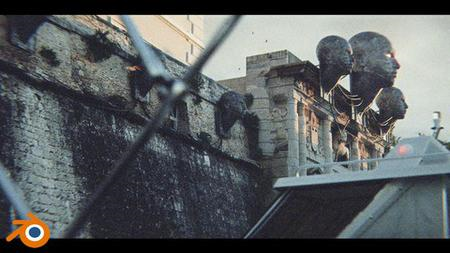
Blender 3+Reality Capture 5h, futuristic movie scence, files
MP4 | Video: h264, 1280x720 | Audio: AAC, 44.1 KHz, 2 Ch
Genre: eLearning | Language: English + srt | Duration: 12 lectures (4h 58m) | Size: 4.93 GB

Learn step by step how to create a futuristic movie scene in Blender (free) and how to photo scan in Reality Capture
What you'll learn
You will learn how to model in Blender
You will learn how to create more complex textures in Blender
You will learn how to create a scene, set up a camera and lighting
You will learn the basics of animation in Blender
It will teach you how to photo-scan objects in RealityCapture
You will be taught how to achieve a cinematic look
Requirements
It's good to have a little experience with Blender
Description
In this 5 hour tutorial, I will show you how to create this scene in Blender step by step.
In addition to Blender, which is covered in most tutorials, we will also use Reality Capture for photo-scanning and Photoshop for creating Bump and Roughness maps. If you are not using any of these programs, no problem because I will share with you the photo scans and maps used in the tutorial. If you are interested in creating realistic scenes and film design, this is the course for you.
Language: English + subtitles
final .blend file included + all resources
You need blender 3.0 which is free to download
Part 1 - Zadar City Gate - Introduction - 20 min
Part 2 - Zadar City Gate modeling and texturing - 23 min
Part 3 - Zadar City Gate modeling and lighting - 29 min
Part 4 - Zadar City Gate modeling and unwrapping - 26 min
Part 5 - Zadar City Gate materials and Photoshop - 28 min
Part 6 - Zadar City Gate UV, Make bump and roughness map - 25 min
Part 7 - Zadar City Gate - futuristic head and cables - 31 min
Part 8 - Zadar City Gate - Reality capture and blocking - 32 min
Part 9 - Zadar City Gate - Reality capture to Blender - 21 min
Part 10 - Zadar City Gate - Fence modeling - 26 min
Part 11 - Zadar City Gate - Finale - Trees, vegetation and details - 25 min
Part 12 - Camera shake + night mode - 10 min
Who this course is for
People who love 3d and who are interested in how to achieve realism or a cinematic look
Homepage


4a3e07a5-6174-4d97-9e11-d83427c196b8.png

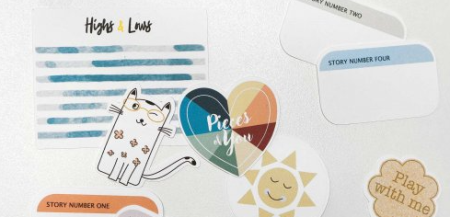
Create Graphic Design Elements and Papers with Affinity Designer
Instructors: Monja Wessel
Duration: 2h 59m • 46 Lessons
Video: MP4 1280x720 44 KHz | English
Level: Beginner | Size: 1.5 GB​

If you wanna learn Affinity Designer in detail and start creating your own graphic design elements and papers this course is for you!
Affinity Designer is a vector based program which is similar to Adobe Illustrator but definitely has its own great features which are worth to be learned.
If you want to create your own textures, patterns, digital papers, stickers and scrapbook embellishments this class will help you to learn Affinity Designer in detail and then offers some projects which go more into advanced features.
This class gives you a lot of theory first because you need to learn learn a lot about the panels Affinity Designer has to offer but then moves into project mode and helps you strengthen what you've learned.
In the end you cannot just create you own hand-drawn stickers but also scrapbooking embellishments and papers as well as Project Life Cards and all kind of printable!
Screenshots


499104b5-7b36-4cd2-8630-ce898534c5ab.png

Create Online Education Website by Wordpress and Elementor
Instructors: Esrat Sultana Popy
7 sections • 17 lectures • 1h 43m total length
Video: MP4 1280x720 44 KHz | English + Sub
Updated 3/2022 | Size: 960 MB​

Complete full website using tutor lms and designing the site with page builder.
What you'll learn
How to transform a design to real webpages
How to create a complete website from scratch in Wordpress
How to Create LMS website from scratch
How to choose themes,colors, fonts etc.
Requirements
Basic WordPress Dashboard
Basic Knowledge On Elementor
Description
A learning management system (LMS) is a software application for the administration, documentation, tracking, reporting, automation, and delivery of educational courses, training programs, or learning and development programs.The learning management system concept emerged directly from e-Learning.
First things first. To see stellar sales you need to first create stellar courses. And choosing the right LMS platform gets half of the job done!
With Tutor LMS, a companion WooCommerce product is automatically created when you create a course. This means you do not have to manually create a product from the backend every time and save your precious time!
WordPress LMS plugin. Some of its notable core features include
Effortless Installation and Setup
Powerful Course Builder
Unlimited Courses & Lessons
Extensive Quiz Builder
Youtube & Vimeo Video Support
Student & Instructor Dashboard
Unlimited Course Instructors
Course Content
The course is divided into two main sections.
In the first section, we are going to use the FREE version of Elementor to build a full one page website for a fictional company known as the White Hat Hackers. This company specializes in cyber security and they help companies fight against cyber attacks and hackers.
In the process of building this website, you will learn the following
How to work with sections, columns and widgets
How to build a header section complete with the site logo and social media icons
How to work with title widgets
How to work with video and text boxes
How to build an image carousel
How to insert number counters as well as toggle elements
How to create and insert a contact form
How to build a complete footer section for your WordPress website
How to build responsive web content and structure
How to work with page templates
and so much more
In section two, we are going to use the PAID version of Tutor LMS to further enhance the functionality and design of the website. In addition to learning about the extra features that come with Tutor pro, you will learn about the following as well -
How to add student manually
How to integrate with Zoom
How to add certificate
How to enhance design and style using tutor elementor plugin
By the end of the course, you would have mastered how to use the Elementor plugin and Tutor LMS to build education website that you want.
Who this course is for
Who wants to build Own Online Learning Platform
Who wants to learn about Learning Management System (LMS)
Who wants to build website for clients or do freelancing
Screenshots


2ba792cc-0371-4d44-99cd-c541893172a2.png

Crehana - Adobe Premiere Online Course : Advanced Editing Techniques by Juanjo Onofre
Video: h264, yuv420p, 1280x720, 1634 kb/s, 23.98 fps | Audio: aac, 48000 Hz, 2 channels, s16, 137 kb/s
Genre: eLearning | Duration: 4hrs+ | Language: Spanish (No Subs) | File size: 1.4 GB​

Enrich your editing technique and give greater value to your work. In this course you will deepen your knowledge of Adobe Premiere until you take your use of this program to an advanced level. For this, you will know all the possible tools, mainly those that are not very well known, but have a high degree of utility.
Screenshots


Zurück
Oben Unten