• Regeln für den Video-Bereich:

    In den Börsenbereich gehören nur Angebote die bereits den Allgemeinen Regeln entsprechen.

    Einteilung

    - Folgende Formate gehören in die angegeben Bereiche:
    - Filme: Encodierte Filme von BluRay, DVD, R5, TV, Screener sowie Telesyncs im Format DivX, XviD und x264.
    - DVD: Filme im Format DVD5, DVD9 und HD2DVD.
    - HD: Encodierte Filme mit der Auflösung 720p oder darüber von BluRay, DVD, R5, TV, Screener sowie Telesyncs im Format x264.
    - 3D: Encodierte Filme von BluRay, die in einem 3D Format vorliegen. Dies gilt auch für Dokus, Animation usw.
    - Serien: Cartoon/Zeichentrick, Anime, Tutorials, Dokumentationen, Konzerte/Musik, Sonstiges sind demnach in die entsprechenden Bereiche einzuordnen, auch wenn sie beispielsweise im High Definition-Format oder als DVD5/DVD9/HD2DVD vorliegen. Ausnahme 3D.
    - Bereich Englisch: Englische Releases gehören immer in diesen Bereich.
    - Bereich Talk: Der Bereich, in dem über die Releases diskutiert werden kann, darf, soll und erwünscht ist.


    Angebot/Beitrag erstellen

    - Ein Beitrag darf erst dann erstellt werden, wenn der Upload bei mindestens einem OCH komplett ist. Platzhalter sind untersagt.
    - Bei einem Scenerelease hat der Threadtitel ausschließlich aus dem originalen, unveränderten Releasenamen zu bestehen. Es dürfen keine Veränderungen wie z.B. Sterne, kleine Buchstaben o.ä. vorgenommen werden. Ausnahme Serienbörse:
    - Bei einem Sammelthread für eine Staffel entfällt aus dem Releasename natürlich der Name der Folge. Beispiel: Die Simpsons S21 German DVDRip XviD - ITG
    - Dementsprechend sind also u.a. verboten: Erweiterungen wie "Tipp", "empfehlenswert", "only", "reup", usw. / jegliche andere Zusatzinformation oder Ergänzung, welche nicht in obiger Beschreibung zu finden ist.

    Aufbau des Angebots und Threadtitel

    Der Titel nach folgendem Muster erstellt zu werden. <Name> [3D] [Staffel] [German] <Jahr> <Tonspur> [DL] [Auflösung] <Quelle> <Codec> - <Group>
    Beispiel: The Dark Knight German 2008 AC3 DVDRip XviD - iND
    Beispiel: The Dark Knight 2008 DTS DL BDRip x264 - iND
    Beispiel: The Dark Knight 2008 AC3 DL BDRip XviD - iND
    Beispiel: The Dark Knight German 2008 AC3 720p BluRay x264 iND
    Beispiel: The Dark Knight 2008 DTS DL 1080p BluRay x264 iND
    Beispiel: Die Simpsons S01 German AC3 DVDRip XviD iND
    Beispiel: Die Simpsons S20 German AC3 720p BluRay x264 iND
    Beispiel: Sword Art Online II Ger Sub 2014 AAC 1080p WEBRip x264 - peppermint
    Entsprechend sind also u.a. verboten: Sonderzeichen wie Klammern, Sterne, Ausrufezeichen, Unterstriche, Anführungszeichen / Erweiterungen wie "Tipp", "empfehlenswert", "only", "reup", usw. / jegliche andere Zusatzinformation oder Ergänzung, welche nicht in obiger Beschreibung zu finden ist
    Ausnahmen hiervon können in den Bereichen geregelt sein.

    Die Beiträge sollen wie folgt aufgebaut werden:
    Überschrift entspricht dem Threadtitel
    Cover
    kurze Inhaltsbeschreibung
    Format, Größe, Dauer sind gut lesbar für Downloader außerhalb des Spoilers zu vermerken
    Nfo sind immer Anzugeben und selbige immer im Spoiler in Textform.
    Sind keine Nfo vorhanden z.B. Eigenpublikationen, sind im Spoiler folgende Dateiinformationen zusätzlich anzugeben :
    Quelle
    Video (Auflösung und Bitrate)
    Ton (Sprache, Format und Bitrate der einzelnen Spuren)
    Untertitel (sofern vorhanden)
    Hosterangabe in Textform außerhalb eines Spoiler mit allen enthaltenen Hostern.
    Bei SD kann auf diese zusätzlichen Dateiinformationen verzichtet werden.

    Alle benötigten Passwörter sind, sofern vorhanden, in Textform im Angebot anzugeben.
    Spoiler im Spoiler mit Kommentaren :"Schon Bedankt?" sind unerwünscht.


    Releases

    - Sind Retail-Release verfügbar, sind alle anderen Variationen untersagt. Ausnahmen: Alle deutschen Retail-Release sind CUT, in diesem Fall sind dubbed UNCUT-Release zulässig.
    - Im Serien-Bereich gilt speziell: Wenn ein Retail vor Abschluss einer laufenden Staffel erscheint, darf diese Staffel noch zu Ende gebracht werden.62
    - Gleiche Releases sind unbedingt zusammenzufassen. Das bedeutet, es ist zwingend erforderlich, vor dem Erstellen eines Themas per Suchfunktion zu überprüfen, ob bereits ein Beitrag mit demselben Release besteht. Ist dies der Fall, ist der bereits vorhandene Beitrag zu verwenden.
    - P2P und Scene Releases dürfen nicht verändert oder gar unter einem iND Tag eingestellt werden.


    Support, Diskussionen und Suche

    - Supportanfragen sind entweder per PN oder im Bereich Talk zu stellen.
    - Diskussionen und Bewertungen sind im Talk Bereich zu führen. Fragen an die Uploader haben ausschließlich via PN zu erfolgen, und sind in den Angeboten untersagt.
    - Anfragen zu Upload-Wünschen sind nur im Bereich Suche Video erlaubt. Antworten dürfen nur auf Angebote von MyBoerse.bz verlinkt werden.


    Verbote

    - Untersagt sind mehrere Formate in einem einzigen Angebotsthread, wie beispielsweise das gleichzeitige Anbieten von DivX/XviD, 720p und 1080p in einem Thread. Pro Format, Release und Auflösung ist ein eigener Thread zu eröffnen.
    - Grundsätzlich ebenso verboten sind Dupes. Uploader haben sich an geeigneter Stelle darüber zu informieren, ob es sich bei einem Release um ein Dupe handelt.
    - Gefakte, nur teilweise lauffähige oder unvollständige Angebote sind untersagt. Dies gilt auch für eigene Publikationen, die augenscheinlich nicht selbst von z.B. einer DVD gerippt wurden. Laufende Serien, bei denen noch nicht alle Folgen verfügbar sind, dürfen erstellt und regelmäßig geupdatet werden.
    - Untersagt sind Angebote, welche nur und ausschließlich in einer anderen Sprache als deutsch oder englisch vorliegen. Ausnahmen sind VORHER mit den Moderatoren zu klären.


    Verstoß gegen die Regeln

    - Angebote oder Beiträge, die gegen die Forenregeln verstoßen, sind über den "Melden"-Button im Beitrag zu melden.
  • Bitte registriere dich zunächst um Beiträge zu verfassen und externe Links aufzurufen.

*** Bestes IPTV *** bester Preis *** gratis Test ***


Englische Tutorials

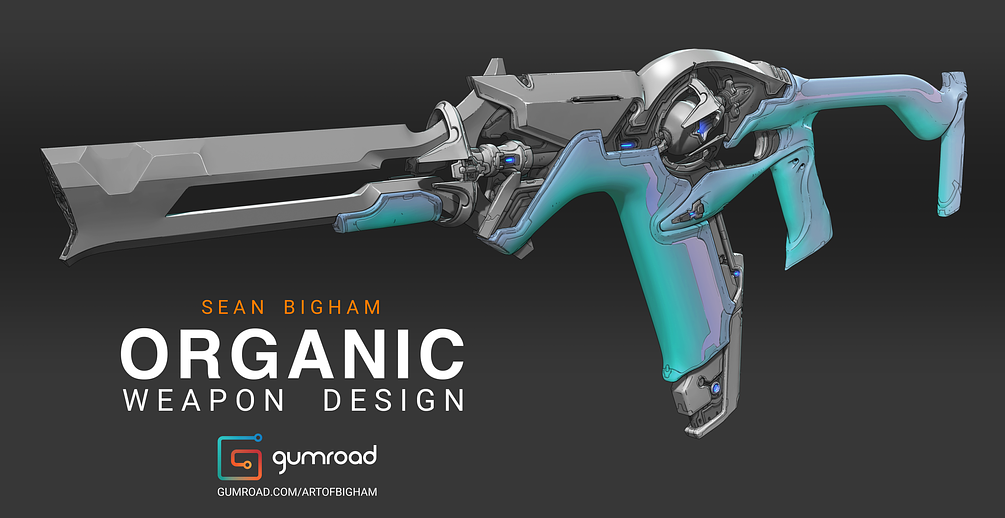
Organic Weapon Design Tutorial v2.0
enk2i.png


Organic Weapon Design Tutorial v2.0
Instructors: Sean Bigham
Duration: 7h • Project Files + BONUS
Video: MP4 1920x1080 44 KHz | English
Level: Beginner | Size: 16.5 GB

"In this tutorial I will teach you my approach for concepting an Organic Weapon. This will cover my entire 2d and 3d workflow from brief to a final deliverable of a resolved design, ready to be sent to a 3D artist for production.
WHAT YOU GET
- 7 hours of video content in total. This is the entire process from start to finish: Nothing is skipped! Demo consists of 40 hours of work sped up with voice over commentary added in post.
- Includes video presentations detailing the Brief, a Context Overview, discussions on breaking down Reference and Basic Design Theory as it relates to Organic Design.
- Includes a COMPLETE 2D and 3D Concept Workflow for Designing an Organic Weapon to the stage of a Production Ready Asset.
- All .PSD files, .Blend Files and .ZTLs are included (along with a trim brush I use for detailing), my pure ref file along with the final .png images.
- BONUS video Discussion with Lucas Hug (Former Associate Art Director and Weapons Lead at Digital Extremes)
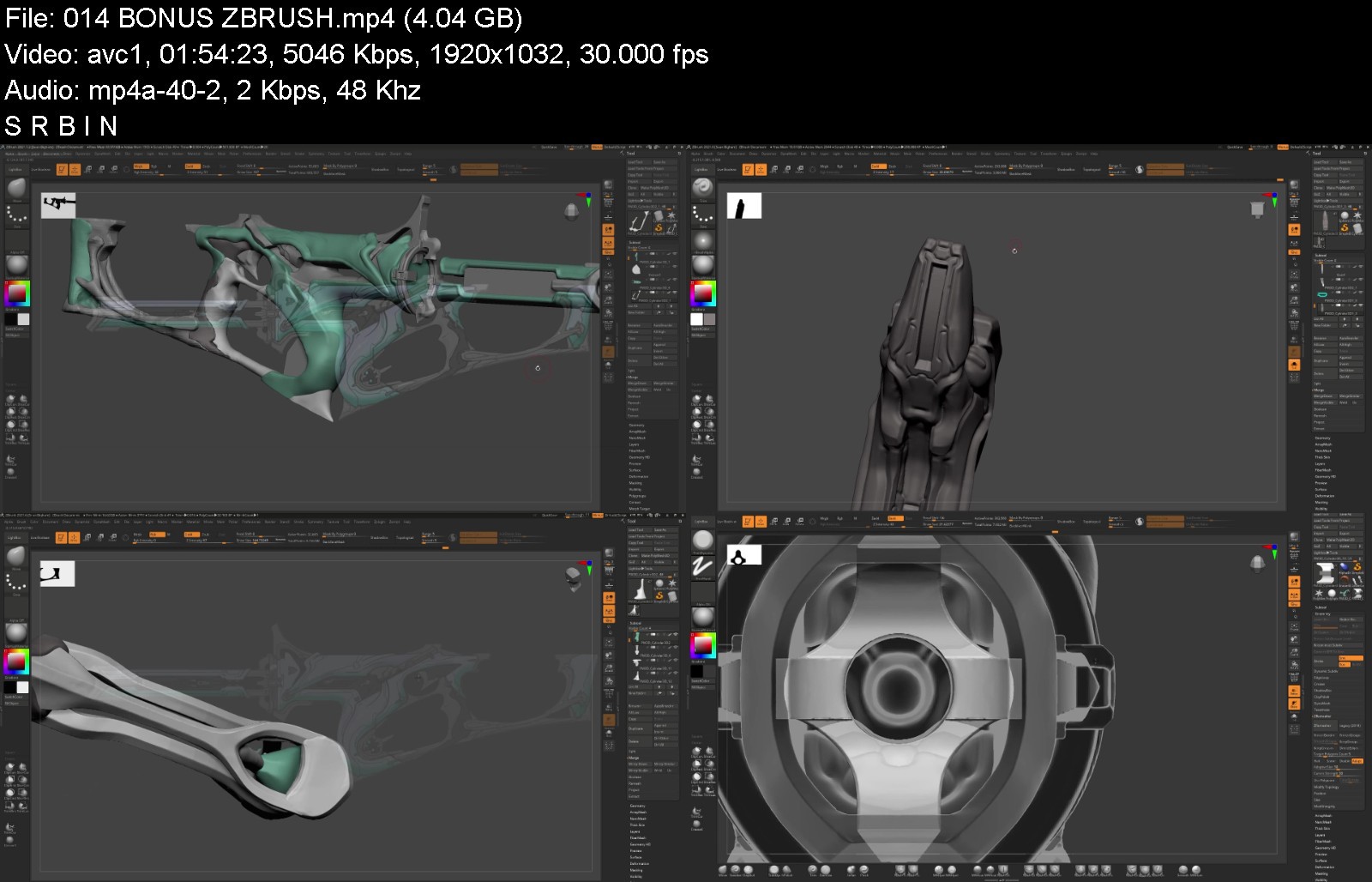
** This is not a tutorial on how to model in either Zbrush or Blender but I will break down the tools I use and show you my entire process in these programs.
V2.0 - BONUS SECOND WEAPON PROCESS ADDED!!!
- Time lapse of Zbrush block out with no commentary (2 hours)
- An exploration of line art outputs from Keyshot then in Zbrush. This isn't a Tutorial but more of an experiment to see if these will work with this particular workflow. Real time with full audio commentary (1 hour)
- Time lapse of the Photoshop detailing stage: front 3/4, back 3/4 and side view (1 hour)
- Conclusion where I discuss the results of the experiments and the final completed concept
- All .PSD files, .PNGs and .ZTLs are Included."
organicweapondesigntuvtjzq.jpg


Download from RapidGator


Download from NitroFlare



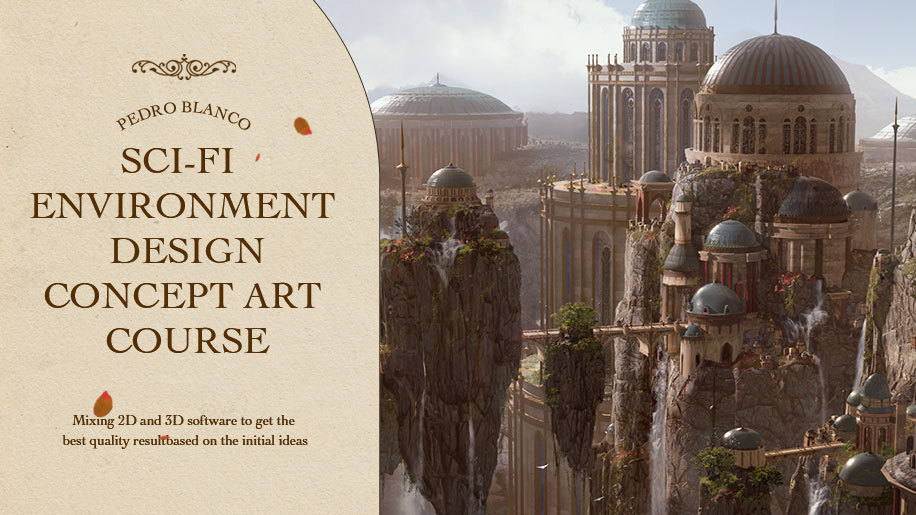
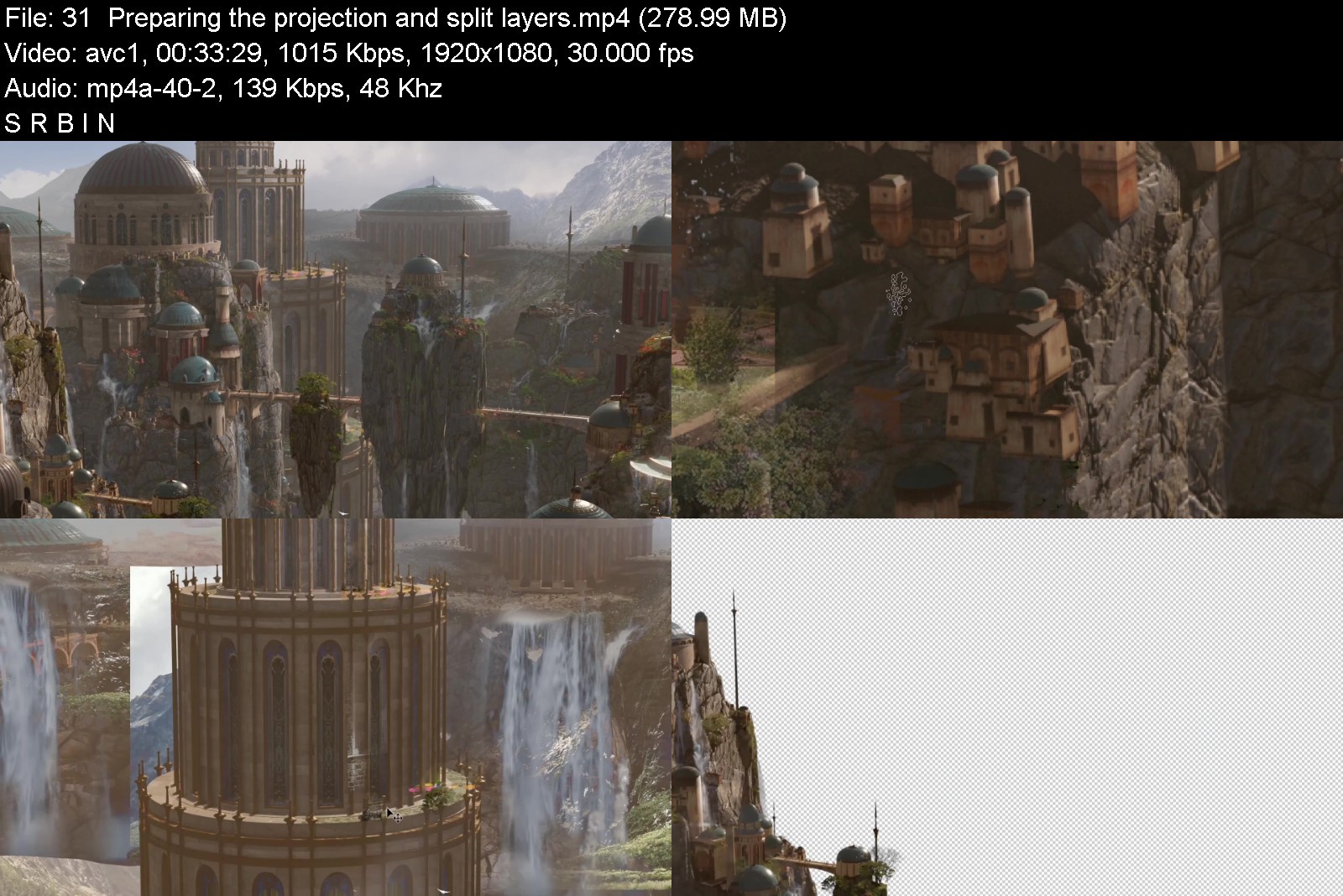
Wingfox - Sci-Fi Environment Design Concept Art Course with Pedro Blanco

1616661794zlj4a.jpg


Wingfox - Sci-Fi Environment Design Concept Art Course with Pedro Blanco
Video: h264, 1920x1080, 1702 kb/s, 30.01 fps | Audio: aac, 48000 Hz, 2 channels, 160 kb/s Genre: eLearning | Duration: 14hrs+ | Language: English | File size: 5.6 GB

This course will focus on creating attractive sci-fi/nature environment concept art. The tutor will start with his initial ideas and the reference gathering. Then the tutor will create a simple 3D blocking and then develop it using modeling and sculpting techniques in Blender to approach the final look.
After that, you will learn how to create your own buildings to have a personal kit to set up composition. You are going to learn how to texture it to make cool results. The tutor will work with the Eevee render engine which is super powerful to create very nice and really fast atmosphere with volumetric lighting. Once everything is ready, he will show you how to make the best render and talk about the necessary passes to keep working in Photoshop. The final look will be approached using textures and overpainting. After that, he will make an animation using a camera in Eevee, from which the environment will come alive.


wingfoxscifienvironmegmkf2.jpg


Download from RapidGator


Download from NitroFlare



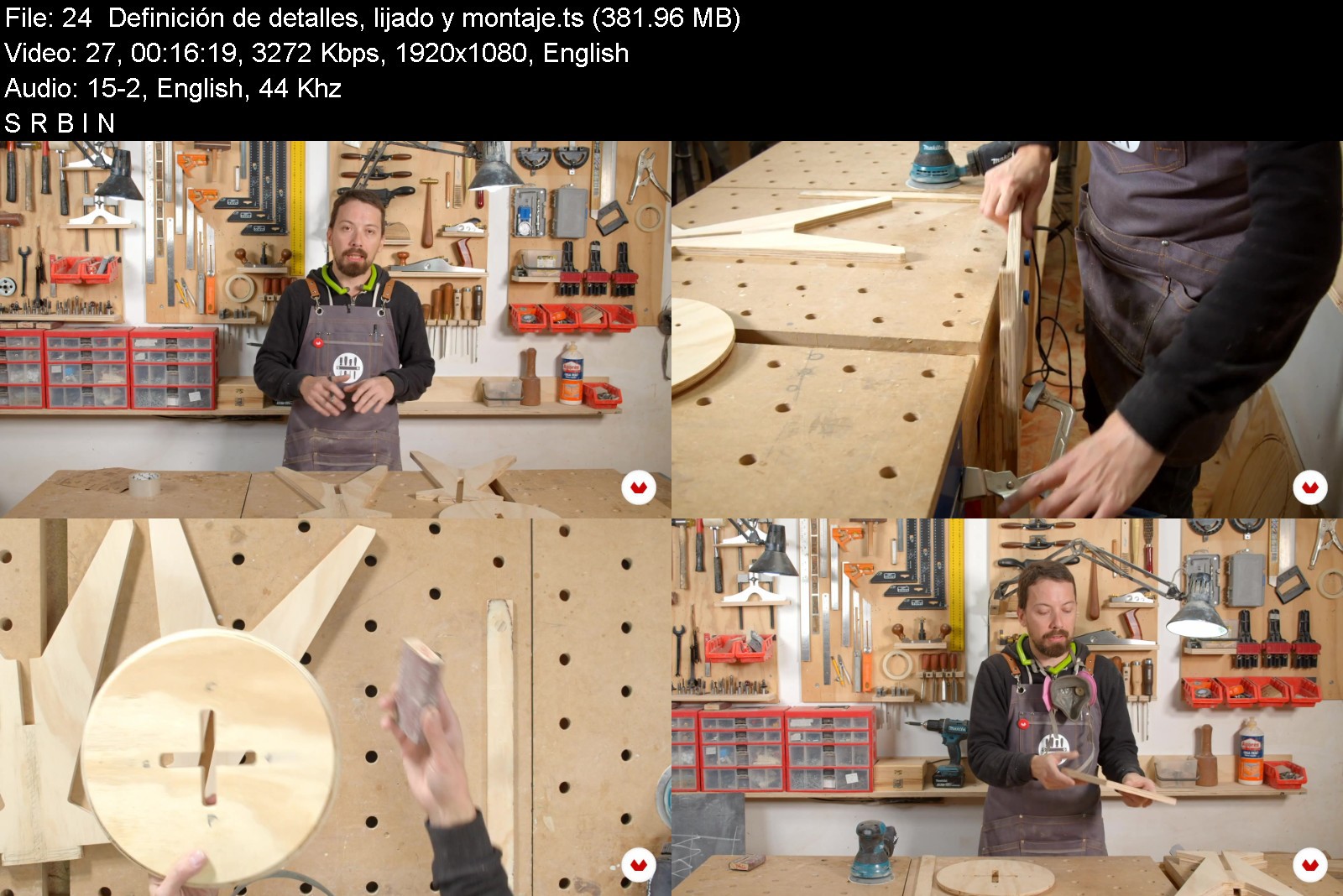
Domestika - Professional Woodworking for Beginners by Patricio Ortega (Maderística)

557originalsfkxh.jpg


Domestika - Professional Woodworking for Beginners by Patricio Ortega (Maderística)
Video: MPEG4 Video (H264) 1920x1080 25fps | Audio: AAC 44100Hz stereo 130kbps Genre: eLearning | Duration: 4h 1m | Language: English | File size: 5.1 GB

Learn the concepts, techniques, and tools to start woodworking like an expert
If you want to get started in this age-old craft, then this course by Maderística is the one for you. Learn to make wooden furniture filled with passion and a marked identity, and who better to usher you into the world of signature carpentry than architect, carpenter, and co-founder of the Maderística workshop Patricio Ortega? Take the leap by building your very own piece of furniture!
In this course, learn the key concepts, techniques, and tools used in professional carpentry and build a pine plywood stool without needing any previous experience.


domestikaprofessionaln4jc7.jpg


Download from RapidGator


Download from NitroFlare


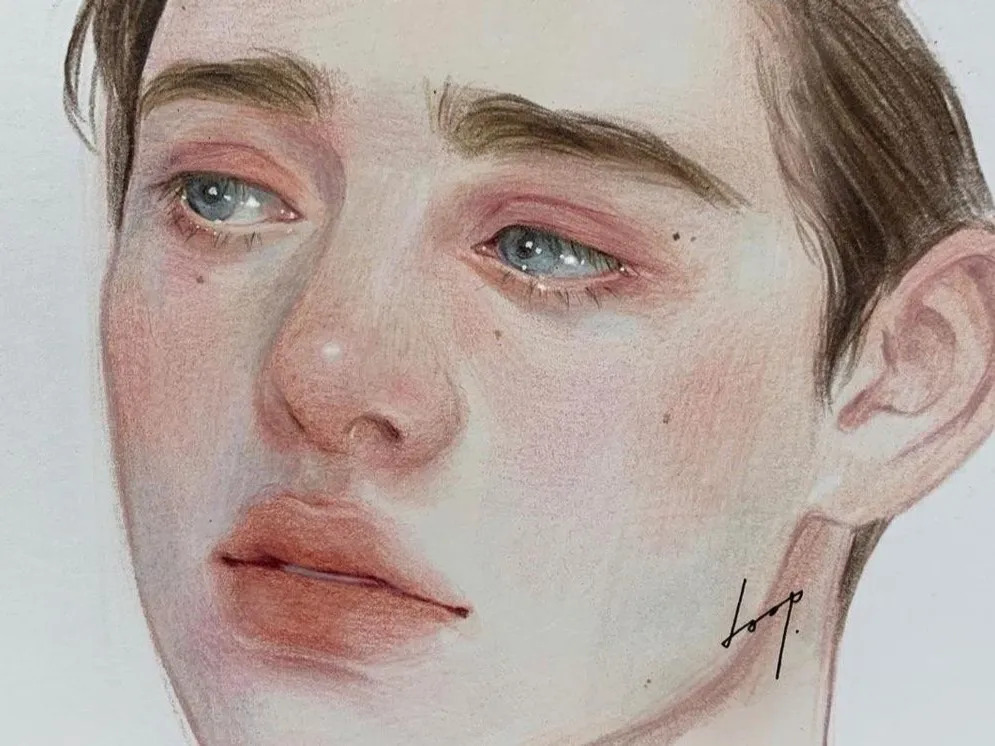
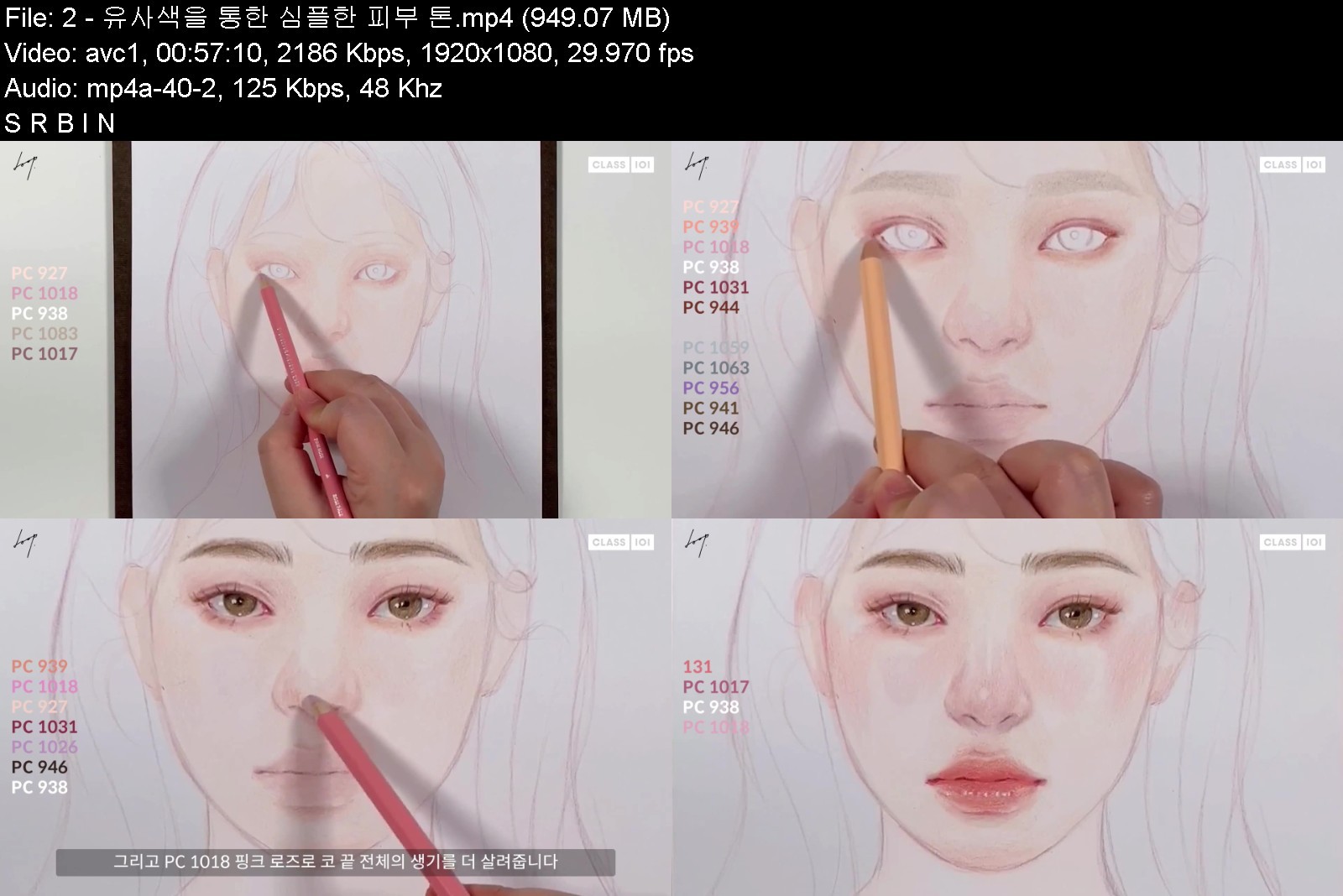
Class101 - Doop - Soft and Sensual Colors That Fill the Page: Doop's Colored Portraits

ezgif4fb7ff17a6aa4jm9.jpg


Class101 - Doop - Soft and Sensual Colors That Fill the Page: Doop's Colored Portraits
Video: MPEG4 Video (H264) 1920x1080 29.97fps 2897kbps | Audio: AAC 48000Hz stereo 125kbps Genre: eLearning | Duration: 10hrs+ | Language: Korean | Subtitles: English/Japanese (included) | File size: 12.4 GB

Because of continued support for my first class "Learn How to Create Atmospheric Portraits Using Only a Pencil with Doop," I decided to reveal my second class to the rest of the world! My first class, the pencil portrait class, has already been liked by over 13,000 people and over 2,200 enrolled students with a 96% satisfaction rate. Thank you so much!


softandsensualcolorstvvjse.jpg


Download from RapidGator


Download from NitroFlare


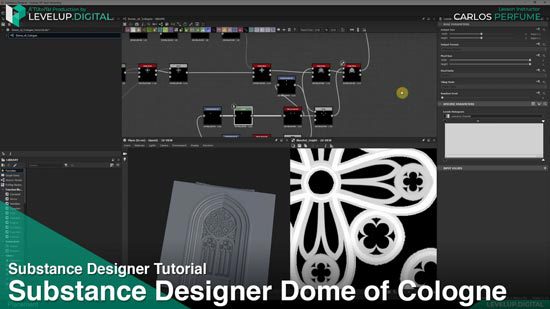
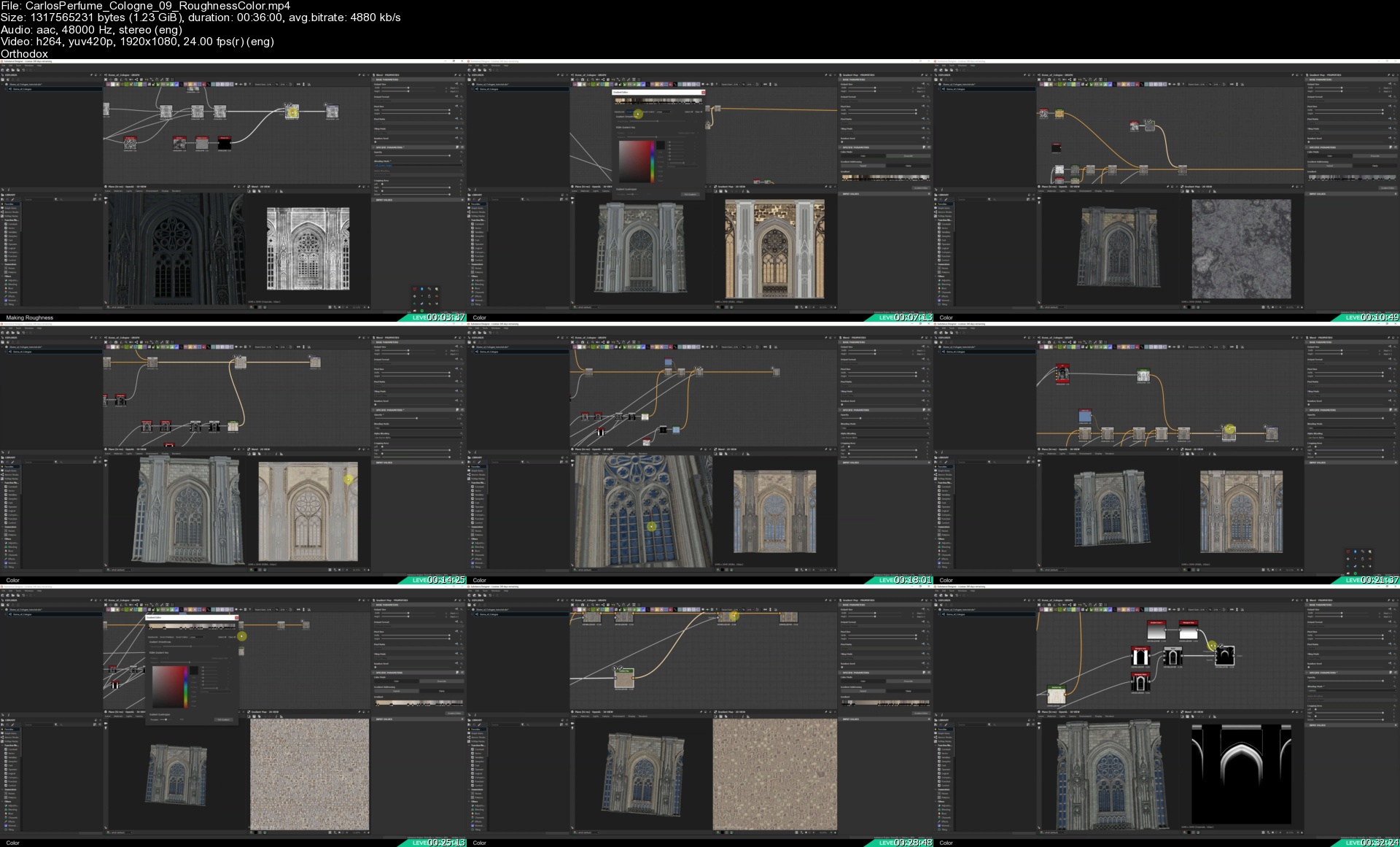
Levelup.Digital - Substance Designer Dome of Cologne by Carlos Perfume

gdpmeu8fmzdj3finbp7gjlcje4.jpg


Levelup.Digital - Substance Designer Dome of Cologne by Carlos Perfume
Video: h264, 1920x1080, 7774 kb/s, 24.00 fps | Audio: aac, 48000 Hz, 2 channels, 182 kb/s
Genre: eLearning | Duration: 5hrs+ | Language: English | File size: 9.3 GB

In this tutorial, you will learn step-by-step how to make intricate gothic architecture in Substance Designer. Follow along as Carlos Perfume recreates part of the famous Dome of Cologne and pushes the limits of the software with this highly detailed and realistic project.

Having created several architectural pieces in the past, Carlos has learned a lot of lessons along the way which he shares in this tutorial. In addition to pointing out do's and don'ts, he shares his personal techniques for achieving high quality results.

This tutorial is packed with lessons which can be applied to your next environment project.

About the Instructor
Carlos Perfume is an Environment Artist who previously worked on Halo at Microsoft/343 Industries. He currently works at Heart Machine, known for the game Hyper Light Drifter. His environment piece, The Garden, can be seen featured in UE4's spotlight.

Contents
6 hours of training
1080 Resolution

Chapters
Main Window
Flower Motif
Bottom Windows
Pillars
Secondary Window
Ledges & Frames
Brick Texture
Window Mask
Roughness & Color

Software Used
Substance Designer

Level
Beginner to Intermediate

Prerequisite
Basic knowledge of software used

Homepage


carlosperfumecologne0vmk07.jpg


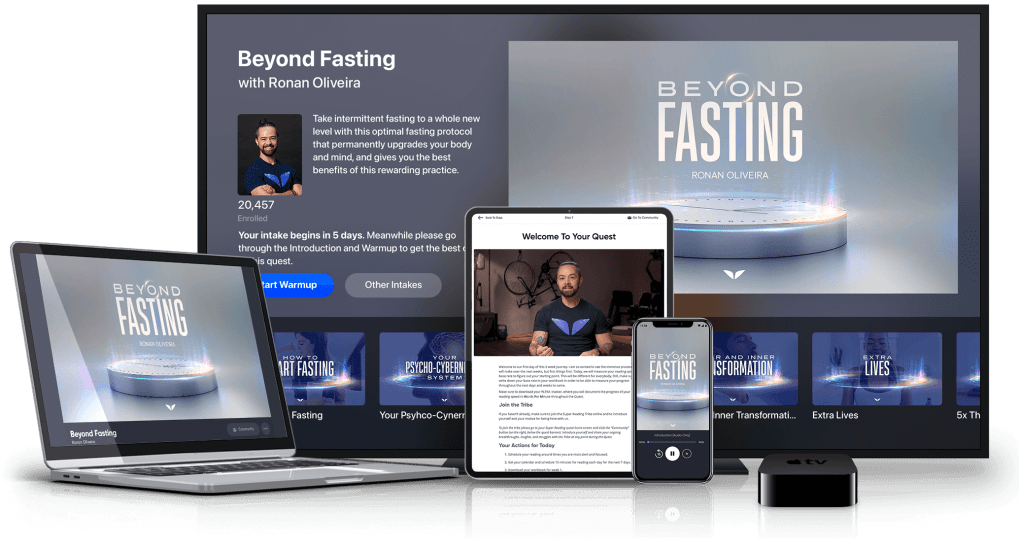
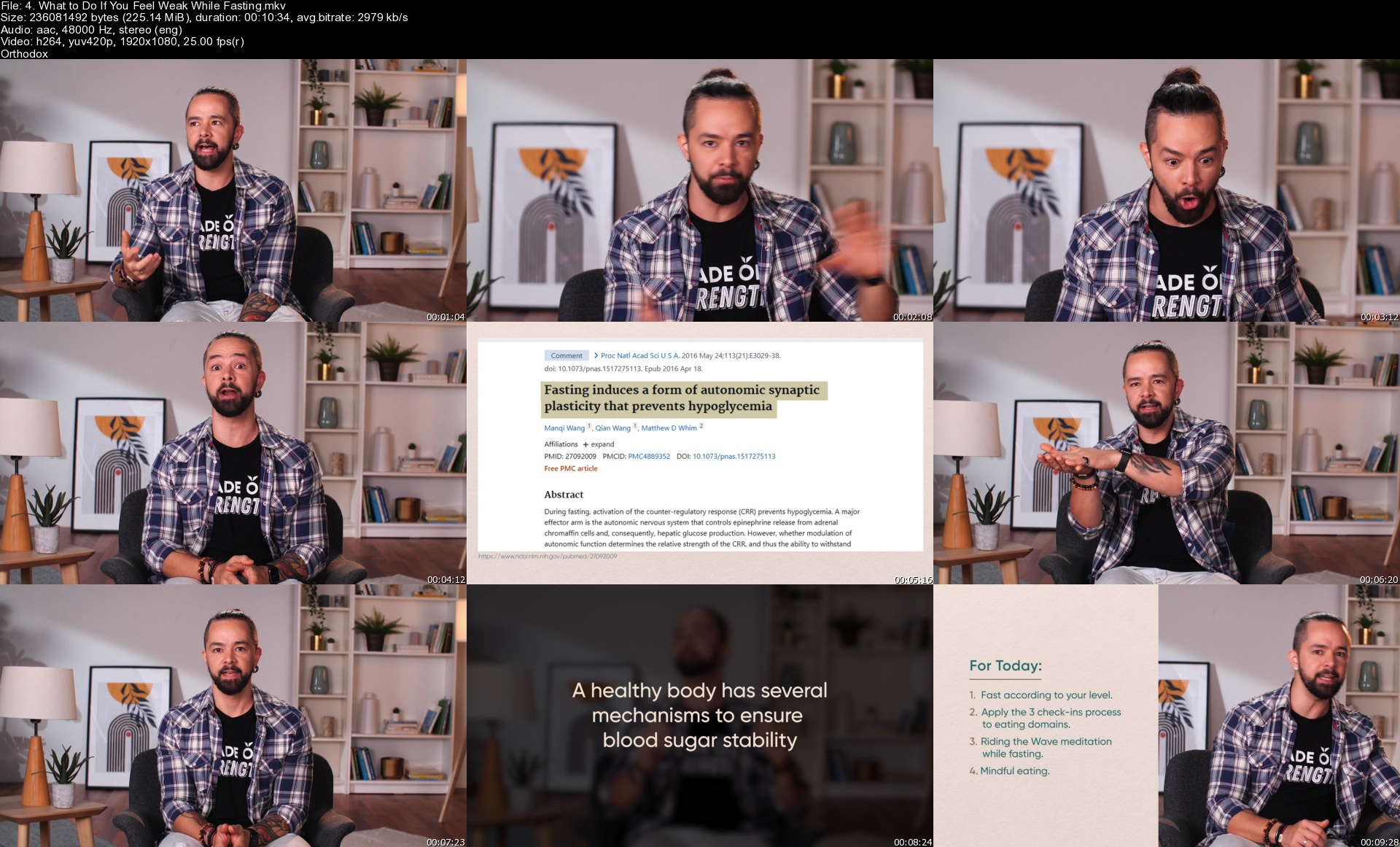
MindValley - Ronan Oliviera - Beyond Fasting

gascocup1tc1s11mck4kocxkpl.png


MindValley - Ronan Oliviera - Beyond Fasting
MP4 / MKV | Video: 1920x1080 | Audio: AAC 48 Khz , 2ch | Duration: 10h 55 min | Language: English | 12.5 GB

Are you looking for the easiest, most effective way to level up your health or get in better shape?
Intermittent fasting has become a global phenomenon in recent years.

And unlike many other health or diet trends, it's been rigorously proven as an effective and accessible practice for almost anyone.
Yet if you're fasting the way most people do, which is to simply change when you eat - then you're barely scraping the surface of what it can really do for you.
Plus, you're likely opening yourself to some of the common pitfalls: like debilitating hunger, inconsistency, or subpar results.
But when you fast the right way, you experience a total and sustainable transformation of your body and mind.

This includes a lifetime of better health. A healthier metabolism and digestive system. Optimal weight. And even a renewed relationship with food, hunger, and yourself.
These life-changing outcomes are yours with Beyond Fasting: a science-based 28-day protocol that opens you to fasting's full spectrum of benefits, without the struggle or uncomfortable starvation.

Fast Like Never Before
The power of Beyond Fasting is that it rewards you with both a profound physical and inner transformation that goes far beyond the typical approach to fasting.
The key is in taking you deeper than just when you eat (which is where most people draw the line) - into what, how, how much, and even why you eat.
Beyond Fasting combines today's best knowledge in optimal nutrition, biology, psychology, and habit formation to create lasting, struggle-free transformation in you.
In just 28 days, you'll experience not only breakthroughs in your health and body weight - but also a deep reprogramming of how you perceive and manage hunger, cravings, and your food choices in relation to your personal wellness goals.

This is how Beyond Fasting doesn't just reshape your body - it also reshapes you.
Beyond Fasting is a 28-day online program that guides you towards a lasting physical and inner transformation through the practice of optimized intermittent fasting.
20 minutes a day is all you need, as you join Ronan Oliveira in daily bite-sized video lessons on fasting and nutrition optimization, mindful eating, and even how to shift your habits and mindset for lifelong health and freedom from unhealthy food choices.

By the end of your journey, you'll emerge with a rewarding fasting routine that sticks - and keeps you in optimal health, shape, and wellness for a lifetime.

4.whattodoifyoufeelwe67j8f.jpg


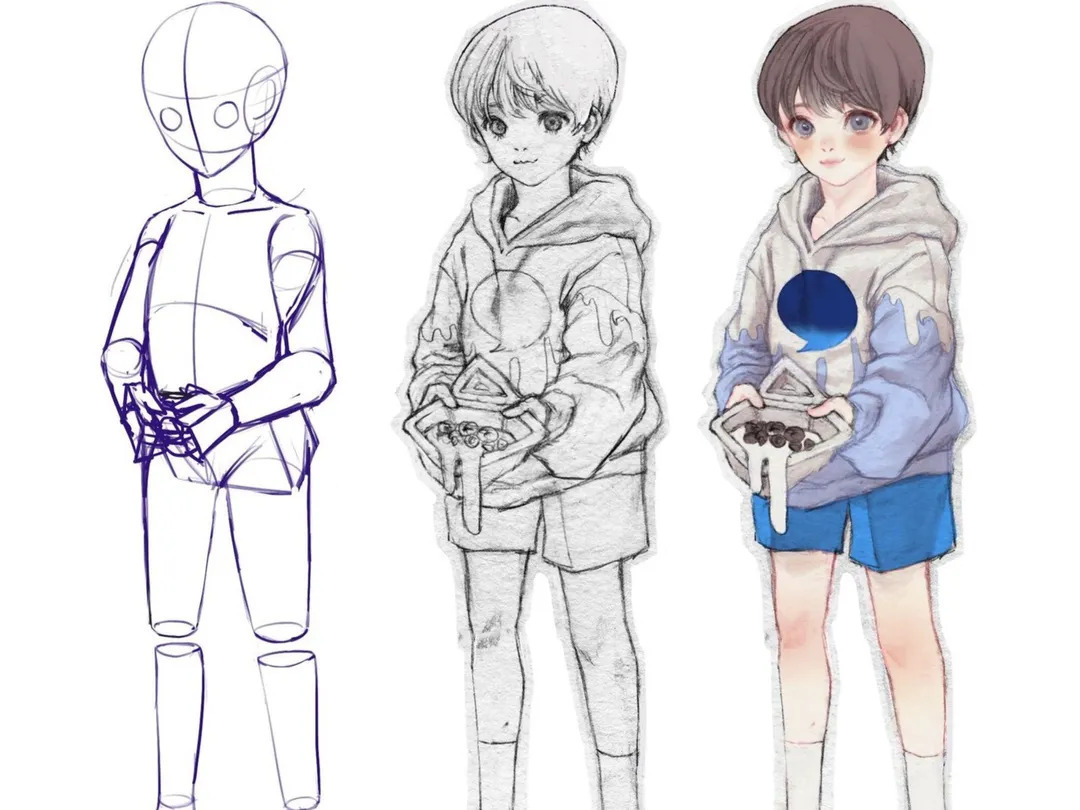
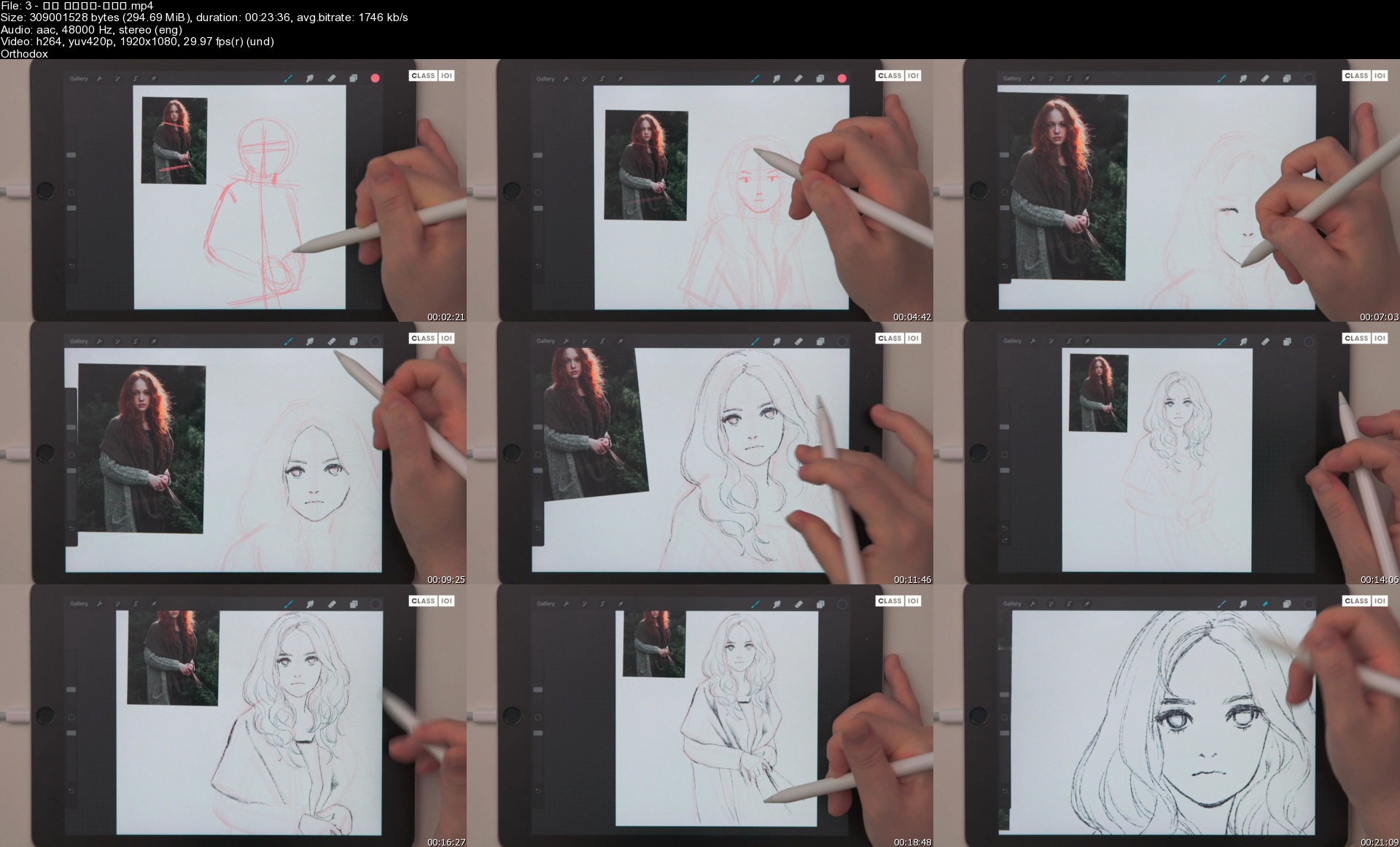
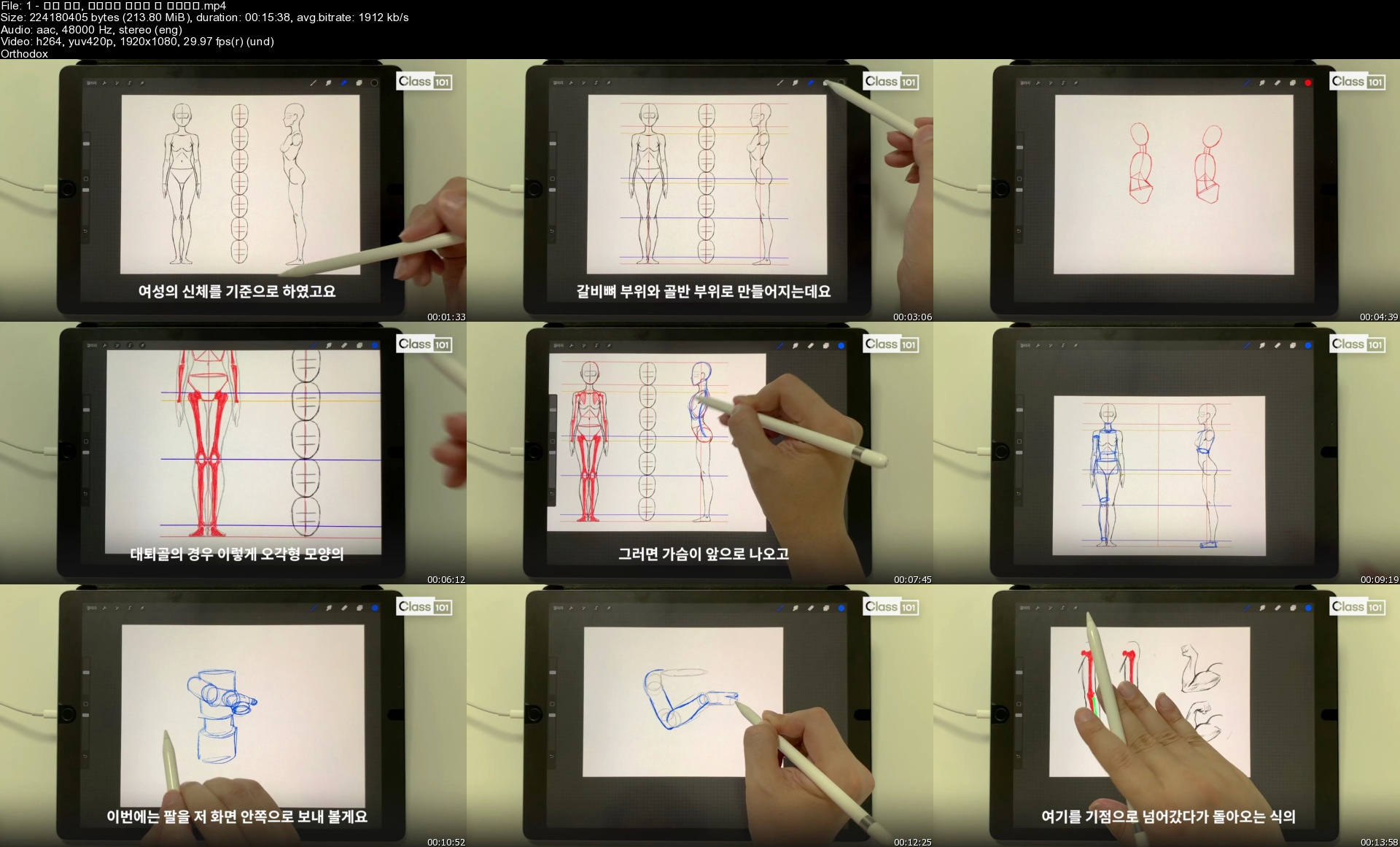
Class101 - NCHO - Learn to Draw Beautiful Anime Drawings on the iPad

ezgif406525b78d3ndj07.jpg


Class101 - NCHO - Learn to Draw Beautiful Anime Drawings on the iPad
Video: h264, yuv420p, 1920x1080, 3482 kb/s, 29.97 fps | Audio: aac, 48000 Hz, 2 channels, s16, 125 kb/s
Genre: eLearning | Duration: 24 Weeks | Language: Korean | Subs: English | File size: 17 GB

This curriculum is for the classmates that purchased the class. Class materials includes class videos, class notes, attachments and more.

Homepage


3spekrh.jpg


CGCircuit - Grooming Lion Fur in Houdini - Sara Hansen

viewer.php


CGCircuit - Grooming Lion Fur in Houdini - Sara Hansen
Video: MPEG4 Video (H264) 1920x1080 29.97fps 3659kbps | Audio: AAC 44100Hz stereo 160kbps Genre: eLearning | Duration: 2hrs+ | Language: English | File size: 9.4 GB

In this online course, the viewer will learn how to create realistic fur or hair from a production standpoint. We will go over how to create guide curves for all lengths of hair. Using different techniques from the short eyelashes to the long mane. You will also learn how to create groups from the skin mesh to grow fur from and how to paint masks and adjust the values using vex code. And if you're not comfortable using the combing tools in Houdini you will also learn how to import guides or curves from another software package to continue grooming.
We'll be starting with the scene basics and learning more technical production aspects like how to transfer hair to an updated model with different topology, shape, or uvs and also how to transfer hair to an animated model. We even look at how to simulate the hair with wind. You'll learn how to set up fur shaders with textures, and how to setup cameras and render with Mantra.
This course has been designed for intermediate level.
After viewing this course, you will be able to groom any animal, human or creature, using the same workflow and techniques with confidence.
Chapter 1: Scene and Geometry Set Up
Scene Options
Loading Bind Geometry
Creating Groups
Creating VDB Collision
Importing Anim Geo
Creating Environment Light
Chapter 2: Guide Groom
Creating Body Guides
Body Guide Advect
Painting Masks
Mask Adjustments
Guide Masking
Importing Guide Curves From Other Software
Chapter 3: Hair Groom
Hair Clump
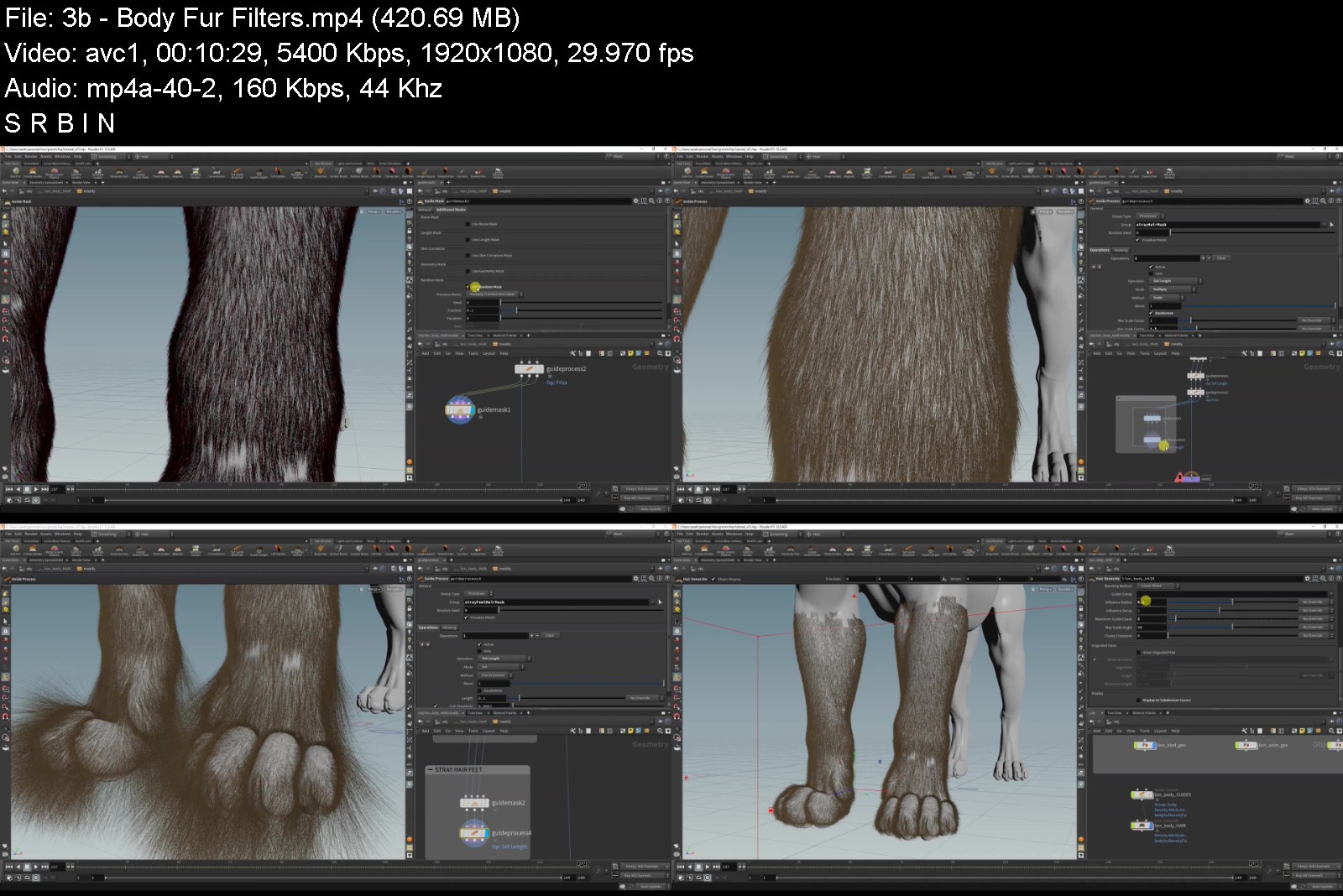
Body Fur Filters
Face Fur
Chin, Ear, Tail And Elbow Hair
How To Randomize Thickness
Whiskers and Eyelashes
Mane
Chapter 4: Rendering
Render Cameras
Rendering With Mantra
Fur Shader Basics
Eye Shader
Skin Shader
Final Fur Shader
Chapter 5: Fur Pipeline
Converting Guides and Fur Into Geometry
Transferring Fur To Animated Geometry
Transferring Hair To New Geometry
Combining Hair For Export
Simulating Guide Hair
Final Render


cgcircuitgroominglionw1jwv.jpg


Download from RapidGator


Download from NitroFlare


Class101 - Juan - Learn iPad Drawing Online: Anime & Manga School

4jjcy.jpg


Class101 - Juan - Learn iPad Drawing Online: Anime & Manga School
Video: h264, yuv420p, 1920x1080, 2371 kb/s, 29.97 fps(r) | Audio: aac, 48000 Hz, 2 channels, s16, 125 kb/s
Genre: eLearning | Duration: 12hrs+ | Language: Korean | Subtitle: English | File size: 11.7 GB

Hello. My name is Juan and I enjoy capturing and drawing the little things of my everyday. Since I work full-time as an animation artist and draw all day in the office, I enjoy drawing casual subjects like my everyday. So my works are more like my daily journal rather than an artistic masterpiece. I can relive the bits and pieces of my everyday moments when I am drawing. So rather than looking back at exhausting instances, I try to think about the people I love, the things I like, and fun moments. And this is my own way to relieve stress. Meeting different people through drawing is also very exciting. Let's draw together to enjoy some healing and memorable moments.

Homepage


1sqwkb6.jpg


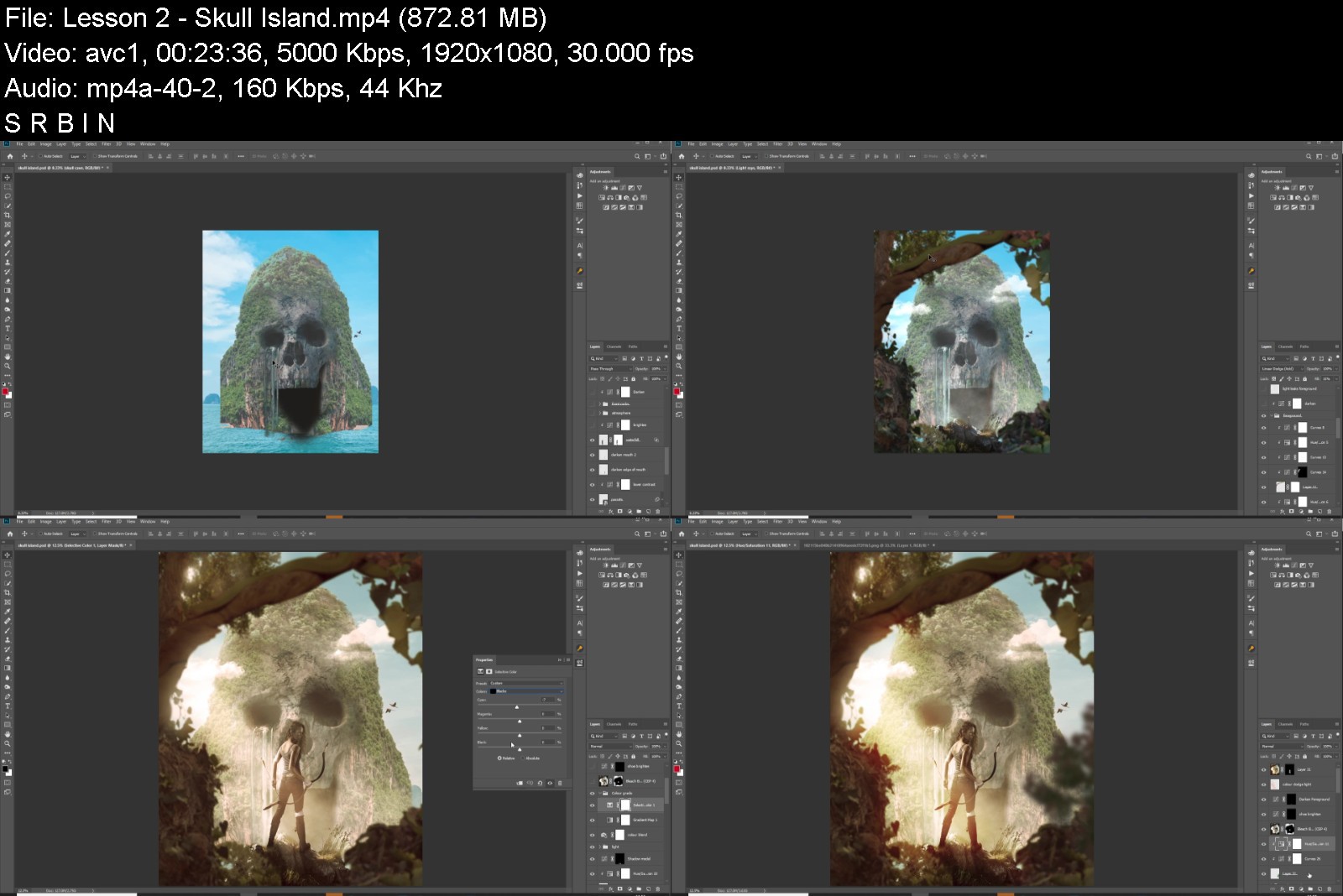
Neo-Stock - Hollywood Processing [Photoshop Training Bundle]

viewer.php


Neo-Stock - Hollywood Processing [Photoshop Training Bundle]
Video: MPEG4 Video (H264) 1280x720 29.97fps 104kbps | Audio: AAC 48000Hz stereo 102kbps Genre: eLearning | Duration: 12hrs+ | Language: English | File size: 7.6 GB

Take your Studio Photography to the next level with Clinton Lofthouse's Hollywood Processing[Photoshop Training Bundle]. In this course you'll learn the art of Creative Compositing: the Photoshop tools & techniques that will transform your unedited shots into high-impact cinematic scenes.
• Creative Compositing: The pro methods for 'cutting out' (masking) multiple elements, to create new scenes.
• Colour Processing: Unifying / adding drama with non-destructive Colour Grading & Processing techniques.
• 'Painting with Light': Enhancing realism with manually painted 'light-spills' and scenic effects.
• Depth of Field: Creating the illusion of depth and distance with selectively blurred elements.
• Composition: Creating a sense a sense of unity, harmony, and balance in your scene with the positioning / scale of elements.
+ Layer Blend Modes, Dodge & Burn techniques, Third Party Filters and more!


neostockhollywoodprocwxkj0.jpg


Download from RapidGator


Download from NitroFlare
 
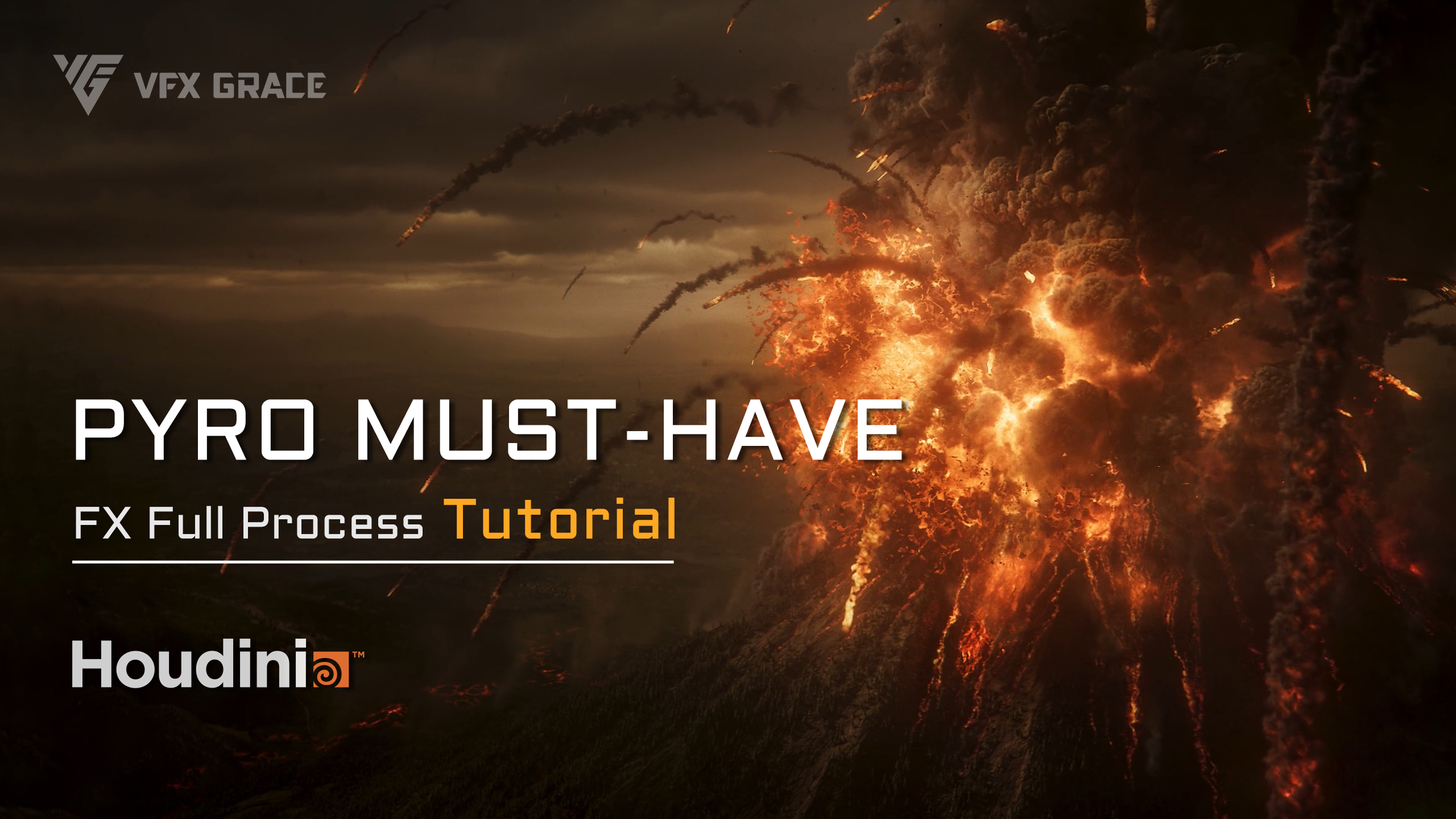
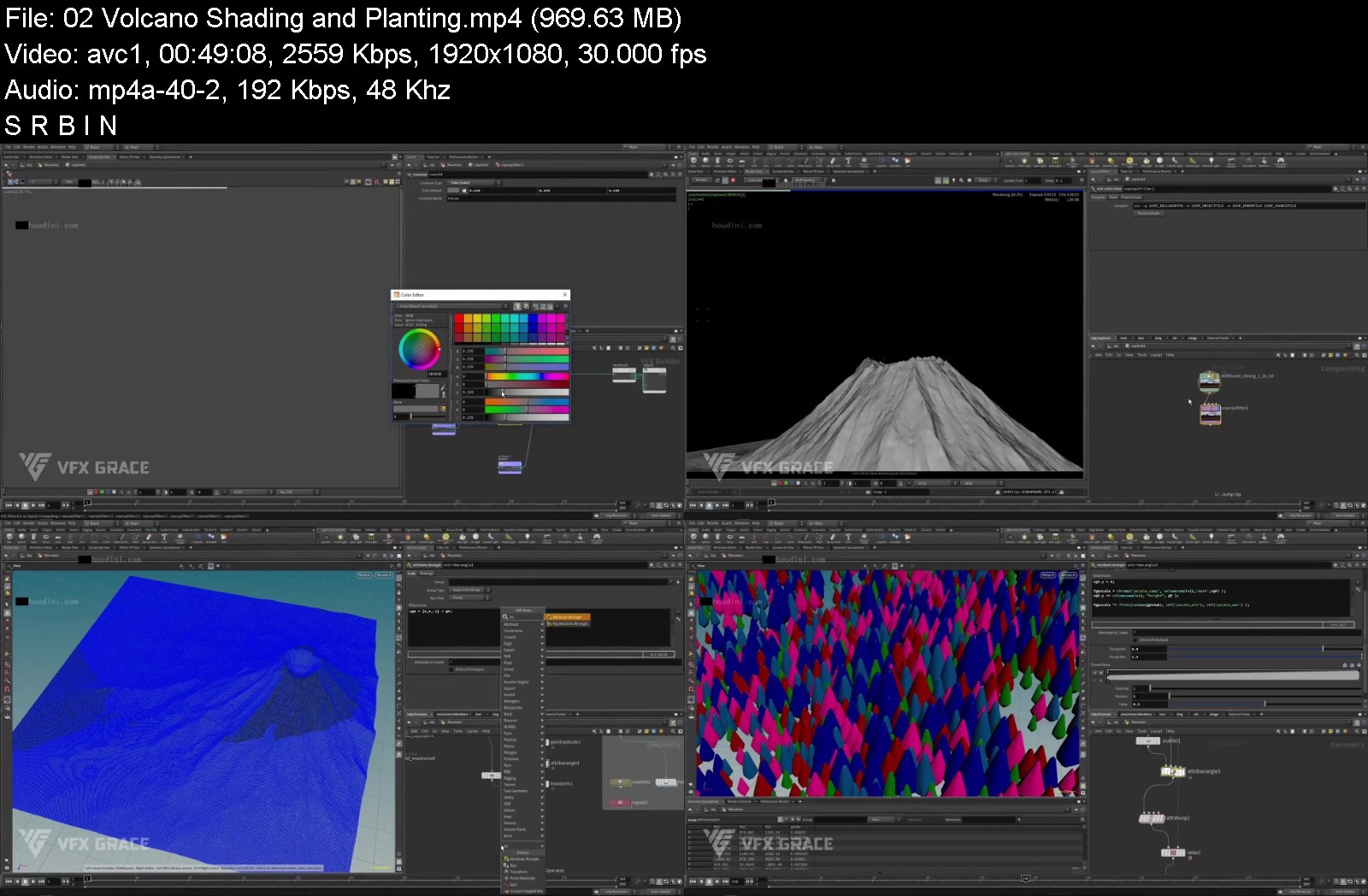
VFX Grace - Volcanic Eruption

zb20211016e781abe5b1b4hk5n.png


VFX Grace - Volcanic Eruption
Video: MPEG4 Video (H264) 1920x1080 (1963:1080) 30fps 2588kbps | Audio: AAC 48000Hz stereo 317kbps Genre: eLearning | Duration: 7hrs+ | Language: English | Subtitle: Hardcoded Chinese & English | File size: 9.6 GB

This tutorial mainly focuses on Pyro simulation, and involves various pyro simulations like the volcanic plume, the volcanic bombs, sparse smoke in the air, shockwave smoke, smoke and fire spreading on the terrain, and smoke from rolling rocks, to give you an in-depth understanding of Pyro. Due to the step-by-step nature of Pyro simulations, it's also suitable for beginners. Besides, there are more modules included, such as Height Field, FLIP simulation on lava creation, RBD simulation on terrain destruction, scene assembly, material, lighting, rendering, and compositing, etc, which gives you an overall knowledge of Houdini. In the scene assembly section, a large number of elements of optimization, processing, placement, complex lighting process, and rendering in layers, all of those can definitely give the learners who want to create epic large-scale scenes enlightening guidance.
FEATURES
Comprehensive, large-scale, involving multiple modules.
More simple cases are used to make it easier to understand parameters.
Full process gives you an in-depth understanding of large-scale scenes.
This tutorial concentrates on the technical points involved in Volcanic Eruption, without unrelated techniques.
CHAPTER LIST
01_Volcano_Terrain Model
02_Volcano_Shading and Planting
03_Smoke Plume
04_Volcanic Bombs
05_More Elements - Part 1
06_More Elements - Part 2
07_Volcano Destruction_RBD Simulation
08_Volcano Destruction_Debris and Smoke
09_Spewing Lava
10_Scene Assembly, Lighting, Rendering - Part 1
11_Scene Assembly, Lighting, Rendering - Part 2
12_Scene Assembly, Lighting, Rendering - Part 3
13_Compositing - Part 1
14_Compositing - Part 2


vfxgracevolcaniceruptm6j4g.jpg


Download from RapidGator


Download from NitroFlare


CGForge - Pyro III - Large Explosion

ogkmj.jpg


CGForge - Pyro III - Large Explosion
Video: MPEG4 Video (H264) 1920x1080 60fps | Audio: AAC 44100Hz stereo 135kbps Genre: eLearning | Duration: 15hrs+ | Language: English | File size: 6.6 GB

Take Houdini Pyro to the Next Level
Taking Pyro to the next level is a difficult task which requires a deep understanding of Houdini tools, artistic sophistication, and intentional decisions which aid in time management. This course is the accumulation of 6 months of research and features methods that you won't find anywhere else. The goal of this project-based course is to examine real-world reference, study its behavior, and replicate what we see through a wide variety of techniques. By the end, you'll have the tools and methods which unlock just about any professional grade pyro effect.
This course will render with both Karma & Redshift. The Sparse and Axiom pyro solvers are primarily used throughout the course. You do not need Axiom or Redshift to follow along.


pyroiiilargeexplosion1dj28.jpg


Download from RapidGator


Download from NitroFlare


Zurück
Oben Unten