• Regeln für den Video-Bereich:

    In den Börsenbereich gehören nur Angebote die bereits den Allgemeinen Regeln entsprechen.

    Einteilung

    - Folgende Formate gehören in die angegeben Bereiche:
    - Filme: Encodierte Filme von BluRay, DVD, R5, TV, Screener sowie Telesyncs im Format DivX, XviD und x264.
    - DVD: Filme im Format DVD5, DVD9 und HD2DVD.
    - HD: Encodierte Filme mit der Auflösung 720p oder darüber von BluRay, DVD, R5, TV, Screener sowie Telesyncs im Format x264.
    - 3D: Encodierte Filme von BluRay, die in einem 3D Format vorliegen. Dies gilt auch für Dokus, Animation usw.
    - Serien: Cartoon/Zeichentrick, Anime, Tutorials, Dokumentationen, Konzerte/Musik, Sonstiges sind demnach in die entsprechenden Bereiche einzuordnen, auch wenn sie beispielsweise im High Definition-Format oder als DVD5/DVD9/HD2DVD vorliegen. Ausnahme 3D.
    - Bereich Englisch: Englische Releases gehören immer in diesen Bereich.
    - Bereich Talk: Der Bereich, in dem über die Releases diskutiert werden kann, darf, soll und erwünscht ist.


    Angebot/Beitrag erstellen

    - Ein Beitrag darf erst dann erstellt werden, wenn der Upload bei mindestens einem OCH komplett ist. Platzhalter sind untersagt.
    - Bei einem Scenerelease hat der Threadtitel ausschließlich aus dem originalen, unveränderten Releasenamen zu bestehen. Es dürfen keine Veränderungen wie z.B. Sterne, kleine Buchstaben o.ä. vorgenommen werden. Ausnahme Serienbörse:
    - Bei einem Sammelthread für eine Staffel entfällt aus dem Releasename natürlich der Name der Folge. Beispiel: Die Simpsons S21 German DVDRip XviD - ITG
    - Dementsprechend sind also u.a. verboten: Erweiterungen wie "Tipp", "empfehlenswert", "only", "reup", usw. / jegliche andere Zusatzinformation oder Ergänzung, welche nicht in obiger Beschreibung zu finden ist.

    Aufbau des Angebots und Threadtitel

    Der Titel nach folgendem Muster erstellt zu werden. <Name> [3D] [Staffel] [German] <Jahr> <Tonspur> [DL] [Auflösung] <Quelle> <Codec> - <Group>
    Beispiel: The Dark Knight German 2008 AC3 DVDRip XviD - iND
    Beispiel: The Dark Knight 2008 DTS DL BDRip x264 - iND
    Beispiel: The Dark Knight 2008 AC3 DL BDRip XviD - iND
    Beispiel: The Dark Knight German 2008 AC3 720p BluRay x264 iND
    Beispiel: The Dark Knight 2008 DTS DL 1080p BluRay x264 iND
    Beispiel: Die Simpsons S01 German AC3 DVDRip XviD iND
    Beispiel: Die Simpsons S20 German AC3 720p BluRay x264 iND
    Beispiel: Sword Art Online II Ger Sub 2014 AAC 1080p WEBRip x264 - peppermint
    Entsprechend sind also u.a. verboten: Sonderzeichen wie Klammern, Sterne, Ausrufezeichen, Unterstriche, Anführungszeichen / Erweiterungen wie "Tipp", "empfehlenswert", "only", "reup", usw. / jegliche andere Zusatzinformation oder Ergänzung, welche nicht in obiger Beschreibung zu finden ist
    Ausnahmen hiervon können in den Bereichen geregelt sein.

    Die Beiträge sollen wie folgt aufgebaut werden:
    Überschrift entspricht dem Threadtitel
    Cover
    kurze Inhaltsbeschreibung
    Format, Größe, Dauer sind gut lesbar für Downloader außerhalb des Spoilers zu vermerken
    Nfo sind immer Anzugeben und selbige immer im Spoiler in Textform.
    Sind keine Nfo vorhanden z.B. Eigenpublikationen, sind im Spoiler folgende Dateiinformationen zusätzlich anzugeben :
    Quelle
    Video (Auflösung und Bitrate)
    Ton (Sprache, Format und Bitrate der einzelnen Spuren)
    Untertitel (sofern vorhanden)
    Hosterangabe in Textform außerhalb eines Spoiler mit allen enthaltenen Hostern.
    Bei SD kann auf diese zusätzlichen Dateiinformationen verzichtet werden.

    Alle benötigten Passwörter sind, sofern vorhanden, in Textform im Angebot anzugeben.
    Spoiler im Spoiler mit Kommentaren :"Schon Bedankt?" sind unerwünscht.


    Releases

    - Sind Retail-Release verfügbar, sind alle anderen Variationen untersagt. Ausnahmen: Alle deutschen Retail-Release sind CUT, in diesem Fall sind dubbed UNCUT-Release zulässig.
    - Im Serien-Bereich gilt speziell: Wenn ein Retail vor Abschluss einer laufenden Staffel erscheint, darf diese Staffel noch zu Ende gebracht werden.62
    - Gleiche Releases sind unbedingt zusammenzufassen. Das bedeutet, es ist zwingend erforderlich, vor dem Erstellen eines Themas per Suchfunktion zu überprüfen, ob bereits ein Beitrag mit demselben Release besteht. Ist dies der Fall, ist der bereits vorhandene Beitrag zu verwenden.
    - P2P und Scene Releases dürfen nicht verändert oder gar unter einem iND Tag eingestellt werden.


    Support, Diskussionen und Suche

    - Supportanfragen sind entweder per PN oder im Bereich Talk zu stellen.
    - Diskussionen und Bewertungen sind im Talk Bereich zu führen. Fragen an die Uploader haben ausschließlich via PN zu erfolgen, und sind in den Angeboten untersagt.
    - Anfragen zu Upload-Wünschen sind nur im Bereich Suche Video erlaubt. Antworten dürfen nur auf Angebote von MyBoerse.bz verlinkt werden.


    Verbote

    - Untersagt sind mehrere Formate in einem einzigen Angebotsthread, wie beispielsweise das gleichzeitige Anbieten von DivX/XviD, 720p und 1080p in einem Thread. Pro Format, Release und Auflösung ist ein eigener Thread zu eröffnen.
    - Grundsätzlich ebenso verboten sind Dupes. Uploader haben sich an geeigneter Stelle darüber zu informieren, ob es sich bei einem Release um ein Dupe handelt.
    - Gefakte, nur teilweise lauffähige oder unvollständige Angebote sind untersagt. Dies gilt auch für eigene Publikationen, die augenscheinlich nicht selbst von z.B. einer DVD gerippt wurden. Laufende Serien, bei denen noch nicht alle Folgen verfügbar sind, dürfen erstellt und regelmäßig geupdatet werden.
    - Untersagt sind Angebote, welche nur und ausschließlich in einer anderen Sprache als deutsch oder englisch vorliegen. Ausnahmen sind VORHER mit den Moderatoren zu klären.


    Verstoß gegen die Regeln

    - Angebote oder Beiträge, die gegen die Forenregeln verstoßen, sind über den "Melden"-Button im Beitrag zu melden.
  • Bitte registriere dich zunächst um Beiträge zu verfassen und externe Links aufzurufen.

*** Bestes IPTV *** bester Preis *** gratis Test ***


Englische Tutorials

Complete 2022 Data Science & Machine Learning Bootcamp

x53ubzi8evgyu9db2aip8qvjg4.jpg


Complete 2022 Data Science & Machine Learning Bootcamp
MP4 | Video: h264, 1280x720 | Audio: AAC, 44.1 KHz
Language: English | Size: 12.5 GB | Duration: 41h 16m

Learn Python, Tensorflow, Deep Learning, Regression, Classification, Neural Networks, Artificial Intelligence & more!


What you'll learn
You will learn how to program using Python through practical projects
Use data science algorithms to analyse data in real life projects such as spam classification and image recognition
Build a portfolio of data science projects to apply for jobs in the industry
Understand how to use the latest tools in data science, including Tensorflow, Matplotlib, Numpy and many more
Create your own neural networks and understand how to use them to perform deep learning
Understand and apply data visua****tion techniques to explore large datasets

Requirements
No programming experience needed! I'll teach you everything you need to know.
No statistics knowledge required! I'll teach you everything you need to know.
No calculus knowledge required! as long as you've done some high school maths, I'll take you step by step through the difficult parts.
Also, no paid software required - all projects use free and open source software
All you need is Mac or PC computer with access to the internet

Description
Welcome to the Complete Data Science and Machine Learning Bootcamp, the only course you need to learn Python and get into data science.

At over 40+ hours, this Python course is without a doubt the most comprehensive data science and machine learning course available online. Even if you have zero programming experience, this course will take you from beginner to mastery. Here's why

The course is taught by the lead instructor at the App Brewery, London's leading in-person programming bootcamp.

In the course, you'll be learning the latest tools and technologies that are used by data scientists at Google, Amazon, or Netflix.

This course doesn't cut any corners, there are beautiful animated explanation videos and real-world projects to build.

The curriculum was developed over a period of three years together with industry professionals, researchers and student testing and feedback.

To date, we've taught over 200,000 students how to code and many have gone on to change their lives by getting jobs in the industry or starting their own tech startup.

You'll save yourself over $12,000 by enrolling, but get access to the same teaching materials and learn from the same instructor and curriculum as our in-person programming bootcamp.

We'll take you step-by-step through video tutorials and teach you everything you need to know to succeed as a data scientist and machine learning professional.

The course includes over 40+ hours of HD video tutorials and builds your programming knowledge while solving real-world problems.

In the curriculum, we cover a large number of important data science and machine learning topics, such as

Data Cleaning and Pre-Processing

Data Exploration and Visua****tion

Linear Regression

Multivariable Regression

Optimisation Algorithms and Gradient Descent

Naive Bayes Classification

Descriptive Statistics and Probability Theory

Neural Networks and Deep Learning

Model Evaluation and Analysis

Serving a Tensorflow Model

Throughout the course, we cover all the tools used by data scientists and machine learning experts, including

Python 3

Tensorflow

Pandas

Numpy

Scikit Learn

Keras

Matplotlib

Seaborn

SciPy

SymPy

By the end of this course, you will be fluently programming in Python and be ready to tackle any data science project. We'll be covering all of these Python programming concepts

Data Types and Variables

String Manipulation

Functions

Objects

Lists, Tuples and Dictionaries

Loops and Iterators

Conditionals and Control Flow

Generator Functions

Context Managers and Name Scoping

Error Handling

By working through real-world projects you get to understand the entire workflow of a data scientist which is incredibly valuable to a potential employer.

Sign up today, and look forward to

178+ HD Video Lectures

30+ Code Challenges and Exercises

Fully Fledged Data Science and Machine Learning Projects

Programming Resources and Cheatsheets

Our best selling 12 Rules to Learn to Code eBook

$12,000+ data science & machine learning bootcamp course materials and curriculum

Don't just take my word for it, check out what existing students have to say about my courses

"One of the best courses I have taken. Everything is explained well, concepts are not glossed over. There is reinforcement in the challenges that helps solidify understanding. I'm only half way through but I feel like it is some of the best money I've ever spent." -Robert Vance

"I've spent £27,000 on University..... Save some money and buy any course available by Philipp! Great stuff guys." -Terry Woodward

"This course is amazingly immersive and quite all-inclusive from end-to-end to develop an app! Also gives practicality to apply the lesson straight away and full of fun with bunch of sense of humor, so it's not boring to follow throughout the whole course. Keep up the good work guys!" - Marvin Septianus

"Great going so far. Like the idea of the quizzes to challenge us as we go along. Explanations are clear and easy to follow" -Lenox James

"Very good explained course. The tasks and challenges are fun to do learn an do! Would recommend it a thousand times." -Andres Ariza

"I enjoy the step by step method they introduce the topics. Anyone with an interest in programming would be able to follow and program" -Isaac Barnor

"I am learning so much with this course; certainly beats reading older Android Ebooks that are so far out of date; Phillippe is so easy any understandable to learn from. Great Course have recommended to a few people." -Dale Barnes

"This course has been amazing. Thanks for all the info. I'll definitely try to put this in use. :)" -Devanshika Ghosh

"Great Narration and explanations. Very interactive lectures which make me keep looking forward to the next tutorial" -Bimal Becks

"English is not my native language but in this video, Phillip has great pronunciation so I don't have problem even without subtitles :)" -Dreamerx85

"Clear, precise and easy to follow instructions & explanations!" -Andreea Andrei

"An incredible course in a succinct, well-thought-out, easy to understand package. I wish I had purchased this course first." -Ian

REMEMBER. I'm so confident that you'll love this course that we're offering a FULL money back guarantee for 30 days! So it's a complete no-brainer, sign up today with ZERO risks and EVERYTHING to gain.

So what are you waiting for? Click the buy now button and join the world's best data science and machine learning course.

Who this course is for
If you want to learn to code through building fun and useful projects, then take this course.
If you want to solve real-life problems using data.
If you want to learn how to build machine learning algorithms such as deep learning and neural networks.
If you are a seasoned programmer, take this course to get up to speed quickly with the workflow of a data scientist.
If you want to take ONE COURSE and learn everything you need to know about data science and machine learning then take this course.

Homepage
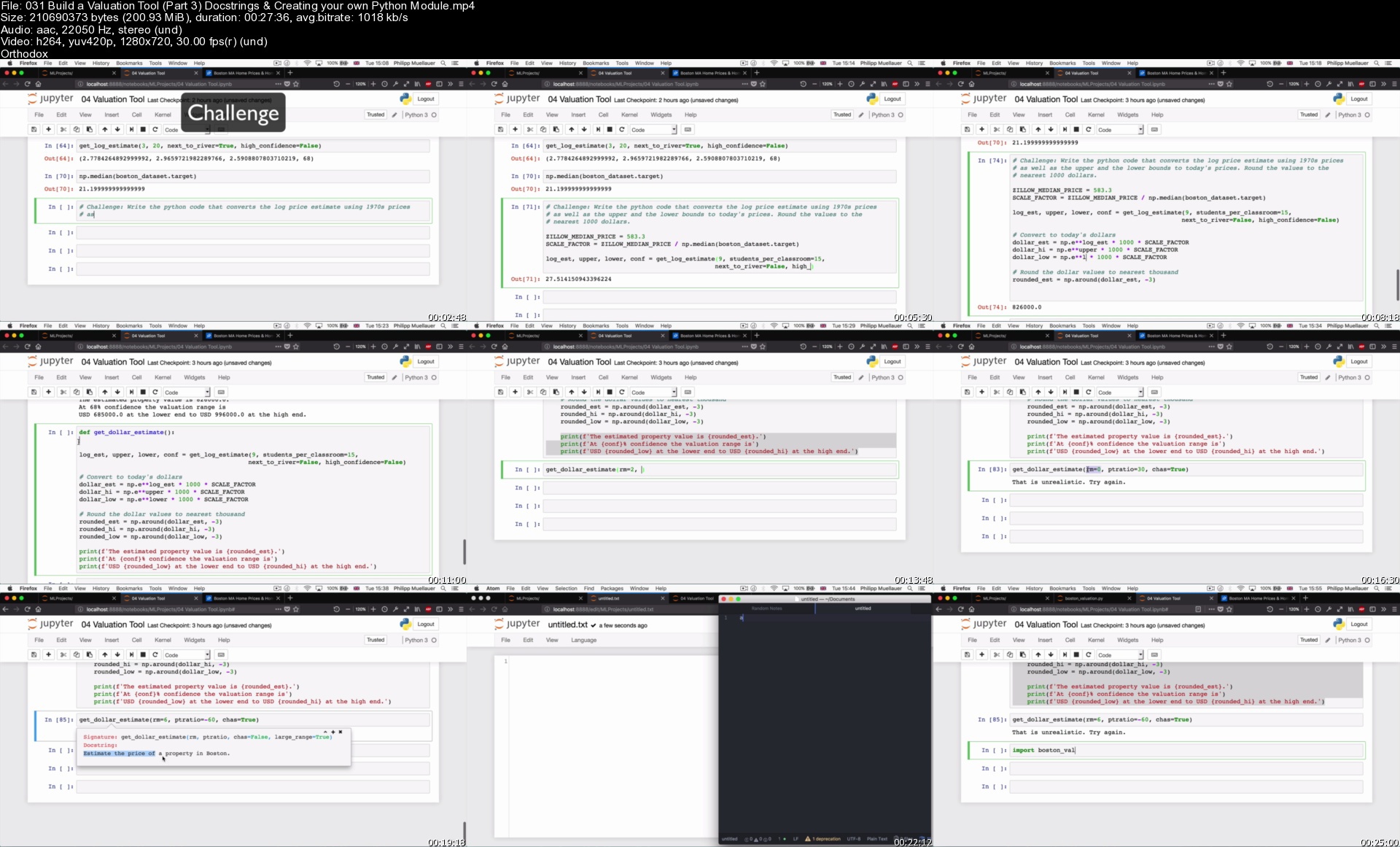

031buildavaluationtoo1ikrm.jpg


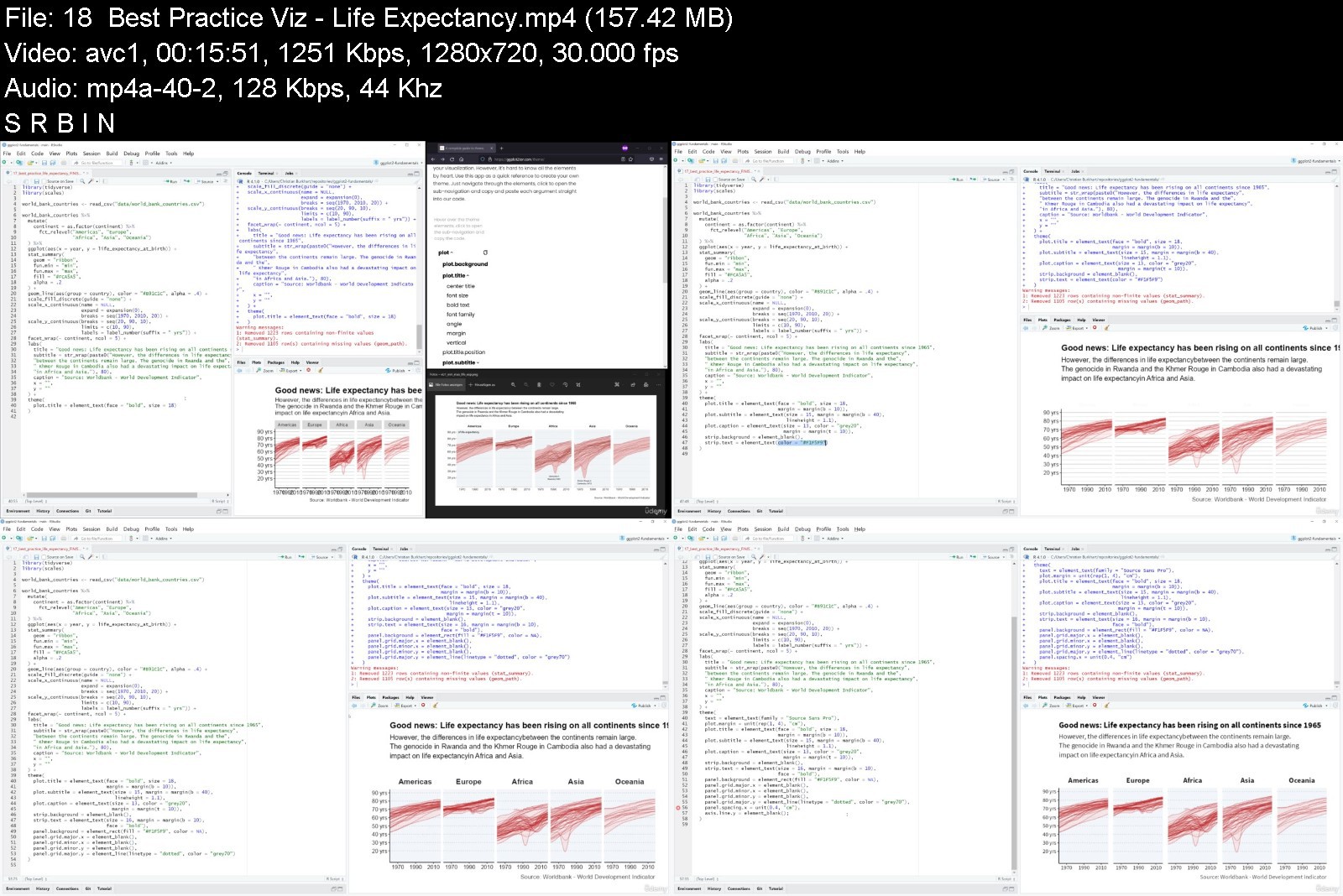
ggplot2 fundamentals

7vrzzhpqg2skdzi5i9i6ub7jpp.jpg


ggplot2 fundamentals
Genre: eLearning | MP4 | Video: h264, 1280x720 | Audio: AAC, 44.1 KHz
Language: English | Size: 5.04 GB | Duration: 11h 45m


What you'll learn
Explain what aesthetic mappings are
Explain the inheritance of aesthetic mappings
Create any plot in ggplot2 on your own
Solve common problems in creating plots in ggplot2
Dodge bar charts and be able to explain how it can be done
Explain the aesthetics of geom_point
Order bar charts
Use scales to adjust the mapping between aesthetics and variables
Use facets to create multiple plots at once
Use sum**** statistics to do calculations on your data on they fly with ggplot2 (e.g. error bars, means, confidence intervals)
Make your plot look beautiful with custom themes
Use annotations to spice up your plots
Add mathematical notations to your plot
Combine multiple plots with patchwork
Adding significance bars to barplots
Adding regression lines to scatterplots
Export plots to high quality
Use various apps from ggplot2tor to work with scales, theme and aesthetics in ggplot2

Description
My goal with this course is for you to learn ggplot2 from the ground up. ggplot2 has a huge community and endless resources, but here's why I think this course might be for you
Creating data visualizations in ggplot2 is tough for beginners. You need to know about data types, geometric objects, aesthetics, aesthetic mappings, dozens of functions, faceting, scales, themes and much more. You'll find many resources on the internet that teach you this content. Finding these resources takes time, and often they don't teach the fundamentals you need to know to become an independent data visualization specialist in ggplot2. I want to get you up to speed with ggplot2. While creating this course I not only created the videos, but also a comprehensive package of educational materials. Here is what you will get from this course
More than 11 hours of videos
8 brand-new cheat sheets on the most fundamental concepts of ggplot2 which you won't find anywhere else on the internet
3 educational web apps on three of the most fundamentals problems: findings aesthetics of geometric objects, finding scales, and designing your theme
A repository with all the R-code for the course
In this course we will start with the most important concept of ggplot2, aesthetic mappings. We will then learn how to create the most basic plots. Once you are able to create these plots, we will discuss common pitfalls that beginners to ggplot2 often run into. In the next modules, we will learn how to customize aesthetic mappings with scales, how to create multiple plots by faceting, how to calculate sum**** statistics, and how to change the theme of your plots. Finally, we will give you some tips and tricks that everyone learning ggplot2 should know. Along the way, we will also create four best practice visualizations that cover all of the fundamental concepts we learn in this course.
I am confident that you won't find similar material anywhere else on the internet and that you will truly understand ggplot2 from the ground up if you take this course.
Disclaimer: We will cover version 3.3.4 of ggplot2.
Who this course is for
Any person who wants to learn ggplot2 from the ground up
Data scientist interested in learning how to create visualizations in ggplot2 fast and effectively
Data journalists who want to create print-ready visualizations
Students interested in creating visualizations for their theses
Scientists and researchers whose daily bread is to plot data


ggplot2fundamentalspnkvk.jpg


Download from RapidGator


Download from NitroFlare


Download from UploadGig


Shopify Theme Development: Online Store 2.0 + TailwindCSS

mw1zcbn5e31ddbiua5a35d7jw6.jpg


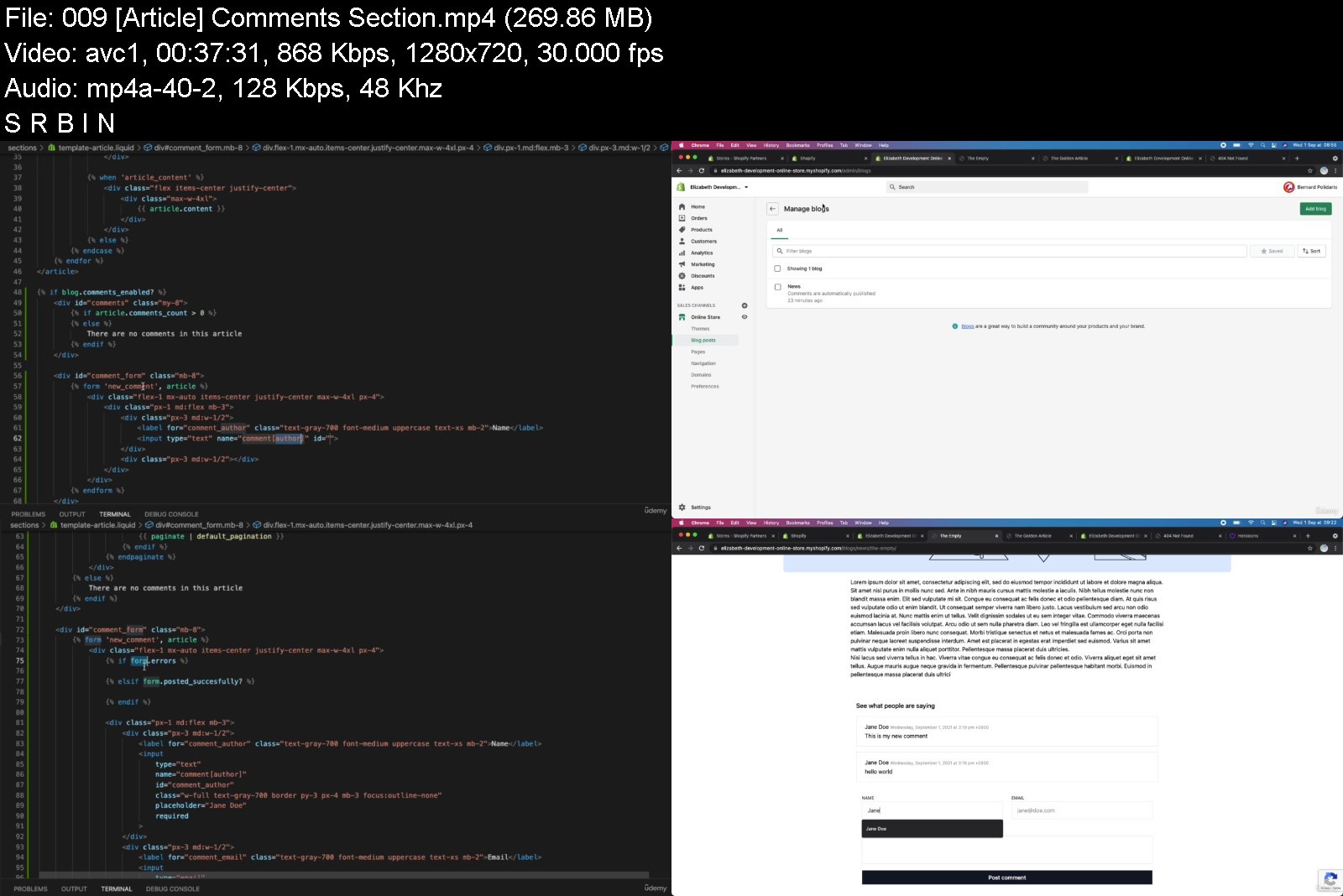
Shopify Theme Development: Online Store 2.0 + TailwindCSS
MP4 | Video: h264, 1280x720 | Audio: AAC, 44.1 KHz
Language: English | Size: 6.12 GB | Duration: 13h 55m

Learn how to create Shopify themes for Online Store 2.0 (JSON Templates) using Shopify CLI, Liquid, & TailwindCSS


What you'll learn
Learn about the new Online Store 2.0 and the new theme architecture of Shopify
Shopify Theme Development
Liquid Programming (Tags, Objects, & Filters)
How to use TailwindCSS in Shopify Theme Development
Create Shopify themes using Shopify CLI
Create an advanced product page w/ product carousels on mobile, variant selectors, and more!
Requirements
You must know HTML, CSS, & JavaScript
You must know how to use Node or npm
You must know your way around Shopify

Description
Shopify just recently updated their Shopify online experience and now they call it "Online Store 2.0".
With this update, Shopify merchants can now customize their entire online store using sections & blocks. This opened a lot of doors not just for Shopify app developers but also for Shopify theme developers because now, you can add cool sections and blocks to the most commonly used pages like products page, collections page, blog page, etc.
If you're a Shopify theme developer and you don't know yet how to create a Shopify theme for Online Store 2.0, then this is the best time to learn because Shopify is now accepting Shopify themes to be listed on their Shopify Theme Store!
This means you can make money by selling your Shopify themes! So are you interested to learn more?
In this course, we're going to learn how to create a Shopify theme for Online Store 2.0 using Shopify CLI with the help of TailwindCSS to design a cool online store.
In this course you will learn
How to set up your development store
Using TailwindCSS to design a Shopify theme
Online Store 2.0 (JSON Templates)
Shopify CLI
Schema Settings
Search Engine Optimization (SEO) for pages like articles, products, etc.
Liquid language (Referencing asset files, loops, conditional statements, Shopify objects, filters, and many more)
Customer pages
Frequently Asked Questions
Q: Is this course beginner-friendly?
A: If you're new to Shopify theme development, YES. However, if you're entirely new to Web Development, then this course is NOT for you since I won't be explaining how HTML works, how CSS utilities works, what is JavaScript, etc. If you're entirely new to web development, I suggest learning it first before taking this course.
Q: What operating system are we required to use?
A: I have used MacOS in this course, so if you want to use a different OS, you can do that. However, make sure that you know your way around your system since yours is going to be different from mine (e.g. Terminal/Powershell/Shell)
If you think you're ready to start, signup now, and let's create the best Shopify theme together!
Who this course is for
Beginner to Intermediate "Shopify developers" NOT web developers
Students who wants to learn how to create Shopify themes using Shopify CLI
Shopify merchants who wants to learn about Shopify themes
Web Developers who wants to learn about Shopify theme architecture


shopifythemedevelopmetjkhi.jpg


Download from RapidGator


Download from NitroFlare


Download from UploadGig


Learn Ansible Automation in 100+examples & practical lessons

lkalpffwgpywhqfuhgelygvj31.jpg


Learn Ansible Automation in 100+examples & practical lessons
MP4 | Video: h264, 1280x720 | Audio: AAC, 44.1 KHz
Language: English | Size: 5.70 GB | Duration: 17h 0m

Learn Ansible with some real-life examples of how to use the most common modules and Ansible Playbook


What you'll learn
Ansible in real life use cases
Ansible troubleshooting of most common errors
Install Ansible in the most common operating system
Ansible code by modules
Ansible code specific for RedHat-like and Debian-like systems
Requirements
Ansible basic knowledge

Description
Learn the Ansible automation technology with some real-life examples.

Every successful IT department needs automation nowadays for bare metal servers, virtual machines, could, containers, and edge computing. Automate your IT journey with Ansible automation technology.

I'm going to teach you example by example how to accomplish the most common System Administrator tasks.

You are going to start with the installation of Ansible in RedHat Enterprise Linux, Ubuntu, and macOS using the most command package manager and archives.

Each of the 100+ lessons summarizes a module: from the most important parameter to some live demo of code and real-life usage. Each code is battle proved in the real life. Console interaction and verification are included in every video. A mundane activity like creating a text file, extracting and archiving, fetching a repository using HTTPS or SSH connections could be automated with some lines of code and these are only some of the long lists included in the course.

There are some Ansible codes usable in all the Linux systems, some specific for RedHat-like, Debian-like, and Windows systems.

The 20+ Ansible troubleshooting lesson teaches you how to read the error message, how to reproduce, and the process of troubleshooting and resolution.

Are you ready to automate your day with Ansible?

Who this course is for
System Administrator
IT Professional
Cloud Engineer
DevOps

Homepage


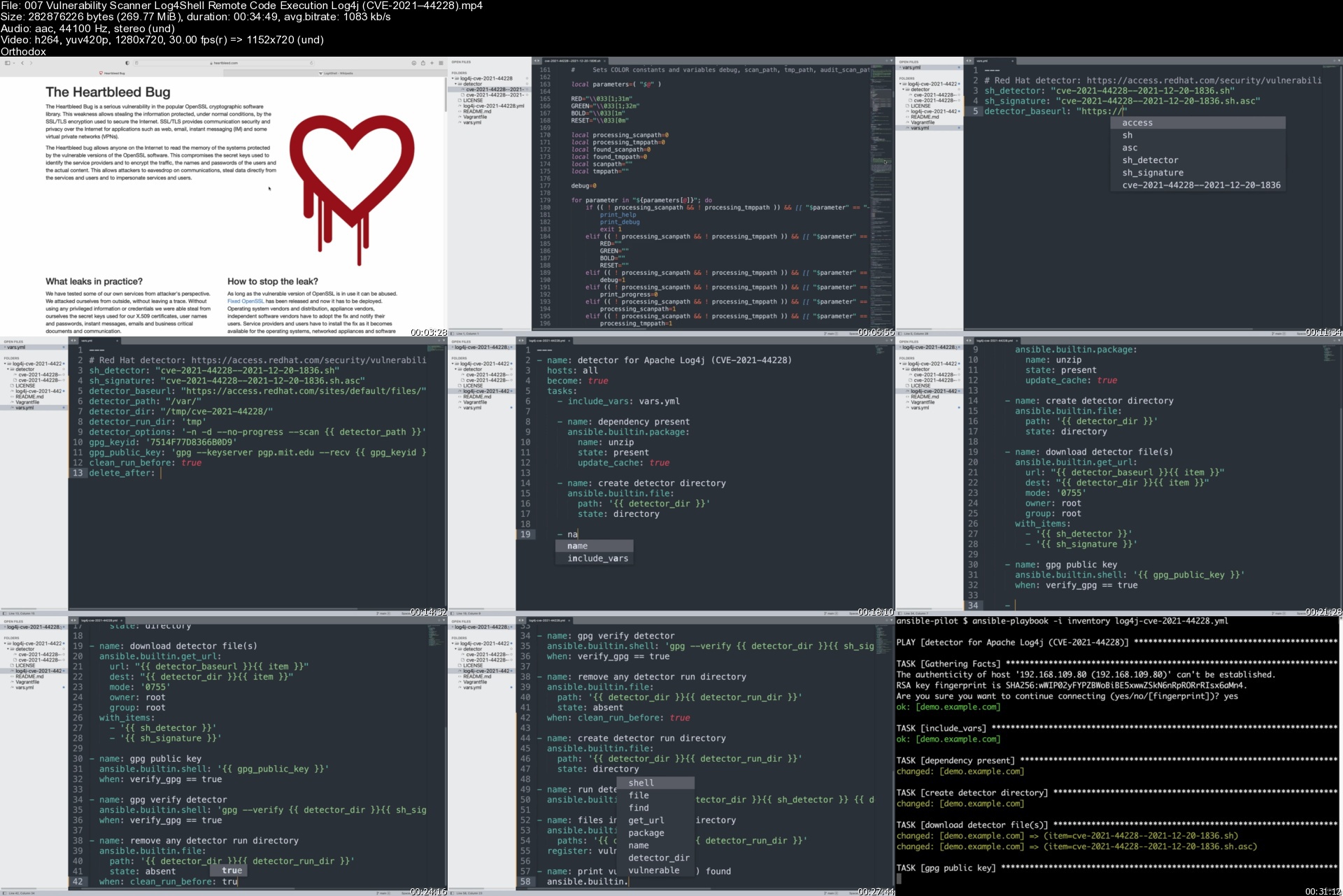
007vulnerabilityscannb0k1d.jpg


Investment Banking Training Bundle 2022

2107348c9d03ruj2l.jpg


Investment Banking Training Bundle 2022
Last Update: 1/2022
Duration: 55h 33m | Video: .MP4, 1280x720 30 fps | Audio: AAC, 48 kHz, 2ch | Size: 24.8 GB
Genre: eLearning | Language: English

Learn IB Industry, Financial Modeling, Valuation, DCF. Pitchbook, Mergers Acquisition, LBO Modeling and much more.


What you'll learn:
Learn different domains, terms and concept associated with the Investment banking field.
Learn about Investment Banking Industry and its Fundamentals
Learn in details DCF methods od Valuations
Master Relative Valuation
Learn DCF Modeling using MS Excel
In-depth learning on Comparable Comps
Master Financial Modeling from scratch using different case studies
Learn how to prepare a pitchbook
Learn in details about Merger Modeling and Reverse Merger Modeling and Valuation

Requirements
A Computer with MS Excel 2010 or later version
Inclination towards practical finance
Basic financial knowledge will be great advantage
Basic excel knowledge will be an addition


Description
In this course we are going to learn different modules which forms the core Investment Banking domain. The modules that will be discussed in this Ultimate Investment Banking Training Bundle are
Investment Banking Overview
Financial Analysis
Financial Modeling
Valuation, DCF, relative valuation Training
Report Writing Techniques
Mergers & Acquisitions Modeling
We have made sure that all the concepts are thoroughly explained along with examples. So in this training you will understand the nuts and bolts of how to prepare a Financial model. first we will start with the understanding of Investment Banking industry. Here we will learn in details how the investment banking industry works, its role, its hierarchy etc. Then moving forward we will learn to prepare the financial models of some live operating current companies. Other advance investment banking topics that you will be learning are How to prepare a Merger Model of two companies, How to prepare a PitchBook etc.
Some people assume that only top-tier college students get entry into the Investment Banking field. You are definitely going to see many from top-tier colleges but there are many more who made into the Investment Banking analyst roles having attended lesser-known colleges. Unfortunately, universities and colleges only teach mandated books and do not provide hands-on practical Investment Banking training and one can gain such skills by practical training on Investment Banking Courses. IIB brings you the course Investment Banking Training. In this Investment Banking Training courses, we are going to learn different modules which form the core Investment Banking domain. Also, you will enjoy the way of training. The trainer has made sure that all the concepts are thoroughly explained along with examples. So in this training, you will understand the nuts and bolts of how to prepare a Financial model. first, we will start with the understanding of Investment Banking industry. Here we will learn in details how the investment banking industry works, its role, its hierarchy etc. Then moving forward we will learn to prepare the financial models of some live operating current companies. Some of them are Asian Paints. Other advance investment banking topics that you will be learning are
How to prepare a Merger Model of two companies
How to prepare a PitchBook
Fund Raising Options
In the Investment Banking Overview, you will learn about the following
The first step towards the making of an Investment Banking analyst is to understand - what is Investment Banking?
An Investment Bank is a financial intermediary that performs various functions and indulges in providing services such as underwriting, selling, and trading securities (stocks and bonds); acting as an intermediary between a securities issuer and the investing public, assistance in mergers and other corporate reorganizations. There are huge Global Investments Banks in this industry such as Goldman Sachs, Morgan Stanley, JP Morgan Chase etc. Investment Banking analyst works with a broad range of issuer clients, including corporations, institutions, and governments. Though, investment banks vary both in terms of services they offer and the way they are organized they fall they have very similar operating divisions, with minor variations in structure.
Investment Banking analyst structure comprises of various divisions such as Corporate Finance, Sales and Trading, Research and Asset Management. The organization is divided into Front office, Middle office and Back office, where the team hierarchy and the roles played are by everyone are predefined. To know more about investment Banking, click here.
Many of us though are aware of what an Investment Bank Analyst does; do not know its Industry structure and the various roles and functions which comprises an Investment Bank's working mechanism. The aim of this tutorial is to give its participants a complete overview of the Investment Banking Industry. This investment banking courses is particularly useful for those who want to pursue their career in Investment Bank. Our investment banking Courses provides a detailed analysis of Investment Banking roles, Investment Banking hierarchy, Investment Banking jobs etc.

Who this course is for
Anyone who wants to learn about the Investment banking industry
Students who are pursuing CFA, MBA (finance), CA
Professionals in the field of investment banking/equity research

Homepage

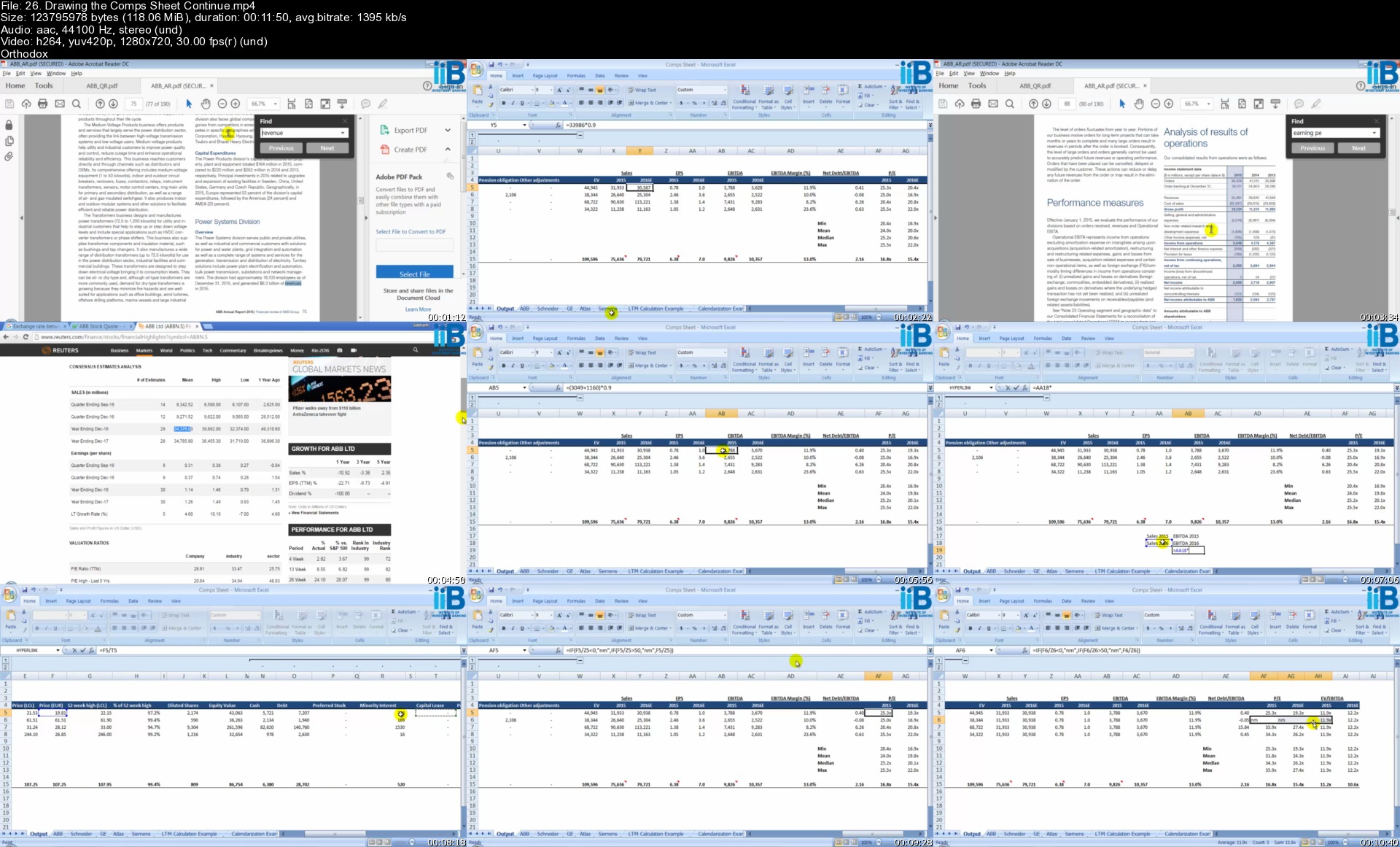
26.drawingthecompsshedfk64.jpg


Complete Google Certified Educator Level 1 and 2 Masterclass

f5fmwbujwx9cpmzhnvisi5xk3t.jpg


Complete Google Certified Educator Level 1 and 2 Masterclass
MP4 | Video: h264, 1280x720 | Audio: AAC, 44.1 KHz
Language: English | Size: 12.9 GB | Duration: 21h 7m

Google Certified Educator Level 1 and 2 Training - Mastering Google Classroom - G Suite - Teaching Online - Google Drive


What you'll learn
Google Certified Educator Level 1 Skills and Exam
Google Certified Educator Level 2 Skills and Exam
Google Search Basic and Advanced in Order to Search for Best Result
Complete Gmail Management - Become Master at Gmail
Email Best Practice Management to Have a Clean Email System to Increase Productivity
Google Drive Full Guide to Use Properfly and Take Advantages of Google Drive
Google Docs Complete Trainings to Use Documents Better and Effectively (+Projects are included)
Google Slide to Become Master at Slide Creating and Itself Slide (+Projects are included)
Give Great Presentation using Google Slide
Slides Tips and Tricks in Order to Create Stunning Slides to Bring New Experience for Audience
Google Sheets Basic and Advanced Guide to Make Great Spread Sheets Using Formula and Project (+projects Are Included)
Google Forum to Collect Information and Make Amazing Quizzes
Complete Google Classroom Trainings to Make Sure You Make New Experience with Students
Learn Google Drawings to Edit Your Photos and Drawing Like a Pro
Google Jamboard to Use Instead of Other Boring Whiteboard and Make Everything Go On
Google Meet - Create Amazing Meeting Using Google Meet and Schedule for Meeting!
Google Calendar to Make Every Meeting Go Great and Live
Understand Google Chrome to Browse Professionally
Understand the Extensions You Need for Your Classroom and Google Chrome
Learn to Create Amazing Website Instantly Using Google Site Using Template or Just Creat from None
Google Hangouts to Make Video or Audio Clas Anytime
Learn You Tube for Your Classroom Online to Share Your Videos Professionally
Google Duo to Make Free HH Video Class Complete Guide
Learn to Make You Blog Run for Free Using Google Blogger
Google Chat to Make Chat Environment and Go More Safer
Google Groups to Make Email Based Group to Send with Just One Click
Complete Google Keep Guide to make every note count
Google Contacts to Create Your Contact List as Single or Group in Order to Contact Instantly
Google Earth to explore the world in Education and Personal Use
Science Journel to Use the Google Tools to Experiment
Google Help to Make Sure You Understand Everything and Get Support from Google
Complete Guide on How to Pass the Google Certified Educator Level 1
Complete Guide on How to Pass the Google Certified Educator Level 2
Complete Guide of Google Scholar for Articles and Case Laws
Google Alerts - Manage Your Favorite Content on Your Email and Receive at Anytime
Google Maps for Understanding the World
Webassessor to Enter to The Exam

Description
2 COURSES IN ONE: Complete Google Certified Educator Level 1 Masterclass, Complete Google Certified Educator Level 2 Masterclass: Google Certified Educator Level 1 Training - Google Certified Educator Level 2 Training - Mastering Google Classroom - G Suite - Teaching Online - Google Drive

Recent Updates

Extra Bonus on Security - Security Is Everything! (Section 13)

Google Scholar For Researching Articles and Case Laws (Section 29)

Google Alerts to Receive New Content Daily or Weekly (Section 30)

Google Maps to Understand the World and Browse the World (Section 31)

Webassessor Skills to Pass and Register for The Exam (Section 34)

Link to My Certifications Is Added on First Section

Added 3 Videos Guide for New Google Classroom Update 1. Environment 2. Invite by Url 3. Return Once All with 1 Click

Demonstrate your mastery of Google tools in your classroom with the Google Certified Educator Level 1 and 2 Exam today - learn to make new experiences with your student and bring new excitement to learning experience everywhere you go - learn to lead everything professionally and completely.

Google Certified Educator Level 1 and Level 2 (GCE L1 and L2) is a course designed and managed professionally and completely for personal use and getting certified by Google in Education as part of teaching and student learning. Our focus is to make every content go complete and teach you completely so you never miss any chance of certifications. In this course, we covered everything you need for your personal use and educational purposes.

I am myself Google Certified Educator Level 1 and 2 and I know how to do the right thing to get certified easily and more fun. I am living where we don't have full security and electricity but I did my best to master every Google Tools for teaching class and online. So let's get certified no matter what!

You might say well I am not an educator I want to use for personal use like Microsoft Office. Well, this course fits you too. We are focusing to help you learn any concept to understand Google Tools for your productivity and efficiency.

And TJ Walker will help you to make a great slide presentation! TJ will go through each and help you. As a teacher, our job is a presentation so we should learn how to do it properly and with a higher win. Don't worry if you worry about how you look, we explain in every way through speaking to makeup. Join us now!

Here is what our students say about us

★★★★★ "Very interesting Informations, actual Data and near on practise and business. Thank you!" André Bollacke

★★★★★ "Its been awesome taking this course i always though i know about google products but am knowing now" John Elisha Bahago

★★★★★ "Great start. Loved the whole presentations on Docs and Slides." Eddie Mallon

★★★★★ "Initial information is very basic and straightforward, this is excellent to ensure that all the foundational information has been covered." EF Jackson

By taking this Complete Google Certified Educator Level 1 and Level 2 Masterclass you will be able to

Full understanding of Google Certified Educator Level 1 Tools and Exam

Save Time Communicating with Others with Gmail, Hangouts, Duo, Classroom, and Groups

Find out Best Result While Searching in Google Search

Manage Google Search Advanced Settings to Search Deeply and Safely

Send Email One-One or To a Whole Group with Just One Click

Manage Your Email Inbox More Easily and Productively

Improve your Google Account Security and Privacy

Understand and Manage Gmail Account Settings to Make the Best Configuration

Learn to Keep Everything Safe and Easily in Google Drive

Backup Professionally Your PC Content to Your Google Drive

Work with Google Docs Tools and Menu to Make Every Document Look Professionally and Nice

Build Projects in Google Docs to Learn It Deeply for Personal Use And GCEL1&2

Make Every Slide Count and Catch the Audience Using Google Slides

Design Slides with Me and TJ Within Projects

Give a Great Presentation Using Google Slides

Work with Google Sheets Tools and Menu to Make Every Document Look Professionally and Nice

Build Projects in Google Sheets to Learn It Deeply for Personal Use And GCEL1

Create Interactive Form to Get Information About Visiter

Learn to Create Quizzes in Google Forums

Add Google App Add-Ons to Google Docs, Google Slides, Google Sheets, and Much More

Learn to Create Your Google Classroom, Configure It, Create Assignment and See the Improvements Chart

Edit and Create Photos in Google Drawings Easily and Instantly

Write Everything Professionally in Google Jamboard Using Intelligent Board

Create Amazing Meeting for Your Class or Personal Use Using Google Meet

Lead Meeting Run Effectively to Make Every Second of Meeting Count

Schedule Meeting Professionally Using Google Calendar

Browse the Web Professionally in Google Chrome Using Its Extension You Need for Education

Create your website in under 2 minutes in Google Site

Make Free Hd Video Calls and Audio Calls or Messaging Group in Google Hangouts or Google Duo

Learn to Create and Manage Your YouTube Channel Instantly and Start Uploading

Make a Blog for Yourself and Start Posting

Build Email-Based Group to Send Them Message Anytime and Using as Google Educator Certified

Note Everything to Go and Get Everything Done in Google Note and Google Task

Create Your Contact List or Group List to Contact Them Easily

Have the World in Your Hand and Explore It without Any Fear in Google Earth

Search articles and case law using Google Scholar

Get alerts by Google Alerts

Understand Maps view by Google maps

Registration of exam using Web Assessor and managing your certification

Get Support Using Google Instantly Anytime Anywhere

Prepare Completely for The Exam

So don't hesitate anymore,

Join us now in The Complete Google Certified Educator Level 1 and 2 Masterclass

This Google Certified Educator course is ideal for anyone searching for more info on the following: google certified educator - google educator - google educator level 1 - complete google certified educator level 1 and 2 masterclass - google certified educator level 1 - google - google classroom - google web designer - google education - google workspace. Plus, this course will be a great addition to anyone trying to build out their knowledge in the following areas: google classroom - google workspace (g suite) - teaching online.

Who this course is for
Anyone Wishing to Use Google Apps for Personal Use or Education
Anyone Who Wants to Migrate from Microsoft Office to Google Office Apps
Educators
Teachers / Future Teachers
Parents
Coaches
Paraprofessionals
School Administrators
Guidance Counselors
Child Study Team Personnel

Homepage


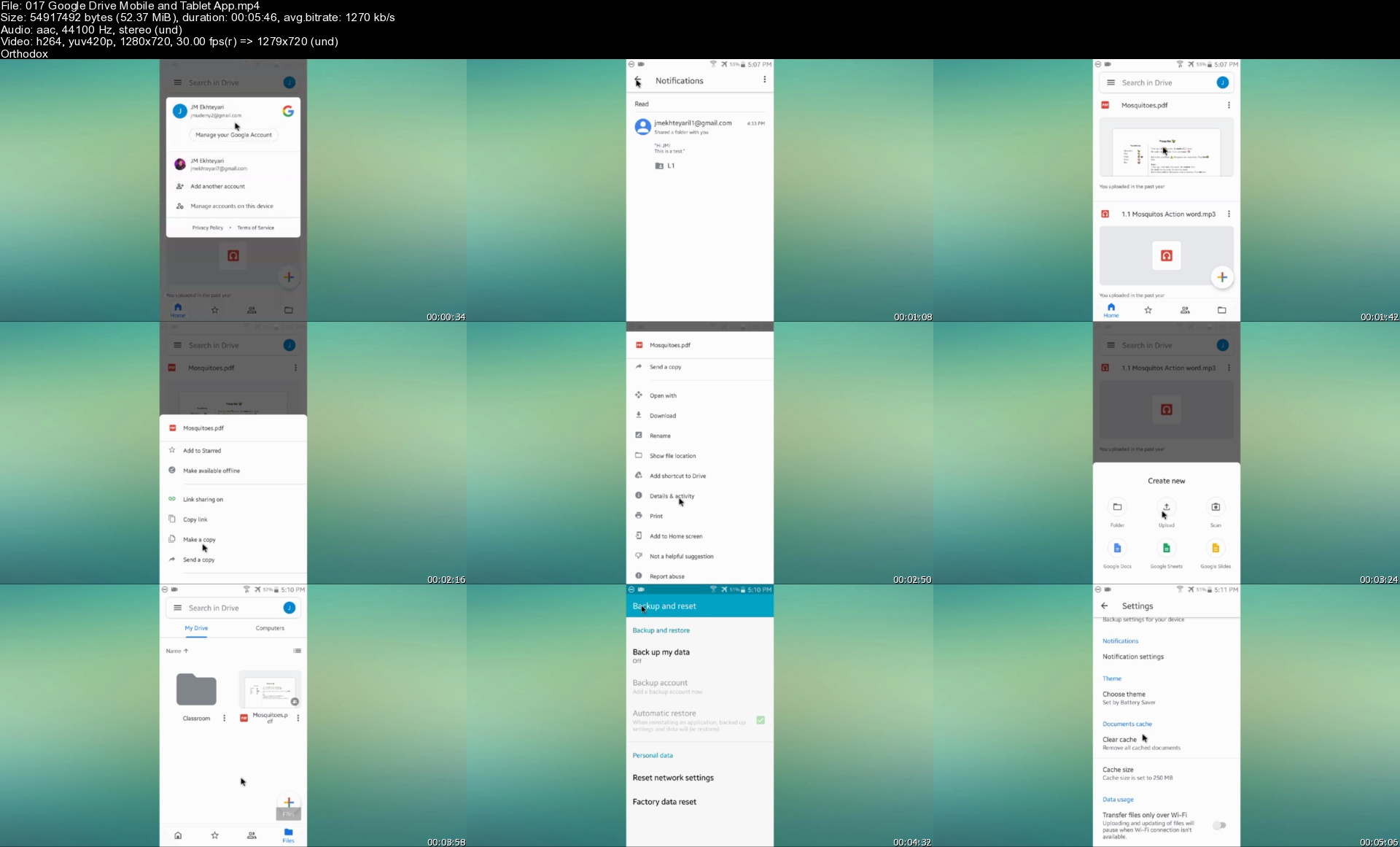
017googledrivemobileao5k6h.jpg


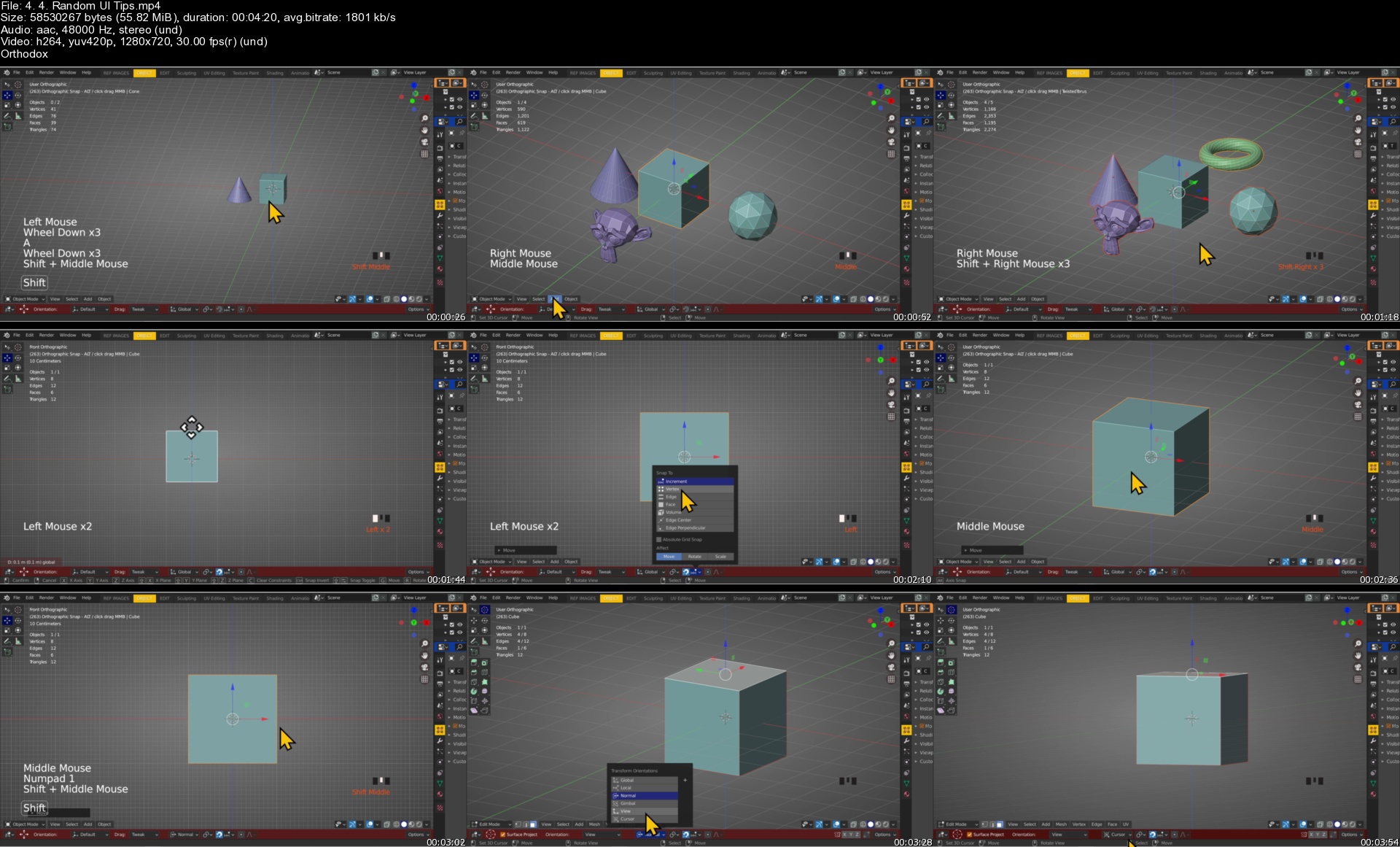
Blender: Simple Course for New Users Part 1

vwjngkfiyuzjgbwrqgid5ulk0s.jpg


Blender: Simple Course for New Users Part 1
Genre: eLearning | MP4 | Video: h264, 1280x720 | Audio: AAC, 48.0 KHz
Language: English | Size: 23.7 GB | Duration: 31h 13m

Is Blender hard for beginners? Learning Cycles nodes can force new users to throw in the towel - not in this course.


What you'll learn
You don't need a Blender "material or node degree" to achieve stunning results. Trust me.
Of all the objects you can model, why import other people's female or male 3d model(s)?
Learning Cycles nodes can be tedious and frustrating. Good news...you have options!
See how easy it is to make a human, female/male base mesh...easy to re-configure and saves precious Blend time.

Requirements
Blender, any version...2.74/2.79/2.8/2.92+
Middle-mouse to navigate Blender's 3d viewport.

Description
Blend Your Life Away is a course made for Blender beginners. It's non-technical and easy to comprehend. Learn Blender from a creative perspective. This course isn't designed to overwhelm beginners.

This course is taught using Blender version 2.92. During the production of this course, I was alerted that my computer could use an update to Blender version 2.93.

Despite Blender 3.0 being available, I didn't want to push my system. I'll wait until my computer says it's okay to get 3.0 or any other Blender version.

From my studies, trails and errors, I'll tell you this, which is one of the pillars of this course - Blender is Blender. No matter the version of Blender your using or is the current one at the time you're reading this content, you'll be golden. The exception to that rule is...unless there's a major change which forces me to change some videos or re-record the course.

I'll point you to excellent learning sources, which use various Blender versions. Keep in mind, you'll need to adjust.

Getting Blender beginners adjusted will be easy as 1-2-3. We'll start with a learning method utilizing an easy, yet "off the grid" 3d program. Next, we'll make an iconic, Sci-fi object. Lastly, we'll create a low-impact, no detail scene. The idea is to transform a basic concept into something visual.

Now, let's address Blender's biggest learning curve - CYCLES NODES.

In case you don't know what nodes are...they're modules with pre-programmed information. The key is connecting the right modules together to get the proper result. This is common with most 3d programs.

There's tons of content and tutorials pertaining to making materials, like a water, glass, stucco and metal, all over the web. However, by the time they're done with the node tree/network, beginners are left in a tailspin. That's not a good place to start. These tutorials leave out two important details: where to start beginners and use your imagination.

Blend Your Life Away will show students the basics of putting node systems together with the use of instructor experiments. At the beginning of my Blender Way of Life, I had to find an outside source to get an idea of what to do with Cycles nodes. While developing this course's learning process, I've figured a perfect place for beginners to start.

I'll walk you through experiments I've conducted. You'll see first hand, being an expert or having a "node degree" isn't essential.

Matter of fact, I'll show you sources to boost any Blender beginners confidence and aspirations. These sources range from "everyone" knows...common knowledge...little known...HIGHLY UNDER-RATED and..."I haven't seen that Cycles node learning method before".

Believe me, I wish I found these treasures when I first started Blender!

You'll learn how to make models, organic and non-organic, using Blenders basic modeling tools: loop cuts, rotating faces, Sub-Division Surface modifier and the Mirror modifier.

I refuse to allow students to leave this course without the ability to make your own base, human mesh. This is unacceptable and it's too easy. You'll see the proof.

By the way, this is the first course I ever recorded. You will see things I didn't foreshadow. There's an entire section I omitted, due to recording on different systems. Also, I added content, that was recorded later...in a nutshell, pay no mind. You'll be golden.

Sound Issues. I will inform you, there are a few videos, were the microphone wasn't in place. It happens. Nonetheless, by the time you see those videos, you'll know what I'm doing and what to do.

I'm grateful to have learned about Blender in November 2019. Blender version 2.8 wasn't compatible with my 2011 Asus. Thankfully, I was able to find a beginning version of Blender, on the "away" system, that I could use at home. (2.74/2.79 worked for me, I wasn't complaining).

December 2019, I purchased new HP only for Blender 2.8. Since...I had access to the "away" computer system, I focused on learning Blender with 2.74/2.79. Which brings me to the reason you'll see screenshots in these versions.

The idea to make a course came 9-10 months after suffering a stroke. I wasn't sure how my speech was going to hold up, thank goodness - you'll understand everything.

The music you'll hear is from bensounds.

Who this course is for
Blender beginners looking for a non-technical course, yet achieve stunning results.

Homepage


4.4.randomuitipss7vjte.jpg


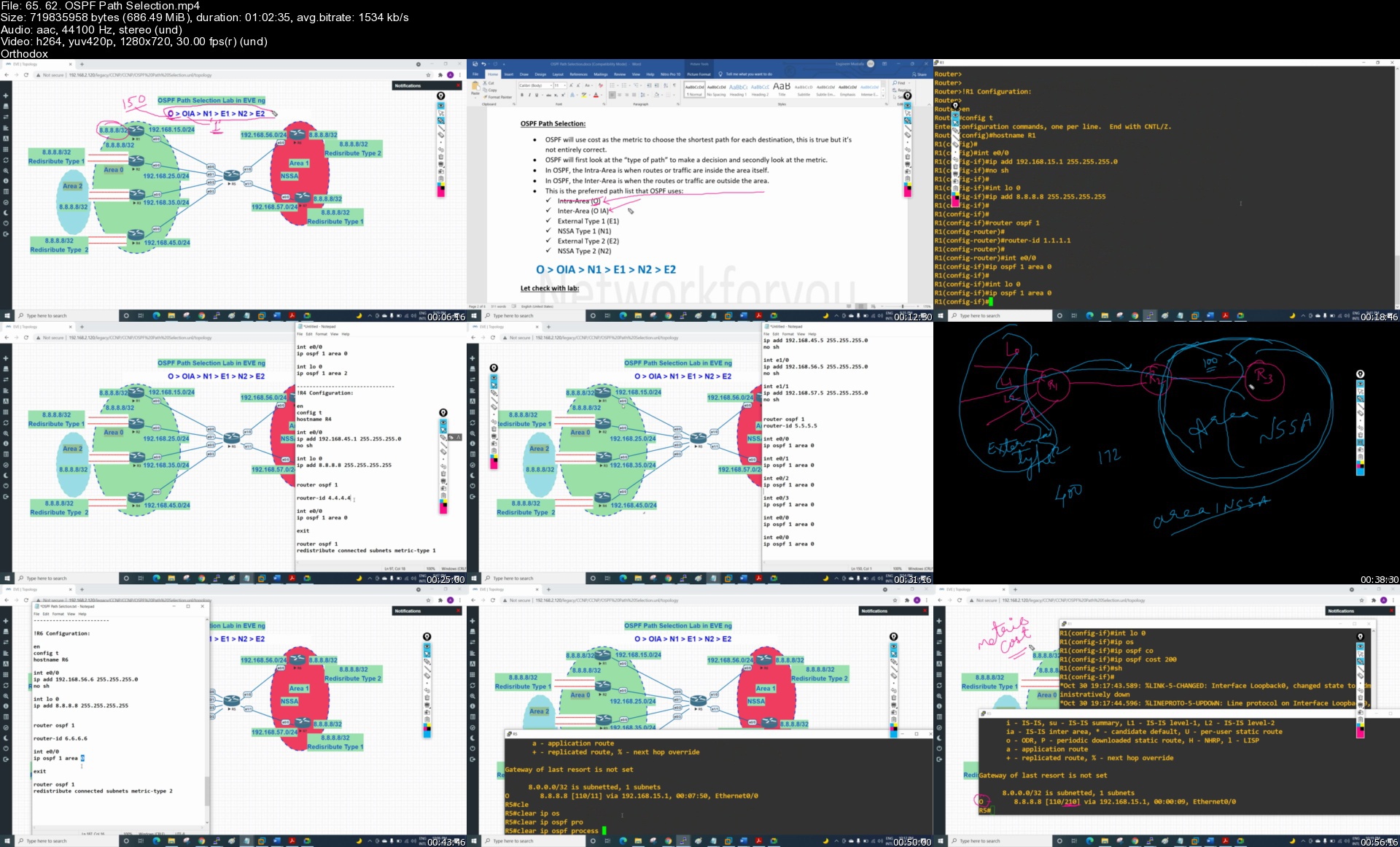
CCNP,CCIE Enterprise: ENCOR 350-401 Training

1lkw7hsqtx5pwrypobbwy7skq0.jpg


CCNP,CCIE Enterprise: ENCOR 350-401 Training
Genre: eLearning | MP4 | Video: h264, 1280x720 | Audio: AAC, 44.1 KHz
Language: English | Size: 33.1 GB | Duration: 62h 54m

Learn CCNP,CCIE Enterprise ENCORE with Step by Step Notes


What you'll learn
You will be ready to pass ENCOR exams and get great hands on experience with our detailed labs.
Anyone who wants to learn routing at professional level.
Anyone who wants to prepare for the CCNP Enterprise certification exams.
Anyone who wants to prepare for the CCNP exam


Description
The ENCOR - Implementing and Operating Cisco Enterprise Network Core Technologies v1.0 (ENCOR 350-401) course gives you the knowledge and skills needed to configure, troubleshoot, and manage enterprise wired and wireless networks. You'll also learn to implement security principles within an enterprise network and how to overlay network design by using solutions such as SD-Access and SD-WAN. CCNP Enterprise training includes advanced routing, switching , troubleshooting , security, SDN etc.

After taking this course you will get knowledge of the below given topics.

1. CCNP-01- Introduction

2. CCNP-GNS3 Installaton

3. CCNP- EVE ng

4. ARP with Lab

5. ARP with Switch

6. MAC address with Lab

7. VLAN

8. CEF

9. Basic Lab for Trunking Protocol

10. DTP Theory

11. DTP Lab in GNS3

12. Tshoot Lab 1

13. Tshoot Lab 2

14. Tshoot Lab3

15. Tshoot Lab4

16. STP Part 1

17. STP Part 2

18. STP Part 3

19. STP Part 4

20. Mini Project for STP Security

21. MST Lab with Theory

22. EtherChannel Pagp Lab with Theory

23. EtherChannel LACP Lab in GNS3

24. Etherchannel Static method lab in EVE ng

25. L3 EtherChannel lab in EVE ng

26. Troubleshooting steps

27. Troubleshooting Lab 1

28. Troubleshooting Lab 2

29. IP Routing Basic Part 1

30. Floating Static Route

31. Default Route

32. Host Route

33. RIP Version 1 theory with Lab in EVE ng

34. RIP Version 2 Theory with Lab in EVE ng

35. LoopBack theory with lap

36. WildCard Mask

37. OSPF Introduction

38. OSPF Basic Lab in EVE ng

39. OSPF Terminologies

40. OSPF Router ID

41. OSPF Router ID Lab in GNS3

42. OSPF Terminologies part 2

43. OSPF Packet Theory with Lab

44. OSPF Seven States

45. OSPF Neighbor Requirements

46. DR and BDR Theory

47. DR and BDR Lab in GNS3

48. OSPF Metric

49. OSPF Metric Lab in GNS3

50. OSPF Network type Broadcast Lab

51. OSPF Network Typs non Broadcast

52. Point to Multipoint Lab

53. OSPF Point to Point Network

54. OSPF Multi Area Lab

55. OSPF Multi Area with Redistribution Lab

56. OSPF Load Balancing Lab

57. OSPF Summarization

58. OSPF Summarization on ABR

59. OSPF Summarization at ASBR

60. Passive Interface theory with Lab

61. OSPF Filtering

62. OSPF Path Selection

63. Eigrp Introduction

64. Eigrp Configuration

65. Eigrp Metric Calculation

66. Eigrp Path Selection Optimization

67. Eigrp Packets with Lab

68. Eigrp FD and AD theory with Lab

69. Auto and Manual Summarization Eigrp lab with theory

70. EIGRP Equal Cost Load Balancing

71. Eigrp Unequal Cost Load Balancing

72. Qos Part 1

73. Qos Part 2 (Qos Lab 1 )

74. Qos Police Lab

75. Three Tier Architecture Theory

76. SD Wan and SD Access Theory

77. FHRP Introduction

78. HSRP Basic Lab in Packet Tracer

79. HSRP Lab in GNS3

80. HSRP Lab by using L3 Switch

81. VRRP Theory

82. VRRP Lab in GNS3

83. SSO Theory

84. Intervlan Part 1 (Router with seprate interface)

85. Intervlan part 2 (Router on a stick)

86. Intervlan part 3 (SVI)

87. ACL Introduction with Lab Standard ACL

88. Extended ACL with Lab

89.Extended name ACL Lab in EVE ng

90. VLAN ACL Lab in EVE ng

91. NAT PAT Theory

92. Static NAT Lab in EVE ng

93. Dynamic NAT lab in GNS3

94. PAT lab in GNS 3

95. PAT Lab with different method in GNS3

96. Enterprise Network Part 1

97. Enterprise Network Part 2

98. On Premises and Cloud theory

99. Virtualization Theory

100. VRF Theory with Lab in GNS3

101. NTP Theory with Lab

102. GRE Theory with Lab

103. VPN Theory

104. S2S IP Sec VPN Theory with Lab in GNS3

105. BGP Introduction

106. IBGP Theory with Lab

107.EBGP Theory with Lab

108. BGP Neighbor States Theory with Lab

109. BGP Message Types

110. BGP Acitve and Passive Configuraton Lab

111. BGP Timer Lab

112.BGP Next hop self lab

113. BGP Multihop and Update Source

114. BGP Peer Group Lab

115. BGP Attribute List Theory

116. BGP Weight Attribute Lab

117. BGP Local Preference

118. AS Path Prepending Lab

119. BGP Origin Lab

120. BGP MED Attibute Lab

121. Network Security Design Theory

122. IPSLA Theory with Lab

123. LISP Theory

124. VXLAN

125. Local SPAN theory with Lab

126. RSPAN Theory with Lab

127.ERSPAN Theory with Lab

128. MultiCast Protocols

129. Wireless Part 1

130. Wireless Part 2

131 Wireless Part 3 ( AP States)

132. Wireless Part 4 TROUBLESHOOTING

133. Wireless Part 5 (Wireless Security Features)

134. Rest API Security

135.COPP Theory with Lab

136. Netconf and Restconf theory with lab

137. Syslog Theory with Lab

138.Debugs and Trace route

139. AAA Theory with Lab

140. Line and Password Protection

141. SNMP Theory with Lab

142. Netflow Theory with Lab

143. Introduction to Automation

144. Automation Part 1

145. Automation Part 2

146. Automation Part 3

147. Automation Part 4

148. Automation Part 5

Who this course is for
Network administrators,Network support technicians, Enterprise network engineers,Help desk technicians,System administrators,

Homepage


65.62.ospfpathselecti0hjma.jpg


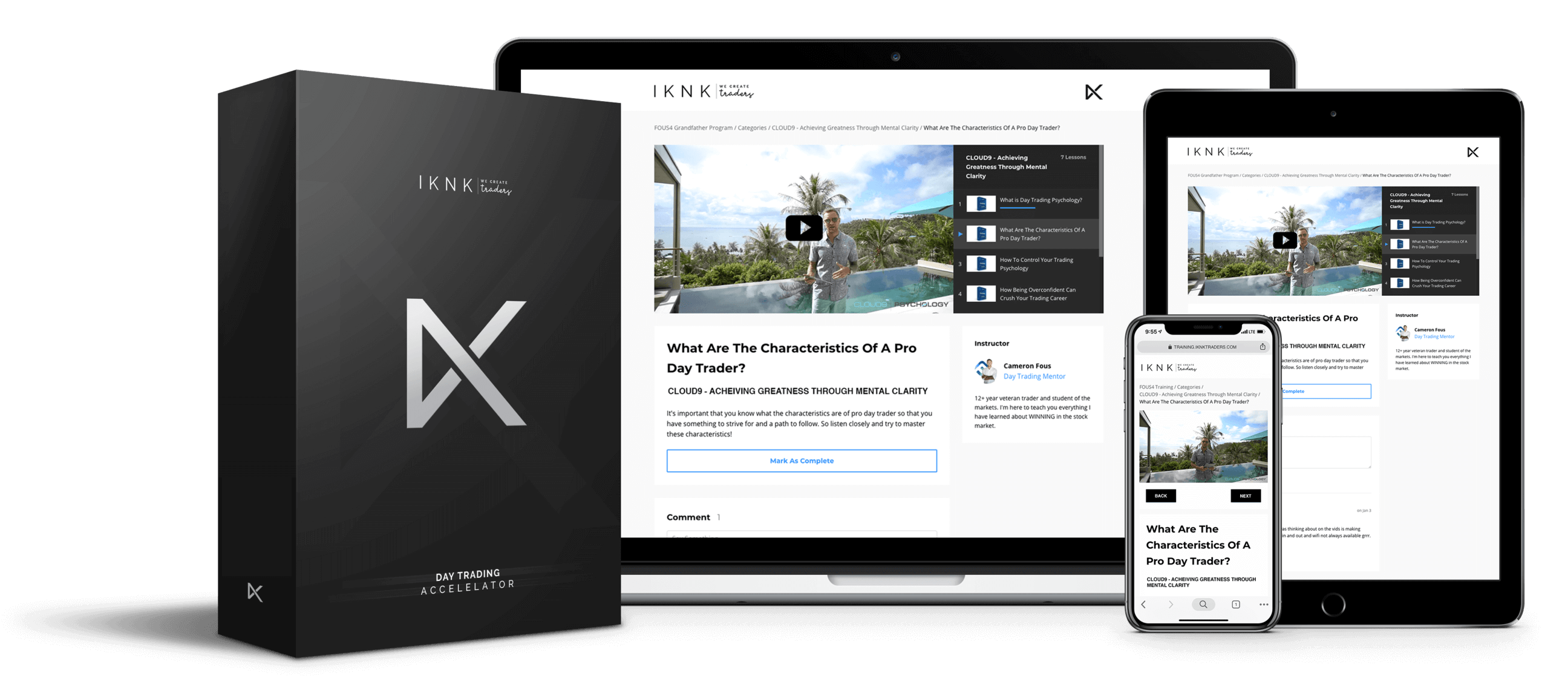
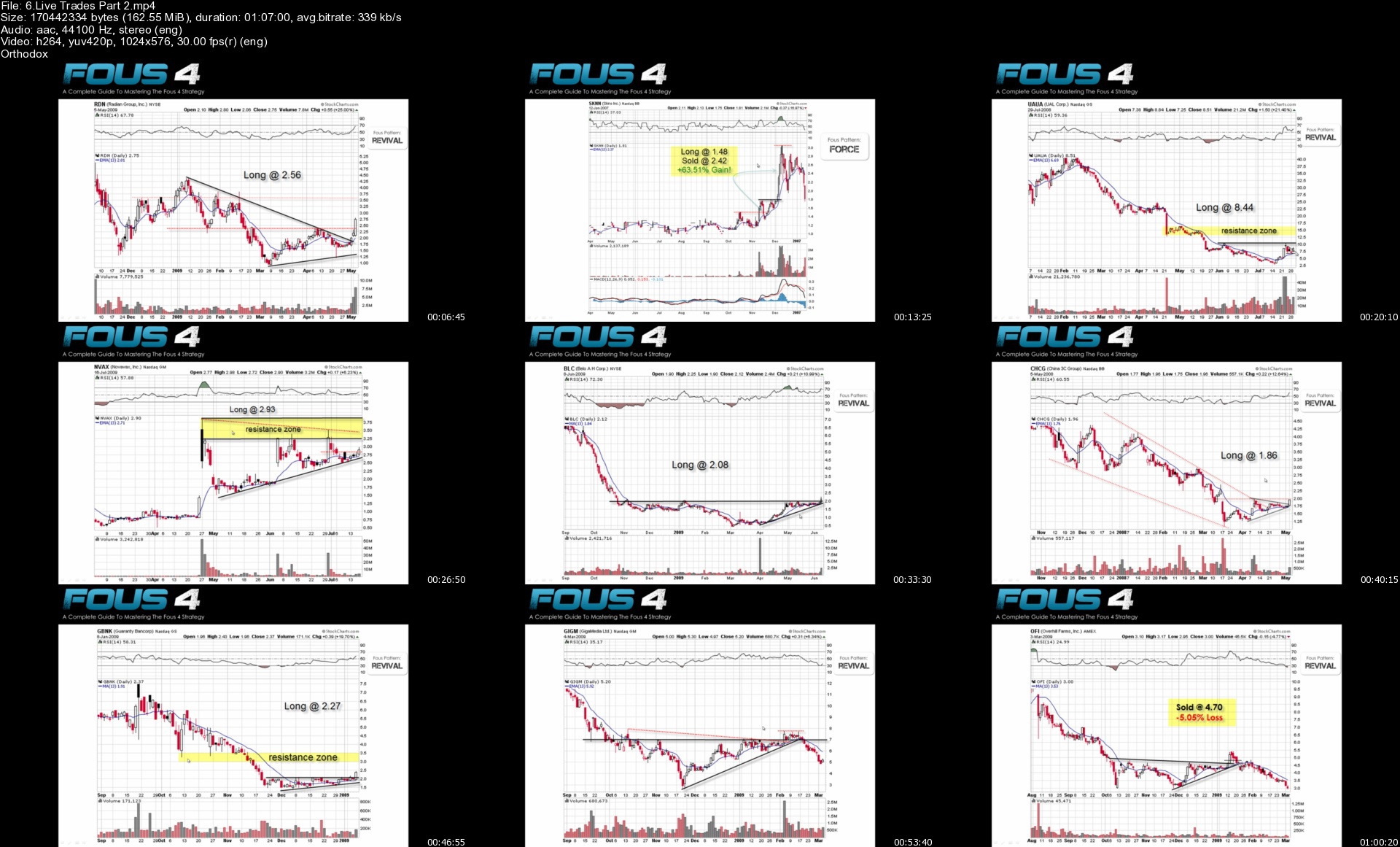
Cameron Fous - IKNK Trading Accelerator

zsfox6qofnsp2u5uetd5p37kx4.png


Cameron Fous - IKNK Trading Accelerator
MP4 | Video: 1920x1080 | Audio: AAC 48 Khz , 2ch | Duration: 32h 23 min | Language: English | 35.6 GB

Become A Pro Day Trader With The 90 Day IKNK Trading Accelerator
15 Year Veteran Day Trader Cameron Fous And His Top Student Mathew Sentes Guide You Every Step of the Way On Your Path To Financial Freedom

My Name Is Cameron Fous, I've Been Day Trading & Creating Iconic Traders For 15 Years & Counting
"I remember sitting in my car when i was 20 years old as a freshmen at OSU and -$300 in my bank account. I had to do something now, not in 3 years when i graduated. I decided to sell my car and use the money to learn to trade. I understood i had to make a sacrifice today... if i wanted a better tomorrow.

3 Years later in 2008? Rather than graduate my senior year... I dropped out to trade full time and start teaching people everything i had learned. The rest is history"

-Cameron Fous

The Life That Came Next Was Far Beyond My Wildest Dreams
"While I have Learned that materials do not buy happiness. I was able to experience buying all of my dream cars. And it was an amazing experience. I have since sold it all in favor or traveling and finding deeper purpose."

Freedom To Travel
"We are the only known planet in the universe that life exists. To not see and experience what the world has to offer and see it's beauty, culture, and people would be your greatest mistake in life. Traveling has been the best educational and self development experience of my life.

Without my career in day trading. This would never had been possible for me to travel full time for 3 years and counting and now having an Amazing Villa In Bali"

-Cameron Fous

Becoming Iconic
"While money is always the motivation for all of us on the surface. As we get older, making money becomes numb. And what we find truly makes us tick is is having authority, power, and the ability to help and change peoples lives.

Making $15,000 in 1 day is fun.. makes you feel good for about 24 hours. But what really gives me a sense of happiness and purpose is when a student messages me and says "Cam, you literally changed my life, I am forever grateful for everything you have taught me".

Now that... is power. If i change someones life. They now have the confidence and power to change the lives of those they care about"

Here's Exactly How I Will Change Your Life
Success is not Luck or Hard Work...
it's INFRASTRUCTURE

When You Master The System...

More info iknktraders.com/info-accelerator3

6.livetradespart2s6njn1.jpg


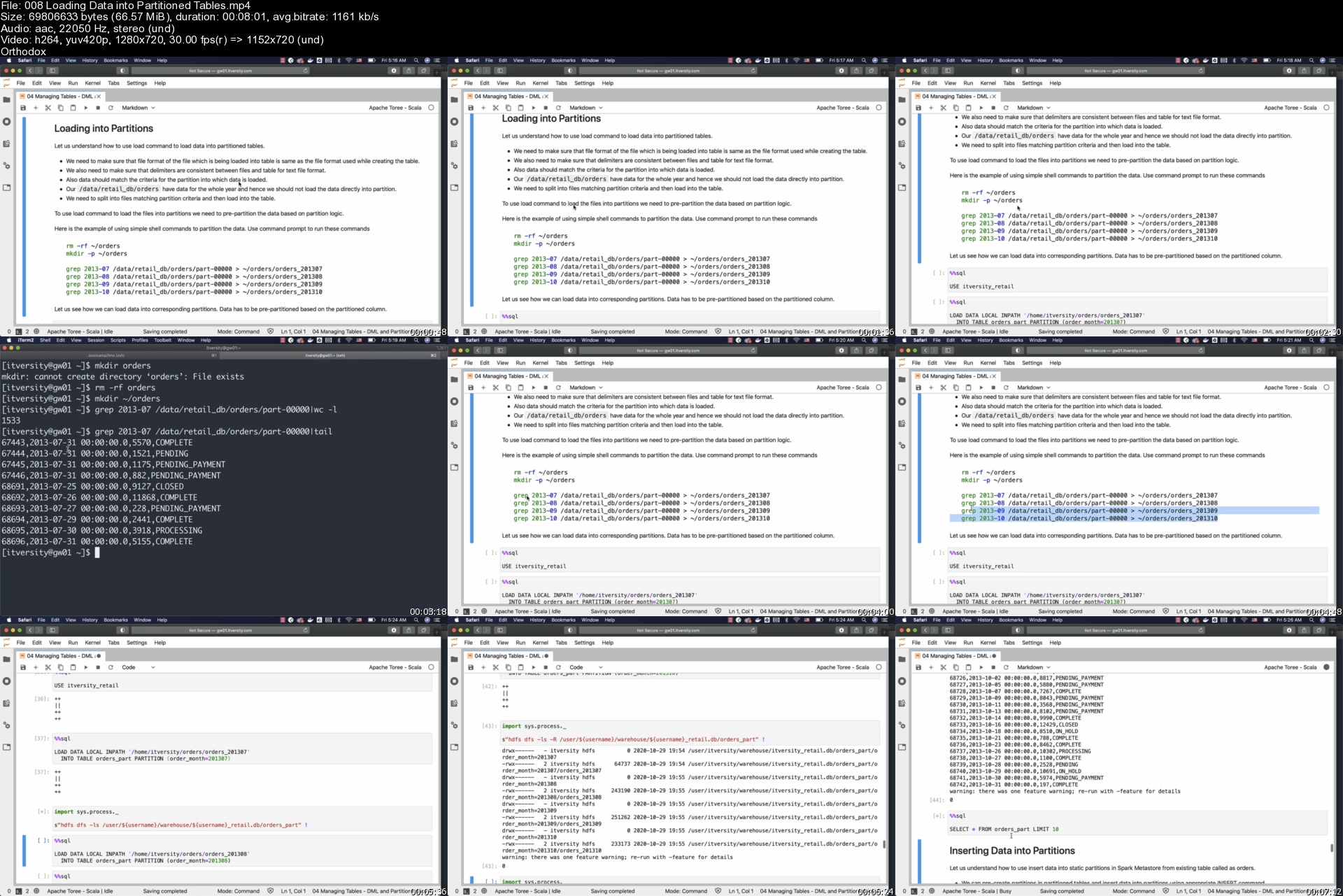
Apache Spark 2 and 3 using Python 3 (Formerly CCA 175)

8fl68cwowrrw5v0qs9kfahdj1l.jpg


Apache Spark 2 and 3 using Python 3 (Formerly CCA 175)
MP4 | Video: h264, 1280x720 | Audio: AAC, 44.1 KHz
Language: English | Size: 9.34 GB | Duration: 28h 36m

Data Engineering using Apache Spark 2 or 3 using Python as Programming Language


What you'll learn
All the HDFS Commands that are relevant to validate files and folders in HDFS.
Quick recap of Python which is relevant to learn Spark
Ability to use Spark SQL to solve the problems using SQL style syntax.
Pyspark Dataframe APIs to solve the problems using Dataframe style APIs.
Relevance of Spark Metastore to convert Dataframs into Temporary Views so that one can process data in Dataframes using Spark SQL.
Apache Spark Application Development Life Cycle
Apache Spark Application Execution Life Cycle and Spark UI
Setup SSH Proxy to access Spark Application logs
Deployment Modes of Spark Applications (Cluster and Client)
Passing Application Properties Files and External Dependencies while running Spark Applications

Basic programming skills using any programming language
Self support lab (Instructions provided) or ITVersity lab at additional cost for appropriate environment.
Minimum memory required based on the environment you are using with 64 bit operating system
4 GB RAM with access to proper clusters or 16 GB RAM with virtual machines such as Cloudera QuickStart VM

Description
As part of this course, you will learn all the key skills to build Data Engineering Pipelines using Spark SQL and Data Frame APIs using Python as Programming language. This course used to be CCA 175 Spark and Hadoop Developer course for the preparation of Certification Exam. As of 10/31/2021, the exam is sunset and we have renamed it to Apache Spark 2 and 3 using Python 3 as it covers industry relevant topics beyond the scope of certification.

About Data Engineering

Data Engineering is nothing but processing the data depending upon our downstream needs. We need to build different pipelines such as Batch Pipelines, Streaming Pipelines, etc as part of Data Engineering. All roles related to Data Processing are consolidated under Data Engineering. Conventionally, they are known as ETL Development, Data Warehouse Development, etc.

Course Details

Here is the high level outline of the topics related to this course.

Quick recap of Python

Data Engineering using Spark SQL

Let us, deep-dive into Spark SQL to understand how it can be used to build Data Engineering Pipelines. Spark with SQL will provide us the ability to leverage distributed computing capabilities of Spark coupled with easy-to-use developer-friendly SQL-style syntax.

Getting Started with Spark SQL

Basic Transformations

Managing Tables - Basic DDL and DML

Managing Tables - DML and Partitioning

Overview of Spark SQL Functions

Windowing Functions

Data Engineering using Spark Data Frame APIs

Spark Data Frame APIs are an alternative way of building Data Engineering applications at scale leveraging distributed computing capabilities of Spark. Data Engineers from application development backgrounds might prefer Data Frame APIs over Spark SQL to build Data Engineering applications.

Data Processing Overview

Processing Column Data

Basic Transformations - Filtering, Aggregations, and Sorting

Joining Data Sets

Windowing Functions - Aggregations, Ranking, and Analytic Functions

Spark Metastore Databases and TablesPlease note that the syllabus is recently changed and now the exam is primarily focused on Spark Data Frames and/or Spark SQL.

Apache Spark Application Development and Deployment Life Cycle

As Apache Spark based Data Engineers we should be familiar about Application Development and Deployment Lifecycle. As part of this section you will learn the complete life cycle of Development and Deployment Life cycle. It includes but not limited to productionizing the code, externalizing the properties, reviewing the details of Spark Jobs and many more.

Apache Spark Application Development Lifecycle

Spark Application Execution Life Cycle and Spark UI

Setup SSH Proxy to access Spark Application logs

Deployment Modes of Spark Applications

Passing Application Properties Files and External Dependencies

All the demos are given on our state of the art Big Data cluster. You can avail one-month complimentary lab access by reaching out to [email protected] with Udemy receipt.

Who this course is for
Any IT aspirant/professional willing to learn Data Engineering using Apache Spark
Python Developers who want to learn Spark to add the key skill to be a Data Engineer

Homepage


008loadingdataintoparvekre.jpg


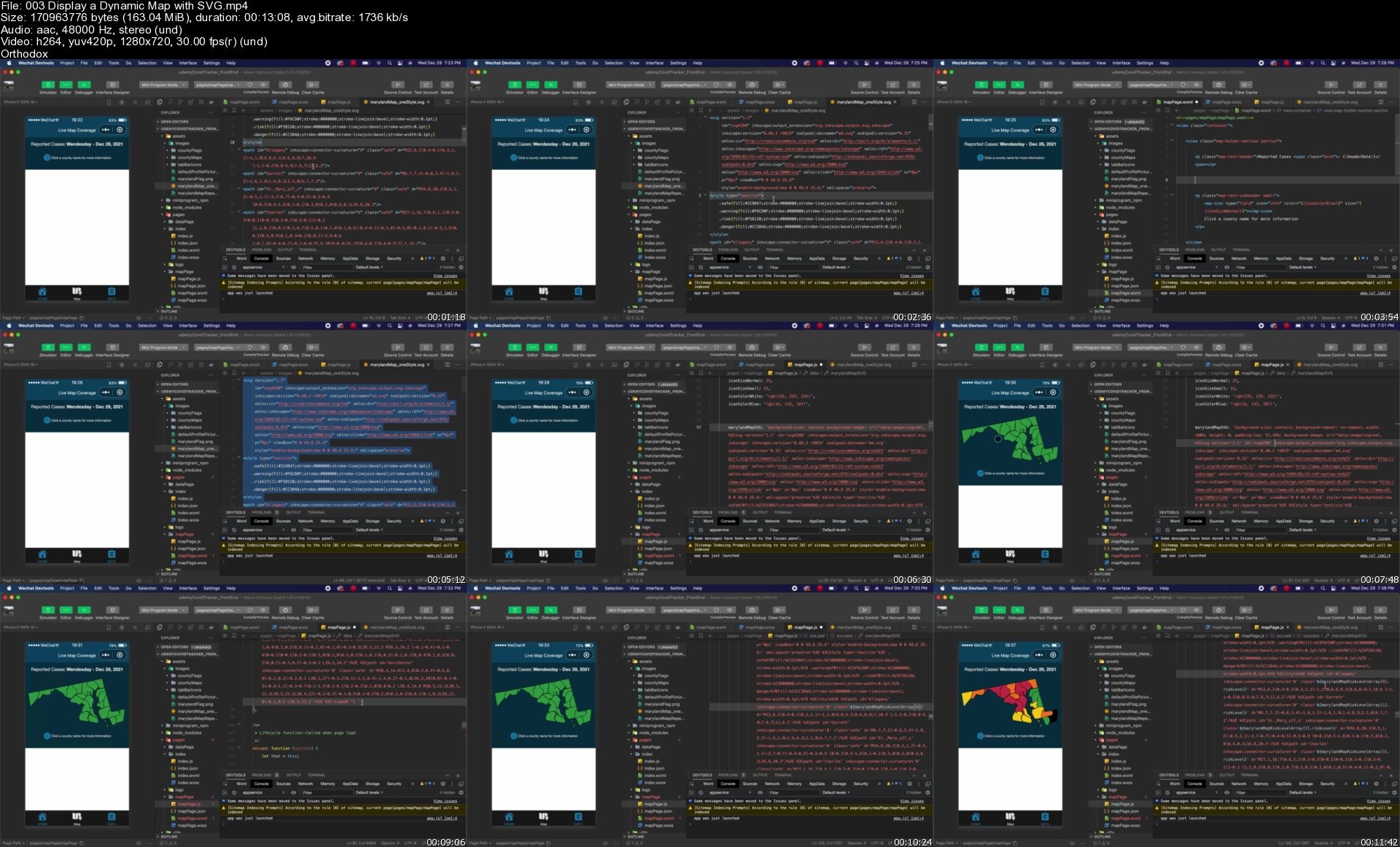
WeChat Mini Program - Everything you need to know

4415170c45559ekf4.jpg


WeChat Mini Program - Everything you need to know
MP4 | Video: h264, 1280x720 | Audio: AAC, 44.1 KHz, 2 Ch
Genre: eLearning | Language: English + srt | Duration: 76 lectures (11h 6m) | Size: 6 GB

Build a WeChat Mini Program with each step explained along the way. Have all the skills to create your own by the end


What you'll learn
How to make a fully functioning and responsive Mini Program
Use Wechat's built in life-cycle functions for a more powerful Mini Program
How to use data binding to create a responsive app based on events triggered by the user
Installing and using npm modules in the front end
Creating and connecting a backend and database for GET and POST requests to our program
Understand the file structure of a Mini Program and its framework
How to use WeChat's default components and icons for a more professional looking Mini Program
How to install Wechat's Devtools and change its settings
Debugging the Mini Program on different screen sizes and how to perform mobile debugging by testing on your phone
Advice and guide to applying for an official account which will let you publish your own Mini Program

Requirements
Basic knowledge of HTML, CSS, and JavaScript
Already have or sign up for a basic WeChat account
NOT REQUIRED to have experience with WeChat or Mini Programs


Description
WeChat Mini Programs are powerful tools for companies to use to reach their audience, and developers in China and abroad will be needed to meet this demand.

To help get you started on your Mini Program journey I've created this course to save you time spent researching, and instead get you on your way to publishing your very own Mini Program.

This course will take you from start to finish in creating your first Mini Program. We will not only cover the coding and testing aspects of development, but will also learn the steps in applying for your first Mini Program to be approved and published by WeChat.

In detail, this course covers

How to setup your workspace to begin coding

Mini Program framework in detail with examples and diagrams

Mini Program's built in API's for getting user data, logging in, real-time map display, local storage, etc.

How to use npm modules in Mini Program front end

Running the program on Mobile for debugging and testing

Mini Program's unit of measurement "rpx" to create responsive designs that look great on any device

WeChat's standard user interface styles for professional design

Mini Program's most important features like: conditional rendering, data-binding, life-cycle functions, etc

Dynamically change styles and data on screen in response to user actions

NodeJS backend with database and how to connect it to your Mini Program's front end

Page navigation in Mini Programs and use of the tab bar

Bonus material

Guide on applying for an official Mini Program account, which will allow you to publish your own program

Walkthrough of the official account dashboard and its features

Tips for successfully publishing your first Mini Program

By the end of the course you'll have a full understanding of the Mini Program framework, what features and functions you can use during development, and how to successfully create and publish your own program to WeChat.

Who this course is for
People interested in learning about WeChat Mini Programs and developing their own applications
People who want to learn a powerful new skill for their portfolio or work, and to improve their mobile development knowledge

Homepage


003displayadynamicmapmsjxf.jpg


The Ultimate Microsoft SQL Server Course: All In One

448893475f2cok8l.jpg


The Ultimate Microsoft SQL Server Course: All In One
MP4 | Video: h264, 1280x720 | Audio: AAC, 44.1 KHz, 2 Ch
Genre: eLearning | Language: English + srt | Duration: 255 lectures (28h 28m) | Size: 12 GB

Get the most out of rich development capabilities of SQL Server to build efficient database apps for your organizations.


What you'll learn
Microsoft SQL Server Management Studio
SQL Server Authentication and Database
SQL Server Database User Account Types
SQL Server Cross Server Authorization
Dark Side of Encryption
SQL Server Index Management Basics

Requirements
Internet Access
A PC with Microsoft SQL Server Management Studio Installed


Description
Welcome to this SQL Server course. If you want to gain knowledge of Microsoft SQL Server to understand how it stores and retrieves huge amounts of data, this course is right for you. Microsoft SQL Server offers developers a unique opportunity to leverage the advanced features and build applications that are robust, scalable, and easy to administer. This course will help you learn about Microsoft SQL Server, including the features and functionalities that are needed to design and develop reliable database systems.

You will learn how to set up your SQL Server and configure new (and existing) environments for optimal use. This course starts with an introduction to SQL Server and databases and takes you through the installation of SQL Server Express. Once you are ready with the set-up, you will learn to connect to a database instance and create a database and tables inside the database. After covering the designing aspect, the course delves into performance-tuning aspects by teaching you how to effectively use indexes. The course will also teach you about certain choices that need to be made about backups and how to implement a rock-solid security policy and keep your environment healthy.

It prepares you for the more advanced topics by starting with a quick introduction to SQL Server's new features and a recapitulation of the possibilities you may have already explored with previous versions of SQL Server. The next part introduces you to small delights in the Transact-SQL language and then switches to a completely new technology inside SQL Server - JSON support. We also take a look at the Stretch database, security enhancements, and temporal tables.

As you advance, you will learn to run queries against tables to manipulate tables and data and create relationships in the SQL Server with foreign keys and normalization. Finally, you will learn about the techniques you should use when things go wrong, and other important topics - such as migration, upgrading, and consolidation - are covered in detail. Integration with Azure is also covered in depth.

Whether you are an administrator or thinking about entering the field, this course will provide you with all the skills you need to successfully create, design, and deploy databases using Microsoft SQL Server.

Who this course is for
Web Developers
Software Developers
Programmers

Homepage


5.learnandunderstandaf5j7o.jpg


Zurück
Oben Unten