• Regeln für den Video-Bereich:

    In den Börsenbereich gehören nur Angebote die bereits den Allgemeinen Regeln entsprechen.

    Einteilung

    - Folgende Formate gehören in die angegeben Bereiche:
    - Filme: Encodierte Filme von BluRay, DVD, R5, TV, Screener sowie Telesyncs im Format DivX, XviD und x264.
    - DVD: Filme im Format DVD5, DVD9 und HD2DVD.
    - HD: Encodierte Filme mit der Auflösung 720p oder darüber von BluRay, DVD, R5, TV, Screener sowie Telesyncs im Format x264.
    - 3D: Encodierte Filme von BluRay, die in einem 3D Format vorliegen. Dies gilt auch für Dokus, Animation usw.
    - Serien: Cartoon/Zeichentrick, Anime, Tutorials, Dokumentationen, Konzerte/Musik, Sonstiges sind demnach in die entsprechenden Bereiche einzuordnen, auch wenn sie beispielsweise im High Definition-Format oder als DVD5/DVD9/HD2DVD vorliegen. Ausnahme 3D.
    - Bereich Englisch: Englische Releases gehören immer in diesen Bereich.
    - Bereich Talk: Der Bereich, in dem über die Releases diskutiert werden kann, darf, soll und erwünscht ist.


    Angebot/Beitrag erstellen

    - Ein Beitrag darf erst dann erstellt werden, wenn der Upload bei mindestens einem OCH komplett ist. Platzhalter sind untersagt.
    - Bei einem Scenerelease hat der Threadtitel ausschließlich aus dem originalen, unveränderten Releasenamen zu bestehen. Es dürfen keine Veränderungen wie z.B. Sterne, kleine Buchstaben o.ä. vorgenommen werden. Ausnahme Serienbörse:
    - Bei einem Sammelthread für eine Staffel entfällt aus dem Releasename natürlich der Name der Folge. Beispiel: Die Simpsons S21 German DVDRip XviD - ITG
    - Dementsprechend sind also u.a. verboten: Erweiterungen wie "Tipp", "empfehlenswert", "only", "reup", usw. / jegliche andere Zusatzinformation oder Ergänzung, welche nicht in obiger Beschreibung zu finden ist.

    Aufbau des Angebots und Threadtitel

    Der Titel nach folgendem Muster erstellt zu werden. <Name> [3D] [Staffel] [German] <Jahr> <Tonspur> [DL] [Auflösung] <Quelle> <Codec> - <Group>
    Beispiel: The Dark Knight German 2008 AC3 DVDRip XviD - iND
    Beispiel: The Dark Knight 2008 DTS DL BDRip x264 - iND
    Beispiel: The Dark Knight 2008 AC3 DL BDRip XviD - iND
    Beispiel: The Dark Knight German 2008 AC3 720p BluRay x264 iND
    Beispiel: The Dark Knight 2008 DTS DL 1080p BluRay x264 iND
    Beispiel: Die Simpsons S01 German AC3 DVDRip XviD iND
    Beispiel: Die Simpsons S20 German AC3 720p BluRay x264 iND
    Beispiel: Sword Art Online II Ger Sub 2014 AAC 1080p WEBRip x264 - peppermint
    Entsprechend sind also u.a. verboten: Sonderzeichen wie Klammern, Sterne, Ausrufezeichen, Unterstriche, Anführungszeichen / Erweiterungen wie "Tipp", "empfehlenswert", "only", "reup", usw. / jegliche andere Zusatzinformation oder Ergänzung, welche nicht in obiger Beschreibung zu finden ist
    Ausnahmen hiervon können in den Bereichen geregelt sein.

    Die Beiträge sollen wie folgt aufgebaut werden:
    Überschrift entspricht dem Threadtitel
    Cover
    kurze Inhaltsbeschreibung
    Format, Größe, Dauer sind gut lesbar für Downloader außerhalb des Spoilers zu vermerken
    Nfo sind immer Anzugeben und selbige immer im Spoiler in Textform.
    Sind keine Nfo vorhanden z.B. Eigenpublikationen, sind im Spoiler folgende Dateiinformationen zusätzlich anzugeben :
    Quelle
    Video (Auflösung und Bitrate)
    Ton (Sprache, Format und Bitrate der einzelnen Spuren)
    Untertitel (sofern vorhanden)
    Hosterangabe in Textform außerhalb eines Spoiler mit allen enthaltenen Hostern.
    Bei SD kann auf diese zusätzlichen Dateiinformationen verzichtet werden.

    Alle benötigten Passwörter sind, sofern vorhanden, in Textform im Angebot anzugeben.
    Spoiler im Spoiler mit Kommentaren :"Schon Bedankt?" sind unerwünscht.


    Releases

    - Sind Retail-Release verfügbar, sind alle anderen Variationen untersagt. Ausnahmen: Alle deutschen Retail-Release sind CUT, in diesem Fall sind dubbed UNCUT-Release zulässig.
    - Im Serien-Bereich gilt speziell: Wenn ein Retail vor Abschluss einer laufenden Staffel erscheint, darf diese Staffel noch zu Ende gebracht werden.62
    - Gleiche Releases sind unbedingt zusammenzufassen. Das bedeutet, es ist zwingend erforderlich, vor dem Erstellen eines Themas per Suchfunktion zu überprüfen, ob bereits ein Beitrag mit demselben Release besteht. Ist dies der Fall, ist der bereits vorhandene Beitrag zu verwenden.
    - P2P und Scene Releases dürfen nicht verändert oder gar unter einem iND Tag eingestellt werden.


    Support, Diskussionen und Suche

    - Supportanfragen sind entweder per PN oder im Bereich Talk zu stellen.
    - Diskussionen und Bewertungen sind im Talk Bereich zu führen. Fragen an die Uploader haben ausschließlich via PN zu erfolgen, und sind in den Angeboten untersagt.
    - Anfragen zu Upload-Wünschen sind nur im Bereich Suche Video erlaubt. Antworten dürfen nur auf Angebote von MyBoerse.bz verlinkt werden.


    Verbote

    - Untersagt sind mehrere Formate in einem einzigen Angebotsthread, wie beispielsweise das gleichzeitige Anbieten von DivX/XviD, 720p und 1080p in einem Thread. Pro Format, Release und Auflösung ist ein eigener Thread zu eröffnen.
    - Grundsätzlich ebenso verboten sind Dupes. Uploader haben sich an geeigneter Stelle darüber zu informieren, ob es sich bei einem Release um ein Dupe handelt.
    - Gefakte, nur teilweise lauffähige oder unvollständige Angebote sind untersagt. Dies gilt auch für eigene Publikationen, die augenscheinlich nicht selbst von z.B. einer DVD gerippt wurden. Laufende Serien, bei denen noch nicht alle Folgen verfügbar sind, dürfen erstellt und regelmäßig geupdatet werden.
    - Untersagt sind Angebote, welche nur und ausschließlich in einer anderen Sprache als deutsch oder englisch vorliegen. Ausnahmen sind VORHER mit den Moderatoren zu klären.


    Verstoß gegen die Regeln

    - Angebote oder Beiträge, die gegen die Forenregeln verstoßen, sind über den "Melden"-Button im Beitrag zu melden.
  • Bitte registriere dich zunächst um Beiträge zu verfassen und externe Links aufzurufen.

*** Bestes IPTV *** bester Preis *** gratis Test ***


Englische Tutorials

6e8e89c7f77f202079eda30708fbdb87.png

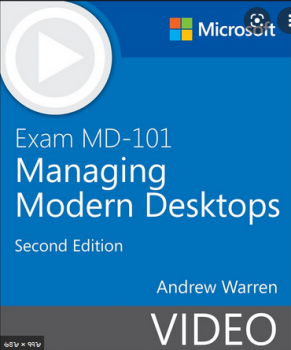
Exam MD-101 Managing Modern Desktops (Video), 2nd Edition
MP4 | Video: h264, 1280x720 | Audio: AAC, 44.1 KHz, 2 Ch
Genre: eLearning | Language: English + srt | Duration: 71 Lessons (7h 10m) | Size: 2.53 GB

This engaging, self-paced instructional video course demonstrates how to deploy and upgrade operating systems, manage policies and profiles, manage and protect devices, and manage apps and data. If you're planning to take Exam MD-101 Managing Modern Desktops, this video course covers the exam objective domains published by Microsoft in a logical way for learning the technology and preparing for the exam.
Learn How To
Deploy and upgrade operating systems
Manage policies and profiles
Manage and protect devices
Manage apps and data
Who Should Take This Course
IT professionals who deploy, configure, secure, manage, and monitor devices and client applications in an enterprise environment
IT professionals who manage identity, access, policies, updates, and apps
IT professionals who want to explore new and updated features in Windows
Candidates preparing for Exam MD-101 Managing Modern Desktops

Course Requirements

Experience deploying, configuring, and maintaining Windows 10 and non-Windows devices
Familiarity with M365 workloads
Screenshots


fc7a0dd5b935546db692c8aa8ca850d5.png

Facebook Ads & CPA Marketing for Beginners 2022 Step-By-Step
Instructors: MOUNIR BOUTAIB
4 sections • 31 lectures • 4h 53m
Video: MP4 1280x720 44 KHz | English + Sub
Updated 2/2022 | Size: 2.7 GB​

How to Earn Online From Home Guide to Facebook Advertising & CPA Marketing in a Step-By-Step Process 2022
What you'll learn
Full training about how to create a Facebook ads campaign for any offer
How To Choose Profitable CPA Offers
Learn where to find some of the best guides and resources on CPA marketing can be found
Start to profit like a boss NOW!
Requirements
An hour per day to setup and optimize your campaigns, check your earnings and make more money
Little capital
Description
Every Day, more than 1 BILLION people are active on Facebook.
Having your products or offers on Facebook is the best way to reach millions of new potential customers that will be very interested in you, your products. But that's not enough, to succeed on Facebook you need to dominate some simple but critical tools that Facebook is already providing to you.
Let me show you how to get accepted into a CPA Affiliate Network, surf through the offers to pick the right ones you should promote, and then go through the step by step innovative process that I use to make money myself. You can replicate this process over and over again!
Enroll Today. Start your Journey to Financial Freedom tomorrow.
What Will You Learn From This Course?
- 8 Effective Ways To Upgrade Your Mindset For Success
- The Essential Affiliate Marketing Glossary Of Terms
- How To Get Accepted To CPA Networks ?
- How Do I choose An Affiliate Network?
- How To Choose Profitable CPA Offers ?
- What Is A Landing Page And How Do They Work ?
- How To Make A Beautiful Landing Page That Converts !?
- How To ​Build a ​Landing Page​!!
- How To Tracking Tools Work?
- What is Split Testing ?
- Tracking Direct Link
- Tracking Landing Page
- Tracking Tools : Redirection
- Top line Facebook Ad Terms
- Business Facebook Manager Overview
- Use Audience Insights On Facebook
- What is Retargeting and How Does it Work!
- How to install pixel and How to create a custom audience!
- 7 ways to Spy on your Competitor's Facebook Ads
- Guide on How To Structure Your Facebook Ad
- How To Create The Perfect Facebook Ad Campaign
- How To Promote Game Offer in Facebook By Tracking Tool
Who this course is for
Entrepreneurs, Bloggers & Small Business Owners
Facebook marketers
Screenshots


Snowflake Masterclass[stored proc+demos+Best practices+Labs]

gran9n46kuhu9gyhjramxfvkk5.jpg


Snowflake Masterclass[stored proc+demos+Best practices+Labs]
MP4 | Video: h264, 1280x720 | Audio: AAC, 44.1 KHz
Language: English | Size: 5.47 GB | Duration: 18h 27m

Master snowflake cloud data-warehouse with hands on exercises from real time expert.


What you'll learn
Snowflake architecture in detail.
How data processing happens in snowflake.
Secure data sharing in snowflake.
Understand different caching layers in snowflake.
Continues data load using snowpipe.
Clustering tables in snowflake and how it works under the hood.
Load data and unload data from AWS , GOOGLE and AZURE cloud
Loading unstructured data.
Snowflake internal stage and external stages.
Snowflake data sampling and its importance.
Detail overview about, snowflake clone , failsafe and data retention.
Unique features of Snowfalke ( time travel , undrop , table swap)
Scheduling using Tasks
Streams in snowflake
Materialized views
Best practices in snowflake
Snowpro certification compatible.
Snowflake stored procedures.
Data masking
Snowsight and warehosue utilization dashboard.
Snowflake access control.

Requirements
Familiarity with SQL language and basic knowledge on database.

Description
/***************************************Updates***********************************************/

January update (2022): Added new section on snowflake access control.(1.20 hr)

December update (2021) : Added new section on snowsight and warehouse utilization dashboard.

October update (2021): Added new section, ` DATA MASKING ` ( 1 hr 6 mins total duration )

/***********************************************************************************************/

If you would like to understand how to build workflows using Airflow, Talend and Snowflake Please check out my new course,

Snowflake cloud database with ETL(Airflow+Python+Talend)

This course is the result of my over 4 years of experience working with Snowflake. Snowflake is a fantastic tool to handle huge volumes of data. You can load, query and export, and run transactional queries on TB's and PB's of data easily.

You don't have to worry about infrastructure setup, security, performance, tuning, Garbage collection, node failures etc etc...

if you have already worked with Spark with EMR or with Data bricks you will be amazed by snowflake performance and simplicity.

But there is a catch, if you are not fully aware of how things works in snowflake, you will easily loose control and end up writing costly queries and end up using many of snowflake features wrongly.

I mentioned costly queries because snowflake is build for performance.

Costly queries and wrong design decisions in snowflake will sky rocket your snowflake bill. I have made lot of such mistakes and learned from those mistakes.

This course is an effort to walk you through such experiences so that you don't end up doing same mistakes which i did!!!

Few things can only be learned by experience you can't find them in documentations this course will expose such details to you.

Hope you join me in this journey...................

The course is broadly divided into 3 modules,

Module#1

Lectures ------------>: 38

Real time Demos----->: 11

Assignments--------->: 10

Quiz------------------>: 6

This module will concretize snowflake fundamental concepts and architecture.

By the end of this module you will be having very strong foundation about snowflake.

Module#2

Lectures ------------>: 46

Real time Demos----->: 31

Assignments--------->: 14

Quiz------------------>: 2

In this module i will walk you through, different techniques and options to load and unload data

in snowflake.

By the end of this module, you will be having great confidence in using COPY command and

different data processing objects in snowflake.

Module#3

Lectures ------------>: 45

Real time Demos----->: 35

Quiz------------------>: 3

In this module, we closely evaluate important features of snowflake.

This module helps you to understand, how each feature works under the hood.

Through this knowledge you will be in a better position to decide, when to use the feature and when not to use the snowflake features.

High level overview of all modules with sections details is given below,

In module#1,

> Snowflake environment setup.

> Snowflake architecture.

> Snowflake caching , micro-partitions, clusters.

> Snowflake clustering deep dive.

> Snowflake virtual warehouse layer.

> Performance tuning and DB characteristics.

In module#2,

> Loading data in snowflake.

> Loading data using internal stage.

> Load data from aws s3.

> Load data from google gcs.

> Load data from Azure.

> Copy command options.

> Working with copy command.

> Assignments.

> Loading unstructured data

In module#3,

> Snowpipe in snowflake.

> Data sharing in snowflake.

> Time travel.

> Fail safe.

> Clone feature.

> Data sampling.

> Tasks in snowflake.

> Streaming in snowflake.

> Continuous data load.

> Materialized views.

Who this course is for
Developers planning to learn snowflake database.
Architects who want to understand best practices followed while using snowflake database.

Homepage


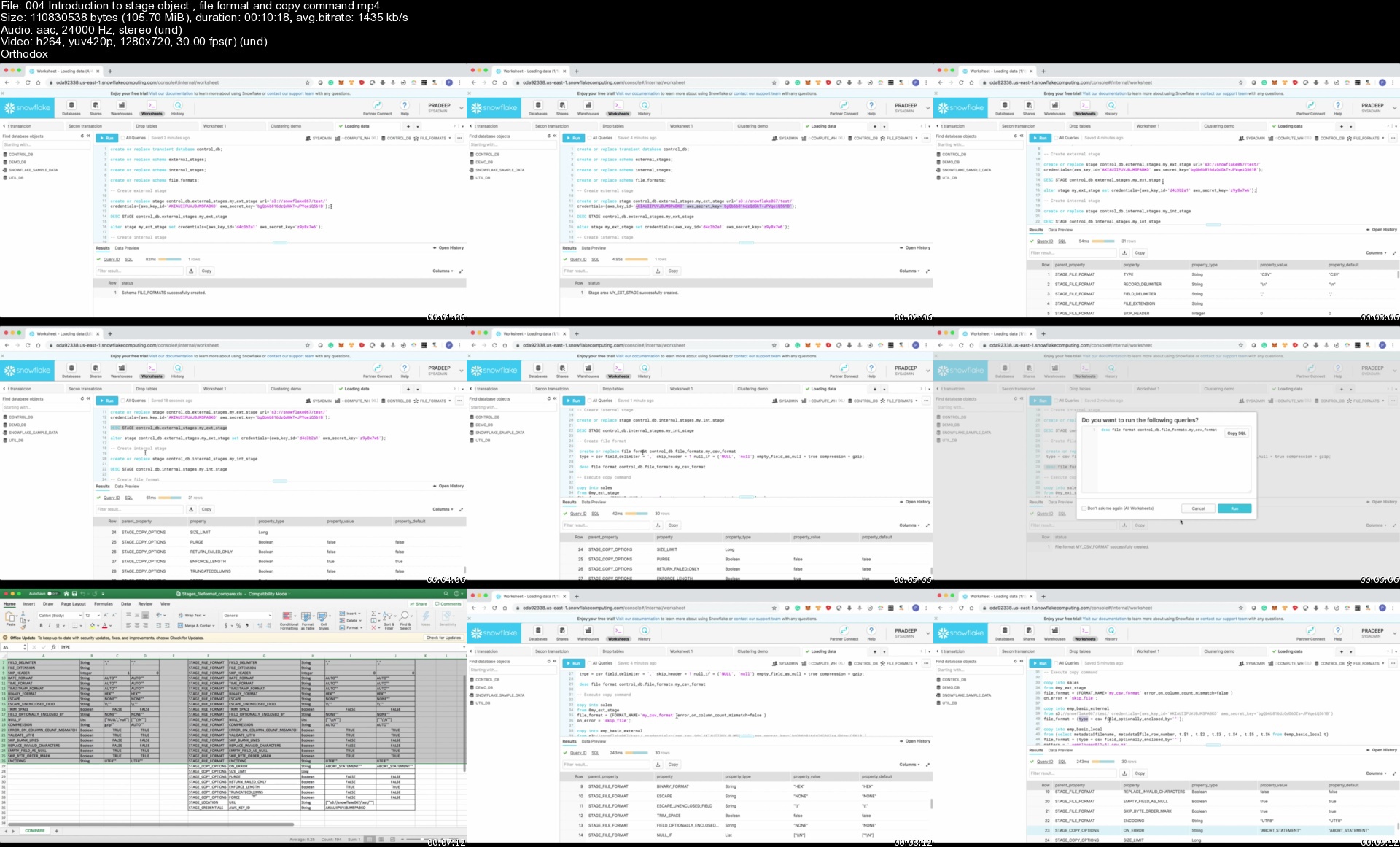
004introductiontostag79kfg.jpg


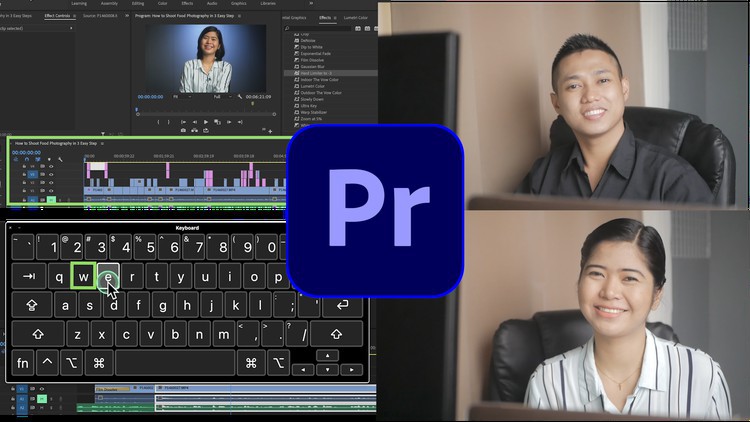
Udemy - Adobe Premiere Pro Complete Video Editing Masterclass

32177437c3b12rijj5.jpg


Udemy - Adobe Premiere Pro Complete Video Editing Masterclass
Last Update: 11/2021
Duration: 14h 37m | Video: .MP4, 1280x720 30 fps | Audio: AAC, 48 kHz, 2ch | Size: 7.99 GB
Genre: eLearning | Language: English

Complete guide video editing Premiere Pro CC. Edit your epic video using all provided assets and music (step by step)


What you'll learn:
Complete guide in video editing from start to finish with all fundamentals and Concepts of Premiere Pro
You'll have your own edited videos using supplied free footages, photos and music available from downloadable materials.
Many bonus tutorials, latest transition and troubleshooting videos
Project Set up, Media importing and organization
Green screen replacing and fine tuning
Program monitor, markers and clips
Timeline editing using fast keyboard shortcuts
Video editing basics and essentials
fixing shaky footage
Video transitions
Advance editing techniques
Add motion to clips
Audio editing and enhancing
Remove background noise
VIdeo slide show editing
Color correction and white balance without 3rd party software
Color grading without 3rd party software
Titles and graphics making
Video slow motion and time remapping
Video review and finding gap
Video Export and save it to your computer


Description
ABOUT THE COURSE The Ultimate Course for Beginners Adobe Premiere Pro
Adobe Premiere Pro Complete Video Editing Masterclass
How to Learn Video Editing: Adobe Premiere Complete Guide
Edit your epic video. All assets like video footage, awesome music and templates that will be provided all through out the course.
At he end of this lesson. You will have a solid understanding how to use Premiere Pro. You will know how to import, edit video, edit audio, titles, transition, green screen, color correction, export and many more!

The Lessons in are created so that you can learn video editing at your own pace. The screen was was captured big enough that you can watch it even in your phone.
If you are a beginner you will learn all the essential concept for video editing and features to use the Adobe Premiere efficiently. This course will also teach you tips, techniques and some advance features using the latest version of Adobe Premiere Pro. It also includes many bonus tutorials.
It also include ACTIVITY Exercises and Hands on practice to efficiently Edit your Video Professionally. We will guide you all through out the course. Video editing should be fun and simple. Also, Adobe Premiere did a great job designing a user friendly interface that is easy to use and easy to understand.

CURRICULUM
Carefully Designed and Outline below
1. Introduction to adobe Premier pro
2. Setting up a project
3. Import Media
4. Organising media
5. Edit Video Basics and Essentials
6. Organise Markers and Clips
7. Add video transitions
8. Advance Editing Techniques
9. Add motion to clips
10. Edit Audio
11. Enhance Audio
12. Add video Effects
13. Color Correction and grading
14. Composition and Green Screen
15. Create Video Slide Show
16. Create new Graphics
17. Add titles
18. Video Speed and Time remapping
19. Export Video
20. Congratulations
21. Many Bonus Tutorials

ABOUT THE INSTRUCTOR
My name is Paul and I am a professional videographer and video editor. I love Adobe Premiere Pro and I have been editing videos for almost 10 years now, from family videos, to travel, to corporate, to youtube videos, wedding videos, documentary, almost everything.
I have produced and edited tons of videos over the last decade and with that I have learned a lot. I will teach you the simplest and easiest approach to editing amazing videos using Adobe Premiere Pro.
I know what it's like to start from scratch. I remember when I first opened Adobe premiere and saw all the tabs, I was intimidated and discouraged but with research and hard work I was able to create a workflow that will greatly help people like you who are just starting out. This course will also teach you all the necessary tools to make epic videos as well as shortcuts to make editing fast and fun. All through-out the course I will guide you in making a short video so by the end of this course you have created and edited your own amazing video. See you inside of Video Editing in Adobe Premiere Pro Complete Masterclass

ENROLL NOW!
And let's get started!

Who this course is for
Anyone who wants to edit videos for facebook, youtube, instagram or any social media using Adobe Premiere
Total Beginner who wants to know how to edit any videos using Adobe Premiere Pro CC
Beginner video editors who wants to develop their skills to the next level
Anyone who wants to start video editing career
Experienced video editor who wants to review and wants a complete knowledge in Premiere Pro
who wants to make video using Adobe Premiere Pro (the Best Video editing application)
Beginner who don't know where and how to start.
Migrating from iMovie, Final Cut, Screenflow, Sony Vegas, Nero Video, Corel Video Studio, Premiere Elements, Camtasia, Windows Movie Maker to ADOBE PREMIERE PRO CC (Best Professional Application)
Who wants to know and practice SIMPLE tactics to edit video FASTER
Anyone who wants to edit film or documentary using Adobe Premiere
Anyone who wants to create promotional video using Adobe Premiere
Anyone who wants to make family vacation videos using Adobe Premiere

Homepage

11.wheretofindfreestojsjqr.jpg


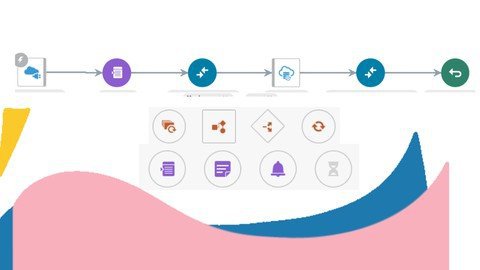
Oracle Fusion Technical - Oracle Integration Cloud OIC/ICS

rlaqlwt01knthkfcwlvxj2xjpb.jpg


Oracle Fusion Technical - Oracle Integration Cloud OIC/ICS
MP4 | Video: h264, 1280x720 | Audio: AAC, 44.1 KHz
Language: English | Size: 12.8 GB | Duration: 26h 11m

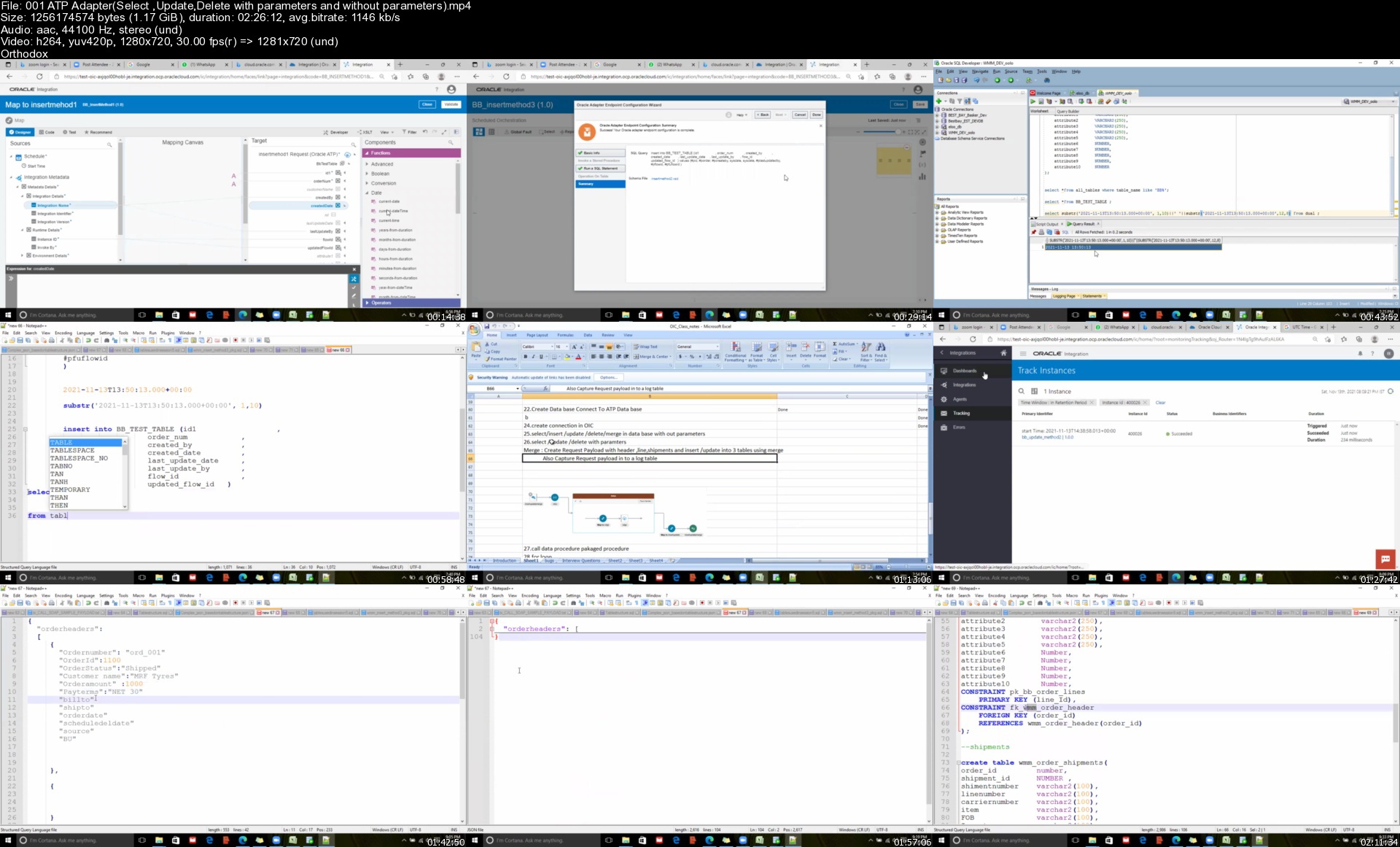
REST ,SOAP Adapters ,FTP ,ATP Adapter, FBDI, ORDS, Business Events, Call Back in Oracle Fusion


What you'll learn
Oracle integration Cloud OIC for Oracle EBS Consultants and fusion consultants
Soap Adapter ,Rest Adapter with REST API and SOAP API
FTP Adapter - READ an WRITE and MOVE Files and Load file data into Tables
Cloud Adapter -FBDI and Interfaces and conversions and Call Back
ATP Adapter - INSERT ,UPDATE,DELETE ,MERGE and Calling Procedure and Packaged Procedure
Call Bi Report From OIC and Load Data into Custom Tables
Stage File action ,Schema File Creation
App Driven Integration with Complex JASON Payload
Creating Common logger integration
For Loop ,While Loop, Fault , Re through Fault in OIC
Scope and Exception Handling in OIC
Email Notification with HTML body in OIC
Web Services Testing using POSTMAN and SOAP UI
Working With Attachments in Oracle OIC
Call Back In Oracle OIC
Business Events in OIC
ORDS - Oracle Rest Data Service
Content Sever
FBDI
Call BI Report from OIC using soap Webservice

Requirements
SQL
PLSQL

Description

This Course is designed for Oracle Fusion Technical and Oracle Apps / EBS Technical Coonsultants and those who want to learn oic

How to Create OIC Instance in OCI

How Create ATP Data Base in OIC

How create a notification in OIC

How Create Email Notification With EMAIL body parameters OIC

How Create Email Notification With HTML body parameters in OIC

How Test Rest API Using Post man

How to Create REST Adapter connection in OIC

How To create integration using REST API with query and template parameters in OIC

How to Create ATP Adapter Connection in OIC

Insert - With parameters and without parameters

update - With parameters and without parameters

Delete - With parameters and without parameters

Select - With parameters and without parameters

Call Procedure from Integration

How to connect to DB using SQL developer

How to Create FTP Adapter Connection in OIC

How To create integration using FTP In OIC

Read

write

Move

Delete

List Files

Download

Stage File Action in OIC

Read entire file

Read File in Segments

write

List Files

Download

How to run Soap Api Using SOAP UI

How to create Soap connection in OIC

How to call Bi report with <10Mb data from SAAS using last_run_date

How to call Bi report with >10Mb data from SAAS

FBDI - File based data Import

BI Cloud Connector

Sandbox

Application Composer

ORDS(Oracle REST Data Service) in Oracle Database

How to Create Cloud Adapter connection OIC

How To create Call Back in oracle OIC

How to work with attachments in Oracle OIC

Business Events in Oracle OIC

How to call ESS job from OIC and SOAP UI

How to create ESS job in oracle Fusion ERP

Oracle Fusion Technical BI Reports and OTBI Reports available in udemy please go through it

Who this course is for
Oracle Apps technical consultants
Oracle Fusion Technical (HCM or SCM or Finance)
Oracle SOA Developers
Oracle Developers

Homepage


001atpadapterselectup1ljdt.jpg


.Net 5.0 & Microservice Architecture Project Building

4068930f4474i1j8x.jpg


.Net 5.0 & Microservice Architecture Project Building
MP4 | Video: h264, 1280x720 | Audio: AAC, 44.1 KHz, 2 Ch
Genre: eLearning | Language: English | Duration: 123 lectures (22h 21m) | Size: 8.6 GB

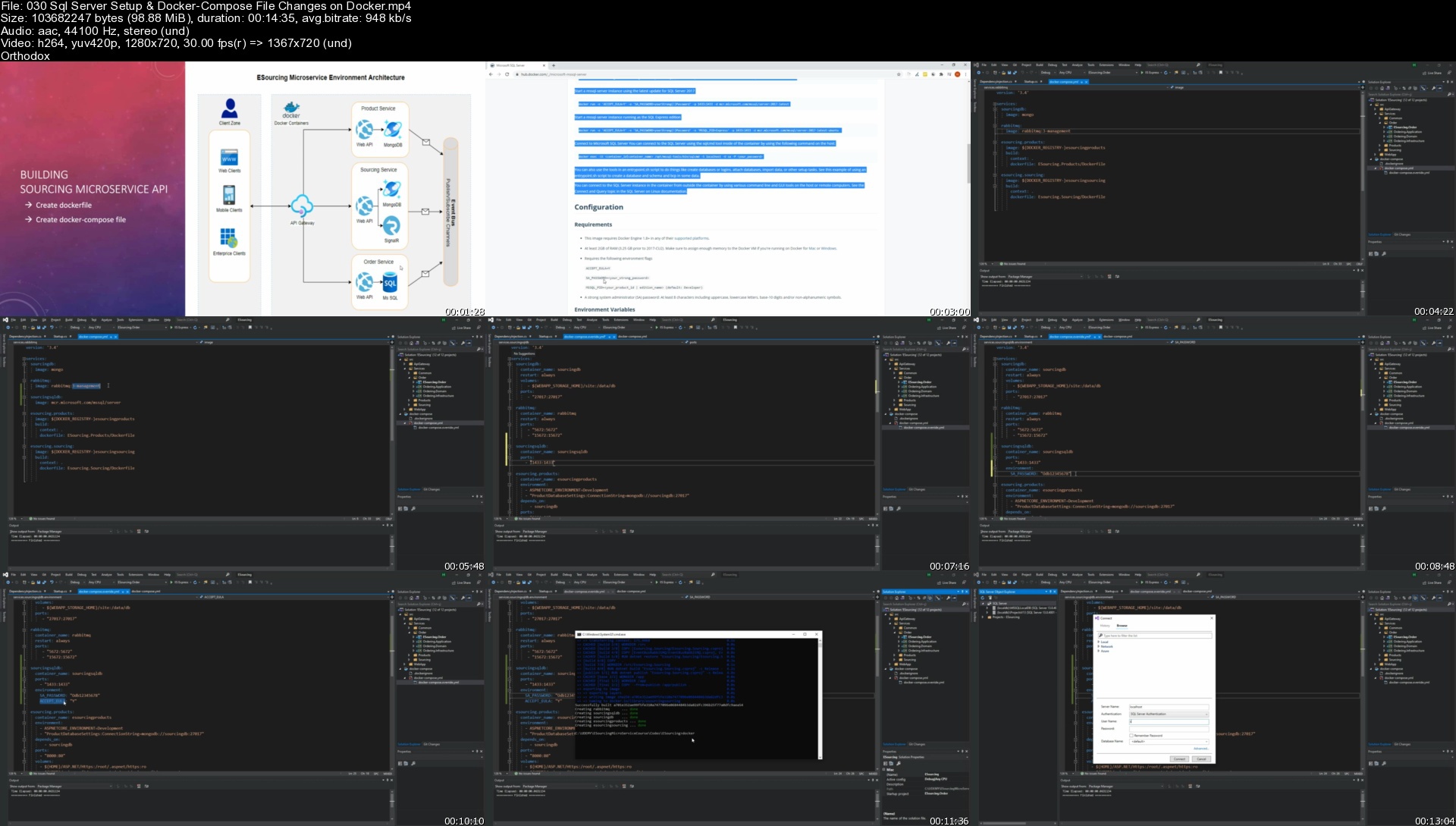
.Net Core 5.0,Web API,Docker,RabbitMQ,Ocelot Api Gateway,MongoDB,SqlServer,SignalR, MS Identity,CQRS


What you'll learn
You will build a project with MicroService Architecture
We will try to tell you how to design a project architecture independently of any business
How to build a project with .Net 5
Fundementals of ASP NET Core Web Framework
How to use Entity Framework Core with Repository Pattern
You will learn how to use MS SQL Server and InMemory DB with Entity Framework Core
You will learn Crud operation with MongoDB as data layer of microservice project
You will learn how to use RabbitMQ with Net Core and how to design event bus with RabbitMQ for Event Bus Library
You will learn web socket programming which means two way communication with SignalR
You will implemet Clean Architecture Design Pattern of Uncle Bob
You will learn and implement CQRS (Command Query Responsibility Segregation) and build microservice with CQRS from scratch
You will use MediatR Design Pattern with Mediatr Framework
You will apply API Gateway Design Pattern With Ocelot API Gateway for communication among your microservices
One of the most important is you will run all components of your microserveice environment on Docker by using Docker Compose
You will learn how to make documentation your Rest Apis with Swagger Open Api
Your are using Net Core Framework to build all environment

Requirements
Basis of Docker
Basis of ASP NET Core
Basis of .Net Coding


Description
Microservice Architecture is the most popular style of Software Architecture these days.

Almost every new software designed and produced does this using Microservices.

And not only that, there are many legacy applications that have migrated to Microservice Architecture.

Companies like Netflix, Amazon, Facebook. Uber and more losses have moved on to Microservices, becoming the de facto standard for Software Architecture.

As BestCodder (Ertuğrul Yılmaz / Hasan Denli),

we have prepared a training for you, our valuable trainees, with this very famous MicroService architecture of recent times.

We are developing an E-Sourcing project in Microservice architecture using Docker with .Net 5. During this project,

-- MongoDB

-- Docker

-- Ms SQL

-- Rabbit MQ Library

-- CQRS

-- MediatR design Pattern

-- Repository Pattern

-- Event Sourcing

-- SignalR

-- Entity Framework

-- docker

- create compose yaml file

-- Code First structure

-- Web API

-- MVC Project

-- We Use Microsoft Identity Features.

Our aim is to offer the tender instantly and develop our project as Microservice with SignalR, RabbitMQ and EventSource'ing, and we create a training that can always be at hand for our valuable trainees.

In our project, we get rid of a huge responsibility by leaving our local installations under the responsibility of docker, and at the same time, thanks to docker, we get away from the problem that it was working on my computer.

Because with docker - compose , we enable it to work everywhere with the same features .

If you want to create Api projects, If you want to write your projects and layers independently from each other via Microservices,

If you want to learn how to integrate RabbitMq Library into your project,

If you want to show instant changes to your users with SignalR and If you want to do with CQRS and MediatR approach in clean architecture, this course is for you.

Who this course is for
Developers who earn new abilities with Microservice architecture
Asp Net Core Developers who are curious about application development logic in Microservice Architecture from Beginner to Senior level
C# Software Lovers who are curious about the architectural approaches needed while developing an Enterprise Application

Homepage


030sqlserversetupdockzoj2p.jpg


Full Stack Data Analyst A-Z™ BootCamp

01ywzfpdgqqjqtlvx9bjko.jpg


Full Stack Data Analyst A-Z™ BootCamp
MP4 | Video: h264, 1280x720 | Audio: AAC, 44.1 KHz, 2 Ch
Genre: eLearning | Language: English + srt | Duration: 382 lectures (29h 15m) | Size: 13.4 GB

Full Excel Course | Full SQL Course | Full Python Course | Full Data Visualization: Tableau & Power BI | All In One


What you'll learn
learn how to use python to analyse data
learn to draw useful insights from data with python
learn to perform EDA
learn how to visulaise and present findings in data
learn from experts

Requirements
Beginner level course. No prerequisite


Description
This course is designed for anyone who aims to use python programming language clean, analyze and to draw useful insights from their data.

It covers the basics of python programming.

It presents use cases where the instructor will demonstrate you can use python to make decisions on data.

The field of data analysis is lucrative and learning analytical skills will go a long way to help you in your career.

Professionals with Analytical Skills are highly sought after. Many organizations seek to hire Data Analysts.

This course has been designed by industry professional Data Analysts to help you gain analytical skills. You will get an understanding of Data Analyst work on industry projects and present their findings to stakeholder.

In this course, you will learn

learn how to use python to analyse data

learn from experts

learn to perform Exploratory Data Analysis

learn how to visulaise and present findings in data

how to prepare and draw insights from data using Python

how to present your findings in data analysis

Who this course is for
Anyone interested in the field of data analysis
anyone curious of learning how to draw insights from data

Homepage


002expandingandcollapw7k5z.jpg


200-901 DEVASC : Cisco DevNet Associate

ul5hnaqbzrfstaolcooyce6juw.jpg


200-901 DEVASC : Cisco DevNet Associate
MP4 | Video: h264, 1280x720 | Audio: AAC, 44.1 KHz
Language: English | Size: 8.37 GB | Duration: 18h 5m

With Ratnesh K 2xCCIE #61380


What you'll learn
Describe the importance of APIs and use of version control tools in modern software development
Describe common processes and practices used in software development
Describe options for organizing and constructing modular software
Describe HTTP concepts and how they apply to network-based APIs
Apply Representational State Transfer (REST) concepts to integration with HTTP-based APIs
Describe Cisco platforms and their capabilities
Describe programmability features of different Cisco platforms
Describe basic networking concepts and interpret simple network topology
Describe interaction of applications with the network and tools used for troubleshooting issues
Apply concepts of model-driven programmability to automate common tasks with Python scripts
Identify common application deployment models and components in the development pipeline
Requirements
Basic computer literacy
Basic PC operating system navigation skills
Basic Internet usage skills
Hands-on experience with a programming language (specifically Python)

Description
The Developing Applications and Automating Workflows Using Cisco Platforms (DEVASC) v1.0 course helps you prepare for Cisco® DevNet Associate certification and for associate-level network automation engineer roles. You will learn how to implement basic network applications using Cisco platforms as a base, and how to implement automation workflows across network, security, collaboration, and computing infrastructure. The course gives you hands-on experience solving real world problems using Cisco Application Programming Interfaces (APIs) and modern development tools.

After taking this course, you should be able to

Describe the importance of APIs and use of version control tools in modern software development

Describe common processes and practices used in software development

Describe options for organizing and constructing modular software

Describe HTTP concepts and how they apply to network-based APIs

Apply Representational State Transfer (REST) concepts to integration with HTTP-based APIs

Describe Cisco platforms and their capabilities

Describe programmability features of different Cisco platforms

Describe basic networking concepts and interpret simple network topology

Describe interaction of applications with the network and tools used for troubleshooting issues

Apply concepts of model-driven programmability to automate common tasks with Python scripts

Identify common application deployment models and components in the development pipeline

Describe common security concerns and types of tests, and utilize containerization for local development

Utilize tools to automate infrastructure through scripting and model-driven programmability

Who this course is for
Network automation engineer
Software developer
System integration programmer
Infrastructure architect
Network designer

Homepage


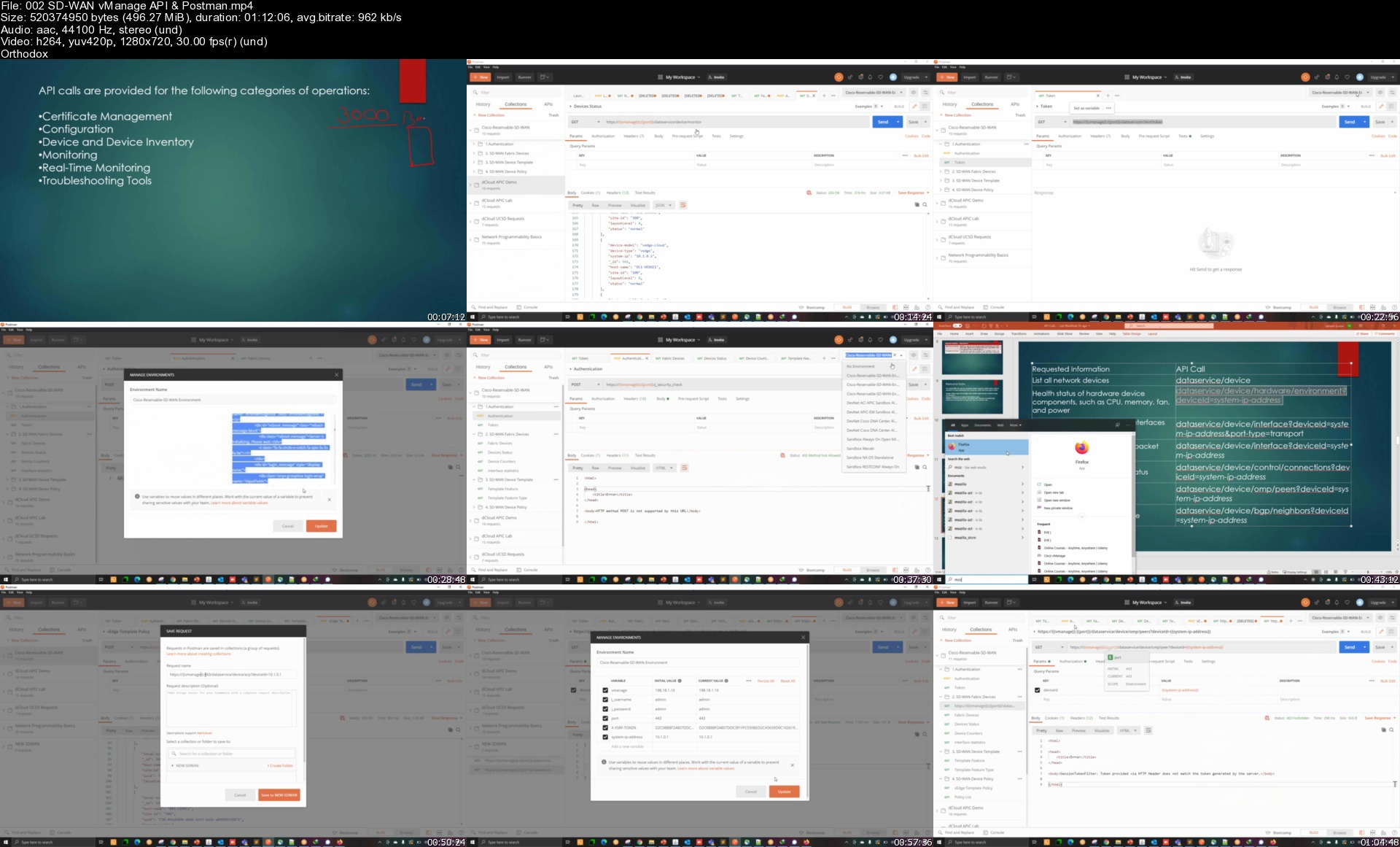
002sdwanvmanageapipose9kwr.jpg


Learn Arabic Online With Nassra Arabic Online for beginners

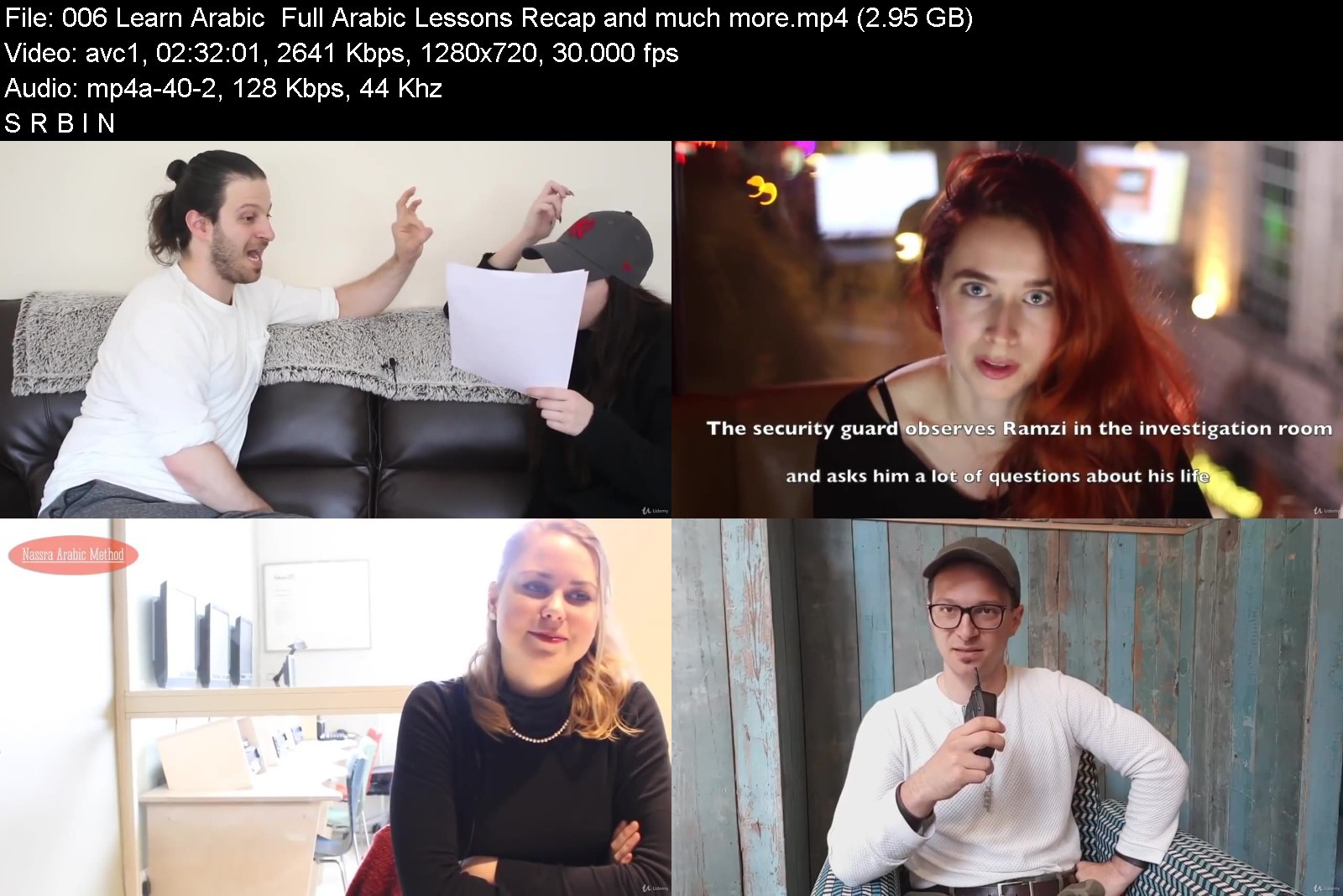
yitfvrayjxgbe8hkgptkfmikh7.jpg


Learn Arabic Online With Nassra Arabic Online for beginners
MP4 | Video: h264, 1280x720 | Audio: AAC, 44.1 KHz
Language: English | Size: 14.5 GB | Duration: 13h 1m

Learn Arabic Online. Levantine Dialect Syrian / Lebanese Arabic for Absolute Beginners Learn Arabic In Hours, Not Years


What you'll learn
Learn essential Arabic phrases with total confidence for Total Beginners
How to greet someone In Spoken Arabic
Learn to Introduce yourself in Spoken Arabic
how to make simple sentences in Arabic
Learn to Practice Arabic pronunciation
Live Classes With Omar Nassra
Requirements
If You are from Arabic roots or you did Arabic courses for beginners, This course Is Not for You
You don't need any knowledge about the Arabic language
Just follow the course to see immediate progress
You should have speakers or headset, and a quiet environment.

Description
This Arabic Online Course is for students who are absolute beginners. If you have learned Arabic Online before or your background is Arabic, the course will be easy for you!
This course focuses on learning Levantine Arabic dialect which is spoken in (Syria, Lebanon, Palestine and Jordan). The course will cover
Key Arabic phrases,
How to ask basic questions also to answer them.
How to make a sentence in Spoken Arabic
Essential culture understanding.
The Course involves high-quality, full HD video lessons. You have access to over 6 hours of interactive video recordings for absolute beginner. Each video is 10 minutes long, follow the instructions in the video and most important do not skip any video lesson. Taking Arabic lessons online has never been easier.
Why should you take this course
I am teaching Spoken Arabic in this course. There are two branches of the Arabic language: Modern Standard Arabic (MSA) and colloquial, that is spoken Arabic. Most people begin to learn MSA thinking that this is the language used to communicate day to day in the Middle East. However, MSA is not used in day to day communication, as it is to Arabic what Shakespearean English is to English.
The Nassra Arabic Method . com is the only personalised, on-demand, and interactive online tool for learning spoken Arabic. It was created after a decade of research by Khaled Nassra and has been tested on hundreds of our foreign students. It is the only online Arabic course where you are guaranteed to put your newly-acquired language skills into practice immediately.
Here are some of our students reviews
Deputy Head of Mission at the British Embassy in Riyadh
Omar Nassra gave me twelve Arabic lessons in April - June 2014. I was a complete beginner. I found Omar an excellent teacher and achieved more in the limited time available to me than I had expected. I learned the alphabet, and am now able to read and write; we covered some basic grammar; I gained a reasonable vocabulary (perhaps 300 - 400 words) in areas relevant to my forthcoming job as Deputy Head of Mission at the British Embassy in Riyadh and to life there; and I feel I have an understanding of the way in which Arabic works - sentence construction etc. All in all, this should help considerably as I assimilate the culture in Saudi Arabia, and gives me sound framework for further study in-country. Omar was friendly, patient and clear, understanding my needs and pitching the lessons appropriately. I have no hesitation in recommending him as a teacher of Arabic. I should be happy to be contacted direct (mailto:[email protected]][email protected][/url]) in case of need.
------------------------------------------------------
Katharina Langer
Thank so much for the great lessons. The Nassra Arabic methods of teaching are absolutely fantastic as it is very efficient and enjoyable. I am confident that soon I will be able to speak Arabic with the family of my husband, who is Syrian. I am so grateful to finally have found such a great and patient teacher. I am also amazed that within only 3 lessons I am starting to talk a bit and understand some basic conversation! I would recommend Nassra Arabic Method to anyone who wants to learn Arabic.
..........................................................
"Khaled skilfully balances academic focus and strong professionalism with a lively and engaging teaching style. I would highly recommend London Arabic Direct for those looking to become conversant in Syrian Arabic in a short period of time"
Anna-Marie McManus
................................................................
PHD student at Yale University
"Khaled's major strength is his ability to connect, to understand how to help me learn (what's important, strategies for daily learning, how to recognise obstacles and overcome them, reviewing this regularly). He focuses on communication, which is brilliant - we speak a lot and this really helps my confidence. I find him a really intuitive, encouraging and patient teacher."
..........................................................
James Eyre Foreign
Office diplomats
This is not just an Arabic course, it is an online community where you can meet people from all over the world and share the same passion.
Note: This is just an introduction course for The Nassra Arabic Online Method Program.
Who this course is for
This Arabic online course is mainly for absolute beginners!!!
For anyone who wants to learn spoken Levantine Arabic online
For travellers to the Middle East
For anyone who want to learn day to day communication


learnarabiconlinewithl7j16.jpg


Download from RapidGator


Download from NitroFlare


Download from UploadGig



Computer Vision: Face Recognition Quick Starter in Python

2835704027apjk45.jpg


Computer Vision: Face Recognition Quick Starter in Python
Instructors: Abhilash Nelson 64 sections • 87 lectures • 9h 20m
Video: MP4 1280x720 44 KHz | English + Sub Updated 1/2022 | Size: 6.1 GB

Python Deep Learning based Face Detection, Recognition, Emotion , Gender and Age Classification using all popular models


What you'll learn
Face Detection from Images
Face Detection from Realtime Videos
Emotion Detection, Age-Gender Prediction
Face Recognition from Images, Realtime Videos
Requirements
A decent configuration computer and an enthusiasm to dive into the world of computer vision based Face Recognition

Description
Hi There!
welcome to my new course 'Face Recognition with Deep Learning using Python'. This is an updated course from my Computer Vision series which covers Python Deep Learning based Face Detection, Face Recognition, Emotion , Gender and Age Classification using all popular models including Haar Cascade, HOG, SSD, MMOD, MTCNN, EigenFace, FisherFace, VGGFace, FaceNet, OpenFace, DeepFace
Face Detection and Face Recognition is the most used applications of Computer Vision. Using these techniques, the computer will be able to extract one or more faces in an image or video and then compare it with the existing data to identify the people in that image.
Face Detection and Face Recognition is widely used by governments and organizations for surveillance and policing. We are also making use of it daily in many applications like face unlocking of cell phones etc.
This course will be a quick starter for people who wants to dive deep into face recognition using Python without having to deal with all the complexities and mathematics associated with typical Deep Learning process.
We will be using a python library called face-recognition which uses simple classes and methods to get the face recognition implemented with ease. We are also using OpenCV, Dlib and Pillow for python as supporting libraries.
Let's now see the list of interesting topics that are included in this course.
At first we will have an introductory theory session about Face Detection and Face Recognition technology.
After that, we are ready to proceed with preparing our computer for python coding by downloading and installing the anaconda package. Then we will install the rest of dependencies and libraries that we require including the dlib, face-recognition, opencv etc and will try a small program to see if everything is installed fine.
Most of you may not be coming from a python based programming background. The next few sessions and examples will help you get the basic python programming skill to proceed with the sessions included in this course. The topics include Python assignment, flow-control, functions and data structures.
Then we will have an introduction to the basics and working of face detectors which will detect human faces from a given media. We will try the python code to detect the faces from a given image and will extract the faces as separate images.
Then we will go ahead with face detection from a video. We will be streaming the real-time live video from the computer's webcam and will try to detect faces from it. We will draw rectangle around each face detected in the live video.
In the next session, we will customize the face detection program to blur the detected faces dynamically from the webcam video stream.
After that we will try facial expression recognition using pre-trained deep learning model and will identify the facial emotions from the real-time webcam video as well as static images
And then we will try Age and Gender Prediction using pre-trained deep learning model and will identify the Age and Gender from the real-time webcam video as well as static images
After face detection, we will have an introduction to the basics and working of face recognition which will identify the faces already detected.
In the next session, We will try the python code to identify the names of people and their the faces from a given image and will draw a rectangle around the face with their names on it.
Then, like as we did in face detection we will go ahead with face recognition from a video. We will be streaming the real-time live video from the computer's webcam and will try to identify and name the faces in it. We will draw rectangle around each face detected and beneath that their names in the live video.
Most times during coding, along with the face matching decision, we may need to know how much matching the face is. For that we will get a parameter called face distance which is the magnitude of matching of two faces. We will later convert this face distance value to face matching percentage using simple mathematics.
In the coming two sessions, we will learn how to tweak the face landmark points used for face detection. We will draw line joining these face land mark points so that we can visualize the points in the face which the computer is used for evaluation.
Taking the landmark points customization to the next level, we will use the landmark points to create a custom face make-up for the face image.
Till now we were using the face-recognition third party library to achieve most of the functionality. But from now onwards we will try the face-recognition pipeline steps which includes face detection, face alignment, face feature extraction verification and classification separately one by one using popular libraries. We will have an introduction about these in this session.
In the next session, we will start with face detection. We will divide them into traditional face detection methods and modern methods which involves CNN.
At first we will try the Haar Cascade object detection algorithm for face detection. We will try it at first for still images and later we will implement it for saved videos as well as live web cam videos.
Another popular algorithm for face detection is HOG or Histogram of Oriented Gradients. At first we will have an introduction to the working of HOG algorithm and then we will try the HOG method for images, videos and real-time web cam stream.
The next face detection algorithm we will try is SSD or Single Shot Detection. We will repeat the same functionality exercises for SSD also. And then comes MMOD. We will repeat the same functionality exercises for SSD also.
Then the MMOD, the Max-Margin Object Detection. We will repeat the same functionality exercises for MTCNN also.
Then comes the next algorithm which is MTCNN, the Multi-task Cascaded Convolutional Networks. We will repeat the same functionality exercises including image, video and real time stream for MTCNN also.
Finally we will have a quick comparison between the performance of these face detection algorithms.
After face detection, we will go ahead with face alignment. We will use the popular Dlib library python implementation to perform the face alignment for image, video and video streams.
After face alignment exercises, we will proceed with face verification and classification where the actual face recognition is happening. At first we will have an introduction about face classification. We will divide the techniques into traditional face recognition methods and modern methods which involves CNN.
At first we will try the techniques Eigenface Fisherface and LBPH, the Local Binary Pattern Histogram. We will have a short introduction about these algorithms and will then proceed with
preparing the image dataset for these algorithms.
Then we will set up the prerequisite for them. Later we will proceed with face detection using MTCNN and preprocessing of the detected face for recognition. Then the exercises involving training with the image dataset and trying prediction for images. We will then save this model so that we can load it later and do prediction without having to go through training again.
We will also try it for pre-saved videos and real time webcam stream. Once we are done with that we will have a quick comparison of the Eigenface Fisherface and LBPH algorithms.
That's all the traditional ways, now we will proceed with deep learning face recognition. At first using the popular VGGNet model for face recognition called VGGface. We will have an introduction to VGG face and then we will implement VGGface face verification for images. Later we will try VGGface face verification for videos as well as realtime streams.
And then we have an introduction to FaceNet, OpenFace and DeepFace Models. We will use a popular easy to use open source python face recognition framework called deepface to implement the rest of popular deep learning techniques.
We will install deepface to our computer and then try it at first for face detection and face alignment. Then we will try deepface for face one to one verification. Later with few changes, we can use it for face classification which involves an one to many comparison. deepface can also be used for performing face analysis involving gender, age, emotion, ethnicity etc
That's all about the topics which are currently included in this quick course. The code, images and libraries used in this course has been uploaded and shared in a folder. I will include the link to download them in the last session or the resource section of this course. You are free to use the code in your projects with no questions asked.
Also after completing this course, you will be provided with a course completion certificate which will add value to your portfolio.
So that's all for now, see you soon in the class room. Happy learning and have a great time.
Who this course is for
Beginners or who wants to start with Python based Face Recognition

computervisionfacerecknksw.jpg


Download from RapidGator


Download from NitroFlare


Download from UploadGig



Microsoft Excel Course - Basic to Advance (2019 Updated)

po5lkrvnrfszawde7xwkb8ejkg.jpg


Microsoft Excel Course - Basic to Advance (2019 Updated)
MP4 | Video: h264, 1280x720 | Audio: AAC, 44.1 KHz
Language: English | Size: 6.33 GB | Duration: 9h 44m

Microsoft Excel Expert level training with practical on 2010, 2013, 2016 and 2019 versions (Updated)


What you'll learn
Good understanding of Excel at MIS level
Expertise in Text Function
Expertise in Logical Function
Expertise in Math Function
Expertise in Lookup and Reference Function
Expertise in Date and Time Function
Mastery in Pivot Table and Chart Preparation
Mastery in 'What if Analysis' and Solver Tool
Print Option in Excel
Data Validation, Filter and Conditional Formatting
Mastery in Data organising Tools in Excel
Mastery in Data creation and Data Manipulation in Excel
Managing data protection and data sharing in Excel
Work with Macro Recording
Working with Power Pivot and Power Map
Requirements
Basic Computer Knowledge

Description
Microsoft Excel is a spreadsheet application developed by Microsoft Inc for Microsoft Windows and MAC OS X. Its use is to do advanced calculation, graphing tools, pivot tables, and a macro programming language referred to as Visual Basic for Applications. The course curriculum is one of the most comprehensive and most advanced. Here you will trained from the very basic till the most advance level in the latest version.
In this more then 9 hours 30 minutes of training with 86 lectures videos, you will be taken through the fundamentals of Excel till the Expertise level. You may expect to learn following topics in detail.
Learn about the structure of Excel
Learn how to adjust the way data and information are displayed in Excel
Learn how to apply function with function facts
Learn how to use relative, absolute, and mixed references in Excel
Learn how to create powerful calculations with Excel functions
Learn how to visually represent your data with charts and other tools in Excel
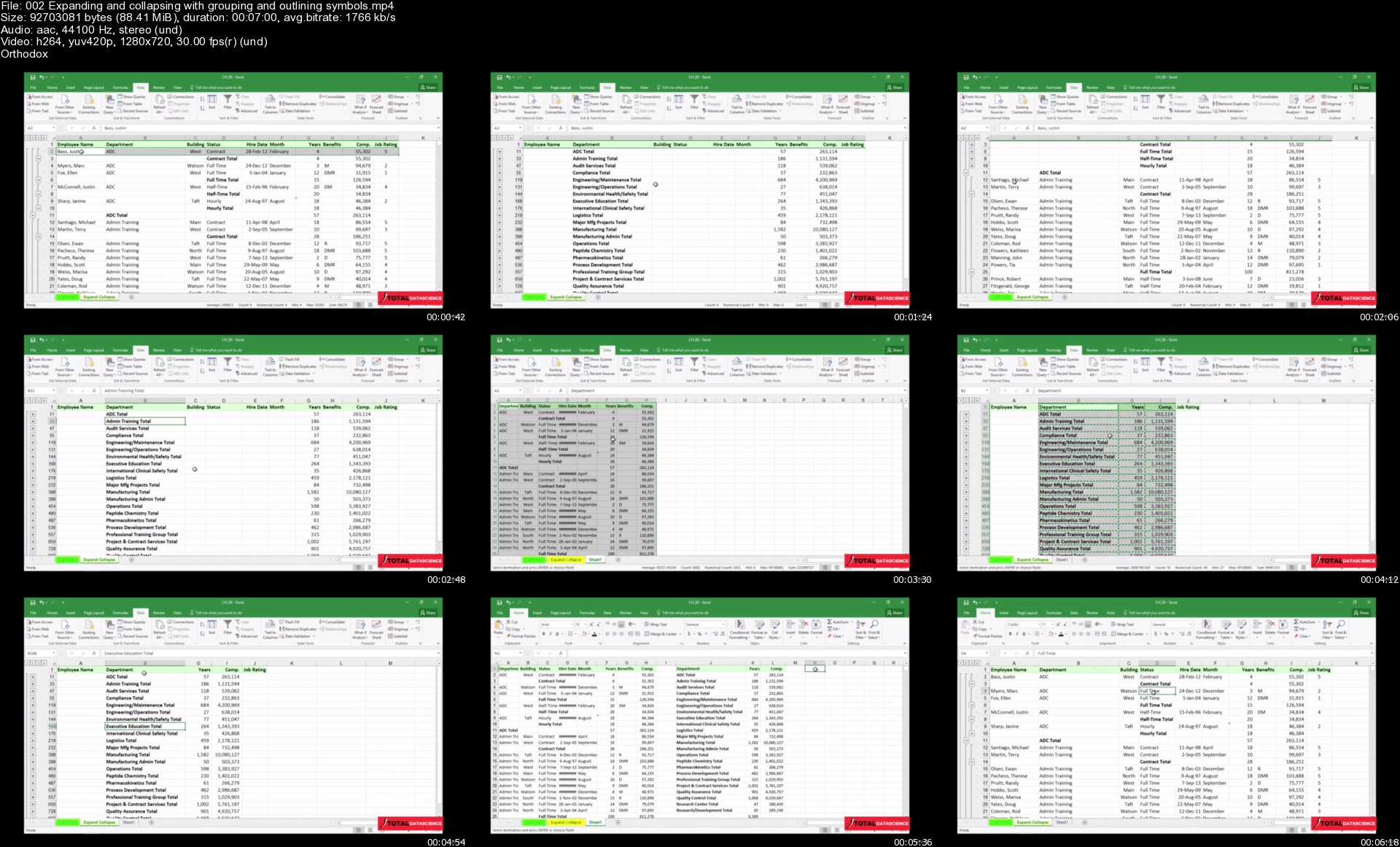
Learn how to use Excel data tools like Group, subtotaling, and filtering
Learn how to remove duplicates from data in Excel
Learn how to use Excel to leverage data with Pivot Tables & Pivot Charts
Learn how to automate Excel tasks with recording Macros.
Learn how to use passwords in Excel to protect your work in multiple scenarios
Learn how to use printing and sharing in Excel
Learn to use Pivot table with slicers, Grouping and various tricks
Learn how to organise your data based on Condition.
Learn to validate proper entry in the data.
Mastering Date and time related formulas and format.
Mastering all important Text function with nested methodology
Mastering Logical and Lookup and reference Function.
Mastering Operators use and Math Functions.
Working with Power Pivot and Power Map
Working on updated Drawing Tab
Who this course is for
Career in MIS
Want to have expertise in Basic and Advance Excel
Seeking career in Data Management


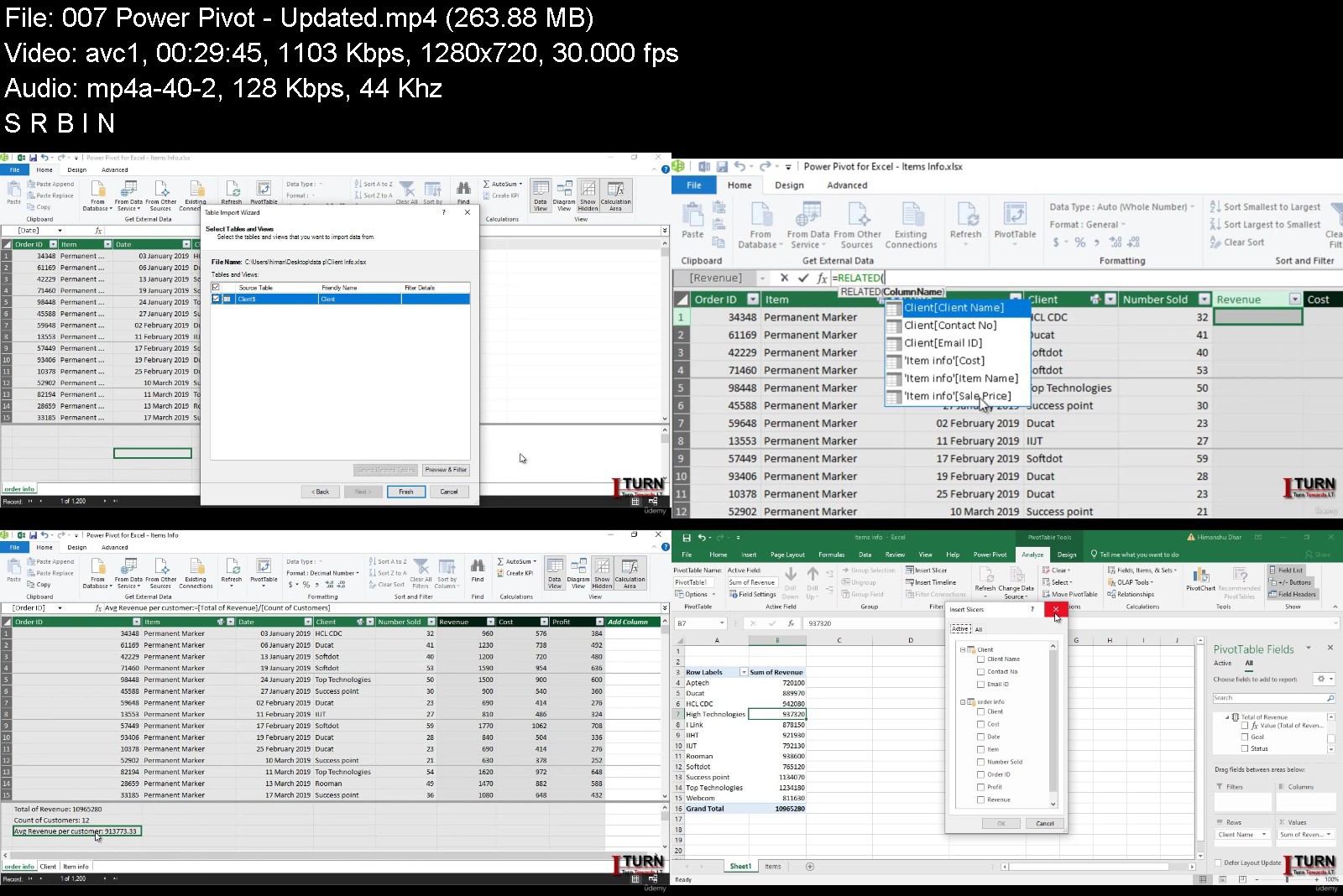
microsoftexcelcourseb42jt3.jpg


Download from RapidGator


Download from NitroFlare


Download from UploadGig



Cyber Security - SOC Analyst Interview Question and Answers

jhmew7jl45weupmraacov9akyr.jpg


Cyber Security - SOC Analyst Interview Question and Answers
MP4 | Video: h264, 1280x720 | Audio: AAC, 44.1 KHz
Language: English | Size: 6.90 GB | Duration: 17h 40m

All Realtime interview Questions covered


What you'll learn
Student will learn answers related to Cyber Security Operation Center Analyst interview Question
All the Questions are Real Time
Learn from L1 to L3 Role Interviews in one package
Clear explanation of each question

Description
Due to the rapid increase in data breach incidents and sophisticated attacks, organizations are investing heavily in technologies and security solutions. The deployment of a security operation center (SOC) is a cost-effective strategy against these cyber threats. The SOC team deals with security incidents within the organization. The SOC analyst plays a vital role in the SOC team by monitoring the log data, identifying suspicious activities, and reporting to the higher authorities. It could be an excellent platform to start your career in cybersecurity. A candidate must have a basic knowledge of networking, malware analysis, and incidence response.
The cyber security field is one of the most booming fields in this decade. To get a job in this field, it depends on the kind of profile you are looking in the cyber security domain as this field has many different kinds of job roles.
SOC Analyst
SOC analysts are the first to respond to cyber security incidents. They report on cyberthreats and implement any changes needed to protect the organization. Job duties of SOC analysts include: Threat and vulnerability analysis. ... Analysis and response to previously unknown hardware and software vulnerabilities.
That said, it's not unusual for a Tier 1 SOC Analyst gig to be your first stop in the journey of your cybersecurity career. While every employer will attach a slightly different set of duties to any given job title, in general there are three tiers of SOC analyst jobs. The EC-Council's blog has a detailed breakdown of the differences among those tiers, but to sum up
L1 SOC analysts are triage specialists who monitor, manage, and configure security tools, review incidents to assess their urgency, and escalate incidents if necessary.
L2 SOC analysts are incident responders, remediating serious attacks escalated from Tier 1, assessing the scope of the attack and affected systems, and collecting data for further analysis.
L3 SOC analysts are threat hunters, working proactively to seek out weaknesses and stealthy attackers, conducting penetration tests, and reviewing vulnerability assessments. Some Tier 3 analysts focus more on doing deep dives into datasets to understand what's happening during and after attacks.
Who this course is for
It is for Beginners to Experience


cybersecuritysocanaly29kll.jpg


Download from RapidGator


Download from NitroFlare


Download from UploadGig



Zurück
Oben Unten