• Regeln für den Video-Bereich:

    In den Börsenbereich gehören nur Angebote die bereits den Allgemeinen Regeln entsprechen.

    Einteilung

    - Folgende Formate gehören in die angegeben Bereiche:
    - Filme: Encodierte Filme von BluRay, DVD, R5, TV, Screener sowie Telesyncs im Format DivX, XviD und x264.
    - DVD: Filme im Format DVD5, DVD9 und HD2DVD.
    - HD: Encodierte Filme mit der Auflösung 720p oder darüber von BluRay, DVD, R5, TV, Screener sowie Telesyncs im Format x264.
    - 3D: Encodierte Filme von BluRay, die in einem 3D Format vorliegen. Dies gilt auch für Dokus, Animation usw.
    - Serien: Cartoon/Zeichentrick, Anime, Tutorials, Dokumentationen, Konzerte/Musik, Sonstiges sind demnach in die entsprechenden Bereiche einzuordnen, auch wenn sie beispielsweise im High Definition-Format oder als DVD5/DVD9/HD2DVD vorliegen. Ausnahme 3D.
    - Bereich Englisch: Englische Releases gehören immer in diesen Bereich.
    - Bereich Talk: Der Bereich, in dem über die Releases diskutiert werden kann, darf, soll und erwünscht ist.


    Angebot/Beitrag erstellen

    - Ein Beitrag darf erst dann erstellt werden, wenn der Upload bei mindestens einem OCH komplett ist. Platzhalter sind untersagt.
    - Bei einem Scenerelease hat der Threadtitel ausschließlich aus dem originalen, unveränderten Releasenamen zu bestehen. Es dürfen keine Veränderungen wie z.B. Sterne, kleine Buchstaben o.ä. vorgenommen werden. Ausnahme Serienbörse:
    - Bei einem Sammelthread für eine Staffel entfällt aus dem Releasename natürlich der Name der Folge. Beispiel: Die Simpsons S21 German DVDRip XviD - ITG
    - Dementsprechend sind also u.a. verboten: Erweiterungen wie "Tipp", "empfehlenswert", "only", "reup", usw. / jegliche andere Zusatzinformation oder Ergänzung, welche nicht in obiger Beschreibung zu finden ist.

    Aufbau des Angebots und Threadtitel

    Der Titel nach folgendem Muster erstellt zu werden. <Name> [3D] [Staffel] [German] <Jahr> <Tonspur> [DL] [Auflösung] <Quelle> <Codec> - <Group>
    Beispiel: The Dark Knight German 2008 AC3 DVDRip XviD - iND
    Beispiel: The Dark Knight 2008 DTS DL BDRip x264 - iND
    Beispiel: The Dark Knight 2008 AC3 DL BDRip XviD - iND
    Beispiel: The Dark Knight German 2008 AC3 720p BluRay x264 iND
    Beispiel: The Dark Knight 2008 DTS DL 1080p BluRay x264 iND
    Beispiel: Die Simpsons S01 German AC3 DVDRip XviD iND
    Beispiel: Die Simpsons S20 German AC3 720p BluRay x264 iND
    Beispiel: Sword Art Online II Ger Sub 2014 AAC 1080p WEBRip x264 - peppermint
    Entsprechend sind also u.a. verboten: Sonderzeichen wie Klammern, Sterne, Ausrufezeichen, Unterstriche, Anführungszeichen / Erweiterungen wie "Tipp", "empfehlenswert", "only", "reup", usw. / jegliche andere Zusatzinformation oder Ergänzung, welche nicht in obiger Beschreibung zu finden ist
    Ausnahmen hiervon können in den Bereichen geregelt sein.

    Die Beiträge sollen wie folgt aufgebaut werden:
    Überschrift entspricht dem Threadtitel
    Cover
    kurze Inhaltsbeschreibung
    Format, Größe, Dauer sind gut lesbar für Downloader außerhalb des Spoilers zu vermerken
    Nfo sind immer Anzugeben und selbige immer im Spoiler in Textform.
    Sind keine Nfo vorhanden z.B. Eigenpublikationen, sind im Spoiler folgende Dateiinformationen zusätzlich anzugeben :
    Quelle
    Video (Auflösung und Bitrate)
    Ton (Sprache, Format und Bitrate der einzelnen Spuren)
    Untertitel (sofern vorhanden)
    Hosterangabe in Textform außerhalb eines Spoiler mit allen enthaltenen Hostern.
    Bei SD kann auf diese zusätzlichen Dateiinformationen verzichtet werden.

    Alle benötigten Passwörter sind, sofern vorhanden, in Textform im Angebot anzugeben.
    Spoiler im Spoiler mit Kommentaren :"Schon Bedankt?" sind unerwünscht.


    Releases

    - Sind Retail-Release verfügbar, sind alle anderen Variationen untersagt. Ausnahmen: Alle deutschen Retail-Release sind CUT, in diesem Fall sind dubbed UNCUT-Release zulässig.
    - Im Serien-Bereich gilt speziell: Wenn ein Retail vor Abschluss einer laufenden Staffel erscheint, darf diese Staffel noch zu Ende gebracht werden.62
    - Gleiche Releases sind unbedingt zusammenzufassen. Das bedeutet, es ist zwingend erforderlich, vor dem Erstellen eines Themas per Suchfunktion zu überprüfen, ob bereits ein Beitrag mit demselben Release besteht. Ist dies der Fall, ist der bereits vorhandene Beitrag zu verwenden.
    - P2P und Scene Releases dürfen nicht verändert oder gar unter einem iND Tag eingestellt werden.


    Support, Diskussionen und Suche

    - Supportanfragen sind entweder per PN oder im Bereich Talk zu stellen.
    - Diskussionen und Bewertungen sind im Talk Bereich zu führen. Fragen an die Uploader haben ausschließlich via PN zu erfolgen, und sind in den Angeboten untersagt.
    - Anfragen zu Upload-Wünschen sind nur im Bereich Suche Video erlaubt. Antworten dürfen nur auf Angebote von MyBoerse.bz verlinkt werden.


    Verbote

    - Untersagt sind mehrere Formate in einem einzigen Angebotsthread, wie beispielsweise das gleichzeitige Anbieten von DivX/XviD, 720p und 1080p in einem Thread. Pro Format, Release und Auflösung ist ein eigener Thread zu eröffnen.
    - Grundsätzlich ebenso verboten sind Dupes. Uploader haben sich an geeigneter Stelle darüber zu informieren, ob es sich bei einem Release um ein Dupe handelt.
    - Gefakte, nur teilweise lauffähige oder unvollständige Angebote sind untersagt. Dies gilt auch für eigene Publikationen, die augenscheinlich nicht selbst von z.B. einer DVD gerippt wurden. Laufende Serien, bei denen noch nicht alle Folgen verfügbar sind, dürfen erstellt und regelmäßig geupdatet werden.
    - Untersagt sind Angebote, welche nur und ausschließlich in einer anderen Sprache als deutsch oder englisch vorliegen. Ausnahmen sind VORHER mit den Moderatoren zu klären.


    Verstoß gegen die Regeln

    - Angebote oder Beiträge, die gegen die Forenregeln verstoßen, sind über den "Melden"-Button im Beitrag zu melden.
  • Bitte registriere dich zunächst um Beiträge zu verfassen und externe Links aufzurufen.

*** Bestes IPTV *** bester Preis *** gratis Test ***


Englische Tutorials

Wolfram Mathematica Masterclass: from Beginner to Expert
41780848adeu8kdx.jpg


Wolfram Mathematica Masterclass: from Beginner to Expert
MP4 | Video: h264, 1280x720 | Audio: AAC, 44.1 KHz, 2 Ch
Genre: eLearning | Language: English + srt | Duration: 203 lectures (24h 23m) | Size: 7 GB

Learn by Example: Clever Programming for Machine Learning, Natural Science, Statistics, Economy, Linguistics & Media


What you'll learn
Fundamentals: Wolfram programming language, notebooks & their advantages
Basic skills: Use functions, lists, plotting, graphics & animations
Hands-on programming: Work on actual projects from machine learning, science, economy, society and more
Cool applications: Use your knowledge to create useful notebooks and beautiful interactive images
Requirements
None! You can come quite far with the free online version of Mathematica and you can even test the full version.
If you want to do everything: A full version of Wolfram Mathematica is recommended. We are using v12.2.
Basic programming skills will help you but are not necessary, since coding in Mathematica is very intuitive
Description
This course is for everyone who wants to get better in Wolfram Mathematica!
No prior knowledge is required. We will start from the basics and climb the ladder up to advanced projects!
Wolfram Mathematica is an enormously powerful tool. In this language you can often solve difficult problems with only a few lines of code. However, this makes learning the language and especially the transition from conventional programming languages like C or python unique, as it uses a different approach to tackle programming. It is not difficult but can be overwhelming if you are on your own.
Mathematica was originally created to solve maths problems but was soon used in the natural sciences, as well. Today, it contains clever functions that can be adapted to all sorts of problems: We will solve programming tasks and will create beautiful, interactive images in our projects about statistics, physics, geography, chemistry, biology, music, political speeches, quantum computing, neural networks, machine learning, image manipulation, the stock market and more.
You are kindly invited to join this carefully prepared course that will teach you all you need to know about Mathematica. It includes a crash course, quizzes, exercises, background lectures and, of course, hands-on programming sessions where we will solve real-life examples!
Why me?
My name is Börge Göbel and I am a postdoc working as a scientist in theoretical physics.
I have refined my advisor skills as a tutor of Bachelor, Master and PhD students in theoretical physics and have other successful courses here on Udemy.
Especially when I started my PhD I was impressed how fast and easy you can solve demanding tasks with Mathematica. I have used the program for the results and images in many of my publications and have recommended Mathematica to all of my students.
I hope you are excited and I kindly welcome you to our course!
Who this course is for
This course is for everyone! It contains the basics as well as advanced projects from various fields.
Programming beginners who want to learn coding in an intuitive way
Advanced programmers who use other languages and want to learn about the advantages of Wolfram Mathematica
Mathematica users who want to take the next step and work on actual projects
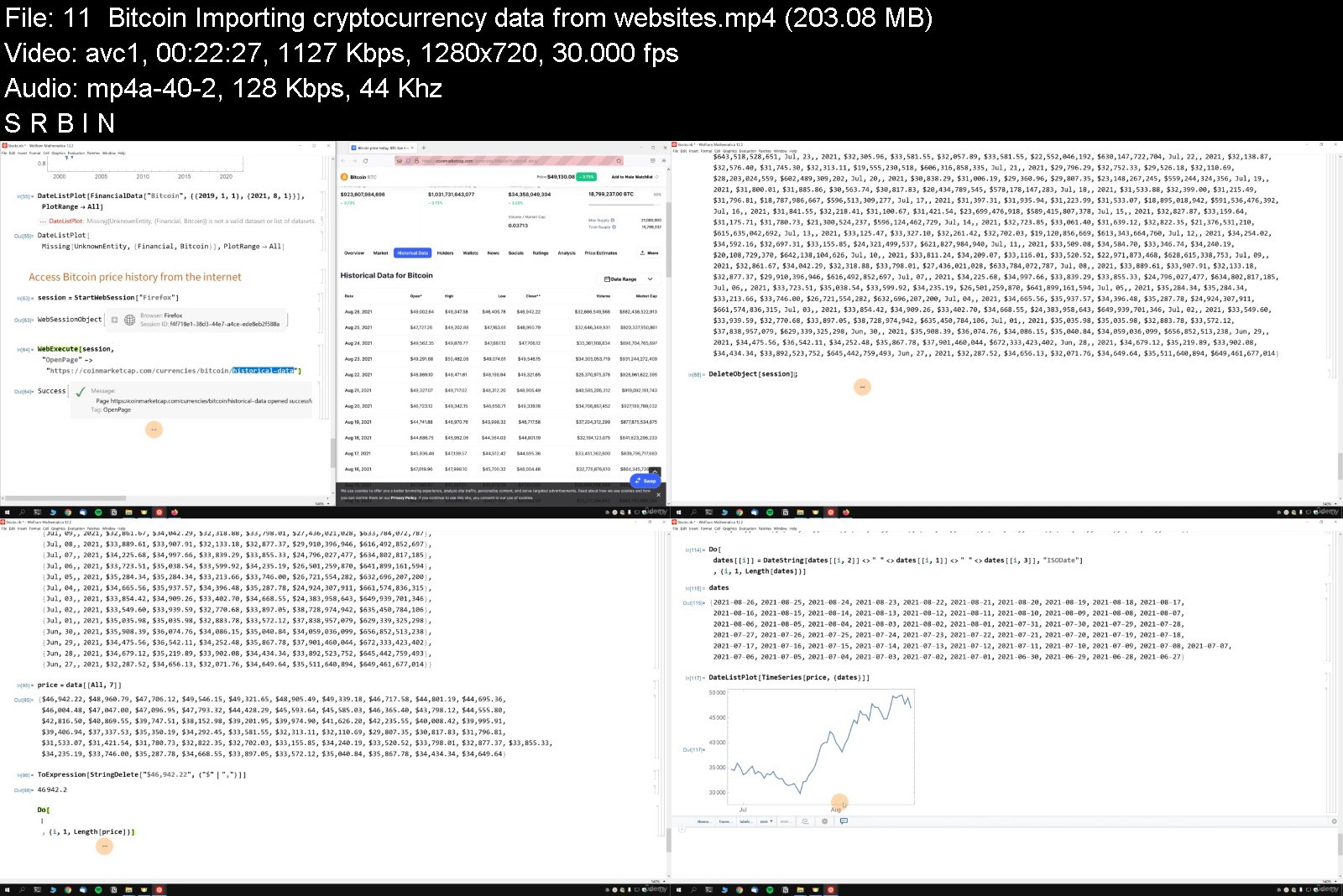


wolframmathematicamas9ikdl.jpg


Download from RapidGator


Download from Keep2Share



Tally ERP 9 + MS Excel Baic to Advance Course Pack

tallyerp9msexcelbaictovjz2.jpg


Tally ERP 9 + MS Excel Baic to Advance Course Pack
Video: .mp4 (1280x720, 30 fps(r)) | Audio: aac, 44100 Hz, 2ch | Size: 5.88 GB
Genre: eLearning Video | Duration: 154 lectures (12 hour, 45 mins) | Language: English


Learn Tally ERP 9 + MS Excel Baic to Advance Course Learn Most Advance Tally ERP and Microsoft Excel Function and Tricks


What you'll learn
What is accounting?
What are the types of accounts?
What methods are there for using the accounting system?
How do I install Tally?
How to make a company in the calculations?
Introduction to Tally
What is the Tallys Account Group?
How to make a book in calculations?
How do I enter an initial balance on Tally?
How do I work with Ledger & Trail Balance?
How do I enter a transaction on a voucher?
How do I work with books, coupons and transactions?
What is a bank transfer statement?
How do I create a balancing account statement?
Why is a company bank account balance different from a checking account?
How do you match a company bank account to a checking account?
What is inventory
What is the process of creating an inventory?
How do I work with a company account that creates inventory?
How to check the company's stock in the calculation?
How do I activate Godown?
How do you make Godown?
How do I work with the company account creation warehouse?
How do I back up and restore Tally data?

Description
ABOUT TALLY ERP 9
Tally.ERP 9 is the fastest and most powerful multilingual software for multilingual business accounting and inventory management. Tally.ERP 9 was developed exclusively for the needs of small and medium-sized businesses and is fully integrated, cost-effective and highly reliable software. It is the technology on which all business accounting solutions will one day be built. Tally.ERP 9 manages all ledgers, from voucher entries to diaries and more.
In this course you will study advanced financial accounting with Tally ERP as well as the new tax system
Tally ERP 9 Basic to Advanced Training Course 2021
Tally ERP 9 has advanced integration in the form of an application programming interface to make the software extensible. Tally ERP 9 is the most advanced Tally ERP software on the market. In the course content, participants will learn in detail how to manage and manage accounts, inventory, and payment slips at Tally.
This is a complete training covering all the topics and options available on Tally. This course is designed to work independently with one account. It doesn't matter if you are new or experienced in accounting, or if you are a business owner looking to manage the account. You are in the right place because Tally ERP 9 is a very good and simple software that allows you to make complete business decisions that is easy to learn and use.
By registering for this course, you will learn:
Accounting basics, such as: B. Debits and credits that help you understand and issue records securely.
Learn how to transfer account information from physical books to Tally.
Set inventory details and filter reports as specific ownership ownership with specific functionality.
Example: How many laptops with i5 processors are available in your store?
Bank reconciliation - reconciliation of bank statement entries with your bank account entries.
Find out more about applying really necessary and advanced GST topics such as GST nets, chargebacks, freight forwarding agents and how to enter some appropriate entries in the accounting diary.
Find out the company's full salary (employee attendance) which is equivalent to the government. specified reduction rate.
Learn about the manufacturing process where you can determine the price of the items you make from the prices of the various parts/components that go into assembling the product.
Meanwhile, you will learn to customize the sales invoice number form, which looks like this - BN / 001 / 19-20 and many others.
Learn a large amount of the above topics in 8 hours, as opposed to short courses that teach at the elementary level or long courses which take longer than necessary.
In addition to learning to use Tally, consider maintaining consistent accounting practices.
What you can expect from this course:
This is a basic guide for Tally, which means you will learn all the basic and basic concepts that are used every day.
Think of this course as a solid foundation for counting.
You can study the topic in advance and independently without any effort.
Notes:
This course is for educational purposes and is not intended to provide advice on corporate accounting/compliance.
I hope you have benefited from the insights you have gained in this course.
Have a good study.
Whose yard is this?
Here are some important things Tally can do:
Reporting for all types of transactions such as payments, receipts, sales, purchases
Manage your banking business through bank reconciliation
Inventory management
Tax Administration
Job performance analysis
Cost center and cost category for IIA and internal control
Pay and pay with employee data
At some point you will learn many other functions
ABOUT MICROSOFT EXCEL
Want to learn Microsoft Excel and improve your data analysis skills, but don't know where to start?
OR Have you been using Microsoft Excel for a while but don't feel 100% secure?
There is so much information out there. What do you need to be successful at work?
I've selected the basic Excel skills data analyzers need and combined them in a structured course.
In fact, I've put together the most common Excel problems my clients face. I am adding to my 15 years of experience in finance and project management. I've included all the hidden tips and tricks I learned from Excel as an MVP and included EVERYTHING in THIS course. I've also made sure that it really covers Excel beginners.
This practical example will help you understand the full potential of each function. You'll learn how to use Excel for fast and painless data analysis.
There are many useful and time-saving formulas and functions in Excel. We tend to forget what they are when we don't use them. This Microsoft Excel Essentials course will give you the practice you need to best implement the solutions to your assignments. That way, you can achieve more in less time.
By the end of the course, you can be sure that you will showcase your new Excel skills on the job. So you can:
Enter data and navigate large tables
Apply hacks in Excel to get work done faster
Choose the right Excel formula to automate your data analysis (Excel VLOOKUP, IF function, ROUND, etc.).
Use Excel's hidden features to turn cluttered data into precise notes
Get answers from your data
Organize, clean and manage big data
Create attractive Excel reports following a number of spreadsheet design principles
Turn cluttered data into useful charts
Create interactive reports with Excel pivot tables, pivot charts, slicers, and timelines
Import and transform data using tools like Get & Transform (Power Query).
We'll start with the basics of Microsoft Excel to make sure we have the basics right. We move on to advanced topics like conditional formatting, Excel spreadsheets, and Power Query. We cover important formulas like VLOOKUP, SUMIFS, and nested IF functions.
As well as discussing the purpose of a feature or formula, I'll also cover how you can use it with practical examples.
There are challenges and exams along the way to test your new Excel skills.
Your Excel course download notes are available as PDF files. They discuss the most important points. Have it ready and refer to it when you need it.

Who this course is for:
All accounts Related students

tallyerp9msexcelbaict55kix.jpg


Download from RapidGator


Download from Keep2Share



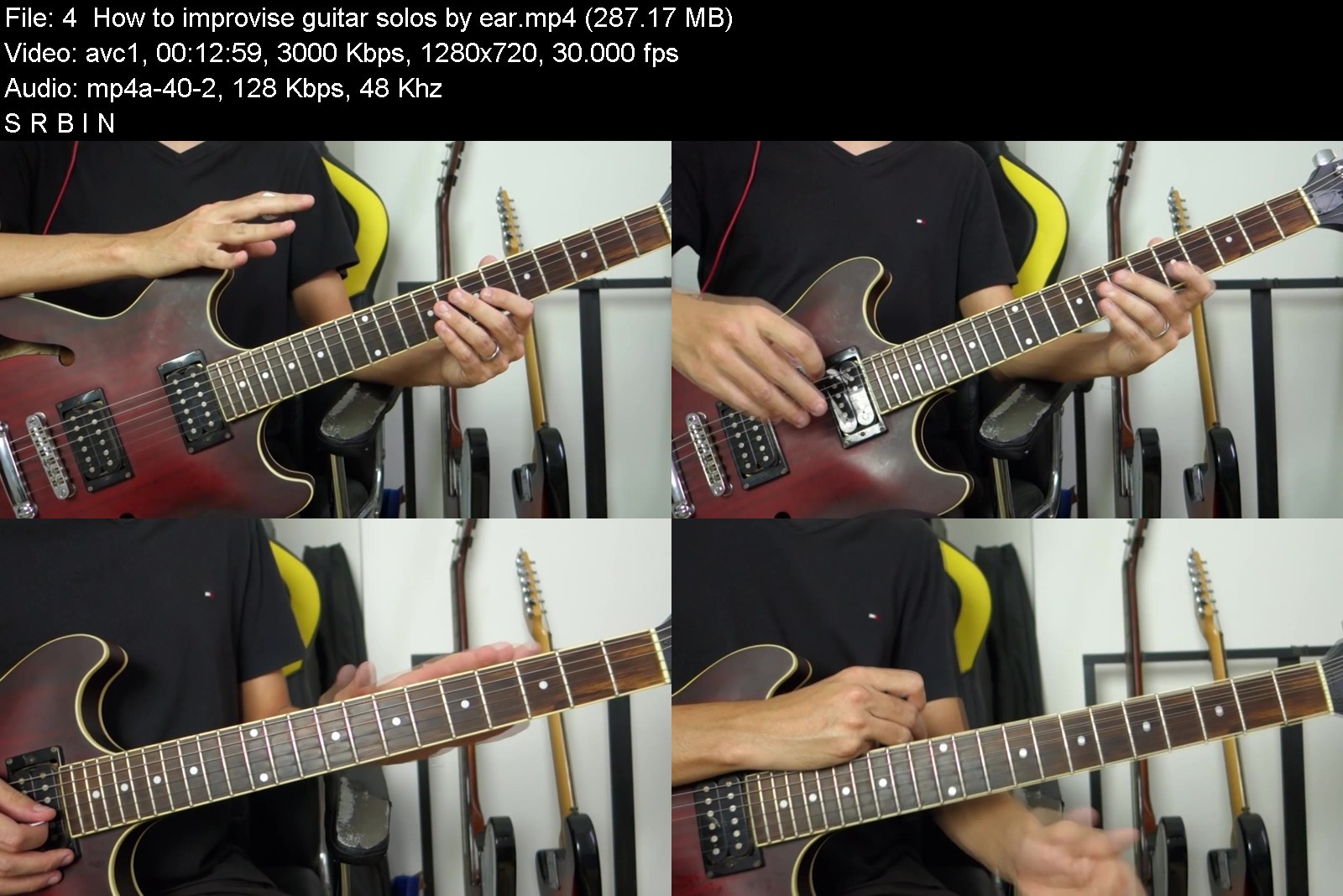
The Complete Guitar Course - Beginner to Advanced

thecompleteguitarcourkpjkx.jpg


The Complete Guitar Course - Beginner to Advanced
Video: .mp4 (1280x720, 30 fps(r)) | Audio: aac, 48000 Hz, 2ch | Size: 5.51 GB
Genre: eLearning Video | Duration: 75 lectures (4 hour, 46 mins) | Language: English


Harmony, Theory, Chords, Scales, Rhythms and Everything You Need With a Proven Step-by-step Learning System


What you'll learn
Super Practice Exercises!
Guitar exercises - Beginners to Advanced
Harmony and Theory
You will receive all the necessary tools to be a successful Guitar player!
Most Logical Step-by-step Method to Play Songs and Master Chords, Scales and Guitar Theory
Scale knowledge across the fretboard
Guitar Licks to develop speed and accuracy
Blues patterns and exercises
Requirements
You will need to have access to a guitar in order to practice

Description
''The Complete Guitar Course - Beginner to Advanced'' is the perfect start for any musician. You can come back brush up on the basics whenever you need to, or download it and play it on the go. It teaches you Exactly what you need to start learning guitar including;
More than 54 exercises to develop speed and accuracy with PDF Attachments;
All types Chords and notes;
More than 36 Guitar Licks;
More than 14 Rhythm exercises;
Guitar scales and licks;
Blues exercises and patterns;
It's available on a PC or MAC and there is a iPad, iPhone and Android app ready to go;
Keeping track of which videos(lectures) you have already watched is a breeze. Udemy has a great way of keeping track of your completed lessons(lectures);
The entire course is organized in step-by-step easy to follow layout;
The more you practice the better you will get. With the Right Practice style you will be able to witness fast results!
Meet the teacher
Gabriel Felix
*Music degree at California College of Music;
*Teaching since 2010;
*More than 5102 students at udemy;
*More than 1 million views on youtube ''Meio Musical'';
Questions
Feel free to send me any questions you might have on this course. I want to make your learning experience the best that it can be.
Thanks
Thanks for taking the time to look at this course. I look forward to seeing you on the inside and teaching you the beginner steps on how to become a better guitar player.
Take action now. Every moment you delay enrolling is valuable time and lot`s of joy with the guitar lost - enrol today - click top right!
WARNING: This course is NOT for the person who thinks by purchasing this course it will then magically give them all your guitar skills to you without you having to put the time, effort and practice. It does take practice if you want to see results. :)

Who this course is for:
Anyone who wants to get their technique to another level and become faster on the guitar.
All Beginners Including Guitar Players That Feel Lost and Don't Quite Know Where to Begin
Any Intermediate and Advanced Players Finding "holes" in Their Playing.

thecompleteguitarcour6zjyd.jpg


Download from RapidGator


Download from Keep2Share


How To Remember Everything With Tom Weber

feurpuzp4uzn2psrzgricikk2r.jpg


How To Remember Everything With Tom Weber
MP4 | Video: h264, 1280x720 | Audio: AAC, 44.1 KHz
Language: English | Size: 7.36 GB | Duration: 6h 9m

Learn how to remember names, dates, presentations, speeches and anything else that holds importance in your life!


What you'll learn
Recall your shopping list
Recall your to-do list
Recall your presentations
Recall foreign languages
Recall names of people you meet
Recall important dates
Requirements
Download the PDF booklet for this course, so you can follow along with Tom and do all the right exercises!

Description
In this live memory training workshop you will learn how to remember names, presentations, speeches, lists and more. Everything vital to you and your business and your life - all in the comfort of your home!
This is a live workshop recorded in Chicago, IL. The course includes memory training exercises, tests, evaluations, and Tom's invaluable guidance - all broken down into easy, implementable steps.
Good memory is a valuable skill and inside this powerful training you can learn how to master names, presentations, lists and much, much more! Join us today and start changing your life!

Who this course is for:
This course is meant for anyone and everyone. If you have ever struggled to recall the next topic in a presentation, someone's name, a word in a foreign language, or anything at all - this course is for you!


howtoremembereverythirnkyn.jpg


Download from RapidGator


Download from Keep2Share
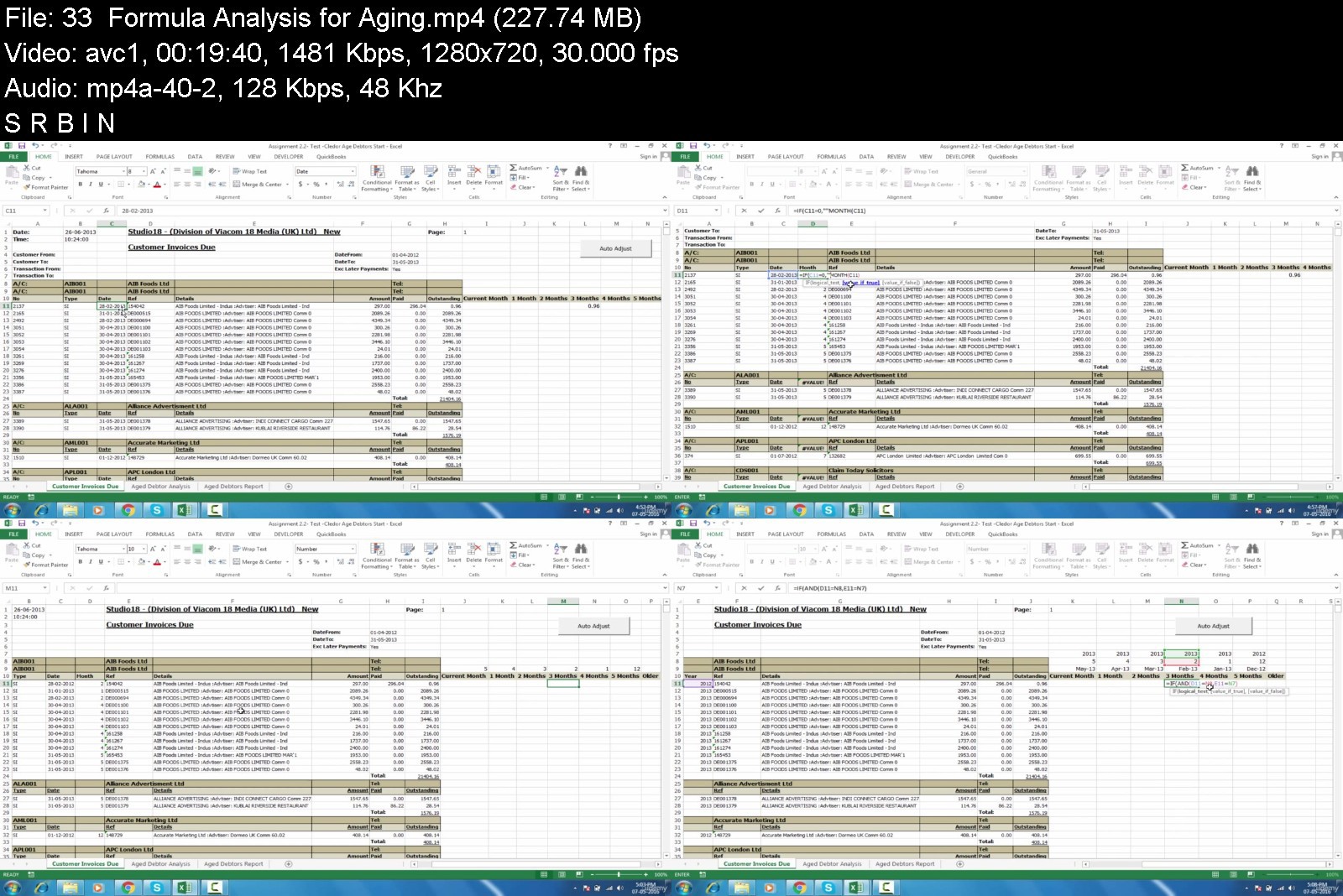


Microsoft Excel- Complete Master Program in MS Excel (11/2021)

microsoftexcelcompletavj8h.jpg


Microsoft Excel- Complete Master Program in MS Excel (11/2021)
Video: .mp4 (1280x720, 30 fps(r)) | Audio: aac, 48000 Hz, 2ch | Size: 5.28 GB
Genre: eLearning Video | Duration: 201 lectures (12 hour, 21 mins) | Language: English


Core Excel, Core Formulas and Functions, Pivot Tables, Data visualization with charts, 200+Shortcuts, Practical Examples


What you'll learn
******At End of this course you are become a master in Excel*****
*****You will become a Master in Excel Basics*****
At end of the course you are become a Master in Pivot Tables, Data visualization with charts, dynamic Arrays, core formulas, excel shortcuts
*****Build a solid understanding of ESSENTIAL Microsoft Excel functions*****
Solve complicated Excel problems WITHIN MINUTES
*****Conduct effective analytics - THOUSANDS OF TIMES FASTER*****
****Impress your boss, colleagues, partners by being THE BEST at Excel in the office****
Harness full potential of Excel by creating Pivot tables with slicers
Requirements
No prior experience required: beginners and experts will learn a lot from the course
Microsoft Excel installed, preferably version 2016 or higher
Mac users are welcome, but note that the user experience will be significantly different across platforms

Description
Weak Excel muscles can impair your performance, sap your energy, and even hinder your career. In a world flooded with data, you need strong Excel skills to survive and thrive. In just one course, Microsoft Excel- Complete Master Program in MS Excel [2021] will teach you how to use a spreadsheet with ease and confidence, and transform your flabby Excel skills into a sturdy Expert you can build on.


What you'll learn
An accelerated, step-by-step program to give you a strong foundation to Expert Level Skills
Core Excel
Weak Excel muscles can impair your performance, sap your energy, and even hinder your career. In a world flooded with data, you need strong Excel skills to survive and thrive. In just one course, Core Excel will teach you how to use a spreadsheet with ease and confidence, and transform your flabby Excel skills into a sturdy foundation you can build on.
Core Excel Formulas and Functions
Formulas are the key to getting work done in Excel. In this accelerated video course, you'll learn how to use formulas to manipulate text, work with dates and times, lookup values with VLOOKUP and INDEX & MATCH, count and sum with criteria, dynamically rank values, and create dynamic ranges. You'll also learn powerful skills to troubleshoot, trace errors, and fix problems. This is the formula training you should have had to begin with. End your frustration with Excel formulas and Functions today.
Core Pivot
If you use Excel, but don't know how to use Pivot Tables, you're missing out...wasting time trying to do things that a Pivot Table can do for you automatically. With a small investment, Pivot Tables will pay you back again and again.
Core Charts
A picture is worth a thousand words. Nothing beats an effective chart for presenting data in a way people can instantly understand. Excel has a powerful and deep charting engine built right in, so you already have the tools you need to create a wide range of charts and visualizations. This course will untangle and demystify Excel's powerful charting tools, so you can create effective charts quickly and painlessly.
Excel Shortcuts
Shortcuts turbocharge your productivity in Excel: they help you work faster & more accurately, they let you focus on your work (not Excel's interface), and they unlock Excel's most powerful features. But shortcuts require practice to master. This video course covers over 200 Excel shortcuts, and includes a full set of practice worksheets. Start using more Excel shortcuts today!
Excel Tables
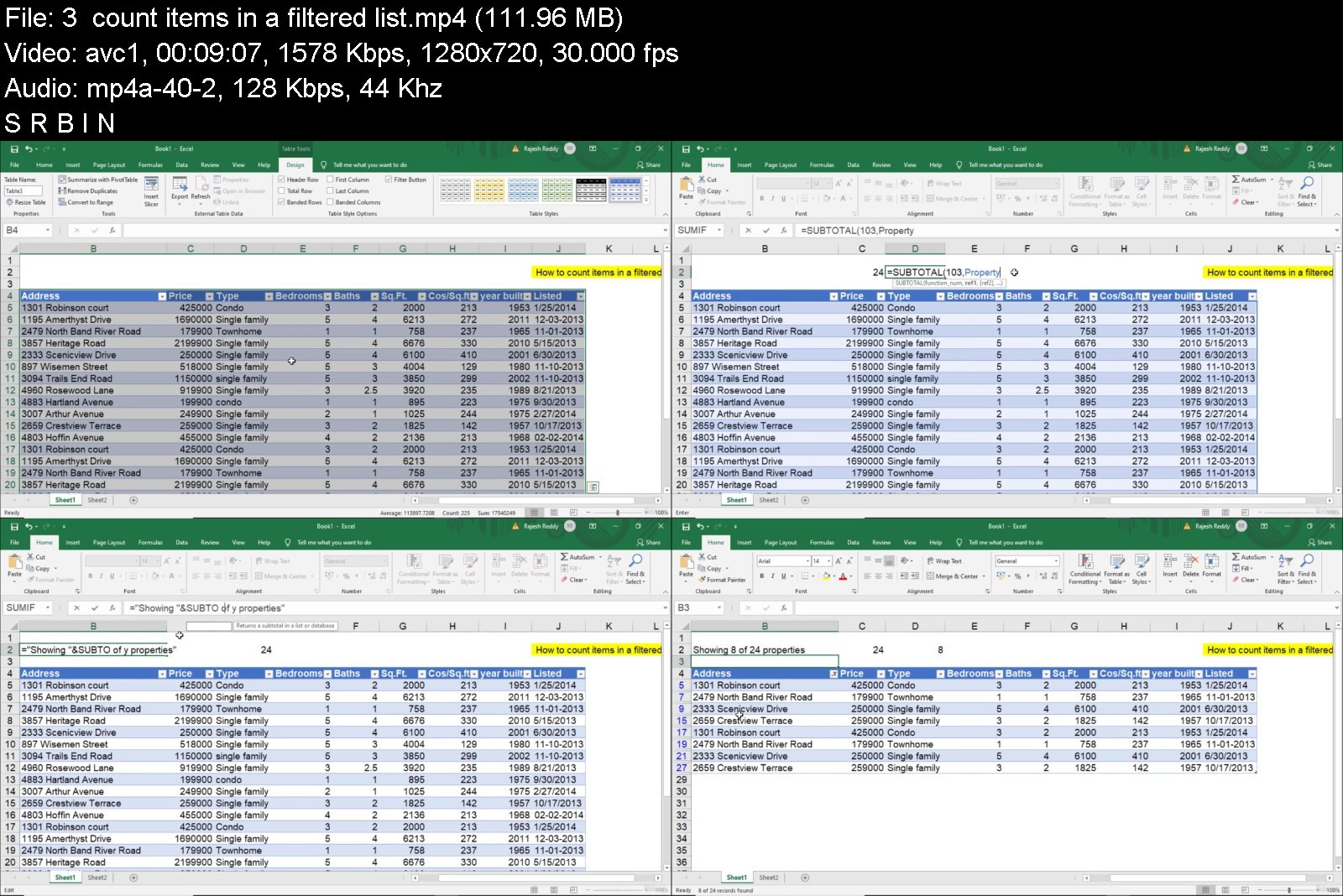
Excel Tables offer an easy way to create dynamic ranges that adjust when data changes. This makes tables perfect for pivot tables, charts, and dashboards that need to show the latest data. This course covers the key benefits of tables, including a detailed review of structured references, the special formula language for tables. Examples include VLOOKUP, INDEX and MATCH, and SUMIFS. The course also covers, table styles, slicers, filtering, sorting, and removing duplicates.
Conditional Formatting
One of the hottest trends today is data visualization. Why? Because when data is presented visually, people understand it immediately. This course will show you how to use Excel's conditional formatting to communicate key insights with clarity and impact. This is an accelerated program that takes you step-by-step through the capabilities of this powerful tool.
Happy Learning!

Who this course is for:
Financial, business, data analysts who are looking to drastically improve their workflow and master MS Excel
Anyone who uses Excel to work with data and would like to be more effective

microsoftexcelcompletnsjgh.jpg


Download from RapidGator


Download from Keep2Share



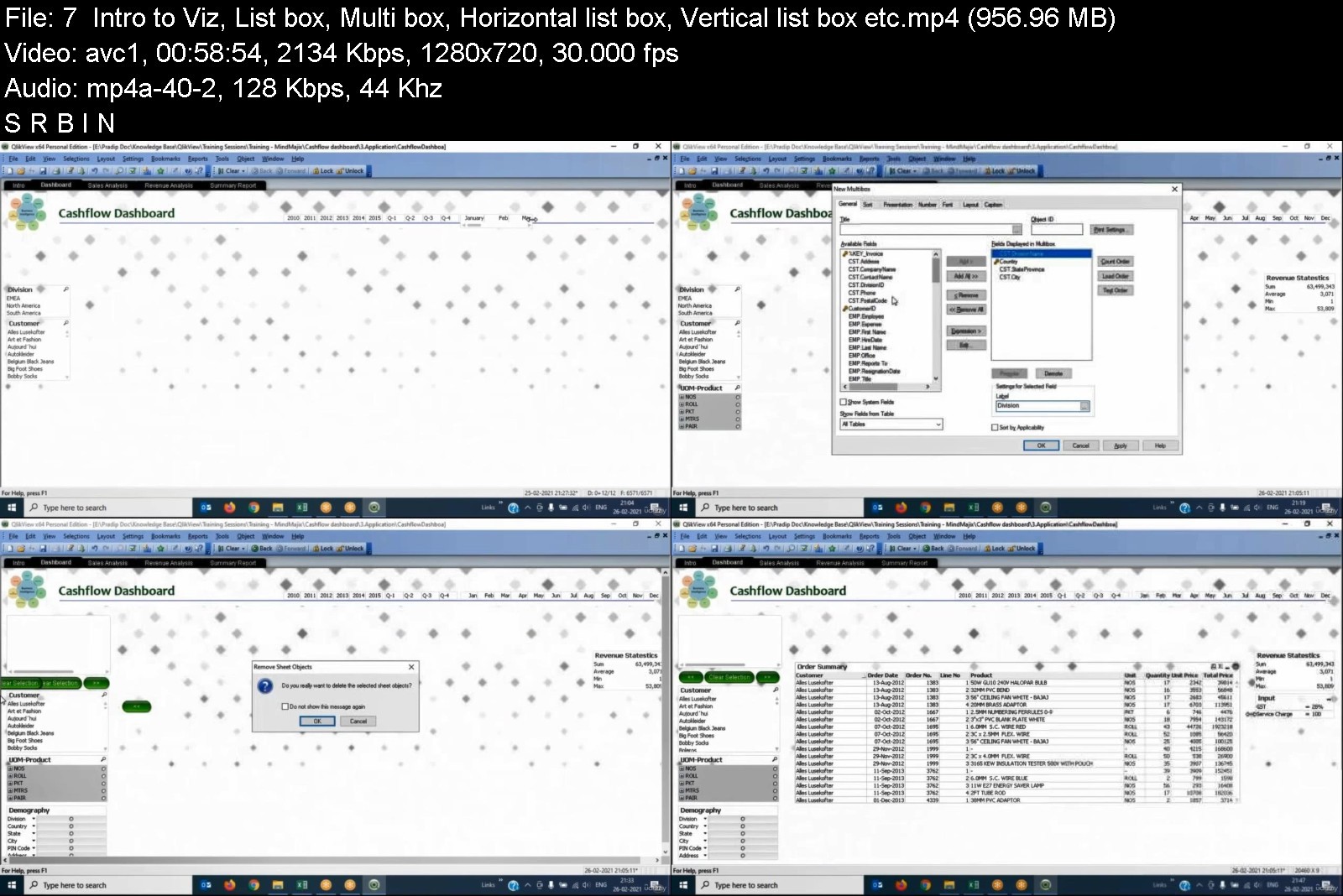
QlikView Data Analytics & BI Platform

435744819220zkr0.jpg


QlikView Data Analytics & BI Platform
MP4 | Video: h264, 1280x720 | Audio: AAC, 44.1 KHz, 2 Ch
Genre: eLearning | Language: English + srt | Duration: 20 lectures (20h 7m) | Size: 9 GB

QlikView is a self driven data visualization tool. Drive insight discovery with the data visualization app


What you'll learn
QlikView Business Intelligence Platform
Able to develop dashboard as per the business needs
Able to be expert in data analytics
The career path will be wider so that a student can achieve a successful position in IT industry
Requirements
Basic Knowledge on SQL
Basic knowledge on Data Warehousing
Basic knowledge on OOPs concept
Description
QlikView is a complete data analytics platform that sets the benchmark for a new generation of analytics. With its one-of-a-kind associative analytics engine, sophisticated AI, and high performance cloud platform, you can empower everyone in your organization to make better decisions daily, creating a truly data-driven enterprise.
QlikView is for all of us - executives, decision-makers, analysts... you. Enable any BI use case and let users freely search and explore to uncover insights they won't find with query-based BI tools.
Insight Advisor, your AI assistant in QlikView, instantly raises the data literacy of every user through insight generation, task automation, and search & natural-language interaction.
Get the convenience of on-premise for the most demanding enterprises. Scale confidently with powerful data integration, open APIs, and flexible governance.
QlikView can easily combine, load, visualize, and explore your data, no matter how large (or small). Ask any question and follow your curiosity. Search, select, drill down, or zoom out to find your answer or instantly shift focus if something sparks your interest. Every chart, table, and object is interactive and instantly updates to the current context with each action. Smart visualizations reveal the shape of your data and pinpoint outliers. And get faster time to insight with assistance from Insight Advisor for chart creation, association recommendations, and data preparation.
Who this course is for
Beginners
Business Analysts
Programmers
Project Managers
HR professionals
Accounts Processionals
MIS executices


qlikviewdataanalytics14kj2.jpg


Download from RapidGator


Download from Keep2Share


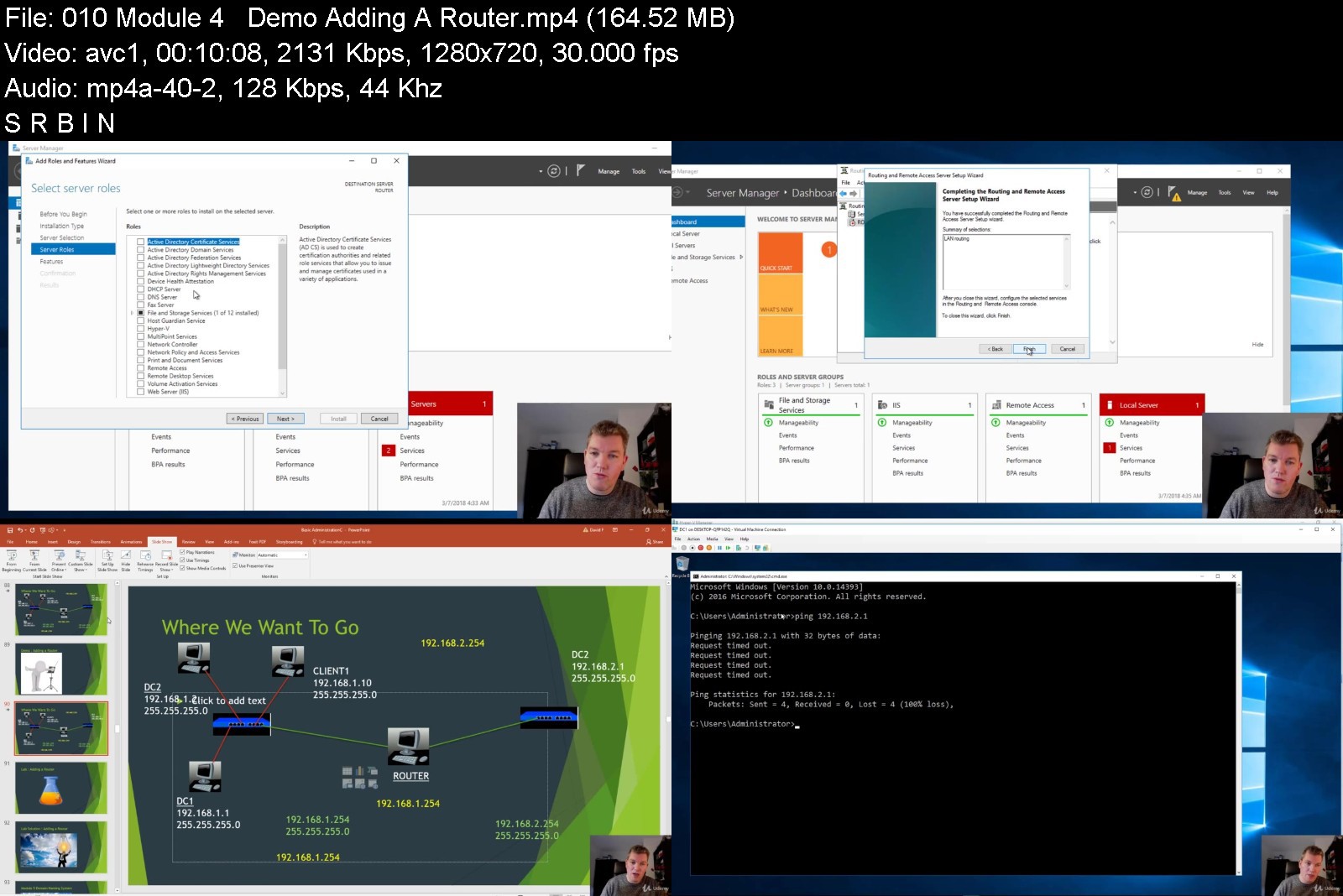
Beginning Windows System Administration

9ps9af8mwwgdz9sxi6xalsajj3.jpg


Beginning Windows System Administration
MP4 | Video: h264, 1280x720 | Audio: AAC, 44.1 KHz
Language: English | Size: 5.89 GB | Duration: 6h 33m

Get what you need to know to start your career in being a System Administrator


What you'll learn
You will be able to Administer local users.
You will know what a Client and Server is.
You will know about network apparatus like switches and routers.
You will know what a subnet and IP Address is.
You will learn about DNS and install it.
You will learn about Active Directory and install and configure it.
You will administer Group Policy.
You will know about sharing and NTFS rights.
You will learn about DHCP
Requirements
You will need a basic understanding of Windows.
You need to know about installing programs, installing Windows etc
You need a Windows 8.1 or Windows 10 pro/enterprise laptop with a recommended 8 GB of Ram and at least 75GB of hard disk space left.
Your laptop should support virtualisation (check the laptop or motherboard manual or jus use your favourite search engine:))

Description
This course will teach you all about:
How to use Windows 10 and Server 2016.
How to use Local users and groups.
What are Servers and Clients.
What do we mean with networking (Routers,Switches)
What are Public and Private Ip Addresses.
What are Public DNS zones and Private DNS zones?
What are Active Directory Domains and why do Enterprises use them.
How to use Active Directory users and groups.
How to enable Sharing and NTFS rights.
How to use Group Policy.

Who this course is for:
Beginners to Windows System Administration who want a career in IT


beginningwindowssystek7kxi.jpg


Download from RapidGator


Download from Keep2Share


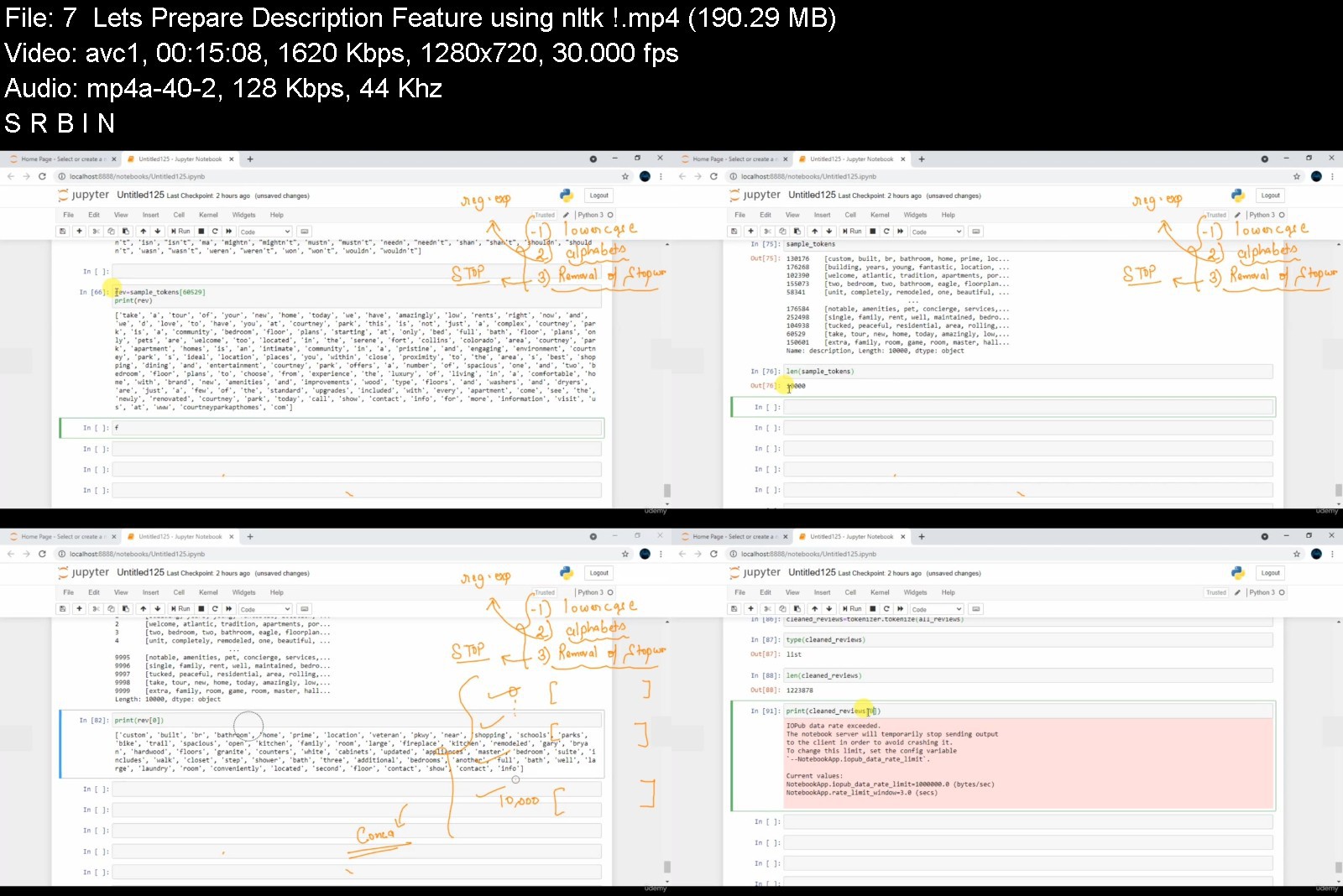
Machine Learning Real World Case Studies | Hands-on Python

tpdbzh6zn983ffcms09gb47j2c.jpg


Machine Learning Real World Case Studies | Hands-on Python
Genre: eLearning | MP4 | Video: h264, 1280x720 | Audio: AAC, 44.1 KHz
Language: English | Size: 7.04 GB | Duration: 14h 55m


What you'll learn
Hands on Real-World Projects on Various Domains of Machine Learning
How to apply Machine learning Algorithms in Real Life Challenges
How to build your skiils in Data science , Machine Learning
How to tackle real world challenges & how to show-case insights

Description
"Data Science and Machine Learning are one of the hottest tech fields to be in right now! The field is exploding with opportunities and career prospects. It is widely used in several sectors nowadays such as banking, healthcare technology etc..
As there are tonnes of courses on Machine Learning already available over Internet , this is not One of them..
The purpose of this course is to provide you with knowledge of key aspects of data science applications in business in a practical, easy and fun way. The course provides students with practical hands-on experience using real-world datasets.
1.Task #1 @Predict Ratings of Application : Develop an Machine Learning model to predict Ratings of Play-store applications.
2.Task #2 @Predict Rent of an apartment : Predict the Rent of an apartment using machine learning Regression algorithms..
3.Task #3 @Predict Sales of a Super-market: Develop an Machine Learning model to predict sales of a Super-Market..
Why should you take this Course?
It explains Projects on real Data and real-world Problems. No toy data! This is the simplest & best way to become a Data Scientist/AI Engineer/ ML Engineer
It shows and explains the full real-world Data. Starting with importing messy data, cleaning data, merging and concatenating data, grouping and aggregating data, Exploratory Data Analysis through to preparing and processing data for Statistics, Machine Learning , NLP & Time Series and Data Presentation.
It gives you plenty of opportunities to practice and code on your own. Learning by doing.
In real-world projects, coding and the business side of things are equally important. This is probably the only course that teaches both: in-depth Python Coding and Big-Picture Thinking like How you can come up with a conclusion
Guaranteed Satisfaction: Otherwise, get your money back with 30-Days-Money-Back-Guarantee.

Who this course is for:
Data Scientists who want to apply their knowledge on Real World Case Studies
Data Analyst who want to get more Practical Assignments..
Machine Learning Enthusiasts who look to add more projects to their Portfolio

Who this course is for:
Data Scientists who want to apply their knowledge on Real World Case Studies
One who is curious about transitioning into Data Science, AI, Machine Learning etc..


machinelearningrealwo3ajsd.jpg


Download from RapidGator


Download from Keep2Share



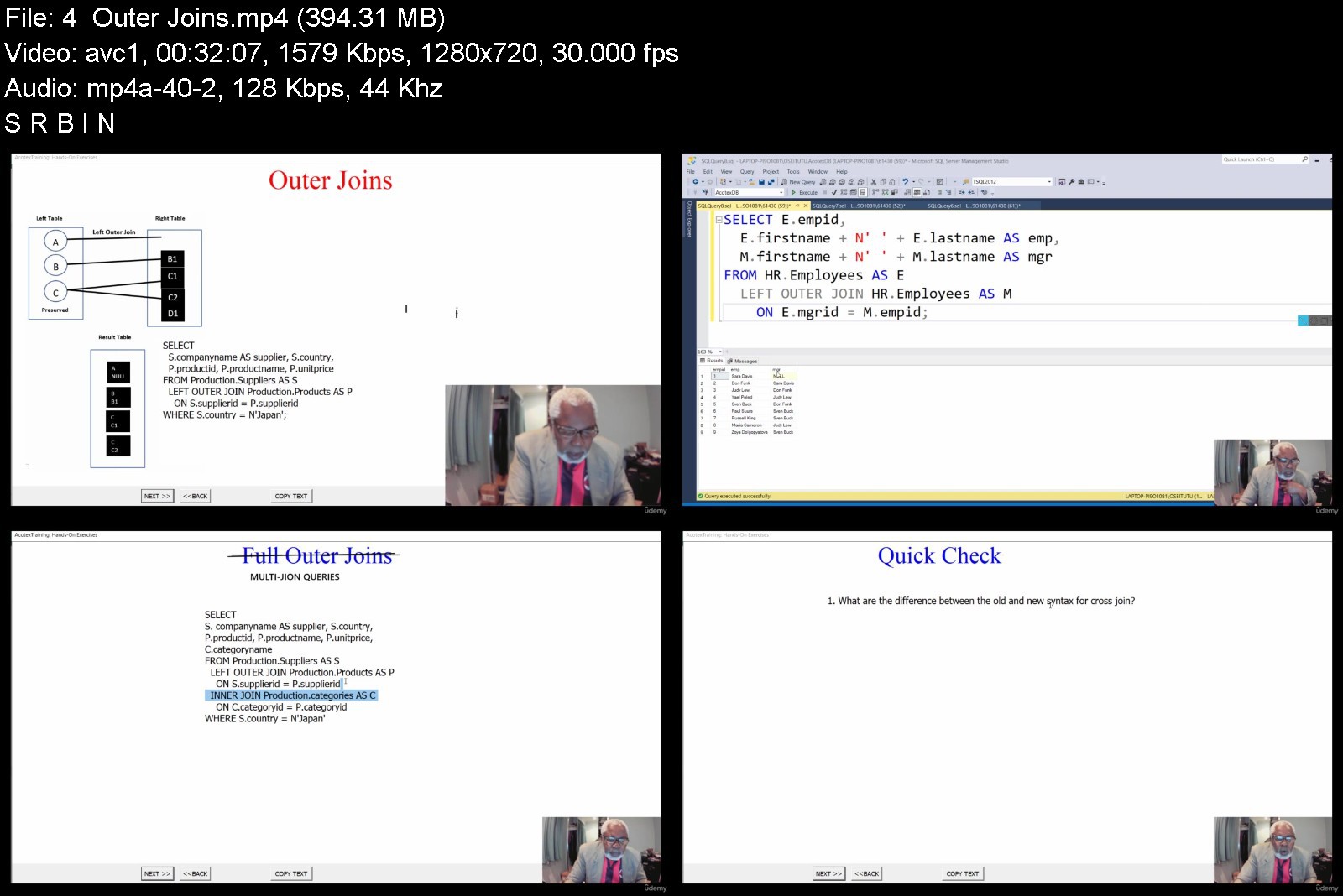
T-SQL for Querying Microsoft SQL Server: Selected Topics

43994687e914cqji8.jpg


T-SQL for Querying Microsoft SQL Server: Selected Topics
MP4 | Video: h264, 1280x720 | Audio: AAC, 44.1 KHz, 2 Ch
Genre: eLearning | Language: English + srt | Duration: 66 lectures (10h 45m) | Size: 6.4 GB

With exercises, Case Studies and a unique teaching method to get you deeply involved and in control of your studies


What you'll learn
Understand the foundations of T-SQL. Understand the logical query processing of T-SQL
Filter and sorting data: Filter with predicates; filter data with TOP and OFFSET-FETCH; Sorting data
Combining set: Using joins (CROSS, INNER, OUTER joins) Multi-Join queries; Subqueries, Table Expressions, APPLY operator; Set operators (UNION, INTERSECT etc.)
Perform complex data analysis with Window functions: Window aggregate functions, Window Offset functions; LAG, LEAD, PARTITION, FIRST_VALUE, LAST_VALUE
Create tables and enforce data integrity: Create and alter tables; enforce data integrity; Check constraints, Default constraints, Primary/Foreign Key, Unique,
Understand various ways to insert data into tables: INSERT...VALUES; INSERT...SELECT; INSERT...EXEC (for stored procedures); SELECT...INTO;
Understand various ways to update data: Simple update; UPDATE statement; UPDATE based on joins; Nondeterministic UPDATE
Understand the UPDATE All-at-Once concept; UPDATE and Table Expression; UPDATE based on a variable
Understand the different ways to delete data: Simple data; using the DELETE statement; TRUNCATE statement; delete based on a join; delete using Table Expression
Requirements
This course is designed for information technology (IT) professionals who need to query data in Microsoft SQL Server 2012 and above (up to and including SQL Server 2019).
It is assume that before you begin this course, you have a foundational-level understanding of using Transact-SQL (T-SQL) to query data in SQL Server 2012...2019 and have at least 6 months' experience using the product.
You need access to SQL Server 2012/2014/2019 instance with a logon that has permission to create new databases.
For the purpose of this course, you can use almost any edition of on-premises SQL Server (Standard, Enterprise, Business Intelligence, or Developer)
You need to run the AcotexDB sql script in your SSMS to create the sample database. This file in included in Lesson One
Description
In this Microsoft Transact-SQL (T-SQL) course we concentrate on five Transact-SQL topic that every IT professional who need to query data in Microsoft SQL Server should know. These topics are:
Foundation of T-SQL querying - You learn the importance of writing your queries in a relational way and how to avoid using cursors. We describe the root of the T-SQL language and the Microsoft SQL Server implementation of the standard SQL. The course provides you will clues for the mindset that you have to adopt. In this section, we describe the most important concepts you need to know about the language: the logical query processing. After this lesson, you will be able to (a) describe the foundation that T-SQL is based on (b) describe the importance of using Transact-SQL in a relational way, and (c) use correct terminology when describing T-SQL-related elements. This lesson finishes with exercises and case scenarios and quizzes to test your understanding of the topics.
Filtering and sorting data - Filtering and sorting data are the most foundational, as well as most common, aspect of querying data, and many queries involve sorting. The traditional way to filter data in T-SQL is based on predicates. However, T-SQL also supports filtering data based on another concept -- a specified number of rows and ordering. In this option, we look at TOP and OFFSET-FETCH. As for sorting, even though it might seem like a trivial aspect of querying, it is actually a source of quite a lot of confusion and misunderstanding, which this lesson tries to clarify. Lesson in this section includes: (a) Filtering data with predicates (b) Sorting data and (c) Filtering data with TOP and OFFSET-FETCH. We treat topics such as predicates, three-valued logic, search arguments, combining sets, filtering character data, filtering date and time, using the ORDER BY clause to sort data, understanding when order is/is not guaranteed. This lesson finishes with exercises, quizzes and case scenarios.
Combining sets - T-SQL provides a number of different ways to combine data from multiple tables. In this part of the course, we describe the different options including:
joins: often data that you need to query is spread across multiple tables. The more normalized the environment is, the more tables you usually have. The tables are usually related through keys, such as foreign key in one table and primary key in the other. Then you can use joins to query the data from the different tables to match the rows that need to be related. Here, you learn how to write queries that use cross joins, inner joins and outer joins.
subqueries: T-SQL supports nesting queries. This is a convenient part of the language that you can use to refer to one query's result from another. Under this topic we learn how to use: (1) self-contained subqueries and correlated subqueries (2) Subqueries that return scalar and multi-valued results, derived tables
table expressions (names queries): derived tables; common table expressions (CTEs); views; inline table-valued functions
the APPLY operator: CROSS APPLY and OUTER APPLY
set operators: UNION; UNION ALL; INTERSECT; EXCEPT set operators
Window functions: This section of our course focuses on data analysis operations. A data analysis function is a function applied to a set of rows, and returns a single value (e.g. the SUM aggregate function). A data analysis function can be either a group function or a window function. In this section we treat only window functions. We teach you the following:
Use window aggregate: Window aggregate functions (SUM, AVG, COUNT, MAX, MIN) apply to a window of rows defined by the OVER clause. We teach you how to use these powerful functions to produce results such as running totals, optionally partitioned by any column of your choice and show both detail and aggregate values in the same result
Window offset functions: Window offset functions return an element from a single row that is a given offset from the current row in the window partition, or from the first or last row in the window frame. You will learn about the following window offset functions: LAG, LEAD, FIRST_VALUE, and LAST_VALUE
Define window partitioning, ordering and framing in your window functions
Understand the OVER clause syntax and how to control the window
Avoid framing errors that can lead to unexpected results
Creating tables and enforcing data integrity: Tables are the primary method of data storage in Microsoft SQL Server. To use tables, you need to master how to create them, in addition to adding constraints to protect the integrity of the stored data. In this section, you learn how to create and alter tables, in addition to enforcing data integrity between tables by using table constraints: We treat the following topics:
Use the CREATE TABLE statement to create a table
Understand how to specify data types for columns
Use the ALTER TABLE statement to change some properties of columns
Implement declarative data integrity on your tables
Define and use primary key constraints
Define and use unique constraints
Define and use foreign key constraints
Define and use check constraints
Define default constraints
Inserting, Updating, and Deleting Data: This section of the course covers certain aspects of data modification. It describes how to insert , update, and delete data using T-SQL statements. You will master the following topics after this section:
Insert single and multiple rows into a table by using the INSERT VALUES statement
Insert the result of a query into a table by using the INSERT SELECT statement
Insert the result of a stored procedure or a dynamic batch into a table by using the INSERT EXEC statement
Use a query result to create and populate a table by using the SELECT INTO statement
Use UPDATE statement to modify rows
Update data by using joins
Describe the circumstances in which you get nondeterministic updates
Update data through table expressions
Update data by using variables
Describe the implications of the all-at-once property of SQL on updates
Use the DELETE and TRUNCATE statements to delete rows from a table
Use a DELETE statement based on joins
Use a DELETE statement based on table expressions
COURSE STRUCTURE:
· The course is video-based. We utilize a custom interface to explain concepts and use SQL Server Management Studio (SSMS) to provide coding examples and exercises. Please watch our promotional video see a demonstration of our video presentation. We expect you to follow the codes we explain to you in your own SSMS. The course is based on a sample database called AcotexDB. Run the AcotexDB.sql SQL script in your SSMS to create the sample database.
2. QUIZZES:
· Each lesson comes with about half a dozen multiple choice quizzes. We suggest that you immediately repeat the lesson if you experience difficulties completing these quizzes.
3. HANDS-ON EXERCISES and CASE SCENARIOS:
At the end of each section, we provide both hands-on exercises and case scenarios in Word document or Excel macro files (docm) based on the topics in the section. Answers to the exercises are provided but hidden. We display a button beneath each exercise that you can click (toggle) to display/hide the solutions to the exercises. We suggest that you give the exercises a go before you look at the solution. You are to perform these exercises in your SSMS.
In the case scenarios, we describe a scenario about a problem for a fiticious company and ask you (a consultant) to provide solution. Again, we provide solutions to these scenarios.
4. SOLUTIONS TO EXERCISES
We have powered our exercises with VBA code (with buttons) to make the exercises as interactive and interesting as possibel. We hope you will enjoy the design of our course, and please, if you go ahead to take this course, let us receive your feedback and suggestions for improvement.
THANK YOU and GOOD LUCK
Who this course is for
In this course, we have selected six (6) topics that we think every IT professional who need to query data in SQL Server should know, and we treat this topic in great details.
This course is for SQL Server professional who query data in SQL Server using Transact-SQL (T-SQL). Prospective students must have at least 6 months of working with T-SQL and be familiar with the SQL Server Management Studio (SSMS)
Even though this course teaches some of the same topics as my other T-SQL courses, the approach and presentation is much different


tsqlforqueryingmicroslwjnf.jpg


Download from RapidGator


Download from Keep2Share


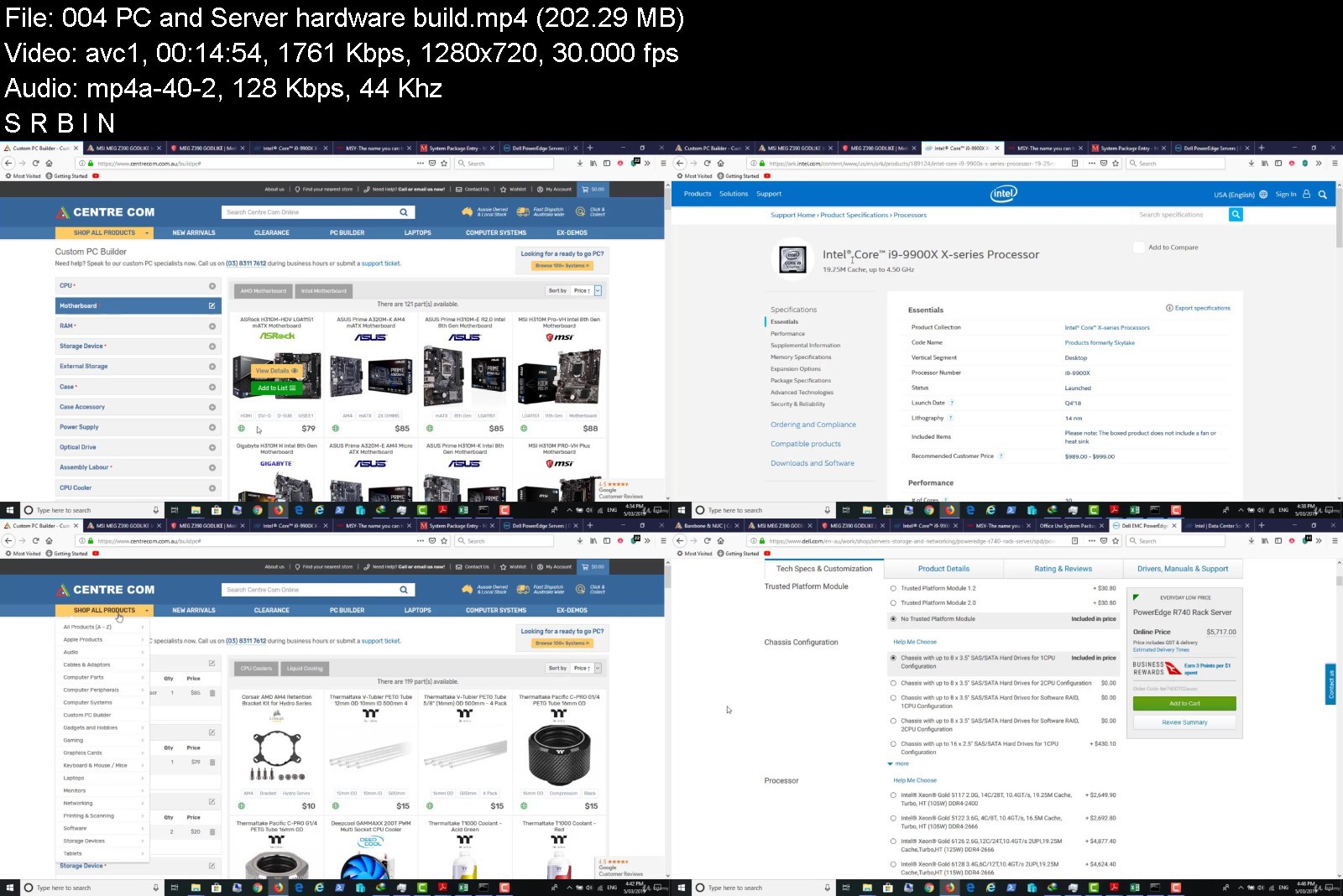
Course 2: Integrate Windows Server 2019 & Windows 10 Pro

5pw15ik9qe6akrsefhtpgjgkk6.jpg


Course 2: Integrate Windows Server 2019 & Windows 10 Pro
MP4 | Video: h264, 1280x720 | Audio: AAC, 44.1 KHz
Language: English | Size: 5.74 GB | Duration: 11h 11m

Industry series, Enterprise Course for IT Help desk & MCSA 2019 aspirants, a guide to crack interviews and get dream job


What you'll learn
Learn more about Network storage devices, Server & PC hardware.
Learn about different Installation methods in enterprise network "WDS & DISM".
Learn about Configuration, security, maintenance for both server and PC in domain network.
Learn about Security for server and PC in domain network.
Learn about Maintenance for server and PC in domain network, Backup and Restore.
Overview of Administrative Shell command and VBS in brief.
Control users from viewing the restricted sites.
Get familiar with Network Printers and Shared Printers.
Learn about Third party Security tools like ASA, Wireshark etc.
Learn how to block intrusion using real access point.
Learn about remote tools like RDP, Terminal services, Windows Admin Center(WAC), this is a new platform to manage servers, clusters and hyper-converged infrastructure.
Learn how to distribute Third party security tools using Group Policy.
Learn how Help desk Ticketing system works in real life.
Requirements
Basic knowledge about network concepts, computers ... etc
Preferable if you have attended Course 1: Building your 2019 Server Network(First course of this series)
PC or laptop with 4 - 8 GB RAM(preferred 8 GB) to perform Labs smoothly, i5 or i7 CPU support, 64-bit OS.

Description
This course is the second course in Windows Server 2019 Series, designed to bridge all the gaps to prepare you for Official Microsoft 2019 certification. This course will impart you with skills to design, deploy, and optimize the latest technology solutions.
You will learn techniques starting from choosing a hardware, configuring a device to deploying them and further maintaining and applying Security measures.
This course is divided in 10 major sections providing you the capacity to gain an accurate and deep understanding of HARDWARE & STORAGE, INSTALLATION , CONFIGURATION, SECURITY, BACKUP AND RESTORE, CONTROL AND AUTHENTICATION, PRINTERS , REMOTE ACCESS and Microsoft and Third party tools and software.
Scanning through presentations and theoretical materials can be boring therefore this course is supported by a lot of real time scenarios and Hands-on Labs that your can perform in your machines.

Who this course is for:
Students who want to understand Installation - Configuration - Security and Maintenance in one big picture.
New students who want to study this series all the way to the level of System Administration.
Junior help-desk who want to gain more information of system admin tasks.
Students who want to study next MCSA 2019 and want to cover some prerequisites.


course2integratewindowyj1k.jpg


Download from RapidGator


Download from Keep2Share


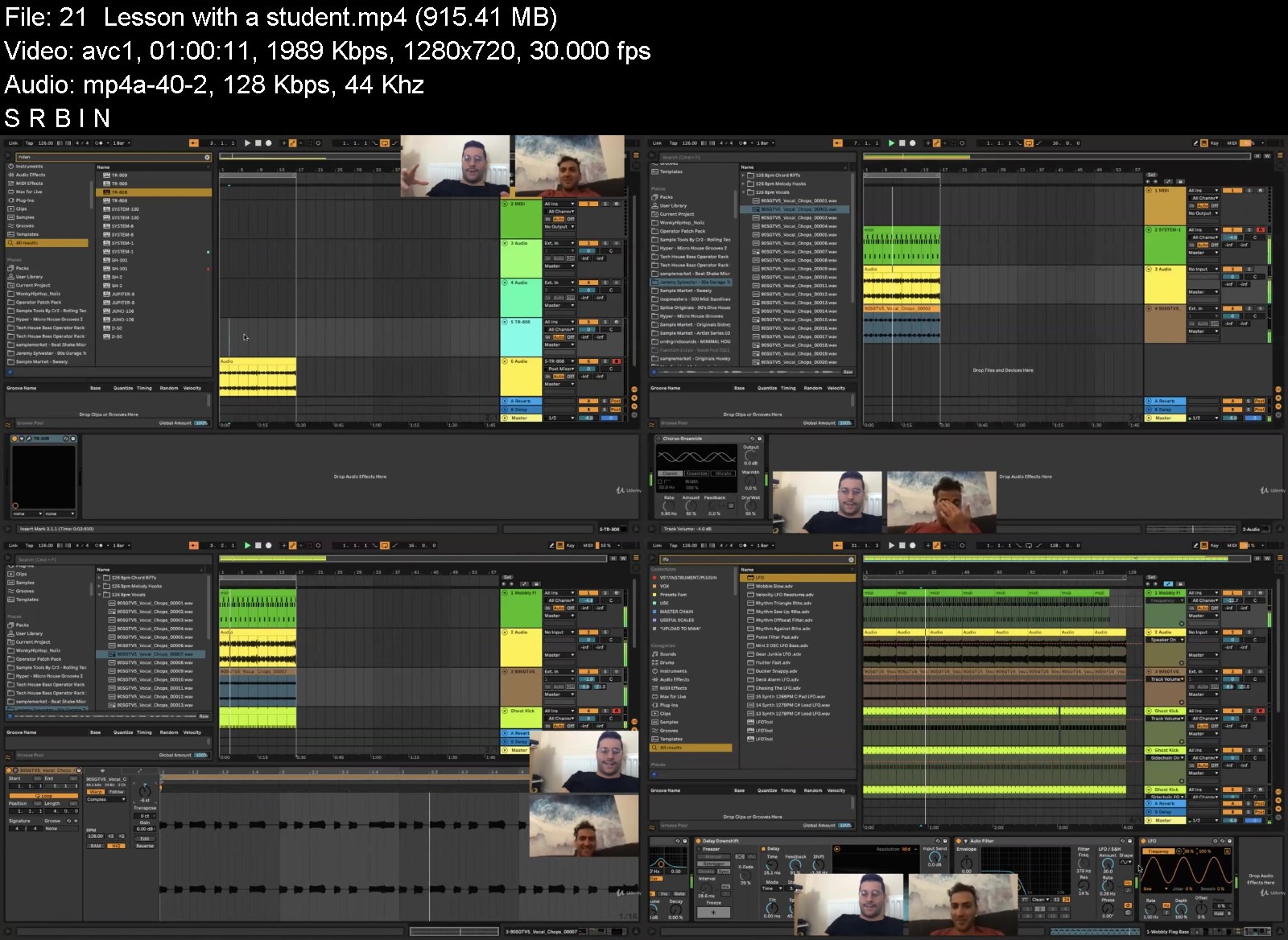
Ableton 11 - The ULTIMATE Beginners Guide To Ableton Live

ableton11theultimatebigj3m.jpg


Ableton 11 - The ULTIMATE Beginners Guide To Ableton Live
Video: .mp4 (1280x720, 30 fps(r)) | Audio: aac, 44100 Hz, 2ch | Size: 7.22 GB
Genre: eLearning Video | Duration: 82 lectures (11 hour, 26 mins) | Language: English


The ULTIMATE Beginners Guide To Ableton Including Audio, MIDI, External Instruments, Building A Track And Ableton 11.


What you'll learn
Learn How To Use Ableton
Understand the fundamentals of music production
Learning Ableton 11
Learn How To Get A Track On The Radio
Learn How To Get Your Track Signed To A Major Record Label
Requirements
Ableton - or the trial from the website
A keen work ethic

Description
Calling all passionate, aspiring and existing music producers!!!
A must-buy comprehensive guide on how to master Music Production and the music industry from a mastering engineer, Mentor and a label owner.
This course shows that you don't need the technical skills or music theory knowledge to be proficient in Music Production.
A 30-day money back guarantee if you are not satisfied with the 70 lectures of content!!!
Sit back and relax whilst you learn some of the best kept producer secrets in the industry, along with never before shared knowledge about Music Production.
Perfect for beginners!
Includes 800+ Bass MIDI!!!
Includes Xfer Serum Presets!!!
*Includes Bass Rack Templates*
Includes Operator Presets!
Includes Saturator presets!
Includes E-book
*Includes EQ Presets*
Includes Mastering Rack!
Includes Mixing & Mastering E-book
If you are new to Music Production you must buy this course!
The Best and Longest Music Production Course On Udemy!!!
Includes Distribution and Marketing Tactics, Branding and more!!!
Learn How To Use Music Production The Right Way!!!
Get to the top of your Music Production game with this course!
Omar had humble beginnings of wanting to learn Music Production but no YouTube video or mentor would accommodate for his needs, now Omar is a successful Mastering Engineer and producer it is time for him to teach you his methodologies.
Enjoy 1 Hour of 1-to-1 time with Omar
Includes Secret Bonus Audio Effect Racks!
Omar Meho is a resident DJ in Ibiza, France & U.K. he has played festivals in front of 12,500 people, he regularly records mixes for the BBC and has had his own tracks aired on International Radio multiple times. he will teach you how he has made over 400 tracks in the past 8 months as a Music Producer, Audio Engineer, and Mastering Technician. He runs his own record label Atmos Tempo Records and has signed his own successful E.P's and Albums to over 10 record labels at the same time. Having plays on BBC Radio 1 and support from some of the world's top DJ's and producers including Marco Carola, Jamie Jones, Adam Beyer, Guti, Chris Stussy, East End Dubs & more.
This course comes with exclusive learning content, full-track templates, sample packs and project files which will help you master and understand Music Production much faster with great depth!
After a fantastic reception to Omar's one-to-one Mentoring Omar has decided to launch this course.
This is the right course for anyone looking to learn Music Production.
Learn invaluable lessons from Omar's comprehensive Music Production Guide.
It can be done, by using this guide by Music Production Mentor Omar Meho.
Ever asked a friend to teach you Music Production and they haven't?! This course will cover everything they will show you!
Omar has cemented his talent in the music industry by bringing you this course which will dissect his expert methodology on how to produce a track a day as he has done, with extensive videos where he makes a track and times it and finishes it in 15 minutes.
With 70 high-quality lectures of video content and loads of bonus content, this is a fair price for the course and is arguably the best Music Production course on Udemy in terms of insight and knowledge.
There are six of these videos and each is an insightful glimpse into the workflow of a successful producer which you will find nowhere else.
The course is a must for a new Music Producer.
This Music Production Course includes everything you'd need to start your music production journey and more!
With a network of successful producers around him, Omar can give relevant and proven hidden strategies on how to survive in the music industry, penetrate the market and get into the Beatport Top 100 Minimal/Deep Tech Charts. If you want to learn more about Ableton or become a master of your own fate. Some of the Genre's covered in this course include: House, Tech House, Deep House, Micro House, Minimal House, Garage.
If you are an aspiring EDM producer and you want to learn ableton or improve your existing skills whilst learning new ones this course is the one for you. Omar will provide you with game-changing project files, templates and samples which will revolutionise the way you use Music Production. Comprised of 40 Lectures, each contains invaluable content which you will find nowhere else and the hidden-gems included in this course will also give you the upper-hand and advantage over other producers in the industry who haven't seen this course.
Including incredible templates which will revolutionise the way you work for the rest of your life, Omar shows you how to finish a track using only MIDI in 10 minutes, which is a truly breathtaking experience you must watch, the track has been signed to a record label!
Join a group of like-minded individuals and collaborate via our facebook group, included at the end of the course.
Qualifications
Omar has a business with marketing degree with honours from the University of Brighton so he is best suited to give you marketing advice. Also, this course covers the business side of things which. is a niche in the way that other courses will not cover this in as much depth.
Omar has also been a resident DJ for 10 + years internationally and has renowned success in the music production industry with his music in every online store.
This course explains what, why, when and how to do things which is far more valuable than simply skimming through things as it gives the learner a greater opportunity to understand things on a professional level and be able to discuss with friends.
This interstellar course includes 70 lectures:
Beginner Level
- Audio interface
- Arrangement
- Bass Processing
- Automation
- Midi
- Audio
- Sidechaining
- Compression
- Saturation
- EQ
- Max For Live
- Finishing Touches
- Reference Tracks
- How to finish tracks in 15 minutes
- Useful Free VSTs
- LFO
- How to make a track from start to finish
Advanced Level
- Mixdown
- Mastering advice
- MIDI Mapping
- Branding Techniques
- Customising parameters in external VST's
- Organisation in Ableton Live 10's Browser
Expert Level
- Understanding different music genres
- Methodology of Ableton
- Sample packs
- Camelot Wheel - Mixing in key
- Creating artwork for your tracks
- Distribution to Spotify, Beatport, iTunes
- Marketing your music to record labels
- Pitch Envelope
Extras
- Learn from someone with 10+ years of experience
- Learn from someone who runs their own record label, makes their own artwork, manages their own distribution and marketing
- Sample packs
- Project Files
- Templates
- Presets
- Full-track breakdowns
- Email templates
- VSTs
- Community invites + events!
- Recommendations
- A chance to see how someone else's workflow
- MP3's to use as a Reference Track
- Charts
- Diagrams
- Unique advice
- Mastering advice
- Never before seen strategies
- Useful Industry-secret Websites
- Opportunity for 1-to-1 Lifetime Mentoring from Omar.
- Opportunity to get signed to a record-label
- Opportunity for Remix competitions
- Comes with Sample Pack and Mastering Support.
- Get A Template for making Sample Packs!
- Learn How To Make Sample Packs!
- Includes Xfer Serum Presets!
- Audio Effect Racks!
- E-book!
- EQ Presets!
- Includes Mastering Rack!
Boost Your Music Production Skillset.
Broaden Your Knowledge.
Expand Your Musical Network.
Enjoy Expert Tuition!
5-Star Reviews
1. Randy
Omar has alot of experience as a DJ and a good understanding of the music business side of things. He's helpful in any regard and is practical when explaining ideas. Overall great session.
2. Brett
Omar knows his stuff - both as a DJ and producer!
3. Harry
Omar changed the way i see ableton. Big recommends for anyone looking to expand their profile, up their work flow or master ableton! Big up
4. Sam
Omar was incredibly inspiring and helpful. I'm looking forward to continuing to progress towards a career in music with his direction.
5. Jamie
A truly experienced professional in the music industry, knowledgeable in all areas from production to marketing and distribution. Each lesson I take away valuable information and advice that accelerates my career. Thank you Omar
6. Kyle
Omar is an very experienced and well rounded DJ, with knowledge of a wide variety of genres. He has massively improved my mixing within a matter of weeks. Furthermore, I look forward to his coaching regarding music production and self promotion in the future. Overall, I have come on leaps and bounds under his guidance.
7. David
Omar is very knowledgeable about music production. More importantly he knows how to save a lot of time and time saves money and that's a good thing. You'll make his fees back because you'll be able to produce much faster. Save your time and your money with Omar.
8. Shannon
Omar is a trustworthy tutor He taught me how to DJ from scratch and I now play on the radio He is an expert and very professional
9. Yasmin
Omar is a trustworthy tutor as he is always on time and very patient with his clients, he helped me start up on my producing and getting to grips with the software I use as well as some important tips and tricks.
10. Nicole
Omar is a fantastic tutor, a passionate dj who taught me how to start up on my decks, transitions and bpm through to producing my own records and signing to record labels. I recommend him 100%.
Learn to become an expert with Music Production.
Go ahead and click the enrol button, and I'll see you in lesson 1!
Thank you,
Omar.

Who this course is for:
Music Producers
Ableton users
Anyone who loves music
People Interested in Ableton 11

ableton11theultimatebcgjo0.jpg


Download from RapidGator


Download from Keep2Share


Freelance Master Course (Sinhala Medium)

4097480471e2ivj76.jpg


Freelance Master Course (Sinhala Medium)
MP4 | Video: h264, 1280x720 | Audio: AAC, 44.1 KHz, 2 Ch
Genre: eLearning | Language: English | Duration: 129 lectures (12h 11m) | Size: 6.16 GB

The Complete Guidance for lean Freelancing + Fiverr + Upwork + SEO Clack + 25 Platform In One course 100% Practically


What you'll learn
What is the Freelancer
How to star work freelancer
What is the main platform for working freelancer
How to becoming success on the Fiverr
How to create each and every profile on the platform
What is the main requirements for work on this platform
Requirements
Should be Have a good stable internet connection
Should be personal computer
Should be basic knowledge about the English Language
Should be Communication skill
Should be a Positive mindset
Description
Hello there! Are you lucking for becoming successful in freelancing? This is the real place for learning about the freelance with 25 platforms in one place (Own Freelancing, Fiverr, Upwork, Peoples per hour, Seo Clarke, and Ect ). Also, this is the right place for learning about how to build your own business.
'With this course, you can learn.
How to start own freelancing business
How to maintain own freelancer business properly
How to overcome competition in the freelancer business
How to change life-style to the freelancer
What is the major requirement for becoming a successful freelancer?
How to become rich within the short time period
Best practices of freelancing communication
How to setup Fiverr account and Fiverr seller account properly
Fiverr SEO
How to drive traffic with SEO
How to Create Fiverr GIG Titel using SEO secret
How to create Fiverr GIG Description with SEO
How to get more orders on Fiverr GIG
How to become successes on Upwork
How to become successes on Peoples per hour
How to become successes on the SEO Clarke
How to become successes on Freelancer
How to become successes on GURU
Another special benefit for students:
Lifetime personal support for becoming successful with freelancer
100% practical course with experience
practical proof for becoming successful with freelancer network
privet Facebook group for "Freelancer Master course (Sinhala medium) " course students
Direct Whatapp support, if have any problem with freelancing
Able to work with 25 freelancer network
As well as this course was mainly created to, one who uses the Sinhala language for communication around the world, and my main purpose is to educate the Sri Lanak Peoples to become successful online Businessmen, other hand side I'm always trying to be educated, what is the Right ways to work online and how to become a success within Online
Finally, I want to say Like this "Please, Lean this course carefully and If you want to become a success online because freelancing is a very profitable business.
INSTRUCTOR BACKGROUND
I'm a Business Management and Software engineering degree holder and Professional for Online worker. also, I'm a Self-employer for more than 10+ years and I would like to share my knowledge around the world. so in that situation, I desired to conduct lessons on Udemy like that.
Invest in your future. Enroll in this Freelancer Master course (Sinhala medium) now, and turn it into a sustainable business.
Are there any course requirements or prerequisites?
Personal desktop/laptop computer
Stable internet connection
Basic knowledge of operating computer
Self-confidence

Who this course is for:
Beginner of Freelancing
Anyone who, Find the opportunity to make money online
Beginner of Fiverr freelancing with 24+ other freelancing network
Who this course is for
Interest peoples for "Make Money Online"
Interest peoples for earning extra income
Interest peoples for "get reach with short of time pried "
Begginer of the Fiverr Freelancing
Begginer of the Freelancing


freelancemastercourse1hjxi.jpg


Download from RapidGator


Download from Keep2Share


Zurück
Oben Unten