• Regeln für den Video-Bereich:

    In den Börsenbereich gehören nur Angebote die bereits den Allgemeinen Regeln entsprechen.

    Einteilung

    - Folgende Formate gehören in die angegeben Bereiche:
    - Filme: Encodierte Filme von BluRay, DVD, R5, TV, Screener sowie Telesyncs im Format DivX, XviD und x264.
    - DVD: Filme im Format DVD5, DVD9 und HD2DVD.
    - HD: Encodierte Filme mit der Auflösung 720p oder darüber von BluRay, DVD, R5, TV, Screener sowie Telesyncs im Format x264.
    - 3D: Encodierte Filme von BluRay, die in einem 3D Format vorliegen. Dies gilt auch für Dokus, Animation usw.
    - Serien: Cartoon/Zeichentrick, Anime, Tutorials, Dokumentationen, Konzerte/Musik, Sonstiges sind demnach in die entsprechenden Bereiche einzuordnen, auch wenn sie beispielsweise im High Definition-Format oder als DVD5/DVD9/HD2DVD vorliegen. Ausnahme 3D.
    - Bereich Englisch: Englische Releases gehören immer in diesen Bereich.
    - Bereich Talk: Der Bereich, in dem über die Releases diskutiert werden kann, darf, soll und erwünscht ist.


    Angebot/Beitrag erstellen

    - Ein Beitrag darf erst dann erstellt werden, wenn der Upload bei mindestens einem OCH komplett ist. Platzhalter sind untersagt.
    - Bei einem Scenerelease hat der Threadtitel ausschließlich aus dem originalen, unveränderten Releasenamen zu bestehen. Es dürfen keine Veränderungen wie z.B. Sterne, kleine Buchstaben o.ä. vorgenommen werden. Ausnahme Serienbörse:
    - Bei einem Sammelthread für eine Staffel entfällt aus dem Releasename natürlich der Name der Folge. Beispiel: Die Simpsons S21 German DVDRip XviD - ITG
    - Dementsprechend sind also u.a. verboten: Erweiterungen wie "Tipp", "empfehlenswert", "only", "reup", usw. / jegliche andere Zusatzinformation oder Ergänzung, welche nicht in obiger Beschreibung zu finden ist.

    Aufbau des Angebots und Threadtitel

    Der Titel nach folgendem Muster erstellt zu werden. <Name> [3D] [Staffel] [German] <Jahr> <Tonspur> [DL] [Auflösung] <Quelle> <Codec> - <Group>
    Beispiel: The Dark Knight German 2008 AC3 DVDRip XviD - iND
    Beispiel: The Dark Knight 2008 DTS DL BDRip x264 - iND
    Beispiel: The Dark Knight 2008 AC3 DL BDRip XviD - iND
    Beispiel: The Dark Knight German 2008 AC3 720p BluRay x264 iND
    Beispiel: The Dark Knight 2008 DTS DL 1080p BluRay x264 iND
    Beispiel: Die Simpsons S01 German AC3 DVDRip XviD iND
    Beispiel: Die Simpsons S20 German AC3 720p BluRay x264 iND
    Beispiel: Sword Art Online II Ger Sub 2014 AAC 1080p WEBRip x264 - peppermint
    Entsprechend sind also u.a. verboten: Sonderzeichen wie Klammern, Sterne, Ausrufezeichen, Unterstriche, Anführungszeichen / Erweiterungen wie "Tipp", "empfehlenswert", "only", "reup", usw. / jegliche andere Zusatzinformation oder Ergänzung, welche nicht in obiger Beschreibung zu finden ist
    Ausnahmen hiervon können in den Bereichen geregelt sein.

    Die Beiträge sollen wie folgt aufgebaut werden:
    Überschrift entspricht dem Threadtitel
    Cover
    kurze Inhaltsbeschreibung
    Format, Größe, Dauer sind gut lesbar für Downloader außerhalb des Spoilers zu vermerken
    Nfo sind immer Anzugeben und selbige immer im Spoiler in Textform.
    Sind keine Nfo vorhanden z.B. Eigenpublikationen, sind im Spoiler folgende Dateiinformationen zusätzlich anzugeben :
    Quelle
    Video (Auflösung und Bitrate)
    Ton (Sprache, Format und Bitrate der einzelnen Spuren)
    Untertitel (sofern vorhanden)
    Hosterangabe in Textform außerhalb eines Spoiler mit allen enthaltenen Hostern.
    Bei SD kann auf diese zusätzlichen Dateiinformationen verzichtet werden.

    Alle benötigten Passwörter sind, sofern vorhanden, in Textform im Angebot anzugeben.
    Spoiler im Spoiler mit Kommentaren :"Schon Bedankt?" sind unerwünscht.


    Releases

    - Sind Retail-Release verfügbar, sind alle anderen Variationen untersagt. Ausnahmen: Alle deutschen Retail-Release sind CUT, in diesem Fall sind dubbed UNCUT-Release zulässig.
    - Im Serien-Bereich gilt speziell: Wenn ein Retail vor Abschluss einer laufenden Staffel erscheint, darf diese Staffel noch zu Ende gebracht werden.62
    - Gleiche Releases sind unbedingt zusammenzufassen. Das bedeutet, es ist zwingend erforderlich, vor dem Erstellen eines Themas per Suchfunktion zu überprüfen, ob bereits ein Beitrag mit demselben Release besteht. Ist dies der Fall, ist der bereits vorhandene Beitrag zu verwenden.
    - P2P und Scene Releases dürfen nicht verändert oder gar unter einem iND Tag eingestellt werden.


    Support, Diskussionen und Suche

    - Supportanfragen sind entweder per PN oder im Bereich Talk zu stellen.
    - Diskussionen und Bewertungen sind im Talk Bereich zu führen. Fragen an die Uploader haben ausschließlich via PN zu erfolgen, und sind in den Angeboten untersagt.
    - Anfragen zu Upload-Wünschen sind nur im Bereich Suche Video erlaubt. Antworten dürfen nur auf Angebote von MyBoerse.bz verlinkt werden.


    Verbote

    - Untersagt sind mehrere Formate in einem einzigen Angebotsthread, wie beispielsweise das gleichzeitige Anbieten von DivX/XviD, 720p und 1080p in einem Thread. Pro Format, Release und Auflösung ist ein eigener Thread zu eröffnen.
    - Grundsätzlich ebenso verboten sind Dupes. Uploader haben sich an geeigneter Stelle darüber zu informieren, ob es sich bei einem Release um ein Dupe handelt.
    - Gefakte, nur teilweise lauffähige oder unvollständige Angebote sind untersagt. Dies gilt auch für eigene Publikationen, die augenscheinlich nicht selbst von z.B. einer DVD gerippt wurden. Laufende Serien, bei denen noch nicht alle Folgen verfügbar sind, dürfen erstellt und regelmäßig geupdatet werden.
    - Untersagt sind Angebote, welche nur und ausschließlich in einer anderen Sprache als deutsch oder englisch vorliegen. Ausnahmen sind VORHER mit den Moderatoren zu klären.


    Verstoß gegen die Regeln

    - Angebote oder Beiträge, die gegen die Forenregeln verstoßen, sind über den "Melden"-Button im Beitrag zu melden.
  • Bitte registriere dich zunächst um Beiträge zu verfassen und externe Links aufzurufen.


Englische Tutorials

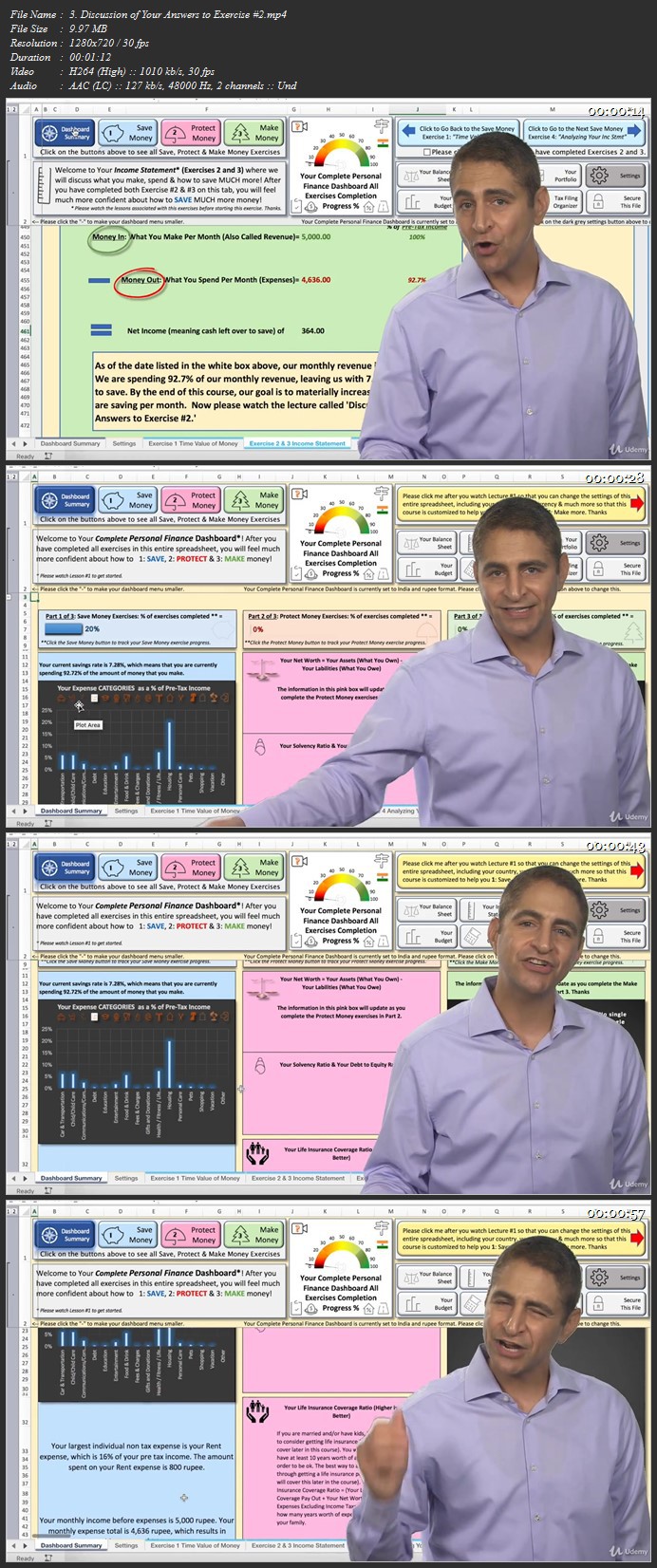
The Complete Personal Finance Course: Save,Protect,Make More

00801451j9k63.jpg


The Complete Personal Finance Course: Save,Protect,Make More
Duration: 15h 48m | .MP4 1280x720, 30 fps(r) | AAC, 44100 Hz, 2ch | 10 GB
Genre: eLearning | Language: English

3 Courses in 1! Save,Protect & Make More! By an Award Winning MBA Professor, VC & Best Selling Online Business Teacher.


What you'll learn
Upon completion of this course, students will be able to save, protect and make much more so that their net worth is significantly higher in the long run. You will be a personal finance expert by the end of this course!
How to profit from the INCREDIBLE Power of Compound Interest
100+ Ways to Save More.Including the following ways:
14 Ways to Save More on Taxes
16 Ways to Save More on Shopping Expenses
13 Ways to Save More on Car/Transportation Expenses
10 Ways to Save More on Housing Expenses
5 Ways to Save More on Vacation Expenses
4 Ways to Save More on Gifts & Donation Expenses
6 Ways to Save More on Phone/Computer Expenses
13 Ways to Save More on Food & Drinks Expenses
7 Ways to Save More on Debt Expenses
4 Ways to Save More on Education Expenses
7 Ways to Save More on Entertainment Expenses
6 Ways to Save More on Fees Expenses
5 Ways to Save More on Child/Child Care Expenses
4 Ways to Save More on Health Expenses
5 Ways to Save More on Personal Care Expenses
5 Ways to Save More on Pet Related Expenses
How to Change Your Perception of Money
How to Teach Your Children About Saving
How to Protect Your Money by Understanding Your Net Worth (Creating and Understanding Your Balance Sheet..Meaning "What You Own and What You Owe")
Understand if You Should Hire a Financial Advisor to Help Protect Your Money
Understand Why Hiring an Accountant Might be the Best Investment You Might Ever Make
How Taxes + Retirement Accounts Work & Why We Need to Minimize How Much Tax We Pay
How Much You Need to Retire
Understand and Taking Advantage of Tax Incentives, which Help You Save BIG TIME for Education/School Expenses
How Much You Need for Education Expenses (for You or Your ****)
How to Create Your NEW & IMPROVED Income Statement (Meaning Understanding Money In and Money Out)
Understand Your Company Sponsored Tax Savings Plans (if Applicable)
Use a Simple & Effective Money, Taxes, Receipts and Statements Filing System
Understand What are the Best Websites & Apps to Help You Track and Manage Your Spending
Use Quicken on a PC to Manage Your Money
Use Quicken on a Mac to Manage Your Money
Protect Your Money by Making a Monthly Budget
Avoid Getting Ripped off on Fees
Understanding Wills and Trusts
View, Understand and Fix Your Credit Score/Rating (So You Can Get a Loan or Mortgage)
Understand Life Insurance
Understand Auto Insurance
How to Pay Less Tax Strategies
Understand Home and Property Insurance
Understand Health Insurance
Prevent Identity Theft
Understand Credit Cards
Understand Loans
Understand Leases
What Are the Qualities of Billionaires (5 Characteristics of Billionaires I Have Worked For)
Understand the Damage that High Investment Fees Can do to Our Net Worth!
Make More by Learning How to Avoid Paying High Investment Fees
Understand Why and How to Pick Investments from Index Funds
Manage Your Investments with Your Investment Portfolio Management System (Included in the Course)
Populate Your Investment Portfolio Management System (meaning Your Portfolio)
How to Invest in Stocks and 4 CRUCIAL Stock Investing Rules
Investment Data Basics
Understand Risk Management
Understand What Makes Stocks, Bonds, Commodities and Real Estate Investments Go Up or Down
How to Do Your Own Investment Research (and Never Rely on the "Pros")
Understand Mutual Funds
Know What Warren Buffett's Favorite Types of Investments Are
Understand Interest Rates, Bonds and "The Bigger Picture"
Know How Global Economics Works and Why this Matters to Personal Investors
How & Why Do Interest Rates Change & Why this is Important for Investors to Understand?
Understand Foreign Exchange Currency Movements
How Bonds Work and How Can Governments Stimulate the Economy?
Understand Real Bonds - No Theory! (With Real Corporate and International Government Bond Investment Examples)
How to Invest in Bonds
Add Bond Investments to Your Portfolio
How to Invest in Commodities
Add Commodity Investments to Your Portfolio
Introduction to Your Most Important Personal Investment & How Much Should to Spend on a House
How Mortgages Work & How to Calculate Payments (Fixed Rates Versus Interest Only Rates & More)
How to Calculate Mortgage Payments and Know What Happens When Rates Change
What You Need to Know if Considering Investment Properties
How Much to Spend on an Investment Property
Understanding Real Estate Investment Trusts
Adding Real Estate Investment Trust Investments to Your Portfolio
Investment Types to Consider Avoiding Given Liquidity Risks
Diversification Strategies and Your Diversified "Model Portfolio"
Should You Start Your Own Business & Have >1 Income Stream? 100% YES!
Customize Your Own Complete Personal Finance Excel Dashboard (I Will Teach You How to Customize and Create Your Own Version of the Excel Dashboard Document Used for ALL 25 Exercises in this Course)

Requirements
No prior finance or accounting or Excel experience is required to take this course. Please note that Excel 2013 (or a newer version) is recommended in order to complete some of the exercises in this course. The Excel exercises in this course work on the Windows and Mac versions of Excel. Thanks


Description
Welcome to The COMPLETE Personal Finance Course! I guarantee that this is THE most thorough personal finance course available ANYWHERE on the market - or your money back (30 day money back guarantee). This course and the many exercises in this course is customized for literally EVERY Country & EVERY currency in the world!

By An Award Winning Business Professor, Columbia University MBA Graduate (Majored in Finance) and former Goldman Sachs Employee who is also the author of the #1 best selling business course on Udemy called An Entire MBA in 1 Course. He is also the author of 101 Crucial Lessons They Don't Teach You in Business School, which Forbes calls "1 of 6 books that all entrepreneurs need to read right now."

THIS COMPLETE PERSONAL FINANCE COURSE is 3 courses in 1: Save More Money, 2: Protect More Money, 3: Make More Money.

Also included in this course is a very comprehensive Excel spreadsheet that contains more than 25 exercises to help you save, protect and make more money. No prior finance or accounting or Excel experience is required to take this course.

Some of the many Save Money topics and exercises covered in the course include:

How to analyze and significantly decrease your personal expenses so your net worth increases significantly in the long run
More than 100 ways to help you save much more money
How very small savings habits changes lead to fortunes later in life!

Some of the Protect Money topics and exercises covered in the course are:

What are the secrets of billionaires?
Understanding and improving your credit score
Wills, trusts and estate planning
How much should you spend on a house and how to calculate your mortgage payments
Creating your perfect budget
The best way to file taxes
How retirement accounts work and how to decrease the amount of taxes you will pay, which will lead to significant increases in your long term net worth
Protecting your family and your possessions using insurance products
Understanding and increasing your net worth

Some of the Make Money topics and exercises covered in the course are:

Investing in stocks
Investing in bonds
Investing in commodities
Investing in real estate and more
How to create your own diversified Investment Portfolio consisting of stocks, bonds, commodities and real estate investment trusts
Minimizing the ridiculous fees that you pay your bank and investment companies


We will also have an optional section at the end of the course that will teach you how I made Your included Complete Personal Finance Excel Dashboard exercise file, which will help you save, protect and make more money through the many exercises in this course..and this assumes that you have no or very little excel experience and very little or no accounting or finance experience.

You can use the Excel exercise document in this exercise on a Mac or on a PC and I recommend having Excel version 2013 or later in order to complete all of the many save, make and protect money exercises in this course.

This course and the included comprehensive Complete Personal Finance Excel dashboard exercise file is a roadmap for your personal finance success so you can save, protect and make much more.

All of the tools you need to save, protect and make more are included in this course and the entire course is based on real life Practical Knowledge and experience and not based on theory.

Please click the take this course button so you can improve your ability to save, protect and make much more (and take your personal finance skills to the next level).

Closed captions have been added to all lessons in this course.


Who this course is for:
Anyone in ANY country interested in learning EVERYTHING about personal finance, including how to save more, protect more and make more.

More Info
00801452wnkhe.jpg


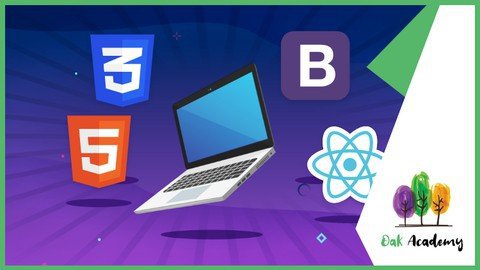
Full Web Development Course - HTML, CSS, Bootstrap and React

sija7mxachsdj632zen9ky2jv2.jpg


Full Web Development Course - HTML, CSS, Bootstrap and React
MP4 | Video: h264, 1280x720 | Audio: AAC, 44.1 KHz
Language: English | Size: 9.17 GB | Duration: 27h 48m


What you'll learn
You will be able to create commonly used user login and registration pages by learning the form structure.
In the developing world, we will talk about all the details about web design compatible with different screens.
You will be able to prepare lists in different formats
Learn to use the latest HTML5 and CSS3 to add unique styling to Bootstrap
Learn Bootstrap 4 and UIs from scratch
Set up our virtual environment
Install React-Native dependencies for MAC and Windows
How to include JS File in HTML
What is conditional statements (if else, switch case, ternary operator), how to use
What is loops (for loops, while loops, continue and break statements), how to use them
How to write Functions, what are the differences between Function Decleration and Function Expression
How to create Arrays, Array methods (push, pop, shift, unshift ...), Array iteration
Learn and create amazing high quality Bootstrap 4 themes and UIs from scratch
Learn to compile Sass in the easiest way possible using a GUI
Get a crash course of the Bootstrap Grid System with the theme layout
We will improve our knowledge step by step by learning the basics of CSS
Create a beautiful, responsive landing page for any one

Requirements
No prior knowledge needed
This course will take you from scratch to the advanced level
Computer with access to the internet
Nothing else! It's just you, your computer and your ambition to get started today

Description
Hello there,

Welcome to Everything Needed to Know for Web Development in One Course .

This course will be your gateway to learn web design with a step-by-step approach. We can assure you that only this course will enough for you to learn web development from scratch to intermediate.

This course will take you from a complete beginner to a master in hours! By the way, you do not need to know any thing for this course.

We'll be moving rapidly to give you the quickest, yet most thorough website building experience.

In this course, we have created a completely custom HTML learning environment for the first few sections of this course. Each lecture has an HTML page associated with it and has a start state.

With this course, you will improve your Bootstrap experience with HTML5 and CSS3 codes

This course will take you from a beginner to a more experienced level. You will learn HTML5, CSS3, Bootstrap 4 and React JS step by step with hands-on examples. And then you will be confident in using ReactJS, and if you ever get stuck, we will be there to help.

React-Native is a library developed by the React team and it is widely used to create mobile applications for both Android and IOS. You do not need to learn Java, Android, Swift, Objective-C, or anything of that. React and JavaScript is all you need to create awesome mobile apps that work on both Android and iOS.

JavaScript is the number one programming language for internet applications. During our course, you will be informed about the basics of JavaScript in detail and how to solve problems. Here's how a JavaScript code works, not just how it works. Because in today's JavaScript world, besides writing a code, you need to know how to debug this topic and be able to read every written JavaScript code.

Learn by doing!

So we have made this course as simple as possible in order to take you through step by step so you can feel confident and get a truly good understanding of how to utilize. In this course, we will be teaching all of web development subjects by creating various projects.

In this course you will learn;

Learn to use the latest HTML5 and CSS3 to add unique styling to Bootstrap

Learn and create amazing high-quality Bootstrap 4 themes and UIs from scratch

Master every single Bootstrap component

Learn to compile Sass in the easiest way possible using a GUI

Get a crash course of the Bootstrap Grid System with the theme layout

Learn how to add Website Scrolling Animation to any Bootstrap Component or HTML Element

We will start with local installation and react basics. After that, we will create 5 projects.

Project 1 - Learn, create react app and Jsx with 'first-app'

Project 2 - Learn React props system with 'blog-posts' app

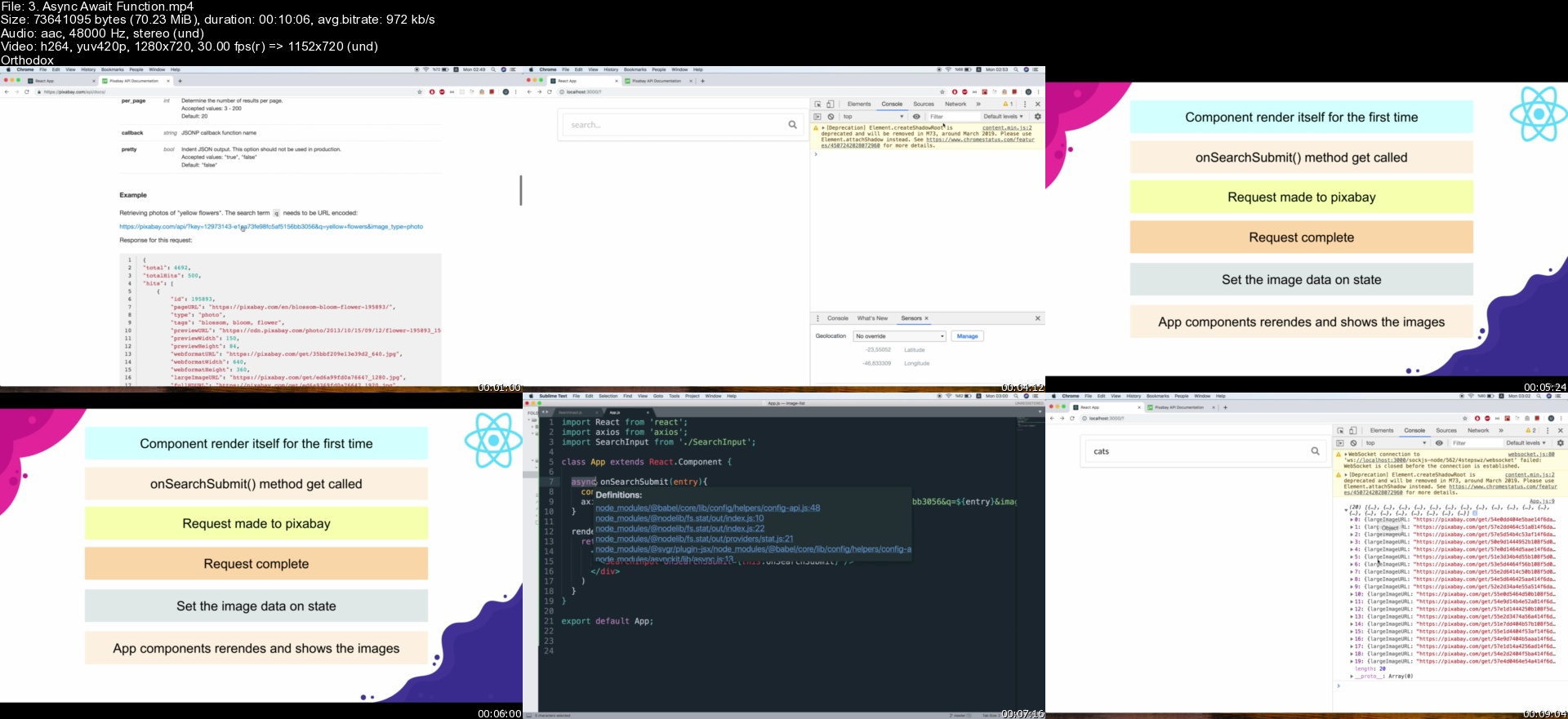
Project 3 - Learn react components, state, lifecycle methods, async operations, and much more... with the 'hemisphere' app

Project 4 - Handling event handlers, fetching data from an outside API, and showing list of records with 'image-list' app

Project 5 - Routing with React Router and using React Portals to render children outside the DOM hierarchy with the 'react-router' app

Basics of React and React-Native libraries,

How to send an HTTP request from a mobile application,

How to use the flex-box system,

How to create reusable components,

To reach another app on the device from our app and

Creating your own mobile app is going to be clear for you.

How you can operate on variables,

Boolean logic,

How to create a conditional statement,

How you can perform transactions with Loops,

How a function is created and why it needs arguments,

How Arrays and Objects, which are basic data structures, are created,

How DOM Manipulation is done,

No prior knowledge is needed!

Why would you want to take this course?

Our answer is simple: The quality of teaching.

OAK Academy based in London is an online education company. OAK Academy gives education in the field of IT, Software, Design, development in English, Portuguese, Spanish, Turkish and a lot of different language on Udemy platform where it has over 1000 hours of video education lessons. OAK Academy both increase its education series number by publishing new courses, and it makes students aware of all the innovations of already published courses by upgrading.

When you enroll, you will feel the OAK Academy`s seasoned developers expertise. Questions sent by students to our instructors are answered by our instructors within 48 hours at the latest.

Video and Audio Production Quality

All our videos are created/produced as high-quality video and audio to provide you the best learning experience.

You will be,

Seeing clearly

Hearing clearly

Moving through the course without distractions

You'll also get:

Lifetime Access to The Course

Fast & Friendly Support in the Q&A section

Udemy Certificate of Completion Ready for Download

Dive in now Everything Needed to Know for Web Development in One Course course

We offer full support, answering any questions.

See you in the course!


Who this course is for:
If you want to learn HTML 5, CSS 3, Bootstrap 4 and React JS the first step in web development, completely and easily, you are at the right place.
People who are willing to make a career in the Web Development
If you want to building your own website, you should enroll
Programmers who want to learn React and React-Native
Anyone who has basic HTML, CSS and JavaScript knowledge and wants to learn how to create complex applications
If you're interested in using a library/framework like React, Angular, Vue or Node in the future

Homepage


3.asyncawaitfunctionsryk9h.jpg


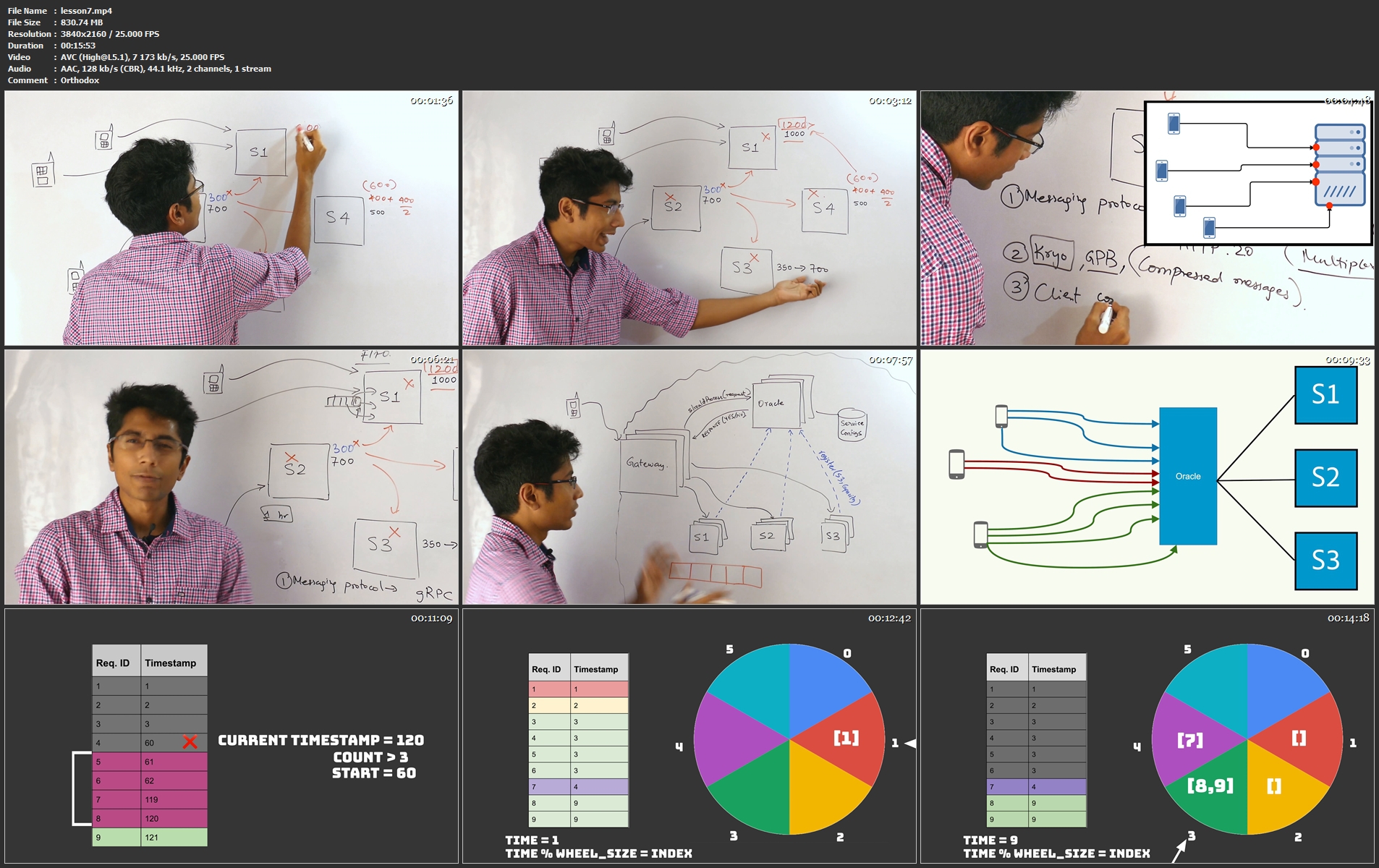
System Design Course (Updated 08/2021)

systemdesigncourse95jsk.png


System Design Course (Updated 08/2021)
MP4 | Video: h264, 3840x2160 | Audio: AAC, 44.1 KHz, 2 Ch
Genre: eLearning | Language: English + srt | Duration: 44 lectures (5h 39m) | Size: 8.9 GB

An extensive course on large-scale distributed systems by the best in the industry. Everything you need to ace the systems design interviews. What makes this course special

Deep
Develop a deep understanding of system design concepts, by going through multiple examples.

Structured
An organised guide which helps learn new concepts with minimal effort and time.

Extensive
Master multiple concepts like routing, security, caching, decoupling, rate limiting, and much more.

Relevant
Modern Day examples to work and design which are ready to deploy in real world scenarios.

Assessments
Quantify how much you have learnt along the course with the tailored quizzes and assessments.

Boost
Take this course before your interview for a high level of interview preparedness and confidence.

Homepage


lesson7.mp4h7jcj.jpg


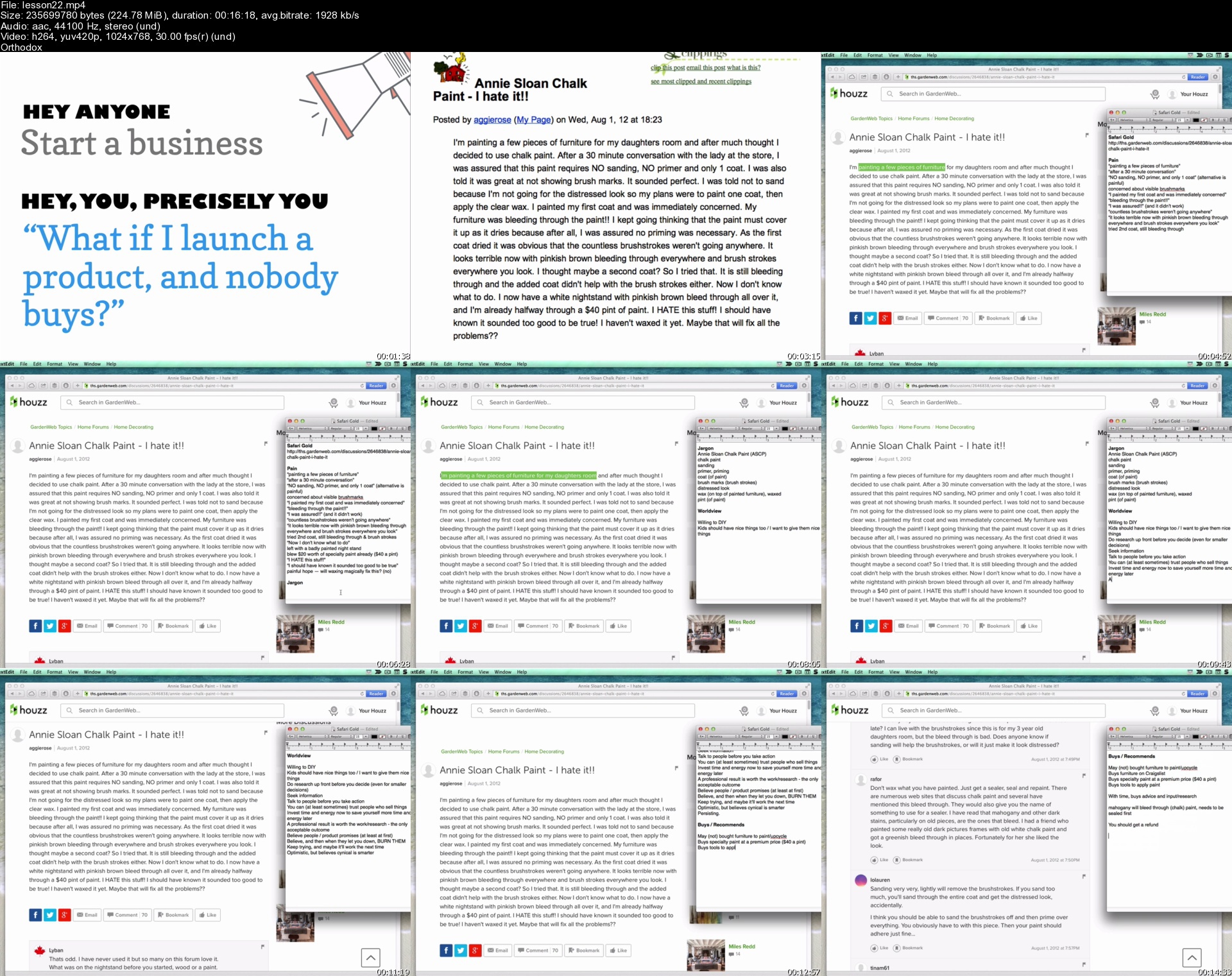
30x500 Academy - Learn to Launch Profitable Products

30x500academy0sj42.jpg


30x500 Academy - Learn to Launch Profitable Products
MP4 | Video: h264, 1280x960 | Audio: AAC, 44.1 KHz, 2 Ch
Genre: eLearning | Language: English | Duration: 78 Lessons (12h 42m) | Size: 5.66 GB

"What if I launch a product that nobody wants to buy?" Learn and practice focusing on your customer, from the comfort of wherever you are, by joining 30x500.
When you enroll in 30x500, here's exactly what you'll do:

You'll pick your audience. It's easy, promise.
Then learn how they tick.
And understand what they need, want, and are ready to buy.
You'll create valuable content and resources that help build your reputation, earn trust with your audience, and of course build your traffic!
Then convert your new readers to subscribers, and then into enthusiastic buyers.
You'll learn how to use the most systematic process ever to generate infinite product ideas, with no genius or flash of inspiration required.
And practice drafting persuasive sales copy that opens wallets, even if you "suck" at writing!
You'll create your product, of course, using our techniques for keeping scope in check and shipping on time.
And you'll execute a launch that builds momentum and anticipation

Homepage


lesson22shzjg6.jpg


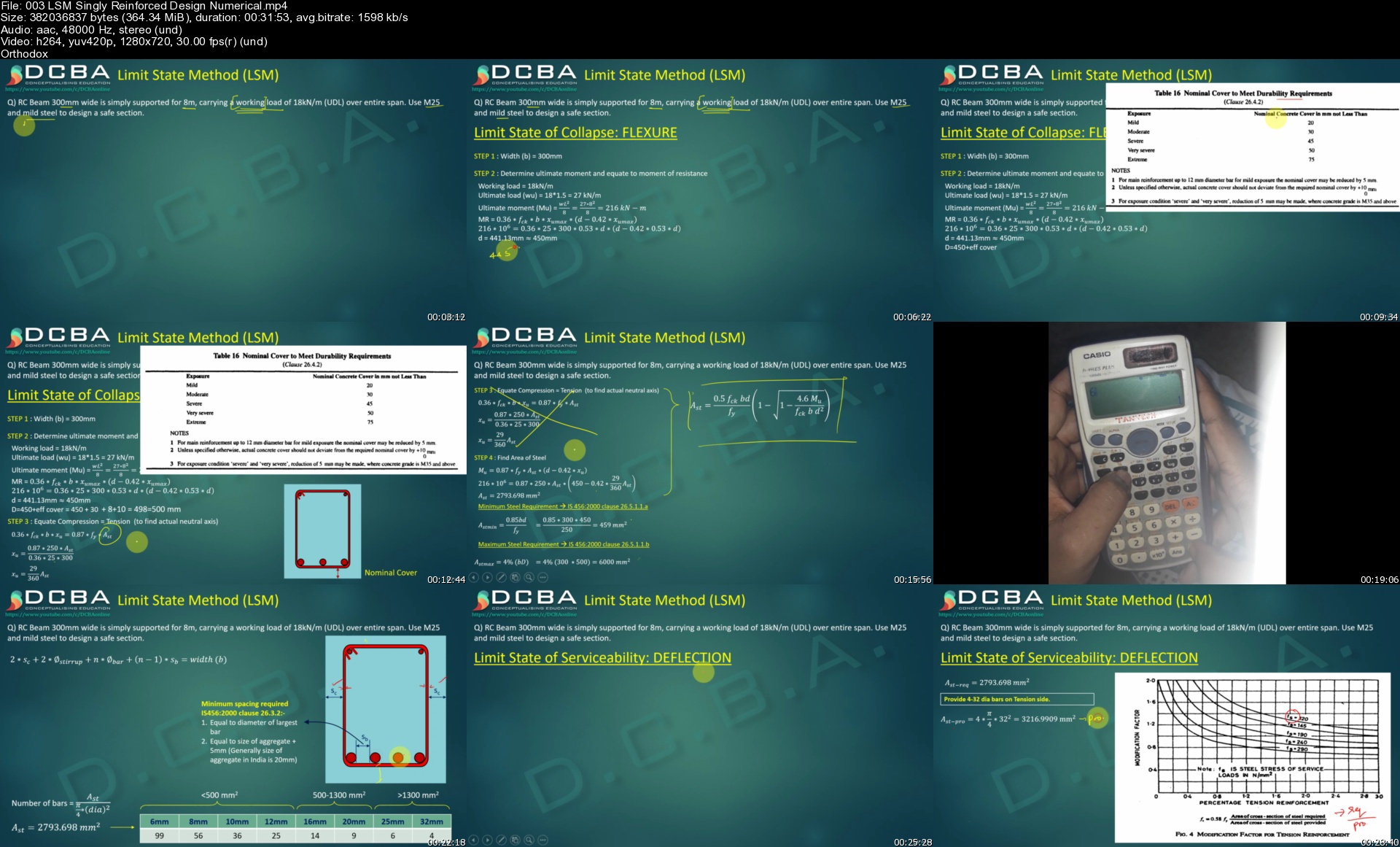
Comprehensive RCC Design using IS 456 : 2000 (LSM)

363891423a35iksq.jpg


Comprehensive RCC Design using IS 456 : 2000 (LSM)
MP4 | Video: h264, 1280x720 | Audio: AAC, 44.1 KHz, 2 Ch
Genre: eLearning | Language: English + srt | Duration: 44 lectures (17h 2m) | Size: 11.5 GB

A comprehensive design series for graduating engineers and practicing engineers

What you'll learn:
RCC in detail according to IS 456 : 2000 using Limit State Method.
Difference in WSM, LSM and ULM design philosophy
Under reinforced, Over reinforced and Balanced section
Flexural design of beams - Singly and Doubly reinforced
Flexural design of Tee Beams
Shear in Beams
Torsion in Beams
Design of one way and two way Slabs
Design of Columns - Uniaxial and Biaxial bending
Footing design

Requirements
Should have basic knowledge of terminologies like yield and ultimate stress of materials


Description
Myself a qualified design engineer and a professor in eminent institution brings you this engaging series lecture on design of reinforced concrete structures. This series is specially designed for graduating engineers and practicing engineers and is based on IS 456 : 2000 code. It covers important topics in RCC design including its design philosophies, design of singly and doubly reinforced beams, shear reinforcement, torsion reinforcement, slabs, columns and footings Along with this you will also get practical knowledge that you need to have for working on site.

Who this course is for
Students pursuing bachelors or Masters in Civil Engineering.
Site Engineers
Design Engineers
RCC Designers

Homepage


003lsmsinglyreinforcedej49.jpg


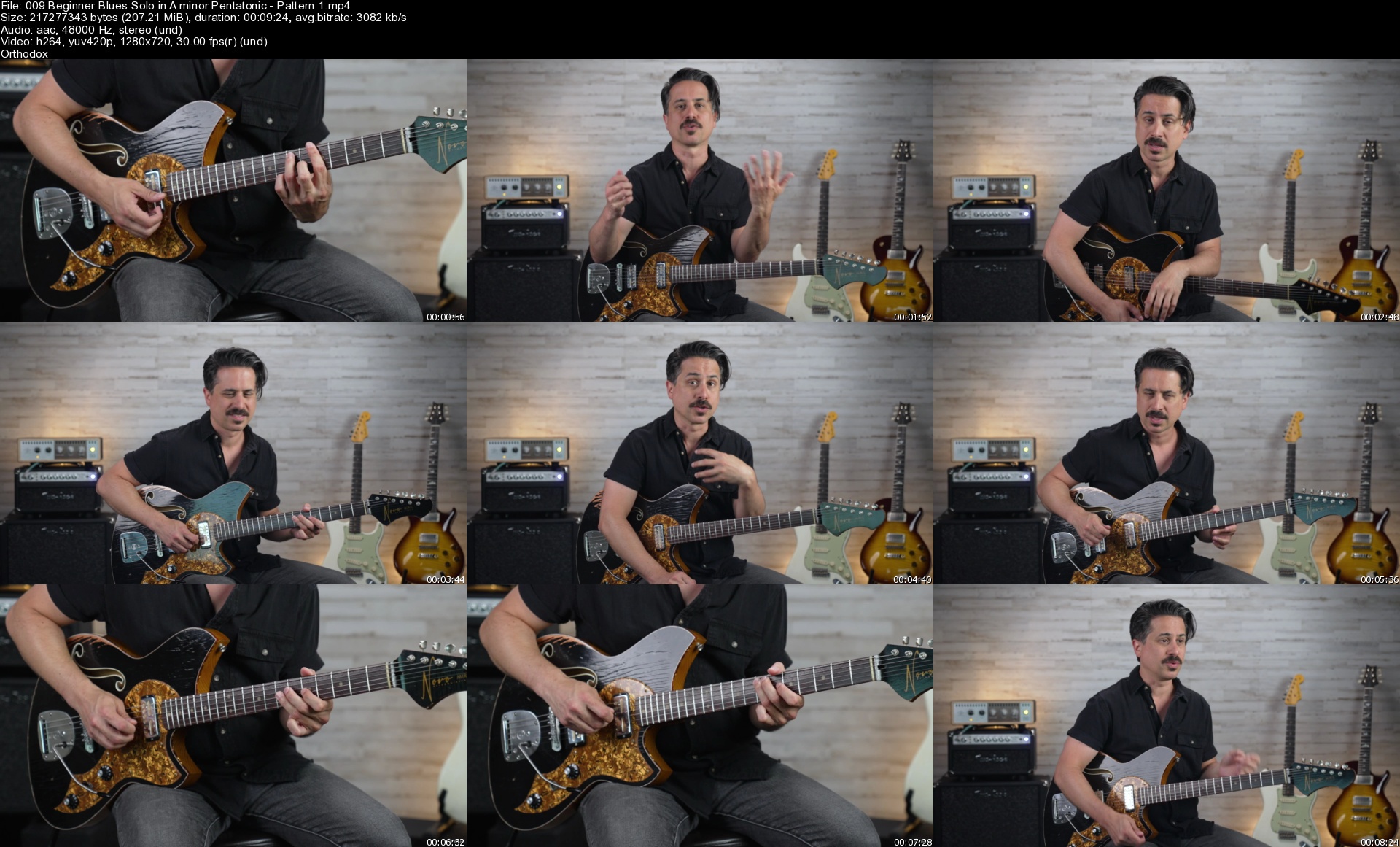
Beginner Lead Blues Guitar Lessons, Electric Guitar Soloing

1630438943422128045e0f3j9o.jpg


Beginner Lead Blues Guitar Lessons, Electric Guitar Soloing
MP4 | Video: h264, 1280x720 | Audio: AAC, 44.1 KHz, 2 Ch
Genre: eLearning | Language: English + srt | Duration: 54 lectures (5h) | Size: 6.7 GB

Guitar: Blues Guitar Licks, Acoustic Guitar, Music Theory Guitar, Guitar Theory, Guitarra, Learn Guitar, Guitar Beginner

What you'll learn:
blues guitar soloing
guitar soloing
lead guitar
blues guitar techniques

Requirements
Willingness to learn, basic guitar knowledge


Description
Welcome to Beginner Lead Blues Guitar Lessons! As a blues guitarist for over 20 years and instructor for nearly as long, the one thing I hear from aspiring players most often is..."I know my scales and technique but, how do I put it all together?!" I also encounter many players that understand improvising over the 12 Bar Blues form but, only know a few Minor Pentatonic scales. To make things worse, no one ever taught them how to effectively develop techniques like bending, hammer-ons, pull-offs, vibrato and more. These techniques combined with scale playing is a HUGE part of the improvising process. However, having a guide to show you how to put it all together really makes the difference. That's why I created Beginner Blues Lead Guitar!

In Beginner Blues Lead Guitar you can be just that...a beginner! There's no reason to be intimidated here as I will take you from the ground level of playing lead guitar to competently creating your own blues solos. What's the ground level you might ask? Well, I'll not only teach you the nuts and bolts of scales and technique, I'll teach you the how and why too! Some beginners may not even know what "improvising" or playing "lead" guitar is. Not to worry! I'll give full background on what improvising on guitar is and how you can do it on your own!

I'll teach you over 25 Blues Solos in 4 different keys. The beauty of these solos is that they focus on each scale pattern and are at slow tempos so that you can build confidence while traversing through each one!

I will also spend a lot of time on technique. Hammer-ons, Pull-offs, sliding, bending, vibrato, and double stops are all covered. I even constructed solos around each one of these techniques so that they work perfectly in the Minor Pentatonic scale patterns.

Beginning Blues guitarists are always on the hunt for great tone and I've added an extensive Gear section at the end of the course to give you pointers on how to craft the Blues Lead tone you're after. I'll show you several guitars, pedals and amp settings to help aid you in tonequest!

Of course all assets like TABs, PDFs, and Backing tracks are included and, you can comment and ask questions in the Udemy interface as well.

Here's what you'll get inside this comprehensive intermediate blues course:

5 hours on-demand video


62 downloadable resources


Full lifetime access


Access on mobile and TV


Certificate of completion


Answers to any and all questions you have by myself (Corey) and other students in the program

I'm excited for you to take this journey with me to becoming a better Blues Lead Guitarist. I'm extremely confident in the material and teaching as the blues are near and dear to me!

Thanks so much for checking out this course and I look forward to helping you become a better blues lead guitarist!

Who this course is for
Beginner or Intermediate guitarists who are interested in learning how to solo

Homepage


009beginnerbluessoloim9kss.jpg


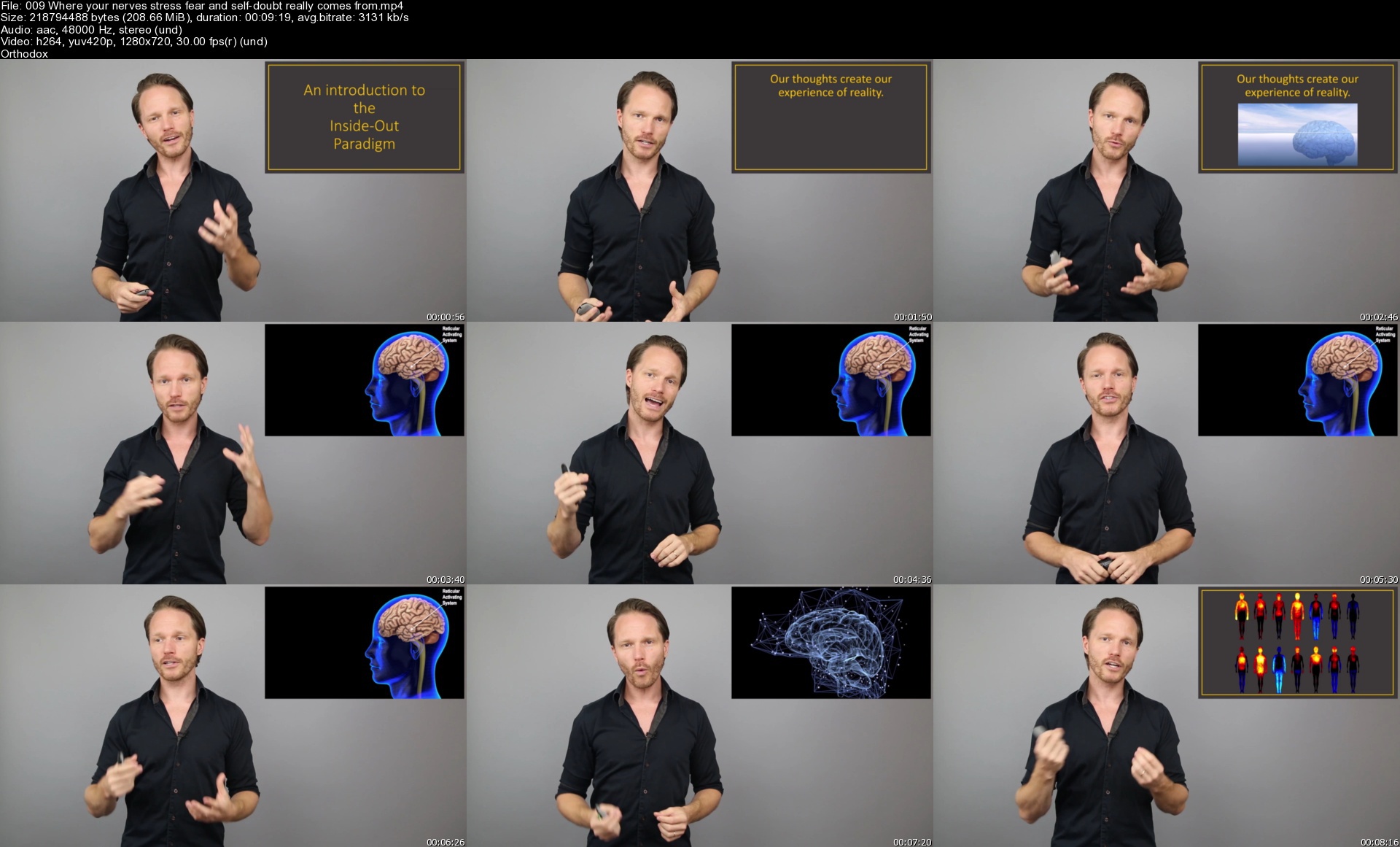
The Secrets of Confidence and Communication

0073ec54vjj8y.jpg


The Secrets of Confidence and Communication
.MP4, AVC, 1280x720, 30 fps | English, AAC, 2 Ch | 3h 42m | 4.83 GB
Instructor: TJ Guttormsen

Learn to remove bad social programming, build expert social skills, and create a natural state of sparkling confidence.


What you'll learn

How to stop criticizing yourself.
How to challenge your comfort zone comfortably.
How to manage self-doubt, stress and nerves.
How to turn your need of approval into a helpful tool.
How to never again be disappointed in yourself or others.
How to understand others better than ever before.
How to easily start conversations with almost anyone, almost anywhere.
The three ingredients to a successful interaction - and how to master them.
How to create interactions that will be more than a one-time superficial conversation.
And much more.


Description


Who this course is for:

People interested in improving their social skills
People who want to become more confident
People who want to communicate better

More Info

009whereyournervesstrwjky3.jpg


Architectural visualization with 3ds Max 2022 and Corona Renderer 7 by Widhi Muttaqien

xqvsbrktrdeotrlkujxqbqzj9s.jpg


Architectural visualization with 3ds Max 2022 and Corona Renderer 7 by Widhi Muttaqien
Video: MPEG4 Video (H264) 1280x720 25fps | Audio: AAC 44100Hz stereo 7kbps
Genre: eLearning | Duration: 12hrs+ | Language: English | File size: 5.7 GB

In this online course, you will learn how to use 3ds Max and Corona renderer to create an interior scene from scratch. If you never used 3ds Max before or even used any 3d software before, don't worry, because we will start from level zero. We will cover the essentials and then move up gradually to the more advanced stuff. This is the final result of the interior project that you will create in this course.

THE CURRICULUM

There are so many things that you will learn from this course. It will be too long to explain all of them in this short video. You can check the curriculum section if you want to dig deeper. But, just for a quick preview. There are a total of 15 chapters in this course.

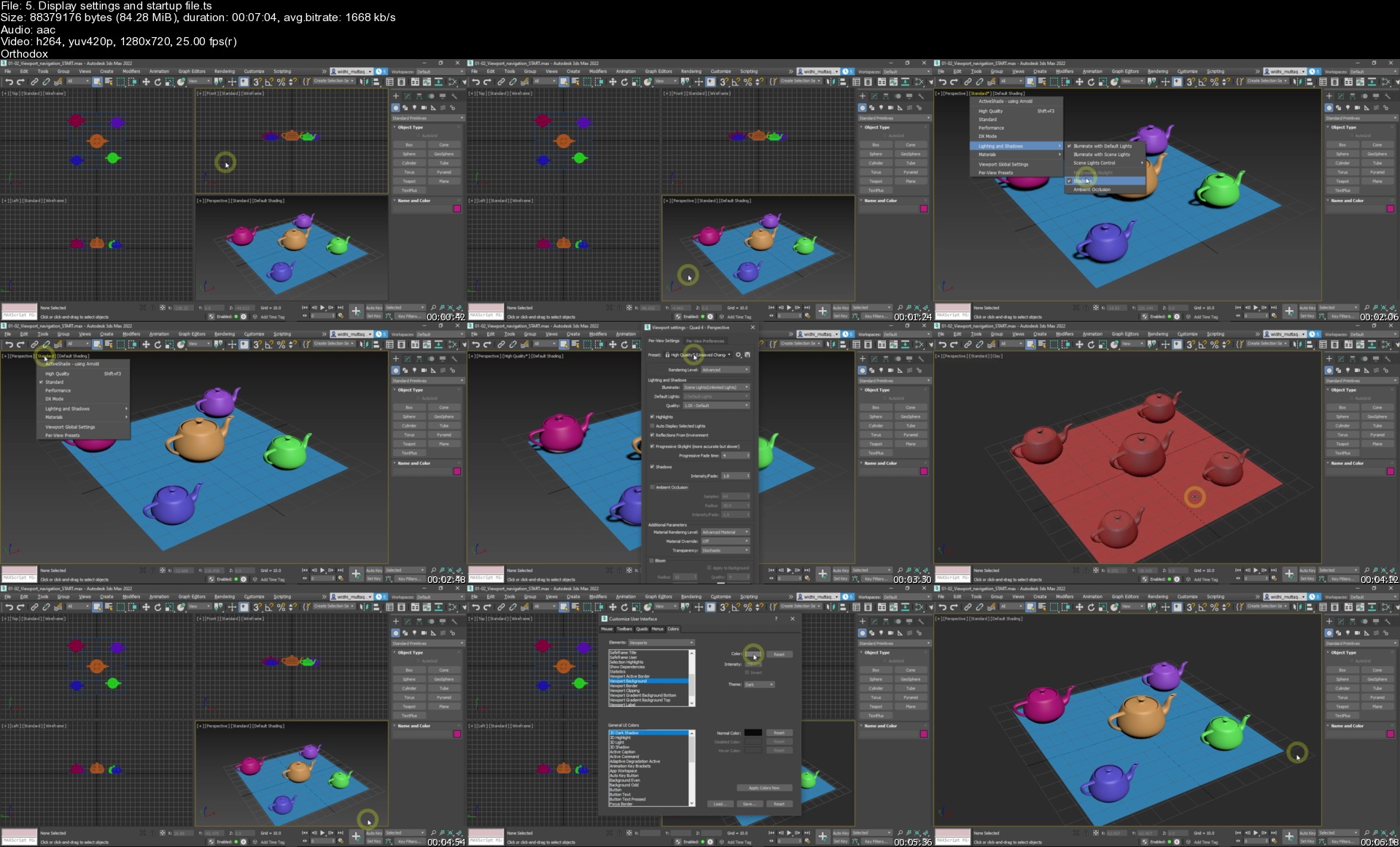
In the first chapter, you will learn the UI of 3ds Max. You will learn viewport navigation and different display settings. In the second chapter, you will learn basic object operations such as creating, modifying, transformations, selecting, duplicating, etc. In the third chapter, you will learn scene management techniques, such as using the scene explorer, using layer, grouping, etc. In the fourth chapter, you will start learning 3D modeling using the editable poly object. You will learn different ways to create selections. And many different modeling commands such as extrude, inset, bevel, bridge, connect, cut, slice, and so on. Next, in chapter 5, you will learn precision modeling techniques. You will learn how to use the real measurement units, learn to use snapping, object alignment, etc. Then in chapter 6, You will start working on the interior project. You will model the picture frame, the coffee table, the TV, the shelves, the floor, the wall, the ceiling, the door, and the window. In chapter 7, you will learn 3d modeling using spline objects. You will learn different spline vertex types. Learn to create splines and modify them using many different techniques. And then learn to use modifiers to convert the splines into 3d objects. In chapter 8, you will continue working on the interior project. You will create the curtain, the floor lamp, the 3d pattern, the backdrop, the crown molding, the plinth, the loudspeaker, and so on. In the next chapter or chapter 9. You will learn the basics of subdivision modeling techniques. And then in chapter 10, you will apply the subdivision techniques to model a teacup object. And then model the sofa for the interior project. You will start with the leg, then the seating, the cushion, and finally the backrest part. In chapter 11, you will start learning how to use materials. Starting from the basic concepts. How to use the material editor, material map browser, using multi-sub-object material, creating your own material library, and so on. In chapter 12, you will learn the essentials of the Corona renderer. Learn how to create different lighting types, learn to use the Corona physical material, Corona interactive rendering, render element, masking, etc. In chapter 13, you will continue the interior project. You will add the Corona camera to the scene. Adding the environment lighting, and then the interior lights. And also adding basic materials. Next, in chapter 14, you will learn texturing and UV mapping. Learn how to use PBR textures with the Corona material, UV projection mapping, UV unwrapping, and the real-world map size feature, etc. Finally, in chapter 15, you will add textures to the interior scene. You will learn how to use the Corona material library. Add custom PBR textures to the floor and carpet. Learn how to optimize instantiated multi sub-object materials. Learn how to UV unwrap the armchair model. And then finally, render the project and create the final composition in Photoshop.

After completing the course, in sha Allah, you will have solid skills in using 3ds Max and Corona Renderer. You can apply the skills later not only for interior projects but also for other architectural visualization projects in general. I hope you find this course interesting and beneficial.

Homepage


5.displaysettingsands3tk3f.jpg


Linkedin Learning Learning PC Maintenance and Performance-XQZT

234500703_02-03-using_a_firewall_c.jpg


Linkedin Learning Learning PC Maintenance and Performance-XQZT | MKV | 128.15 MiB

945 kb/s 1280x720 | AAC 160 kb/s 2 CH eng


NFO:
File List:

File: 01.01-pc_maintenance_and_performance_considerations.mkv
Size: 5654969 bytes (5.39 MiB), duration: 00:00:47, avg.bitrate: 963 kb/s
Audio: aac, 48000 Hz, stereo (eng)
Video: h264, yuv420p, 1280x720, 23.98 fps(r) (eng)
Subtitles: eng


Download ( Size: 128.15 MiB ):
Filehosts: Nitroflare, Rapidgator


oHeopzn.png

1 Link/s
674E3C3BA5.png


5hSo1Ay.png

1 Link/s
E39A2C93D8.png


Linkedin Learning Learning Unit Testing with Jasmine-XQZT

234500738_03-01-data_setup_with_beforeeach_c.jpg


Linkedin Learning Learning Unit Testing with Jasmine-XQZT | MKV | 136.76 MiB

275 kb/s 1280x720 | AAC 2 CH eng


NFO:
File List:

File: linkedin.learning.learning.unit.testing.with.jasmine-xqzt-sample.mkv
Size: 2259330 bytes (2.15 MiB), duration: 00:01:05, avg.bitrate: 278 kb/s
Audio: aac, 48000 Hz, stereo (eng)
Video: h264, yuv420p, 1280x720, 30.00 fps(r) (eng)
Subtitles: eng


Download ( Size: 136.76 MiB ):
Filehosts: Nitroflare, Rapidgator


oHeopzn.png

1 Link/s
14C6B52423.png


5hSo1Ay.png

1 Link/s
71588AE234.png


MasterClass - Mashama Bailey Teaches Southern Cooking

ec2d984bcb6535e526c888ce653a3877.jpg

MasterClass - Mashama Bailey Teaches Southern Cooking
.MKV, AVC, 1920x1080, 24 fps | English, AAC, 2 Ch | 3h 22m | + PDF | 8.78 GB​
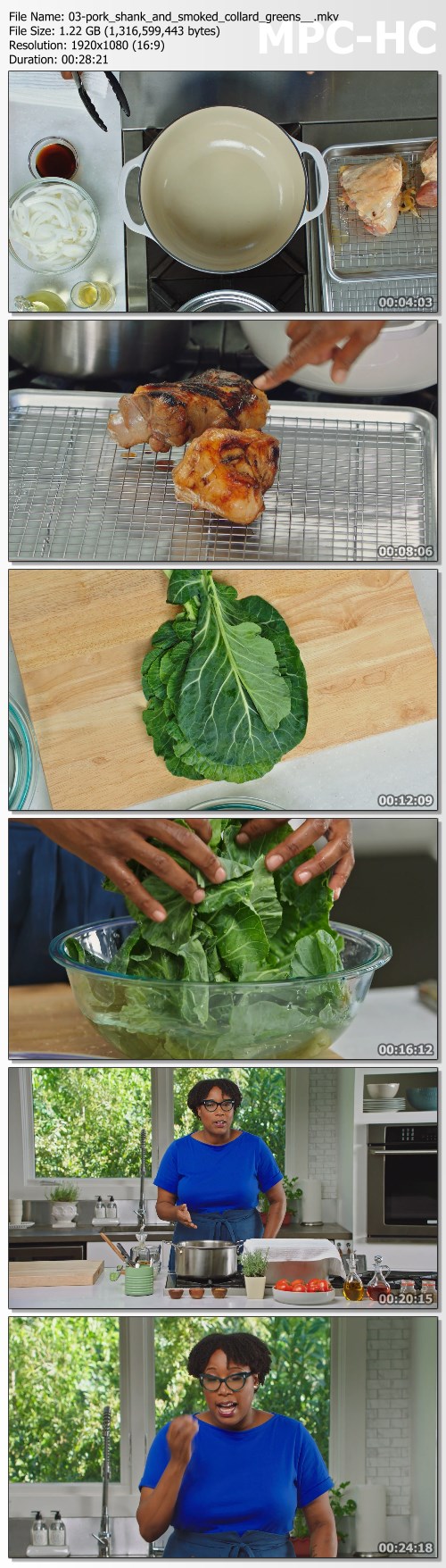
Through her award-winning Savannah restaurant, The Grey, Chef Mashama Bailey has brought worldwide acclaim to the rich, layered traditions of Southern cooking. Now the James Beard Award-winning chef is showing you traditional and reimagined techniques and recipes for nutritious, flavorful Southern dishes. From pork shank and collard greens to succotash, gumbo, and grits, explore a world of history, texture, and taste.

Helping to reshape perceptions of Black, Southern culinary traditions, Chef Mashama Bailey draws inspiration from her grandmothers' kitchens and recipes passed down through oral histories. As executive chef and partner of acclaimed Savannah, Georgia, restaurant The Grey, Mashama brings her own style to the deep, layered tastes and textures of Southern dishes.
Now the James Beard Award winner is sharing those traditions, techniques, and recipes with you. From gumbo and grits to braising and smoking, discover the history of Southern favorites and make your own mouthwatering versions right at home.

Lessons in this online class include:
- Succotash
- Pork Shank and Smoked Collard Greens
- Seafood Middlin
- Fish and Grits
- Foie and Grits
- Quail With Watermelon Molasses and Cornbread Dressing
- Pickled Oysters
- Oyster Hand Pie
- Okra Gumbo Z'Herbes

Homepage:

Screenshots
cb97e48ff84586e574713b34c4113876.jpg


Link Download
​
Extract files with WinRar 5 or Latest !
 
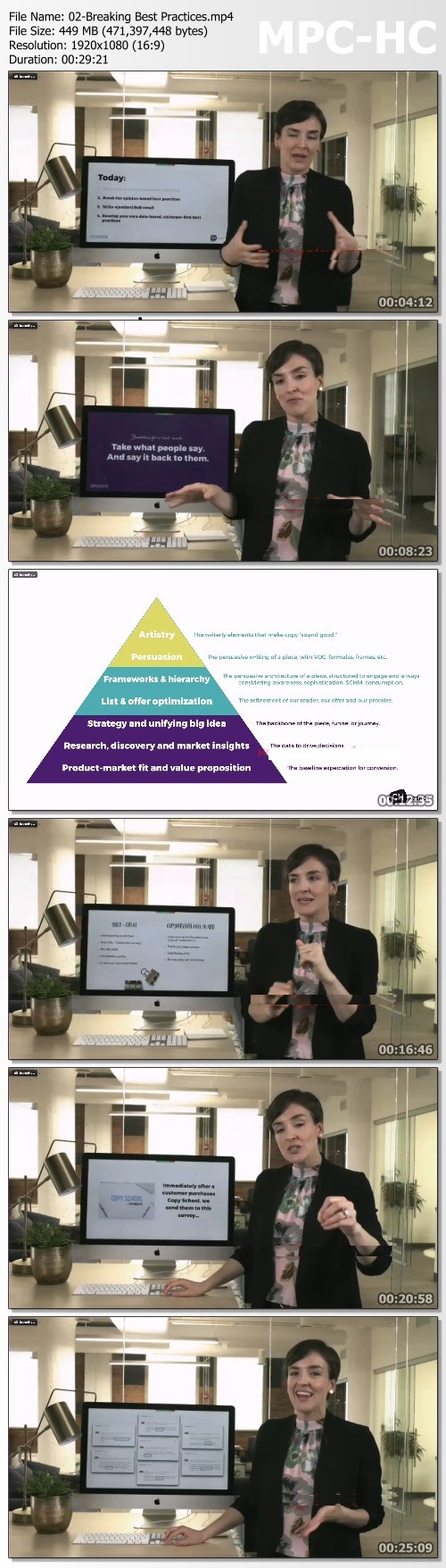
Joanna Wiebe - How to STOP Boring Your Email Subscribers...and START Driving Clicks

559f680ad542be9ae3a005e0e917df4b.jpg

Joanna Wiebe - How to STOP Boring Your Subscribers And START Getting Clicks | 3.11 GB​
How to STOP Boring Your Email Subscribers...and START Driving Clicks
In a BRAND NEW 6-hour workshop, copywriting expert Joanna Wiebe will teach you how to write persuasive copy that gets people to take the next step in the customer journey.

Workshop Description
Writing email copy can feel impossible if you're not a trained copywriter. Luckily, Joanna Wiebe of Copyhackers is here to break down the invisible barrier between everyday marketers and amazing email copy.
In this workshop, you'll learn how to create your own set of best practices, tailor-made for your individual audience. You'll also get the tools and mindset-shift you need to take on your next email campaign feeling confident in your ability to write engaging emails that connect with your audience on a deeper, more meaningful level. that turns cold subscribers into customers and customers into repeat customers.

In this BRAND NEW Workshop, You'll Learn How To...
- Craft the PERFECT copy hooks, so that you're positive every email you send is getting opened, read, and clicked
- Write breakthrough email copy that will not only KEEP your subscribers' attention. but also drive them to take ACTION
- Move your customer from indecision (and/or straight-up BOREDOM) to either a solid "YES" . or even a solid "no" . and why that's not always a bad thing
- Use Joanna's downloadable email templates, cheat-sheets, and editing guide to create an email framework that's tailored to your business
- Break down and analyze every email you send, so you're consistently repeating the results from your best-performing emails

Homepage:

Screenshots
d6ea41c80baf9a2083417ff951cb3314.jpg


Link Download
​
Extract files with WinRar 5 or Latest !
 
Zurück
Oben Unten