• Regeln für den Video-Bereich:

    In den Börsenbereich gehören nur Angebote die bereits den Allgemeinen Regeln entsprechen.

    Einteilung

    - Folgende Formate gehören in die angegeben Bereiche:
    - Filme: Encodierte Filme von BluRay, DVD, R5, TV, Screener sowie Telesyncs im Format DivX, XviD und x264.
    - DVD: Filme im Format DVD5, DVD9 und HD2DVD.
    - HD: Encodierte Filme mit der Auflösung 720p oder darüber von BluRay, DVD, R5, TV, Screener sowie Telesyncs im Format x264.
    - 3D: Encodierte Filme von BluRay, die in einem 3D Format vorliegen. Dies gilt auch für Dokus, Animation usw.
    - Serien: Cartoon/Zeichentrick, Anime, Tutorials, Dokumentationen, Konzerte/Musik, Sonstiges sind demnach in die entsprechenden Bereiche einzuordnen, auch wenn sie beispielsweise im High Definition-Format oder als DVD5/DVD9/HD2DVD vorliegen. Ausnahme 3D.
    - Bereich Englisch: Englische Releases gehören immer in diesen Bereich.
    - Bereich Talk: Der Bereich, in dem über die Releases diskutiert werden kann, darf, soll und erwünscht ist.


    Angebot/Beitrag erstellen

    - Ein Beitrag darf erst dann erstellt werden, wenn der Upload bei mindestens einem OCH komplett ist. Platzhalter sind untersagt.
    - Bei einem Scenerelease hat der Threadtitel ausschließlich aus dem originalen, unveränderten Releasenamen zu bestehen. Es dürfen keine Veränderungen wie z.B. Sterne, kleine Buchstaben o.ä. vorgenommen werden. Ausnahme Serienbörse:
    - Bei einem Sammelthread für eine Staffel entfällt aus dem Releasename natürlich der Name der Folge. Beispiel: Die Simpsons S21 German DVDRip XviD - ITG
    - Dementsprechend sind also u.a. verboten: Erweiterungen wie "Tipp", "empfehlenswert", "only", "reup", usw. / jegliche andere Zusatzinformation oder Ergänzung, welche nicht in obiger Beschreibung zu finden ist.

    Aufbau des Angebots und Threadtitel

    Der Titel nach folgendem Muster erstellt zu werden. <Name> [3D] [Staffel] [German] <Jahr> <Tonspur> [DL] [Auflösung] <Quelle> <Codec> - <Group>
    Beispiel: The Dark Knight German 2008 AC3 DVDRip XviD - iND
    Beispiel: The Dark Knight 2008 DTS DL BDRip x264 - iND
    Beispiel: The Dark Knight 2008 AC3 DL BDRip XviD - iND
    Beispiel: The Dark Knight German 2008 AC3 720p BluRay x264 iND
    Beispiel: The Dark Knight 2008 DTS DL 1080p BluRay x264 iND
    Beispiel: Die Simpsons S01 German AC3 DVDRip XviD iND
    Beispiel: Die Simpsons S20 German AC3 720p BluRay x264 iND
    Beispiel: Sword Art Online II Ger Sub 2014 AAC 1080p WEBRip x264 - peppermint
    Entsprechend sind also u.a. verboten: Sonderzeichen wie Klammern, Sterne, Ausrufezeichen, Unterstriche, Anführungszeichen / Erweiterungen wie "Tipp", "empfehlenswert", "only", "reup", usw. / jegliche andere Zusatzinformation oder Ergänzung, welche nicht in obiger Beschreibung zu finden ist
    Ausnahmen hiervon können in den Bereichen geregelt sein.

    Die Beiträge sollen wie folgt aufgebaut werden:
    Überschrift entspricht dem Threadtitel
    Cover
    kurze Inhaltsbeschreibung
    Format, Größe, Dauer sind gut lesbar für Downloader außerhalb des Spoilers zu vermerken
    Nfo sind immer Anzugeben und selbige immer im Spoiler in Textform.
    Sind keine Nfo vorhanden z.B. Eigenpublikationen, sind im Spoiler folgende Dateiinformationen zusätzlich anzugeben :
    Quelle
    Video (Auflösung und Bitrate)
    Ton (Sprache, Format und Bitrate der einzelnen Spuren)
    Untertitel (sofern vorhanden)
    Hosterangabe in Textform außerhalb eines Spoiler mit allen enthaltenen Hostern.
    Bei SD kann auf diese zusätzlichen Dateiinformationen verzichtet werden.

    Alle benötigten Passwörter sind, sofern vorhanden, in Textform im Angebot anzugeben.
    Spoiler im Spoiler mit Kommentaren :"Schon Bedankt?" sind unerwünscht.


    Releases

    - Sind Retail-Release verfügbar, sind alle anderen Variationen untersagt. Ausnahmen: Alle deutschen Retail-Release sind CUT, in diesem Fall sind dubbed UNCUT-Release zulässig.
    - Im Serien-Bereich gilt speziell: Wenn ein Retail vor Abschluss einer laufenden Staffel erscheint, darf diese Staffel noch zu Ende gebracht werden.62
    - Gleiche Releases sind unbedingt zusammenzufassen. Das bedeutet, es ist zwingend erforderlich, vor dem Erstellen eines Themas per Suchfunktion zu überprüfen, ob bereits ein Beitrag mit demselben Release besteht. Ist dies der Fall, ist der bereits vorhandene Beitrag zu verwenden.
    - P2P und Scene Releases dürfen nicht verändert oder gar unter einem iND Tag eingestellt werden.


    Support, Diskussionen und Suche

    - Supportanfragen sind entweder per PN oder im Bereich Talk zu stellen.
    - Diskussionen und Bewertungen sind im Talk Bereich zu führen. Fragen an die Uploader haben ausschließlich via PN zu erfolgen, und sind in den Angeboten untersagt.
    - Anfragen zu Upload-Wünschen sind nur im Bereich Suche Video erlaubt. Antworten dürfen nur auf Angebote von MyBoerse.bz verlinkt werden.


    Verbote

    - Untersagt sind mehrere Formate in einem einzigen Angebotsthread, wie beispielsweise das gleichzeitige Anbieten von DivX/XviD, 720p und 1080p in einem Thread. Pro Format, Release und Auflösung ist ein eigener Thread zu eröffnen.
    - Grundsätzlich ebenso verboten sind Dupes. Uploader haben sich an geeigneter Stelle darüber zu informieren, ob es sich bei einem Release um ein Dupe handelt.
    - Gefakte, nur teilweise lauffähige oder unvollständige Angebote sind untersagt. Dies gilt auch für eigene Publikationen, die augenscheinlich nicht selbst von z.B. einer DVD gerippt wurden. Laufende Serien, bei denen noch nicht alle Folgen verfügbar sind, dürfen erstellt und regelmäßig geupdatet werden.
    - Untersagt sind Angebote, welche nur und ausschließlich in einer anderen Sprache als deutsch oder englisch vorliegen. Ausnahmen sind VORHER mit den Moderatoren zu klären.


    Verstoß gegen die Regeln

    - Angebote oder Beiträge, die gegen die Forenregeln verstoßen, sind über den "Melden"-Button im Beitrag zu melden.
  • Bitte registriere dich zunächst um Beiträge zu verfassen und externe Links aufzurufen.


Englische Tutorials

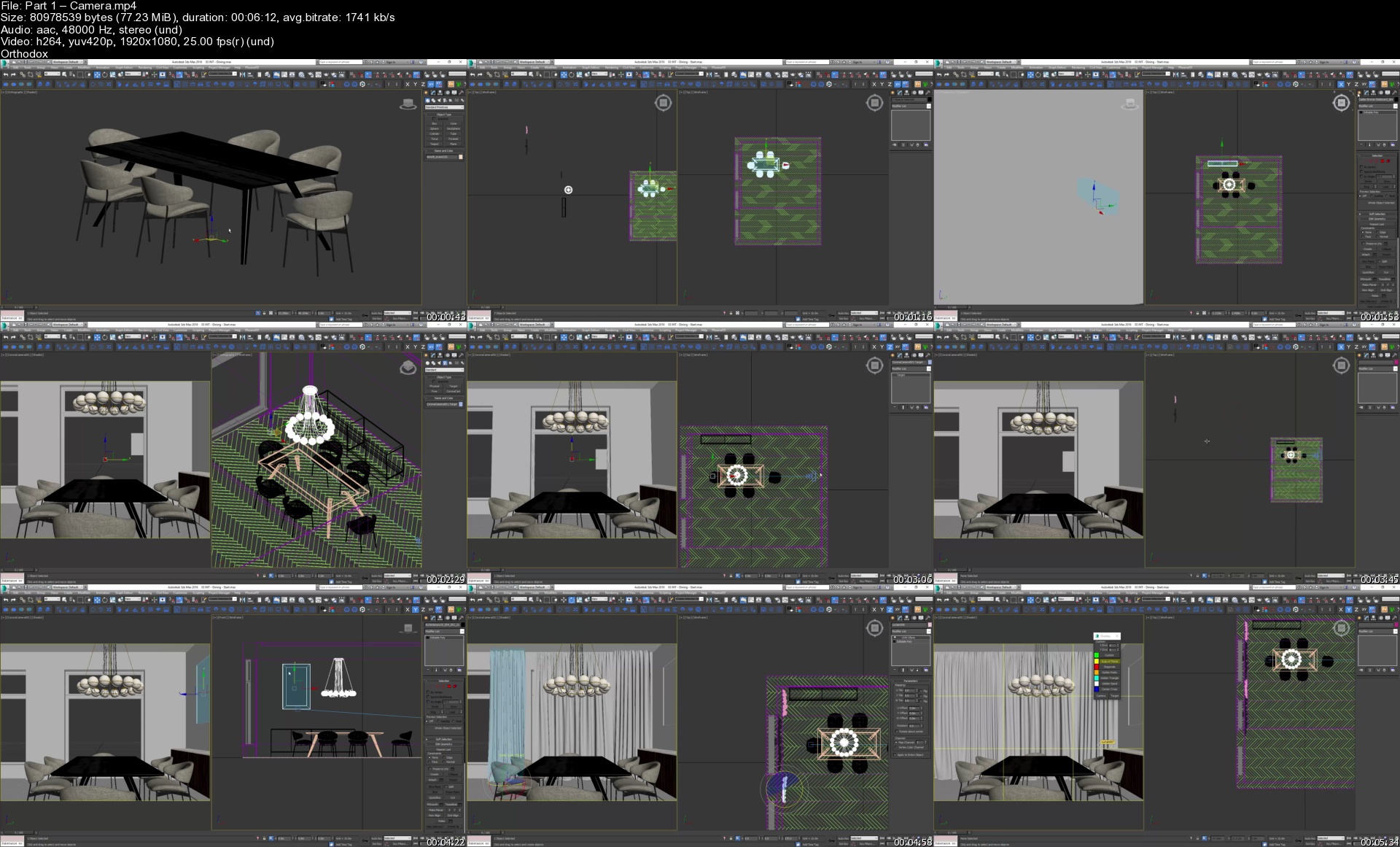
ArchViz Artist - Training Visualizations (Corona)

pglvs9y8npwy12o9t3nm00ykak.jpg


ArchViz Artist - Training Visualizations (Corona)
Video: 1920x1080, .mp4, 25 fps | Audio: AAC-LC, 253 kb/s 2 channels, 48.0 KHz | Genre: eLearning
Software: 3Ds Max | Duration: 6hr+ | Language: English | File size: 4.6 GB

We will teach you the best of the best practices we use every day to create our images. You will save years of learning the wrong techniques and unnecessary things. Working as a 3d artist can give you a lot of opportunities. The true beauty of this job is that you can make it fit the lifestyle you dream of. If you want to have a stable, safe life, you can choose a full-time job in one of the architectural visualization studios around the world.

Homepage


part1cameras1ojte.jpg


Facilities Management: Returning to the Workplace Post-COVID

nm27tnuis3w6vcor0kif1p8k6d.jpg


Facilities Management: Returning to the Workplace Post-COVID
Duration: 51m 54s | MP4 | Video: AVC, 1280x720 30 fps | Audio: AAC, 48 KHz, 2 Ch | Size: 402 MB
Skill Level: Intermediate | Genre: eLearning | Language: English

In some areas of the world, the pandemic is starting to get under control and companies are contemplating a return to the workplace. The ability to do so safely is dependent on many factors: the existing physical space, work functions, and local attitudes and expectations. Facility managers need to assess the new normal and develop strategies for changes to the built environment. This course with Jim Rogers-a recognized leader in the fields of construction management and occupational safety and health-provides practical strategies for evaluating your current systems and spaces, making changes, and managing ongoing health and safety issues. Learn how to deal with reduced room capacity, alter conference rooms, make improvements to your HVAC system, and more. With these guidelines, you can ensure your company is making the workplace as safe and secure as possible for your employees.

Homepage


08hybridmeetingsrequipuk9u.jpg


Data Science:Covid-19 Data Analysis Visualization Deployment

e28lzq4ewnmwo93bwbhlbmxjt9.jpg


Data Science:Covid-19 Data Analysis Visualization Deployment
MP4 | Video: h264, 1280x720 | Audio: AAC, 44.1 KHz, 2 Ch
Genre: eLearning | Language: English + srt | Duration: 21 lectures (1h 57m) | Size: 547.5 MB

A practical hands on data science Project on Covid-19 Data Analysis, Visualization(using Plotly Express) & Deployment

What you'll learn:
Data Analysis and Understanding
Data Preparation
Performing Feature Engineering
Learn to create Plotly Bubble and Bar Charts
Folium to visualize the data on world map
Pushing your notebooks to GitHub repository
Deploying your project on Heroku Platform

Requirements
Very Basic knowledge of Python
Basic knowledge on Git


Description
This course is about Data Analysis, Visualization on COVID19 data (from authentic and reputed source which is updated daily) & Deployment. This course will teach you everything you need to know from Data Analysis Visualization to deploying it on Cloud platforms.

This course will walk you through the initial data analysis and understanding, data preparation and feature engineering techniques. We will use Plotly which helps us in creating beautiful graphs, hence we will be learning to use Plotly for data visualization mainly we will use Bubble Charts, Bar Charts and Line Plots.

We will also learn techniques to create an interactive feature which will help us to interact with our graphs, changing value at runtime, this will help the users to better interact and play around with the data real time.

We will learn to plot the COVID19 data on world map.

At the end we will learn to deploy the same on Cloud.

Please note that this is a hands on course that means I will code and then you will code.

I have split and segregated the entire course in Tasks below, for ease of understanding of what will be covered.

Task 1 : Importing Libraries.

Task 2 : Loading the data from source (the data source is updated every 24 hours)

Task 3 : Data Understanding

Task 4 : Data Preparation

Task 5 : Extracting the overall worldwide status counts.

Task 6 : Performing Feature Engineering.

Task 7 : Aggregating and visualizing the top n countries having highest new confirmed cases using Plotly Bubble Charts.

Task 8 : Aggregating and visualizing the top n countries having highest new death cases using Plotly Bubble Charts.

Task 9 : Aggregating and visualizing the top n countries having highest new recovered cases using Plotly Bubble Charts.

Task 10 : Visualizing the trend of confirmed cases over time using Plotly Line Charts.(Option to select country from drop down)

Task 11 : Visualizing the trend of death cases over time using Plotly Line Charts.(Option to select country from drop down)

Task 12 : Visualizing the trend of recovered cases over time using Plotly Line Charts.(Option to select country from drop down)

Task 13 : Table chart to showcase the top n countries (where n can be changed at chart level) sorted by confirmed cases in Descending order.

Task 14 : Table chart to showcase the Confirmed/Death/Recovered/Active cases for a country (where the country name can be changed at UI level).

Task 15 : Visualizing the top n worst hit countries (where n can be changed at chart level) with respect to confirmed cases in descending order using Plotly Bar Charts.

Task 16 : Visualizing the top n worst hit countries (where n can be changed at chart level) with respect to death cases in descending order using Plotly Bar Charts.

Task 17 : Visualizing the top n worst hit countries (where n can be changed at chart level) with respect to active cases in descending order using Plotly Bar Charts.

Task 18 : Visualizing the top n countries (where n can be changed at chart level) with respect to recovered cases in descending order using Plotly Bar Charts.

Task 19 : Visualizing the global spread of COVID19 on world map.

Task 20 : Preparing a separate notebook for COVID19 Dashboard containing only the data analysis and visualization graphs.

Task 21 : What is Voila and Installation steps.

Task 22 : How to run your notebook on Voila Server in your local machine.

Task 23 : Pushing your project to GitHub repository.

Task 23 : Hosting your project on Heroku Platform for free.

Data Analysis and Visualization is the most demanded skill of the 21st century and this skill can be yours just for the price of lunch.

You will receive :

1. Certificate of completion from AutomationGig.

2. The Jupyter notebook are provided at the end of the course in the resource section.

3. All other supporting project files are provided at the end of the course in the resource section.

So what are you waiting for?

Grab a cup of coffee, click on the ENROLL NOW Button and start learning the most demanded skill of the 21st century. We'll see you inside the course!

Happy Learning !!

Who this course is for
Students and professionals who want to learn Data Analysis and Visualization
Students and professionals who is interested in learning Plotly
Anyone who is interested in visualizaing real and authentic COVID19 data from reputed source
Professionals who knows data analysis but wants to deploy their data analysis visualizations on cloud

Homepage


005datavisualizationogyj61.jpg


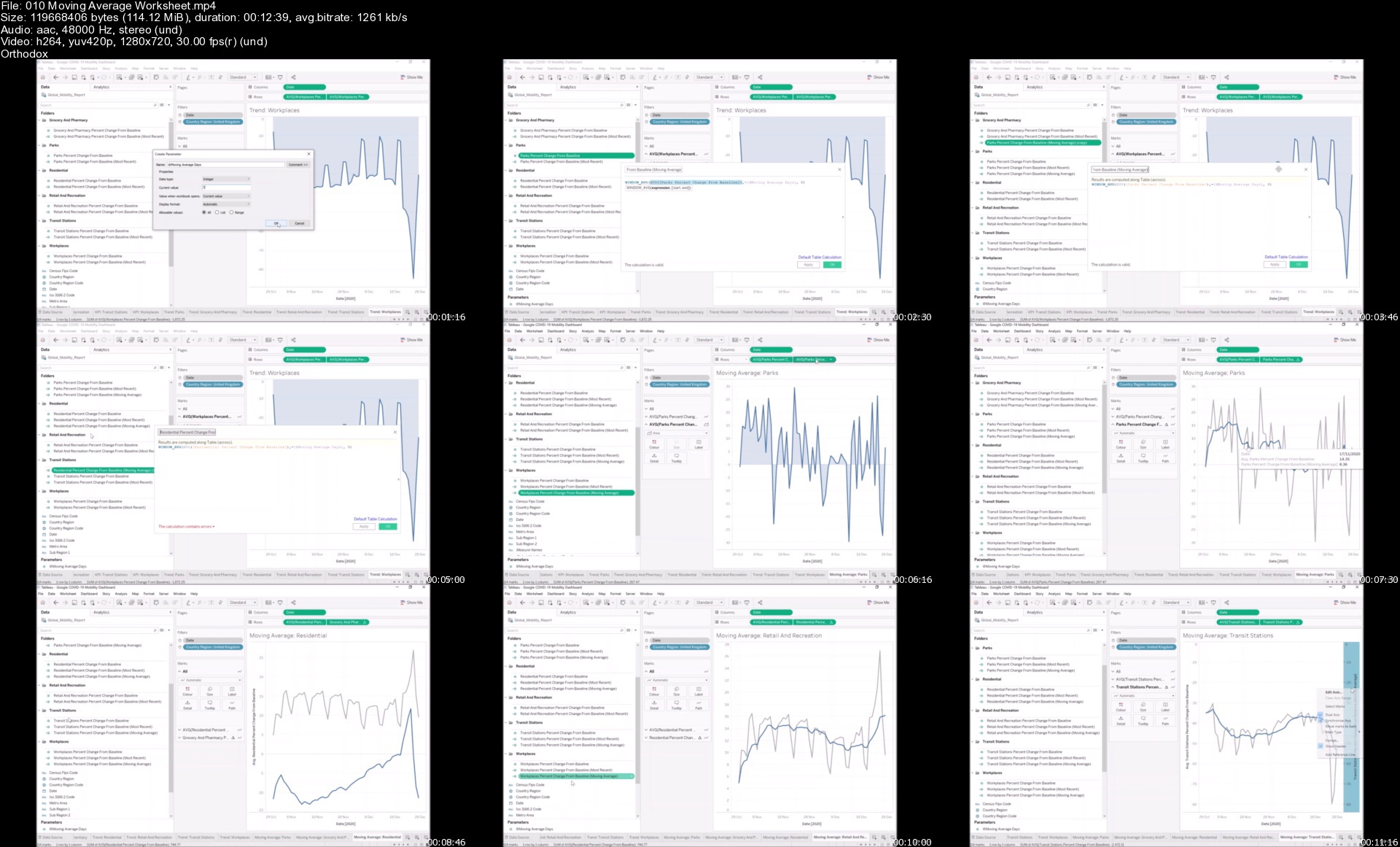
Creating a Google COVID-19 Mobility Dashboard in Tableau

ca0rsdcqspxkdayz6rf5ypxjqq.jpg


Creating a Google COVID-19 Mobility Dashboard in Tableau
MP4 | h264, 1280x720 | Lang: English | Audio: aac, 44100 Hz | 1h 49m | 1.11 GB


What you'll learn
How to create a Professional Dashboards in Tableau
Design, Formatting and Layouts
Requirements
Tableau Desktop / Tableau Public Installed
6-12 Months of Tableau Desktop Experience

Description
Tableau Desktop is often referred to as the Gold Standard for Data Visualization, Data Discovery and Self-Service Data Analytics, and caters for all users from IT Practitioners, to Data Scientists, to Data Consumers.

In this course, we are going to go through all the steps (data acquisition to a polished dashboard) to create our Google COVID-19 Mobility Dashboard in Tableau. It is not just about building the dashboard, however interesting that may be, but it is more about learning my method (and the small details) for creating such dashboards; these lessons are universal and can be applied to add a little quality to all of your other dashboards; if anything, you will have an awesome dashboard at the end of the course.

Topics:

Data Acquisition (Understanding and exploring Google Mobility Data, and loading this into Tableau)

Building our Worksheets (creating the individual worksheets, leveraging icons, colours, duplicating the worksheets, and creating several calculations to support our insights)

Assembling our Dashboard (using Containers for pixels perfect formatting, mobile layouts and toggle worksheets using parameters)

Note: This is not a course on learning the fundamentals of Tableau, but rather how you apply your skills in Tableau, you should have a working knowledge of Tableau prior to attending this course.


Who this course is for:
Anyone who wants to be inspired

Homepage


010movingaverageworkscwjwh.jpg


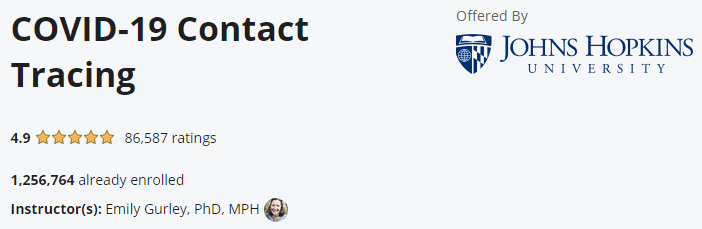
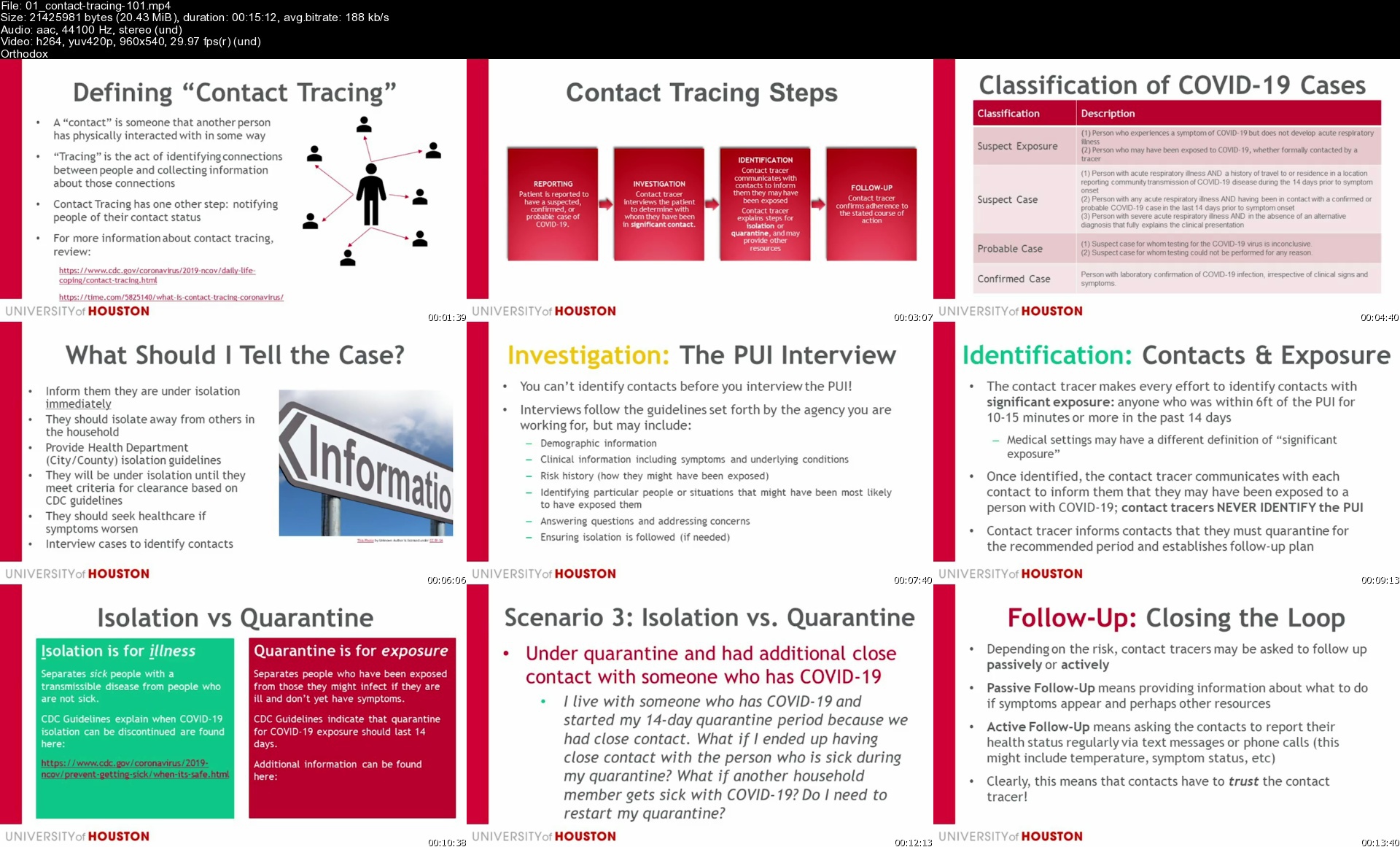
Coursera - COVID-19 Contact Tracing

cit7qc9wvju5lwhjgjoxfvpjtr.png


Coursera - COVID-19 Contact Tracing
MP4 | Video: 960x540 | Audio: AAC, 44.1Khz , 2ch | Duration: 7 hours | Language: English | 455 MB

The COVID-19 crisis has created an unprecedented need for contact tracing across the country, requiring thousands of people to learn key skills quickly. The job qualifications for contact tracing positions differ throughout the country and the world, with some new positions open to individuals with a high school diploma or equivalent.

In this introductory course, students will learn about the science of SARS-CoV-2 , including the infectious period, the clinical presentation of COVID-19, and the evidence for how SARS-CoV-2 is transmitted from person-to-person and why contact tracing can be such an effective public health intervention. Students will learn about how contact tracing is done, including how to build rapport with cases, identify their contacts, and support both cases and their contacts to stop transmission in their communities. The course will also cover several important ethical considerations around contact tracing, isolation, and quarantine. Finally, the course will identify some of the most common barriers to contact tracing efforts -- along with strategies to overcome them.

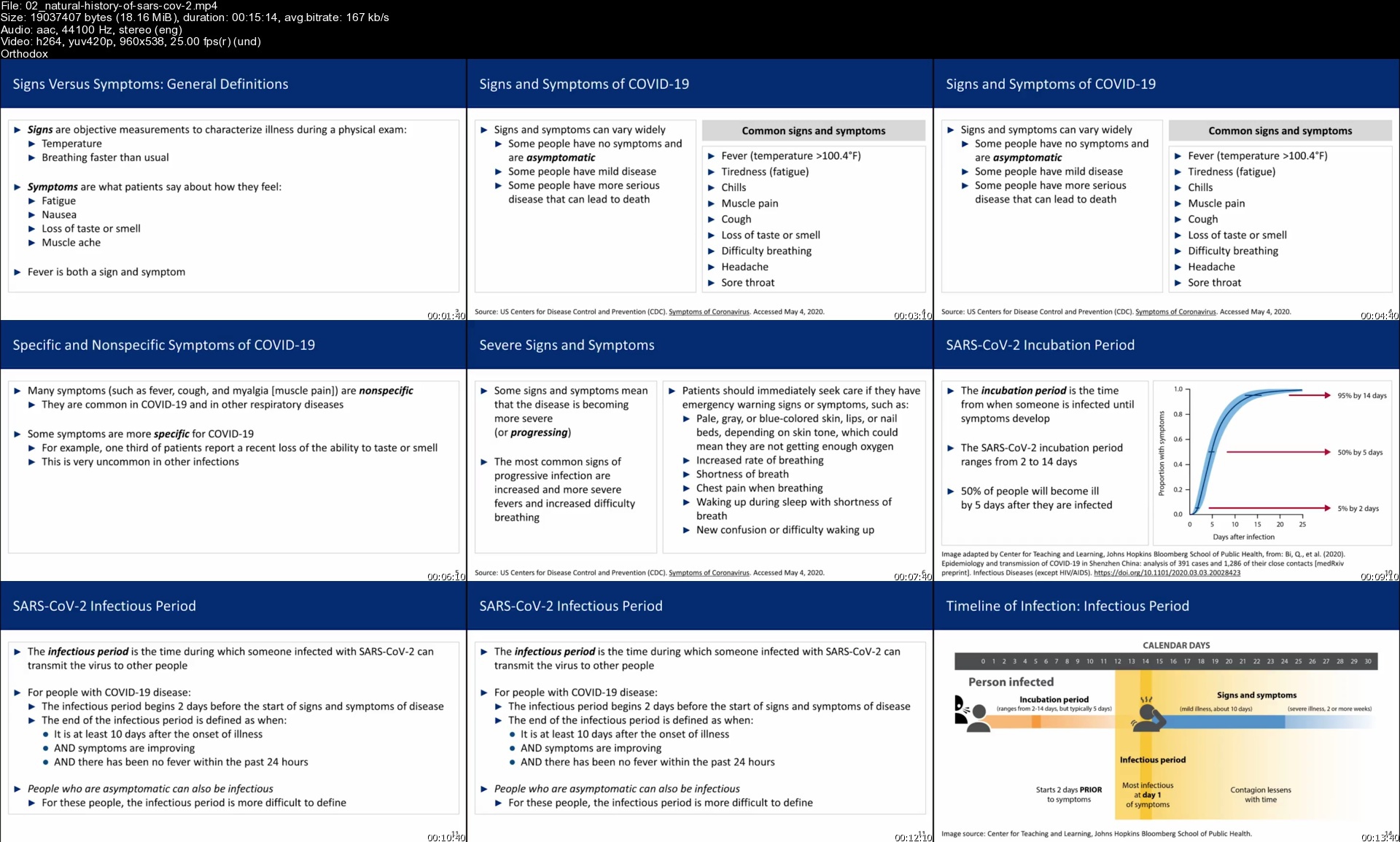
02naturalhistoryofsariikbq.jpg


Coursera - COVID-19 Contact Tracing For Nursing Professionals

77puywprgphrcssgncvpx8dj4o.png


Coursera - COVID-19 Contact Tracing For Nursing Professionals
MP4 | Video: 958x540 | Audio: AAC, 44.1Khz , 2ch | Duration: 2 hours | Language: English | 150 MB

This nursing continuing professional development activity was approved by the Texas Nurses Association, an accredited approver by the American Nurses Credentialing Center's Commission on Accreditation. What You Will Learn
-Identify the signs, symptoms, modes of transmission and epidemiology of COVID-19
-Characterize underlying risk factors experienced by vulnerable groups that predisposes to COVID-19 and available resources for high risk communities
-Describe the purpose of contact tracing, the context in which it is conducted, and identify challenges and effective communication strategies

The effects of the current COVID-19 pandemic have disproportionately affected certain population groups. This course provides an overview of the far-reaching impact of COVID-19 and presents contact tracing as a tool to mitigate the spread of the disease for nurses in Texas. Contact tracers are critically needed to help state and local health departments, particularly in large and diverse states such as Texas.

01contacttracing101s3tkgx.jpg


Corona COVID 19 Vaccine in COVID 19 Positive Patient

00856c80bzjez.jpg


Corona COVID 19 Vaccine in COVID 19 Positive Patient
Created by A Power Coding APC : Medical Doctor & Coder | Published 5/2021
Duration: 32m | 8 sections | 8 lectures | Video: 1280x720, 44 KHz | 231 MB
Genre: eLearning | Language: English + Sub

Are you COVID 19 Positive? Should you Vaccinate? : Post Infection, Types of Vaccine and Recommendations simplified


What you'll learn
Are you COVID 19 Positive? Should you Vaccinate?

Requirements
None

Description
Welcome to A Power Coding!
COVID19 Pandemic is a term now a well-known phenomenon.
The Corona Virus disease has affected 160,450,504 people worldwide. This Pandemic is widely affecting the lives of many and the resolution seems a bit more complex. During these tough times, there are several ways of protecting yourself and your loved ones. One such way is the COVID19 Vaccination. Till May 2021, 666.98 Million people have been vaccinated out of 7865.40 Million Population. When it comes to Vaccination, there are still some challenges.
In this session, you will learn all the details of the current COVID19 Vaccination guidelines. This is made to simplify the guidelines for ease of understanding. Please use this information for your benefit with discretion and in consideration of the Local Health Regulatory bodies' recommendations. Remember to follow your health regulator's advice when in doubt.
During this session, I will brief you about the current trends in Vaccination and simplify the cases for you. This will include Post COVID Vaccine, Female Vaccination, Types, and Efficacy of vaccine.
This briefly will also include CPT Coding Guidelines.
\n
Section includes
Severe Acute Respiratory Syndrome Corona Virus 2 (SARS-CoV-2)
COVID19 Symptoms What to do during the symptomatic phase?
Post Infection
Infection After Vaccination
Second Vaccine dose time
Re-Infection
Vaccination in Females
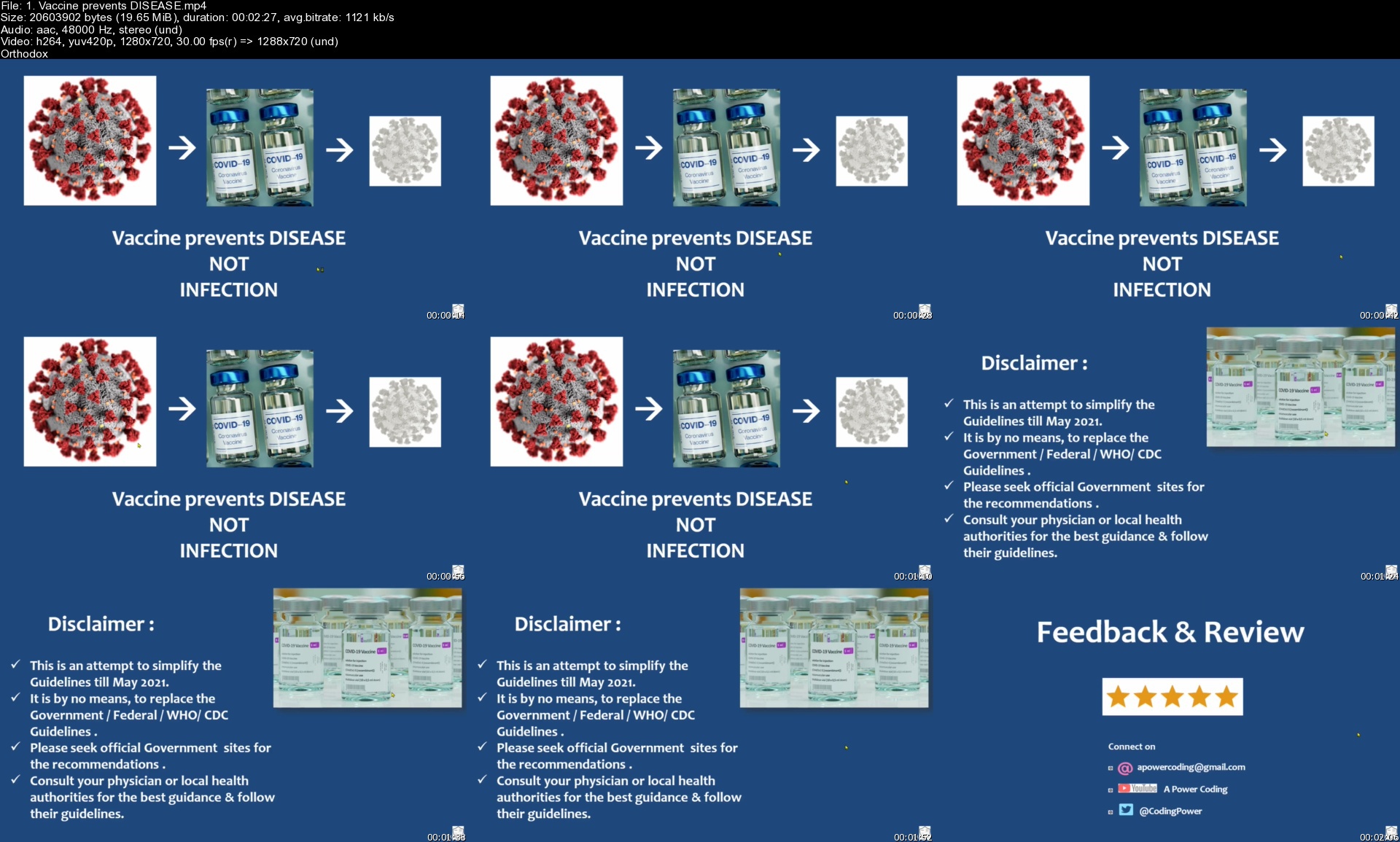
Vaccine prevents DISEASE
CPT Codes
COVID-19 Vaccine Types
o Pfizer
o Moderna
o Astra Zeneca
o Janssen
o Covaxin
o Covishield
o Sputnik V
o Efficacy

1.vaccinepreventsdisec4knd.jpg


Beat Procrastination in Turbulent Covid Era

00865246ckkic.jpg


Beat Procrastination in Turbulent Covid Era
Created by Maitreya Success Academy | Published 4/2021
Duration: 51m | 3 sections | 8 lectures | Video: 1280x720, 44 KHz | 234 MB
Genre: eLearning | Language: English + Sub

Understand and Overcome Procrastination Effectively


What you'll learn
How to beat Procrastination; This is very much relevant in these turbulent times

Requirements
Willingness to Change

Description
Procrastination is one of the principle boundaries obstructing you from getting up, settling on the correct choices, and carrying on with the fantasy life you've considered.
\n
Ongoing investigations have shown that individuals regret more the things they haven't done than the things they have done. Furthermore, sensations of disappointment and blame coming about because of botched freedoms will in general remain with individuals any longer.
\n
Some of the time every one of our chances appear to be on our fingertips, however we can't contact them. At the point when you delay, you sit around idly that you could be putting resources into something significant. On the off chance that you can conquer this savage foe, you will actually want to achieve more and in improving use the potential that life has to bring to the table.
\n
Procrastination is something that we as a whole come to arrangement with eventually. We may find that there is some sort of undertaking that we would prefer not to manage or we may simply feel we have the opportunity to do it later. Obviously, things consistently sneak up on us in the near future, and we scramble around to complete everything.
\n
This is something impermanent for the vast majority, something they do once in a while and is anything but a propensity. Then again, slackers will frequently manage these issues each time that they have something to do.
\n
This course is going to spend some time looking at what a procrastinator is and some of the main signs to look for when it comes to determining if you or someone else is considered a procrastinator.
\n
The course will talk about certain things, for example, evading terrible undertakings, rationalizing or simply surrendering on the grounds that we believe we are not capable. These are everything that will make the slacker put off their work, instead of attempting to complete it.

Who this course is for:Students, Employees, Businessmen, Home Makers, Senior Citizens and anyone in General

3.goodvsbadprocrastinimjsd.jpg


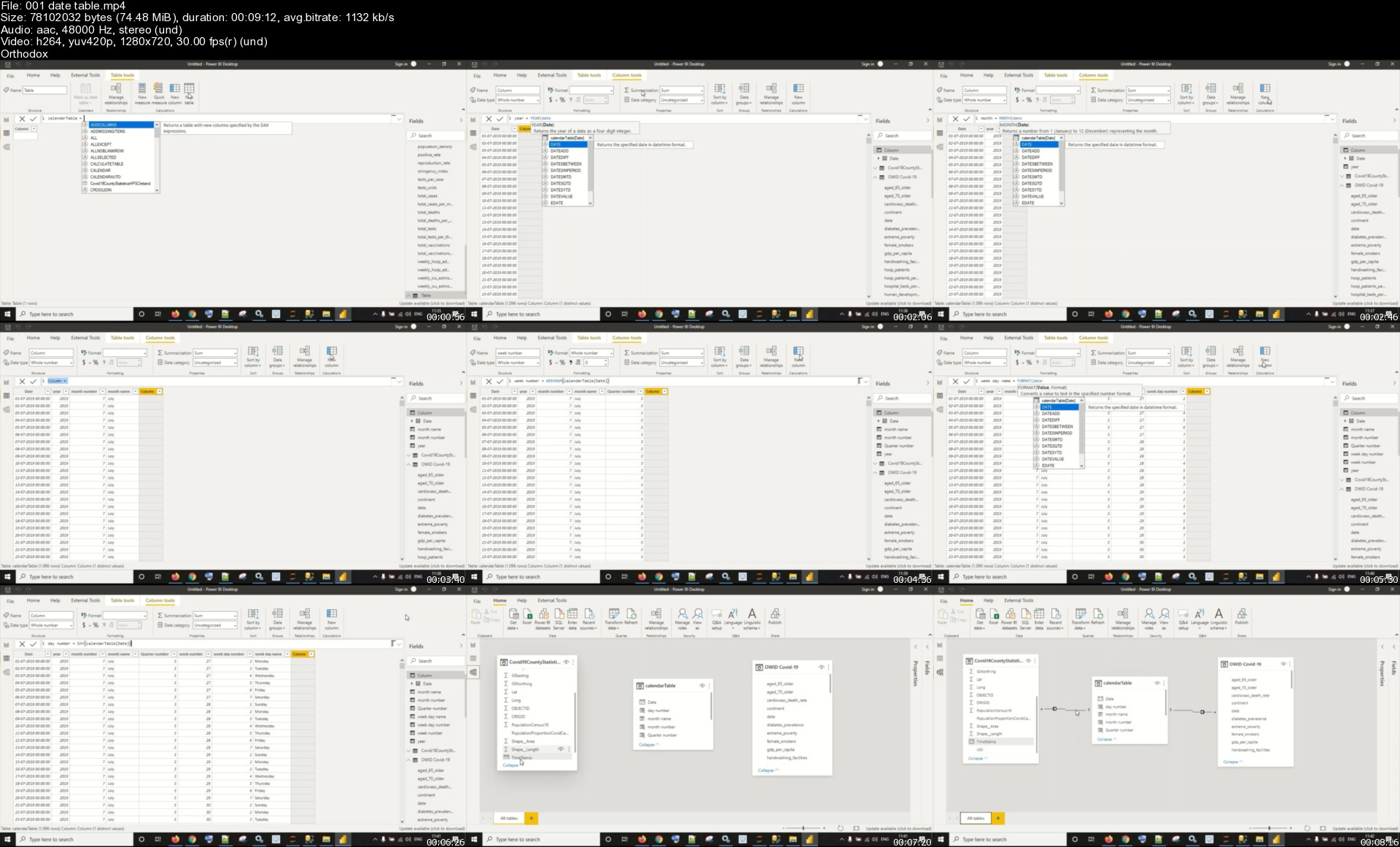
Analyzing Covid-19 data with Power BI

xaxgyz2hhgbkp7wxvomieynjgj.jpg


Analyzing Covid-19 data with Power BI
MP4 | Video: h264, 1280x720 | Audio: AAC, 44.1 KHz, 2 Ch
Genre: eLearning | Language: English + srt | Duration: 40 lectures (2h 55m) | Size: 1.7 GB

A project based course to give you a glance of some good practices and common challenges while using Power BI

What you'll learn:
Power BI

Requirements
This is a beginner and intermediate1 level course on the scale of - beginner, intermediate1, intermediate2, advanced1, advanced2


Description
Covid-19 has hit all of us badly. Its impressions will last forever. It has shutdown businesses, affected economies and without a question, health. We have lost a lot of near and dear ones. To analyze the effects of Covid-19, we have used Power BI. Power BI is a data visualization tool by Microsoft and it has free desktop version. However, to use it professionally, we need to purchase the license. There are two types of license available - pro and premium. Power BI can get data from assorted data sources like databases, flat files, excel files, sharepoint, web etc. It used a basic ETL tool - Power query.

This course is based on the open source datasets of covid-19. The datasets referred here are taken from the 'Our world in data' website and the official website of Irish Government. We have used following tools and technologies in this course - SQL server, Power BI desktop, Power query, Power BI service, Python. We have used SQL server to fetch one of the data-set, Power BI desktop for creation of visualizations, Power query for transformations, Power BI service for publishing the report and Python for Python visuals in Power BI.

I hope you will like our efforts and contributions in this field.

Who this course is for
Power BI students, Business intelligence students

Homepage


001datetablesdiknb.jpg


Ultimate Environmental Texture Creation Course

collectionarhjv2.jpg


Ultimate Environmental Texture Creation Course
MP4 | Video: h264, 1280x720 | Audio: AAC, 44.1 KHz, 2 Ch
Genre: eLearning | Language: English | Duration: 47 lectures (14h 13m) | Size: 11.7 GB

Learn every technique you need to create tile-able textures for games and film!

What you'll learn:
Learn how to create procedural materials
Learn how to create sculpted materials
Learn how to create photogrammetry materials

Requirements
For this course you will need to know the very basics of substance designer and zbrush (navigation, what the program is, etc)


Description
Ultimate Environmental Texture Creation Course

Learn every technique you need to create tileable materials for both games and film all in one course!
In this course, you will learn how to create everything from procedural materials to sculpted materials to photogrammetry materials.

SUBSTANCE DESIGNER, ZBRUSH, REALITY CAPTURE

In this course, we will go over how to create both beginner and advanced procedural materials using Substance Designer.
We will go over how to sculpt materials using Zbrush and Substance Designer, And we will go over how to scan photogrammetry materials and convert them into 3d using Reality Capture.

14.5 HOURS!

This course contains over 14.5 hours of content. all the videos are divided up - per material and correctly named. We will start by creating a basic tiles material using Substance Designer, this is a perfect material for beginners. Once that is done we will move on to creating an advanced tarmac material also using 100% substance designer. We will then go over how to create a material that using a combination of sculpting in Zbrush and Texturing in Substance Designer. Finally, I will show you how to capture materials using photogrammetry and convert them into a perfect tileable 2d material. All the baking and final renders will be done using Marmoset Toolbag 4

SKILL LEVEL

This course includes content for every skill level, From beginner to advanced. I do recommend that you know the bare bones of the programs we use (meaning knowing what the program is and how to navigate) but beyond that point, you should be able to follow along with every material.

TOOLS USED

Substance Designer

Substance Painter

Zbrush

Reality Capture

Marmoset Toolbag 4

YOUR INSTRUCTOR

Emiel Sleegers is a senior environment and material artist currently working in the AAA Game Industry. He's worked on games like The Division 2 + DLC at Ubisoft, Forza Horizon 3 at Playground Games, and as a Freelancer on multiple projects as an Environment Artist and Material Artist.

CHAPTER LIST

The chapters are divided up into 5 folders

Folder 1 - How to create a basic substance designer material, This chapter includes 5 video files with a run-time of 1h40m

Folder 2 - How to create an advanced substance designer material, This chapter includes 15 video files with a run-time of 4h50m

Folder 3 - How to create a sculpted material, This chapter includes 16 video files with a run-time of 4h50m

Folder 4 - How to create photogrammetry materials, This chapter includes 8 video files with a run-time of 2h

Folder 5 - Bonus Chapters (polishing materials and creating unreal scene), This chapter includes 2 video files with a run-time of 1h

Who this course is for
This course includes materials on both beginner, intermediate and advanced levels so everyone is welcome!

Homepage


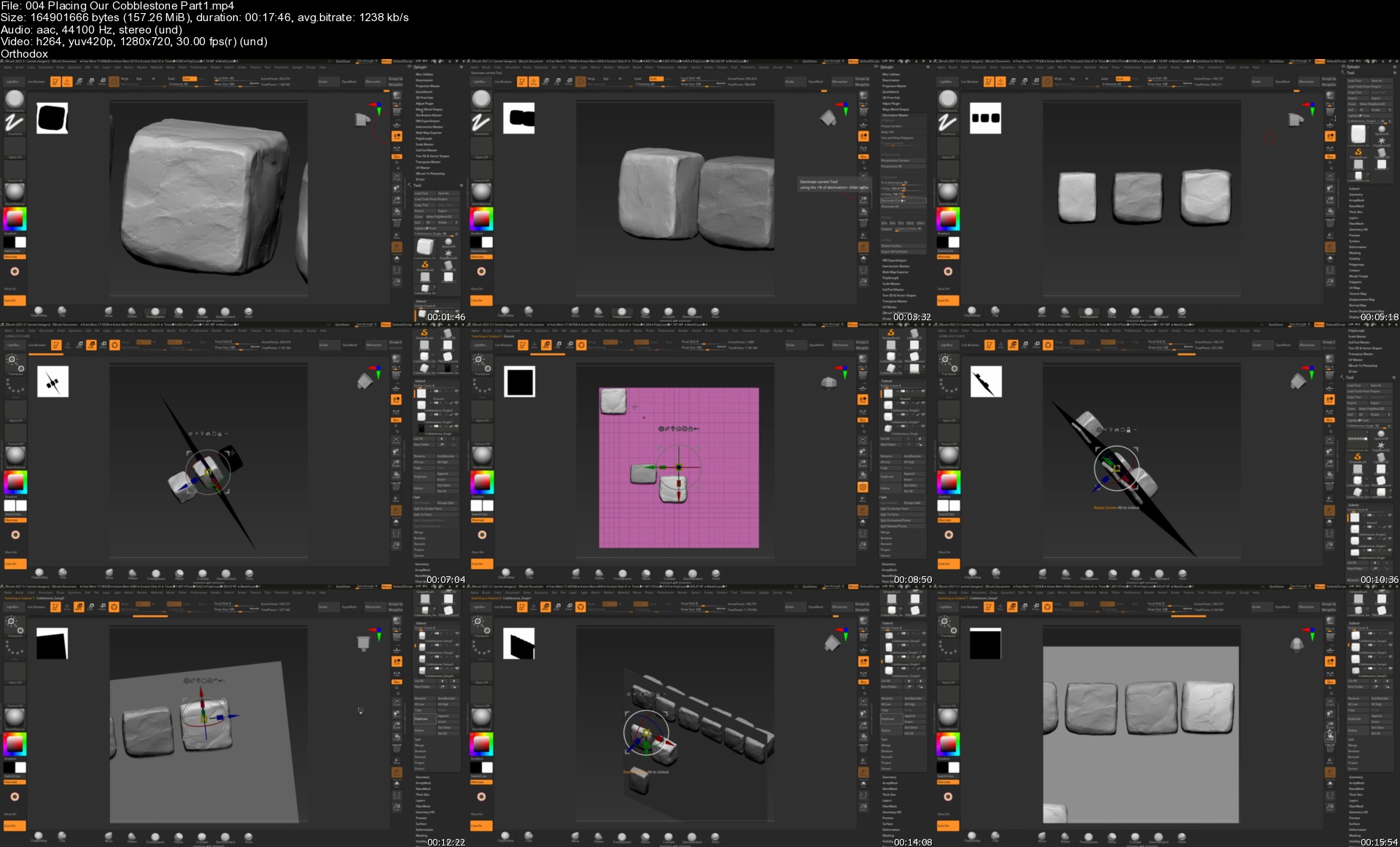
004placingourcobblestyxkd8.jpg


Python Django Engineer (REST APIs, PostgreSQL,GitHub,Heroku)

5xufqvq5fxpq85hkpfd0r27kan.jpg


Python Django Engineer (REST APIs, PostgreSQL,GitHub,Heroku)
Genre: eLearning | MP4 | Video: h264, 1280x720 | Audio: AAC, 44.1 KHz
Language: English | Size: 5.75 GB | Duration: 20h 0m

Gain useful skills with modern tech stacks | Build Real Web Apps


What you'll learn
Python Development Environment Setup
Django Development Environment Setup
Jupyter Notebook Server Setup
Python Programming Fundamentals
Python Object Oriented Programming
Python Modules and Packages
PostgreSQL Database Setup
Git and GitHub Setup
Build a Python Django Todo List Web App
Build a Python Django Portfolio Web App
Build a Python Django Image Upload Web App
Deploy web apps to Heroku Cloud Platform for hosting
Build a REST API


Description
A Python Django Engineer writes server-side web applications using Django software. You write code and develop back-end components for applications, then integrate your work with front-end developers. You must test, troubleshoot, and debug code for any application you work on.

Python is a high-level, interpret object-oriented programming language that has large enormous library support making the implementation of various programs and algorithms easy. It has a set of language and object-oriented approach aims to help programmers to write clear, logical code for various projects.

Django is a high-level, web framework written in Python for rapid development and pragmatic design. A framework is simply a collection of modules that are grouped together for creating web applications from a reliable, pre-existing existing source. Django offers a large collection of theses modules.

Django is a popular Python open-source web development framework used for rapid web development and clean, pragmatic design. It is a robust and approachable framework that lets you focus on your application by having salient parts pre-baked that are fairly standard practice. This framework makes it easier to focus on writing apps instead of reinventing the wheel.

Django is used in all sorts of tech stacks, including Instagram, Pinterest, Mozilla, and Eventbrite. Companies everywhere are actively using Django and invested in its development

A REST API (also known as RESTful API) is an application programming interface (API or web API) that conforms to the constraints of REST architectural style and allows for interaction with RESTful web services. REST stands for representational state transfer

An API is a set of definitions and protocols for building and integrating application software. It's sometimes referred to as a contract between an information provider and an information user-establishing the content required from the consumer (the call) and the content required by the producer (the response). For example, the API design for a weather service could specify that the user supply a zip code and that the producer reply with a 2-part answer, the first being the high temperature, and the second being the low.

In other words, if you want to interact with a computer or system to retrieve information or perform a function, an API helps you communicate what you want to that system so it can understand and fulfill the request.

You can think of an API as a mediator between the users or clients and the resources or web services they want to get. It's also a way for an organization to share resources and information while maintaining security, control, and authentication-determining who gets access to what.

PostgreSQL is a powerful, open source object-relational database system that uses and extends the SQL language combined with many features that safely store and scale the most complicated data workloads.

GitHub is a website and cloud-based service that helps developers store and manage their code, as well as track and control changes to their code.

Heroku is a platform as a service (PaaS) that enables developers to build, run, and operate applications entirely in the cloud.


Who this course is for:
Beginner Python Developers
Beginner Django Developers

Homepage


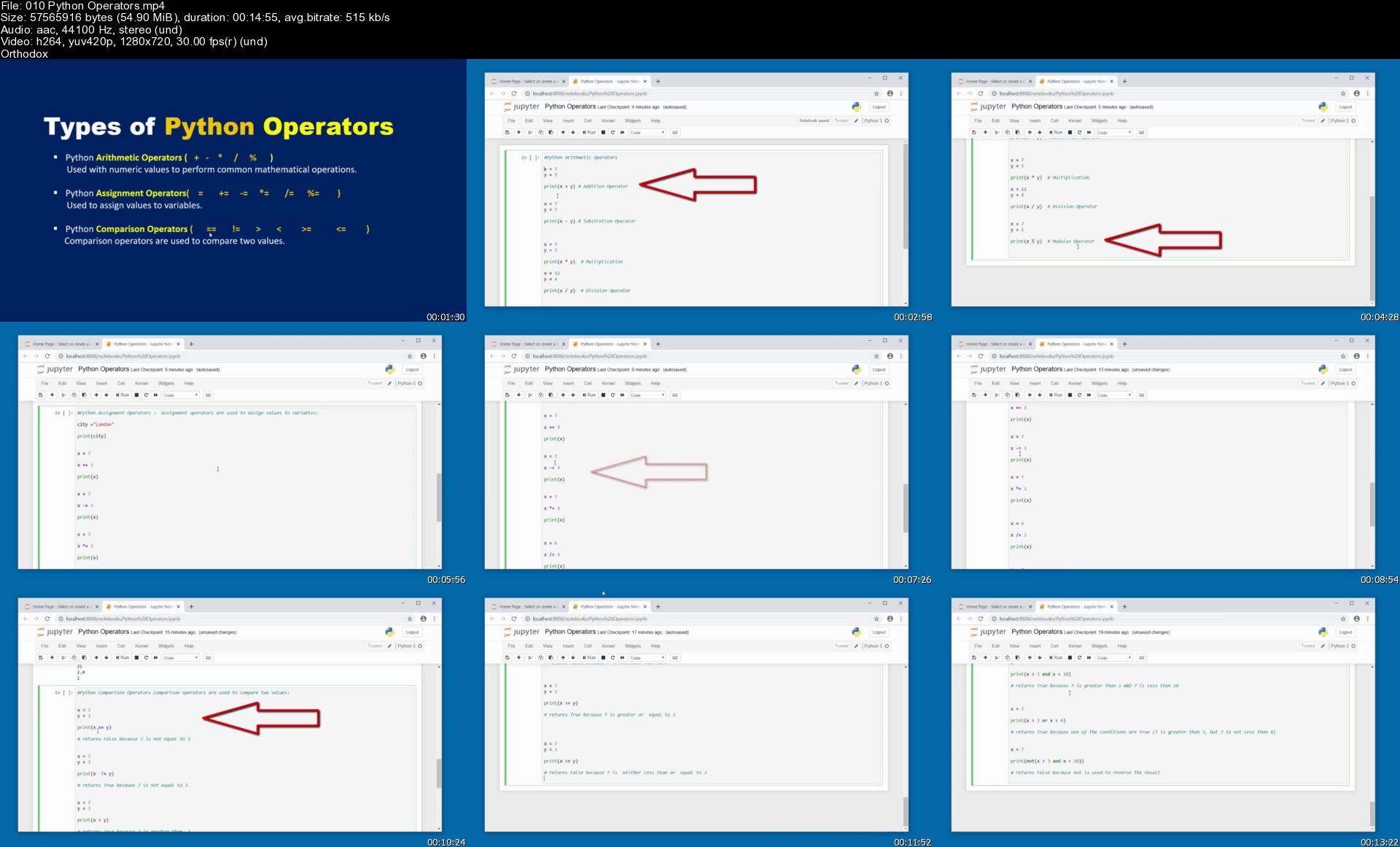
010pythonoperatorsscokou.jpg


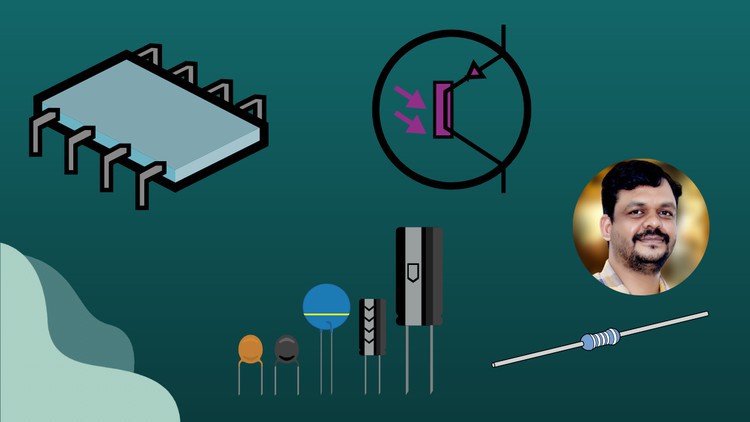
Learn Bipolar Junction Transistor ( BJT ) - From Basics

4080894a680289k1i.jpg


Learn Bipolar Junction Transistor ( BJT ) - From Basics
Created by Srinivas Andoor | Last updated 7/2021
Duration: 13h 50m | 9 sections | 70 lectures | Video: 1280x720, 44 KHz | 17.71 GB
Genre: eLearning | Language: English + Sub

Learn BJT from very basics to Advance level


What you'll learn
Be able to learn the basics of Transistor ( Bipolar Junction Transistor )
Be able to learn operating modes of BJT
Be able to learn current components of BJT in active region
Be able to learn characteristics of BJT
Be able to learn Amplifiers, Oscillators and Power amplifiers
Be able to learn Feedback amplifiers and Multistage amplifiers

Requirements
Basic semiconductor Theory

Description
The Bipolar Junction Transistor is a semiconductor device which can be used for switching or amplification
This Course deals with basics of BJT, BJT characteristic's, BJTbiasing Techniques( Fixed bias, collector to Base bias and voltage divider bias), BJT amplifiers ( CB, CE, CC amplifiers), small signal model of BJT( Hybrid model ), Feedback amplifiers, Oscillators ( RC and LC ), Multistage amplifiers and Power amplifiers.
If we now join together two individual signal diodes back-to-back, this will give us two PN-junctions connected together in series which would share a common Positve, (P) or Negative, (N) terminal. The fusion of these two diodes produces a three layer, two junction, three terminal device forming the basis of a Bipolar Junction Transistor, or BJT for short.
Transistors are three terminal active devices made from different semiconductor materials that can act as either an insulator or a conductor by the application of a small signal voltage. The transistor's ability to change between these two states enables it to have two basic functions: "switching" (digital electronics) or "amplification" (analogue electronics). Then bipolar transistors have the ability to operate within three different regions:
Active Region - the transistor operates as an amplifier and Ic = β*Ib
Saturation - the transistor is "Fully-ON" operating as a switch and Ic = I(saturation)
Cut-off - the transistor is "Fully-OFF" operating as a switch and Ic = 0

1.introductionso5ka0.jpg


Zurück
Oben Unten