• Regeln für den Video-Bereich:

    In den Börsenbereich gehören nur Angebote die bereits den Allgemeinen Regeln entsprechen.

    Einteilung

    - Folgende Formate gehören in die angegeben Bereiche:
    - Filme: Encodierte Filme von BluRay, DVD, R5, TV, Screener sowie Telesyncs im Format DivX, XviD und x264.
    - DVD: Filme im Format DVD5, DVD9 und HD2DVD.
    - HD: Encodierte Filme mit der Auflösung 720p oder darüber von BluRay, DVD, R5, TV, Screener sowie Telesyncs im Format x264.
    - 3D: Encodierte Filme von BluRay, die in einem 3D Format vorliegen. Dies gilt auch für Dokus, Animation usw.
    - Serien: Cartoon/Zeichentrick, Anime, Tutorials, Dokumentationen, Konzerte/Musik, Sonstiges sind demnach in die entsprechenden Bereiche einzuordnen, auch wenn sie beispielsweise im High Definition-Format oder als DVD5/DVD9/HD2DVD vorliegen. Ausnahme 3D.
    - Bereich Englisch: Englische Releases gehören immer in diesen Bereich.
    - Bereich Talk: Der Bereich, in dem über die Releases diskutiert werden kann, darf, soll und erwünscht ist.


    Angebot/Beitrag erstellen

    - Ein Beitrag darf erst dann erstellt werden, wenn der Upload bei mindestens einem OCH komplett ist. Platzhalter sind untersagt.
    - Bei einem Scenerelease hat der Threadtitel ausschließlich aus dem originalen, unveränderten Releasenamen zu bestehen. Es dürfen keine Veränderungen wie z.B. Sterne, kleine Buchstaben o.ä. vorgenommen werden. Ausnahme Serienbörse:
    - Bei einem Sammelthread für eine Staffel entfällt aus dem Releasename natürlich der Name der Folge. Beispiel: Die Simpsons S21 German DVDRip XviD - ITG
    - Dementsprechend sind also u.a. verboten: Erweiterungen wie "Tipp", "empfehlenswert", "only", "reup", usw. / jegliche andere Zusatzinformation oder Ergänzung, welche nicht in obiger Beschreibung zu finden ist.

    Aufbau des Angebots und Threadtitel

    Der Titel nach folgendem Muster erstellt zu werden. <Name> [3D] [Staffel] [German] <Jahr> <Tonspur> [DL] [Auflösung] <Quelle> <Codec> - <Group>
    Beispiel: The Dark Knight German 2008 AC3 DVDRip XviD - iND
    Beispiel: The Dark Knight 2008 DTS DL BDRip x264 - iND
    Beispiel: The Dark Knight 2008 AC3 DL BDRip XviD - iND
    Beispiel: The Dark Knight German 2008 AC3 720p BluRay x264 iND
    Beispiel: The Dark Knight 2008 DTS DL 1080p BluRay x264 iND
    Beispiel: Die Simpsons S01 German AC3 DVDRip XviD iND
    Beispiel: Die Simpsons S20 German AC3 720p BluRay x264 iND
    Beispiel: Sword Art Online II Ger Sub 2014 AAC 1080p WEBRip x264 - peppermint
    Entsprechend sind also u.a. verboten: Sonderzeichen wie Klammern, Sterne, Ausrufezeichen, Unterstriche, Anführungszeichen / Erweiterungen wie "Tipp", "empfehlenswert", "only", "reup", usw. / jegliche andere Zusatzinformation oder Ergänzung, welche nicht in obiger Beschreibung zu finden ist
    Ausnahmen hiervon können in den Bereichen geregelt sein.

    Die Beiträge sollen wie folgt aufgebaut werden:
    Überschrift entspricht dem Threadtitel
    Cover
    kurze Inhaltsbeschreibung
    Format, Größe, Dauer sind gut lesbar für Downloader außerhalb des Spoilers zu vermerken
    Nfo sind immer Anzugeben und selbige immer im Spoiler in Textform.
    Sind keine Nfo vorhanden z.B. Eigenpublikationen, sind im Spoiler folgende Dateiinformationen zusätzlich anzugeben :
    Quelle
    Video (Auflösung und Bitrate)
    Ton (Sprache, Format und Bitrate der einzelnen Spuren)
    Untertitel (sofern vorhanden)
    Hosterangabe in Textform außerhalb eines Spoiler mit allen enthaltenen Hostern.
    Bei SD kann auf diese zusätzlichen Dateiinformationen verzichtet werden.

    Alle benötigten Passwörter sind, sofern vorhanden, in Textform im Angebot anzugeben.
    Spoiler im Spoiler mit Kommentaren :"Schon Bedankt?" sind unerwünscht.


    Releases

    - Sind Retail-Release verfügbar, sind alle anderen Variationen untersagt. Ausnahmen: Alle deutschen Retail-Release sind CUT, in diesem Fall sind dubbed UNCUT-Release zulässig.
    - Im Serien-Bereich gilt speziell: Wenn ein Retail vor Abschluss einer laufenden Staffel erscheint, darf diese Staffel noch zu Ende gebracht werden.62
    - Gleiche Releases sind unbedingt zusammenzufassen. Das bedeutet, es ist zwingend erforderlich, vor dem Erstellen eines Themas per Suchfunktion zu überprüfen, ob bereits ein Beitrag mit demselben Release besteht. Ist dies der Fall, ist der bereits vorhandene Beitrag zu verwenden.
    - P2P und Scene Releases dürfen nicht verändert oder gar unter einem iND Tag eingestellt werden.


    Support, Diskussionen und Suche

    - Supportanfragen sind entweder per PN oder im Bereich Talk zu stellen.
    - Diskussionen und Bewertungen sind im Talk Bereich zu führen. Fragen an die Uploader haben ausschließlich via PN zu erfolgen, und sind in den Angeboten untersagt.
    - Anfragen zu Upload-Wünschen sind nur im Bereich Suche Video erlaubt. Antworten dürfen nur auf Angebote von MyBoerse.bz verlinkt werden.


    Verbote

    - Untersagt sind mehrere Formate in einem einzigen Angebotsthread, wie beispielsweise das gleichzeitige Anbieten von DivX/XviD, 720p und 1080p in einem Thread. Pro Format, Release und Auflösung ist ein eigener Thread zu eröffnen.
    - Grundsätzlich ebenso verboten sind Dupes. Uploader haben sich an geeigneter Stelle darüber zu informieren, ob es sich bei einem Release um ein Dupe handelt.
    - Gefakte, nur teilweise lauffähige oder unvollständige Angebote sind untersagt. Dies gilt auch für eigene Publikationen, die augenscheinlich nicht selbst von z.B. einer DVD gerippt wurden. Laufende Serien, bei denen noch nicht alle Folgen verfügbar sind, dürfen erstellt und regelmäßig geupdatet werden.
    - Untersagt sind Angebote, welche nur und ausschließlich in einer anderen Sprache als deutsch oder englisch vorliegen. Ausnahmen sind VORHER mit den Moderatoren zu klären.


    Verstoß gegen die Regeln

    - Angebote oder Beiträge, die gegen die Forenregeln verstoßen, sind über den "Melden"-Button im Beitrag zu melden.
  • Bitte registriere dich zunächst um Beiträge zu verfassen und externe Links aufzurufen.


Englische Tutorials

Independence Day - Movie VFX Production Procedure by Using Houdini

4207e156344a84c3bda29fc246a5a348.jpg

Independence Day - Production procedure of a movie VFX scene using Houdini | 13.4 GB​
What is our update policy?
All the course is updated on a weekly basis. This course has been completed. It's no more updates.However, you need to aware that all the courses on our website are not available offline.

Content: 1080P HD videos + project files
Duration: 10hours
Software: Houdini 18 ; Maya ; Nuke ; AE
System: No limits
Project file: Model assets ; reference pictures ; materials files.
English dubbing by Wingfox Studio

Course Introduction
Always working overtime? No good design?
Struggling to produce good scene, even after all the tutorials?
You need a suitable tutorial, like this one. We endeavor to help you enhance the ability
of solving problems. Equipped with the practice experience of many years shared by the
lecturer, you can create your masterpiece scene of a great movie using less nodes and a
streamlined procedure. And that will be an easy task for you.
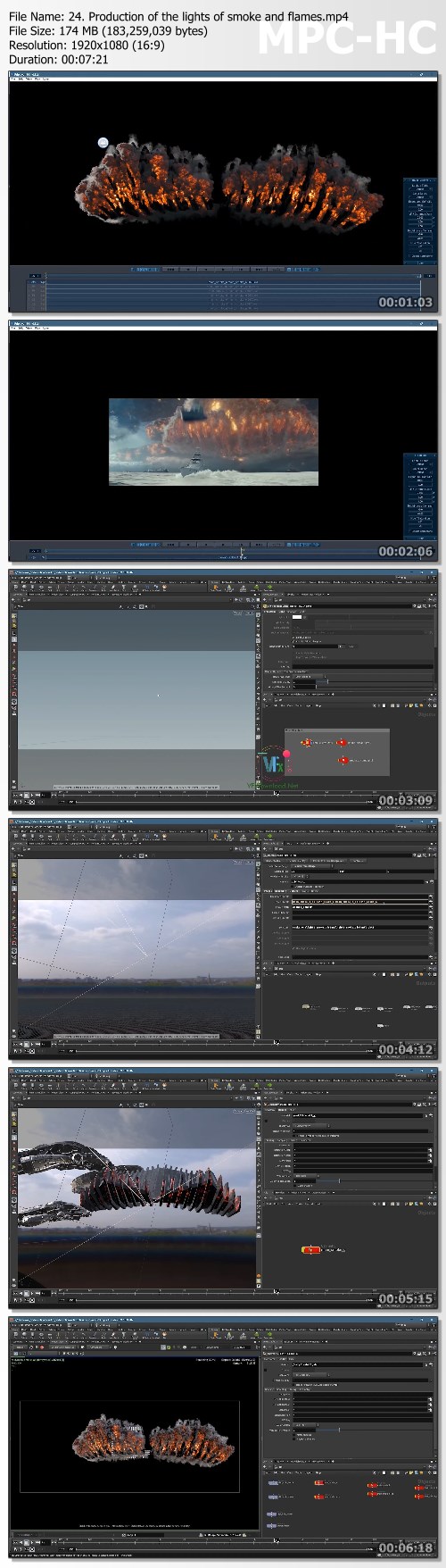
The tutorial will show you the production of a VFX scene in Independence Day Resurgence. Not necessarily the same with the movie, but the
effect is sure to impress. The tutorial covers a complete production procedure of visual effects using Houdini, including how to look for the
right references, importing maps into Houdini correctly, explanation of basics of VFX, making sure that you will have a clear understanding
of the Pryo and Ocean procedure and the composition in Nuke.

Screenshots
8e033474f23aec0eeb4fc7078da5704d.jpg

Homepage:

Link Download
​
Extract files with WinRar 5 or Latest !
 
wingfox - Level Up Your Digital Painting Skills: Beginner to Advanced

44a7549deba204543e5f08af70868eb2.jpg

wingfox - Level Up Your Digital Painting Skills: Beginner to Advanced | 22.3 GB​
Instructor: Fishman
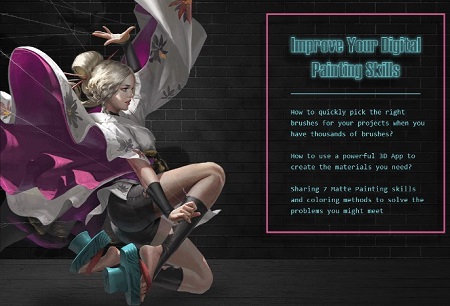
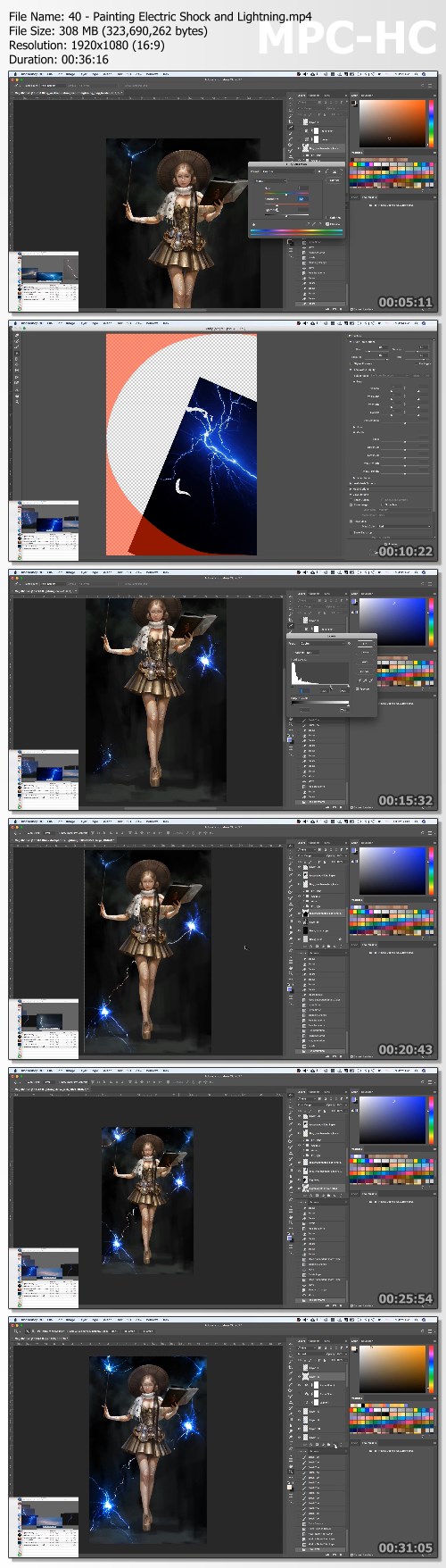
These are illustration beginners' great concerns. They need a complete tutorial to help them fully understand the industry, experience, work flow and skills. After learning this course, the beginners will grasp the nature and changes of brushes, draw hair, skin and iron with ease using one single brush, arrange efficient tools and brushes to shorten painting process, draw objects and scenes with customized brushes, use fully- functional mobile 3D software to draw light and shadow on human body and use color tools skillfully.

Tutorial is cut up into 6 parts:
Part 1: Painting Habit
Part 2: Technical Notes
Part 3: Project-Based Exercises- Armored Swordswoman
Part 4: Project-Based Exercises - Mage
Part 5: Project-Based Exercises - Archer
Part 6: Semi-mechanical coloring method for color

Content: HD vidoes+ Project File
Duration: 31Hours
Software: Photoshop
System: All Operating Systems
Project file: PSD Source Files
English dubbing by Wingfox Studio

Screenshots
2e3f260d1c29f1442d283e101d1f4c25.jpg


Link Download
​
Extract files with WinRar 5 or Latest !
 
Unreal Engine 4: Create Your Own First-Person Shooter

89kp5.jpg


Unreal Engine 4: Create Your Own First-Person Shooter
MP4 | Video: h264, 1280x720 | Audio: AAC, 44.1 KHz, 2 Ch
Genre: eLearning | Language: English + srt | Duration: 38 lectures (9h 56m) | Size: 6.43 GB

Learn the fundamental mechanics present in games such as Battlefield, Call of Duty, Destiny, Resident Evil, and more!

What you'll learn:
How to create a first-person shooter game in Unreal Engine 4

Requirements
Some prior Unreal Engine or scripting experience is recommended


Description
In this game design course, I'll guide you through the process of making a first-person shooter game! This course uses Unreal Engine 4 - the same game engine AAA games development studios used to make Fortnite, Batman Arkham Knight, Borderlands, and many others!

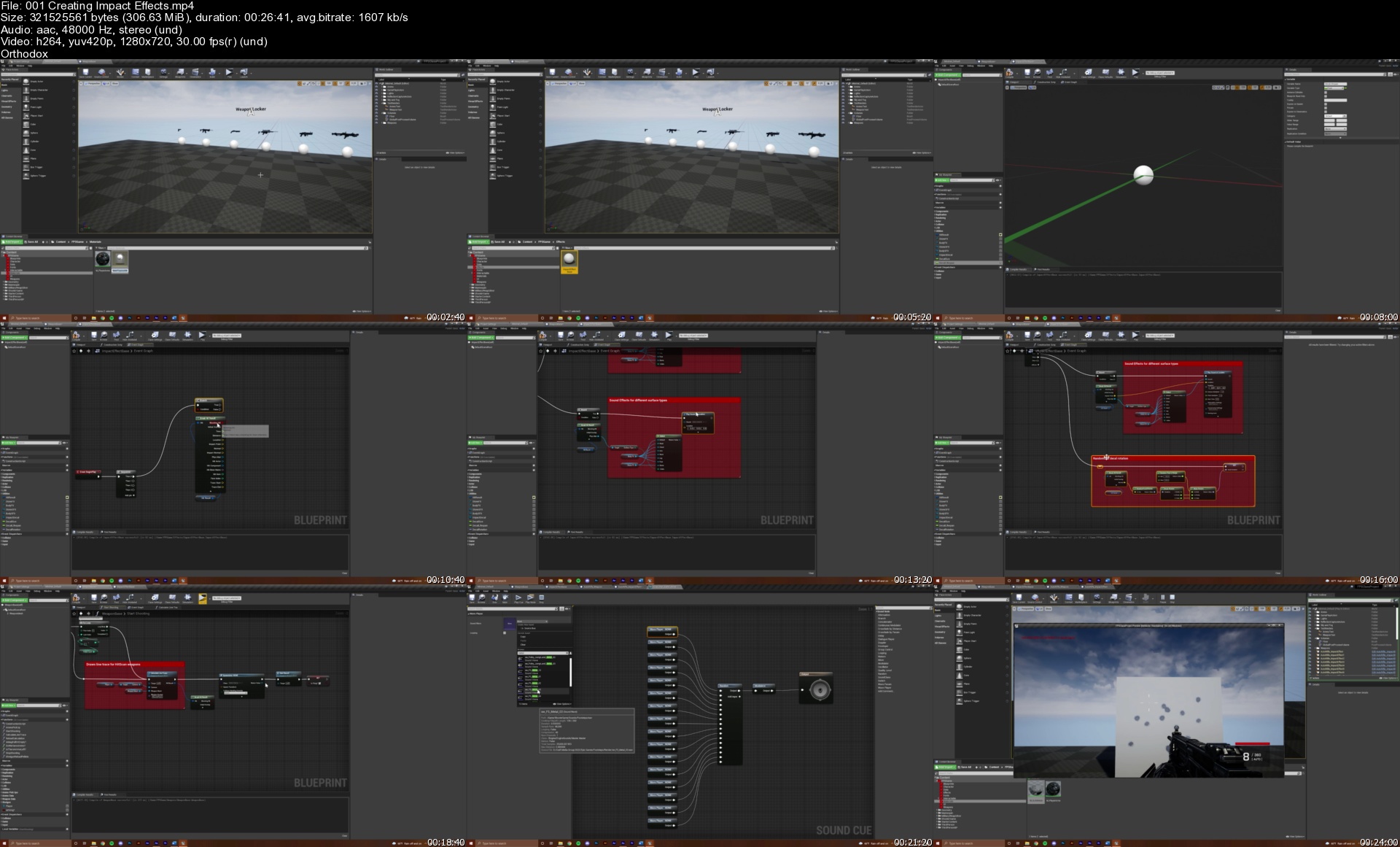
This class contains 38 video lessons that will walk you step-by-step through the following topics:

· How to create 6 customizable weapons (includes pistol, assault rifle, shotgun, sniper rifle, grenade launcher, and rocket launcher)

· How to make hit scan and projectile based weapons

· How to animate a first-person character

· How to script complex reloading and shooting systems

· How to spawn dynamic impact effects

· How to damage enemy characters based on specific body parts

· How to create interactable ammo pick up objects

· How to construct a player HUD using Widgets

· How to add realistic particle and sound effects to a game

· And much more!

With the knowledge you'll acquire in this class, you'll gain an in-depth understanding of first-person shooter mechanics. This knowledge applies to all kinds of genres, such as looter, survival horror, military, sci-fi, and others, allowing you to take this project in an endless number of directions! While anyone is welcome to take this course, I recommend it for those with at least some coding knowledge or experience using Unreal Engine 4. While my lessons are thorough, I do not take the time in this course to explain the absolute basics of coding and Unreal Engine 4. If you are completely new, I recommend you take my course on Third-Person Action Adventure games first.

Who this course is for
Intermediate Unreal Engine students wanting to learn how first-person shooter games are made

Homepage


001creatingimpacteffeo2kiz.jpg


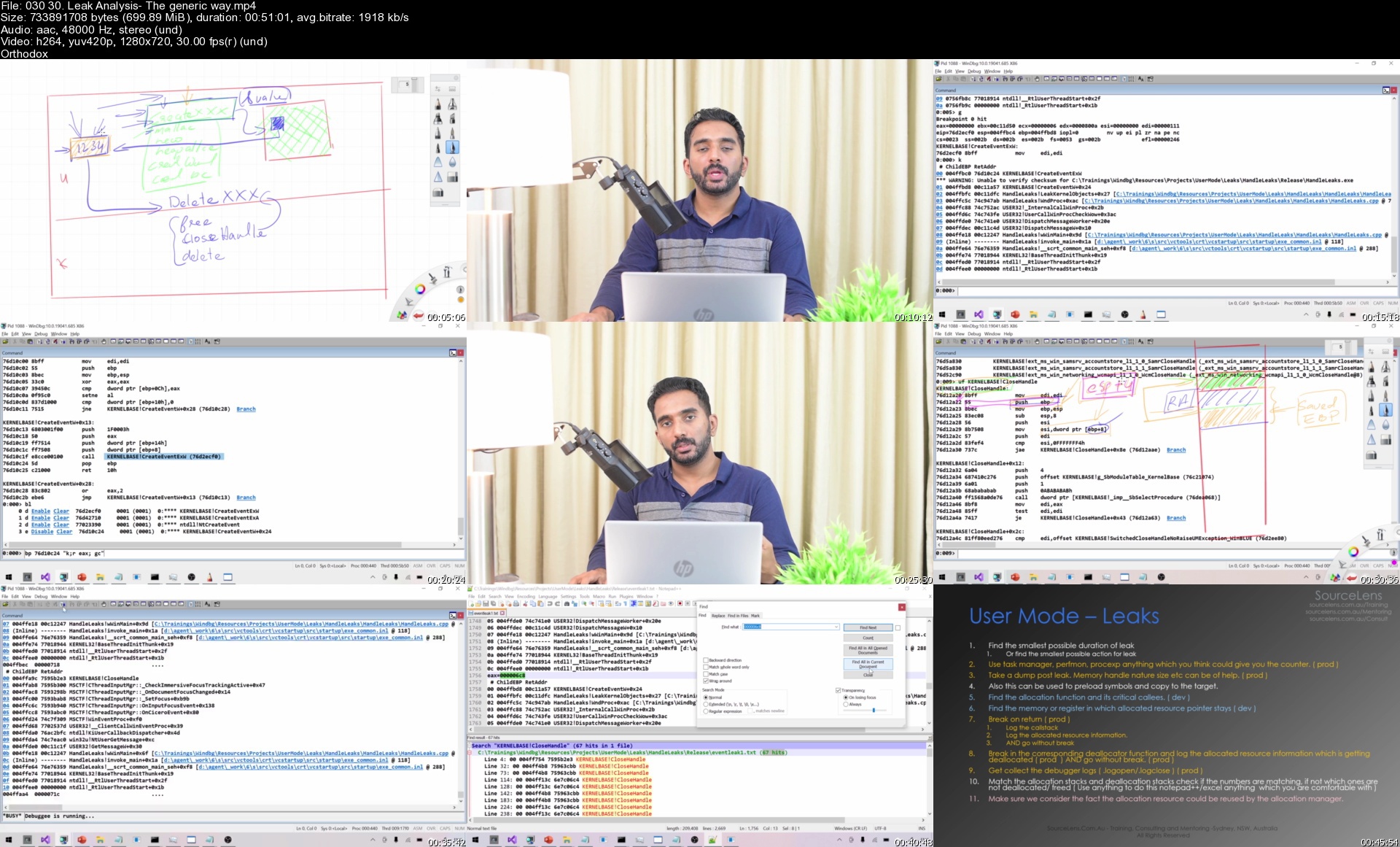
Windbg - A complete guide for Advanced Windows Debugging

0086c3caztk8n.jpg


Windbg - A complete guide for Advanced Windows Debugging
MP4 | Video: h264, 1280x720 | Audio: AAC, 44.1 KHz, 2 Ch
Genre: eLearning | Language: English + srt | Duration: 127 lectures (26h 27m) | Size: 18.4 GB

This course has everything you need to master Windbg as well as, debugging and reverse engineering Windows OS using it

What you'll learn:
Advanced Windows Debugging
Windbg
Windows internals
Dump Analysis
Post-mortem debugging
Core dump analysis in windows
Debugging system crash
Debugging BSOD
Debugging process hang
Debebugging system hang
Reverse Engineering
Malware Analysis
Debugging Slow Systems
Debugging Slow Applications
Windows Usermode internals
Windows Kernel mode internals

Requirements
C programming
1 to 2 year of IT experience on Windows


Description
Have you ever felt your windows operating system is hung or becoming slow or having a BSOD? Or an application crash or application hang or slow on windows? Have you had to press the restart button of your PC or the windows server to get rid of the problem and had no clue when that issue will happen again? Or you're asked to analyse a memory dump of a compromised system for isolating a malware?. If that bothers you, this training is all about root causing and solving such complicated issues once and for all, among many other topics it covers.

Windbg is the single most powerful, debugging and reverse engineering tool in windows platform. Windbg is like an x-ray plus mri plus ct scan for programs running on windows operating system, including the operating system itself. It helps us to root cause complicated problems like we discussed in windows ( OS ) and programs running inside the operating system.

Just like the name implies this training has all the details which you need to master windbg. I have spent all my efforts to make sure this is the best and most complete windbg training available right now and I will keep adding topics to make sure that the statement is true in the future as well.

Targeted audience

Due to any reason, if you are trying to use or learn windbg, you already know what you're doing and there is no better place than this course. If you have been following my youtube series, this course is a complete super set of it. Being said that following are some of the categories of students to whom, I strongly recommend this course.

Support engineers

If you are a support engineer or Escalation Engineer who is supporting any product on windows, or Windows itself, I definitely recommend this course.

Malware analyst and cyber security professionals.

If you are into core cyber security especially on windows platform this tool should be definitely in your arsenal. When it comes to reverse engineering, I myself don't prefer to compare ida pro or any other similar tool with windbg but I always found windbg is one of the most, if not THE most powerful and productive tool when it comes to reverse engineering along with debugging.

Windows SysAdmins

Another main targeted set of audience is Windows administrators who always can take leverage from tools like this and know more about the product they are working with and troubleshoot problems they face at a totally different level.

C and C++ Programmers

Last and not least may be the most important category of students - advanced C and C ++ programmers which includes, driver developers, testers, software maintenance engineers and so on. Are you wondering why your application is crashing, hanging, slow or taking too much resources? That too happens once in a blue moon in production and you have no way to reproduce the issue in your dev environment. Are you asked to debug a problem in a code base you have no clue about? Or you just want to see exactly what that latest feature of cpp 20 is doing behind the scenes? This training is for you.

To summarise, this course is for anyone who wants to study windows internals and advanced production debugging on windows. Post this training you don't have to read every single windows internals and debugging books out there but you will debug whatever you want to know whatever you want to know, rather than reading some abstract result from some books.

Post this training you will not have to read and learn OS internals from any books but you will debug and understand it as and when you need it.

Course Structure

This course has 3 chapters

In Chapter 1 we discuss the necessary concepts to get us started and mostly focus on the commands of the debugger.

In Chapter 2 we apply what we have learned in Chapter 1 to different debugging scenarios, like crashes, hangs, slowness, leaks and more. We will be using test applications for this chapter and we will have source code of these test applications. First we will discuss User mode issues and then we will go into Kernel mode.

In chapter 3 we will use the knowledge gained in Chapter 1 and 2 to troubleshoot real production like or production issues. In this chapter we will discuss analysis of memory dumps which we don't have source code or any idea about. We will start with issues from sysinternals notmyfault and slowly get into true production debugging scenarios. I will keep adding lessons to this chapter if there is enough interest from students on this course. Students also can submit dumps to this chapter and they can get the dumps analyzed for free of cost and share the experience with others.

Please refer to the course content and free preview lesson for more details about the structure and content of the course.

Who this course is for
Anyone who want to learn advanced windows debugging and Reverse engineering with Windbg
Security Specialists
Reverse engineers
Malware analysts
Support engineers
Software developers
Software Sustenance Engineers
Windows Admins
Escalation Engineers

Homepage


03030.leakanalysisthevgjrr.jpg


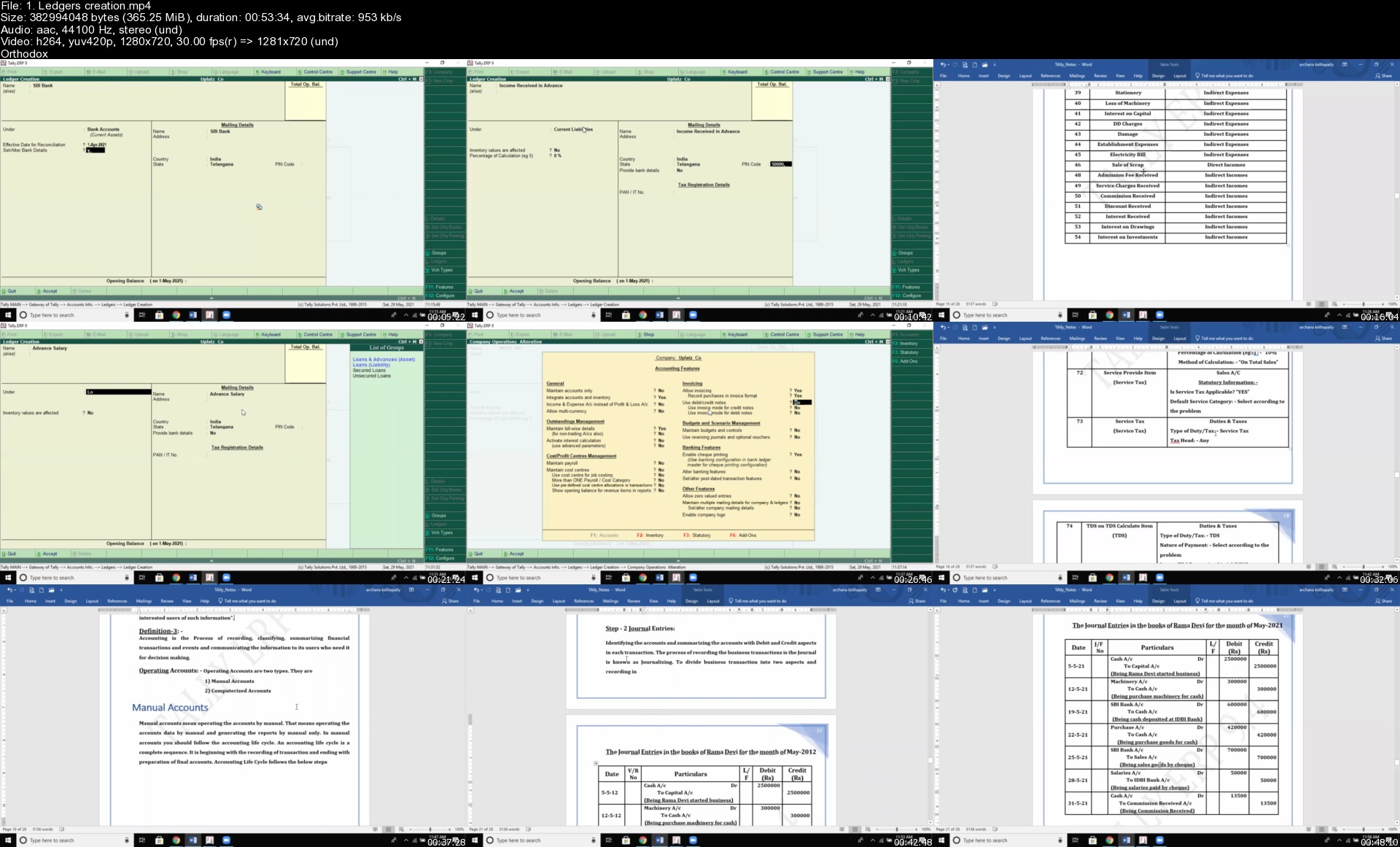
Tally.ERP 9 Certification Training

sfhlw2komzkdk6lrsgc5n98jwp.jpg


Tally.ERP 9 Certification Training
MP4 | Video: h264, 1280x720 | Audio: AAC, 44.1 KHz
Language: English | Size: 10.0 GB | Duration: 24h 41m


What you'll learn
End-to-end knowledge of Tally ERP 9
Tally Menu options and Initial set-up
Ledgers Creation, Journal Postings
Double Entry System
Practical Problem
Postings in Tally, Adjustment Entries, Contra Entries
Stock Creation
Batch-wise and Bill-wise Postings
Multi Price-level Postings
Bank Reconciliation Statement
Multi Currency Postings
Splitting Data in Tally
Export to Excel
Tax, Single VAT Tax, CST Tax, Service Tax
Payroll
TDS & TCS
Direct Tax
Debit and Credit Note
Purchase and Sales Order
Stock Transfers
Variance Analysis
Overview of Func keys
Practical Scenarios in Tally
Requirements
Enthusiasm and determination to make your mark on the world!

Description
Tally.ERP 9 is an unrestricted office software that manages your industry with the applications that manages accounting, finance, point of sales, payroll and branch management. Since it is available for free downloads therefore the businesses get an accounting software choose Tally ERP and save expenses. Tally ERP 9 is an encryption accounting software used to guard the private files of a company‏. ERP 9 is well known as Tally Vault. It offers several different features from small businesses to big ones. EPR 9 is the latest version of the software released in 2006‏. It records all business transactions to guarantee negligible errors, like double entries‏. With the feature of customization in Tally, it provides a complete solution to different types of business organizations.

Understanding what ledgers are for: Ledgers in Tally record all of the transactions for that account. One will need to create a ledger for each account that they do business with. Two ledgers are included in Tally by default: "Cash" and "Profit and Loss Account". We can create as many other ledgers as we need. It is powered with the best-known accounting standard. Many companies have boosted their profit margin and work efficiency after the Tally ERP 9 Software purchase, which opens a wider market base for such tally accounting software. Anyone with Tally ERP9 certification is of high value to recruiting organizations. One of the important feature of Tally is that it offers Guarded Connectivity. i.e. the connectivity gets protected via licensing of the software services and the product. Another important feature of Tally is that it has Protected Transmission i.e. when the data gets switched between the simple Tally and Tally ERP 9, the transfer gets secured through Tally Vault. Even before the transmission takes place, the net server gets compressed with an intensified version, which is known as the Triple Data Encryption Algorithm that takes place before the initiation of the transfer process.

Uplatz provides this end-to-end training on Tally.ERP 9 accounting software. The Tally course will take you through from scratch to the advanced level. This Tally course covers all topics comprehensively along with demonstration of practical problems and their solutions. In the initial part of the Tally course, you will be introduced to Tally, menu options, set-up, and will then proceed towards ledgers creation, journal postings, double entry systems, etc. further moving on the core financial and accounting operations such as stock creation, batch-wise postings, splitting data, purchase & sales order creation, variance analysis, and so on. This Tally.ERP 9 training also includes extensive sections on how to handle tax and tax related activities in Tally. You will also learn how to export the data from Tally to Excel. In each section, a lot of practical examples have been provided.

This Tally course will help you become a well-versed accountant / accounts manager with the much-needed skills to manage the complete accounting & financial processes in any organization. Tally training can open vast doors of opportunity for you as Tally software is very high in demand across companies and businesses globally.

Tally.ERP 9 - Course Syllabus

Introduction to Tally.ERP 9

Menu options and Initial set-up

Ledgers creation

Journal Postings

Double Entry System

Practical Problem

Postings in Tally

Adjustment Entries

Stock Creation

Contra Entries

Batch-wise and Bill-wise Postings

Multi Price-level Postings

Bank Reconciliation Statement

Multi Currency Postings

Splitting Data

Export to Excel

Tax

Payroll

Single VAT Tax

CST Tax

TDS (Tax Deduction at Source)

TCS (Tax Collection at Source)

Service Tax

Debit and Credit Note

Purchase and Sales Order

Stock Transfers

Variance Analysis

Direct Tax

Overview of Func.keys

Practical scenarios


Who this course is for:
Accountants, Chartered Accountants
Tally Operators
Financial Analysts
Anyone aspiring for a career in Accounting
Candidates preparing for the posts of Accountant, Taxation Manager, Auditor, Finance
Newbies and Beginners in Accounting & Finance
Tally Executives
Data Entry & Accounting Professionals
Entrepreneurs & Business Managers
Middle Management of an organization
Finance & Accounts Directors
Tally Developers

Homepage


1.ledgerscreationsykjb4.jpg


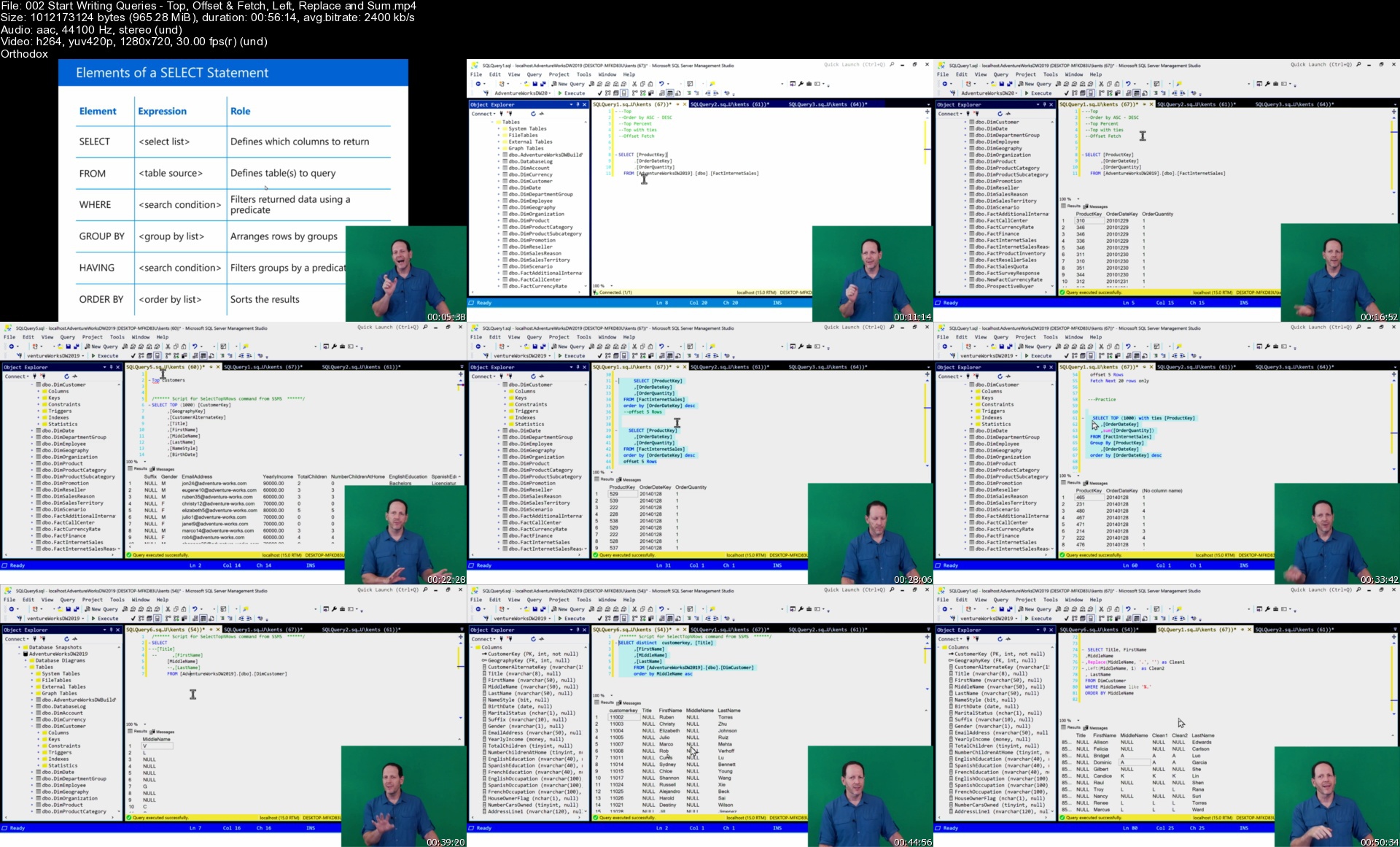
Microsoft SQL Queries - Hands-on training for Business Users

0086c250efjto.jpg


Microsoft SQL Queries - Hands-on training for Business Users
MP4 | Video: h264, 1280x720 | Audio: AAC, 44.1 KHz, 2 Ch
Genre: eLearning | Language: English | Duration: 16 lectures (10h 46m) | Size: 9.35 GB

Writing Microsoft SQL Queries - Prerequisite knowledge for working professionals, analyst, report builders and new DBA's

What you'll learn:
Microsoft SQL Query Language learn to write queries that run against a Microsoft SQL Server database.
Write SQL Queries and follow along with the Instructor as you profile tables, columns and the schema.
Hands-On SQL Query language training where you will create group by and having queries
Use the Object Explorer to understand which data types are used for the columns and the restrictions you may have when you write your queries
Understand how to write SQL queries that answer basic business questions like who, what, when and how many products have been sold
Hands-On SQL learning where you will create WHERE, TOP, OFFSET FETCH and ORDER BY Queries
Use SUM, Count, AVG and other aggregate functions and learn how data types and NULLs can effect them
Yes, SQL joins! Understand and create regular, left and right joins
Learn to write basic SQL queries using variables
Create queries using different date & time types along with formatting and functions like DateAdd and DataDiff
Using basic CTE's, Unions, and Rank Over to pre-aggregate and organize your results
Learn the Basics of Stored Procedures and Parameters that will help you simplify your day-to-day work

Requirements
No prior knowledge of the SQL language is needed, but a basic understanding of databases, tables and columns if helpful
Downloadable versions of Microsoft SQL 2019 - Trial versions are Free!
The Microsoft AdventureWorkDW2019 Training Database - It's Free!
The latest version of SQL Server Management Studio (SSMS) needs to be installed - It's Free!
The Microsoft Windows platform is required for this course. Mac OS and other systems is not supported.
See the Video for the exact database and software needed for this course.


Description
Welcome!

Ready to write Microsoft SQL queries for Power BI reports or data connections in Excel? Are you currently running SQL queries that have already been written, but get stuck as soon as you are faced with writing them from scratch? You've come to the right place! This lecture based, hands-on class will get you started with Microsoft Transact SQL and provide you with the skills needed to write basic business queries.

Unlike other courses where you have a single task and a single query to write, we'll jump right into business questions that are more common in day-to-day work environments. We'll use a mix of SQL methods immediately, as an example, we'll start with a simple select statement and quickly add concatenation and work through problems that you'll run into when working with NULLs. It's always easy to write queries that work perfectly in a lab, but what are the problems you'll run into when you do this with live data? In this course, we'll be repetitive and use as many different types of queries as possible, building you SQL business skills along the way.

Beginning Sessions:

First you will learn the basics: Getting around SQL Server Management Studio (SSMS), understanding how to profile your data before you write your first query. After that, we'll review basic database and table structures so you know what columns and data types can be used in your queries and how to write the basic select statement that will return data.

Next you'll start writing basic SQL queries from a single table using a range SQL functions. We'll ask questions and write queries that will provide the answers. Once that is complete, we'll add some common business problems to the mix, like removing text characters from our results and work through each one to ensure we can get the answers needed.

To finish up and reinforce the basics, we'll go through query labs that will be repetitive, but will ensure you've touched on as many different types of queries as possible so you can build your SQL skills.

Middle Sessions:

Here we start joining tables and keep adding new SQL functions, formatting and groupings to the queries so we can get the correct answers. With each new video, you'll learn a range of methods all mixed together, so you get a feel for what it takes to actually write meaningful queries that meets the business needs.

Again, to reinforce all of the new items we've covered, we'll go through query labs that will combine the old labs with the new and ensure you have the knowledge to keep going.

Ending Sessions:

Now that basic queries and joins are easy to do, we'll focus on specific business labs like how to use variables in your queries and parameters in your stored procedures. We'll continue to mix, match and use as many different SQL methods available so we can solve problems and make sure your SQL skills are as fluent as possible.

Follow along with the instructor as he guides you through a time-tested process of finding the right tables, columns and data types to write queries which will return the specific data you need. You'll use only three tools, The Microsoft SQL 2019 database engine, SQL Server Management Studio (SSMS) and the Microsoft AdventureWorksDW2019 Training Database to complete the training. Work at your own pace by pausing the video and spend as much time as you need writing your queries and working through the labs. To get the most out of this course, it's best to have one monitor to watch the video and a second monitor to do the labs.

Who this course is for
Working professionals who need learn how to write basic queries against a Microsoft SQL Server database
Anyone that needs to create reports using Power BI or Microsoft Reporting services
Anyone who is starting a career in AML, Data, Database or Programming who needs to write queries against data sets
Project managers who are responsible for enterprise data based projects
Why not have a look at the curriculum below and see what you can learn?

Homepage


002startwritingqueriettk9z.jpg


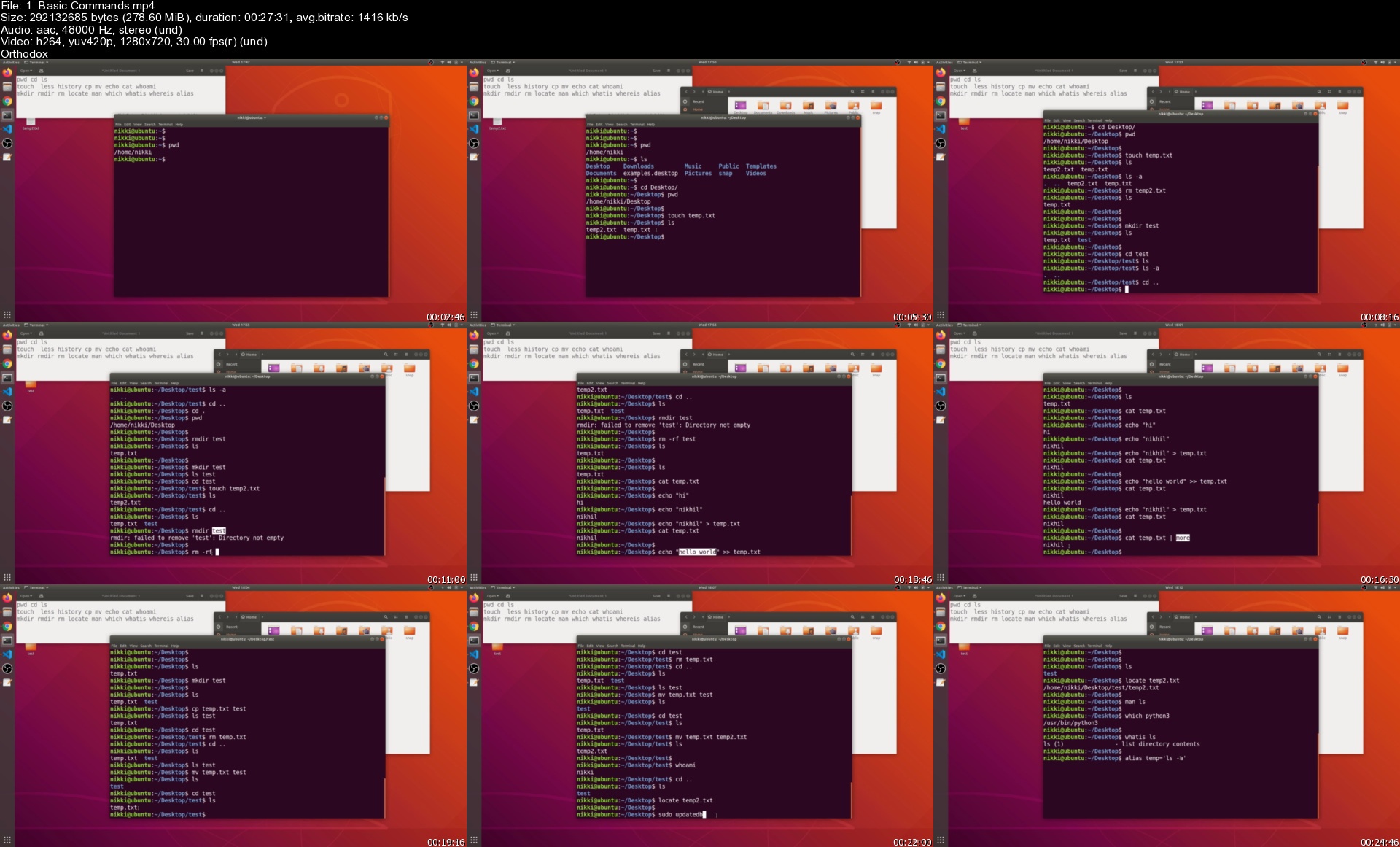
Ultimate Ethical Hacking and Penetration Testing (UEH) (updated 7/2021)

glnlhbk0oaaftzybeggxpmtjsh.jpg


Ultimate Ethical Hacking and Penetration Testing (UEH) (updated 7/2021)
MP4 | Video: h264, 1280x720 | Audio: AAC, 44.1 KHz
Language: English | Size: 28.7 GB | Duration: 55h 50m


What you'll learn
Learn Penetration Testing from scratch
Learn WebAppliction Penetration Testing : OWASP TOP 10 Vulnerabilities
Learn Network Penetration Testing
Learn Privilege Escalation Techniques
Master the STACK OVERFLOWS ATTACKS
Learn SEH Overflows
Learn Assembly Language
Learn Shellcoding
Learn Metasploit
Learn BurpSuite
Learn Enumeration
Learn Scanning
Learn Powershell
Learn Active Directory
Learn Port Forwarding and Pivoting
Learn to Pivot Entire Network
Learn Manual SQL Injections
Learn How to tackle Hackthebox machines
Requirements
No Prerequisites as This course aims from beginning level

Description
This course is aimed at beginners who want to learn hacking and pentesting from basics

Also this course helps in Buffer overflows also goes in depth

After this course , you will have good understanding of how to approach a machine and you can develop your own methodology

Active Directory Fundamentals and Pentesting AD will be added soon


Who this course is for:
Anyone who is curious to learn Hacking
Preparing for OSCP
Anyone who wants to start into Hacking field
Network Administrators , System Administrators , Penetration Testers , Exploit Developers

Homepage


1.basiccommandssfmjdn.jpg


Blazor WebAssembly Full Stack Bootcamp with .NET 5

0086c248ppk9n.jpg


Blazor WebAssembly Full Stack Bootcamp with .NET 5
MP4 | Video: h264, 1280x720 | Audio: AAC, 44.1 KHz, 2 Ch
Genre: eLearning | Language: English + srt | Duration: 211 lectures (17h 33m) | Size: 5 GB

Build an online browser game from scratch using Blazor WebAssembly, Web API, Entity Framework & SQL Server with .NET 5

What you'll learn:
Build a complete web application with Blazor WebAssembly, Web API, Entity Framework and a SQL Server database
Razor components: Communication, data binding, event handling, the @code block & more
Forms in Blazor WebAssembly with Validation & displaying validation messages
Utilize built-in forms components like InputText, InputCheckbox, InputSelect & more
Authentication & authorization with the AuthenticationStateProvider & the AuthorizeView component
Authentication with JSON Web Tokens (JWT)
Use Web API as web service with the HTTP request methods GET, POST, PUT & DELETE by utilizing the Model-View-Controller (MVC) pattern
Use Entity Framework with code-first migrations to store your data in a SQL Server database
Publish & Deploy to a Windows Server with IIS (Internet Information Services)
...and much more!

Requirements
Basic web development knowledge with C# & HTML is preferable


Description
Blazor WebAssembly is turning the web development world upside down.

With Blazor you can keep coding every part of your web application - meaning front end and back end - with the programming language and the framework you love - C# and .NET.

No need for JavaScript anymore and you can even use the same classes and methods you write for the server as well as for the client.

We will dive right into the code by first having a look at the standard example project of Blazor WebAssembly and then we already build the main project of this course, which is a classic online browser game, where users can create an army of fighters and send them into battle against other users.

Together with some customization options and climbing the leaderboard, this application will teach you how to use Blazor WebAssembly with Razor components in a playful way.

We will have a look at data- and event binding, communication between components, forms with their built-in components and validation options, how to use views only authorized users can see, how to make calls to a web service, and much more.

Additionally, you will learn how to build the back end of the browser game with a Web API and Entity Framework to store all the data in a SQL Server database.

By the end of this course, you will have what it takes to call yourself a full stack Blazor web developer.

With your new skills, you are ready to conquer any upcoming .NET web development project you want to build yourself or any project that is requested by a recruiter.

The only tools you need are Visual Studio, Postman, SQL Server, and a browser like Chrome or Firefox.

Everything is available for free and also cross-platform! So you can follow this course on Windows and macOS.

What You Will Learn

Introduction & Jumpstart

Create an ASP.NET Core hosted Blazor WebAssembly project

Examine the example project

Explore different ways to run your web application

Debug client & server code at the same time

Initialize a Git repository for your source control

Blazor WebAssembly Fundamentals

Create Razor components

Write C# code and HTML in the same file

The @code block

Component communication with parameters, event callbacks & services

Data binding & event handling

Add pages to your Blazor WebAssembly application

Routing & navigation in a Blazor app

Create and use models within your web application

Loops & more in Razor components

User feedback with toaster messages for errors & more

Manage NuGet Packages

Forms & Authentication

Create forms with validations

Use all built-in forms components like InputText, InputCheckbox, InputSelect & more

Build login & registration forms

Display validation errors

Utilize models with forms

Add the NavigationManager to navigate the user in your app

Utilize the AuthenticationStateProvider

Expose the AuthenticationState

Use the AuthorizeView component

Page restriction with the [Authorize] attribute

Use the LocalStorage for authentication

Web API & Entity Framework

The Model-View-Controller (MVC) pattern

Create models and controllers

Use the same models for the server and the client

Attribute routing (with parameters)

The HTTP request methods GET, POST, PUT & DELETE

Object-Relational-Mapping

Code-First Migration

SQL Server

How to use a DataContext and a proper ConnectionString

All previous HTTP requests with Entity Framework to save your data in a SQL Server database

Inspect your database with the SQL Server Management Studio

Authentication with JSON Web Tokens (JWT)

Create & verify JSON Web Tokens

Use the Repository pattern

Add & read claims

Secure controllers with the Authorize attribute

Use the JWT in the AuthenticationStateProvider of Blazor WebAssembly

Advanced Blazor WebAssembly, Web API & Entity Framework Implementations

Add relations to your database

Use LINQ functions to Select, Order & Include entities

Complete the game logic: Grow your army, fight battles, climb the leaderboard

...and more!

Publish & Deploy your Web Application

Deploy your web application on a Windows Server with IIS (Internet Information Services)

User the Web Deploy feature of IIS to publish and deploy your app with Visual Studio

Your Instructor

My name is Patrick and I will be your instructor in this course. I'm a web developer for over a decade now, I have worked for big corporations and small teams, as an employee and a contractor and I just love to see the way Microsoft is going with .NET & Blazor and how important these technologies get day by day.

To this date, I was able to run seven courses on web development here on Udemy about .NET (Core), Blazor, single-page applications, Angular and DevOps - with a total of over 55.000 unique students and over 6.000 reviews.

If you have any questions, feel free to connect.

And if you still have any doubts, you have a 30-day money-back guarantee, no questions asked.

Are you ready to take the next step in web development?

I'm looking forward to seeing you in the course!

Course image: vector illustration/Shutterstock

Who this course is for
Everyone who wants to make the next big step in web development with Blazor & .NET
Students who want to improve their skills in order to have better chances for career advancement

Homepage


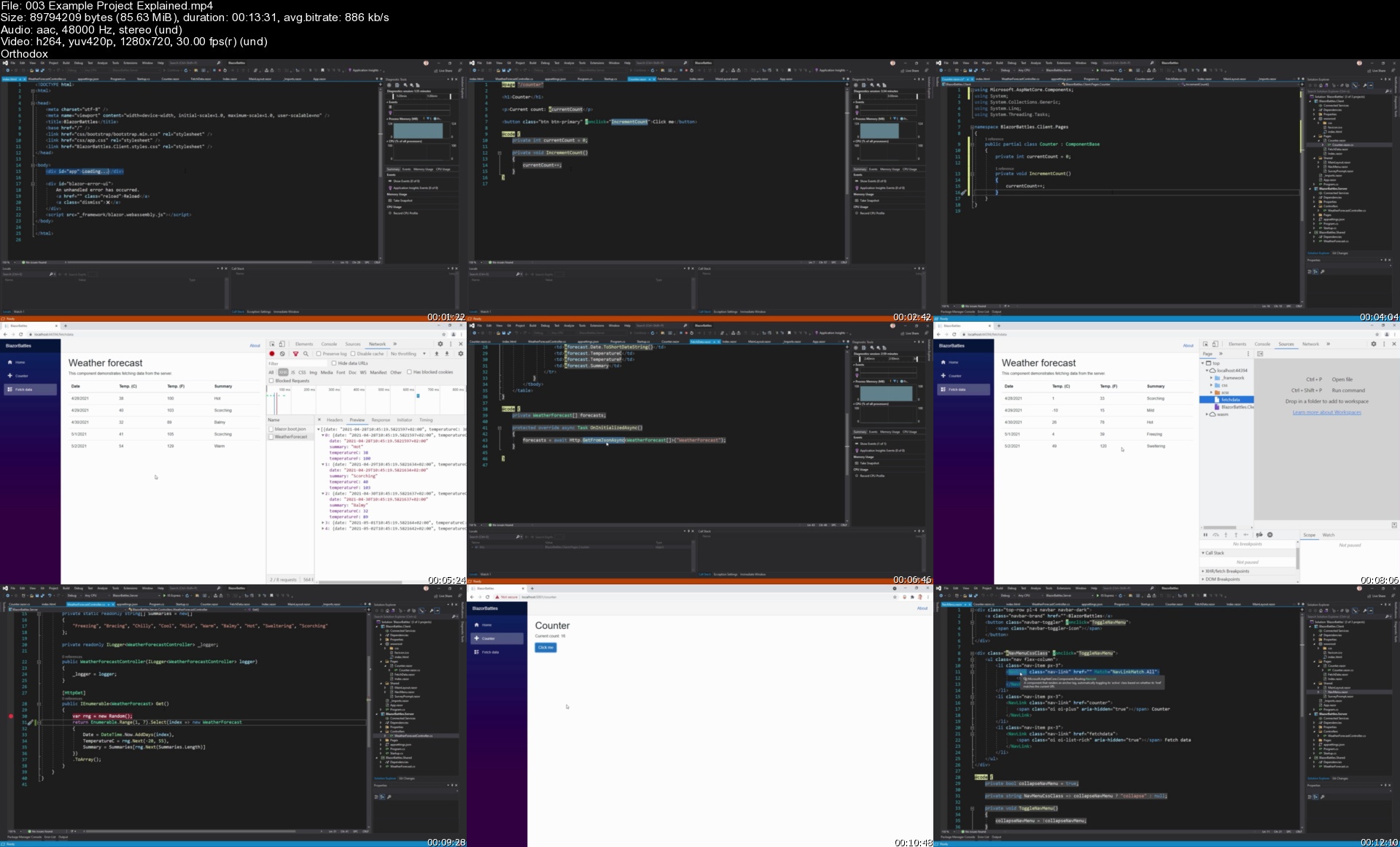
003exampleprojectexpleuk77.jpg


The Microsoft Excel Analyst Bootcamp

irzlpzkox6aywyhnl1vkpqjkcv.jpg


The Microsoft Excel Analyst Bootcamp
Created by Travis Cuzick | Last updated 8/2021
Duration: 13h 6m | 14 sections | 85 lectures | Video: 1280x720, 44 KHz | 5 GB
Genre: eLearning | Language: English + Sub

The most efficient way to master the Excel skills you need to be an office Rockstar!


What you'll learn
Keyboard shortcuts and data entry tips and tricks
Filtering, sorting, and formatting your data
Manipulating date and time data with functions like DATE, TIME, DATEDIF, and NETWORKDAYS
Transforming and cleaning text data with functions like LEFT/RIGHT, MID, FIND, SUBSTITUTE, and TRIM
Applying conditional logic with the IF, AND, and OR functions
Using VLOOKUP to consolidate and reconcile separate datasets
Building dynamic models with Excel
Applying conditional formatting, color scales, and data bars to give meaning to your data
Using Excel's powerful charting engine to tell the story of your data with attractive visualizations
Working with external data
Managing structured datasets efficiently with Excel Tables
Summarizing and analyzing large datasets with Excel Pivot Tables
Supercharging your Pivot Tables with Slicers
Automating Excel with VBA Macros
Show more
Show less

Requirements
An installation of Microsoft Excel (Excel 365 is used for demonstrations, but the course material is compatible with earlier versions).Excel for Mac should be fine in most cases, but all course examples are presented on Windows.

Description
Whether you're an Analyst who works with data for a living, or one of the millions of people in offices all over the world who find themselves spending more time wrestling with spreadsheets than doing their actual job, chances are excellent that you can supercharge your productivity - and decrease your stress - by mastering Microsoft Excel.
Excel allows us to transform, analyze, summarize, and visualize our data with incredible power and efficiency, making it the ultimate "glue" application without which many organizations would fall apart. You'd be amazed at how much many crucial decisions made at the highest levels of companies, or even governments, are made based on data in an Excel spreadsheet.
And even better - with the right teaching approach - Excel is actually pretty easy to master.
Now to be sure, Excel is one of the most complex applications ever built, and a course that covers all of its features and functionality might last well into the next decade. But fortunately, as with so many things, there is a small percentage of Excel's feature set that most people use, most of the time.
Because I want to level up your skills in the shortest time possible, this course is laser-focused on Excel's most useful and powerful features - the ones you'll find yourself going back to, day in and day out.
\n
\n
Here's a sneak peek at just some of the things you'll learn:
Keyboard shortcuts and data entry tricks that will help you swat away those tedious tasks around the office with ease
Formatting tips to give your spreadsheets that professional look
Filtering and sorting for rapid insights into your data
Crunching out calculations and summary statistics with Excel formulas and functions
Performing "date math" with Excel's vast array of date and time functions
Using functions to perform complex operations on text data
Logical functions like AND, OR, and IF for advanced conditional operations
Master the essential VLOOKUP function for consolidating and reconciling separate datasets
Best practices for constructing dynamic models with sophisticated controls for varying model input
Advanced data visualization techniques, including custom formats, conditional formatting, and - of course! - charts
Working with external data
Managing "structured" data efficiently with Excel Tables
Condensing large datasets into powerful Business Intelligence using Excel Pivot Tables
Taking your Pivot Tables to the next level with Slicers
Automating redundant tasks with Excel Macros
Editing VBA (Visual Basic for Applications) code for more fine-tuned control of your Macros

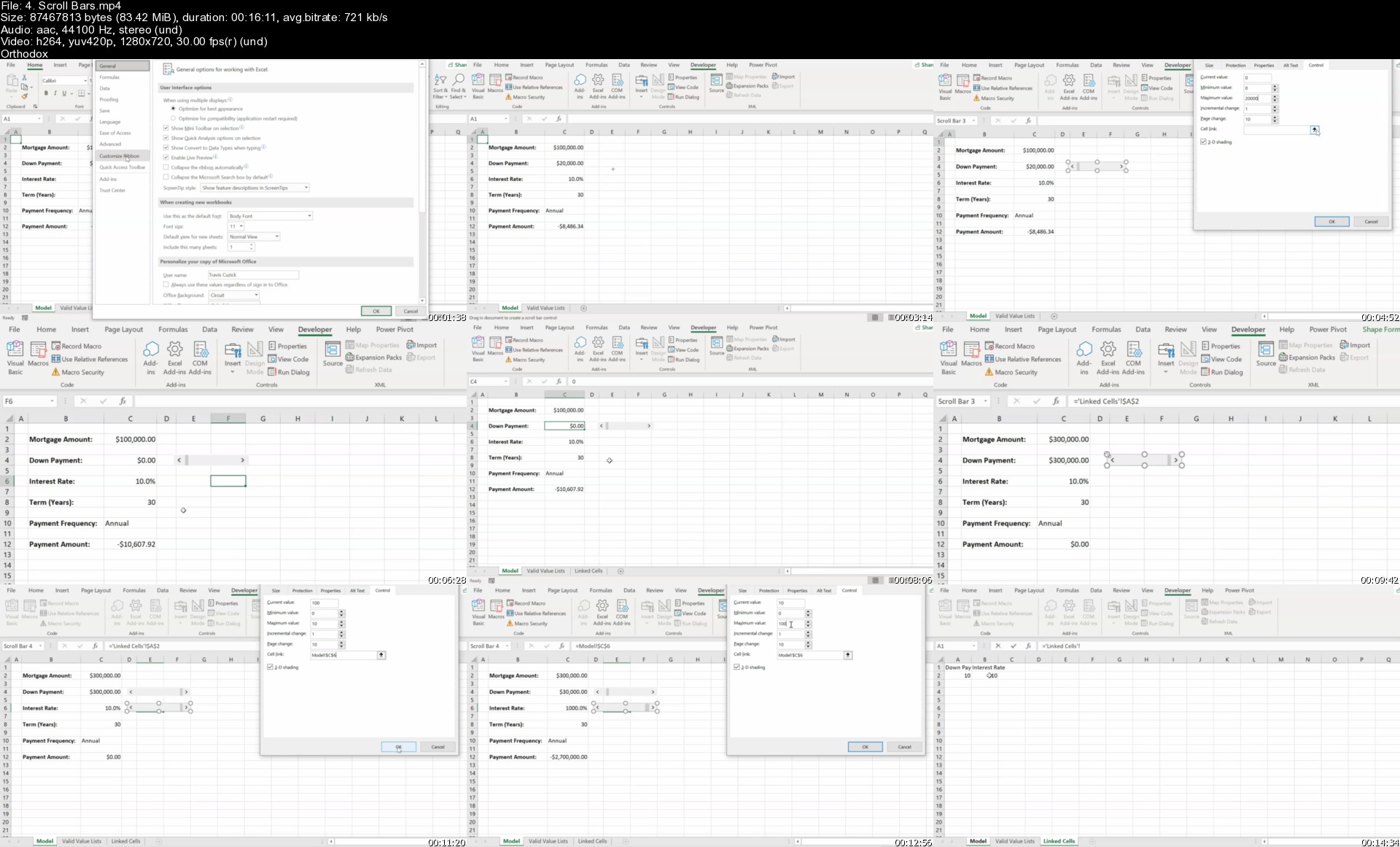
4.scrollbarss6bkbl.jpg


Rank, Map & Chart Covid19 Countries with Next.js

cz43fivsfedyn3b7rr745t1k9w.jpg


Rank, Map & Chart Covid19 Countries with Next.js
MP4 | Video: h264, 1280x720 | Audio: AAC, 44.1 KHz, 2 Ch
Genre: eLearning | Language: English + srt | Duration: 10 lectures (2h 11m) | Size: 1.14 GB

Learn to work with React's Next.js, while combining it with an external API to map, graph & display data about Covid19

What you'll learn:
Learn how to use Nextjs (React framework)
Working with getServerSideProps and understanding the difference with getStaticProps
Understanding dynamic pages within Nextjs
Using an external API and working with the data
Learn how to make a map with data in Nextjs with Leaflet
Graph your data with Chartjs
Deploy your application with Vercel

Requirements
No requirements. Ideally it will help a little if you know some vanilla React, but complete beginners are welcome!


Description
Students will learn how to use Nextjs (React framework), including working with getServerSideProps, learning what separates it from getStaticProps, implement dynamic pages, along with accessing an external API based on the latest Covid19 information to output and work with the data which the finalized application will be deployed to a website on Vercel.

Users will also gain valuable knowledge on how to work with location data, outputting co-ordinates on a map using Leaflet within our Next.js application and showing the steps required to get it up and running, which can otherwise be a hassle to figure out.

We will also understand how to use and graph data in our Next.js application with Chart.js, showing the past daily instances of infections of the past month.

We will also utilize some CSS in order to style and layout the page in a nice, clean and presentable manner.

While this tutorial is for a Covid19 website, I would strongly advise that people who are following along try to change it into something they prefer, like shoes, toys, anime, cars - anything, or even output the data in a different way - as it will help cement their learning, and fundamentally this is to get a better understanding of working with Next.js, array filtering and data manipulation, as the data itself can be used with any available APIs.

If you have any further questions, or need any assistance during the course, please don't hesitate to contact me or drop me an email and I will get back to you at the earliest convenience.

Who this course is for
Beginner and pre-intermediate React / Nextjs developers. Perhaps you know vanilla React but you are not familiar with Nextjs or you are a complete beginner. Intermediates may also find the map and graph information useful too.

Homepage


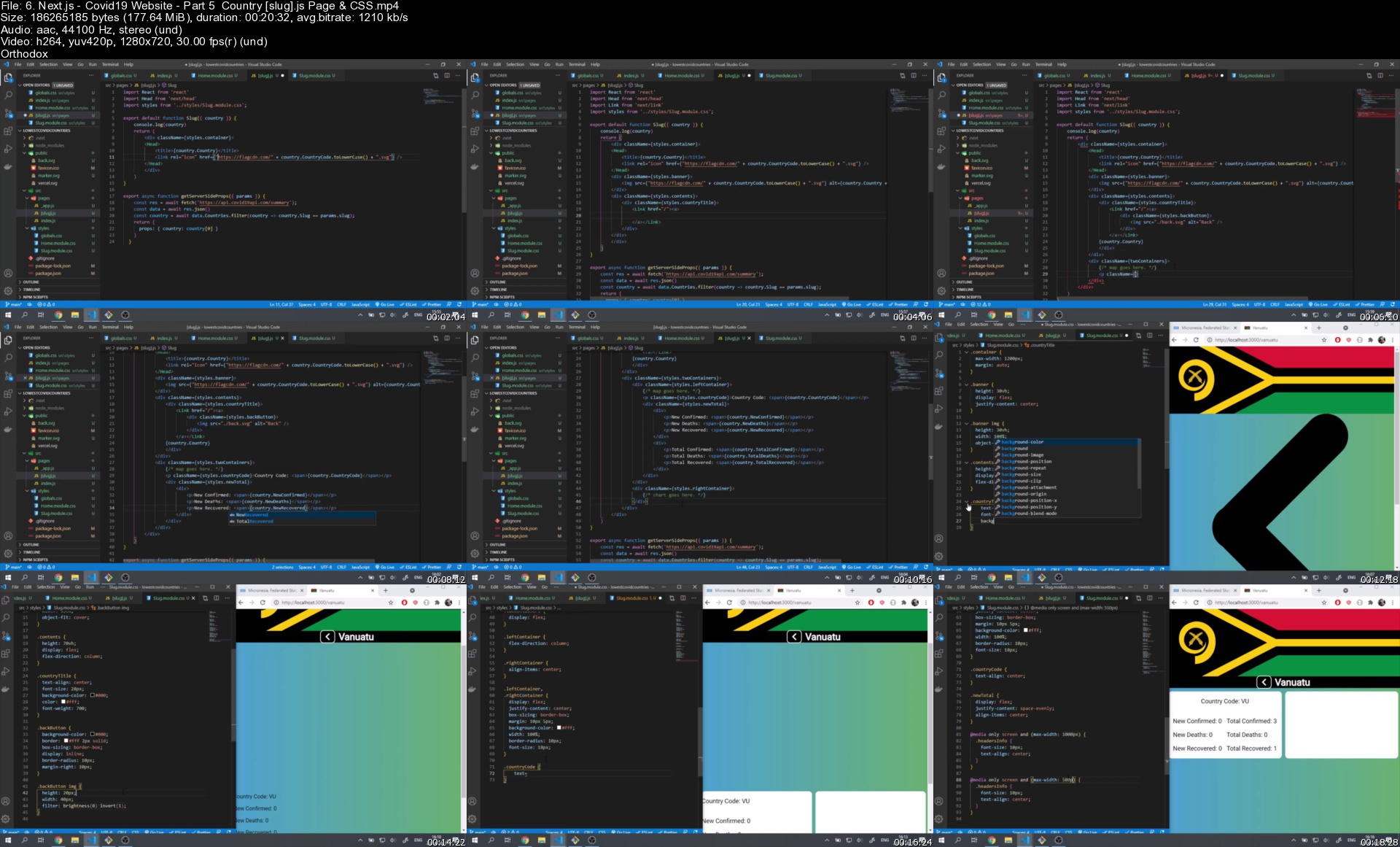
6.next.jscovid19websiu8k0q.jpg


Naturally Boost Your Immunity vs. COVID-19 & other diseases

photo2021060823014584jty.jpg


Naturally Boost Your Immunity vs. COVID-19 & other diseases
Created by Stanbridge Education | Published 6/2021
Duration: 47m | 4 sections | 17 lectures | Video: 1280x720, 44 KHz | 482 MB
Genre: eLearning | Language: English + Sub

Learn how Vitamin D from supplements, food and sunlight can boost your immune system, and protect you from diseases.


What you'll learn
Learn recent science-backed facts about the relationhip between Vitamin D and COVID-19, and other diseases.
Learn how VItamin D can help boost your immune system, and help you fight off COVID-19.
Learn how to test and check your Vitamin D status.
Learn about the different ways you can increase your Vitamin D status.
Learn what are the causes and symptoms of Vitamin D deficiency.

Requirements
No prerequites for this course. Just a willingness to learn about immunity and Vitamin D.

Description
Are you worried about catching COVID-19 or infections in general? The best way to prevent this may not be through medication or vaccines. Vitamin D is an extremely powerful, natural, immune booster and immuno-regulator which has many important functions for general health, bone density and strength, resistance to infections (COVID, etc...), cancers, and more...
In this FREE course you will learn simple, natural, strategies to boost your immune system with Vitamin D, and become stronger and healthier without any vaccine or medication. What I will teach you in this course is completely science-backed and fact-check but it is not academic, it is 100% practical, and it comes directly from my own experience with trying to stay healthy and optimizing my immune system over the past several years.
Learn how Vitamin D can help you boost your immune system
Understand risks and symptoms associated with low Vitamin D
Learn why a large majority of people worldwide are Vitamin D deficient, and are at risk of catching infections and all sorts of diseases
Decrease your chances of getting sick with COVID-19 and other viruses (flu, etc...)
Learn How to Boost Your Immune Strength with Scientifically Proven Strategies
Increase your energy, get stronger and healthier
Strengthen your immunity with nutrition, sunlight, and supplements

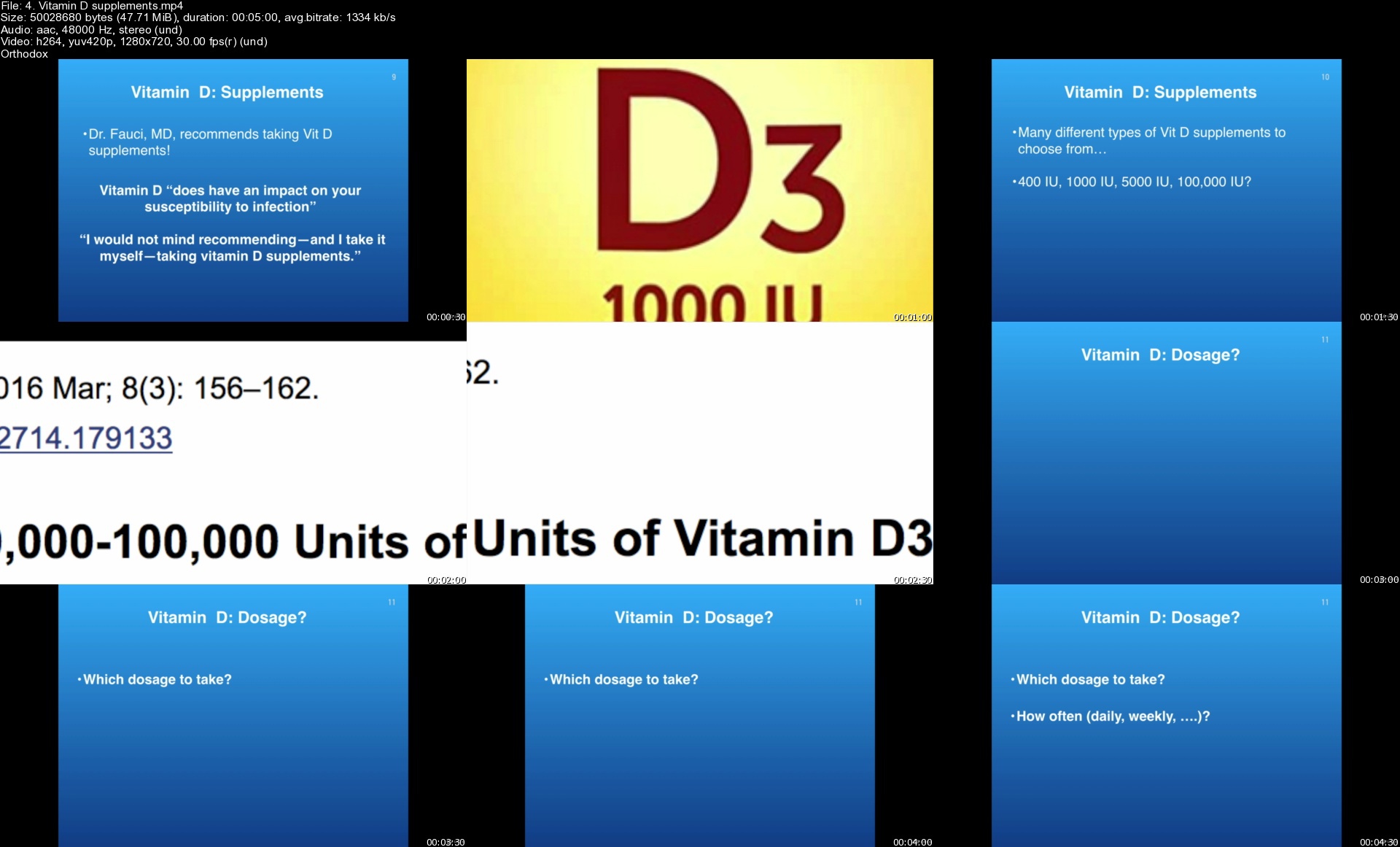
4.vitamindsupplementsfpkrw.jpg


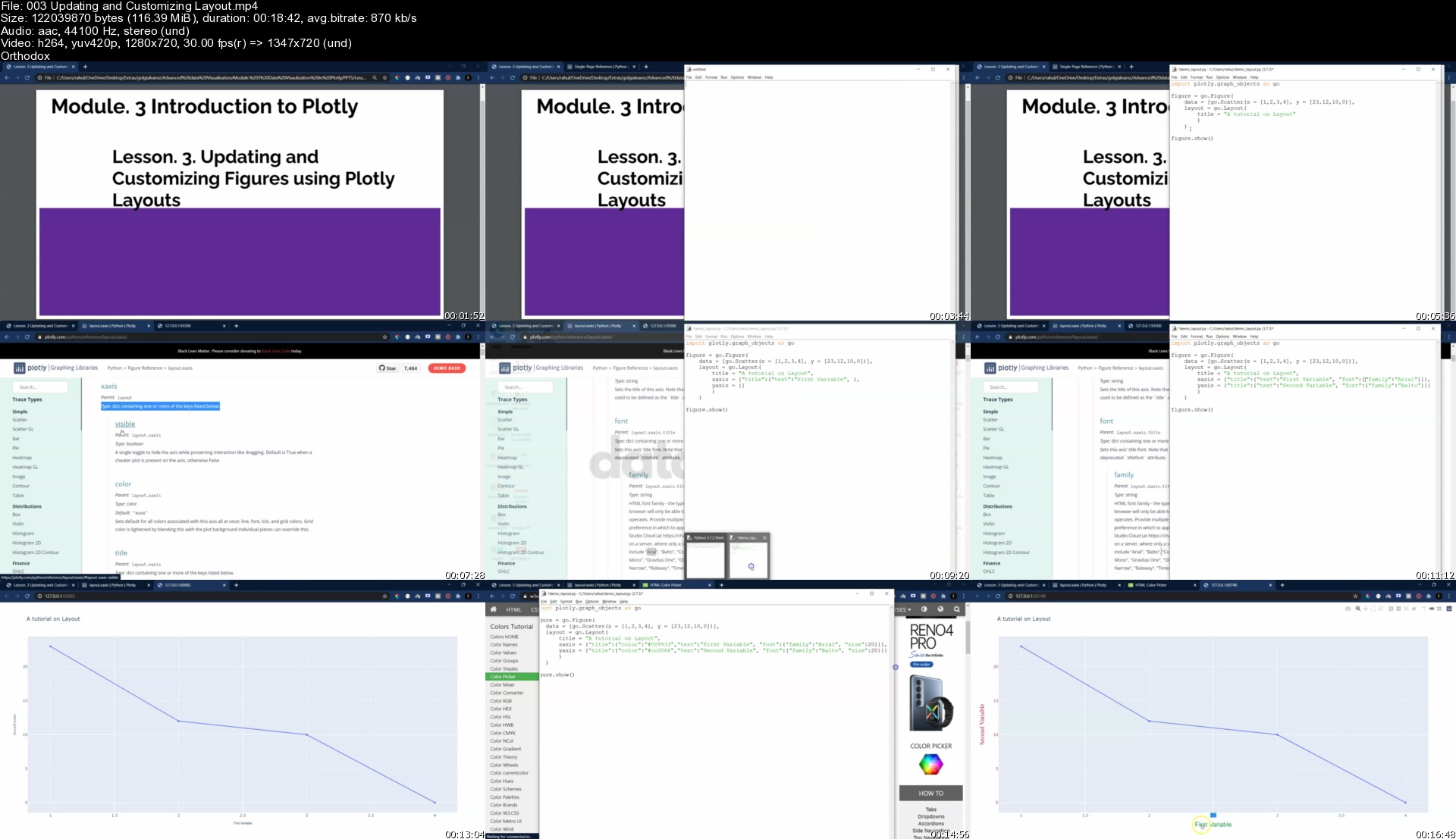
Learn data science - covid-19 and cholera pandemic projects

imxh76upv8le4zlung8fixhjvm.jpg


Learn data science - covid-19 and cholera pandemic projects
MP4 | Video: h264, 1280x720 | Audio: AAC, 44.1 KHz, 2 Ch
Genre: eLearning | Language: English + srt | Duration: 39 lectures (10h 7m) | Size: 2.7 GB

Learn data science using python, plotly and leaflet

What you'll learn:
Introduction to Data Visualisation
Data Types and Chart Types
Data Visaulization in Plotly
COVID Visualization in Plotly
Plotting Geographical Data in Plotly
John's Cholera Graph
Scientific and Statistical Plots and animation
Interactive Maps using Leaflet

Requirements
Basic math skills
Basic to Intermediate Python Skills


Description
This is a course for data visualization lovers.

It has been prepared with practical exercises of the current context for its better understanding and application in a 10 intensive hours.

In a first section, the methodological principles on data viz and graphic display techniques are explained. As an exercise, the extraction and deployment of COVID-19 data using python, Plotly and express submodule is developed.

Additionally, the course includes the geospatial application for the representation of geographic data using Plotly's methods, and as an exercise the data from John Snow's research on cholera is reconstructed.

Finally, scientific and statistical graphics and their display through animation code are explored. As a final project, the Leaflet code is used to explore interactive maps.

Who this course is for
developers
gis and geospatial users
data researchers
Anyone interested in learning more about python, data science, or data visualizations
Anyone interested about the rapidly expanding world of data science

Homepage


003updatingandcustomie9kml.jpg


Zurück
Oben Unten