• Regeln für den Video-Bereich:

    In den Börsenbereich gehören nur Angebote die bereits den Allgemeinen Regeln entsprechen.

    Einteilung

    - Folgende Formate gehören in die angegeben Bereiche:
    - Filme: Encodierte Filme von BluRay, DVD, R5, TV, Screener sowie Telesyncs im Format DivX, XviD und x264.
    - DVD: Filme im Format DVD5, DVD9 und HD2DVD.
    - HD: Encodierte Filme mit der Auflösung 720p oder darüber von BluRay, DVD, R5, TV, Screener sowie Telesyncs im Format x264.
    - 3D: Encodierte Filme von BluRay, die in einem 3D Format vorliegen. Dies gilt auch für Dokus, Animation usw.
    - Serien: Cartoon/Zeichentrick, Anime, Tutorials, Dokumentationen, Konzerte/Musik, Sonstiges sind demnach in die entsprechenden Bereiche einzuordnen, auch wenn sie beispielsweise im High Definition-Format oder als DVD5/DVD9/HD2DVD vorliegen. Ausnahme 3D.
    - Bereich Englisch: Englische Releases gehören immer in diesen Bereich.
    - Bereich Talk: Der Bereich, in dem über die Releases diskutiert werden kann, darf, soll und erwünscht ist.


    Angebot/Beitrag erstellen

    - Ein Beitrag darf erst dann erstellt werden, wenn der Upload bei mindestens einem OCH komplett ist. Platzhalter sind untersagt.
    - Bei einem Scenerelease hat der Threadtitel ausschließlich aus dem originalen, unveränderten Releasenamen zu bestehen. Es dürfen keine Veränderungen wie z.B. Sterne, kleine Buchstaben o.ä. vorgenommen werden. Ausnahme Serienbörse:
    - Bei einem Sammelthread für eine Staffel entfällt aus dem Releasename natürlich der Name der Folge. Beispiel: Die Simpsons S21 German DVDRip XviD - ITG
    - Dementsprechend sind also u.a. verboten: Erweiterungen wie "Tipp", "empfehlenswert", "only", "reup", usw. / jegliche andere Zusatzinformation oder Ergänzung, welche nicht in obiger Beschreibung zu finden ist.

    Aufbau des Angebots und Threadtitel

    Der Titel nach folgendem Muster erstellt zu werden. <Name> [3D] [Staffel] [German] <Jahr> <Tonspur> [DL] [Auflösung] <Quelle> <Codec> - <Group>
    Beispiel: The Dark Knight German 2008 AC3 DVDRip XviD - iND
    Beispiel: The Dark Knight 2008 DTS DL BDRip x264 - iND
    Beispiel: The Dark Knight 2008 AC3 DL BDRip XviD - iND
    Beispiel: The Dark Knight German 2008 AC3 720p BluRay x264 iND
    Beispiel: The Dark Knight 2008 DTS DL 1080p BluRay x264 iND
    Beispiel: Die Simpsons S01 German AC3 DVDRip XviD iND
    Beispiel: Die Simpsons S20 German AC3 720p BluRay x264 iND
    Beispiel: Sword Art Online II Ger Sub 2014 AAC 1080p WEBRip x264 - peppermint
    Entsprechend sind also u.a. verboten: Sonderzeichen wie Klammern, Sterne, Ausrufezeichen, Unterstriche, Anführungszeichen / Erweiterungen wie "Tipp", "empfehlenswert", "only", "reup", usw. / jegliche andere Zusatzinformation oder Ergänzung, welche nicht in obiger Beschreibung zu finden ist
    Ausnahmen hiervon können in den Bereichen geregelt sein.

    Die Beiträge sollen wie folgt aufgebaut werden:
    Überschrift entspricht dem Threadtitel
    Cover
    kurze Inhaltsbeschreibung
    Format, Größe, Dauer sind gut lesbar für Downloader außerhalb des Spoilers zu vermerken
    Nfo sind immer Anzugeben und selbige immer im Spoiler in Textform.
    Sind keine Nfo vorhanden z.B. Eigenpublikationen, sind im Spoiler folgende Dateiinformationen zusätzlich anzugeben :
    Quelle
    Video (Auflösung und Bitrate)
    Ton (Sprache, Format und Bitrate der einzelnen Spuren)
    Untertitel (sofern vorhanden)
    Hosterangabe in Textform außerhalb eines Spoiler mit allen enthaltenen Hostern.
    Bei SD kann auf diese zusätzlichen Dateiinformationen verzichtet werden.

    Alle benötigten Passwörter sind, sofern vorhanden, in Textform im Angebot anzugeben.
    Spoiler im Spoiler mit Kommentaren :"Schon Bedankt?" sind unerwünscht.


    Releases

    - Sind Retail-Release verfügbar, sind alle anderen Variationen untersagt. Ausnahmen: Alle deutschen Retail-Release sind CUT, in diesem Fall sind dubbed UNCUT-Release zulässig.
    - Im Serien-Bereich gilt speziell: Wenn ein Retail vor Abschluss einer laufenden Staffel erscheint, darf diese Staffel noch zu Ende gebracht werden.62
    - Gleiche Releases sind unbedingt zusammenzufassen. Das bedeutet, es ist zwingend erforderlich, vor dem Erstellen eines Themas per Suchfunktion zu überprüfen, ob bereits ein Beitrag mit demselben Release besteht. Ist dies der Fall, ist der bereits vorhandene Beitrag zu verwenden.
    - P2P und Scene Releases dürfen nicht verändert oder gar unter einem iND Tag eingestellt werden.


    Support, Diskussionen und Suche

    - Supportanfragen sind entweder per PN oder im Bereich Talk zu stellen.
    - Diskussionen und Bewertungen sind im Talk Bereich zu führen. Fragen an die Uploader haben ausschließlich via PN zu erfolgen, und sind in den Angeboten untersagt.
    - Anfragen zu Upload-Wünschen sind nur im Bereich Suche Video erlaubt. Antworten dürfen nur auf Angebote von MyBoerse.bz verlinkt werden.


    Verbote

    - Untersagt sind mehrere Formate in einem einzigen Angebotsthread, wie beispielsweise das gleichzeitige Anbieten von DivX/XviD, 720p und 1080p in einem Thread. Pro Format, Release und Auflösung ist ein eigener Thread zu eröffnen.
    - Grundsätzlich ebenso verboten sind Dupes. Uploader haben sich an geeigneter Stelle darüber zu informieren, ob es sich bei einem Release um ein Dupe handelt.
    - Gefakte, nur teilweise lauffähige oder unvollständige Angebote sind untersagt. Dies gilt auch für eigene Publikationen, die augenscheinlich nicht selbst von z.B. einer DVD gerippt wurden. Laufende Serien, bei denen noch nicht alle Folgen verfügbar sind, dürfen erstellt und regelmäßig geupdatet werden.
    - Untersagt sind Angebote, welche nur und ausschließlich in einer anderen Sprache als deutsch oder englisch vorliegen. Ausnahmen sind VORHER mit den Moderatoren zu klären.


    Verstoß gegen die Regeln

    - Angebote oder Beiträge, die gegen die Forenregeln verstoßen, sind über den "Melden"-Button im Beitrag zu melden.
  • Bitte registriere dich zunächst um Beiträge zu verfassen und externe Links aufzurufen.


Englische Tutorials

Linkedin Learning Data Science Foundations Knowledge Graphs-XQZT

227733430_05-02-checklist_for_the_use_of_knowledge_graphs_in_an_organization_c.jpg


Linkedin Learning Data Science Foundations Knowledge Graphs-XQZT | MKV | 121.91 MiB

398 kb/s 1280x720 | AAC 2 CH eng


NFO:
File List:

File: linkedin.learning.data.science.foundations.knowledge.graphs-xqzt-sample.mkv
Size: 3288998 bytes (3.14 MiB), duration: 00:01:06, avg.bitrate: 399 kb/s
Audio: aac, 48000 Hz, stereo (eng)
Video: h264, yuv420p, 1280x720, 30.00 fps(r) (eng)
Subtitles: eng


Download ( Size: 121.91 MiB ):
Filehosts: Nitroflare, Rapidgator


oHeopzn.png

1 Link/s
DEAA12A13F.png


5hSo1Ay.png

1 Link/s
1809BA880D.png


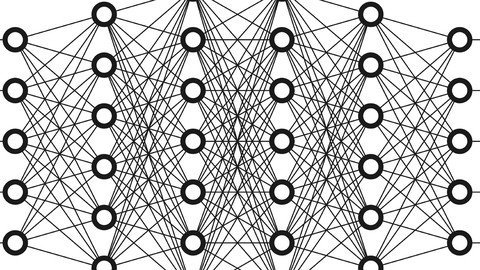
The Complete Neural Networks Bootcamp: Theory, Applications (updated 7/2021)

bn0qrhrvmtoep0h5pzgg3z9jx2.jpg


The Complete Neural Networks Bootcamp: Theory, Applications (updated 7/2021)
MP4 | Video: h264, 1280x720 | Audio: AAC, 44.1 KHz
Language: English | Size: 18.7 GB | Duration: 41h 15m


What you'll learn
Understand How Neural Networks Work (Theory and Applications)
Understand How Convolutional Networks Work (Theory and Applications)
Understand How Recurrent Networks and LSTMs work (Theory and Applications)
Learn how to use PyTorch in depth
Understand how the Backpropagation algorithm works
Understand Loss Functions in Neural Networks
Understand Weight Initialization and Regularization Techniques
Code-up a Neural Network from Scratch using Numpy
Apply Transfer Learning to CNNs
CNN Visualization
Learn the CNN Architectures that are widely used nowadays
Understand Residual Networks in Depth
Understand YOLO Object Detection in Depth
Visualize the Learning Process of Neural Networks
Learn how to Save and Load trained models
Learn Sequence Modeling with Attention Mechanisms
Build a Chatbot with Attention
Transformers
Build a Chatbot with Transformers
BERT
Build an Image Captioning Model

Requirements
Some Basic Python Expreience is preferable
Some High School Mathematics


Description
This course is a comprehensive guide to Deep Learning and Neural Networks. The theories are explained in depth and in a friendly manner. After that, we'll have the hands-on session, where we will be learning how to code Neural Networks in PyTorch, a very advanced and powerful deep learning framework!

The course includes the following Sections:

--------------------------------------------------------------------------------------------------------

Section 1 - How Neural Networks and Backpropagation Works

In this section, you will deeply understand the theories of how neural networks and the backpropagation algorithm works, in a friendly manner. We will walk through an example and do the calculations step-by-step. We will also discuss the activation functions used in Neural Networks, with their advantages and disadvantages!

Section 2 - Loss Functions

In this section, we will introduce the famous loss functions that are used in Deep Learning and Neural Networks. We will walk through when to use them and how they work.

Section 3 - Optimization

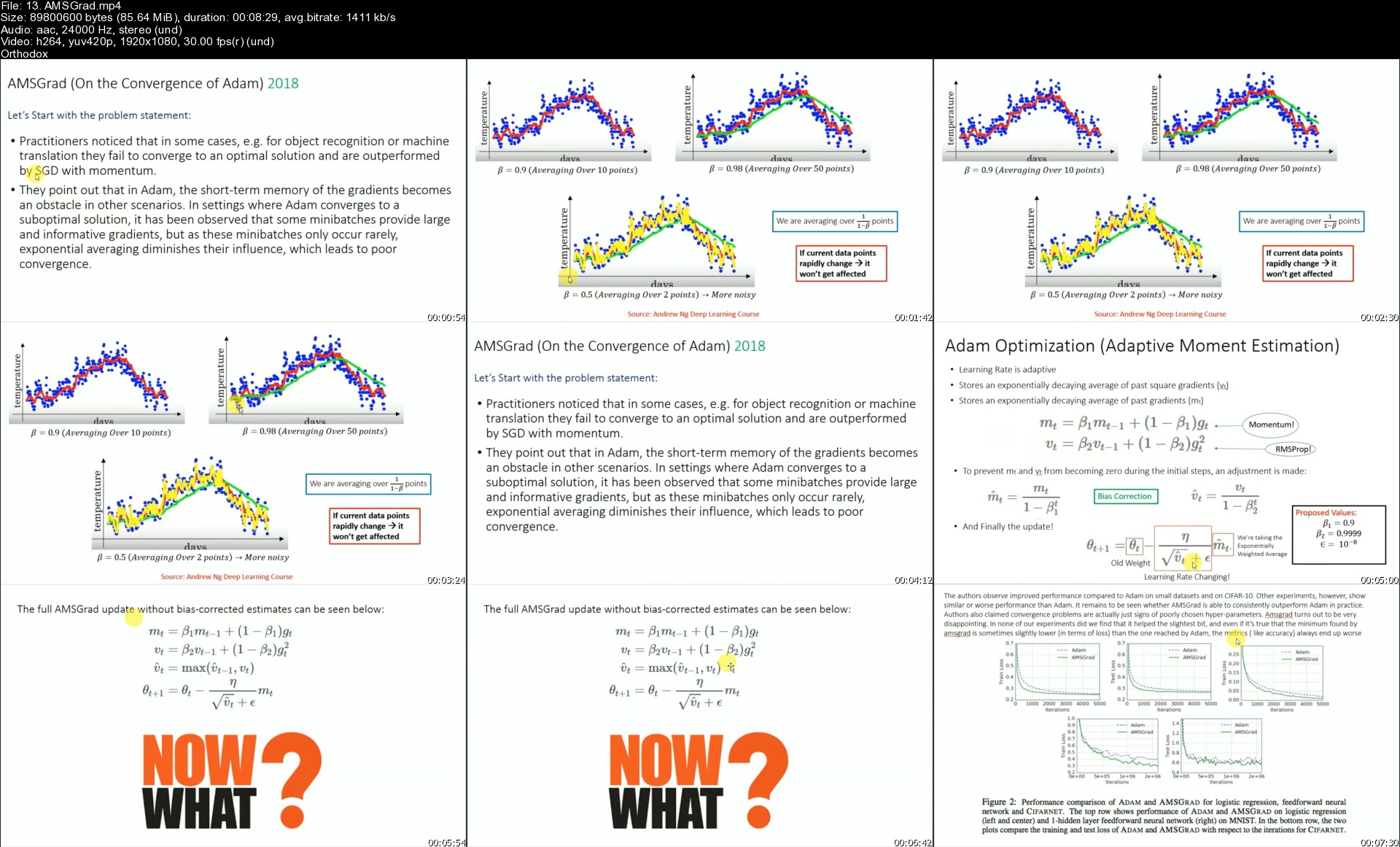
In this section, we will discuss the optimization techniques used in Neural Networks, to reach the optimal Point, including Gradient Descent, Stochastic Gradient Descent, Momentum, RMSProp, Adam, AMSGrad, Weight Decay and Decoupling Weight Decay, LR Scheduler and others.

Section 4 - Weight Initialization

In this section,we will introduce you to the concepts of weight initialization in neural networks, and we will discuss some techniques of weights initialization including Xavier initialization and He norm initialization.

Section 5 - Regularization Techniques

In this section, we will introduce you to the regularization techniques in neural networks. We will first introduce overfitting and then introduce how to prevent overfitting by using regularization techniques, inclusing L1, L2 and Dropout. We'll also talk about normalization as well as batch normalization and Layer Normalization.

Section 6- Introduction to PyTorch

In this section, we will introduce the deep learning framework we'll be using through this course, which is PyTorch. We will show you how to install it, how it works and why it's special, and then we will code some PyTorch tensors and show you some operations on tensors, as well as show you Autograd in code!

Section 7 - Practical Neural Networks in PyTorch - Application 1

In this section, you will apply what you've learned to build a Feed Forward Neural Network to classify handwritten digits. This is the first application of Feed Forward Networks we will be showing.

Section 8 - Practical Neural Networks in PyTorch - Application 2

In this section, we will build a feed forward Neural Network to classify weather a person has diabetes or not. We will train the network on a large dataset of diabetes!

Section 9 - Visualize the Learning Process

In this section, we will visualize how neural networks are learning, and how good they are at separating non-linear data!

Section 10 - Implementing a Neural Network from Scratch with Python and Numpy

In this section, we will understand and code up a neural network without using any deep learning library (from scratch using only python and numpy). This is necessary to understand how the underlying structure works.

Section 11 - Convolutional Neural Networks

In this section, we will introduce you to Convolutional Networks that are used for images. We will show you first the relationship to Feed Forward Networks, and then we will introduce you the concepts of Convolutional Networks one by one!

Section 12 - Practical Convolutional Networks in PyTorch

In this section, we will apply Convolutional Networks to classify handwritten digits. This is the first application of CNNs we will do.

Section 13- Deeper into CNN: Improving and Plotting

In this section, we will improve the CNN that we built in the previous section, as well show you how to plot the results of training and testing! Moreover, we will show you how to classify your own handwritten images through the network!

Section 14 - CNN Architectures

In this section, we will introduce the CNN architectures that are widely used in all deep learning applications. These architectures are: AlexNet, VGG net, Inception Net, Residual Networks and Densely Connected Networks. We will also discuss some object detection architectures.

Section 15- Residual Networks

In this section, we will dive deep into the details and theory of Residual Networks, and then we'll build a Residual Network in PyTorch from scratch!

Section 16 - Transfer Learning in PyTorch - Image Classification

In this section, we will apply transfer learning on a Residual Network, to classify ants and bees. We will also show you how to use your own dataset and apply image augmentation. After completing this section, you will be able to classify any images you want!

Section 17- Convolutional Networks Visualization

In this section, we will visualize what the neural networks output, and what they are really learning. We will observe the feature maps of the network of every layer!

Section 18 - YOLO Object Detection (Theory)

In this section, we will learn one of the most famous Object Detection Frameworks: YOLO!! This section covers the theory of YOLO in depth.

Section 19 - Autoencoders and Variational Autoencoders

In this section, we will cover Autoencoders and Denoising Autoencoders. We will then see the problem they face and learn how to mitigate it with Variational Autoencoders.

Section 20 - Recurrent Neural Networks

In this section, we will introduce you to Recurrent Neural Networks and all their concepts. We will then discuss the Backpropagation through time, the vanishing gradient problem, and finally about Long Short Term Memory (LSTM) that solved the problems RNN suffered from.

Section 21 - Word Embeddings

In this section, we will discuss how words are represented as features. We will then show you some Word Embedding models. We will also show you how to implement word embedding in PyTorch!

Section 22 - Practical Recurrent Networks in PyTorch

In this section, we will apply Recurrent Neural Networks using LSTMs in PyTorch to generate text similar to the story of Alice in Wonderland! You can just replace the story with any other text you want, and the RNN will be able to generate text similar to it!

Section 23 - Sequence Modelling

In this section, we will learn about Sequence-to-Sequence Modelling. We will see how Seq2Seq models work and where they are applied. We'll also talk about Attention mechanisms and see how they work.

Section 24 - Practical Sequence Modelling in PyTorch - Build a Chatbot

In this section, we will apply what we learned about sequence modeling and build a Chatbot with Attention Mechanism.

Section 25 - Saving and Loading Models

In this section, we will show you how to save and load models in PyTorch, so you can use these models either for later testing, or for resuming training!

Section 26 - Transformers

In this section, we will cover the Transformer, which is the current state-of-art model for NLP and language modeling tasks. We will go through each component of a transformer.

Section 27 - Build a Chatbot with Transformers

In this section, we will implement all what we learned in the previous section to build a Chatbot using Transformers.


Who this course is for:
Anyone who in interested in learning about Neural Networks and Deep Learning


Homepage

13.amsgradsthjdi.jpg


The Complete Graphic Design Theory for Beginners Course (updated 1/2021)

vljs9njxvy1olkmgmjw9rc8kz6.jpg


The Complete Graphic Design Theory for Beginners Course (updated 1/2021)
MP4 | Video: h264, 1280x720 | Audio: AAC, 44.1 KHz
Language: English | Size: 7.86 GB | Duration: 8h 28m


What you'll learn
You will have intermediate to expert level knowledge of graphic design theory that you will immediately be able to apply to your career, job, hobby, or company.
You will be given a major overview of the most common graphic design practices and the thought process behind these principles.
You will be given real-world, applicable projects that you can follow along with and practice.
You will achieve the experience and knowledge to take graphic design fundamentals and apply them in your everyday life.
You will learn color theory and how it applies to the world around us, from products and art to branding and advertising.
You will learn typography theory and how type plays a major role in both print mediums and digital media.
You will learn photography composition and how it interacts with graphic design elements to create stunning looking artwork.
You will learn layout, user interface and experience design, and composition to understand how to control what you want the viewer to see.
You will learn about logo design and branding, and the way that you or your company can use these ideas to get in the eyes of more people.
You will learn about past and current design trends that you can use as a source for creating your own original work.
You will learn about the legal side of design and how you can take safe measures to make sure you are following the proper laws of copyright and trademarks.
Learn the Step-By-Step process to becoming a graphic designer
NEW! Learn some 2021 design trends to look out for with three new student projects

Requirements
This course is for beginners to graphic design theory and for anyone who wants to learn the basic principles of color theory, typography, layout design, photography, logo design, branding, and more as it relates to graphic design.
You will learn intermediate and advanced terminology that you can use to incorporate in graphic design, user interfaces, mobile app design, logo design, t-shirt design, and other digital or print mediums.
Though programs like Adobe Photoshop CC and Canva are used throughout this course, you will not need them unless you would like to follow along. The principles outlined in this course are transfereable to many applications, both digital and physical.
Project files and resources can be found in available lessons located directly in this course.


Description
NEW! June 2020 - How to Become a Graphic Designer New Lessons and 14 page Resource PDF!
NEW! Jan 2020 - Design Trends for 2020 and how to create them!

Learn Graphic Design Theory in this New Course!

Many people want to become designers but don't know the basic fundamentals of design at all.

It can takes years to piece together different ideas to truly begin to understand how it even works.

but it doesn't have to be like that.

By understanding the foundations of color, typography, layout, composition, branding, and other fields of study in the graphic design realm, you can propel yourself from a beginner to an expert, just by having the right education.

You have found the perfect course for learning graphic design. It doesn't matter if you have no experience at all, this course was designed to teach you design theory in the most effective means necessary.

With over 4.5+ hours (and counting) of video and practical projects to follow along with, this course is JAM PACKED with information to help you learn this graphic design theory!

The videos build on one another so that as you work through this course, you will understand more and more!

Pretty sweet, huh? :)

Not only that, but this course is also designed so that if you already know some design theory and just need help with a specific principle, you can skip directly to that topic!

So who can benefit from learning graphic design theory?

The fundamentals of design are useful for a lot of careers, industries, and hobbies. It doesn't matter if it's logo design, web design, social media, user interface design, advertising, product design, printing, or t-shirts. This course will cover ideas that can be used in any niche!

Each section goes into specific detail of the main principle being taught so that you get in-depth knowledge of that theory.

This course will cover:

The Basics of Graphic Design

Color Theory

Typography

Layout

Composition

User Experience

Branding

Logo Design

Photography in Graphic Design

Modern Trends and Themes

The Legal Side of Graphic Design

and much, much more!

Other great stuff you might want to know..

Not only will you get over 5+ hours of video content (and counting) and lessons, project files, and a new life skill, you will also have direct communication with the instructors to help you along.

This includes direct messages, discussions, and specialized projects in the course that will allow you to interact with the instructors and others. There is even a facebook group to connect with Lindsay and I and other students to ask questions, get feedback and participate in design challenges.

Feeling lost? Don't worry, we are here for you!

As they say, "Come for the course, stay for the community."

What else is there to know?

Well there is that little 30 day money back guarantee thing.

That basically means that if you don't enjoy this course for any reason at all, you can get a full refund up to thirty days since the time you purchase it.

It's a win-win situation!

and we applaud winners.

So what are you waiting for?!

The time is now to stop procrastinating and begin learning graphic design theory so that you can take full advantage of everything that it has to offer!

Enroll now in this course and get started!


Who this course is for:
This course is specifically design for beginners interested in graphic design theory. Philosophies and practical projects are given so that you not only understand the reasoning behind the theory, but you also get a chance to practice it to.
This course is great for:
- Graphic Designers
- Website Designers
- Logo Designers
- UI / UX Designers
- Product Designers
- T-Shirt Designers
- Businesses
- Marketers
- Social Media Experts
any anyone else interested in learning the fundamentals of graphic design theory!


Homepage
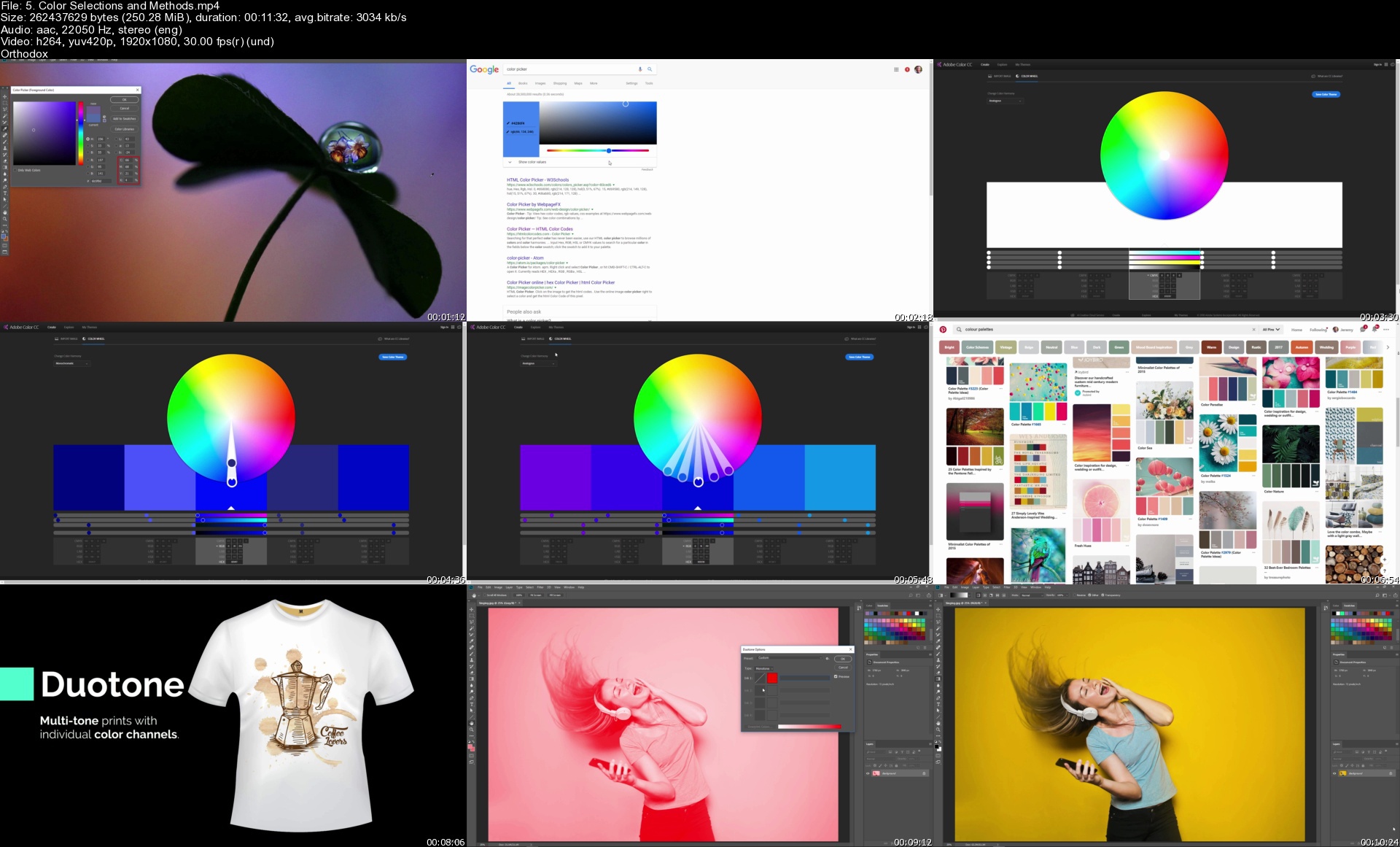
5.colorselectionsandmnckp1.jpg


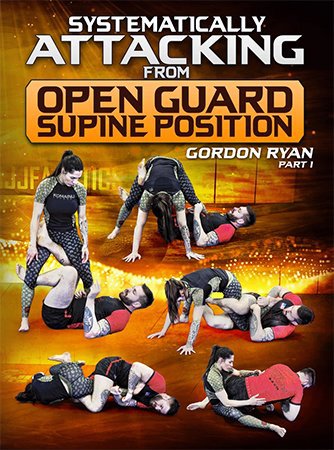
Systematically Attacking From Open Guard Supine Position

tcz9r0im1os9cfhntgczbhujqu.jpg


Systematically Attacking From Open Guard Supine Position
Gordon Ryan | Duration: 6h 38m | Video: H264 1920x1080 | Audio: AAC 48 kHz 2ch | 17,2 GB | Language: English

Learn how Gordon "the King" Ryan systematically dominates the best grapplers in the world with some of grappling's most common and effective open guards

• Systematically attack from your back with this open guard gameplan from Gordon "The King" Ryan, with sweeps, back takes, and leg locks that work at the highest levels of grappling
• Keep opponent's off-balance as you learn all of the ways to create kuzushi and pressure from your back
• Attack from all the possible x guards, as Gordon teaches how to combine and flow between ashi garami entries, sweeps to guard passes, and creating back exposure
• Use no-gi specific De La Riva and Reverse De La Riva guards for the most effective systems (including the no-gi berimbolo and much more)
• This is the same system that Gordon uses in competition to beat the best in the world again and again
• Gordon Ryan is the reigning ADCC Absolute Champion and one of the best no-gi grapplers of all time
• See Gordon rolling and then watch as he breaks down that footage in real-time to explain the system in action

Homepage
7ahaybjrn1g4p5gntt3pnz9jji.jpg


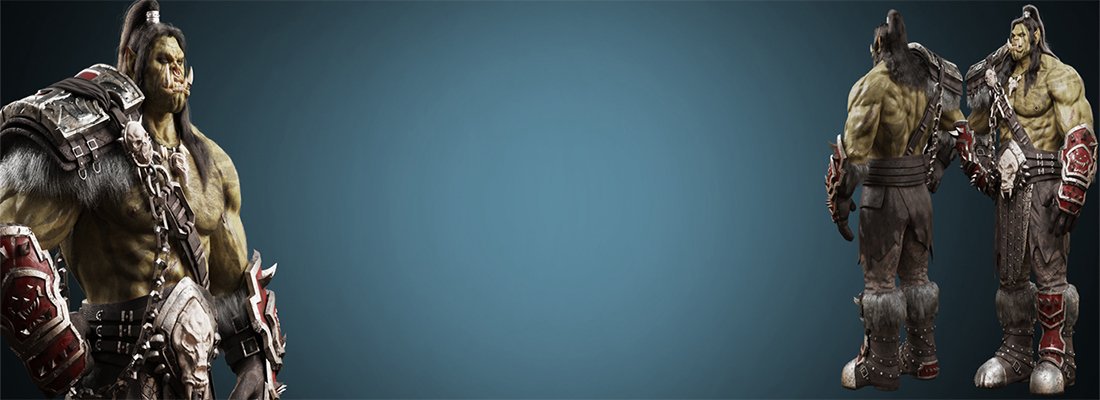
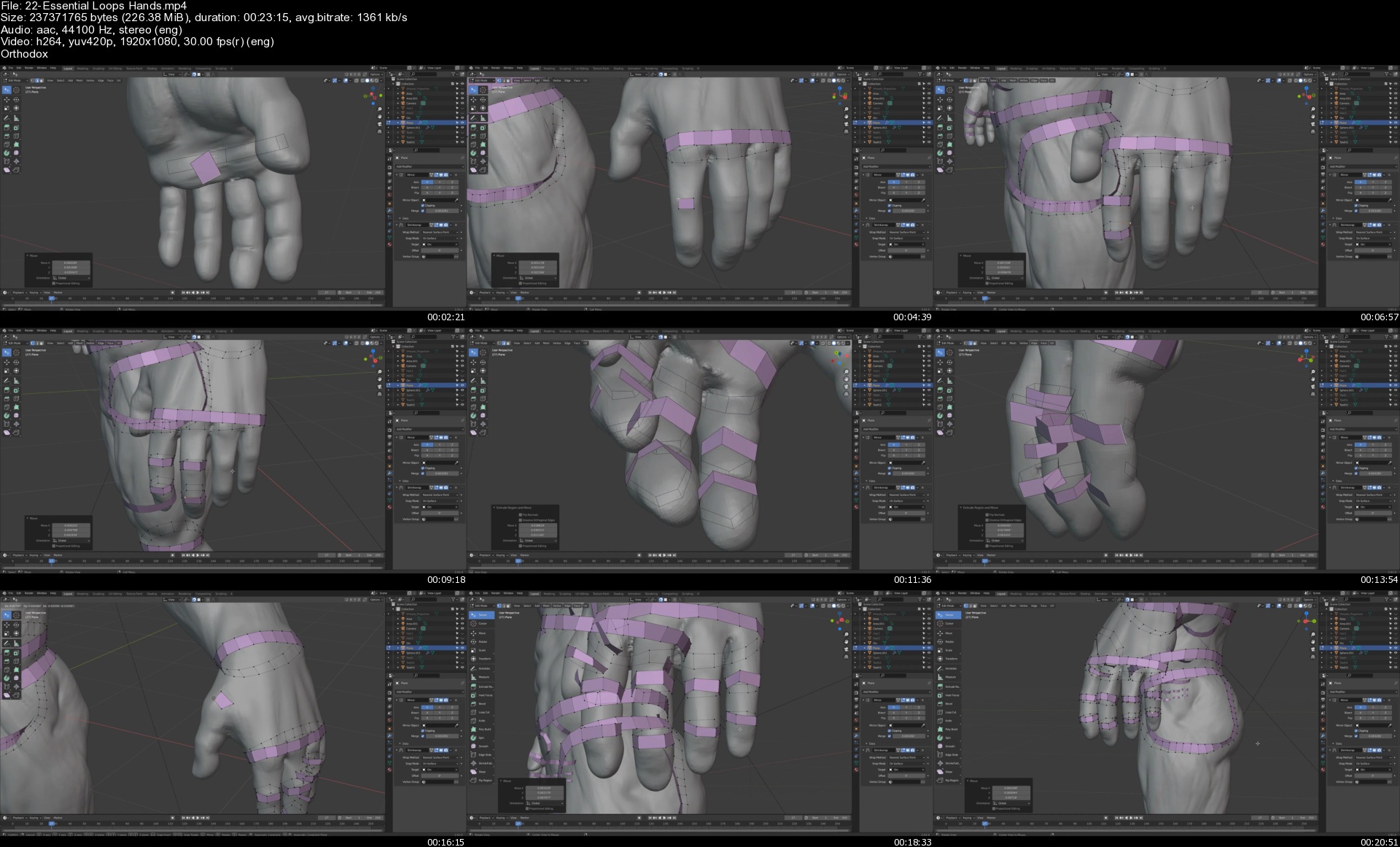
Character Creation in Blender Masterclass: Orc Creation

dfqpwwfrvp5ljybff84ff5oj2f.jpg


Character Creation in Blender Masterclass: Orc Creation
Corazon Bryant | Duration: 73h 39m | Video: H264 1920x1080 | Audio: AAC 44,1 kHz 2ch | 36,8 GB | Language: English

Want to know how to create a big strong Orc with a detailed body-builder type of body? Do you want to know how to construct layers of accessories like cloth, leather, straps and armor that is appealing and functional?

Then you came to the right course.

My name is Corazon Bryant, professional 3d Artist and educator. In this course, I will show you how to create a complete Orc character using only one software program called Blender. Starting with just a sphere, we will use Blender's powerful sculpting tools to transform it into a full body Orc. During the sculpting process, I will go over the important muscle forms and body landmarks you need to know so you can better understand the overall structure of the human body. You will learn how to exaggerate the muscle forms while staying true to realism. You will learn how to model complex accessories like armor, boots with straps, trophy belt, intricate pendant, and many more. I will show you the proper way to retopologize and how to build the essential loops that will make your character animation-friendly. We will go through the process of unwrapping our character so we can bake and texture details that will further make our character realistic. We will create wear and tear, sculpt believable damages and scratches through a combination of custom texturing and procedural mapping. You will understand how to produce realistic metal, leather, cloth, skin, and even customized tattoos. How about those lifelike eyes, hair and fur? Yes we will spend lots of time detailing the eyes by sculpting, baking and texturing. For our character's hair, will use particle system that will give us full control for the placement and style. Last, we will render and composite our images using a variety of techniques with node creation that will lead us to our final beauty shots.

Sculpting, retopologizing, unwrapping, baking, texturing, lighting, rendering and compositing, everything you need to know about character creation is here.

Now before you take this course, make sure you have at least a basic understanding of Blender.

If you are tired of jumping from one software to the next, and wish you can just do it all in one single program, then you came to the right place. All you need is Blender to produce a professional production-ready character.

Homepage
22essentialloopshands34kan.jpg


Oracle Workflow Champion Course- Beginner to Advanced Level!

8x6ebzfbhqmcu6apocnianwkog.jpg


Oracle Workflow Champion Course- Beginner to Advanced Level!
MP4 | Video: h264, 1280x720 | Audio: AAC, 44.1 KHz, 2 Ch
Genre: eLearning | Language: English | Duration: 56 lectures (19h 2m) | Size: 6.3 GB

Succeed as a Workflow consultant in the Oracle Apps world by this Elaborate course from a Workflow Expert!

What you'll learn:
Will Be Able to Develop New Custom Workflows!
Will Be Able to Customize seeded Workflows ! LOT of examples, Explained in Detail! JUST See the Seeded WF Section!!
Will be able to Debug Workflows, seeded and custom way!
Calling PL-SQL and doing Transition Flows in Workflows.
Understanding the Workflow Tables, and debugging from there too.
Various Workflow admin actions from Front end and through scripts!
Will discuss the Seeded workflows in Very detail from Purchasing module, and LOT of customization examples!
Learn to format notifications in an beautiful way through HTML, seeded PO workflow real life example!
Will learn about Adhoc roles and real life examples.
Will discuss Mailer setups, listeners etc
BONUS Topics in Consideration: Business Events, Admin Scripts, Workflow Translations

Requirements
Will be good to be familiar with Oracle Applications / Oracle E-Business Suite in general.


Description
Oracle Workflow is the Backbone of Oracle Applications ERP. Recently, Oracle announced that the support for Oracle EBS is extended till 2030. Also, Oracle is planning to release new versions of Release 12. That means the knowledge we acquire now on EBS is not going to get obsolete anytime soon!

Oracle Workflow is a mandatory tool to learn to better understand the Oracle Apps business flows. This tool will give you advantage over the others in any job interview! In Oracle Fusion, the workflows have changed to BPM tasks, but if you know the concept of workflows and have worked on it, it is really easy to get to the Oracle Fusion workflow rules and set ups!

Arunkumar Menon has been working on Oracle Applications and Oracle Workflows for more than 13 years, and he has developed many complex solutions in the world of workflows, XML gateway and business event systems. He is the author of a Workflow eBook titled "Oracle Workflow Is Not That Hard As You Thought!", which you can get it free from his website (search for this book title in Google!). He has taught workflow to many students and this series of videos here will help any absolute beginner to get a good understanding upto the Medium level. He is also creating a second part of this course, so as to make each student an Oracle Workflow Expert!

What Will You Learn in this Workflow Beginner to Advanced Course?

-- Basic Level

1. Overview About Oracle Workflows.
2. Installing Workflow Builder
3. Familiarizing with Workflow Builder
4. First Sample Workflow Creation
5. Creating Text Notifications and Sending to a Role
6. Creating HTML Notifications for Better Appearance
7 Workflow Attributes Creation and Different attribute types
8. Adding Action Buttons to Notification and Responding With Comments
9. Routing Transition Flow - Approved Rejected FYI Messages
10. Testing the Transition Flows in Workflows
11. Admin Buttons Explained - MoreInfo, ReAssign etc
12. Admin Action Buttons - Retry, Rewind, Cancel, Suspend Workflow Etc
13. Different Ways Of Triggering Workflows
14. Calling a PL-SQL Procedure from Oracle Workflow - Part 1
15. Calling a PL-SQL Procedure from Oracle Workflow - Part 2
16. Moving from simple to hard ! Getting Employee Manager from Database Tables
17. Getting Employee Manager from Database Tables - More Test Cases
18. Workflow Tables - WF MetaData Tables
19. Workflow Tables - WF Run Time Tables
20. Lets Debug Now - Custom Debugging at Statement Level

-- Medium to Advanced Level

21. Seeded WFSTD or Standard Workflow Itemtype and Usage
22. Introduction to WFSTD Item type
Assign Function
CompareNumber
CompareText
Using Loop, NoOp and Wait Activities
Master Detail Coordination with WaitForFlow and ContinueFlow

23. Interview Corner - Get Prepared For Your Job Interview! Interview Questions
Persistence Type and Workflow Purging Concepts
What is Cost of An Activity and Defer Thread Function?
How to create Your Own button labels in notification ?
What is Access Level and Protection in Workflows?
What is Document Type Attribute and how to call an HTML code?
Creating a Beautiful notification with Document Attribute - Real life example!
Notification Timeout and how to Define it...
What is URL attributes and how to Use it?
How to Call a Form from Workflow Notification ?
What is a Selector Function?

24. More Close Look At Complex Seeded Workflows and Customizations !
Lets Start - Requisition Approval Workflow...
The Autocreate Workflow...
Need a More Complex one ? PO Approval Workflow...
Purchasing Setups related to Workflows
Get Into Application - Create Requisition and PO and see Workflow transitions
Sending Requisition for Approval and check status diagram....
Requisition Approval Workflow Customization - Need By Date Update
PO Approval Workflow Customization - Need By Date Update
PO Approval Customization - Another example - Buyer's POs sending for Approval
PO Approval Customization - HTML formatting example!
PO Approval Customization - Interfaced POs, routing Flow.
Requisition Approval Workflow - Modifying the Timeout value.
Autocreate Workflow Customization Sample
Overview of Account Generators
Real time usage of Adhoc Roles to send notification to multiple users or a DL.
25. Workflow Purge Process
26. Notification Mailer, mailer params etc.

Planned Bonus Materials (May be Changed depending on feedback)

1. Business Events Overview. Example on how the events can be created, and used.
2. Workflow Admin Scripts.
3. Workflow Translations

Click on the Expand All button in the curriculum and see the whole topics. More topics are being added occasionally!
Hope You Will Like The Course. WILL SEE YOU INSIDE!

Who this course is for
Any Oracle Apps Professional who wants to Develop their Workflow expertise and Be a Pro!

Homepage
002callingaplsqlproceufjcm.jpg


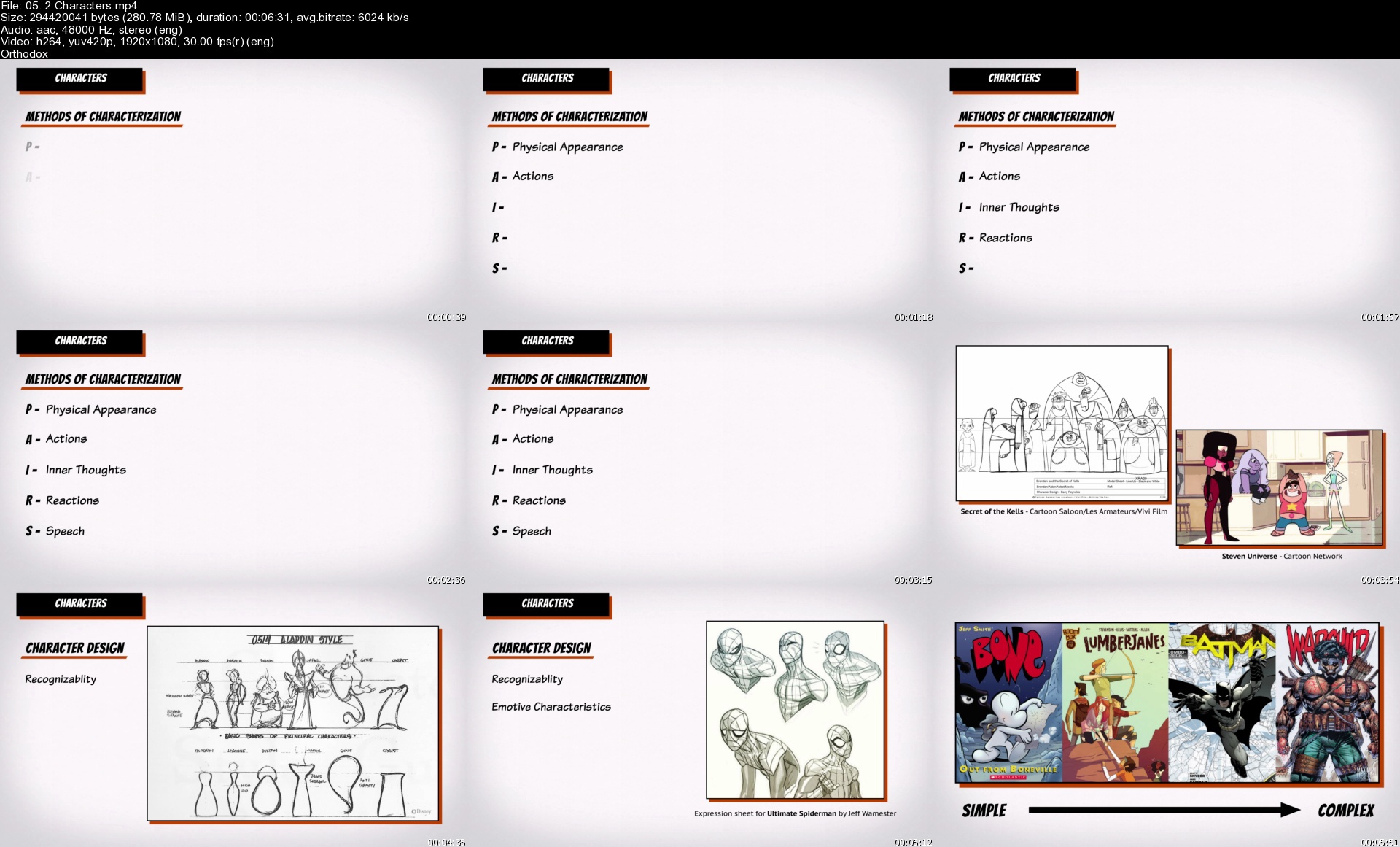
Bloop Animation - Making a Graphic Novel

devicesmakingagraphicjvkd5.jpg


Bloop Animation - Making a Graphic Novel
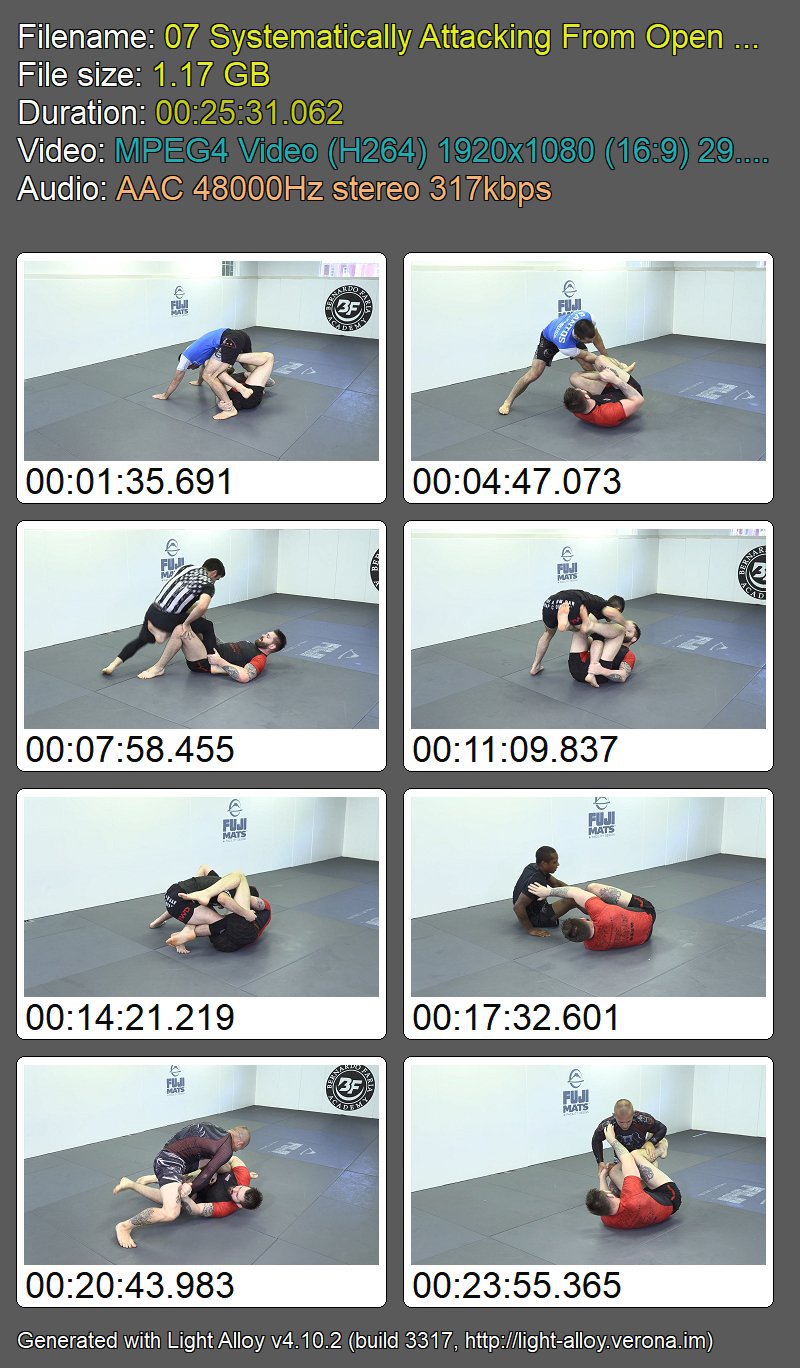
Video: MPEG4 Video (H264) 1920x1080 30fps 5333kbps | Audio: AAC 48000Hz stereo 317kbps
Genre: eLearning | Duration: 6hr | Language: English | File size: 20.9 GB

The complete course to creating and publishing graphic novels and comic books. Made for and by artists
We've designed this course to be tailored specifically for aspiring artists and creative people interested in making and publishing their own graphic novel. Self publishing a book of any kind is a complicated process, and a graphic novel is no different. This course will lay out all the different steps from idea to print. You will not find a more in-depth course on creating graphic novels and comic books anywhere else.

What will you learn?
Basics
We'll start by briefly going over the history of comic books, publishing conventions, and learn the basic terminology we'll be using throughout the course.

Comic Art Styles
After understanding the basics, we'll go over approaches of different artists to handling individual elements of comic art, such as character, inking, panel layout, lettering and more.

Sequential Art Theory
Before making our own graphic novels, we'll familiarize ourselves with with the theory behind the craft. Understanding closure & transitions, pacing, rhythm, pairing words and images, composition, clarity, readability, types of shots, and composing pages/spreads.

Pipeline
We'll examine different ways a production can work, including planning our book with publishing in mind, how to mix traditional and digital media and how to work in a team vs. Solo.

Story
An overview of writing a story with the graphic novel format in mind. Characters, setting, story structure, script writing, and writing with drawing.

Drawing Traditionally / Digitally
Once we're ready to get dirty, we'll learn how to actually draw our pages, setting up a page, penciling, inking and coloring it, in both digital and traditional forms.

Publishing
Before wrapping up we'll talk about getting a publisher, or how to self publish the book yourself. We'll cover printing options, book design, distribution options and marketing strategy.


Homepage

05.2characterssl2ks8.jpg


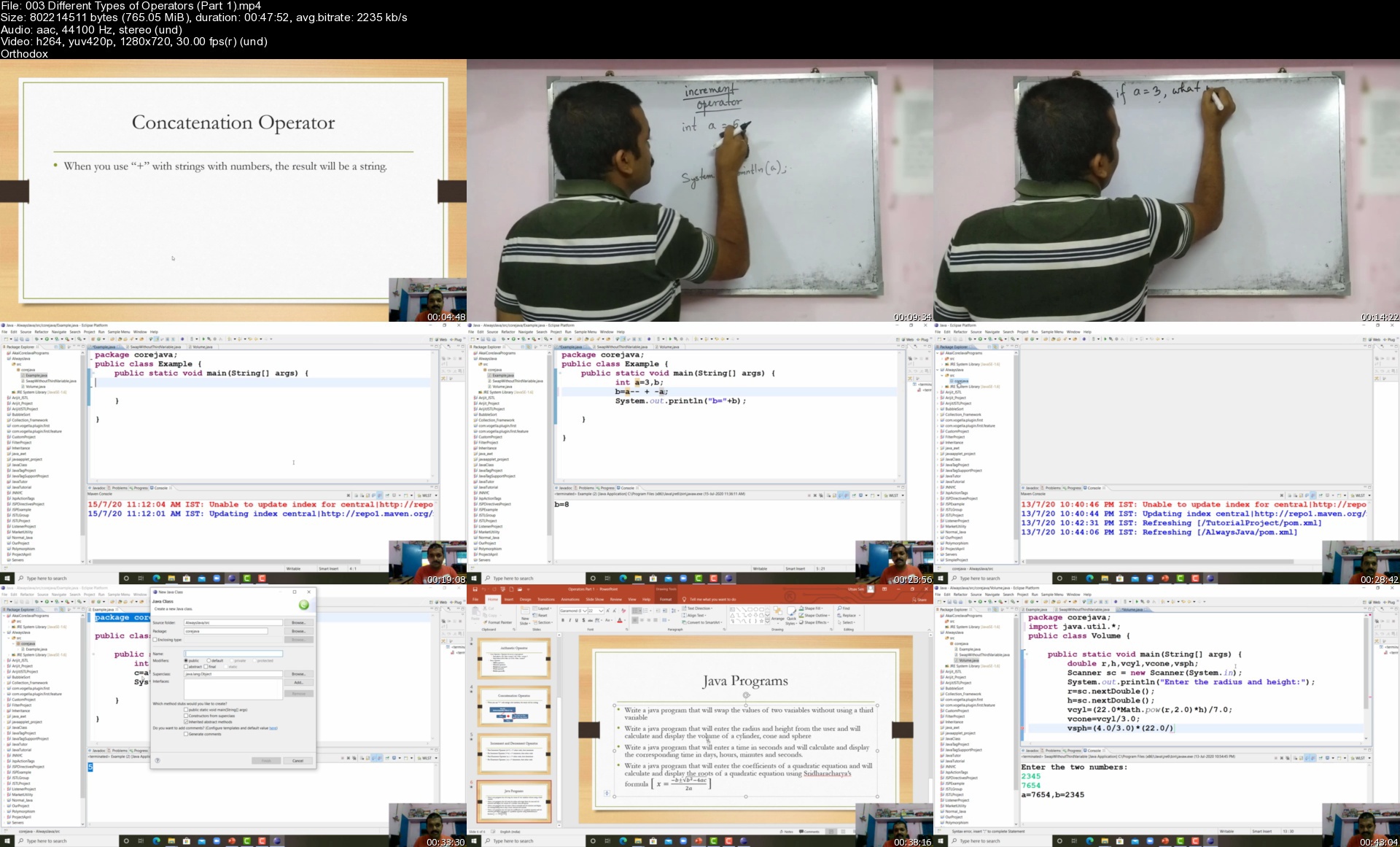
Learn Java from Scratch by Utsav Sen

wmsag0lgmugf5lwf2kvm4nskxj.jpg


Learn Java from Scratch by Utsav Sen
MP4 | Video: h264, 1280x720 | Audio: AAC, 44.1 KHz, 2 Ch
Genre: eLearning | Language: English + srt | Duration: 33 lectures (18h 20m) | Size: 14.5 GB

Concise Java

What you'll learn:
Java from Scratch

Requirements
They don't have to know anything.


Description
Using this course a student will be eligible enough to solve any kind of programs in Core Java. This course will also be helpful for interview. Software developers may brush up their concepts of Core Java. Lots of practical problems, board works, programs, mathematical problems are demonstrated with ease. There are some home works also, which a student may practice. This course is a brain child of an experienced teacher and software developer who worked for several MNC's. So the course is created in such a manner that students will be successful in their career. Many trivial topics of Java are also discussed in this tutorial along with the important topics. Topics like OOP, Decision Making, Loop, Operators, Arrays, String, Constructors, Access Specifiers, Non access modifiers, Inheritance, Interface, Abstraction are discussed using lots of programs. This course is depicted in such a manner that it should be relatable to our day to day life. In the process later a student may learn to create softwares. This course will help a student to create college projects also. The course is to the point and helps students to grow programming knowledge. In lots of cases there are flow charts also to help them understand the concept better. In today's world where the competition is so high among students, this course will be a relief for them.

Who this course is for
School and College Students, Java Programmers

Homepage

003differenttypesofophlkip.jpg


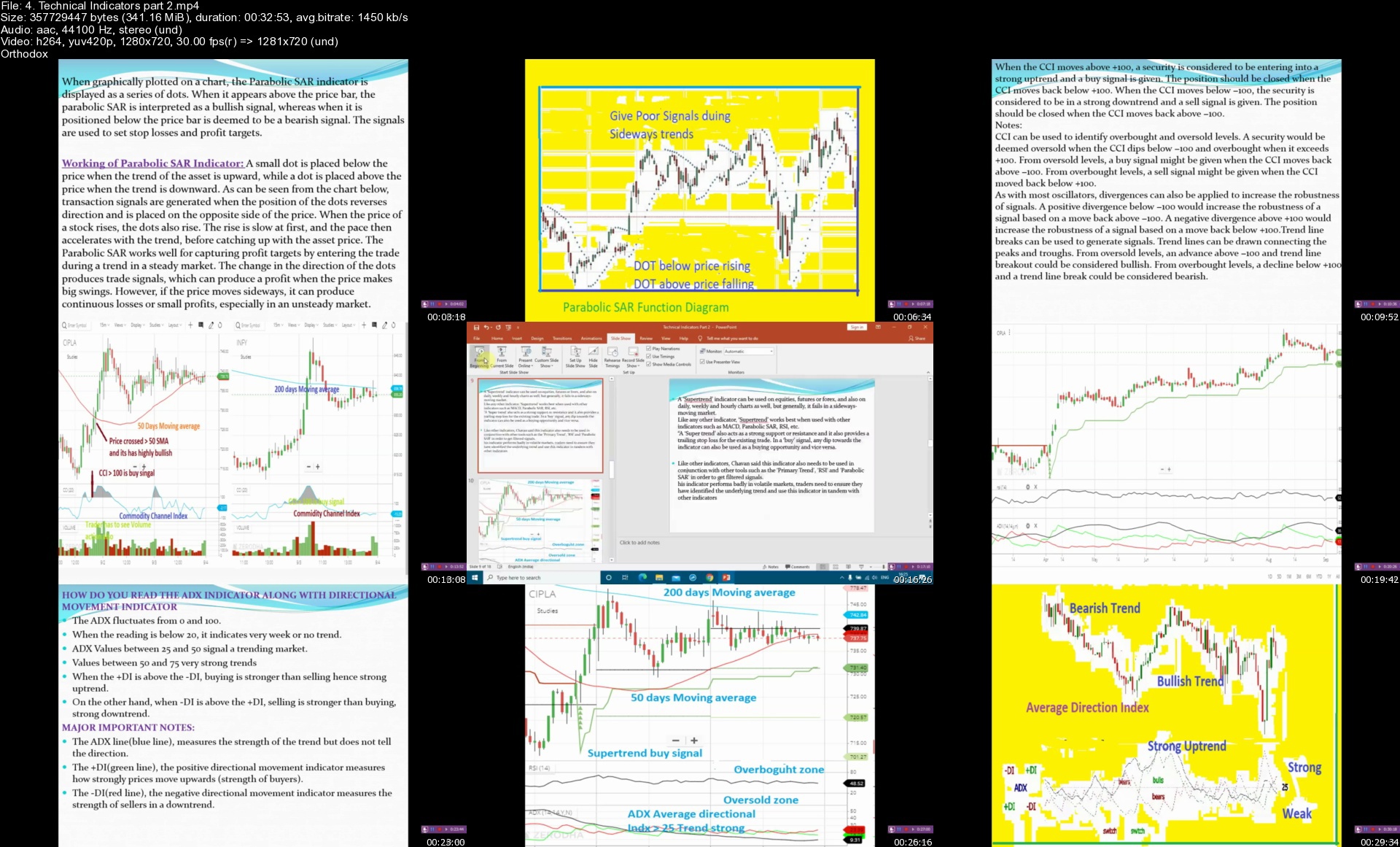
Index ,nifty & bank nifty Trading

8xhyg4imcjygtiqtskm2twmjby.jpg


Index ,nifty & bank nifty Trading
Genre: eLearning | MP4 | Video: h264, 1280x720 | Audio: AAC, 44.1 KHz
Language: English | Size: 5.60 GB | Duration: 8h 58m

Technical indicators, pivot, Support resistance, Fibonacci, options, VIX, open interest, Index nifty trading, Live trade


What you'll learn
will be able to learn Index, nifty and bank nifty trading
Candlesticks patterns
Index , nifty and bank nifty trading
basic of options and implied volatility
Long straddle and long strangle . its trading in index
Pivot points, fibonacci and trendline
option chain analysis , Vix and beta
qualities of good options traders and rule to avoid mistakes in option trading
Major Pattern description (Head and shoulder, Double bottom and top, Channel trading, Triangle)
PCR (Put call ratio) and application to use by swing or f&o trader
Trading Psychology and qualities of good trader
Support and resistance , practical use in trading
Stocks selection criteria
Technical Indicators and its application ( RSI, CCI, ADX, Super trend, Moving average,MFI etc)
Time decay in options, Future vs options
Pricing on future
Understanding derivatives


Description
This course covers below mentioned topics to generate profit for Intraday traders and resolve all issue while doing trading for Index, Nifty and bank nifty trading.

DAU Theory

Candle sticks and application in trading(Engulfing , Harami, Dozy, Spinning top , Hammer etc.)

Technical Indicators and its application ( RSI, CCI, ADX, Super trend, Moving average ,MFI etc)

Stocks selection criteria

Trading Psychology and qualities of good trader

Entry and Exit points criteria in Trading

Trading with Indicators ( RSI, ADX, Super trend on nifty)

Support and resistance , practical use in trading

Pivot points

Trend lines

Major Pattern description (Head and shoulder, Double bottom and top, Channel trading, Triangle)

Time decay in options, Future vs options, pricing on future

Understanding derivatives

Nifty and Bank nifty future trading

Option chain and process to implement in swing Trading

PCR (Put call ratio) and application to use by swing or f&o trader

VIX, Its relationship with other index, Beta and it application for Trader

Prediction of upcoming Trend using call and put

This course covers options which can be used in nifty and bank nifty options trading

1. Basic of options ( (ATM, ITM,ATM and Call - put options etc.)

2. Implied volatility and pay offs

3. Long straddle on bank nifty

4. Long strangle on nifty

Long straddle and long strangle covered along examples.

Aside

Live trades for Nifty and bank nifty Logs for trader help and skills enchantment

5. . students will be able to know Qualities be good option trader

6. Rules to avoid mistakes in options trading

Note:

Trader should have good knowledge on above mentioned then can do index trading. Trader should do paper trades and should have trading success rate more than 80% in minimum 2 weeks results then he can try in index trading. Always try to good entry, use stop loss , right exit with proper discipline along controlling fear and greed for day to day trading. Daily trading in index is not recommended. Do trades once it is feasible and global index movement , skills and update along proper options chain reading can be helping along price action candlestick, ADX , RSI , trendline and support resistance mixing excellent way to get success. Long straddle and long strangle are good strategy in index once nity and bank nifty expairy or vix high or market has good chances of momentum.


Homepage

4.technicalindicatorsnikn5.jpg


Graphic Design Masterclass - Learn GREAT Design (updated 7/2021)

fxfcef4gnzsexkeyhiebhjmkbk.jpg


Graphic Design Masterclass - Learn GREAT Design (updated 7/2021)
MP4 | Video: h264, 1280x720 | Audio: AAC, 44.1 KHz
Language: English | Size: 24.0 GB | Duration: 25h 32m


What you'll learn
Have a deep understanding of typography, color theory, photos, layout, blocking and other design theory and skills
Understand and learn the essential tools and capabilities of Adobe Photoshop, Illustrator and InDesign
Create logos and branding packages for potential clients
Learn photo editing and manipulation in Adobe Photoshop
Master the pen tool, shape builder tool and other essential vector design tools in Adobe Illustrator.
How to create editorial spreads and magazine layouts using Adobe InDesign
Understand solid logo design and ad design principles to create compelling campaigns and logos
Work through the entire package design process
Learn non-destructive editing techniques in Adobe Photoshop
Work through an event flyer design to understand strong type hierarchy, balance and overall design layout
Learn a few of the upcoming design trends for 2021 and how to create them!
Learn the history of fonts and typefaces and how to pair fonts
Learn the basics of Affinity Designer and learn the difference between Adobe Illustrator and Affinity Designer
Work through a 7 page vector tracing worksheet and feel confident creating a complex vector illustration by the end of this worksheet
NEW! Learn how to work with multiple page layouts in Adobe InDesign and create a cookbook cover and book
NEW! Learn the step-by-step process to becoming a graphic designer
NEW! Learn how to work with Photoshop Mockups to create great presentations
NEW! Learn word mapping and brainstorming techniques to increase your creativity in logo design and branding projects
NEW! Learn the Double Exposure Effect in Adobe Photoshop
NEW! Create Vector Art in Adobe Illustrator
NEW! Learn How to Encourage and Spark Creativity
NEW! How to create YouTube thumbnails and social media graphics
NEW! How to properly give and receive critiques and feedback

Requirements
Access to Adobe Photoshop, Illustrator & InDesign (Or Affinity Designer, Affinity Photo, Affinity Publisher as an Alternative). I will be using the Adobe Creative Cloud versions, but those with older version can still get a lot out of this class. Those wanting to take the course with Affinity products will find some tools and names do differ so Adobe is preferred.
If you use Adobe products, I highly suggest using versions CS6 or higher to have a more smooth experience with the course, but not a requirement.
Software not Included


Description
As you can see, this course is updated frequently with new lessons, projects and resources!

June 2021 - NEW Lesson! How to properly give and receive critiques and feedback
April 2021 - NEW! Section on how to create YouTube Thumbnails!
March 2021 - NEW! Video on How to Encourage and Spark Creativity
March 2021 - NEW! Section on The Double Exposure Effect in Adobe Photoshop 2021!
March 2021 - NEW! Section creating vector art in Adobe Illustrator 2021 using the new repeat tool and the blend tool.
February 2021 - NEW! Detailed section on Adobe Photoshop Photo editing basics - New projects added!
January 2021 - NEW! 2021 Design Trends Section with three new student projects!
November 2020 - NEW! 16 page History of Typography Guide, 16 Page Color Theory Guide and 8 Page Font Pairing Guide!
October 2020 - Updated Lessons! Photoshop 2021 Neural Filter and Liquify Tools
August 2020 - Updated Lessons! Logo Design and Branding Project
July 2020 - NEW! How to work with Photoshop Mockups!
June 2020 - NEW! How to Become a Graphic Designer 14 page Resource Guide and Lessons!
May 2020 - NEW! InDesign Portfolio Builder Template!
April 2020 - NEW! Entirely new Adobe InDesign Section including a cookbook project
April 2020 - NEW! Color Theory - Exploring Color Palettes Section
March 2020 - NEW! A Guide to My Favorite Fonts and Where to Download Them
Jan 2020 - NEW! Lessons: 2020 Design Trends: and how to create them
Nov 2019 - NEW! - Adobe Illustrator introduction and tools section (vector tracing worksheet)
Nov 2019 - NEW! - Photoshop section and Projects (including a new youtube thumbnail and book cover project)
Oct 2019 - NEW! 11 page downloadable resource - The Guide to Grids
Oct 2019 - NEW! Color Theory and Color Harmony Lessons + new Downloadable Resources
July 2019 - NEW! Affinity Designer Section! Learn The Basic Tools and Differences Between Adobe Illustrator And Affinity Designer
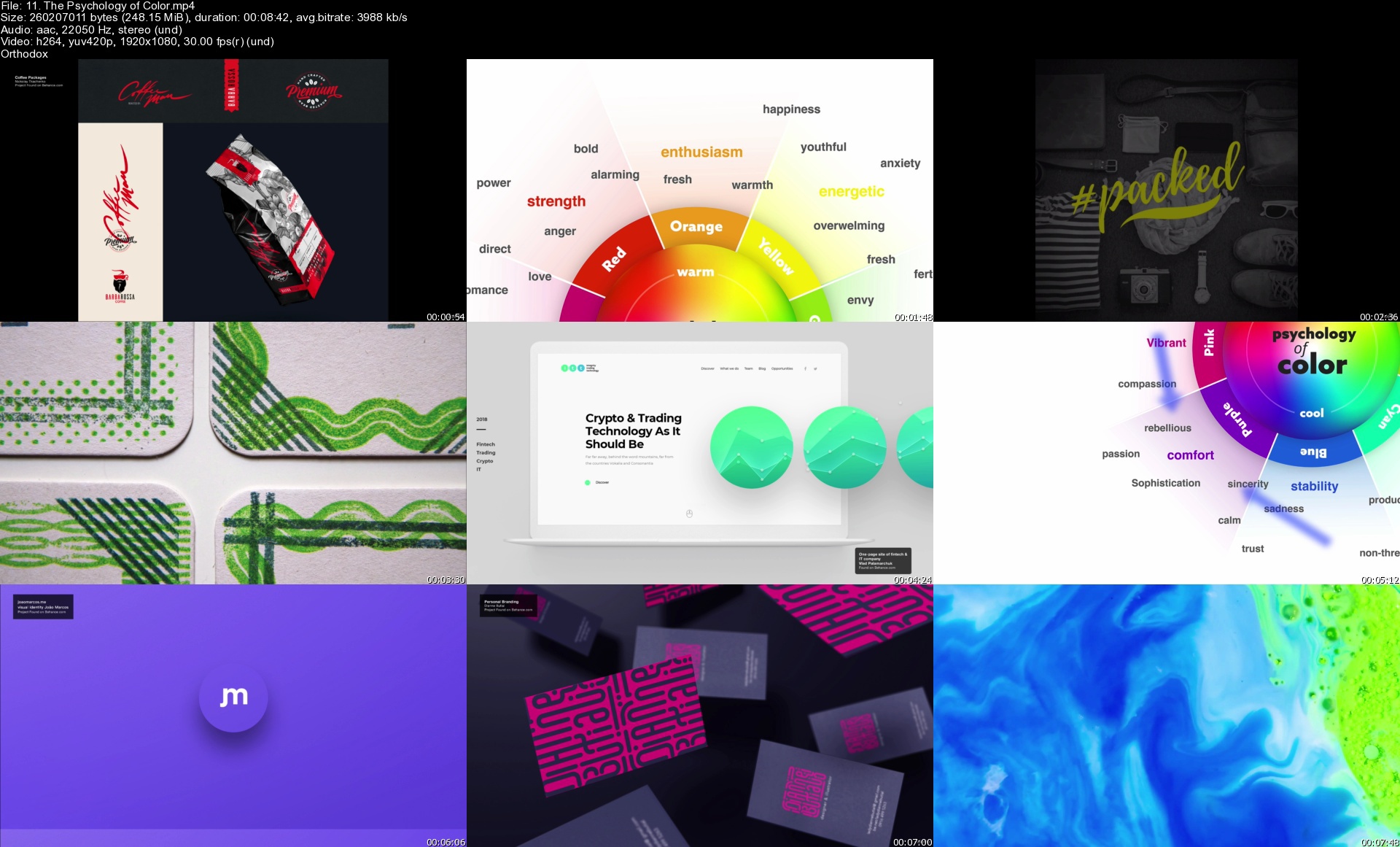
May 2019 - NEW! Downloadable Resources - the Anatomy of Typography poster and the Psychology of Color graphic!
April 2019 - NEW Lessons: Finding Your Graphic Design Niche and Focus!

Graphic Design Master Class - Learn GREAT Design

Do you want to learn all the skills and techniques you need to create incredible designs?

Do you want to know the process of creating logos and branding packages?

Are you intimidated by learning photoshop, illustrator or InDesign and want to learn through practical real world projects? Than This class will be for you!

We will extensively review Typography, color theory, layout and composition, how to use photos in design, photo manipulations and editing and magazine layout design, branding and logo design just to name a few.

We also learn the basics of Adobe Photoshop, illustrator and InDesign and do projects with real world applications. Every designer needs to know and master these programs and this course makes sure you know the essential tools to power through amazing projects.

In Adobe Photoshop, we will review photo editing and manipulation techniques like how to cut objects out, duotones, changing color on objects, the liquify tool and we will create a compelling YouTube thumbnail with our newly learned photoshop skills as well as an entire book cover design project.

In Adobe Illustrator, we will master the pen tool by hand tracing simple and complex shapes. We will explore the power of the shape builder tool and In the end of this section, we will design a complete logo design. There is an entirely new introduction and tools section that has been added where we work through a 7 page vector tracing worksheet and in the end create a complex vector illustration using our newly learned illustrator vector tools. Lastly, we will put together an event flyer to practice our layout skills, and even work through the branding process and create a logo, business card and letterhead for a business.

We will will create a magazine layout in InDesign and learn the master pages tool to drastically speed up your design workflow when working with multiple paged layouts.

We will talk about branding basics, what makes a good logo? How do you extend your logo or brand to other marketing materials?

I designed this extensive course to be gentle enough for new comers to design but detailed enough for everyone to get a TON out of this course.

New Mini-Course Added!
Discover Your Design Niche!

Do you want to find out what design niche you should concentrate on? This is an exploratory mini-class added to the Graphic Design Masterclass course on Udemy (Section 15) that helps you find your next focus and explore many wonderful options for budding and established designers.

We are going to review some main core design categories and talk about what types of projects you will do and also what you will need to learn to leap into those design niches.

There are always more niches to discover but we will focus on the following in this mini-class:

Logo Design
Print & Editorial Design
Pattern Design and Illustration
Package Design
Branding Design
UX/UI Design
Social Media/Digital Graphic Designer

By the end of this class you will have a solid grasp of what each design niche entails. You will have confidence in choosing your top three focal niches to kickstart or enhance your design offerings and know what to learn next.


Who this course is for:
Anyone interested in creating compelling and GREAT design.
Those interested in learning Photoshop, Illustrator and InDesign (Affinity Designer Too!)
Those wanting to understand graphic design basics and theory paired with real world projects and applications
Those looking to learn logo design and branding techniques and execution
Anyone wanting to become a graphic designer part-time or full-time, or those who need design skills to elevate their current careers.
Those looking for a solid graphic design foundations course with the depth of an intermediate level course
Those wanting to learn the basics of Affinity Designer and learn the difference between Adobe Illustrator and Affinity Designer


Homepage

11.thepsychologyofcolecjho.jpg


Editor X Masterclass - Build Amazing Websites | No Coding

ypvfv6eplscmiqo0gkmd9nzkn3.jpg


Editor X Masterclass - Build Amazing Websites | No Coding
Duration: 8h 29m | Video: .MP4 1280x720, 30 fps(r) | Audio: AAC, 44100 Hz, 2ch | Size: 5.1 GB
Genre: eLearning | Language: English

For those of you who are not familiar with Editor X, Editor X is basically a web application or an advanced creation platform for designers and web professionals. Editor X combines cutting edge responsive design with relatively easy and smooth drag and drop experience. With Editor X you can design and build almost any website you imagine. It's possible to design and build beautiful websites without any experience with Web development whatsoever!

Editor X allows you to build fully responsive websites that automatically scale to any screen size or device they are being viewed on to deliver the best user experience. Using the latest design technology like flexible grids, layouts, fluid sizing and breakpoint customization, you can ensure that your site looks exactly how you want on various different screen sizes.

Also Editor X has quite clean and intuitive interface which will allow us to easily navigate between many different tools, features, categories, panels and that way keep our focus primarily on building our website.

Now we are going to start this course by completely introducing with almost every Editor X tool and feature. You'll get familiar with it's design interface, canvas, shortcuts, compositions and all other components which are essential for one website to be responsive and good looking.

You'll see in action how Flexbox technology can help us apply responsiveness to our website. Flexbox is a CSS container created around elements to ensure they're automatically arranged depending on screen size. It's a helpful tool in responsive design that prevents things from getting messy, like when elements overlap or change their order. The most useful Flexbox technology tools are Layouters and Repeaters. They will automatically adjust your content to every screen size without even thinking about breakpoints.

After that I will introduce you to the Content Manager. And it's main purpose is to act as a database on the backend. With content manager we can create something that's called a collection, and a collection is basically a data table which can contain different types of information in the form of rows and columns. There we can put images, links, text video, audio, document and many other different types of data.

We can use Content manager to display that data to our website or ever gather some information from our visitors through the forms, where users can write some information and send them directly to our backend inside a collection.

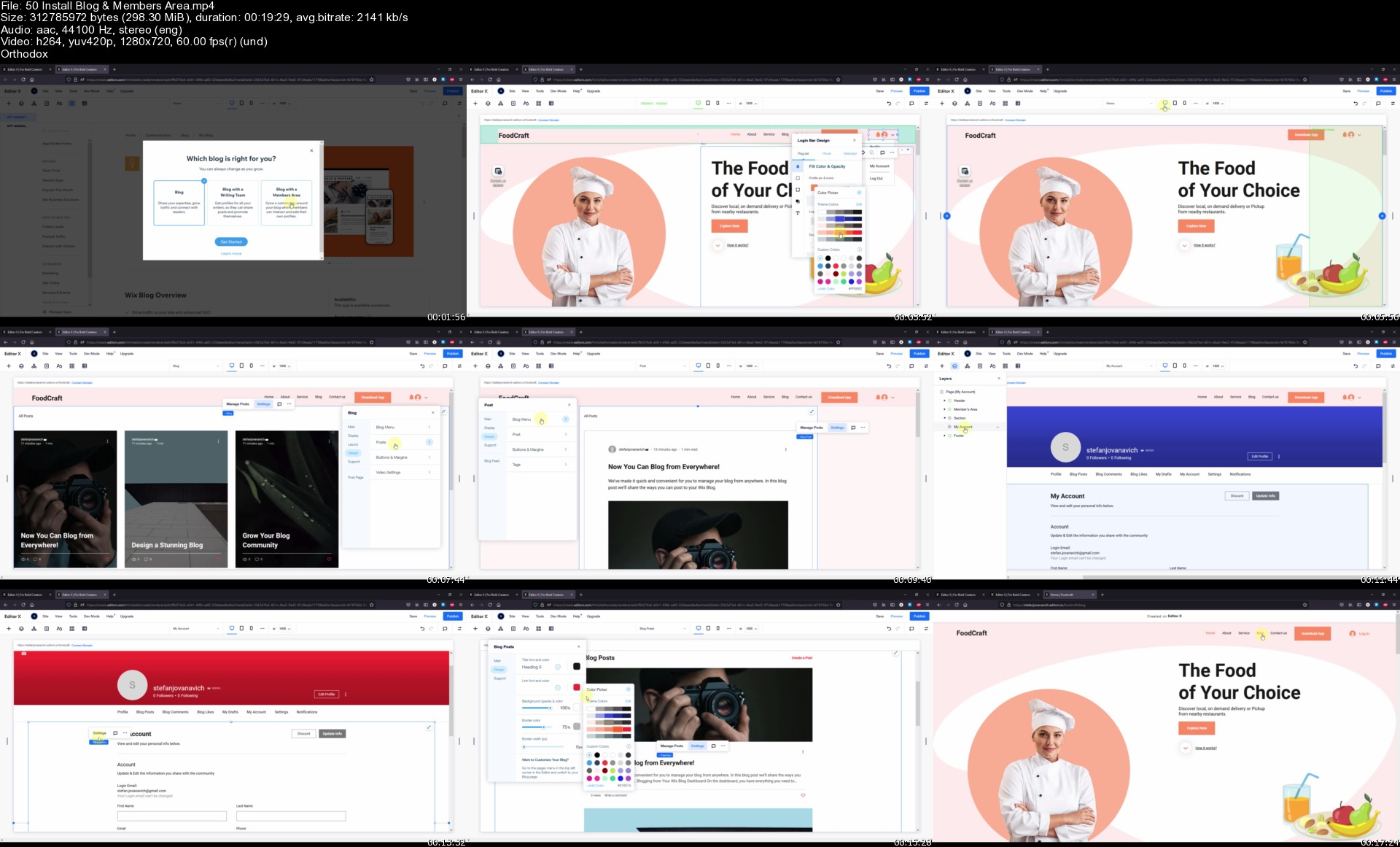
You will learn how to apply beautiful and smooth animations and hover interactions to a website as well. Also we are going to explore an app market where we can search and find many different useful applications which are available on Editor X platform. Those applications can be installed on our website in just a click within a few seconds. And Like I said there you can find many different apps but some of the most popular ones are for building a blog, forum or even an online store on your website. In this course I have explained everything you need to know about it.

And there's more! At the end of this course, when we cover everything you need to know about building websites with Editor X, we are going to start working on a real project, where we are going to design and build our own website from scratch!

So what are you waiting for, let's get started!

Homepage

50installblogmembersarkjab.jpg


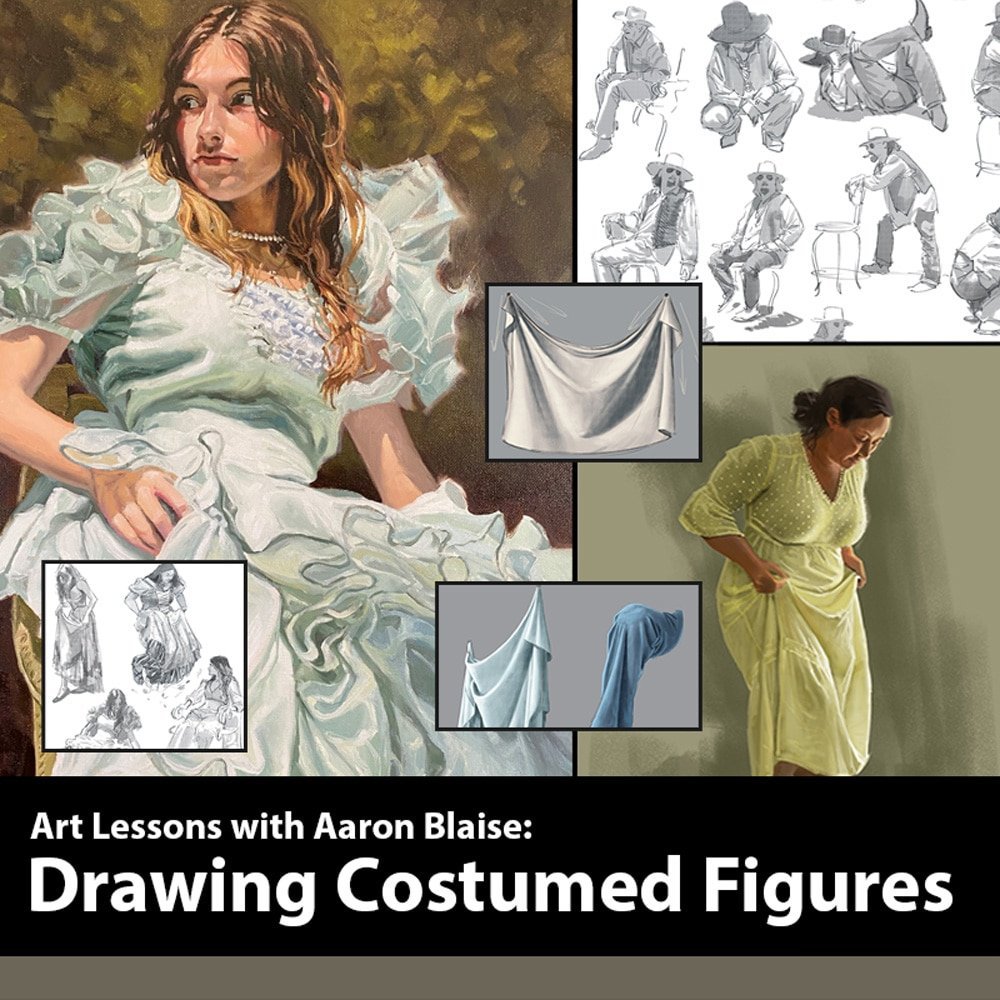
Creature Art Teacher - Drawing & Painting Costumed Figures by Aaron Blaise

00862b0dq7kn3.jpg


Creature Art Teacher - Drawing & Painting Costumed Figures by Aaron Blaise
Video: MPEG4 Video (H264) 1920x1080 24fps 183kbps | Audio: AAC 48000Hz stereo 64kbps
Genre: eLearning | Duration: 5hr+ | Language: English | File size: 7.11 GB

Introducing a new drawing & painting course from animator and artist Aaron Blaise. Watch as he teaches you how to draw folds & costumed figures. He teaches this course in digital and traditional mediums. You will learn how to the draw the seven types of folds, how to draw various fabric textures and much more.

In many art schools the emphasis is often on the nude form when in reality as a professional artist you are seldom called on to do that. Most of the time when you draw people they will be in clothing. This is an in-depth comprehensive course where Aaron teaches you his approach on how to draw clothing and folds.

You will learn:
- How to Draw Folds
- How to Draw Clothes
- Drawing the Seven Types of Folds:
- Drop Folds, Diaper Folds, Zig-Zag Folds, Inert Folds, Half-Lock Folds, Pipe Folds and Spiral Folds
- How to light fabric so that it appears realistic.
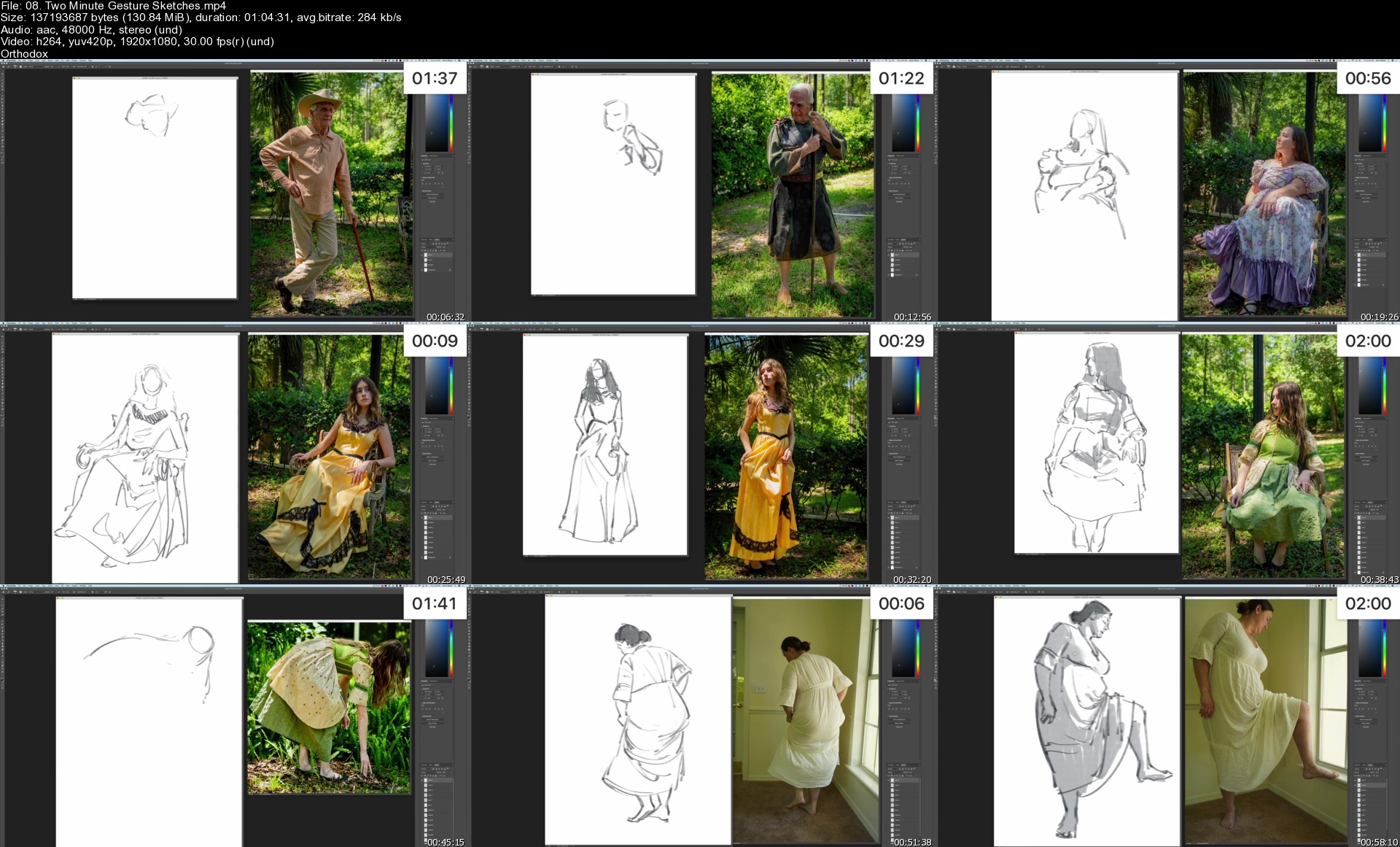
- 2 minute, 5 minute & 10 minutes Gesture drawings
- Drawing Folds Digitally
- How to Paint Fabric
- 100's of High-res Model Shots Included
- Tips & Tricks
- + MUCH MORE!


Homepage

08.twominutegestureskahkow.jpg


Zurück
Oben Unten