• Regeln für den Video-Bereich:

    In den Börsenbereich gehören nur Angebote die bereits den Allgemeinen Regeln entsprechen.

    Einteilung

    - Folgende Formate gehören in die angegeben Bereiche:
    - Filme: Encodierte Filme von BluRay, DVD, R5, TV, Screener sowie Telesyncs im Format DivX, XviD und x264.
    - DVD: Filme im Format DVD5, DVD9 und HD2DVD.
    - HD: Encodierte Filme mit der Auflösung 720p oder darüber von BluRay, DVD, R5, TV, Screener sowie Telesyncs im Format x264.
    - 3D: Encodierte Filme von BluRay, die in einem 3D Format vorliegen. Dies gilt auch für Dokus, Animation usw.
    - Serien: Cartoon/Zeichentrick, Anime, Tutorials, Dokumentationen, Konzerte/Musik, Sonstiges sind demnach in die entsprechenden Bereiche einzuordnen, auch wenn sie beispielsweise im High Definition-Format oder als DVD5/DVD9/HD2DVD vorliegen. Ausnahme 3D.
    - Bereich Englisch: Englische Releases gehören immer in diesen Bereich.
    - Bereich Talk: Der Bereich, in dem über die Releases diskutiert werden kann, darf, soll und erwünscht ist.


    Angebot/Beitrag erstellen

    - Ein Beitrag darf erst dann erstellt werden, wenn der Upload bei mindestens einem OCH komplett ist. Platzhalter sind untersagt.
    - Bei einem Scenerelease hat der Threadtitel ausschließlich aus dem originalen, unveränderten Releasenamen zu bestehen. Es dürfen keine Veränderungen wie z.B. Sterne, kleine Buchstaben o.ä. vorgenommen werden. Ausnahme Serienbörse:
    - Bei einem Sammelthread für eine Staffel entfällt aus dem Releasename natürlich der Name der Folge. Beispiel: Die Simpsons S21 German DVDRip XviD - ITG
    - Dementsprechend sind also u.a. verboten: Erweiterungen wie "Tipp", "empfehlenswert", "only", "reup", usw. / jegliche andere Zusatzinformation oder Ergänzung, welche nicht in obiger Beschreibung zu finden ist.

    Aufbau des Angebots und Threadtitel

    Der Titel nach folgendem Muster erstellt zu werden. <Name> [3D] [Staffel] [German] <Jahr> <Tonspur> [DL] [Auflösung] <Quelle> <Codec> - <Group>
    Beispiel: The Dark Knight German 2008 AC3 DVDRip XviD - iND
    Beispiel: The Dark Knight 2008 DTS DL BDRip x264 - iND
    Beispiel: The Dark Knight 2008 AC3 DL BDRip XviD - iND
    Beispiel: The Dark Knight German 2008 AC3 720p BluRay x264 iND
    Beispiel: The Dark Knight 2008 DTS DL 1080p BluRay x264 iND
    Beispiel: Die Simpsons S01 German AC3 DVDRip XviD iND
    Beispiel: Die Simpsons S20 German AC3 720p BluRay x264 iND
    Beispiel: Sword Art Online II Ger Sub 2014 AAC 1080p WEBRip x264 - peppermint
    Entsprechend sind also u.a. verboten: Sonderzeichen wie Klammern, Sterne, Ausrufezeichen, Unterstriche, Anführungszeichen / Erweiterungen wie "Tipp", "empfehlenswert", "only", "reup", usw. / jegliche andere Zusatzinformation oder Ergänzung, welche nicht in obiger Beschreibung zu finden ist
    Ausnahmen hiervon können in den Bereichen geregelt sein.

    Die Beiträge sollen wie folgt aufgebaut werden:
    Überschrift entspricht dem Threadtitel
    Cover
    kurze Inhaltsbeschreibung
    Format, Größe, Dauer sind gut lesbar für Downloader außerhalb des Spoilers zu vermerken
    Nfo sind immer Anzugeben und selbige immer im Spoiler in Textform.
    Sind keine Nfo vorhanden z.B. Eigenpublikationen, sind im Spoiler folgende Dateiinformationen zusätzlich anzugeben :
    Quelle
    Video (Auflösung und Bitrate)
    Ton (Sprache, Format und Bitrate der einzelnen Spuren)
    Untertitel (sofern vorhanden)
    Hosterangabe in Textform außerhalb eines Spoiler mit allen enthaltenen Hostern.
    Bei SD kann auf diese zusätzlichen Dateiinformationen verzichtet werden.

    Alle benötigten Passwörter sind, sofern vorhanden, in Textform im Angebot anzugeben.
    Spoiler im Spoiler mit Kommentaren :"Schon Bedankt?" sind unerwünscht.


    Releases

    - Sind Retail-Release verfügbar, sind alle anderen Variationen untersagt. Ausnahmen: Alle deutschen Retail-Release sind CUT, in diesem Fall sind dubbed UNCUT-Release zulässig.
    - Im Serien-Bereich gilt speziell: Wenn ein Retail vor Abschluss einer laufenden Staffel erscheint, darf diese Staffel noch zu Ende gebracht werden.62
    - Gleiche Releases sind unbedingt zusammenzufassen. Das bedeutet, es ist zwingend erforderlich, vor dem Erstellen eines Themas per Suchfunktion zu überprüfen, ob bereits ein Beitrag mit demselben Release besteht. Ist dies der Fall, ist der bereits vorhandene Beitrag zu verwenden.
    - P2P und Scene Releases dürfen nicht verändert oder gar unter einem iND Tag eingestellt werden.


    Support, Diskussionen und Suche

    - Supportanfragen sind entweder per PN oder im Bereich Talk zu stellen.
    - Diskussionen und Bewertungen sind im Talk Bereich zu führen. Fragen an die Uploader haben ausschließlich via PN zu erfolgen, und sind in den Angeboten untersagt.
    - Anfragen zu Upload-Wünschen sind nur im Bereich Suche Video erlaubt. Antworten dürfen nur auf Angebote von MyBoerse.bz verlinkt werden.


    Verbote

    - Untersagt sind mehrere Formate in einem einzigen Angebotsthread, wie beispielsweise das gleichzeitige Anbieten von DivX/XviD, 720p und 1080p in einem Thread. Pro Format, Release und Auflösung ist ein eigener Thread zu eröffnen.
    - Grundsätzlich ebenso verboten sind Dupes. Uploader haben sich an geeigneter Stelle darüber zu informieren, ob es sich bei einem Release um ein Dupe handelt.
    - Gefakte, nur teilweise lauffähige oder unvollständige Angebote sind untersagt. Dies gilt auch für eigene Publikationen, die augenscheinlich nicht selbst von z.B. einer DVD gerippt wurden. Laufende Serien, bei denen noch nicht alle Folgen verfügbar sind, dürfen erstellt und regelmäßig geupdatet werden.
    - Untersagt sind Angebote, welche nur und ausschließlich in einer anderen Sprache als deutsch oder englisch vorliegen. Ausnahmen sind VORHER mit den Moderatoren zu klären.


    Verstoß gegen die Regeln

    - Angebote oder Beiträge, die gegen die Forenregeln verstoßen, sind über den "Melden"-Button im Beitrag zu melden.
  • Bitte registriere dich zunächst um Beiträge zu verfassen und externe Links aufzurufen.


Englische Tutorials

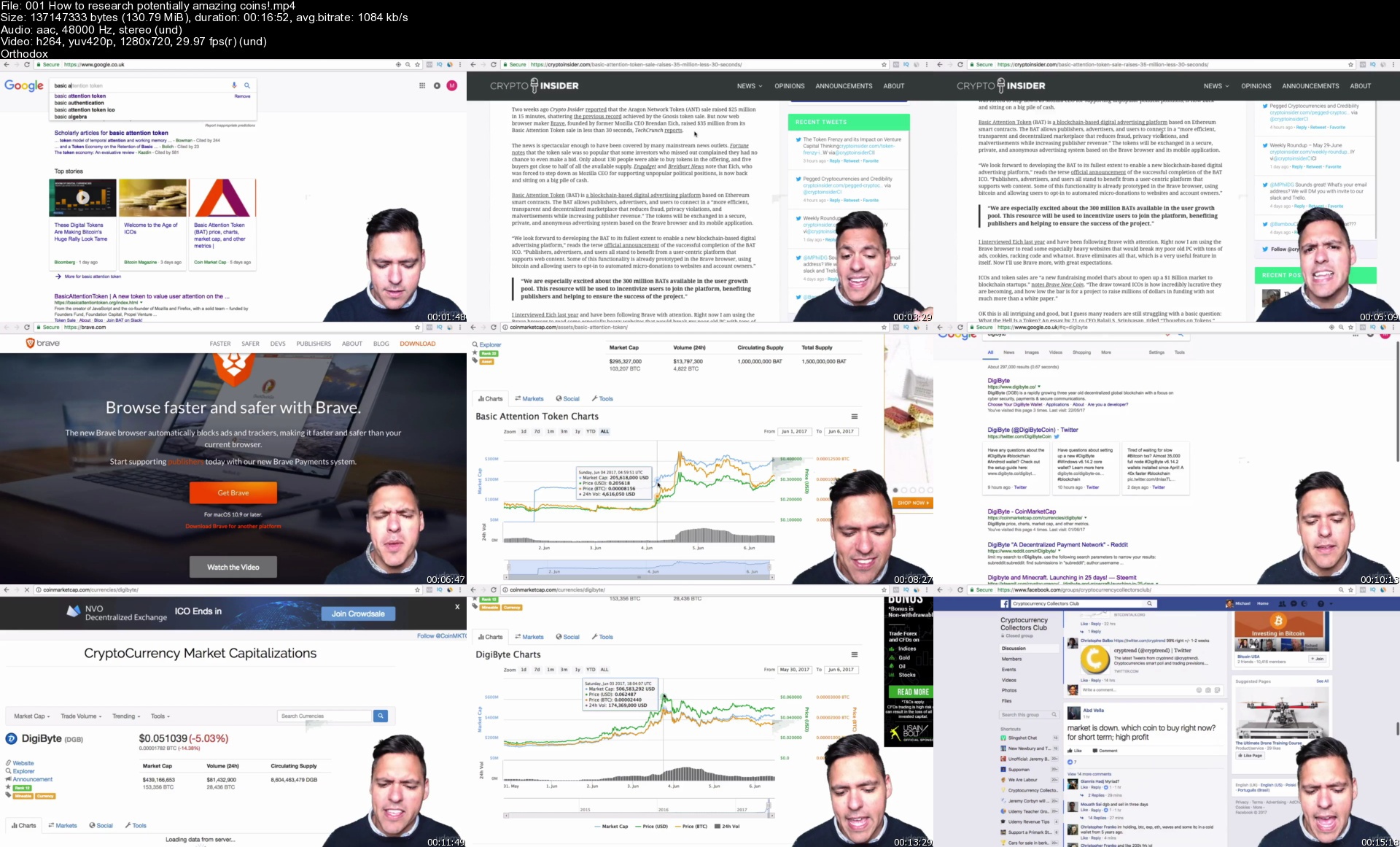
Cryptocurrency Investment Course 2021: Fund your Retirement! (updated 6/2021)

sxrb71788sf0nz9jmt0g96ekd7.jpg


Cryptocurrency Investment Course 2021: Fund your Retirement! (updated 6/2021)
Genre: eLearning | MP4 | Video: h264, 1280x720 | Audio: AAC, 48.0 KHz
Language: English | Size: 10.9 GB | Duration: 12h 31m

Complete A-Z Guide to Bitcoin, Blockchain, Ethereum, Dogecoin, Altcoins, NFTs, DeFi & investing to fund your retirement!


What you'll learn
Learn everything you need to know about Cryptocurrency and go from Beginner to Advanced in 10 hours!
Learn the best of what I've learnt and done to be 600,000% up on my initial investment
Consistently build your Retirement fund with my profit taking strategy
Identify Cryptocurrencies with great potential, make huge gains and stick with it for the long-term
Learn how to exploit DeFi & Yield Farming for high profitability in 2021
Learn about Blockchain, SHA256 hashing and mining to fully understand how Crypto is the future!
Set yourself up easily with a Simple Wallet for storing coins safely, while buying and sending Bitcoin to the exchange to buy alt coins
Become a member of the Number 1 retail investors Cryptocurrency Exchange so that you can buy and sell each day!
Know which coins to buy when day trading and which coins have potential for huge long-term profits!
Learn how to use centralised exchanges like Binance & Coinbase, and decentralised exchanges like Uniswap and Pancakeswap
Getting set up and walkthrough of IDO Launchpads like Polkastarter/BSCPad


Description
Would you like to learn the quickest, easiest and detailed way to get into Cryptocurrency Investing? If so, you will love this Udemy Course, taught by me, Suppoman - a Cryptocurrency YouTuber and teacher that has made 400,000% profit in my 4 years in this volatile and innovative industry.

This course is the definitive guide to Cryptocurrency and will teach you everything you need to know - understanding Bitcoin, Ethereum and all Alt coins, setting up a secure wallet, buying Bitcoin & any Cryptocurrency on the no1 exchange - Binance, my 7 criteria for identifying profitable coins... and the newest Booms in Cryptocurrency - DeFi/Yield Farming, IDO Launchpads & NFTs.

2021 heralds the most exciting bull market for Bitcoin & Cryptocurrency and I will safely navigate you through everything you need to know to understand and take advantage of it! Cryptocurrency has entered into a bull market, and strong coins along with the DeFi/NFT space has opened up incredible opportunities to make money.

I have spent most of my life missing the boat - I missed the goldmine periods for websites, domain flipping, teaching online and mobile apps! However I am grateful today that I have landed slap bang in the middle of the biggest GOLDMINE of our generation, Cryptocurrency investing - an asset class that will be invested in for the next decade and beyond! And you can benefit from it right in the early stages!

In this course, I will teach you the best of what I have learnt and implemented to be 400,000% up on my initial investment, along with my 7 main strategies to help you pick the most promising and profitable coins to invest in. I will also show you how to spot the optimal price to enter a trade for a short, medium and long term basis!

You will see the exact ways to identify the next big coins!

Don't delay, this is a party that is happening right now!

Every minute you delay could be costing you your retirement fund!


Who this course is for:
Anyone who wants to learn how to invest in Cryptocurrency and doesn't know where to start
Anyone looking for strategies to identify the hottest Cryptocurrencies available
Anyone who wants to learn the day trading and investment strategies that keep money coming in daily while certain coins take time to mature
Anyone who wants the mentality to survive in the Cryptocurrency game, whether it is overcoming a fall in a coin to an entire market crash!
Anyone who wants to have access to all the hottest Cryptocurrencies that are available right now!
Anyone who does not understand Blockchain and wants to learn how it works, simply!


Homepage
001howtoresearchpotenx4j8q.jpg


Complete AutoCAD Course 2D + 3D Tools & Techniques

e5hwmlbfs8j5rhuzfu3ay38j8m.jpg


Complete AutoCAD Course 2D + 3D Tools & Techniques
MP4 | Video: h264, 1280x720 | Audio: AAC, 44100 Hz
Language: English | Size: 6.83 GB | Duration: 13h 12m


What you'll learn
AutoCAD 2D Tools And Techniques
AutoCAD 3D Tools And Techniques
Requirements
PC
AutoCAD 2021 Application

Description
About The Course

The course covers all "must know" tools and techniques for creating 2D drawings and 3D models in AutoCAD. Tools are thoroughly explained within its full application. Course is also equipped with examples where you will have to apply learned tools. Examples will help you to polish your skills and drawing techniques.

With this knowledge that you will gain here you will be ready to dive into the industry environment and work on basic and intermediate tasks.

What is AutoCAD?

AutoCAD is a computer-aided design software developed by the company Autodesk. It allows you to draw and edit digital 2D and 3D designs more quickly and easily than you could by hand.

Why AutoCAD?

To this day, it is unsurpassed in it's drafting capabilities and is able to detail a design faster and better. Coordinates, Accuracy & Tolerances: You can design anything great or small.

Course Contains:

1. Lectures

2. Examples

3. AutoCAD Command List

4. Instructor Support

What this course covers?

All drawing tools for creating simple to complicated drawings

Status Bar functions - How to use them and what are they for

Tools for modifying drawings such as Trim, Extend, Mirror, Stretch, Chamfer and so on

How to create a Hatch and modify it

How to create different types of dimensions and how to create a multileaders

Singleline and Multiline text as well how to create a table and how to use a functions in table

Creating, using and modifying layers

How to create geometrical and dimensional constraints

Creating, modifying and using Blocks

What are attributes and how to create them and modify them

Attaching external references such as different drawing or a pdf file

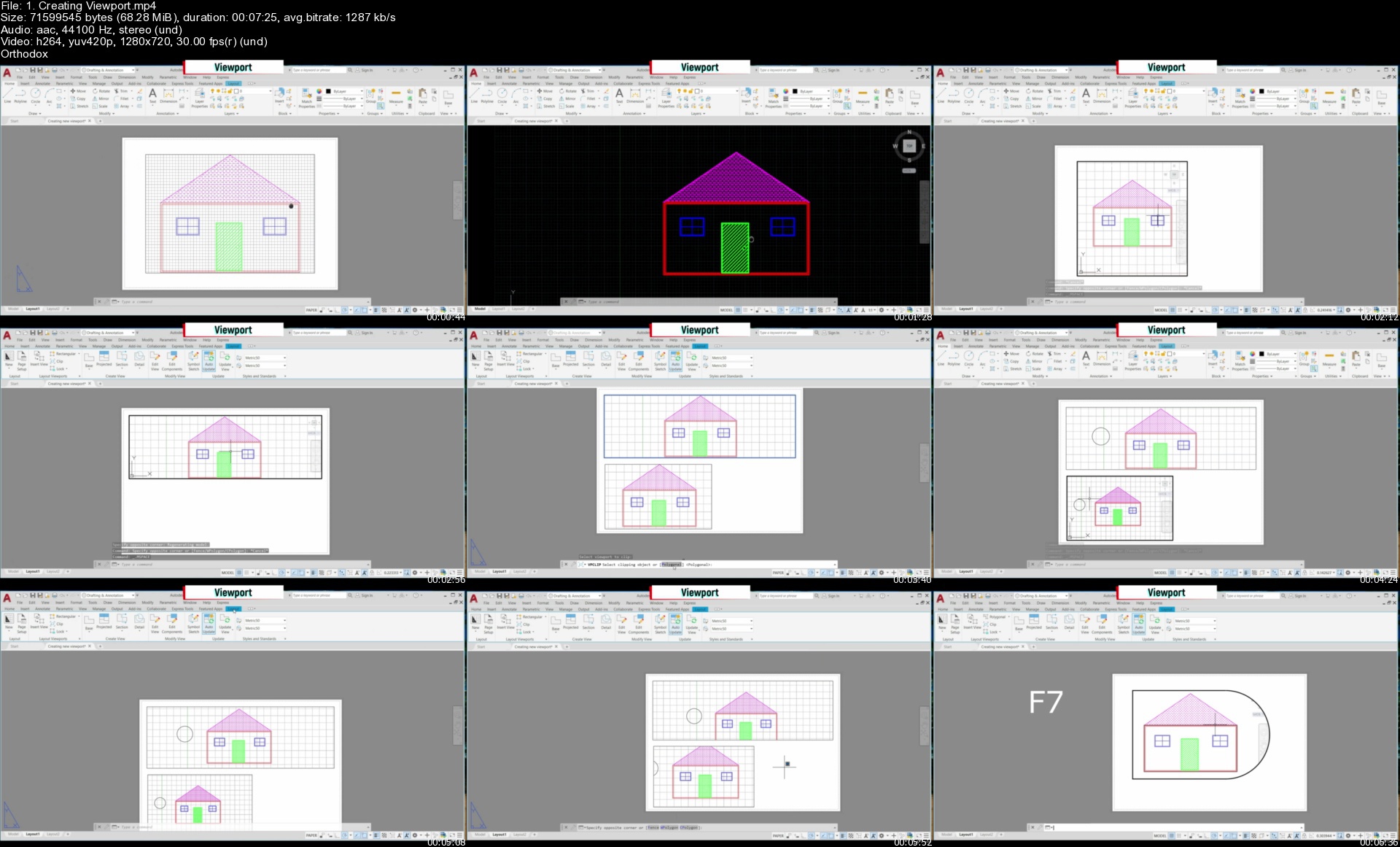
How to create various viewports in layout

Working with pagesetup

How to create a title block and how to insert newly created and existing title block

Plotting from models space and layout

Creating sheets sets and publishing them

How to create primitive tools - Box, Cylinder, Sphere, Wedge, Pyramid and Torus.

How to work with coordinate system

How to use solid tools such as Presspull, Polysolid, Sweep, Loft, Revolved

Editing tools such as: 3D Array, Mirror, Fillet, Offset, Taper, Move, Boolean operations, Section plane, Imprint, Copy, Convert to solid.

How to create different views: Detail, Projected, Section view, Orthographic view

How to work with mesh tools

Surface modelling and editing tools

How to apply material, set up the lights, camera, scene and how to render

How to create animation video of the product

If you find that any of this would beneficial for you and will help you to achieve your goals, ENROLL and begin your CAD journey!


Who this course is for:
Students
Engineers
Individuals interested in AutoCAD


Homepage

1.creatingviewportsaikbw.jpg


Bootstrap 5 from scratch with 10 projects | Including Sass

518jo7lsk7unqkwldsi9yhsj5u.jpg


Bootstrap 5 from scratch with 10 projects | Including Sass
MP4 | Video: h264, 1280x720 | Audio: AAC, 44100 Hz
Language: English | Size: 19.9 GB | Duration: 23h 14m

Welcome to bootstrap 5 from scratch with 10 projects. the only course you need to learn to code with Bootstrap 5.

Even if you have only basics of HTML5, CSS3 & JS , this course will take you from beginner to professional and build completely professional websites. Here's why:

The course is a taught by the Yossef Zedan who is certified from University of Michigan and University of London
The course has been updated to be 2021 ready and you'll be learning the latest bootstrap version used at large companies websites.
This course doesn't cut any corners, there are ten of real-world projects which you will get to build. e.g. Portfolio, bicycle, charts.
The curriculum was developed 4 times to meet your expectations over a period of 4 months, with comprehensive student testing and feedback.
You'll save yourself over $4,000 by enrolling, and still get access to the same teaching materials and curriculum
The course is constantly updated with new content, with new projects and modules determined by students - that's you!
We'll take you step-by-step through engaging video tutorials and teach you everything you need to know to succeed as a web designer.

The course includes over 25+ hours of HD video tutorials and builds your programming knowledge while making real-world Bootstrap projects.

Throughout this comprehensive course, we cover every element in bootstrap, including:

Sass
Layout
Content
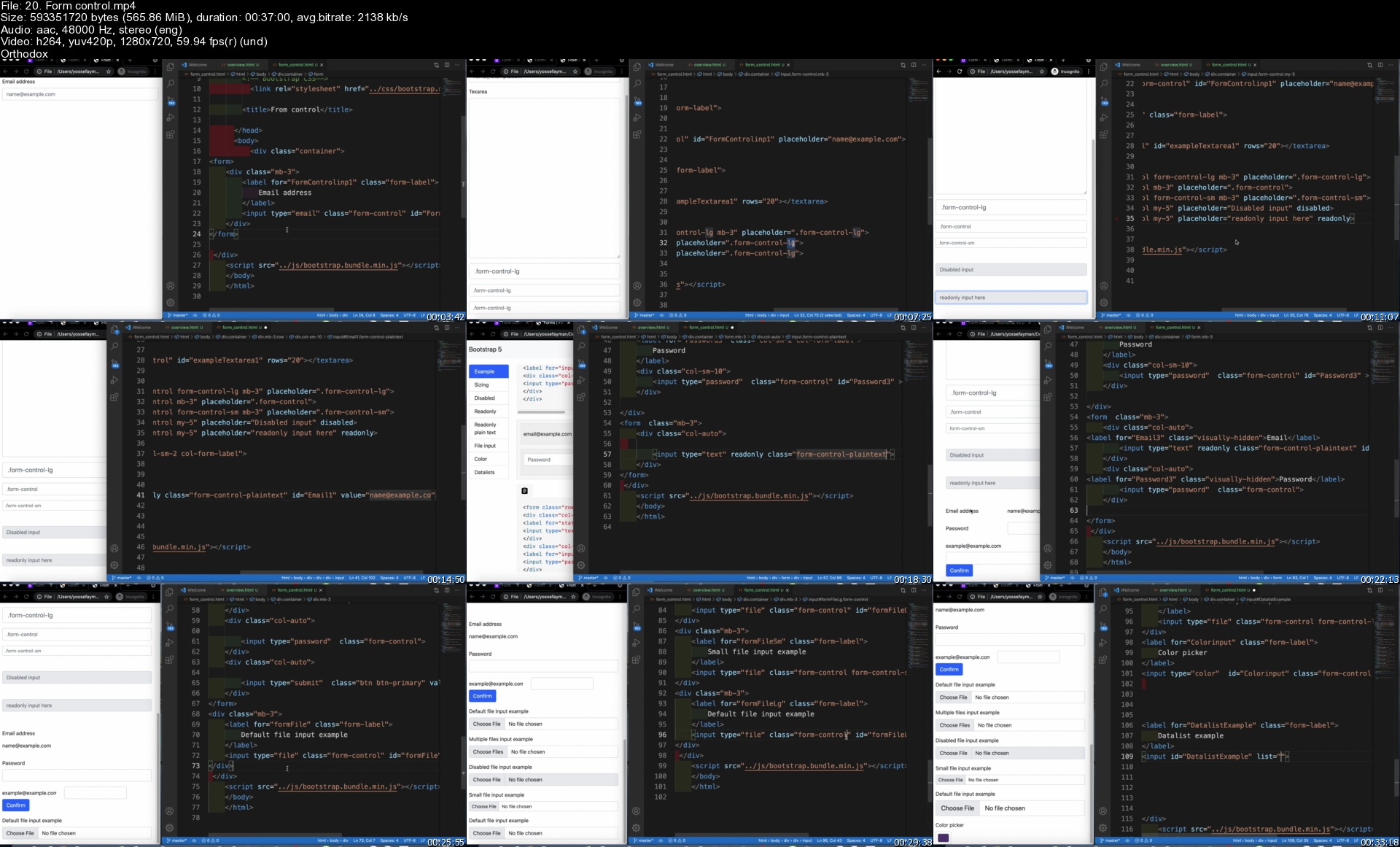
Forms
Components
Helpers
Utilities
Extend
By the end of this course, you will be fluently programming with Bootstrap and you'll be so good at Bootstrap at that you can get a job or use the library professionally.

You'll also build a portfolio of 10 projects that you can show off to any potential employer. Including:

Blog
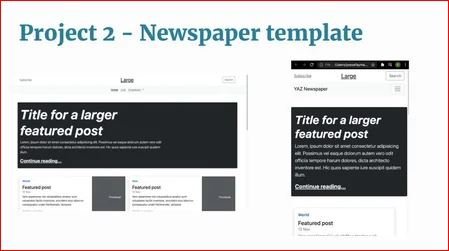
Newspaper
Multipage
Book
Dashboard
Boosting business
Portfolio
Bicycle
Selling online themes
Charts with Sass
Additional learning kit

A learning kit that consists same Dropdowns in the bootstrap website for the navbar
Consists of forms, content and components
Bonus projects to practice

Pricing template | Beginner level
Album template | Beginner level
Carousel | Beginner level
Checkout | Beginner level
Cover | Intermediate level
Dashboard | Intermediate level
Features | Intermediate level
Freelancer | Intermediate level
Private trainer | Intermediate level
Photography | Professional level
E-commerce store | Professional level
Sign up today, and look forward to:

Video Lectures
Fully Fledged Projects
Bootstrap Resources and Cheatsheets
Downloads
$4,000+ Bootstrap Pro Bootcamp course materials and curriculum.
Don't just take my word for it, check out what existing students have to say about my courses:

"Exceptional Way of study and explanation"

"An amazing course and instructor.. The way of teaching makes me optimistic"

"this course is really effective, I learned a lot and improved a lot, thank you for offering such an amazing course"

"Very good course so far, insightful, a little pacy, clear explanations and also shows mistakes which helps new people . This course also is structured well."

"I love how thorough this course is!"

"I can't really describe how wonderful this course is. The instructor is very friendly and helpful. I can build completely responsive websites now in less than 1 hour. Thank you Mr Yossef Zedan"


Homepage

20.formcontrolse5k4p.jpg


Blender to Unreal Engine 5

dphbmlnk06tdut1fh7iceaoja1.jpg


Blender to Unreal Engine 5
MP4 | Video: h264, 1280x720 | Audio: AAC, 44100 Hz
Language: English | Size: 18.4 GB | Duration: 20h 55m

Would you like to learn how to model a windmill reminiscent of medieval times and breathe life into that fantasy by importing it into a game engine?

Now, what if I told you I have a course to do just that on Skillshare?

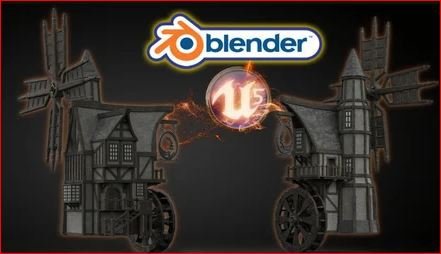
'Blender to Unreal Engine 5' will see you creating an intricate medieval asset requiring mechanical knowledge full of life through 3D animation.

This course will give you access to just over 21 hours of 3D art.
Learn how to build an intricate medieval windmill and watermill hybrid in 107 lessons.

This course will see you learn all the techniques pros use and how they use them. Unreal Engine integration will also be a central part of this course's learning objectives.

Through reading this course description you will find out:

- What you want to learn about 3D modelling;

- What you are going to get through 'Blender to Unreal Engine 5', and;

- How the course will take your 3D skills to the next level.

Modeling

This course will be your complete pathway from concept to game engine in a way that we haven't done before.

Our 3D modelling focus will be on creating realistic and fully functional subcomponents for our windmill. This will include an intricate set of wooden supports, balconies, stairs, a water wheel, and windmill arms.

We will be using curves to create a special type of wooden support as well as for our medieval windmill door handles. Although looking at curves is not an integral part of this course, it is important for 3D modelling and this will be another feather in your cap of available features within Blender.

Near the end of the course, you will be creating a base for our medieval windmill model to sit on for an ideal portfolio shot.

Texturing and Materials

All in all, 'Blender to Unreal Engine 5' will provide you with intensive learning all in one place, giving you access to over 100 2k and 4k texture maps. This course will also teach you the basics of making your own materials using these textures.

Every single texture pack also has its own Unreal Engine 5 (UE5) version, making this a valuable part of the course. One of the biggest 'Blender to Unreal Engine 5' course highlights will include importing textures and learning how to fully utilise them within UE5.

'Blender to Unreal Engine 5' will teach you all about the gamma, hue, saturation, and some world Blender nodes.

Animation

We will be working on making all motion effects hyper-real because animation is integral to this 'Blender to Unreal Engine 5' course.

You will learn how to use keyframes to key in different animations to the parts we want to animate. These will include our medieval windmill's water wheel, windmill arms, and windmill sign.

As part of the rigging process, you will learn how to weigh the different parts of the bones to add realism to your animation.

Finally, using Blender's in-built dope sheet and animation system, you will be able to export a fully working windmill to any games engine of your choice, including Unity, if you prefer.

Lighting & Rendering

By joining 'Blender to Unreal Engine 5', you will also learn how to take control of your scene's aesthetics through an HDRI system for lighting.

For a full introduction to lighting 3D scenes, we will also cover all in-built Blender lighting functionalities.

We will also be creating a portfolio render for any multimedia site you wish to upload your completed model to. Trust me when I say that this model will not only look professional but will actually pop up amongst thousands of other models.

'Blender to Unreal Engine 5' is a complete guide into using Eevee for lighting, rendering, shadows, exposure, and colour management.

Rendering in Blender's Cycles renderer will be discussed as well. We will also be looking at ambient occlusion and bloom within Eevee and Cycles, allowing you to choose the Blender renderer that is best for you.

If you thought the medieval inn was good, then this medieval windmill will take you to the next level of 3D modeling AAA assets.
Unreal Engine 5: Game Engine Integration

We will be taking a deep dive into Epic's all-new Unreal Engine 5. Do not worry if you have not managed to download it and are still working with UE4 because everything you will learn in this section can be used in both.

Through 'Blender to Unreal Engine 5' you will be learning everything right from importing animations from Blender to having them work correctly in UE5. Through this course, you will learn the basics of bringing your game asset to life, rendered in real-time.

We will look at how to import and use textures created specifically for Unreal Engine and use them to create the materials for our medieval windmill game asset. 'Blender to Unreal Engine 5' will also be an introduction to how to set up files to create a clean UI. The skills you learn here are fully transferable to all of your future builds.

Course Resources & Freebies

The 'Blender to Unreal Engine 5' course resource pack over 100 2k and 4k texture maps with UE5 versions of each file.

The best course navigation tool for 'Blender to Unreal Engine 5' will be included. The course handbook will give the control back to you and you will be able to fully streamline your learning process to your needs and wants seamlessly.

Join this course and come be part of a 3D modeling journey of over 21 hours of learning.

Check out the free introduction and I am sure you won't be able to put this course down!
Still unsure? Then, let me tell you what's unique about this course:

3D modeling from a beginner level right up to techniques used by professionals around the world in many top games companies;
animating a structurally accurate medieval water wheel;
animating medieval windmill arms;
creating metal signs for buildings using SVGs;
learning how to use HDRI lighting;
animations & key commands throughout the learning process;
- accessing 3 courses within a course, including full lessons on (a) Blender basics, (b) materials and textures, and (c) seams, sharps, and UVs.

Let's rebuild our medieval fantasy of a windmill and picture ourselves next to a serene body of water at sunset.

What a perfect virtual escape during these challenging times.

Until next time, happy modelling everyone!


Homepage

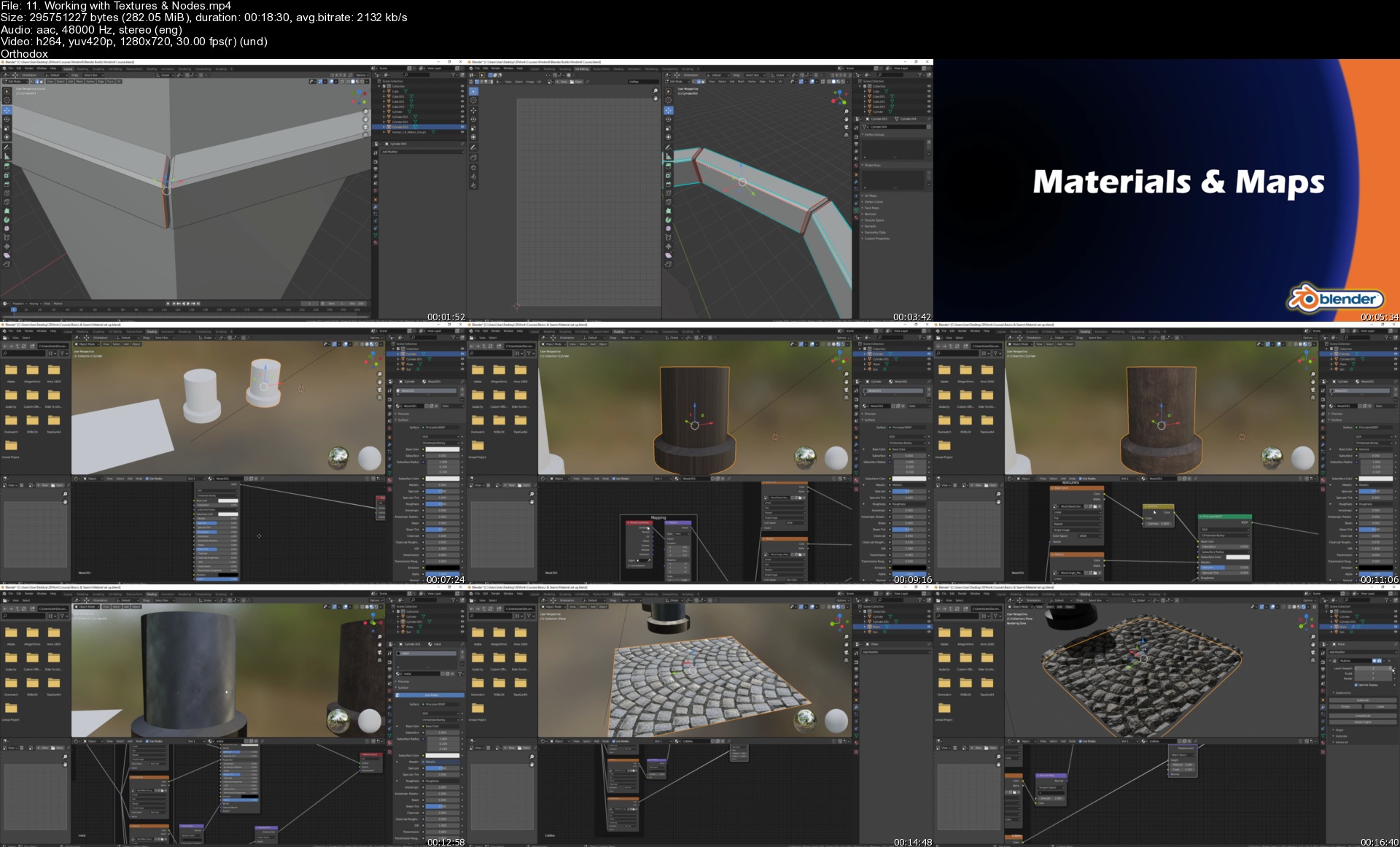
11.workingwithtexturek8ktv.jpg


2021 Complete Python From Zero To Hero

zkux5apfxac0o53d07wnuijken.jpg


2021 Complete Python From Zero To Hero
MP4 | Video: h264, 1280x720 | Audio: AAC, 44100 Hz
Language: English | Size: 11.3 GB | Duration: 17h 57m


What you'll learn
Make you a good programmer in general and a good Python programmer in Particular .
You'll learn efficiently and adopt good habits as I provide you with a solid foundation in general programming concepts .
you should be ready to move on to more advanced Python techniques, and your next programming language will be even easier to grasp .
Basic Programming Concepts you need to know to write Python Programs .
Different kinds of data and the ways you can store data in lists and dictionaries within your programs .
Build Collections of data and work through those collections in efficient ways .
How To use while and if loops to test for certain conditions .
Run Specific sections of code while those conditions are true and run other sections when they're not-a technique that greatly helps to automate processes .
Accept input from users to make your programs interactive and to keep your programs running as long as the user is active .
How to write functions to make parts of your program reusable .
How To write blocks of code that perform certain Introduction xxxi actions once, which you can then use as many times as you like .
Requirements
All you need is a PC and a working internet connection Very basic understanding of programming A Windows, Mac or Linux computer.
Web Masters, Programmers, Entrepreneurs

Description
Part I Of This Course teaches you the basic concepts

you'll need to write Python programs. Many of

these concepts are common to all programming

languages, so they'll be useful throughout your life

as a programmer.

In Chapter 1 you'll install Python on your computer and run your first

program, which prints the message Hello world! to the screen.

In Chapter 2 you'll learn to store information in variables and work

with text and numerical values.

Chapters 3 and 4 introduce lists. Lists can store as much information

as you want in one variable, allowing you to work with that data efficiently.

You'll be able to work with hundreds, thousands, and even millions of values

in just a few lines of code.

In Chapter 5 you'll use if statements to write code that responds one

way if certain conditions are true, and responds in a different way if those

conditions are not true.

Chapter 6 shows you how to use Python's dictionaries, which let you

make connections between different pieces of information. Like lists, dictionaries

can contain as much information as you need to store.

In Chapter 7 you'll learn how to accept input from users to make your

programs interactive. You'll also learn about while loops, which run blocks

of code repeatedly as long as certain conditions remain true.

In Chapter 8 you'll write functions, which are named blocks of code

that perform a specific task and can be run whenever you need them.

2 Part I

Chapter 9 introduces classes, which allow you to model real-world

objects, such as dogs, cats, people, cars, rockets, and much more, so your

code can represent anything real or abstract.

Chapter 10 shows you how to work with files and handle errors so your

programs won't crash unexpectedly. You'll store data before your program

closes, and read the data back in when the program runs again. You'll learn

about Python's exceptions, which allow you to anticipate errors, and make

your programs handle those errors gracefully.

In Chapter 11 you'll learn to write tests for your code to check that

your programs work the way you intend them to. As a result, you'll be able

to expand your programs without worrying about introducing new bugs.

Testing your code is one of the first skills that will help you transition from

beginner to intermediate programmer

The purpose of this Course is to make you a good programmer in general

and a good Python programmer in particular. You'll learn efficiently and

adopt good habits as I provide you with a solid foundation in general programming

concepts. After working your way through Python Crash Course,

you should be ready to move on to more advanced Python techniques, and

your next programming language will be even easier to grasp.

In the first part of this book you'll learn basic programming concepts

you need to know to write Python programs. These concepts are the same

as those you'd learn when starting out in almost any programming language.

You'll learn about different kinds of data and the ways you can store

data in lists and dictionaries within your programs. You'll learn to build

collections of data and work through those collections in efficient ways.

You'll learn to use while and if loops to test for certain conditions so you

can run specific sections of code while those conditions are true and run

other sections when they're not-a technique that greatly helps to automate

processes.

You'll learn to accept input from users to make your programs interactive

and to keep your programs running as long as the user is active.

You'll explore how to write functions to make parts of your program

reusable, so you only have to write blocks of code that perform certain

Introduction xxxi

actions once, which you can then use as many times as you like. You'll then

extend this concept to more complicated behavior with classes, making fairly

simple programs respond to a variety of situations. You'll learn to write programs

that handle common errors gracefully. After working through each

of these basic concepts, you'll write a few short programs that solve some

well-defined problems. Finally, you'll take your first step toward intermediate

programming by learning how to write tests for your code so you can

develop your programs further without worrying about introducing bugs.

All the information in Part I will prepare you for taking on larger, more

complex projects.

In Part II you'll apply what you learned in Part I to three projects. You

can do any or all of these projects in whichever order works best for you. In

the first project (Chapters 12-14) you'll create a Space Invaders-style shooting

game called Alien Invasion, which consists of levels of increasing difficulty.

After you've completed this project, you should be well on your way to

being able to develop your own 2D games.

The second project (Chapters 15-17) introduces you to data visualization.

Data scientists aim to make sense of the vast amount of information

available to them through a variety of visualization techniques. You'll

work with data sets that you generate through code, data sets downloaded

from online sources, and data sets your programs download automatically.

After you've completed this project, you'll be able to write programs that

sift through large data sets and make visual representations of that stored

information.


Who this course is for:
Beginner Python Developers And Programmers


Homepage

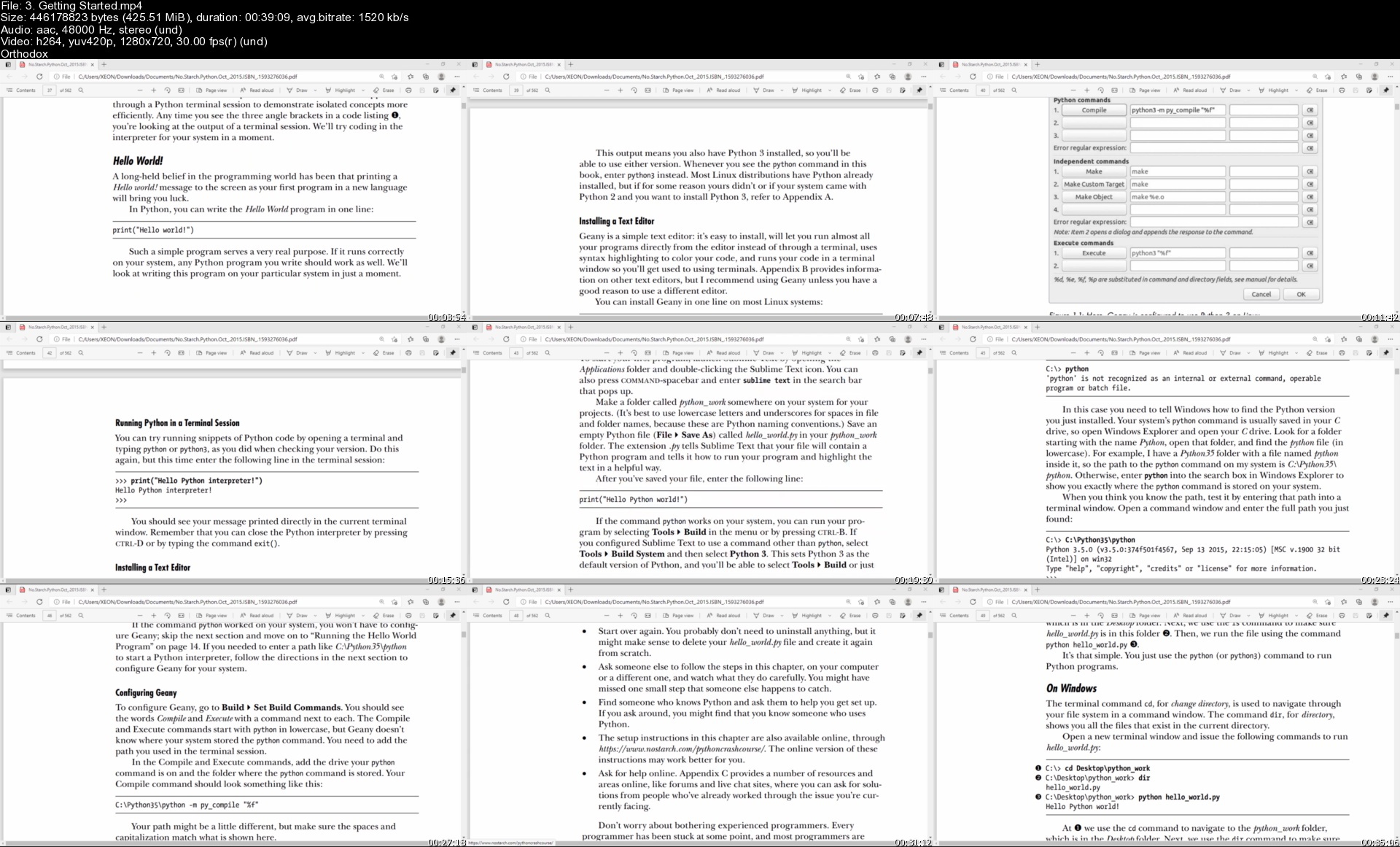
3.gettingstartedswojj1.jpg


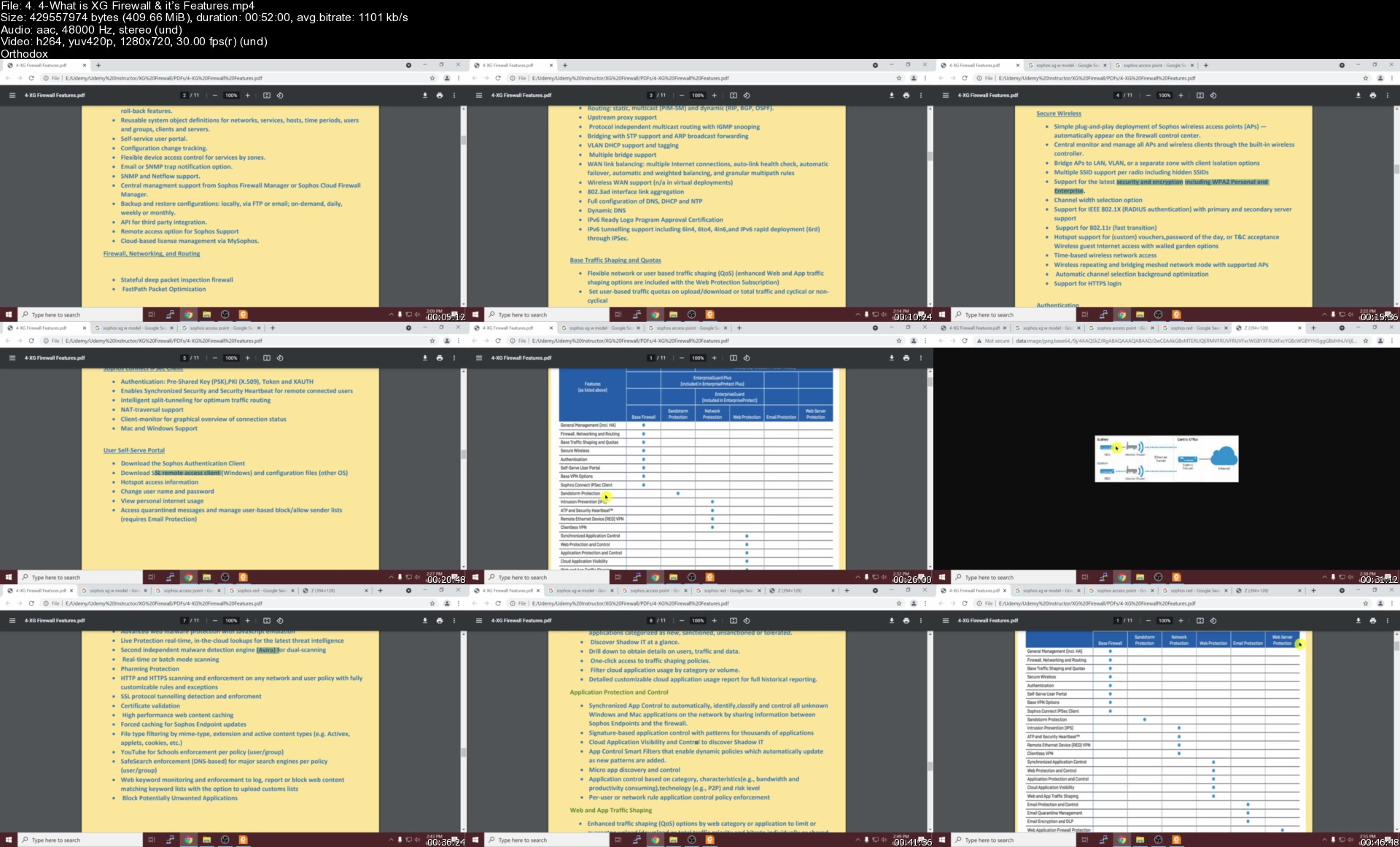
Sophos XG Firewall for Beginners

rwh5aky9yuhih5siubjk5p5kup.jpg


Sophos XG Firewall for Beginners
MP4 | Video: h264, 1280x720 | Audio: AAC, 44100 Hz
Language: English | Size: 11.0 GB | Duration: 24h 26m


What you'll learn
Understand Firewall Basics
How to Deploy Sophos XG Firewall from Scratch
Configure & Manage XG Firewall
Understanding of Firewall Rules
Configure Web Control, Application Control Policies
How to Configure SSL VPN & IPsec VPNs
User Authentication & Captive Portal
WAN Load Balancing & Traffic Shaping
Understanding IPS, Anti-Virus & Anti-Spam
Requirements
Basic understanding of IT security
Basic understanding of Windows Operating systems
Basic Network Administration Knowledge

Description
Sophos XG Firewall provides comprehensive next-generation firewall protection that exposes hidden risks, blocks unknown threats, and automatically responds to incidents by isolating compromised systems, and exposes hidden user, application and threat risks on the network. Sophos also includes synchronized security (links endpoints and firewalls to enable them to communicate and share information, identify compromised systems and isolate them until cleaned up), a web application firewall, email protection, ransomware protection, phishing prevention, all firewall rules unified on a single screen, and a secure web gateway.

Why Sophos XG Firewall ?

Next-generation network protection

Unified user, application and network control

Blocks unknown threats

More-in-one protection

On-box reports included as standard

Patented Layer-8 Identity control

Potent, powerful & fast

In this courses, feature lecture and hands-on labs, you will learn to install, configure, manage and Sophos XG Firewall from scratch. You will gaining the skills and expertise needed to protect your organization from security threats. The student will get hands-on experience of Sophos XG Firewall in a lab environment.

This course dives deeper into Sophos XG Firewall Configuration to give the students a clear understanding on several topics. Topics covered include Sophos XG Firewall Basic Configuration, Network Zones & Interface Configuration, Firewall Polices, Web Control & Application Control, WAN Load Balancing, SSL VPN & IPsec VPN, Captive Portal &User Authentication, Synchronized Security, Traffic Shaping, SSO Configuration, High Availability ,IPS & Anti -Virus, NAT more.


Who this course is for:
This course is for students trying to learn the Sophos XG Firewall
This course is for networking engineers searching to learn Sophos XG Firewall
Network Administrators
Security Engineers


Homepage

4.4whatisxgfirewallit7xk6t.jpg


Seven to Heaven - HTML5, CSS3 and jQuery Course

0078f83be1jzr.jpg


Seven to Heaven - HTML5, CSS3 and jQuery Course
Duration: 10h 8m | Video: .MP4, 1280x720 30 fps | Audio: AAC, 44.1 kHz, 2ch | Size: 5.55 GB
Genre: eLearning | Language: English

Learn modern web design and build 7 real world websites while learning HTML5, CSS3 and JavaScript library- jQuery.

What you'll learn
How to build SEVEN real-world, creative, modern and truly responsive websites using modern web technologies.
You will learn HTML5, CSS3 and JavaScript library- jQuery.
At the end of this course, You will be able to build a fully functional and optimized website which will look great on mobile & desktop devices.
You will learn about media queries, flexbox, cool effects like animations, scroll effects, "sticky" navigation, how to build functional contact form etc.
You will learn a complete web development process from start to website launch.
Learn web design guidelines and tips to make your website beautiful and professional.
How to find & optimized free images for your website.
Get downloadable lectures, code and design assets for all projects.

Requirements
No coding or design experience needed.
A Mac or PC computer with access to the internet.
No paid software required - we will use free web development editor.
We will show you, step-by-step, how to get all the software installed and set up.

Description
Are you looking to learn how to build your own functional, responsive, and modern looking website with HTML5 and CSS3? If YES, then this is the right course for you!

To become a Web Developer you need to learn first some Web Design Guidelines, and then HTML5, CSS3, JavaScript, and jQuery. This course will exactly teach you all these skills which you can apply to real-world websites!

At the very beginning of our course, we are going to get to know you with basic technologies, which are needed for a website- HTML5 and CSS3. In the next step, we will introduce you to some basics of Web Design. We will show you how to choose the right font for web design, how to decide the right color scheme, how to choose and optimize photographs, icons, and things like that.

Right after meeting with basics, we are going to create concrete sites. Within this course, we are going to make SEVEN Completely Functional Websites, which means that we are going to make seven different projects. Thereby, we are starting from the most simple site and step by step, through projects, we will build more and more complex websites.

The first project will be the beginning project, for which you don't need any foreknowledge from web design. In the last step, we are going to make an advanced level project. So, at the end of this course, you will be educated on how to make a whole and complete project of building a website, from design, coding to set it up online.

What do you get in this course?

Lifetime access to our HD quality videos. Without a monthly subscription!

English captions for students with hearing impairment.

Downloadable code and design assets for all projects.

Free help and support in the course Q&A, or through our Seven to Heaven Facebook group.

Take this course and we will see you inside the classroom!


Who this course is for:
Anyone who wants to learn about creating websites.
Complete beginners who want to learn how to build a modern and responsive real world websites.
Students who does have some experience in HTML and CSS.
Designers who want to learn about HTML5, CSS3, JavaScript library- jQuery and web development.

Homepage

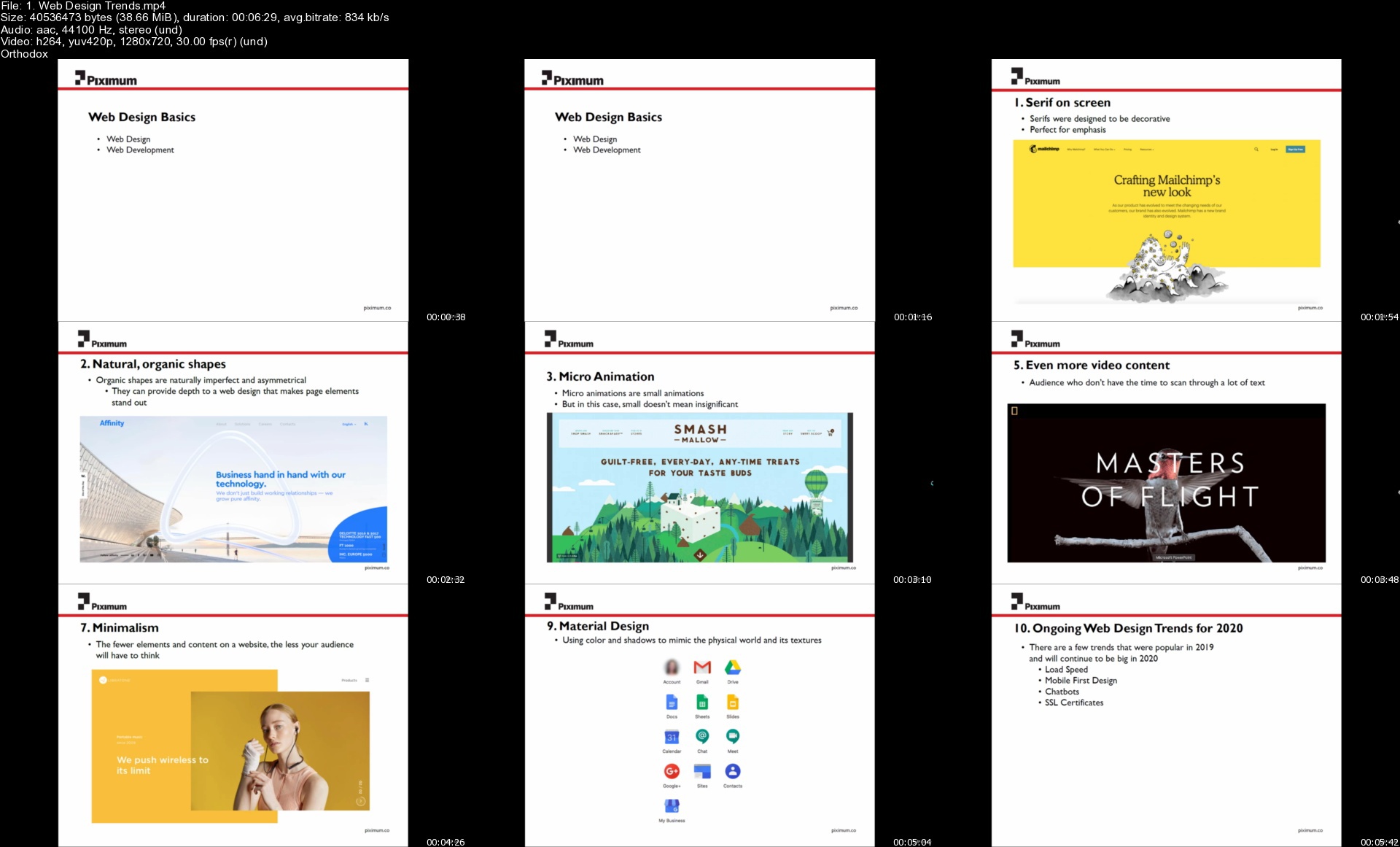
1.webdesigntrendsss1ks0.jpg


William Patino Photography - Monochrome Photography

asoyq66jlxaexl108vzoyfzjz6.jpg


William Patino Photography - Monochrome Photography
MP4 | Video: h264, yuv420p, 4096x230 | Audio: aac, 44100 Hz | Duration: 1h 05min | File Size: 12.1 GB
Genre: eLearning | Language: English

Learn my field-tested process for creating dramatic and impactful monochrome landscape images. This masterclass is about making better decisions when editing scenes in monochrome. When do you opt to turn a landscape into a monochrome masterpiece? What sort of images are best served in monochrome? What are the most effective tools to use in doing this in editing? Learn my entire process from start to finish. You'll be able to create dramatic images like you never thought possible before!

Homepage

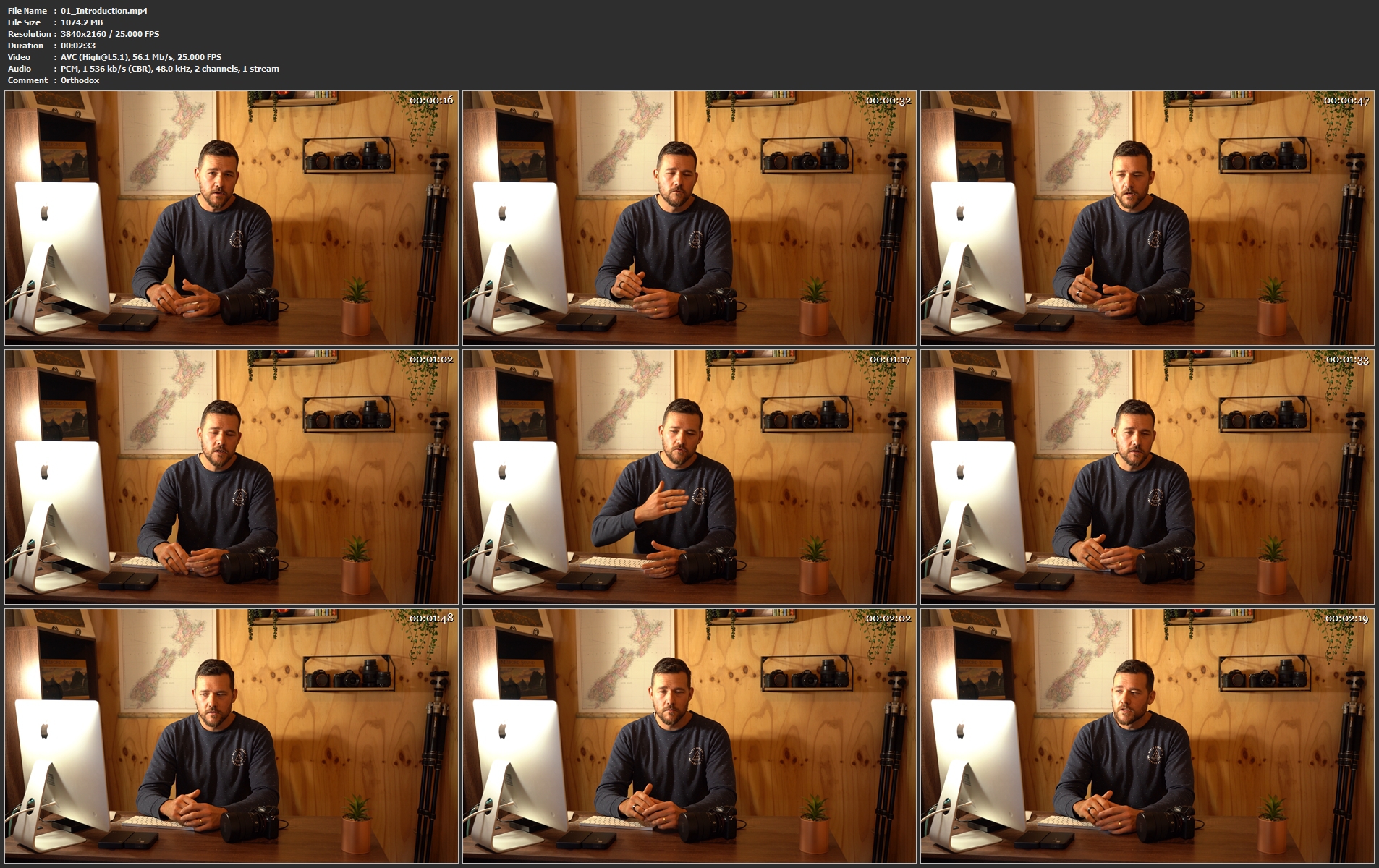
01introduction.mp4w2kij.jpg


Master Microservices with Spring, Docker, Kubernetes

lnltszxambshtvrjfmv4nwgkd8.jpg


Master Microservices with Spring, Docker, Kubernetes
MP4 | Video: h264, 1280x720 | Audio: AAC, 44100 Hz
Language: English | Size: 5.67 GB | Duration: 15h 37m


What you'll learn
What is microservices architecture and how it is different from monolithic and SOA architectures
How to build microservices using Spring, SpringBoot
What are cloud native apps & 12 factor principles behind them
Configuration management in microservices using Spring Cloud Config Server
Service Discovery and Registration pattern inside microservices and how to implement using Spring Eureka server
Building resilient microservices using RESILIENCE4J framework
Handling Cross cutting concerns and routing inside microservices using Spring Cloud Gateway
Implementing Distributed tracing & Log aggregation in microservices using Spring Sleuth and Zipkin
Monitoring microservices using Prometheus and Grafana
Role of Docker in microservices and how to build docker images, containers
Role of Kubernetes in microservices as a container orchestration framework
Requirements
Java
Basics of Spring framework

Description
'Master Microservices with Spring, Docker, Kubernetes' course will help in understanding about microservices architecture and how to build it using SpringBoot, Spring Cloud components, Docker and Kubernetes. By the end of this course, students will understand all the below topics,

What is microservices architecture and how it is different from monolithic and SOA architectures

How to build production ready microservices using Spring, SpringBoot and Spring Cloud

What are cloud native apps & 12 factor principles behind them

Configuration management in microservices using Spring Cloud Config Server

Service Discovery and Registration pattern inside microservices and how to implement using Spring Eureka server

Building resilient microservices using RESILIENCE4J framework

Handling Cross cutting concerns and routing inside microservices using Spring Cloud Gateway

Implementing Distributed tracing & Log aggregation in microservices using Spring Sleuth and Zipkin

Monitoring microservices using Prometheus and Grafana

Role of Docker in microservices and how to build docker images, containers

Role of Docker compose and how to use it to run all the microservices inside a application

Most commonly used Docker commands

Role of Kubernetes in microservices as a container orchestration framework.

How to setup a Kubernetes cluster inside GCP using GKE (Google Kubernetes Engine) and deploy microservices inside it

Most commonly used Kubernetes commands

The pre-requisite for the course is basic knowledge of Java, Spring and interest to learn.


Who this course is for:
Beginner students who are learning Spring framework and interested in Microservices as well
Developers who already know developing web applications using Spring framework
Java Architects


Homepage

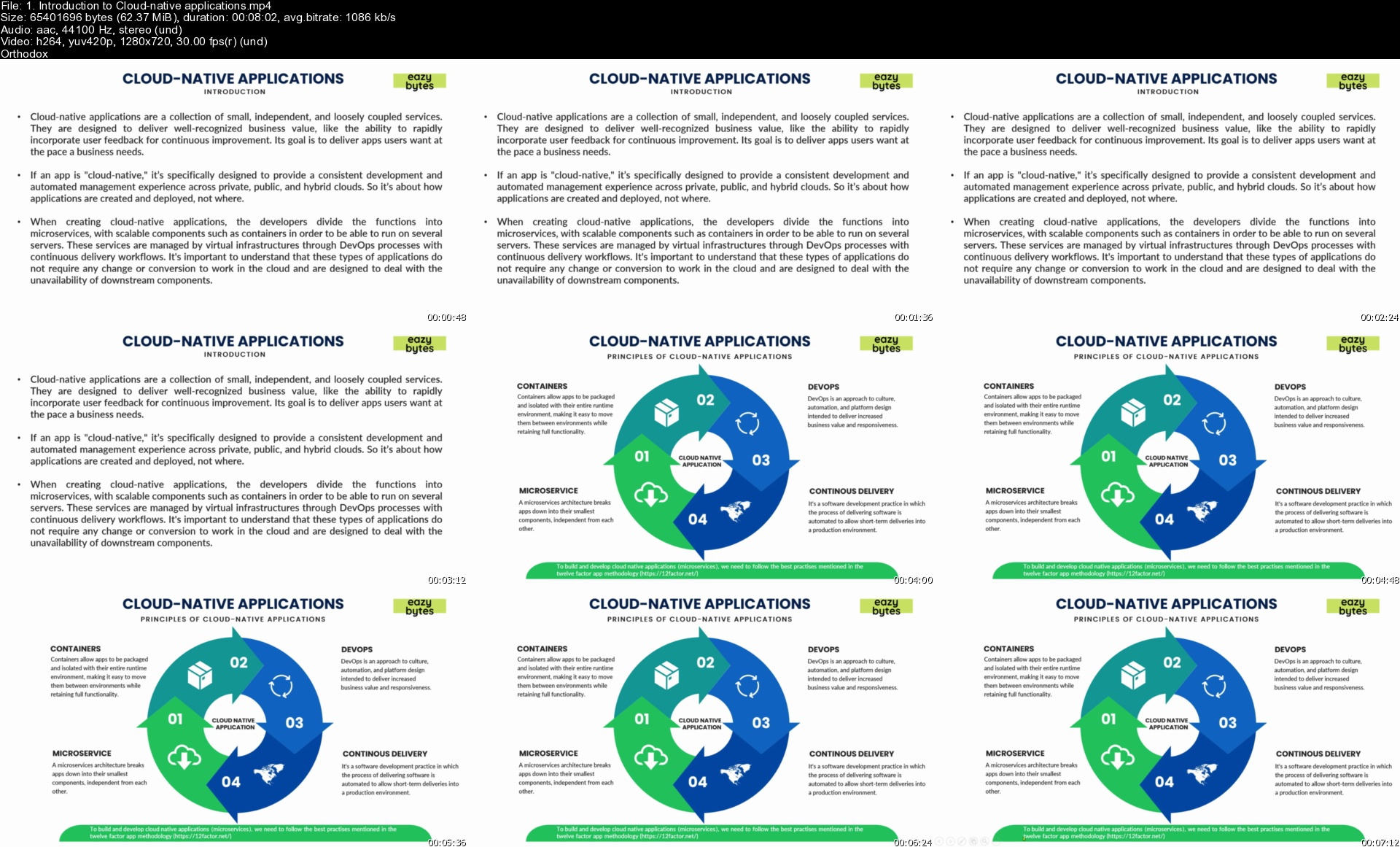
1.introductiontocloud8djjv.jpg


Immersive Spanish Course for Beginners ( level 1)

4jomlznfe2bcwonyumv8erxj8x.jpg


Immersive Spanish Course for Beginners ( level 1)
Genre: eLearning | MP4 | Video: h264, 1280x720 | Audio: AAC, 44.1 KHz
Language: English | Size: 12.6 GB | Duration: 17h 21m

Learn Spanish from a full course based on the Spanish official exams along with a real student.


What you'll learn
How to introduce themselves
How to ask basic questions
How to use the different types of verb TO BE
How to conjugate regular verbs
How to describe their cities, countries and villages
How to talk about hobbies and how well they do
Number in different contexts
Lots of vocabulary
Common irregular verbs
How to express emotions
Speak about the weather conditions and climate
Conversation in shops
You will learn everything related to Level A1.1 according to official language institutions


Description
This Spanish course for beginners is the course you have been waiting for.

Why?

Because you won´t be alone in the process, I will be there constantly as well as you classmate, Suhan.

This course has been designed with a real student, who prior to this course could just say a few words without any structure.

Now, he is much more confident as you will be after this course.

It combines an immersive approach along with a strategy for you to learn gradually following the teacher guidance while you are immerse in a real learning environment.

I will provide you small cognitive structures to organize systematically your learning process. You will be focused on a specific goal and bit by bit, you will face expressions that are more complex.

After this 18-hour course divided into 13 classes, you will be able to:

•fluently introduce yourself and others

•describe nationalities and professions

•talk easily about your hobbies, your preferences and your interests

•talk about future plans

•conjugate regular and irregular verbs

•identify those two types of the verb "to be"

•explain your emotions

•describe cities

•talk about the weather

•to have a general and straight forward conversation in shops

These objectives are selected based on the guidance of the official DELE exams and Spanish institutions.

You will be given the first two lessons for free so you can check if you really enjoy this unique course.


Who this course is for:
Beginner Spanish students that want to learn from scratch
Those who need a strategy and structure
Those who will enjoy being a class but they can´t
Those who will like to take an official test in the future for A1 Level


Homepage

001interactivevideosgajig.jpg


Udemy - Fundamentals of Engineering Thermodynamics

00789c7du4k0e.jpg


Udemy - Fundamentals of Engineering Thermodynamics
Duration: 22h 34m | Video: .MP4, 1280x720 30 fps | Audio: AAC, 44.1 kHz, 2ch | Size: 7.63 GB
Genre: eLearning | Language: English

With +50 Solved Problems to Practice For Your Exams and Understand Engineering Thermodynamics Concepts Better

What you'll learn
Identify the basic principles of thermodynamics
Analyze some steady-flow engineering devices such as nozzles, compressors, turbines, throttling valves, mixers, and heat exchangers
Evaluate work, heat transfer and power in processes
Understand entropy concept and the 2nd law of thermodynamics, and apply them to practical problems

Requirements
Students are assumed to have an adequate background in calculus and physics

Description
Topics include properties of a simple pure compressible substance, equations of state, the first law of thermodynamics, internal energy, specific heats, enthalpy, and the application of the first law to a system or a control volume. The study of the second law of thermodynamics is also discussed leading to the discovery of entropy as a property and its ramifications.

Topics:

1.Definitions, terminology, properties of systems, pressure, temperature scale, heat and work as path dependent functions, zeroth law of thermodynamics, concept of a thermodynamic equilibrium, different kinds of work

2. The first law of thermodynamics, and its application to systems

3. Properties of a pure compressible substance, Phases and their transitions

4. Application of the first law to a control volume: energy relationship for flow processes

5. The second law of thermodynamics, Corollaries of the second law of thermodynamics, reversible processes and irreversible processes.

6. Entropy and entropy production

7. Entropy rate balance for a control volume

8. Power, refrigeration and heat pump cycles analysis

Course Outcomes:

1. The students will have learned that energy is conserved based on the first law of thermodynamics.

2. The students will have learned whether or not a process is possible based on the second law of thermodynamics.

3. The students will be able to apply the 1st and 2nd laws of thermodynamics in performance analysis of various power plants, engines and refrigeration systems.

Enjoy and happy learning!!


Who this course is for:
Engineering students

Homepage

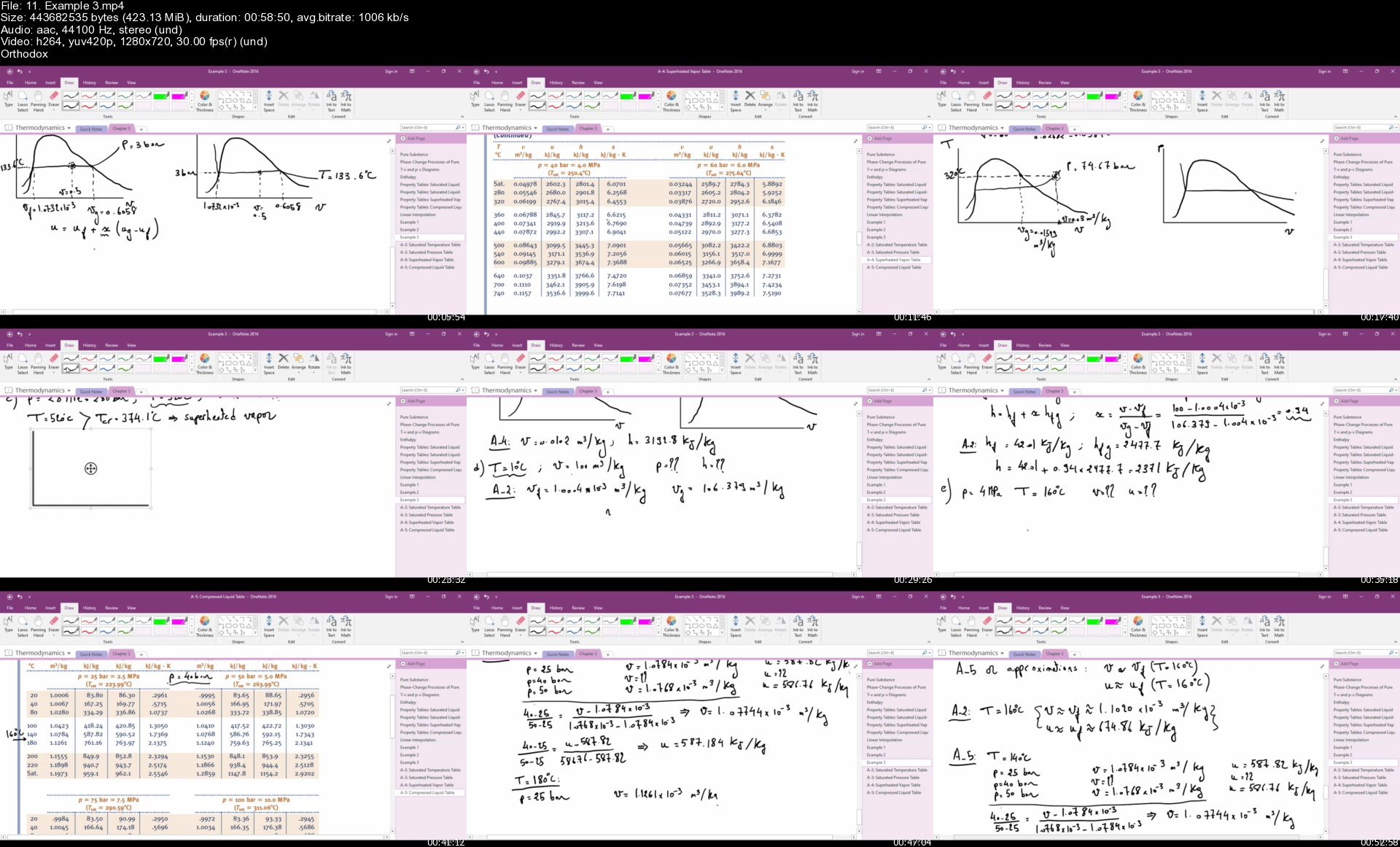
11.example3sg9j8x.jpg


Corporate Finance #9 Valuation-Bond, Common /Preferred Stock

61rrvx5qtfn0u0woq6ae9zpjud.jpg


Corporate Finance #9 Valuation-Bond, Common /Preferred Stock
MP4 | Video: h264, 1280x720 | Audio: AAC, 44100 Hz
Language: English | Size: 5.02 GB | Duration: 11h 6m


What you'll learn
Explain valuation methods for financial assets
Calculate the valuation of bonds
Calculate the valuation of preferred stock
Calculate the valuation of common stock
Requirements
A general understanding of corporate finance concepts

Description
This course will cover the valuation of financial assets including bonds, common stock, and preferred stock.

We will include many example problems, both in the format of presentations and Excel worksheet problems. The Excel worksheet presentations will include a downloadable Excel workbook with at least two tabs, one with the answer, the second with a preformatted worksheet that can be completed in a step-by-step process along with the instructional videos.

The general concept used to value financial assets is to take the present value of future cash flows from the financial asset. Therefore, we will need to use present value concepts and calculations.

The cash flow related to bonds will generally consist of a series of interest payments and a principal payment at maturity of the bond. We can use annuity calculations to determine the present value of the interest payments and present value of one calculation to determine the present value of principal at maturity.

Preferred stock has characteristics similar to bonds in that the payments are often standardized. However, we do not have a maturity date as we do with bonds.

Common stock can be more complex as we consider the future cash flow of dividends in an attempt to value the securities. The common stock dividends are more likely to change over time and we do not have a maturity date as we do with bonds.


Who this course is for:
Business students
Business professionals


Homepage

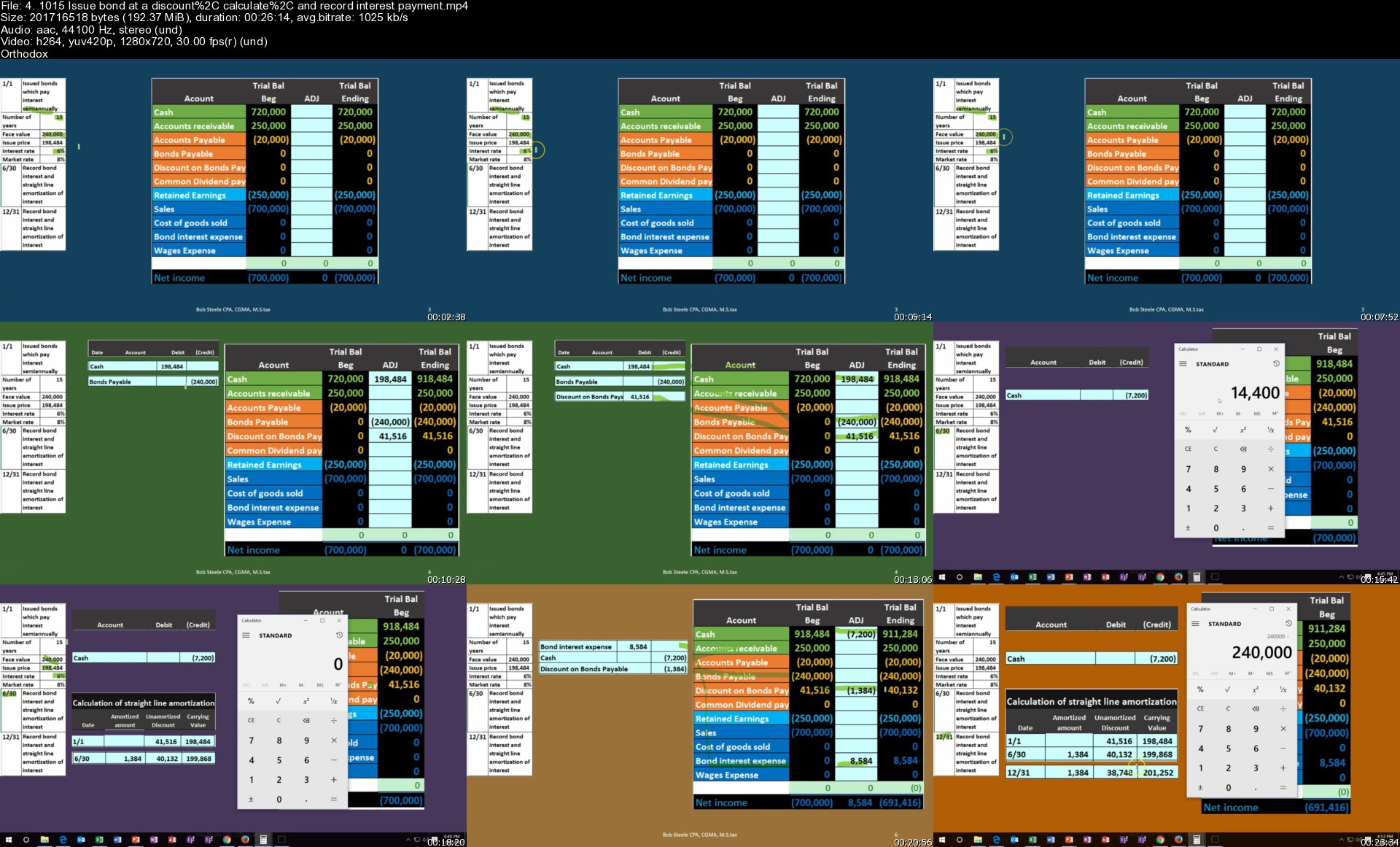
4.1015issuebondatadis90kcr.jpg


Zurück
Oben Unten