• Regeln für den Video-Bereich:

    In den Börsenbereich gehören nur Angebote die bereits den Allgemeinen Regeln entsprechen.

    Einteilung

    - Folgende Formate gehören in die angegeben Bereiche:
    - Filme: Encodierte Filme von BluRay, DVD, R5, TV, Screener sowie Telesyncs im Format DivX, XviD und x264.
    - DVD: Filme im Format DVD5, DVD9 und HD2DVD.
    - HD: Encodierte Filme mit der Auflösung 720p oder darüber von BluRay, DVD, R5, TV, Screener sowie Telesyncs im Format x264.
    - 3D: Encodierte Filme von BluRay, die in einem 3D Format vorliegen. Dies gilt auch für Dokus, Animation usw.
    - Serien: Cartoon/Zeichentrick, Anime, Tutorials, Dokumentationen, Konzerte/Musik, Sonstiges sind demnach in die entsprechenden Bereiche einzuordnen, auch wenn sie beispielsweise im High Definition-Format oder als DVD5/DVD9/HD2DVD vorliegen. Ausnahme 3D.
    - Bereich Englisch: Englische Releases gehören immer in diesen Bereich.
    - Bereich Talk: Der Bereich, in dem über die Releases diskutiert werden kann, darf, soll und erwünscht ist.


    Angebot/Beitrag erstellen

    - Ein Beitrag darf erst dann erstellt werden, wenn der Upload bei mindestens einem OCH komplett ist. Platzhalter sind untersagt.
    - Bei einem Scenerelease hat der Threadtitel ausschließlich aus dem originalen, unveränderten Releasenamen zu bestehen. Es dürfen keine Veränderungen wie z.B. Sterne, kleine Buchstaben o.ä. vorgenommen werden. Ausnahme Serienbörse:
    - Bei einem Sammelthread für eine Staffel entfällt aus dem Releasename natürlich der Name der Folge. Beispiel: Die Simpsons S21 German DVDRip XviD - ITG
    - Dementsprechend sind also u.a. verboten: Erweiterungen wie "Tipp", "empfehlenswert", "only", "reup", usw. / jegliche andere Zusatzinformation oder Ergänzung, welche nicht in obiger Beschreibung zu finden ist.

    Aufbau des Angebots und Threadtitel

    Der Titel nach folgendem Muster erstellt zu werden. <Name> [3D] [Staffel] [German] <Jahr> <Tonspur> [DL] [Auflösung] <Quelle> <Codec> - <Group>
    Beispiel: The Dark Knight German 2008 AC3 DVDRip XviD - iND
    Beispiel: The Dark Knight 2008 DTS DL BDRip x264 - iND
    Beispiel: The Dark Knight 2008 AC3 DL BDRip XviD - iND
    Beispiel: The Dark Knight German 2008 AC3 720p BluRay x264 iND
    Beispiel: The Dark Knight 2008 DTS DL 1080p BluRay x264 iND
    Beispiel: Die Simpsons S01 German AC3 DVDRip XviD iND
    Beispiel: Die Simpsons S20 German AC3 720p BluRay x264 iND
    Beispiel: Sword Art Online II Ger Sub 2014 AAC 1080p WEBRip x264 - peppermint
    Entsprechend sind also u.a. verboten: Sonderzeichen wie Klammern, Sterne, Ausrufezeichen, Unterstriche, Anführungszeichen / Erweiterungen wie "Tipp", "empfehlenswert", "only", "reup", usw. / jegliche andere Zusatzinformation oder Ergänzung, welche nicht in obiger Beschreibung zu finden ist
    Ausnahmen hiervon können in den Bereichen geregelt sein.

    Die Beiträge sollen wie folgt aufgebaut werden:
    Überschrift entspricht dem Threadtitel
    Cover
    kurze Inhaltsbeschreibung
    Format, Größe, Dauer sind gut lesbar für Downloader außerhalb des Spoilers zu vermerken
    Nfo sind immer Anzugeben und selbige immer im Spoiler in Textform.
    Sind keine Nfo vorhanden z.B. Eigenpublikationen, sind im Spoiler folgende Dateiinformationen zusätzlich anzugeben :
    Quelle
    Video (Auflösung und Bitrate)
    Ton (Sprache, Format und Bitrate der einzelnen Spuren)
    Untertitel (sofern vorhanden)
    Hosterangabe in Textform außerhalb eines Spoiler mit allen enthaltenen Hostern.
    Bei SD kann auf diese zusätzlichen Dateiinformationen verzichtet werden.

    Alle benötigten Passwörter sind, sofern vorhanden, in Textform im Angebot anzugeben.
    Spoiler im Spoiler mit Kommentaren :"Schon Bedankt?" sind unerwünscht.


    Releases

    - Sind Retail-Release verfügbar, sind alle anderen Variationen untersagt. Ausnahmen: Alle deutschen Retail-Release sind CUT, in diesem Fall sind dubbed UNCUT-Release zulässig.
    - Im Serien-Bereich gilt speziell: Wenn ein Retail vor Abschluss einer laufenden Staffel erscheint, darf diese Staffel noch zu Ende gebracht werden.62
    - Gleiche Releases sind unbedingt zusammenzufassen. Das bedeutet, es ist zwingend erforderlich, vor dem Erstellen eines Themas per Suchfunktion zu überprüfen, ob bereits ein Beitrag mit demselben Release besteht. Ist dies der Fall, ist der bereits vorhandene Beitrag zu verwenden.
    - P2P und Scene Releases dürfen nicht verändert oder gar unter einem iND Tag eingestellt werden.


    Support, Diskussionen und Suche

    - Supportanfragen sind entweder per PN oder im Bereich Talk zu stellen.
    - Diskussionen und Bewertungen sind im Talk Bereich zu führen. Fragen an die Uploader haben ausschließlich via PN zu erfolgen, und sind in den Angeboten untersagt.
    - Anfragen zu Upload-Wünschen sind nur im Bereich Suche Video erlaubt. Antworten dürfen nur auf Angebote von MyBoerse.bz verlinkt werden.


    Verbote

    - Untersagt sind mehrere Formate in einem einzigen Angebotsthread, wie beispielsweise das gleichzeitige Anbieten von DivX/XviD, 720p und 1080p in einem Thread. Pro Format, Release und Auflösung ist ein eigener Thread zu eröffnen.
    - Grundsätzlich ebenso verboten sind Dupes. Uploader haben sich an geeigneter Stelle darüber zu informieren, ob es sich bei einem Release um ein Dupe handelt.
    - Gefakte, nur teilweise lauffähige oder unvollständige Angebote sind untersagt. Dies gilt auch für eigene Publikationen, die augenscheinlich nicht selbst von z.B. einer DVD gerippt wurden. Laufende Serien, bei denen noch nicht alle Folgen verfügbar sind, dürfen erstellt und regelmäßig geupdatet werden.
    - Untersagt sind Angebote, welche nur und ausschließlich in einer anderen Sprache als deutsch oder englisch vorliegen. Ausnahmen sind VORHER mit den Moderatoren zu klären.


    Verstoß gegen die Regeln

    - Angebote oder Beiträge, die gegen die Forenregeln verstoßen, sind über den "Melden"-Button im Beitrag zu melden.
  • Bitte registriere dich zunächst um Beiträge zu verfassen und externe Links aufzurufen.

++ Premium IPTV ++ 7000 Live Sender ++ UHD Qualität ++ Mediathek mit 18.000 Inhalten ++


VenneTV


Englische Tutorials

TTC - Understanding the Old Testament

esvpnjr6lzuvddg73qfybl6kef.jpg


TTC - Understanding the Old Testament
Duration: 11h 11m | Video: .MP4 1280x720, 30 fps(r) | Audio: AAC, 48000 Hz, 2ch | Size: 9.4 GB
Genre: eLearning | Language: English

The 39 books of the Old Testament constitute the Hebrew Bible, comprise nearly three quarters of the Christian Bible, and contain substantial material considered sacred within Islam. As such, the Old Testament is among the most influential and widely read texts in world history.

Even beyond its religious functions, the Old Testament has permeated Western culture since its creation, giving rise to innumerable references to the text and stories within Western literature, historical writing, philosophy, and art. For these reasons and more, the importance of the Old Testament in cultural, religious, and historical terms would be hard to overemphasize.

Now, in 24 dynamic lectures, Understanding the Old Testament takes a new look at this seminal text, filled with fresh perspectives, rich visual aids, and fascinating examination of the text, shedding light on the monumental impact of one of the world's most beloved books.

Even beyond its religious functions, the Old Testament has permeated Western culture since its creation, giving rise to uncountable references to the text and stories within Western literature, historical writing, philosophy, and art. For these reasons and more, the importance of the Old Testament in cultural, religious, and historical terms would be hard to overemphasize. A grasp of the core writings of the Old Testament offers you valuable insight into subjects such as:

The conceptions of divinity and theology at the heart of Judaism and Christianity;
The epic story of the ancient Israelites on their journey across the Fertile Crescent;
The history of the cultures of the ancient Near East;
The richness and diversity of the literature, songs, poetry, and letters embodied within the text;
The ways in which the writings have shaped our intellectual and artistic heritage; and
The notions of ethics, moral philosophy, and social justice that have guided the unfolding of Western civilization.
A World-Shaping Literature

In 24 engrossing lectures, enriched with vivid color imagery and maps, Professor Miller guides you through many of the major books of the Old Testament, inviting you to probe their meaning and relevance in incisive and thought-provoking commentary. Among the books of the Old Testament that he highlights in detail, you'll explore:

Genesis: Uncover revealing features of the opening text of the Old Testament, such as how the events of the first week of creation form an elaborate pattern, expressing the complex order of the universe; and how the text does not lay primary blame for "the fall" on the woman, Eve;
Deuteronomistic History: Across the books of Judges, Samuel, and Kings, study the dramatic history of the people of Israel in the Promised Land, bound to God by a covenant; follow the story of the Israelites' disobedience to God, and its tragic consequences;
The Prophets: Through the dramatic narratives of Elijah, Amos, Jeremiah, and Isaiah, take account of the challenges faced by those who sought to actualize God's plan for humanity;
The Books of Ruth and Esther: Among notable women in the Old Testament, explore two stories of women in the ancient Near East who are doubly at risk, and who prevail through loyalty, resourcefulness, and integrity;
Daniel and the Apocalyptic: In the Book of Daniel, encounter the genre of apocalyptic literature-revelation initiated by God-and contemplate the figure of "the Son of Man," a promised redeemer.
Probe Deeply into the Inner Meanings of the Text

Throughout these extraordinary lectures, Professor Miller offers a wealth of intriguing perspectives on how to approach the text of the Old Testament. In numerous cases, you'll assess the role of translation in the understanding of the texts, studying the meanings of key Hebrew words and words of ancient languages. You'll also look in depth at the history, ******, and writing of the texts themselves. In addition, you'll study the literary and linguistic features of many of the texts, noting how they achieve their impact on the reader.

In Understanding the Old Testament, you'll take a revelatory look at this epically impactful document, learning to find its deeper historical and religious meanings, as well as to savor its sublime literary treasures.

Homepage

10deuteronomytokingsso8kkv.jpg


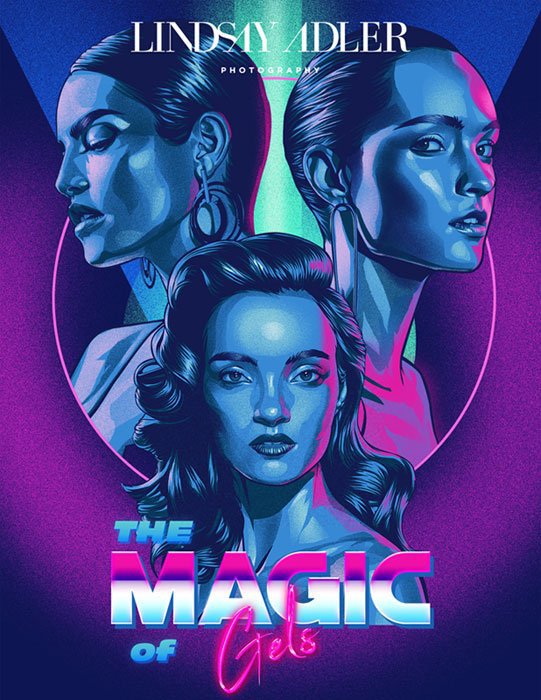
The Magic of Gels

nxrfwlgs9vyxq5ruczkkc35jkk.jpg


The Magic of Gels
MP4 | Video: h264, yuv420p, 1920x1080 | Audio: aac, 48000 Hz | Duration: 2h 56mins | Size File: 5.53 GB
Genre: eLearning | Language: English

35+Lighting Setups + 3 hours of video tutorials
In this brand new training series you will learn to infuse vibrant colors into your work through the use of gels. As a photographer, color is one of the most powerful visual tools available to create scroll-stoping imagery and communicate emotion to your viewer. Through a combination of 3 hours of video training and a lighting recipe guide you will be able to create a wide range of creative setups from dramatic, saturated looks to more subtle pastel effects.

Furthermore, many of the looks are achieved with 2 or 3 strobes and common modifiers so you can use the gear you already have to create eye-catching results in the studio or on location!

COLOR
Learn the essentials of color theory and how to utilize gels for powerful results.

This class will teach you how to select colors that work harmoniously together for outstanding results and how to select modifiers and light placement to create more saturated saturated effects.

You will learn how how to control the placement and vibrance of gels in your images, whether you want a more subtle or 'in-your-face' look.

Use color with purpose and control!

LESSONS
With 3 hours of content we'll cover everything from basics to advanced gels, when to use gels for a particular situation and much more.

GELS RECIPE GUIDE
Included with your purchase is a 155 page ebook with 36 lighting setups that feature gels. The recipe guide is the perfect companion to the course and showcases sample setups that you can test and experiment with.

Homepage

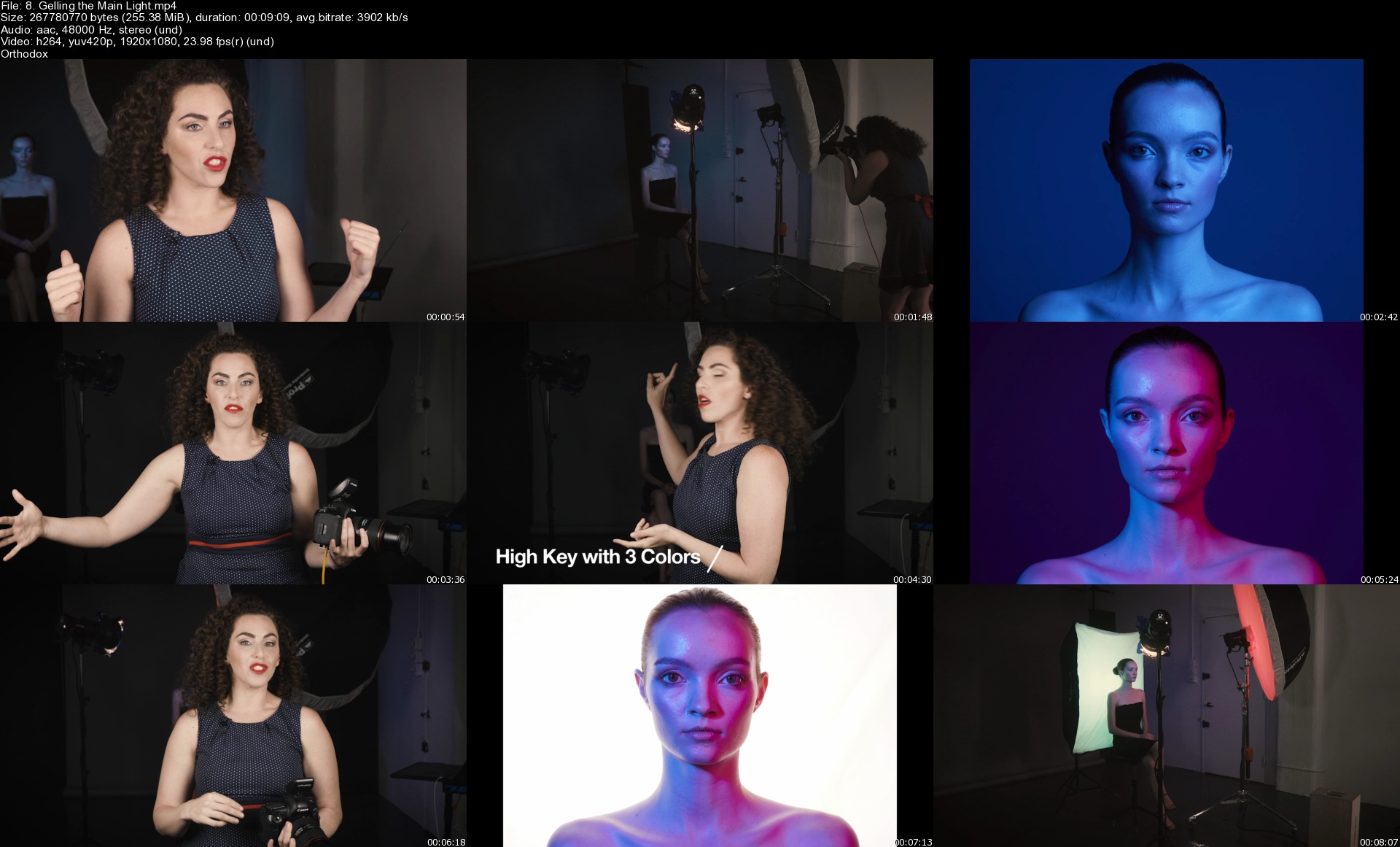
8.gellingthemainlightl0jwp.jpg


The BlenderBros Hard Surface Game Asset Course

mudzuvlaq6gdqqcjt5z7z90jrh.jpg


The BlenderBros Hard Surface Game Asset Course
MP4 | Video: h264, yuv420p, 1920x1080 | Audio: aac, 48000 Hz | Duration: 22h 17mins | Size File: 11.2 GB
Genre: eLearning | Language: English

A comprehensive, must-have course for the creation of two studio-quality hard surface game assets. What you'll get:

• Two complete hard-surface game asset workflows

• Modeling, optimization, high-to-low poly, unwrapping, triangulation, map baking, texturing, Unreal Engine and pro-level portfolio presentation workflow.

The Idea

Game assets are not difficult to create, but they are difficult to understand.

That's why we made this course - to remove that confusion and show you a seamless (pun has left the chat) workflow.

So let's discuss the elephant in the room: how difficult are game assets?

Ultimately, it depends on the complexity of your model and your preferred workflow.

Generally, you only need to follow this simple set of steps:

1. Modeling

2. High to Low Poly

3. Unwrapping

4. Triangulation

5. Map baking

6. Texturing

7. Export into Game Engine

8. Portfolio Presentation

If you can master all of these steps, you shouldn't have any trouble.

It looks easy on paper, but there are a lot of tricks and techniques one must employ to design these assets properly, and that is what this course is all about.

We spent a considerable amount of time piecing together appropriate workflows that work not only with booleans, but also ngon and weighted normal-based meshes.

The quad workflow was always heavily preached, but we're here to tell you that not only is it inefficient when dealing with hard-surface meshes, it is also more time consuming.

This course will show you the proper way to handle topology, regardless of whether you employ quad-based workflows or our preferred boolean-bevel based workflow.

Homepage

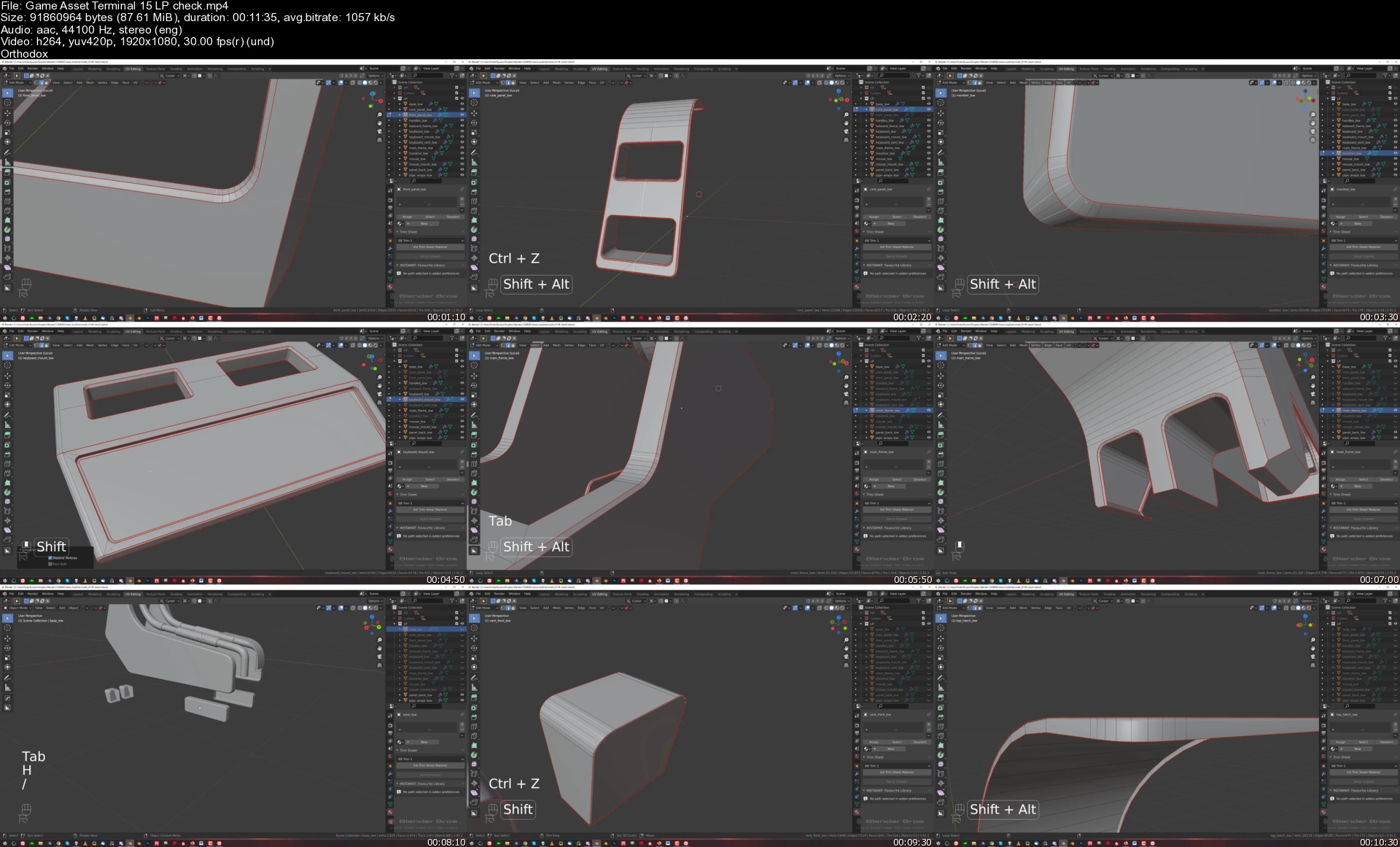
gameassetterminal15lpuej6y.jpg


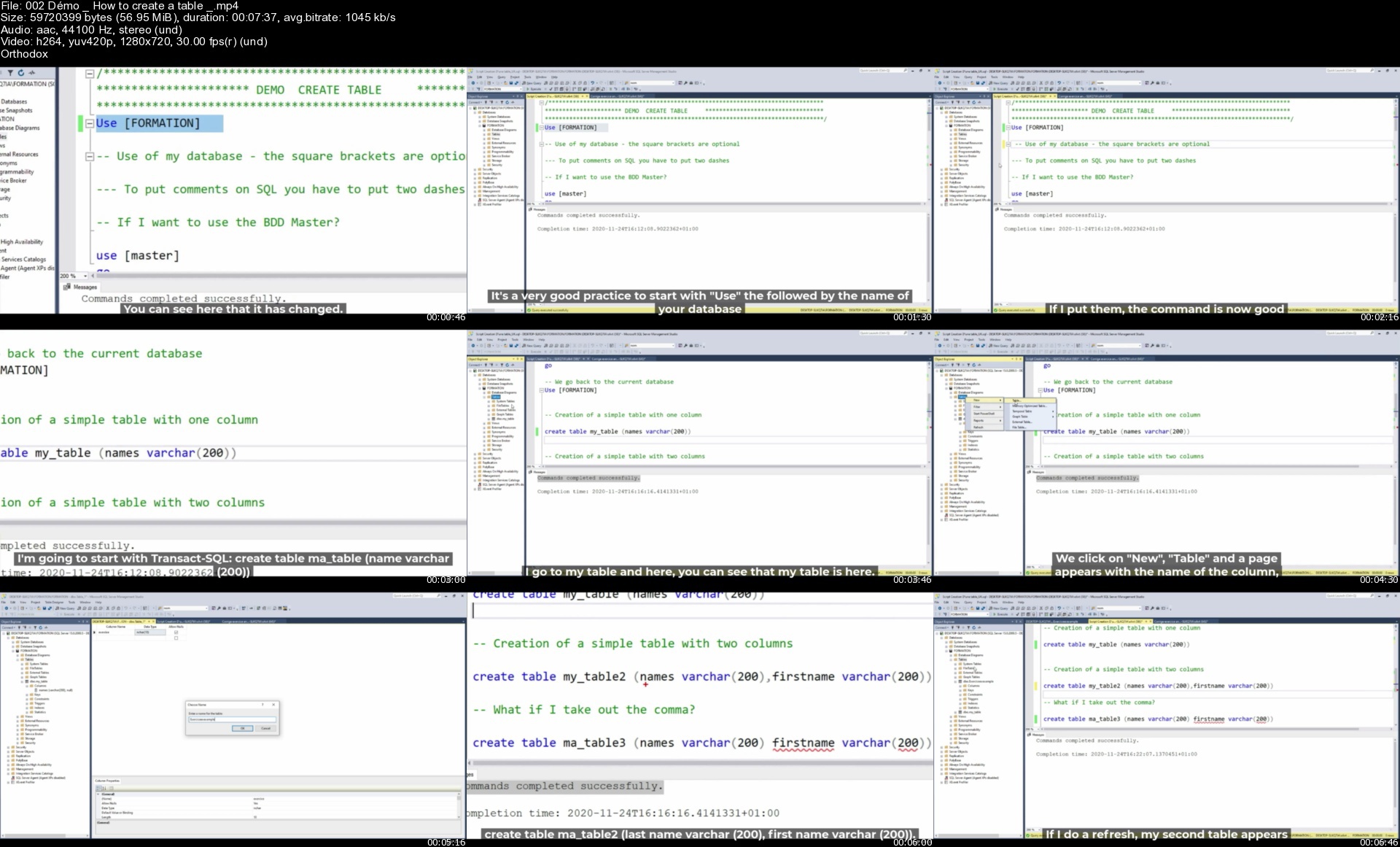
SQL Server: The 27 hour Masterclass course (8 courses in 1)

repjxygkz5dbjlvhrvpun05k79.jpg


SQL Server: The 27 hour Masterclass course (8 courses in 1)
MP4 | Video: h264, 1280x720 | Audio: AAC, 44.1 KHz, 2 Ch
Genre: eLearning | Language: English + srt | Duration: 385 lectures (27h 7m) | Size: 12.6 GB

Learn how to become a future developer, or either a future DBA, or a performance expert on SQL Server with 80 exercices!

What you'll learn:
Learn the SQL language from A to Z (10 hours of lessons).
To administer an SQL server ( 13 hours of lessons ).
Greatly improve the performance of your SQL Server engine ( 4 hours of lessons ).
And take a virtual interview at the end of the course with these 40 questions and 40 answers!
+ 80 practical exercises are in this course to consolidate your knowledge!
In short, become a real expert on SQL server (and that's very much in demand).

Requirements
Have a great desire to learn, and a computer in great shape


Description
Welcome to the richest and most comprehensive course on the Udemy platform about SQL Server.

This course lists the 8 courses in my catalogue:

SQL Server for complete beginners (7 hours of practice + 80 practical exercises)

The complete course about BACKUP and RESTORE

Detecting and Correcting Database Corruption

SQL Server: Configuring and modifying a database on SQL

SQL Server: The complete course on Indexes

Learn the in-demand job of DBA SQL Server

Advanced SQL for data scientists

Prepare your future interview on SQL Server (with these 40 questions and 40 answers ! )

I challenge you to find in a single course these 3 very important chapters on SQL Server :

*********** Chapter 1 : Transact SQL for the absolute beginner and also experienced developers (10 hours of class) **********

Let's start by installing SQL Server and management studio on your workstation.

The creation and definition of a database and a table.

Let's start playing with data with SELECT,UPDATE,INSERT and DELETE

Discover the column aliases and tackle the specificity and secrets of LIKE and TOP.

Learn how to remove duplicates with the DISTINCT and discover the Comparison operators = != and Copying a table with the SELECT INTO.

Let's talk about the IN, NOT IN, IS and IS NOT operators, and Sort your data with ORDER BY.

Discover aggregate functions with MIN MAX and AVG and the two operators AND,OR.

Let's discover the specificity of COUNT and SUM and how to SELECT a range of data with the BETWEEN and Group several results with the GROUP BY

A long chapter of 1h30 minutes on JOINS with INNER JOIN,LEFT/RIGHT JOIN FULL OUTER JOIN and so on..

Let's discover the specificity of UNION and UNION ALL, and the LEFT and RIGHT function.

Let's go even further with Transact SQL with the IIF,CASE WHEN,OFFSET FETCH NEXT ROWS and CHOOSE.

Let's look at the conversion functions through CAST and CONVERT, TRY_CAST and TRY_CONVERT.

Let's approach the DATE type functions with DATEADD,DATEDIFF,GETDATE (), EOMONTH ...

Let's deepen our knowledge of TSQL even more With IF/ELSE, STRING SPLIT,STUFF,MERGE.

The creation and definition of a view and Stored Procedure,function, schéma and trigger.

A very long chapter of 1h30 minutes on RANKING functions such as ROW_NUMBER, OVER and PARTITION BY, ROWS /RANGE UNBOUNDED PRECEDING, FIRST and LAST VALUES, LAG and LEAD,ROW_NUMBER, DENSE _RANK, RANK, NTILE.

We will discover a one hour course on CTE (common table expression). So powerful and so little known (I still don't understand by the way) and the derived table.

Do you know the difference between Temporary tables, Variable tables and Global tables?

*********** Chapter 2: The complete administration of a SQL Server (11 hours of class) ***********

Tackle BACKUP and RESTORE for 3 hours, we will see in detail in this course, how to set up a robust and reliable strategy, to guarantee your data on a production server.

In another 2 hour course, we will learn how to detect and repair corruption on a database. Did you know that Microsoft logs over 1000 support cases per day regarding corruption! And you, how would you react in case of corruption?

We will also discuss during 3 hours, the configuration and modification of your database on SQL. Did you know that a bad Autogrow set on your database, can make you lose 60% of your performance? Do you know the TRUSTWORTHY or DB_CHAINING option? Everything is covered in this course, and believe me, you will be surprised at the number of options on a DB that SQL Server offers.

We will cover a long chapter on the different isolation modes (READ COMMITED, SERIALIZABLE, SNAPSHOT...), we will also see the different types of constraints (PK,FK,CHECK,UNIQUE...), as well as SEQUENCES, and IDENTITY.

We will also discuss the change data capture (CDC), many new features released on SQL Server 2016 such as Row Level Security, Dynamic Data Masking (DDM), Temporal Data.

******* Chapter 3: How to improve performance on your production SQL server (4 hours) *******

If we are talking about performance, we will of course be talking about indexes. This is a good thing because it will be covered in this chapter for 4 hours. A good implementation of your indexes can really save your performance on your SQL server. I strongly advise you to look at this chapter, to perhaps avoid going into huge costs of buying servers, which may not be necessary.

Do you know SARGABLE queries? I let you discover it in this chapter, to rewrite your SQL queries, in a better way, and thus of course, better performance.

******* Chapter 4: Come and take a virtual interview through these 40 questions and 40 theoretical answers.*******

Start out more confident by tackling all these theoretical questions, so that you can face an interview on SQL.

You are a Java developer or Python for example, you go to an interview, you don't really know what to review beforehand, this is a summary of the most frequently asked questions.

For example : What is a primary key ? what is an index? What is the difference between OLAP and OLTP ? Do you know the COALLESCE function ? or how do you remove duplicates with your query ?

There will be many new sections added in 2021, of course if you have already purchased this course, these new modules will be free for you :

How to set up your security on your SQL Server ? (2 hours of class)

How to administer your SQL server with powershell? (3 hours of class)

Improve the performance of stored procedures (2 hours of class)

Let's go together on SQL Azure ! (3 hours of class)

Of course there are more than 100 exercises and corrections in this course.

This course will have an estimated duration of between 30 and 40 hours once completed.

Who this course is for
Future Database Administrators (DBA)
Developers who want to learn about SQL
BI consultants working on technologies other than SQL Server (Oracle etc...)
Students who want to get started on SQL
Tech leads (CRM, Web etc...) who want to discover SQL

Homepage

002dmohowtocreateatabz4j5p.jpg


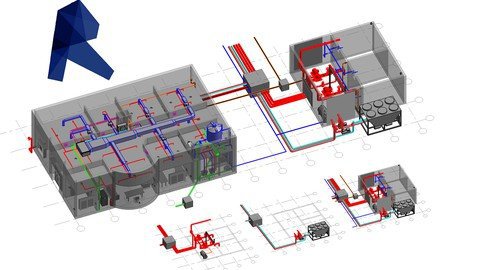
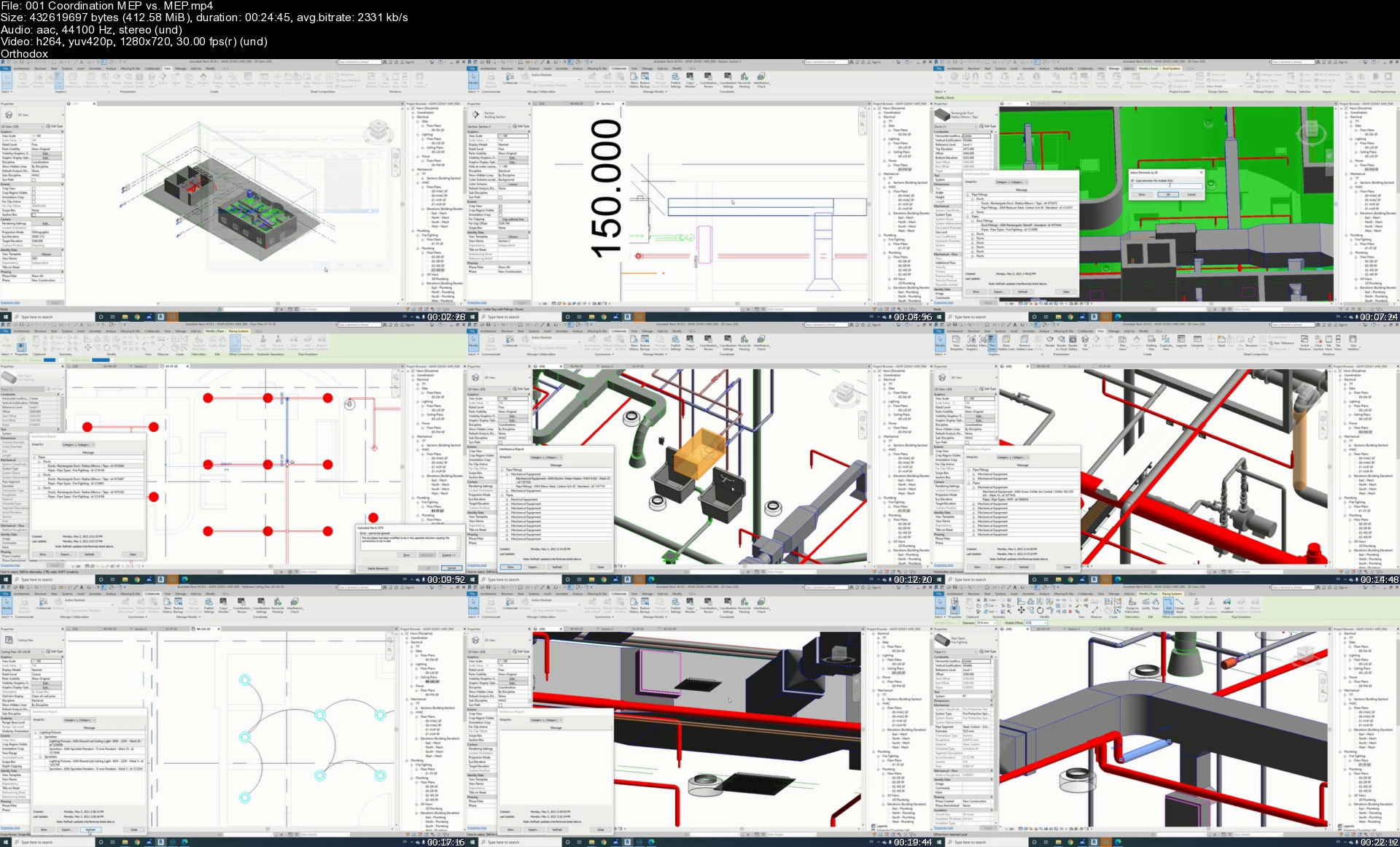
Revit MEP Beginners to Advanced (Contractor Services)

tvk0bif4brj6ay6q69vvib8kwy.jpg


Revit MEP Beginners to Advanced (Contractor Services)
MP4 | Video: h264, 1280x720 | Audio: AAC, 44100 Hz
Language: English | Size: 11.7 GB | Duration: 12h 39m


What you'll learn
1) 2D to 3D model Creation
2) MEP coordination by finding the clashes and solving them
3) Extract the coordinated shop drawings and builders work
4) Prepare the builders work by using dynamo
5) Schedules and material take off extraction
6) MEP Progress Monitoring
Requirements
Be able to read MEP drawings
Need to install a trial of Autodesk Revit 2017 or later versions
Need to install dynamo 1.3.4 (Optional)

Description
In this course students will be familiar with the BIM services needed for the contractor to execute the mechanical, electrical and plumbing works on site with less time and less cost by providing the construction site with the coordinated shop drawings and exact material take off reports. So first we will learn the Revit basics of how to start a new project, setting up templates, linking the architectural model and the designed drawings into our live model and creating views and levels, then we will learn how to read and convert the designer MEP drawings into 3D models and all the tips, tricks and shortcuts needed to perform the work faster, then we will go through the coordination process by finding the clashes and solving them. Then we will use dynamo to create the builders works, then we will extract the shop drawings and the builder works from the coordinated model and we will learn how to create schedules for the MEP categories and finally we will reflect the site progress on the MEP model then we will extract progress monitoring report for all MEP elements. This course is aimed at complete beginners who have never used Revit before and want to increase their career options by learning Revit MEP. The ideal students for this course are the mechanical engineers, electrical engineers, BIM engineers, BIM drafters.


Who this course is for:
MEP Engineers
BIM Engineers
MEP Draftsmen
Anyone who wants to learn 3D MEP modeling


Homepage

001coordinationmepvs.0bjbb.jpg


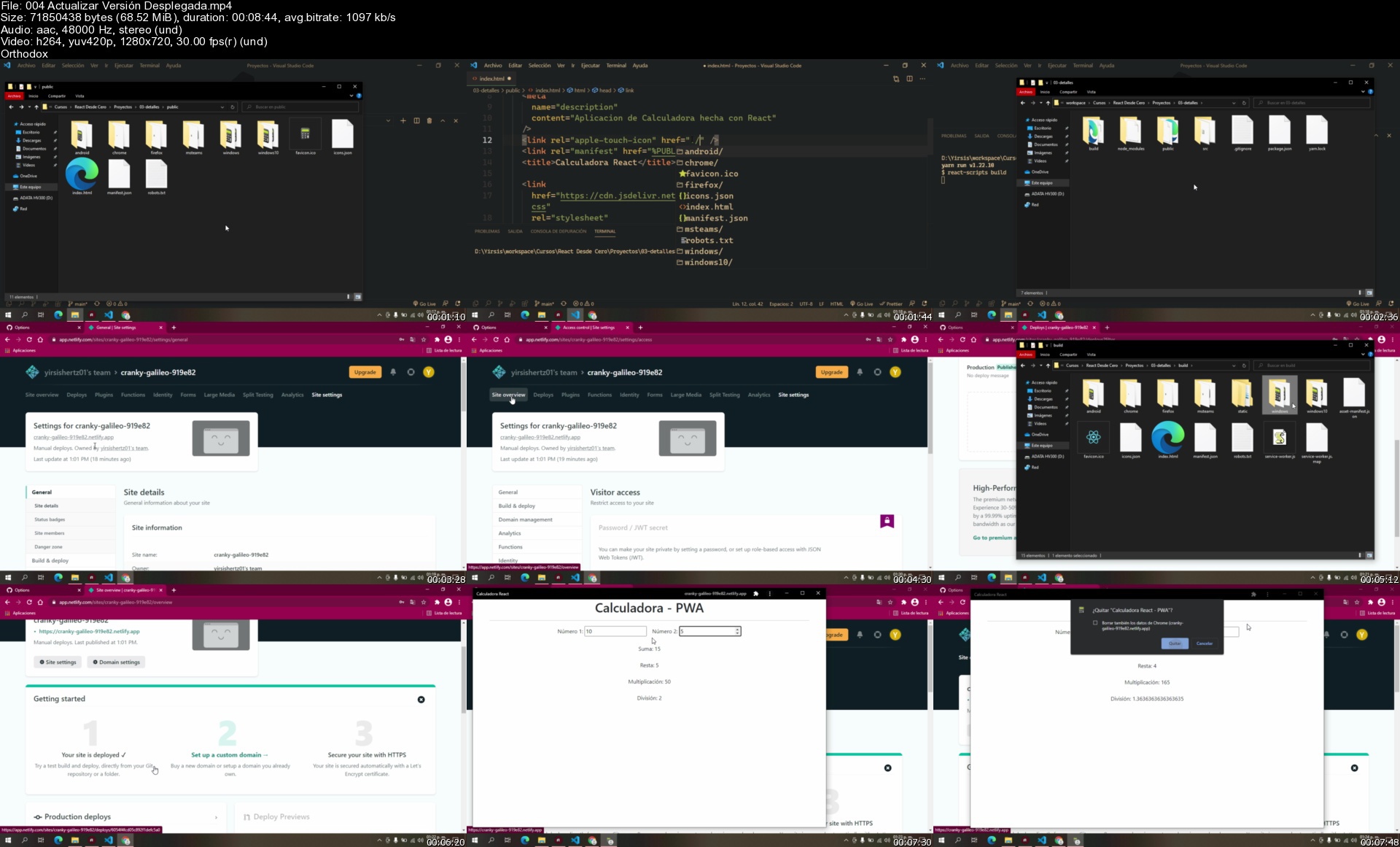
React Desde Cero

wlvkmivriv7wmmjftvgk9bajdl.jpg


React Desde Cero
MP4 | Video: h264, 1280x720 | Audio: AAC, 44100 Hz
Language: Spanish | Size: 12.0 GB | Duration: 30h 42m


What you'll learn
React JS
PWA
SPA
React Router
React CDN
Create-React-App
Templates
Functional Components
REDUX
HOOKS
CustomHooks
Firebase
Deploy
Custom Domain
Virtual DOM
Mucho Más

Requirements
Un PC con conexión a Internet
Privilegios para instalar software
HTML Básico
CSS Básico
JavaScript Básico

Description
Bienvenido a este curso de React Desde Cero

A lo largo de este curso encontraras muchos temas interesantes no solo para convertirte en un experto en React, si no también en un experto del Front-end capaz de crear toda la parte gráfica de una aplicación web, desarrollar pantallas de carga dinámicas, integrar tus aplicaciones con servicios de back-end, autenticaciones y mantenimiento de sesiones, entre muchas tecnologías complementarias de React.

El temario general de todo lo que aprenderás en este curso es

ReactJS

React Templates

PWA - Proggresive Web App

React Hooks Avanzados

Functional Components

Reducer's

Context API

React Router Avanzado

Autenticación de Usuarios común y por OAuth

Lazy Loading

Lazy Routing

Lazy Components

Firebase

Redux

SASS

Bootstrap

Materialize

Y en fin, muchísimas tecnologías adicionales y complementarias de la tecnología React.

Este curso esta pensado para ayudarte a ti a no solo convertirte en un desarrollador React, si no en convertirte en un completo Front-end Developer con la capacidad no solo de desarrollar aplicaciones web complejas o grandes, si no también que seas capas de implementar lo que sea necesario, ya sean librerías de terceros, frameworks css, tecnologías preprocesadoras como SASS y que conozcas que no es necesaria la reinvención de la rueda y le saques el mayor provecho a React.

Sin duda este curso esta pensado para convertirte en un experto en la materia, dándote la capacidad de desarrollar sistemas complejos o abrirte las puertas a que te puedas desarrollar fácilmente en tecnologías que nacen de react como lo son NextJS, Gatsby, React Native o tecnologías que te brinden la capacidad de integrar React, como lo son MeteorJS o Ionic.

Concluyendo con esto, les doy la bienvenida a este curso de React desde Cero, para que puedas dar el siguiente paso en tu carrera profesional, haciendo hincapié de que la idea general del curso es enseñarte a profundidad React pero al mismo tiempo, ir generando conocimiento de valor en la materia, realizando proyectos desde cosas muy sencillas, hasta temas más complicados siempre aprendiendo más y más llegando al punto en el que el curso se torna completamente practico después de hablar en un inicio de temas muy teóricos, bienvenido al curso y mucha suerte


Who this course is for:
Desarrolladores JavaScript con Interés en REACT
Frontends JR
Fullstacks con interés en REACT


Homepage

004actualizarversinde7dk65.jpg


The Power to Parent Series

zi1zfmjy7mr3nzd7xhhxkasjki.jpg


The Power to Parent Series
Gordon Neufeld | Duration: 28h 18m | Video: H264 640x480 | Audio: AAC 48 kHz 2ch | 9,87 GB | Language: English

The Power to Parent series is a relationship-based approach to parenting that restores parents to their natural intuition and helps children realize their innate potentials as human beings. Dr. Neufeld takes the best that developmental science has to offer and delivers it directly to the people who are the child's best bet. Dr. Neufeld offers a coherent approach that can guide parents in all their parental interactions with children of all ages. The series is meant to be taken in sequence. Each video-course consists of 8 one-hour sessions. The series can be purchased individually or as a set. These courses are designed for both self and group study, parent education and professional development.

The Vital Connection: Part I - 09:13:46
Helping Children Grow Up: Part II - 09:46:33
Common Challenges: Part III - 08:57:51

Homepage

u6uh0wieuwayk1yabmorqfcjym.jpg


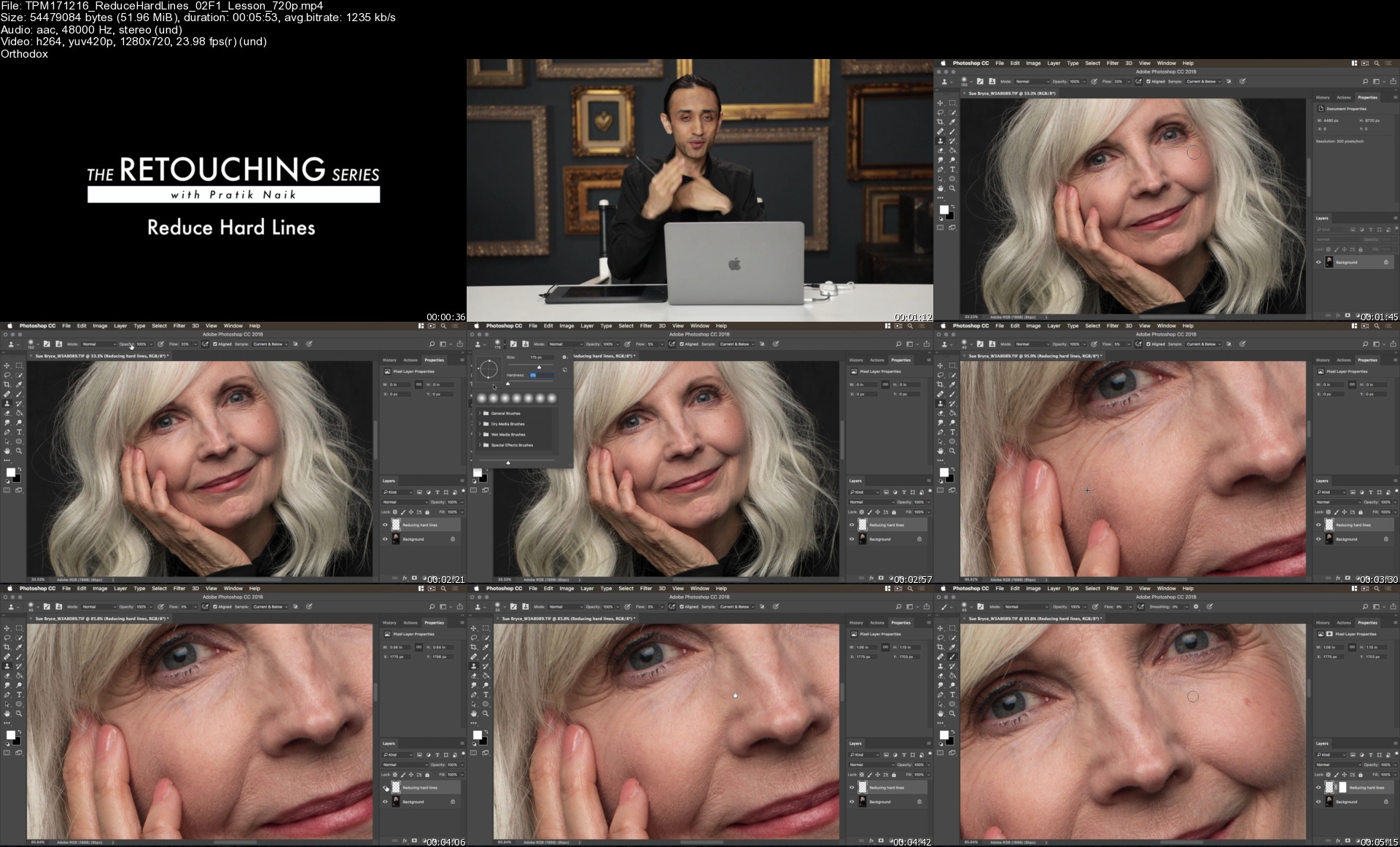
Portrait Masters - Retouching Series

ahz15hzpscw6l0n6gv8w8ggjw0.jpg


Portrait Masters - Retouching Series
MP4 | Video: h264, yuv420p, 1280x720 | Audio: aac, 48000 Hz | Duration: 23h 54mins | Size File: 17.3 GB
Genre: eLearning | Language: English

One of the most renowned retouchers on the market Pratik Naik has joined The Portrait Masters to bring your workflow to a new level. Learn the tools and techniques to help you quickly develop and improve your retouching results faster than ever. Pratik takes you step-by-step to conquer retouching efficiently, beautifully, and with time to spare. Learn more. COMPLETE RETOUCHING FUNDAMENTALS COURSE
3:25:11
RETOUCHING FUNDAMENTALS

BONUS GIFT: THE RETOUCHING GUIDE
PLUS 55 SPECIFIC RETOUCHING TUTORIALS
13:08
UNDEREYES
10:16
EYELASHES
10:47
MINIMIZE ROUGH SKIN
05:54
REDUCE HARD LINES
15:09
LESSEN FACIAL HAIR
11:22
NECK LINES
08:38
FLYAWAYS FOR STRAIGHT HAIR
11:14
FLYAWAYS FOR CURLY HAIR
34:11
UNIFY SKIN TONE
13:30
UNDERARMS
18:55
FREQUENCY SEPARATION
10:16
HOT SPOTS
08:31
WHITEN TEETH
18:57
CONTOURING IMAGES
16:09
FIXING WRINKLES IN CLOTHES
09:59
HOW TO GET DETAILS TO POP
13:46
BLACK AND WHITE CONVERSION
23:18
COLOR TONING FOR IMPACT
07:54
EVEN OUT DIFFERENT SATURATION LEVELS
07:32
LIQUIFYING CLOTHES
15:32
FAST CLEANUP - THE POWERFUL SPOT HEALING BRUSH
07:15
ADDING MORE BODY AND VOLUME TO HAIR
16:31
ADDING MOTION TO IMAGES FOR IMPACT
06:58
BRINGING BACK FOCUS IN SOFT PHOTOS
1:15:58
ADVANCED HAIR RETOUCHING
27:16
DODGE AND BURN BASICS
17:43
DODGE AND BURN - ADVANCED
13:24
REMOVING RED LINES
14:34
MAKING EYES POP
07:20
RESCUE DARK EYES
45:04
BACKDROPS
20:14
ACNE
25:59
GLASSES
10:28
ENHANCING FRECKLES
34:46
EXTRACTIONS
12:41
MOTTLED SKIN
07:29
PREP FOR SOCIAL MEDIA
07:59
RED HANDS
11:24
ADDING SKIN TEXTURE
06:09
CAMERA RAW
10:36
CHANGING EYE DIRECTION
12:02
NAIL POLISH
05:22
VEINS
13:02
NEWBORNS
19:20
COLOR TONING BASICS
05:35
ENHANCING EYES - SWOLLEN EYES
05:04
FACE SWAP
FULL RETOUCHES
44:37
FULL RETOUCH - MEN'S DARKER SKIN TONES
34:39
FULL RETOUCH - MEN'S HARDLIGHT
42:59
FULL RETOUCH - MATURE WOMAN PORTRAIT
50:10
FULL RETOUCH - WOMEN'S DARKER SKIN TONES
35:31
FULL RETOUCH - ADVANCED SKIN RETOUCH
30:47
FULL RETOUCH - BEAUTY EDITORIAL
26:25
FULL RETOUCH *- ADVANCED SKIN RETOUCH *- OUTDOOR PORTRAIT

Homepage

tpm171216reducehardlibcjvi.jpg


Master The Violin From Zero To Advanced Level

5lbf52es4c5x84ytkr4pq8ckx3.jpg


Master The Violin From Zero To Advanced Level
MP4 | Video: h264, 1280x720 | Audio: AAC, 44.1 KHz, 2 Ch
Genre: eLearning | Language: English | Duration: 108 lectures (8h 26m) | Size: 9.9 GB

Comprehensive beginner Violin Lessons - Violin lessons with top-notch visuals - More than 10 popular music tutorials!

What you'll learn:
Understand the art of playing music on the violin
Learn how to play popular songs like Jingle bells, Pirates of the Caribbean theme and more!
Bowing Techniques and exercises to help improve skills
Master the art of reading violin music from zero
Learn how to hold bow, how to hold the violin, how to use your shoulder rest and rosin
Learn intonation on the violin
More advanced articulations such as Vibrato, staccato, detache, marcatto and others
Three ways to tune the violin
Different Scales and their Arpeggio
Loads of useful practical exercises to improve your violin skill
You will be able to learn how to self study and continue on with your playing after taking this course

Requirements
For total beginners and lower intermediate
No need to know music theory and reading
You will need a violin and a bow
Be excited to practice what you will learn for great results


Description
WHY SHOULD I BE YOUR COACH?

Because I will ENSURE not only that you LEARN, but you actually playing a song or a piece that is why I have dissected more than 10 SONGS! No other violin course online has these much songs/pieces in their course!

Most of my students are now violin tutors and are invited to play in different concerts! I have a genuine desire and passion to help more people express themselves in the art of playing the violin. For over 16 years, I have been engrossed in this passion of mine, graduating with a FIRST CLASS degree in one of the best conservatory in the world! Over the period of 10 years, I have played and performed in symphony orchestra in most European countries including Germany, Italy and Russia. And yes, I have featured in more than 100 songs worldwide as a TOP RATED FIVVER freelancer!

HOW WILL THIS COURSE BENEFIT ME?

Great thought, process, resources and time have been invested in this course to ensure that you SUCCEED in playing the violin!

Starting from the course logical outline, video concepts, excellent audio quality, GRAPHICS and brilliant delivery, this course gives you all the tools that you need to start enjoying your new skill.

High quality UP CLOSE SHOT to aid you with FINGER POSITIONING.

Every single knowledge that you require to PLAY your first of many pieces and songs, have been provided.

And If you have never read music before this, you will be shocked that you will automatically WRITE and COMPOSE your own music/piece by yourself!

I GAURANTEE THAT:

You will learn the nitty-gritty of violin playing.

You will learn great tips and secrets to improve your violin playing skills in a SHORT period.

You will learn everything you need to get you playing your favourite tunes.

You will learn and master all the violin scales you need to know to showcase your skill.

You will get ORIGINAL designed backing tracks to play along with to help develop your violin skills

Who this course is for
A total beginner and lower intermediate
Anyone that feels they have no talent or rhythm. Believe me, I have had students like that and you can't imagine how great they turned out by my coaching, encouragement and support.
Any one that has a dream to play the violin irrespective of AGE! I have students in age bracket 50-60 year olds learning ho to play songs!
Anyone starting from the scratch irrespective of your AGE.
Anyone that dreams of performing in concerts, orchestras, schools, bar, family gatherings e.t.c
Any violin tutor looking for a structured path to teaching students violin.
Anyone that learns visually i.e with GRAPHICALLY DESIGNED PRESENTATIONS.
Anyone looking for a change in their coach.
Anyone who prefers to learn at their own pace as schedule permits and do not wish to pay or commit regularly to violin tuition

Homepage

003applyingrosinontheumjck.jpg


Making Numerical Predictions for Time Series Data - Part 1/3

xtsqgfxmlgdnvpa7pmdxwdfjet.jpg


Making Numerical Predictions for Time Series Data - Part 1/3
MP4 | Video: h264, 1280x720 | Audio: AAC, 44.1 KHz, 2 Ch
Genre: eLearning | Language: English + srt | Duration: 35 lectures (6h 10m) | Size: 5.74 GB

Using Excel to make Numerical Predictions on Time Series data

What you'll learn:
Predicting using Descriptive Statistics, Moving Averages, Centred Moving Averages, Weighted Moving Averages
Predicting using Linear Regression
Predicting using Exponential Regression
Predicting using Power Regression
Predicting using Logarithmic Regression
Predicting using Polynomial Regression
Using Excel to make Predictions
Using Data Analysis Tool Pak from Excel
Using LINEST(), LOGEST(), GROWTH(), TREND() functions in Excel

Requirements
Basic Knowledge of Statistics
Basic Knowledge of Algebra
Basic Knowledge of Logarithm
Basic Knowledge of Excel


Description
Predictive analytics is the branch of the advanced analytics which is used to make predictions about unknown future events. Predictive analytics uses many techniques from data mining, statistics, modelling, machine learning, and artificial intelligence to analyse current data to make predictions about future.

One class of Predictive Analytics is to make prediction on Time Series Data. Studying historical data, collected over a period of time, can help in building models using which future can be predicted. For example, from historical data on Temperatures in a City, we can make decent predictions of what the Temperature could be in a future date. Or for that matter, from data collected over a reasonably long period of time regarding various life style aspects of a Diabetic patient, we can predict what should be the volume of Insulin to inject on a given date in future. One example to consider from the Business world could be to predict the Volume of In-Roamers in a Telecom Network in any given period of time in the future from the historical details of In-Roamers in the Network.

The applications are just innumerable as these are applicable in every sphere of business and life.

In this course, we go through various aspects of building Predictive Analytics Models. We start with simple techniques and gradually study very advanced and contemporary techniques. We cover using Descriptive Statistics, Moving Averages, Regressions, Machine Learning and Neural Networks.

This course is a series of 3 parts.

In Part 1, we use Excel to make Numerical Predictions from Time Series Data.

We start by using Excel for 2 reasons.

Excel is easy use and thus we can understand complex concepts through exercises that are easy to replicate and thus become easy to understand.

Excel is expected to be available with everyone taking this course.

In Part 2, we use R Programming to make Numerical Predictions from Time Series Data.

In Part 3, we use Python Programming to make Numerical Predictions from Time Series Data.

The course uses simple data sets to explain the concepts and the theory aspects. As we go through the various techniques, we compare the various techniques. We also understand the circumstances where a particular technique should be applied. We will also use some publicly available data sets to apply the techniques that we will discuss in the course.

From time to time, we will add bonus videos of our real time work on industrial data on which we will apply the Predictive Analytics techniques to create Models for making predictions.

Who this course is for
Information Technology Consultant
Executives
Managers
Students
Research Scholars
Developers curious about Data Sciences
Learners curious about Predictive Analytics

Homepage

001exponentialregress59kb3.jpg


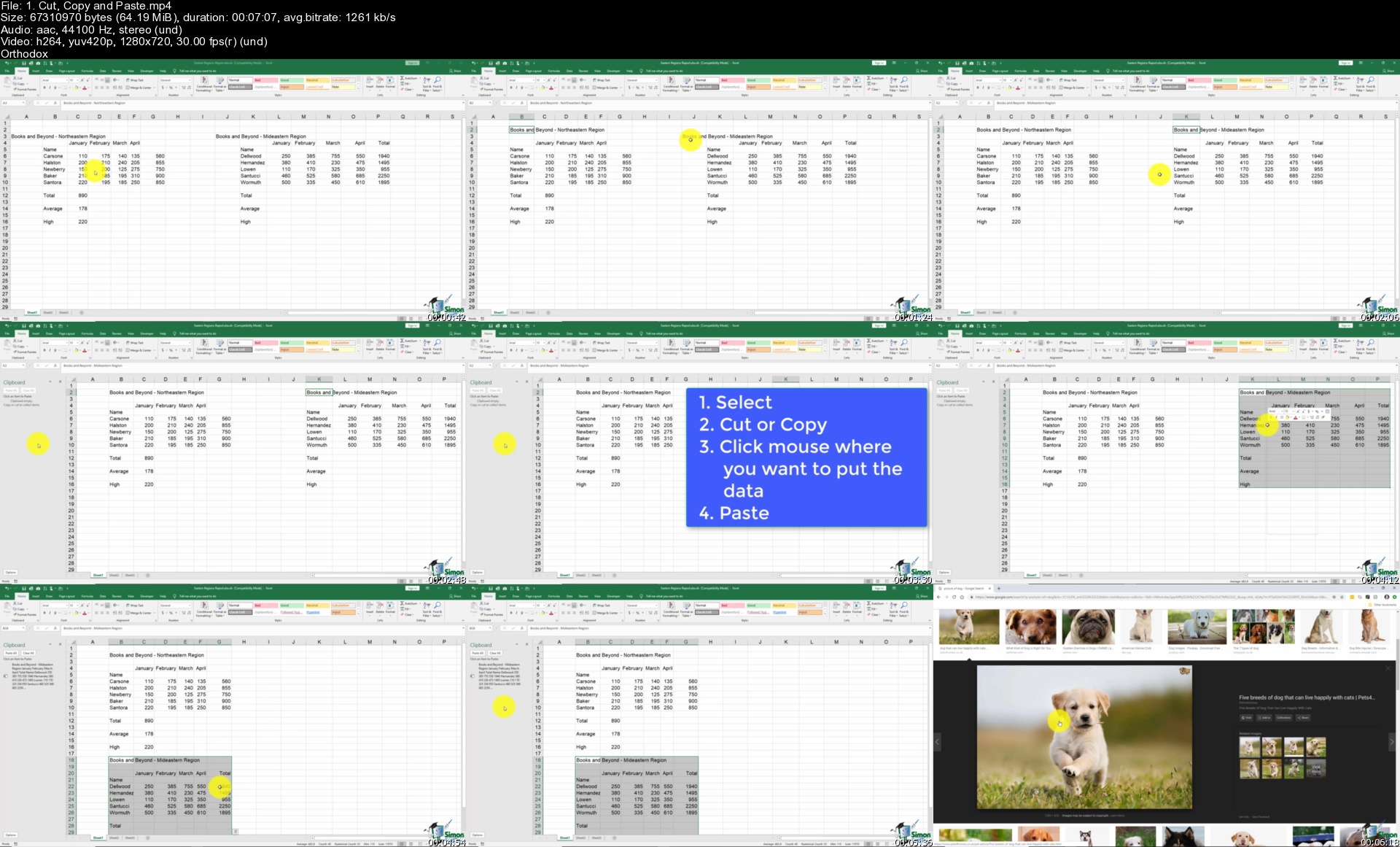
Excel & PowerPoint 2019/365 - Huge value MS Office course

r7j7gcolh64aeeqxdy6ymrfknq.jpg


Excel & PowerPoint 2019/365 - Huge value MS Office course
Duration: 18h 37m | Video: .MP4 1280x720, 30 fps(r) | Audio: AAC, 44100 Hz, 2ch | Size: 10.5 GB
Genre: eLearning | Language: English

Take your Microsoft Office presentations and spreadsheets to the next level with this Excel + PowerPoint combined course


What you'll learn
Discover new and improved features in Excel 2019
Learn how create, save, and open an Excel workbook
Learn how to personalize your use of Excel 2019 using Excel Options.
Complete data entry, cell formatting, working with multiple worksheets and the "Ribbon" interface.
Learn the basics of entering and editing data in a workbook.
Discover how to format dates and numbers in Excel.
Learn practical methods to backup and recover your Excel spreadsheets and never lose data.
Learn about the amazing autofill and flashfill in Excel to enhance your productivity
Discover the essentials of using fomulas and functions
How to rename, insert, move, and reference an Excel worksheet.
Discover how to create stunning charts and graphs in Excel
Learn practical methods to sort and filter your data
Discover new features in PowerPoint 2019 including Icons and 3D Models
Learn how to insert shapes, graphics and pictures to add some "zing" to your PowerPoint
Add charts, graphs and tables to present information in a non-text format
Wow your audience by adding animations, audio and video
Learn time saving techniques including how to copy slides, and exporting your presentation
Discover practical tips to present your presentation to your audience
Discover templates and how to use them to reuse your PowerPoint designs

Requirements
Microsoft Excel and PowerPoint 2019


Description
**This course includes practice exercises and LIFETIME access**

Learn to use Microsoft Excel and PowerPoint 2019, master spreadsheets, and deliver outstanding presentations in this two-course bundle.

The Excel 2019 Course:

With this 7-hour Microsoft Excel 2019/365 course, you'll gain a fantastic grounding in Microsoft Excel. This in-depth course is perfect for those brand new to Excel and who are using Excel 2019 or Excel 365 editions. This course is perfect if you're brand new to Excel or are upgrading from an older version.

What You'll Learn:

What's new in Excel 2019

Creating workbooks

Entering text, numbers and working with dates

Navigating workbooks

Page setup and print options

Working with rows, columns and cells

Cut, Copy and Paste

Introduction to functions and formulas

Formatting in Excel, including formatting cells and numbers

Creating charts and graphs

Sorting and Filtering

Introduction to PivotTables

Logical and lookup formulas - the basics

***Exercise and demo files included***

The PowerPoint 2019 Course:

In this in-depth PowerPoint 2019 course, we not only teach you through the most business-relevant PowerPoint techniques, you then get to put into practice what you learn through exercises at the end of each chapter.

This PowerPoint 2019 course will help you:

Utilize templates to improve your efficiency

Create professional looking presentations using PowerPoint's new Icons function

Include multi-media to take your presentations up a notch

What You'll Learn:

How to navigate around PowerPoint

Presentation dos and don'ts

Text and bullet edition options

How to use graphics, images, objects and shapes

Using SmartArt

Working with Charts and Graphs

How to utilize Master Slides and just how much time this could save you

How to add audio and video to a presentation

All about transitions between slides

Animation, the animation pane and motion paths

Setting your slideshow options

Presentation preparation and delivery

The backstage area of PowerPoint including printing a presentation

This 2-course bundle includes:

14-hours of video tutorials

170+ individual video lectures

Exercise files to practice what you learned

Certificate of completion

Here's what our students are saying...

"As someone who has no experience with Microsoft Excel I am finding this course very easy to understand and follow. Great pace and the modules don't overwhelm you. So glad I purchased this."

- Sharon Knight

"Yes of course, it was a wonderful learning. This will be very much beneficial in my professional life. Thank you !"

- Armesh Kamble

"I had learned excel a long time ago, but never used it much or worked with formulas. Most of the "work"was more for inventory. This was very helpful and I will be using it more for the applications described. Thank-you!"

- Wendy Gonigan

Did you know?

Simon Sez IT teaches all sorts of software, including:

- Microsoft Excel

- Microsoft PowerPoint

- Microsoft Word

- Microsoft Project

- Microsoft Outlook

- QuickBooks

- Photoshop Elements

- Web Development Languages

- And so much more!


Who this course is for:
Users new to Microsoft Excel and PowerPoint 2016 and those upgrading from previous software versions
Anyone who wants to learn how to give effective reports and presentations using Microsoft Excel and PowerPoint
Beginners who wants to master Excel and PowerPoint

Homepage

1.cutcopyandpastes1ck1c.jpg


Complete Course in CATIA

td5ykotv9cwkxhgkdemdhohjqi.jpg


Complete Course in CATIA
MP4 | Video: h264, 1920x10820 | Audio: AAC, 44100 Hz
Language: English | Size: 11.1 GB | Duration: 16h 54m


What you'll learn
The students will learn the sketching, part modeling, assembly, sheet metal, surfacing and drafting workbenches of CATIA. Also, you will learn the basic as well as advanced concepts of design using CATIA software.
Requirements
The instructor starts explaining the tools and concepts from the scratch, so there are no prerequisites.

Description
CATIA V5, developed by Dassault Systemes, France, is a completely re-engineered, next-generation family of CAD/CAM/CAE software solutions for Product Lifecycle Management. CATIA V5 delivers innovative technologies for maximum productivity and creativity through its exceptionally easy-to-use and state-of-the-art user interface, from inception to the final product. CATIA V5 reduces the learning curve, as it allows the flexibility of using feature-based and parametric designs.

CATIA V5 serves the design tasks by providing different workbenches. A workbench is defined as a specified environment consisting of tools that allow the user to perform specific design tasks. This course will complete workbenches in CATIA V5 which are Part Design, Wireframe, and Surface Design, Assembly Design, Drafting, Generative Sheetmetal Design, Generative Shape Design. The tutor has used real-world mechanical engineering projects as an example in this video course. This enables the user to relate the tutorials to real-world models in the mechanical engineering industry.

The subject of interpretability offered by CATIA V5 includes receiving legacy data from other CAD systems and from its own product data management modules. The real benefit of CATIA V5 is that the links remain associative. As a result, any change made to this external data gets notified and the model can be updated quickly.


Who this course is for:
Engineers, Product Designers, Diploma Holders, Undergraduates and school students.


Homepage

047example8s4akpp.jpg


Zurück
Oben Unten