• Regeln für den Video-Bereich:

    In den Börsenbereich gehören nur Angebote die bereits den Allgemeinen Regeln entsprechen.

    Einteilung

    - Folgende Formate gehören in die angegeben Bereiche:
    - Filme: Encodierte Filme von BluRay, DVD, R5, TV, Screener sowie Telesyncs im Format DivX, XviD und x264.
    - DVD: Filme im Format DVD5, DVD9 und HD2DVD.
    - HD: Encodierte Filme mit der Auflösung 720p oder darüber von BluRay, DVD, R5, TV, Screener sowie Telesyncs im Format x264.
    - 3D: Encodierte Filme von BluRay, die in einem 3D Format vorliegen. Dies gilt auch für Dokus, Animation usw.
    - Serien: Cartoon/Zeichentrick, Anime, Tutorials, Dokumentationen, Konzerte/Musik, Sonstiges sind demnach in die entsprechenden Bereiche einzuordnen, auch wenn sie beispielsweise im High Definition-Format oder als DVD5/DVD9/HD2DVD vorliegen. Ausnahme 3D.
    - Bereich Englisch: Englische Releases gehören immer in diesen Bereich.
    - Bereich Talk: Der Bereich, in dem über die Releases diskutiert werden kann, darf, soll und erwünscht ist.


    Angebot/Beitrag erstellen

    - Ein Beitrag darf erst dann erstellt werden, wenn der Upload bei mindestens einem OCH komplett ist. Platzhalter sind untersagt.
    - Bei einem Scenerelease hat der Threadtitel ausschließlich aus dem originalen, unveränderten Releasenamen zu bestehen. Es dürfen keine Veränderungen wie z.B. Sterne, kleine Buchstaben o.ä. vorgenommen werden. Ausnahme Serienbörse:
    - Bei einem Sammelthread für eine Staffel entfällt aus dem Releasename natürlich der Name der Folge. Beispiel: Die Simpsons S21 German DVDRip XviD - ITG
    - Dementsprechend sind also u.a. verboten: Erweiterungen wie "Tipp", "empfehlenswert", "only", "reup", usw. / jegliche andere Zusatzinformation oder Ergänzung, welche nicht in obiger Beschreibung zu finden ist.

    Aufbau des Angebots und Threadtitel

    Der Titel nach folgendem Muster erstellt zu werden. <Name> [3D] [Staffel] [German] <Jahr> <Tonspur> [DL] [Auflösung] <Quelle> <Codec> - <Group>
    Beispiel: The Dark Knight German 2008 AC3 DVDRip XviD - iND
    Beispiel: The Dark Knight 2008 DTS DL BDRip x264 - iND
    Beispiel: The Dark Knight 2008 AC3 DL BDRip XviD - iND
    Beispiel: The Dark Knight German 2008 AC3 720p BluRay x264 iND
    Beispiel: The Dark Knight 2008 DTS DL 1080p BluRay x264 iND
    Beispiel: Die Simpsons S01 German AC3 DVDRip XviD iND
    Beispiel: Die Simpsons S20 German AC3 720p BluRay x264 iND
    Beispiel: Sword Art Online II Ger Sub 2014 AAC 1080p WEBRip x264 - peppermint
    Entsprechend sind also u.a. verboten: Sonderzeichen wie Klammern, Sterne, Ausrufezeichen, Unterstriche, Anführungszeichen / Erweiterungen wie "Tipp", "empfehlenswert", "only", "reup", usw. / jegliche andere Zusatzinformation oder Ergänzung, welche nicht in obiger Beschreibung zu finden ist
    Ausnahmen hiervon können in den Bereichen geregelt sein.

    Die Beiträge sollen wie folgt aufgebaut werden:
    Überschrift entspricht dem Threadtitel
    Cover
    kurze Inhaltsbeschreibung
    Format, Größe, Dauer sind gut lesbar für Downloader außerhalb des Spoilers zu vermerken
    Nfo sind immer Anzugeben und selbige immer im Spoiler in Textform.
    Sind keine Nfo vorhanden z.B. Eigenpublikationen, sind im Spoiler folgende Dateiinformationen zusätzlich anzugeben :
    Quelle
    Video (Auflösung und Bitrate)
    Ton (Sprache, Format und Bitrate der einzelnen Spuren)
    Untertitel (sofern vorhanden)
    Hosterangabe in Textform außerhalb eines Spoiler mit allen enthaltenen Hostern.
    Bei SD kann auf diese zusätzlichen Dateiinformationen verzichtet werden.

    Alle benötigten Passwörter sind, sofern vorhanden, in Textform im Angebot anzugeben.
    Spoiler im Spoiler mit Kommentaren :"Schon Bedankt?" sind unerwünscht.


    Releases

    - Sind Retail-Release verfügbar, sind alle anderen Variationen untersagt. Ausnahmen: Alle deutschen Retail-Release sind CUT, in diesem Fall sind dubbed UNCUT-Release zulässig.
    - Im Serien-Bereich gilt speziell: Wenn ein Retail vor Abschluss einer laufenden Staffel erscheint, darf diese Staffel noch zu Ende gebracht werden.62
    - Gleiche Releases sind unbedingt zusammenzufassen. Das bedeutet, es ist zwingend erforderlich, vor dem Erstellen eines Themas per Suchfunktion zu überprüfen, ob bereits ein Beitrag mit demselben Release besteht. Ist dies der Fall, ist der bereits vorhandene Beitrag zu verwenden.
    - P2P und Scene Releases dürfen nicht verändert oder gar unter einem iND Tag eingestellt werden.


    Support, Diskussionen und Suche

    - Supportanfragen sind entweder per PN oder im Bereich Talk zu stellen.
    - Diskussionen und Bewertungen sind im Talk Bereich zu führen. Fragen an die Uploader haben ausschließlich via PN zu erfolgen, und sind in den Angeboten untersagt.
    - Anfragen zu Upload-Wünschen sind nur im Bereich Suche Video erlaubt. Antworten dürfen nur auf Angebote von MyBoerse.bz verlinkt werden.


    Verbote

    - Untersagt sind mehrere Formate in einem einzigen Angebotsthread, wie beispielsweise das gleichzeitige Anbieten von DivX/XviD, 720p und 1080p in einem Thread. Pro Format, Release und Auflösung ist ein eigener Thread zu eröffnen.
    - Grundsätzlich ebenso verboten sind Dupes. Uploader haben sich an geeigneter Stelle darüber zu informieren, ob es sich bei einem Release um ein Dupe handelt.
    - Gefakte, nur teilweise lauffähige oder unvollständige Angebote sind untersagt. Dies gilt auch für eigene Publikationen, die augenscheinlich nicht selbst von z.B. einer DVD gerippt wurden. Laufende Serien, bei denen noch nicht alle Folgen verfügbar sind, dürfen erstellt und regelmäßig geupdatet werden.
    - Untersagt sind Angebote, welche nur und ausschließlich in einer anderen Sprache als deutsch oder englisch vorliegen. Ausnahmen sind VORHER mit den Moderatoren zu klären.


    Verstoß gegen die Regeln

    - Angebote oder Beiträge, die gegen die Forenregeln verstoßen, sind über den "Melden"-Button im Beitrag zu melden.
  • Bitte registriere dich zunächst um Beiträge zu verfassen und externe Links aufzurufen.

++ Premium IPTV ++ 7000 Live Sender ++ UHD Qualität ++ Mediathek mit 18.000 Inhalten ++


VenneTV


Englische Tutorials

Linkedin Learning Android 12 and Beyond First Look for Developers-XQZT

216675465_02-03-install_android_12_beta_on_a_physical_device_c.jpg


Linkedin Learning Android 12 and Beyond First Look for Developers-XQZT | MKV | 124.99 MiB

555 kb/s 1280x720 | AAC 160 kb/s 2 CH eng


NFO:
File List:

File: 01.01-android_12_is_next_but_whats_beyond.mkv
Size: 7285147 bytes (6.95 MiB), duration: 00:01:44, avg.bitrate: 560 kb/s
Audio: aac, 48000 Hz, stereo (eng)
Video: h264, yuv420p, 1280x720, 30.00 fps(r) (eng)
Subtitles: eng


Download ( Size: 124.99 MiB ):
Filehosts: Nitroflare, Rapidgator


oHeopzn.png

1 Link/s
B8B53FC458.png


5hSo1Ay.png

1 Link/s
EDF3470C76.png


Marcus Barney - Recession Proof Xtreme

53e6a7f98464422cd4d3339f8158a421.jpg

Marcus Barney - Recession Proof Xtreme | 49.42 GB​
Entrepreneurship in no longer a luxury.... it's a NECESSITY! As a community, we have to change the way we have been trained to operate financially.

This will allow us as people, to get out of the rat race & play the wealth creation game the way it's meant to be played.

We know that being an entrepreneur at some point you feel like you're on an island by yourself. This is what makes Recession Proof so unique, we have developed a complete family experience for everyone involved.

When joining the family, you can access to free networking events, mentee hosted trainings, telegram groups based off of different interests. We have Trucking, Real Estate, & several other telegrams groups for expanding your knowledge. The special piece to this all will be your ability to network and build with other members in our Private Facebook community.

Homepage:

Screenshots
e691bb73c71d6e04fa0ec9cc2c09db4a.jpg


Link Download
​
Extract files with WinRar 5 or Latest !
 
Submarine Interior Environment Creation

apu8zgly8mfsw4exuuucl8tk10.jpg


Submarine Interior Environment Creation
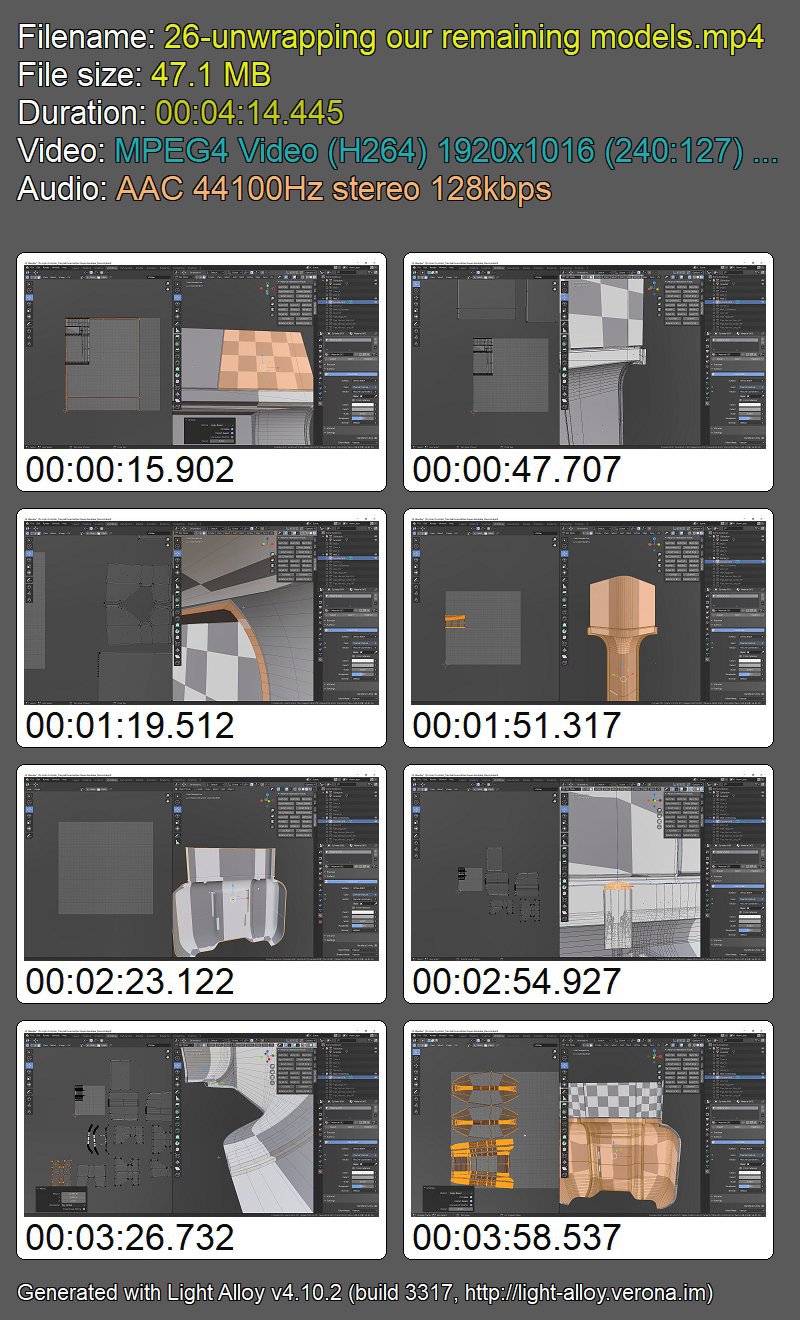
Emiel Sleegers | Duration: 23h 32m | Video: H264 1920x1016 | Audio: AAC 44,1 kHz 2ch | 14,50 GB | Language: English

Learn How to Create a Game-Ready Environment Using Blender, Substance Suite & Unreal

In this exciting tutorial, you will learn the professional way of creating a game-ready submarine corridor from start to finish using Blender, the Substance suite and Unreal engine.

We will go over in detail on how to model modular walls that can be used to construct our corridor.

After that we will start modeling modular pipes using the high to low poly modeling technique and use that to construct all the piping networks that are in our scene.

Finally, we will model some smaller assets like a metal door, some signs and a fuse box to dress up our scene.

Once modeling is done we will move into Substance Designer where we will be creating a tileable painted metal texture that we can use on our walls and other assets.

Then we will move our high poly and low poly assets into Marmoset toolbag where we will be baking the assets and generating our texture maps. At which point we will bring everything into substance painter and start texturing our assets.

We will also generate special masks which along with a custom shader in unreal engine 4 we can use to dynamically change the color and dirt amount on our assets.

Finally, when everything is done and ready to go we will import everything inside Unreal Engine 4 and start building our level, create our lighting and post effects and some final polish to really make the level shine.

I am excited to show you all these techniques that you can use so you can become a better environment artist. Turn up the heat and ignite your skills. Keep adding new knowledge, new workflow, new tactics to grow and expand. Life is about growing and reaching your fullest potential.

Take action and start committing to your success today. Join me in this amazing course and let's get started.

Homepage

5y5zjsmvescpiimljzw34ajje9.jpg


Sophos Central Endpoint Security with EDR

tv4m6rhw5gysl4yd7krmizej9a.jpg


Sophos Central Endpoint Security with EDR
MP4 | Video: h264, 1280x720 | Audio: AAC, 44100 Hz
Language: English | Size: 6.79 GB | Duration: 12h 56m


What you'll learn
Configure & Manage Sophos Central Endpoint & EDR
How Install & Manage Sophos Central endpoint agents
How to protect your endpoints from security threats.
Understanding Anti Virus basics
Understanding Sophos EDR
Configure & Manage threat protection policies
How to protect endpoints from Ransomware & advanced malwares
How to apply Web Filtering, Device Control, Application Control, DLP Policies
How to analyze the threats, Search Threats
Requirements
Basic understanding of IT security
Basic understanding of Windows Operating systems
Basic System Administration Knowledge

Description
Sophos Endpoint Protection is the industry's most comprehensive endpoint protection built to stop the widest range of threats. Intercept X Advanced combines the capabilities of Intercept X and Central Endpoint into a single solution and single agent. Intercept X Advanced with EDR also integrates intelligent endpoint detection and response (EDR). It is managed by unified console, Sophos Central.

No servers to build-just log in to download the agent and configure all your policies from one place.

Highlights

Stops never seen before threats with deep learning AI

Blocks ransomware and rolls back affected files to a safe state

Prevents the exploit techniques used throughout the attack chain

Answers critical IT operations and threat hunting questions with EDR

Easy to deploy, configure and maintain even in remote working environments

In this courses, feature lecture and hands-on labs, you will learn to install, configure, manage and Sophos Central Endpoint Security from scratch. You will gaining the skills and expertise needed to protect all your enterprise endpoints ,servers from security threats. The student will get hands-on experience of Sophos Central Endpoint security in a lab environment.

This course dives deeper into Sophos Central Endpoint Security Configuration to give the students a clear understanding on several topics. Topics covered include Sophos Central Endpoint Basic Configuration, Anti-Virus Basics, EDR Basics, Protect Your Endpoint & Servers from threats, Threat Hunting Basics, Web Filtering & Application Control, Device Control, DLP Policies, File Integrity Monitoring, Synchronized Security, Alerts, Report & Logs & more.


Who this course is for:
For those interesting in the latest trends in cyber security and protection of end-points.
Beginners, Security Engineers/analyst, malware enthusiasts and advance security researchers.
People who are passionate about endpoint security and information security.


Homepage

01219threatprotectiongikgc.jpg


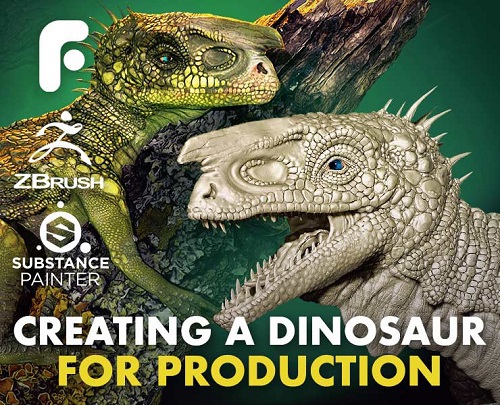
Modeling & Texturing a Dinosaur for Production | Complete Edition

0084206fgaj3z.jpg


Modeling & Texturing a Dinosaur for Production | Complete Edition
FlippedNormals
Duration: 10h 3m | Project Files Included | Video: 1920x1080, 44kHz | 7.2 GB
Genre: eLearning | Language: English

Learn how to model and texture a full dinosaur from start to finish! You'll gain extremely valuable industry knowledge and can be applied to any project, from VFX to real-time. Covering concept sculpting in ZBrush, doing retopo in 3D Coat, detailing the dinosaur with custom alphas, UV mapping, polypainting in ZBrush, painting in Substance Painter, exporting maps and finally rendering in Marmoset Toolbag. Software 3D-Coat, Marmoset Toolbag, Maya, Photoshop, Substance Painter, ZBrush

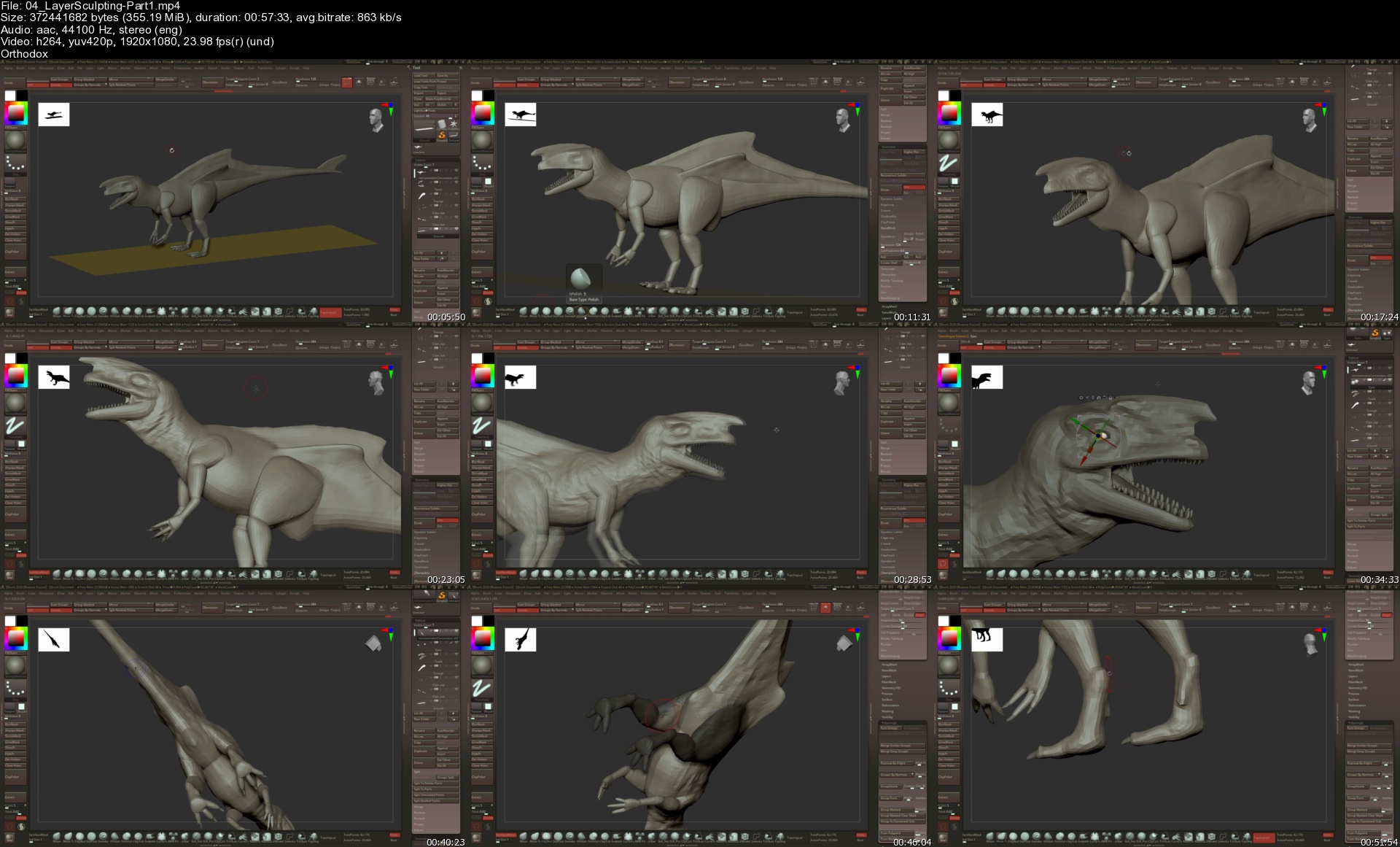
MODELING CHAPTER LIST
00 - Overview
01 - Uvs
02 - Project Details to Low polymesh
03 - Colors Part 1
03 - Colors Part 2
03 - Colors Part 3
04 - Export everything
05 - Tweaking Texture in Substance Painter
06 - Rendering

TEXTURING CHAPTER LIST
00 - Overview
01 - References
02 - Blockout
03 - Overpainting
04 - Layer Sculpting - Part 1
04 - Layer Sculpting - Part 2
04 - Layer Sculpting Part 3
05 - Creating Alphas
06 - Details Part 1
06 - Details Part 2
06 - Details Part 3
07 - Retopology - Part 1
07 - Retopology Part 2
08 - Posing
09 - Set Ideas

04layersculptingpart1p0jaj.jpg


Microsoft Office Certification Mastery: From Novice to Ninja

cwkwqrzwgqexwxxn2n3a8d9kl8.jpg


Microsoft Office Certification Mastery: From Novice to Ninja
MP4 | Video: h264, 1280x720 | Audio: AAC, 44.1 KHz, 2 Ch
Genre: eLearning | Language: English + srt | Duration: 253 lectures (28h 45m) | Size: 10.4 GB

Certification Program: Microsoft Word, Excel, Unlock Macros & VBA, PowerPoint, Outlook

What you'll learn:
Master Microsoft PowerPoint - From Beginner to Advanced
FREE REWARDS upon completion of course: Ready to Use PowerPoint Presentations, PowerPoint Themes, 3D Characters, Icons, HD Backgrounds
Master Microsoft Excel - From Beginner to Advanced
Master Microsoft Outlook - Outlook like a Boss
Master Excel Macros & VBA - From Beginner to Advanced
FREE REWARDS upon completion of course: 100+ Ready to Use VBA Codes
Master Microsoft Word - From Beginner to Advanced
Learn Microsoft office from scratch or fill in the gaps to become confident immediately
Explore the potential of Power Query. You will be surprised at what you achieve with a bit of Power Query knowledge
Get lifetime access to all these courses including quizzes, exercises & FREE access to new featured topics

Requirements
Require a computer with MS office installed (2010, 2013 or 2016 - All versions after 2007 were pretty much same).
Require a computer with MS office installed (2016 version or later recommended) and a willingness to learn.
No prior knowledge is required as each step is explained in this Mastery series course.


Description
Why to buy individual courses when this complete package will give you everything you need! Boost your career and stand out from others in crowd!!

1. Microsoft Word (Basic course)

2. Microsoft Word (Advanced course)

2. Microsoft Excel (Basic course)

4. Microsoft Excel (Advanced course)

3. Unlock Macros & VBA Programming course

4. Microsoft Outlook - Basic & Advanced

5. Microsoft PowerPoint - Basic & Advanced

Microsoft Excel all-in-one Package - Become a certified Excel Ninja with #1 Excel course:

Looking for an online Excel course to improve your skills and save time but don't know where to start?

I have picked out the Excel Essential skills and packaged them in a structured course.

I will take you step-by-step through engaging video tutorials and teach you everything from scratch & to be able to use VBA to improve your work flow, save time and automate your current Excel projects.

Microsoft Word complete Package - Don't use just Word, learn tips and tricks with this course to be a smart user. This course includes basic level, intermediate level and advanced level of MS Word. Enroll now to go from beginning to Advanced user. At completion of this course you will have mastered the Microsoft Word.

Microsoft Excel:

By the end of the course you'll be confident, writing robust & elegant formulas and functions from scratch, allowing you to:

Input Data and Navigate Large Spreadsheets

Easily build dynamic tools & Excel dashboards to filter, display and analyze your data

Apply Excel hacks to get your work done faster

Be able to choose right Excel formula to automate your data analysis (Excel IF Function, ROUND and more)

Join datasets from multiple sources with Excel's LOOKUP, INDEX & MATCH functions

Get Answers from your Data

Organize, Clean and Manage Large Data

Create Interactive reports with Excel Pivot Tables, Pivot Charts, Slicers and Timelines

Import & transform data with tools like Get & Transform (Power Query)

Manipulate dates, times, text, and arrays

Reduce manual routine tasks to the click of button

VBA programming & read, write own Macro to automate the tasks

We will dive into a broad range of Excel formulas & functions. Below are some Excel Features & Functions that you will learn:

Useful Excel shortcuts for data entry and navigation.

Protect your Excel files and worksheets properly.

To apply formatting correctly for cleaner and more professional reports.

To use important features like drop-down lists and add data validation to the cells. The way you can restrict users to type the data which can be input in each cell.

Add Comments & Notes to cells & how to print the same if needed.

Add Data & time Stamps to your reports.

Lookup/Reference Functions.

Statistical Functions.

Logic Functions.

Text Functions.

Date & Time Functions.

The most useful & powerful functions such as COUNT, COUNTIFS, SUMIFS, SUMPRODUCT, Nesting IF functions by nesting AND and OR within them and many more.

Excel features that will help you to organize and structure data so it makes (Sort, Filter, Search & Replace Go to Special, combine text with & character.)

Excel Pivot Tables & Pivot Charts so that you can quickly get insights from your data.

What Excel Power Query can do for you and how easy it is to combine data from different spreadsheets

Use Power Query to unpivot the data drive another Pivot Table, transform messy data to tabular data.

Join Multiple Tables & create long table using Power Query that can be used to feed business intelligence solutions & Pivot Tables.

Import data from Text File.

Three different ways to run the Macro i.e. from Macro Dialog, Using Keyboard Shortcuts & using buttons.

More than just Excel! VBA (Visual Basic for Applications) from Scratch to advanced.

Microsoft Word:

At completion of this course you will have mastered the most popular and sought after Microsoft Word tools and come away with confidence to complete many Word tasks with efficiency and grace. Below are just a few of the topics you will master.

Highlights:

Creating Dynamic Microsoft Word Documents

Effectively Formatting a Document with Styles

Prepare Documents for Printing and Exporting

Manage Large Documents

Working with Page and Section Breaks

Control Page Orientation

Create and Manage Table Layouts

Work with Tab Stops to Align Content Properly

Insert Media and Images

Perform Mail Merges to create Mailing Labels and Form Letters

Manage Templates

Protect Documents from Edits

Track and Accept/Reject Changes to a Document

Build Dynamic Table of Contents

and much, much more...

Microsoft Outlook:

Outlook is an essential office software and understanding it fully is the best way to keep your daily correspondence running smoothly. This online course will help you learn tips and tricks for sending and organizing email, reducing inbox clutter, how to manage your calendar, contacts and tasks to maximize efficiency.

Highlights:

Office management tips to monitor inbox size, set up auto-archive, search for and organize email in folders and groups.

Best practices for sending, receiving, and saving attachments.

Set up email signatures and explore options such as read receipts and delayed send.

Stay organized by using the calendar to schedule appointments, meetings, and events.

Add and group contacts; create, assign, and filter tasks.

Design Quick Steps to save time on repetitive yet unavoidable office tasks.

Use mail merge to send personalized emails automatically to an entire list.

Back up your Outlook file, export contacts and set up additional email accounts.

Microsoft PowerPoint:

Material was recorded using Microsoft PowerPoint 2019 but is relevant to PowerPoint 2010, 2013 and 2016. MAC users, since the videos are recorded with the Windows version of Microsoft PowerPoint, the interface will be a bit different.

This Course Includes 3 Sections

Microsoft PowerPoint 101 - Introductory Level

Microsoft PowerPoint 102 - Intermediate/Advanced Level

Microsoft PowerPoint 103 - Tips and Tricks

At completion of this course you will have mastered the most popular and sought after Microsoft PowerPoint tools and come away with confidence to complete many PowerPoint tasks with efficiency and grace. Below are just a few of the topics you will master:

Build and Deliver Effective PowerPoint Presentations

Integrate Data from other Microsoft Office Applications

Pick the Proper PowerPoint Slide Layouts for your Content

Animate PowerPoint Content without Distracting the Audience

Automate PowerPoint Formatting and Slide Layouts with Master Slides

and much, much more...

So, what are you waiting for, enroll now and take the next step in mastering Microsoft office essential tools and go from Newb to Guru!

What differentiates this course from other Courses?

Yes, there are many Microsoft Office Courses out there teaching you the important functions and features you need to master. BUT, do you get step-step-step learning with of Microsoft Word, Microsoft Excel, Microsoft Outlook, Microsoft PowerPoint with Quizzes, Exercises and VBA programming all in one course?

So, what are you waiting for? Enroll Today and take the next step in mastering Excel, Word, Outlook, PowerPoint and VBA Programming. Boost your career and stand out from others in crowd. Go from Novice to Ninja in all this complete package of Microsoft Word, Microsoft Excel, Microsoft Outlook, Microsoft Powerpoint, Macros & VBA! Become a certified Microsoft Office specialist and be a Excel, Word, Outlook, Powerpoint & VBA Ninja Today.

The course comes with lifetime access. Buy now. Watch anytime.

Who this course is for
This is being utilized in almost every office in the world, thus offers a great scope. Excel, Word, PowerPoint, Outlook are highly used in decision making and a kind of analysis tool that represents data into graphical form.
This online course is suitable for anyone who wants to learn Excel from Scratch to VBA Programmer in order to edit the recorded macro for automating the tasks.
This MS Office Course will take you through 4 levels of Microsoft Word, Excel, Outlook & PowerPoint Topics (Beginner, Intermediate, Advanced and Beyond).
Whether you are a working professional, student, teacher, freelancer, or entrepreneur, this training can benefit you and help to take your skills to the next level.

Homepage

001workingwithpicturectjvr.jpg


Git and GitHub from scratch

kv9e6vlbdugxbco1hdpzzmwjbm.jpg


Git and GitHub from scratch
MP4 | Video: h264, 1280x720 | Audio: AAC, 44100 Hz
Language: English | Size: 5.65 GB | Duration: 5h 11m


What you'll learn
What is Git and how to use it
Using GitHub - creating, uploading, cloning ant updating repository
Using command line interpreter - Git Bash and Powershell
Working with GitHub in Visual Studio Code
Uploading a project to GitHub and GitHub Pages

Requirements
HTML and CSS basics

Description
A version control system is very useful in programmers work (for creating backup or saving various versions of a project) and integral part of working in a team. Git is the most popular and free system so it is worth learning. This course is dedicated to people who have not yet used Git and GitHub and includes fundamentals of using them in own projects and team work. You will learn what is Git and how to use it in basic range, as well as how to use GitHub and work on GitHub repository. You will also get to know command line interpreters (PowerShell and Git Bash), learn how to publish projects on GitHub Pages and integrate Git, GitHub and Visual Studio Code. This course is taught in light and easy to understand language so that anyone can quickly and smoothly learn Git principles and apply it at work or in further study. Do you want to impress your future employer? Show him your remote repositories on GitHub and show off the effect of your work by hosting your projects on GitHub Pages! There is a lot of resources on the web where you can learn how to do something with Git, but with this course you will not only know how to use Git in practice, but also how and why Git works a certain way and you will learn its mechanics. Don't wait, start learning Git and GitHub today!


Who this course is for:
People who have not used Git and GitHub yet
People that want to use GitHub for uploading personal projects (e.g. creating portfolio)
Programmers that need to learn Git and GitHub to use it at work


Homepage

002gitbashandwindowsp4lkp8.jpg


Data Structures & Algorithms, Level-up Course(2021)

ima9ysv6t5xyvrkhcuuz18kk7y.jpg


Data Structures & Algorithms, Level-up Course(2021)
MP4 | Video: h264, 1280x720 | Audio: AAC, 44.1 KHz, 2 Ch
Genre: eLearning | Language: English | Duration: 229 lectures (28h 19m) | Size: 13.2 GB

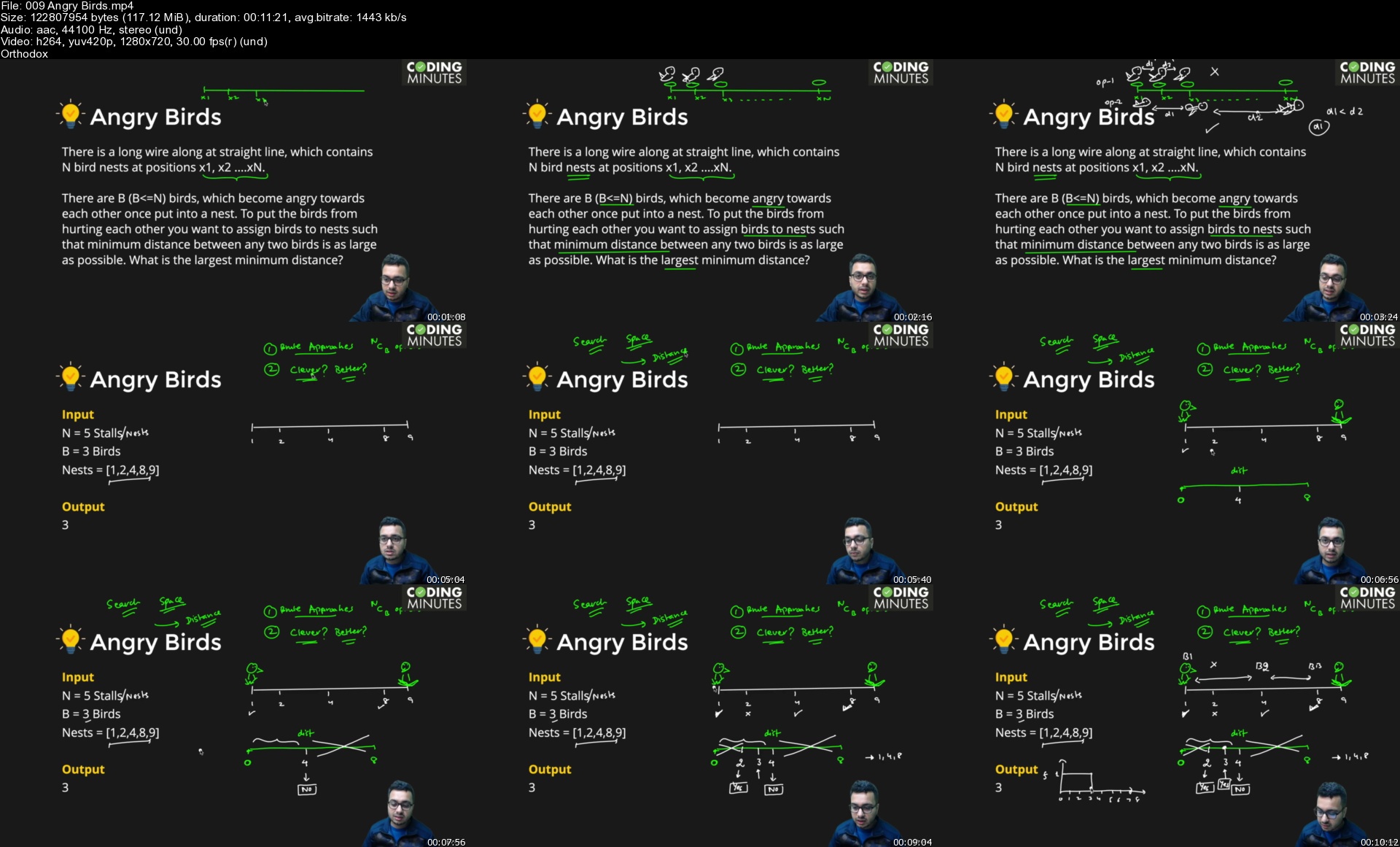
The only course you need to master problem solving using Data Structures & Algorithms in C++

What you'll learn:
Accelerate your algorithmic thinking
Learn to optimise brute force solutions
Learn to apply data structures
Learn to write complex codes
150+ carefully curated problems
Analysis of space-time complexity
Using C++ Standard Template Library
Become a 10x Problem Solver
Sliding Window, Hashing, Maps & Sets
Master Dynamic Programming & Graphs
BONUS : Build a LRU Cache
Practice Questions on all important topics

Requirements
Ability to write & understand code
Understanding of data structures
Time & space complexity analysis


Description
Do you find yourself feeling like you get "stuck" every time you get a coding question?

Welcome to Data Structures & Algorithms, Level up Course the only course that provides you an ultimate practice on problem solving process and helping you to take your data structures & algorithms to the next level. The course is taught by an expert instructor Prateek Narang from Google, who is not just a software engineer but also has mentored thousands of students in becoming great programmers & developers.

The Course contains 25+ hours of interactive video content & dozens of coding exercises, teaching you the right tips & tricks in problem solving in a most concise way. Every problem discussion starts with a brute force approach, optimisations and ends with hands-on-coding video in C++ as well.

Here is what you will learn -

Problems on Data Structures

* Arrays, Strings, Vectors

* Hashing (Unordered Maps, Maps, Sets)

* Stacks, Queues, Linked Lists

* Binary Trees, BSTs, Heaps

* Graphs, Tries

Problems on Algorithms

* Brute force, Backtracking

* Sliding Window Algorithms

* Sorting, Searching, Binary Search

* Dynamic Programming Fundamentals

* Important Graph Algorithms

* BFS & DFS, Shortest Paths

Course exercises are in C++ but programmers having experience in one or more languages (C++/Java/Python/JavaScript) can definitely do this course, provided they have fundamental understanding of data structures. The course covers both breadth & depth of topics, diving deep where-ever needed. You will also learn how to apply techniques involving like - sorting & searching algorithms, sliding window, binary search, hashing which are very important for problem solving. For advanced topics like Dynamic Programming & Graphs, the course starts from the basics & helps you master these topics from the very fundamentals.

Unlike most instructors, I am not a salesperson or a marketer. My job is to help you build strong fundamentals in programming & be a successful developer. Through Udemy, I am providing this course to you at a fraction of cost of its original cost, so that anyone who is interested to learn can take their skills to the next level. So I hope you sign up today, and I will see you in the course.

Who this course is for
Students pursuing Computer Science or related fields
Beginner-Intermediate level programmers with basic knowledge of data structures
Developers who want to excel in problem solving skills & competitive coding
Students who know theory of data structures, but find hard to implement in problems

Homepage

009angrybirdsssdjlp.jpg


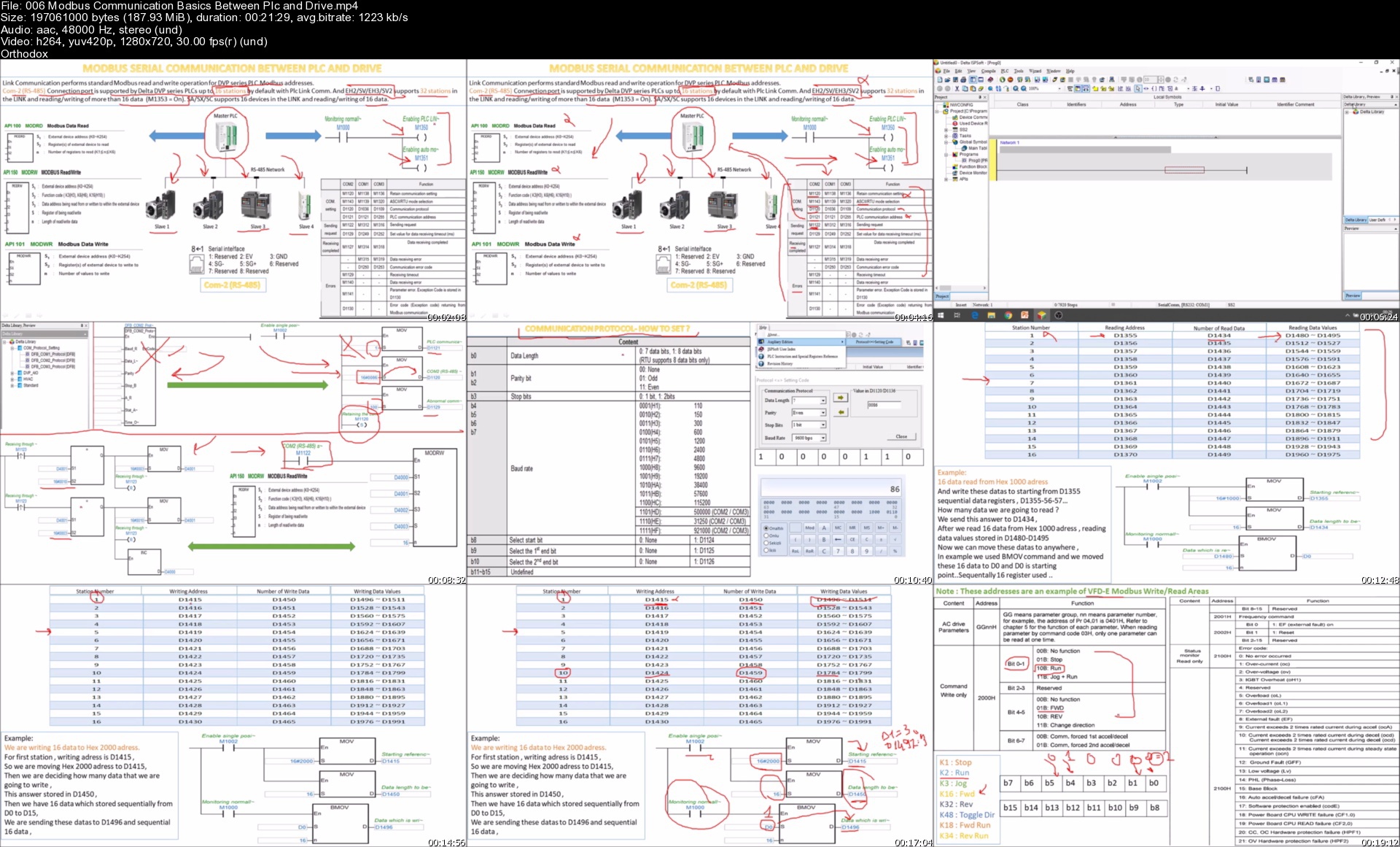
Complete Delta Plc Programming Zero to Expert - All In One

y4kklh3jxpub5wy3fwej09ikdu.jpg


Complete Delta Plc Programming Zero to Expert - All In One
MP4 | Video: h264, 1280x720 | Audio: AAC, 44.1 KHz, 2 Ch
Genre: eLearning | Language: English + srt | Duration: 185 lectures (19h 13m) | Size: 12.5 GB

Learn Delta Plc Programming - Softwares & Servo & Scada & RS-485 Comm & CanOpen & DIAStudio & HMI& Instructions

What you'll learn:
Delta Plc Programming
Modbus Communication
Industrial Automation
Plc Programming Languages (LD , ST , FDB etc.)
Delta HMI Programming
Plc Programming Basics
DIADesigner
DIAStudio
Advanced Delta Plc Programming
CanOpen Communication
ASDA A2 Servo Driving
Asdasoft
AS Series Plcs
Dopsoft
DOP100 HMI
Advanced Programming
Function Block , ST , FBD etc. Languages
WPLSoft

Requirements
This course does not require any prior knowledge.


Description
Dear Students ;

Complete Delta Plc Programming created from our experiences.You can learn with us complete delta plc programming and also plc programming basics.

Basically this course includes Complete delta plc programming basics, HMI basics , ASDA A2 Servo driving basics , AS series basics , RS485 communication between plc and vfd basics , hardware basics , real life programming examples , downloadable example projects etc.

You can find much more than you dream or want.

Just join to course and find whole valuable informations about delta plcs.

As an automation and software engineer and founder of derstagram akademi and derstagram automation home company , I'm gonna be with you whenever you face a problem.

With this course, you will learn how to program delta plc completely and professionally.

The course includes all topics that will help you on the field.

Apart from PLC programming, hardware and basic automation information was also included in the course.

In this way, you will have information about the work of the product groups you will use.

In addition to the basic and advanced command information, you will find special modules , encoder, stepper motor, modbus communication, high speed counters, special data and auxiliary relays topics etc.

You are going to learn plc programming languages (Ladder diagram programming , Structured text programming , Function block diagram programming etc.)

You will also see and learn the solutions to the real problems that we encounter in the question and answer section.

At the end of this course, you will be able to program with delta plc and control vfds and other equipment through communication.

In this course, you will learn ISPSoft software and it's interface effectively.

Also you are going to learn WPLSoft + DIAStudio effectively.

You can be a professional PLC programming developer with this course, where we can help you with many issues from our professional life, which is full of experience as an automation coordinator and plc programmers in the field, as well as Derstagram academy.

And again, you can contact us in your projects about Delta plc and where you get stuck.

If you really want to be a professional programmer about plcs ,

- Write a plc programs as an example after each lesson

- When you didn't understand anything in lesson , ask question immediately

- If you need an extra topics , inform us

- We are going to willing to teach delta plc programming to you , never forget this and push yourself forward always

Update !

Dear Students , AS series plcs , servo drive(asda-a2) , canopen communication and DIAStudio lessons and sections updated.

You can learn complete delta plc programming professionally with applications with us.

Best Regards

Mustafa

Who this course is for
Anyone who is willing to learn PLC programming and wants to improve himself/herself in industrial automation and plcs.

Homepage
006modbuscommunicatio2mkj1.jpg


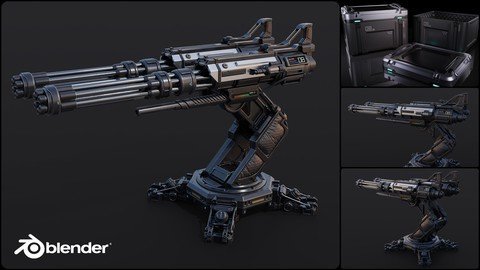
Blender Complete PBR Art Creation : Sci-fi Crate and Turret

icg6fkzwmmcetqhdmpza223khb.jpg


Blender Complete PBR Art Creation : Sci-fi Crate and Turret
MP4 | Video: h264, yuv420p, 1280x720 | Audio: aac, 48000 Hz | Duration: 17h 23mins | Size File: 15.2 GB
Genre: eLearning | Language: English

Take your first steps into creating Art in blender - learn all the necessary tools and tips to create models from basic to complex, create your own PBR materials, as well as creating compelling lighting all done in Blender 2.9 ( Works from blender version 2.8 onward ). This course is structured for both beginners and advanced users. The Goal of the first section is to introduce you to blender while completing the sci-fi crate project, hopefully inspiring confidence for students to take on the much more complex advanced section where you will create a sci-fi turret and learn all the advanced tools and tips along the way. Master Blender while learning to Model, UV, Create PBR Textures, Lighting and Rendering

What you'll learn

3D Modeling
Non-Destructive workflows
Cloth simulation
UV mapping
Baking Maps
PBR texturing
Procedural Materials
Texture Painting
Lighting
Rendering
Compositing
Blender
Hard Surface

Requirements

Have basic computer knowledge
Have Blender downloaded and ready to go

Homepage

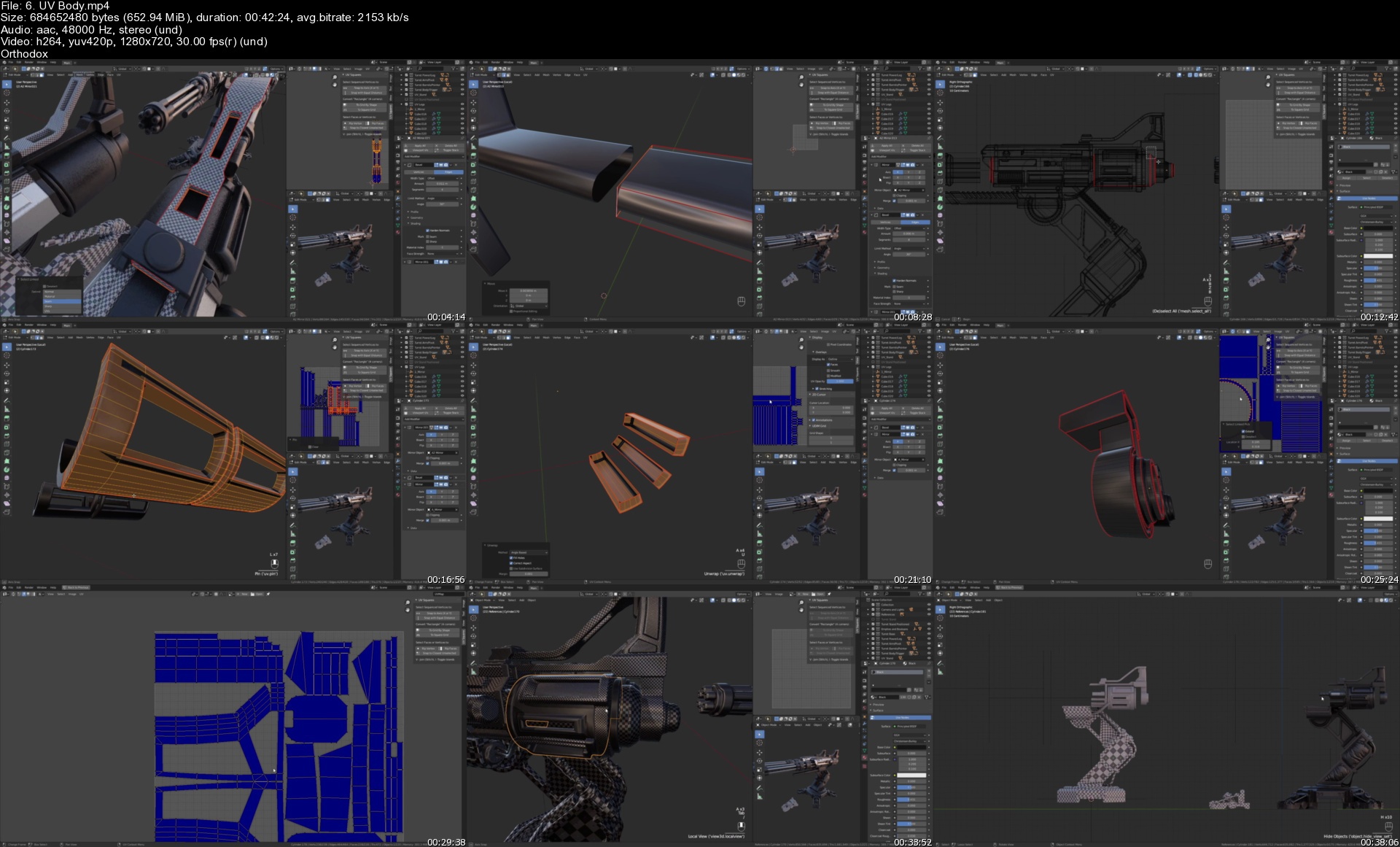
6.uvbodysb6kdu.jpg


Game Environment Creation: Apocalyptic Scene

acjgrhsukuqwzd6kffbkil3jwm.jpg


Game Environment Creation: Apocalyptic Scene
Manuel Rondon | Duration: 13h 25m | Video: H264 1920x1080 | Audio: AAC 44,1 kHz 2ch | 6,9 GB | Language: English

Learn How to Model, Texture, and REnder an Apocalyptic Environment using 3ds Max, Substance Painter and Unreal Game Engine

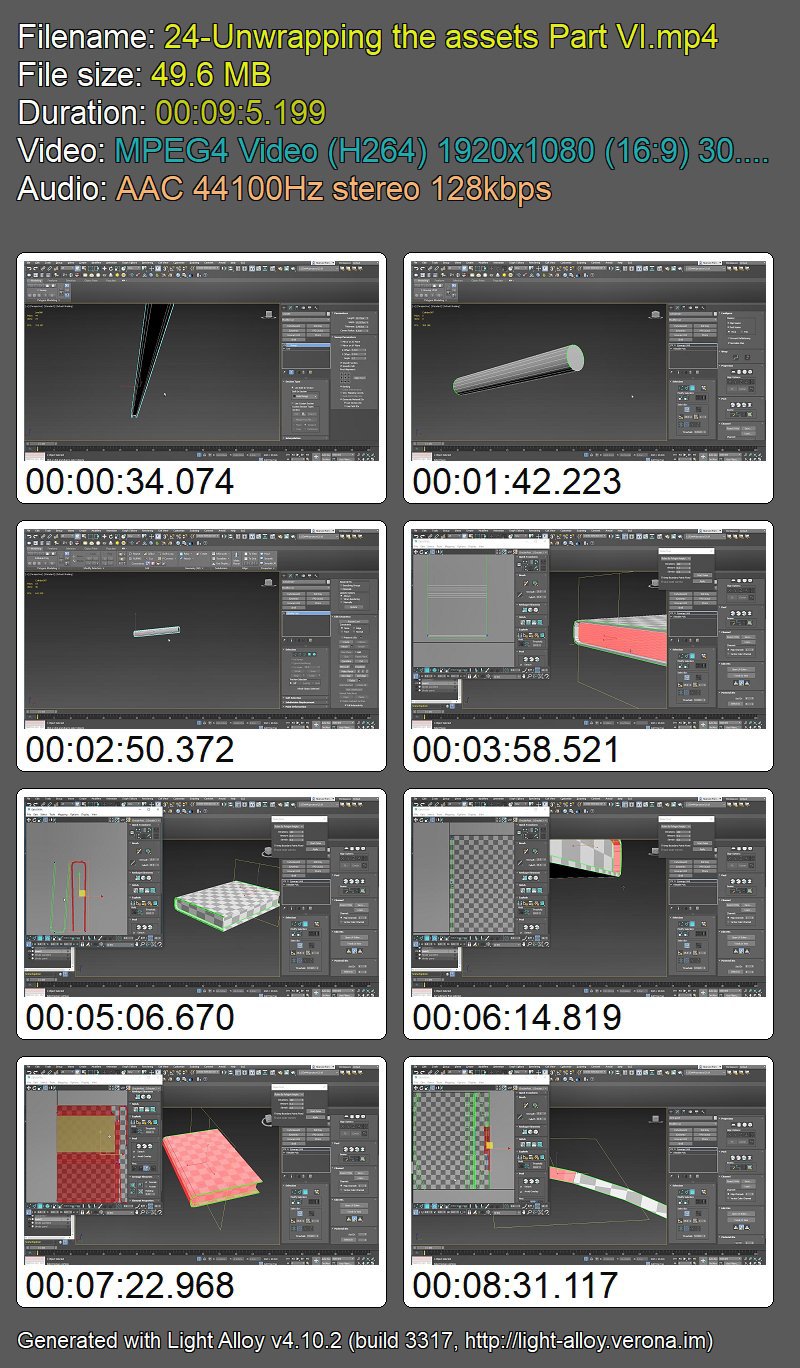
In this course, we will build a professional apocalyptic game environment from scratch using 3ds Max, Substance Painter and Unreal. We will start everything from scratch, from looking at references, looking at some concept art, and start applying it onto our environment. First, we will start by making small blockout of our scene and create the assets that we are going to need, how we are going to lay them out in the environment, then we are going to move into modeling. The modeling will be done all in 3ds Max, after that we will proceed to unwrapping the assets, and we will learn how to make the assets look smooth while keeping them low poly by using a very neat technique. From that, we are going inside Substance Painter to texture all of the assets and we will be creating materials that are going to be reusable across different assets for more efficient workflow. To finalize our tutorial, we will go through the process of rendering the whole environment in Unreal Engine.

Homepage
x9oe0yxvcqwr1gxn9eu46y8kb0.jpg


AloMoves - Alo In The Wild- Tulum

waa7aponff2b8zfhaahef3xj4z.jpg


AloMoves - Alo In The Wild- Tulum
MP4 | Video: h264, 1280x720 | Audio: AAC, 44.1 KHz, 2 Ch
Difficulty: Moderate | Genre: eLearning | Language: English | Duration: 20 Videos (4h 35m) | Size: 10.05 GB

Instructor : Tawny Janae & Kupah James Get energized and get moving in Tulum, Mexico. Choose yoga flows, fitness sessions, and stretch classes to build the perfect workout for your mood and schedule. These epic, fresh-air flows are designed to be mixed, matched, and repeated for a feel-good workout tailored to your goals.

In this series, you will:
- Stack and repeat classes for your dream workout
- Choose from power yoga, fitness, or stretch sessions
- Train and flow with upbeat, high-energy instructors

Homepage

5minuteabsonfiresd0k01.jpg


Zurück
Oben Unten