• Regeln für den Video-Bereich:

    In den Börsenbereich gehören nur Angebote die bereits den Allgemeinen Regeln entsprechen.

    Einteilung

    - Folgende Formate gehören in die angegeben Bereiche:
    - Filme: Encodierte Filme von BluRay, DVD, R5, TV, Screener sowie Telesyncs im Format DivX, XviD und x264.
    - DVD: Filme im Format DVD5, DVD9 und HD2DVD.
    - HD: Encodierte Filme mit der Auflösung 720p oder darüber von BluRay, DVD, R5, TV, Screener sowie Telesyncs im Format x264.
    - 3D: Encodierte Filme von BluRay, die in einem 3D Format vorliegen. Dies gilt auch für Dokus, Animation usw.
    - Serien: Cartoon/Zeichentrick, Anime, Tutorials, Dokumentationen, Konzerte/Musik, Sonstiges sind demnach in die entsprechenden Bereiche einzuordnen, auch wenn sie beispielsweise im High Definition-Format oder als DVD5/DVD9/HD2DVD vorliegen. Ausnahme 3D.
    - Bereich Englisch: Englische Releases gehören immer in diesen Bereich.
    - Bereich Talk: Der Bereich, in dem über die Releases diskutiert werden kann, darf, soll und erwünscht ist.


    Angebot/Beitrag erstellen

    - Ein Beitrag darf erst dann erstellt werden, wenn der Upload bei mindestens einem OCH komplett ist. Platzhalter sind untersagt.
    - Bei einem Scenerelease hat der Threadtitel ausschließlich aus dem originalen, unveränderten Releasenamen zu bestehen. Es dürfen keine Veränderungen wie z.B. Sterne, kleine Buchstaben o.ä. vorgenommen werden. Ausnahme Serienbörse:
    - Bei einem Sammelthread für eine Staffel entfällt aus dem Releasename natürlich der Name der Folge. Beispiel: Die Simpsons S21 German DVDRip XviD - ITG
    - Dementsprechend sind also u.a. verboten: Erweiterungen wie "Tipp", "empfehlenswert", "only", "reup", usw. / jegliche andere Zusatzinformation oder Ergänzung, welche nicht in obiger Beschreibung zu finden ist.

    Aufbau des Angebots und Threadtitel

    Der Titel nach folgendem Muster erstellt zu werden. <Name> [3D] [Staffel] [German] <Jahr> <Tonspur> [DL] [Auflösung] <Quelle> <Codec> - <Group>
    Beispiel: The Dark Knight German 2008 AC3 DVDRip XviD - iND
    Beispiel: The Dark Knight 2008 DTS DL BDRip x264 - iND
    Beispiel: The Dark Knight 2008 AC3 DL BDRip XviD - iND
    Beispiel: The Dark Knight German 2008 AC3 720p BluRay x264 iND
    Beispiel: The Dark Knight 2008 DTS DL 1080p BluRay x264 iND
    Beispiel: Die Simpsons S01 German AC3 DVDRip XviD iND
    Beispiel: Die Simpsons S20 German AC3 720p BluRay x264 iND
    Beispiel: Sword Art Online II Ger Sub 2014 AAC 1080p WEBRip x264 - peppermint
    Entsprechend sind also u.a. verboten: Sonderzeichen wie Klammern, Sterne, Ausrufezeichen, Unterstriche, Anführungszeichen / Erweiterungen wie "Tipp", "empfehlenswert", "only", "reup", usw. / jegliche andere Zusatzinformation oder Ergänzung, welche nicht in obiger Beschreibung zu finden ist
    Ausnahmen hiervon können in den Bereichen geregelt sein.

    Die Beiträge sollen wie folgt aufgebaut werden:
    Überschrift entspricht dem Threadtitel
    Cover
    kurze Inhaltsbeschreibung
    Format, Größe, Dauer sind gut lesbar für Downloader außerhalb des Spoilers zu vermerken
    Nfo sind immer Anzugeben und selbige immer im Spoiler in Textform.
    Sind keine Nfo vorhanden z.B. Eigenpublikationen, sind im Spoiler folgende Dateiinformationen zusätzlich anzugeben :
    Quelle
    Video (Auflösung und Bitrate)
    Ton (Sprache, Format und Bitrate der einzelnen Spuren)
    Untertitel (sofern vorhanden)
    Hosterangabe in Textform außerhalb eines Spoiler mit allen enthaltenen Hostern.
    Bei SD kann auf diese zusätzlichen Dateiinformationen verzichtet werden.

    Alle benötigten Passwörter sind, sofern vorhanden, in Textform im Angebot anzugeben.
    Spoiler im Spoiler mit Kommentaren :"Schon Bedankt?" sind unerwünscht.


    Releases

    - Sind Retail-Release verfügbar, sind alle anderen Variationen untersagt. Ausnahmen: Alle deutschen Retail-Release sind CUT, in diesem Fall sind dubbed UNCUT-Release zulässig.
    - Im Serien-Bereich gilt speziell: Wenn ein Retail vor Abschluss einer laufenden Staffel erscheint, darf diese Staffel noch zu Ende gebracht werden.62
    - Gleiche Releases sind unbedingt zusammenzufassen. Das bedeutet, es ist zwingend erforderlich, vor dem Erstellen eines Themas per Suchfunktion zu überprüfen, ob bereits ein Beitrag mit demselben Release besteht. Ist dies der Fall, ist der bereits vorhandene Beitrag zu verwenden.
    - P2P und Scene Releases dürfen nicht verändert oder gar unter einem iND Tag eingestellt werden.


    Support, Diskussionen und Suche

    - Supportanfragen sind entweder per PN oder im Bereich Talk zu stellen.
    - Diskussionen und Bewertungen sind im Talk Bereich zu führen. Fragen an die Uploader haben ausschließlich via PN zu erfolgen, und sind in den Angeboten untersagt.
    - Anfragen zu Upload-Wünschen sind nur im Bereich Suche Video erlaubt. Antworten dürfen nur auf Angebote von MyBoerse.bz verlinkt werden.


    Verbote

    - Untersagt sind mehrere Formate in einem einzigen Angebotsthread, wie beispielsweise das gleichzeitige Anbieten von DivX/XviD, 720p und 1080p in einem Thread. Pro Format, Release und Auflösung ist ein eigener Thread zu eröffnen.
    - Grundsätzlich ebenso verboten sind Dupes. Uploader haben sich an geeigneter Stelle darüber zu informieren, ob es sich bei einem Release um ein Dupe handelt.
    - Gefakte, nur teilweise lauffähige oder unvollständige Angebote sind untersagt. Dies gilt auch für eigene Publikationen, die augenscheinlich nicht selbst von z.B. einer DVD gerippt wurden. Laufende Serien, bei denen noch nicht alle Folgen verfügbar sind, dürfen erstellt und regelmäßig geupdatet werden.
    - Untersagt sind Angebote, welche nur und ausschließlich in einer anderen Sprache als deutsch oder englisch vorliegen. Ausnahmen sind VORHER mit den Moderatoren zu klären.


    Verstoß gegen die Regeln

    - Angebote oder Beiträge, die gegen die Forenregeln verstoßen, sind über den "Melden"-Button im Beitrag zu melden.
  • Bitte registriere dich zunächst um Beiträge zu verfassen und externe Links aufzurufen.

++ Premium IPTV ++ 7000 Live Sender ++ UHD Qualität ++ Mediathek mit 18.000 Inhalten ++


VenneTV


Englische Tutorials

Linkedin Learning Android Development Essential Training 4 Working with Data-XQZT

215969219_02-06-challenge_show_me_the_data_c.jpg


Linkedin Learning Android Development Essential Training 4 Working with Data-XQZT | MKV | 318.13 MiB

743 kb/s 1280x800 | AAC 160 kb/s 2 CH eng


NFO:
File List:

File: 01.01-developing_data-driven_apps.mkv
Size: 5951260 bytes (5.68 MiB), duration: 00:01:04, avg.bitrate: 744 kb/s
Audio: aac, 48000 Hz, stereo (eng)
Video: h264, yuv420p, 1280x800, 30.00 fps(r) (eng)
Subtitles: eng


Download ( Size: 318.13 MiB ):
Filehosts: Nitroflare, Rapidgator


oHeopzn.png

1 Link/s
23C5B8C24C.png


5hSo1Ay.png

1 Link/s
C2C1D55853.png


Supervised Learning for AI with Python and Tensorflow 2

qdd4ssri1erufuoesnl2p54k7u.jpg


Supervised Learning for AI with Python and Tensorflow 2
Genre: eLearning | MP4 | Video: h264, 1280x720 | Audio: AAC, 48.0 KHz
Language: English | Size: 6.71 GB | Duration: 21h 5m

Uncover the Concepts and Techniques to Build and Train your own Artificial Intelligence Models


What you'll learn
The basics of supervised learning: What are parameters, What is a bias node, Why do we use a learning rate
Techniques for dealing with data: How to Split Datasets, One-hot Encoding, Handling Missing Values
Vectors, matrices and creating faster code using Vectorization
Mathematical concepts such as Optimization, Derivatives and Gradient Descent
Gain a deep understanding behind the fundamentals of Feedforward, Convolutional and Recurrent Neural Networks
Build Feedforward, Convolutional and Recurrent Neural Networks using only the fundamentals
How to use Tensorflow 2.0 and Keras to build models, create TFRecords and save and load models
Practical project: Style Transfer - Use AI to draw an image in the style of your favorite artist
Practical project: Object Detection - Use AI to Detect the bounding box locations of objects inside of images
Practical project: Transfer Learning - Learn to leverage large pretrained AI models to work on new datasets
Practical project: One-Shot Learning - Learn to build AI models to perform tasks such as Face recognition
Practical project: Text Generation - Build an AI model to generate text similar to Romeo and Juliet
Practical project: Sentiment Classification - Build an AI model to determine whether text is overall negative or positive
Practical project: Attention Model - Build an attention model to build an interpretable AI model


Description
Gain a deep understanding of Supervised Learning techniques by studying the fundamentals and implementing them in NumPy.

Gain hands-on experience using popular Deep Learning frameworks such as Tensorflow 2 and Keras.

Section 1 - The Basics:

- Learn what Supervised Learning is, in the context of AI

- Learn the difference between Parametric and non-Parametric models

- Learn the fundamentals: Weights and biases, threshold functions and learning rates

- An introduction to the Vectorization technique to help speed up our self implemented code

- Learn to process real data: Feature Scaling, Splitting Data, One-hot Encoding and Handling missing data

- Classification vs Regression

Section 2 - Feedforward Networks:

- Learn about the Gradient Descent optimization algorithm.

- Implement the Logistic Regression model using NumPy

- Implement a Feedforward Network using NumPy

- Learn the difference between Multi-task and Multi-class Classification

- Understand the Vanishing Gradient Problem

- Overfitting

- Batching and various Optimizers (Momentum, RMSprop, Adam)

Section 3 - Convolutional Neural Networks:

- Fundamentals such as filters, padding, strides and reshaping

- Implement a Convolutional Neural Network using NumPy

- Introduction to Tensorfow 2 and Keras

- Data Augmentation to reduce overfitting

- Understand and implement Transfer Learning to require less data

- Analyse Object Classification models using Occlusion Sensitivity

- Generate Art using Style Transfer

- One-Shot Learning for Face Verification and Face Recognition

- Perform Object Detection for Blood Stream images

Section 4 - Sequential Data

- Understand Sequential Data and when data should be modeled as Sequential Data

- Implement a Recurrent Neural Network using NumPy

- Implement LSTM and GRUs in Tensorflow 2/Keras

- Sentiment Classification from the basics to the more advanced techniques

- Understand Word Embeddings

- Generate text similar to Romeo and Juliet

- Implement an Attention Model using Tensorflow 2/Keras


Who this course is for:
Beginner Python programmers curious about Artificial Intelligence
People looking for an AI course that teaches both the theoretical and practical aspects of Artificial Intelligence


Homepage

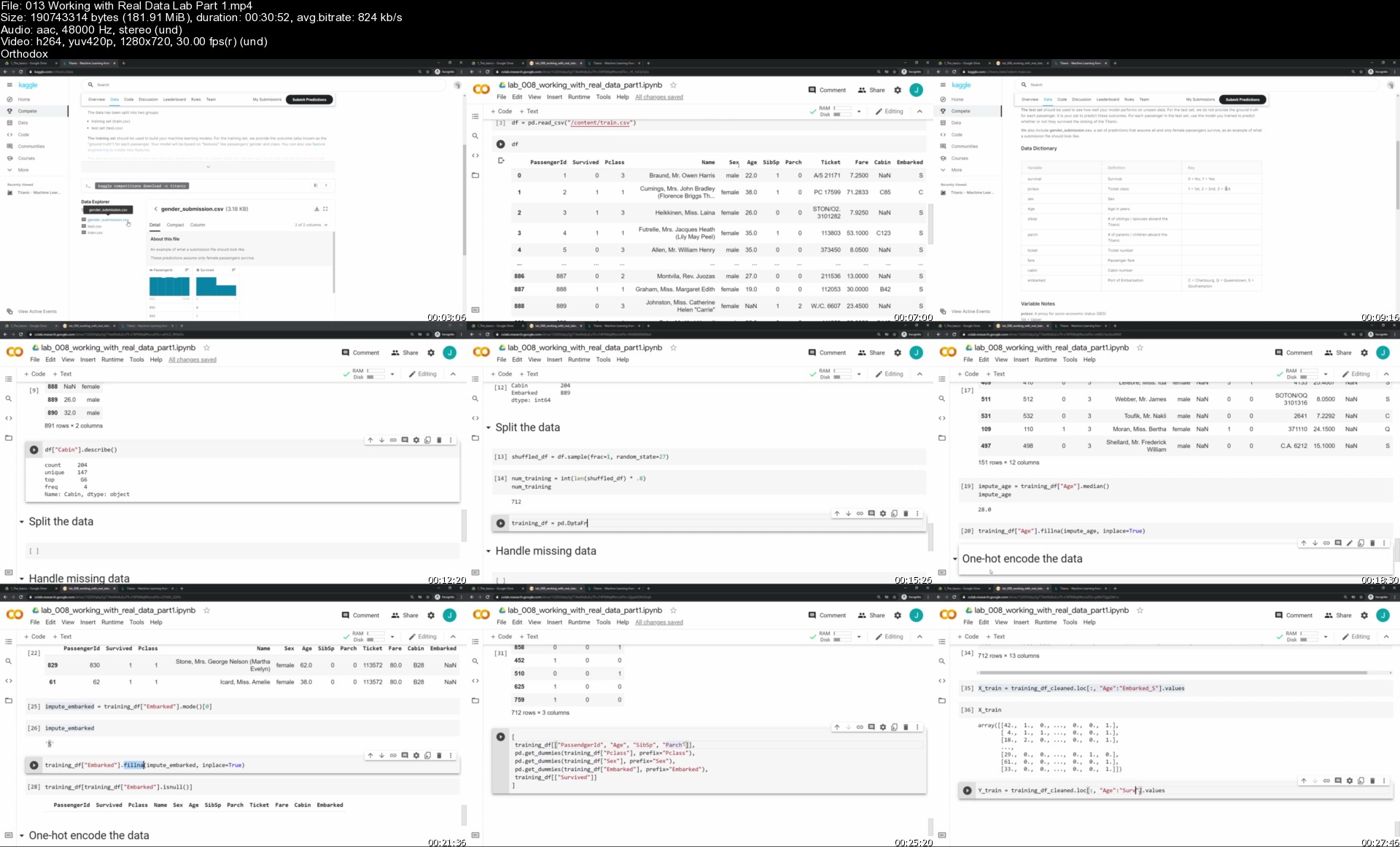
013workingwithrealdatqnj7t.jpg


React The Complete Guide 2021 (Inc Hooks, Redux & 5 Apps)

u6sybybmrn9aljyiwmdsn5uj19.jpg


React The Complete Guide 2021 (Inc Hooks, Redux & 5 Apps)
MP4 | Video: h264, 1280x720 | Audio: AAC, 44.1 KHz, 2 Ch
Genre: eLearning | Language: English + srt | Duration: 140 lectures (29h 29m) | Size: 14.1 GB

Become a full-fledged react developer and find a job in more than 22 web development job opportunities around the world

What you'll learn:
React
Redux
Hooks
React Router

Requirements
Basic HTML and CSS
Basic JavaScript


Description
Hello and Welcome to my coding course to learn React from beginner to advanced level.

In this course, you will learn the essential tools and skills to design, develop and deploy React applications from scratch.

My name is Basir and I'll be your instructor in this course. After 17 years of programming experience in international companies like ROI Vision in Montreal, I found my passion for teaching programming. Currently, I have 23k students on Udemy and I'm tutoring hundreds of successful students around the world.

I designed this course for anyone seeking to develop web applications using react framework. By the end of this course, you'll be able to

learn react concepts like components, states, props, hooks, context, redux

create small react applications like tic tac toe game

develop medium react applications like a shopping cart

implement advanced react applications like an eCommerce website

also, you will work with backend API, chart, maps, payment gateways, and publish your work on the internet.

You need to open the code editor along with me and start coding through this course. I teach you

react basics like component, state, and props, event handling, and forms

advanced react topics like hooks and react context, state management using Redux, testing components, type checking

create backend API and connect to it using Axios

using payment gateways like PayPal to make online payment

incorporate react charts, google maps, material UI, and bootstrap into react applications

and publish react application on cloud servers like Heroku and Netlify

This course is for all-level developers who want to be professional front-end developers and find a job in more than 22 M job opportunities worldwide. No requirement is necessary for this course and having a passion for coding is enough.

Who this course is for
None-Coders
Computer Students
Junior Web Developers

Homepage

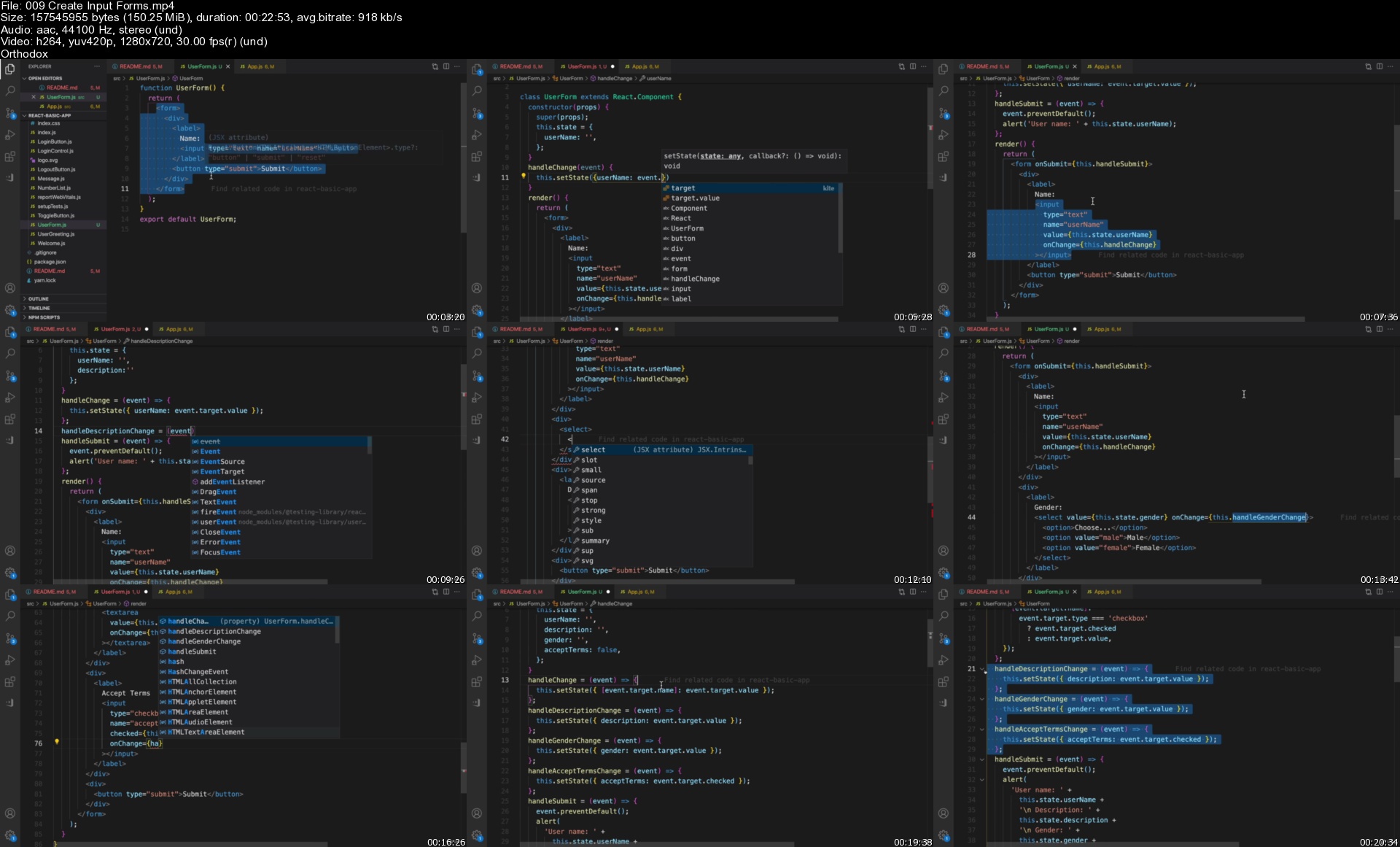
009createinputformss54kqn.jpg


Python A-Z: Learn Python Programming By Building 10 Projects (Updated 04/2021)

cd1d2t8rzwarwtvatiljusljba.jpg


Python A-Z: Learn Python Programming By Building 10 Projects (Updated 04/2021)
Genre: eLearning | MP4 | Video: h264, 1280x720 | Audio: AAC, 44.1 KHz
Language: English | Size: 5.57 GB | Duration: 16h 23m

Python Practical Training For Beginners 2021: Go From Basics To Advanced By Developing 10 Real Python Projects


What you'll learn
Learn To Write Clean And Proper Python Code With Concept.
Learn About 4 Pillars Of Object Oriented Programming!
Understand Programming Building Blocks With Python.
Learn To Use Python 3 Professionally Following Structures.
Work With Modules, Learn To Create Your Own Modules!
Work With Import And Python Libraries.
Read-Write File With Python Codes
Learn How To Handle Error And Exceptions With Python
Get Ready To Become Intermediate Developer With Over 100+ Quiz Questions.
Learn Object Oriented Programming With Classes and Objects.
Work on 10 different Projects With OpenCV, Pandas, Tkinter, Tweepy, Pillow, BeautifulSoup & more.


Description
[2021 Updated]

Welcome to Python Programming A-Z, One single course to start your Python Journey as a Beginner Step-by-Step, This course touches on each and every important concept of Python with its latest version Python 3.7, Python 3.8, and Python 3.9.

Throughout the course, we will explore the most important Python Programming Language Features -

Basics of Python Programming - Expressions, Variables, and Printing Output

Python Operators - Python Assignment Operator, Relational and Logical Operators, Short Circuit Operators

Python Conditionals and If Statement

Methods - Parameters, Arguments, and Return Values

Complete Object Oriented Programming - Class, Objects

OOPS - Encapsulation, Inheritance, and Abstract Class.

Python Data Structures In-depth - List, Set, Dictionary, and Tuples

Conditionals - If Else Statement, Nested If Else

Loops - For Loop, While Loop in Python, Break and Continue

Mutability - Immutability of Python Basic Types.

Builtin And User-Defined Modules

Errors And Exception Handling - try, except, else, and finally.

Custom Exception - Raising Exception, Creating, and Raising a Custom Exception.

Python 3 Cheatsheet

Here are some quick projects what we will explore throughout the course,

Face recognition with OpenCV

Password Generator with Random Module

Data Analysis With Pandas

Building Graphical User Interface Application with Tkinter

Understanding the basics of Databases and Integrating Desktop Application with SQLite3 Database.

Automated Twitter Bot with Tweepy

Automated Web Scraper and Mailing System with BeautifulSoup

Automated Social Media Post Generation Using API

Overall we work on 10 different Projects With OpenCV, Pandas, Tkinter, Tweepy, Pillow, BeautifulSoup & more. Some projects cover only basics whereas others are in-depth.

The main goal of this course is to learn programming by building projects.

------------------

Why this course?

Complete course is focused on the project building approach, you learn every concept through a logical approach.

Learn all important concepts in the simplest possible way with tons of examples, projects, and quizzes.

No previous programming or coding experience required, we will cover everything step-by-step from basics.

------------------

Feedbacks,

Naman Malkani
It's a complete python course which is wonderful for beginners as it will help clear your basics and then the projects will help enhance your python programming and understanding.

Asif Jafri
Excellent. I just finished all the videos and I am very happy with the contents and the delivery method. This course covers all the major aspects of Python. I highly recommend it.

Student-1
I think this is so far the best python course I learned, the instructor explains each topic or the contents in an understandable way, where you can grasp the things easily and gain more knowledge about the course. I went from zero knowledge in python to 100%. Thank you Shubham.

Student-2
Simplified and easy to understand, Instructor covers all important topic that a beginner like me should know about. Feeling much confident about programming skill now due to projects which helped me to understand why I am learning to code.

After completing this course you will be ready to work as an Intern, Fresher, or Freelancer and you will also be able to implement everything yourself! Most importantly you will be ready to divide deep with big available scope with Python.

Enroll now, I will make sure you learn best about Python.


Who this course is for:
Anybody Who Wants To Get Started Programming.
Anyone Who Wants To Excel Python Programming And Concept.
Beginners Who Want To Start Programming!


Homepage

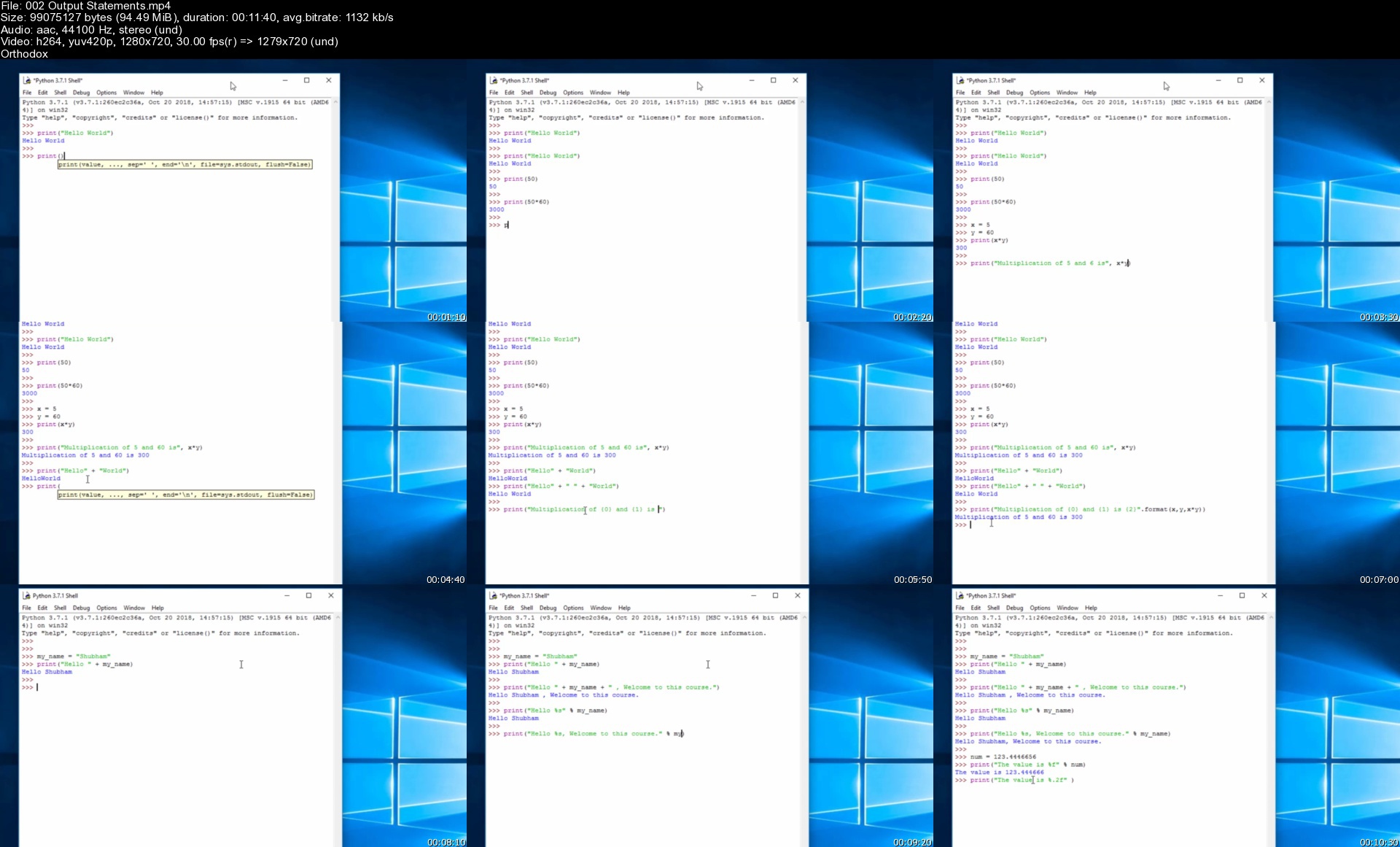
002outputstatementss4fky3.jpg


LPIC-1 - Linux System Administrator Masterclass

oya2pyr3y2utkvafuaokqhnkkw.jpg


LPIC-1 - Linux System Administrator Masterclass
MP4 | Video: h264, 1280x720 | Audio: AAC, 44.1 KHz, 2 Ch
Genre: eLearning | Language: English + srt | Duration: 129 lectures (27h 21m) | Size: 7.13 GB

For actual 101-500 and 102-500 LPI exams

What you'll learn:
Preperation for both of the LPIC-1 exams 101 and 102 in actual version 5.0.
Linux administration
Determine and configure hardware settings
Boot the system
Change runlevels / boot targets and shutdown or reboot system
Design hard disk layout
Install a boot manager
Manage shared libraries
Use Debian package management
Use RPM and YUM package management
Linux as a virtualization guest
Work on the command line
Process text streams using filters
Perform basic file management
Use streams, pipes and redirects
Create, monitor and kill processes
Modify process execution priorities
Search text files using regular expressions
Basic file editing
Create partitions and filesystems
Maintain the integrity of filesystems
Control mounting and unmounting of filesystems
Manage file permissions and ownership
Create and change hard and symbolic links
Find system files and place files in the correct location
Customize and use the shell environment
Customize or write simple scripts
Install and configure X11
Graphical Desktops
Accessibility
Manage user and group accounts and related system files
Automate system administration tasks by scheduling jobs
Localisation and internationalisation
Maintain system time
System logging
Mail Transfer Agent (MTA) basics
Manage printers and printing
Fundamentals of internet protocols
Persistent network configuration
Basic network troubleshooting
Configure client side DNS
Perform security administration tasks
Setup host security
Securing data with encryption

Requirements
No prior Linux knowledge required
Interest in Linux


Description
In this LPIC-1 exam preparation course you will receive everything you need to pass both exams.

In the LPIC-1 Linux Administrator Masterclass you will receive more than 27 hours of video material, 4 vocabulary books, 2 workbooks with almost 60 practical tasks and 180 multiple choice questions as they are also asked in this way in the exams. Of course, the course covers the current LPI exam version 5.0. Should LPI ever release version 5.5 or 6.0, this course will be adapted promptly. Promised!

In order to be able to take this course and accordingly to receive the perfect exam preparation, you do NOT need to have previous knowledge of Linux. Of course, it will be easier for you if you already have experience with Linux, but even if you have never dealt with Linux before, the course will pick you up at the very beginning.

First we create the prerequisites to be able to install different Linux distributions and of course we also install two Linux systems, namely Ubuntu Linux and Fedora Linux.

Before we begin with the topics that are relevant for the exam, you will receive an introduction to the Linux console, so that it will be much easier for you to get started with the topics that LPI provides.

In this course I will demonstrate every command that is mentioned in the exam catalog so that you can see with your own eyes what it does, how it works and of course that you can do everything on your own computer.

If you carry out the corresponding commands yourself and not just read in a book or watch me carry out the commands, you will be able to learn much better, more intensively and faster.

To make things even easier for you, I have created four vocabulary books for you with commands and their meanings and with paths and files and their meanings. This will make learning even easier for you.

To be VERY safe, you simply work through the workbooks, which give you almost 60 practical tasks that you have to carry out. This should consolidate your knowledge even further and the exams will be child's play for you.

At the end of each major topic, you can go through a small quiz with 180 multiple choice questions like those asked in the exams.

As you can see, with this course you really have everything you need to pass the two exams and soon be able to call yourself Linux administrator.

I am looking forward to see you in the class right away.

Who this course is for
People who are interested in Linux
System administrators
Coming system administrators
Interested people who want to target the LPIC-1 exam

Homepage

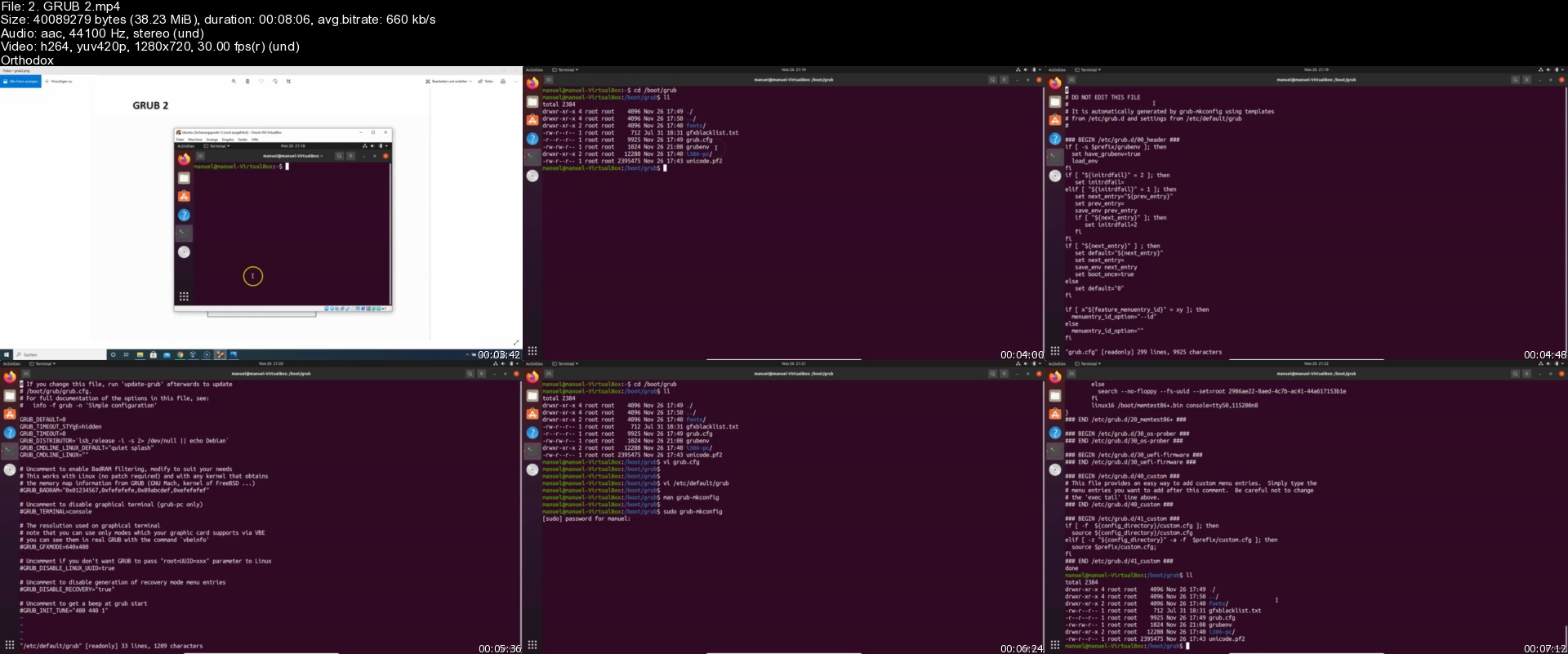
2.grub2sccj3v.jpg


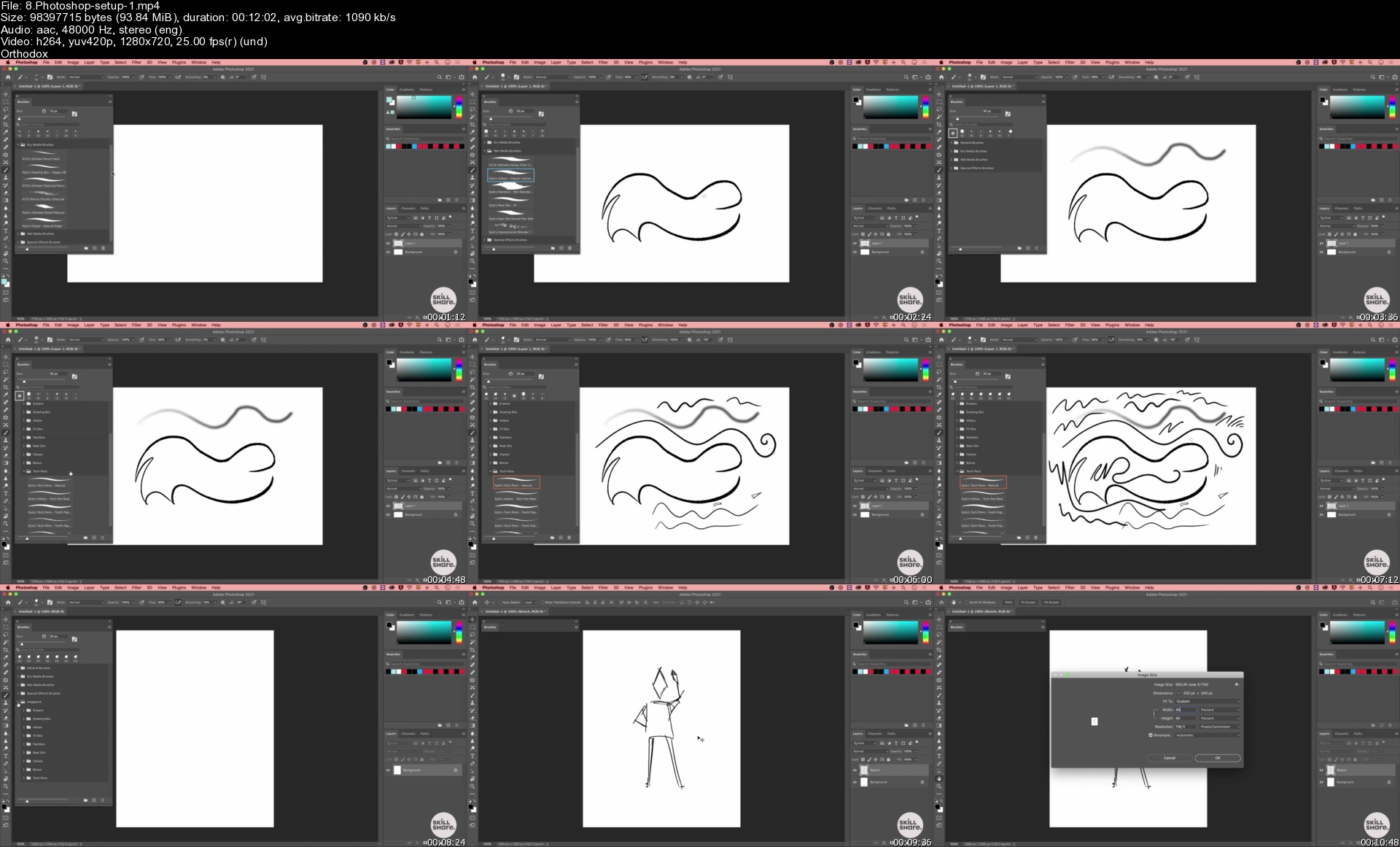
Learn Dynamic Character Illustration

vl6kum32sdz6ibs1sinnhd1jc2.jpg


Learn Dynamic Character Illustration
MP4 | Video: h264, 1280x720 | Audio: AAC, 44100 Hz
Language: English | Size: 5.54 GB | Duration: 6h 53m

Learn professional drawing and coloring techniques for creating animated characters full of movement

Using simple lines and shapes, character illustration is a skill that is attainable to just about anyone. No matter what inspires you, I will show you how to bring it to life using basic figures, bold lines, and minimal color palettes.

In this course, learn how to bring characters to life using digital illustration and Photoshop. Discover my professional techniques for sketching, coloring, and finishing original characters that seem to jump right off the page. Are you ready to refine your technique and start creating characters that showcase your unique illustration style?

Start the course by getting a quick introduction to the course content before learning about your final project.

I begin with some basic concepts for drawing movement and show you some tricks for designing realistic characters that seem to come off the page, even in static poses. Using a light table and tracing paper, learn my four essential drawing techniques: line of action, rhythm, weight, and silhouette.

Start designing and drawing your character. Learn how to research your character and use creative references for poses, clothing, and accessories. Sketch and render your character using the references, techniques, and methods that were explained earlier. Then, I show you how to create some basic backgrounds and environments.

Now it's time to focus on fine-tuning your illustration. Apply corrections and explore some alternative ways to develop your new character. Finally, get some tips on how to keep on improving your drawing skills with new projects and ideas.

This course is for anyone who would like to improve their illustration skills and draw more dynamic characters, either digitally or with a pencil and paper.


Homepage

8.photoshopsetup1s9nk5n.jpg


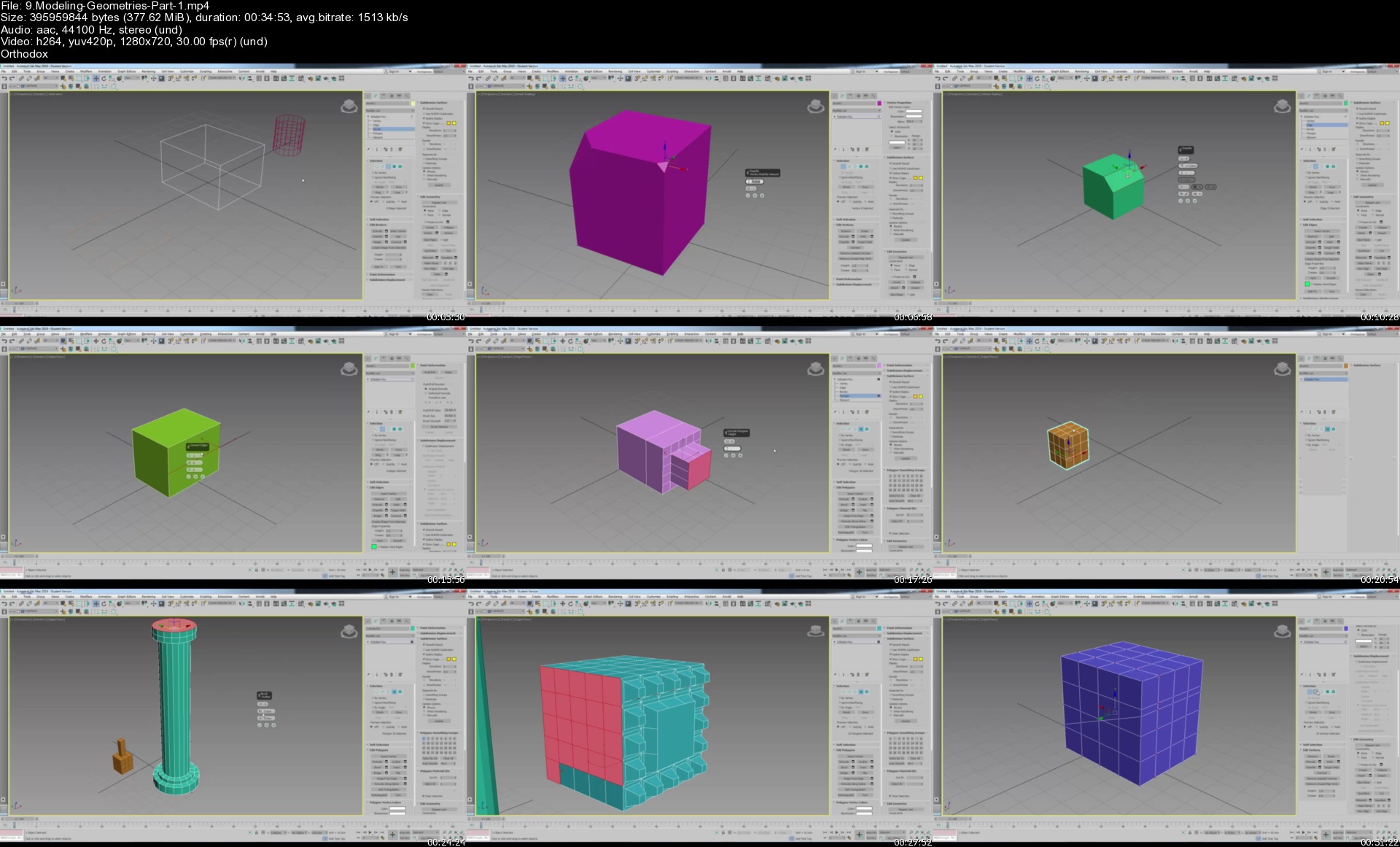
Learn 3DsMax From Scratch to Render

gwnxakim3i45a4bofiij8kwj9h.jpg


Learn 3DsMax From Scratch to Render
MP4 | Video: h264, 1280x720 | Audio: AAC, 44100 Hz
Language: English | Size: 6.29 GB | Duration: 9h 19m

You will learn 3ds Max from scratch to render, including how to create your own objects, how to modify the objects, how to use modifiers and apply these modifiers on objects, how to add materials to the objects and to adjust the parameters for the materials, how to add lighting and camera and how to create a project and how to finally render your work and get the final result.


Homepage

9.modelinggeometriesp60ktw.jpg


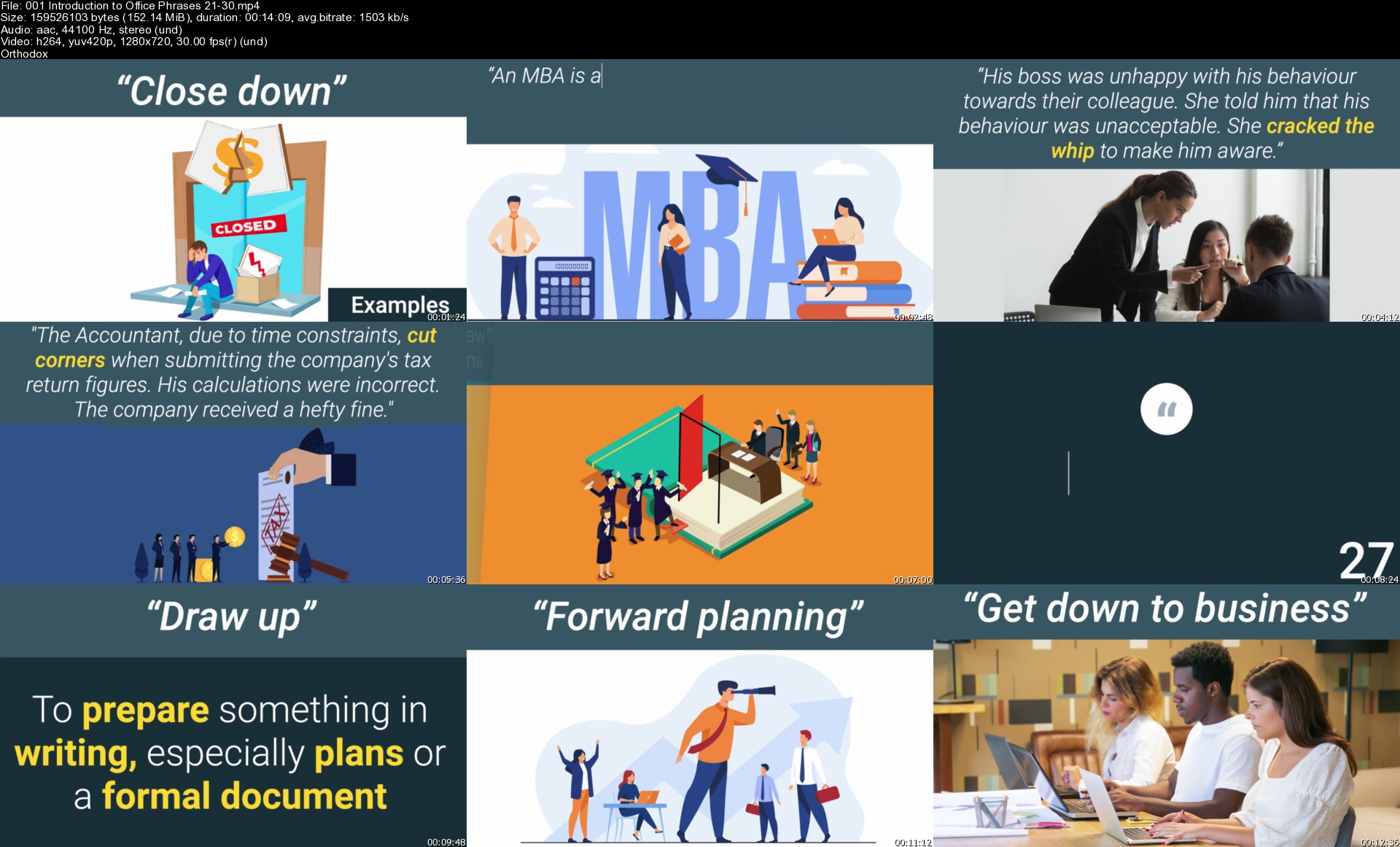
Improve your Business English: Master 100 Key Office Phrases

k0ygzkreu65jmmruh1p5n4dj6t.jpg


Improve your Business English: Master 100 Key Office Phrases
Genre: eLearning | MP4 | Video: h264, 1280x720 | Audio: AAC, 44.1 KHz
Language: English | Size: 6.88 GB | Duration: 7h 4m

Learn 100 Office Phrases (including idioms) Course. Use Business English phrases in the Office Environment.


What you'll learn
Understand the English specialist language and vocabulary needed to participate successfully in the business world
Master the key phrases in the office/workplace to ensure success and to communicate effectively.
Speak confidently in English to all types of audiences
Business English skills
Business English phrases
Develop your Business English skills as a non-native speaker.
Improve your communication in the workplace/office environment.
This English course can also benefit native English speakers to help them find the right words.


Description
The challenge to understand and apply the language and vocabulary of the business world is potentially more difficult for English Language Learners/Non-Native Speakers.

Explaining information in a foreign language is challenging particularly when involved in the English speaking office/workplace environment. This online course is an opportunity to improve your Business English Communication Skills.

In this course, you will learn Business English Office Phrases and vocabulary (including idioms) alongside a structure which enables you to communicate effectively in a way that your audience will understand.

Do you need to communicate information in the office and need the correct English phrases and English vocabulary?

Do you need to convey information accurately to your colleagues in the Office/Workplace Environment?

Do you need to improve your Business English?

Do you want to improve your English listening and speaking skills?

Do you need to develop your English speaking skills?

Do you want to communicate more effectively in the Office/Workplace environment.

Do you want to be a confident and well prepared when using English in the office/workplace environment?

Do you want to deliver phrases which are powerful and help to make an impression?

Do you want to speak English with confidence?

Do you want to learn to speak English accurately?

If the answer is yes to any of these questions then this course is perfect for you.

This Business English Course helps you to master office/workplace phrases and vocabulary (including idioms). It uses video presentations and activities to teach you 100 phrases. And you will also:-

Learn the phrases and vocabulary specific to the office/workplace environment.

Listen and see how to pronounce the phrases and vocabulary.

Learn how the phrases and vocabulary are applied.

Do language activities to help develop your understanding and communication skills.

Do multiple choice activities.

See how English phrases and vocabulary are used in the business world.

Test yourself using the numerous accessible and engaging course activities.

Use the downloadable worksheets to test yourself.

Together, this information will help you Master 100 Key Office Phrases.

Using and understanding the 'Business English Office Phrases' is an important skill for access to education and the workplace. Don't be left behind. Improve your Business English Communication skills - enrol now!

Anyone who is developing their Business English skills can benefit from this course. This includes Undergraduate and MBA students, Business and Economic students, Business Analysts, Leaders, Managers and many more.

The skills you learn in this course will improve the way you present in Business English forever.


Who this course is for:
Non-native English speakers to help them find the right words
English Learners
Non-native English MBA students in business
Business students who need to develop their English skills
ESL Students
Business professionals learning English


Homepage

001introductiontooffiv4jcx.jpg


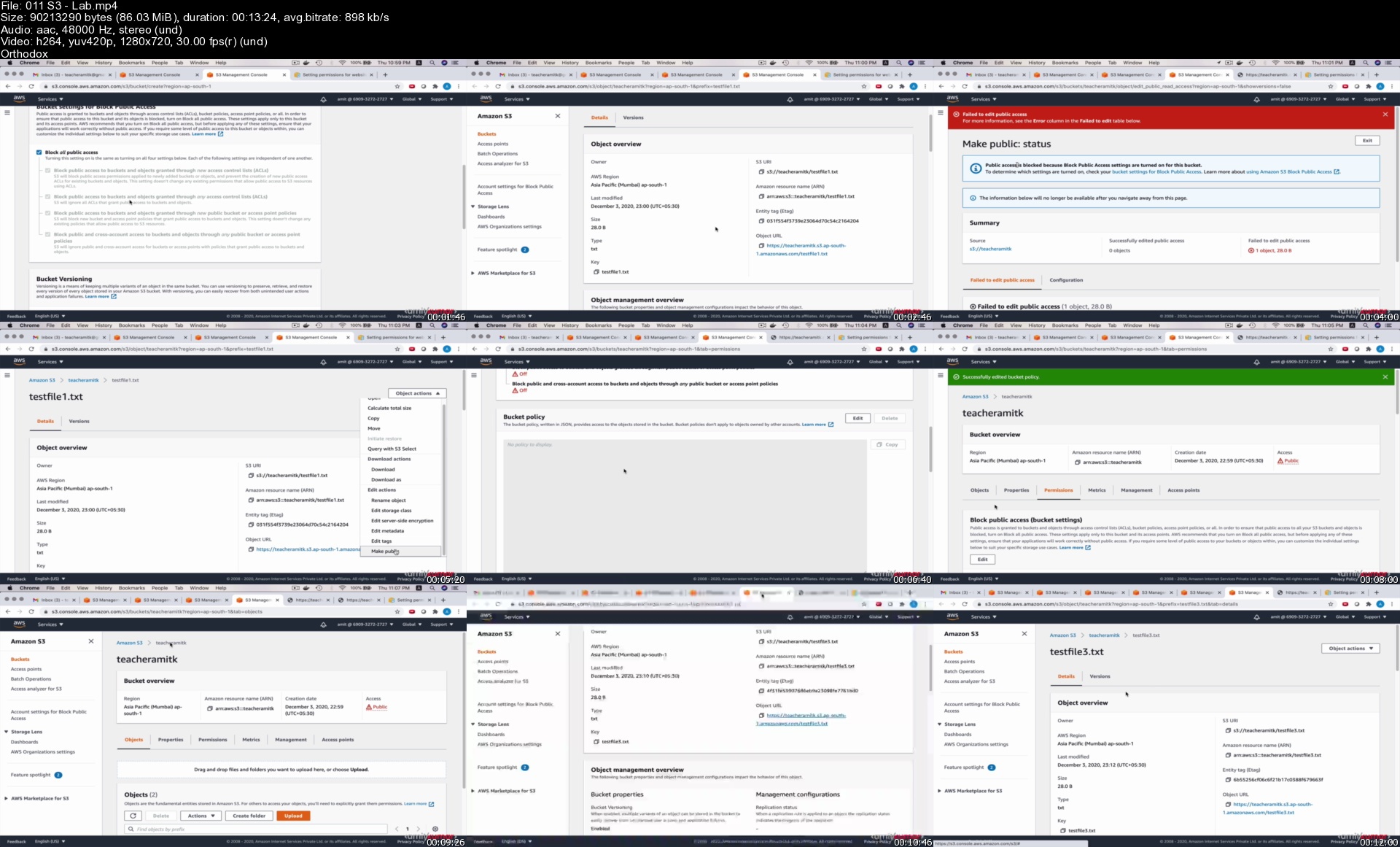
AWS DevOps : A CI/CD Masterclass 2021

eynwp9twuw37bbdt371wq1wjz2.jpg


AWS DevOps : A CI/CD Masterclass 2021
MP4 | Video: h264, 1280x720 | Audio: AAC, 44.1 KHz, 2 Ch
Genre: eLearning | Language: English + srt | Duration: 134 lectures (19h 42m) | Size: 5.98 GB

Learn DevOps with AWS by creating Continuous Delivery Pipelines using AWS CodePipeline, CodeBuild, and CodeDeploy

What you'll learn:
Learn AWS CodeCommit, CodeBuild, CodeDeploy, and CodePipeline
Learn Blue Green and In Place Deployment Configurations
Create Production Grade Continuous Deployment Pipelines with Staging, Pre-Prod, and Production Environments
A deep-dive on Elastic Beanstalk Deployment
Learn basics of DynamoDB
Learn Git fundamentals
Create NodeJS Sample Apps with/without DB (DynamoDB)
Learn basics of API Development & Testing (using Postman)
Deploy NodeJS Apps with/without AWS Developer Tools
Create fully automated delivery pipelines for your NodeJS Apps
Learn the AWS Fundamentals like IAM, S3, EC2, ALB, ASG, VPC etc.

Requirements
No programming, or AWS experience is needed, we'll use the AWS Free Tier
Windows/ Linux/ Mac OS X machine


Description
Welcome! I am here to help you master the seemingly complex topic of DevOps, and that too on AWS! You can be one of the following:

A DevOps engineer looking to learn AWS Developer tools.

A Software Engineer who wants to explore beyond code, understand how your code is getting built and deployed.

An AWS architect who wants to learn new AWS Services simplifying Continuous Integration/Delivery and create fully automated Pipelines.

An IT Professional who wants to change career path.

A person with no technical background, who wants to learn a new skill.

This Course has been created with the objective to simplify the complexities in and around DevOps tools and practices. Afterall, they exist to make life easier for us and not the other way round! So, you will find that we haven't got ourselves mixed up in definitions and otherwise established approaches towards these topics. No death by PPT!

Having said that, we acknowledge the need of a very strong conceptual understanding for any learning. So, you'll find this course divided into these five broad categories:

Course and section introduction : This is going to be a video message outlining what we are going to cover.

Conceptual Walkthrough : This is a pretty unique aspect of this course. We have created animations to explain the concepts behind every topic. We hope you like it.

Hands-on lab : We have created a very structured series of hands-on labs to cement the understanding developed by the conceptual walkthroughs.

Lab Instructions : For every section, we have created a separated lab instruction file, which can be referred to while performing the labs (even when you are not watching the videos). This saves time and adds value to your journey.

NodeJS projects : You will have access to two NodeJS projects for your reference. Although we will build these two projects from scratch, you will still have access to these projects.

Why is this course a 'Masterclass' in DevOps on AWS?

No expectations from you in terms of your skills before starting this course.

We will cover AWS Basics and Fundamentals from scratch.

We will understand Git from the basics to the intermediate level where firing git commands will come naturally to you.

We will build two NodeJS Apps with and without DB.

We will learn how to use Postman for API testing.

We will not only learn AWS Developer tools, but will understand their behaviour and functionally under the hood like never before.

We will create production-ready pipelines with Staging, Pre-prod, and Prod Application Lifecycle stages.

During Section 2 - Section 13, you'll learn:

DevOps Concepts

CI/CD Concepts

Code Repository Concepts

AWS Free Tier Account set-up

AWS CLI set-up

Git set-up

Node set-up

Visual Studio Code set-up

EC2

Auto Scaling

Application Load Balancer

S3

IAM

VPC

Cloudwatch

DynamoDB

Elastic Beanstalk

NodeJS Sample App creation

Git commands

Github Account set-up

CodeCommit

Sample App Deployment on EC2

Auto Scaling Lifecycle Hook

Sample App Deployment on Auto Scaling

Sample App Deployment on ASG + ALB

Node App Deployment on Elastic Beanstalk

CodeBuild

Buildspec.yml

CodeDeploy

Appspec.yml

Blue Green Deployment

Deployment Configuration

CodePipeline

CodePipeline Stages

NodeJS CRUD App with DynamoDB

Postman set-up

Postman Environment management

S3 Static Website

CodePipeline for S3 Static Website Deployment

Sections you can skip:

If you are well versed with AWS, you can skip Section 3 and AWS set-up lessons of Section 2.

If you are well versed with NodeJS, you can skip section 4.

If you are well versed with git commands and github, you can skip lessons 2, 3, and 4 of Section 5.

Who this course is for
DevOps Engineers
Solution Architects
Software Engineers
IT Professionals
Anyone who wants to learn a new skill

Homepage

011s3labs0bjd5.jpg


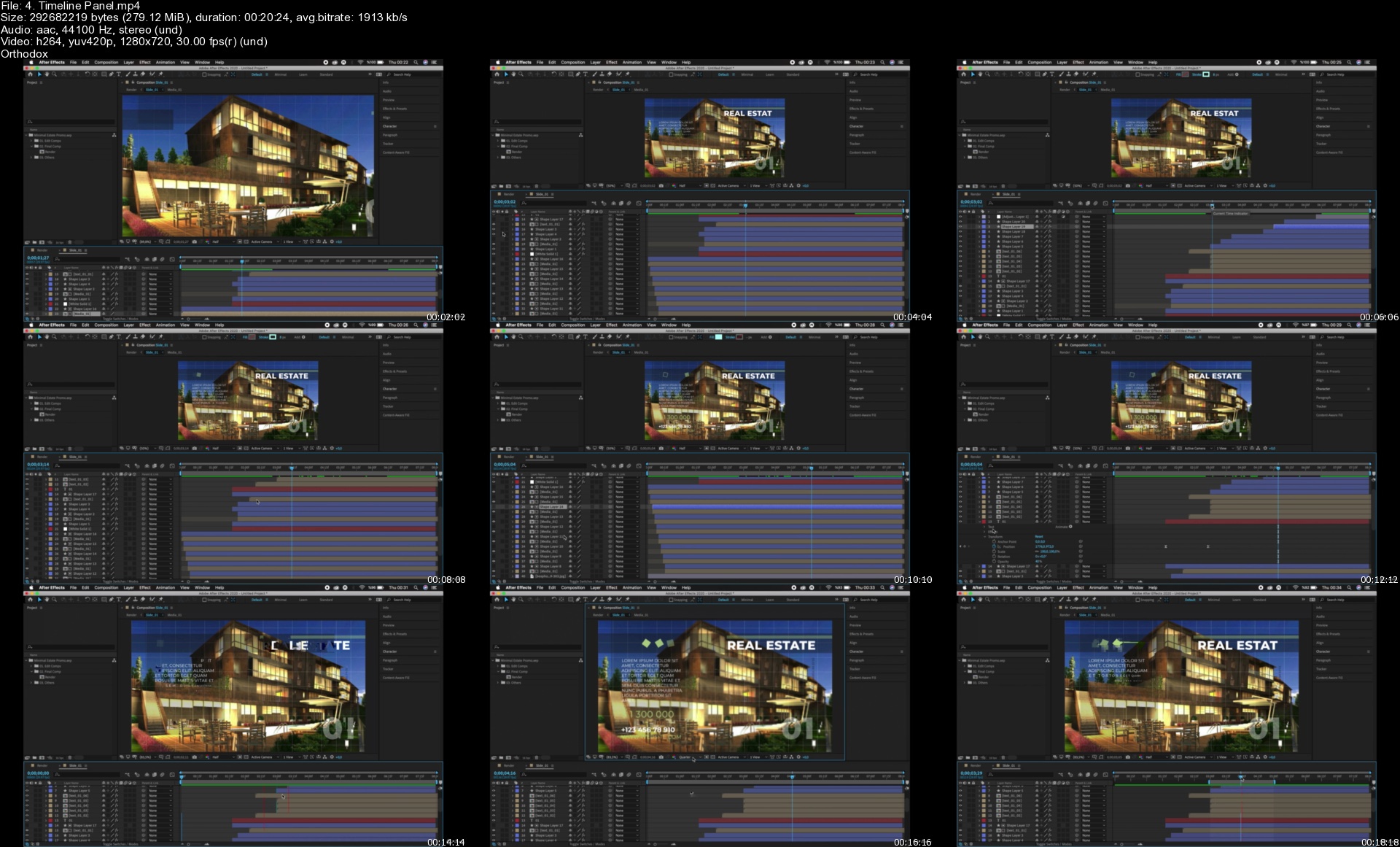
Complete After Effects & UI-UX Design by using Photoshop

qbnkhlggchzfkcodromjhxbjku.jpg


Complete After Effects & UI-UX Design by using Photoshop
Duration: 11h 57m | Video: .MP4, 1280x720 30 fps | Audio: AAC, 44.1 kHz, 2ch | Size: 6.94 GB
Genre: eLearning | Language: English

Learn Adobe After Effects, Photoshop, Adobe XD, Adobe Illustrator and make difference using After Effect & UI-UX Design

What you'll learn
Create icons for Android and IOS applications using the Adobe Illustrator
Create an icon using the Adobe Photoshop
What is UI-User Interface?
What is UX-User Experience?
Adobe Illustrator
Adobe Photoshop
Adobe XD
Creating Icons for IOS and Android Apps
UI and UX Design
Making Decupe
Creating Icon Guide
Adobe Creative Cloud
Learn ways to create a custom app icon
Design the UI-UX of the online sales application
You will learn Adobe After Effects from scratch
Adobe After Effects Installation
After Effects interface and panels
Basic animation principles
What is keyframes and how to use it
Editing video using After Effects
Creating shapes using tools such as Pen tool in After Effects
Learning the basic effects and applying effects to your images or videos
How to Import and animate Illustrator Vector Graphics to After Effects.
Create Instagram Story in Adobe After Effects
Logo Animation
Text Animation
2D and 3D Animation in After Effects
Free Stock Video Sites
Converting 2D to 3D
Colour Effects
Creating effective videos for social media
Video Editing
Video Production
Film Making

Requirements
You don't need any prior knowledge, we tell everything from the beginning.
PC or Mac with 8 GB Ram (16 GB recommended) and 64 bit operating system
Basic computer skills
Watching the course videos completely, to the end and in order
Desire to have detailed knowledge about UI and UX Design
Desire to learn After Effects
Determination to learn and patience
Nothing else! It's just you, your computer and your ambition to get started today

Description
Hi there,

Welcome to the "Complete After Effects & UI-UX Design by using Photoshop" course.

Adobe After Effects is a digital visual effects, motion graphics, and compositing application developed by Adobe Systems and used in the post-production process of film making, video games, and television production.

If you want to make effective videos and animations by applying visual effects, you are in the right place, this course is a perfect match for you.

This"Complete After Effects & UI-UX Design by using Photoshop" course will take you from beginner to advance level. This course will be your gateway to learn UI and UX design with a step-by-step approach. We can assure you that only this course will be enough for you to learn UX-UI design.

Our passion is to carry our experience with the right examples to anyone who will enroll in this course. In this course, you will learn After Effects step-by-step. Because this course is designed for those who have no knowledge of After Effect but want to learn After Effects CC to the level of expertise. Therefore, while watching this course, you will have no questions about after effects.

Our course basically consists of two main parts. In the first part of the course, you will learn how to design UI-UX and create application icons. In the second part, you will learn to make impressive videos and animations using adobe after effects.

We'll be moving rapidly to give you the quickest, yet most thorough design building experience. The first part of the course consists of four main parts. In the first part, we will learn the concepts of User Interface (UI) and User Experience (UX) in detail. We will create our Creative Cloud membership. Finally, we will install the programs required for UI-UX design. In the second part, we will make icons for Android and iOS applications using the Adobe illustrator program. Later, we will also create an icon using the Adobe Photoshop program. In addition, we will design the UI-UX of the online sales application. Finally, we will learn about the Adobe XD program in detail. We will design the UI-UX of the weather application. We will also learn to share our designs with our teammates or developers. In addition to these, we will create the prototype of our designs. In short, we will teach you UI-UX design in a fun way and in a short time without tiring you.

What's important:

This course is expertly designed to teach everyone from complete beginners, right through to professionals as a refresher.

At the end of the course, you will improve your video editing skills and you will be able to make money via video production.

In this course you will learn;

What is UI-User Interface?

What is UX-User Experience?

Adobe illustrator

Adobe Photoshop.

Adobe XD

Creating Icons for iOS and Android App

UI and UX Design

Making Decupe

Creating Icon Guide

Adobe Creative Cloud

Learn after effects cc from scratch.

Adobe After Effects Installation

After Effects interface and panels

Basic animation principles

Video Editing

Video Production

Film Making

What is keyframes and how to use it?

Editing video using After Effects

Creating shapes using tools such as Pen tool in after effect

Learning the basic effects and applying effects to your images or videos

How to Import and animate Illustrator Vector Graphics to After Effects.

2D and 3D Animation in After Effects

Converting 2D to 3D

Logo Animation

Logo Design

Text Animation

Colour Effects

Creating effective videos for social media

Why would you want to take this course?

Our answer is simple: The quality of teaching.

OAK Academy based in London is an online education company. OAK Academy gives education in the field of IT, Software, Design, development in English, Portuguese, Spanish, Turkish and a lot of different language on Udemy platform where it has over 1000 hours of video education lessons. OAK Academy both increase its education series number by publishing new courses, and it makes students aware of all the innovations of already published courses by upgrading.

When you enroll, you will feel the OAK Academy`s seasoned developers expertise. Questions sent by students to our instructors are answered by our instructors within 48 hours at the latest.

This course will take you from a beginner to a more experienced level.

We will take you from beginner to expert level.

Fresh Content

It's no secret how technology is advancing at a rapid rate. New tools are released every day and it's crucial to stay on top of the latest knowledge. With this course, you will always have a chance to follow the latest trends.

You'll also get:

Lifetime Access to The Course

Fast & Friendly Support in the Q&A section

Udemy Certificate of Completion Ready for Download

Dive in now "Complete After Effects & UI-UX Design by using Photoshop" course

We offer full support, answering any questions.

See you in the course!


Who this course is for:
Anyone interested in UI-UX Design
Beginners in After Effects who want to start Learning Compositing ,Visual Effects and Motion Graphics
Those who want to create icons for applications
Intermediate After Effects Users who want to polish their skills and learn more techniques to create better videos
Those who have a career goal in the field of design
Those who want to upload effective images and videos to social media platforms such as YouTube and Instagram.
Junior UI-UX Designer
Video Editors, Video Production Teams who are looking to implement Visual Effects and Motion Graphics in their videos
Motion graphics artists and graphic designers
Those who want to learn how to make effective visual effects in the cinema sector
Those who want to step into the world of design

Homepage

4.timelinepanelsnwksn.jpg


Complete Coding Interview Preparation Masterclass

zgu4vqbtu8uucytczfpczdkjbs.jpg


Complete Coding Interview Preparation Masterclass
Genre: eLearning | MP4 | Video: h264, 1280x720 | Audio: AAC, 48.0 KHz
Language: English | Size: 8.86 GB | Duration: 22h 51m

Learn problem solving with data structures and algorithms for cracking interviews of top product based companies


What you'll learn
Coding Interview Preparation
Data Structure & Algorithms


Description
This course will help you crack coding rounds and whiteboard coding rounds for IT companies. This is the only course with a special focus on problem-solving and visualization apart from theory for the most common data structures.

As a part of this course we will be covering each of the topics in two steps :

1. First we will understand the theory for each of the data structure and problem-solving technique.

2. Secondly, we will practice a lot of problems based on those topics. The goal is to build your thought process so that you are also able to solve new problems asked in interviews.

The whole course consists of more than 120 lectures divided across 12+ sections with the content updated periodically to reflect the latest industry trends and problems. We are going to be covering multiple different data structures like Arrays, Linked List, Stacks, Queues, Hash Table, Deque, Binary Search Tree, Tree, Heaps, Graphs, Disjoint Set Data Structure etc.

Apart from that, we are covering algorithms and problem-solving techniques like Binary search, binary search over range, binary search over partial sorted range, sliding window method, Two pointer method, greedy algorithms, dynamic programming, backtracking, bitmagic etc.

With over 22 hours of content + working code samples in 3 languages (Python, C++ & Java), this is the biggest and the most comprehensive course you will ever find anywhere and will certainly help you in cracking interviews.

With this course, you don't need anything else for interview preparation.


Who this course is for:
People who want to study data structure & algorithms
People preparing for coding interviews


Homepage
009stackproblem4stnjkl.jpg


Complete CodeIgniter 4.x Framework Basics with Bootstrap Admin App

05lzcmkq0gichlivj8rheldkl8.jpg


Complete CodeIgniter 4.x Framework Basics with Bootstrap Admin App
Duration: 15h 56m | Video: .MKV, 1280x720, 30 fps | Audio: AAC, 48 kHz, 2ch | Size: 10.7 GB
Genre: eLearning | Language: English

Basic Experience in CodeIgniter programming required like working of MVC. Learn practical skills of CodeIgniter 4 Basics with a basic admin panel development (Todo Manage System) in CodeIgniter 4.x with mysql database driver.

Begin your journey of CodeIgniter 4.x with MySQL database driver in a detailed concept here.

If you have just decided to learn CodeIgniter 4.x then you have made the right choice, so take a breath. CodeIgniter 4 development is very easy to learn which means that you will be through the basics and on to writing standard code to develop an admin panel in a very short time.

This course is a step by step guide through the CodeIgniter 4 with MySQL programming language. You will go from a beginner level to creating your admin panels.

There are over 91 lectures in this course and over 16 hours of video each one detailing a specific aspect of the functions of CodeIgniter 4 development concept in programming.

This course will walk you through:

Complete CodeIgniter 4 Basics
About Spark CLI
New Added Features - Migration, Seeder, Spark etc.
Basics Workflow of admin panel development
Database Setup & Configuration
Master Layouts & Templates
Work with Ajax Request
Implementation of Datatables
CodeIgniter Authentication system
About Models, Controllers & Routes workflow
CodeIgniter programming Development standards
Get programming with CodeIgniter 4.x and mysql today and enroll now.

Homepage
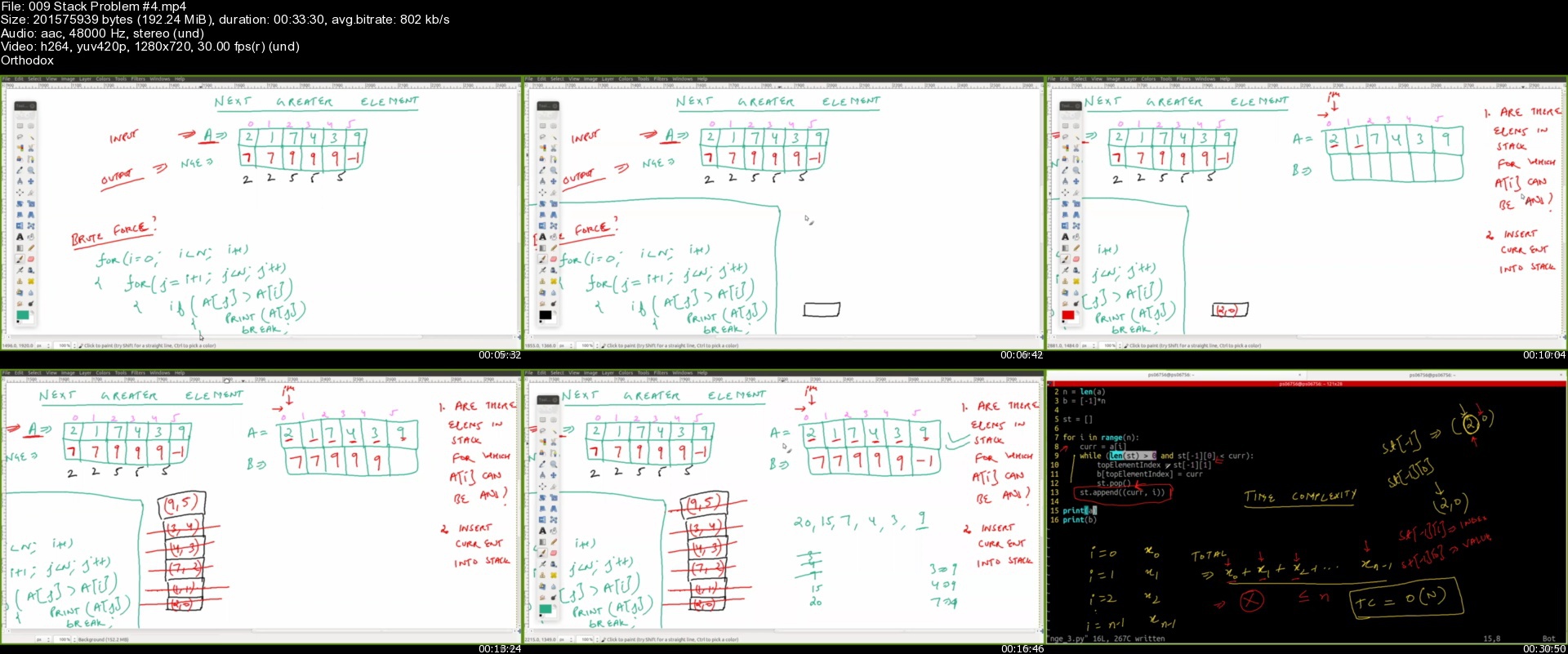
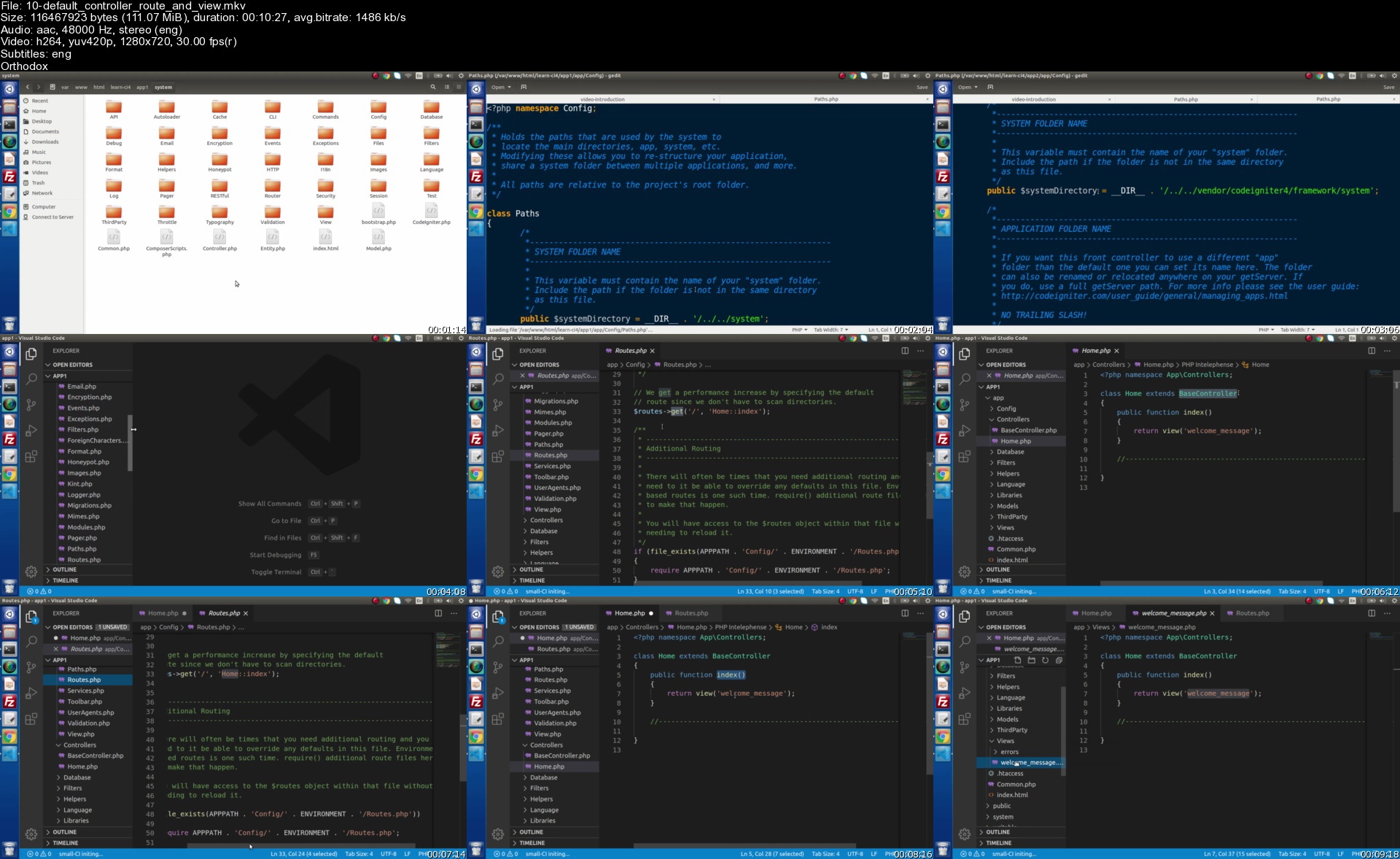
10defaultcontrollerro2ijm4.jpg


Zurück
Oben Unten