• Regeln für den Video-Bereich:

    In den Börsenbereich gehören nur Angebote die bereits den Allgemeinen Regeln entsprechen.

    Einteilung

    - Folgende Formate gehören in die angegeben Bereiche:
    - Filme: Encodierte Filme von BluRay, DVD, R5, TV, Screener sowie Telesyncs im Format DivX, XviD und x264.
    - DVD: Filme im Format DVD5, DVD9 und HD2DVD.
    - HD: Encodierte Filme mit der Auflösung 720p oder darüber von BluRay, DVD, R5, TV, Screener sowie Telesyncs im Format x264.
    - 3D: Encodierte Filme von BluRay, die in einem 3D Format vorliegen. Dies gilt auch für Dokus, Animation usw.
    - Serien: Cartoon/Zeichentrick, Anime, Tutorials, Dokumentationen, Konzerte/Musik, Sonstiges sind demnach in die entsprechenden Bereiche einzuordnen, auch wenn sie beispielsweise im High Definition-Format oder als DVD5/DVD9/HD2DVD vorliegen. Ausnahme 3D.
    - Bereich Englisch: Englische Releases gehören immer in diesen Bereich.
    - Bereich Talk: Der Bereich, in dem über die Releases diskutiert werden kann, darf, soll und erwünscht ist.


    Angebot/Beitrag erstellen

    - Ein Beitrag darf erst dann erstellt werden, wenn der Upload bei mindestens einem OCH komplett ist. Platzhalter sind untersagt.
    - Bei einem Scenerelease hat der Threadtitel ausschließlich aus dem originalen, unveränderten Releasenamen zu bestehen. Es dürfen keine Veränderungen wie z.B. Sterne, kleine Buchstaben o.ä. vorgenommen werden. Ausnahme Serienbörse:
    - Bei einem Sammelthread für eine Staffel entfällt aus dem Releasename natürlich der Name der Folge. Beispiel: Die Simpsons S21 German DVDRip XviD - ITG
    - Dementsprechend sind also u.a. verboten: Erweiterungen wie "Tipp", "empfehlenswert", "only", "reup", usw. / jegliche andere Zusatzinformation oder Ergänzung, welche nicht in obiger Beschreibung zu finden ist.

    Aufbau des Angebots und Threadtitel

    Der Titel nach folgendem Muster erstellt zu werden. <Name> [3D] [Staffel] [German] <Jahr> <Tonspur> [DL] [Auflösung] <Quelle> <Codec> - <Group>
    Beispiel: The Dark Knight German 2008 AC3 DVDRip XviD - iND
    Beispiel: The Dark Knight 2008 DTS DL BDRip x264 - iND
    Beispiel: The Dark Knight 2008 AC3 DL BDRip XviD - iND
    Beispiel: The Dark Knight German 2008 AC3 720p BluRay x264 iND
    Beispiel: The Dark Knight 2008 DTS DL 1080p BluRay x264 iND
    Beispiel: Die Simpsons S01 German AC3 DVDRip XviD iND
    Beispiel: Die Simpsons S20 German AC3 720p BluRay x264 iND
    Beispiel: Sword Art Online II Ger Sub 2014 AAC 1080p WEBRip x264 - peppermint
    Entsprechend sind also u.a. verboten: Sonderzeichen wie Klammern, Sterne, Ausrufezeichen, Unterstriche, Anführungszeichen / Erweiterungen wie "Tipp", "empfehlenswert", "only", "reup", usw. / jegliche andere Zusatzinformation oder Ergänzung, welche nicht in obiger Beschreibung zu finden ist
    Ausnahmen hiervon können in den Bereichen geregelt sein.

    Die Beiträge sollen wie folgt aufgebaut werden:
    Überschrift entspricht dem Threadtitel
    Cover
    kurze Inhaltsbeschreibung
    Format, Größe, Dauer sind gut lesbar für Downloader außerhalb des Spoilers zu vermerken
    Nfo sind immer Anzugeben und selbige immer im Spoiler in Textform.
    Sind keine Nfo vorhanden z.B. Eigenpublikationen, sind im Spoiler folgende Dateiinformationen zusätzlich anzugeben :
    Quelle
    Video (Auflösung und Bitrate)
    Ton (Sprache, Format und Bitrate der einzelnen Spuren)
    Untertitel (sofern vorhanden)
    Hosterangabe in Textform außerhalb eines Spoiler mit allen enthaltenen Hostern.
    Bei SD kann auf diese zusätzlichen Dateiinformationen verzichtet werden.

    Alle benötigten Passwörter sind, sofern vorhanden, in Textform im Angebot anzugeben.
    Spoiler im Spoiler mit Kommentaren :"Schon Bedankt?" sind unerwünscht.


    Releases

    - Sind Retail-Release verfügbar, sind alle anderen Variationen untersagt. Ausnahmen: Alle deutschen Retail-Release sind CUT, in diesem Fall sind dubbed UNCUT-Release zulässig.
    - Im Serien-Bereich gilt speziell: Wenn ein Retail vor Abschluss einer laufenden Staffel erscheint, darf diese Staffel noch zu Ende gebracht werden.62
    - Gleiche Releases sind unbedingt zusammenzufassen. Das bedeutet, es ist zwingend erforderlich, vor dem Erstellen eines Themas per Suchfunktion zu überprüfen, ob bereits ein Beitrag mit demselben Release besteht. Ist dies der Fall, ist der bereits vorhandene Beitrag zu verwenden.
    - P2P und Scene Releases dürfen nicht verändert oder gar unter einem iND Tag eingestellt werden.


    Support, Diskussionen und Suche

    - Supportanfragen sind entweder per PN oder im Bereich Talk zu stellen.
    - Diskussionen und Bewertungen sind im Talk Bereich zu führen. Fragen an die Uploader haben ausschließlich via PN zu erfolgen, und sind in den Angeboten untersagt.
    - Anfragen zu Upload-Wünschen sind nur im Bereich Suche Video erlaubt. Antworten dürfen nur auf Angebote von MyBoerse.bz verlinkt werden.


    Verbote

    - Untersagt sind mehrere Formate in einem einzigen Angebotsthread, wie beispielsweise das gleichzeitige Anbieten von DivX/XviD, 720p und 1080p in einem Thread. Pro Format, Release und Auflösung ist ein eigener Thread zu eröffnen.
    - Grundsätzlich ebenso verboten sind Dupes. Uploader haben sich an geeigneter Stelle darüber zu informieren, ob es sich bei einem Release um ein Dupe handelt.
    - Gefakte, nur teilweise lauffähige oder unvollständige Angebote sind untersagt. Dies gilt auch für eigene Publikationen, die augenscheinlich nicht selbst von z.B. einer DVD gerippt wurden. Laufende Serien, bei denen noch nicht alle Folgen verfügbar sind, dürfen erstellt und regelmäßig geupdatet werden.
    - Untersagt sind Angebote, welche nur und ausschließlich in einer anderen Sprache als deutsch oder englisch vorliegen. Ausnahmen sind VORHER mit den Moderatoren zu klären.


    Verstoß gegen die Regeln

    - Angebote oder Beiträge, die gegen die Forenregeln verstoßen, sind über den "Melden"-Button im Beitrag zu melden.
  • Bitte registriere dich zunächst um Beiträge zu verfassen und externe Links aufzurufen.

++ Premium IPTV ++ 7000 Live Sender ++ UHD Qualität ++ Mediathek mit 18.000 Inhalten ++


VenneTV


Englische Tutorials

Social Traffic Blueprint 3.0 by Jon Penberthy

60acc2134ad12830f2262fbd90bb0b1c.jpg

Jon Penberthy - Social Traffic Blueprint 3.0 | 10.5 GB​
Jon & Jubril, Let Me In! I'm Ready To Start Right Now With Social Traffic Blueprint.
I Want To Absolutely Master Facebook Ads For My Business Immediately!

A VERY COMPREHENSIVE LIST OF WHAT YOU GET
Social Traffic Blueprint Online Training
1. Social Traffic Blueprint to become a master at driving traffic
COMPLETE STB COURSE
- Phase 1- The Foundation
- Phase 2- FB Zero To Hero
- Phase 3- Optimising and Scaling
2. The Community- Private STB Mastermind FB Group

This is a place where we can help and support each other and more importantly get support from Jon, Jubril, Chris and all the other expert STB coaches!
We'll Be In Here All The Time!

HOmepage:

Screenshots
ca111eaed904b587e4571d0c0687eddd.jpg


Link Download
​
Extract files with WinRar 5 or Latest !
 
Linkedin Learning VMware vSphere 7 Professional 07 Resource Management-XQZT

212768991_02-02-demo_configuring_shares_on_a_vsphere_7_vm_c.jpg


Linkedin Learning VMware vSphere 7 Professional 07 Resource Management-XQZT | MKV | 151.66 MiB

210 kb/s 1280x720 | AAC 2 CH eng


NFO:
File List:

File: linkedin.learning.vmware.vsphere.7.professional.07.resource.management-xqzt-sample.mkv
Size: 1890428 bytes (1.80 MiB), duration: 00:01:12, avg.bitrate: 210 kb/s
Audio: aac, 48000 Hz, stereo (eng)
Video: h264, yuv420p, 1280x720, 30.00 fps(r) (eng)
Subtitles: eng


Download ( Size: 151.66 MiB ):
Filehosts: Nitroflare, Rapidgator, ddownload.com


oHeopzn.png

1 Link/s
E306ECEB75.png


5hSo1Ay.png

1 Link/s
8765F519BF.png


Download from ddownload:
1 Link/s
E88F3C294F.png


Linkedin Learning VMware vSphere 7 Professional 08 Distributed Resource Scheduler DRS-XQZT

212769142_02-05-demo_drs_distributed_power_management_-dpm-_c.jpg


Linkedin Learning VMware vSphere 7 Professional 08 Distributed Resource Scheduler DRS-XQZT | MKV | 156.72 MiB

226 kb/s 1280x720 | AAC 2 CH eng


NFO:
File List:

File: linkedin.learning.vmware.vsphere.7.professional.08.distributed.resource.scheduler.drs-xqzt-sample.mkv
Size: 2030480 bytes (1.94 MiB), duration: 00:01:12, avg.bitrate: 226 kb/s
Audio: aac, 48000 Hz, stereo (eng)
Video: h264, yuv420p, 1280x720, 30.00 fps(r) (eng)
Subtitles: eng


Download ( Size: 156.72 MiB ):
Filehosts: Nitroflare, Rapidgator, ddownload.com


oHeopzn.png

1 Link/s
1755D6209E.png


5hSo1Ay.png

1 Link/s
43DD9D3432.png


Download from ddownload:
1 Link/s
4D28A4A62F.png


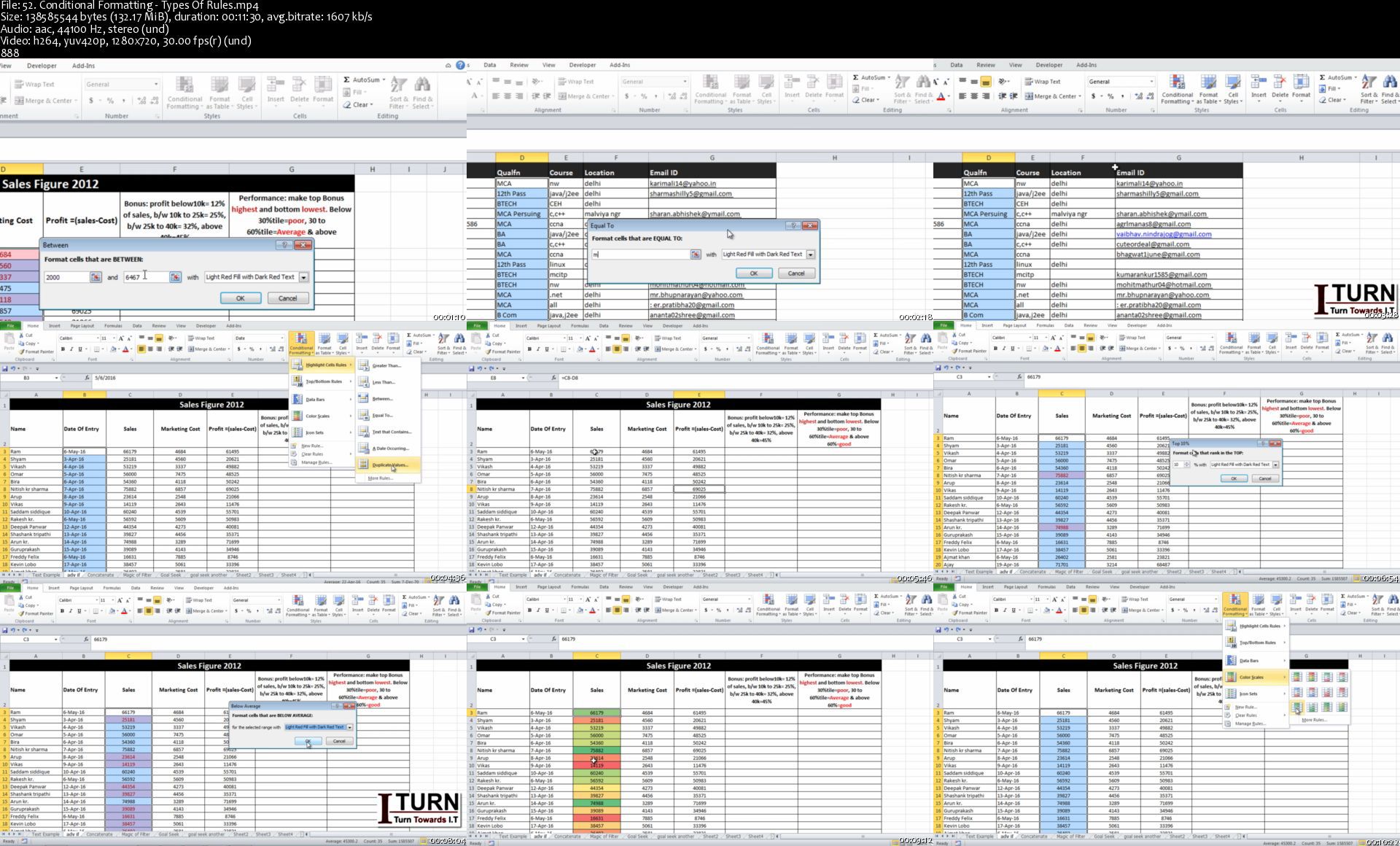
Tally ERP 9 + TallyPrime + Microsoft Excel Training

gmscbet6o3e56nkiulrzqdoklh.jpg


Tally ERP 9 + TallyPrime + Microsoft Excel Training
MP4 | Video: h264, 1280x720 | Audio: AAC, 44.1 KHz, 2 Ch
Genre: eLearning | Language: English + srt | Duration: 138 lectures (15h 11m) | Size: 5.14 GB

A Complete Tally ERP 9 with GST along with Basic to Advance level of Microsoft Excel

What you'll learn:
Training on Tally ERP 9 and latest TallyPrime as well
How to Create Company in Tally
Learn to create ledger and Understanding Group
Learn to do Voucher Entry in Tally
Stock & Inventory Management in Tally
Point of Sale (POS)
Bill of Materials (BOM)
Cost Center and Cost Categories
Budget in Tally
TCS and TDS in Tally
Old Taxation
GST in Tally
Payroll in Tally
Good understanding of Excel at MIS level
Expertise in Text Function
Expertise in Logical Function
Expertise in Math Function
Expertise in Lookup and Reference Function
Expertise in Date and Time Function
Mastery in Pivot Table and Chart Preparation
Mastery in 'What if Analysis' tools
Print Option in Excel
Data Validation, Filter and Conditional Formatting
Mastery in Data organizing Tools in Excel
Mastery in Data creation and Data Manipulation in Excel
Managing data protection and data sharing in Excel
Work with Macro Recording

Requirements
Basic Computer Knowledge


Description
Tally.ERP 9 has advanced integration capabilities in the form of Application programming interfaces to make the software extensible. Tally is the most demanding Accounting ERP software available in the market. The training is based on current industry standards that help students secure placements in their dream jobs. The course content is going to teach students in detail on how to mange account, Inventory and payroll in Tally.

If you are going to learn Tally you must get well acquainted with MS Excel.
Microsoft Excel is a spreadsheet application developed by Microsoft Inc for Microsoft Windows and MAC OS X. Its use is to do advanced calculation, graphing tools, pivot tables, and a macro programming language referred to as Visual Basic for Applications. The course curriculum is one of the most comprehensive and most advanced. In this 7 hours of training with 74 lectures videos, you will be taken through the fundamentals of Excel till the Expertise level.

Who this course is for
Anyone want to learn Tally ERP along With Advance Excel

Homepage

52.conditionalformatt35jmr.jpg


Next.js - Build Full Stack Apps with Next.js using Redux

wtmyjjumkwdoeq8klt7qefwkc2.jpg


Next.js - Build Full Stack Apps with Next.js using Redux
MP4 | Video: h264, 1280x720 | Audio: AAC, 44.1 KHz, 2 Ch
Genre: eLearning | Language: English + srt | Duration: 110 lectures (14h 53m) | Size: 7.35 GB

Next.js - Learn Next.js to build Full Stack, Production Ready & Powerful Apps using Redux, next-auth, Stripe & Vercel

What you'll learn:
Learn all important features of Next JS
Learn Server Side Rendering with Next
Learn how file base routing works in Next
Learn all different ways to pre fetch data
Learn how to build full React stack application in Next JS
Learn how to build production ready react apps
Learn how to implement authentication with next-auth
Learn how to implement Redux properly for State management in Next
Learn how to integrate modern payment gateway like Stripe
Learn how to integrate third party image hosting server like Cloudinary
Learn how to handle errors properly
Learn how to deploy full stack app on Vercel

Requirements
You must have good knowledge React and of course JavaScript
You must know the basic of Redux & State managment
Nothing else, Just you and your precious time


Description
If you want to build a Full-stack App in React (Next.js) or if you want to learn how to implement server-side rendering then welcome to this Ultimate Next.js course.

In this course, we will use Next.js which is a production-ready React.js framework. This is one of the most powerful tools with its three most key features:

File-based routing

Server-Side Rendering

Full-stack application development

And in this course, we are going to use all these features and implemented them in our project. Not only this, we will also learn that How we can implement Redux for state management in Next.js with Server Side Rendering.

We will use next-auth which is the most popular package used with next for ultimate and powerful authentication.

We will make a full-stack Hotel Booking Application that is only built with Next.js.

We will integrate Stripe Payment Gateway to accept payment from users and follow and the best practices for that.

You can watch the complete DEMO of this project in the course content. If you are ready to build Production-Ready, Full Stack, Server Side Rendered Apps then I will see you in the course.

Course Content:

Setting up Environment

Why Next.js?

Starting BookIT Project with Next.js

Adding Rooms Resource

Custom Error Handling

Adding Filters, Search, Pagination

Let's start BookIT Frontend

Data Fetching in Next.js

Implementing Redux for State Management

Adding Pagination, Search on Frontend

Authentication with next-auth

Protected Routes & Handle User

Handle Room Bookings

Adding Stripe for Payments

Handle Room Reviews

Admin Routes - Part 1

Admin Routes - Part 2

Deploying on Vercel

Who this course is for
Any developer who wants to enhance React knowledge
Developers who want to build build Full Stack React Applications
Any developer who wants to learn Next JS practically
Anyone who loves to learn new technology

Homepage

3.next.jsserversideremujzm.jpg


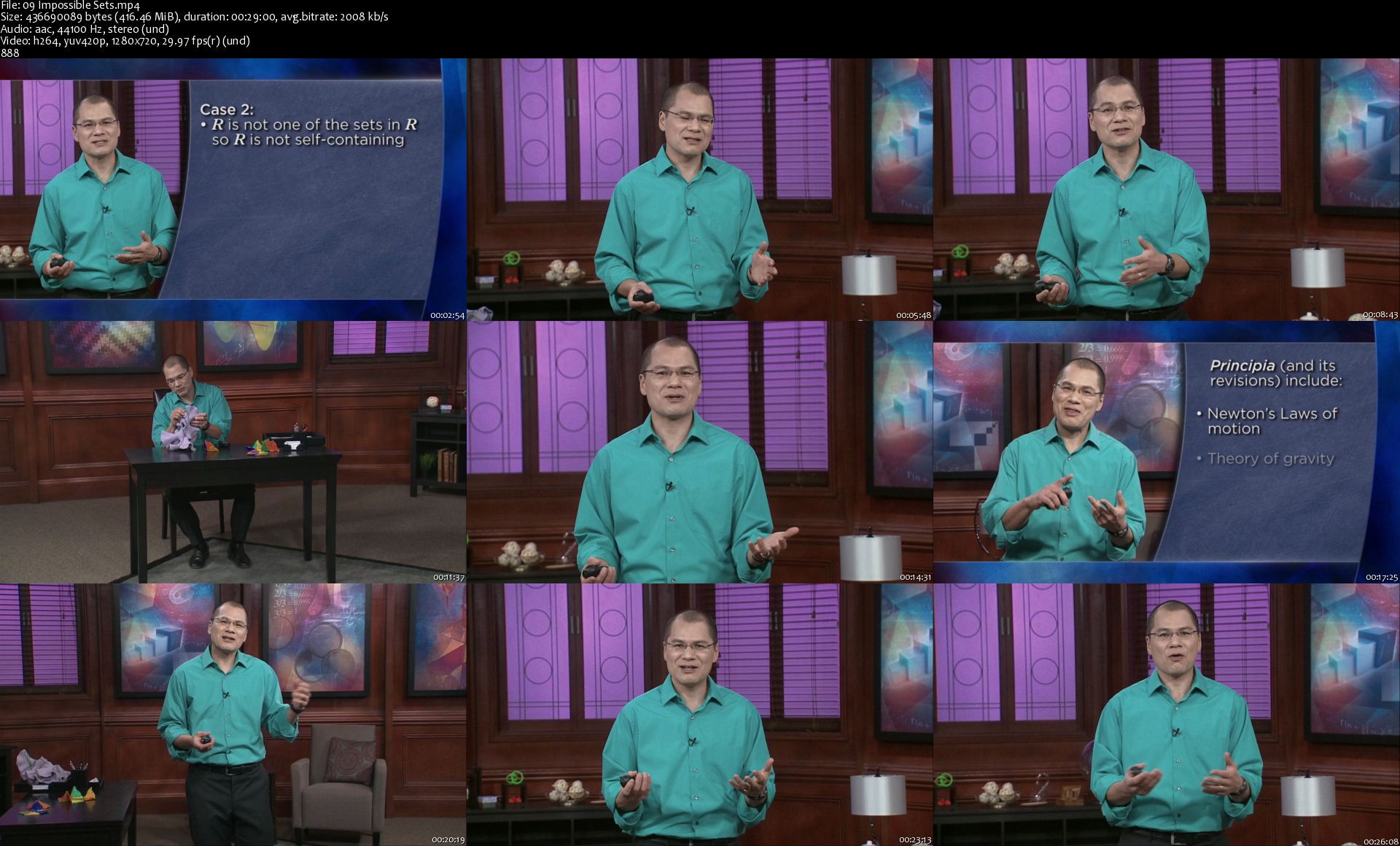
TTC - Mind-Bending Math: Riddles and Paradoxes

udnx4czh6ckoipaigqcpca6jba.jpg


TTC - Mind-Bending Math: Riddles and Paradoxes
Duration: 12h 20m | Video: .MP4 1280x720, 30 fps(r) | Audio: AAC, 44100Hz, 2ch | Size: 10.3 GB
Genre: eLearning | Language: English

Great math riddles and paradoxes have a long and illustrious history, serving as both tests and games for intellectual thinkers across the globe. Passed through the halls of academia and examined in-depth by scholars, students, and amateurs alike, these riddles and paradoxes have brought frustration and joy to those seeking intellectual challenges.

In addition, it's well known that brain exercises are as fundamental to staying sharp as body exercises are to staying fit. Stretching your mind to try to solve a good puzzle, even when the answer eludes you, can help improve your ability to focus.

Now, in the 24 lectures of Mind-Bending Math: Riddles and Paradoxes, you'll explore the ageless riddles that have plagued even our greatest thinkers in history-confounding the philosophical, mathematical, and scientific minds grappling to solve them. You'll learn how to break down, examine, and solve these famous quandaries.

From Ancient Greek philosophers to noodling through an unusual enigma involving spaghetti, you'll cover a wide range of amazing-and in some cases history-changing-conundrums, such as:

Zeno's astonishing argument that motion itself is impossible
The compelling conundrum of infinity, which didn't garner a resolution until the 1900s
Gödel's strange loop, ascertaining no axiom system would work to prove mathematical theorems
The Banach-Tarski paradox, proving that one can cut up a ball and reassemble the pieces into two balls, each the same size as the original
More mind-bending math games that have endured through time, including the Liar's Paradox, the Prisoner's Problem, and the Monty Hall Problem
When it comes to delving into topics such as bending space and time, and topological universes, you need a knowledgeable and captivating instructor, which you get in abundance with Professor of Mathematics David Kung. He infuses each lesson with fun tangents, stories, and real-life riddles, making this one of the most intriguing and entertaining math courses available.

This mesmerizing course will have you contemplating everything from the enthralling paradox of paradoxes to the potential pitfalls when it comes to buying apples-using basic logic and math principles as the fundamental connector to solve exciting, mind-bending mysteries.

Homepage

09impossiblesetss9lkbf.jpg


TTC - Microsoft PowerPoint Essentials

cmcqgy5zwi4azmlqzanfbmxkrm.jpg


TTC - Microsoft PowerPoint Essentials
Duration: 14h 46m | Video: .MP4 1280x720, 30 fps(r) | Audio: AAC, 48000 Hz, 2ch | Size: 12.4 GB
Genre: eLearning | Language: English

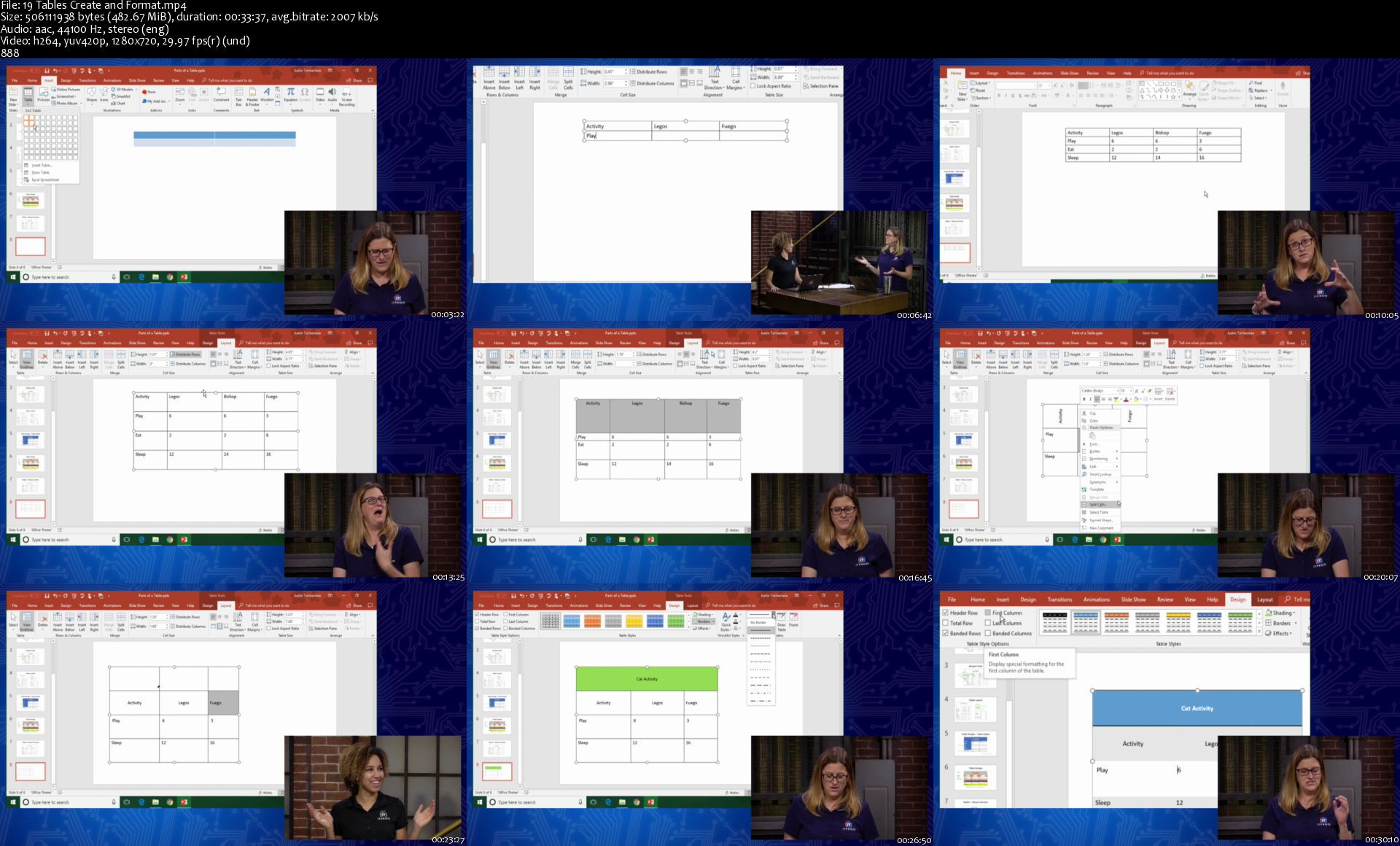
The chances are good that you will, someday, be required to create a presentation. And there's no denying that adding visuals to your presentation will make it stronger, more engaging, and easier to understand. One of the best tools you can use to create strong visuals that will enrich your presentation is Microsoft PowerPoint.

Flexible, easy to use-and even fun-PowerPoint is a dynamic and practical application that can help you improve your presentations by enhancing them with visual elements, so your audience better understands and engages with the information you are providing. With templates and tools that range from the simple to the sophisticated, you can easily create images, animations, charts, maps, graphs, and more without needing expensive design programs or graphics tools.

The Great Courses has partnered with ITProTV to bring you 33 lessons that will introduce you to both the fundamentals and some of the lesser-known tricks to making phenomenal presentations using PowerPoint. In addition to being introduced to the PowerPoint environment, you'll learn tips on how to add slides to a presentation, insert text and images, and create tables and charts. From there, you'll learn how to enhance a presentation with design themes, animations, and transitions. And, you'll get valuable tips for preparing and delivering a robust presentation. While this series uses the Windows operating system with PowerPoint 2016 locally installed, you'll find the interface and tools within many versions of PowerPoint remain the same or similar enough that you can easily navigate different applications.

University of Florida faculty member Vonne Smith started her teaching career with a global IT training company, teaching Microsoft® Office and Adobe® Creative Suite applications more than 15 years ago. She knows PowerPoint inside and out, including the elements that most commonly frustrate users. Accompanied by her co-hosts Aubri Spurgin and Wes Bryan, she will take you through adding text and tables, inserting images and icons-even creating or adding 3-D models.

Professional, Practical, Personable, and Powerful

Much like defining yourself as a "cat person" or "dog person," many Microsoft Office users consider themselves "Excel people" or "PowerPoint people." Those who find joy in creating pivot tables and inserting automated mathematical formulas into Excel cells may dismiss PowerPoint as being a creative program for clip art and star-wipe animations that prioritizes appearance over logical functions. Yet, PowerPoint is packed with practical uses-including highly developed tools for charts, graphs, and tables.

Consider the chart. Professional-looking charts are fairly easy to create and manipulate in Excel. Many Excel users probably would not consider turning to PowerPoint for chart creation. Yet, with a number of preformatted and templated chart options-some quite stunning-you'll find it's simple to translate complex data into easy-to-understand visuals and go beyond the standard limitations of Excel by personalizing the visuals with colors, fonts, and images.

With Vonne as your guide, you will discover how to use:

Data series;
Category axes;
Legends;
Data labels; and
Data tables.
Once you've mastered the components of your chart, you'll examine how to enter and edit data, insert a chart into your presentation, and change the type of chart you wish to use without losing your data.

Crafting Creative Communications

While there are loads of practical tools in PowerPoint, at its heart, it's still a creative program. Vonne delves into how to "spice up" your presentation with graphics and visuals. Starting with the foundations of how to use images including file types, resolution, and image size, Vonne takes you through the steps to insert various types of graphics-from photographs to screenshots. You'll learn how to edit and recolor images right in PowerPoint. And she'll continue to provide professional tips such as how to compress images to keep your presentation a manageable size.

In addition to images, Vonne will cover how to use shapes, where she'll also introduce you to helpful tools such as:

Resize;
Rotate;
Format gradient fill;
Align;
Group;
Merge; and
Ruler guides and smart guides.
And, for Microsoft Office 365 subscribers, Vonne will share some ways to take your presentation visuals even further with 3-D models.

Awesome Advice for the Amateur and the Accomplished

If you're new to PowerPoint, going through this course step by step, you'll gain everything you need from the foundations to the finishing flourishes. If you're experienced with PowerPoint, this course offers valuable techniques and uncovers tools that are often overlooked, and which can make your work much easier-and better overall.

Rounding out the insights provided about using PowerPoint itself, Vonne concludes with an overview on how to present your slideshow so you can feel confident about the technicalities of your delivery.

You don't need to master fancy design programs or animating tools to incorporate visual cues and multimedia into your presentation. PowerPoint's easy-to-use interface, combined with sophisticated templates, allows you to create visually stunning, engaging, and impactful presentations. Once you've uncovered all the tips and tricks to making phenomenal presentations, you'll wonder how you managed without it all this time.

Homepage

19tablescreateandformb1kwv.jpg


TTC - Microsoft PowerPoint Essentials for Mac

e2djeakedo6fc2z6ipla47ek7c.jpg


TTC - Microsoft PowerPoint Essentials for Mac
Duration: 13h 58m | Video: .MP4 1280x720, 30 fps(r) | Audio: AAC, 48000 Hz, 2ch | Size: 11.7 GB
Genre: eLearning | Language: English

PowerPoint 2016 is the popular application within the Office suite for Mac to create on-screen presentations. This series starts at the very beginning by exploring the PowerPoint environment, how to add slides to a presentation, insert text and images into slides, and create tables and charts. The series continues by enhancing a presentation with design themes, animation, and transitions, then concludes with preparing and delivering a robust presentation. This series is specifically for locally installed PowerPoint 2016 on Mac OS.

Homepage

10formattextbulletsanfrj5j.jpg


TTC - Mathematical Decision Making: Predictive Models and Optimization

d1drdqxvkvlvdvbmqodirmfjcj.jpg


TTC - Mathematical Decision Making: Predictive Models and Optimization
Duration: 12h 29m | Video: .MP4 1280x720, 30 fps(r) | Audio: AAC, 44100Hz, 2ch | Size: 10.4 GB
Genre: eLearning | Language: English

Not so long ago, executives faced with complex problems made decisions based on experience, intuition, and no small measure of luck. But now there's a better way. In recent decades, mathematics and computer science have perfected formerly top-secret techniques for predicting the best possible outcomes when faced with conflicting options. This field goes by different names-analytics, operations research, linear and nonlinear programming, management science-but its purpose is simple: to apply quantitative methods to help business managers, public servants, investors, scientific researchers, and problem solvers of all kinds make better decisions.

Consider the following applications of this powerful set of tools:

Pricing: Costco rose to become one of the top-ranked retailers in the world by combining membership fees with the economy of selling in bulk. A mathematical technique-called genetic algorithms-shows the advantages of this strategy as well as the optimum prices to charge.
Scheduling: Using nonlinear programming, many airlines employ scheduling software that can find the most favorable solution to unexpected disruptions-from weather to mechanical problems to crew availability-saving millions of dollars in operating costs.
Bidding: Simulation models can take a lot of guesswork out of competitive bidding for a project. By running repeated simulations against competitors, a bidder can come up with a proposal that has a good chance of winning the job, while still making a profit.
Queuing: Any process that reflects the behavior of waiting lines is known as queuing. Markov analysis shows how a small increase in input to a system can have a major impact on waiting times. The method also reveals surprising solutions for making long waits vanish.
These same techniques can be applied to retirement planning, stock portfolio analysis, budget forecasting, health care allocation, public relations, marketing and advertising, and many other tasks for enterprises large and small. The applications are truly endless!

Mathematical decision making got its first rigorous tests during World War II, when the Allies used top-secret operations research to protect convoys, improve the aim of anti-aircraft fire, and locate the weak points on Allied bombers. After the war, private industry adopted operations research with enthusiasm, but these new methods were expensive, computing speed was slow, and only specialized experts could take advantage of the algorithms. That situation has changed dramatically, and today anyone with a home computer and a spreadsheet program can harness the power of these methods to solve practical problems. The trick is knowing what you can do and how to do it.

Mathematical Decision Making: Predictive Models and Optimization is your guide, teaching you the major mathematical techniques, applications, and spreadsheet procedures for basic analytics in 24 information-packed half-hour lectures. Your professor is award-winning educator Scott Stevens, Professor of Computer Information Systems and Business Analytics at James Madison University.

Those who will benefit from Professor Stevens's engaging presentation include:

managers eager to make better decisions-whether in business, technical, or non-profit endeavors;
professionals aspiring to advance in their careers by mastering a proven approach to problem solving;
those who work with or review spreadsheet and graphical presentations, and need to be able to separate good data from bad;
students in business, mathematics, finance, marketing, health care, engineering, urban planning, and a host of other fields;
math lovers curious to see a field that is often the opposite of calculus: simple functions and complex boundary conditions, instead of complex functions with simple boundary conditions; and
lifelong learners who want to hone their critical thinking skills with important analytical techniques, made accessible and intellectually exciting as never before.
Discover the Art of Deciding

You'll find that the challenge of analytics is not the math, which is often surprisingly easy, but the wide choice of procedures you have at your fingertips. The art is picking the most effective one to apply to your problem, and this is what Professor Stevens walks you through in fascinating detail. All that's needed is a willingness to use simple equations. Moreover, you'll see how modern spreadsheets take the drudgery out of finding solutions, and they make setting up and visualizing problems simple and straightforward.

Mathematical Decision Making is vividly illustrated with graphs, charts, diagrams, and computer animations, which greatly aid understanding the material. In addition, Professor Stevens demonstrates the importance of cultivating your visual intuition. This is particularly helpful when you move from linear programming to nonlinear programming, where effects of synergy and interaction can have strong impact on the bottom line. He shows how you can visualize this new world as a landscape, and then use your natural intuition to decide how best to approach the problem. As an illustration, you see how the fight between Blu-Ray and HD DVD for dominance in the high-definition video market can be pictured as a hyperbolic paraboloid-a saddle-shaped figure-with all of the possible outcomes of the competition mapped onto its surface.

Conveniently, the course guidebook includes additional thought-provoking questions, problems, and answers for each lecture, along with recommended resources to help you dig deeper into any topic where you want to know more.

Analyze a Wealth of Cases

The beauty of this course is that it features case after case of real-life examples. Among the many you'll explore are these:

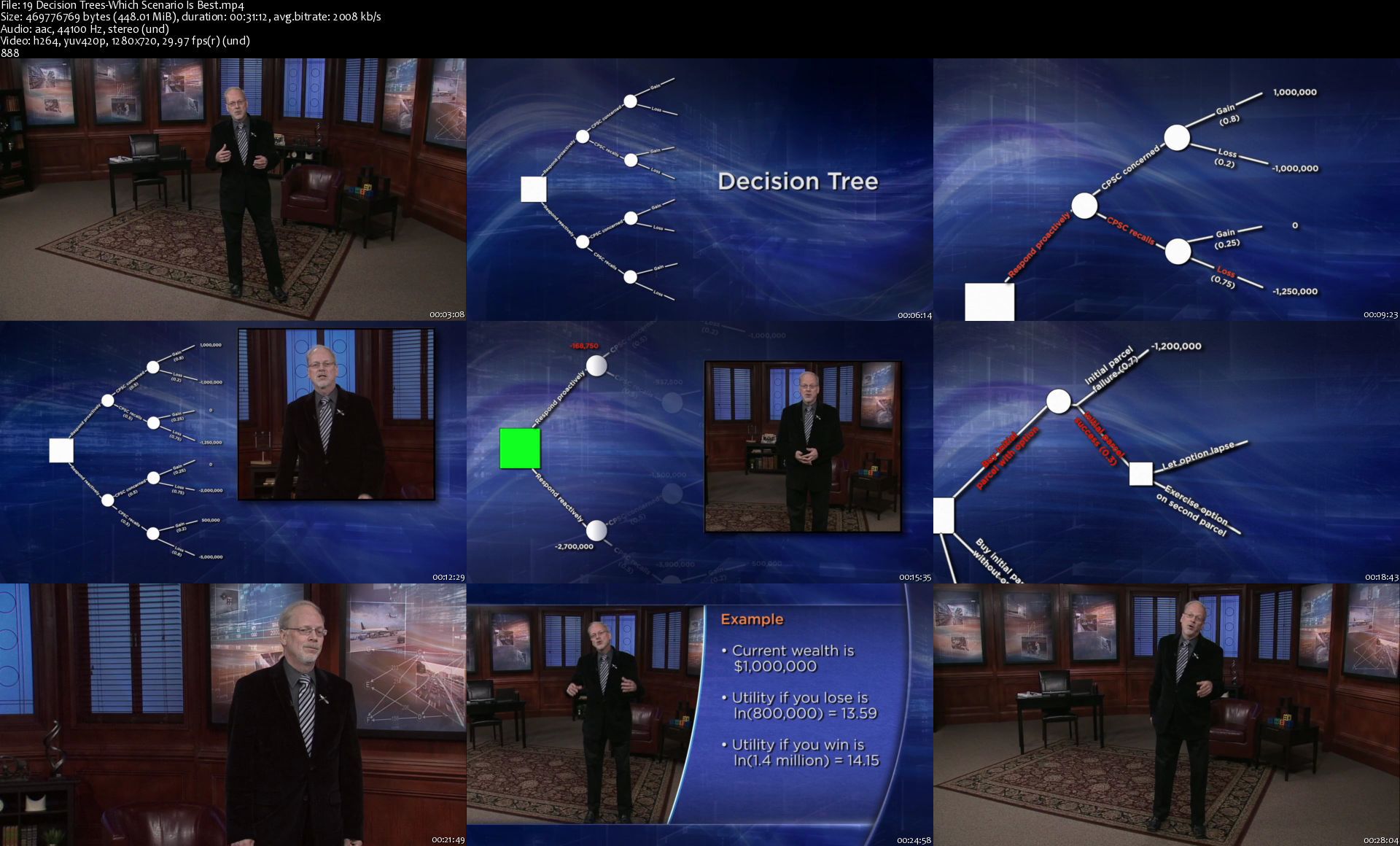
Public relations: The makers of Gerber baby food had experienced a public relations problem earlier in their history. See how they used decision tree analysis during a second budding crisis a dozen years later to map their options and reach a successful decision.
Keeping clients happy: NBC schedulers once had to match advertisers to television time slots by hand, juggling a bewildering number of competing demands. You'll learn how computer algorithms and the concept of "hard" and "soft" constraints revolutionized their job.
Finding a missing plane: No one knew why Air France flight 447 crashed into the ocean in 2009-until Bayesian analysis led searchers to the wreck site and the black box. Bayes's theorem tells how to compute new probabilities as new information becomes available.
Evaluating efficiency: Non-profit organizations and government programs are notoriously hard to evaluate for efficiency. Using hospitals as a test case, you'll discover how data envelopment analysis shows which facilities are performing effectively, as well as how to improve the ones that aren't.
An acclaimed instructor who practices what he teaches, Professor Stevens has pushed the boundaries of mathematical decision making on many fronts. His research has addressed such problems as neural network prediction of survival in trauma patients and how to optimize the market for natural gas from the Gulf of Mexico.

Above all, he loves mathematics and the wonders it can perform. "Math is an absolutely beautiful thing," he marvels. "I'm at my happiest when I can get someone else to see just a piece of that. It's lovely, structured, consistent, reliable, surprising, enticing, exotic. It's a great world!" With Mathematical Decision Making, see for yourself how mathematics can make the everyday world we all inhabit a more comprehensible and much better place.

Homepage

19decisiontreeswhichscaj2o.jpg


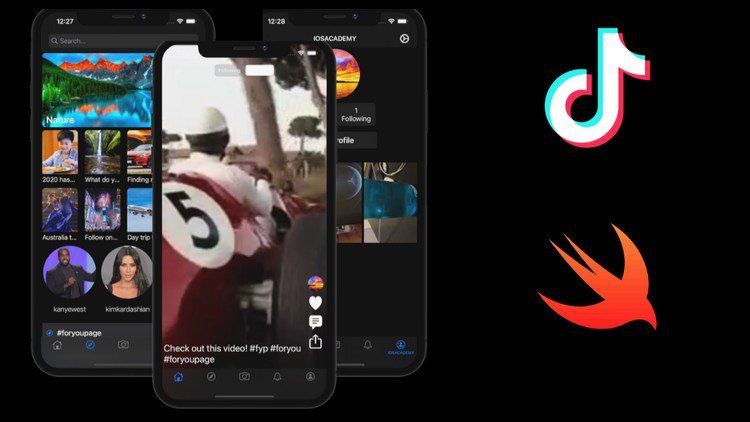
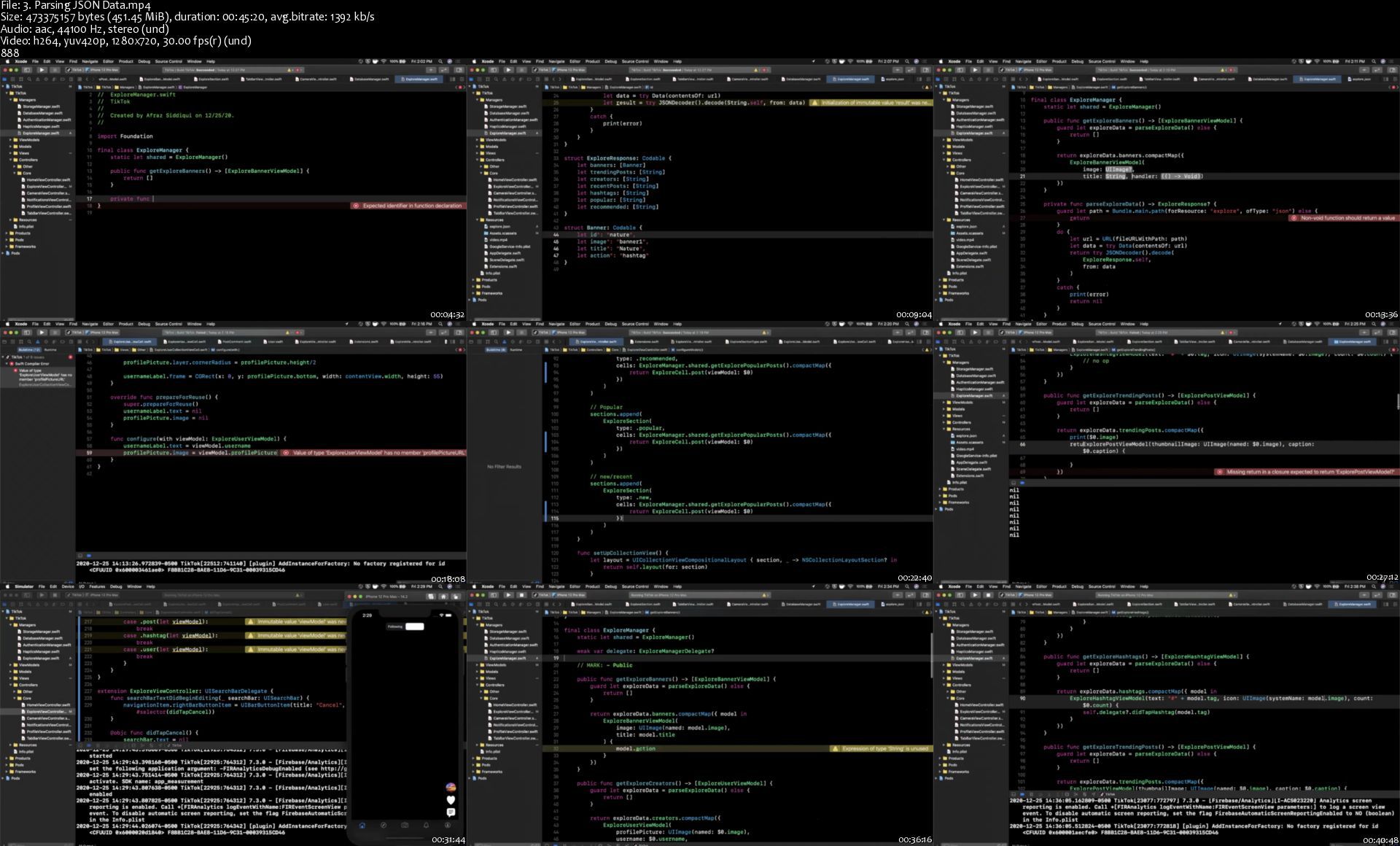
Build TikTok App Clone in Swift 5 for iOS (2021)

ygbixnyqyndmx9pzb8q94gijm1.jpg


Build TikTok App Clone in Swift 5 for iOS (2021)
MP4 | Video: h264, 1280x720 | Audio: AAC, 44.1 KHz, 2 Ch
Genre: eLearning | Language: English + srt | Duration: 51 lectures (14h 51m) | Size: 8.85 GB

Create professional large scale app from scratch with Firebase backend

What you'll learn:
Build TikTok Clone App from Scratch
Grasp Fundamentals of MVVM Architecture
Understand Audio & Video Based Apps
Create Backend with Firebase
Upload Videos and Post Them with Captions
Create TikTok Style Notifications
Create Video Thumbnails and CollectionViews
PageViewController for Feed Creation
Build Search Interface with Proper Design
Custom Camera Creation
Authentication System / Sign In / Sign Out
Create Full Follow System

Requirements
Xcode 12 (free download)
macOS Big Sur (free from Apple)


Description
Xcode 12 (free download)
macOS Big Sur (free from Apple)

Who this course is for
Beginner Swift Developers
Beginner iOS Developers

Homepage

3.parsingjsondatasjvjfz.jpg


AloMoves - Body Shred

oz0egyciaqegxsde1yikcqdjq5.jpg


AloMoves - Body Shred
MP4 | Video: h264, 1280x720 | Audio: AAC, 44.1 KHz, 2 Ch
Difficulty: Intermediate | Genre: eLearning | Language: English | Duration: 8 Videos (3h 4m) | Size: 6.8 GB

Instructor : Mathew Forzaglia Elevate your strength game with Body Shred, a collection of targeted strength and core workouts guaranteed to take your fitness to the next level. You'll keep the rest short and intensity high while building strength and conditioning with weights, then pair your workout with a matching ab class to level up your training session. This type of training is the most effective way to get in shape as it ignites your metabolism to keep you burning more energy, even at rest. From strength supersets to cardio work to ab circuits, these classes will push you to your limit. But on the other side, prepare to see and feel a stronger you.

In this series, you will:
- Build lean muscle and increase your endurance
- Improve your balance and stability
- Boost your energy and reduce stress

EQUIPMENT
Weights

Homepage

abcrushers23k8k.jpg


Autopsy Basics and Hands On (8-Hours)

umgavnjx6q8jgstdrgk8xqmj5a.png


Autopsy Basics and Hands On (8-Hours)
MP4 | Video: h264, 1920x1082 | Audio: AAC, 44100 Hz, 2 Ch
Language: English | Size: 5.52 GB | Duration: 4h 37m

Shows you how to install, configure, and use Autopsy to conduct a digital forensics investigation. Learn about hash sets, keyword searching, Android, timelines, and more. Includes hands-on labs. Requires basic digital forensics knowledge.

Get training about the most popular open source digital forensics platform from the people who built it. Basis Technology is the most authoritative source for Autopsy Training material.

This course is a great 1-day introduction to Autopsy for examiners who already know the fundamentals of digital forensics. We won't have time to cover things what an MD5 hash is.

Instead, we'll focus on making cases, adding data sources, and how to analyze data. We'll cover how to configure hash sets, search for keywords, correlate with past cases, and more.

Homepage

autopsytraining4ss7jui.jpg


Zurück
Oben Unten