• Regeln für den Video-Bereich:

    In den Börsenbereich gehören nur Angebote die bereits den Allgemeinen Regeln entsprechen.

    Einteilung

    - Folgende Formate gehören in die angegeben Bereiche:
    - Filme: Encodierte Filme von BluRay, DVD, R5, TV, Screener sowie Telesyncs im Format DivX, XviD und x264.
    - DVD: Filme im Format DVD5, DVD9 und HD2DVD.
    - HD: Encodierte Filme mit der Auflösung 720p oder darüber von BluRay, DVD, R5, TV, Screener sowie Telesyncs im Format x264.
    - 3D: Encodierte Filme von BluRay, die in einem 3D Format vorliegen. Dies gilt auch für Dokus, Animation usw.
    - Serien: Cartoon/Zeichentrick, Anime, Tutorials, Dokumentationen, Konzerte/Musik, Sonstiges sind demnach in die entsprechenden Bereiche einzuordnen, auch wenn sie beispielsweise im High Definition-Format oder als DVD5/DVD9/HD2DVD vorliegen. Ausnahme 3D.
    - Bereich Englisch: Englische Releases gehören immer in diesen Bereich.
    - Bereich Talk: Der Bereich, in dem über die Releases diskutiert werden kann, darf, soll und erwünscht ist.


    Angebot/Beitrag erstellen

    - Ein Beitrag darf erst dann erstellt werden, wenn der Upload bei mindestens einem OCH komplett ist. Platzhalter sind untersagt.
    - Bei einem Scenerelease hat der Threadtitel ausschließlich aus dem originalen, unveränderten Releasenamen zu bestehen. Es dürfen keine Veränderungen wie z.B. Sterne, kleine Buchstaben o.ä. vorgenommen werden. Ausnahme Serienbörse:
    - Bei einem Sammelthread für eine Staffel entfällt aus dem Releasename natürlich der Name der Folge. Beispiel: Die Simpsons S21 German DVDRip XviD - ITG
    - Dementsprechend sind also u.a. verboten: Erweiterungen wie "Tipp", "empfehlenswert", "only", "reup", usw. / jegliche andere Zusatzinformation oder Ergänzung, welche nicht in obiger Beschreibung zu finden ist.

    Aufbau des Angebots und Threadtitel

    Der Titel nach folgendem Muster erstellt zu werden. <Name> [3D] [Staffel] [German] <Jahr> <Tonspur> [DL] [Auflösung] <Quelle> <Codec> - <Group>
    Beispiel: The Dark Knight German 2008 AC3 DVDRip XviD - iND
    Beispiel: The Dark Knight 2008 DTS DL BDRip x264 - iND
    Beispiel: The Dark Knight 2008 AC3 DL BDRip XviD - iND
    Beispiel: The Dark Knight German 2008 AC3 720p BluRay x264 iND
    Beispiel: The Dark Knight 2008 DTS DL 1080p BluRay x264 iND
    Beispiel: Die Simpsons S01 German AC3 DVDRip XviD iND
    Beispiel: Die Simpsons S20 German AC3 720p BluRay x264 iND
    Beispiel: Sword Art Online II Ger Sub 2014 AAC 1080p WEBRip x264 - peppermint
    Entsprechend sind also u.a. verboten: Sonderzeichen wie Klammern, Sterne, Ausrufezeichen, Unterstriche, Anführungszeichen / Erweiterungen wie "Tipp", "empfehlenswert", "only", "reup", usw. / jegliche andere Zusatzinformation oder Ergänzung, welche nicht in obiger Beschreibung zu finden ist
    Ausnahmen hiervon können in den Bereichen geregelt sein.

    Die Beiträge sollen wie folgt aufgebaut werden:
    Überschrift entspricht dem Threadtitel
    Cover
    kurze Inhaltsbeschreibung
    Format, Größe, Dauer sind gut lesbar für Downloader außerhalb des Spoilers zu vermerken
    Nfo sind immer Anzugeben und selbige immer im Spoiler in Textform.
    Sind keine Nfo vorhanden z.B. Eigenpublikationen, sind im Spoiler folgende Dateiinformationen zusätzlich anzugeben :
    Quelle
    Video (Auflösung und Bitrate)
    Ton (Sprache, Format und Bitrate der einzelnen Spuren)
    Untertitel (sofern vorhanden)
    Hosterangabe in Textform außerhalb eines Spoiler mit allen enthaltenen Hostern.
    Bei SD kann auf diese zusätzlichen Dateiinformationen verzichtet werden.

    Alle benötigten Passwörter sind, sofern vorhanden, in Textform im Angebot anzugeben.
    Spoiler im Spoiler mit Kommentaren :"Schon Bedankt?" sind unerwünscht.


    Releases

    - Sind Retail-Release verfügbar, sind alle anderen Variationen untersagt. Ausnahmen: Alle deutschen Retail-Release sind CUT, in diesem Fall sind dubbed UNCUT-Release zulässig.
    - Im Serien-Bereich gilt speziell: Wenn ein Retail vor Abschluss einer laufenden Staffel erscheint, darf diese Staffel noch zu Ende gebracht werden.62
    - Gleiche Releases sind unbedingt zusammenzufassen. Das bedeutet, es ist zwingend erforderlich, vor dem Erstellen eines Themas per Suchfunktion zu überprüfen, ob bereits ein Beitrag mit demselben Release besteht. Ist dies der Fall, ist der bereits vorhandene Beitrag zu verwenden.
    - P2P und Scene Releases dürfen nicht verändert oder gar unter einem iND Tag eingestellt werden.


    Support, Diskussionen und Suche

    - Supportanfragen sind entweder per PN oder im Bereich Talk zu stellen.
    - Diskussionen und Bewertungen sind im Talk Bereich zu führen. Fragen an die Uploader haben ausschließlich via PN zu erfolgen, und sind in den Angeboten untersagt.
    - Anfragen zu Upload-Wünschen sind nur im Bereich Suche Video erlaubt. Antworten dürfen nur auf Angebote von MyBoerse.bz verlinkt werden.


    Verbote

    - Untersagt sind mehrere Formate in einem einzigen Angebotsthread, wie beispielsweise das gleichzeitige Anbieten von DivX/XviD, 720p und 1080p in einem Thread. Pro Format, Release und Auflösung ist ein eigener Thread zu eröffnen.
    - Grundsätzlich ebenso verboten sind Dupes. Uploader haben sich an geeigneter Stelle darüber zu informieren, ob es sich bei einem Release um ein Dupe handelt.
    - Gefakte, nur teilweise lauffähige oder unvollständige Angebote sind untersagt. Dies gilt auch für eigene Publikationen, die augenscheinlich nicht selbst von z.B. einer DVD gerippt wurden. Laufende Serien, bei denen noch nicht alle Folgen verfügbar sind, dürfen erstellt und regelmäßig geupdatet werden.
    - Untersagt sind Angebote, welche nur und ausschließlich in einer anderen Sprache als deutsch oder englisch vorliegen. Ausnahmen sind VORHER mit den Moderatoren zu klären.


    Verstoß gegen die Regeln

    - Angebote oder Beiträge, die gegen die Forenregeln verstoßen, sind über den "Melden"-Button im Beitrag zu melden.
  • Bitte registriere dich zunächst um Beiträge zu verfassen und externe Links aufzurufen.

++ Premium IPTV ++ 7000 Live Sender ++ UHD Qualität ++ Mediathek mit 18.000 Inhalten ++


VenneTV


Englische Tutorials

Mastering SQL Server 2016 Integration Services (SSIS)-Part 2 (updated 11/2020)

gtnjjy9aol6rlflvw2a908xjkn.jpg


Mastering SQL Server 2016 Integration Services (SSIS)-Part 2 (updated 11/2020)
Genre: eLearning | MP4 | Video: h264, 1280x720 | Audio: aac, 44100 Hz
Language: English | VTT | Size: 6.12 GB | Duration: 13h 4m


What you'll learn
Learn How to read data from multiple sheets of a single Excel File Source
Learn How to work with Slowly Changing Dimension (SCD) to maintain Historical Data
Learn How to download Hadoop and Set Up on a local system
Learn How to work with Hadoop File System (HDFS) From SSIS
Learn How to work with Hadoop Hive Task
Learn How to work with Hadoop Pig Latin Script Task
Learn How to download and Install Oracle 11g
Learn How to perform ETL Operations with Oracle Database
Learn How to use OLEDBSource and OLEDBDestinations Tasks to connect to Oracle Database
Learn How to Create Azure Resource Groups
Learn How to Create Azure Storage Accounts
Learn How to upload Files to Azure Blob and Download Files from Azure Blob Containers
Learn How to Create and Use Azure Data Lake Storage
Learn How to Create Apps in Azure Active Directory
Learn How to work with Flexible File Task
Learn How to Create and Delete HDInsight Clusters on Azure
Learn How to work with Azure SQLDW Task
Learn How to work with Azure Data Lake Analytics Task
Learn How to use PowerQuery Source
Learn How to Create Tabular Model using SSAS
Learn How to use Analysis Processing Task in SSIS
Learn How to use Analysis Services Execute DDL Task in SSIS

Requirements
SQL Server 2016/2017, SQL Server Data Tools (SSDT),SQL Server Management Studio,Microsoft Azure Free Trial Account


Description
SSIS is an enterprise-level Extract,Transform and Load (ETL) Development tool.

SSIS is one of the most powerful application for moving data in and out of various databases and files.

This course provides developers with a thorough knowledge in developing SSIS Packages with SQL Server 2016.

In this course by development expert Kameswara Sarma Uppuluri, you'll learn essential concepts that you need to know to build SSIS Packages from scratch.

This course provides step-by-step walk-throughs and demos that you're encouraged to practice along with to enhance the learning process.

This course is broken down into 16 Modules with each module providing source code so that you can follow along with Kameswara Sarma Uppuluri.


Who this course is for:
This course is for those people who want to Enhance their existing SSIS skills to the next level.


Homepage

001courseintroductionvhktw.jpg


Java In-Depth: Become a Complete Java Engineer! (11/2020)

007e6ceeagka5.jpg


Java In-Depth: Become a Complete Java Engineer! (11/2020)
Duration: 66h 34m | .MP4 1280x720, 30 fps(r) | AAC, 44100 Hz, 2ch | 16.1 GB
Genre: eLearning | Language: English

Comprehensive Java programming course integrated with design principles, best practices & instructor-led Java EE project


What you'll learn
Gain in-depth understanding of core & advanced features of Java including JVM internals
Master design principles, best practices and coding conventions for writing well-designed, professional Java code
Get real-world experience by developing an instructor-led Java EE-based Web application using technologies like JSP, Servlets and MySQL
Set firm foundation in Java for the rest of your career. That's a promise!
Master Object-Oriented Programming concepts by using a real-world application as a case study
Master Exceptions, IO, Collections Framework, Generics, Multi-threading, Databases, etc. with best practices
Solid understanding of Functional-style Programming using Java 8 constructs like Lambdas & Streams
Set yourself up to become an Oracle Certified Associate, Java SE 8 Programmer (1Z0-808)

Requirements
The 3 P's: Passion, Patience, and Perseverance. Please note it is not a crash course!!
Top Concentration. Over half-year of your self-study effort is packed into 67 hours. So, no fluff!!


Description
This Master Course has been meticulously developed for over 5 years and has over 50000 students from over 150 countries ranging from complete beginners to experienced Java professionals. Top companies like Cognizant, Intel, PayPal, Pinterest, Wipro are actively using this course to upskill their employees. It has been consistently ranked as one of Udemy's top 3 paid Java courses and has helped many students start their professional journey as "confident" Java programmers. Here is what some of the students had to say:

"This is by far the best advanced as well as beginner course I have ever read/seen since Andre LaMothe quit writing." ~ Stephen Jonson

"Absolutely amazing, complete and in depth course. I would recommend this course to everyone interested in Java and programming in general. Dheeru Mundluru is an exemplary and responsive instructor. He explains the concepts with such clarity and with examples that every thing makes perfect sense. When I started this course, I only had vague idea of programming and now after completing this course I have a solid foundation to build upon. I would certainly say that due to this course I have fell in love with Java language and its ecosystem." ~ Muhammad Arsal Abdullah

". This one should be the best seller of all the other . " ~ Brady Adams

"This is a wonderful course. The Instructor is highly competent. He is a world-class instructor . Taking this course will definitely give you a tremendous appreciation for this great language." ~ Carrel d'Haiti

"I have bought so many courses but this course has been a game changer to me . It is in depth as the name says. It helped me pass a paid internship interview in a reputable company and now i am getting a job. Thank you so much Dheeru Mundluru for releasing such a great course. You deserve 5+" ~ Stephen

". I have been a Java developer for 8 years and hold a Masters degree in Computer Science . This is honestly the very best online Java video course on the market. wish I had have had a course like this when I first started" ~ Clive Stewart

"This is THE best course on Java on Udemy - Period! Dheeru is not only passionate about what he is coaching but also OBSESSIVE and covers every minute detail of the subject . Most lessons have demos which Dheeru makes sure that they do work without any glitches. He is a genius coder . Plus, he bases the course on the best practices from the book "Effective Java" which is great. . Lastly, he uses an accurate and powerful English vocabulary I'm yet to see from other instructors. If you want to learn Java right from installing, configuring and all the way to mastering its advanced topics - look no further - you are at the right place => THIS - IS - IT !!!" ~ Richard Reddy

"The JVM internals section of this course itself is worth buying this course. Excellent teaching style." ~ Ryan Trang

Course Overview:

This course has been developed to just not teach core Java skills, but with a larger goal of helping you become a complete & professional Java engineer right by the end of this course. To realize this, it takes a holistic approach in teaching Java programming. To ensure that you master Java language, the course has been developed to be highly comprehensive covering most of the Java language features and discussing them at a very in-depth level. To further ensure you are industry-ready and can write well-designed, professional code, tons of best practices & design principles are explained and demonstrated in code. Towards this end, you'll also implement an instructor-led Java EE Web application using professional coding conventions with Eclipse as IDE. Finally, all your questions will receive in-depth personalized responses within around 24 hours. Over 5000 questions have been answered!

Course Specifics:

This course begins by giving a birds-eye view of Java covering everything from origin of Java to installing Java and writing your first Java program. Even the most fundamental concepts like compilation & interpretation are explained. All other topics are covered in-depth starting from language basics, object-oriented concepts & design, JVM internals, exceptions, IO, collections framework, generics, multi-threading, databases, nested classes, enums, and functional-style programming via Java 8 constructs like lambdas & streams. You'll also learn about database designing, implementation (SQL), and how to interact with them from Java programs (via JDBC). The course also gives a very good introduction to Java EE technologies like JSP, Servlets and JSTL, which help in project implementation. Finally, an excellent Eclipse IDE tutorial is also included, which teaches you how to use Eclipse professionally for effectively writing, debugging and even testing Java programs using the JUnit framework.

Each lecture has been very carefully crafted explaining the motivation behind every concept. Each concept is clearly explained with well thought out examples & illustrations and is demonstrated in code. Object-oriented concepts like inheritance & polymorphism are explained through a real-world case-study, which is also implemented as part of the course project. Several challenging coding exercises & quizzes are included to reinforce what you've learned. Your solutions for coding exercises are also auto-evaluated to help you instantly know whether or not the solution is correct.

The course project involves building a bookmarking Web application that helps users bookmark items like Books, Movies, and Web pages and is built progressively as new concepts are learned. The project is instructor-led and is implemented using professional coding conventions & best practices. It follows good object-oriented design, incorporates MVC architectural pattern and also uses Test-Driven Development (TDD) methodology. Java EE stack comprising technologies like Servlets, JSP, and JSTL are used for building the application with MySQL as the database and Apache Tomcat as the Web server. Parts of the project use advanced multi-threading capabilities.

Finally, course also teaches several best practices & design principles that are essential for writing well-designed code. This is one of the highlights of the course and will make you truly complete!

Story behind Creating this Course:

The idea for building this Master Course has taken its roots during the instructor's (Dheeru Munduru) experience as a software engineer in Silicon Valley. After working for several years with many excellent engineers, Dheeru realized that sometimes the teams he worked with fell short of developing effective solutions. This led to several rounds of "code refactoring" resulting in loss of valuable time. This he realized was due to programming not being taught in the right way at most Universities & Colleges across the world. Students are mostly taught core programming language features without any emphasis on best practices or design rules required for writing well-designed code. Due to this, developers are often ill-equipped when they have to come up with good solutions for complex problems. This leads to some quick ad-hoc & incomplete learning, which often not only result in bad solutions, but also more importantly causes lot of stress on developer's part. This made Dheeru realize that a more holistic approach to teaching is needed where programming language features are taught along with best practices & design principles needed for building well-designed robust software. This course is a result of this realization and it has taken him over 5 years of full-time effort (considered equivalent to over a decade if working part-time) in developing it. He will continue to devote himself in building this course towards making it one of the best Java courses out there.


Who this course is for:
Complete beginners. We got you covered. We'll start from compilation & interpretation.
Programmers switching from other languages
Java programmers who are not feeling confident about their existing Java skills
Java programmers who want to learn about design principles & best practices. Any serious programmer should know this stuff!

More Info

007e6cedp8jk9.jpg


Introduction to 2 & 3D Drone Modeling With Agisoft Metashape

mhrgjdnltclcvmuvl5marwcjl8.jpg


Introduction to 2 & 3D Drone Modeling With Agisoft Metashape
MP4 | Video: h264, 1280x720 | Audio: AAC, 44.1 KHz, 2 Ch
Genre: eLearning | Language: English + .srt | Duration: 26 lectures (5h 35m) | Size: 9.92 GB

Building 2D & 3D Models with drone images and Metashape. Drone flight setups and basic modeling with Metashape

What you'll learn:
In this course students will learn about creating Drone Models and Maps with Agisoft Metashape
Students will be shown drone modeling capture applications
Students will be exposed to the process of autonomous drone flight for building 2D and 3D Models
Students will learn about Metshape's Standard and Pro versions and the differences between them
Students will learn about Digital Elevation Models, Orthomosaic Models, and 3D Models made with Metashape
Students will be able to practice their own drone models with several image sets included in this course.
Beginning students should develop a very good handle on the workflow process from drone to finished model in Metashape.

Requirements
It would be most beneficial if students were already drone pilots. It's not required, but understanding drone flight will be beneficial
Students should have a copy of Metashape Standard or Metashape Pro to get the most out of this course. They can download a 30 day trial of the software
Students should have a working knowledge of legal drone flight in their location.
Students should be proficient drone pilots before they start this course. This course is not an introduction to drone flight, it is an introduction to drone modeling.


Description
This course covers 2D & 3D Modeling with DJI drones and Agisoft's Metashape. In this class students will learn about capturing images with their DJI drones for creating models. Students will then walk through the process of generating 2D & 3D models with a software package known as Metashape, developed by Agisoft.

The basic principles of Drone Modeling will be covered in this course. Capture images, import to a modeling program, aligning images, generating a point cloud, generating a 3D mesh, and generating a texture file. Most programs for drone modeling follow this workflow. So even if you're not a Metashape user, this class will still walk you through the basics of the modeling process.

A fair amount of the course will cover capturing drone images for 2D & 3D Models. We introduce several capture applications and show flight setups for creating models. If your initial flights aren't good, your model will most likely turn out poorly as well. So focusing on initial image captures is very important in this course.

We will introduce Metashape Standard Edition and Pro Edition for your modeling process. While other programs allow you to achieve similar results, their interfaces vary from program to program. Metashape is easy enough for beginners to work with, and powerful enough for professional drone modeling applications as well.

Ground Control Points and Advanced Modeling Topics

This course on drone modeling with Agisoft's Metashape is designed for beginners who are interested in generating 2D & 3D Models. While the course gives a brief over view of manual image alignment and Ground Control Points, it does not get into the great detail and complexity of utilizing Ground Control Points (GCPs). If you're approaching the professional level of drone modeling you will require a more advanced class than this one.

Pilot in Command's Responsibilities

In this course we'll be discussing a lot of automated drone flight. If you're intending on using a drone for the purposes of mapping and modeling you should have a basic understanding of your drone, the rules and regulations where you're flying, and your personal responsibility as a drone pilot. This course does not cover basic drone flight principles nor flight regulations, and it's up to you to be aware of flight safety and legal flight requirements.

Who this course is for
Drone Pilots who want to grow their drone business
Drone pilots who understand the basics of drone modeling
Drone pilots who already understand drone flight basics, and the rules for drone flight in their country.
Beginning drone modeling students

Homepage

4.metashapesworkspacekek0m.jpg


Apple Creative Software Training with Jon Hartman

okpnbzloip48da4mndl5miikjk.jpg


Apple Creative Software Training with Jon Hartman
Genre: eLearning | MP4 | Video: h264, 1280x720 | Audio: aac, 48000 Hz
Language: English | Size: 7.48 GB | Duration: 8h 8m


What you'll learn
Apple's creative software; Pages, Keynote, Numbers, Photos, iMovie, Music, Safari bookmarks and some cool tips and tricks.
Requirements
Everyone who owns Apple Products, with the desire to improve their knowledge, efficiency, and confidence.

Description
This class starts with learning the 5 essential skills on the Mac. From there, we delve into the creative applications, including: Pages, Numbers, Keynote, Bookmarks in Safari, Introduction to Photos, iMovie on the Mac, Music & Apple Music, Podcasts, Apple Stores, Apple IDs, and Apple Services. This will be a one stop shop for learning "Everything Apple". When you finish this class, you can make a movie or slideshow, write your next novel, Find your favorite podcasts, or even do your taxes. In the end we go over some tips & tricks on the Mac to make you even more effective.


Who this course is for:
Anyone wanting to get more out of their Apple devices, with less hassle and less time.


Homepage

1.5essentialskillsontvfkno.jpg


Sci-Fi Game Environment Creation in Blender

fxq8gs1isji1ktmx0qf4j8xkys.jpg


Sci-Fi Game Environment Creation in Blender
Emiel Sleegers | Duration: 19h 30m | Video: H264 1920x1080 | Audio: AAC 44,1 kHz 2ch | 12,27 GB | Language: English

In this course, we will go through the entire pipeline of creating a game-ready environment.

The major topics we will be covering are:

• High Poly to Low Poly Modeling using Blender
• Proper UV unwrapping in Blender
• Baking maps in Marmoset Toolbag
• Detailing & Texturing in Substance Painter
• Scene setup, lighting, & post effects in Unreal Engine

By the end of this course, you will be able to create a clean and amazing futuristic game environment.

Homepage

tu8cnz0gylek7pt9kcxceqpjst.jpg


Learn Microsoft Power BI for Data Science

phcrevw5muc1xlbqkbgo5h9kd2.jpg


Learn Microsoft Power BI for Data Science
MP4 | Video: h264, 1280x720 | Audio: AAC, 44.1 KHz, 2 Ch
Genre: eLearning | Language: English + .srt | Duration: 79 lectures (12h 56m) | Size: 6 GB

Learn Microsoft Power BI like a professional! Start from the basics and learn how to create expert level dashboard.

What you'll learn:
Learn to use Power BI for expert level Dashboard designing.
Get an understanding of data visualization, when which type of Visual we should create.
Learn Advanced 50 plus DAX Calculations in detail with real time business examples, like CALCULATE, FILTER, ALL, ALLEXCEPT, FILTER ect.
Create Industry ready Dashboards using Power BI, like Financial Dashboards, Retail, Pharma, Customer Analysis etc.
Learn Mobile View Dashboard.
Get the detail understanding of Power BI Services, like scheduling, how to publish data, subscriptions, setting alerts.
Build a complete understanding of Power BI from ground up!

Requirements
Basic Computer knowledge is required.
Basic understanding of data calculations is plus.


Description
Learn from industry experts & get hands-on training to transform your business.

Become a Power BI expert and learn the employer's most required skill of 2020!

This course will help you to achieve expertise in Business Analytics. This course helps you to build your capability to analyze, visualize and report data by using Microsoft Power BI. This Microsoft Power BI course covers the important tools to monitor business growth and quickly get answers through rich reporting features and interactive dashboards. The course may help you learn to connect and import business data, publish reports, create dashboards, and share with the business users. This course is best suited for Business Intelligence professionals who are required to generate reports and analyze data using Microsoft Power BI.

In this course, we will cover all the topics from Power BI Desktop and Services, including.

Power BI Desktop for Visualization (50 plus visuals)

Power Query Editor for Data Transformation

Data Modeling

DAX Calculations (50 plus Advanced DAX Calculations)

Power BI Services

In this course, you will work hands-on multiple case studies from different domains like Finance, Retail, Pharma, and HR.

Who this course is for
Anyone who want to become industry ready in Power BI.
Anyone who want to learn Power BI for Data Science.

Homepage

2.conditionalformattiozkj3.jpg


Experto Dibujo Arquitectónico. Mano Alzada, Técnico, Digital

prhkyu9f607nlssxgzfluk3kdb.jpg


Experto Dibujo Arquitectónico. Mano Alzada, Técnico, Digital
Genre: eLearning | MP4 | Video: h264, 1280x720 | Audio: aac, 44100 Hz
Language: Spanish | VTT | Size: 9.48 GB | Duration: 19h 46m


What you'll learn
Interés por adquirir conocimientos sobre materiales de construcción para poder aplicar como decorador de interiores a nivel profesional.
Requirements
El más importante requisito para realizar este curso es el entusiasmo y la motivación por aprender nuevas habilidades que aumenten tus competencias profesionales.
Muy recomendable si ya trabajas en el sector de la decoración y el interiorismo y deseas actualizar y mejorar tus conocimientos teórico-prácticos para progresar en tu trabajo.
Cuando compres el curso vas a poder acceder a las clases cuando y donde quieras. El curso se queda en tu cuenta de Udemy para siempre. :)
Para la realización de este curso no ser requieren grandes conocimientos previos, ya que la formación se acomete desde un nivel de usuario 0.

Description
Experto Dibujo Arquitectónico. Mano Alzada, Técnico, Digital

Aprende a representar gráficamente un espacio arquitectónico de forma correcta y visualmente atractivo.

Instructor: Álvaro García

Contenido Actualizado: Noviembre 2020

Descripción del Curso:

Este curso es una introducción al dibujo a mano alzada pensado con fines arquitectónicos, aunque puede ser realizado por estudiantes que deseen introducirse en el desarrollo de este tipo de dibujo pensando en otros campos diferentes al propio de la arquitectura o la edificación.

Itinerario Formativo:

Introducción y Bienvenida al curso "Experto Dibujo Arquitectónico. Mano Alzada, Técnico, Digital"

Principales Conceptos sobre Dibujo Técnico Arquitectónico

Teoría del Color Aplicado a la Representación Gráfica Técnica

Dibujo 2D Asistido por Ordenador con AutoCAD en Diseño de Interiores

Dibujo Arquitectónico Vectorial

Maquetación, Presentación y Documentación Técnica de Nuestras Propuestas de Diseño de Interiores

Creación de Croquis Arquitectónicos con Adobe PhotoShop

Recursos para el Alumno del Experto en Diseño y Planificación de Proyectos de Diseño de Interiores

Emisión del Certificado de Finalización del Curso "Experto Dibujo Arquitectónico. Mano Alzada, Técnico, Digital"

Metodología de Aprendizaje:

Puedes elegir ver todas las lecciones de forma secuencial (lineal) y aprovecharlas al máximo la formación. Pero también puedes decidir ver este curso como una guía de referencia. Las clases están claramente organizadas en secciones lógicas y puedes decidir visualizar solo las clases que te resulten más importantes según tus necesidades formativas. A excepción de las lecciones PRO, la mayoría de las lecciones son independientes para que puedas comprender los conceptos de cada lección sin tener que ver las lecciones anteriores del curso.

Para desarrollar el programa formativo propuesto no ser requieren grandes conocimientos previos, ya que la formación se acomete desde un nivel de usuario 0. El máster está orientado a aquellos creativos que quieran ampliar sus skills (habilidades) y conocer múltiples trucos, consejos, recursos y recomendaciones, de la mano de los arquitectos Álvaro García y Lucía Fernández. Además todas las formaciones de Udemy disponen acceso automático al contenido, sin limitación de tiempo, disponibilidad 24/7 (24 horas al día los 7 días de la semana), sin caducidad y con garantía de devolución.

La modalidad de este máster te permite que empieces y acabes cuando tú quieras, marcando el ritmo de la clase según tu disponibilidad. Puedes volver a visualizar lo que te interese, saltar el contenido que ya domines, hacer preguntas, resolver dudas, compartir tus proyectos...

Recuerda que este máster global incluye lecciones en vídeo fullHD con audio de estudio (compatible con TV, PC, Mac, tablet y smartphone), artículos didácticos, actividades, proyectos paso a paso, recursos descargables, links de interés, acceso de por vida, certificado de finalización, tutorización online, y una exclusiva comunidad de aprendizaje privada que nos ayudamos aportando nuestras experiencias en el foro de comunicación del curso.

¿A qué esperas?, este curso es ideal para ti, atrévete a convertirte en un experto y expresa tus ideas y diseños de la forma que siempre has deseado. Adelante, nos vemos dentro de la formación ;)


Who this course is for:
Dirigido a profesionales del diseño, Arquitectos, Arquitectos técnicos, Aparejadores, Infografistas, Delineantes, Ingenieros de edificación, Licenciados en Bellas Artes, Diseñadores Industriales, Expertos en Mobiliario y Decoración, Graduados Superiores en Diseño...
Si trabajas en el sector de la construcción y reforma y deseas ofrecer soluciones de diseño a tus clientes.
Dirigido a toda clase de personas que quieran aprender todo lo necesario de materiales de construcción, en poco tiempo, pero sin dejarse nada.


Homepage

005referenteseinfluen7pkxh.jpg


TOTAL: CompTIA CySA+ Cybersecurity Analyst (CS0-002)

lhvfcfnlpzx0ztwokmlc2d5j2d.jpg


TOTAL: CompTIA CySA+ Cybersecurity Analyst (CS0-002)
Genre: eLearning | MP4 | Video: h264, 1280x720 | Audio: aac, 48000 Hz
Language: English | VTT | Size: 10.7 GB | Duration: 11h 9m


What you'll learn
Threat hunting
Data analysis to combat cyber attacks
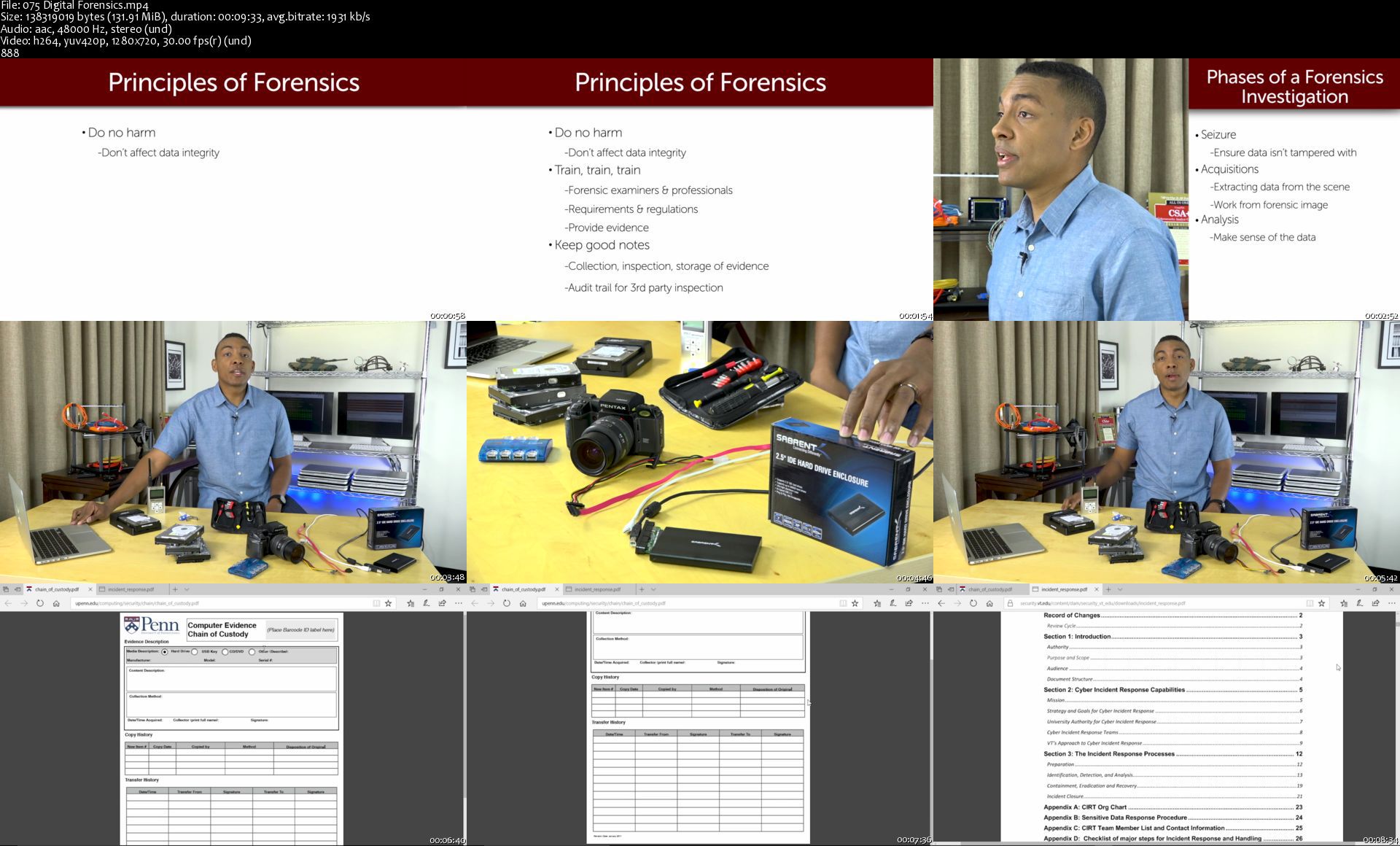
Digital forensics
Securing your network to protect critical data
Business impact analysis and risk mitigation
Vulnerability management with networks, IoT, mobile, cloud, and more
Identity and access management (IAM)

Requirements
Basic familiarity with PCs and networks.
There are no specific prerequisites as the course covers all the topics in detail.
It is a good idea to have an understanding of CompTIA A+, Network+, and Security+ or to be knowledgeable in these topics. You can learn more about these certifications from our Mike Meyers - Total Seminars CompTIA A+, Network+, and Security+ Certification courses on Udemy.


Description
Welcome to TOTAL: CompTIA CySA+ Cybersecurity Analyst (CS0-002) course from Total Seminars, Brent Chapman, GCIH, GCFA, CISSP, CySA+, and Michael Solomon, Ph.D., CySA+, CISSP, PMP, CISM.

Are you looking to get into the exciting world of hackers, cybersecurity, threat hunting, and digital forensics? Do you find the idea of gathering and analyzing intelligence to detect and combat hackers intriguing? Then this is the course for you!

This course is aimed at the aspirational junior analyst looking to step up in their career. However, if your tech skills don't include cybersecurity, you can also gain a great deal of knowledge from this course to help launch yourself towards a career in cybersecurity.

This course covers everything you need to know to respond to cybersecurity threats and attacks. You'll learn how to:

Leverage intelligence and threat detection techniques

Analyze and interpret data

Identify and address vulnerabilities

Suggest preventative measures

Effectively respond to and recover from incidents

Analyze the results of network reconnaissance, and recommend or implement countermeasures

Secure a corporate environment

If you're looking to get certified, this course will also help prepare you for the CompTIA CySA+ Certification (CS0-002) exam. The first goal of the course is to make you an outstanding cybersecurity analyst and, in the process, make sure you are ready to pass the CompTIA exam.

THE COMPTIA CYSA+ (CS0-002) EXAM DOMAINS:

1.0 Threat and Vulnerability Management (22% of the exam)

2.0 Software and Systems Security (18% of the exam)

3.0 Security Operations and Monitoring (25% of the exam)

4.0 Incident Response (22% of the exam)

5.0 Compliance and Assessment (13% of the exam)

TOPICS INCLUDE:

Threat data and intelligence

Vulnerability management with mobile, IoT, the cloud, and more

Security solutions for your network and in the cloud

Identity and access management (IAM)

Software and hardware best practices

Analyzing data using heuristics, trend analysis, and log review

Implementing intrusion prevention systems (IPS) and intrusion detection systems (IDS)

Threat hunting

Automation concepts like workflow orchestration, machine learning, scripting, API integration, and SCAP

Incident response process

Digital forensics

Controls, policies, frameworks, and procedures to protect data and secure networks

Business impact analysis and organizational risk mitigation

CAREERS THAT USE THE CYSA+ CERTIFICATION:

Security analyst

Tier II SOC analyst

Security monitoring

Security engineer

Threat hunter

Incident response or handler

Threat intelligence analyst

Application security analyst

Compliance analyst

CySA+ provides substantial earnings potential

A career in information security analysis ranked 5th on U.S. News and World Report's list of the 100 best technology jobs for 2020. According to the Bureau of Labor Statistics, the median pay for an information security analyst is $90,120 per year*.

CySA+ certified skills are in-demand

Properly trained IT security staff who can analyze, monitor and protect cybersecurity resources are in high demand. The U.S. Bureau of Labor Statistics (BLS) predicts that information security analysts will be the fastest growing overall job category, with 37 percent overall growth between 2012 and 2022.

Brent Chapman is an information security engineer with over 15 years' experience in information technology and cyber security. He spent over 10 years in active duty in the United States Army, where he served as an intelligence analyst, communications officer, network engineer, and cyber operations officer. He has also been a researcher and instructor at West Point, where he graduated, as well as a member of the Security of Defense's staff.

Michael Solomon is a security, privacy, blockchain, and data science author, consultant, and speaker who specializes in leading teams in achieving and maintaining secure and effective IT environments. Dr. Solomon has over 25 years' experience in IT, cybersecurity, and pentesting. He is a Professor of Cyber Security and IT at the University of the Cumberlands, and holds a PhD in Computer Science and Informatics from Emory University.

Follow the CompTIA Cybersecurity Certification Pathway

IT Fundamentals > A+ > Network+ > Security+ > PenTest+ or CySA+ > CASP

*money .usnews. com/careers/best-jobs/information-security-analyst/salary


Who this course is for:
This course is intended for anyone who is interested in a Cybersecurity position or looking to improve their security skills. The course will prepare you to pass the CompTIA CySA+ Certification Exam. It goes beyond certification and gives you the skills you need to be a better cybersecurity analyst.


Homepage

075digitalforensicss94kcn.jpg


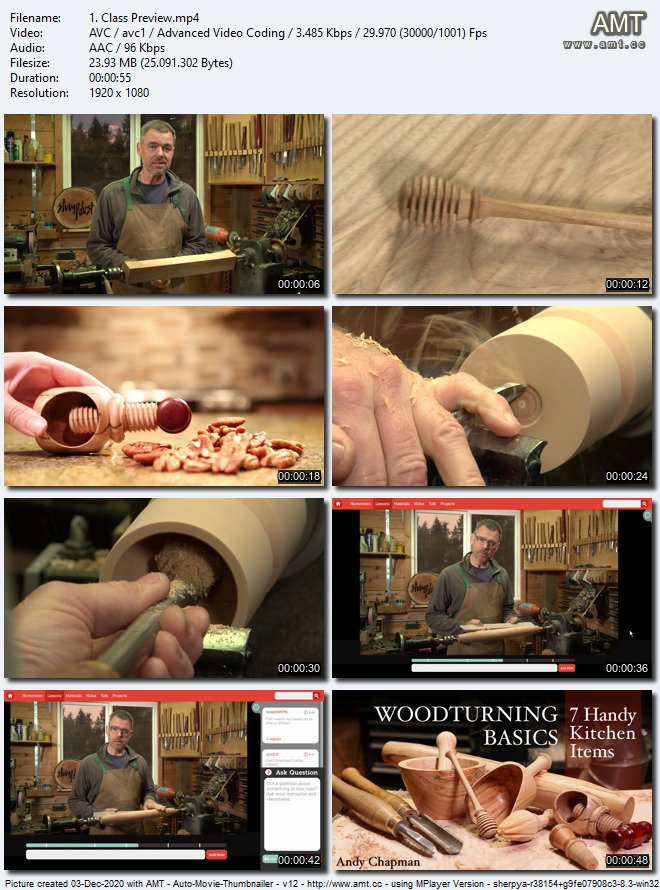
Woodturning Basics: Seven Handy Kitchen Items

cw6qywtkarapwx3t21eazr8k5p.jpg


Woodturning Basics: Seven Handy Kitchen Items
MP4 | Video: h264, 1920x1080 | Audio: AAC, 44.1 KHz, 2 Ch
Genre: eLearning | Language: English | Duration: 7 Lessons (3h 42m) | Size: 5.16 GB

Master basic woodturning skills as you create practical, artisanal projects for the kitchen. Learn methods for turning, chucking and chiseling on the lathe and more as you create seven essential kitchen items with pro instructor Andy Chapman. Learn how to make a rolling pin with smooth tapered ends using a roughing gouge and skew chisel. Transform scrap wood into a honey dipper with a spindle gouge and a thin parting tool. Turn an artisan wine stopper using a screw chuck. Create a citrus juicer with a decorative V-groove using your skew chisel and a spindle gouge. Make a mortar and pestle as you learn techniques for end-grain turning, hollowing and reverse chucking. Create a flour scoop with thin, uniform walls using a carbide tip, box side scraper and belt sander. Plus, make a nutcracker with a threaded post as you learn techniques for faceplate turning and more.

Homepage

19samrythaqx6iug1pvu6ksjo7.jpg


{37} GIMP Essential Projects for Graphic Designers

shkab3np6k36b0oxswcogpmk3o.jpg


{37} GIMP Essential Projects for Graphic Designers
MP4 | Video: h264, 1280x720 | Audio: AAC, 44.1 KHz, 2 Ch
Genre: eLearning | Language: English + .srt | Duration: 49 lectures (5h 54m) | Size: 5 GB

GIMP essentials class for graphic design (ers)! Includes 37 GIMP projects for your graphic design portfolio.

What you'll learn:
Learn the essential GIMP skills all graphic designers need for a successful career.
Once you complete this class you'll have 30+ different graphic design projects for your portfolio
You will learn how to wrap text around shapes, put text inside shapes and much more
You will learn how to properly align layers for precise, clean, professional design layouts
You will learn how edit photos like a pro
You will learn how to create basic and custom shapes in GIMP... like badges, banners and more
You will learn how to warp, distort and re-size shapes, text and more all in GIMP
You will learn how to add color accents, quickly and easily remove white backgrounds, how to add textures and change colors with Blending Modes
You will learn how to use Layer styles (in GIMP - I'll show you how) to customize and create unique designs
You'll learn how to place text and graphics onto products (mockups)
You will learn how to use Filters, in GIMP, to create special effects
You will learn how to transform an ordinary image into a halftone, retro style image and use it for one of your graphic design projects
You will learn how to create an Anaglyph style image for your unique graphic design project
You will learn how and where to place your finished graphic design projects online for free. Time to create your portfolio!

Requirements
GIMP is required... available for free!
Plus, a willingness to learn and apply what you learn with your creative vision to create unique designs for your portfolio


Description
37 GIMP Essential Projects for graphic design (ers)!

Yes, you'll learn GIMP and graphic design by doing. This GIMP course will teach you how to use GIMP & graphic design by doing actual, practical, real world graphic design projects!

This is the largest graphic design course, using GIMP, on this platform in terms of the number of projects. Once you complete this class you'll have 30+ different graphic designs for your portfolio!

Oh, and I'll share my pro tips for starting your graphic design freelance business by creating your logo, business card and getting your 30+ designs on a free online portfolio site... to share and network your skills as a graphic designer!!

If you're ready to jumpstart your graphic design career I'm here to help you achieve your dream. Let's do it! To get started click on the "Add to Cart" button (to the right or bottom - depending on your device).

If you're still not quite sure if this course is for you... read on...

Here is the full list of EVERYTHING you'll learn with this course and ALL 30+ graphic design projects...

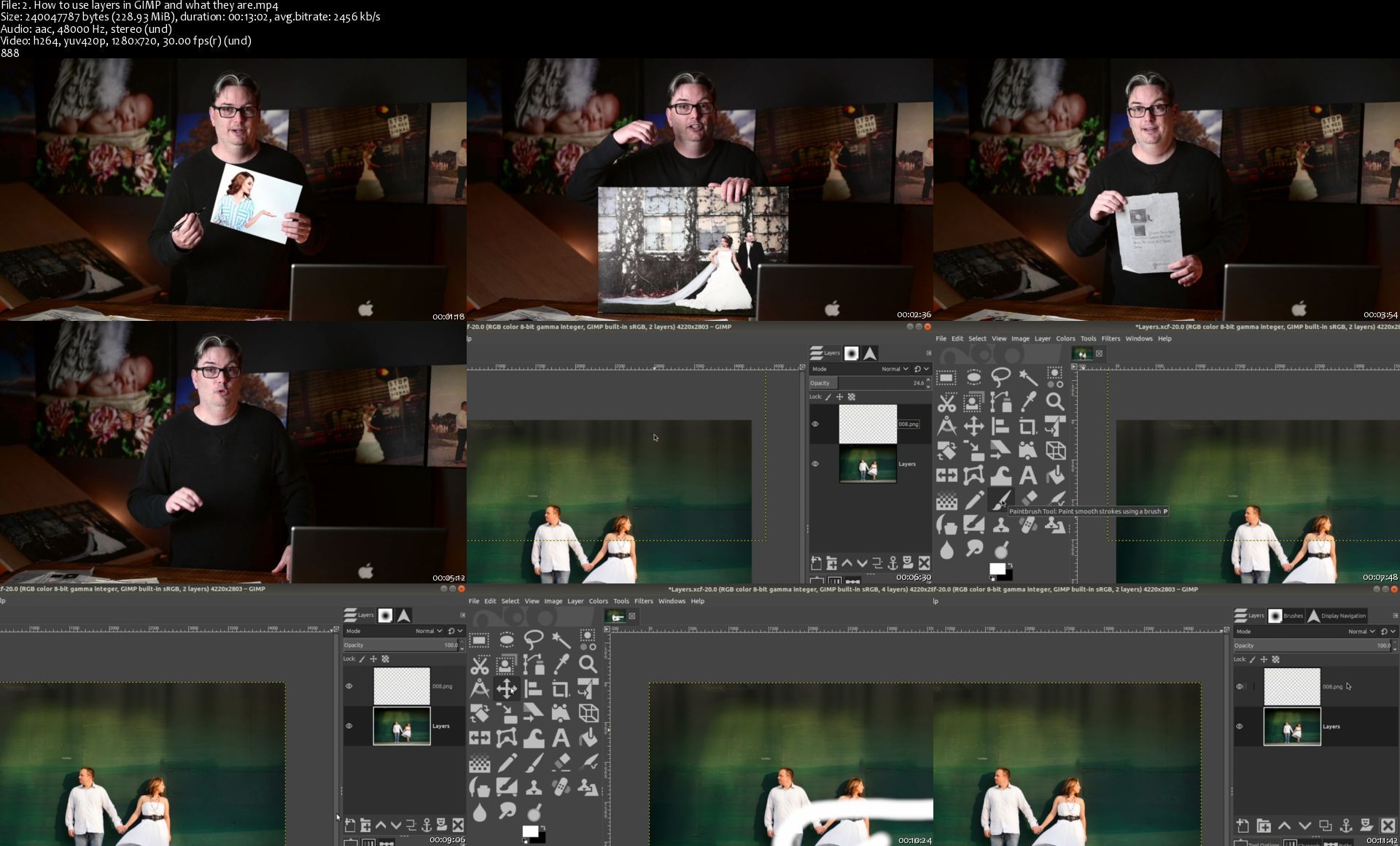
New to GIMP? No worries, you'll start off learning the essentials of GIMP: Layers, Layer Masks and "Adjustment Layers"... for GIMP). All 3 are essential for being a creative graphic designer.... and you'll use all 3 continuously throughout the class. Once completed, you'll have mastered these Layer types.

Also, for GIMP beginners, you'll learn how to set your resolution for web and print graphic design projects, the difference between RGB and CMYK, how to create custom sized documents, and more. All things graphic designers should know!

GIMP Graphic Design Projects 1 - 9: How to properly edit your photos like a pro. Your first 9 projects will consist of learning new skills for editing images. These are essentials skills for increasing your income and improving your clients designs.

GIMP Graphic Design Projects 10 - 11: Next, the fun begins! That is, if you weren't having fun already. :) Shapes. Basic shapes & creative shapes. Essentials for containing text, photo frames, balancing designs, leading readers and much more. You'll learn how to create shapes and more for balanced graphic design projects.

GIMP Graphic Design Projects 12 - 13: Let's add some context to your graphic design layouts! Text. Learn how to add it and use it in GIMP.

GIMP Graphic Design Project 14: For professional graphic design work you must know how to properly align your layers! If not, your designs will look sloppy. We can't have any of that! So... you'll learn how to use the alignment tool, in GIMP, to precisely align your content.

GIMP Graphic Design Projects 15 - 16: Take your GIMP & graphic design skills to the next level by applying Blending Modes for creative results. Learn how to add color accents, change colors and more!

GIMP Graphic Design Projects 17: It's now time to spice up your text and shapes with Layer Styles... drop shadows and strokes!

GIMP Graphic Design Project 18: Learn how to use the Gradient tool for creative effects. Combining some previous knowledge with this new tool you'll end up with a new (creative) design for your portfolio.

GIMP Graphic Design Projects 19: Transform & Distort. 2 new skills all graphic design (ers) should know! Learn how to replace images on existing product photos and more.

GIMP Graphic Design Projects 20 - 23: Time to up your creativity and skills with GIMP Filters. Filters are a great way to help you achieve your creative vision. Create graphic design projects that will help your portfolio stand-out from the over crowded graphic design community. You'll learn how to create an old-school, retro ad with a '60's vibe, how to create natural looking lens flare, how to create a soft-elegant glow, and much more.

GIMP Graphic Design Projects 24 - 27: Selection tools, in GIMP, can help make your job easier by separating foregrounds and backgrounds, removing unwanted objects/subjects, and even being creative, and much more. You'll learn my favorite selection tools and how to use them to perfect your graphic design portfolio.

GIMP Graphic Design Projects 28 - 31: Learn how to create some of the most popular visual effects in GIMP. Then, take that knowledge to create your own graphic design projects for your portfolio.

GIMP Graphic Design Projects 32 - 33: You'll learn how to install custom brushes in GIMP, created by other artists, to use in your own artwork. Then, you'll work on 2 new creative graphic design projects with these brushes. First, you'll take an ordinary photo and transform it into a watercolor painting... it's easier than it sounds. Then, you'll create a retro vintage auto ad with the brushes and with a lot of the tools learned thus far!

GIMP Graphic Design Project 34: This is my favorite project! Just when you thought there was nothing more to learn in GIMP you'll be blown away with the tips and techniques in this project. This is by far the most advanced graphic design project (in this GIMP Essentials course) and once completed you'll have a masterpiece for your portfolio!

GIMP Graphic Design Projects 35 - 36: Now it's time to take all the knowledge you've gained and put your new-found GIMP skills to work. Oh, and it's time to start promoting yourself as a graphic designer too! How? By creating YOUR logo and business card. Pro tips and more included in projects 35 and 36.

GIMP Graphic Design Project 37: Ok, congratulations on making it this far! Let's start sharing your creative genius with the world. How? By creating a free online portfolio! You can't expect to work as a graphic designer if you don't have a portfolio to show potential clients. Let's take all the projects you've done (in this GIMP Essentials Graphic Design class) and put them online... I'll share with you where and how... for free.

Are you ready to build your graphic design portfolio and launch your graphic design career? If so, let's do it! Get started by clicking on the "Add to Cart" button and I'll talk to you soon!

Thank you and have an awesome day!!

Oh, and one more thing!! Included in this class, you'll find a 90+ page resource guide to use along with the class. It includes additional info and tips on the tools you're going to learn. Plus, information on completing the project (for your portfolio). And you can print out this guide to use along with the class, take notes with it and use it as a reference when offline.

Who this course is for
This class was created for GIMP beginners
This class was created for graphic designers
Take this class if you want to learn GIMP AND build a portfolio to jumpstart your graphic design career

Homepage

2.howtouselayersingimnyjrn.jpg


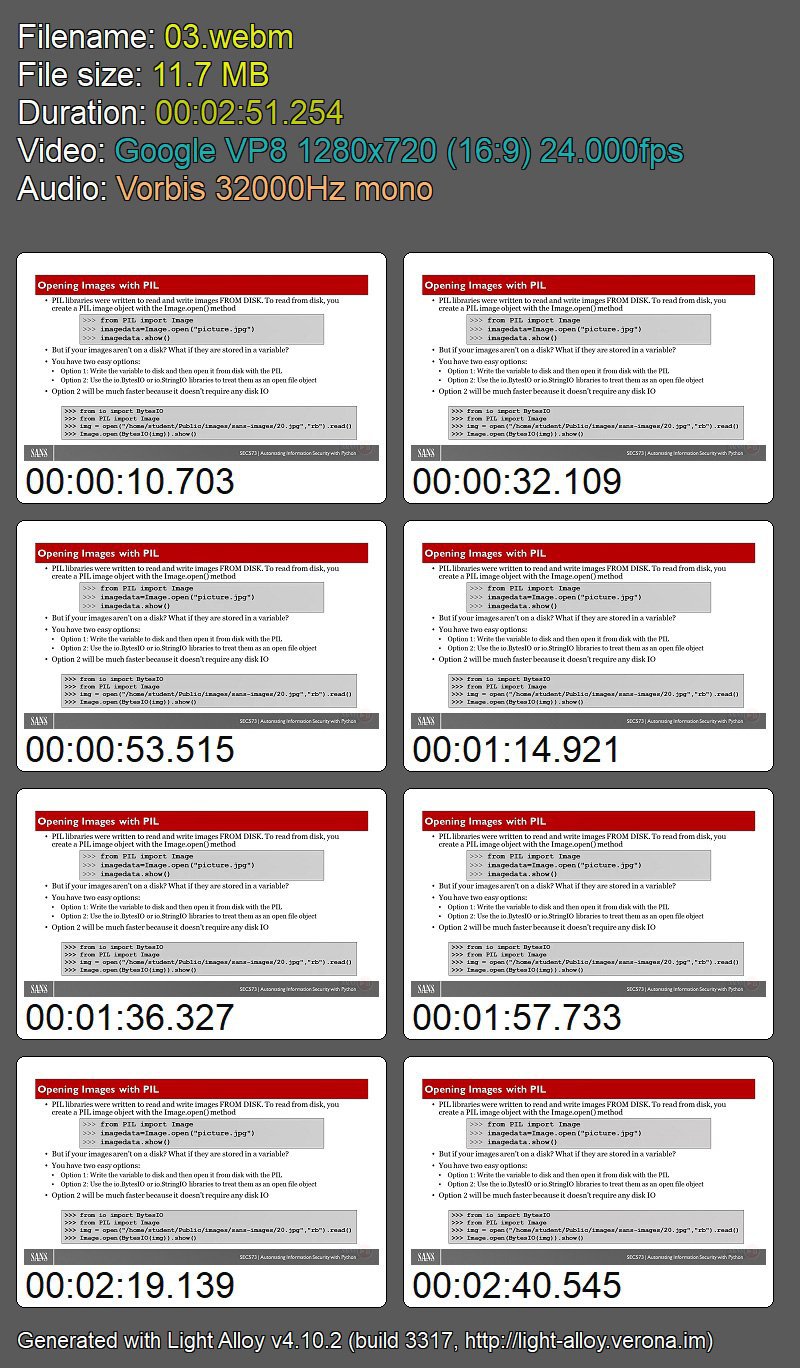
SANS - SEC573: Automating Information Security with Python

pxfnrv6qpolpggwptcnzw6wjt0.jpg


SANS - SEC573: Automating Information Security with Python
Mark Baggett | Duration: 36h+ | Video: VP8 1280x720 | Audio: Vorbis 32 kHz mono | 7,28 GB | Language: English

The best penetration testers can customize existing open source tools or develop their own tools. The ability to read, write, and customize software is what distinguishes the good penetration tester from the great penetration tester. This course is designed to give you the skills you need for tweaking, customizing, or outright developing your own tools to put you on the path of becoming a great penetration tester.

Whether you are new to coding or have been coding for years, SEC573: Automating Information Security with Python will have you creating programs that make your job easier and your work more efficient. This self-paced course starts from the very beginning, assuming you have no prior experience with or knowledge of programming. We cover all of the essentials of the language up front. If you already know the essentials, you will find that the pyWars lab environment allows advanced developers to quickly accelerate to more advanced material in the course. Learn Python in-depth with us to become fully weaponized.

Homepage

2dtvay7wgg3yxjcrmvr26j1k67.jpg


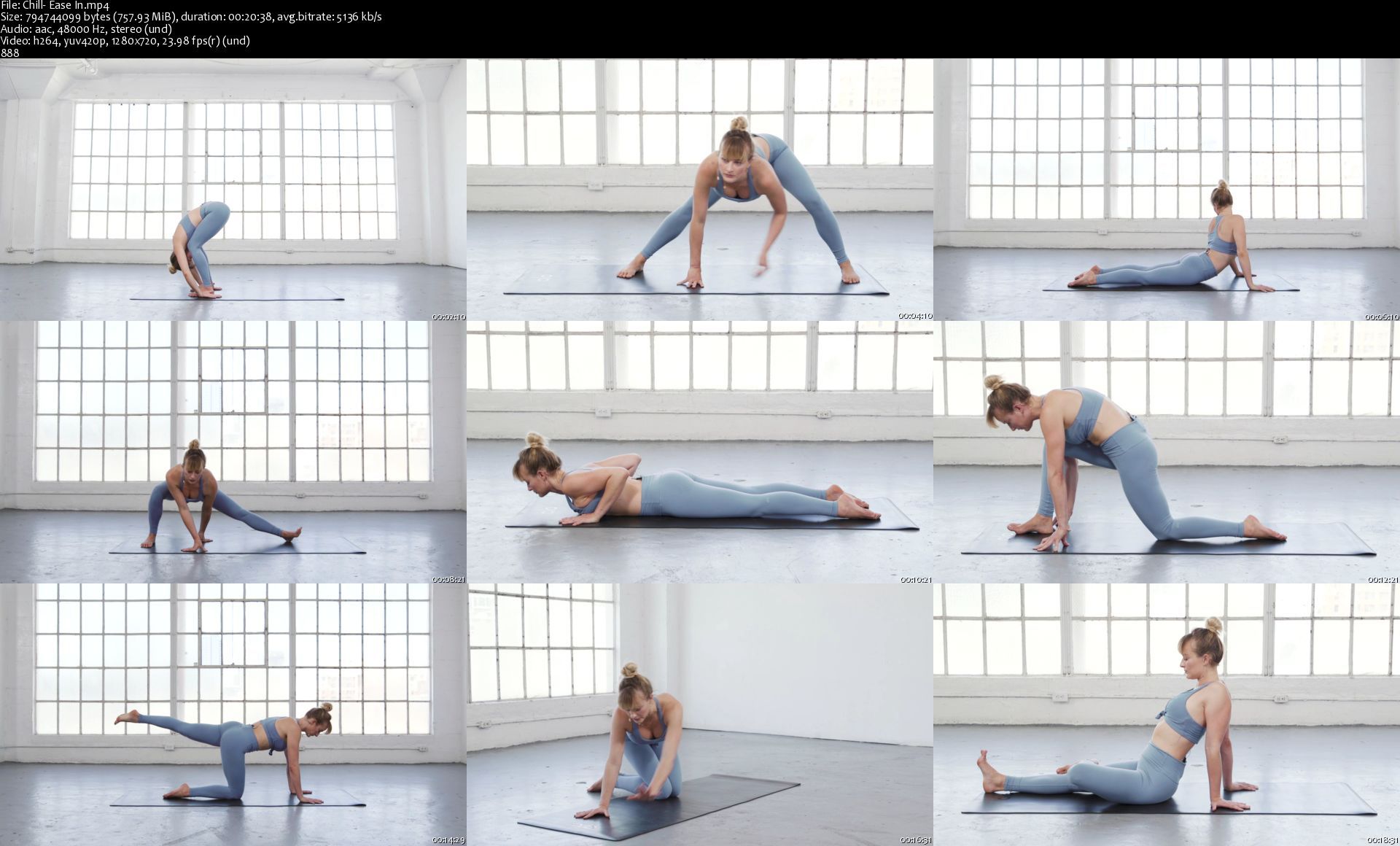
AloMoves - Power And Chill Yoga

farm9aerqvpjwsoeoqt2ftykzu.jpg


AloMoves - Power And Chill Yoga
MP4 | Video: h264, 1280x720 | Audio: AAC, 44.1 KHz, 2 Ch
Difficulty: Intermediate | Genre: eLearning | Language: English | Duration: 8 Videos (4h 58m) | Size: 10.9 GB

Instructor : Caley Alyssa Tune into your body and give it exactly what it needs. This yoga series has power flows to push you, chill flows to wind you down, and flows with a little bit of both to bring you into balance. Each sequence is crafted with time and energy output in mind, allowing you to pick the class your body truly needs on any given day. The Power classes have a faster pace and focus on building heat and linking breath to movement. The Chill classes are slower with longer holds and deeper stretches. For days when you can't make up your mind, Power and Chill classes mix the best of both worlds. By finding a flow to match your energy, you'll feel more balanced, grounded, and ready to take on the rest of your day.


In this series, you will:

- Find a flow to match your energy
- Gain strength and flexibility
- Calm your mind and connect to your body

Homepage

chilleaseinsy8jf8.jpg


Zurück
Oben Unten