• Regeln für den Video-Bereich:

    In den Börsenbereich gehören nur Angebote die bereits den Allgemeinen Regeln entsprechen.

    Einteilung

    - Folgende Formate gehören in die angegeben Bereiche:
    - Filme: Encodierte Filme von BluRay, DVD, R5, TV, Screener sowie Telesyncs im Format DivX, XviD und x264.
    - DVD: Filme im Format DVD5, DVD9 und HD2DVD.
    - HD: Encodierte Filme mit der Auflösung 720p oder darüber von BluRay, DVD, R5, TV, Screener sowie Telesyncs im Format x264.
    - 3D: Encodierte Filme von BluRay, die in einem 3D Format vorliegen. Dies gilt auch für Dokus, Animation usw.
    - Serien: Cartoon/Zeichentrick, Anime, Tutorials, Dokumentationen, Konzerte/Musik, Sonstiges sind demnach in die entsprechenden Bereiche einzuordnen, auch wenn sie beispielsweise im High Definition-Format oder als DVD5/DVD9/HD2DVD vorliegen. Ausnahme 3D.
    - Bereich Englisch: Englische Releases gehören immer in diesen Bereich.
    - Bereich Talk: Der Bereich, in dem über die Releases diskutiert werden kann, darf, soll und erwünscht ist.


    Angebot/Beitrag erstellen

    - Ein Beitrag darf erst dann erstellt werden, wenn der Upload bei mindestens einem OCH komplett ist. Platzhalter sind untersagt.
    - Bei einem Scenerelease hat der Threadtitel ausschließlich aus dem originalen, unveränderten Releasenamen zu bestehen. Es dürfen keine Veränderungen wie z.B. Sterne, kleine Buchstaben o.ä. vorgenommen werden. Ausnahme Serienbörse:
    - Bei einem Sammelthread für eine Staffel entfällt aus dem Releasename natürlich der Name der Folge. Beispiel: Die Simpsons S21 German DVDRip XviD - ITG
    - Dementsprechend sind also u.a. verboten: Erweiterungen wie "Tipp", "empfehlenswert", "only", "reup", usw. / jegliche andere Zusatzinformation oder Ergänzung, welche nicht in obiger Beschreibung zu finden ist.

    Aufbau des Angebots und Threadtitel

    Der Titel nach folgendem Muster erstellt zu werden. <Name> [3D] [Staffel] [German] <Jahr> <Tonspur> [DL] [Auflösung] <Quelle> <Codec> - <Group>
    Beispiel: The Dark Knight German 2008 AC3 DVDRip XviD - iND
    Beispiel: The Dark Knight 2008 DTS DL BDRip x264 - iND
    Beispiel: The Dark Knight 2008 AC3 DL BDRip XviD - iND
    Beispiel: The Dark Knight German 2008 AC3 720p BluRay x264 iND
    Beispiel: The Dark Knight 2008 DTS DL 1080p BluRay x264 iND
    Beispiel: Die Simpsons S01 German AC3 DVDRip XviD iND
    Beispiel: Die Simpsons S20 German AC3 720p BluRay x264 iND
    Beispiel: Sword Art Online II Ger Sub 2014 AAC 1080p WEBRip x264 - peppermint
    Entsprechend sind also u.a. verboten: Sonderzeichen wie Klammern, Sterne, Ausrufezeichen, Unterstriche, Anführungszeichen / Erweiterungen wie "Tipp", "empfehlenswert", "only", "reup", usw. / jegliche andere Zusatzinformation oder Ergänzung, welche nicht in obiger Beschreibung zu finden ist
    Ausnahmen hiervon können in den Bereichen geregelt sein.

    Die Beiträge sollen wie folgt aufgebaut werden:
    Überschrift entspricht dem Threadtitel
    Cover
    kurze Inhaltsbeschreibung
    Format, Größe, Dauer sind gut lesbar für Downloader außerhalb des Spoilers zu vermerken
    Nfo sind immer Anzugeben und selbige immer im Spoiler in Textform.
    Sind keine Nfo vorhanden z.B. Eigenpublikationen, sind im Spoiler folgende Dateiinformationen zusätzlich anzugeben :
    Quelle
    Video (Auflösung und Bitrate)
    Ton (Sprache, Format und Bitrate der einzelnen Spuren)
    Untertitel (sofern vorhanden)
    Hosterangabe in Textform außerhalb eines Spoiler mit allen enthaltenen Hostern.
    Bei SD kann auf diese zusätzlichen Dateiinformationen verzichtet werden.

    Alle benötigten Passwörter sind, sofern vorhanden, in Textform im Angebot anzugeben.
    Spoiler im Spoiler mit Kommentaren :"Schon Bedankt?" sind unerwünscht.


    Releases

    - Sind Retail-Release verfügbar, sind alle anderen Variationen untersagt. Ausnahmen: Alle deutschen Retail-Release sind CUT, in diesem Fall sind dubbed UNCUT-Release zulässig.
    - Im Serien-Bereich gilt speziell: Wenn ein Retail vor Abschluss einer laufenden Staffel erscheint, darf diese Staffel noch zu Ende gebracht werden.62
    - Gleiche Releases sind unbedingt zusammenzufassen. Das bedeutet, es ist zwingend erforderlich, vor dem Erstellen eines Themas per Suchfunktion zu überprüfen, ob bereits ein Beitrag mit demselben Release besteht. Ist dies der Fall, ist der bereits vorhandene Beitrag zu verwenden.
    - P2P und Scene Releases dürfen nicht verändert oder gar unter einem iND Tag eingestellt werden.


    Support, Diskussionen und Suche

    - Supportanfragen sind entweder per PN oder im Bereich Talk zu stellen.
    - Diskussionen und Bewertungen sind im Talk Bereich zu führen. Fragen an die Uploader haben ausschließlich via PN zu erfolgen, und sind in den Angeboten untersagt.
    - Anfragen zu Upload-Wünschen sind nur im Bereich Suche Video erlaubt. Antworten dürfen nur auf Angebote von MyBoerse.bz verlinkt werden.


    Verbote

    - Untersagt sind mehrere Formate in einem einzigen Angebotsthread, wie beispielsweise das gleichzeitige Anbieten von DivX/XviD, 720p und 1080p in einem Thread. Pro Format, Release und Auflösung ist ein eigener Thread zu eröffnen.
    - Grundsätzlich ebenso verboten sind Dupes. Uploader haben sich an geeigneter Stelle darüber zu informieren, ob es sich bei einem Release um ein Dupe handelt.
    - Gefakte, nur teilweise lauffähige oder unvollständige Angebote sind untersagt. Dies gilt auch für eigene Publikationen, die augenscheinlich nicht selbst von z.B. einer DVD gerippt wurden. Laufende Serien, bei denen noch nicht alle Folgen verfügbar sind, dürfen erstellt und regelmäßig geupdatet werden.
    - Untersagt sind Angebote, welche nur und ausschließlich in einer anderen Sprache als deutsch oder englisch vorliegen. Ausnahmen sind VORHER mit den Moderatoren zu klären.


    Verstoß gegen die Regeln

    - Angebote oder Beiträge, die gegen die Forenregeln verstoßen, sind über den "Melden"-Button im Beitrag zu melden.
  • Bitte registriere dich zunächst um Beiträge zu verfassen und externe Links aufzurufen.

++ Premium IPTV ++ 7000 Live Sender ++ UHD Qualität ++ Mediathek mit 18.000 Inhalten ++


VenneTV


Englische Tutorials

Gumroad: 3dEx - Stylized Clothing Modeling, Sculpting, Texturing Videos
9jietwfhvq3wqgidu6b3nf6jxu.png


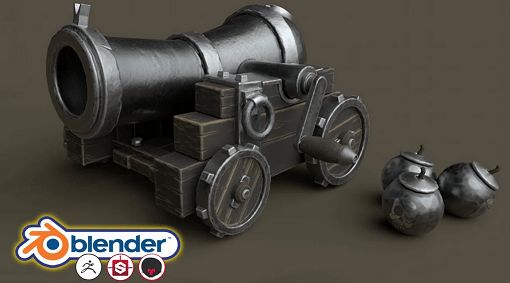
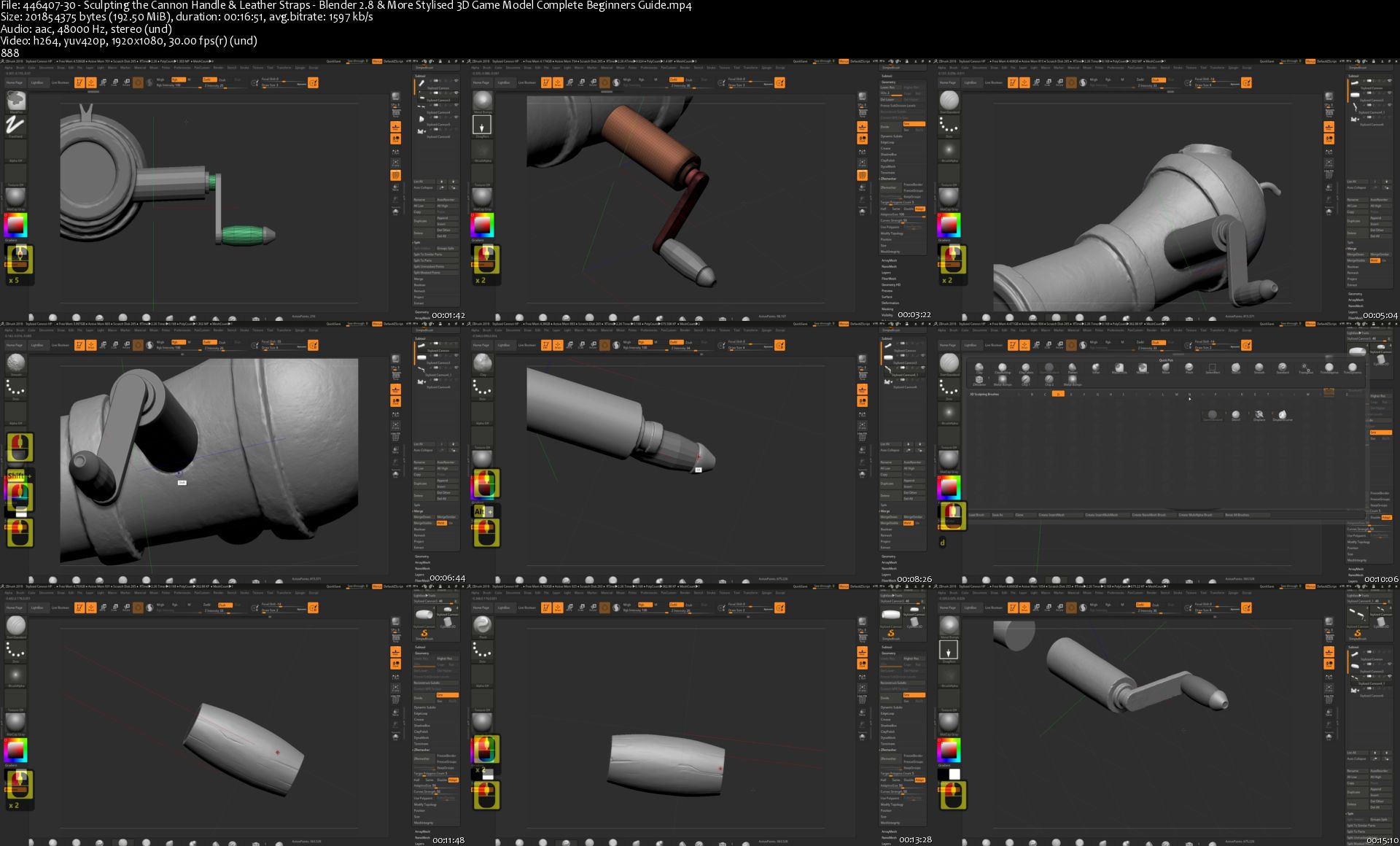
Blender 2.8 & More: Stylised 3D Game Model Complete Beginners Guide
MP4 | Video: AVC 1920x1080 | Audio: AAC 48KHz 2ch | Duration: 9h 39m | 5.5 GB | Language: English

Hi and welcome to this new Skillshare course, 'Stylised 3D Game Model: Complete Beginners' Guide'. This is the complete beginner's guide to creating a 3D stylised game model. This course will teach you how to create a stylised 3D model from scratch to a professional level, following industry pipelines. If you ever wondered how AAA assets are made by some of the biggest players in the industry, then stay tuned and find out what this course is all about.
Like my other Skillshare courses, I will be taking you on an extensive 3D modeling journey involving modeling, texturing, freebies, lighting and rendering a game ready 3D asset. The focus of this course is to create a stylised game model akin to what you would see in a best-selling AAA game. We will also focus on makingour model according to a real-world scale.

Enroll in this Blender 2.83 course and experience over 10 hours of content, full of learning opportunities to take your 3D modeling, sculpting, texturing, lighting and rendering skills up by quite a few notches. By completing this course, you will walk away with a comprehensive view of how to model, sculpt, texture, and render from the ground up, with a super-fast industry-standard workflow. This will include Blender 2.83, Zbrush, Substance Painter, and Marmoset Toolbag 3.

'Stylised 3D Game Model: Complete Beginners' Guide' has a new learning format that will be relevant to beginners. This course is also relevant to those students who are more familiar with 3D creation and modeling using Blender software, or those who are transitioning into Blender from another piece of software or from the previous older versions of Blender.

Using everything I learned from previous courses, mainly from all your helpful feedback, I was able to make a course that really has the wow-factor; something you will be proud of accomplishing.

Modelling

This course will teach you how to model stylised assets from the ground up, using Blender 2.83. Whether you are an absolute beginner or someone who is looking to elevate their skill level, animations will be popping up when you need them, telling you all about modifiers, Blender functions, and key commands. This course explains everything and will include a step-by-step exploration of all the new shortcuts that have come with this new Blender version. Best of all, this unique course functionality also lets you set your own pace. This allows the course to be viable for Blender users of any level.

By the end of the course, the knowledge you will have learned can be used independent of the direction you take in 3D modeling - following the amateur or the professional path.

Sculpting

Next, to take our 3D model to the next level, we take a deep dive into Zbrush. You will learn various simple Zbrush techniques to bring your 3D creation to life. This course will take you through the very basics of the Zbrush UI, all the way up to preparing a model for export. What is more, you will be learning new sculpting skills, in addition to learning how to optimise your model to make it game ready.

You will learn about poly groups, zremsher and dynamesh. Through this course, you will also find out about how to import custom brushes. You will come away with the skills needed to import a basic mesh into Zbrush, and this way, you will find the sculpting section to be a breeze. Finally, I will show you how to optimise a sculpt using the decimation master so that you can come away with a clean high poly model.

Texturing

In this section, we will be using Substance Painter. Substance Painter is an industry-standard software. You will learn how to create complex stylised materials from scratch, and I will show you how to save out these materials in a smart material format so that you can use them in future models. Learning outcomes will also include finding out how to bake meshes to create perfect maps including normal and ambient occlusion. Notably, baking meshes to create perfect maps will be done without the use of cages or other software.

Rendering

Finally, to present our model in a professional way and make it really stand out in any portfolio, we will be rendering out in Marmoset Toolbag 3. We look at the best texture maps to use for rendering, and we will go over how to set up not only just one render but three, including a fully textured and wireframe turntable. You will come away with renders which you will be proud to show off on your social media. By the time we have finished rendering in Marmoset Toolbag 3, you will have the knowledge and confidence to create stylised assets that look like they fell out straight out of a game.

As part of rendering, I will show you how to make backdrops and specialised lighting, including gradients and extra lights. I always feel that lighting is one of the key components that tend to be the most overlooked. To be honest, I learned this the hard way, seeing as lighting is important with regards to making a scene pop. I have taught you how to set up your lighting in my previous course, 'Blender 2.8 Model a Lightsaber for Beginners', within Blender, but this time, we will take it a step further. All lighting including environment lighting and extra light were set up within Marmoset Toolbag 3.

Homepage
44640730sculptingthecnhjhq.jpg


Gumroad - The Complete Introduction to 2D Animation - Toniko Pantoja

43rhked8qgomwpicq0qu0xijan.jpg


Gumroad - The Complete Introduction to 2D Animation - Toniko Pantoja
Duration: 28h 35min | Video: .MP4 1920x1080, 23.98 fps | Audio: AAC, 48 KHz, 2 channels | Size: 17.3 GB
Genre: eLearning | Language: English

Learn how to animate for any style of Hand Drawn Animation. The Complete Introduction to 2D Animation is a modernized and fun way to approach the classical animation fundamentals that is applicable to any approach of 2D. The package is a dense collection of lessons, demos, project files video lectures and advice for approaching hand drawn character animation. Aimed for students who wish to use this as a supplement, artists within the industry interested in 2D, independent animators and content creators. The Complete Introduction to 2D Animation has three main goals, which is to
1. Share knowledge on starting hand drawn animation without forcing down a style of animation, but teaching what is necessary
2. Give examples and multiple ideas on how to solve and explore animation concepts
3. Allow learners go on their own pace.

Table of Contents
I Beginning and Learning Hand Drawn Animation
(1hr 48m)
Chapter 1 is an introduction chapter where I talk about learning hand drawn animation, animation terminology, animation software you can use, how to read a timing chart and exposure sheet. There is also a 45 minute to an hour part on the Twelve Principles of Animation, and a discussion for each of the principles. Each video also talks about how to practice each of those principles.

1. Introduction to Learning Animation

1. Anyone can learn Hand Drawn Animation

2. The Benefits of Learning Hand Drawn Animation

2. Beginning Discussions and Starting Guides

1. Choosing your Hand Drawn Animation Software

2. Animation Terminology

3. The Exposure Sheet

EXTRA - 2D Animation Habits to Keep (2015)

EXTRA - Understanding Timing Charts (2015)

3. The 12 Principles of Animation

1. Introduction
2. Squash and Stretch
3. Arcs
4. Overlap and Follow Through
5. Anticipation
6. Staging
7. Slow in and Slow Out
8. Straight Ahead VS Pose to Pose
9. Timing
10. Secondary Action
11. Solid Drawing
12. Exaggeration
13. Appeal
14. Conclusion
II The Basic Fundamentals of Animation + Full Demos and Discussions
(6h 41m)

Chapter 2 are demo and assignment collections that focus heavily on the basic fundamentals of animation. These are classic assignments animation teachers give their students to slowly introduce each of the twelve principles and how to utilize them in animation. Each assignment has two main videos - a summary of me explaining and discussing key lessons from each assignment, and a full process video of me animating the assignments from beginning to end.
0. Introduction to Assignments
1. Bouncing Ball Stationary
2. Waving Flag
3. Bouncing Ball with tail and movement
4. Pendulum Swing
5. Hammer Hits a Nail
6. Fish Swimming
7. Arm Throw
8. Walk Cycles
9. Flour Sack Drawing
10. Floursack's Leap of Faith
III General Animation Lectures
(2hr 35m)

Chapter 3 is a collection of animation lectures where I talk about animation related discussions such as dialogue, acting, movement, animation process and structure, techniques and drawing for animation. These contain more discussions on lectures that are not restricted to the fundamentals, but food for thought when approaching 2D animation.

1. Animation Process

1. Importance of Thumbnailing and Exploration

2. Rough Layout Pass

3. Golden Poses

4. Approaching Pose to Pose Animation

5. Sculpting your Animation Scene

2. Movement and Mechanics

1. Believable Action

2. Overshoots and Mini Anticipation

3. Walk and Run Cycles

4. Smears - The Hand Drawn Motion Blur

5. EXTRA - Introduction to Breakdowns

3. Performance and Character

1. Evoking Life

2. Controlling our Performance

3. Pantomime Acting

4. Subtle Acting

4. Drawing for Animation

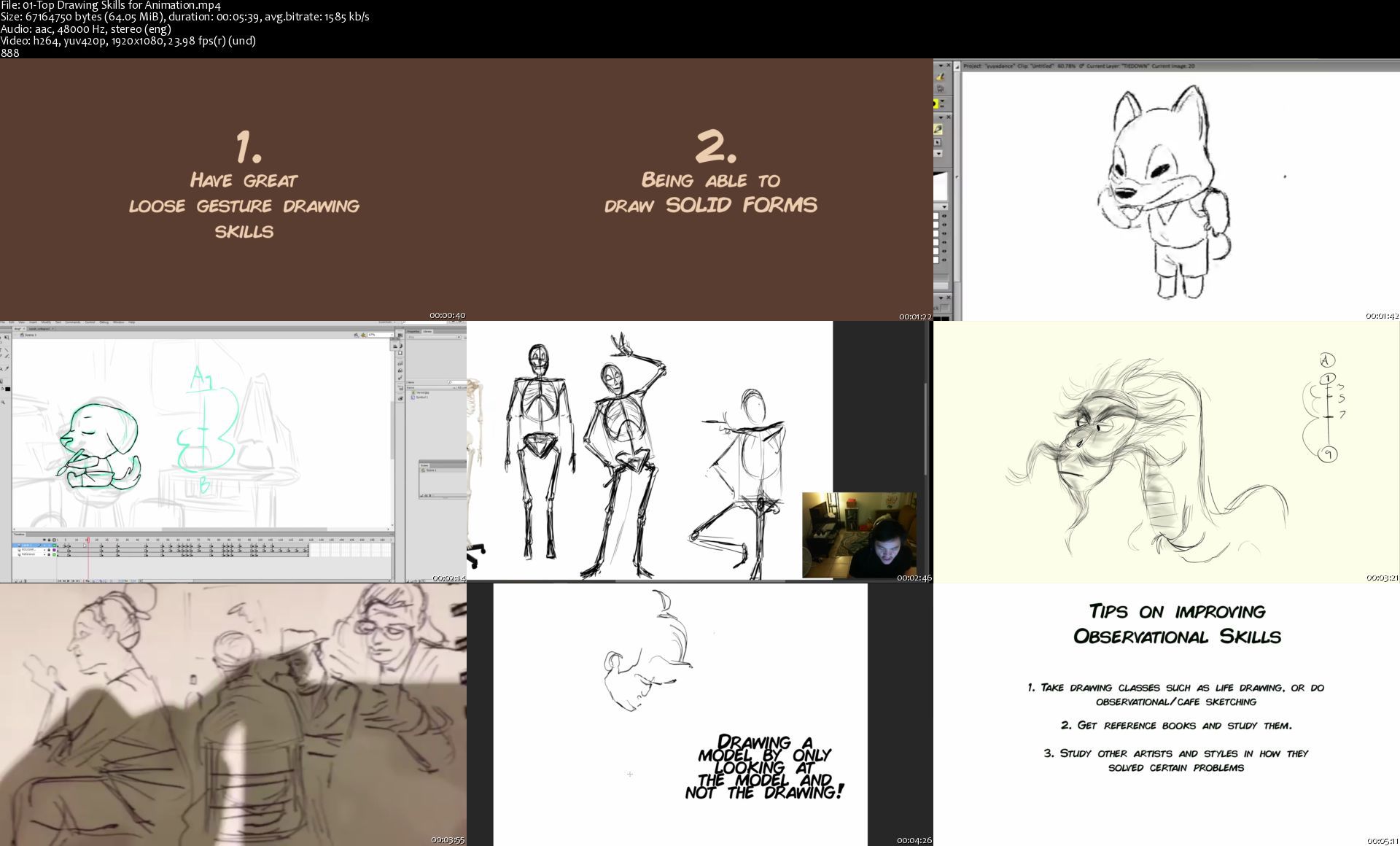
1. Top Drawing Skills for Animation

2. Drawing for Animation part 1 - Roughs and Short Hands

3. Drawing for Animation part 2 - Tiedown and Solid Drawing

5. Dialogue and Lip Sync

1. Dialogue Intro

2. Dialogue Tips and Advice

6. EXTRA - Full Inbetweening Demo from 2015
IV Introduction to Character Animation + Full Demos and Discussions
(17h 31m)

Chapter 4 like Chapter 2, is a collection of demo and assignment collections that now introduces character animation with the fundamentals of animation. This is a very dense and hefty packet containing hours of both discussions and process videos.

Acting and performance is also now considered in these videos, as well as more character oriented mechanics.

0. Introduction

1. Bon Bon Jumps (Character Bounce)

2. Pug Chases Butterfly

3. The Surprised Take

4. The Swordsman

1. Pose to Pose Approach

2. Straight Ahead Approach

5. Tennis Player Pose to Pose and Straight Ahead

6. Human Walk Cycles

1. Standard Walk
2. Agressive Walk
3. Happy Walk
7. Character Run Cycles
1. Jogger (8 Frame Run)
2. Warrior Sprint (6 Frame Run)
3. Running Fox (Freestyle)
4. Running Pig (4 Frame Run)
8. Head Rotation
9. Tiny Nomad


Homepage

01topdrawingskillsforu6kcr.jpg


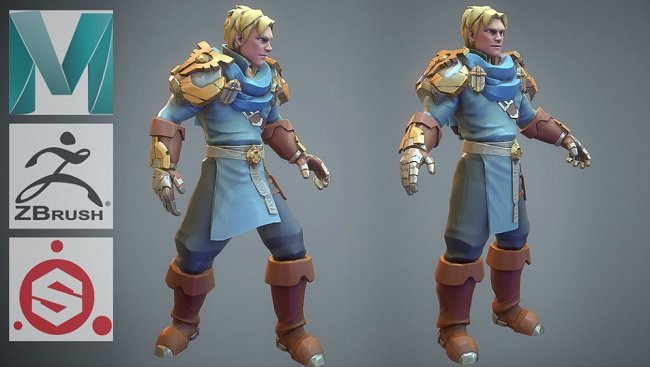
Gumroad: 3dEx - Stylized Clothing Modeling, Sculpting, Texturing Videos

tt6lry26kilh9iya4va9n3gjjv.jpg


Gumroad: 3dEx - Stylized Clothing Modeling, Sculpting, Texturing Videos
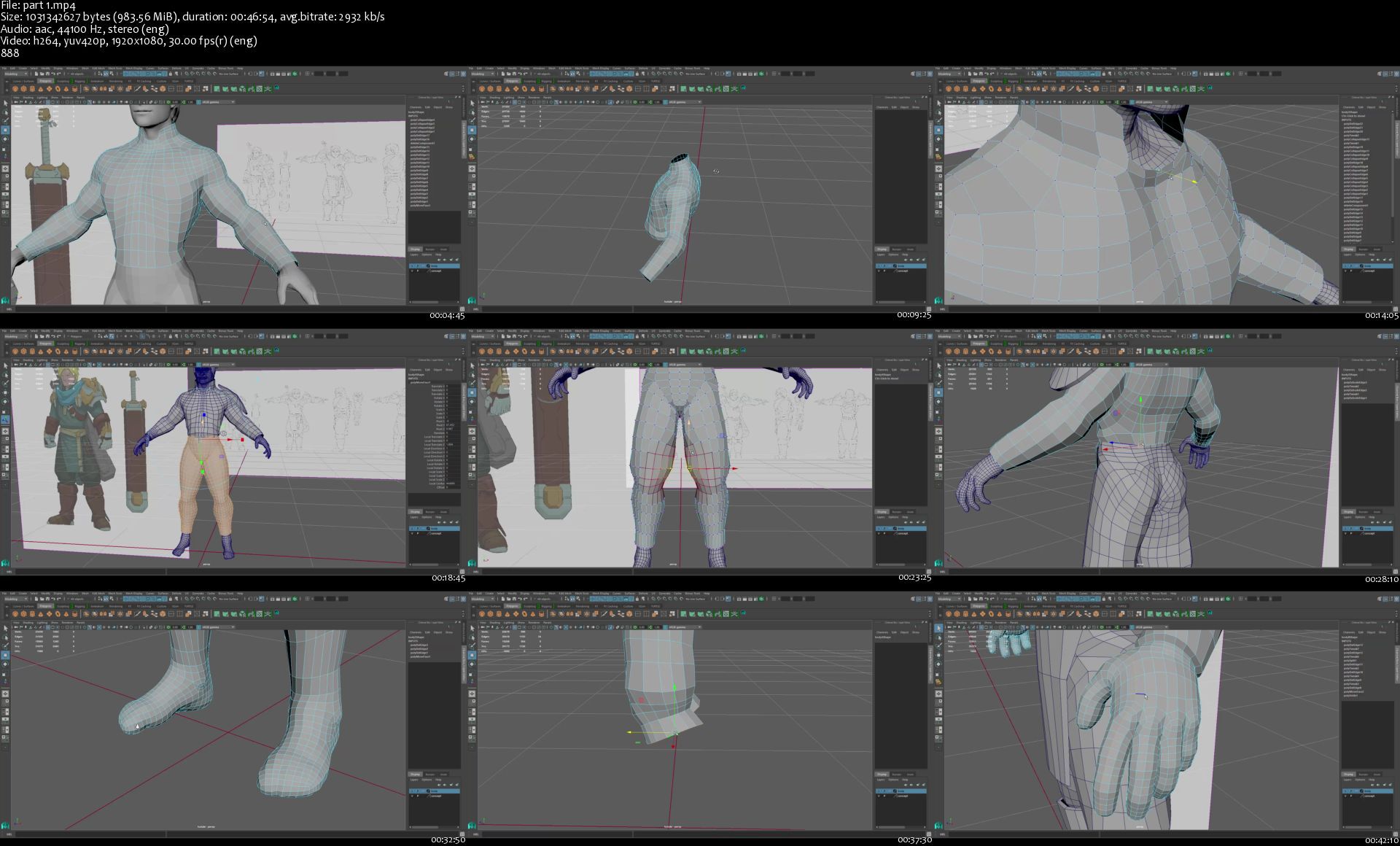
Duration: 8h 18min | Video: .MP4 1920x1080, 30 fps | Audio: AAC, 44.1 KHz, 2 channels | Size: 5.37 GB
Genre: eLearning | Language: English

Stylized Clothing Modeling, Sculpting, Texturing Videos You get:
-Real Time speed videos on how to model stylized clothing in Maya
-Real Time speed videos on how to UV stylized clothing in Maya
-Real Time speed videos on how to sculpt stylized clothing in Zbrush
-Real Time speed videos on how to texture stylized clothing in Substance Painter


Homepage

part1shhkns.jpg


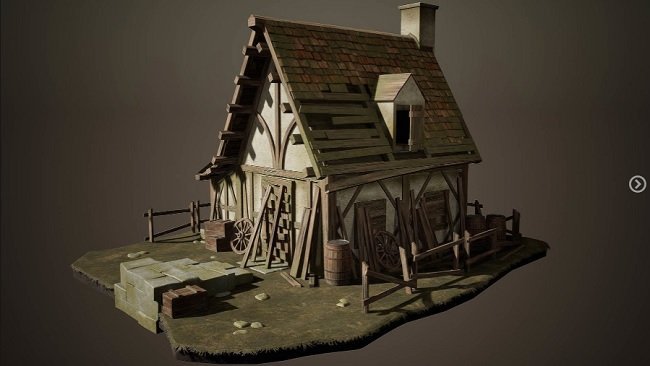
Artstation - Creating a Realistic Cabin House for Game in Blender

akikosgn9xulpc7zu7ahl9mjo5.jpg


Artstation - Creating a Realistic Cabin House for Game in Blender
Duration: 19h 42min | Video: .MP4 1920x1016, 30 fps | Audio: AAC, 44.1 KHz, 2 channels | Size: 12.3 GB
Genre: eLearning | Language: English

DO YOU HAVE ANY OF THESE PROBLEMS : Are you heaving trouble finding the right course that will teach you all the skills needed to create a game environment from start to finish using blender and unreal engine 4? Then look no further because this course is for you! Then I welcome you to Nexttut education's "Creating a Realistic Cabin House for Game in Blender" course.

INSTRUCTOR : My name is Emiel sleegers, I am a 3d environment artist working in the AAA game industry for around 7 years now. I am currently working for Ubisoft entertainment and I have worked on games like the division 2 and forza horizon 3

By the end of this course, you'll be able to Create realistic looking environments for your 3d project.

TOPICS COVERED :
Environment modeling
Making textures and Materials
Setting up in the UE4

In this intermediate course you will learn how to create and uv unwrap models in blender3d, how to create tileable material and unique textures using substance designer and substance painter and how-to setup your entire scene inside unreal engine 4. To go in more detail, we will be covering many topics in this course, We will start by diving straight into blender3d where we will be creating a blockout of our scene to define the shape and scale. We will then start with modeling our final scene using the weighted normal modeling technique and we will also unwrap all out models in the main time. Once that is done, we will take a break from modelling and start by creating all the tileable textures needed inside substance designer. Finally, we will apply those textures to our scene and export everything to unreal engine 4 where we will be setting up our scene, doing our lighting and post effects and creating our custom materials. Finally, to finish things off we will be creating some extra additional models to give the scene more life and volume, we will also be creating unique textures for these models inside substance painter.

IDEAL STUDENTS : I have designed this course for students who already have a basic understanding of the programs we are going to use. However as always, I will explain to you every step I take to get to the final result.


Homepage

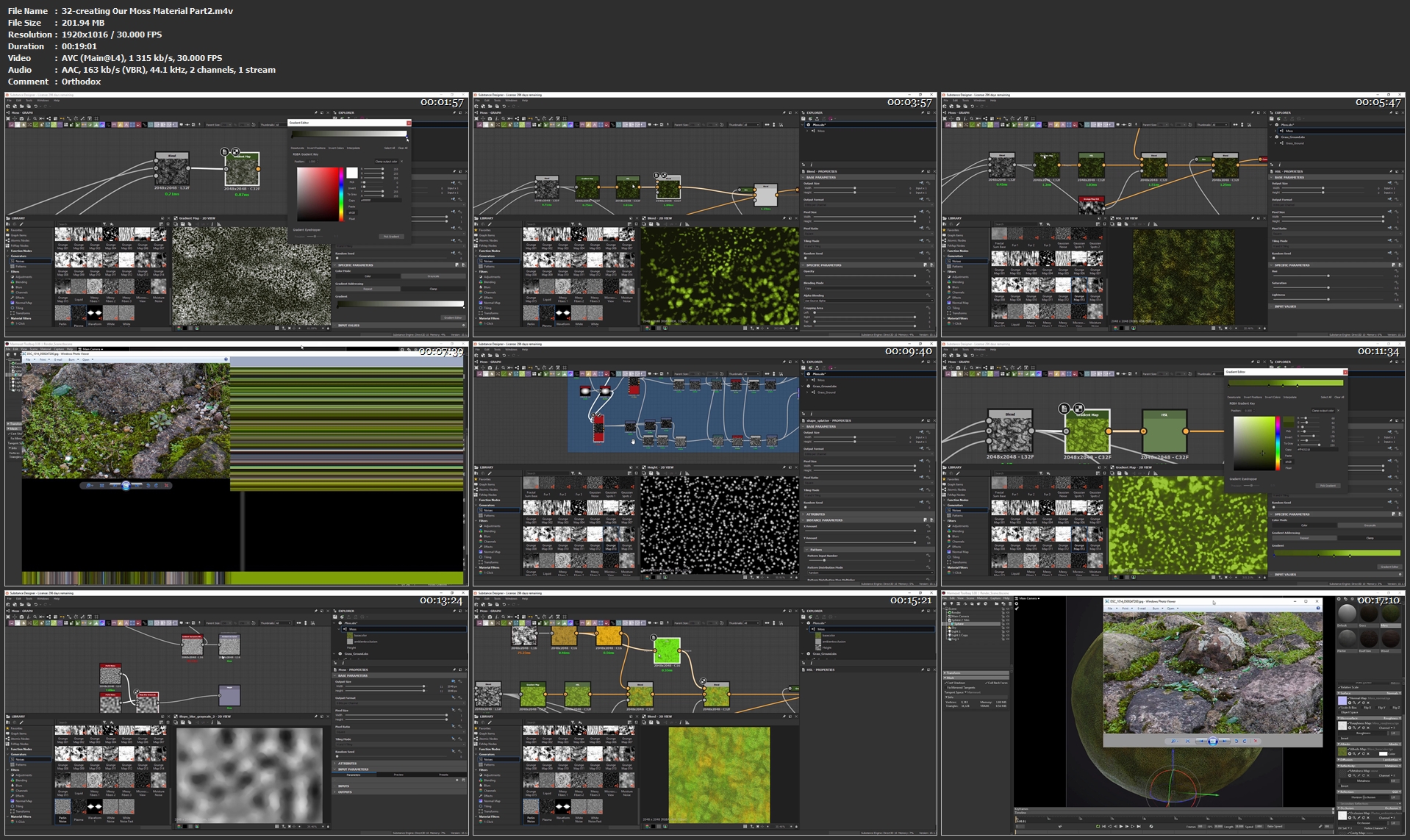
32creatingourmossmateumkbb.jpg


TTC - White Collar Criminal Law Explained

tvixerdscjhth72pmapn72ljd7.jpg


TTC - White Collar Criminal Law Explained
h264, yuv420p, 1280x720 |ENGLISH, 44100 Hz, 2 channel | 12h 24mn | 10.48 GB

White collar crime is, by all accounts, a booming industry. Even pop culture crams its movies and television shows with stories of fraud, insider trading, and political corruption. We are fascinated by-and seemingly surrounded by-white collar crime and white collar criminals.

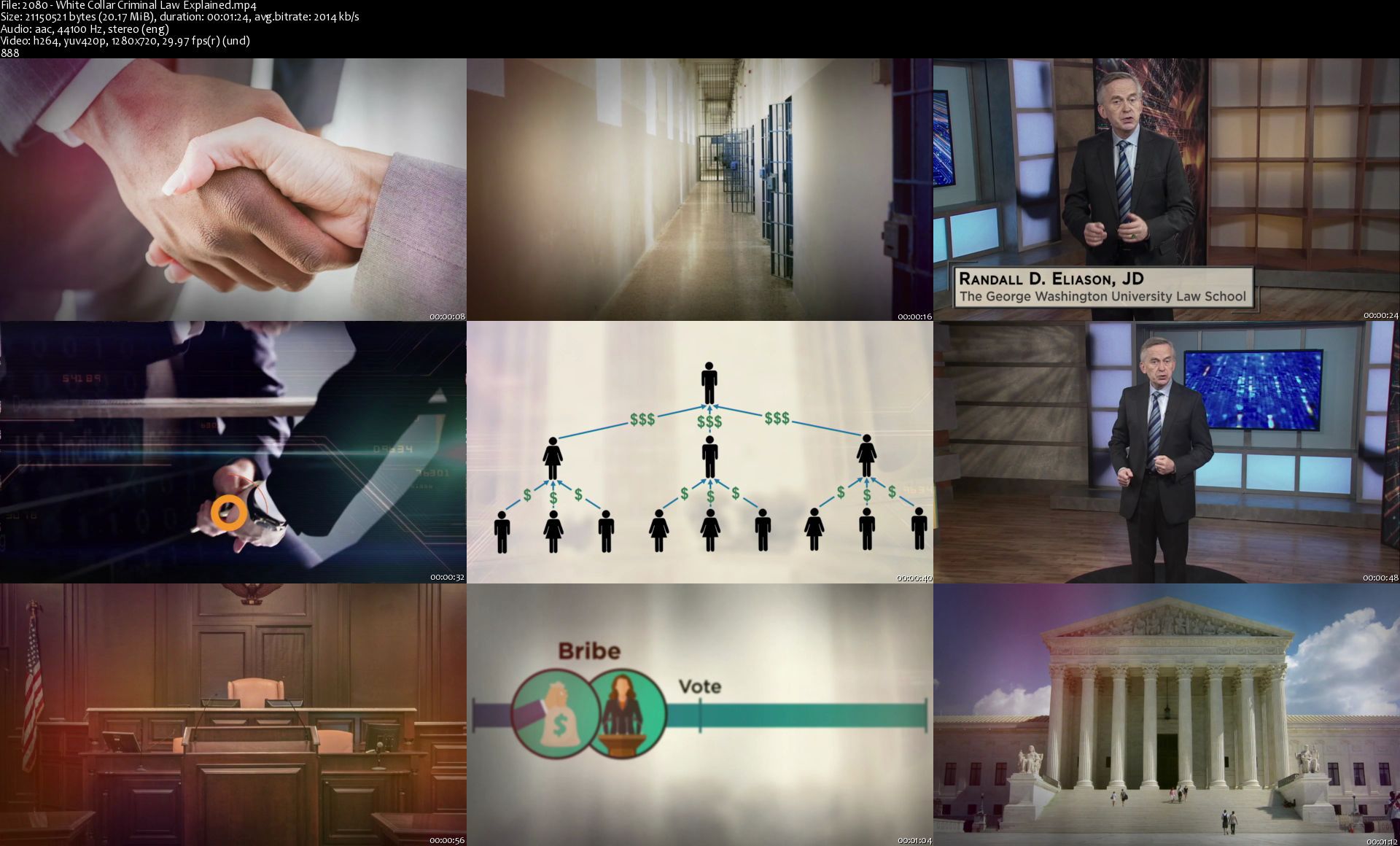
2080whitecollarcrimin9zjjt.jpg


TTC - Understanding the US Government

q4htkdlsw5jxotnrcgu7jzmjaq.jpg


TTC - Understanding the US Government
h264, yuv420p, 1280x720 |ENGLISH, 44100 Hz, 2 channel | 12h 23mn | 10.48 GB

Whether we participate in it or not, government plays a deeply integral role in how we live. From the taxes we pay and the laws that constrain our behavior, to the federal and state institutions that oversee our communities, to the civil rights and liberties we benefit from, our day-to-day existence is shaped in fundamental ways by the nature, policies, and actions of our government.

50030understandingthej3j2e.jpg


The Modern Flexbox, Grid, Sass & Animations Developer Course

nfcpui8kefphloxrfrwbpglktu.jpg


The Modern Flexbox, Grid, Sass & Animations Developer Course
MP4 | Video: h264, 1280x720 | Audio: AAC, 44.1 KHz, 2 Ch
Genre: eLearning | Language: English + .srt | Duration: 173 lectures (48h 17m) | Size: 20 GB

Become Legendary in CSS Flexbox, CSS Grid, Sass and Advanced CSS Animations by Building Awesome Real-world WEBSITES

What you'll learn:
You will learn the basics of CSS Flexbox
You will learn the intermediate level of CSS Flexbox
You will learn the advanced level of CSS Flexbox
You will learn the fundamentals of UI Web Design
You will learn the fundamentals of Responsive Web Design
You will be able create a portfolio website completely on CSS Flexbox
You will learn the basics of CSS Grid
You will learn the intermediate level of CSS Grid
You will learn the advanced level of CSS Grid
You will be able create a villa booking website completely on CSS Grid
You will learn how to setup Sass by two methods
You will learn all about Sass
You will be able create a fitness website using CSS Flexbox, CSS Grid and Sass with DARK MODE

Requirements
Beginner level knowledge of HTML5 and CSS3 is required
Have a computer + internet connection
Completion of my " The Ultimate HTML5 Elements & CSS3 Properties BOOTCAMP " is HIGHLY RECOMMENDED but not mandatory.


Description
This is the most up to date and extensive course regarding CSS Flexbox, CSS Grid, Sass and Advanced CSS Animations. In this course you will learn all about CSS Flexbox and how it incorporates into real-world websites. You will learn the fundamentals of UI web design and responsive web design along with best practices. We will take a deep dive into the topic of CSS Grid and all the nuts and bolts of it. This course also covers the Sass Extension Language of CSS thoroughly.

The first website which we are going to create is a portfolio website for Designers and Developers. This website is fully responsive and has been created completely on CSS Flexbox.

The second website is a Villa Booking website with modern features such as an awesome looking Gallery Carousel. This website is also fully responsive on all devices, existing or yet to come. This website has been created purely with the power of CSS Grid.

The third website is a Fitness website where we will combine the true power of CSS Flexbox, CSS Grid and Sass. This website is the culmination of all of your efforts throughout the course. The biggest and boldest feature of this website is the DARK MODE FEATURE which allows users to change the color theme of the website with just one click.

There are a lot more that this course offers, starting from an intermediate level, it will take you beyond the advanced level all the way to becoming a legend in these technologies.

One Last Thing to Keep in Mind

This course is NOT going to be a static course. I will definitely update it regularly for fresh content.

So, what are you waiting for? Let's start this epic journey together by ENROLLING IN THIS COURSE RIGHT NOW!

Who this course is for
Anyone who is interested in learning web design and web development at the same time
Being interested in learning the latest features of CSS Flexbox, CSS Grid and Sass
Anyone who wants to learn CSS Flexbox the right way
Anyone who wants to learn CSS Grid the right way
Anyone who wants to learn Sass the right way
Anyone who wants to master CSS Animations

Homepage

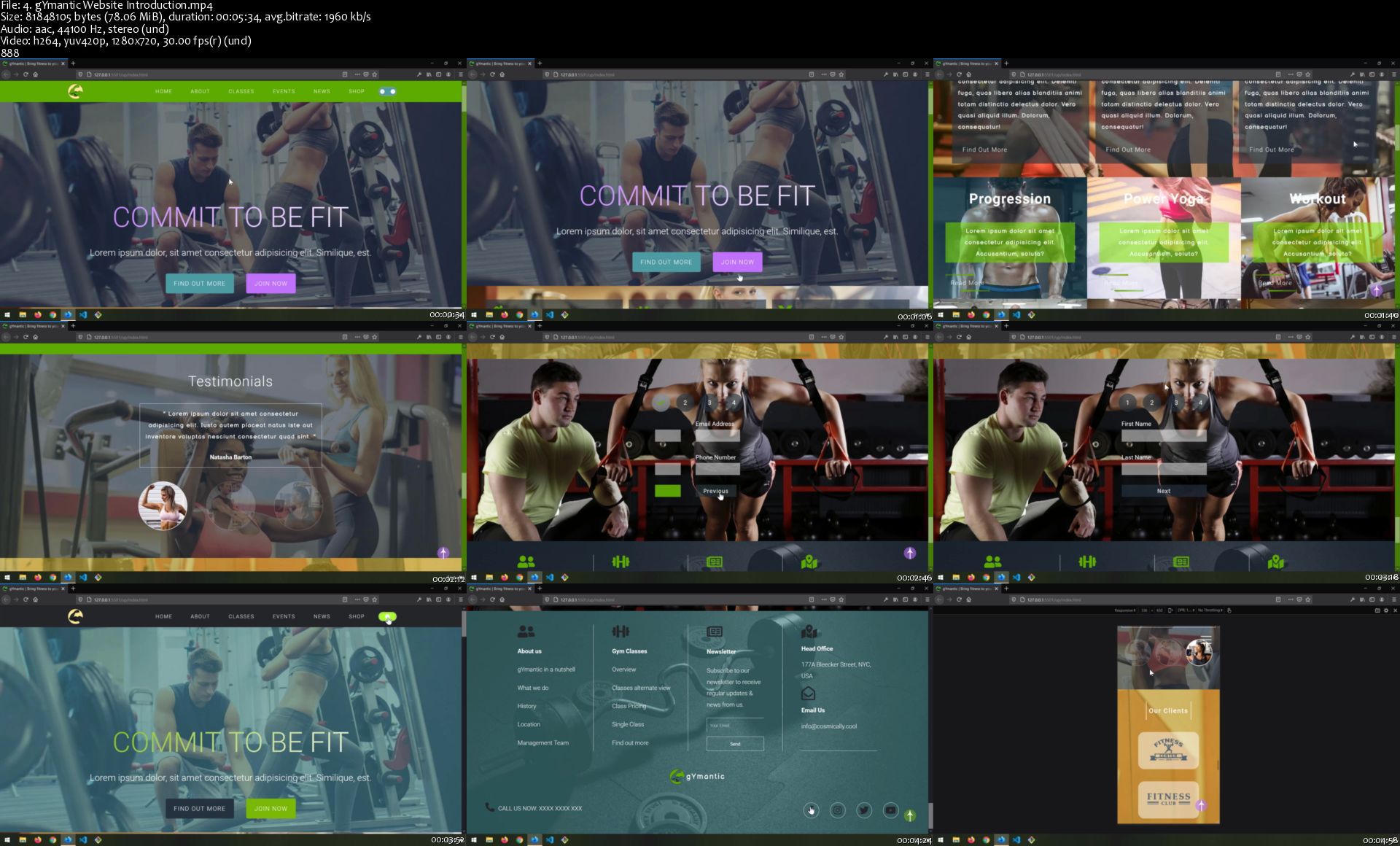
4.gymanticwebsiteintreyjky.jpg


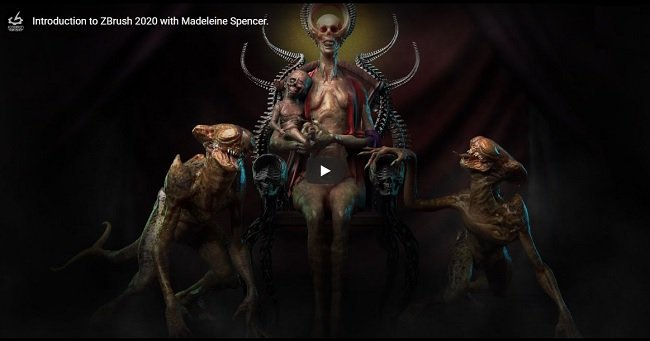
The Gnomon Workshop: Introduction to Zbrush 2020 by Madeleine Spencer

watfpsclrzfbb9meprxo2rojvy.jpg


The Gnomon Workshop: Introduction to Zbrush 2020 by Madeleine Spencer
Duration: 21h | Video: .MP4 1920x1080, 29.97 fps | Audio: AAC, 44.1 KHz, 2 channels | Size: 23 GB
Genre: eLearning | Language: English

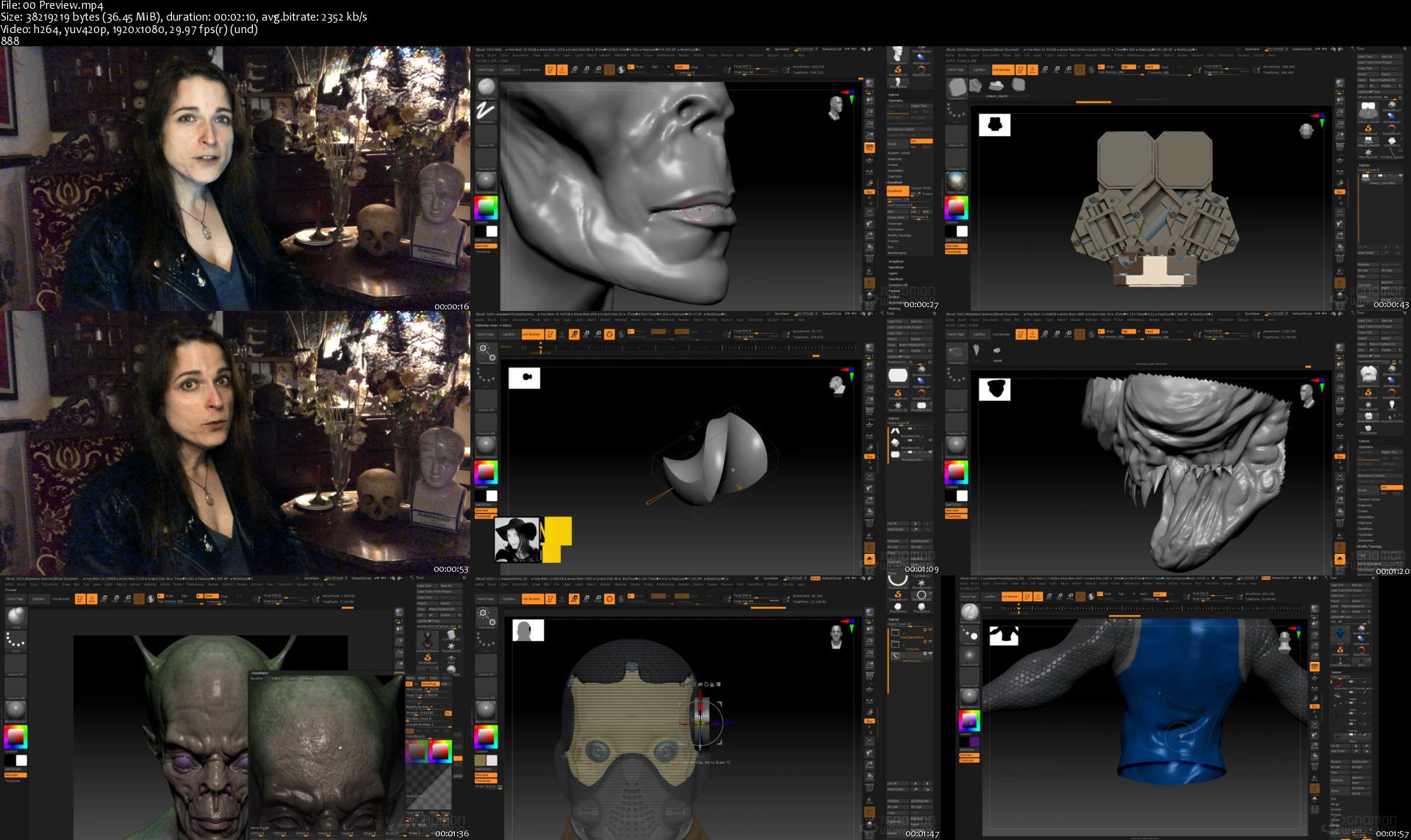
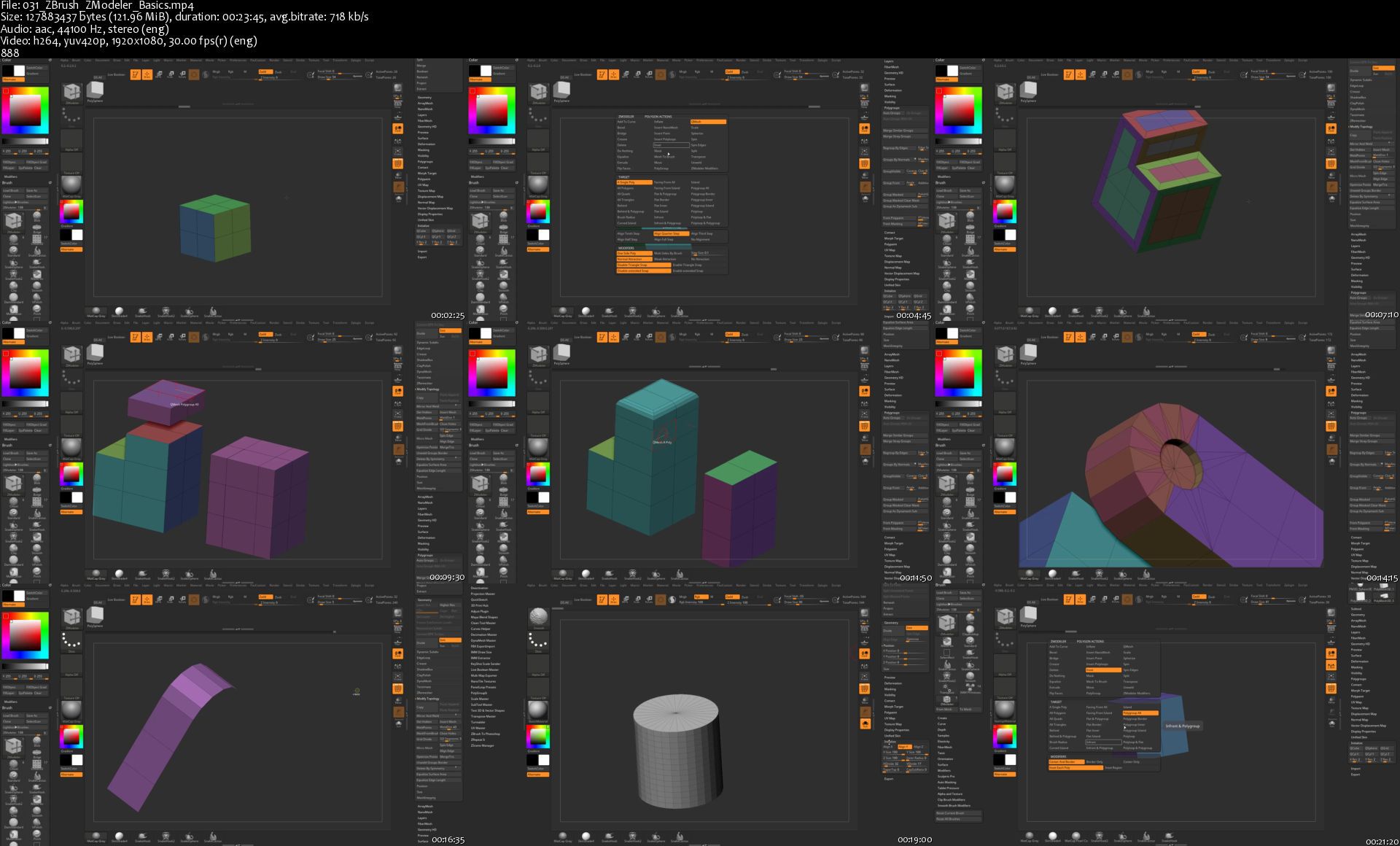
Welcome to Introduction to ZBrush 2020 presented by Madeleine Spencer, the most comprehensive video training series available for Pixologic ZBrush. With 54 chapters and over twenty hours of lecture, the series begins with a Quickstart tutorial for those entirely new to ZBrush. Madeleine begins by sculpting a character bust from a sphere while teaching core ZBrush concepts such as dynamesh, subdivision levels, the ZBrush interface, and navigation. Subsequent chapters offer in-depth lessons that cover virtually all aspects of the software, enabling the artist to create characters, creatures and props be them organic or hard-surface. As an artist's tool, ZBrush allows for the modeling and sculpting of just about anything one can imagine.

After the quick start lesson, Madeleine delves into myriad topics such as interface customization, hotkeys, various sculpting tools and techniques, 3D alphas, custom brushes, insert multi mesh, array mesh, nanomesh, Vector Displacement brushes, and much more! She demonstrates hard surface sculpting in ZBrush as well as the polygon modeling tools including ZModeler, topology brush, and Zremesher. ZBrush as a tool for 3D printing is also discussed, with a chapter devoted to exploring the process of preparing a model for print using the Decimation Master plugin.

ZBrush is not only a powerful sculpting tool, it is also a robust 3D paint program. Madeleine demonstrates polypainting, UV master and Spotlight through detailed examples of paint techniques drawn from her 20 years of experience in the film industry.

Rendering with ZBrush is explained using Lightcaps, HDR images, how to customize and understand the ZBrush material menu and then render images either internally in ZBrush or externally with Keyshot. We also examine how to extract maps such as displacement, normal and color for use in film, TV, and game pipelines. New tools in ZBrush 2020 are discussed and demonstrated including exciting new tools such as the Extractor brushes, Deco brush, History Recall brush, Adjust Color, Mask by Polypaint, sculpting and painting on Morph UV surfaces, and more!

For artists new to ZBrush, those looking for a refresher on tools, or users interested in an exploration of the new features in 2020, this series provides a wealth of knowledge organized into chapters that are designed to be accessed either sequentially or individually on an as needed basis. With Madeleine Spencer as your guide, the power of ZBrush is demystified enabling you to create in 3D using this immensely powerful artist's tool.


Homepage

00previews5tjba.jpg


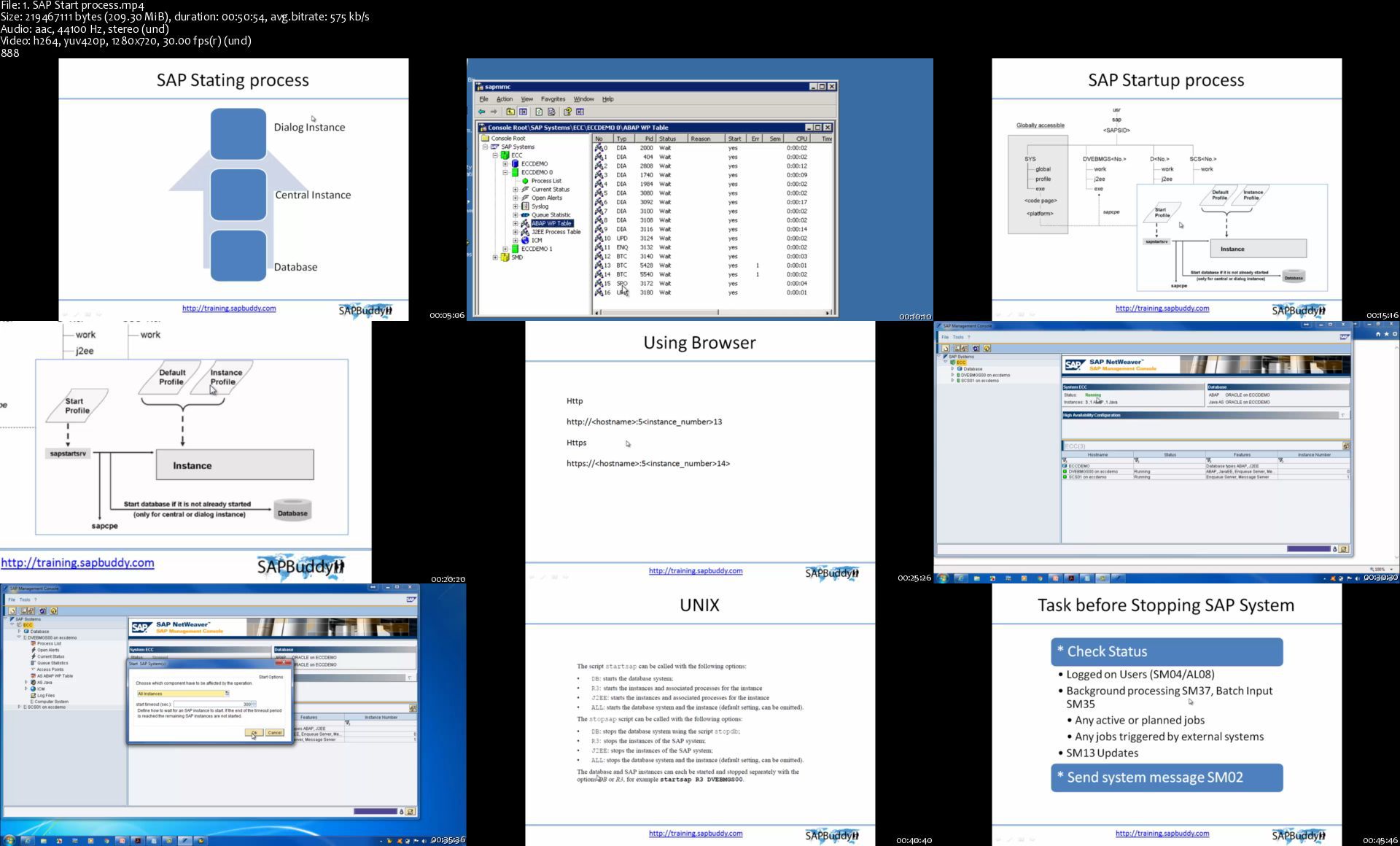
SAP Basis Administration

mqz5yp87kxm9706ih28omwxkq4.jpg


SAP Basis Administration
Genre: eLearning | MP4 | Video: h264, 1280x720 | Audio: aac, 44100 Hz
Language: English | Size: 11.2 GB | Duration: 23 section | 66 lectures | (37h 25m)


What you'll learn
SAP
SAP Basis
SAP System Administration
Basis Admin

Requirements
SAP NetWeaver Fundamentals


Description
This course helps you to become professional SAP Basis Consultant of SAP System Administrator which includes activities like installation and configuration, load balancing, and performance analysis of SAP applications running on Java stack and SAP ABAP.

The course is designed to understand the in-depth concept of SAP system and its architecture. Every section is explained with live demo, participants can have real time understanding of SAP system and the architecture behind SAP system.


Who this course is for:
SAP
SAP Consultant
IT Support


Homepage

1.sapstartprocesss65jgo.jpg


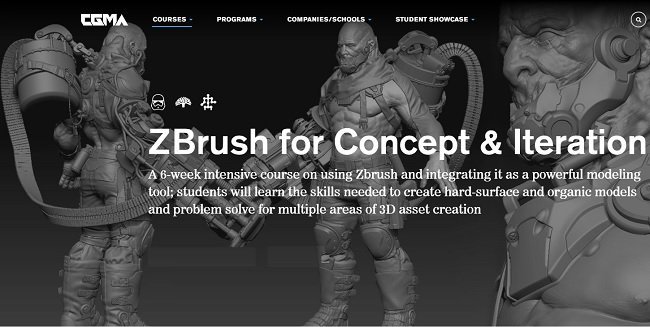
CGMA - ZBrush for Concept & Iteration

mvqwsyr1qcwpzyyzl9svk7ojap.jpg


CGMA - ZBrush for Concept & Iteration
Duration: 6+h | Video: .MP4 1920x1080, 30 fps | Audio: AAC, 44.1 KHz, 2 channels | Size: 13.2 GB
Genre: eLearning | Language: English

A 6-week intensive course on using Zbrush and integrating it as a powerful modeling tool students will learn the skills needed to create hard-surface and organic models and problem solve for multiple areas of 3D asset creation.

This high-intensity class will focus on getting you up and running in ZBrush in as little time as possible!
Students will focus on creative 3D problem solving complimented with a comprehensive overview of everything you need to begin using ZBrush as an integral part of your modeling tool set.
Once you've completed the course, you'll not only be comfortable in general ZBrush usage and terminology, you'll also have developed a broader set of tools that will allow you to create almost anything you can imagine, from hard-surface props to organic creatures!
Students will learn to problem solve for multiple areas of 3D asset creation, from concept visualization to final production modeling techniques!

Week 0.1 | Just the Basics! | Brush Basics | Material Basics
Week 0.2 | Zbrush Quickstart | UI | Hotkeys & Custom Menu
Week 1 | Blocking out Organic Shapes
Week 2 | Refine Organic
Week 3 | Blocking out Hard Surface
Week 4 | Refine Hard Surface
Week 5 | Bringing It All Together: Complex Creation
Week 6 | Posing and Rendering


Homepage

031zbrushzmodelerbasi8hkdw.jpg


The LinkedIn Masterclass 2020 by Vaibhav Sisinty

2b83e937a1286875f357c27e2aca84ee.jpg

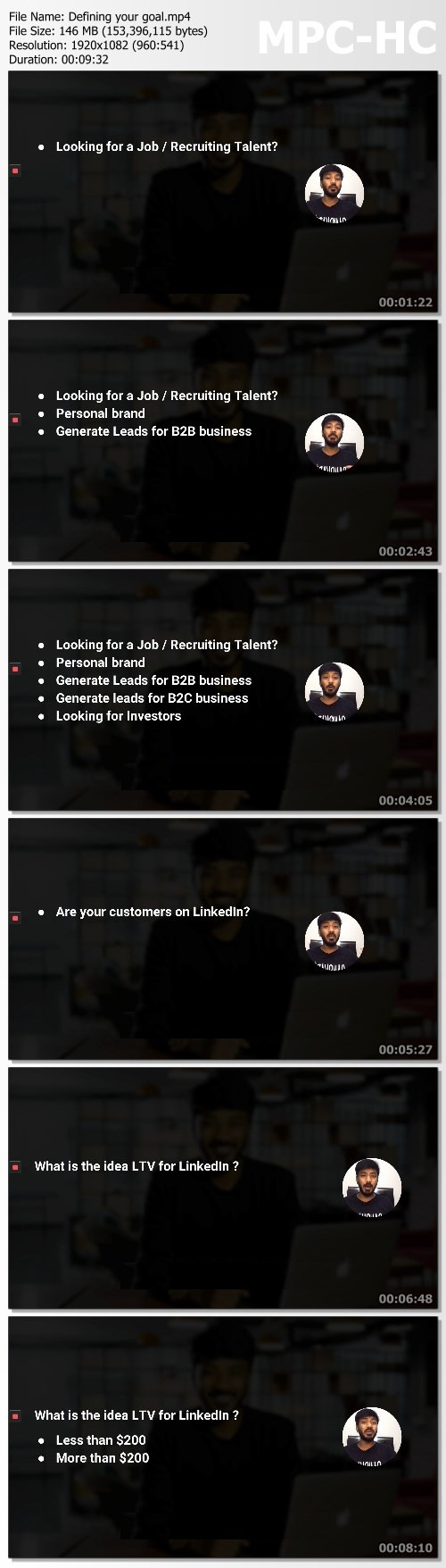
Vaibhav Sisinty - LinkedIn Masterclass 2020 | 2.56 GB​
Learn how I got 130K+ followers, reached over 40M people and acquire 1000's of leads for FREE which generates 10's of thousands of dollars on a monthly basis from LinkedIn using Growth Hacking & Automation. With ZERO Ad Spend and less than 5 hours of work weekly.

What You Will Learn:
Access to over 74 videos, 8 hours of pure growth hacking video content which will help you to put your LinkedIn on steroids and never worry about leads for your business ever again.
- My 6-Step Blueprint which is designed to create a brand awareness and generate leads without sending a single message to anyone on LinkedIn. Let the customers come to you.
- The Advanced Profile Optimisation Strategies that me and my clients use to rank for the desired keywords on LinkedIn search and google search in no time. Obviously results in tons of leads and sales all organic.
- My super secret tactics to get 100's of endorsements on all your skills and recommendations on your LinkedIn profile using automation without even asking for them, making your profile look legit.
- My secret connection growth strategies which will help you add your potential prospects. You will also learn how to steal your actively engaged competitors connections using automation.
- My unique and untapped Sales Navigator automated process which will help you find qualified leads easily, add them to your connections, send them a series of automated messages, find their email id, send them an email sequence and show them on AD on Facebook all automated.
- The exact way I generate super engaging content, my content hacking tricks which got me over 25M views on LinkedIn ( Average of 87K views per post )
- My lead generation secrets using content that has helped me and my clients acquire over 50,000+ highly qualified leads in last 6 months.

That is not it, here are a bunch of Bonus's you will get access to once you grab the course:
- LAUNCH SPECIAL BONUS : How to get LinkedIn Sales Navigator and the LinkedIn Automation tool ( the one i will be teaching in the course ) for FREE for Life. This bonus is valid during the Launch phase only.
- BONUS 1 : Step by step process on how to get upto 5K followers in 2 days without spending a dime on ads.
- BONUS 2 : How to send messages to all connections automatically on LinkedIn and how to set up followup sequences to make sure almost everyone responds to your messages.
- BONUS 3 : How to use a completely automated secret LinkedIn Pods to sky rocket your engagement, game the algorithm and also activate your old LinkedIn posts to get more reach on LinkedIn.
- BONUS 4 : My super secret strategy to make anyone on LinkedIn ( even if they are not connected ) to notice you on LinkedIn and get on a call with you. Works with high profile users and celeberities too.
- BONUS 5 : How to get emails of all your connections at once and also send automated, super customised email sequences to them using LinkedIn data of the user. ( Gets me 87% open rate and 47%+ reply rate on the emails )
- BONUS 6 : How I got lifetime access to a ton of tools worth 10,000$'s for FREE using LinkedIn Infleunce.

Enjoy the super sweet Launch Offer
ZERO AD SPEND
- Tired of losing money on Ads? All the course strategies, tricks and hacks in the course involves growth hacking and hence zero ad spend. Infact, I will be teaching you on how to the get the automation tools for free aswell.
Safest automation tactics
- Almost all the strategies in the course could be automated and set on auto pilot. That is not it, I would be teaching the safest ways of automating on LinkedIn so that your accounts are not impacted.
Most advanced Linkedin course
Before I started making this course, I have spent 1000's of dollars buying expensive LinkedIn courses online and I can assure you that there is nothing even close to what I offer here. PERIOD.

HOmepage:

Screenshots
da7328f7d038915b5fbda562be0da016.jpg


Link Download
​
Extract files with WinRar 5 or Latest !
 
Video Editing in DaVinci Resolve 16: Beginner to Advanced

4xvnypmhq80gth9dugl9qvekw6.jpg


Video Editing in DaVinci Resolve 16: Beginner to Advanced
Genre: eLearning | MP4 | Video: h264, 1280x720 | Audio: aac, 44100 Hz
Language: English | VTT | Size: 7.61 GB | Duration: 22 section | 198 lectures | (10h 17m)


What you'll learn
How to use DaVinci Resolve for Video Editing from beginner to advanced
Cut Page Quick & Easy Video Editing
How to add effects (OpenFX) to your Videos
How to add Motion Graphics to your Videos
How to Correctly Color Correct using DaVinci Resolve
How to work with all kind of Nodes from Serial to Layer, Parallel... and even the Combiner/Spliter Nodes
How to do Color Grading using multiple tools in DaVinci Resolve
How to correctly use Curves, Color Wheels, Qualifiers, Power windows, Scopes and all the rest.
You will complete a full project from Importing Media, Video Editing, Color Correction and Color Grading with Motion and ResolveFX
Requirements
DaVinci Resolve 16 is a Free Software. I'll show you how to download and Install your copy.
DaVinci Resolve 16 will require Windows 10
No Prior knowledge in DaVinci Resolve required
No prior knowledge in Video Editing, Color Correction and Grading, Visual Effects or Motion is required. It's all covered in the Course.
A 1080p (at least) Screen Resolution is highly recommended to work in DaVinci Resolve and to preview the course.
I will provide you, free of charge, professionally shot videos to create your own project (from video editing to color correction and Grading)

Description
Hi, my name is Louay, I am the author of top rated and bestselling courses in Premiere Pro, After Effects, Video Editing and Motion Graphics.

Video Editing in DaVinci Resolve 16 - Beginner to Advanced

DaVinci Resolve 16 is a free professional video editing application used by professionals and amateurs. It's easy and simple to use. It provides you with simple to use yet powerful tools to edit your videos and achieve high quality production.

This course is for beginners. You do not need any previous knowledge in DaVinci Resolve 16 or video editing experience.

You will dive straightaway into creating your first video and add music, graphics, text and couple of transitions. No time is wasted with unnecessary concepts. You will be up and running in DaVinci Resolve in less than an half hour.

I'll teach you everything you need to know about video editing, visual effects, motion graphics, color correction & grading and audio editing to create professionally looking videos.

We will make a video together from start to finish, step by step. You will start right at the beginning from how to import your video clips all the way through to Color Correction and Grading.

I know you want to practice, play with video shots, assemble short and long videos. You want to create and apply the skills you've learned right away. That is why I provided you with a complete Set of 100+ video footage of a Sports/Action theme for you to work and practice.

You can even come up with your own awesome and original video using the same footage. It's open to your imagination and what you want to create.

What will you learn in this DaVinci Resolve 16 Course?

Start by understanding the workflow in DaVinci Resolve.

Quick & Easy Editing in the latest Cut Page in Davinci Resolve 16

Efficiently import and organize your media from Bins to Power Bins

Dive in and create your first short video - Just to get started.

Discover multiple ways to assemble your video - from inserts to swaps

Fine edit your clips a frame at a time

Lots fun re-timing your clips with speed graphs - Slow Motion and Fast Motion

You will Master Transitions and create your own

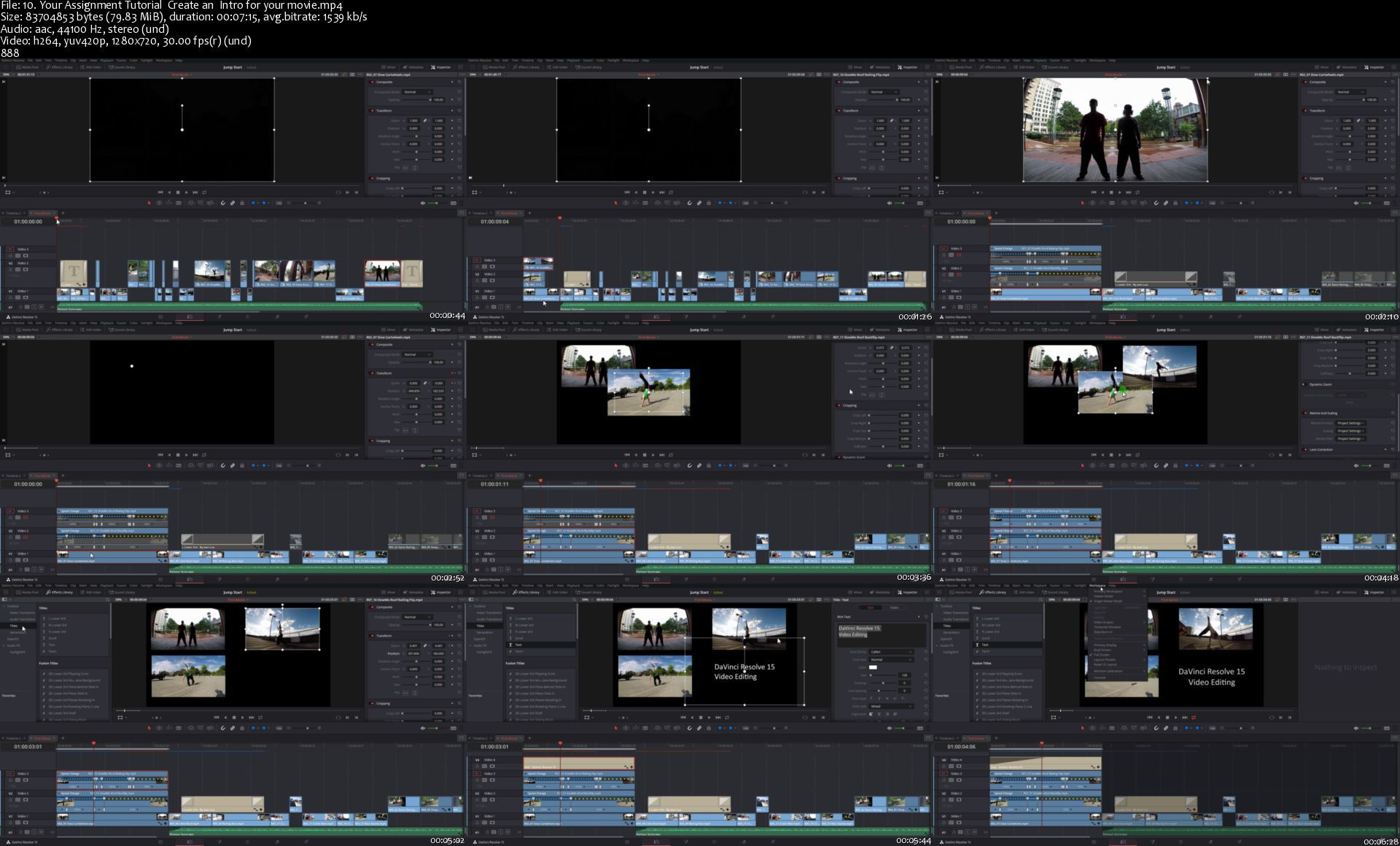
Add Graphics, Lower Thirds and Titles, we will even create an Intro and Outro

Work in the more advanced Fusion Text

Apply and customize Effects from ResolveFX

Achieve Perfect Color Correction - including Log footage

Use Power Windows, Cloud and Point Trackers to bring up features in your clips.

Understand (in detail) and work with advanced tools such as Curves, Qualifiers, Keys.

Start Color Grading like a colourist (at least a beginner one) and produce awesome videos.

So, if you're looking to:

Edit your Videos for your YouTube channel with a free professional and extensive application or Create exciting and well edited videos for your family album, Edit a marketing video for your website, Create a Music Video, Edit Documentaries, Start your Career as a Video Editor, Create your first Demo-Reel Then you will find this course ideal for your needs, as you work with an instructor who really cares about your success as individual.

Enroll now and start Video Editing right away. See you in the first lecture.

Cheers

Louay


Who this course is for:
Beginners in DaVinci Resolve 16.
Beginners in Video Editing and Color Grading - You will learn how to Video Edit and Color Grade and more.
Intermediate and Advanced Video editor who want to learn how to work in DaVinci Resolve if it is for Video Editing or Color Grading.
If your focus is only on color grading then you'll learn all about color correction/grading in DaVinci Resolve.
If your focus is on Video Editing then you will learn all about Video Editing in DaVinci Resolve.


Homepage

10.yourassignmenttuto7tkvf.jpg


Zurück
Oben Unten