• Regeln für den Video-Bereich:

    In den Börsenbereich gehören nur Angebote die bereits den Allgemeinen Regeln entsprechen.

    Einteilung

    - Folgende Formate gehören in die angegeben Bereiche:
    - Filme: Encodierte Filme von BluRay, DVD, R5, TV, Screener sowie Telesyncs im Format DivX, XviD und x264.
    - DVD: Filme im Format DVD5, DVD9 und HD2DVD.
    - HD: Encodierte Filme mit der Auflösung 720p oder darüber von BluRay, DVD, R5, TV, Screener sowie Telesyncs im Format x264.
    - 3D: Encodierte Filme von BluRay, die in einem 3D Format vorliegen. Dies gilt auch für Dokus, Animation usw.
    - Serien: Cartoon/Zeichentrick, Anime, Tutorials, Dokumentationen, Konzerte/Musik, Sonstiges sind demnach in die entsprechenden Bereiche einzuordnen, auch wenn sie beispielsweise im High Definition-Format oder als DVD5/DVD9/HD2DVD vorliegen. Ausnahme 3D.
    - Bereich Englisch: Englische Releases gehören immer in diesen Bereich.
    - Bereich Talk: Der Bereich, in dem über die Releases diskutiert werden kann, darf, soll und erwünscht ist.


    Angebot/Beitrag erstellen

    - Ein Beitrag darf erst dann erstellt werden, wenn der Upload bei mindestens einem OCH komplett ist. Platzhalter sind untersagt.
    - Bei einem Scenerelease hat der Threadtitel ausschließlich aus dem originalen, unveränderten Releasenamen zu bestehen. Es dürfen keine Veränderungen wie z.B. Sterne, kleine Buchstaben o.ä. vorgenommen werden. Ausnahme Serienbörse:
    - Bei einem Sammelthread für eine Staffel entfällt aus dem Releasename natürlich der Name der Folge. Beispiel: Die Simpsons S21 German DVDRip XviD - ITG
    - Dementsprechend sind also u.a. verboten: Erweiterungen wie "Tipp", "empfehlenswert", "only", "reup", usw. / jegliche andere Zusatzinformation oder Ergänzung, welche nicht in obiger Beschreibung zu finden ist.

    Aufbau des Angebots und Threadtitel

    Der Titel nach folgendem Muster erstellt zu werden. <Name> [3D] [Staffel] [German] <Jahr> <Tonspur> [DL] [Auflösung] <Quelle> <Codec> - <Group>
    Beispiel: The Dark Knight German 2008 AC3 DVDRip XviD - iND
    Beispiel: The Dark Knight 2008 DTS DL BDRip x264 - iND
    Beispiel: The Dark Knight 2008 AC3 DL BDRip XviD - iND
    Beispiel: The Dark Knight German 2008 AC3 720p BluRay x264 iND
    Beispiel: The Dark Knight 2008 DTS DL 1080p BluRay x264 iND
    Beispiel: Die Simpsons S01 German AC3 DVDRip XviD iND
    Beispiel: Die Simpsons S20 German AC3 720p BluRay x264 iND
    Beispiel: Sword Art Online II Ger Sub 2014 AAC 1080p WEBRip x264 - peppermint
    Entsprechend sind also u.a. verboten: Sonderzeichen wie Klammern, Sterne, Ausrufezeichen, Unterstriche, Anführungszeichen / Erweiterungen wie "Tipp", "empfehlenswert", "only", "reup", usw. / jegliche andere Zusatzinformation oder Ergänzung, welche nicht in obiger Beschreibung zu finden ist
    Ausnahmen hiervon können in den Bereichen geregelt sein.

    Die Beiträge sollen wie folgt aufgebaut werden:
    Überschrift entspricht dem Threadtitel
    Cover
    kurze Inhaltsbeschreibung
    Format, Größe, Dauer sind gut lesbar für Downloader außerhalb des Spoilers zu vermerken
    Nfo sind immer Anzugeben und selbige immer im Spoiler in Textform.
    Sind keine Nfo vorhanden z.B. Eigenpublikationen, sind im Spoiler folgende Dateiinformationen zusätzlich anzugeben :
    Quelle
    Video (Auflösung und Bitrate)
    Ton (Sprache, Format und Bitrate der einzelnen Spuren)
    Untertitel (sofern vorhanden)
    Hosterangabe in Textform außerhalb eines Spoiler mit allen enthaltenen Hostern.
    Bei SD kann auf diese zusätzlichen Dateiinformationen verzichtet werden.

    Alle benötigten Passwörter sind, sofern vorhanden, in Textform im Angebot anzugeben.
    Spoiler im Spoiler mit Kommentaren :"Schon Bedankt?" sind unerwünscht.


    Releases

    - Sind Retail-Release verfügbar, sind alle anderen Variationen untersagt. Ausnahmen: Alle deutschen Retail-Release sind CUT, in diesem Fall sind dubbed UNCUT-Release zulässig.
    - Im Serien-Bereich gilt speziell: Wenn ein Retail vor Abschluss einer laufenden Staffel erscheint, darf diese Staffel noch zu Ende gebracht werden.62
    - Gleiche Releases sind unbedingt zusammenzufassen. Das bedeutet, es ist zwingend erforderlich, vor dem Erstellen eines Themas per Suchfunktion zu überprüfen, ob bereits ein Beitrag mit demselben Release besteht. Ist dies der Fall, ist der bereits vorhandene Beitrag zu verwenden.
    - P2P und Scene Releases dürfen nicht verändert oder gar unter einem iND Tag eingestellt werden.


    Support, Diskussionen und Suche

    - Supportanfragen sind entweder per PN oder im Bereich Talk zu stellen.
    - Diskussionen und Bewertungen sind im Talk Bereich zu führen. Fragen an die Uploader haben ausschließlich via PN zu erfolgen, und sind in den Angeboten untersagt.
    - Anfragen zu Upload-Wünschen sind nur im Bereich Suche Video erlaubt. Antworten dürfen nur auf Angebote von MyBoerse.bz verlinkt werden.


    Verbote

    - Untersagt sind mehrere Formate in einem einzigen Angebotsthread, wie beispielsweise das gleichzeitige Anbieten von DivX/XviD, 720p und 1080p in einem Thread. Pro Format, Release und Auflösung ist ein eigener Thread zu eröffnen.
    - Grundsätzlich ebenso verboten sind Dupes. Uploader haben sich an geeigneter Stelle darüber zu informieren, ob es sich bei einem Release um ein Dupe handelt.
    - Gefakte, nur teilweise lauffähige oder unvollständige Angebote sind untersagt. Dies gilt auch für eigene Publikationen, die augenscheinlich nicht selbst von z.B. einer DVD gerippt wurden. Laufende Serien, bei denen noch nicht alle Folgen verfügbar sind, dürfen erstellt und regelmäßig geupdatet werden.
    - Untersagt sind Angebote, welche nur und ausschließlich in einer anderen Sprache als deutsch oder englisch vorliegen. Ausnahmen sind VORHER mit den Moderatoren zu klären.


    Verstoß gegen die Regeln

    - Angebote oder Beiträge, die gegen die Forenregeln verstoßen, sind über den "Melden"-Button im Beitrag zu melden.
  • Bitte registriere dich zunächst um Beiträge zu verfassen und externe Links aufzurufen.

++ Premium IPTV ++ 7000 Live Sender ++ UHD Qualität ++ Mediathek mit 18.000 Inhalten ++


VenneTV


Englische Tutorials

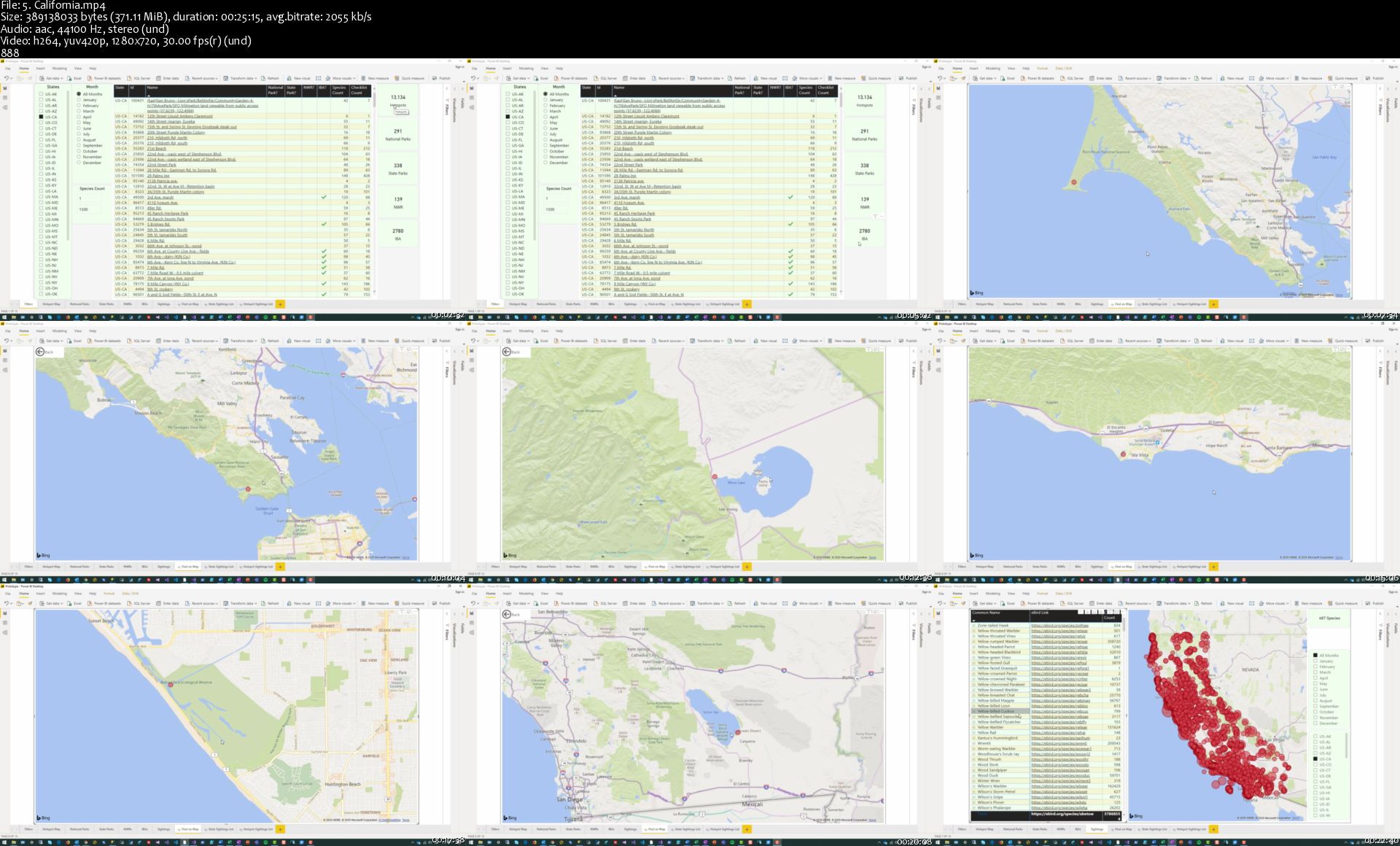
Bird Watching in the United States

cjtrkwslk0w9k6f1pcjrej4kco.jpg


Bird Watching in the United States
Genre: eLearning | MP4 | Video: h264, 1280x720 | Audio: aac, 44100 Hz
Language: English | VTT | Size: 5.15 GB | Duration: 5 section | 22 lectures | (5h 15m)


What you'll learn
Find the best places to bird in any state, in any given month
Locate that hard to find, elusive, species for any given month and state
Month by month analysis of where the birds are in any given state and month
Find what species has been recorded at your favorite birding location
Pick a species and find everywhere in the United States that species has been seen
View every birding hotspot in any state or just those hotspots that have had a minimum number of species seen
Learn about birding in the top birding states in the country

Requirements
Just a love for birding

Description
This course is designed to show you in a very fun, and interactive way, where to find the best birding spots in the United States or where to find that elusive species you've been looking for your country or particular state life list. Want to know where you might be able to see a Green-winged Teal in Delaware in June, we show you. Are you planning a trip to St. Petersburg, Florida in April, and want to know where to find the best birding, we make it easy and fun to find out. Are you interested in knowing how many birders have been at your local state park, we show you how to find that out. This course is your one-stop shop for bird watching in the United States.


Who this course is for:
Birding enthusiasts interested in seeing where the best birding spots are in the United States and what species can be seen there, for any given month


Homepage

5.californiasyajbg.jpg


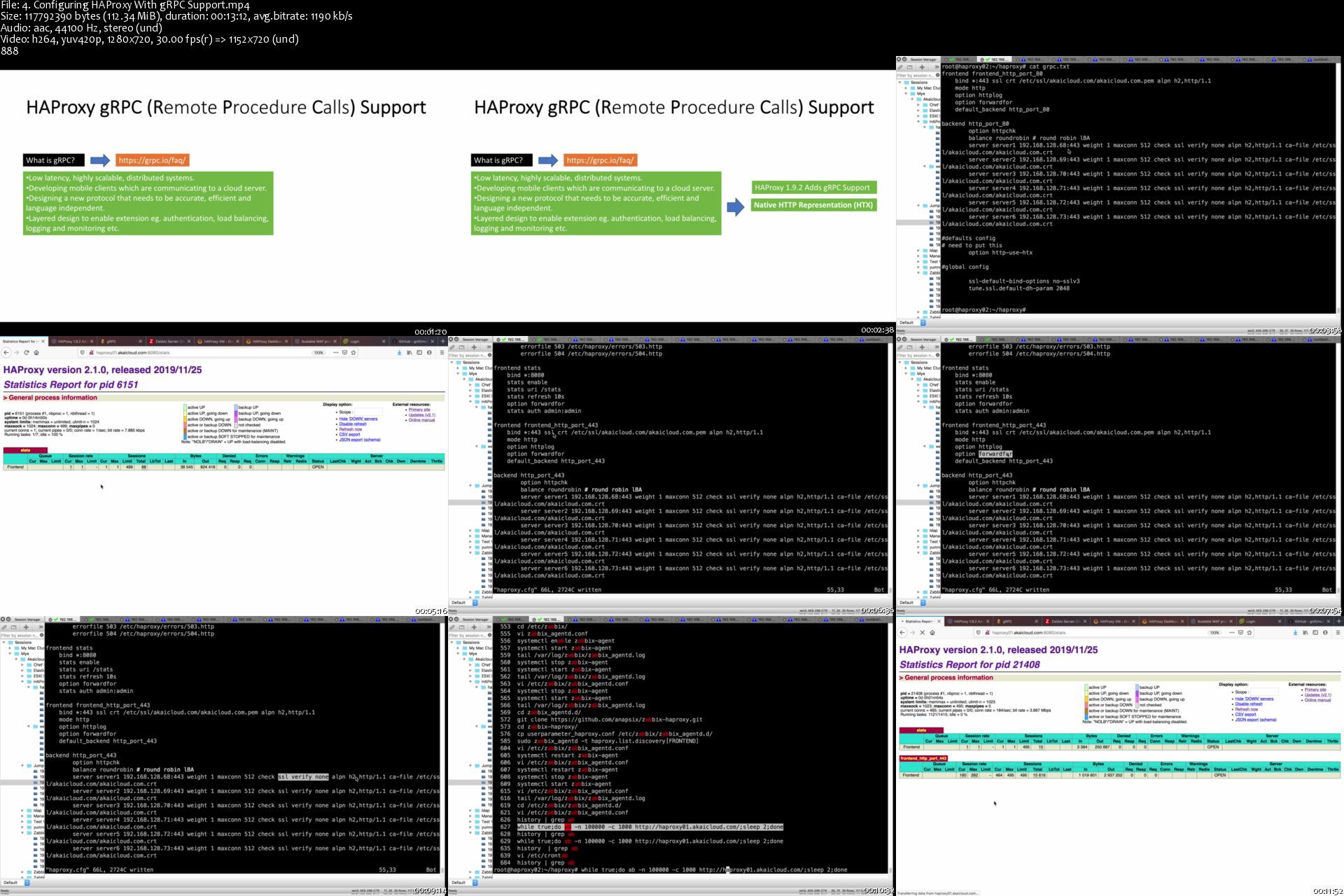
Become HAProxy Load Balancer Expert - Using Ansible Playbook

0aqhlxuo9ozu0cahzuwnkb5kbf.jpg


Become HAProxy Load Balancer Expert - Using Ansible Playbook
Genre: eLearning | MP4 | Video: h264, 1280x720 | Audio: aac, 44100 Hz
Language: English | VTT | Size: 6.21 GB | Duration: 16 section | 98 lectures | (13h 32m)


What you'll learn
Student will learn Load Balancing concept
Student will learn High Avaibility concept
Student will able to install HAProxy
Student will able to create several type of Local Balancing Algorithms

Requirements
Student has Linux basic concept
Student has TCP/IP basic concept
Student has Networking basic knowledge

Description
If you're thinking to become HAProxy Load Balancing Administrator, or you want to start to understand Load Balancer Algorithm, then this course is perfect for you. You will see video after video, from beginners with explanations that are easy to understand. Also this course will provide many examples that make it easy for you to follow and understand. In the first section, you will learn how to get all file configurations that we used during the course. You can use that file configurations to reproduce it on your environment.

In this course, you will use Ansible Playbook to deploy HAProxy cluster, KeepAlived and monit monitoring in VMWare environment. Using this Ansible playbook will make easy to deploy/manage HAProxy cluster.
This course has 14 sections, 86 lectures, and about 13 hours 32 minutes duration. You can download all videos, and watch them without internet connection. Most videos are about how to build HAProxy configuration by examples. You will follow step by step how to use and manage HAProxy cluster.

In this course, you will learn how to:

Understanding HAProxy concept and architecture

Installing HAProxy using Ubuntu and CentOS

Creating HAProxy cluster HA using KeepAlived

Install HAProxy cluster using Ansible playbook

Install HAProxy HA KeepAlived using Ansible playbook

Install KeepAlived monit monitoring using Ansible playbook

Manage HAProxy Using API and curl samples

Forward HAProxy log to Logstash/elasticsearch, check log using Kibana

Managing HAProxy Load Balancing Algorithm

Managing(creating and removing) HAProxy type and mode

Configuring HAProxy kernel to get high performance

Configuring HAProxy Load Balancer base on any algorithm types

Configuring HAProxy Round Robin LBA

Configuring HAProxy Static-rr (Static Round Robin)

Configuring Least Connection LBA

Configuring HAProxy Source IP Address Hashed LBA

Configuring HAProxy with SSL Termination

Configuring HAProxy with SSL Pass-Through

Configuring HAProxy URL Forwarding

Configuring HAProxy Using Recipes

Understand HAProxy Server Bencmarking and Tuning

Configuring HAProxy with HTTP/2 and HTTP/1.1 support

Configuring HAProcy with gRPC support

Understanding WAF (Web Application Firewall) for HAProxy

Configuring HAProxy Defense Against DDOS

Tuning HAProxy Performance

Configuring WhiteList IP Address and Restrict Specific IP Address

Monitoring HAProxy using Zabbix

Creating Grafana Dashboard for HAProxy frontend and backend

etc.

After you finished this course, you will have confident to use and manage HAProxy cluster.

Please ping and message me if you need my help to follow this course.

Thanks,

Muhammad Yusuf Efendi

Zabbix Certified Professional
IT Cloud Expert


Who this course is for:
Student who want to learn HAProxy Load Balancing
Student who want to manage HAProxy Load Balancing
Student who want to use HAProxy as High Availibility and Load Balancing


Homepage

4.configuringhaproxywc8jut.jpg


The Gnomon Workshop - Modeling and Rendering a Realistic Jumping Spider

ejyw9awkkorr8yoidkqashvkqk.jpg


The Gnomon Workshop - Modeling and Rendering a Realistic Jumping Spider
Duration: 9h | Video: .MP4 1920x1080, 59.94 fps | Audio: AAC, 48 KHz, 2 channels | Size: 12.3 GB
Genre: eLearning | Language: English

In this video series, Eric Keller demonstrates his process for designing, modeling and texturing an accurate and realistic jumping spider. Starting from a simple block out in Pixologic's ZBrush, Eric shows you his pipeline for sculpting accurate details, painting textures and materials in Substance Painter, creating a working topology and UVs in Maya, generating realistic fur using Peregrine Lab's Yeti, and setting up lighting and rendering properties using Redshift for Maya.

Along the way Eric discusses important aspects of spider anatomy and biology that should inspire and inform creature designers and modelers. He demonstrates lighting and compositional techniques based on his study of insect and spider macro photography. The video series is designed for intermediate to advanced CG artists looking to expand their skill set and their knowledge of spiders as well as incorporating Peregrine Labs Yeti fur software into their own models. Example files are provided.

Duration: 541 Minutes

Format: HD 1920x1080

Software Used:
- Zbrush
- Substance painter
- Redshift
- Maya
- Yeti


Homepage

01.introductions86ja5.jpg


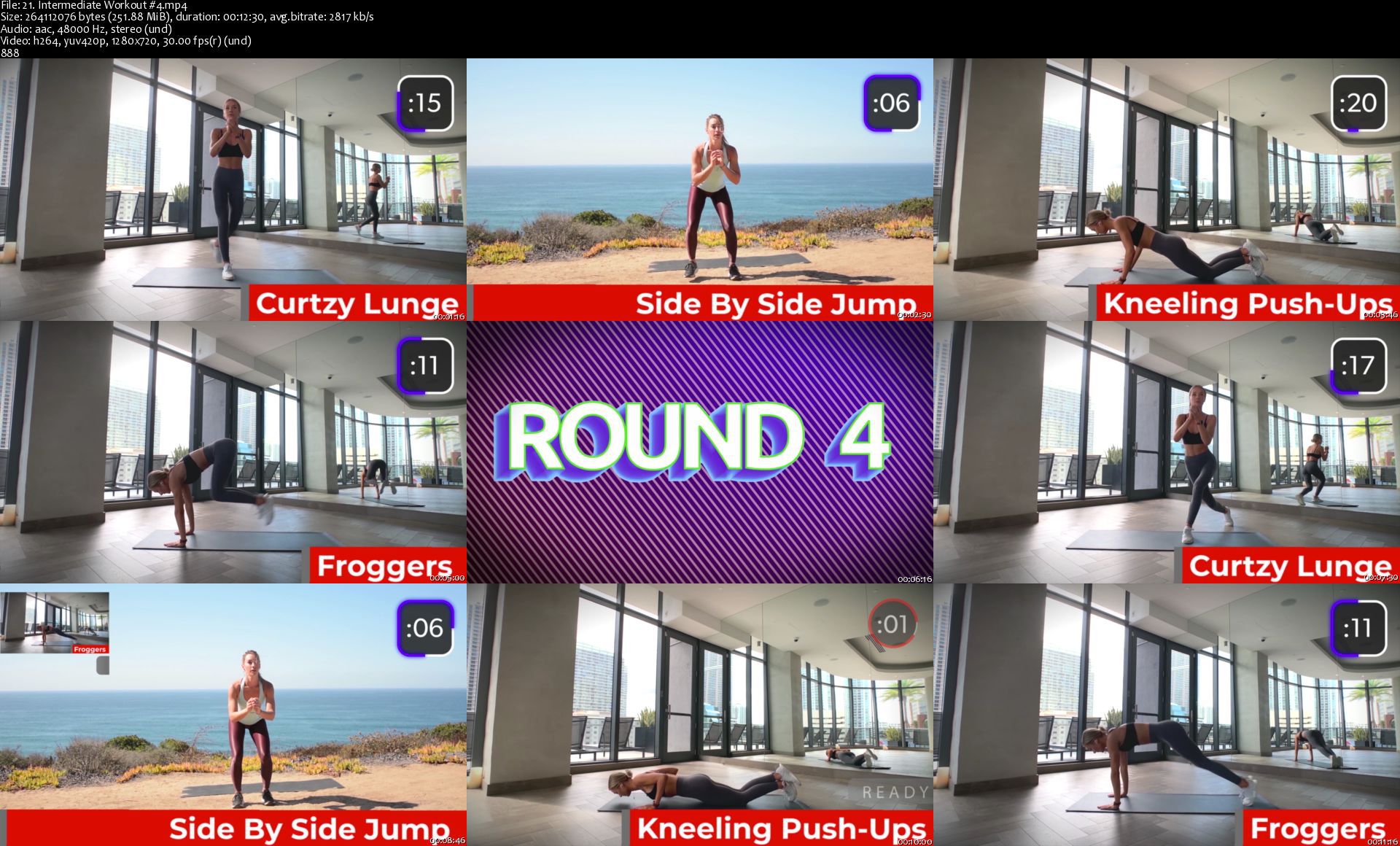
Sweat and Reset - Fitness Workouts

dci2h78y9whbq5evzqwtofwkn7.jpg


Sweat and Reset - Fitness Workouts
MP4 | Video: h264, 1280x720 | Audio: AAC, 44.1 KHz, 2 Ch
Genre: eLearning | Language: English + .srt | Duration: 46 lectures (4h 32m) | Size: 5.48 GB

High Intensity Interval Training - Burn a lot of calories in a short period of time

What you'll learn:
Train safely and effectively doing Interval Training
A library of 100 different exercises
How to train with good form and technique
Workout at home with no equipment
Able to lose 2.5 lbs of fat per week

Requirements
A Mat
A lot of energy


Description
Sweat and reset is a set of professionally built workout videos, for every fitness level and goal. My workouts provide Day-by-day instruction, creating incredible, sustainable results.

These workouts are intended to make you have cardio, lose weight, and burn fat. Sweat and Reset is a library of workouts that target the parts of your body that store fat. Both men and women can use these exercises to burn fat and live an overall healthier lifestyle.

Who this course is for
Anyone who wants to lose weight without joining a gym.
Beginners in fitness.
Busy Professionals.
Personal Trainers or Class Instructors
Looking to workout quickly, with no equipment.
Anyone who want to gain stamina and endurance.
Anyone who practice sports.
People who love to workout, but don't have that much time.

Homepage

21.intermediateworkoupyj0g.jpg


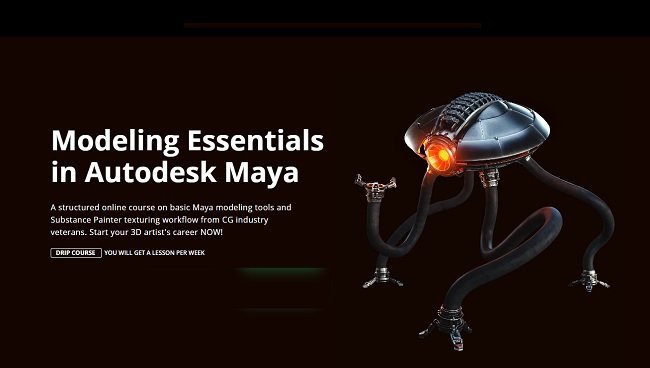
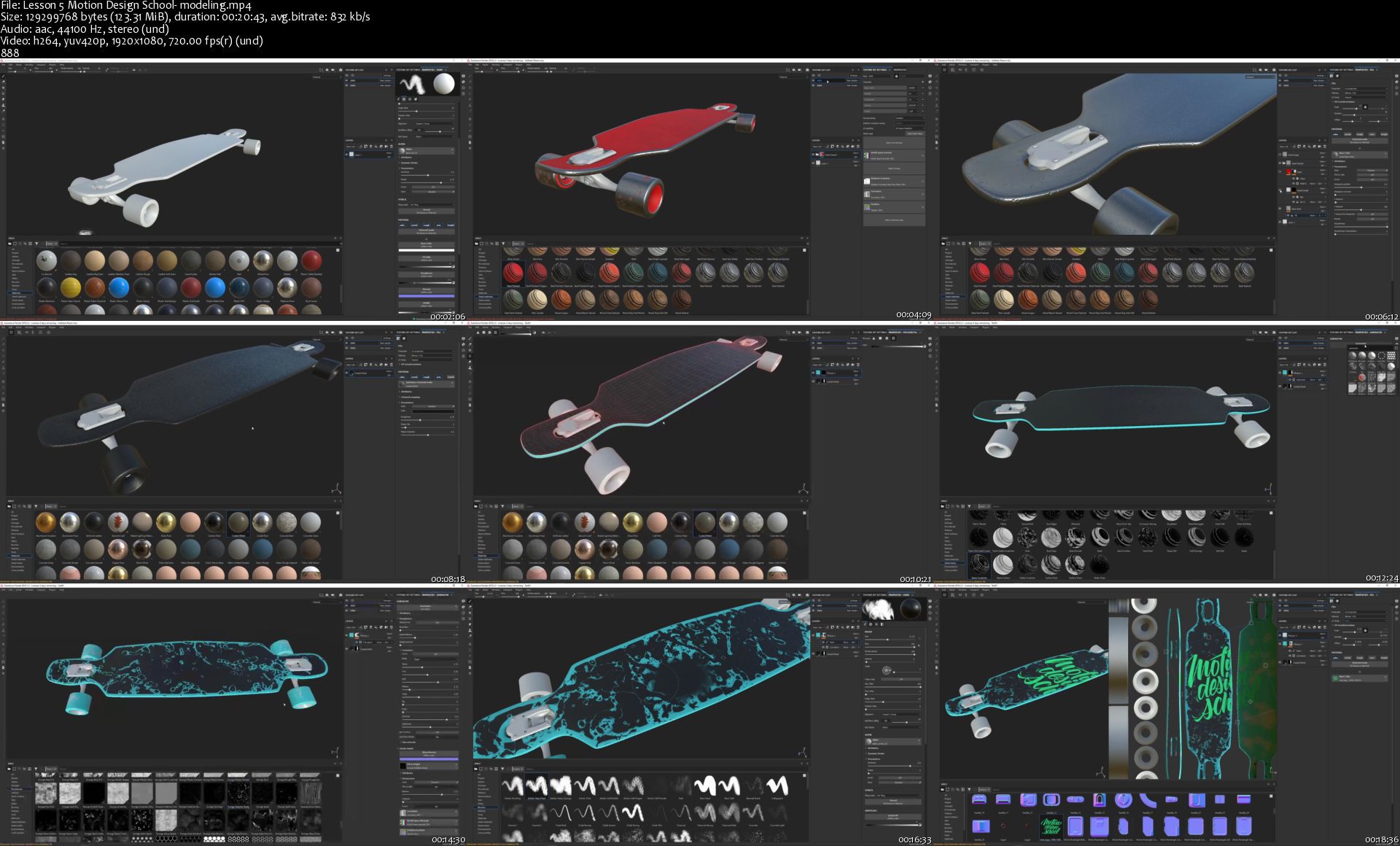
Motion Design School - Maya Modeling Essentials

kg4ubugdpvkjls5ygjzikcjjjl.jpg


Motion Design School - Maya Modeling Essentials
Duration: 7h | Video: .MP4 1920x1080, 60 fps | Audio: AAC, 44.1 KHz, 2 channels | Size: 8.64 GB
Genre: eLearning | Language: English

Modeling is an essential part of the 3D industry. You can not imagine any animated movie or video game without 3D models. Characters, props, environment, almost every idea needs to be represented as a 3D model either fully or partially. 3D is a versatile tool that will come in handy for any contemporary artist. But where to start? It`s much better to begin your 3D artist's journey from tweaking some polygons and getting knowledge about 3D in a nutshell. In this course you will start from creating a simple model of a longboard in Maya and then learn how to texture it in Substance Painter right away. After that, we'll show you the ropes on a simple example. There is a real challenge for you: you will need to create full a 3D hard surface character from our animated movie that we've made for this course!

The course is designed to effectively introduce you to the basic stages of working with 3D modelling, even if you have never done this before.
Section #1
Intro
Interface navigation and standard Maya tools.

Section #2
Modeling Basics
Maya basic modeling tools.
Learning the polygonal modeling process on the examples of simple objects.

Section #3
Hardsurface Modeling
Creating a longboard model. Mastering creating the correct topology.
creating a basic object form;
objects grouping;
adding details to a grid for smoothing;
creating the final geometry.

Section #4
UV Unwrap
Creating a UV map of a model in Maya. Preparing a model for texturing.

Section #5
Texturing
Creating textures. Basic rendering in Substance Painter.

Section #6
Introduction to advanced modeling
creating the base concept, development of the idea;
pre-modeling preparation;
preparation of references;
working out the masses and proportions.

Section #7
Increasing the geometry detailing
work with deformers;
Boolean operations. Pros and cons;
work with KitBash;
creating a simple animation for checking the model functionality.

Section #8
Mesh modeling using clones
What mesh is and how to use it for modeling covered on the example of the robot's spine and eyes.
Finishing up the scene.

Section #9
Preparing UV for the final model
Subdivision of geometry into logical groups;
Creating UVs;
UV packing using UDIM.

Section #10
Introduction to Substance Painter
Key aspects of texturing for PBR shading;
Textures baking;
Texturing methods of complex objects.

Section #11
Preparing the scene for presentation
camera and animation;
creating an expressive pose;
final shaders setup;
color and light as a composition method;
introduction to Arnold renderer.


Homepage

lesson5motiondesignsclvkk7.jpg


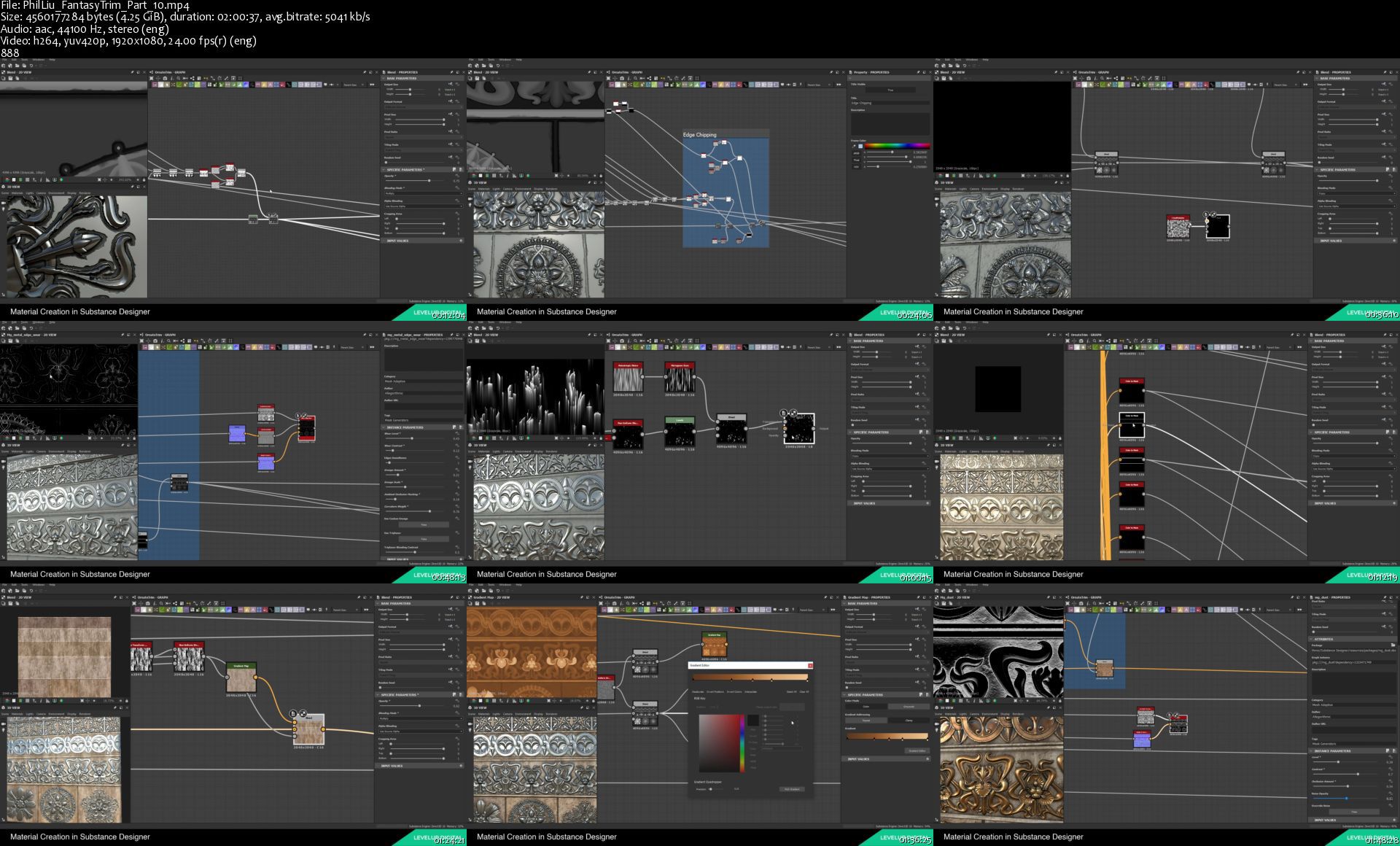
Creating a Fantasy Trim Texture

iqrlmydnf50jia9391j5424kvn.jpg


Creating a Fantasy Trim Texture
Duration: 12h | Video: .MP4 1920x1080, 24 fps | Audio: AAC, 44.1 KHz, 2 channels | Size: 31.7 GB
Genre: eLearning | Language: English

Learning how to model intricate and decorative shapes is a must for the environment artist, especially those working or aspiring to work on fantasy or sci-fi projects. This tutorial takes you through some great workflows on how to create super detailed shapes utilizing Maya, Substance Designer and Substance Painter to get incredible results. Follow along as Phil shares his professional techniques for breaking down the process of creating a variety of ornate shapes for trims in different styles, from art nouveau to gothic.

TUTORIAL CONTENTS
Reference
Principles & Tools
Circle Trim
Art Nouveau
Ornate Circle
Ornate Trim
Kit Bash
Baking
Gothic Shapes
Material Creation
Application


Homepage

philliufantasytrimparnmkof.jpg


JSP (Java Server Pages) Training

007c04a26skp3.jpg


JSP (Java Server Pages) Training
Video: .mp4 (1280x720, 30 fps(r)) | Audio: aac, 44100 Hz, 2ch | Size: 8.66 GB
Genre: eLearning Video | Duration: 44 lectures (15 hour, 19 mins) | Language: English

Become a Full Stack Web Developer. Learn core concepts of JSP and build interactive & complex web applications using JSP


What you'll learn

Describe JavaServer Pages and their relationship to servlets and J2EE generally
How to build database-related Web applications using JavaServer Pages
Fundamentals of Java server side web development
How a JSP is translated into a servlet and processed at runtime
Newer features and techniques, including JSP expressions and the JSTL tags
Know everything about JSP and learn to apply JSP code to build a web application
Manage cookies to store client-specific information at various scopes and duration
How linking is done with database through coding
How to build a fully functioning JSP and Servlets web application from scratch
Understand and use Java Database Connectivity
Write JavaBeans and access JavaBeans from servlets / JSPs
Use JavaBeans to implement effective interactive JSP applications
Use JSP tags and understand JSP JavaBean scopes
How to use JSP forwarding
Use Model, View, Controller methodologies
Enumerate and use the implicit objects available to scripting elements
Explain the use of directives on JSPs and outline the principal directives
Implement simple JSPs that use Java code in declarations, expressions and scriptlets
Use Java exception handling and JSP error pages to handle errors in JSP applications
Implement session management for a JSP application
Describe custom tags in JSP and explain how they are implemented
Describe the various uses of XML in JSP applications
Deploy a logical Web application to a Web server in a WAR file
Implement an interactive Web application using HTML forms and JSP


Requirements

Enthusiasm and determination to make your mark on the world!


Description

Java Server Pages (JSP) is a server-side programming technology that enables the creation of dynamic, platform-independent method for building Web-based applications. JSP have access to the entire family of Java APIs, including the JDBC API to access enterprise databases. This tutorial will teach you how to use Java Server Pages to develop your web applications in simple and easy steps.

JSP is essentially a server-side scripting language that helps you to create dynamic, platform-independent method for building applications based on web. One of the original Java web technologies, JavaServer Pages is widely used to build dynamic web pages that connect to the Java backend. JSP is a Java standard technology that enables you to write dynamic, data-driven pages for your Java web applications.

JSP is built on top of the Java Servlet specification. The two technologies typically work together, especially in older Java web applications. From a coding perspective, the most obvious difference between them is that with servlets you write Java code and then embed client-side markup (like HTML) into that code, whereas with JSP you start with the client-side script or markup, then embed JSP tags to connect your page to the Java backend. JavaServer Pages (JSP) technology allows you to easily create web content that has both static and dynamic components. JSP technology makes available all the dynamic capabilities of Java Servlet technology but provides a more natural approach to creating static content. By using JSP, you can take input from users through forms present on web page, display records from a database or another source, and can move dynamically from one page to another JSP page present in same file or other file.

Since Java Server Pages are built on top of the Java Servlets API, so like Servlets, JSP also has access to all the powerful Enterprise Java APIs, including JDBC, JNDI, EJB, JAXP, etc. JSP pages can be used in combination with servlets that handle the business logic, the model supported by Java servlet template engines. JSP is a complimentary technology to Java Servlet which facilitates the mixing of dynamic and static web contents. JSP is Java's answer to the popular Microsoft's Active Server Pages (ASP). JSP, like ASP, provides a elegant way to mix static and dynamic contents. The main page is written in regular HTML, while special tags are provided to insert pieces of Java programming codes. The business programming logic and the presentation are cleanly separated. This allows the programmers to focus on the business logic, while the web designer to concentrate on the presentation.

A JSP page is a text document that contains two types of text: static data, which can be expressed in any text-based format (such as HTML, SVG, WML, and XML), and JSP elements, which construct dynamic content. JSP helps developers to insert java code in HTML pages by using special JSP tags, most of which start with <% tag and ends with %> tag. Developers of programmers write JSP as a normal text file and then attach this JSP code with any other file like html, xml, etc. The recommended file extension for the source file of a JSP page is .jsp. The page can be composed of a top file that includes other files that contain either a complete JSP page or a fragment of a JSP page. The recommended extension for the source file of a fragment of a JSP page is .jspf.

The JSP elements in a JSP page can be expressed in two syntaxes, standard and XML, though any given file can use only one syntax. A JSP page in XML syntax is an XML document and can be manipulated by tools and APIs for XML documents. This chapter and Chapters Chapter 7, JavaServer Pages Standard Tag Library through Chapter 9, Scripting in JSP Pages document only the standard syntax. The XML syntax is covered in Chapter 6, JavaServer Pages Documents.

Finally, JSP is an integral part of Java EE, a complete platform for enterprise class applications. This means that JSP can play a part in the simplest applications to the most complex and demanding.


Uplatz provides this in-depth training on Java Server Pages (JSP) to help you master the most widely used technology for developing web applications.

This practical, application-oriented Java JSP training course teaches Java Servlets, JDBC and JSP and shows how to use it to develop simple to complex database-driven Web applications. It is intended for experienced Java (J2SE) programmers who want to build Web applications or J2EE components and systems.

This JavaEE JSP training course for web developers & programmers will show you how to build end to end Web applications using JEE best practices, design patterns, and technologies to ensure that you get a performant, scalable JEE/JSP applications. JSP training develops skills to create web pages that display dynamically-generated content.


Features of JSP

A language for developing JSP pages, which are text-based documents that describe how to process a request and construct a response

An expression language for accessing server-side objects

Mechanisms for defining extensions to the JSP language

JSP technology also contains an API that is used by developers of web containers


Advantages of JSP

Using Javaserver Pages is very simple and like other Java based programs a candidate can learn JSP without having any in depth knowledge or Java related training. Also it can even be implemented by non- Java programmers.

Javaserver Pages allows developers to make presentation codes, since the webpages are compiled dynamically into servers.

JSP allows web developers to change a specific portion in the template of a page, without affecting the entire application logic.

JSP is a portable platform, which means the technology can be used in other web servers and operating system.

Javaserver Pages provided implicit exception handling mechanism and compiles pages automatically.

Separation of static and dynamic contents: The dynamic contents are generated via programming logic and inserted into the static template. This greatly simplifies the creation and maintenance of web contents.

Reuse of components and tag libraries: The dynamic contents can be provided by re-usable components such as JavaBean, Enterprise JavaBean (EJB) and tag libraries - you do not have to re-inventing the wheels.

Java's power and portability.


JSP (Java Server Pages) - course syllabus

Topics covered

Introduction to Web

Introduction to JSP

Directory Structure

Lifecycle JSP

Scripting Elements - part 1

Scripting Elements - part 2

Scripting Elements - part 3

Implicit Object Request

Implicit Project - part 1

Implicit Project - part 2

Implicit Project (Login) - part 3

Implicit Project (Reg) - part 4

Implicit Project - part 5

Implicit Project (Output) - part 6

Directives Page - part 1

Directive Page - part 2

Directive Include - part 1

Directive Include - part 2

JSP Action Tag - Usebean - part 1

JSP Action Tag - Usebean - part 2

JSP Action Tag - Usebean - part 3

JSP - Include Action Tag - part 1

JSP - Include Action - part 2

JSP - Forward Action - part 1

JSP - Forward Action - part 2

Expression Language - part 1

Expression Language (Param) - part 2

Expression Language - part 3

Expression Language (RequestScope) - part 4

Java Bean using Expression Language - part 1

Java Bean using Expression Language - part 2

Java Bean using Expression Language - part 3

JSTL Core - part 1

JSTL Core - part 2

JSTL Core (URL) - part 3

JSTL SQL - part 1

JSTL SQL (Update) - part 2

JSTL SQL Update - part 3

SQL Param

JSTL - Function - part 1

JSTL - Function - part 2

JSTL - Function - part 3

MVC in JSP - part 1

MVC in JSP - part 2


Detailed-level list of topics covered

1. Web Applications

Server-Side Programming

Web Protocols and Web Applications

Role of Web Servers

Java Servlets

Using Tomcat Web server

Structure of a Java Servlet

2. Servlets Architecture

Servlets Architecture

Servlet and HttpServlet

Request and Response

Reading Request Parameters

Producing an HTML Response

Redirecting the Web Server

Deployment Descriptors

Servlets Life Cycle

Relationship to the Container

3. Interactive Web Applications

Building an HTML Interface

HTML Forms

Handling Form Input

Application Architecture

Single-Servlet Model

Multiple-Servlet Model

Routing Servlet Model

Template Parsers

4. Session Management

Managing Client State

Sessions

Session Implementations

HttpSession

Session Attributes

Session Events

Invalidating Sessions

5. Configuration and Context

The Need for Configuration

Initialization Parameters

Properties Files

JNDI and the Component Environment

JDBC Data Sources

Working with XML Data

6. Filters

Servlet Filters

Uses for Filters

Building a Filter

Filter Configuration and Context

Filter Chains

Deploying Filters

7. Database and SQL Fundamentals

Relational Databases and SQL

SQL Versions and Code Portability

Database, Schema, Tables, Columns and Rows

DDL - Creating and Managing Database Objects

DML - Retrieving and Managing Data

Sequences

Stored Procedures

Result Sets and Cursors

Using SQL Terminals

8. JDBC Fundamentals

What is the JDBC API?

JDBC Drivers

Making a Connection

Creating and Executing a Statement

Retrieving Values from a ResultSet

SQL and Java Datatypes

SQL NULL Versus Java null

Creating and Updating Tables

Handling SQL Exceptions and Proper Cleanup

Handling SQLWarning

9. Advanced JDBC

SQL Escape Syntax

Using Prepared Statements

Using Callable Statements

Scrollable Result Sets

Updatable Result Sets

Transactions

Commits, Rollbacks, and Savepoints

Batch Processing

Alternatives to JDBC

10. Introduction to Row Sets

Row Sets in GUI and J2EE programming

Advantages of RowSets

RowSet Specializations

Using CachedRowSets

11. JSP Architecture

JSP Containers

Servlet Architecture

Page Translation

Types of JSP Content

Directives

Content Type

Buffering

Scripting Elements

JSP Expressions

Standard Actions

Custom Actions and JSTL

Objects and Scopes

Implicit Objects

JSP Lifecycle

12. Scripting Elements

Translation of Template Content

Scriptlets

Expressions

Declarations

Dos and Don'ts

Implicit Objects for Scriptlets

The request Object

The response Object

The out Object

13. Interactive JSP Applications

HTML Forms

Reading CGI Parameters

JSPs and Java Classes

Error Handling

Session Management

The Session API

Cookies and JSP

14. Using JavaBeans

Separating Presentation and Business Logic

JSP Actions

JavaBeans

Working with Properties

<jsp:useBean>

<jsp:getProperty> and <jsp:setProperty>

Using Form Parameters with Beans

Objects and Scopes

Working with Vectors

15. The Expression Language and the JSTL

Going Scriptless

The JSP Expression Language

EL Syntax

Type Coercio

Error Handling

Implicit Objects for EL

The JSP Standard Tag Library

Role of JSTL

The Core Actions

Using Beans with JSTL

The Formatting Actions

Scripts vs. EL/JSTL

16. Advanced JSP Features

Web Components

Forwarding

Inclusion

Passing Parameters

Custom Tag Libraries

Tag Library Architecture

Implementing in Java or JSP

Threads

Strategies for Thread Safety

XML and JSP

17. JSP for Web Services


JSP Training Learning Objectives

Explain the fundamentals of HTML and HTTP in the World Wide Web.

Describe JavaServer Pages and their relationship to servlets and J2EE generally.

Describe how a JSP is translated into a servlet and processed at runtime.

Explain the use of directives on JSPs and outline the principal directives.

Implement simple JSPs that use Java code in declarations, expressions and scriptlets.

Enumerate and use the implicit objects available to scripting elements.

Implement an interactive Web application using HTML forms and JSP.

Use Java exception handling and JSP error pages to handle errors in JSP applications.

Implement session management for a JSP application.

Manage cookies to store client-specific information at various scopes and durations.

Use JavaBeans to implement effective interactive JSP applications.

Describe custom tags in JSP and explain how they are implemented, both using Java and JSP itself, and how they are used.

Discuss threading issues in JSP and describe the use of directives to control how threading is handled.

Describe the various uses of XML in JSP applications.

Deploy a logical Web application to a Web server in a WAR file.

Describe the use of the JSP expression language to simplify dynamic page output.

Write JSP expressions and implement JSPs that use them in favor of scripts.

Implement JSPs that use basic JSTL actions to simplify presentation logic.

Decompose a JSP application design into fine-grained, reusable elements including JavaBeans, custom tag handlers and tag files that use JSTL.

Use core JSTL actions to complement standard actions, custom actions, and

JSP expressions for seamless, script-free page logic.

Direct conditional and iterative processing of page content by looping through ranges of numbers, over elements in a collection, or over tokens in a master string.

Set locale and time zone information in JSPs, and use them to correctly format numbers, dates and times for all clients.

Use resource bundles to manage application strings, and produce the appropriate strings at runtime for a particular client locale.

Locate a data source, query for relational data, and parse result sets.

Perform updates, inserts and deletes on relational data using SQL actions.

Manage queries and updates in transaction contexts.

Derive information from parsed XML content using XPath expressions.

Implement conditional processing and loops based on XML information.

Apply XSLT transformations to XML content.

Implement a simple Web service that reads and writes SOAP.

Understand and appreciate the role of Java Servlets in the overall Java 2 Enterprise Edition architecture, and as the best Java solution to HTTP application development.

Use request and response objects provided to a servlet to read CGI parameters and to produce an HTML response.

Develop interactive Web applications using HTML forms and servlets.

Manage complex conversations with HTTP clients using session attributes.

Understand the role of JDBC in Java persistence code, and use JDBC for persistence in servlet applications.

Preserve portability and ease of administration for a servlet application by parameterizing servlet code, using initialization parameters, properties files, and JNDI.

Use JavaBeans classes to share complex business data between components.

Implement filters to adapt existing servlets with new features, and to maximize the decomposition of logic between vertical business functions and horizontal facilities.


Comparison of JSP vs. similar technologies or concepts

JSP vs. Active Server Pages (ASP)

The advantages of JSP are twofold. First, the dynamic part is written in Java, not Visual Basic or other MS specific language, so it is more powerful and easier to use. Second, it is portable to other operating systems and non-Microsoft Web servers.

JSP vs. Pure Servlets

It is more convenient to write (and to modify!) regular HTML than to have plenty of println statements that generate the HTML.

JSP vs. Server-Side Includes (SSI)

SSI is really only intended for simple inclusions, not for "real" programs that use form data, make database connections, and the like.

JSP vs. JavaScript

JavaScript can generate HTML dynamically on the client but can hardly interact with the web server to perform complex tasks like database access and image processing etc.

JSP vs. Static HTML

Regular HTML, of course, cannot contain dynamic information.


Who this course is for:

Web Developers & Java Web Application Developers
Full Stack Java Developers
Java/J2EE/JSP Developers & Programmers
Anyone aspiring for a career in Web Development
JSP & Java Servlets Programmers
Software Engineers & Developers
Newbies & Beginners wishing to learn the full Java stack - Java, JSP, Java Servlets
Senior Java Developers & Lead Java Developers
Java Consultants & Principal Java Developers
MEAN and MERN Full Stack Web Developers


007c04a3rakwj.jpeg


DAX Data Analysis Expressions using Free Tools for Beginners

9jes4wtser9lmlnx5fpfi6lki6.jpg


DAX Data Analysis Expressions using Free Tools for Beginners
Genre: eLearning | MP4 | Video: h264, 1280x720 | Audio: aac, 44100 Hz
Language: English | VTT | Size: 14.0 GB | Duration: 15 section | 209 lectures | (25h 2m)


What you'll learn
Learn fundamentals and basics to Intermediate level DAX analysis
Learn how Relationships and DAX work together
Learn Create calculated FIELDS and MEASURES using DAX in Power BI
Perform SOPHISTICATED calculations such as Time Intelligence, Filtered Data and Creating Calculated Tables
Create RELATIONSHIPS between tables of data
Learn how to use DAX to create a DATE table
Learn how to calculate Moving totals and Rolling Totals
Learn how to use "Disconnected" tables to maximize Insights
Learn how to install SQL server and download Microsoft Data Warehouse and restore it on SQL Server
Learn Data and time functions to find yearly, quarterly and monthly trends in your data
Learn Dax Filter Functions to analyse data for specific products, customer and regions
Learn Dax Information functions to convert data types and find specific errors in your data
Learn Logical functions to combine data for specific conditions
Learn Path functions to build HIERARCHIES and get to specific level of HIERARCHIES
Learn Static and Dynamic Row Level Security to have anyone look at their specific data (Managers can see their own regions sales or Manager can you see their own employees data)
Learn to install PBI Desktop and get data from SQL Server
Get the total understanding of the basic DAX Aggregator and Iterator Functions
Gain confidence building measures with multiple functions - advancing your DAX KNOWLEDGE
Learn how to catalogue your data model functions in Power BI
Learn how to create powerful calculations and comparisons across multiples tables of data.
Learn how to create advanced DAX measures and calculated columns for complex calculations.
This hands on course will prepare you to start your data analytics career.
Learn to use the easiest Business Intelligence tool to create reports and dashboards.
Learn Dashboard-in-a-day at your own pace at home or at your office.
Learn Power BI Best Practices, Tip and Tricks

Requirements
This course is designed for PC users (PowerBI is not available for Mac)
You should be familiar with either Power Pivot, Power BI or Analysis Services
Willingness to learn DAX (Data Analysis Expressions)

Description
**** Life time access to course materials. 100% money back guarantee ****

Companies are gathering more and more data every day. Skills in data analysis, Business Intelligence / Business Analytics are highly in demand in today's job market. In this course, you will learn how to use DAX to Analyze, find Patterns and Trend in your Data using Power BI. Once learned can also be used in Excel and SQL Server Analysis Services.

In this course together, we will go over business scenarios where you will learn, how to use advanced / complex DAX calculations further to derive more insights from data. We are using SQL Server Adventure Works Data warehouse as a sample database. We will hold your hand and walk you thru each scenario Step-by-step.

Not only you will learn Power BI Best Practices, Tip, Tricks and Case Studies that you will not find in ANY other course but also learn Microsoft's Popular Course DASHBOARD-IN-A-DAY at your own pace at home or at your office AS A BONUS. All of the exercises are designed by keeping the practical aspects of DAX in mind. All exercises are 100% handson.

24+ hours of HD videos of building Business Scenarios using DAX from scratch to finish. Files for Start and Finished projects also included to challenge you so you can learn by immediately applying what you are learning. You will have gained the knowledge and confidence to apply these same concepts to real-word to solve the Business problems or Business requirements.

By the time you complete this course, you will be a highly proficient in DAX. You will be fully prepared to collect, clean, model and present data for any purpose. You will be using your skills as a Business Intelligence Professional to extract knowledge from data so you can analyze and visualize complex Business Problems/Requirements with ease.

Why should you consider a career as a Business Data Analyst?

Salary. A Business Data Analyst is a well-paid career

Stable Career. As most corporations gathering more and more data. There will never be shortage of Jobs for Business Data Analyst.

Advancement in Career: Since you will be building different reports for different departments. You will never be bored and always be valued. Which will bring you more opportunities in your career. Business Data Analyst get very visibility in corporations. Whole management depends on them.

#microsoft #powerbi #data #business #intelligence #analysis #DAX

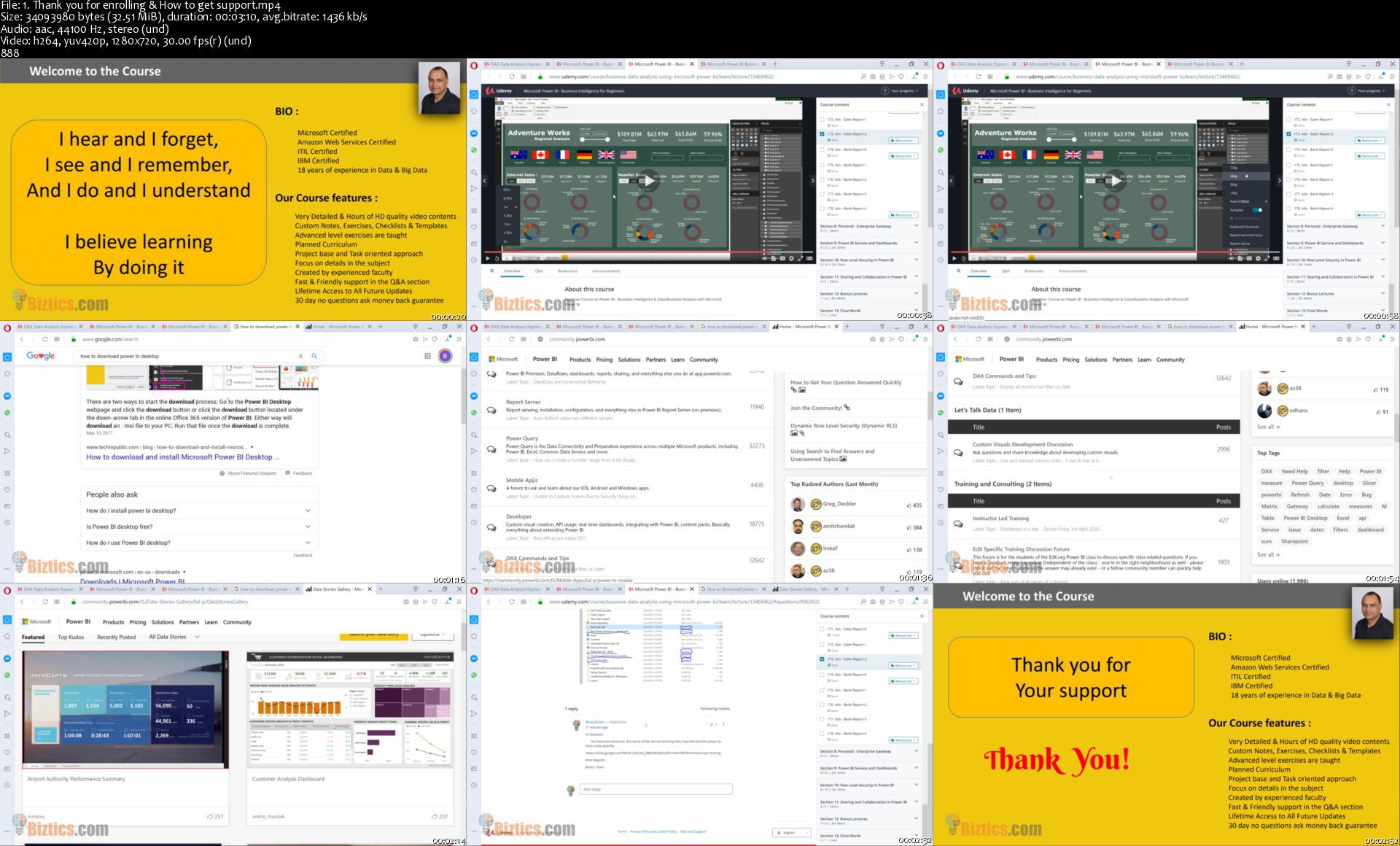
Section1 : Introduction

Thank you and How to get support

Section2 : Install Power BI and SQL Server

How to install Power BI Desktop

How to use the Start and Finish Files

SQL Server Installation

Connecting to Database using SSMS

Download and install sample databases

Import data from SQL Server

Section3 : Dax Basics

Dax Model Components

What is Dax

Dax Data Types

Dax Operators and Syntax

M vs Dax

Create a Column

Rules to Create Measures

Calculated Columns vs Calculated Measures

Section4 : DAX Date and Time Functions

CALENDAR Function

CALENDARAUTO Function

DATE Function

DATEDIFF Function

DATEVALUE Function

DAY Function

EDATE Function

EOMONTH Function

HOUR Function

MINUTE Function

SECOND Function

MONTH Function

NOW Function

TIME Function

TIMEVALUE Function

TODAY Function

WEEKDAY Function

WEEKNUM Function

YEAR Function

Section5 : DAX Filter Functions

CALCULATE Function - 0

CALCULATE Function - 1

ALL Function

ALLSELECTED Function

AllEXCEPT Function

CALCULATETABLE Function

CROSSFILTER Function

DISTINCT Function

DISTINCTCOUNT Function

FILTER Function

HASONEFILTER Function

HASONEVALUE Filter

ISFILTERED Function

ISCROSSFILTERED Function

KEEPFILTER Function

RELATED Function

RELATEDTABLE Function

REMOVEFILTERS Function

SELECTEDVALUE Function

USERELATIONSHIP Function

VALUES Function

Section6 : DAX Information Functions

CONTAINS Function

IN Function

CONTAINSROW Function

BLANK and ISBLANK Function

ISERROR Function

ISEVEN Function

ISINSCOPE Function

ISLOGICAL Function

ISNONTEXT Function

ISNUMBER Function

ISODD Function

ISTEXT Function

LOOKUPVALUE Function

USERNAME Function

Section7: DAX Logical Functions

AND Function

TRUE and FALSE Functions

IF Function

IFERROR Function

IN Function

NOT Function

OR Function

Section8 : DAX Text Functions

BLANK Function

COMBINEVALUES Function

CONCATENATE Function

CONCATENATEX Function

EXACT Function

FIND Function

FIXED Function

FORMAT Function

LEFT RIGHT Functions

LEN Function

LOWER Function

MID Function

REPLACE Function

REPT Function

SEARCH Function

SUBSITUTE Function

TRIM Function

UNICHAR Function

UPPER Function

Section9 : Dax Path Functions and Row Level Security

PATH Function

PATHCONTAINS Function

PATHITEM Function

PATHITEMREVERSE Function

PATHLENGTH Function

RLS - Static Row Level Security

RLS - Dynamic Row Level Security

RLS - Organizational Hierarchy 1

RLS - Organizational Hierarchy 2

RLS - Organizational Hierarchy 3

Section10 : Math Trig and Stat Functions

Some Examples:

DIVIDE

Performs division and returns alternate result or BLANK () on division by 0

SUM

Adds all the numbers in a column.

SUMX

Returns the sum of an expression evaluated for each row in a table.

Function Description

AVERAGE

Returns the average (arithmetic mean) of all the numbers in a column.

AVERAGEX

Calculates the average (arithmetic mean) of a set of expressions evaluated over a table.

COUNT

The COUNT function counts the number of cells in a column that contain numbers.

COUNTROWS

The COUNTROWS function counts the number of rows in the specified table, or in a table defined by an expression.

MAX

Returns the largest numeric value in a column, or between two scalar expressions.

MAXX

Evaluates an expression for each row of a table and returns the largest numeric value.

MIN

Returns the smallest numeric value in a column, or between two scalar expressions.

MINX

Returns the smallest numeric value that results from evaluating an expression for each row of a table.

RANKX

Returns the ranking of a number in a list of numbers for each row in the table argument.

Section11 : DAX Time-Intelligence Functions

CLOSINGBALANCEMONTH-QUARTER-YEAR Function

DATEADD Function

DATESBETWEEN Function

DATESINPERIOD Function

DATEMTD-QTD-YTD Function

ENDOFMONTH-QUARTER-YEAR Function

FIRSTDATE - LASTDATE Functions

FIRSTNONBLANK - LASTNONBLANK Function

NEXTDAY-QUARTER-MONTH-YEAR Function

OPENINGBALANCEMONTH-QUARTER-YEAR Function

PREVIOUSDAY-MONTH-QUARTER-MONTH Function

PARALLELPERIOD Function

SAMEPERIODLASTYEAR Function

TOTALMTD-QTD-YTD Function

Section12 : Advanced Time-Intelligence Scenarios

Create Date Table in DAX-0

Create Date Table in DAX-1

Create Date Table in M (important)

How to use PREVIOU Function

How to use SAMEPERIODLASTYEAR()

How to calculate Cumulative or Running totals TOTALXXX() Functions

How to use DATEADD() Function

How to add column DateLastPurchase in Customer Table 4.34

How to calculate Days to Ship and Delivery Status

How to calculate Spring-Summer-Autumn-Winter Sales for 2012

How to Calculate Customer Age and use it in charts and graphs

How to calculate Days till last purchase

How to calculate MOM values

How to calculate Previous Week Sales

How to calculate Running Total 1

How to calculate Running Total 2

How to calculate sales for last N days

How to calculate Weekend - Weekday sales 1

How to calculate Weekend - Weekday sales 2

How to calculate YOY Growth

How to calculate YTD with Different Fiscal Year

How to Calculate Thanksgiving-BlackFriday-CyberMonday 2 weeks sales

How to compare Quarter over Quarter 1

How to compare Quarter over Quarter 2

How to compare YearQuarterMonth better way

How to create Short Month Name for Fiscal Year

How to do Grouping and Segmenting 1

How to do Grouping and Segmenting 2

How to use specific relationships if you have more than 1 relationship

Section13 : Advanced Business Scenarios

Create new table for Scenarios Measures

How to calculate of order per customers

How to add calculated column in Employee table

How to add calculated column in Resellers table

How to calculate Customers (using TOPN) for Target Marketing

How to calculate and display Profit Margins

How to calculate and display sales growth

How to calculate how many items bought by Customers Multiple times

How to calculate how many Resellers sold specific Item more than 5 times

How to calculate Moving Average 1

How to calculate Moving Average 2

How to calculate number of Products - Customers Sales Trend

How to calculate Profit or Margin Variance MOM

How to calculate sales category for Customers

How to calculate TOP 5 Customers with RANKX

How to calculate Trend on Profit for Internet Sales

How to categorize Employees on Sales

How to categorize Resellers

How to create Product Segment

How to export measures from Power BI file

How to see top N Products 01 Statically

How to see top N Products 02 Dynamically

How you calculate and show Profits

How you calculate Best Product Sales Day

How you calculate Dynamic TOPN product or Customers

How you calculate Hot Selling Products

How you calculate how many unique Customers bought specific Product

How you calculate how many unique Products bought by each Customer

How you calculate product sales growth

How you calculate Reseller 01 Sales Growth YOY

How you calculate Reseller 02 Profit Margins YOY

How you calculate Revenue Forecast 01 using Analytics Tab

How you calculate Revenue Forecast 01 using What If Parameter

How you calculate Top Employees

How you calculate which Reseller selling what Products

How you show Products quantity forecast 01 using Analytics Tab

How you show Products quantity forecast 02 using using What If Parameter

How you smooth the trend using Moving Averages

Section13 : Bonus - Dashboard-in-a-day (Same as actual Microsoft Class)

Dashboard-in-a-day and PBI Best Practices

DIAD - Introduction

DIAD - Accessing Data

DIAD - Data Prepration-0

DIAD - Data Prepration-1

DIAD - Data Modeling and Exploration-0

DIAD - Data Modeling and Exploration-1

DIAD - Data Modeling and Exploration-2

DIAD - Data Modeling and Exploration-3

DIAD - Data Modeling and Exploration-4

DIAD - Data Visualization-0

DIAD - Data Visualization-1

DIAD - Publishing Report

DIAD - Creating Dashboard0

DIAD - Creating Dashboard1

DIAD - Creating Dashboards

Section14 : Bonus - Power BI Best Practices.

Best Practice0

Best Practice1

Best Practice2

Best Practice3

Best Practice4

Best Practice5


Who this course is for:
Anyone looking to get a job and prepare to start data analytics career.
Entrepreneurs/CEO/Founders looking to master the Data Analysis process.
If you want to impress your boss and STANDING OUT from your colleagues and peers
Students learning in the field of Data.
You want to extend your knowledge in advanced DAX calculations .
Data scientists.
Business Analyst and aspiring Business Analyst.
You want your reports stand out and "WOW" your audience.
Business Analyst in charge of automation efforts.
Enthusiastic quality professionals who are NEW to the Business.
Analysis and want to take their skills to the next level.
Business Analyst who want to advance their skill set.
Anyone wanting to transition into Business Analyst.


Homepage

1.thankyouforenrollin34jm3.jpg


Complete Practical Guide To Personal Finance For Beginners

qqo2q9ec7ccozfcqouaqu3bkh0.jpg


Complete Practical Guide To Personal Finance For Beginners
Genre: eLearning | MP4 | Video: h264, 1280x720 | Audio: aac, 48000 Hz
Language: English | VTT | Size: 5.09 GB | Duration: 10 section | 62 lectures | (7h 43m)


What you'll learn
Upon completion of the course you will be able create an easy budget, get out of debt for good, starting investing, and retire early!
How to create an easy budget
Budgeting methods that can save so much time
How to work less and earn more
Earn more money by negotiating pay raises
Earn more by negotiating job offers
How to Increase your net worth FAST
Improve your credit score to excellent
Build an Emergency Fund even on a tight budget
How to get out of debt fast
30 ways to easily save money
Save your marriage from fighting over money
The basics of investing
Recession proof your finances

Requirements
No

Description
This personal finance course will teach you how to manage your money, create an easy budget, eliminate your debt, raise your credit score, earn more money, invest wisely, and so much more in a step by step format that is perfect for beginners.

· Do you feel overwhelmed by personal finance?

· Are you tired of living paycheck to paycheck and want to earn more money?

· Do you want retire early?

· Do you struggle with budgeting?

· Are you confused about your credit score and how to raise it?

· Have you considered investing, but it all seems so confusing?

· Do you often dream of becoming financially free and living the life you always wanted?

If the answer is yes to any of these questions then this course will be perfect for you. I have been in your shoes before, and over the past 15 years I have helped people get out of debt, earn more money, and turn their finances around. Personal finance doesn't have to be confusing or overwhelming. When broken down step by step it can be easy to follow and even FUN! When you start hitting your goals, crushing your debt, and watching your investments grow it can be really exciting. Moreover, having your finances in order can relieve so much unnecessary stress in your life.

PERFECT FOR COMPLETE BEGINNERS

This isn't your usual boring and stuffy personal finance course. This course is broken down with easy to understand concepts without a bunch of confusing financial jargon. It doesn't matter if you are buried in debt or have no debt, an account full of money or you are broke, this step by step course is built to help you master your finances and become financially free.

Course Curriculum

In this complete guide to personal finance for beginners will cover the following topics and more:

· Personal Finance 101

· Calculating Your Net Worth

· Budgeting

· Building Your Emergency Fund

· Paying Off Debt

· Creating A Debt Pay Off Plan

· Understanding Your Credit Score

· How To Get An Excellent Credit Score

· How To Earn More, Negotiate a Raise, and Negotiate A Job Offer

· Recession Proof Your Finances

· Relationships and Money

· Insurance

· Saving Money

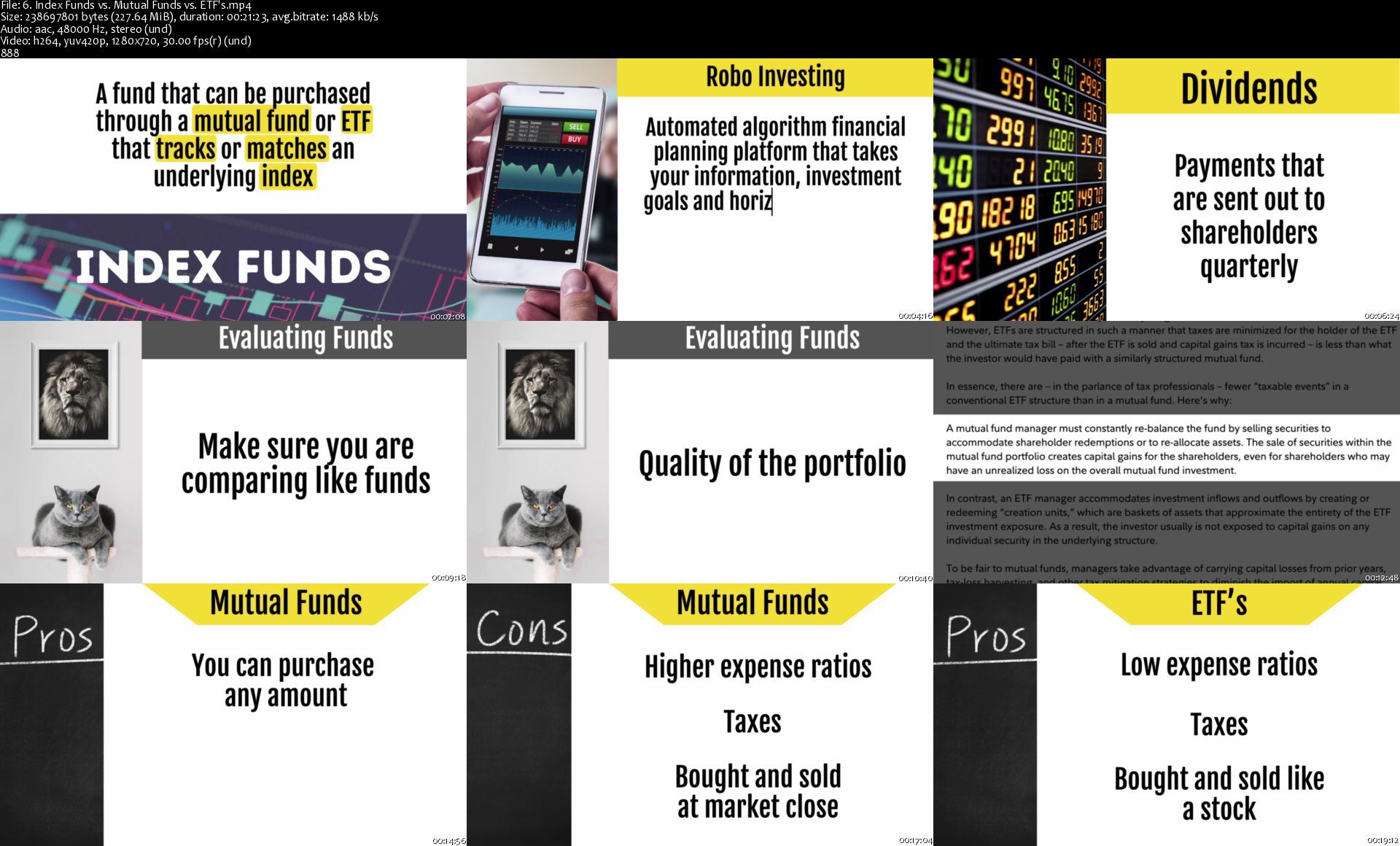
· Investing 101: Real Estate Investing, Stocks, Bonds, Mutual Funds, ETF's, CD's and Savings

This course was created in a step by step format that can be completed at your own pace.

The course comes with 2 workbooks and many resources that accompany each section, including a 30 Day Emergency Fund Savings Challenge. The first workbook is a printable workbook for people who don't like spreadsheets or don't know how use them and a spreadsheet workbook for people who prefer the automations spreadsheets provide.

By the end of this course, you will be able to create an easy budget, fill up your emergency fund, get out of debt, and start investing wisely so you can retire early, become financially free, and start living the life you always dreamed of!

What are you waiting for?? Enroll in this course today and take your personal finance skills to the next level.

Lauren


Who this course is for:
Students looking for an easy way to learn personal finance.
Students who are struggling with debt.
Students who want to learn more about managing their money.
Students who want to learn how to invest wisely.
Students who want to earn more money.
Students who want to understand and increase their credit score.
Students who are tired of the rat race and want to retire early.


Homepage

6.indexfundsvs.mutualfnjn9.jpg


Duston Mc Groarty - Clicks & Commissions Summit 2020

f221e285babceaf69ff7ff71ccbb30dc.png

Duston Mc Groarty - Clicks & Commissions Summit 2020 | 942 MB​
Clicks & Commissions Summit By Duston McGroarty
Congratulations! If you're reading this, it means you still have a chance to get in on this limited offer.

As an attendee of the Clicks & Commissions Summit, you'll discover my most closely-guarded affiliate marketing traffic and conversion secrets.
So you too can get thousands of high-quality clicks for pennies on the dollar and turn those clicks into affiliate commissions.
By using the strategies you learn during the Clicks & Commissions Summit, you can ignore the deceptive non-sense being spewed out by the gurus.
And focus on the only thing that matters. making money.

HOmepage:

Screenshots
d5f70e605e036d5d10a98f513e7a4b10.jpg


Link Download
​
Extract files with WinRar 5 or Latest !
 
Victory 3D - Stylized Female Samurai Character Creation

q30gcaxfjmckl43zmyba0q4jts.jpg


Victory 3D - Stylized Female Samurai Character Creation
Duration: 28h 30min | Video: .MP4 1920x1080, 30 fps | Audio: AAC, 44.1 KHz, 2 channels | Size: 11 GB
Genre: eLearning | Language: English

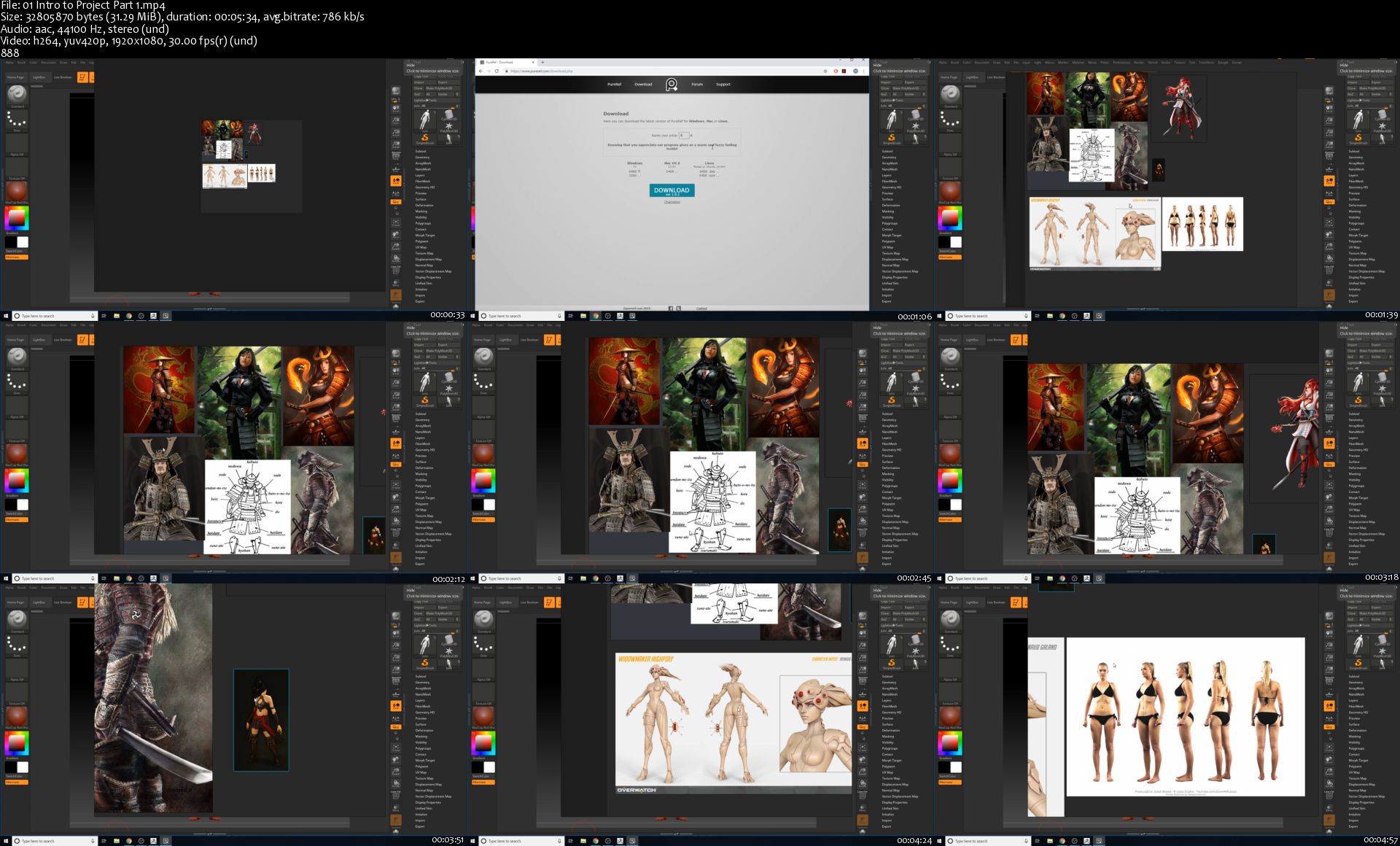
In this course, you will be taken from start to finish on how to create a female character for video games in a stylized format. We will start by looking at reference photos, were we will plan our whole project. We will analyze the photos, determine our color choices, style and silhouette and the path we will take to create the concept that we want at the end. We will move on to sculpting our high poly and this process will be done using ZBrush. You will learn tips and techniques on building a female character and mistakes that you might run across and how to correct them. After sculpting, we will take our high poly mesh into 3ds Max to retopologize our character. You will learn how to create a low poly version of the character so it can work inside a game engine. Then we will proceed to unwrap our low poly mesh from the full body of the character to each and every armor and prop the character is sporting. After unwrapping, we will go through the method of texturing in a stylized way to achieve the cartoon look that you see in video games such as Overwatch and Sunset Overdrive. To finalize the course, we will go inside Marmoset Toolbag to prepare a nice looking render of our work for our portfolio.


Homepage

01introtoprojectpart1j6ji7.jpg


The Ultimate HTML5 Elements & CSS3 Properties BOOTCAMP

mu7s2upfre7l2ycfyak1exokul.jpg


The Ultimate HTML5 Elements & CSS3 Properties BOOTCAMP
Genre: eLearning | MP4 | Video: h264, 1280x720 | Audio: aac, 44100 Hz
Language: English | VTT | Size: 17.9 GB | Duration: 11 section | 331 lectures | (38h 18m)


What you'll learn
Understanding How the Web Works
Taking a Deep Look at the Building Blocks of the Web
Understanding What HTML and CSS are and Why and Where They are Used
Understanding the Web Development Process
Chapters Outlining Different Skill Levels for HTML and CSS Best Suited to Each and Every Student
Learning Latest Versions of HTML (HTML5) and CSS (CSS3)
Learning Practical HTML Elements and CSS Properties
Understanding The HTML Syntax
Learning Modern HTML Tags and How to Write Them
HTML5 Semantic Tags and Their Meaning + Practicality
Learning Unique HTML Elements
Challenges for Each HTML Lesson to Strengthen the Concepts
Real World Challenges are Also Included
Writing CSS Properties
Understanding CSS Syntax
Learning Modern CSS Properties
Understanding the Practicality and Necessity of CSS in Modern Web Design and Development
Learning All about CSS Animations
Learning All About CSS Transformations
Learning All About CSS Transitions
Challenges for Each CSS Lesson to Strengthen the Concepts
Awesome Real-World Challenges are Also Included
Diving into Super Advanced Modern CSS Properties and Their Usage
Learning How to Create Super Cool and Real-World Effects with Only HTML and CSS
Learning Modern Design Trends in CSS
Learning Unique and Modern CSS Properties

Requirements
No Previous Knowledge of HTML or CSS is Needed at All
Being Interested in BECOMING a MASTER of HTML5 & CSS3
Being Interested in Learning Web Development and Web Design
Have a Computer + Internet Connection and Leave the Rest to Me :)

Description
***** Course Description *****

You will learn all the necessary HTML Elements

You will learn all the new HTML Elements

You will learn all the necessary CSS Properties

You will learn all the new CSS Properties

You will learn CSS Animations in depth

You will learn CSS Transformations in depth

You will learn modern CSS design trends

You will be able solve cool and awesome mini-projects

Why Choose This Course?

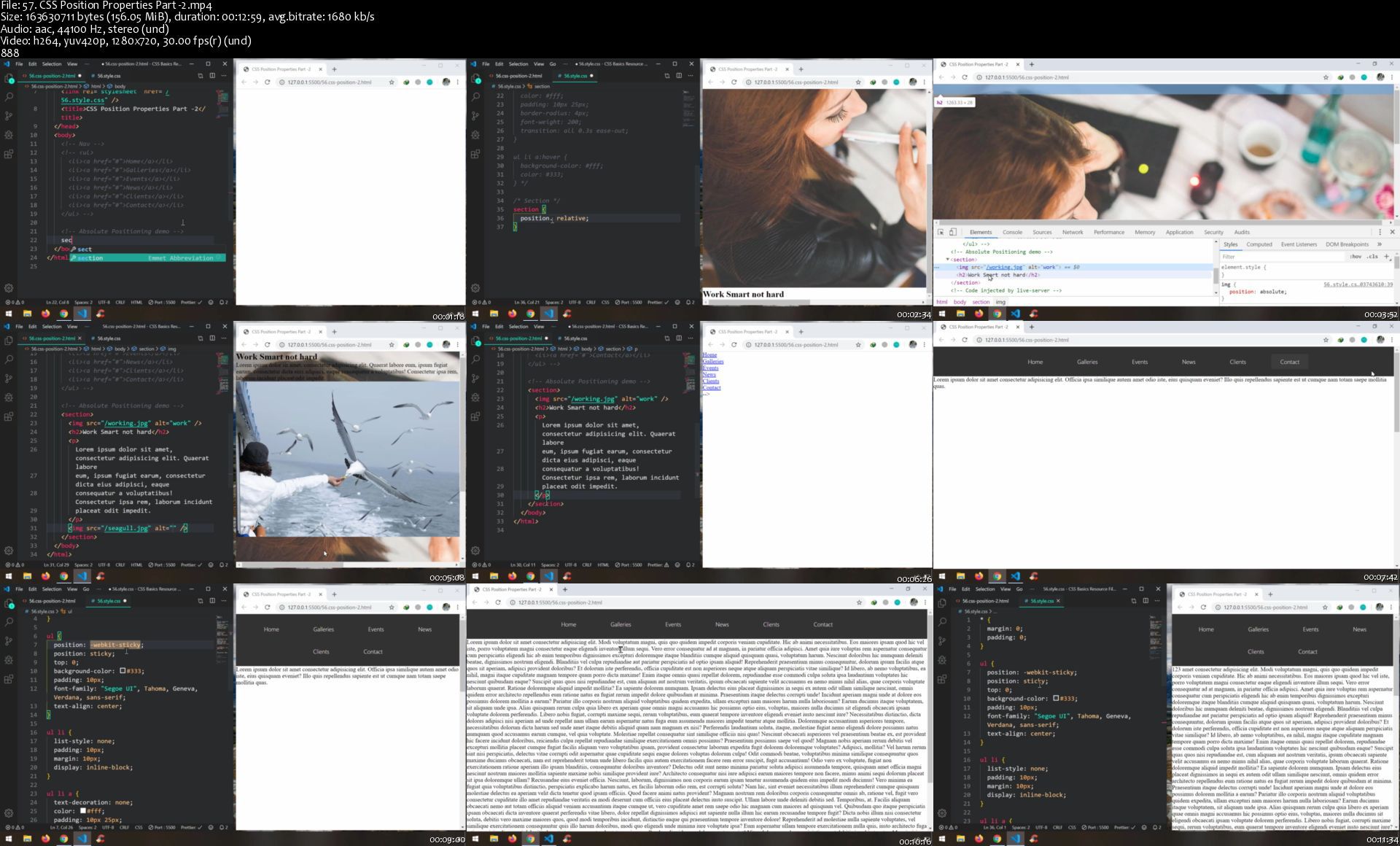
This is the most comprehensive course on the Essentials of HTML and CSS. In this course you will learn the web development process and how HTML & CSS fit into the picture. This course will make you a wizard of HTML and CSS, therefore you will be able to write HTML and CSS comfortably and quickly. All the new and modern features of HTML and CSS are included and you will have more than 200 examples and challenges along the way. By enrolling in this course, you will have an amazing and unique experience of learning all the nuts and bolts of how HTML and CSS work in a real world context.

How Is This Course Different?

This Course has 38 hours of 1080p HD quality lectures making it one of the largest online courses ever on the topic of covering all the necessary elements of HTML and properties of CSS. This Course builds concepts in a harmonious and easy to understand way specific to anyone who is interested in web development. The sheer volume of examples and challenge (more than 200 of them) will make sure you truly learn everything presented in the course. This course is not only about learning, but also about having fun. That's why I have included awesome and cool effects that you can create with only HTML and CSS.

One Last Thing to Keep in Mind

This course is NOT going to be a static course. I will definitely update it regularly for fresh content.

So, what are you waiting for? Let's start this epic journey together by ENROLLING IN THIS COURSE RIGHT NOW!


Who this course is for:
Anyone Who is Interested in Learning Front-end Web Development, specifically HTML5 and CSS3, Can Take This Course Regardless of Their Skill Level
Absolute Beginners Who are Passionate About Learning Web development
The Course Starts from the Scratch and Will Cover Everything You Will Ever Need About HTML5 and CSS3
If You Have an Intermediate Level Command Over HTML and CSS, You Can Take the Course and Start from the Intermediate Chapters and Move Forward
Even If You Are an Advanced Level Web Developer, Then Refresh and Extend Your Knowledge by Taking the Course and Start from the Advanced Chapters
The Course Has Been Strategically Designed and Arranged in a Way that Anyone Can Benefit from it as long as you are Interested in Becoming Web Developers

Homepage

57.csspositionpropertrwkix.jpg


Zurück
Oben Unten