• Regeln für den Video-Bereich:

    In den Börsenbereich gehören nur Angebote die bereits den Allgemeinen Regeln entsprechen.

    Einteilung

    - Folgende Formate gehören in die angegeben Bereiche:
    - Filme: Encodierte Filme von BluRay, DVD, R5, TV, Screener sowie Telesyncs im Format DivX, XviD und x264.
    - DVD: Filme im Format DVD5, DVD9 und HD2DVD.
    - HD: Encodierte Filme mit der Auflösung 720p oder darüber von BluRay, DVD, R5, TV, Screener sowie Telesyncs im Format x264.
    - 3D: Encodierte Filme von BluRay, die in einem 3D Format vorliegen. Dies gilt auch für Dokus, Animation usw.
    - Serien: Cartoon/Zeichentrick, Anime, Tutorials, Dokumentationen, Konzerte/Musik, Sonstiges sind demnach in die entsprechenden Bereiche einzuordnen, auch wenn sie beispielsweise im High Definition-Format oder als DVD5/DVD9/HD2DVD vorliegen. Ausnahme 3D.
    - Bereich Englisch: Englische Releases gehören immer in diesen Bereich.
    - Bereich Talk: Der Bereich, in dem über die Releases diskutiert werden kann, darf, soll und erwünscht ist.


    Angebot/Beitrag erstellen

    - Ein Beitrag darf erst dann erstellt werden, wenn der Upload bei mindestens einem OCH komplett ist. Platzhalter sind untersagt.
    - Bei einem Scenerelease hat der Threadtitel ausschließlich aus dem originalen, unveränderten Releasenamen zu bestehen. Es dürfen keine Veränderungen wie z.B. Sterne, kleine Buchstaben o.ä. vorgenommen werden. Ausnahme Serienbörse:
    - Bei einem Sammelthread für eine Staffel entfällt aus dem Releasename natürlich der Name der Folge. Beispiel: Die Simpsons S21 German DVDRip XviD - ITG
    - Dementsprechend sind also u.a. verboten: Erweiterungen wie "Tipp", "empfehlenswert", "only", "reup", usw. / jegliche andere Zusatzinformation oder Ergänzung, welche nicht in obiger Beschreibung zu finden ist.

    Aufbau des Angebots und Threadtitel

    Der Titel nach folgendem Muster erstellt zu werden. <Name> [3D] [Staffel] [German] <Jahr> <Tonspur> [DL] [Auflösung] <Quelle> <Codec> - <Group>
    Beispiel: The Dark Knight German 2008 AC3 DVDRip XviD - iND
    Beispiel: The Dark Knight 2008 DTS DL BDRip x264 - iND
    Beispiel: The Dark Knight 2008 AC3 DL BDRip XviD - iND
    Beispiel: The Dark Knight German 2008 AC3 720p BluRay x264 iND
    Beispiel: The Dark Knight 2008 DTS DL 1080p BluRay x264 iND
    Beispiel: Die Simpsons S01 German AC3 DVDRip XviD iND
    Beispiel: Die Simpsons S20 German AC3 720p BluRay x264 iND
    Beispiel: Sword Art Online II Ger Sub 2014 AAC 1080p WEBRip x264 - peppermint
    Entsprechend sind also u.a. verboten: Sonderzeichen wie Klammern, Sterne, Ausrufezeichen, Unterstriche, Anführungszeichen / Erweiterungen wie "Tipp", "empfehlenswert", "only", "reup", usw. / jegliche andere Zusatzinformation oder Ergänzung, welche nicht in obiger Beschreibung zu finden ist
    Ausnahmen hiervon können in den Bereichen geregelt sein.

    Die Beiträge sollen wie folgt aufgebaut werden:
    Überschrift entspricht dem Threadtitel
    Cover
    kurze Inhaltsbeschreibung
    Format, Größe, Dauer sind gut lesbar für Downloader außerhalb des Spoilers zu vermerken
    Nfo sind immer Anzugeben und selbige immer im Spoiler in Textform.
    Sind keine Nfo vorhanden z.B. Eigenpublikationen, sind im Spoiler folgende Dateiinformationen zusätzlich anzugeben :
    Quelle
    Video (Auflösung und Bitrate)
    Ton (Sprache, Format und Bitrate der einzelnen Spuren)
    Untertitel (sofern vorhanden)
    Hosterangabe in Textform außerhalb eines Spoiler mit allen enthaltenen Hostern.
    Bei SD kann auf diese zusätzlichen Dateiinformationen verzichtet werden.

    Alle benötigten Passwörter sind, sofern vorhanden, in Textform im Angebot anzugeben.
    Spoiler im Spoiler mit Kommentaren :"Schon Bedankt?" sind unerwünscht.


    Releases

    - Sind Retail-Release verfügbar, sind alle anderen Variationen untersagt. Ausnahmen: Alle deutschen Retail-Release sind CUT, in diesem Fall sind dubbed UNCUT-Release zulässig.
    - Im Serien-Bereich gilt speziell: Wenn ein Retail vor Abschluss einer laufenden Staffel erscheint, darf diese Staffel noch zu Ende gebracht werden.62
    - Gleiche Releases sind unbedingt zusammenzufassen. Das bedeutet, es ist zwingend erforderlich, vor dem Erstellen eines Themas per Suchfunktion zu überprüfen, ob bereits ein Beitrag mit demselben Release besteht. Ist dies der Fall, ist der bereits vorhandene Beitrag zu verwenden.
    - P2P und Scene Releases dürfen nicht verändert oder gar unter einem iND Tag eingestellt werden.


    Support, Diskussionen und Suche

    - Supportanfragen sind entweder per PN oder im Bereich Talk zu stellen.
    - Diskussionen und Bewertungen sind im Talk Bereich zu führen. Fragen an die Uploader haben ausschließlich via PN zu erfolgen, und sind in den Angeboten untersagt.
    - Anfragen zu Upload-Wünschen sind nur im Bereich Suche Video erlaubt. Antworten dürfen nur auf Angebote von MyBoerse.bz verlinkt werden.


    Verbote

    - Untersagt sind mehrere Formate in einem einzigen Angebotsthread, wie beispielsweise das gleichzeitige Anbieten von DivX/XviD, 720p und 1080p in einem Thread. Pro Format, Release und Auflösung ist ein eigener Thread zu eröffnen.
    - Grundsätzlich ebenso verboten sind Dupes. Uploader haben sich an geeigneter Stelle darüber zu informieren, ob es sich bei einem Release um ein Dupe handelt.
    - Gefakte, nur teilweise lauffähige oder unvollständige Angebote sind untersagt. Dies gilt auch für eigene Publikationen, die augenscheinlich nicht selbst von z.B. einer DVD gerippt wurden. Laufende Serien, bei denen noch nicht alle Folgen verfügbar sind, dürfen erstellt und regelmäßig geupdatet werden.
    - Untersagt sind Angebote, welche nur und ausschließlich in einer anderen Sprache als deutsch oder englisch vorliegen. Ausnahmen sind VORHER mit den Moderatoren zu klären.


    Verstoß gegen die Regeln

    - Angebote oder Beiträge, die gegen die Forenregeln verstoßen, sind über den "Melden"-Button im Beitrag zu melden.
  • Bitte registriere dich zunächst um Beiträge zu verfassen und externe Links aufzurufen.

++ Premium IPTV ++ 7000 Live Sender ++ UHD Qualität ++ Mediathek mit 18.000 Inhalten ++


VenneTV


Englische Tutorials

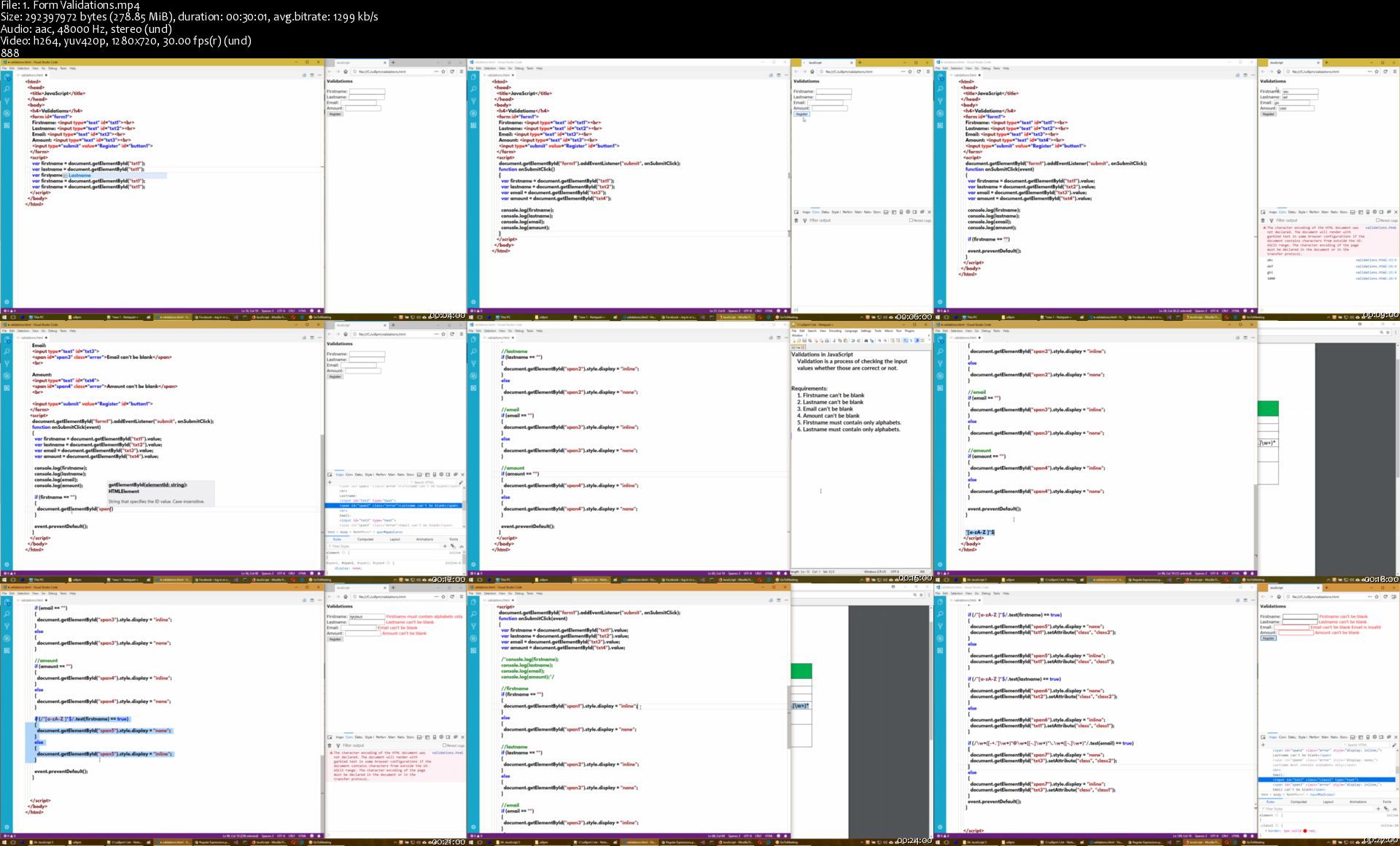
Web Development (HTML / CSS / JavaScript / jQuery) - indepth

opkqxxnjzrqaq30wlw91681kid.jpg


Web Development (HTML / CSS / JavaScript / jQuery) - indepth
Genre: eLearning | MP4 | Video: h264, 1280x720 | Audio: aac, 48000 Hz
Language: English | Size: 10.5 GB | Duration: 28 section | 307 lectures | (23h 49m)


What you'll learn
Convert Prototype to HTML & develop page template

Requirements
Basic knowledge on computers is required. Basic knowledge on any one programming language is preferable.

Description
Your dream of becoming UI Developer / Frontend Developer becomes TRUE with this course. This course provides Real training videos with clear explanations with practicals. Each topic will covered with theoretical, practical with best practices and examples.
This course covers both basic HTML and HTML 5.

This course covers both basic CSS and CSS 3.

Includes Object Oriented JavaScript concepts.

Note: This course doesn't provide any sample project.


Who this course is for:
Anyone to create websites, to convert Prototype to HTML / UI Template Development


Homepage

1.formvalidationss7ukdw.jpg


Yoga Collective - Lauren Eckstrom Classes

0rkdp6rjf9fnbcehqywjpqfkh3.jpg


Yoga Collective - Lauren Eckstrom Classes
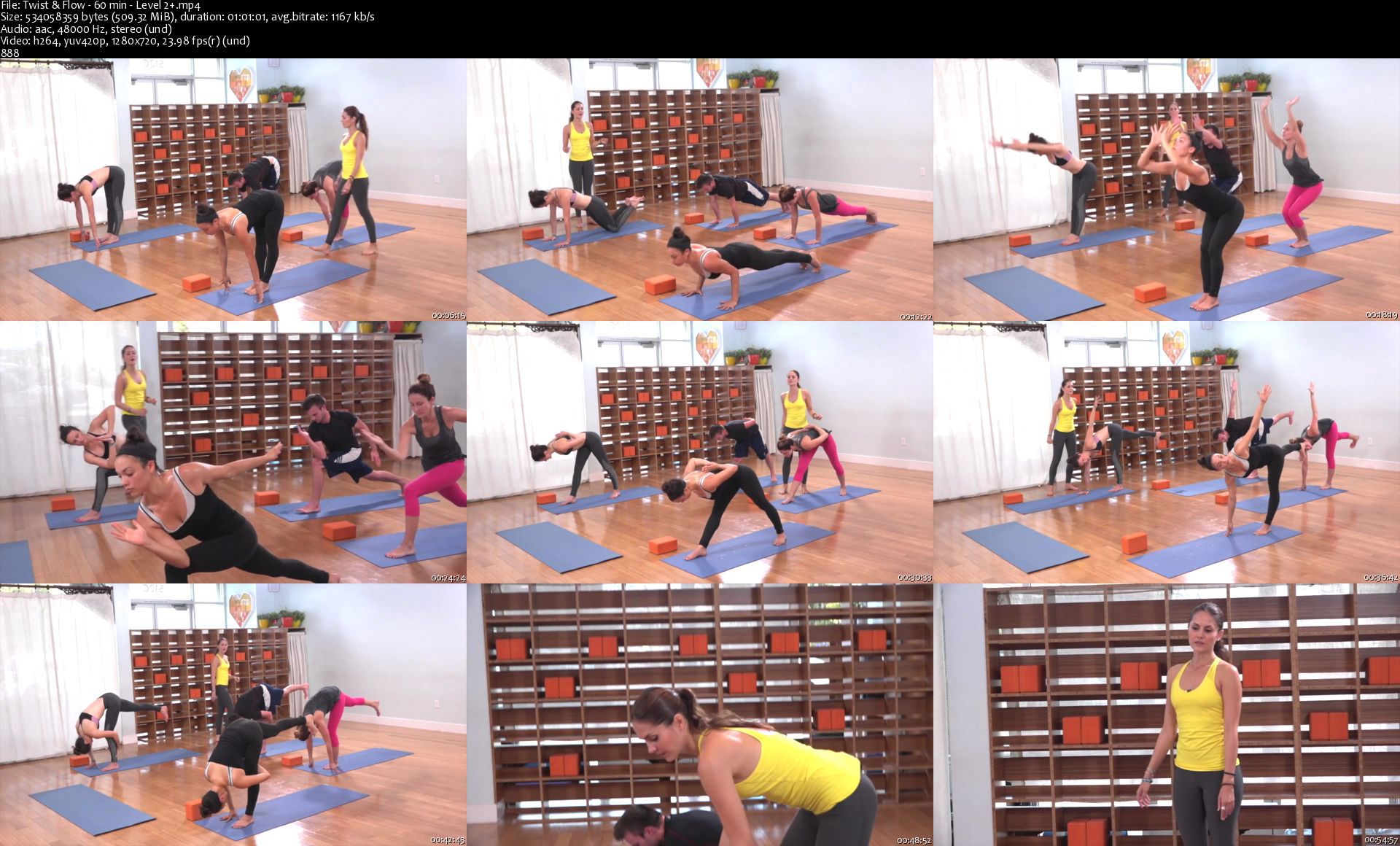
Duration: 12h 9min | Video: .MP4 1280x720, 23.98 fps | Audio: AAC, 48 KHz, 2 channels | Size: 5.96 GB
Genre: eLearning | Language: English

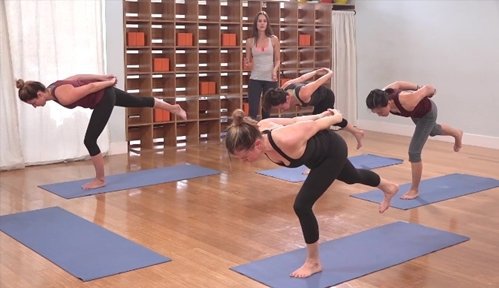
This Level 2, 30-minute, Power Vinyasa class by Lauren Eckstrom focuses on outward rotation with an emphasis on opening the hips and "getting into the body." The hips are a common area for maintaining stress and tension. Hip flexibility is the foundation of yoga practice. Peak poses are Chapasana and Bakasana. Chapasana is a variation of the Half Crescent, which is a balancing yoga pose and asymmetric feedback. Subsequently, he suggests stretching the back and hips, and also helps the practitioners achieve better balance. Bakasana, or Crane Pose, is a challenging pose that looks like the beginning of a handstand! The knees rest on the back of the shoulders; The pose strengthens the wrist, forearms, and abdomen while improving balance.

twistflow60minlevel2skwjq9.jpg


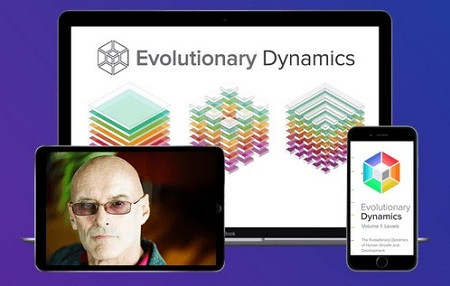
Ken Wilber - Evolutionary Dynamics

c9104a7033f54cd7d3a93a86744e8959.jpg

Ken Wilber - Evolutionary Dynamics | 50.27 GB​
Discover How to Harness the Evolutionary Forces
That Influence Your Growth and Potential to
Make a Greater Impact in Our World

Introducing
Evolutionary Dynamics
A Five-Volume Advanced Training
Unlock the Power Of Levels/Lines/States/Types/Quadrants
Evolutionary Dynamics is the most comprehensive, in-depth study of Ken Wilber's Integral Theory ever created. This five-volume advanced program guides you, step-by-step, through each of the lenses of the Integral Framework, giving you an incredible opportunity to gain a Masters-level understanding of the evolutionary dynamics that shape your life and our whole reality.
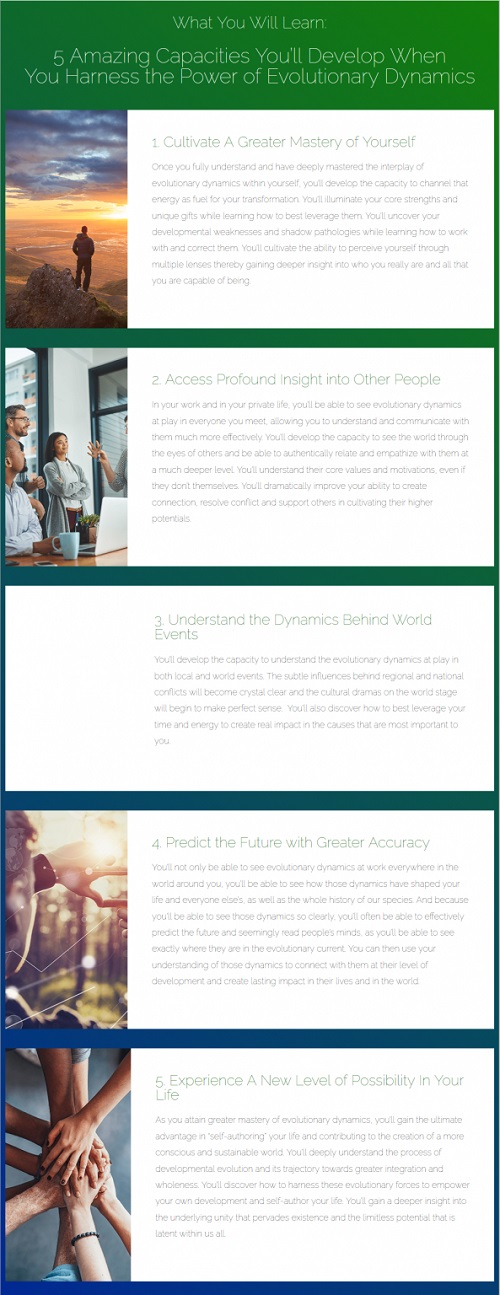
Once you fully understand and have deeply integrated the interplay of these dynamics in your day-to-day experience, you will no longer be at the whim and will of those forces and can instead channel them to create lasting impact in every area of your own life and in our world.
Over the 18 months of the program, you will discover how to truly see those dynamics at work in every moment of your own life and in the lives of family, friends and colleagues, enabling you to more quickly adapt to new situations, learn new skills, and leverage new opportunities when they arise.
The program will provide you with everything you'll need to cultivate and actualize your highest potentials and help others around you do the same.
With this expanded awareness, that you can to call upon for the rest of your life, a whole new vistas of possibility will open up for you and you will have the capacity to truly become the architect of your own self-transformation.

Course Information
Master the integral framework to harness the forces
that influence human growth and development
In Ken's Evolutionary Dynamics Advanced Training Program, you will discover how to skillfully navigate the subtle currents of evolution, allowing you to then begin to work with them to truly "self transform" your life to affect real change in the domains that are most important to you.

Here Is Everything You'll Receive When You Register
Volume I: Levels of Development
In the Evolutionary Dynamics Master Course on Levels, you'll dive deep into the 8 stages that are the substratum of all individual and cultural development, Archaic, Magic, Magic/Mythic, Mythic, Rational, Pluralistic, Integral, and Super Integral. Under Ken's mentorship, you'll be guided, step-by-step through the remarkable terrain of each emergent level of human evolution and how they play out in your daily life. In the process you'll discover how these levels subtly operate within your awareness and how they profoundly influence the thoughts, beliefs and actions of all people and communities on our planet. Ken will then show you how to use your knowledge of those levels to help you on your journey to Self-Authorship.
Volume II: Lines of Development
In the Evolutionary Dynamics Master Course on Lines, you'll take what you learned in Volume One and use it to explore the 7 key lines of human development in exacting detail: Cognitive, Intrapersonal, Emotional/Irrational, Somatic, Moral, Spiritual, and Willpower. With Ken as your guide, you'll discover exactly how each of line of development behaves at each level, and how to be aware of their subtle and not so subtle effects on your behavior and experiences. When you truly understand these forces, you will be able to make a dramatic shift in your moment-to-moment engagement with your life and the world around you.
Volume III: States of Consciousness
The Evolutionary Dynamics Master Course on States is the next step on your journey to self authorship as you take a deep dive with Ken into the 5 states of consciousness: Gross (Waking), Subtle (Dreaming), Causal (Deep Dreamless Sleep), Witness, and Non Dual. Ken will give you a profound and eye-opening tour of each state and show you how each one can be effectively used to accomplish specific goals. Ken will then show you how to use your profound new clarity to further step toward self-authorship in every area of your life.
Volume IV: Types and Drives
In the Evolutionary Dynamics Master Course on Types, you will expand on everything you've explored so far. With Ken beside you every step of the way, you will embark on a deep exploration of the 4 core types or drives that affect individual expression of evolutionary dynamics: Eros, the upward drive toward transformation), Agape (the downward drive toward embracing love), Agency (horizontal individuation), and Communion (vertical individuation). Ken will dig deep into the intricacies of what these drives are and how they shape our lives and our cultures.
Volume V: Evolutionary Dimension (Quadrants)
The Evolutionary Dynamics Master Course on Quadrants is the most profound and game-changing volume of the entire Evolutionary Dynamics Library. It pulls together everything you've learned in the first four volumes and plots the elements within the 4 dimensions or quadrants of reality. With Ken you'll explore the interconnected relationship of each level, line, state, and type within each of the quadrants. This is culmination of your Journey of Self-Authorship where you'll bring together all of the tools in one Masters toolkit you can use to shape and reshape your life, again and again.
f2071feef2a71643655ceef0778b16bf.jpg

HOmepage:

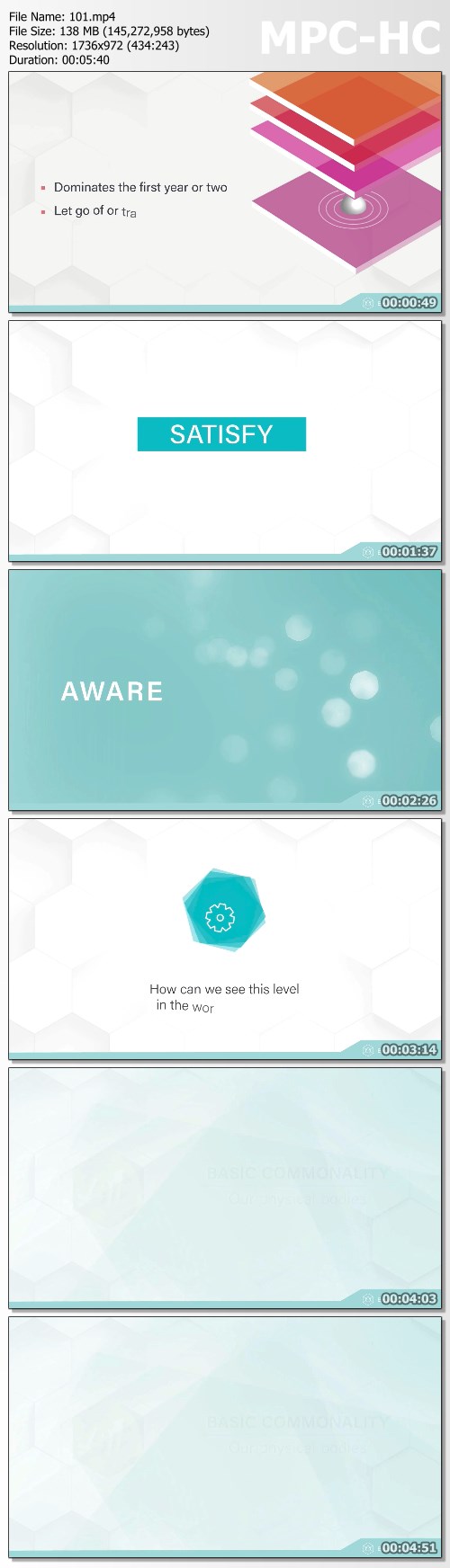
Screenshots
b5cfd294ec1ff604c3f9cf4604c2e6a0.jpg


Link Download
​
Extract files with WinRar 5 or Latest !
 
Tableau 2020, 19, 18 & 10: Certified Associate certification

wejzulfwsfanixzqubmsmynklm.jpg


Tableau 2020, 19, 18 & 10: Certified Associate certification
Genre: eLearning | MP4 | Video: h264, 1280x720 | Audio: aac, 44100 Hz
Language: English | VTT | Size: 5.91 GB | Duration: 16 section | 145 lectures | (13h 3m)


What you'll learn
Download for free and install and run the full version of Tableau Public, the BI and analysis software.
Be able to create analyses, such as line charts, stacked bar charts, or geographic analyses using maps.
You will also be able to show an overview using dashboards, and tell a story using storyboards.
You will be able to format numbers and dates, and add labels, tooltips and animation.
You can also become used to more advanced features, such as Calculated Fields, Parameters and Hierarchies.
By the end of the course, you will, with some experience, have the knowledge to take (and pass) the Tableau Qualified Associate certification.

Requirements
Before you begin this course, you should have a computer with access to the internet, and be able to install programs.
That's it! The more experience in reporting using other packages, the better, but it is not essential.


Description
UPDATED FOR TABLEAU 2020.2 (released in May 2020).

This course covers all of the content required for the Certified Associate (formerly known as the Qualified Associate) or Desktop Specialist certifications.

What do students like you say?

"With this course i got certified as a Tableau Desktop Specialist. THANKS Phillip!" - Juan Sebastian Rodriguez Casas

"Adequate knowledge and good understanding I did not have before about Tableau. With this new knowledge and clear understanding of Tableau I truly believe I can now work as a Tableau Developer. " - Clever Atanode

"Very informative. I feel that I could teach someone Tableau based upon what I have learned here. " - Phil Jones

"Just got my qualified associate certificate yesterday with 91%(75% required to pass). I am a graduate student and have 0 experience with Tableau. But this course gave me an in-depth understanding of Tableau which allows me to be very flexible in ways to solve the questions in the exam. This course is excellent! Thank you, Phillip! " - Yifu Yan

"This course has exceed my expectations in all fronts. Very complete, very comprehensive and at the right pace. I like the fact of going into some important details without getting bored or distracted. The pace of talk of demonstrations was perfect for me. It is clearly an outstanding value for money and I truly recommend it to everyone who wants to master Tableau. Well done and thank you. " - Jorge Soares Albergaria

---------

Do you already use reporting software such as Access, SSRS or WebI? Or is this your first reporting software tool? Either way, welcome.

In this course, learn the skills that Tableau want you to know, and add another tool to your CV, and even go for either of the first two official Tableau certifications.

Tableau is one of the most requested reporting tools that are requested in the job market, and the ability to being able to use it now could be very useful for your current work, and your next job hunt.

We'll download and install for free Tableau Public, which gives you most of the capabilities of the full-cost Tableau Desktop. We'll start by creating our first visualizations (vizzes) and investigate the Tableau interface.

We'll create dashboards and storyboards, so that you can tell a story. We'll create maps, hierarchies, groups and sets, and all sorts of chart types. We'll enhance our charts with reference lines and bands, and extend our data analysis with trends and forecasting. We'll add formula calculations, quick table calculations, and LOD calculations. Finally, we investigate advanced data connections and mapping.

The course will take around 11 hours to complete, but completing this will enable you to create vizzes, dashboards and stories of your own, and know how to overcome common problems.

The course increases in difficulty slowly, so you'll create for instance a basic bar chart, then turn it into a stacked bar chart, and adding coloring and information through tooltips and labels, step by step.

The course is fairly relaxed - there will be a few "wrong turns", so you can see what problems might arise, but every lesson works towards an end goal at a relatively slow pace, so you can follow on your own computer easily. I assume that you know how to use a computer, including installing programs, but the actual analysis will be at a basic level, and I'll introduce every component as we go on.

At the end of the course, you can download a certificate of completion, so you can show everyone your new-found skills, prepare for the official Tableau certifications, and be able to start creating analyses for yourselves.

The course is recorded on a combination of Tableau 2018, 2019 and 2020, but most of it will also work on Tableau 10 and Tableau 9.


Who this course is for:
This reporting course is meant for anyone who has no prior experience of Tableau. It's also for you if you have used it, but never designed a report.
It's great if you have created analyses in other reporting tools, such as Microsoft Access, WebI, SSRS or Yellowfin, but it not essential. If you have, then it will be another string to your bow.
No prior experience in reporting tools is required.
This course is probably not for you if you always know how to use Tableau and know how to create reports, although we will be looking at some more advanced topics.


Homepage

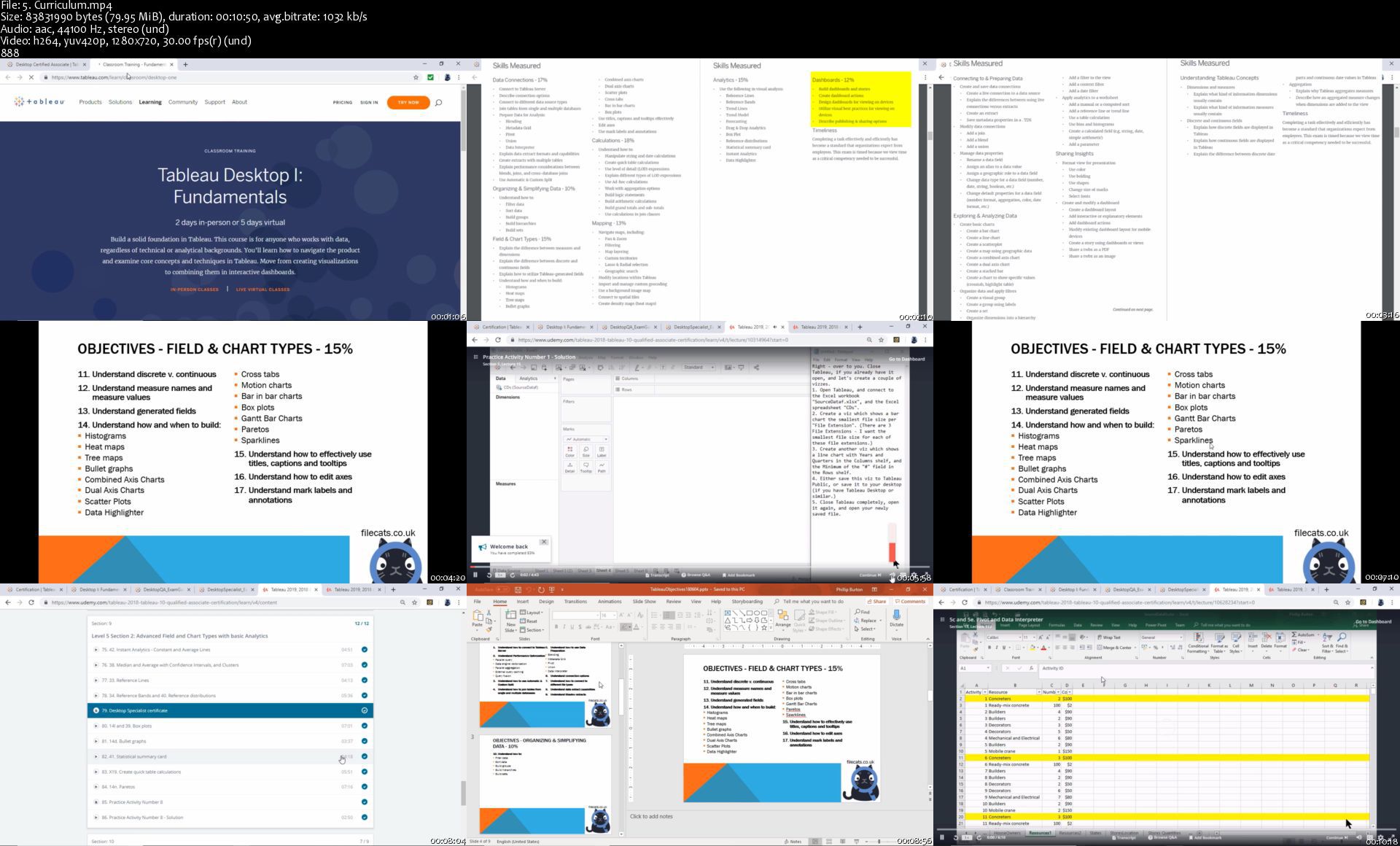
5.curriculumsokj6l.jpg


Symfony 4 & 5 Web Development Guide: Beginner To Advanced

l7w5fbgijw7iwtzq9iv5gqbk99.jpg


Symfony 4 & 5 Web Development Guide: Beginner To Advanced
Genre: eLearning | MP4 | Video: h264, 1280x720 | Audio: aac, 48000 Hz
Language: English | VTT | Size: 10.5 GB | Duration: 26 section | 312 lectures | (24h 20m)


What you'll learn
You will create two apps: simple crud app and an advanced video sharing service with PayPal integration, deployment to Heroku etc.
You will learn Symfony 4 & 5 from theory to advanced level by creating real life projects
You will learn how to create multilevel nested categories tree in PHP
You will learn how to install Symfony
You will learn about Symfony configuration
You will learn about Symfony Flex
You will learn about HTTP processing workflow in Symfony framework
You will learn routes
You will learn controllers
You will learn views in Symfony using Twig
You will learn html forms in Symfony
You will learn Doctrine ORM (how to use database)
You will learn entities (models) in Symfony and relations between them
You will learn about service container & services in Symfony
You will learn dependency injection (autowiring in Symfony)
You will learn console command
You will learn how to create events and listeners
You will learn how to use sessions & cookies in Symfony
You will learn how to send emails
You will learn how to do translations in Symfony
You will learn about security concepts in Symfony (login, registration, etc.)
You will learn unit & functional testing
You will learn about debugging Symfony applications
You will learn about cache
You will learn how to use Redis for session and cache
You will learn about doctrine table inheritance in Symfony & polymorphic database queries
You will learn how to deploy a Symfony application to Heroku (make application online)
You will learn how to integrate PayPal with the Symfony application for making subscription billing
You will learn how to use external API (Vimeo api) and use it with the Symfony application
You will be able to create your own websites or web applications in Symfony framework
You will learn basics of RabbitMQ message broker
You will learn basics of Messenger Component
You will learn CQRS pattern - command query responsibility segregation
You will learn REST API with Symfony & API Platform

Requirements
PHP language and object oriented programming
Basics of HTML, CSS, JavaScript
How to install software on your computer and have internet connection
You need to have server environment installed, e.g. Ubuntu, Xampp etc. to work with PHP applications locally

Description
Welcome to the best course of Symfony (incl. 4 & 5 version) - the great PHP framework!

In this course you will learn Symfony from basic to advanced level!

By the end of this course you will be able to create both simple websites and complex dynamic web applications in the great Symfony PHP framework.

Very practical course! Almost all sections/concepts are explained using real life applications/scenarios. In this course we will create a huge real life app (probably you will not find a course where built more advanced app like in this course)

This is a very massive guide to Symfony, which is one of the most popular PHP frameworks. Symfony 4 version introduced a new approach to php frameworks - it starts small as a microframework and grows as you need new features. You install them using the amazing Symfony Flex tool. For example, if you are making a simple website and do not need a login functionality then there is no code responsible for logging in the framework directory. Thanks to this our application contains only as much as we really need.

**********************************************

The course consist of three main parts:

1. The theoretical part where I discuss the basic Symfony concepts on examples with effects on a web browser

2. In the second part we will build a simple application in Symfony - a list of tasks to be performed (database used)

3. In part 3 we will build an advanced web application for video subscription in which we integrate PayPal for payments, multi-level nested video categories, communication with Vimeo API, deployment to Heroku server

as well as:

BONUS section added (October 2019) - basics of Symfony Messenger Component, RabbitMQ message broker and CQRS pattern (Command Query Responsibility Segregation) with practical example by simulating e-commerce system consisting of main app and cooperating microservices.

Course update: (January 2020) new section added REST API with Symfony & API Platform

**********************************************

During the course we will be covering many simple and advanced Symfony concepts such as: routing, controllers, views, database with doctrine orm, entities and relationships between them: one to one, one to many and many to many; events & listeners, security topics such as login, registration, authorization; also unit and functional testing, dependency injection, service container, symfony services, doctrine table inheritance with polymorphic database queries, REST API and many more.

This course is a combination of theory and project-based learning approach. Learning by building real projects is the best way to learn programming languages and tools like php frameworks.

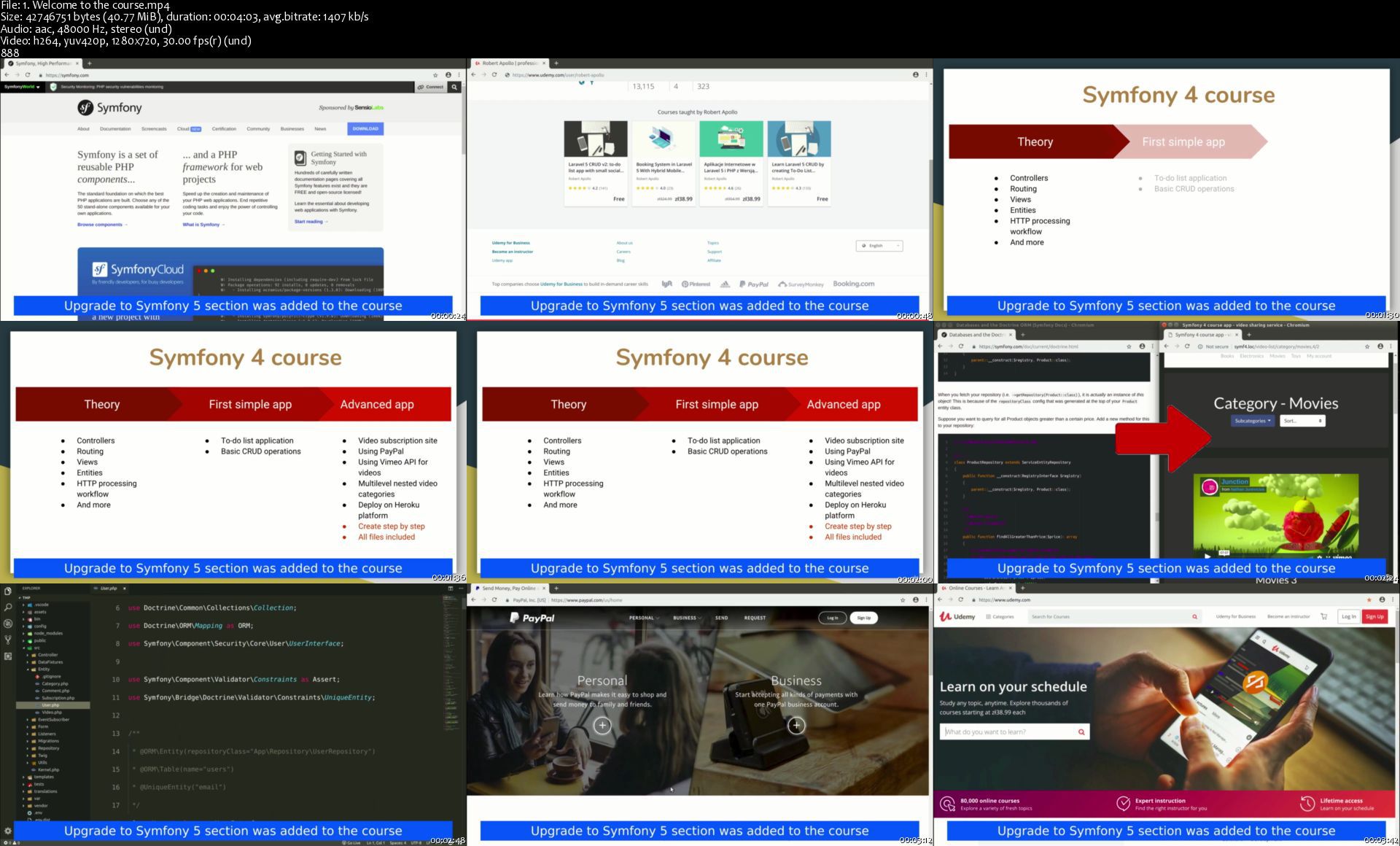
All of the course applications were made using Symfony 4 (except applications for rest api section - Symfony 5). Upgrade to Symfony 5 section was added to the course. According to Symfony standard, there are no any new features in Symfony 5.0 compared to Symfony 4.4.

Remember that only practice makes perfect. If necessary, study the course two or more times. Take notes during the course like a real student. Use documentations, Google search. Finally, try to write the application yourself, not necessarily the same as in the course, you can try to change, add something, etc. No single course will make you a very good web developer. It can only bring you closer to this goal. The more practice, the better.

--------------------------------------------

QA

Question:

You used Symfony 4 and Symfony 5 in this course for creating apps to practice knowledge. Why not use only the latest version? Does it mean that this course is outdated and I will not benefit from it?

Answer:

Absolutely not! In tools like PHP frameworks the fundamentals and base syntax almost never change regardless of the version. But of course any maintained software evolves all the time. That's why I always suggest you to use the version of software that instructor uses in the course. It prevents from errors and confusions. As a someone who wants to learn web development you should be aware, that real web development involves also adapting the code to newer versions if necessary - but this is not always necessary, not every company do that. Software changes so often that the instructors would not be able to create the courses so that they match the latest version. This is not even advisable, because as a student you would loose an important aspect of real web development - the awareness that everything is changing and you need to be able to deal with it.

---------------------------------------------

Enroll now and let's start learning Symfony!

There is no risk! 30 day money back guarantee (as always at Udemy)


Who this course is for:
Everyone who want to learn Symfony framework
Everyone who is interested in building web applications and websites


Homepage

1.welcometothecoursestqkgk.jpg


Phlearn Pro - Advanced Compositing with Stock Images in Photoshop

5x3k3qcy6dbg6hc5rv6yvg0je9.jpg


Phlearn Pro - Advanced Compositing with Stock Images in Photoshop
Duration: 5h | Video: .MP4 1920x1080, 29.97 fps | Audio: AAC, 48 KHz, 2 channels | Size: 7.79 GB
Genre: eLearning | Language: English

You don't need expensive gear or complicated photoshoots to create beautiful works of art in Photoshop! Follow along as we show you how to use advanced compositing techniques to combine 19 free stock images into an out-of-this-world fantasy scene. Learn how to cut out objects from their background, match light and color between images taken in different environments, create realistic depth and atmosphere, and more!

THIS COURSE INCLUDES
19 Sample Images
4 Photoshop Brushes
1 Sample PSD

Screenshots
Phlearn Pro - Advanced Compositing with Stock Images in Photoshop
Instructor: Aaron Nace

Homepage

01.01whatyoulllearnsbdkhx.jpg


Oracle EBS Essentials Course (Hands on in R12.2.8)

4znjfm55vvru5qfwxjhqufyj88.jpg


Oracle EBS Essentials Course (Hands on in R12.2.8)
Genre: eLearning | MP4 | Video: h264, 1280x720 | Audio: aac, 48000 Hz
Language: English | VTT | Size: 6.85 GB | Duration: 11 section | 63 lectures | (10h 2m)


What you'll learn
Oracle EBS 12.2.8 Essential Functionalities
Navigating in Oracle EBS R12
Basic System Administration Functions
Creating Responsibilities and Menus
Running and Scheduling Concurrent Jobs
Fundamentals of Flexfields
Introduction to Role Base Access Control (RBAC)
Introduction to Multi Org Access Control (MOAC)
Introduction to Trading Community Architecture (TCA)
Introduction to Sub-ledger Accounting (SLA)
Introduction to Folder Functionality

Requirements
Initial contact with Oracle ERP's would be a nice to have

Description
This course was created as a primary focus to introduce Oracle EBS 12.2.8 functionalities to new or experienced users and also provide a extensive overview for learners that are curious about Oracle EBS Essentials.

Our chapters are divided as below:

Navigating in Oracle R12;

System Administration;

Responsibilities and Menus;

Running and Scheduling Concurrent Programs;

Fundamentals of Flexfields;

Introduction to Role Base Access Control (RBAC);

Introduction to Multi-Org Access Control Structure;

Introduction to Trading Community Architecture;

Introduction to Subledger Accounting;

Introduction to Folder Functionality;


Who this course is for:
Begineer Oracle EBS Implementers
New or Experienced Oracle EBS Users


Homepage
3.foldercreationcontid9j6g.jpg


Creating an Aged Wood Texture in Substance Designer

qctmyf4s6kmdxd3on5jgzqekj9.jpg


Creating an Aged Wood Texture in Substance Designer
Duration: 3h | Video: .MP4 1920x1080, 24 fps | Audio: AAC, 44.1 KHz, 2 channels | Size: 11.4 GB
Genre: eLearning | Language: English

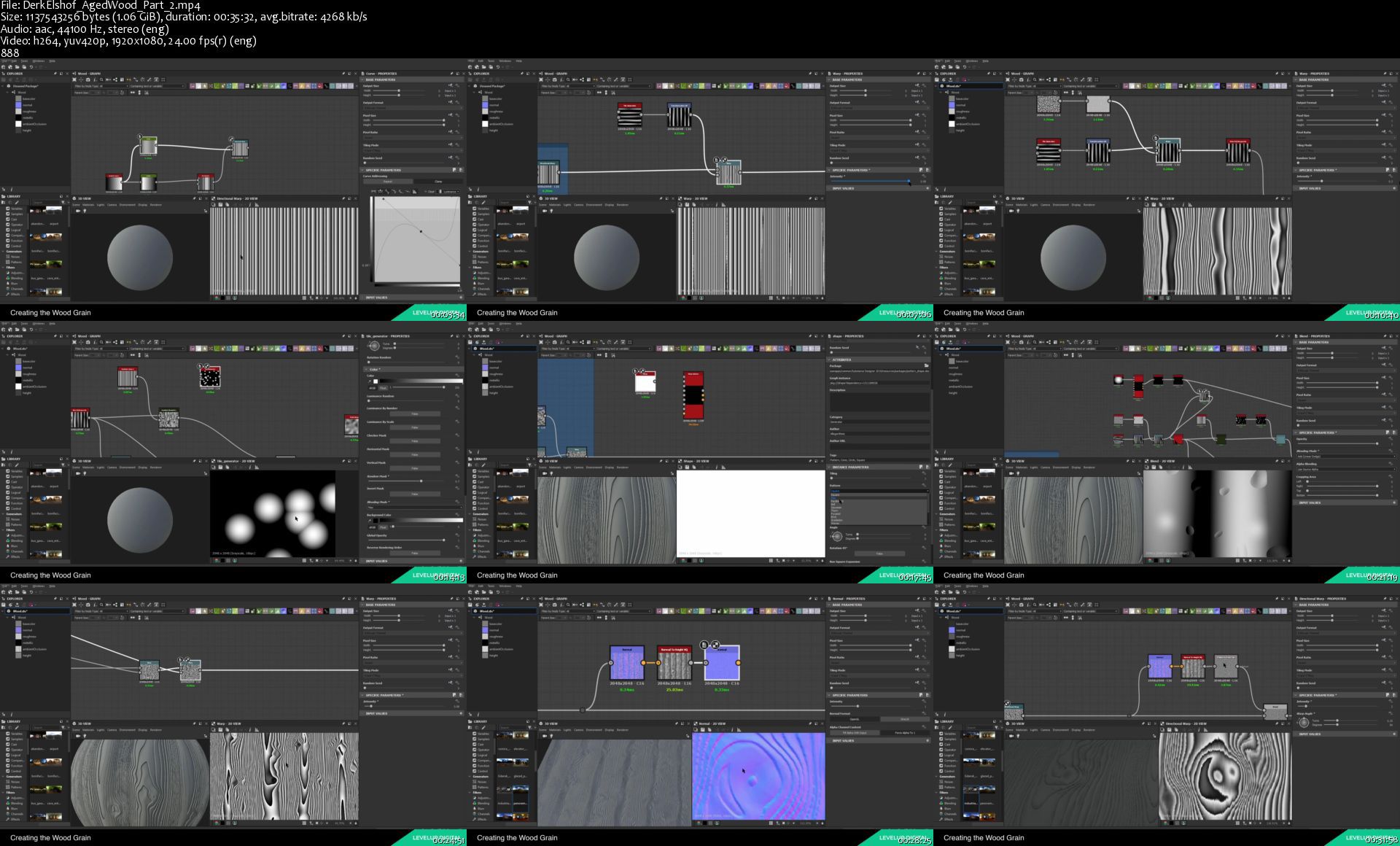
The ability to create a realistic wood texture in Substance Designer is an essential skill for any aspiring material or environment artist. In this tutorial, material artist Derk Elshof guides you through his process for creating a dynamic wood material with a tweakable slider for aging. Derk is well known for his clean style, attention to detail, and his ability to recreate almost any type of material using nothing but Substance Designer. And as a bonus, watch as Derk sculpts a medieval door and applies his texture in Substance Painter.

Derk is a Junior Material Artist at Massive Entertainment - A Ubisoft Studio. He got his start as a 2D/3D Artist in Motion Graphics and VFX. While studying 3D Animation, he found his passion for material creation while using Substance Designer. Upon graduating he freelanced for Dekegon before making his way to Massive. His breakdowns and methodology can be found on Experience points and 80lvl.

Contents
- 3 hours narrated, step-by-step video tutorial (Substance Designer)
- 3 hours 20 minutes unnarrated video tutorial (ZBrush and Substance Painter)
- References
- 1080 Resolution
- Stream video directly (for Studios who need downloadable files, get in touch)

Software Used
- Substance Designer
- ZBrush
- Substance Painter

Level
Beginner to Intermediate
Prerequisite
Familiar with software used

Screenshots
Creating an Aged Wood Texture in Substance Designer
Instructor: Derk Elshof

Homepage

derkelshofagedwoodpar47jgk.jpg


Java Web Services (updated 9/2020)

kjcvftfcs0vy1dqur7pbq20jhj.jpg


Java Web Services (updated 9/2020)
Genre: eLearning | MP4 | Video: h264, 1280x720 | Audio: aac, 48000 Hz
Language: English | VTT | Size: 7.95 GB | Duration: 35 section | 330 lectures | (16h 49m)


What you'll learn
Understand why web services are so popular
Understand the different types of WS Design
Use Apache CXF the Popular WS Stack
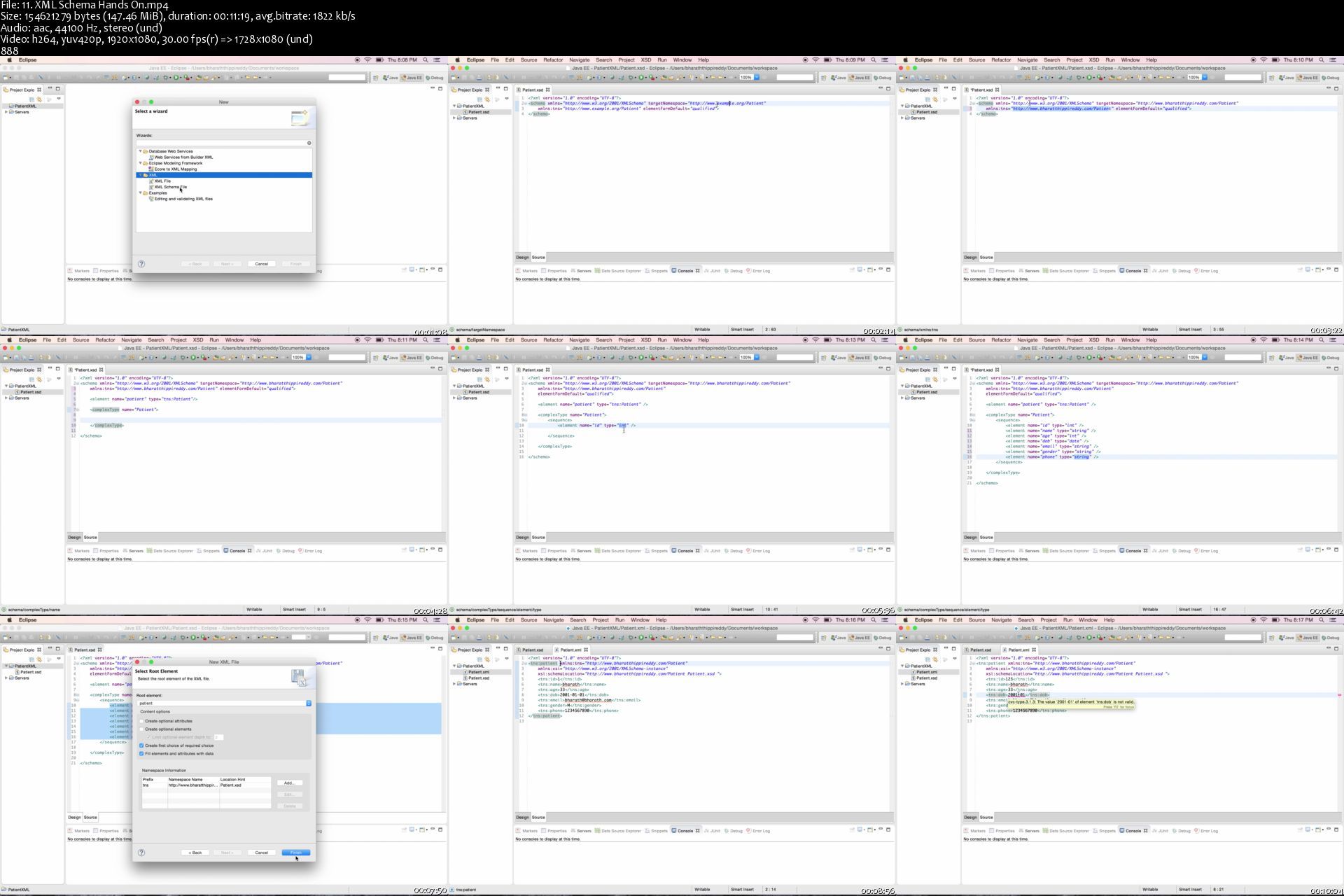
Implement Contract First and Code First Web Services
Develop a Web Service Consumer
Secure Web Services using the WS-Security Standard
Implement SOAP Attachments
Master the REST web service concepts and Implementation
Create different types of REST Clients
Secure Rest Services
Handle Errors In REST
Develop Asynchronous Web Services
Jersey REST Quick Start
Spring MVC REST Quick Start
Learn all the important web services interview Questions and Answers
All in short simple and easy steps
Use REST Attachments

Requirements
Spring Tool Suite
Java Knowledge


Description
Course Updated - I have upgraded the course to use Java Based configuration and use Spring Boot support in CXF.Enjoy!!

The ONLY course that covers the SOAP and REST web services Comprehensively!

Join 40,000+ students that are already enrolled!

Over 3000+ ... FIVE STAR Reviews! #toprated

---

Sample of the reviews:

The pacing of this course is excellent. The lectures are not too long, yet each video has a succinct lesson. Additionally, the instructor is very thorough in going through all aspects of web services. - Niaz Khan

Very nice and helpfull documentation notes that helps to concentrate in subjects. also very clear explanation from scratch. I am very happy with this course. Nice hands on exercises, very understandable from scratch. - Ricardo Flores

Taking this course gives me a deeper understanding on how web services work.. - Melvin Maling

---

All source code is available for download

Responsive Instructor - All questions answered within 24 hours

Professional video and audio recordings (check the free previews)

----

Are you interested in realizing the power of Web Services to bring applications running on various platforms and languages together ,but find the topic a little cryptic.

Do you want to build loosely coupled applications which are scalable and reusable but could not find a simple and easy to learn guide?

This course will simplify things with concepts and step by step implementations . By the end of it you will:

1. Understand the advantages of Web Services and their building blocks

2. Demystify the complex topics like WSDL and Web Services Design

3. Implement Top Down and Bottom Up Web Services

4. Learn about the various web service standards

5. Learn writing web services consumers and also a quick intro to test your web services using SoapUI

6. Use the WS-Security standard to secure your services

7. Master the REST web services concepts and design

8. Implement and test Secured REST Web Services


Who this course is for:
Java Developers
JEE Developers
Students with Java background


Homepage
11.xmlschemahandsons92k2r.jpg


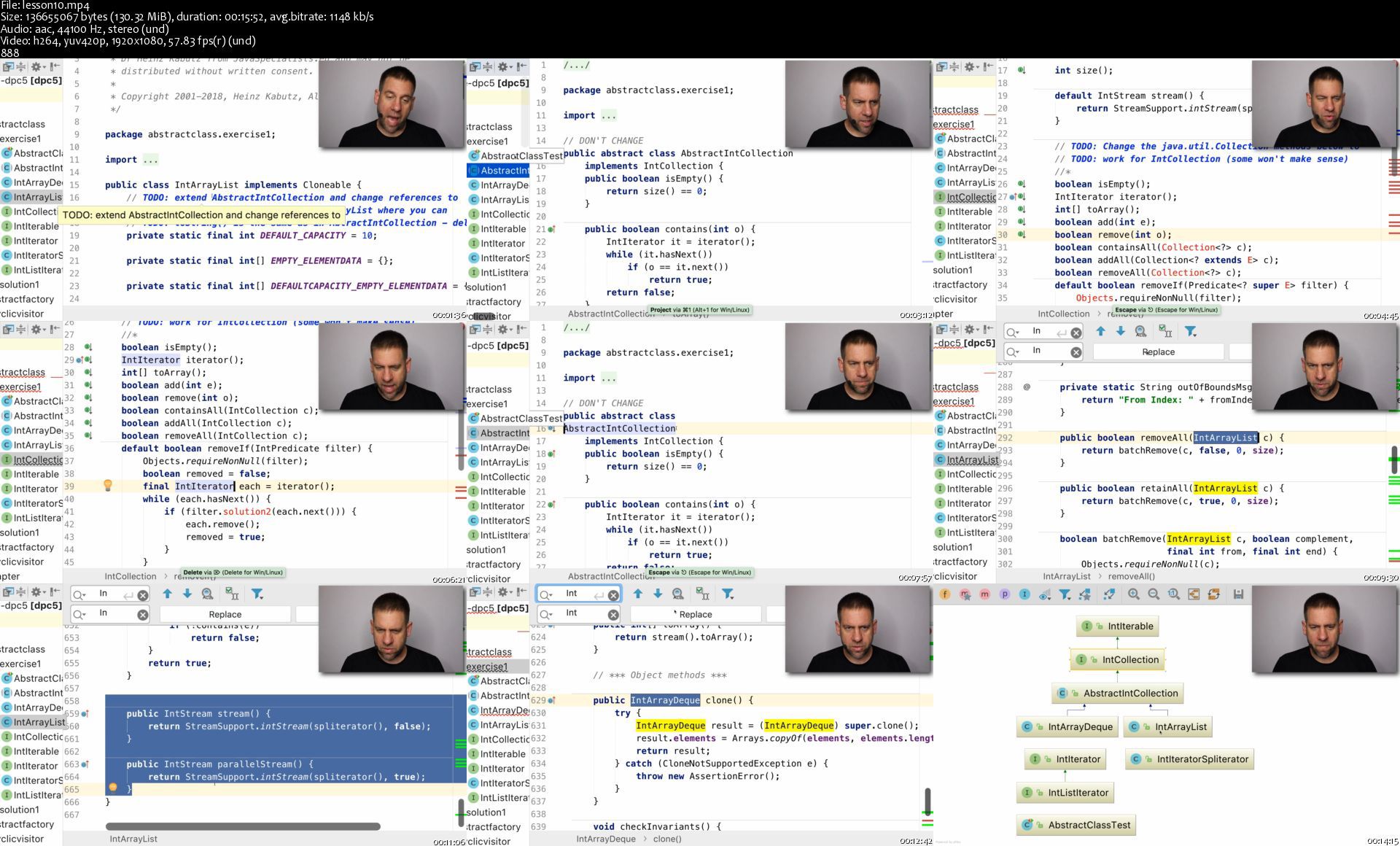
Java Specialists - Java Design Patterns

ufbqivbok1wsbhz0k8o4f7ok40.png


Java Specialists - Java Design Patterns
MP4 | Video: h264, 1280x720 | Audio: AAC, 44.1 KHz, 2 Ch
Genre: eLearning | Language: English | Duration: 69 Lessons (16h 21m) | Size: 5.44 GB

Our Java Design Patterns Course is the best value-for-money education you can give your programmers. During an intensive 4 days, we cover all of the Gang-of-Four patterns, in addition to some other lesser-known ones. Your programmers will learn how design patterns fit into the big picture in Java.

Each pattern is followed by exercises. These help the student to apply what they have learned in the lecture. After each exercise we demonstrate the solution with a walk-through.

We have taken great care to make sure that each pattern is accurately taught. We make sure that the code they see is safe for use in industrial strength code.

Is this course for you?
Learn how a Java Specialist thinks when designing a Java system.
Learn how each pattern is used in the Java Development Kit (JDK).
Learn how the Java Virtual Machine optimizes our well-factored code on-the-fly.
Learn how we can make our patterns thread-safe.
Learn how modern Java 8 lambdas and Java 11 features can reduce code when implementing design patterns.
Learn how the Singleton can cause "code smells".
Learn how to get rid of copy & paste code and those pesky switch and if-else statements.
Improve your team communication by introducing a richer design vocabulary.

Prerequisites
Participants should have a good understanding of object orientation concepts such as inheritance, encapsulation and polymorphism. Knowledge of Java is an advantage.

Previous Training: Preferably a formal qualification in computer science or related field.
Required Experience: At least one year of professional Java programming or other object-oriented language such as C# or C++.
Equipment: Please consult our setup guide on how to set up your lab.
Preparation: Read the book Head First Design Patterns.

Homepage

lesson10s7gksx.jpg


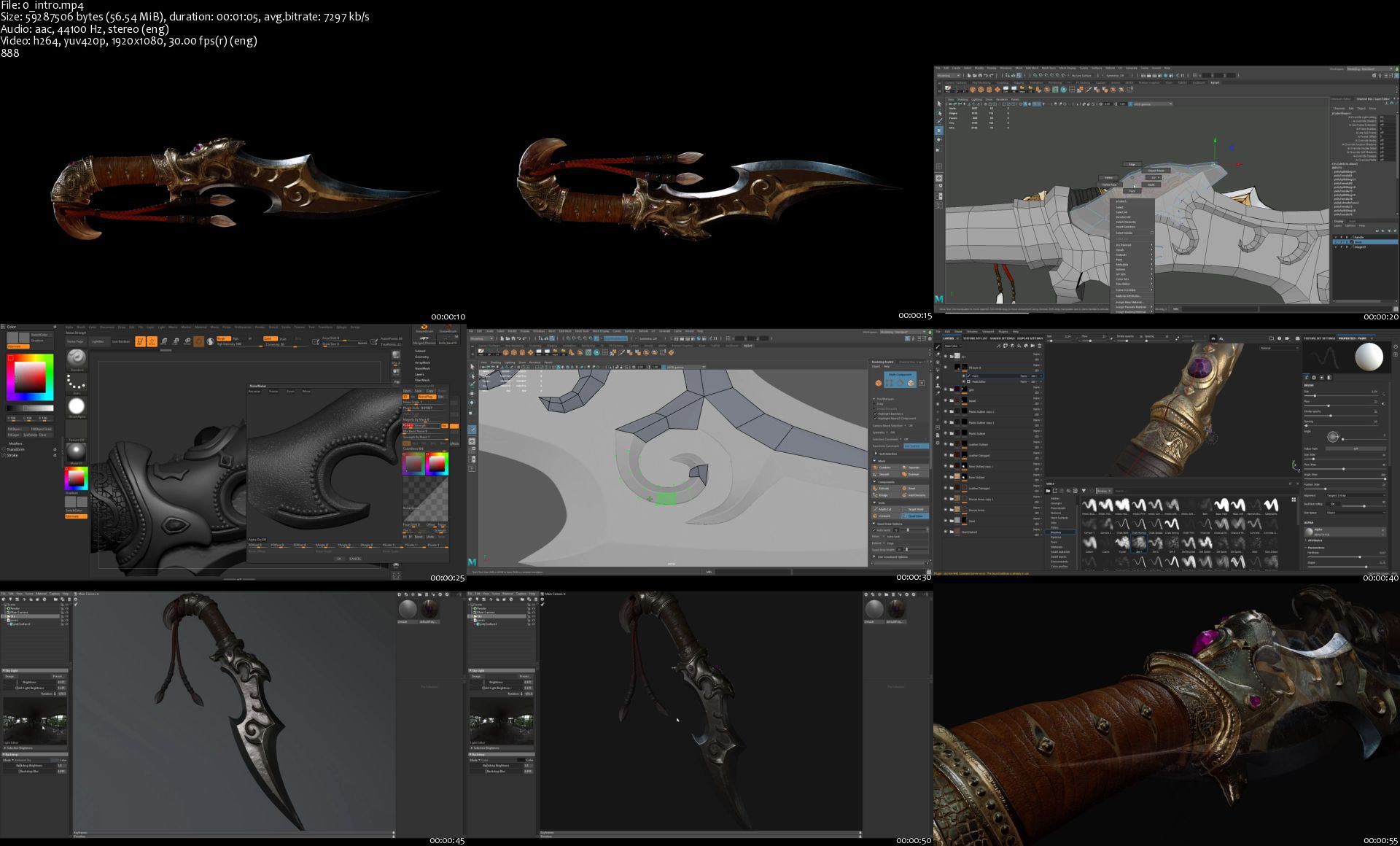
Gumroad - Weapon Creation for games by Scribble Mesh

wu51ps4imcjrnam4fuiyaxikhf.jpg


Gumroad - Weapon Creation for games by Scribble Mesh
Duration: 8h 38min | Video: .MP4 1916x1020, 30 fps | Audio: AAC, 44.1 KHz, 2 channels | Size: 5.9 GB
Genre: eLearning | Language: English

In this step by step tutorial, I will be guiding you through the entire process of creating a fantasy weapon from start to finish. We will start by blocking out our concept in Maya 2018, then transition into Zbrush to define and polish our high poly model. We will then return back to Maya to create our low-poly and UV unwrap our in-game asset. Once we are done with our model, we're going to bring it into Substance painter to bake and create detailed texture maps. And finally, I will show you how to import your model and texture maps into Marmoset Toolbag for lighting and presentation.

By the end of this training, you will gain the knowledge of what it takes to create highly detailed weapon assets for video games and pick up tips and tricks along the way. Thank you guys for watching and talk to you soon!

About the tutorial:
- Real-time step by step tutorial
- Narrated videos (HD MP4)
- Skill Level - Beginner to Intermediate
- 30 chapters
- Source files provided so you can follow along.

Software used in the tutorial:
Maya 2018
Zbrush
Substance Painter
Marmoset Toolbag 3

Screenshots
Gumroad - Weapon Creation for games by Scribble Mesh

Homepage

0introskmjsl.jpg


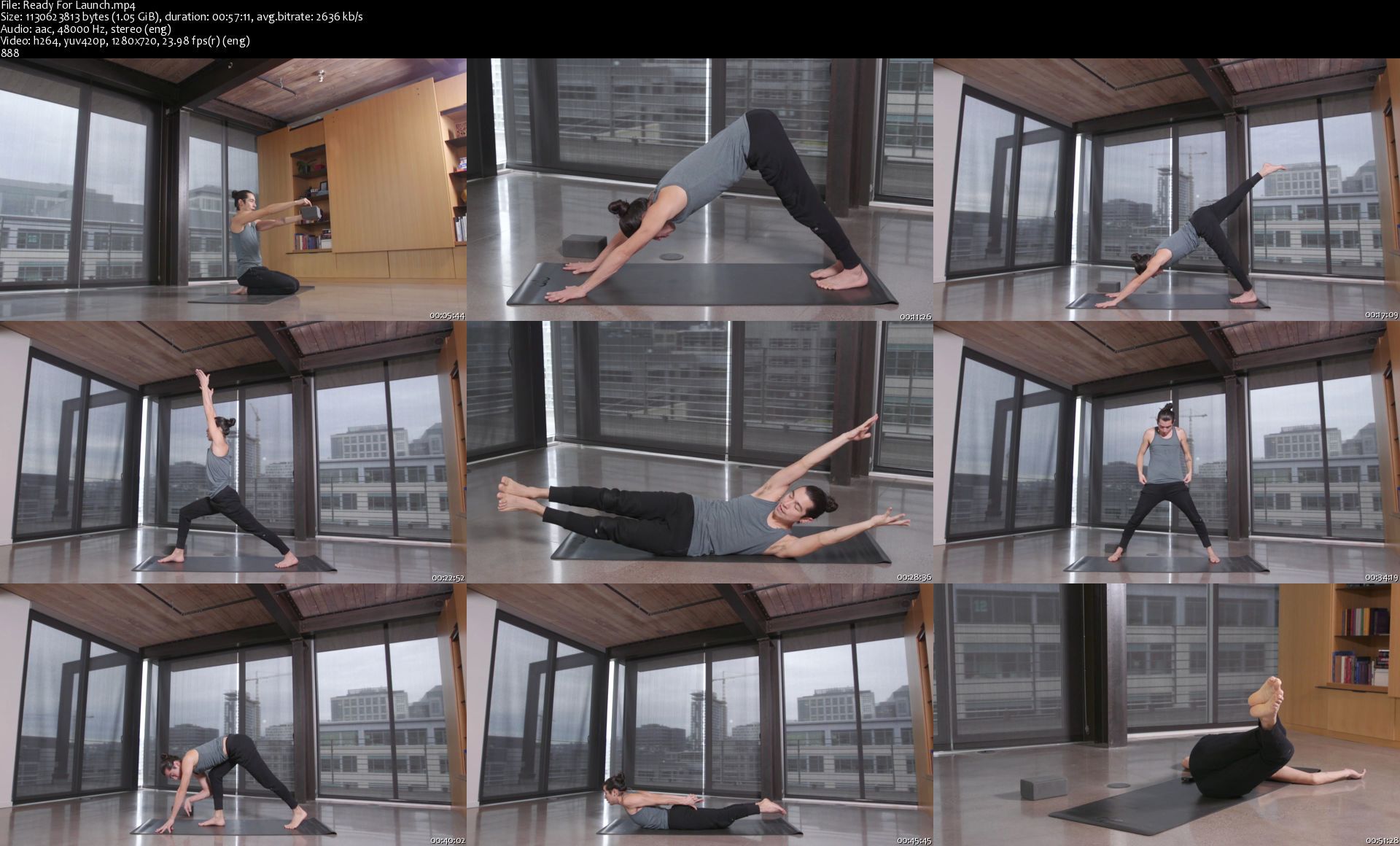
AloMoves - Fight

zx5bso4wajdc2z6vda1ytugjsm.jpg


AloMoves - Fight
MP4 | Video: h264, 1280x720 | Audio: AAC, 44.1 KHz, 2 Ch
Difficulty: Moderate | Genre: eLearning | Language: English | Duration: 8 Videos (4h 20m) | Size: 5.35 GB

Instructor : Elvis Garcia Flight teaches you to look at daily yoga poses through the lens of the handstand. You will learn how the poses you do in your everyday practice can be used to train a handstand.

This series combines strength drills and progressions with everyday yoga postures to help you develop the strength, concentration, and muscle memory required to balance on your hands and ultimately move into handstand. No previous handstand experience is required for this plan. You will use the basic foundational yoga poses, such as downward facing dog, to learn handstand basics and build confidence before ever going upside down.

Flight includes eight classes that are intended to be practiced in order. The first three 15-20 minute drill classes promote strength and teach you proper shoulder, spine, and core alignment for handstands. You will take your learnings from these drill classes and apply them in a 60-minute flow class. The second half of this plan targets L-shape, tuck, and handstand in three, short drill classes. Flight ends with another 60-minute flow class to solidify your learnings.

Balancing in a handstand will test your strength, concentration, and patience, but those who dare to take off will benefit from a whole new perspective. Flight is ideal for beginner to intermediate yogis who want to learn to balance on their hands.

EQUIPMENT
Blocks
Wall

Homepage

readyforlaunchss8kph.jpg


Zurück
Oben Unten