• Regeln für den Video-Bereich:

    In den Börsenbereich gehören nur Angebote die bereits den Allgemeinen Regeln entsprechen.

    Einteilung

    - Folgende Formate gehören in die angegeben Bereiche:
    - Filme: Encodierte Filme von BluRay, DVD, R5, TV, Screener sowie Telesyncs im Format DivX, XviD und x264.
    - DVD: Filme im Format DVD5, DVD9 und HD2DVD.
    - HD: Encodierte Filme mit der Auflösung 720p oder darüber von BluRay, DVD, R5, TV, Screener sowie Telesyncs im Format x264.
    - 3D: Encodierte Filme von BluRay, die in einem 3D Format vorliegen. Dies gilt auch für Dokus, Animation usw.
    - Serien: Cartoon/Zeichentrick, Anime, Tutorials, Dokumentationen, Konzerte/Musik, Sonstiges sind demnach in die entsprechenden Bereiche einzuordnen, auch wenn sie beispielsweise im High Definition-Format oder als DVD5/DVD9/HD2DVD vorliegen. Ausnahme 3D.
    - Bereich Englisch: Englische Releases gehören immer in diesen Bereich.
    - Bereich Talk: Der Bereich, in dem über die Releases diskutiert werden kann, darf, soll und erwünscht ist.


    Angebot/Beitrag erstellen

    - Ein Beitrag darf erst dann erstellt werden, wenn der Upload bei mindestens einem OCH komplett ist. Platzhalter sind untersagt.
    - Bei einem Scenerelease hat der Threadtitel ausschließlich aus dem originalen, unveränderten Releasenamen zu bestehen. Es dürfen keine Veränderungen wie z.B. Sterne, kleine Buchstaben o.ä. vorgenommen werden. Ausnahme Serienbörse:
    - Bei einem Sammelthread für eine Staffel entfällt aus dem Releasename natürlich der Name der Folge. Beispiel: Die Simpsons S21 German DVDRip XviD - ITG
    - Dementsprechend sind also u.a. verboten: Erweiterungen wie "Tipp", "empfehlenswert", "only", "reup", usw. / jegliche andere Zusatzinformation oder Ergänzung, welche nicht in obiger Beschreibung zu finden ist.

    Aufbau des Angebots und Threadtitel

    Der Titel nach folgendem Muster erstellt zu werden. <Name> [3D] [Staffel] [German] <Jahr> <Tonspur> [DL] [Auflösung] <Quelle> <Codec> - <Group>
    Beispiel: The Dark Knight German 2008 AC3 DVDRip XviD - iND
    Beispiel: The Dark Knight 2008 DTS DL BDRip x264 - iND
    Beispiel: The Dark Knight 2008 AC3 DL BDRip XviD - iND
    Beispiel: The Dark Knight German 2008 AC3 720p BluRay x264 iND
    Beispiel: The Dark Knight 2008 DTS DL 1080p BluRay x264 iND
    Beispiel: Die Simpsons S01 German AC3 DVDRip XviD iND
    Beispiel: Die Simpsons S20 German AC3 720p BluRay x264 iND
    Beispiel: Sword Art Online II Ger Sub 2014 AAC 1080p WEBRip x264 - peppermint
    Entsprechend sind also u.a. verboten: Sonderzeichen wie Klammern, Sterne, Ausrufezeichen, Unterstriche, Anführungszeichen / Erweiterungen wie "Tipp", "empfehlenswert", "only", "reup", usw. / jegliche andere Zusatzinformation oder Ergänzung, welche nicht in obiger Beschreibung zu finden ist
    Ausnahmen hiervon können in den Bereichen geregelt sein.

    Die Beiträge sollen wie folgt aufgebaut werden:
    Überschrift entspricht dem Threadtitel
    Cover
    kurze Inhaltsbeschreibung
    Format, Größe, Dauer sind gut lesbar für Downloader außerhalb des Spoilers zu vermerken
    Nfo sind immer Anzugeben und selbige immer im Spoiler in Textform.
    Sind keine Nfo vorhanden z.B. Eigenpublikationen, sind im Spoiler folgende Dateiinformationen zusätzlich anzugeben :
    Quelle
    Video (Auflösung und Bitrate)
    Ton (Sprache, Format und Bitrate der einzelnen Spuren)
    Untertitel (sofern vorhanden)
    Hosterangabe in Textform außerhalb eines Spoiler mit allen enthaltenen Hostern.
    Bei SD kann auf diese zusätzlichen Dateiinformationen verzichtet werden.

    Alle benötigten Passwörter sind, sofern vorhanden, in Textform im Angebot anzugeben.
    Spoiler im Spoiler mit Kommentaren :"Schon Bedankt?" sind unerwünscht.


    Releases

    - Sind Retail-Release verfügbar, sind alle anderen Variationen untersagt. Ausnahmen: Alle deutschen Retail-Release sind CUT, in diesem Fall sind dubbed UNCUT-Release zulässig.
    - Im Serien-Bereich gilt speziell: Wenn ein Retail vor Abschluss einer laufenden Staffel erscheint, darf diese Staffel noch zu Ende gebracht werden.62
    - Gleiche Releases sind unbedingt zusammenzufassen. Das bedeutet, es ist zwingend erforderlich, vor dem Erstellen eines Themas per Suchfunktion zu überprüfen, ob bereits ein Beitrag mit demselben Release besteht. Ist dies der Fall, ist der bereits vorhandene Beitrag zu verwenden.
    - P2P und Scene Releases dürfen nicht verändert oder gar unter einem iND Tag eingestellt werden.


    Support, Diskussionen und Suche

    - Supportanfragen sind entweder per PN oder im Bereich Talk zu stellen.
    - Diskussionen und Bewertungen sind im Talk Bereich zu führen. Fragen an die Uploader haben ausschließlich via PN zu erfolgen, und sind in den Angeboten untersagt.
    - Anfragen zu Upload-Wünschen sind nur im Bereich Suche Video erlaubt. Antworten dürfen nur auf Angebote von MyBoerse.bz verlinkt werden.


    Verbote

    - Untersagt sind mehrere Formate in einem einzigen Angebotsthread, wie beispielsweise das gleichzeitige Anbieten von DivX/XviD, 720p und 1080p in einem Thread. Pro Format, Release und Auflösung ist ein eigener Thread zu eröffnen.
    - Grundsätzlich ebenso verboten sind Dupes. Uploader haben sich an geeigneter Stelle darüber zu informieren, ob es sich bei einem Release um ein Dupe handelt.
    - Gefakte, nur teilweise lauffähige oder unvollständige Angebote sind untersagt. Dies gilt auch für eigene Publikationen, die augenscheinlich nicht selbst von z.B. einer DVD gerippt wurden. Laufende Serien, bei denen noch nicht alle Folgen verfügbar sind, dürfen erstellt und regelmäßig geupdatet werden.
    - Untersagt sind Angebote, welche nur und ausschließlich in einer anderen Sprache als deutsch oder englisch vorliegen. Ausnahmen sind VORHER mit den Moderatoren zu klären.


    Verstoß gegen die Regeln

    - Angebote oder Beiträge, die gegen die Forenregeln verstoßen, sind über den "Melden"-Button im Beitrag zu melden.
  • Bitte registriere dich zunächst um Beiträge zu verfassen und externe Links aufzurufen.

++ Premium IPTV ++ 7000 Live Sender ++ UHD Qualität ++ Mediathek mit 18.000 Inhalten ++


VenneTV


Englische Tutorials

The Advanced Cryptocurrency Trading Course - With Strategies

O7saq-D40-Rw-QVmt4-Vo1k-XBjhs-SZFf-PPb-Z.jpg


The Advanced Cryptocurrency Trading Course - With Strategies
Bestseller | h264, yuv420p, 1280x720 |ENGLISH, aac, 48000 Hz, 2 channels | 5h 49mn | 7.01 GB

Learn Advanced Cryptocurrency Day Trading and Swing Trading Strategies That You Can Start Implementing Today.

What you'll learn

Cryptocurrency Trading Strategies That You Can Start Implementing Today.
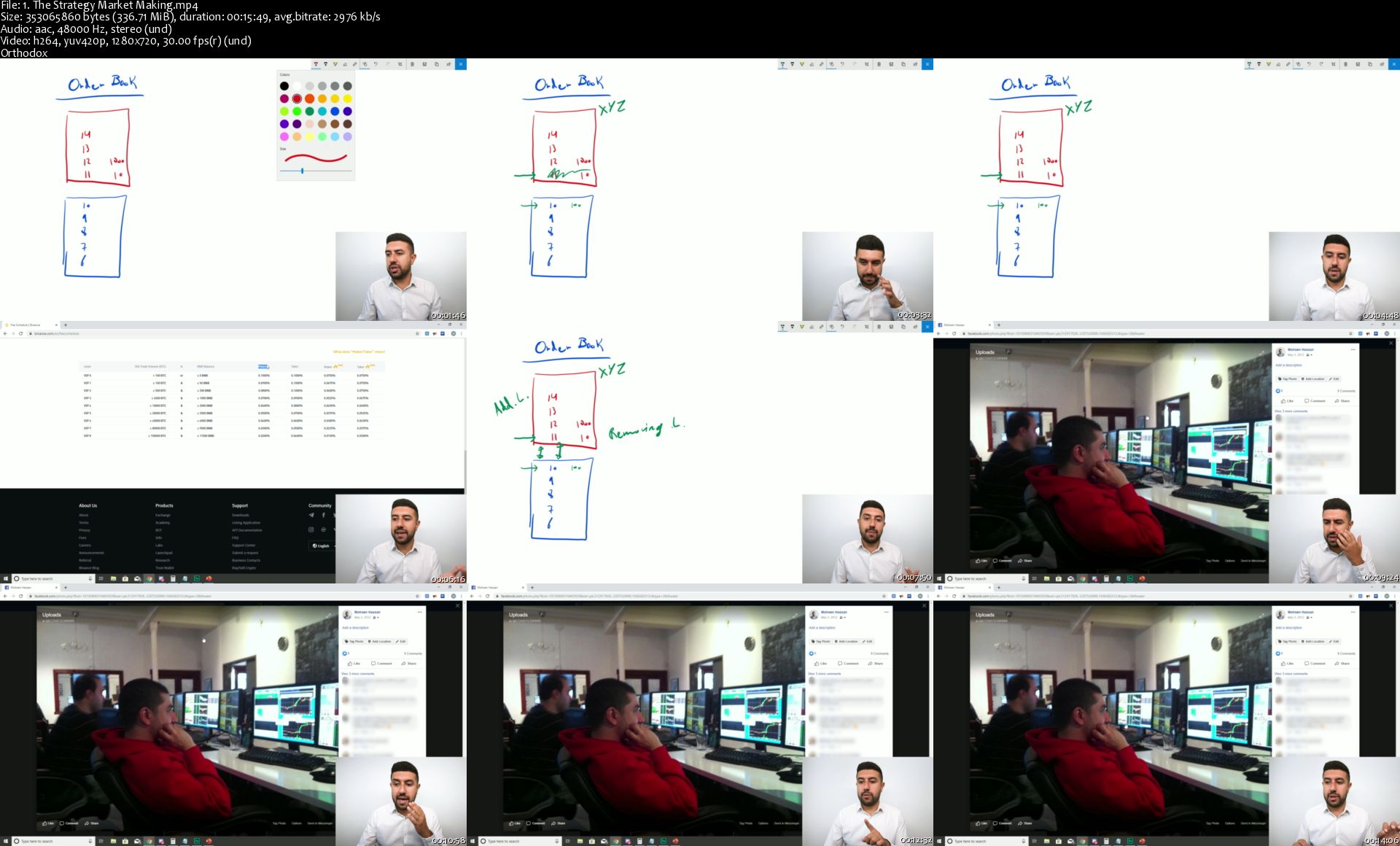
OrderFlow and How to Read The OrderBook.
Short Selling and How to Implement Shorting within a Strategy.
How to Properly use Technical Analysis.
Advanced Risk Management & Money Management Techniques.
How to Analyse Historical Performance To Optimize Your Performance.
How to use our FREE Excel Sheet for Historical Performance Analysis.
How to run A Market Making Strategy.
How to run a Triangular Arbitrage Strategy.
How to run a Market Neutral Mean Reversion (Pair Trading) Strategy.
How to run a Market Neutral Momentum Strategy.

Requirements

Basic Cryptocurrency Knowledge. (if you do not have any, please take my Cryptocurrency Investment Course first)

Description

In this Advanced Cryptocurrency course we teach you the same Trading Strategies that Traders at the Proprietary Trading Firm Montreal Trading Group have implemented for the company.

This course not only includes the material that is required to be successful in Trading but also the way that we interpret the different types of information in real time to make the best Trading decisions possible.

You will be learning from Mohsen Hassan, a professional Trader who has managed over 20 traders for his own company.

So, whether you want to generate some side income by trading Cryptocurrencies or if you want to make trading your only source of income, then this course is for you.

By the end of this course you will learn how to analyze Order Flow. You will be comfortable reading the Order Book and the Time of Sales, both essential for active trading. You will understand and be able to implement Short Selling in your trading.

You will also become an expert in Chart reading! This means you will know how to spot the best Chart Patterns and Candlestick Patterns as well as use the best Technical Indicators in order to buy and sell at optimal locations.

We also cover Risk Management and Money Management techniques so you will be able to know exactly how much to buy or sell on each trade and where to place your take profits and stop losses to minimize your risk!

You will also be receiving a FREE Excel Sheet to calculate your Position Sizing and Analyze your Historical Performance!

We follow this up by going over 4 different Trading Strategies that you can start implementing right now:

1) Market Making

2) Triangular Arbitrage

3) Market Neutral Mean Reversion (Pair Trading)

4) Market Neutral Momentum

On top of all the material thought we will be giving you our personal tricks, techniques and views on Cryptocurrency Trading so you can fast-track your success.

When registering to this course, you have:

Lifetime Access to the course

Access to all new/additional lectures (My courses are always up to date!)

Access to our Q&A section forever!

Eager to see you in the course!


Who this course is for:

Anyone who wants to Trade the Cryptocurrency Market like a Pro.
Anyone who want to Learn about Professional Trading Strategies.

1-The-Strategy-Market-Making-s.jpg


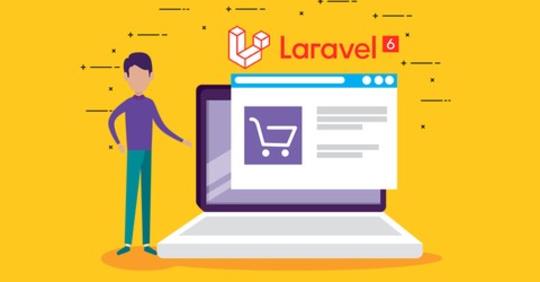
Laravel 6 PHP Framework A - Z Build Professional Ecommerce

rkgw-NL0-Wm-FRq-M9pf-FOWv-NFg-L1-W8en4-T4.jpg


Laravel 6 PHP Framework A - Z Build Professional Ecommerce
Genre: eLearning | MP4 | Video: h264, 1280x720 | Audio: aac, 44100 Hz
Language: English | VTT | Size: 32 GB | 217 lectures | Duration: 51:44:14


What you'll learn
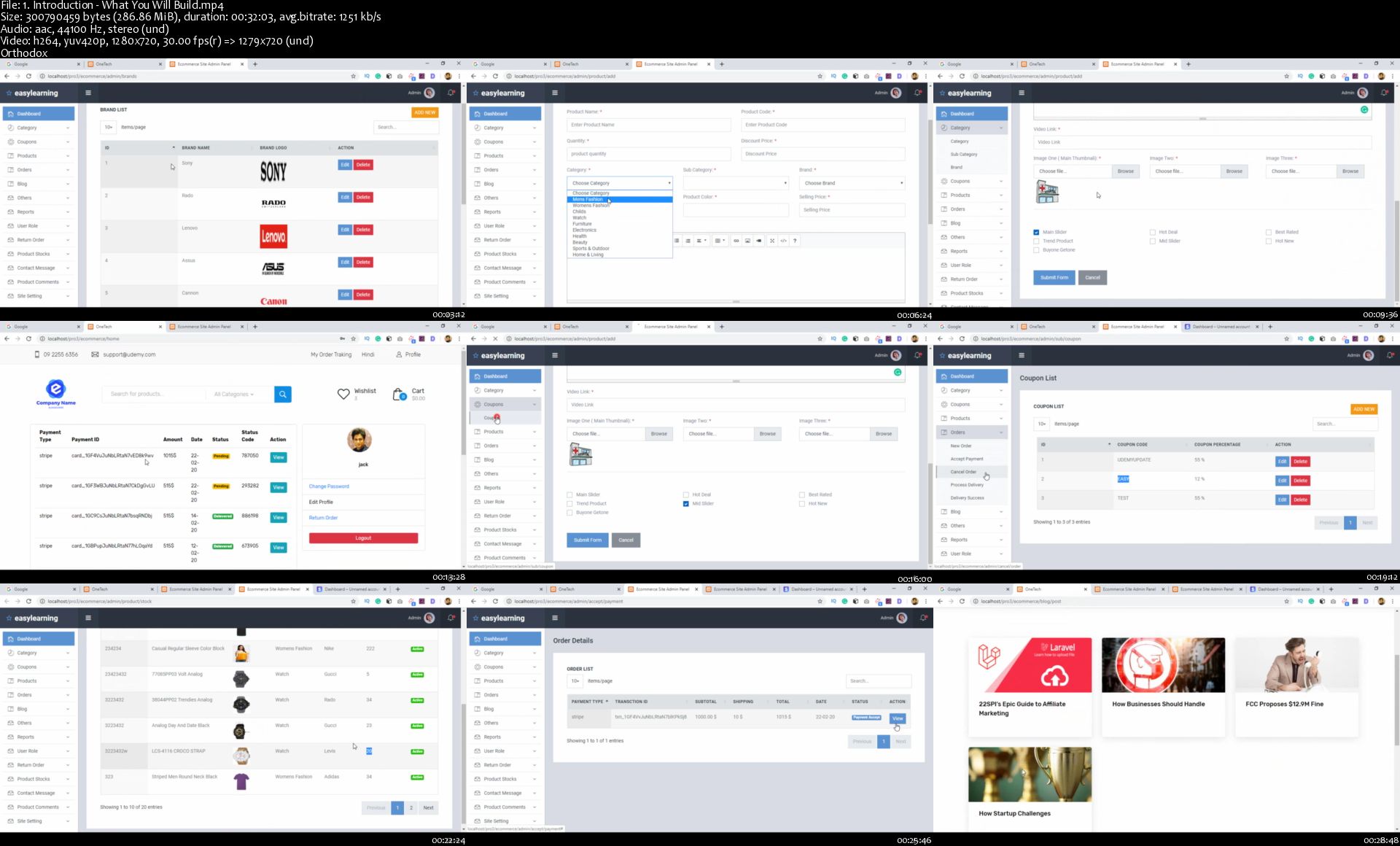
Create Complete Project with Laravel 6
Capable with Laravel 7
Multiple Language Option
Order Tracking System
Stock Management System
User Role Management
Laravel Socialite
Product Return Order
Product Apple Coupon
Facebook Comment System
Product Search Option
Product Discount Price
Buy and Get One Product
Online Payment Getway System
Product Mailing System
Product Reports System
Product Wishlist
JWT & Laravel Passport
Site Contact Page Form
Site Setting Option
Site SEO
Product Add to Cart
Multiple CRUD Function
Image Upload System
Adding Professional Theme for Backend
Adding Professional Theme for Frontend

Requirements
You have to know basic PHP
OOP (Basic)
Basic HTML, CSS, Bootstrap
Local Server : Xampp/Wampp/Vertrigo/Mamp
Text Editor/IDE: Sublime Text, Visual Studio Code, Netbeans, PHPStrom, Atom etc
Description
One of the Best Laravel 6 Framework Course on Udemy.

Laravel is an open-source PHP framework, which is robust and easy to understand. It follows a model-view-controller design pattern. Laravel reuses the existing components of different frameworks which helps in creating a web application. The web application thus designed is more structured and pragmatic.

Why We Should Learn Laravel ?

Laravel is a first development life cycle and less code functionality

it's easy to learn

making web applications faster

configuration error and exception handling

automation testing work.

URL Routing Configuration is very high in Laravel.

Scheduling tasks configuration and management

It has a huge community

Unlimited resource.

Most importantly it's very easy to get a job if you have Laravel skills.

What is your benefit ?

As i told you this complete project course which beings you to Beginner to Advance level by creating complete most advanced Ecommerce Project. You will able to understand how to complete one project, how to handle project bugs, Core structures of MVC. This complete project will help you to get a job with this new skill. You will be able to start work for your client. Add this project in your profolio and university assignment And most importantly you will get my support with in 24 hours. If you have any issues just let me know about this i will be in your touch.

What is the Best Part of this Course?

Create Complete Ecommerce Project with Laravel 6

Get a Deep Understanding of Laravel 6

Laravel User Authorization

Multiple Language

Order Tracking

Stock Management

User Role Management

Socialite

Return Order

Apple Coupon

Facebook Comment

Product Search

Change Password Option

Product Discount Price

Online Payment Getway System

Mailing System

Reports System

Product Wishlist

JWT & Laravel Passport

Contact Page Form

Site Setting

Site SEO

Product Add to Cart

and much more functions ..

This course you will not just learn you actually doing it. Learn and apply this on live project with me.

Sound Great right?

--------------------------------------------------------

Click the "Enroll Now" button at the top right now!

I am excited to see you in the course!

Sincerely,

easy Learning


Who this course is for:
People looking for web programming jobs should take this course
Students who want to take their PHP skills to another level should take this course
This course is for beginners to advanced laravel developers who want to increase their skills
University Project Assignment
Who want to become Laravel Developer.

Homepage

1-Introduction-What-You-Will-Build-s.jpg


GIMP 2.10 Masterclass: From Beginner to Pro Photo Editing

1qi-LMGlw11-Hy-Klegmp-Gk-Tn2q15lt8-E4-P.jpg


GIMP 2.10 Masterclass: From Beginner to Pro Photo Editing
Bestseller | h264, yuv420p, 1280x720 |ENGLISH, aac, 48000 Hz, 2 channels | 30h 20mn | 22.65 GB

GIMP 2.10 Complete Guide - Learn the Free Photo Editor GIMP. Go From a Beginner to Pro in Photo Editing & Graphic Design

What you'll learn

How to Master GIMP 2.10
How to use all the tools in the GIMP toolbox.
The GIMP layout and its most important features
All 38 layer modes (blend modes) for creating image effects.
Important design and image editing concepts like Layers and Selection Areas
What's new in the latest versions of GIMP, including GIMP 2.10.20
Edit a photo professionally from start to finish.
Use proper methods, not shortcuts, for better and more professional results.
Import photos into GIMP.
Edit photos for print or web.
Make image adjustments using powerful built-in tools and filters.
Touch up photos to remove imperfections or background objects.
Enhance photos for a better finished product.
How to Master the Paths Tool
How to add a vignette around photos for a more dramatic effect.
The Dodge and Burn Tools for a "Vogue" look.
Crop or resize images with minimal quality loss, including cropping images into a circle shape.
Export your photos to file types supported by GIMP.
Create image compositions that combine graphic design, images, and filters.
Edit black and white photos using recommended tools and methods.
Edit low-light photos
Remove objects from photos and perform other photo manipulations
Repair old and damaged photographs

Requirements

Know how to take photos with your own camera and upload photos to your computer.
Prior knowledge of how layers work within GIMP is a plus, though not entirely necessary.
Know how to use a computer.

Description

GIMP 2.10 Masterclass: From Beginner to Pro Photo Editing and Graphic Design

A UDEMY BEST-SELLER WITH 5,500+ STUDENTS

MORE GIMP CONTENT THAN ANY OTHER COURSE WITH 240+ LECTURES, OVER 30 HOURS OF CONTENT

A TOP RATED COURSE AMONG ALL GIMP COURSES (4.5 STAR RATING OVERALL WITH OVER 1,000+ RATINGS)

It's finally time for you to master GIMP.

Do you just wish you knew all of the great things GIMP had to offer (especially as an alternative to or replacement for Photoshop)? Have you taken photos with your camera but don't know how to edit them? Are you struggling to make your images look great or professional in GIMP? Are you curious as to what GIMP can offer as a graphic design program? Not sure which methods are best for getting professional results?

This is the course for you!

Join over 5,500 students and start mastering GIMP 2.10 today! This course has more in-depth GIMP 2.10 content than any other course on the platform, plus tons of projects, assignments and course resources to help you practice the skills learned in each lecture.

Get familiar with photo editing in GIMP 2.10 to improve your photos and master photo retouching with this BEST SELLING course, taught by an 8 year GIMP expert and photographer. No Photoshop required!

In This Course, You'll Learn:

Getting started with GIMP

The GIMP layout and other GIMP Basics

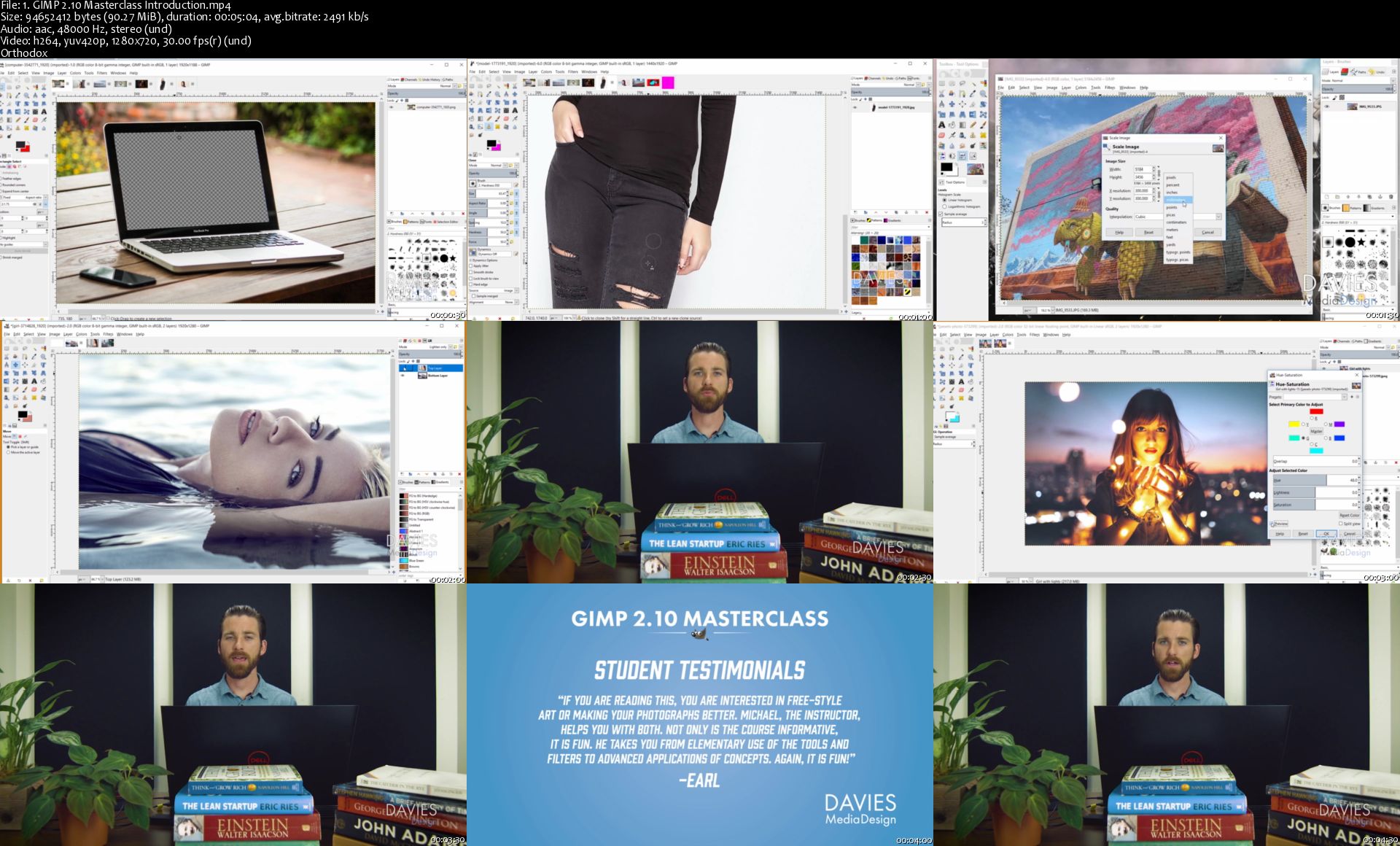
A comprehensive overview of ALL GIMP tools in the Toolbox, including:

Selection Tools

Path Tool

Transform Tools

Paint Tools

Text Tool

Miscellaneous Tools

Setting up the program interface for photo retouching

Opening RAW images into GIMP

Editing your photos to improve their color and quality

Color balancing

levels adjustment

Brightness & Contrast

Hue/Saturation

Hue/Chroma

Sharpening an image

Touching up an image

Eye enhancement

Creating a "Vogue" look

Designing a Photo Collage Using Multiple Images and Layer Masks

All 38 layer modes found in GIMP for blending images

Includes explanations of each Layer Mode Type

Scaling and cropping your images, including cropping images into a circle shape

Enhancing your photos with lighting effects and filters

Editing Black and White Photos

Creating social media banners for Facebook, Twitter, and LinkedIn

Includes free templates for social media banners

Exporting your images out of GIMP for use in print or web projects

PLUS you'll get access to over 10 hours of Bonus Photo Editing Tutorials, Graphic Design Tutorials, and Photo Manipulation Tutorials (including GIMP 2.10 tutorials) at the end of the course - commercial free - to help you further develop and acquire new GIMP skills! Tutorials cover a wide range of topics, including:

Top 5 Photo Enhancement Techniques

Fix Dark Portrait Lighting the RIGHT Way

Picture in Text with 3D Pop-out Effect

Rain Effect Photo Manipulation Tutorial

GEGL, Explained

5 Things You Didn't Know You Could Do with GIMP

Acne Removal and Improving Skin Complexion

What's New in GIMP 2.10.2, GIMP 2.10.4, GIMP 2.10.6, GIMP 2.10.8, GIMP 2.10.10, GIMP 2.10.12, GIMP 2.10.14, GIMP 2.10.18, and GIMP 2.10.20

How to Open RAW Images in GIMP 2.10 (using DarkTable)

How to Fix Old and Severely Damaged Photos

How to Recolor Photos

How to Import Palettes

How to Create Pixel Art (For Game Design)

and more!

What Students Say About the Course

"I'm so glad I found this! I have been using GIMP for several years (a couple of decades actually) and have been looking for a comprehensive GIMP course like this forever. This course has finally given me exactly what I've been looking for. Michael's course and teaching method are absolutely impressive!"

-Reg E. | *****

"Very thorough explanations of numerous GIMP features. As a long-time Photoshop user, I wanted to learn more about how to use GIMP effectively, and this course has been very good."

-Jud D. | *****

"When I started this course I had some basic knowledge of GIMP. However I had many gaps and/or insecurities when applying my knowledge. So I wanted to become a better user. By the way you already noticed English is not my native language. But Michael's English is easy to understand and with the the help of subtitles I understood most everything[...] After having concluded the course I can say: - I am really a better user - I learned a lot[.] This course is worth every penny. Highly recommended!"

-Hans-Peter L. | *****

"An Outstanding course on Gimp that will help any user develop a solid understanding of all the tools and how to apply them."

-Arthur | *****

Whether you want to edit photos for clients, touch up your own portraits, or make your own graphic design compositions, this is the place to start! Join over 4,500 students!

By the end of this course, you will have a strong understanding of how to use the photo editing tools within GIMP. You will also develop a better eye for coloring and correcting your images. Overall, you'll be able to more consistently enhance images for a better looking final product!

My goal for this course is to teach you the proper and professional way to edit your photos, plus how to create amazing graphic design projects or compositions. I don't take shortcuts in my methods - I only recommend the best methods based on my 8 years of experience using GIMP and the recommendations that come straight from the creators of the GIMP photo editor. This comprehensive course will, in the end, allow you to focus on your artistic abilities when editing photos while also harnessing your newly-acquired technical knowledge of the GIMP program. Take the limitations and guesswork out of your photo editing and design process and create with confidence!

Take your time with the course - there is not time limit for completing it and you'll get lifetime access once you enroll. Learn from one of the top GIMP-dedicated educators in the world - not someone who only teaches GIMP as a footnote to other programs like Photoshop.

If you don't like the course, there is a 30 day money-back guarantee. However, I think you'll really enjoy it!

Who this course is for:

All skill levels looking to improve their knowledge of GIMP's features, filters, and tools.
Beginner GIMP users who want to get familiar with this free photo editor.
Photographers who want to edit their photos on a free and powerful piece of software.
Beginner GIMP users who want to learn how to edit their photos.
For those who want to "Photoshop" images but prefer GIMP or don't want to buy Photoshop.
Intermediate GIMP users who have used the program before or are familiar with it but want to expand their knowledge of the photo editing aspects of the program.
For those who want to master the various photo editing tools in GIMP.
For those who want to familiarize themselves with the various design tools in GIMP
For those who want to become more creative with their photo editing.
For users who want to use GIMP for personal or professional art, design, and photography projects

1-GIMP-2-10-Masterclass-Introduction-s.jpg


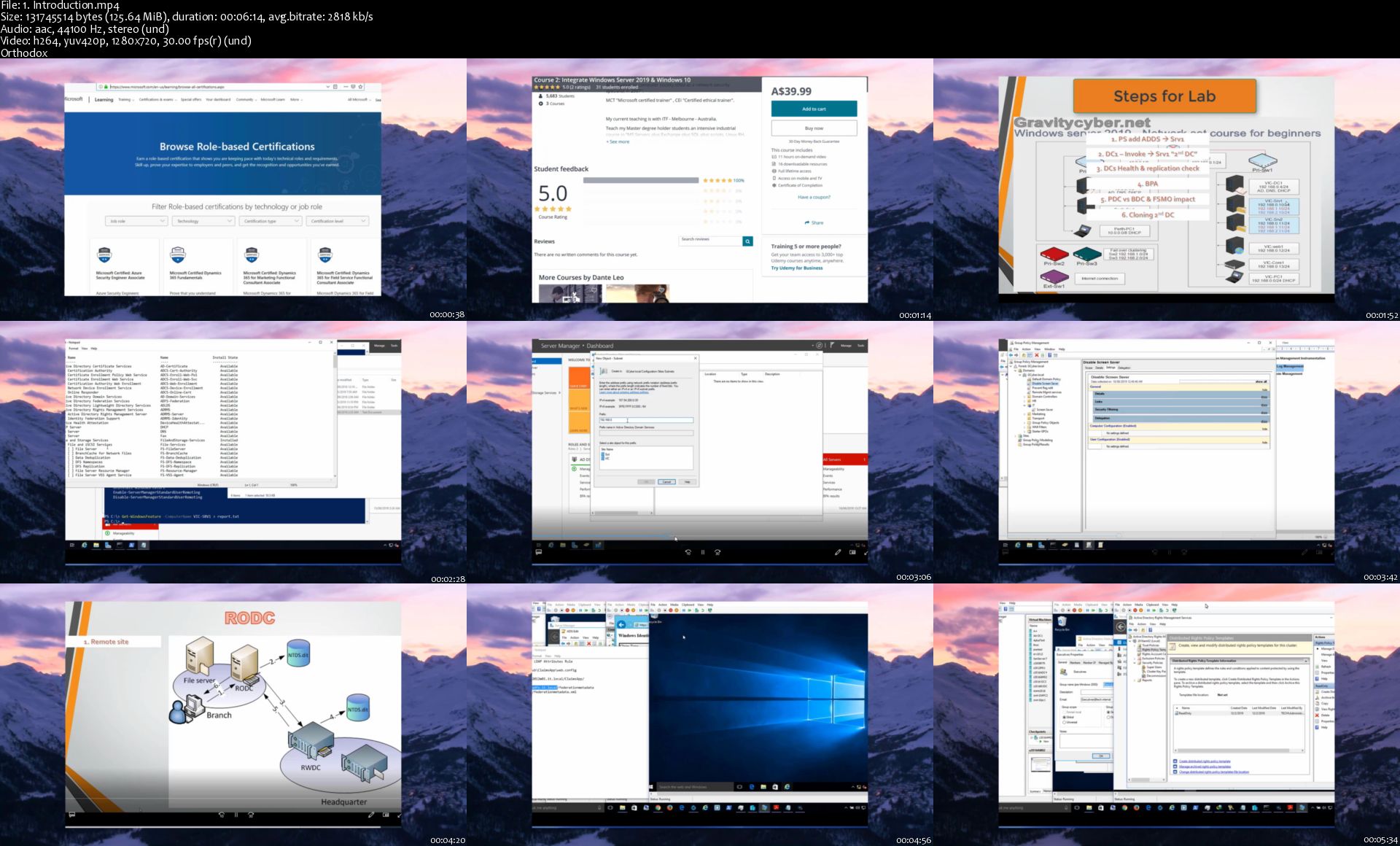
Course 3: MCSA Windows Server 2019 Active Directory

srd-Oq-R3pcj-Wf-Jellaab3-ZK6-PRTy109-WV.jpg


Course 3: MCSA Windows Server 2019 Active Directory
h264, yuv420p, 1280x720 |ENGLISH, aac, 44100 Hz, 2 channels | 13h 22mn | 7.03 GB

Integration of Microsoft Azure and Office 365, Academic & Industry course, get hands-on experience with endless LABS.

What you'll learn

Prepare for MCSA certification exams.
Will be able to manage the Windows server 2019 Active directory like a PRO.
Get ready to crack any interview and apply for jobs in this domain as an Admin "Study the entire series".
Install and configure domain controllers.
Manage objects in AD DS by using graphical tools and Windows PowerShell.
Implement AD DS in complex environments.
Implement AD DS sites, and configure and manage replication.
Implement and manage Group Policy Objects (GPOs).
Manage user settings by using GPOs.
Secure AD DS and user accounts.
Implement and manage a certificate authority (CA) hierarchy with AD CS.
Deploy and manage certificates.
Implement and administer Active Directory Federation Services(AD FS)
Implement and administer Active Directory Rights Management Services (AD RMS).
Implement synchronization between AD DS and Azure AD.
Monitor, troubleshoot, and establish business continuity for AD DS services.

Requirements

It is highly advisable to attend Course 1 and Course 2 from this series to prepare your Lab/network infrastructure as this course will focus more on intermediate to Advance level topics using those Lab machines. I will try my best to cover Basics.
Have a PC or laptop with 8 - 16 GB Ram to perform Labs smoothly, i5 or i7 CPU support, SSD,64-bit OS.
You need to have basic knowledge about PCs and networks.

Description

"Certification course", "Official Microsoft Course Structure"

This course teaches IT professionals how to deploy and configure Active Directory Domain Services (AD DS) in a distributed environment, how to implement Group Policy, how to perform backup and restore, and how to monitor and troubleshoot Active Directory-related issues with Windows Server 2019. Additionally, this course teaches students how to deploy other Active Directory server roles, such as Active Directory Federation Services (AD FS) and Active Directory Certificate Services (AD CS) and finally we will discuss how you can plan, prepare, and implement directory synchronization between local AD DS and Azure AD.

***I would again like to mention for students directly joining this course, kindly check Course 1 : Set Windows Server 2019 Network, to build your Lab and prepare the infrastructure. In this course we will not teach how we created the virtual environment. ***

The course outline is as follows:

Module 1, "Installing and configuring domain controllers," describes the features of AD DS and how to install domain controllers (DCs). It also covers the considerations for deploying DCs.

Module 2, "Managing objects in AD DS," describes how to use various techniques to manage objects in AD DS. This includes creating and configuring users, groups, and computer objects.

Module 3, "Advanced AD DS infrastructure management," describes how to plan and implement an AD DS deployment that includes multiple domains and forests. The module provides an overview of the components in an advanced AD DS deployment, the process of implementing a distributed AD DS environment, and the procedure for configuring AD DS trusts.

Module 4, "Implementing and administering AD DS sites and replication," describes how to plan and implement an AD DS deployment that includes multiple locations. The module explains how replication works in a Windows Server 2019 AD DS environment.

Module 5, "Implementing Group Policy," describes how to implement a GPO infrastructure. The module provides an overview of the components and technologies that constitute the Group Policy framework.

Module 6, "Managing user settings with Group Policy," describes how to configure Group Policy settings and Group Policy preferences. This includes implementing administrative templates, configuring folder redirection and scripts, and configuring Group Policy preferences.

Module 7, "Securing Active Directory Domain Services," describes how to configure domain controller security, account security, password security, and Group Managed Service Accounts.

Module 8, "Deploying and managing AD CS," describes how to implement an AD CS deployment. This includes deploying, administering, and troubleshooting CAs.

Module 9, "Deploying and managing certificates," describes how to deploy and manage certificates in an AD DS environment. This involves deploying and managing certificate templates, managing certificate revocation and recovery, using certificates in a business environment, and implementing smart cards.

Module 10, "Implementing and administering AD FS," describes AD FS and how to configure AD FS in a single-organization scenario and in a partner-organization scenario.

Module 11, "Implementing and administering AD RMS," describes how to implement an AD RMS deployment. The module provides an overview of AD RMS, explains how to deploy and manage an AD RMS infrastructure, and explains how to configure AD RMS content protection.

Module 12, "Implementing AD DS synchronization with Microsoft Azure AD," describes how to plan and configure directory syncing between Microsoft Azure Active Directory (Azure AD) and on-premises AD DS. The module describes various sync scenarios, such as Azure AD sync, AD FS and Azure AD, and Azure AD Connect.

Module 13, "Monitoring, managing, and recovering AD DS," describes how to monitor, manage, and maintain AD DS to help achieve high availability of AD DS.

Who this course is for:

This course is for students who want to take a full path of learning windows server 2019 (Beginner --> Professional), this is the 3rd course in 10+ courses of windows server 2019 series.
All professionals who want to be ready for their MCSA 2019 certification exams.
IT professionals who are looking to consolidate their knowledge about Active Directory Domain Services (AD DS) and related technologies

1-Introduction-s.jpg


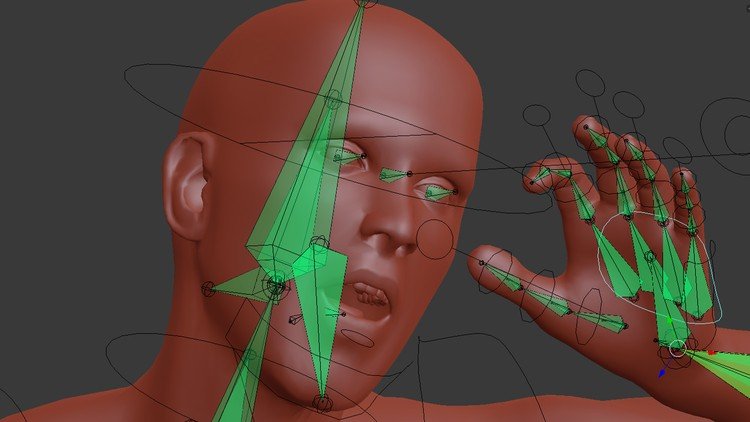
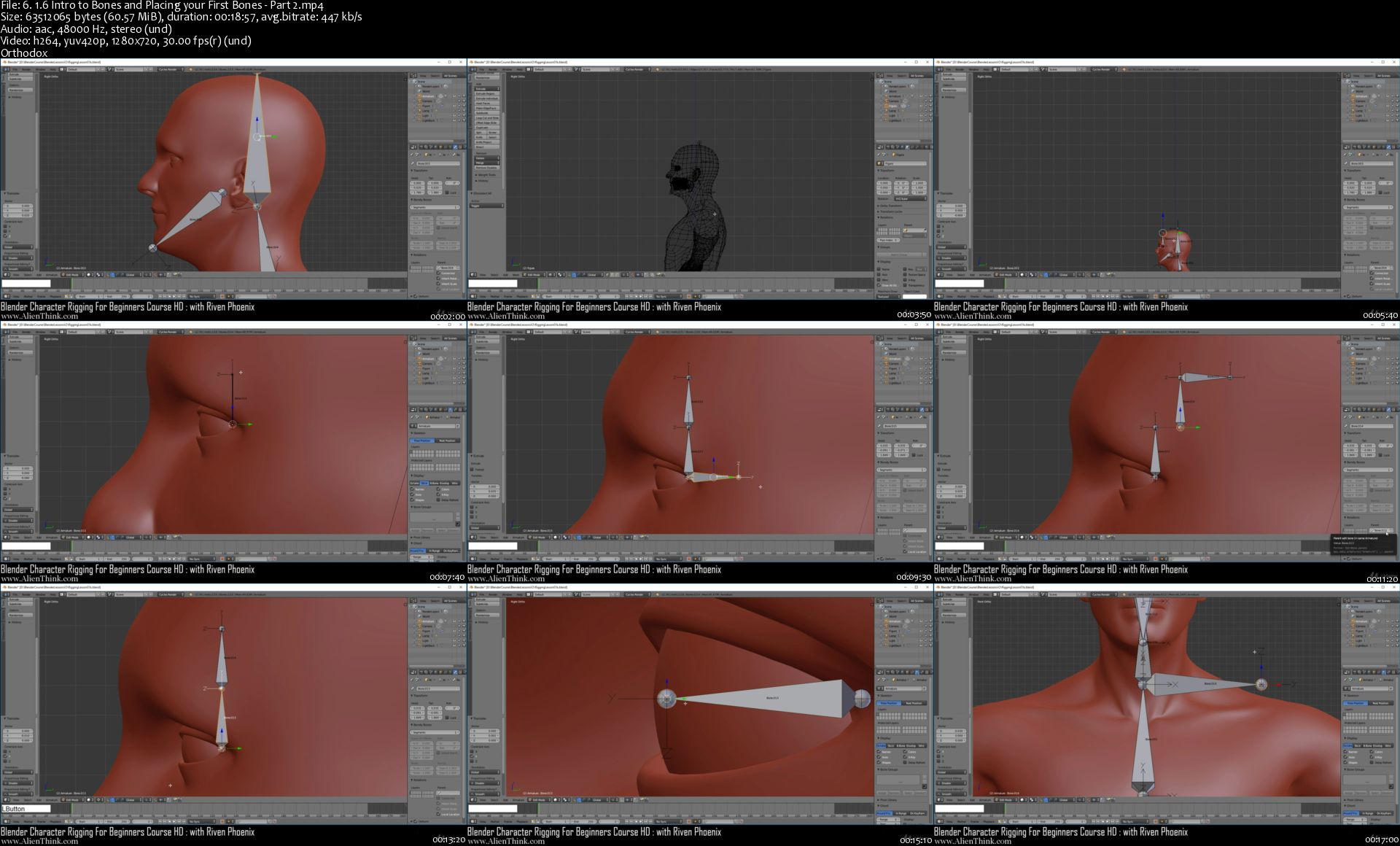
Blender Character Rigging For Beginners HD

Jv-Wxteb-Jy-Gih-IZKABYl-Vvj-Mu-G2hg-NJbq.jpg


Blender Character Rigging For Beginners HD
Bestseller | h264, yuv420p, 1280x720 |ENGLISH, aac, 44100 Hz, Stereo | 33h 21mn | 6.82 GB

Learn to Rig a 3D Human Character In Blender

What you'll learn

You will learn how to rig a 3D human character in Blender for animations and video games
You will learn how to use Blender software and become proficient with its rigging features
You will understand how bones in blender work for rigging in detail
You will learn how to work with bones using world, local, pose and local with parent space
You will understand blender coordinate systems
You will understand how to use all blender weight tools
You will understand Axis Angle, Euler Angles and Quaternion Rotations

Requirements

You should be able to use a PC which can run Blender 2.78a or above
You should know how to download Blender and unzip files

Description

Blender Character Rigging For Beginners HD is a series by Riven Phoenix that takes the art student through a step-by-step process in rigging a high quality 3D human character from scratch using blender's powerful rigging features. This course is considered volume two of "Blender Character Modeling for Beginners HD" Course where you learned to model a realistic human figure from scratch without any reference using a formula based system. You however will get to download the 3D character to use in this course as a starting point or simply use the character you already built using volume one or your own character. The art student will start by placing the required bones onto a realistic human figure model and learn at the same time how to develop it into an advance rigging system. Riven Phoenix will explain in detail many aspects of rigging step-by-step and show the student how to understand and build an advance knowledge of blender's internal rigging system for human character motion. Students will with this course become very intimate with blender's complex rigging system which they can apply to any 3D character. This course is designed to teach art students how to use blender's rigging system from the ground up and become more confident with it to develop their own rigging systems from scratch. Each step is explained clearly so the student can follow along with ease.

Blender's rigging system is a very complex subject to understand so Riven Phoenix will explain in detail how to understand and use the rigging system for students who are completely new to this subject. Great care has been taken to explain in detail this complex subject matter.

Who this course is for:

Artists who want to learn how to rig human characters in Blender
Game Developers who want to learn 3D human character rigging in Blender
Complete beginner artists who are willing to push themselves to learn 3D rigging

6-1-6-Intro-to-Bones-and-Placing-your-First-Bones-Part-2-s.jpg


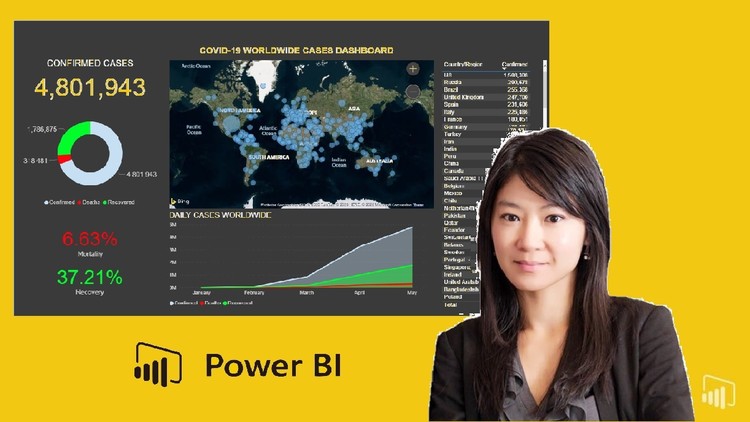
Power BI Essentials: Build & Share a Dashboard for COVID-19

0079a932.jpg


Power BI Essentials: Build & Share a Dashboard for COVID-19
Video: .mp4 (1280x720, 30 fps(r)) | Audio: aac, 44100 Hz, 2ch | Size: 1.27 GB
Genre: eLearning Video | Duration: 23 lectures (1 hour, 50 mins) | Language: English

You get 2 in 1 - Learn the fundamentals of Power BI Desktop and build / publish a COVID-19 dashboard using live data .


What you'll learn

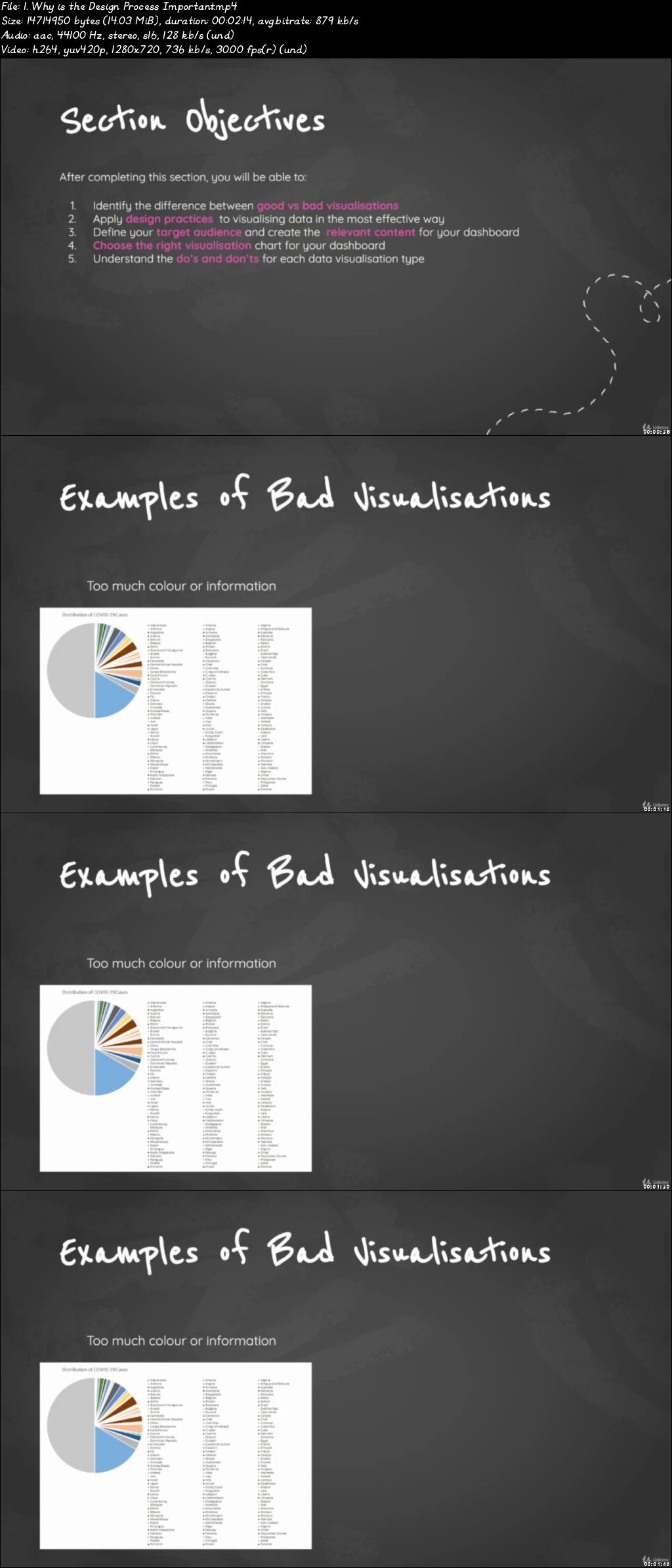
Learn the steps and design principles for creating an effective dashboard for a great user experience
Build a professional-quality dashboard from ground up
Blend and transform raw data into an engaging and interactive dashboard
Connect Microsoft Power BI to data sources
Transform and cleanse data into the appropriate format for your dashboard
Build a wide range of graphs and visualizations including maps, cards, matrix, area and donut charts
Perform quality checks on data sets
Create calculated fIelds and measures using DAX in Power BI
Publish dashboards on the Web and view using laptops, tablets or smartphones

Requirements

A PC with internet connection
Microsoft Power BI Desktop (free download)

Description

We live in a world that is driven by data and having data skills is needed in just about every job.
Learn the best practices of data visualisation using Microsoft Power BI and gain practical experience by developing a COVID-19 dashboard.

This course will introduce you to power BI, a data visualisation tool which enables you to create professional dashboards and perform analytics with a few clicks of a button. This is what you will learn:

Best practices for building an engaging and meaningful dashboard

Create a professionally designed interactive dashboard in Power BI using COVID-19 as the real world scenario

Connect Power BI to live data on the web

Build visualisation charts and learn how to format them

Perform calculated measures in Power BI

Share your dashboard online with the public


Who this course is for:

Anyone looking for a hands-on, project-based introduction to Microsoft Power BI Desktop
Anyone looking to pursue a career in data and analytics
If you already work in data and analytics and want to develop dashboard design and business intelligence skills

0079a933.jpg


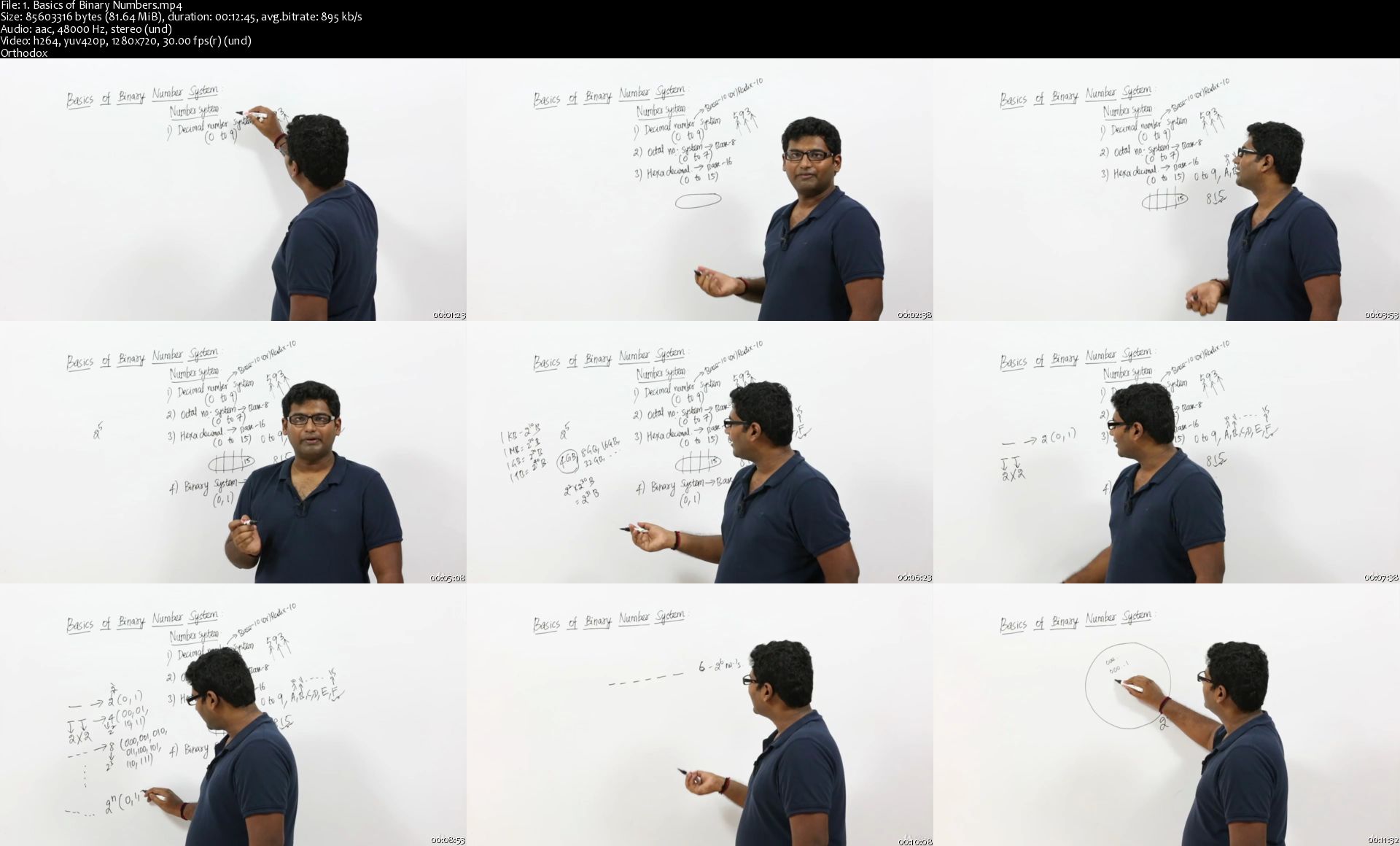
Operating Systems from scratch - Part 1

1555228-0997-7.jpg


Operating Systems from scratch - Part 1
Video: .MP4, 1280x720 | Audio: AAC, 48kHz, 2ch | Duration: 8.5h
Genre: eLearning | Language: English | Size: 6,21 GB

Learn the concepts of Operating Systems from scratch as Operating System forms the core of Computer Science


What you'll learn
You will become very familiar with the core concepts of Operating Systems
You will be able to challenge the interviewer on questions related to Operating Systems
You will view Computer Science in a different dimension
You will be able to answer all questions of exams like GATE,PGEE,ISRO (after completing all parts of OS course
You will be able to get a top grade in your Operating systems course in your Bachelor's degree
Understand how Operating Systems work
Understand how a process is created
Understand how CPU scheduling is done in Operating Systems
Understand the various scheduling algorithms we have in Operating Systems
Understand how CPU , Memory and Disk work together
Understand Memory managment in Operating Systems
Understand how a process is moved from hard disk to RAM
understand memory allocation strategies used by operating systems

You've just stumbled upon the most complete, in-depth Operating System course series online. With over 2700 students enrolled and hundreds of 5 star reviews to date, these comprehensive operating system tutorials cover everything you'll ever need.

Whether you want to:

- build the skills you need to get started with computer science

- move to a top notch software company like google by cracking their interview questions on operating systems.

- get a top grade in semester exam

- or just learn computer science to be able to understand on how to build better apps.

...this complete operating system series is the course you need to do all of this, and more.

Are you aiming to get your computer science degree with high level of expertise in core subjects ? or Are you aiming to get placed in a a top notch company like google, microsoft ? or Are you a college student struggling to understand the basics of computer science ? or Are you a software developer who would want to develop better apps by understanding the theory behind computer science ?

This course is designed to give you the operating system skills you need to crack the interview questions on operating system in top notch companies. By the end of the course you will understand Operating System Concepts extremely well and be able to start with any subject of computer science.

Lots of students with no zero knowledge of computer science have been successful with their college exams or interview by taking this course.
Here are some examples of students who found this course to do wonders for their college exams or interviews or software jobs.

"thank you , i finished the operating system course in the college with a good grade 85" by Moamen Medleg

"His way of explaining complex concept is Great. I started to understand little bit that this is base for all programming language. I have around 12 years of IT experience. Hope OS learning should be mandatory to all before starting their career in IT" by Happy.

"Very good explanation of all the learning materials. He is unlike many other instructors who just throws things out to you expecting you to absorb the things that are being thrown at you. He is someone who explains things in a manner that is understandable and absorbable even to O/S beginners with only limited knowledge or background in O/S. Two thumbs up from me! Thank you so much!" by Mike

"I really enjoyed this course. Instructor made it seems like he is standing there and wouldn't leave the screen until the concepts gets into your head. So much engaging and wherever he says, we will see this later. He make sure you will. I totally recommend" by Surbhi Vasudeva

"excellent course i had started with 0 knowledge now i had learned so much best lecturer super planning of schedule" by Harshavardhan Gupta

"I really enjoyed the course and the instructor provided a great overview of the fundamentals of the theory behind operating systems. In case you are confused, the course is theoretical as opposed to a walk through of how to use Windows, Mac, etc. Instead, he provides an overview of the algorithms used to move processes from RAM to the CPU. I look forward to Part 2" by John Simons

"Great, very detailed course. Ideal for non IT-educated students like me" by Michal Burdzy

"Great Teacher. Takes concepts slow and repeats definitions and meanings multiple times so there is no need to pause the video or rewind it to hear a definition. Uses this practice to reinforce the material in your mind and ensure you actually learn it rather than hear it" by Sam Debois

The course series (part 1 to 4) on operating systems is a whopping 46 hours long. Because the course is designed as a one stop shop for Operating System Concepts. And this 46 hours dedication will change your way of thinking towards computer science.

Why would you choose to learn Operating Systems ?

The reality is that there are a lot of computer science subjects out there. It's in the hundreds. Why would you choose the operating systems subject?

The reason is starting most of the subjects of computer science will become far more easier if you have a good understanding of operating systems. By learning this subject you are not only getting started with operating system but also getting started with computer science.

What textbook should I follow ?

I have used operating system concepts by Galvin. Its a great textbook. You can follow it. But I have referred lot of other textbooks like Tanenbaum, William Stallings, etc. So its upto you on which textbook you are comfortable with but follow a standard author book. If you complete this course, you will find it much easier to understand these textooks. But anyway if you complete this course with good detailed notes, you don't need to read any textbook as I am reading them for you and giving the contents in an easy to understand manner.

Why should you take this course?

It's been a best seller since it's release on Udemy, you would be joining over 2700 students who are already enrolled in the course.

There are close to 500 reviews left by students. It's rated as the best course to learn operating system for beginners.

What makes this course a bestseller?

Like you, thousands of others were frustrated and fed up with incomplete Youtube tutorials which assume you already know a bunch of stuff and also bulk textbooks able to send even the most intuitive person to sleep.

Like you, they were tired of low-quality lessons, poorly explained topics and all-round confusing info presented in the wrong way. That's why so many find success in this complete Operating System course. It's designed in a simple manner so that anybody with no prior knowledge of operating system/computer science will be able to understand.

What if I have questions?

You can ask questions anytime using the Q/A section or through personal messages. I take it very seriously and answer these questions in a detailed manner with simple english words so that anybody can understand it.

Student Quote: "Everything you always wanted to know about OS but were afraid to ask"...And Vignesh Sekar gives the right answers" by Claus Kaliba.

There's no risk either!

This course comes with a full 30 day money-back guarantee. Meaning if you are not completely satisfied with the course or your progress, simply let me know and I'll refund you 100%, every last penny no questions asked.

You either end up with Operating System skills, learn other core computer subjects, get placed in top notch companies or research areas or you try the course and simply get all your money back if you don't like it.

You literally can't lose.

Ready to get started ?

Enrol now using the "Add to Cart" button on the right, and get started on your way to computer science.

See you on the inside (hurry, Operating System Series is waiting!)


Who this course is for:
Anybody who needs to learn Operating Systems from scratch
Anybody who wants to pursue a career in Computer Science
Anybody who has Operating Systems in the Bachelor's degree
Anybody who is preparing for interview in product based companies
If you are preparing for exams like GATE , PGEE , BITS HD , ISRO ,..etc
If you are a Computer Science Engineer

Homepage

1-Basics-of-Binary-Numbers-s.jpg


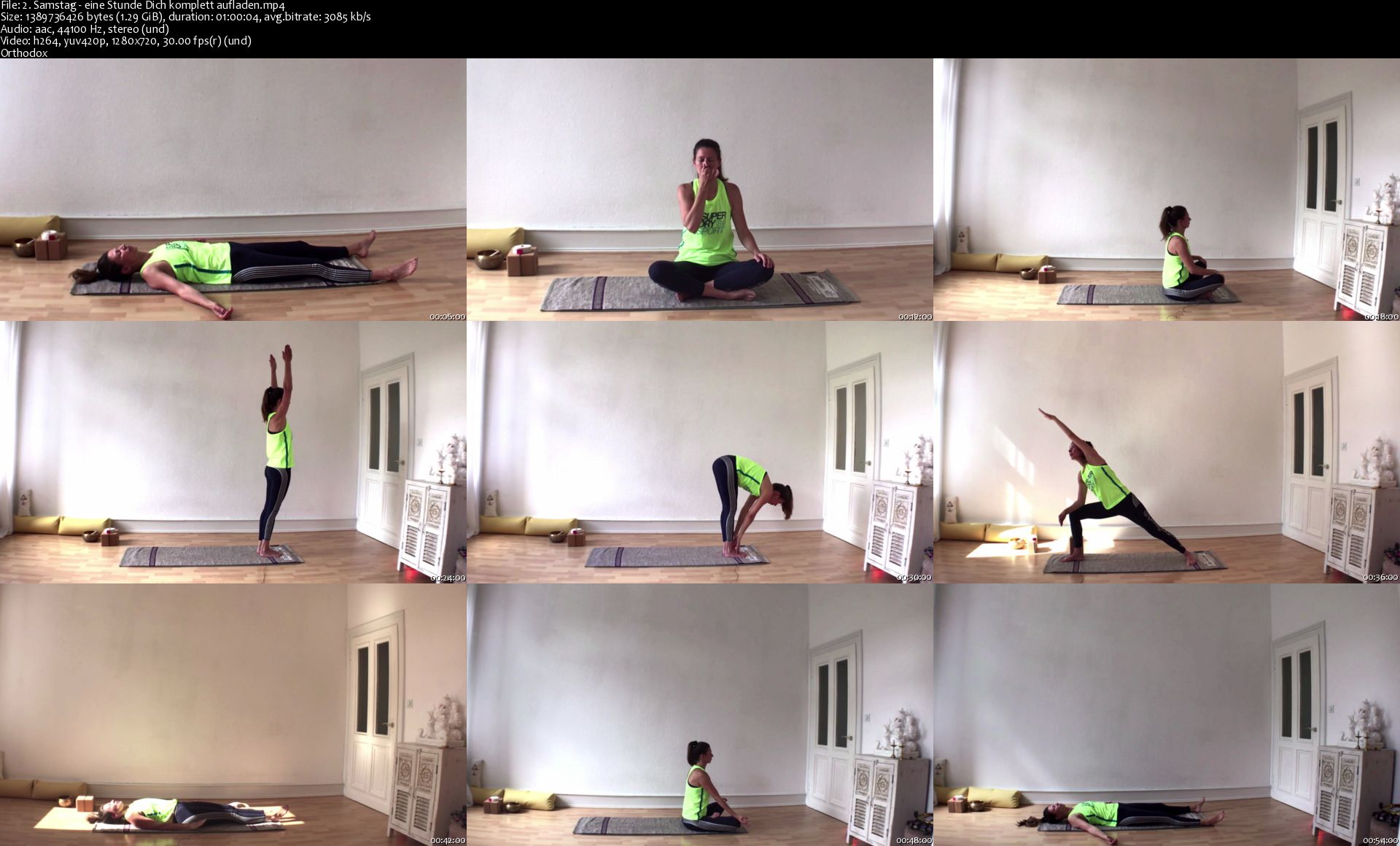
Lerne Dich aufzutanken: das traditionelle Yoga Basisprogramm

Tl-DE1-JOJc2x-Fg-Vi-Bz-ZZd-UMGAFZ7a-Zx-Si.jpg


Lerne Dich aufzutanken: das traditionelle Yoga Basisprogramm
Genre: eLearning | MP4 | Video: h264, 1280x720 | Audio: aac, 44100 Hz
Language: German | Size: 14.4 GB | Duration: 11.5 hours


What you'll learn
Du hast Yoga in Deinen Alltag und Job integriert und nutzt die volle Wirkung von Yoga in all Deinen Lebensbereichen
Selbstständig täglich ohne Anleitung Yoga praktizieren und Deinen eigenen Weg gefunden haben
Abschalten und wie Du Dein Stresspegel nachhaltig und drastisch reduzierst
Dich ausgeglichen und kraftvoll fühlen, die Basis zum Durchstarten
Grundlagen über Yoga aus Indien - Theorie und Praxis
Aus eigene Erfahrungen lernen mit diesem 4-Monats-Programm
Das machen, verändern und umsetzen, was Dir wichtig ist

Requirements
Keine außer der Bereitschaft, Dich auf etwas neues einzulassen und den Willen es zu tun
Du bist Dir sicher: "Ja! ich will Yoga machen!"
Yogamatte und optional ein Block oder ein dickes Buch, ein Band
Bequeme Kleidung
Description
Yoga ist eine Lebenseinstellung. Dieser Kurs gibt Dir eine Anleitung Deinen Körper fit und gesund zu halten, welches Dich auf Deinem spirituellem Weg unterstützen wird. Begleitend zu den Übungseinheiten bietet der Kurs eine kurze aber grundlegende Einführung in Yoga als Philosophie.

Dieser Kurs bietet einen leichten Einstieg in das traditionelle Yoga (Ashtanga Yoga) und ist sogleich eine 4 Monat' Yoga Challenge. Du erfährst Meditation-in-Aktion mit Entspannung, Atemtechniken (Nadi Shodana) und Basis Körperübungen (Asanas). Die Namen der Asanas sind in Sanskrit, die Gelehrtensprache aus Altindien.

Dieses Yogaprogramm ist kein Nachschlagewerk für Yogastellungen, sondern ein 4-Monats-Trainingsplan als eine erprobte Anleitung mit Übungen und Wiederholungen, wie Du Yoga als Routine individuell in Dein Tagesablauf einbauen kannst. Ich bin Dein Coach und bin für Dich da. Bitte stelle mir Deine Fragen, ich helfe Dir, dieses Programm durchzuziehen.

Lernen durch Umsetzen: Praktische Erfahrung statt theoretische Erklärung

Du magst "learning by doing", also Praxis und Wissensaufbau durch Erfahrung,

Du willst KEINE langen, theoretischen Ausführungs-Erklär-Videos,

Du willst Dir NICHT selbst einen Kurs zusammen stellen sondern mit einem erprobten Wochen-Aufbauplan für zu Hause üben,

Übung, Übung, Übung statt einer Vielzahl von Erklärungen,

Dir ist der Hintergrund und die Philosophie von Yoga wichtig und möchtest kein reines Fitnessprogramm,

Du möchtest Yoga erfahren und von den positiven Wirkungen auf körperlicher und mentaler Ebene profitieren,

Du verstehst Yoga als work-in und nicht work-out,

...dann bist Du hier genau richtig!

Dieses Yoga Basisprogramm besteht aus vier Aufbauplänen, welche jeweils für eine Woche gelten und dann einen Monat angewendet werden sollten:

Kapitel, 1.-4. Woche im ersten Monat:

3 Übungseinheiten pro Woche (jeweils 60/30/15 Minuten lang)

Theorie-Lektion: Was ist Yoga?

Kapitel, 5.-8. Woche im zweiten Monat:

4 Übungseinheiten pro Woche (jeweils 60/30/2 x 15 Minuten lang)

Theorie-Lektion: Yoga ist eine Philosophie

Kapitel, 9.-12. Woche dritter Monat:

5 Übungseinheiten pro Woche (jeweils 60/30/15/45/15 Minuten lang)

Theorie-Lektion: Die Geschichte und Herkunft von Yoga

Kapitel, 13.-16. Woche vierter Monat:

6 Übungseinheiten pro Woche (jeweils 60/30/15/45/15/30 Minuten lang)

Theorie-Lektion: Theorie über Raja Yoga und die Yoga Sutras von Patanjali

Du bekommst einen Yoga Kalender für die 4 Monate Yoga Challenge zum Download.

Das Ergebnis kommt mit dem regelmäßigen Üben. Die Yogaeinheiten sind gleichmäßig, wiederkehrend und ruhig und führen Dich in eine meditative Stimmung. Du lernst bewusst abzuschalten, zu Deinem Ursprung zurückzukehen, um dann mit voller Energie durchstarten zu können.

Die regelmäßige Praxis ist der Schlüssel zum Erfolg für diese komplette Yogareihe. Dieses Yogaprogramm ist eine Unterstützung selbstbestimmter zu sein.


Who this course is for:
Einsteiger, die zum ersten mal Yoga kennenlernen oder die Grundlagen erneuern wollen
Alle, die ihre Yogapraxis vertiefen möchten
Alle, die mehr über die ursprüngliche Yogalehre und Spiritualität kennenlernen möchten
Alle, die fit, jung und beweglich bleiben wollen, körperlich sowie geistig

Homepage

2-Samstag-eine-Stunde-Dich-komplett-aufladen-s.jpg


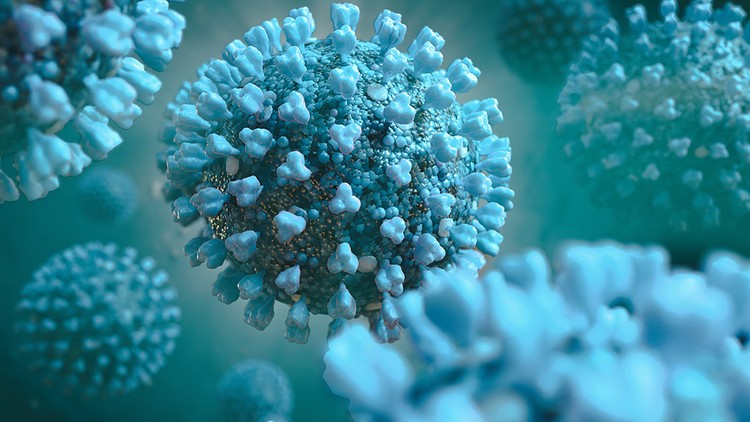
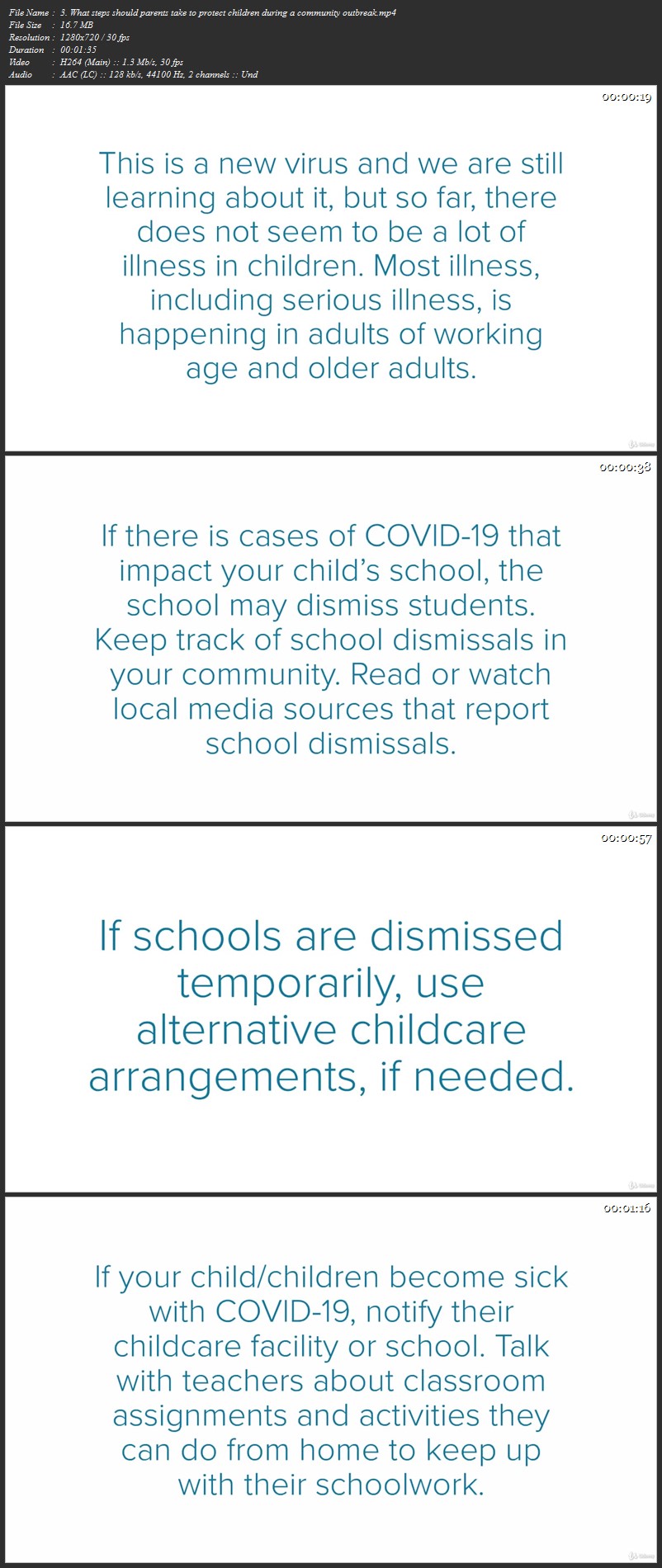
How to prepare for the Coronavirus Disease (COVID-19)

0079ee23.jpg


How to prepare for the Coronavirus Disease (COVID-19)
Duration: 33:08 | .MP4 1280x720, 30 fps(r) | AAC, 44100 Hz, 2ch | 322 MB
Genre: eLearning | Language: English

Know the facts about coronavirus disease (COVID-19)


What you'll learn
How to Prepare
Symptoms & Testing
If You Are at Higher Risk
If You Are Sick
Protect Yourself & Family
Know the Signs & Symptoms
Take Steps for Those at Higher Risk
Find Local Information
Create a Household Plan
Stay Informed About Emergency Plans

Requirements
Everyone needs to be educated on the Coronavirus

Description
This new virus was first detected in Wuhan City, Hubei Province, China. The first infections were linked to a live animal market, but the virus is now spreading from person-to-person. It's important to note that person-to-person spread can happen on a continuum. Some viruses are highly contagious (like measles), while other viruses are less so.
The virus that causes COVID-19 seems to be spreading easily and sustainably in the community ("community spread") in some affected geographic areas. Community spread means people have been infected with the virus in an area, including some who are not sure how or where they became infected.
Coronaviruses are a large family of viruses. Some cause illness in people, and others, such as canine and feline coronaviruses, only infect animals. Rarely, animal coronaviruses that infect animals have emerged to infect people and can spread between people. This is suspected to have occurred for the virus that causes COVID-19. Middle East Respiratory Syndrome (MERS) and Severe Acute Respiratory Syndrome (SARS) are two other examples of coronaviruses that originated from animals and then spread to people.


Who this course is for:
Everyone in a Country with confirmed COVID-19 cases

0079ee24.jpg


COVID-19 Data Science Urban Epidemic Modelling and Visualization in Python

We42-C9r-SViui-NAl29-HPm6-B8b-BZBk-KDZh.jpg


COVID-19 Data Science Urban Epidemic Modelling and Visualization in Python
MP4 | Video: h264, 1280x720 | Audio: AAC, 44.1 KHz, 2 Ch
Genre: eLearning | Language: English | Duration: 27 Lessons (4h 9m) | Size: 2.2 GB

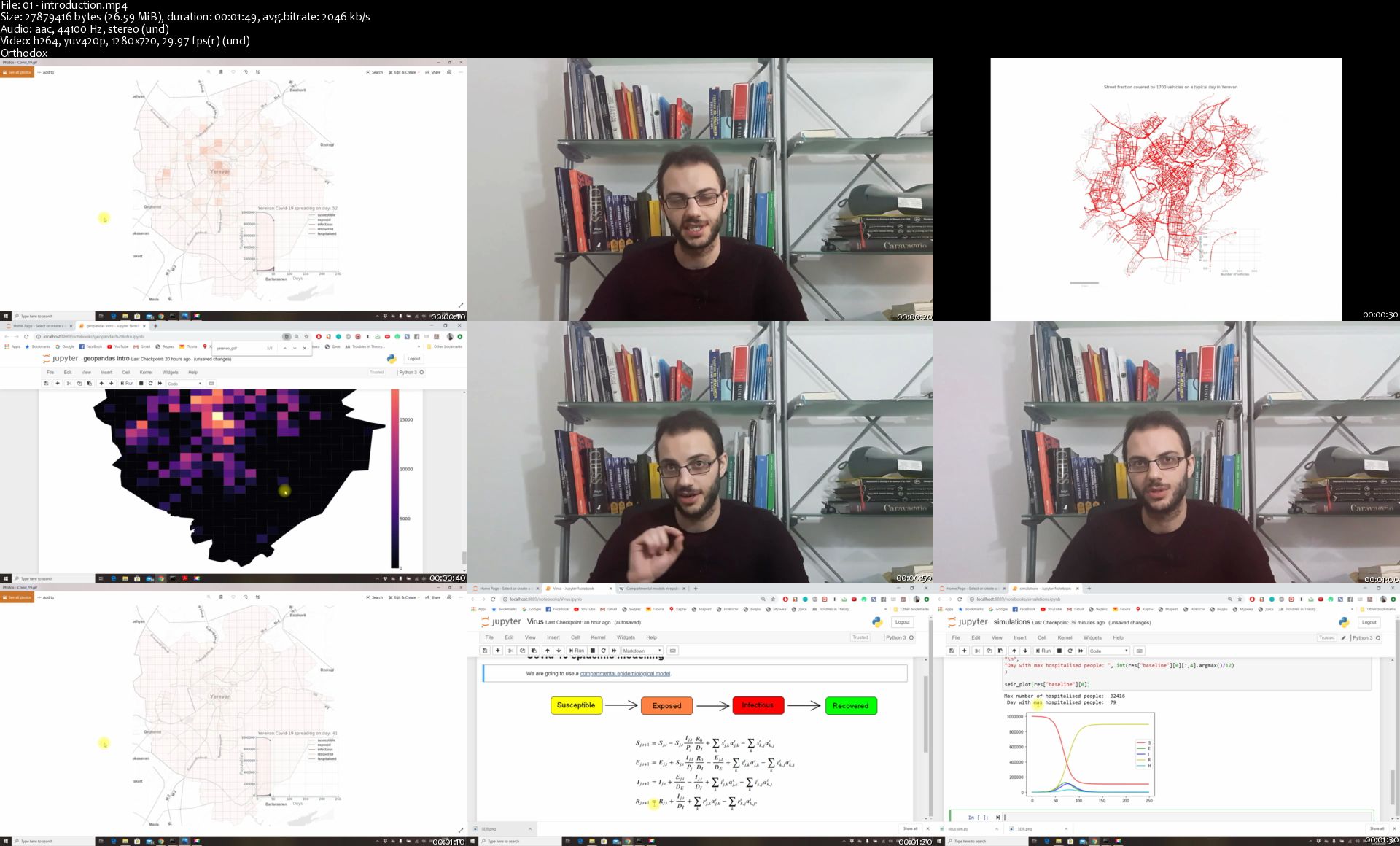
Interested in learning how to create spatial animated visualisations in Python? Want to learn it on the example of the Covid-19 coronavirus epidemic spreading in a real city with a real human mobility dataset? Then this course is for you!

You will learn how to use basic Python (3 or higher) to model the Covid-19 epidemic spreading in a city, do data analysis of real urban mobility data, run simulations of the epidemic in Jupyter Notebooks, and create beautiful complex animated visualisations on a city map.

All the data and Jupyter Notebooks with the code for this project will be provided for an immersive learning experience.

Covid-19 is a great case example for learning how to use Python for spatial analysis and visualisation. After completing this course you will be able to apply the techniques from this course to many other types of projects dealing with spatial data analysis and visualisation.

Assuming just a basic familiarity with Python numpy and matplotlib libraries, we will go step-by-step through using real urban mobility data for modelling, simulating and visualising the spread of the epidemic in an urban environment. On the way, you will learn lots of tricks and tips for enhancing your Python coding skills and making even more compelling and complex data visualisations.

This course is a hands-on, practical course, making sure you can immediately apply the acquired skills to your own projects. The acquired spatial modelling, data visualisation, and spatial data science skills will be a valuable addition to your data science toolbox.

I will be there for you throughout this journey for any questions and doubts, so don't hesitate to begin and have a successful and satisfying experience!

01-introduction-s.jpg


Communication Skills for Beginners 2020

r0-Dw-On-Il-Tjc-HZQLQo-EFDSg-M9-ZKvdt-RFh.jpg


Communication Skills for Beginners 2020
Genre: eLearning | MP4 | Video: h264, 1280x720 | Audio: aac, 48000 Hz
Language: English | VTT | Size: 39.1 GB | Duration: 30.5 hours


What you'll learn
Communicate effectively to individuals and small groups
Deliver presentations
Display basic public speaking skills
Communicate messages in an understandable and memorable way
Demonstrate mastery of all basic communication skills
Requirements
A Willingness to speak and to communicate
Description
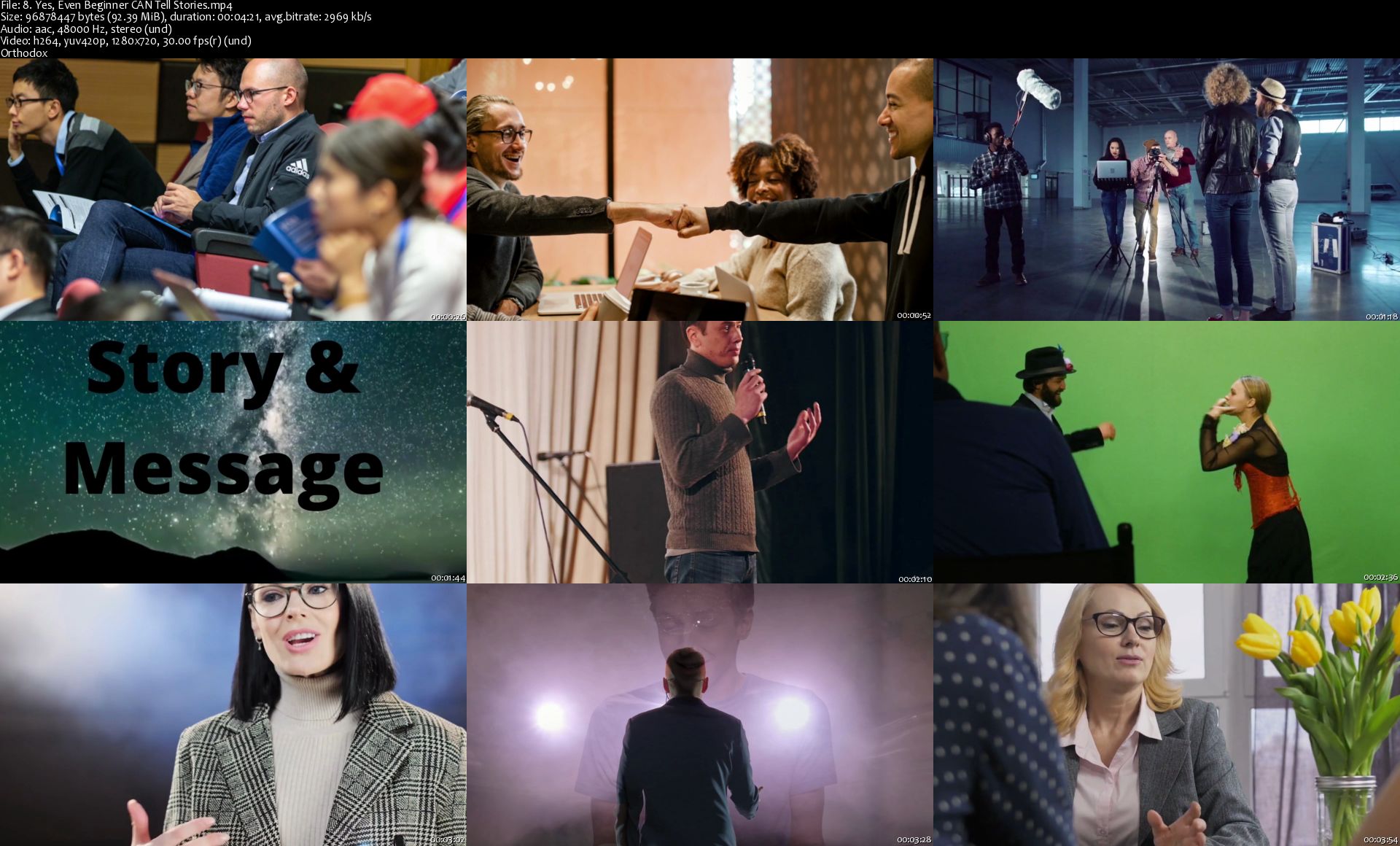
Communication skills are essential in business and in life. Imagine yourself feeling comfortable and confident anytime you have to communicate with colleagues, bosses, customers, prospects or clients. You can quickly walk and talk like someone who has experienced communication skills, not a beginner.

"I have devoted my life to helping people around the globe build and refine their communication skills. I have worked with beginners from every culture and continent--I know what you are feeling and experiencing. I'm not going to simply teach you how to master communication skills basics--I'm going to teach them to you faster than you ever thought imaginable AND get you to the point where you don't even remember being uncomfortable communicating." TJ Walker

This course is designed with hyper-efficient methods so that you can learn all basic communication skills basics in less than 45 minutes.

Please note: this course focuses exclusively on oral communication skills, not written communication skills.

What will students achieve or be able to do after taking this course?

Communicate effectively to individuals and small groups
Deliver presentations
Display basic public speaking skills
Communicate messages in an understandable and memorable way
Demonstrate mastery of all basic communication skills
This course is designed with hyper-efficient methods so that you can learn all communication skills basics in less than 45 minutes.

Please note: this is a communications course conducted by a real person who is speaking and demonstrating communication skills. If you are looking for a course with lots of animation, slides, special effects, slick edits, and robotic voices, this course is not for you.


Who this course is for:
Anyone wishing to improve communication skills, especially spoken communication

Homepage

8-Yes-Even-Beginner-CAN-Tell-Stories-s.jpg


Electronics - Basics of AC Circuits

n-R7y-JIdn-Mq-Pf-YHJtyj-PCCGDRg-C0-Xw9-Qy.jpg


Electronics - Basics of AC Circuits
Genre: eLearning | MP4 | Video: h264, 1280x720 | Audio: aac, 44100 Hz
Language: English | VTT | Size: 6.04 GB | Duration: 11 hours


What you'll learn
Practical and Important Characteristics of an AC Signal (Wave)
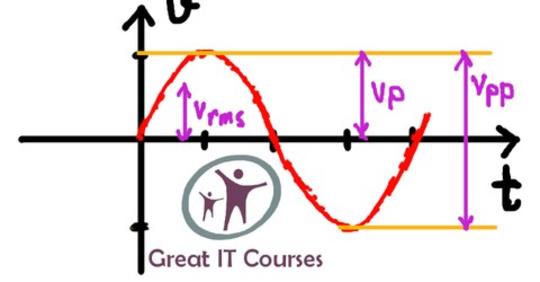
Period, Frequency, Peak-to-peak voltage, Peak Voltage and RMS Voltage of an AC Signal
Choosing Correct Number of Significant Figures in Calculation
How to Use an Oscilloscope, Signal Generator and other relevant pieces of test equipment in electronics
Basic Behavior of Resistors and Inductors in AC Circuits
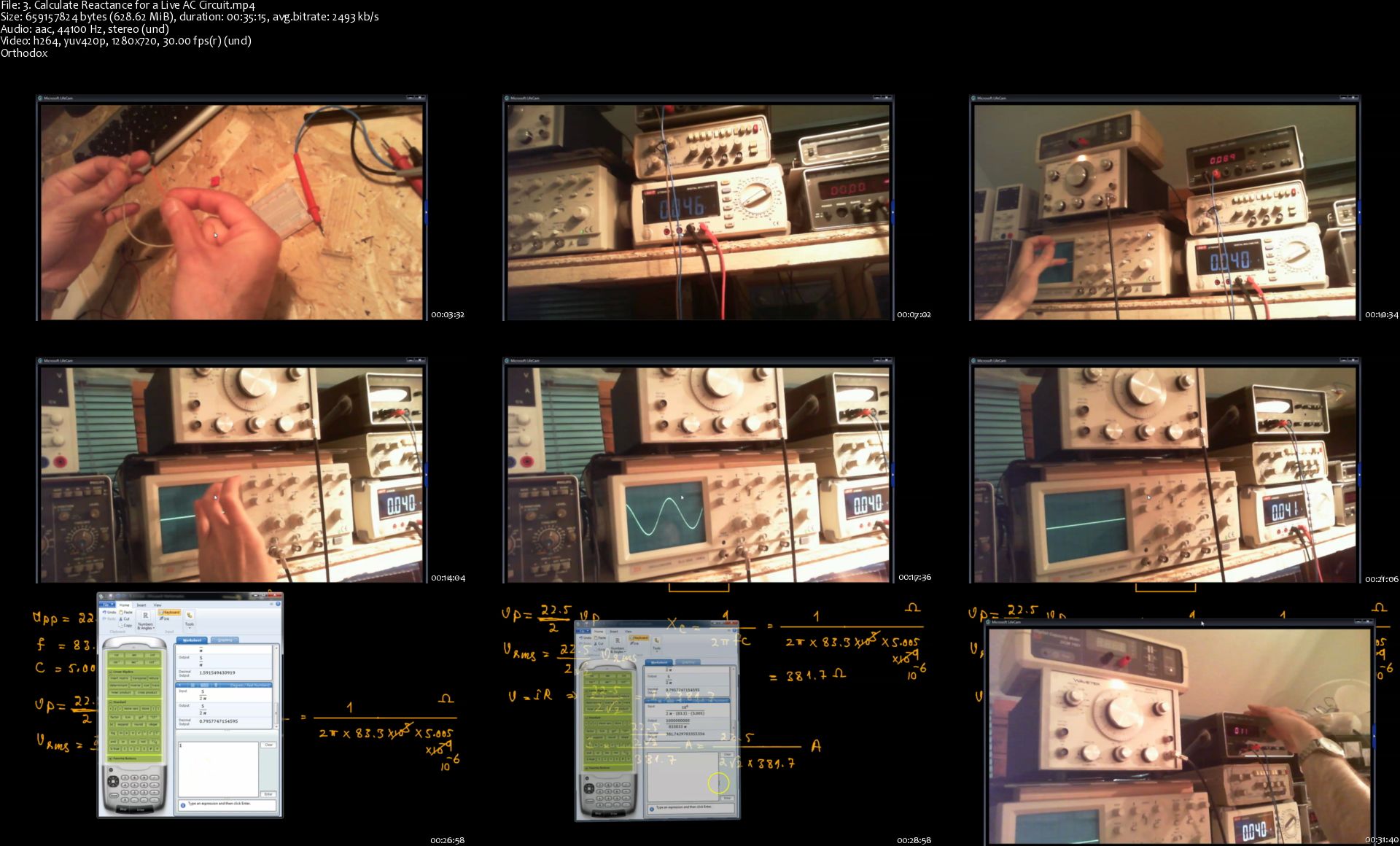
Calculating Reactance of Resistors and Inductors in AC Circuits
Concept of Resonance and Related Calculations

Requirements
Basics of DC Circuits
Description
The course used as an individual module will provide you with the following:

The course starts with introducing all the important parameters of an AC wave like different voltages, period and frequency, practical measurements on an oscilloscope included.

Next, we'll show you how you can use an oscilloscope and signal generator practically.

Next, we'll learn the practical and important concepts and behavior of resistors, capacitors and inductors in AC circuits, along with the corresponding calculations and practical live circuits.

We'll also introduce the concept of resonance along with the corresponding calculations.

In the end you'll be provided with some exercises including the solutions.

The course used in conjunction with all the accompanying courses in the series coming before and after it (see the series on greatitcourses website) will enable you to have a solid and practical understanding of AC and DC electronics and to be able to design fairly advanced electronics circuits consisting of transistors, resistors, capacitors, diodes, inductors, having AC or DC power sources. Those circuits could be amplifiers, filters, power supply systems, etc. You would also be able to do all the necessary calculations related to such circuits yourself.

One important characteristic of this course is that it allows you to avoid the unnecessary theory that would never be used practically in electronics while including all the practical important theory, thereby saving you a lot of time in the process.

The main characteristics of this series are as follows:

The series omits all the theory that you are not going to use in your work anyway, assuming that you don't want to do anything very complicated in electronics, for example design a full-fledged frequency counter, but you still want to be able to design and build fairly complicated circuits like amplifiers, filters, etc.

You will be able to do all the necessary calculations related to your own designs.

You will have all the practical skills to work with different pieces of test equipment like oscilloscopes, signal generators, etc.

You will be provided with useful end of course exercises that will solidify your learning.

In short, the series will teach you the tricks of the trade. It will teach you practical electronics in a relatively short amount of time.

To course code for this course is "21". You can use the code to refer to this course in your communication with us.


Who this course is for:
Anybody who wants to be able to design fairly advanced electronics circuits in a relatively short amount of time

Homepage

3-Calculate-Reactance-for-a-Live-AC-Circuit-s.jpg


Zurück
Oben Unten