• Regeln für den Video-Bereich:

    In den Börsenbereich gehören nur Angebote die bereits den Allgemeinen Regeln entsprechen.

    Einteilung

    - Folgende Formate gehören in die angegeben Bereiche:
    - Filme: Encodierte Filme von BluRay, DVD, R5, TV, Screener sowie Telesyncs im Format DivX, XviD und x264.
    - DVD: Filme im Format DVD5, DVD9 und HD2DVD.
    - HD: Encodierte Filme mit der Auflösung 720p oder darüber von BluRay, DVD, R5, TV, Screener sowie Telesyncs im Format x264.
    - 3D: Encodierte Filme von BluRay, die in einem 3D Format vorliegen. Dies gilt auch für Dokus, Animation usw.
    - Serien: Cartoon/Zeichentrick, Anime, Tutorials, Dokumentationen, Konzerte/Musik, Sonstiges sind demnach in die entsprechenden Bereiche einzuordnen, auch wenn sie beispielsweise im High Definition-Format oder als DVD5/DVD9/HD2DVD vorliegen. Ausnahme 3D.
    - Bereich Englisch: Englische Releases gehören immer in diesen Bereich.
    - Bereich Talk: Der Bereich, in dem über die Releases diskutiert werden kann, darf, soll und erwünscht ist.


    Angebot/Beitrag erstellen

    - Ein Beitrag darf erst dann erstellt werden, wenn der Upload bei mindestens einem OCH komplett ist. Platzhalter sind untersagt.
    - Bei einem Scenerelease hat der Threadtitel ausschließlich aus dem originalen, unveränderten Releasenamen zu bestehen. Es dürfen keine Veränderungen wie z.B. Sterne, kleine Buchstaben o.ä. vorgenommen werden. Ausnahme Serienbörse:
    - Bei einem Sammelthread für eine Staffel entfällt aus dem Releasename natürlich der Name der Folge. Beispiel: Die Simpsons S21 German DVDRip XviD - ITG
    - Dementsprechend sind also u.a. verboten: Erweiterungen wie "Tipp", "empfehlenswert", "only", "reup", usw. / jegliche andere Zusatzinformation oder Ergänzung, welche nicht in obiger Beschreibung zu finden ist.

    Aufbau des Angebots und Threadtitel

    Der Titel nach folgendem Muster erstellt zu werden. <Name> [3D] [Staffel] [German] <Jahr> <Tonspur> [DL] [Auflösung] <Quelle> <Codec> - <Group>
    Beispiel: The Dark Knight German 2008 AC3 DVDRip XviD - iND
    Beispiel: The Dark Knight 2008 DTS DL BDRip x264 - iND
    Beispiel: The Dark Knight 2008 AC3 DL BDRip XviD - iND
    Beispiel: The Dark Knight German 2008 AC3 720p BluRay x264 iND
    Beispiel: The Dark Knight 2008 DTS DL 1080p BluRay x264 iND
    Beispiel: Die Simpsons S01 German AC3 DVDRip XviD iND
    Beispiel: Die Simpsons S20 German AC3 720p BluRay x264 iND
    Beispiel: Sword Art Online II Ger Sub 2014 AAC 1080p WEBRip x264 - peppermint
    Entsprechend sind also u.a. verboten: Sonderzeichen wie Klammern, Sterne, Ausrufezeichen, Unterstriche, Anführungszeichen / Erweiterungen wie "Tipp", "empfehlenswert", "only", "reup", usw. / jegliche andere Zusatzinformation oder Ergänzung, welche nicht in obiger Beschreibung zu finden ist
    Ausnahmen hiervon können in den Bereichen geregelt sein.

    Die Beiträge sollen wie folgt aufgebaut werden:
    Überschrift entspricht dem Threadtitel
    Cover
    kurze Inhaltsbeschreibung
    Format, Größe, Dauer sind gut lesbar für Downloader außerhalb des Spoilers zu vermerken
    Nfo sind immer Anzugeben und selbige immer im Spoiler in Textform.
    Sind keine Nfo vorhanden z.B. Eigenpublikationen, sind im Spoiler folgende Dateiinformationen zusätzlich anzugeben :
    Quelle
    Video (Auflösung und Bitrate)
    Ton (Sprache, Format und Bitrate der einzelnen Spuren)
    Untertitel (sofern vorhanden)
    Hosterangabe in Textform außerhalb eines Spoiler mit allen enthaltenen Hostern.
    Bei SD kann auf diese zusätzlichen Dateiinformationen verzichtet werden.

    Alle benötigten Passwörter sind, sofern vorhanden, in Textform im Angebot anzugeben.
    Spoiler im Spoiler mit Kommentaren :"Schon Bedankt?" sind unerwünscht.


    Releases

    - Sind Retail-Release verfügbar, sind alle anderen Variationen untersagt. Ausnahmen: Alle deutschen Retail-Release sind CUT, in diesem Fall sind dubbed UNCUT-Release zulässig.
    - Im Serien-Bereich gilt speziell: Wenn ein Retail vor Abschluss einer laufenden Staffel erscheint, darf diese Staffel noch zu Ende gebracht werden.62
    - Gleiche Releases sind unbedingt zusammenzufassen. Das bedeutet, es ist zwingend erforderlich, vor dem Erstellen eines Themas per Suchfunktion zu überprüfen, ob bereits ein Beitrag mit demselben Release besteht. Ist dies der Fall, ist der bereits vorhandene Beitrag zu verwenden.
    - P2P und Scene Releases dürfen nicht verändert oder gar unter einem iND Tag eingestellt werden.


    Support, Diskussionen und Suche

    - Supportanfragen sind entweder per PN oder im Bereich Talk zu stellen.
    - Diskussionen und Bewertungen sind im Talk Bereich zu führen. Fragen an die Uploader haben ausschließlich via PN zu erfolgen, und sind in den Angeboten untersagt.
    - Anfragen zu Upload-Wünschen sind nur im Bereich Suche Video erlaubt. Antworten dürfen nur auf Angebote von MyBoerse.bz verlinkt werden.


    Verbote

    - Untersagt sind mehrere Formate in einem einzigen Angebotsthread, wie beispielsweise das gleichzeitige Anbieten von DivX/XviD, 720p und 1080p in einem Thread. Pro Format, Release und Auflösung ist ein eigener Thread zu eröffnen.
    - Grundsätzlich ebenso verboten sind Dupes. Uploader haben sich an geeigneter Stelle darüber zu informieren, ob es sich bei einem Release um ein Dupe handelt.
    - Gefakte, nur teilweise lauffähige oder unvollständige Angebote sind untersagt. Dies gilt auch für eigene Publikationen, die augenscheinlich nicht selbst von z.B. einer DVD gerippt wurden. Laufende Serien, bei denen noch nicht alle Folgen verfügbar sind, dürfen erstellt und regelmäßig geupdatet werden.
    - Untersagt sind Angebote, welche nur und ausschließlich in einer anderen Sprache als deutsch oder englisch vorliegen. Ausnahmen sind VORHER mit den Moderatoren zu klären.


    Verstoß gegen die Regeln

    - Angebote oder Beiträge, die gegen die Forenregeln verstoßen, sind über den "Melden"-Button im Beitrag zu melden.
  • Bitte registriere dich zunächst um Beiträge zu verfassen und externe Links aufzurufen.


Englische Tutorials

The Complete Nuxt.js & Vue.js Course | Self Promo App

dg-Z77a9-E6ucii-Y2si-QKn-J9l-XLo-Sh8-RJr.jpg


The Complete Nuxt.js & Vue.js Course | Self Promo App
h264, yuv420p, 1280x720 |ENGLISH, aac, 48000 Hz, 2 channels | 41h 40mn | 23.02 GB
Created by: Filip Jerga

Complete Developer Guide covering Vue.js and Nuxt.js basic to advance concepts. Get your hands on real projects.
What you'll learn

Develop powerful, modern, real-world web applications with Nuxt JS, Vue JS 2 and Node
Completely understand the processes and concepts of Nuxt JS & Vue JS 2
Use gained knowledge to create your own Web Applications
Become fluent in concepts and tools like SSR, Vuex, Vuelidate and more

Requirements

No previous Nuxt JS knowledge is required!
No previous Vue JS knowledge is required!
Fundamentals in HTML and CSS helpful, but not a 'must have'
Basic Node JS knowledge, but not a 'must have' (Server Lessons are skippable)

Description

WHAT IS NUXT JS?

Nuxt.js presets all the configuration needed to make your development of a Vue.js application enjoyable.

Server Side Rendered(SSR - Universal) mode is the most popular mode for Nuxt. With SSR, also called "universal" or "isomorphic" mode, a Node.js server will be used to deliver HTML based on your Vue components to the client instead of the pure javascript. Using SSR will lead to a large SEO boost, better UX and more opportunities (compared to a traditional Vue SPA).

Because implementing SSR on your own can be really tedious, Nuxt.js gives you full support out of the box and will take care of common pitfalls.

WHAT IS VUE JS?

Vue JS is a very popular JavaScript front-end framework that was designed specifically to help you write Web apps faster and more easily than ever before!

Used by companies such as Nintendo, Adobe, GitLab, Baidu and Alibaba, Vue JS is rapidly increasing in popularity, so it's a great time to add it to your CV.

By the end of this course you'll have the skills and confidence you need to use Vue JS on your own projects!

So, no matter whether you're a complete beginner to Vue JS, or an experienced programmer keen to improve your skills, this course is for you!

THE COURSE

Students learn best when they're putting what they learn in to practice straight away, so we've build this course around three really great projects (which will look fantastic in your career portfolio!):

Project 1 - Todo Application

This project is best suitable for starting developers without any or minimal experience of programming. First application is covering basic concepts every developer should know. First 20 lectures are covering base concepts on practical sandboxed examples. Rest of the section students will be working on "todo" application learning Vue JS related concepts. The section is covering also html and css explanations.

Get basic knowledge of programming (Functions, Variables, Classes...)

Know how to create store data into our browser Local Storage.

Fully understand Vue JS concepts like data binding, data manipulation, event handling, state management (and much more!)

Project 2 - Post Application

Nuxt.js starting project. Base programming knowledge is required. Students should have all of the required knowledge needed to work on this project once they complete first project . In this project students will get familiar with Nuxt.js/ Vue.js related topics. In this project students will be working on application to create and manage posts.

Get basic knowledge of Nuxt.js

Learn how SSR works

Get familiar with Vuex

Lean how to persist data on Server

Project 3 - Promote Yourself Application

Final project students will be working on. This project is longest and most detailed one. Students be working on tons of interesting features. Students will lean how to create beautiful , self promotion application with admin dashboard, authentication, REST features and other interesting stuff.

Last project consist of multiple sections. In first section instructor will be explaining authentication including register and login functionality. Students will not just learn how to authenticate users but they will also find explanation of form validation with Vuelidate package.

After authentication students will start working on functionality to create and manage products. Students will be working with "courses" as products but in the end they can choose product of their choice. Application is customisable.

In next part students will be creating manage feature for products. Students will learn how to create new custom inputs and how to manage data flow in forms.

Course is also covering feature to create blogs. Students will integrate a blog editor containing different formatting options and functionalities to edit and publish blogs. Students will be working on functionality to display published and featured blogs and they learn how to create pagination feature later on.

In last sections instructor will be explaining SEO(search engine optimization) and students will lean how to implement SEO improvements into the application. Course is finishing with deployment of the application to Heroku.

With over 40 hours of on-screen instruction, it doesn't matter whether you're planning to start your career as a developer, or just want to improve your programming skills, this is the right course for you!

So what are you waiting for? Enrol now!!
Who this course is for:

Developers new to Nuxt JS & Vue JS
Experienced developers looking to hone their Nuxt JS & Vue JS skills
People eager to learn new knowledge
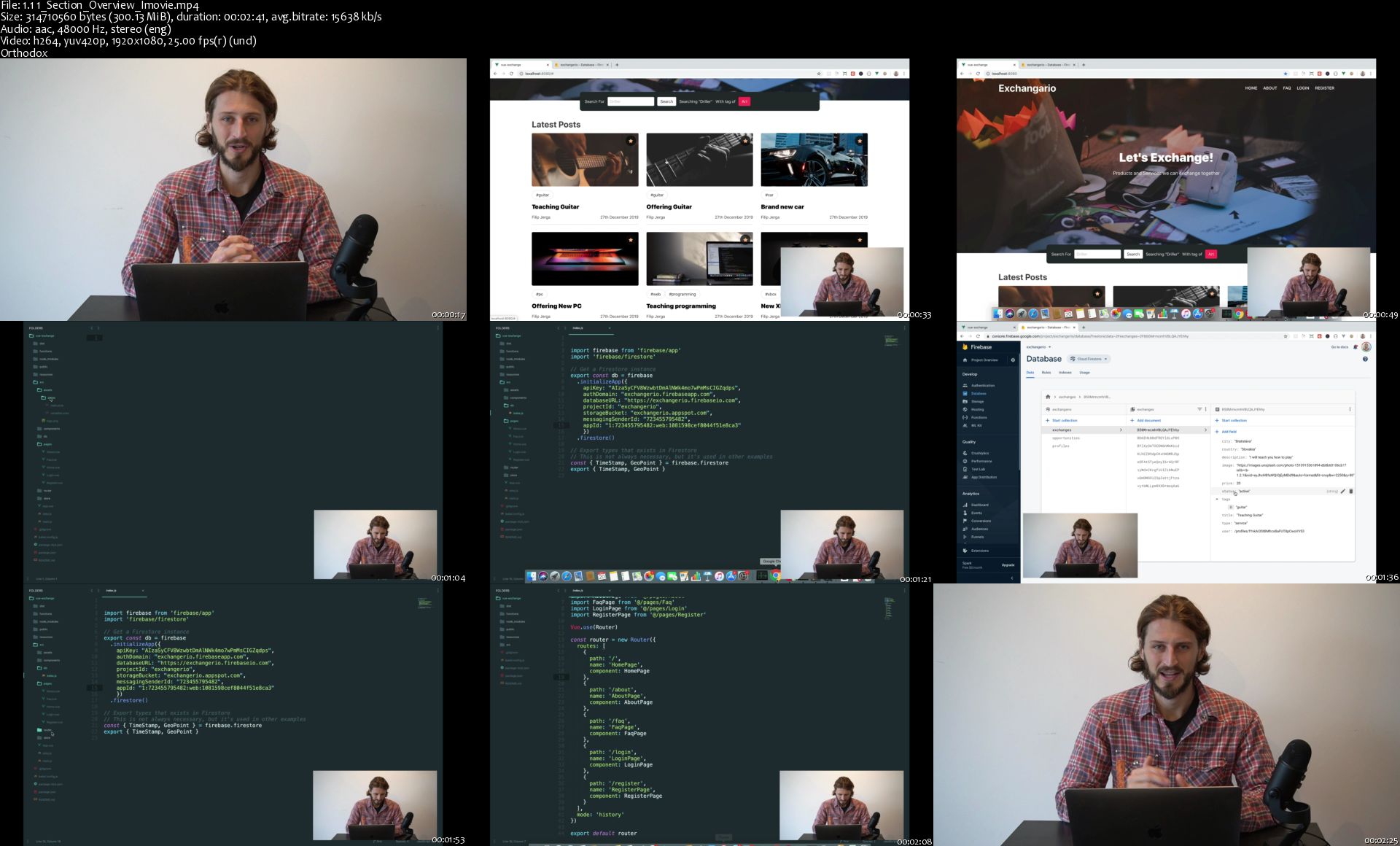
1-1-1-Section-Overview-Imovie-s.jpg


The Complete Networking Fundamentals Course. Your CCNA start (Update 06/2020)

CLf-PAZ02-Rfxnux-D60-HI8uj-DRMJf-Q2-DWx.jpg


The Complete Networking Fundamentals Course. Your CCNA start (Update 06/2020)
Bestseller | h264, yuv420p, 1280x720 |ENGLISH, aac, 44100 Hz, 2 channels | 80h 00mn | 38.23 GB
Created by: David Bombal

Learn about networking and start your journey to Cisco 200-301 Certification.
What you'll learn

This course is for anyone who wants to attain the Cisco CCNA certification
This course will prepare you for the CCNA 200-301 certification exam
Describe network fundamentals and build simple LANs
Explain IP addressing and subnetting
Describe hubs, switches and routers
Explain the OSI and TCP/IP models
Explain how addresses are allocated using DHCP
Explain name resolution using DNS
Explain Access Control Lists (ACLs)
Explain Wi-Fi 6 and other Wi-Fi technologies
Explain how to protect networks from attacks such as Kali Linux hacks

Requirements

There are no specific prerequisites as the course covers all the topics in detail.
Basic understanding of computers (connect to the Internet)

Description

Welcome to the Complete Network Fundamentals Course! In this course, you will learn the technologies that keep the world as you know today connected and running. We cover both the fundamentals of networking as well as the topics in the new Cisco CCNA 200-301 exam.

Networks are all around us and you are using one right now to access this course.

Imagine for a moment, how different your life would be without access to Facebook, Snapchat, Google, YouTube, Whatsapp or any of the other websites on the Internet? How would you live with no Internet?

The Internet is extremely important in modern life today and all websites and Internet communication relies on networking. This reliance is only predicted to continue with the growth of the Internet of Things (IoT) in the next few years.

Without routers, switches, network cabling and protocols like BGP there would be no Internet!

This course will teach you how networks actually work and how you are able to connect to websites like Facebook, Google, and YouTube.

Companies throughout the world (from the smallest to the largest) rely on networks designed, installed and maintained by networking engineers. Join this in demand industry!

Start your journey today learning about networking.

Content in this course can be used towards your CCNA. Topics such as IP addressing, subnetting and many others can be applied directly to passing your CCNA certification.

Access our online simulations so you can practice on simulated Cisco routers and switches. You will get to type commands such as enable, configure terminal, router ospf and many others and learn how to configure devices.

I want to welcome you to this Complete Networking Fundamentals course! I'm David Bombal, and I have been teaching networking courses for over 15 years. I qualified as a Cisco Certified Interwork Engineer (CCIE) in 2003 and hold with numerous other networking certifications. I'm also a Cisco and HPE certified instructor where I have trained thousands of networking engineers in many of the largest companies in the world including Fortune 100 companies.

I have designed this course for anyone wanting to learn more about networking and gain foundational knowledge, to help them embark on their networking career. The concepts taught in this course can be applied directly to multiple industry certifications including the Cisco Certified Network Associate (CCNA).

In this course, you will learn about topics such as IP addressing, IP subnetting, Routing, Switches, VLANs, Spanning Tree, Network Address Translation, Wireless and a whole lot more.

You will also learn more about the latest networking trends including OpenFlow and Software Defined Networking.

The course covers the following topics including (and this list will be constantly updated):

Network basics

Network architectures (OSI Model)

What are hubs, switches, routers?

How is data forwarded through a network?

IP addresses

IP subnetting

Cabling and network topologies

Ethernet basics

TCP and UDP

DNS and DHCP

Routing

VLANs

Cisco device initial configurations

ACLs

Network naming

IP Telephony

Quality of Service (QoS)

SDN

At the end of this course, you will be able to confidently discuss networking topics; and be able to start configuring real networking devices such as routers and switches. In this an introductory course, but contains a lot of information that can be directly applied to the CCNA certification.

The ideal student for this course is someone looking to break into the networking field, someone looking to extend their knowledge from PCs and servers to networking, or someone interested in getting knowledge to work in one of the most exciting, most in-demand jobs in IT - networking.

There are no requirements necessary to enroll in this course, I only ask that you come open minded and ready to learn.

Feel free to take a look at the course description and some of the sample free videos.

I look forward to seeing you on the inside!

Who this course is for:

Anyone wanting to learn about networking
If you want to start your journey to CCNA

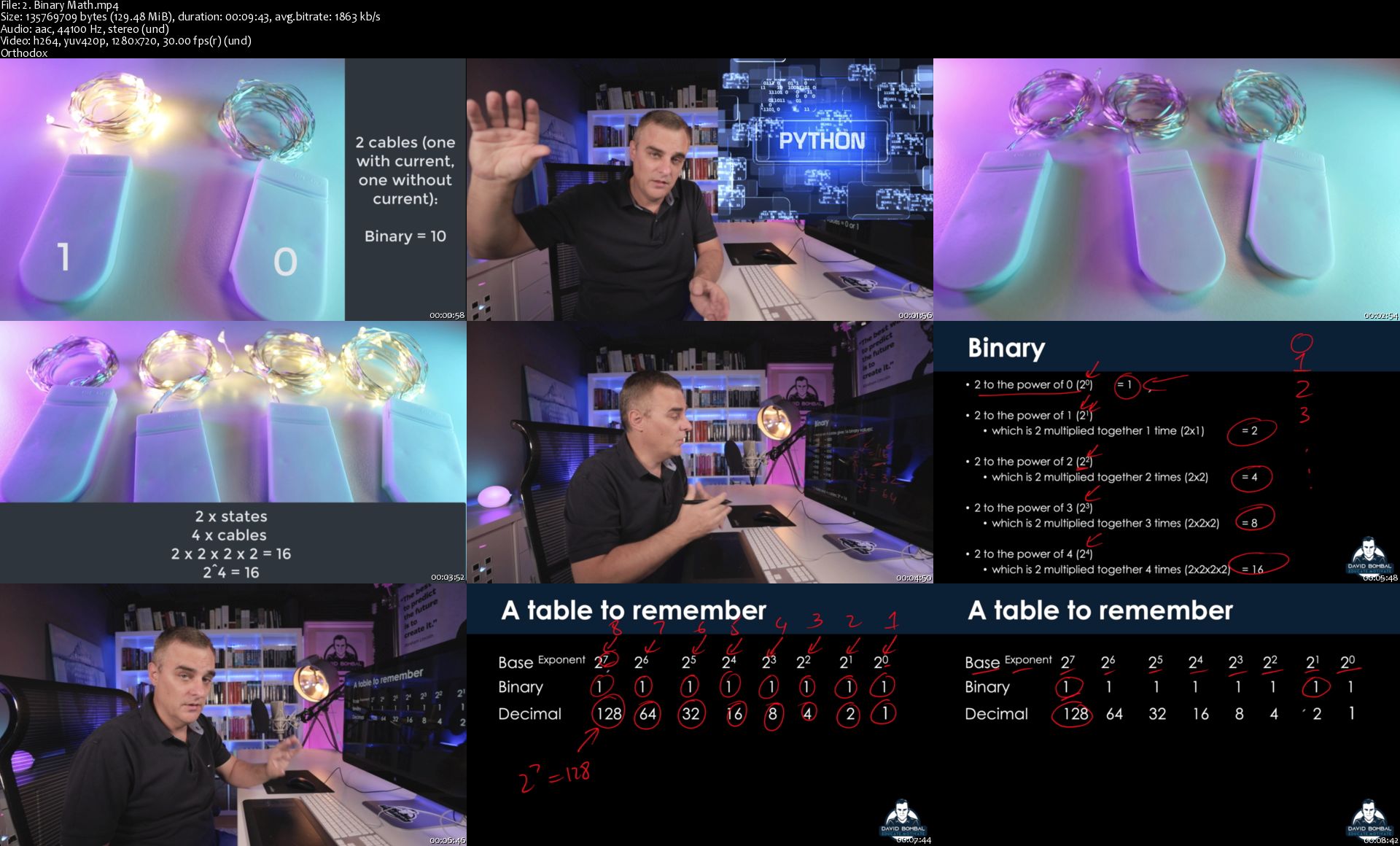
2-Binary-Math-s.jpg


Vue JS 2 & Firebase Complete Course

9-QPB4-CZZGErz-Fn-E2wj-MQVu-XJB0-Yo-ZO8y.jpg


Vue JS 2 & Firebase Complete Course
h264, yuv420p, 1280x720 |ENGLISH, aac, 48000 Hz, 2 channels | 17h 37mn | 8.03 GB
Created by: Filip Jerga

Learn how to create "real world" Vue JS 2 application connected to Firestore(Firebase) Database.
What you'll learn

Develop real-world web application with Vue JS 2 and Firebase
Understand the processes and concepts of Vue JS 2
Use gained knowledge to create your own Web Applications

Requirements

Javascript and ES6 knowledge is required!
Base Html and CSS is required

Description

WHAT IS VUE JS?

Vue JS is a very popular JavaScript front-end framework that was designed specifically to help you write Web apps faster and more easily than ever before!

Used by companies such as Nintendo, Adobe, GitLab, Baidu and Alibaba, Vue JS is rapidly increasing in popularity, so it's a great time to add it to your CV.

By the end of this course you'll have the skills and confidence you need to use Vue JS on your own projects!

So, no matter whether you're a complete beginner to Vue JS, or an experienced programmer keen to improve your skills, this course is for you!

WHAT IS FIREBASE?

Firebase provides a realtime database and backend as a service. The service provides application developers an API that allows application data to be synchronized across clients and stored on Firebase's cloud.

THE COURSE

Students learn best when they're putting what they learn in to practice straight away, so we've build this course around one really great project (which will look fantastic in your career portfolio!):

In this course we are going to build application called Exchangario. Main purpose of this application is to exchange services and products.

We will start with the basics of Vue JS framework. We will initialise first pages, create routing to theses pages and we will style them properly.

First section will be not only about Vue JS . To make our application dynamic and up to the standards we need database. Database we will use in this course is cloud Firestore from Firebase. In Firestore we will keep our data of opportunities, exchanges and user profiles stored as documents in collections. More about this in the course.

After first section you will start learning about firebase authentication. I will show you how to login and register with firebase. After user will be logged in we will display our application with couple of modifications only authenticated user can see.

As I said main idea of this application is to exchange products. For this we will implement page where user can create exchanges either of service or product type. We will create many inputs of different types .I will show you how you can perform form validation with popular Vuelidate package. After exchange will be created it will be displayed on Home page and offered to other users.

In later section we will be creating functionality to trade exchanges between the users. Every logged in user can apply for exchange by offering owned exchange as counter-offer. Submitted exchange has to have similar or same value as exchange we are applying for in order to be accepted by system. Once exchange is submitted opportunity is created. Opportunities are submitted exchanges which users can accept or decline. After opportunity is accepted user will receive contact informations on user with whom they can exchange the product.

In fifth section we will work on pagination and search feature.

In last section I will be talking about security rules for Firestore and finally we will deploy are application on Heroku so you can share it with your friends and family.

With over 17 hours of on-screen instruction, it doesn't matter whether you're planning to start your career as a developer, or just want to improve your programming skills, this is the right course for you!

So what are you waiting for? Enrol now!!
Who this course is for:

Developers new to Vue JS & Firebase
Experienced developers looking to hone their Vue JS & Firebase skills
People eager to learn new knowledge

1-1-1-Section-Overview-Imovie-s.jpg


Salesforce Administration and Development

0078ca4d.jpg


Salesforce Administration and Development
Video: .mp4 (1280x720, 30 fps(r)) | Audio: aac, 44100 Hz, 2ch | Size: 5.75 GB
Genre: eLearning Video | Duration: 15 lectures (12 hour, 8 mins) | Language: English

Learn Salesforce Development and Administration with hands-on examples that will make you an Expert!


What you'll learn

You will delve into the fundamentals and come out a proficient Salesforce developer
You will get a comprehensive coverage of all responsibilities a Salesforce developer & Administrator would be expected to fulfill
You will learn all aspects of salesforce, like development, administration , Apex coding and reporting etc
You will go through a comprehensive curriculum to give you an in-depth understanding of Subject Matter
Know an overview of the products that Salesforce offer
Know how much salary you can earn working in Salesforce
Learn about Apex triggers and best practices for writing triggers
You will learn about Triggers, Test classes, Debugging
Use standard controllers with basic Visualforce pages
Write test coverage
Understand the Salesforce data model and query languages.
You will learn about DML statements, Database Methods, Salesforce Object Search Language (SOSL), Salesforce object Query Language (SOQL).
Utilize Visualforce with custom-built Apex controllers
Configure your Salesforce development environment
Learn about Save order of Execution in Salesforce

Requirements

You don't need any programming experience and you don't need to know anything about Salesforce
All you need now is an interest in learning Salesforce

Description

Gain hands-on experience with this Salesforce certification training course while learning how to manage and develop apps for one of the most popular CRM platforms worldwide. This Salesforce training enables you to pass two Salesforce certification exams and transform your career.

This training course is designed to ensure that you learn and master the concepts of being a Salesforce Administrator and App Builder. In this Salesforce training, you will learn how to configure Salesforce to collect, analyze, and retrieve vital customer information and create applications using Salesforce Lightning.

By the end of the course, you will understand the Salesforce cloud services, the Salaries you could achieve working in Salesforce, as well as the certifications available to you and which ones you may wish to start with based on your background

There are no prerequisites for this Salesforce training course. But prior working experience as an administrator or a developer is beneficial.

Easiest and Simplest walkthrough covering Salesforce Development & Administration Topics. You don't need any programming experience and you don't need to know anything about Salesforce. You'll learn the ins and outs of point-and-click development, Administration, Coding, and Analytics. so, all you need now is an interest in learning Salesforce

This course covers all aspects of Salesforce Development & Administration. You'll learn how to Create App, Objects, Profiles, setting up Security, Workflows, Visualforce page, Apex coding, Triggers, reporting, and analytics, etc.

The course teaches all these in an effective manner that will aid your learning in the best way.

If Salesforce Development and Administration is what you seek, then look no further! Enroll now and begin your journey of Salesforce!

This course will equip you with comprehensive knowledge that helps you get certified.


Salesforce Administration Module:

Below are the topics we covered in this course :

Salesforce Terminology and Icons.

How Salesforce Organizes the data.

Salesforce App,Standard Objects and Custom Objects.

Creating and Managing Users.

Salesforce OWD and Security features like Object level Access,

Permission Sets, Record Access, Record Access Via Sharing Rules and Record Types.

How Sales Process works in Salesforce?

Data Management using Data Loader & Workflow Automation.

Reports and Dashboards and Much more !!!

Salesforce Development Module:

Below are the topics we covered in this course :

Variables

Decision Control Statements

Loops: Different types of loops in Salesforce

Nested for loops

Object-Oriented Concepts

Static and Non-static Methods

Static and Non-static Variables

Access Modifiers in Apex

Constructors in Apex

Inheritance

Collection (List, Set, and Map)

Exceptions in Salesforce

Built-In Exceptions and Custom Exceptions

DML Statements

Apex Triggers


Eligibility

This Salesforce certification training course is suitable for individuals looking to build a career in Salesforce, particularly for app builders, developers, system administrators, sales representatives, IT managers, and product managers.

Who this course is for:

This is a training course designed for those with no previous knowledge of the Salesforce
This Course will allow you to build Career as a highly paid SFDC Developer, Administrator or Consultant

0078ca4e.jpg


Interactive Thai Cooking Class

n-LG7d-Bvf-Vi-El-Yq-Tb-Cnetb-KZSDrv-E5-JAy.jpg


Interactive Thai Cooking Class
h264, yuv420p, 1280x720 |ENGLISH, aac, 48000 Hz, 2 channels | 4h 00mn | 5.29 GB
Created by: cooktour .com

Learn to how cook better than restaurant Thai food as you discover new ingredients and elevate your cooking skills
What you'll learn

Cook better than restaurant Thai food at home

Requirements

No knowledge or experience required for this course

Description

Discover how easy it is to make authentic and delicious Thai food at home. Our fun cooking courses deconstruct Thai staple dishes so that you can replicate them at home, teach you basic aspects of Thai culture and will even inspire you to plan your next trip to Thailand with our chef's insider tips.

To improve your learning experience each recipe is broken down into small sections so that you can learn which ingredients to use, how to prep your ingredients efficiently, cook to perfection and plate your dish to impress your guests. Unlike other courses, our masterclass has been designed so that you can learn as you follow along. We also include links to exclusive offers so that you can get the ingredients that the chef recommends using.
Who this course is for:

Home cooks who want to elevate their Thai cooking skills

3-Making-Rice-Noodles-from-Scratch-Optional-s.jpg


Django Masterclass : Build Web Apps With Python & Django

i0y7-Hq-F84-Nzib-GKe5-ASCd-PY9-Tho-Nwy-UA.jpg


Django Masterclass : Build Web Apps With Python & Django
MP4 | Video: h264, 1280x720 | Audio: AAC, 44.1 KHz, 2 Ch
Genre: eLearning | Language: English + .srt | Duration: 137 lectures (15h 49m) | Size: 5.9 GB

Learn Django from scratch, build an E-commerce store, web based PDF generators, web crawlers, APIs using Python & Django
What you'll learn:
Learn How To Build Web Applications Using Django & Python
Learn How To Authenticate Users In Your Django App
Build A Full-Fledged E-commerce App With Add To Cart & Checkout Functionality
Build A Web Based Crawler Using Django
Build REST-APIs Using Django Rest Framework
Build A Web Based PDF CV Generator Using Django
Learn How To Customise Admin Panel In Django

Requirements
Must be familiar with the basics of Python

Description
Django Masterclass : Build Web Apps With Python & Django

Here Is What You Get By Enrolling In This Course:

Word-By-Word Explanation: In the entire course, I explain each line of code, without skipping a single line of code.

Awesome Quality Content: Over 14+ hours of HD Videos.

Well Structured & Easy To Learn: Course has been specially designed to make it easy for the students to learn Django starting from a basic level and gradually moving up to advance concepts.

24 X 7 Support: I will always be there to guide you in your journey to become a Django expert.

Here Is Everything You Will Learn In This Complete Course:

In this hands-on course, you will learn how to build complex web applications from scratch using Django.

The course will teach you Django, right from scratch from a very basic level and will gradually move towards advanced topics like authentication.

The entire course is divided into major sections.

Here is a brief description of what you will learn in each section of the course:

Section 1: Introduction and installing required software.

In this section we will learn what Django is and why it is used. We will also install the tools you will need to start making Django web apps.

Section 2: Setting up Django project:

In this section we will learn about setting up the Django project, using the development server.

Section 3: Views & URL patterns in Django.

We learn about what the MVT (model-view-template) architecture by starting off by creating views in Django, we will also learn what URL patters are and how they help us to setup routes for our website.

Section 4: Database & Models:

This section covers content about how to create models in Django and how models help us to create database tables.

Section 5: Templates:

In this section will learn about templates in Django and how we can pass data from the database to Django templates.

Section 6: Static Files & Site design:

This section will teach you how to use static content in your site such as static images, JavaScript etc and how to use these static elements to style up your web-page.

Section 7: Forms.

Every Django app needs to submit data to the back-end, this section covers how to create forms in Django which allow us to perform basic CRUD operations i.e. create, read, update & delete.

Section 8: Authentication in Django:

Every web-app needs to make sure that it provides a registration and login feature, in this section we learn exactly how to authenticate users on our site and log them in.

We will also learn how to password-protect certain webpages in Django.

Section 9: Django signals, Class based views in Django:

This section covers Django signals and class based views in Django, which is an alternative to creating function based views.

Section 10: REST APIs

In this section we will learn Django Rest Framework which helps us to create a REST API using Django for any Django web application.

Section 11: Pagination, Search & User permissions.

Every modern web app needs advanced features like pagination, & search. We learn how to paginate out webpages and how to add search functionality to our webpages in Django. We also learn how to add user permissions to our Django models so that only a certain set of users on our app have access to certain models.

Section 12: Building an E-commerce site.

This section will cover everything you need to know to build a fully functional E-commerce website. Right form listing products, searching them, adding them to the cart, and checkout we implement each and every feature from scratch.

Section 13: Admin Panel Customisation.

A good web-app has a good admin panel, in this section we will learn how to customise the admin panel for our E-commerce site to make it better to track and manage our orders.

Section 14: Building A Web Based CV Generator.

In this section we will build a tool which automatically generates a CV in a PDF format from user submitted data. This app will help users to collect their data which they want on their resume and will dynamically generate a CV for them which is automatically downloaded to their computer.

Section 15: Building a Web Based Link Scraper.

We will build a web based utility tool which will automatically scrape all the links present on the given webpage and will generate a report out of it in terms on the link name and address. This app will accept a webpage URL from the end-user and will then scrape the given webpage for links, store all the link related information in the back-end and will display it to the user as well.

After completing this course, you will be able to do the following:

1. Build advanced Django apps with features like authentication, search and pagination.

2. Build REST APIs using Django Rest Framework.

3. Build a fully functional E-commerce website with features like add-to-cart, search, checkout.

4. Fully customise admin panels for any Django web-app.

5. Build advanced tools and web applications like PDF generators and web-crawlers.

So let's begin the journey of becoming an expert in Django.

In addition to the Udemy 30-day money back guarantee, you have my personal guarantee that you will love what you learn in this course. If you ever have any questions please feel free to message me directly and I will do my best to get back to you as soon as possible!

Take yourself one step closer towards becoming a professional Django developer!

Join the journey.

Sincerely,

Ashutosh Pawar

Who this course is for
Beginner level Python developers or students who want to build real world projects / web applications using Django

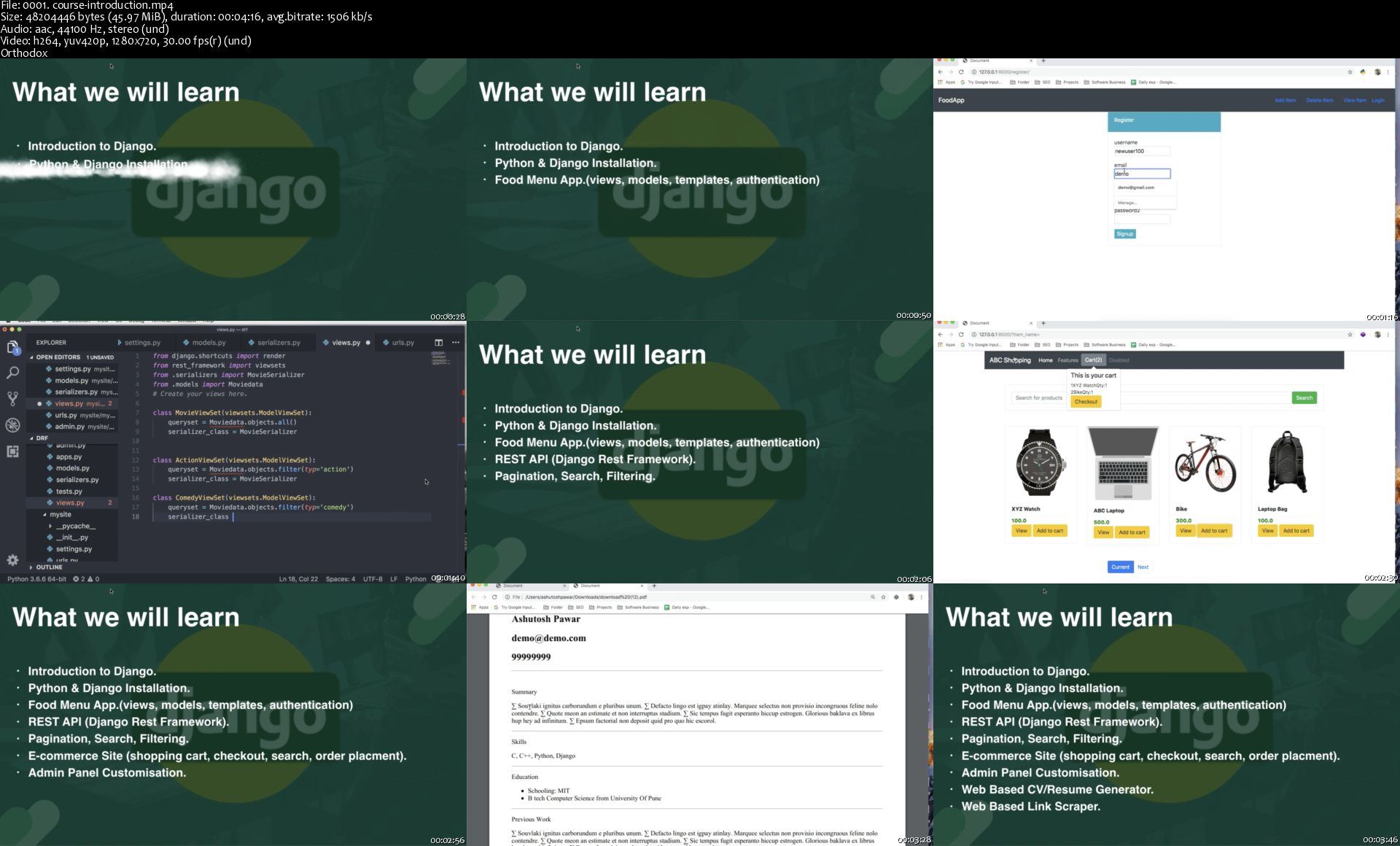
0001-course-introduction-s.jpg


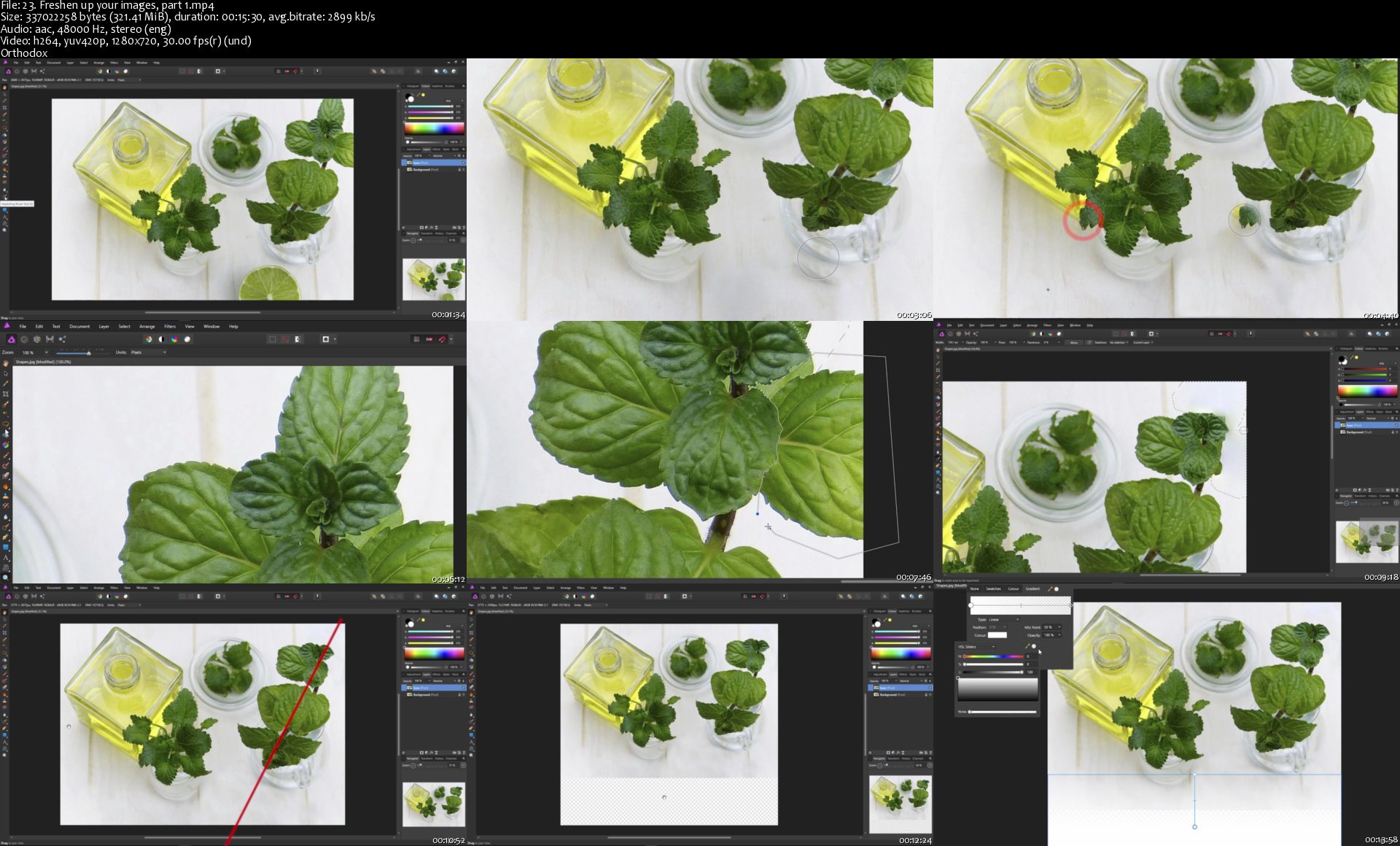
Affinity Photo: Beginner to Pro via Reference and Workflow

Pbrf-LU1yt-S3k-PNoozq-Fu-OHZ5co-Gor8is.jpg


Affinity Photo: Beginner to Pro via Reference and Workflow
h264, yuv420p, 1280x720 |ENGLISH, aac, 48000 Hz, 2 channels | 16h 30mn | 22.3 GB
Created by: Simon Foster

Master Affinity Photo - the tools, the techniques and the methods!
What you'll learn

- be able to develop and enhance their photos in Affinity Photo
- choose from a variety of different techniques to enhance their photos
- choose from a variety of different workflows to enhance their photos

Requirements

A working copy/demo of Affinity Photo on a Mac or a PC
No prior knowledge of image editing required

Description

*Recently updated to cover the new features in Affinity Photo 1.7!*

'I've learned some of the tools with Affinity Photo, but how do I actually enhance an image, start to finish?'

That was the question I saw asked on the Affinity Photo forums. And I thought: 'Good point!' So here is a course designed with just that in mind. I'll take you through the development of a series of photos using a variety of workflows. We start with a simple workflow that's just right for beginners then move on to more advanced workflows as the course progresses.

But there's a problem. Learning the when and why of an effective workflow is all well and good. But if you have to learn the finer points of the tools at the same time, every tutorial will take forever and you may end up forgetting whether you are supposed to be learning a workflow or a tool. In short, it's hard to learn the tools when you're learning about the workflow and it's near impossible to learn about the workflow when you're learning about the tools.

So I've done both. This course is divided into two sections. You get hours of tutorials which cover various workflows and approaches to developing photos. But you also get a huge reference section which covers the various tools that Affinity Photo has to offer. If there's a tool I'm using in the workflow videos, there's a video explaining just that tool in the reference videos. Two ways to learn Affinity Photo. Reference and workflow.

*Update* - I study Udemy courses myself and it struck me how much time I spend making notes I can refer to. I estimate it increases my study time by a factor of at least 4. So I've made notes for you! The second lecture of this series has an extra resource - a downloadable 50+ page PDF with a table of contents plus an index. This PDF contains notes based directly upon the Affinity Photo courses I offer. Bullet points, screen shots, tips - they are all there and you can keep the PDF and refer to it whenever you want. This should save you dozens of hours of note taking.

We'll take a series of photos through every step needed to bring them to a final, polished state. I'll take you through every stage and explain why we are doing things in a particular order. I've given you all the images used on the course to follow along with. I'll show you problems that can crop up and what do about them. I'll even show you how to use third party plug ins from the Nik Collection to create incredible effects.

By the end of the course you will have seen and followed along with various effective workflows, start to finish. You will gain the confidence to tackle your own images, be able to select which workflow suits the photo best, and one day soon you may well be looking at one of your own photos which you've enhanced, and thinking 'That looks fantastic! I did that...'
Who this course is for:

Beginners at photo editing
People who want to learn what the tools are in Affinity Photo
People who want to know when, in what order and why to use the tools in Affinity Photo
People who want to learn a workflow as well as the tools

23-Freshen-up-your-images-part-1-s.jpg


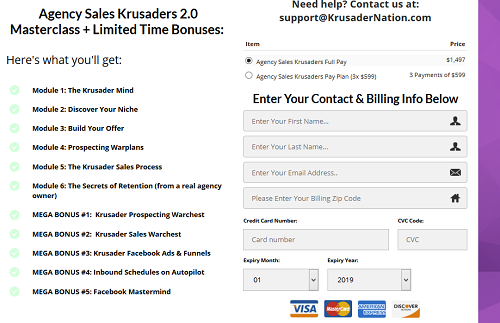
Nik Robbins - Agency Sales Krusaders 2.0

y-WYHBTWf-Zvie-Hk1ymb1-K5p-KDBUC3-Bu-R6.png


Nik Robbins - Agency Sales Krusaders 2.0
MP4 | Video: h264, 848x480 | Audio: AAC, 48000 Hz, s16
Genre: eLearning | Language: English | Duration: 37:16:03 | Size: 10.9 GB

Module 1: The Krusader Mind
Module 2: Discover Your Niche
Module 3: Build Your Offer
Module 4: Prospecting Warplans
Module 5: The Krusader Sales Process
Module 6: The Secrets of Retention (from a real agency owner)
MEGA BONUS #1: Krusader Prospecting Warchest
MEGA BONUS #2: Krusader Sales Warchest
MEGA BONUS #3: Krusader Facebook Ads & Funnels
MEGA BONUS #4: Inbound Schedules on Autopilot
MEGA BONUS #5: Facebook Mastermind

Homepage

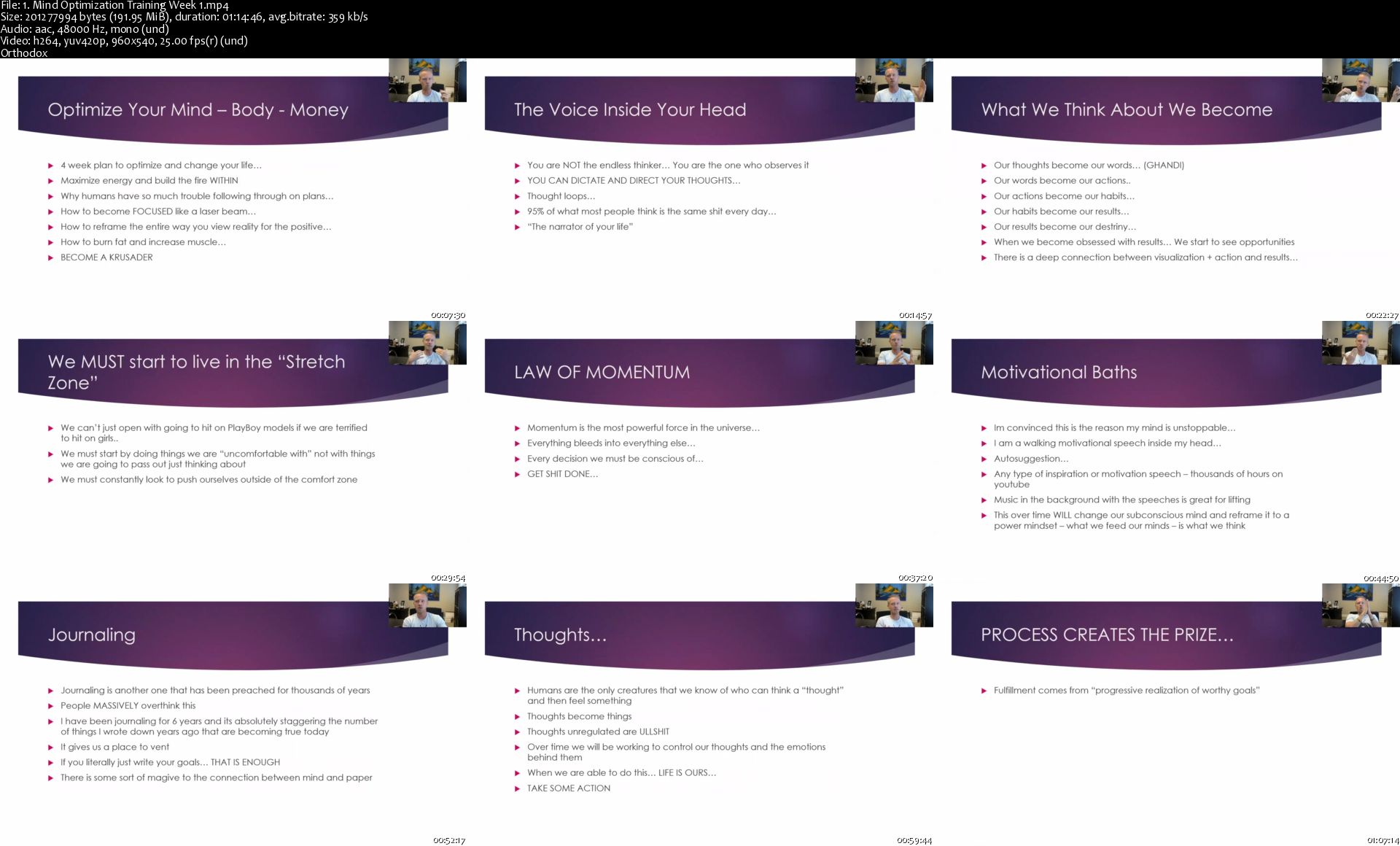
1-Mind-Optimization-Training-Week-1-s.jpg


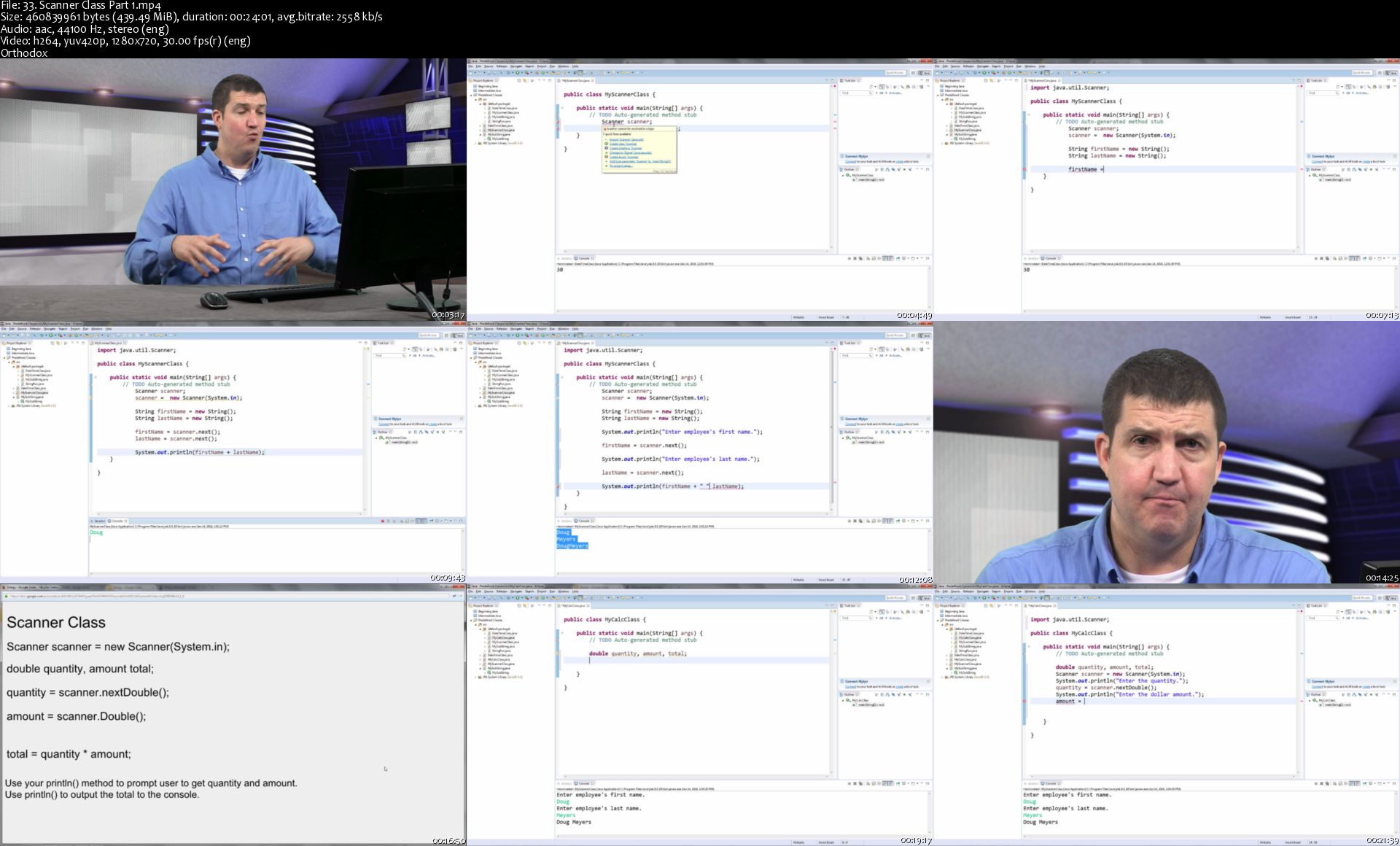
ITU - Java Programming

XS3-K8-Crh-WAv-Rwq-Uwo-CUz-WFEKv-SN1-Dz1h.jpg


ITU - Java Programming
MP4 | Video: h264, 1280x720 | Audio: AAC, 44.1 KHz, 2 Ch
Genre: eLearning | Language: English | Duration: 58 Lessons (14h 46m) | Size: 14.4 GB

Java is a general purpose programming language that is concurrent, class based, object oriented, and specifically designed to have as few implementation dependencies as possible. Being that Java is an underlying technology and required by many applications and websites, you will find it in places like business applications, data centers, game consoles, utilities, desktop computers, laptops, smart phones and more. This online training course will cover various levels of Java Programming including beginner, intermediate and advanced. It covers a complete introduction to object oriented programming as well as many other core Java features. This course is just as helpful for a beginner as it is for systems engineers, web application developers, mobile app developers, software engineers and any other potential student with a technical background. - Instructor - Doug Meyers

Homepage

33-Scanner-Class-Part-1-s.jpg


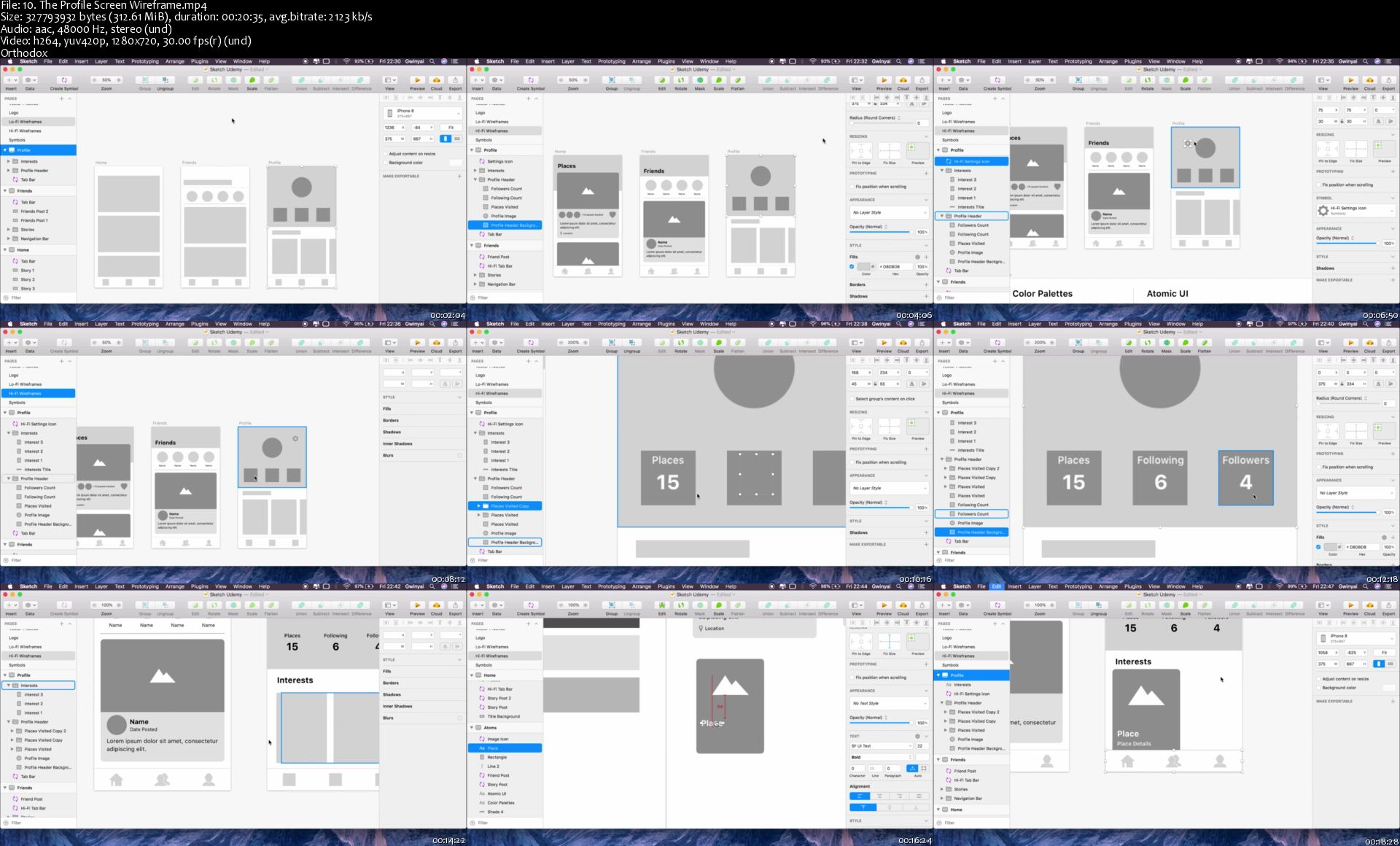
iOS 12 & Swift 5 - App Design, UI/UX plus Development

95nx-Ru-B5da-WVa-Ox1-QDmp-Eq-Zgiy67t-AR0.jpg


iOS 12 & Swift 5 - App Design, UI/UX plus Development
Bestseller | h264, yuv420p, 1280x720 |ENGLISH, aac, 48000 Hz, 2 channels | 80h 32mn | 66.38 GB
Created by: Gwinyai Nyatsoka

The three-in-one course that teaches app design, UI/UX and iOS development. Includes Sketch and Figma.
What you'll learn

Design app assets, icons and logos from scratch.
Design wireframes, mockups and prototypes.
Build aesthetic, clean and beautiful iOS apps that stand out on the app store.
Apply animation and motion based design to bring interactivity to your app.
Become an all-in-one UI/UX designer and iOS developer.
Understand the thinking and principles behind great user experience and app design.
Create custom controls that supercharge your UI.
Learn how to build custom UI components and never rely on overused libraries.

Requirements

No previous coding or design knowledge is needed.
An Apple MacBook laptop or iMac.
Sketch (optional). If you can't get Sketch we use Figma as an alternative because it's free.

Description

Welcome to the course that will take you from app design to code. This is a three-in-one course aimed at helping you master app design, UI/UX and iOS app development from absolute beginner to advanced professional.

The top iOS apps clearly set themselves apart from all the rest with amazing user interfaces and modern user experience design. We see them featured on the iOS App Store and as winners of Apple's Design Awards. This simply means that app design and UI/UX are key factors for successful apps. But surprisingly, traditional iOS courses only go as far as teaching you how to build apps with nothing on app design and UI/UX. This course is different in that it goes well beyond just teaching you how to code.This course includes app design and UI/UX to help you build the kind of apps that stand out on the App Store.

We will cover how to use app design tools like Sketch and Figma to create app assets, icons, logos, wireframes, mockups and prototypes. We will learn essential UI/UX principles such as usability testing, user journey mapping, motion design, micro-interactions, typography and much more. We will also master iOS development to bring our app design to code and build over 20 different apps along the way.

What kind of improvements to your app can you expect by the end of this course? A recent study by Forrester Research concluded a well designed user interface could raise conversion rates by up to 200% and a better UX design could raise conversion rates up to 400%. Clearly, learning app design and UI/UX is well worth the effort. It just might be what makes or breaks your app.

This course is perfect for app designers who would like to learn how to code and app developers who would like to learn how to design. If you are an absolute beginner in both design and code you are still in the right place. This course starts by assuming you have never designed or coded before and builds up at a comfortable pace before getting into more advanced topics.

The trick to really mastering design or code is practice and this course recognises that. All our app designs will be created from scratch and our apps will be coded line by line without any help from libraries. Plus, there are dozens of quizzes and challenges to reinforce everything we learn. For more enthusiastic learners, there are further reading topics and bonus articles to help you go beyond this course's main curriculum.

All the tools we use in this course are free. Sketch is the only exception to this because Sketch requires a paid license to use. If you cannot afford Sketch then that's no problem! This course includes Figma as an alternative to Sketch and Figma is free. We will cover the same topics in Figma as we do Sketch so there's nothing you will miss. If you are feeling like taking on an extra challenge, you are more than welcome to master both Sketch and Figma!

I certainly hope to see you around in this course where we have quite the journey ahead of us. Let's get started with mastering app design, UI/UX and iOS development!
Who this course is for:

iOS developers who would like to learn how to both design and code.
Graphic or UI/UX designers who would like to learn how to bring their app designs to code.
iOS developers looking to learn how to design great looking apps that also deliver incredible user experience.

10-The-Profile-Screen-Wireframe-s.jpg


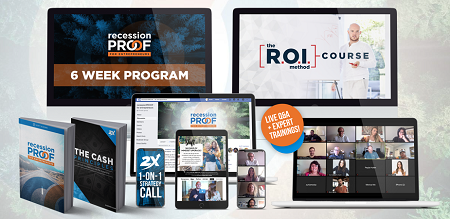
Austin Netzley & Scott Oldford - Recession PROOF

65b2ad0b91d9aa45f8c22eadb3cb2842.png

Austin Netzley & Scott Oldford - Recession PROOF | 6.6 GB
Invest in recessionPROOF today
Austin and I have built countless 7+ figure businesses and we know exactly what you need to do in order to get through the economy that we're currently facing. This isn't a time to do business as normal, because things aren't normal.

Together, we've come together to build an offer that is available to anyone that is an online Entrepreneur and that in less than 6 weeks will give you the information, support and community that you need to not just get through this, but to thrive and use this time as the oppertunity that it can be.
There is no deadline for this program, however, the longer you wait, the longer you won't have the plan that you need to help you.

What's included inside of this program? In short: Everything you need and we're WAY undercharging
- The entire 6 week recessPROOF Program focused around the 4 Pillars of our recessionProof Methodology (Cash+Finances, Growth Systems Strategic Plan, Leader Mindset) ensuring that you make the right next moves to protect the profitablity of your business, while helping you use the current economic climate as an oppertunity. ($1997 Value)
- 2 Weekly Sessions with Austin and Scott on top of the recorded training to help you maximize the current time in history. ($1497 Value)
- 3 Weekly Q&A Sessions with us and our 7+ Figure Growth Coaches to help you know exactly what you should and shouldn't be doing inside of your business, right now ($2,997 Value)
- The R.O.I Method Course with 6 Months of Support Included ensuring that you have your marketing and sales game in check, now and in the future.($1997 Value)
- Members Only Private Facebook Group to help connect, share strategies and ensure you're making the right choices in your business and life. ($997 Value)
- 1 on 1 Growth Strategy call with 2X 7+ Figure Growth Expert to help you develop your own plan for the next 90 days. ($997 Value)

HOmepage:

Screenshots
ecd5ae7d245e113155e9f356557b4cad.jpg


Link Download
Extract files with WinRar 5 or Latest !
 
Vue Native - Practical Course

Apu-Vv-Bk-Rct0-JFHj-Vx-YAqi-AUCRi-Mrdccq.jpg


Vue Native - Practical Course
h264, yuv420p, 1280x720 |ENGLISH, aac, 48000 Hz, 2 channels | 13h 02mn | 7.5 GB
Created by: Filip Jerga

Apply knowledge of Vue JS to build native applications for Android and iOS with Vue Native. Learn how to use Vue Native.
What you'll learn

Develop modern, native mobile applications with Vue JS and Vue Native
Completely understand the processes and concepts of Vue Native
Use gained knowledge to create your own Mobile Applications
Become fluent in concepts and tools like Vuex, Authentication, Navigation

Requirements

Basic Javascript knowledge is required
Basic Vue JS knowledge is required
Able to run Android Studio or Xcode

Description

Would you like to write native applications for mobile phones but you don't have time to learn different programming languages? Well, here comes Vue Native! You can write mobile apps in Javascript - Both for iOS and Android.

Vue is popular and well known framework for writing cutting edge web apps. Vue Native contains everything from Vue + provides you with components, API and functionality to build fully native mobile applications !. Just by writing code in Javascript you will experience development of native applications.

Vue Native provides you with tons of UI components, modern cutting edge stylings, icons, animations, transitions and much more. All of this you can access easily out of the box. Vue let's you focus on writing code instead of spending time to learn different languages for writing mobile applications.

There was never a better time than now to learn how to write native applications with Vue Native. Vue Native might be just a right choice for you.

My name is Filip Jerga. I am a freelance software engineer and course creator here on Udemy.

I will take you on a quick but a knowledge-grained tour of Vue Native. You will learn how to create an application usable in a real life. You will not spent endless hours watching boring presentation but rather writing real code. Learning by writing is the best way.

You will build an application connected to our own Meetuper API. We will go through basics of Vue Native.

Later, I will explain some of the UI Components. I will explain Vue Navigation and core concept of data manipulation. You will connect applications to Meetuper API. You will work on features like register and login, create meetup and much more. You will use native Async Storage to store auth tokens.

You will run application in android and as well in iOS.

In this course you will exactly learn:

What is Vue Native and what is a good for

Understand routing and navigation in application

Fetch data from Meetuper API

How to create a screen and display data in your app

You will understand Vuex and Props

How to use Vue Native UI components.

Create register an login functionalities

How to use Async Storage

Create Meetups

How does it sounds ? Let's find out if this course is right for you. I hope to see you in lectures.
Who this course is for:

Starting as well as experienced developers interested in Vue JS 2
This course is for everyone eager to understand how a mobile development works
People eager to gain new knowledge

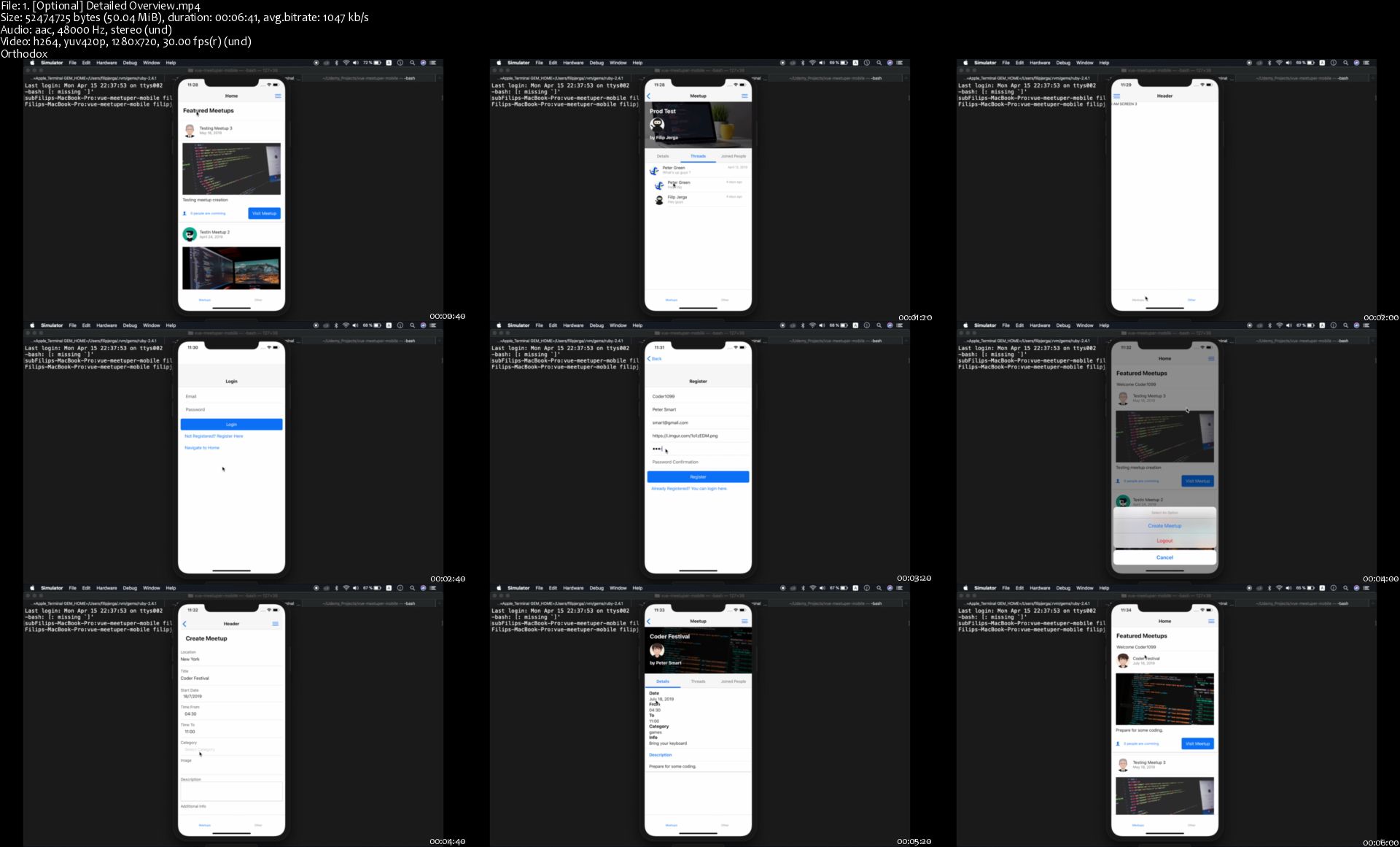
1-Optional-Detailed-Overview-s.jpg


Zurück
Oben Unten